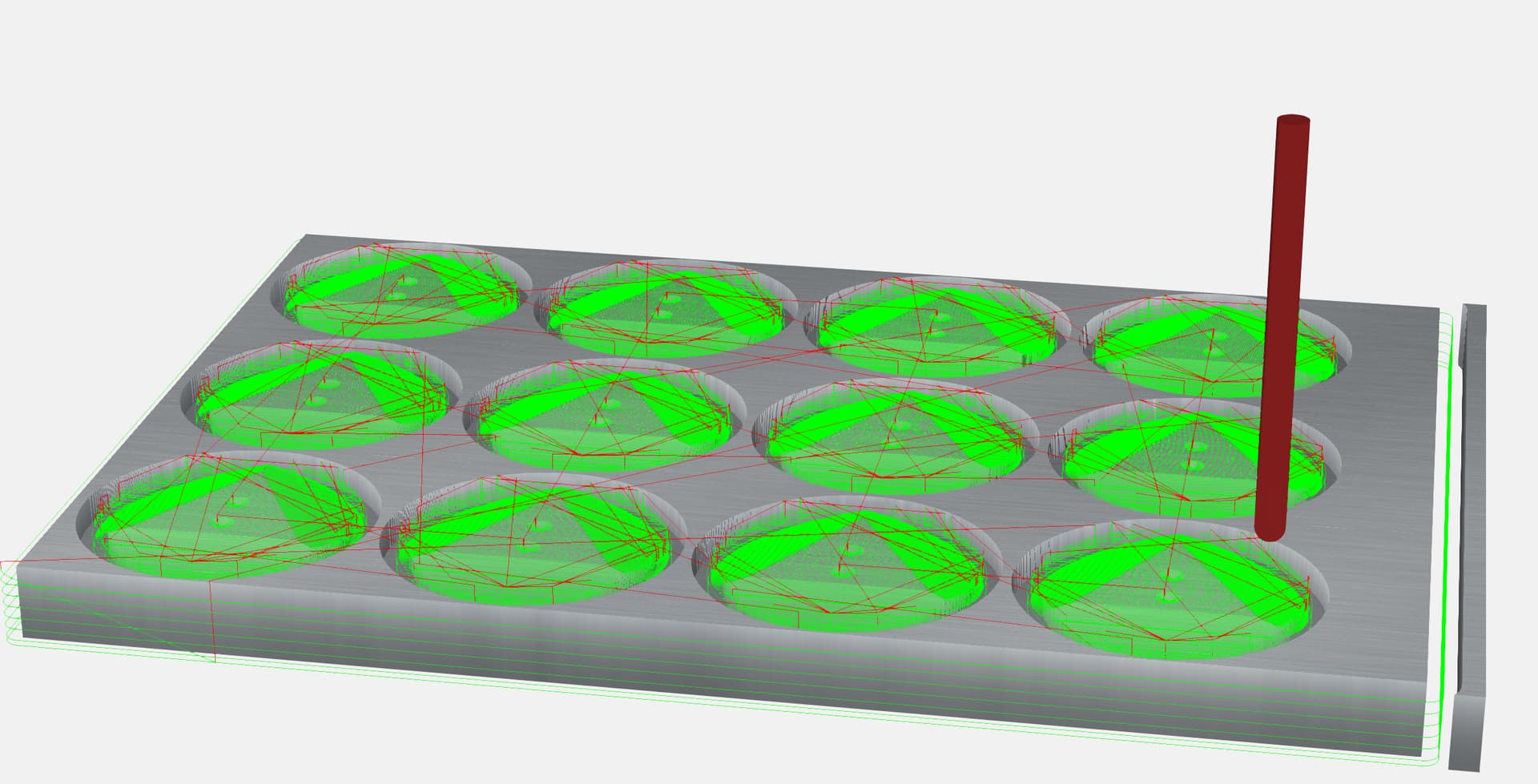
Just been noticing a rather odd thing about CC project file size when saving a project with multiple instances of the same 3D model.
First time I created the project file I used the same 3D model 3 times & the saved project file ended up a little smaller than the original 3D STL model file - this seemed ideal.
Next time I used the project file I added the 3D model another 9 times. The saved file ballooned by about 4x of the first version - no idea why the file would need to contain 4x copies of the STL?
This just had me wondering how CC handles multiple usage of the same STL file? I had expected the file size to stay relatively close to the first version of my project file as the same STL is used.
Empty file - 44k
1 import - 400k
2 imports - 760k
3 imports - 1112k
4 imports - 1468k
Original STL 0.48k (480 bytes)
3D data in .c2d file ~356k
When the STL gets imported it’s converted to a 3D height map (raster bitmap image).
The raw data in the STL is points & facets, and should normally be much smaller.
Each copy of the 3D data in the .c2d is adding about 356k to the file. As I would expect.
Each component is independent right now, so 5 imports will take 5x the memory.
Coincidentally, we’re at the R&D phase for the next update to CC, which should include a lot of updates to the 3D modeling. We were just having a discussion on whether or not we see a need to add the complexity of sharing memory between duplicated components.
So, the question is, what use cases do you have for duplicating and using an STL file multiple times in a file? And, have you already done it, or this a theoretical answer?
So going back thru my project file & removing instances of the model seems to confirm that each use is saved seperately - what threw me off is that CC seems to be either compressing or throwing away STL data it can’t use cause the data multiple size is about a 1/3rd of what my original STL size is.
We cannot keep the original STL because a lot of people import these huge STL files they buy online (100-300MB). Basic compression and reformatting could reduce that by a factor of 3-4x, I think, but it would still be way too big.
Makes sense. So CC is just keeping a workable heightmap model with as much as it needs from the original STL based on the Model Resolution in the project setup?
I just noticed that going back into a 3D Component to edit it does not include options for changing which face is being projected - which I thought was editable in a prior version.
Nope, we never had that because of the need to convert and STL file to a heightmap. We’re making some deep changes right now, so we’ll probably revisit what we can get away with in keeping STL files whole.
I do this with nearly every job I run. Sometimes I will use the same stl up to 40 times. I have found that it leads to a lot of crashes and really slows down the computer. Once I have everything placed where I want it, I export a height map. Then I delete all the stl’s and import the height map. It’s kind of a pain but, it works.