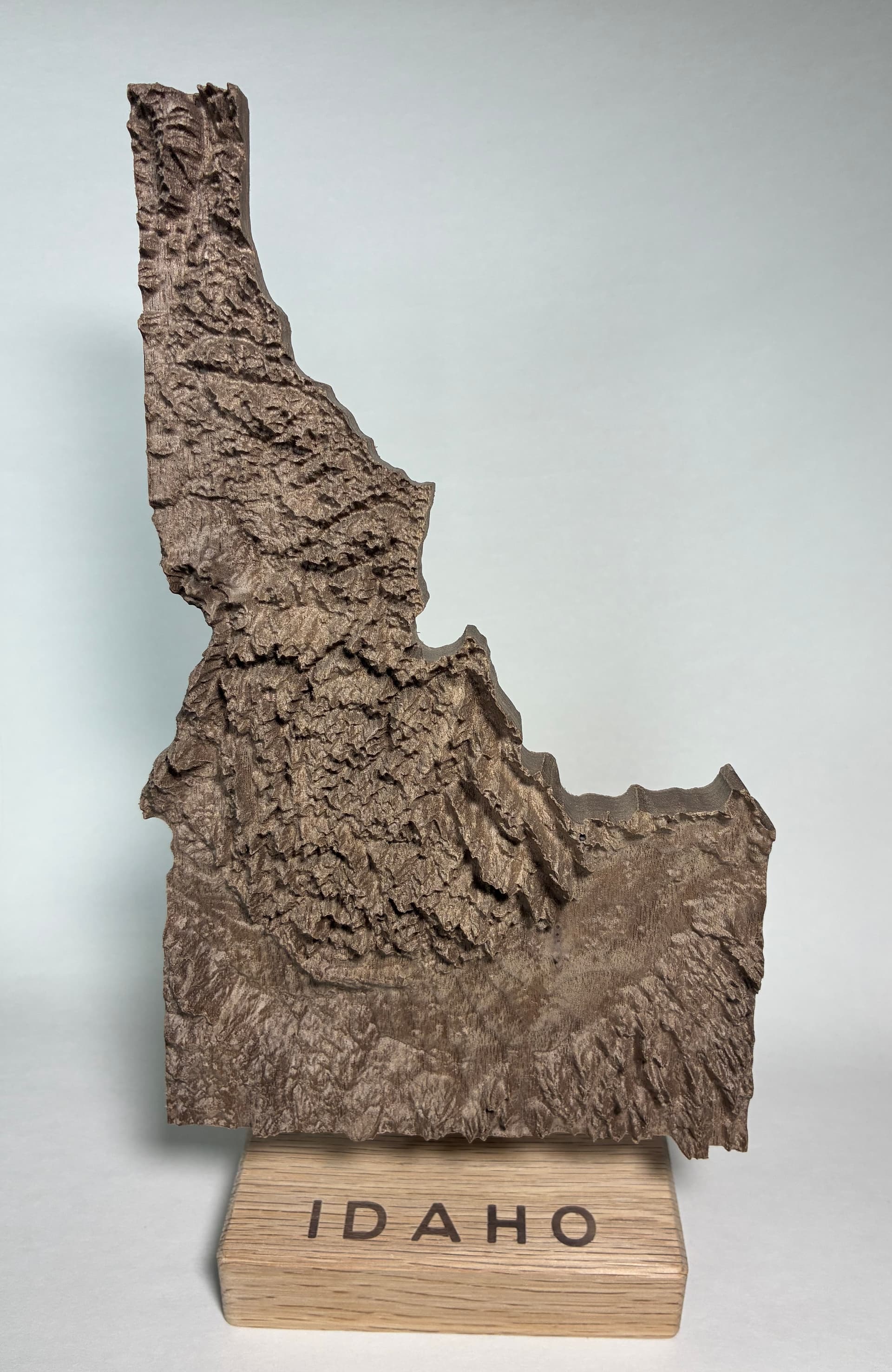
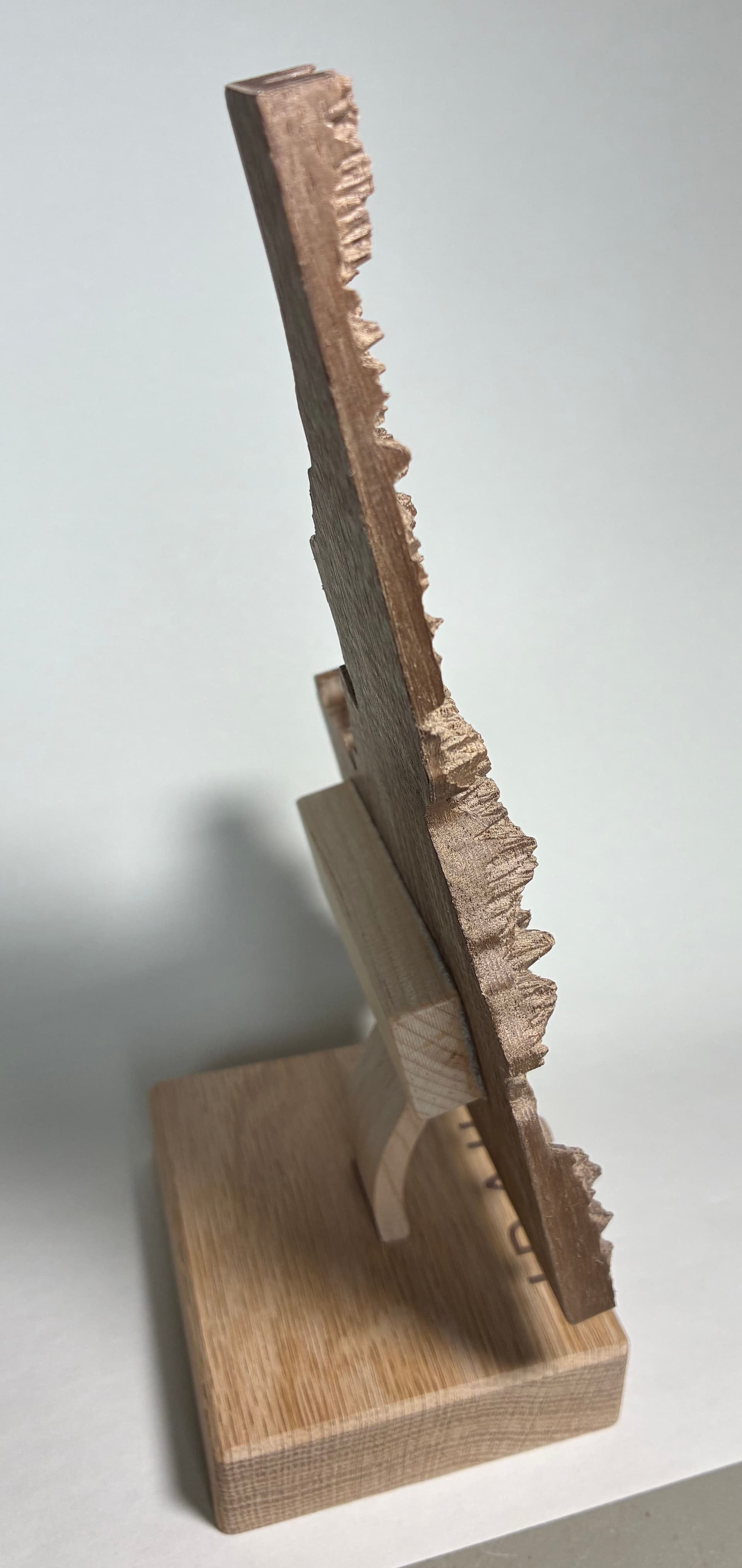
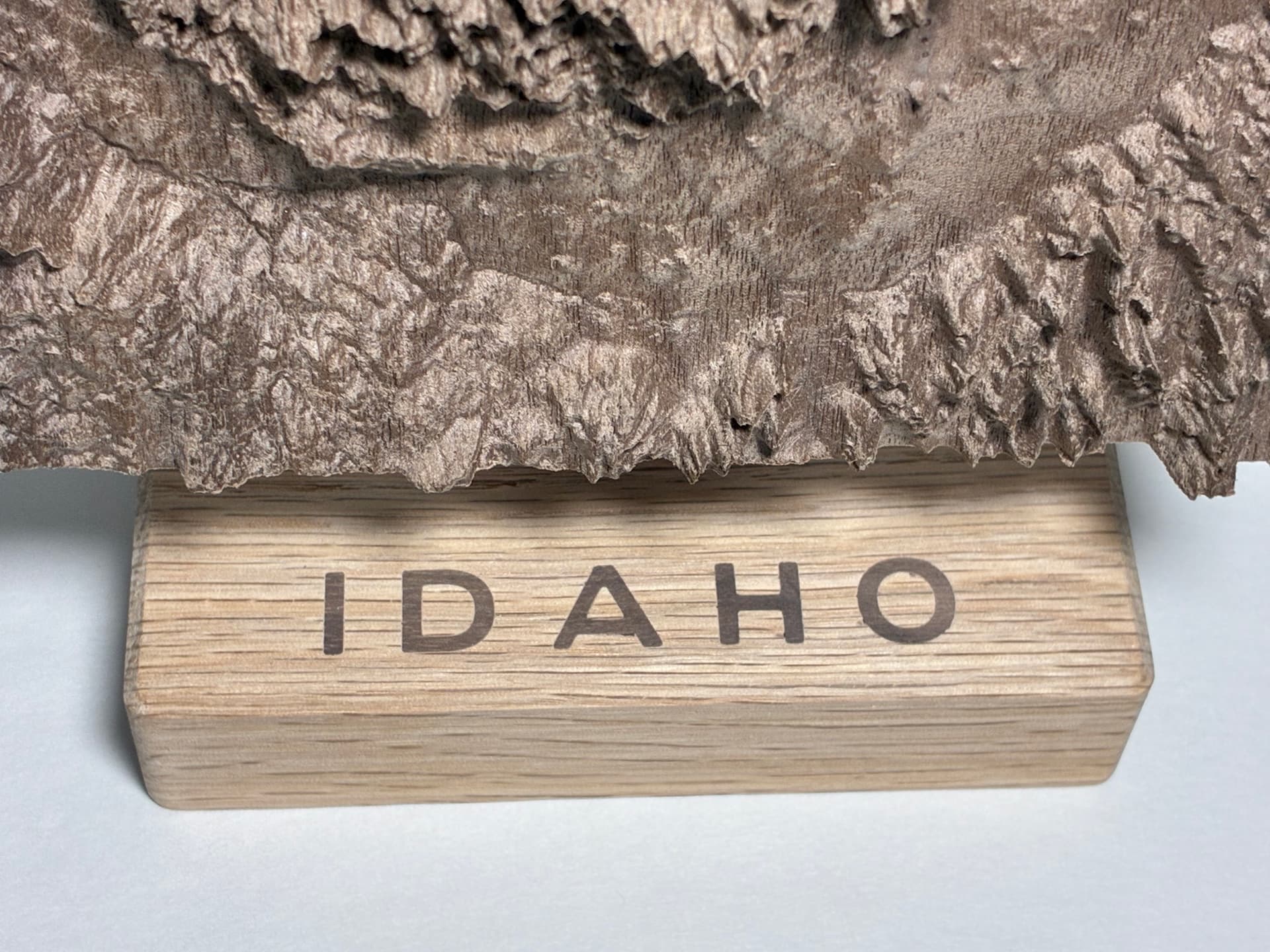
My latest project. Using TopoMiller’s website https://www.topomiller.com/ I extracted an STL for the state of Idaho and carved the state’s 700 to 12,700 feet elevation-range in 0.60" of an 0.80" piece of walnut (0.2" backing). I used a tapered 1/32" diameter ball mill to maximize the depth of cut to preserve the mountainous terrain within the 8" (Y) height maximum of the Nomad. Mounted it on a small block of oak with a walnut inlay and a curved standoff angled at 15 degrees from vertical. Post CNC cleanup required more than 4 hours to clear away most of the fuzzies. Now on to carefully applying a finish.
16 Likes
Awesome. I hate fuzzies. You have more patience than I.
I did not realize that Idaho was covered in mountains, not east coast hills either !
Looks stunning! Any tips on the CAM side with that bit to get great depth? How long did it run?
Four and half hours for the two 3D toolpaths, leaving 0.01" after the roughing pass. With the 1/32 diameter ball nose I used a 0.004" step-over (about 13%), staying within the recommended 10 to 15% of the cutter diameter and moving at 100 IPM. The mountainous terrain was only possible with the reach of the tapered cutter. I did have challenges on the state’s border; not sure if it was related to geography or extracting the STL. I used (after a bit of study) Autodesk’s old (and free) Meshmixer software to trim the STL’s Z height and I had to move the state’s perimeter in slightly to miss ‘holes along the edge of the STL’ (where the cutter would plunge to the literal bottom of the STL).