Is there a setting in Motion to change the home position to the left rear instead of right?
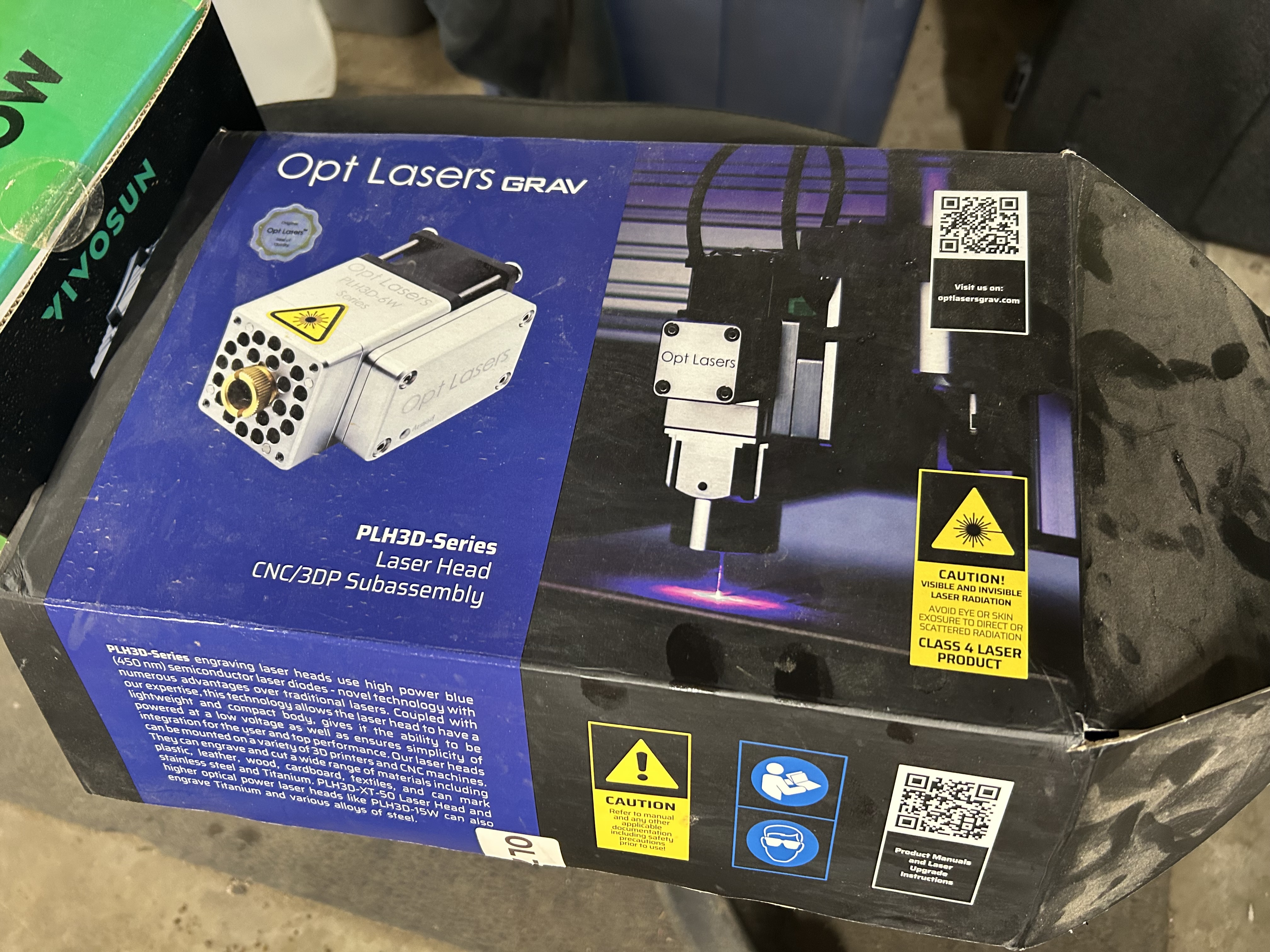
I installed a laser on my 5 Pro and it only mounts on the right side of the spindle.
Unless, of course, I fabricate a different mounting.
Thanks in advance.
Is there a setting in Motion to change the home position to the left rear instead of right?
I installed a laser on my 5 Pro and it only mounts on the right side of the spindle.
Unless, of course, I fabricate a different mounting.
Thanks in advance.
My understanding is that this is a function of Grbl compile time settings — if Grbl is recompiled and reflashed, then it will not be possible to use Carbide Motion.
I appreciate the reply.
Surely there has to be a reasonable solution.
Thanks…
Is the right side mount causing an issue?
The JTech laser which mounts right side is on my wish list…
Is the question about the job XY zero or the Machine Origin / Homing Position where it initializes at the back right?
The job zero is set in Create or your CAM app of choice. Create only allows Left or Center not right.
The Machine Origin is integral to the design. To move it to left would require mechanical and firmware changes I’m sure. The X homing switch is there, the X and Z wiring harness runs to that side, the grounding block is there…
Problem solved.
I was going to suggest turning the spindle mount over, you beat me to it!
This topic was automatically closed after 30 days. New replies are no longer allowed.