The CC file is too large to copy it here.
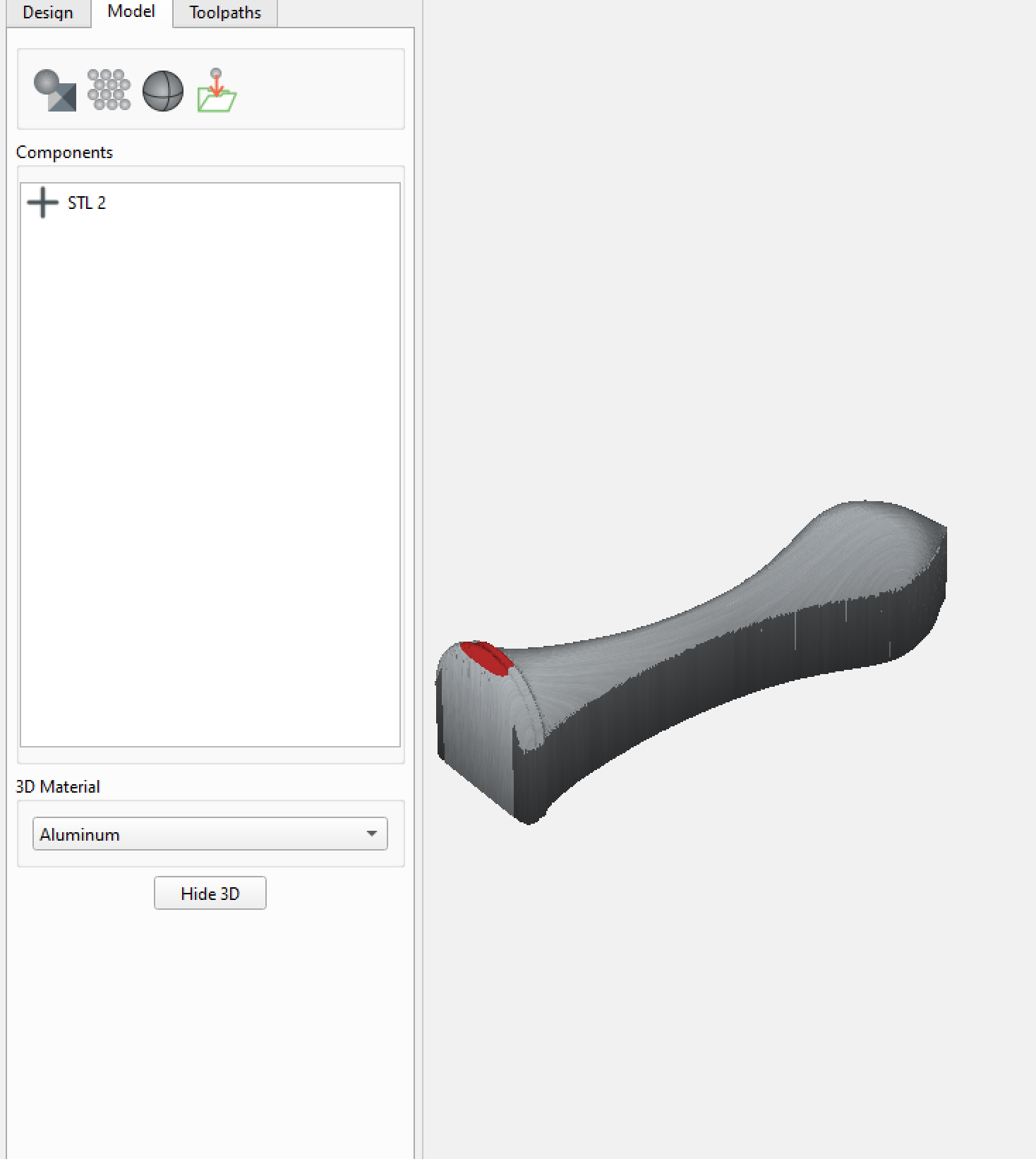
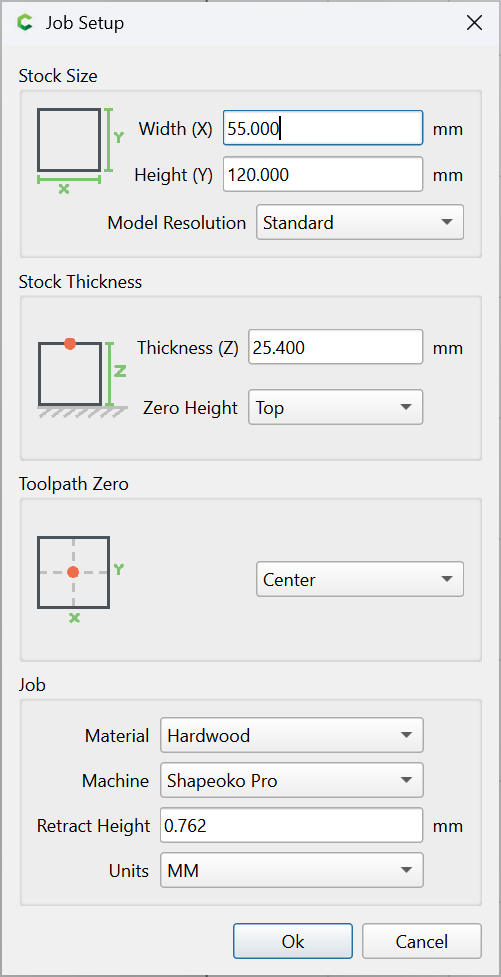
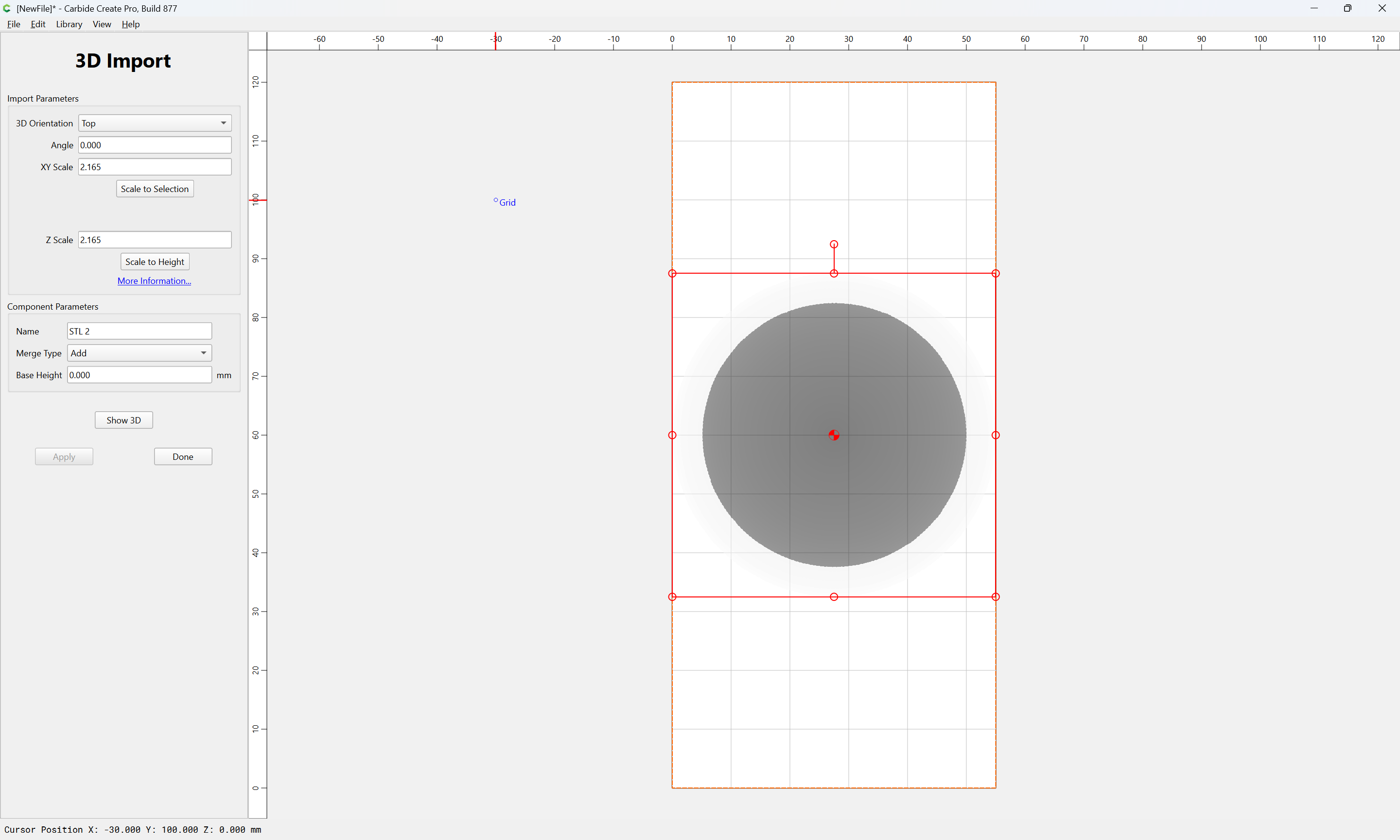
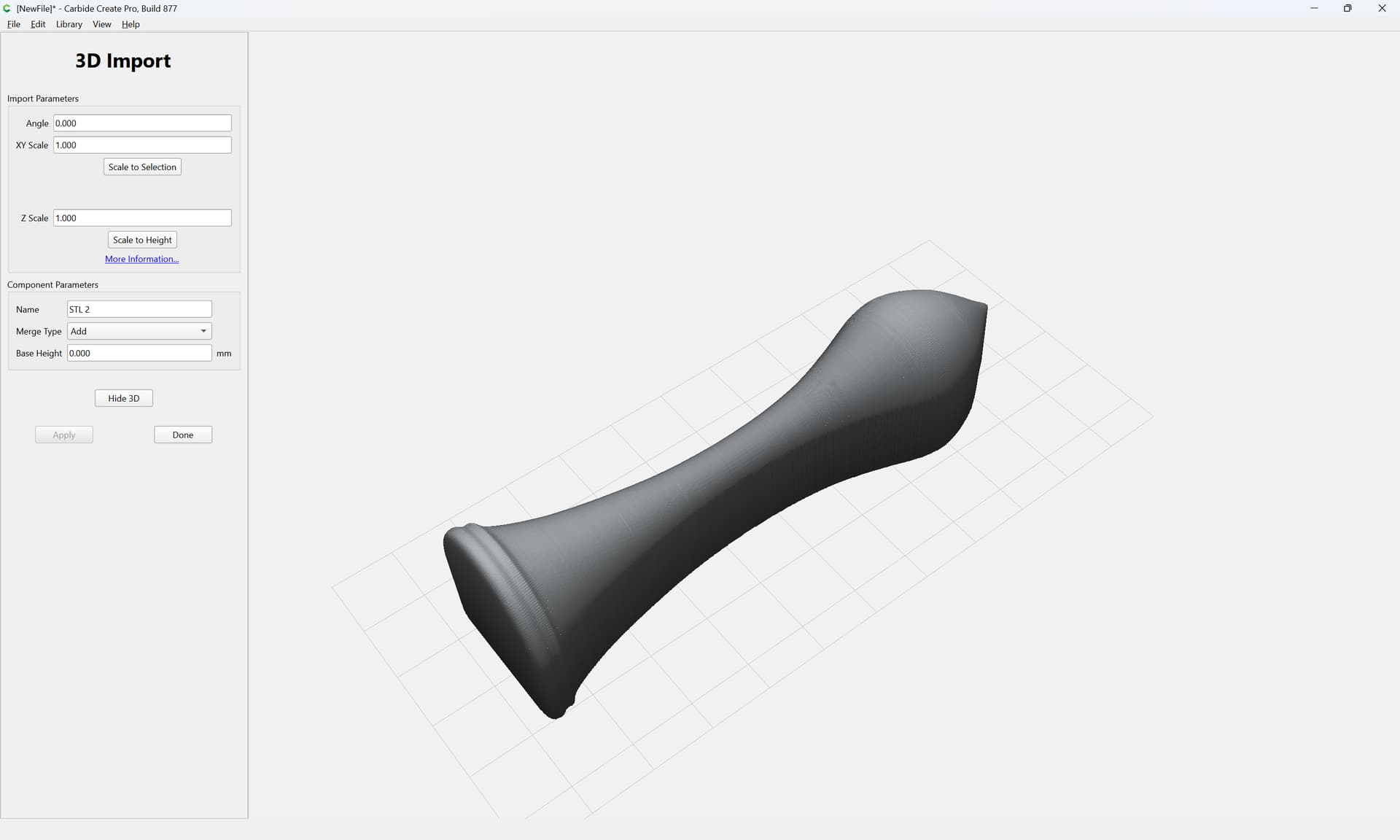
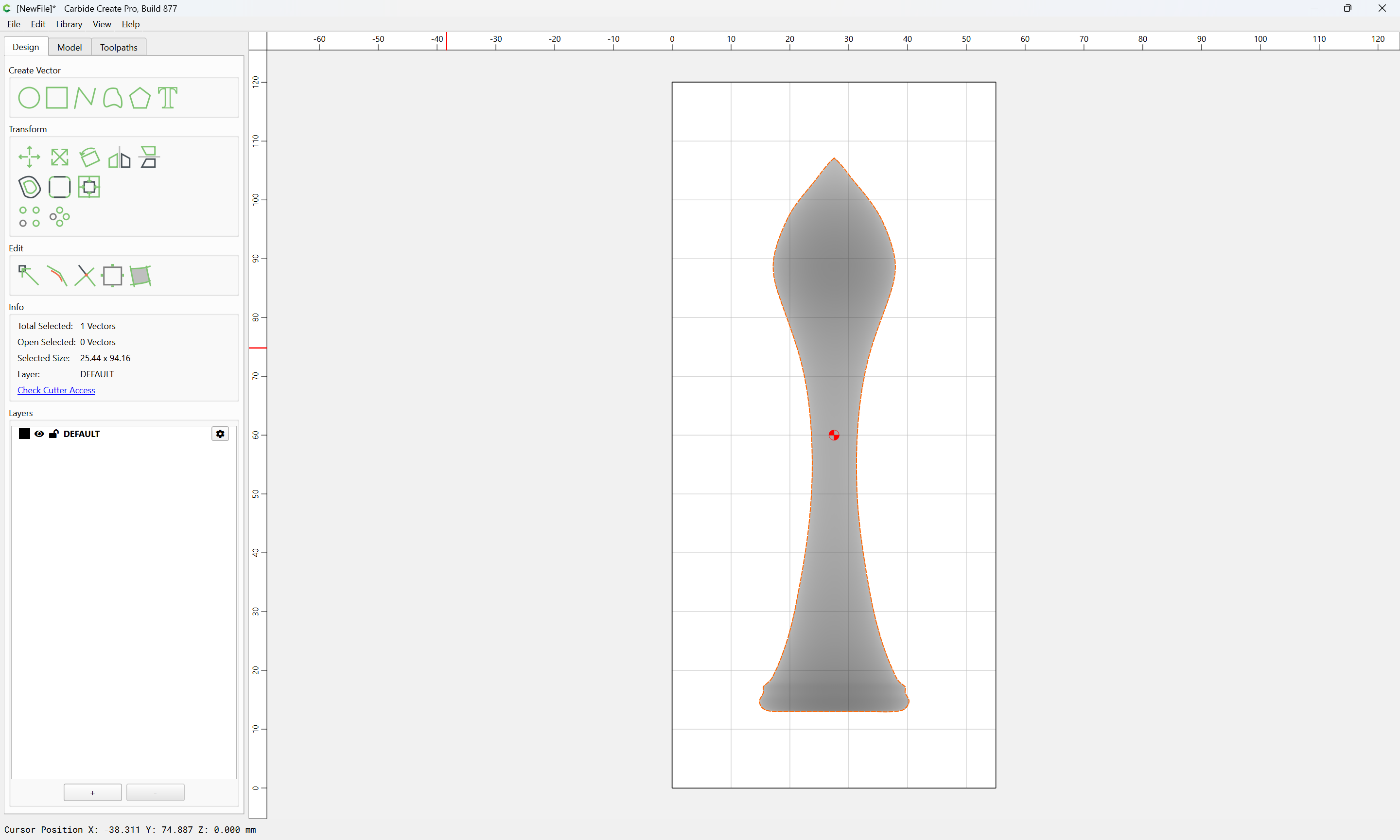
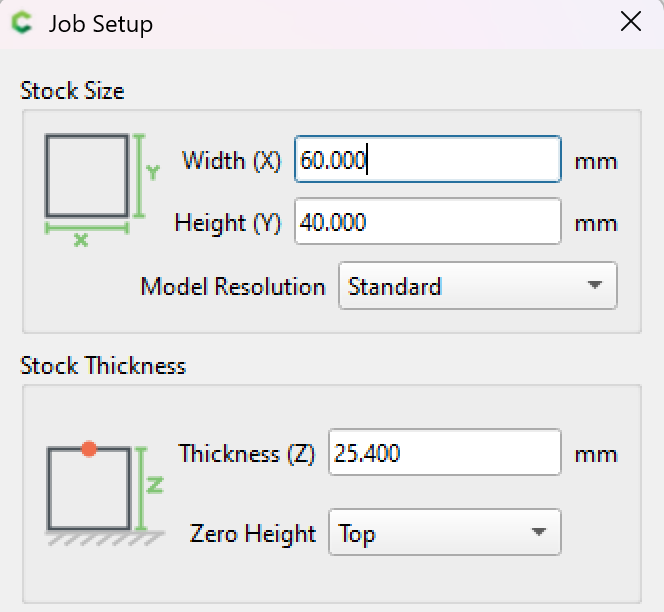
The red area probably can be repaired by increasing the thickness of the stock, what now is 1". However the diameter of the “foot”, the “thickest” part was measured in FreeCad as 25.399999407195537 mm. FreeCad reports the length with Z: 94.22908782958984mm. So why when I import it into a stock with 100mm width filling the whole length? So the dimensions of the imported part is not correct? Proportionally the thickness of course also changed, why in the image above the red part appeared.
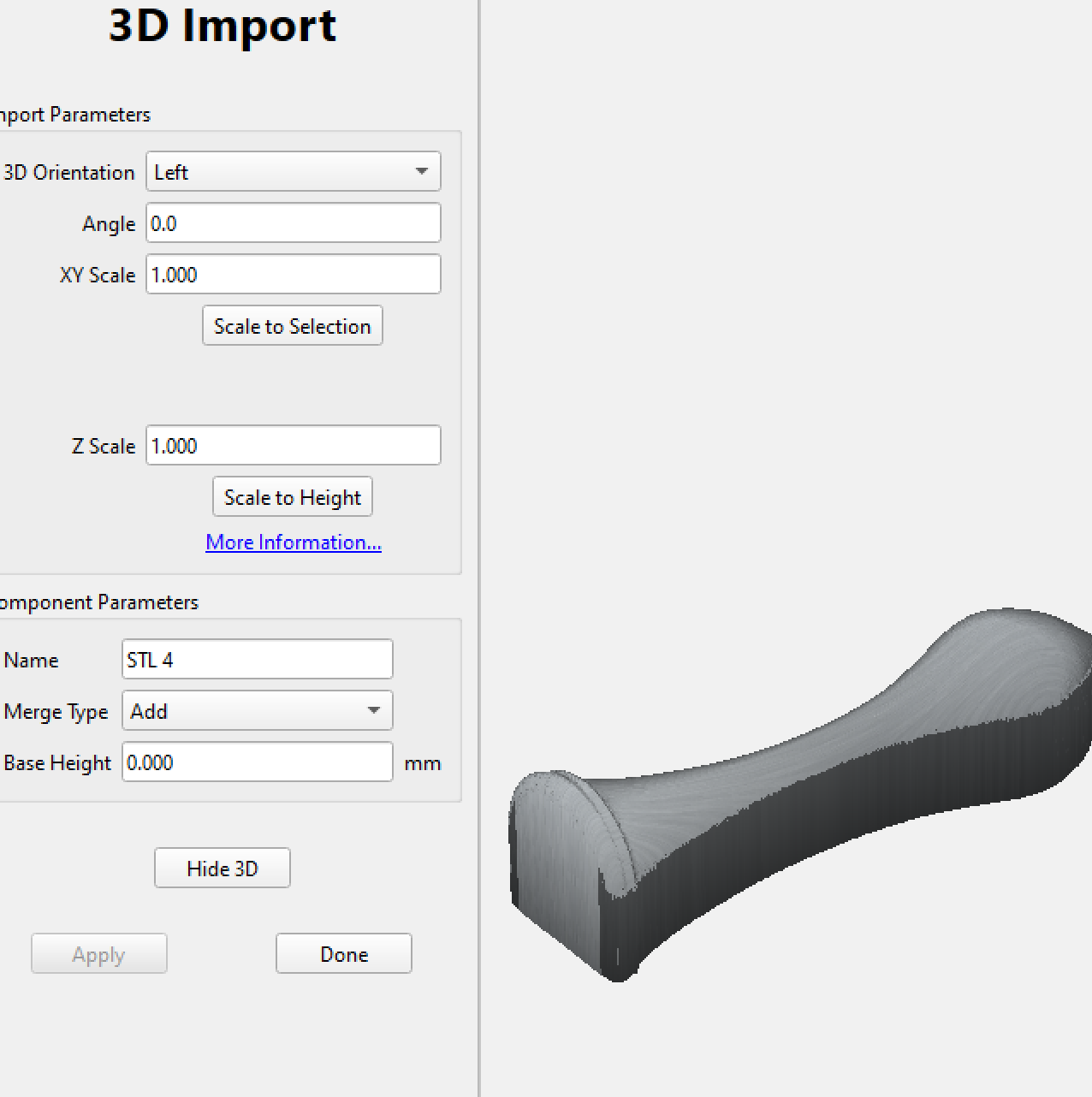
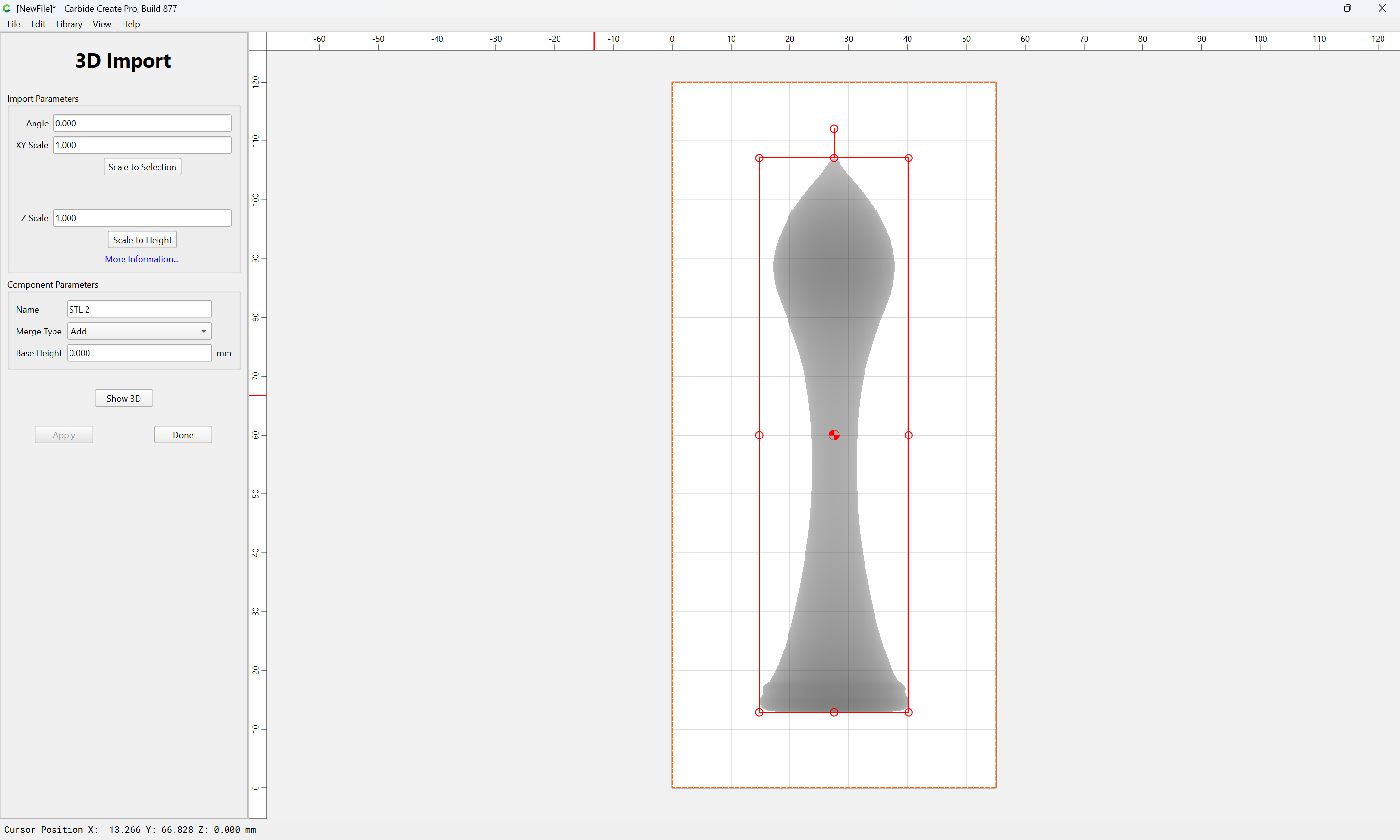
When I import the STL file into a matching stock size of Z:94.22908782958984mm the 3d-view appears ok:
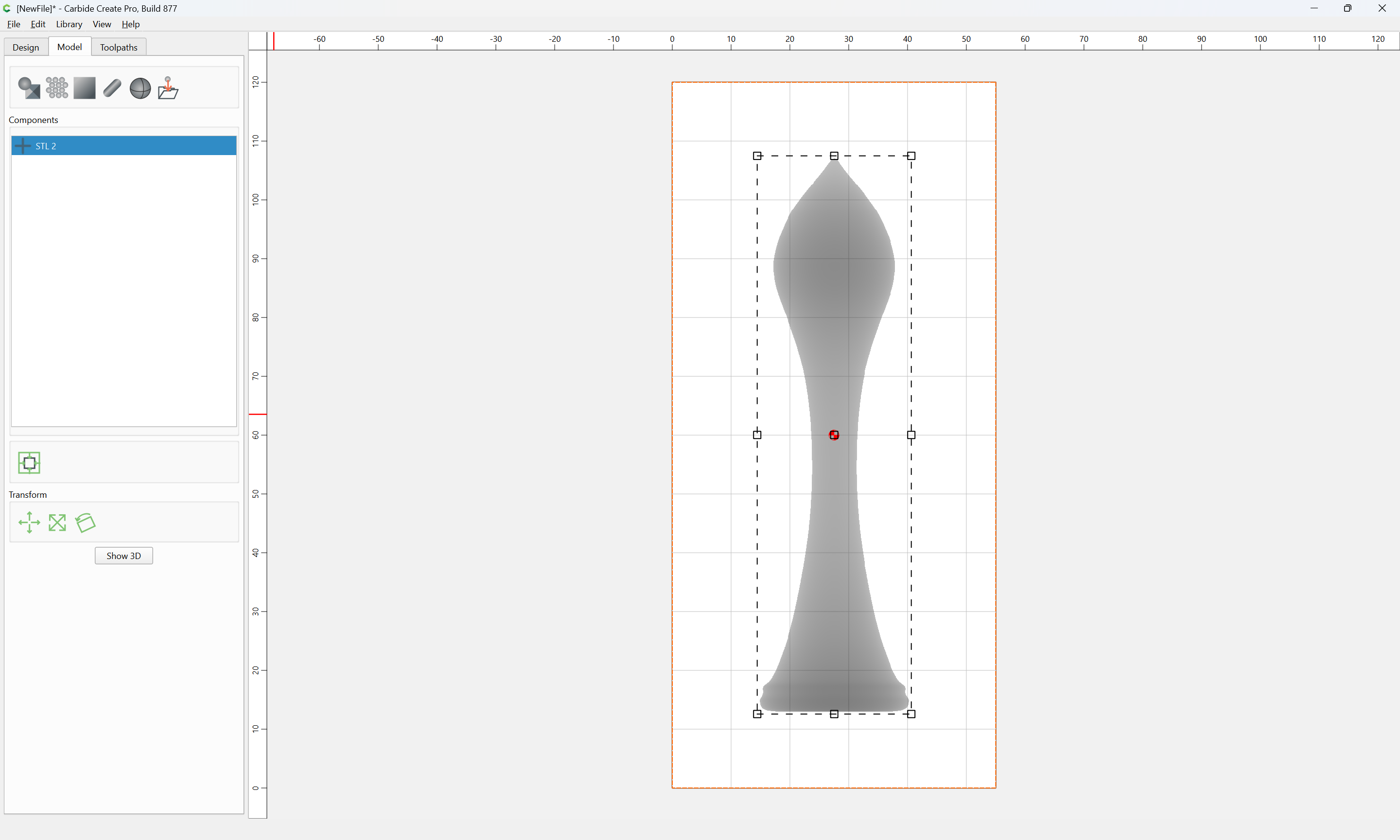
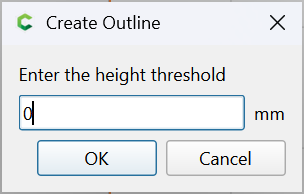
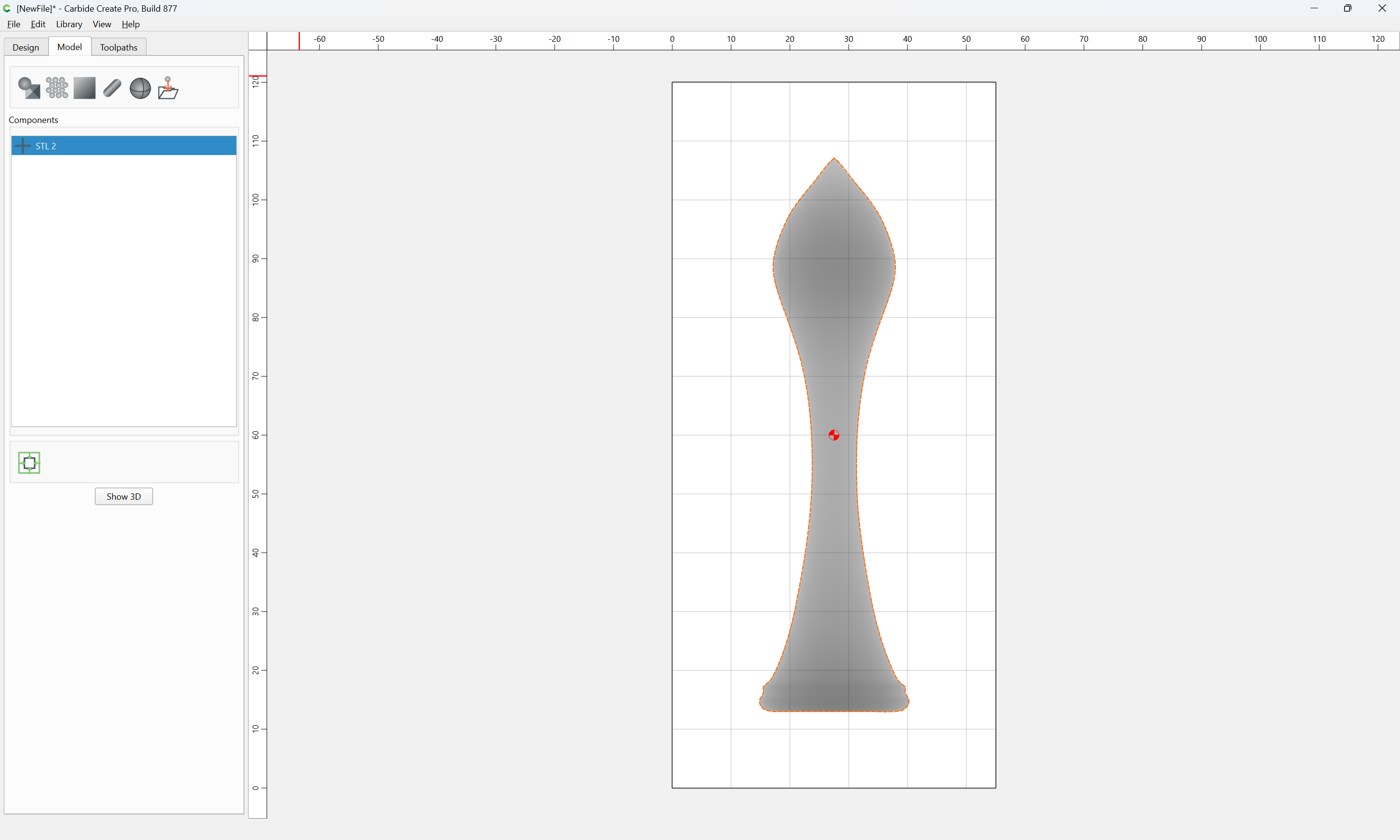
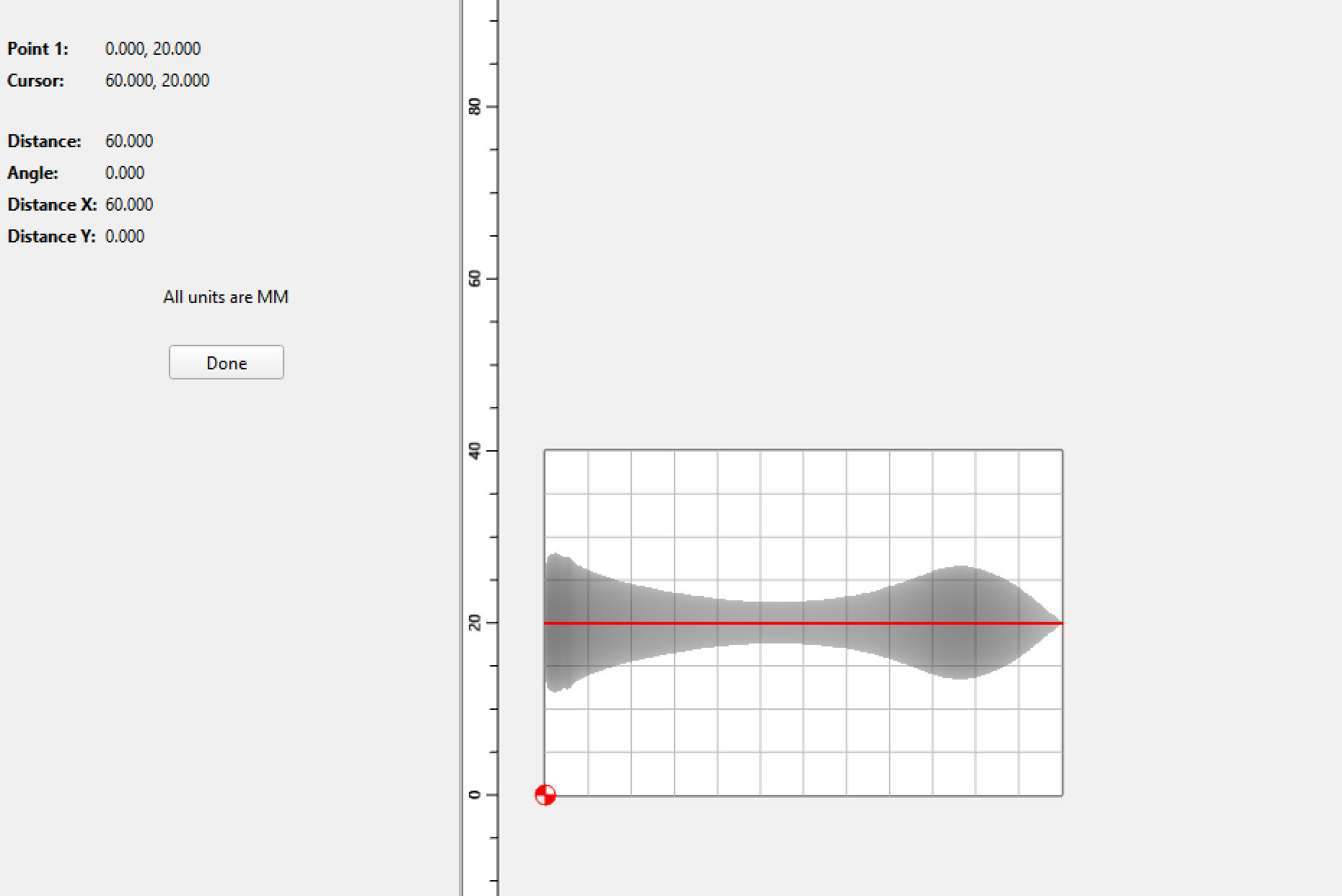
What I’ve done to verify STL dimensions is to use the trace outlines feature — then if need be that dimension can be used to modify the import scaling factor.
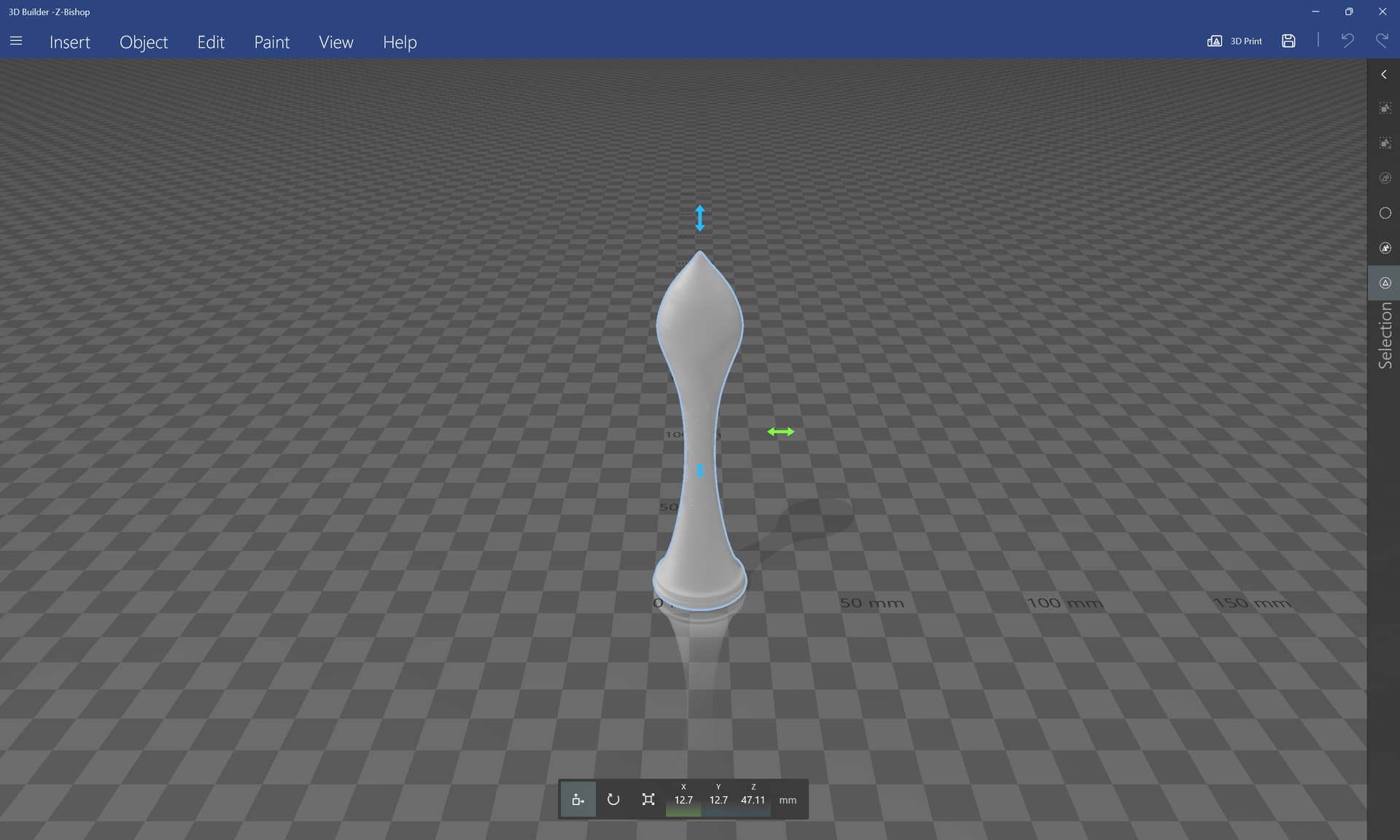
Thanks for the clarification! Surprising for me was / is the different measures different softwares get. Thanks for getting me back to some basics like 3D-Builder! Has exactly what I need instead of very complex (for me) 3D CAD software.
ok, did not know that! Obviously *.stl does not have fixed dimensions, that’s why I found so different measures in the different CAD-apps?
So far I always used *.dxf files for import, the measures there are fixed.
Another lesson learned.
The usual thing is for the unit in the STL file to equal 1 millimeter — obviously that’s not always the case, hence the need sometimes to trace to get the dimension on import so as to adjust the scaling.