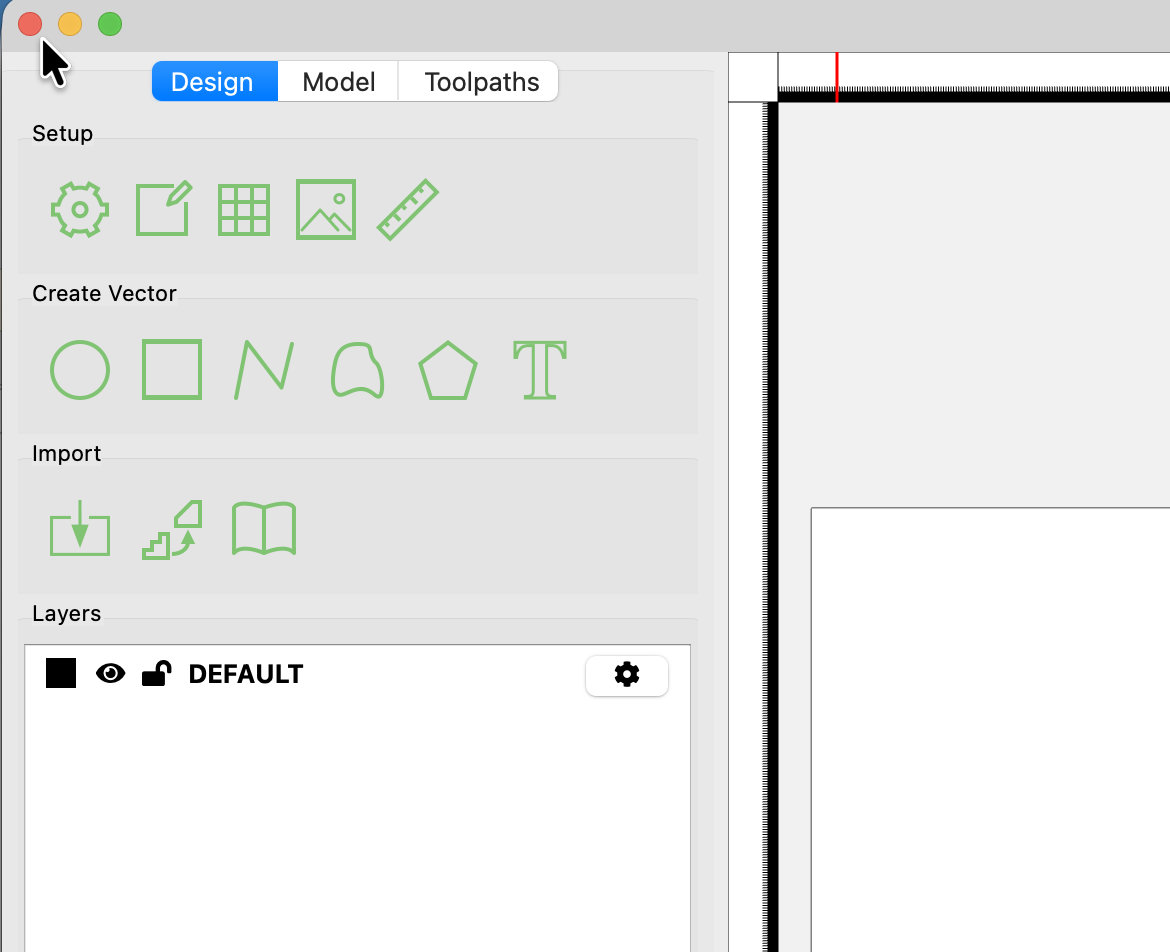
It’s a minor irritation, but one that drives me a bit batty. When you close a window in CC the program quits for some reason. I often have both the beta and production versions on my machine, so restarting the program requires navigating back to the Applications folder or at least going to the task bar to re-start it and waiting for it to come up again. Closing an active window doesn’t mean I’m done using the program.
I don’t know if this is related to not being able to copy and paste between windows in the “normal” fashion, but that’s another weird behavior that I’d dearly love to see changed. Similarly for having to both remember and take extra steps for having more than one window open at once. It’s all very counterintuitive.
I’m using the Mac version.