How connect vectors, I have a project that I have been working on and I have vectors that wont connect, i get them very close and they will connect but all that does is pull the other end apart the same distance that the vector connected. I trying to use a polyline to connect them because that is what I was told to do but that doesn’t work either.
What am I doing wrong? I have watch all the video’s but it is apparent that I am missing a step.
After connecting with poly lines you need to join the vectors together so that they become one.
Also look at node editing to see if you can grab a node and stretch it to the one you want to connect to. If the full thing doesn’t turn orange when you select it you will still need to use the join.
What exactly do I do to connect the poly line? I have them almost on top the the other vector line. is there a button I need to push to connect them ??
How do I know if a node can be stretched ?
Sorry this is all new to me and it is over whelming
In this example I have a weird shape that was not closed. I added a polyline which makes it look complete but you will see that part is orange when selected and the other part is purple.

If they are close enough then hit the Join Vectors button on the left when you have both selected.

And then when you select the vector you will see the whole thing orange.
The other option is to select a vector and hit the Edit Nodes button which is to the left of the Join Vectors. The vector will then have dots at each node.
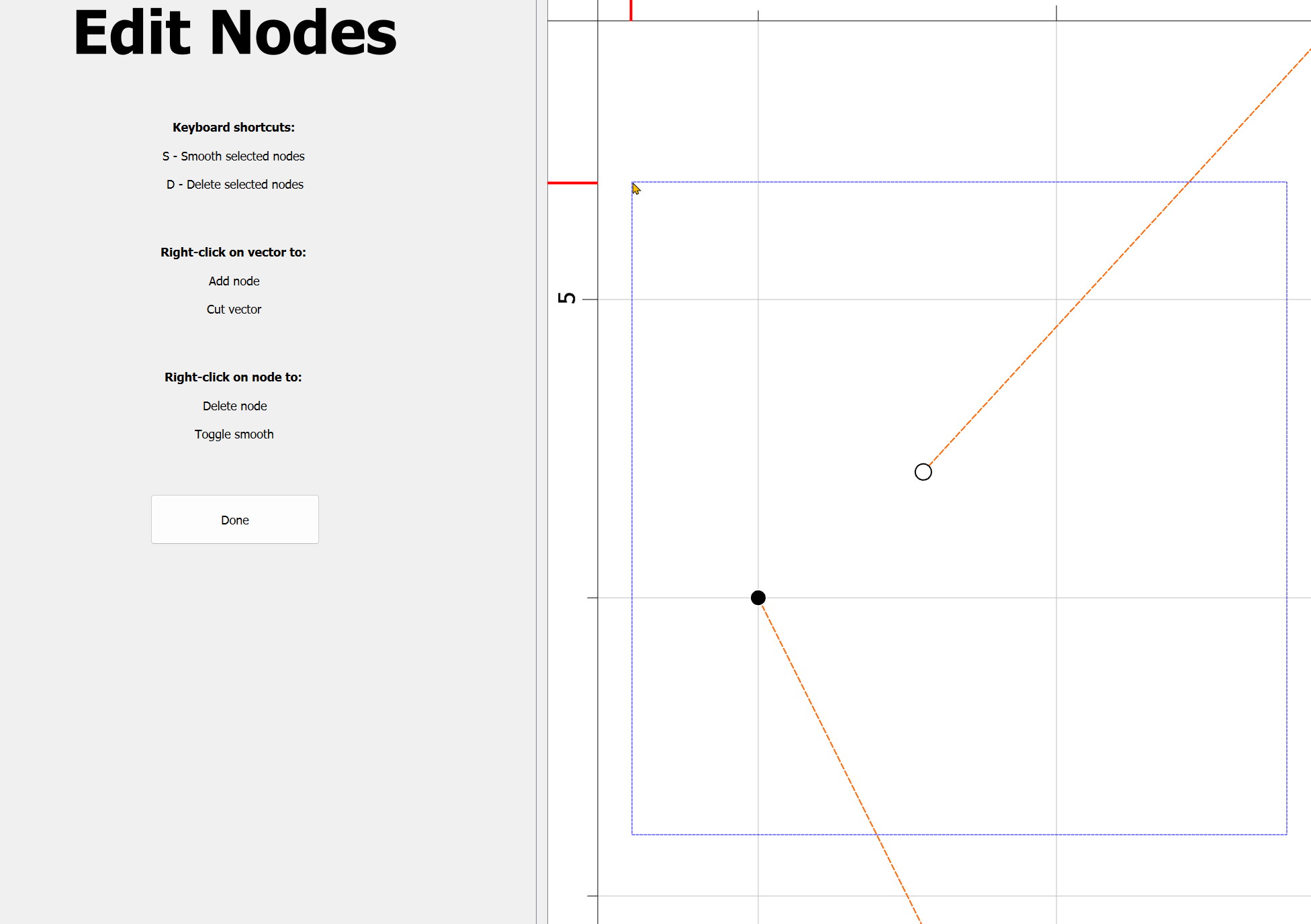
You can click a node and move it (or do other operations with a right click). In this image I brought the two together but you see it is still purple indicating that it is an open vector.
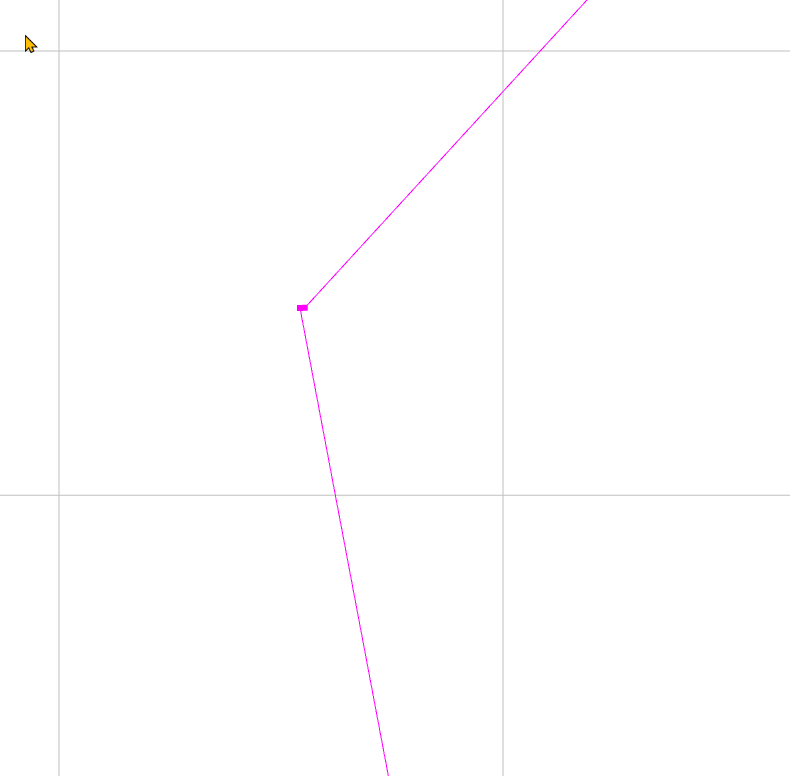
Select it and then click that Join Vectors button again.
1 Like
Note that there are a couple of ways in which vectors might need to be connected.
If they are open/unjoined (indicated by being magenta), as discussed, then they need merely be selected and connected using “Join Vectors”:
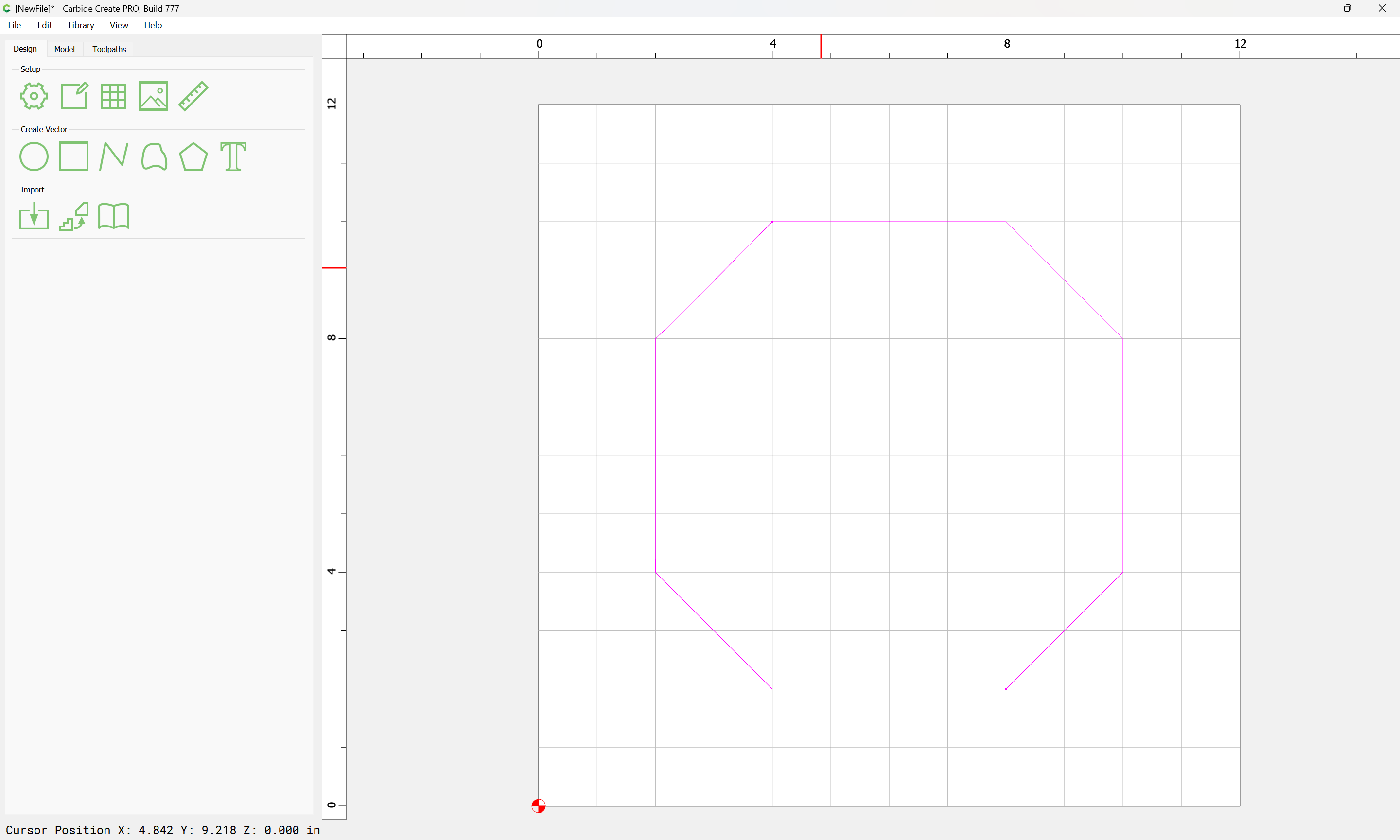

Join Vectors:

Yes
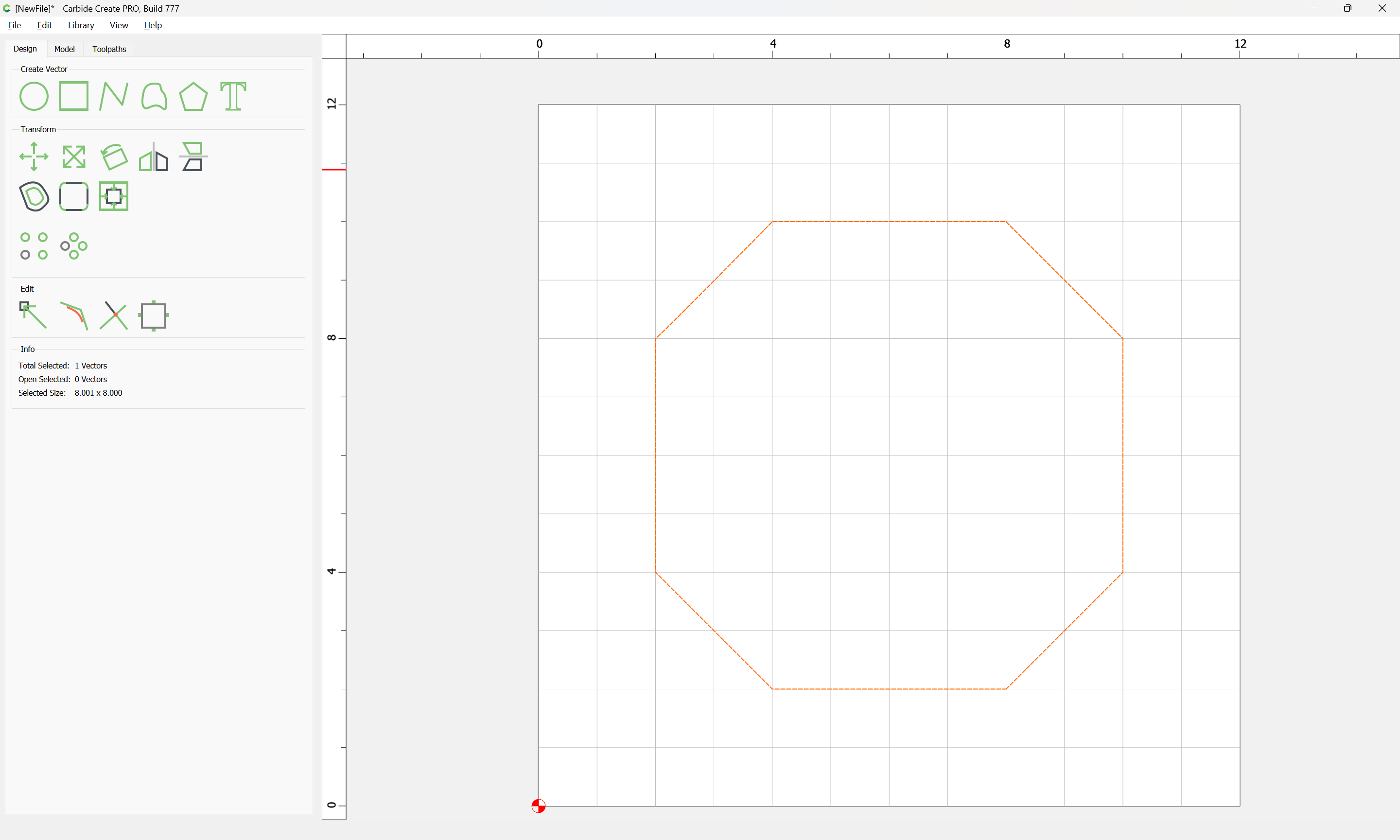
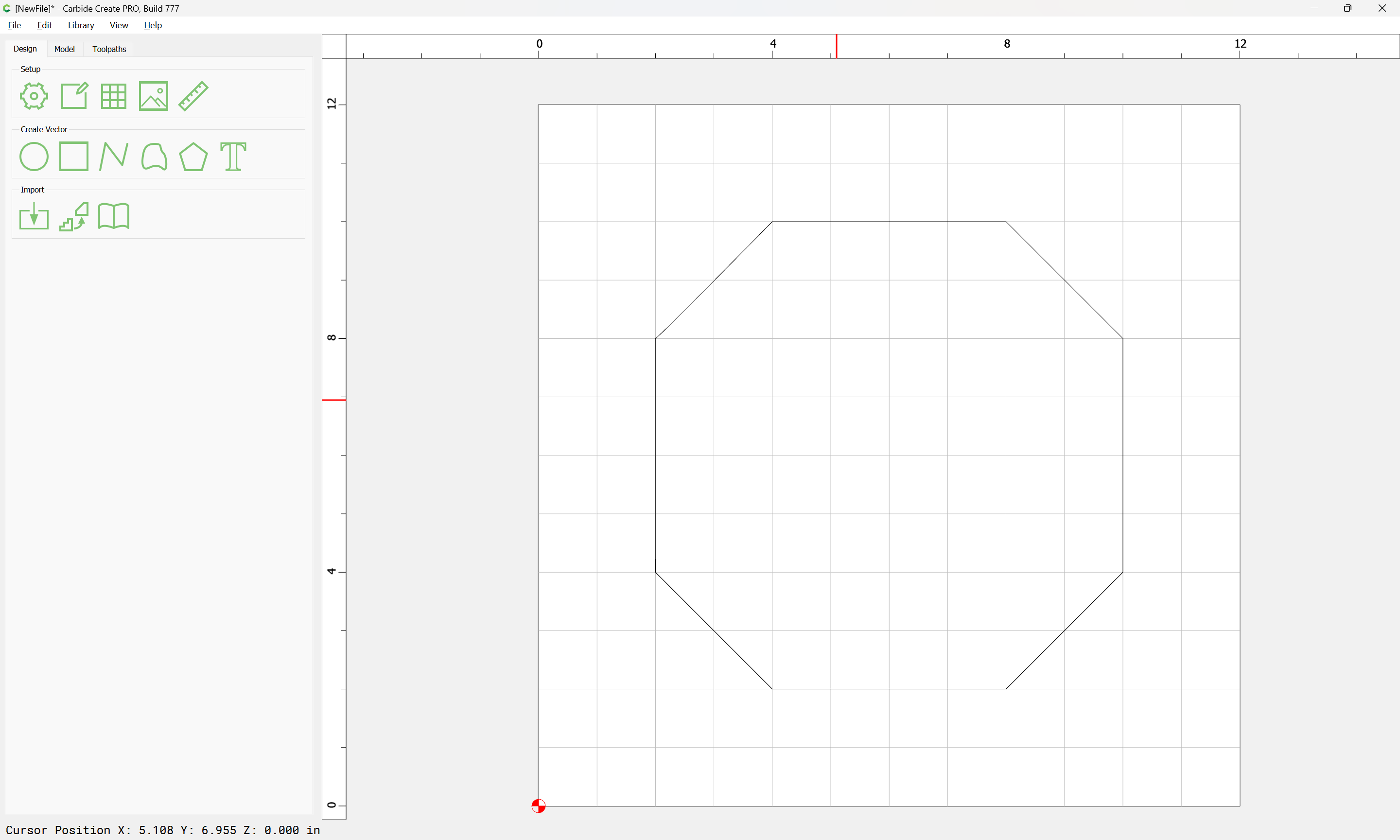
But if you have multiple closed items which you wish to connect there are a couple of ways to approach this:
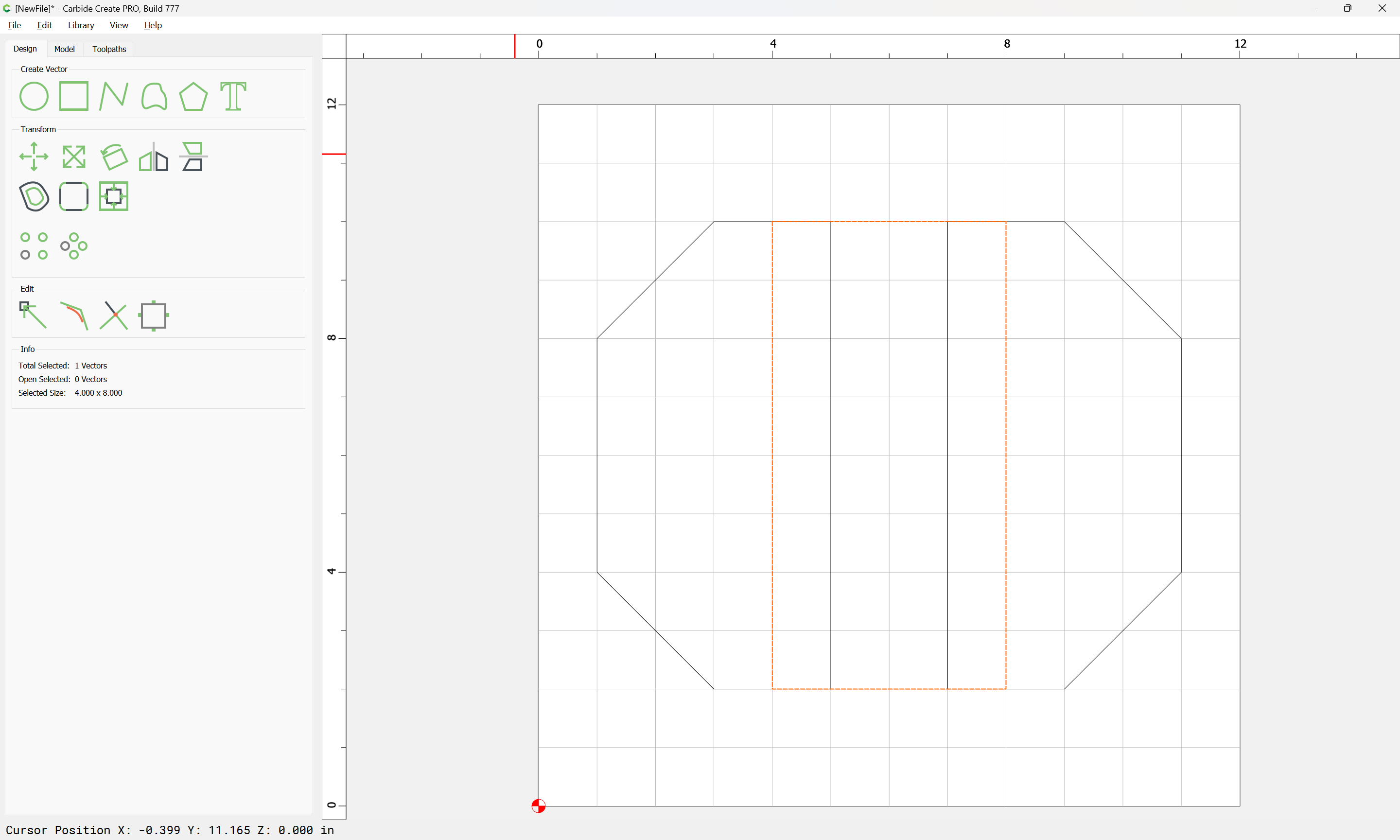
Select everything and use Boolean Union:


OK


Or, rather counter-intuitively, break things up first using Trim Vectors:


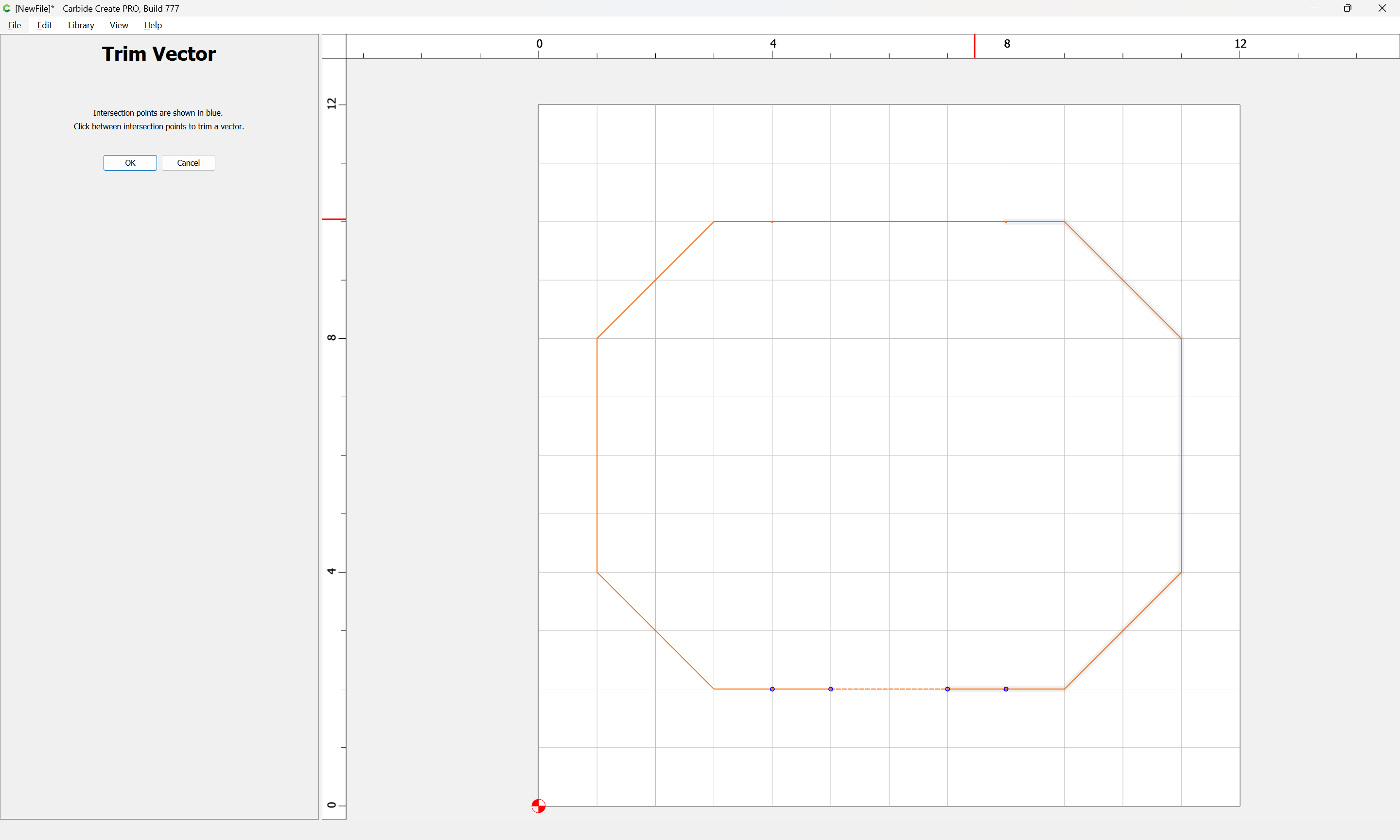
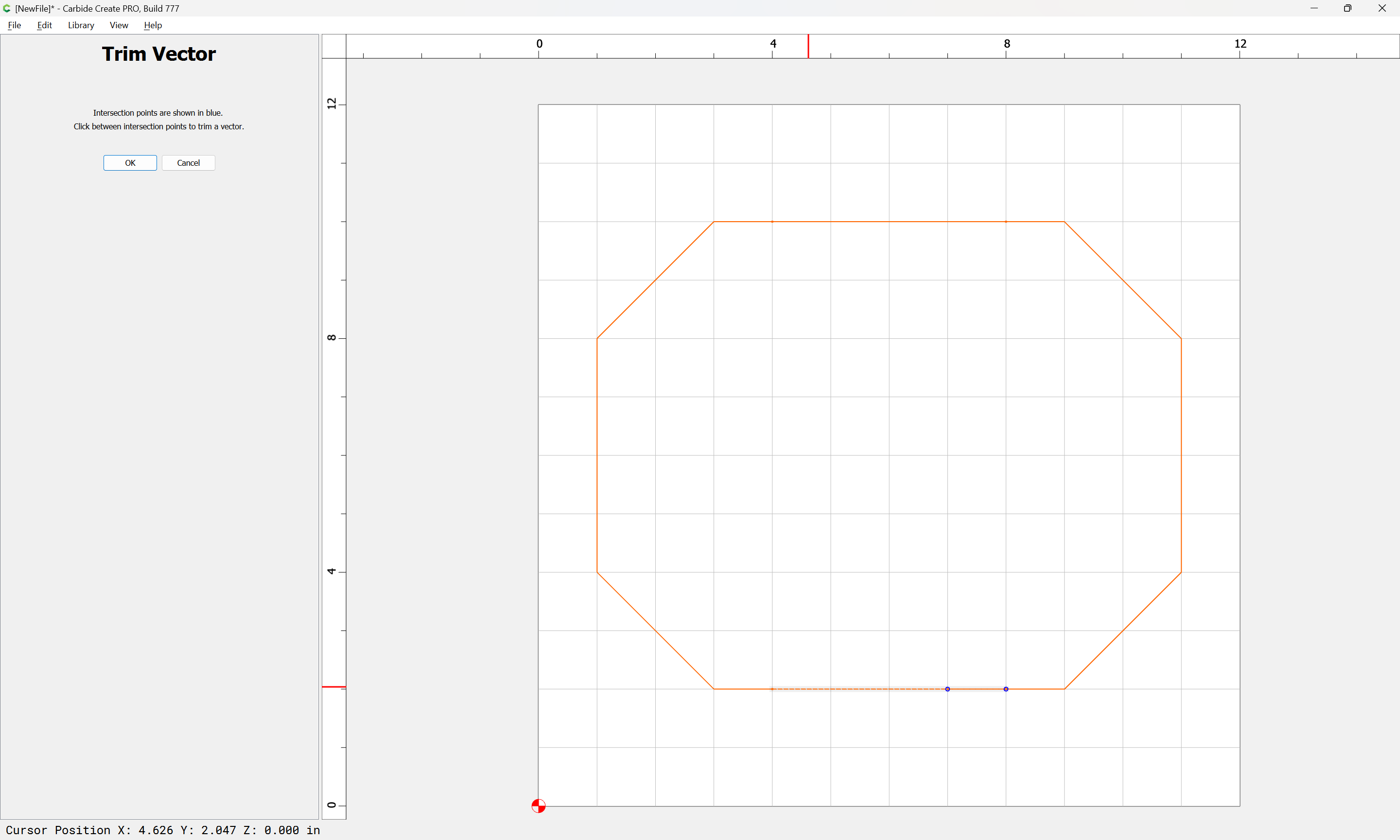
until one arrives at:

OK
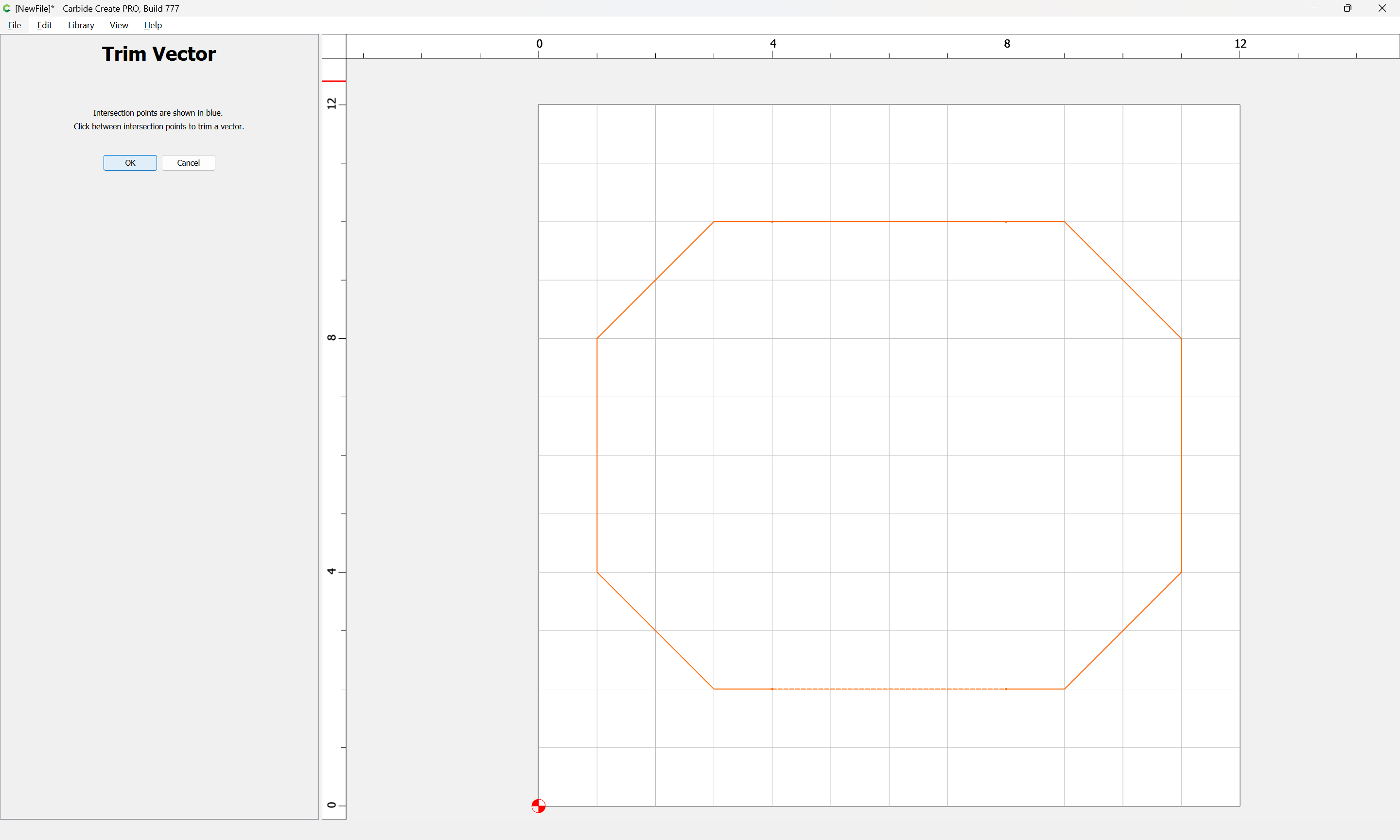
OK
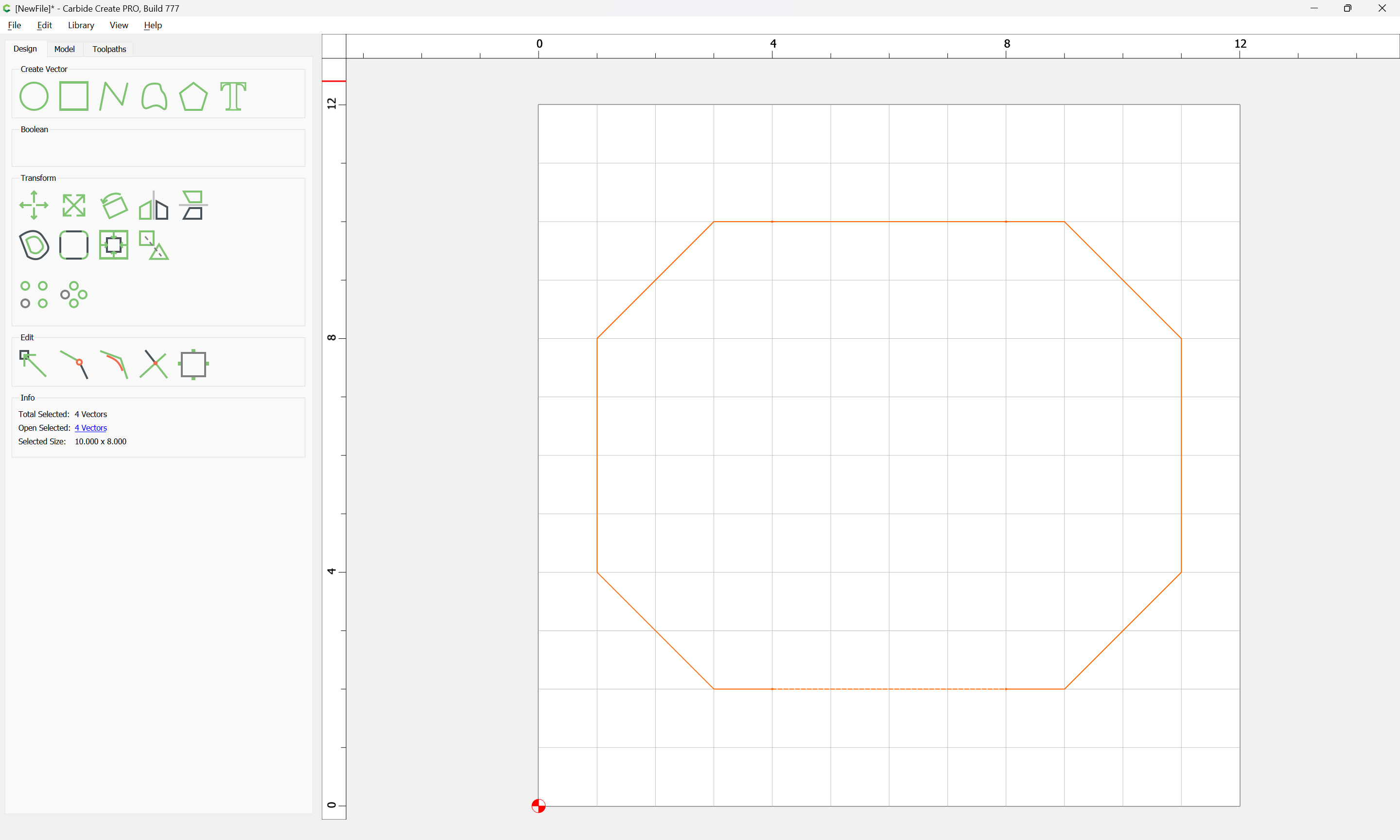

at which point everything may be selected and “Join Vectors” used.
If you would upload the file and let us know specifically what you are having difficulty joining we can walk through this with you.
Given a design:
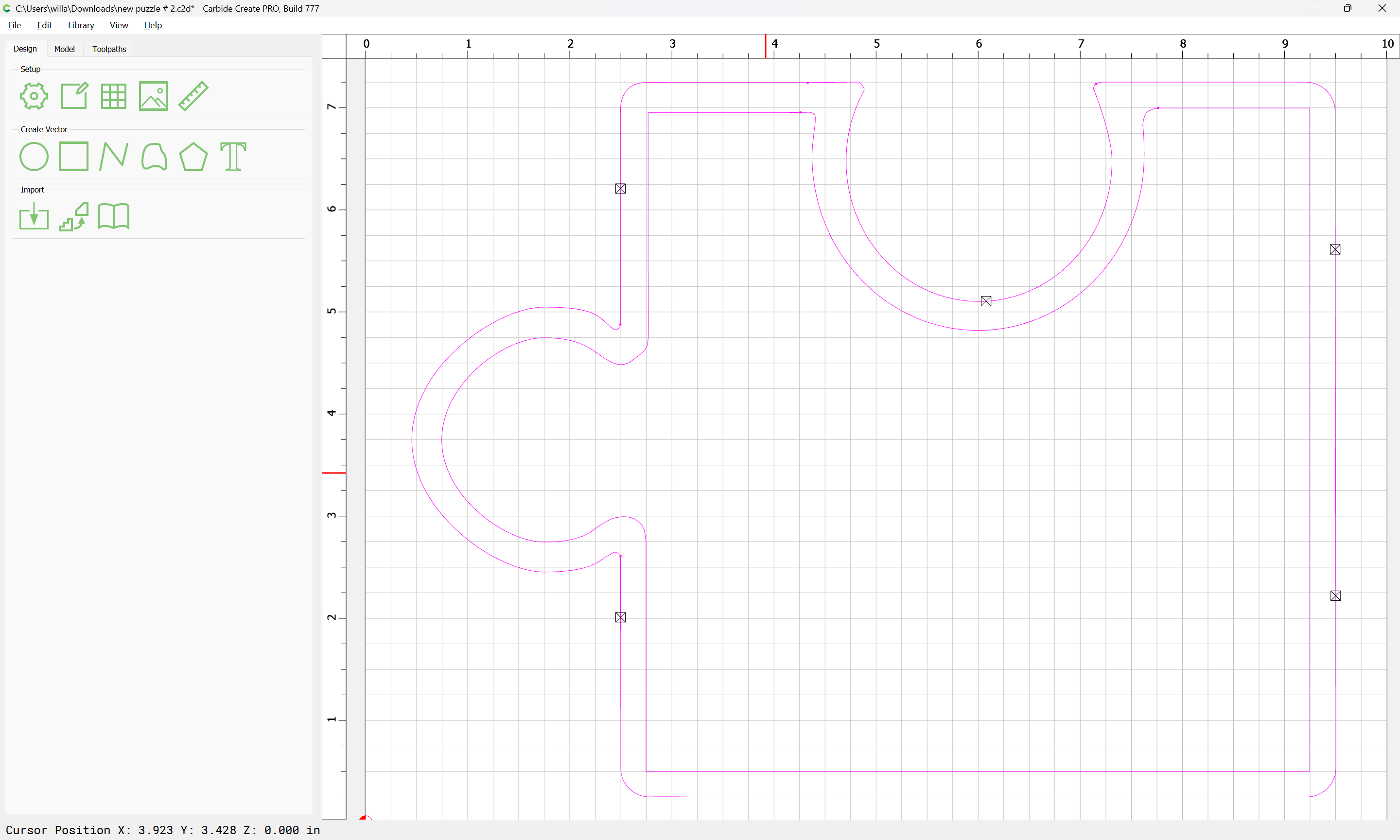
which will not close as desired when one selects everything:

and tries to use “Join Vectors”:

Yes

(actually, that closed in the new 777 beta)
then the problem is likely some extraneous geometry — test this by selecting one piece at a time:

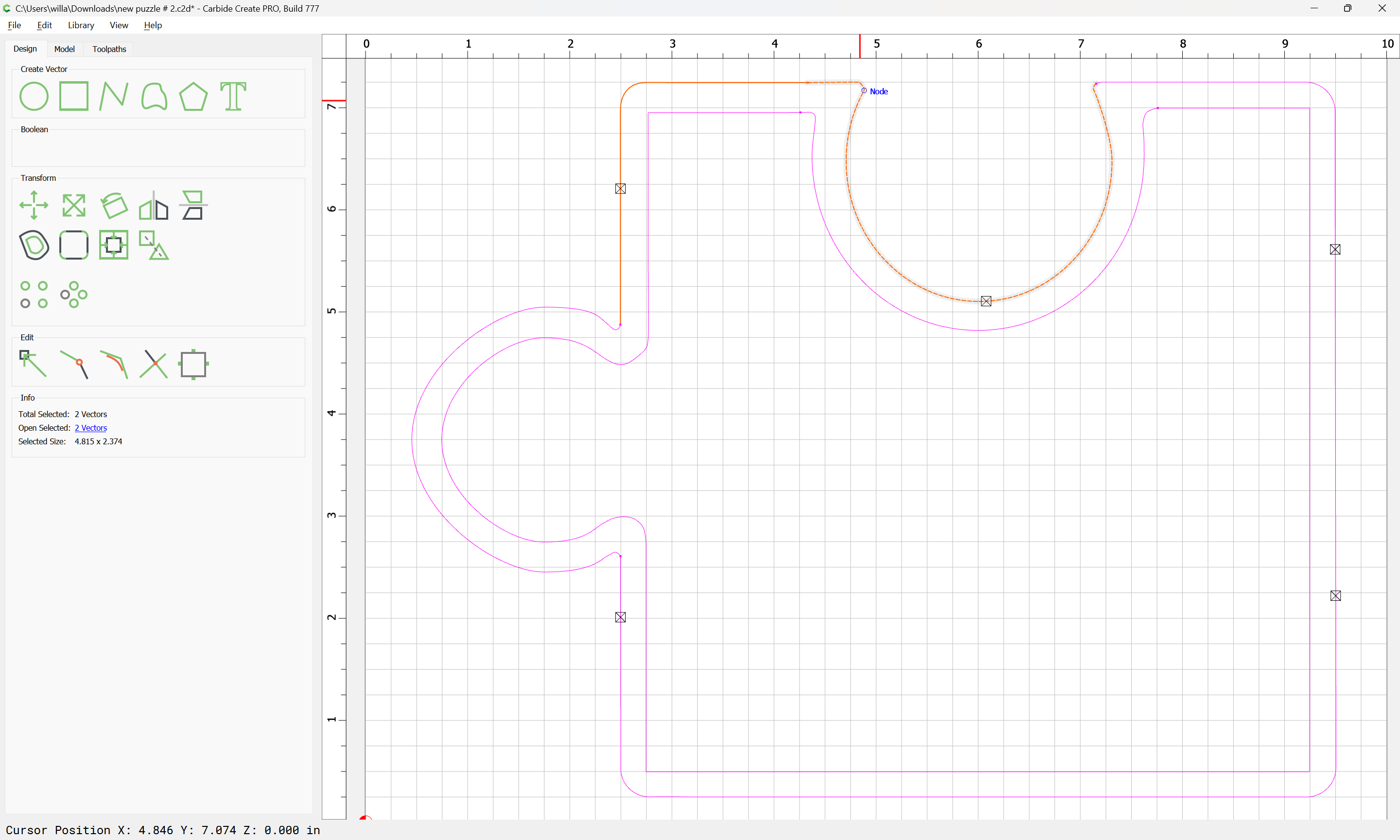
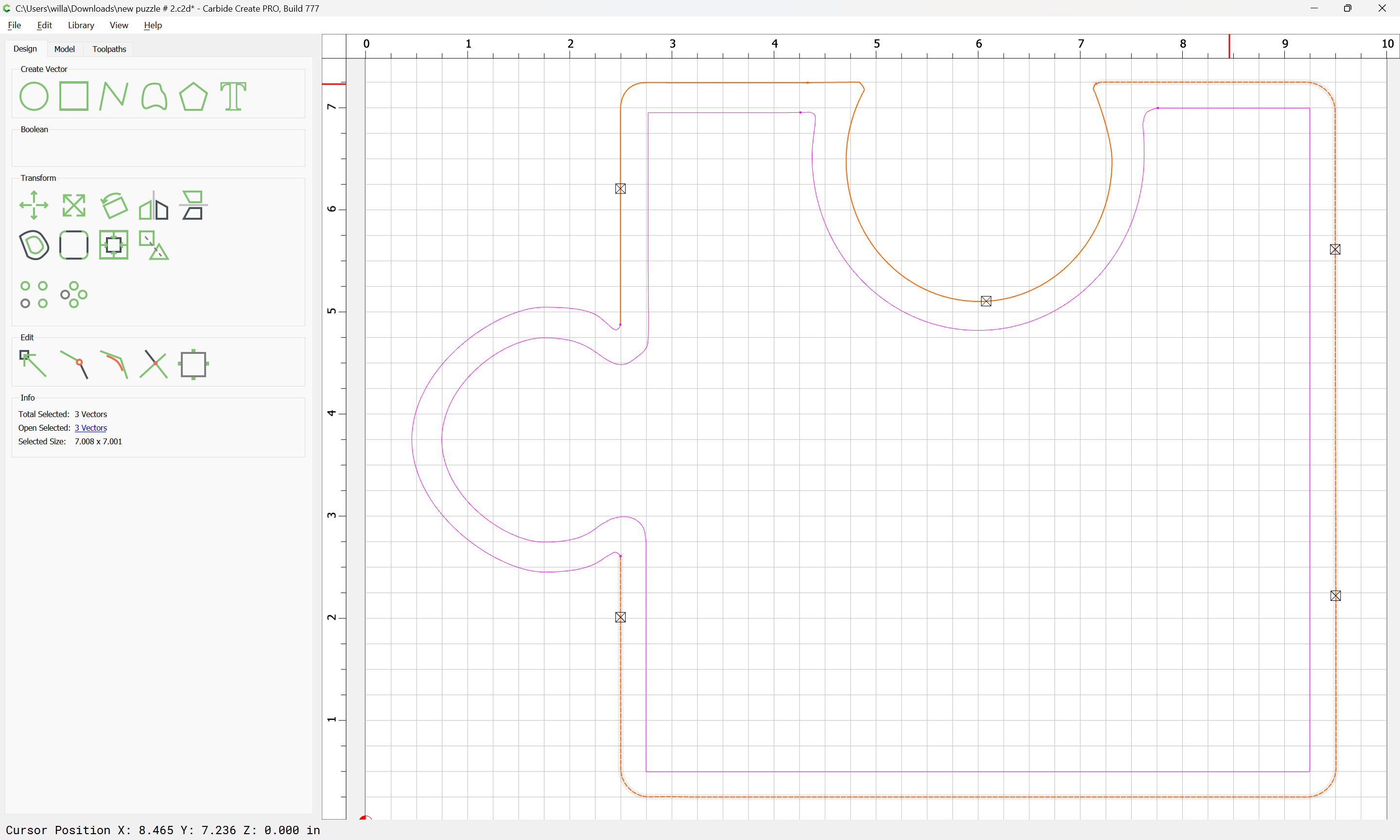
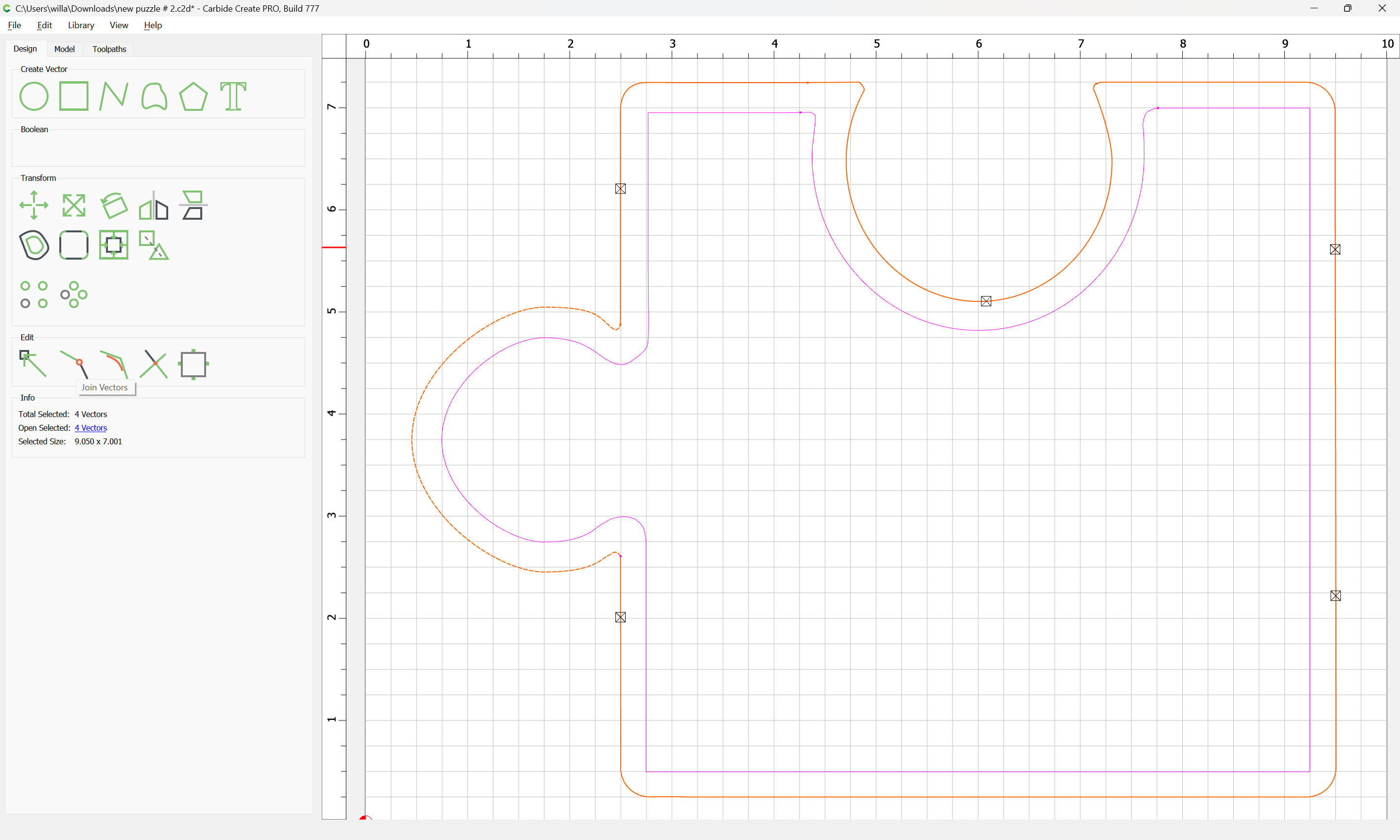
and using Join Vectors:

Yes

(and repeat this on the other part)
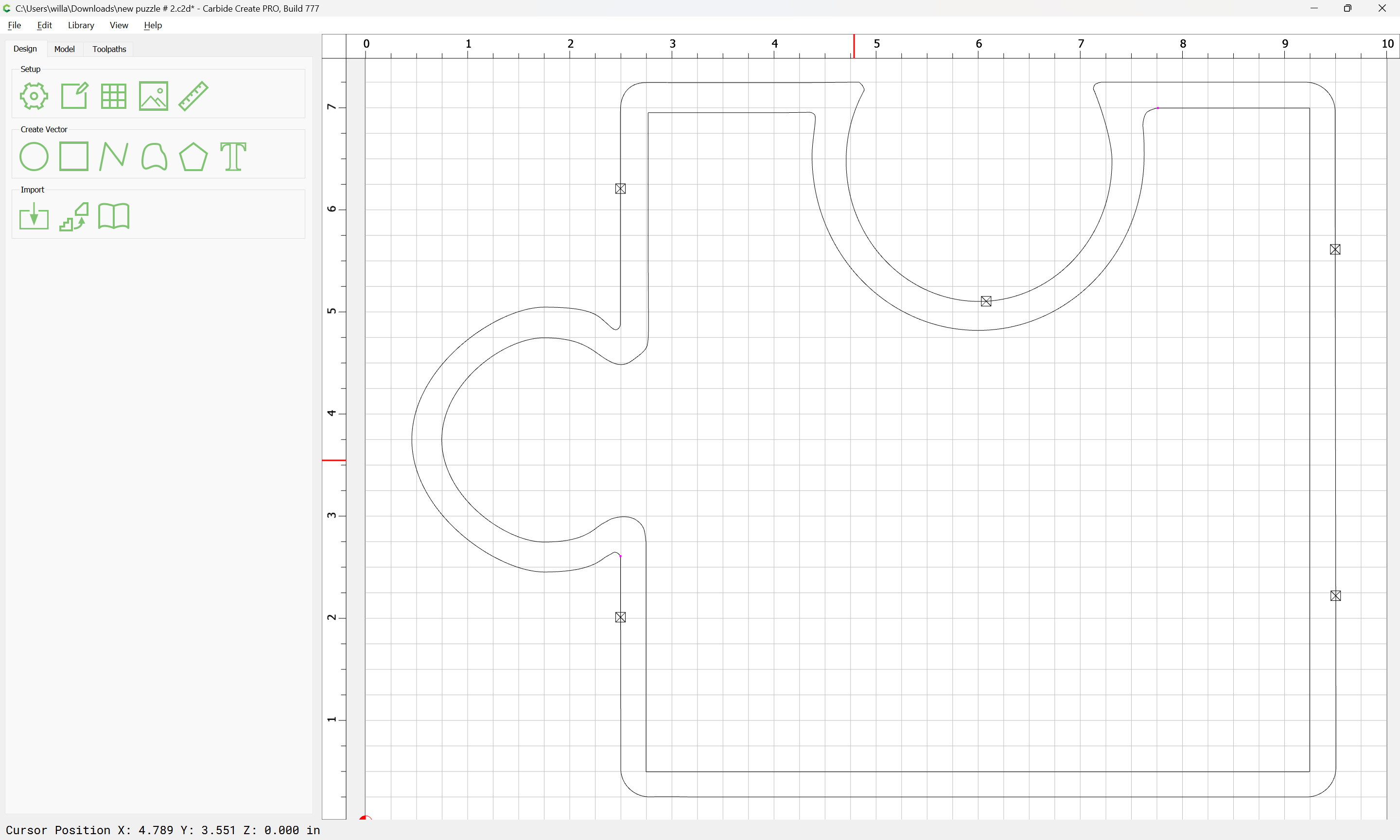
Zooming in we see that there are two extraneous/redundant bits of open/unclosed geometry:


This topic was automatically closed 30 days after the last reply. New replies are no longer allowed.