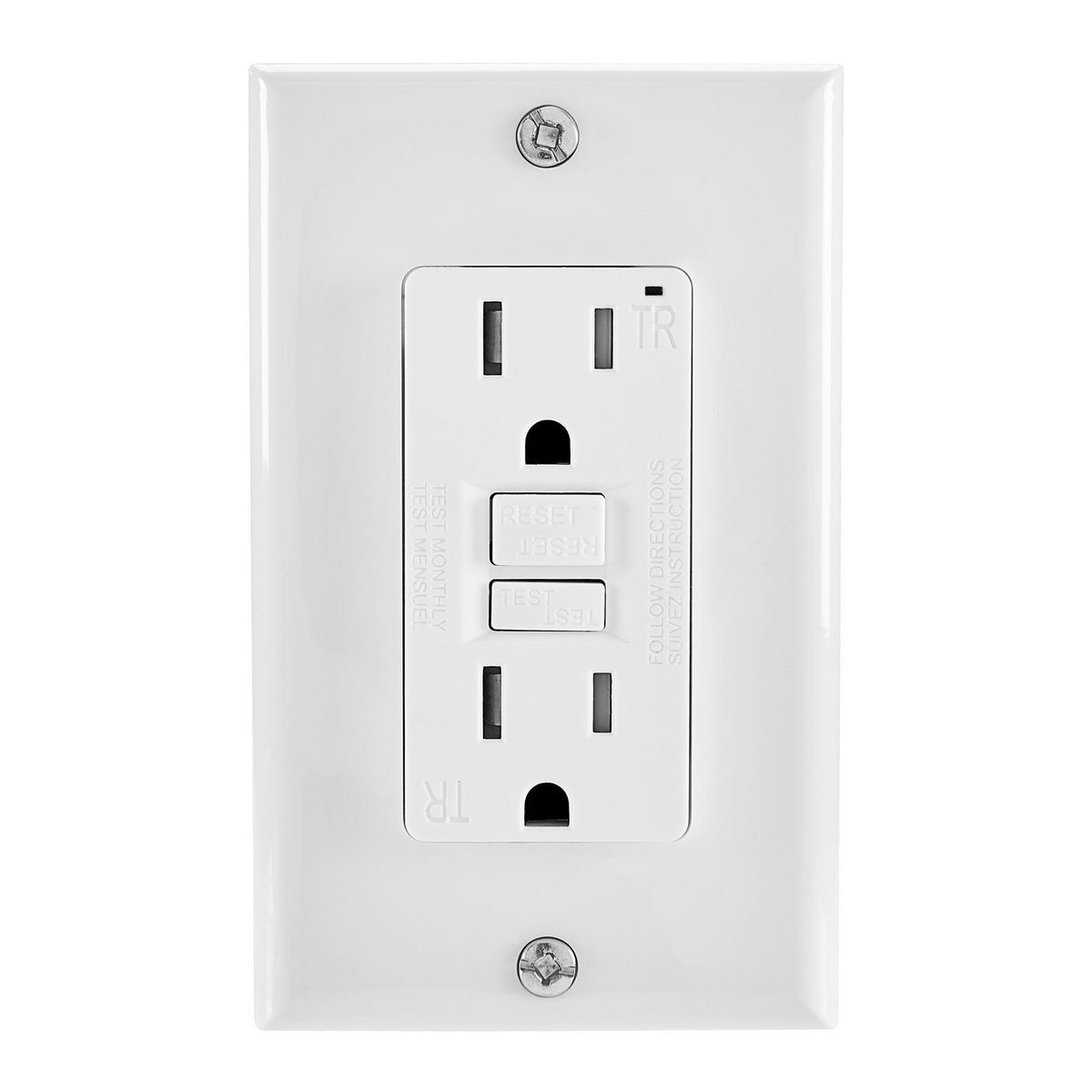
I have a Shapeoko 3XL that I bought brand new in January 2021. Until now, it’s given me fantastic output.
Just recently, the GFCI that the CNC is plugged into is tripping. My first thought was that the outlet had too much plugged into it (computer, a few LED lights, etc) but after I unplugged everything except the CNC, it was still tripping.
It doesn’t trip immediately when I first turn it on though. That tells me it isn’t an obvious short circuit. I can hear the motors humming as normal. I plugged the CNC into a Kilowatt to see how many amps it was drawing and I never saw it go over 1 amp before the GFCI tripped. With everything plugged in (including a space heater) and the CNC left unplugged, it was pulling 9-10 amps.
I’m not sure if it’s a bad GFCI, a bad control board or bad motors…or anything else. I would certainly appreciate any help to keep the old girl alive.
Motors, especially stepper motors, & GFCI’s don’t usually mix well. Also, static charge build up during CNC operation can cause a GFI to trip.
Just because the GFI trips doesn’t mean you’re CNC is about to die.
Quite frankly it’s impressive that the GFI outlet hasn’t given you trouble way before now.
It is not recommended to operate a CNC on a GFCI outlet precisely because you never know when or what might trip it - ruining a cutting operation in the process.
I would certainly get rid of the GFCI.
It is purty easy to find out the why and how for a GFCI. (We used to just call them GFI.)
The “F” stands for fault. The GFCI will trip for a specific fault in the circuit. That detectible fault is an imbalance in the circuit current beyond a certain amount (in milliamps.)
Most, if not all, GFCIs are not over-current circuit breakers. The “I” stands for interrupter because of that. They interrupt the current flowing in the circuit they are connected to. A GFCI is basically a very fast relay / switch.
They have no circuitry that trips for “static charge build up” or “motors.” If it does trip for this, you bought one that is of poor design. (I have one outside that trips for ants nesting! )
The tripping is operated by the GFCI detecting an imbalance in the normal current flowing in the circuit. This imbalance could be through your touch (shocking!) or some other conductive “short” circuit (ants? ) The possibly shocking truth is that humidified sawdust is conductive and could be that leakage current that the GFCI is detecting. (The other truth is that most GFCIs are only required in circuits where people and water come together.)
I have a couple of GFCIs in my workshop circuits because everything electrified in my workshop can be classified as a “portable” device; all have a cord with a plug on it. The air conditioner, heater and lights are not on a GFCI circuit, because they are wired (correctly) direct to the electrical panel.
Here are a couple of links that get more specific about the details. The second one is about another common tripping device called an Arc Fault Circuit Interrupter, but that’s a different trip.
I can’t say which is to blame, but I’ve had multiple GFI outlets go bad and begin tripping regularly, even though the same devices are plugged into them.
I agree that it is likely the GFCI outlet. So replace it and see. The GCFI is constantly monitoring the difference between Hot Neutral and Ground to see if they get close to each other. If the GFCI sees minute differences it will trip. I have replaced many of those GCFI outlets for other people. My SO3 runs on a GCFI outlet.
I have several tools in my shop that will not run on a GCFI outlet. I had a Jet 1220 variable speed lathe that every time you changed speed it would trip the GCFI. I also have a Jet 1642 VFD lathe that does the same thing if attached to a GCFI outlet. So I have a single outlet in the shop that is not GCFI and they both work perfectly now. But my SO3 runs on a GCFI and it operates perfectly.
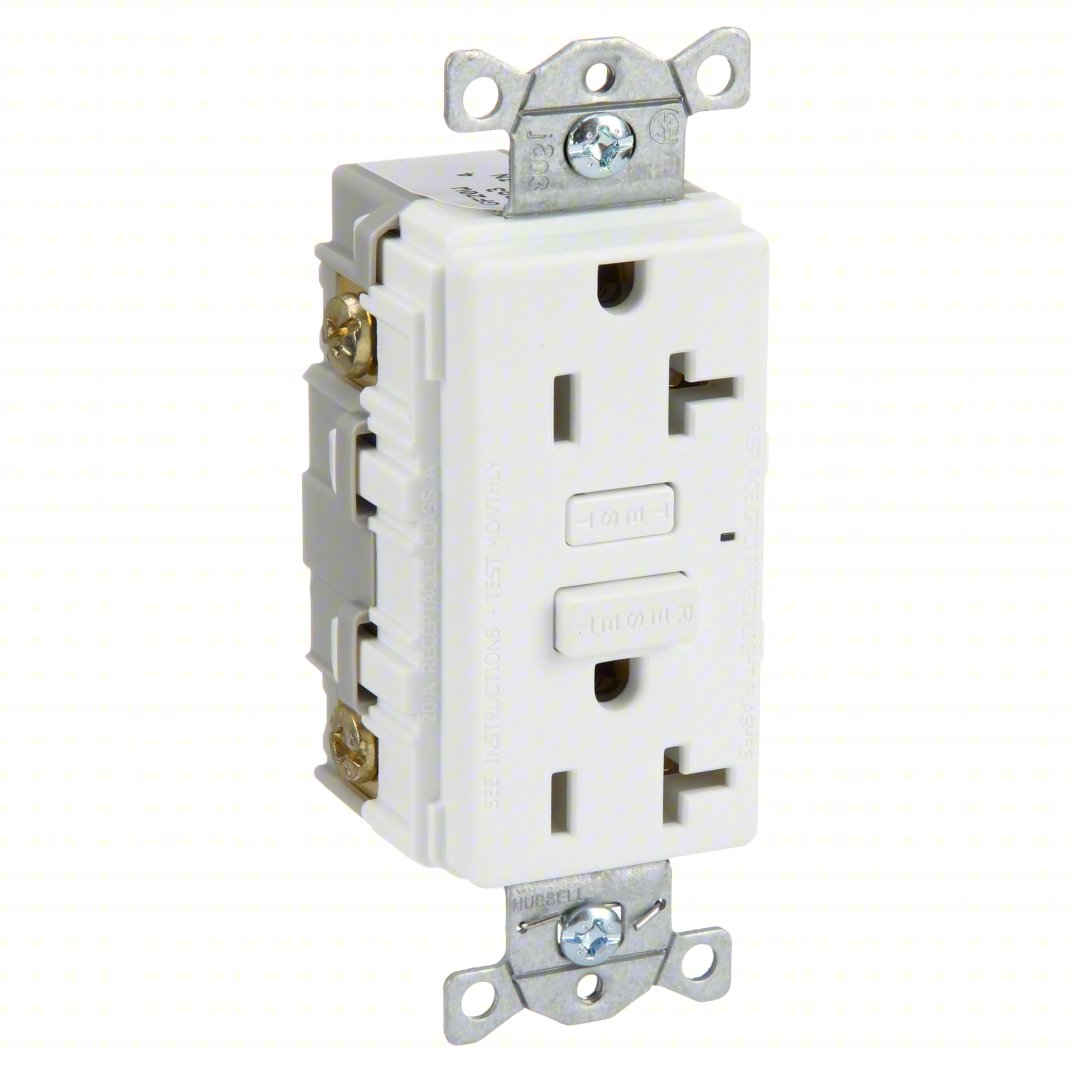
So go to the big box store and buy a 15/20 AMP GCFI.
20 AMP GCFI Plug
The 20 AMP one has the little sideways socket and the 15 AMP does not.
Plug up a lamp in that plug and turn the breakers off until the lamp goes off. Then just transfer the wires just as they are on the back of your plug. A GCFI has the wires coming in and maybe wires going out to other outlets that the GCFI protects. Usually they are line (line in from breaker) and load (line out to other outlets if you have any others). Make sure the wires are poiinted in a clockwise direction for the loop so when you tighten the screws it tightens around the wire. Really easy.
First off, HUGE thanks to everyone for chiming in. I’m very appreciative of all the information and effort!
I replaced the 15 AMP GFCI with a brand new 20 AMP GFCI and it still popped after turning on the controller. Just like before, it waited about 10 seconds before it popped. The blue lights on the PCB all came on as usual and I could hear a slight humming from the steppers. I can’t say that I remember always hearing a hum from the motors but I’ll admit that I haven’t really paid attention to it in the past. Regardless, it still popped the GFCI after being powered on for about 10 seconds.
I replaced the brand new GFCI with a standard outlet. Plugged it in and everything seemed fine. I started up Carbide Motion, initialized the machine and it homed out like normal. This current rev (Version 636?) brings the machine towards the front automatically after it homes out. The weird thing this time is that as it was traversing forward, it stuttered a bit just before it got all the way to its forward position. As it was sitting still, I could here the motors still trying to move it and slightly stuttering. Before I could turn it off, I heard it “quit”…rather it stopped humming and trying to move.
I turned it off at the in-line power switch and looked the machine over. I didn’t see anything in the way of the wheels/rail and there was nothing on the belt. I tried to turn it back on but nothing happened. Even the blue lights on the PCB weren’t illuminating. When I measured the voltage on the power supply, i was only getting .6VDC. That tells me that the power supply is probably shot. That’s an easy fix. Buy a new one. What troubles me is what was happening before it died. My guess is the power supply died because the board was pulling too much power for whatever reason. Not sure really…just a guess. I guess my question is whether or not all this is because of a faulty board? Stepper motor(s)? All this leads me to believe that the GFCI wasn’t the culprit after all. I still think there is a sound reason not to plug a CNC into a GFCI after reading what you folks have said but essentially, I’ve discovered a new problem.
Could either the X, Y, or Z axis be binding? This would impede motion and cause the stepper motor to possibly draw more current than it should. For your GFCI circuit, you may have downstream outlets that are also protected by that main GFCI. If any of those are either outside or near a wet environment you may not want to remove the GFCI protection from them.
That sounds like it could well be the AC/DC power supply unit on the SO3 itself that was failing and causing the tripping. There’s plenty of ways for the input to an SMPSU to fail that would trip an RCD / GFCI as they developed, many of them involve a capacitor getting old.
Probably best to contact support and ask if they’ve still got spare units they could provide you.
Just checking, when you measured the 0.6V DC was that with the PSU still plugged into the SO3 or just the PSU on it’s own?
If the power supply was going bad & just barely able to provide enough voltage before finally packing it in, then strange behavior could very well result from that. Circuits can behave in the oddest ways when the voltage/current is just at the threshold of operation. Most PSU’s have overload & short condition protections & will simply stay shutdown if the condition exists. It’s certainly possible that there is a short or near-short on the SO3 controller board, but then such a circuit fault would likely not have allowed the machine to operate up until the PSU packed it in - usually it results in burned out circuit board components.
Ultimately you won’t know if there’s further issues until you get a new PSU & power it back up. You could certainly do a visual inspection of the controller board for any indications of burned out components before trying to power it up again.
I wouldn’t add power to a questionable controller board.
Yes, and I wouldn’t stop there and cross my fingers, either. Make some measurements, troubleshoot, and etc. Perhaps you need to send your controller board off to Carbide, too?
My gut here says it’s the power supply but to CrookedWoodTex’s point, I won’t plug it in right away until look over the board as close as I can. After inspection, provided i don’t find burned out components, I’ll only power it on for a few seconds and see if it sounded like it did when the problem first occurred. If it sounds the same then I’ll probably contact Shapeoko and work towards getting a board replacement.
As far as the GFCI is concerned, I’m simply going to remove the outlet in that location altogether. That location is next to a water source so it has to be a GFCI for code reasons so I’ll just rewire that circuit so that the outlet isn’t in that vicinity.
I still haven’t verified that the GFCI was part of my problem. I’m curious to know if anyone else here has actually tried to run their CNC’s through a GFCI.
I have run by Shapeoko on a 25 year old GFCI outlet in my garage since I bought my CNC one year ago and have had no problems. It never entered my mind that the GFCI outlet could potentially cause a problem.
All my outlets here are RCD (GFCI) protected, current wiring regulations require that, each breaker is an RCBO. I don’t have any RCD tripping problems on the VFD, router, table saw, planer, dust collectors etc.
RCDs can age and fail in a couple of ways, they can either get more sensitive and nuisance trip or just pack up and stop tripping.
However, from your description of the deceased power supply my bet is that something in the input stage on the Carbide PSU reached the end of it’s life, started leaking quite a bit of current to ground and tripped your breaker.
If you can plug another large tool into that outlet and run it without tripping, then it’s probably the dead PSU.
I’d ask support about replacing the PSU, it’s probably worth a visual inspection of the controller board but, support can confirm, the PSU should have output short circuit and over-current protection anyway so if the controller board is drawing over-current, it won’t power up, or will shut down pretty quickly.
I thought I read something somewhere that it was recommended to not use a GFCI outlet for your CNC? I had tried with my 5pro and it kept tripping the outlet. I ended up having a new 20amp line run just for the CNC and marked it as such.
Compatibility
The VFD controller cannot run on a GFCI (ground fault) outlet. If you have a GFCI outlet, the VFD will not function properly. This is not a limitation of our particular VFD, it is a limitation of all VFDs.
This VFD and spindle ONLY run on 110V, it is not compatible with 220V power.
You don’t need to hear it from me ( ), but one can read a lot of stuff about GFCI equipment because its the easiest target available; just read back through this thread! It is purty logical to have a GFCI tripping, replace/remove it and “solve” the problem … even though you might just be covering up the problem by removing the canary from the mine.
The GFCI is just tripping on an imbalance of current flow from the hot to neutral path. In other words, all the current from the load is not traveling within the closed circuit of the load. It is assumed that “leakage” current is traveling through your body to the safety ground wiring. That assumption saves lives.
However, there could be a fault in the GFCI (for whatever reason) that can be fixed by exchanging the faulty one with a new one that works.
Like others have said, there could also be a fault in the circuitry of the load that develops over time; usually a “leaky” capacitor designed to alleviate poor electronic design problems.
If I had an electrical device that “will not function properly” on a GFCI protected circuit, the manufacturer would have a problem; not me.
Read through it since I was experiencing the same thing with my new machine and I also agree. The snippet that I read and posted is directly from the carbide VFD page itself ( 65mm VFD Spindle Kit - 110V - Carbide 3D ). I’m not nor will I ever claim to be an electrician… But that does make me wonder what about the VDF makes it not compatible with a GFI protected outlet versus other tools? I know I can run other saws and routers on the protected outlets in my garage with no problem but the VFD will trip it every time and at various times.
Please don’t tell my GFCI outlet. It is about 25 years old and last year I bought and installed the Carbide VFD kit. Still running. Of course now that I said that it will fail.
That may be fortunate as it may not be as sensitive as newer ones. I’ve worked in new houses that have GFI breakers on nearly all the circuits - could not use a mitre saw/table saw/router or pretty much anything with a motor in it anywhere in the house. The fridge/freezer outlets were the only indoor circuits that were not GFI breakers.
Motors (especially VFD motors which are being constantly switched) cause a phase shift of the current as coil windings(inductors) are energized/de-energized. If the shift is big enough, it can trip a GFI due to the current imbalance on the Hot/Neutral conductors even though nothing extra is being leaked or shorted to ground. It really depends on the speed/duration of the transient event & how quickly the GFI is designed to react to it - apparently some GFI breakers are designed to work with the inductive loading of a motor without tripping.
 )
)