does anyone have a simple way to convert photos to grey scale then to an stl to be used in carbide 3d
there are so many sites that don’t work correctly as far as converting and i am not looking to buy a program like Vectric so if anyone has any info it would be great…and carbide it would be great if you could do this in your programming without having to jump thru hoops on the internet… just saying!
You might try EasyCreate
You buy credits for various portions of them. You can spend $20 and get enough credits for 40 or 50 conversions.
It can generate a Vectric native format or a greyscale tiff that will work in CC.
I have also tried VistaSculpt and it was good but not as polished and it’s a monthly subscription.
2 Likes
easy-create works great but only allows you to upload to Vectric systems and like i said id rather not buy another software for my cnc been using carbide since i started cnc about 5 years i think? getting old lose track of time.
1 Like
That’s not quite accurate. As I said it gives you the option to use the proprietary Vectric format or output as TIFF. If you would like to send me a photo I can generate one for you to check out.
so how then do i generate an stl file that can be used in carbide 3d from the Tiff file?
seems like everything i try takes me around the world and back?
If you have a TIFF file which is a height/depth map, it should work to open it in a pixel editor and re-save as a PNG or JPEG which Carbide Create Pro will import.
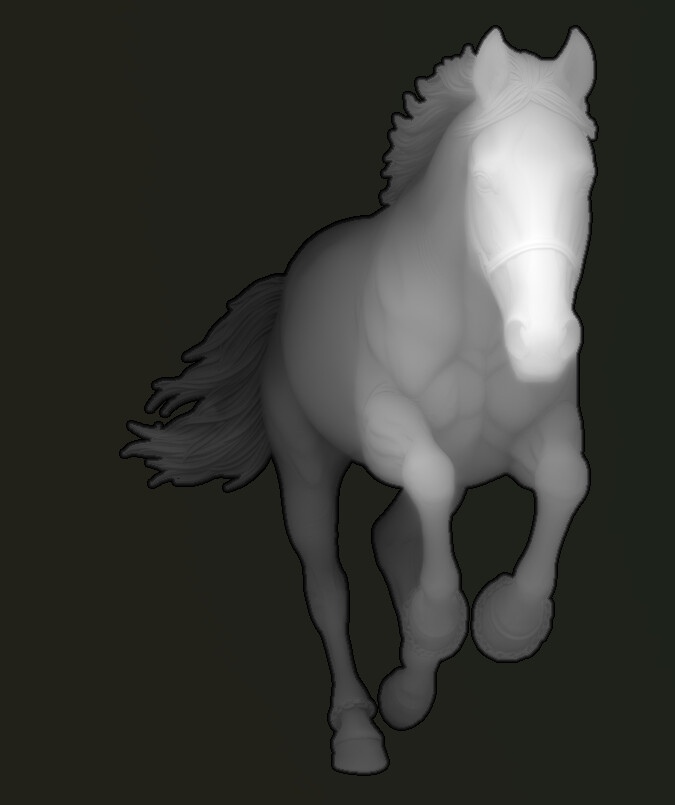
2 Likes
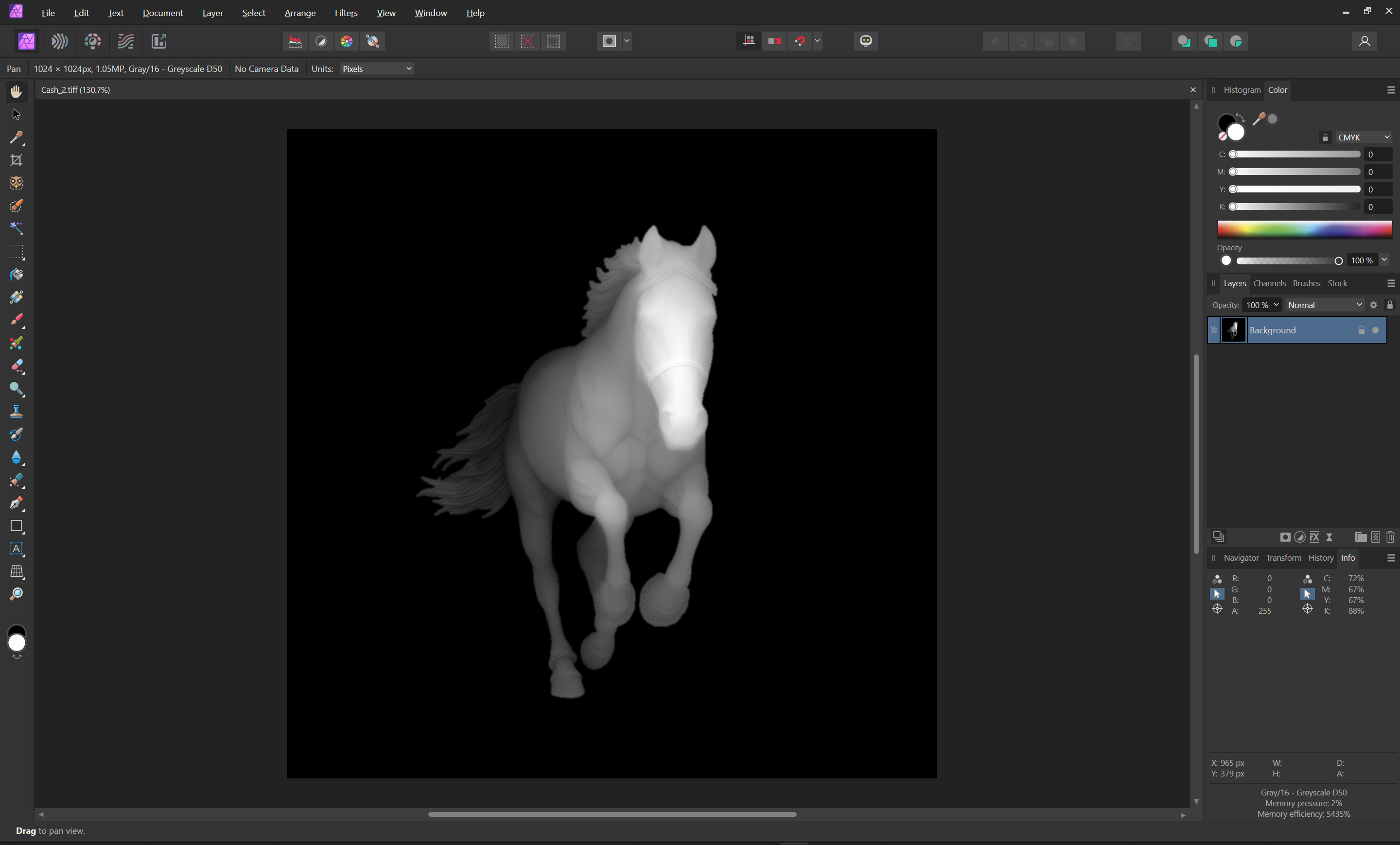
Opened in a pixel editor:
exported as a PNG and imported into Carbide Create:
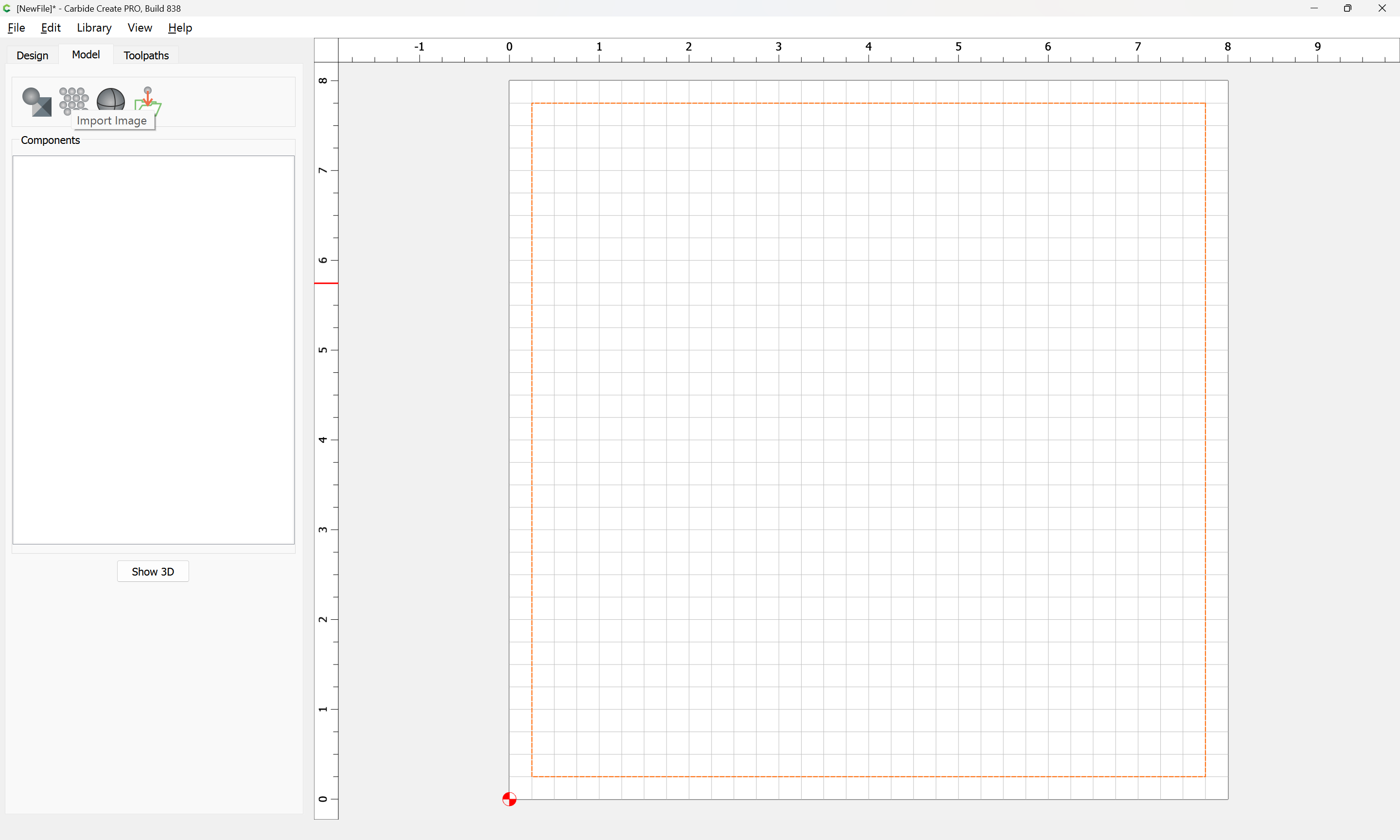
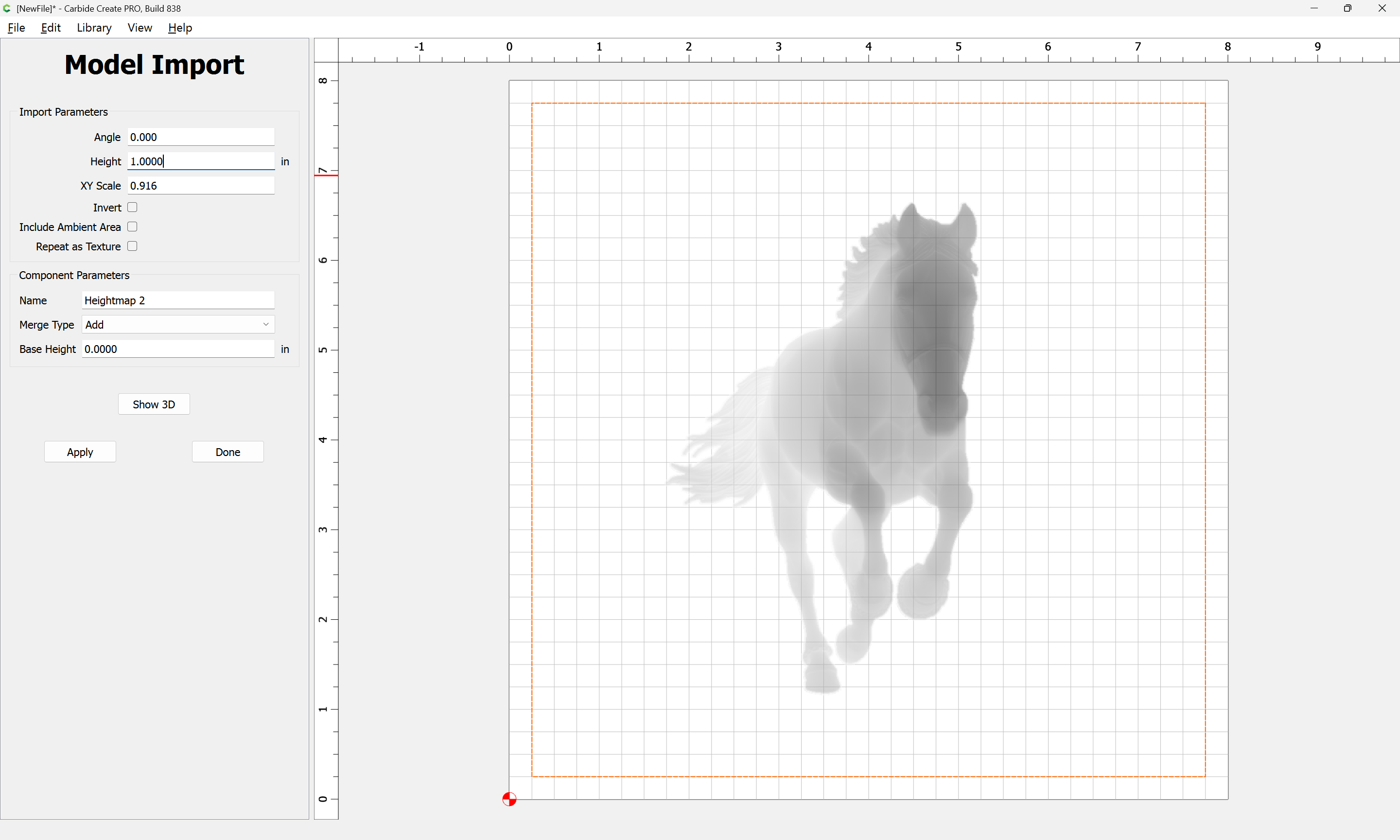
Show 3D

Attached as a v8 file.
cash_horse_v8.c2d (748 KB)
2 Likes
Thank you i will give this a go first thing in the morning
ill let you all know if i succeed.
Thanks
I use https://www.sculptok.com free version to convert my photos to an STL. It does not need to be a grey scale image, but I sometimes use ChatGPT to convert an image to grey scale before use, if needed. You’ll need to play with the adjustments in sculptok to get the look you want. I did these two STL samples off a download of your image. They were too large to attach, but you can get them from the links below and import one into CC. You will need to create your own toolpaths.
2 Likes
You could try ImagR for gray scale. I use it for background removal. It’s free.
I use Inkscape for converting jpeg to svg. It’s free. There are some YouTube videos showing how to do it.”
2 Likes
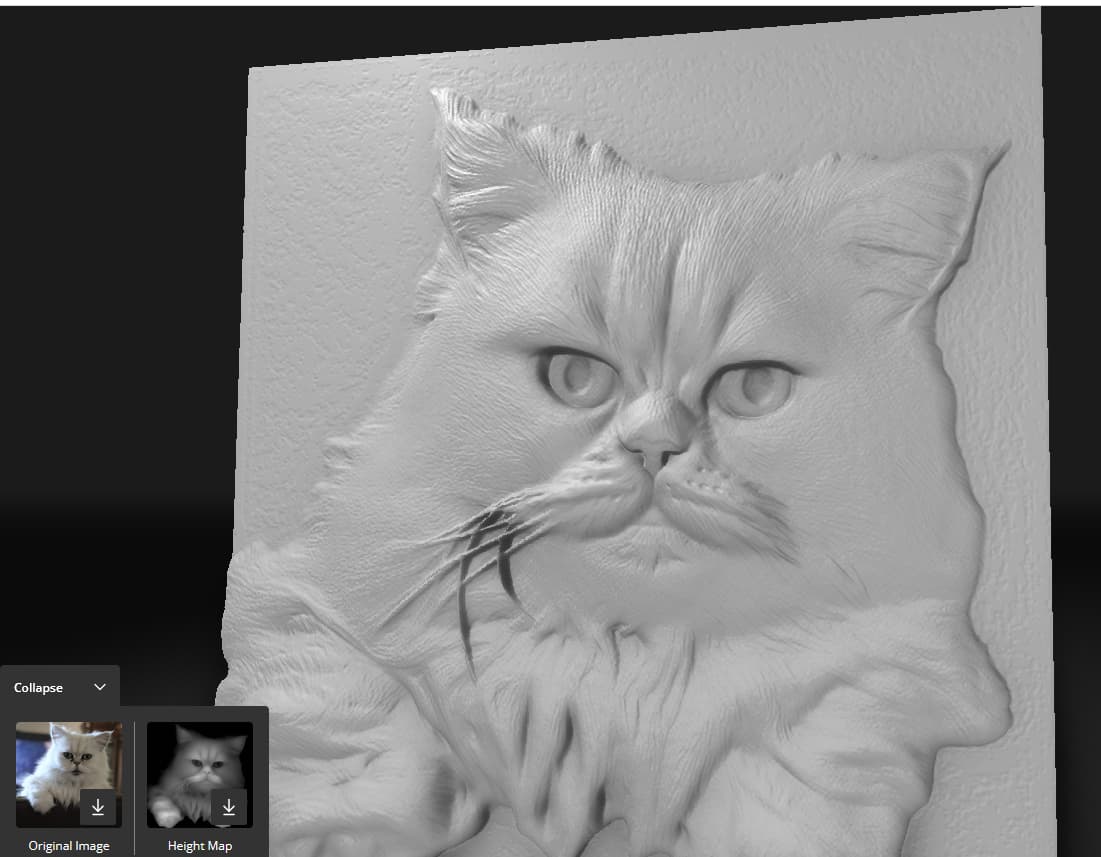
MakerWorld has a Relief Sculpture Maker in its Maker Lab section of the site. If you register an account, you get a certain number of free credits per month to create reliefs from photos. As you can see from the screenshot using a photo of my cat, you can download an STL 3D model or a 2D height map. BTW I am not affiliated with them other than being a regular user.
https://makerworld.com/en/makerlab
1 Like