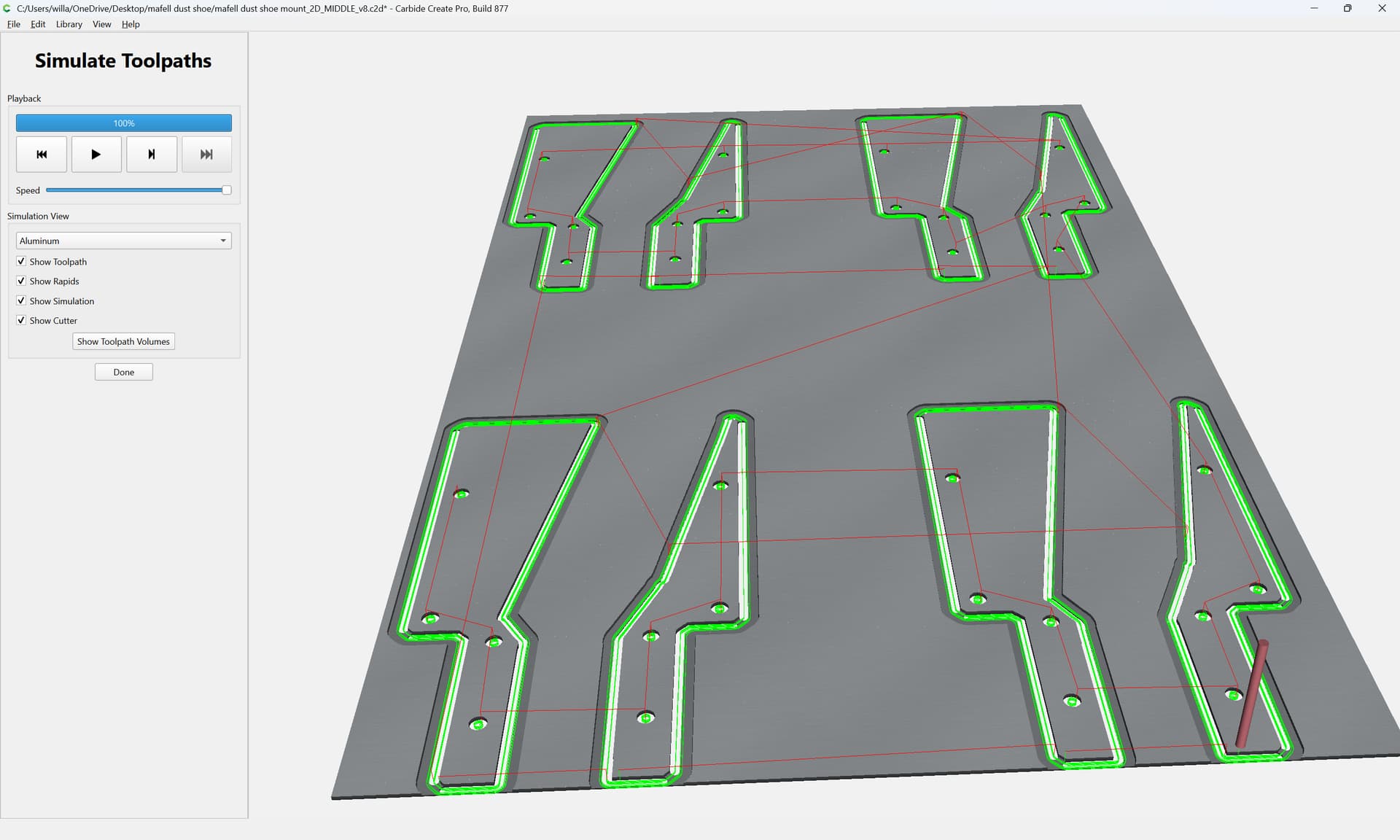
I have a project that works perfectly but I now want to cut multiple at the same time by making the stock much larger and duplicating the design. Is it possible to copy/paste the design complete with vectors and model component along with the tool paths?
Rather than copy-pasting, save what you want as a .c2d file, then import it into a new file?
Carbide Create can do that, not sure about other programs.
For more on this sort of thing see the video:
2 Likes
I have done that multiple times and it worked that way for me.
1 Like
Thanks Will. I will give that a try.
I think you mean duplicating the vectors and toolpaths multiple times within the same file so you can cut multiple of the same object in a single run correct?
It’s been a while since I used CC but I am pretty sure it will do that.
1 Like
Yes, that’s exactly what I meant but you said it better than I. 
There are a couple of possible approaches here:
-
copy-paste between two different files — only the geometry will be copied
-
copy-paste within a file if the geometry is associated with a toolpath — this will add the pasted object to the existing toolpath
-
Edit | Duplicate Selected — this affords controls over what happens:
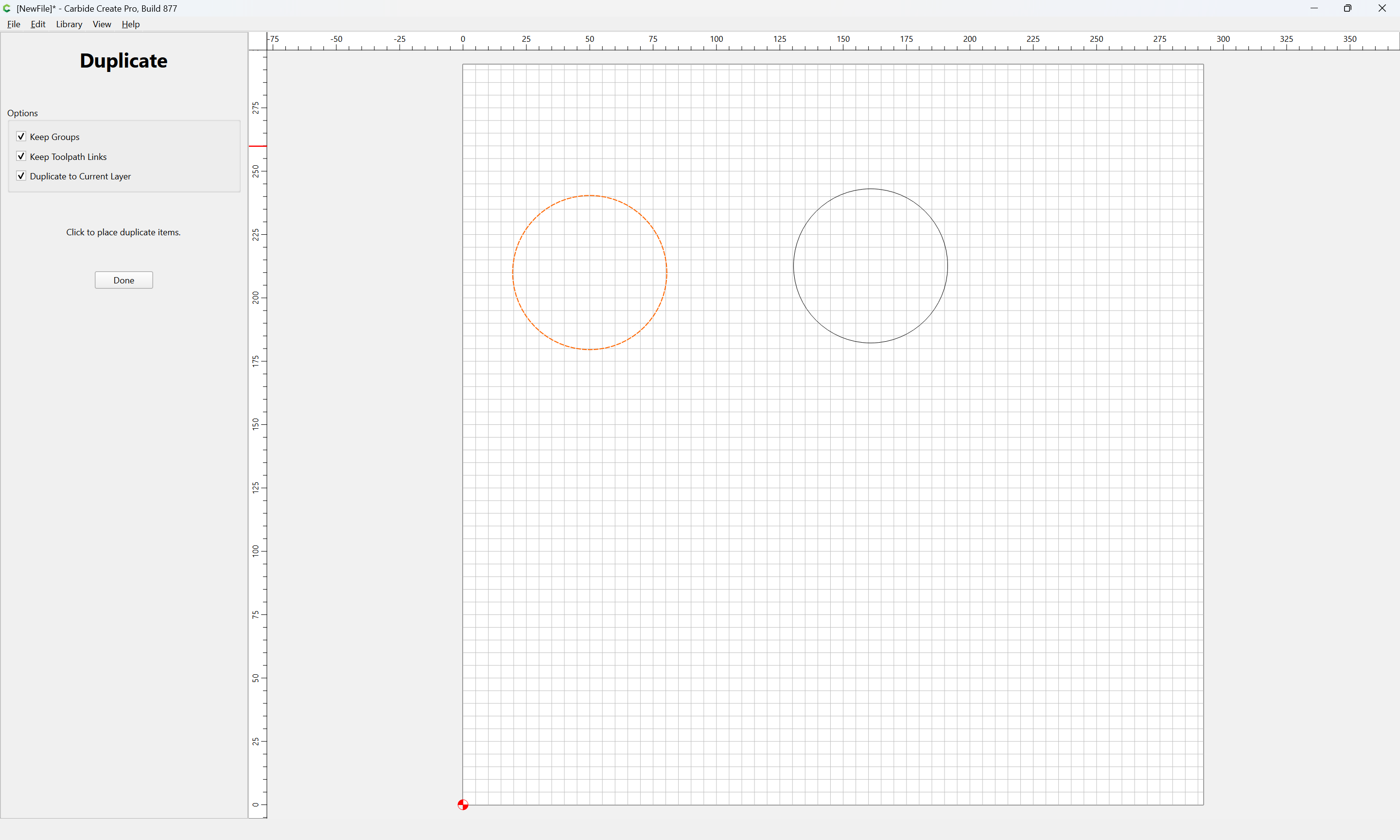
- import a .c2d file — this will duplicate not just the geometry, but also create duplicated/new toolpaths and groups — if one wants each duplicate cut sequentially
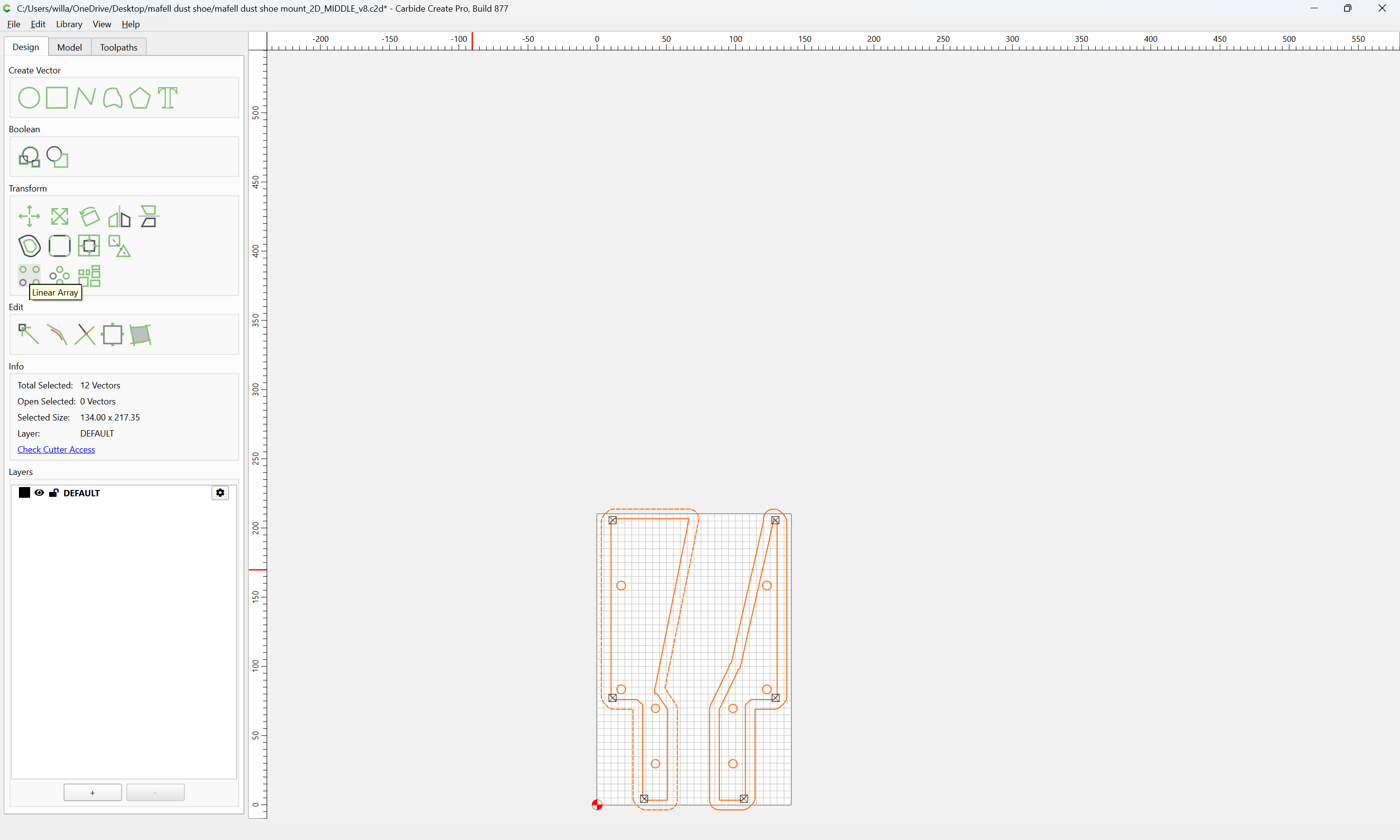
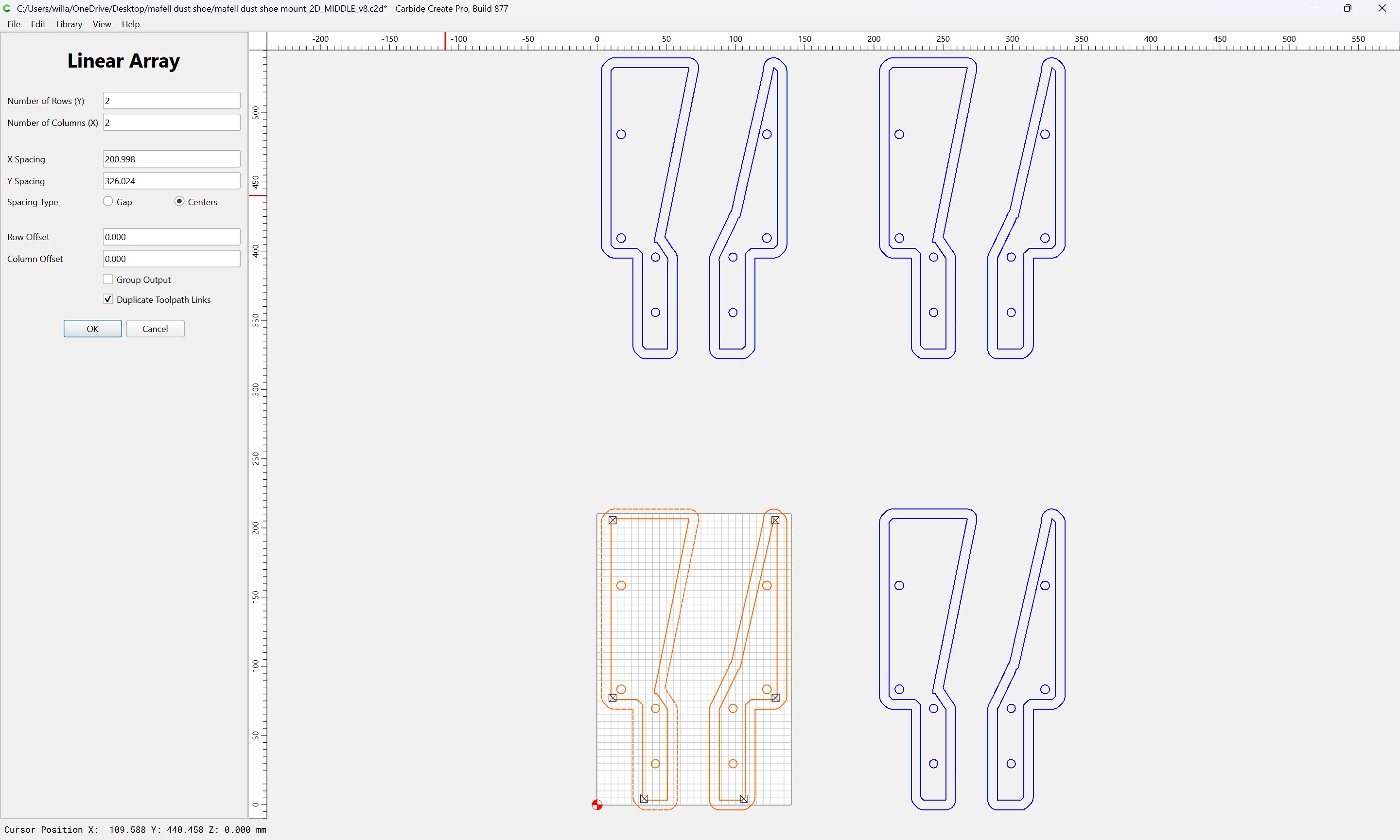
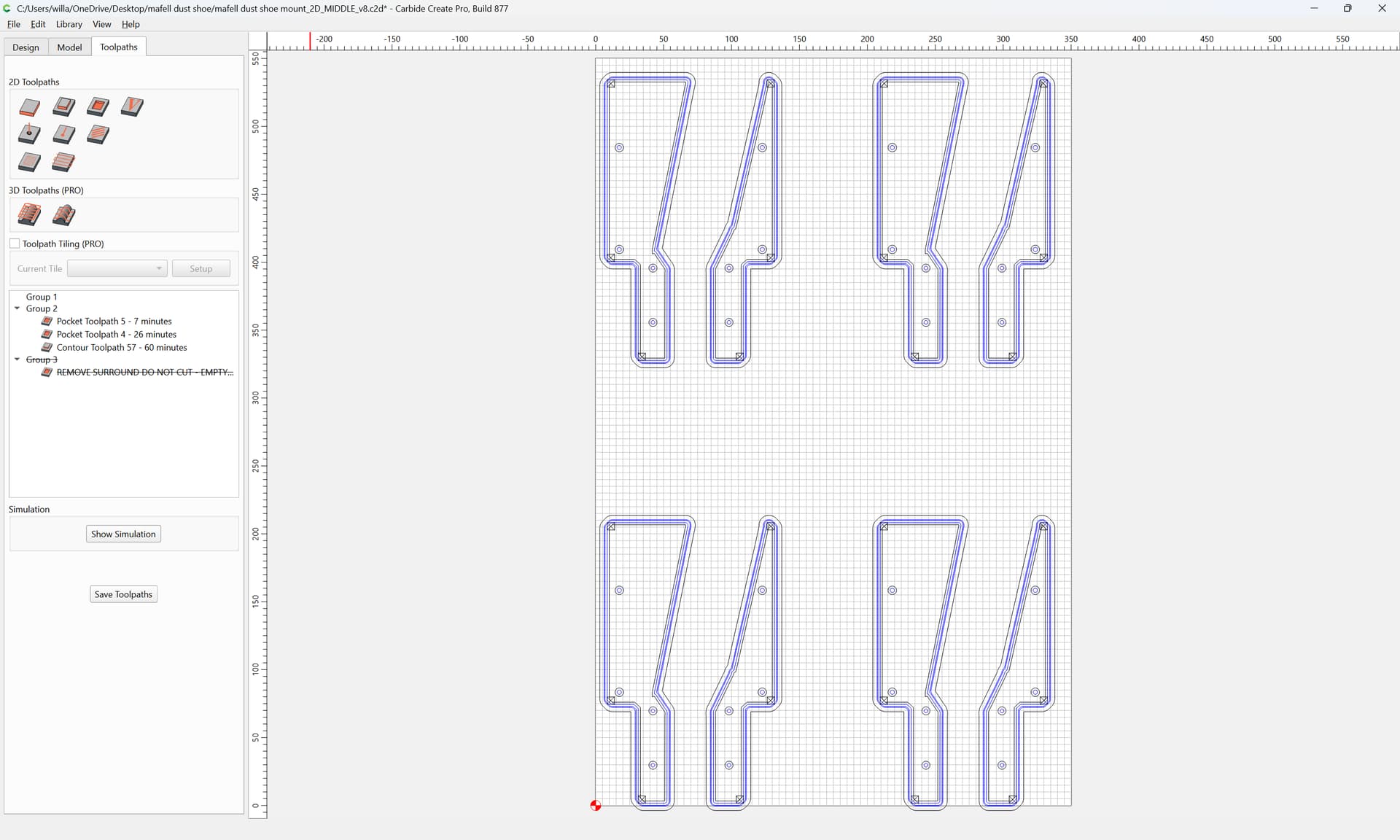
EDIT: as @4wm noted, there is also the Linear Array tool:
Thanks Will. Am I too assume that the model components will not/cannot be duplicated?
Correct. To duplicate the 3D model see:
1 Like
I rarely use Create anymore, but to your specific point about making multiples does the Linear Array Transform do what you want?
In other CAM software there is similar function to multiply toolpaths called Array or Pattern. It can be used to replicate one design multiple times to different size sheets without the need to copy the vectors. It would be a good feature add to Create.
1 Like