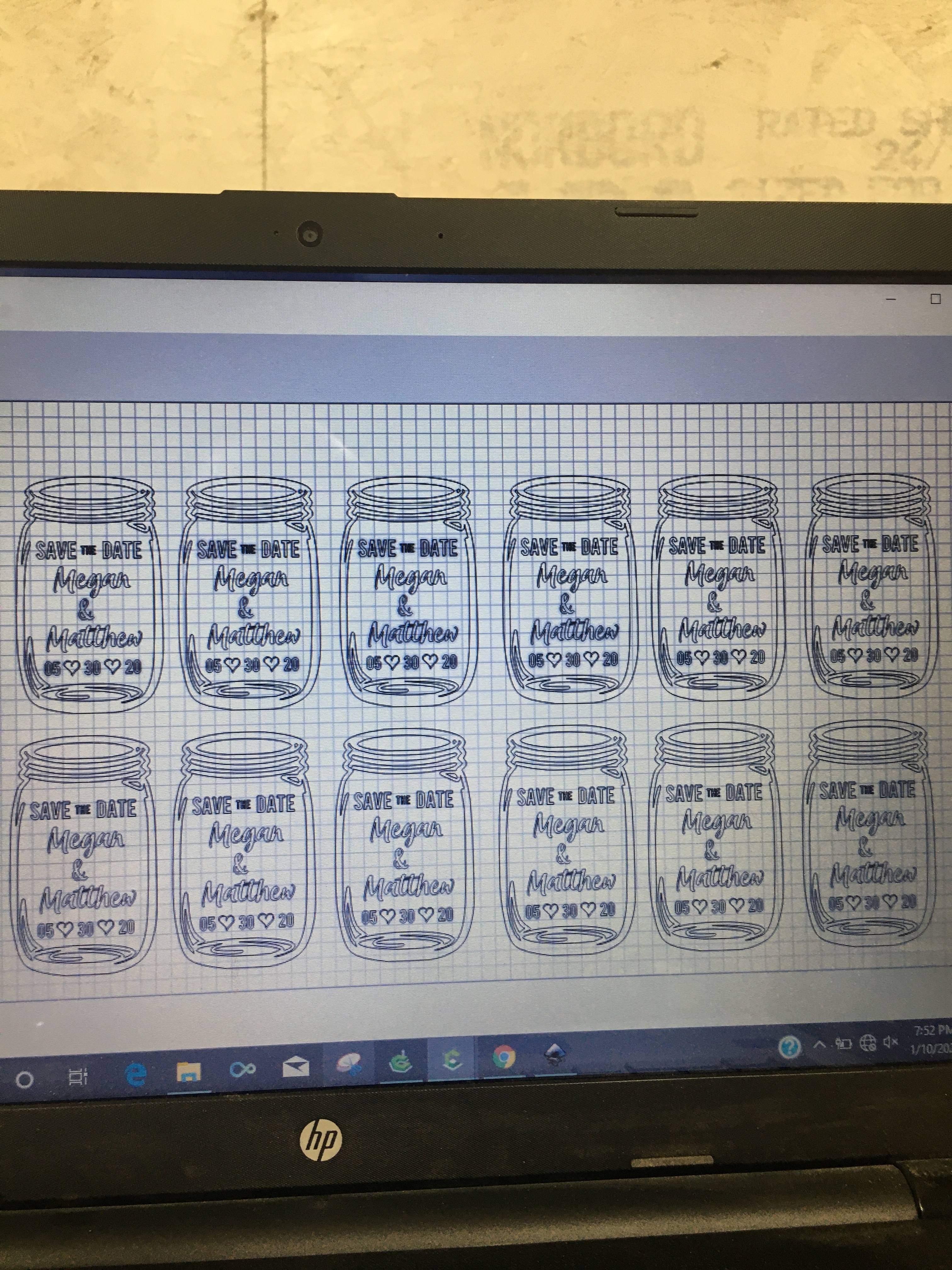
I have a file I created in CC with 12 pieces per board
I’m having trouble copying and pasting the tool paths.
Is there a way to create a tool path on one item and copy to the other 11 pieces. ?
I researched similar topics from 2016-2017, with no luck.
I’m certainly no expert, but I would think the answer is no. If you copy a toolpath it would just repeat the same cut in the same place. When you generate a path it tells the router where to move relative to the zero point.
Your best bet, since all the pieces are the same, is select all the same vectors in all the pieces and generate one code from that.
I’m afraid that Carbide Create doesn’t duplicate toolpaths when duplicating geometry.
The toolpaths will either need to be recreated for each duplicate, or you can edit the toolpath and then shift select on the matching duplicated toolpaths to add them to the selection for that toolpath (usually this results in inefficient machine movement).
I’ve been asking for macros or something similar for Carbide Create for a while now — please add your voice to the chorus at support@carbide3d.com and we’ll see if we can convince @robgrz