I am running into an issue where my contour toolpath will randomly change from Outside/Right to No Offset without warning.
I have a few files where I keep the same general geometry, but tweak a slight detail, such as a name in the carve. I have been working in the same file, change the name for an advanced vcarve, save the file with the same name, reload the file, and rerun the program. Sometime between the second and third time doing this the contour switched to No Offset, thus not cutting correctly.
Another issue I run into is that text in a file will randomly move by some small margin (less than an inch)
I have had this happen in multiple different files that are completely unrelated.
I save my files to Microsoft OneDrive cloud services, but don’t typically edit the files on multiple computers. Although, this is the reason I do this and have had it work successfully, ensuring I have the same Carbide Create version on each computer.
I’m wondering it the cloud service method is somehow corrupting the files.
I too use Onedrive to sync files between my desktop/laptop computers. The only time I’ve ever had problems with sync’d files is when I shutdown a system too quickly after completing some design work & it doesn’t have a chance to get uploaded to the cloud. Then later re-open the file on a different system without realizing that the cloud-version hasn’t been updated & then get all confounded by the dissappearance of changes I could swear I made…
Glad to hear others are using cloud storage without issue. I find that the issues primarily happen when I keep a file open for a long time, or when I open one file, make a bunch of changes, and then do a file->save as with a new name. The original may have issues, I think due to the autosaving nature of cloud storage. I’ve found that I should open the file and do the file->save as the first step and to not keep files open for long periods of time. since I have a dedicated computer for my CNC, I tend to leave Carbide Create open when I’m done for the day.
Also, after a little bit of tinkering, I’ve determined the issue with my toolpaths switching from offset to no offset without warning. I use a small 11" laptop for my CNC computer. when editing a toolpath, I often need to scroll in the editor window to get to the save button. When scrolling with my mouse wheel, if the mouse happens to go over the dropdown for the offset, it will scroll through the options as well. I’ve learned to pay closer attention to what I’m doing in that regard. However, maybe that is an unintended downfall for the drop down menus allowing scrolling. Lesson Learned…
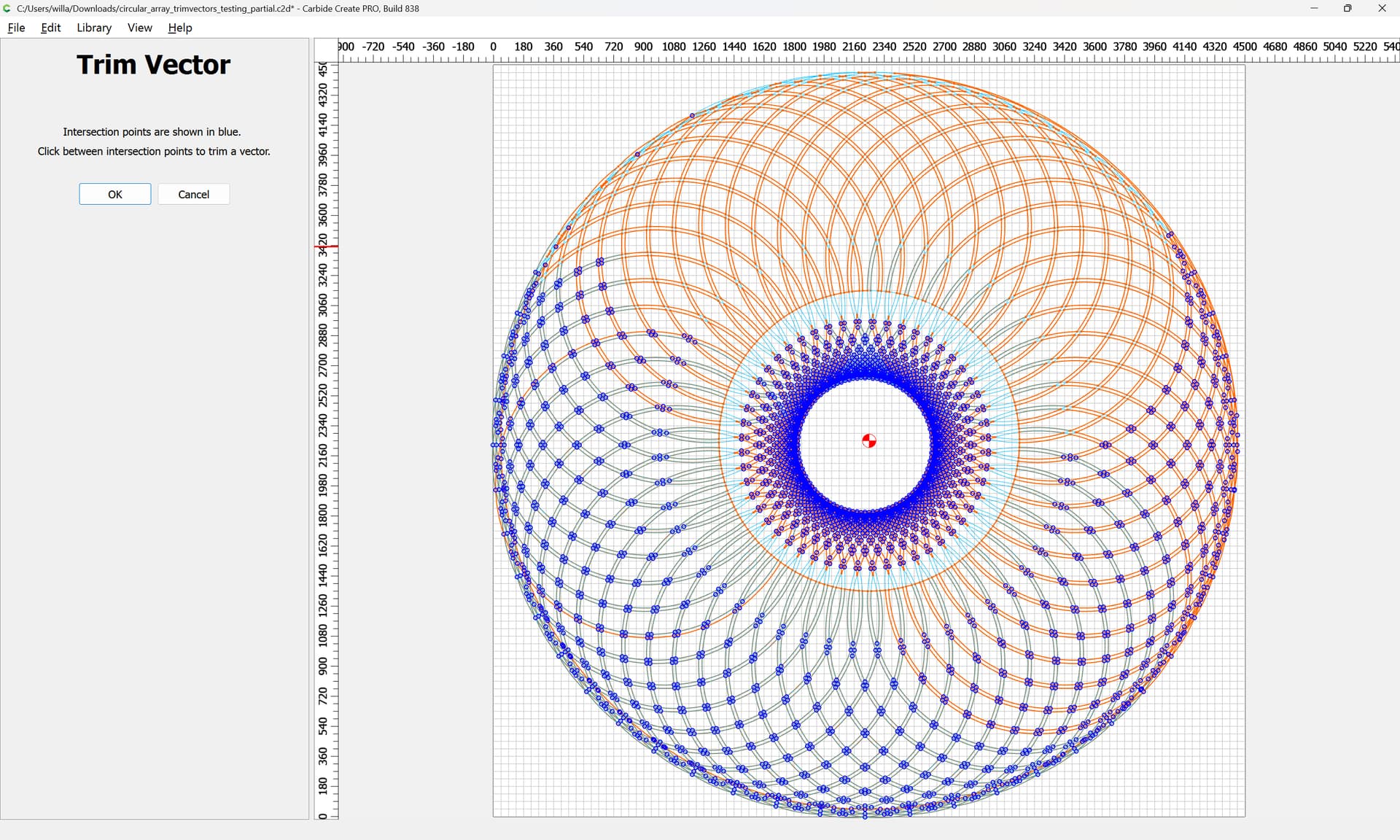
(trying to work through manually using Trim Vectors so as to arrive at a file which should be a thorough workout for the “Join Vectors” command)
The System Requirements if met should not require that one scrolls so as to result in the problem you describe. Decrease screen scaling so the UI fits?