If a customer requires a proof of a map that I am going to make on my shapeoko using CC as the CAD - what is the best way to produce a printed proof to show. I am not able to print from Carbide Create.
Thanks in advance
Just take a screen-shot, then past that into your favorite image program, save and print from there.
On Windows:
Alt+ Print Screen - snapshot current window
Windows Key + Shift + S - Highlight an area and copy it as the snapshot
You probably also have a program “Snip & Sketch” that does the same as the second key combo above. You can print directly from this program.
1 Like
Sounds good - thanks for the info
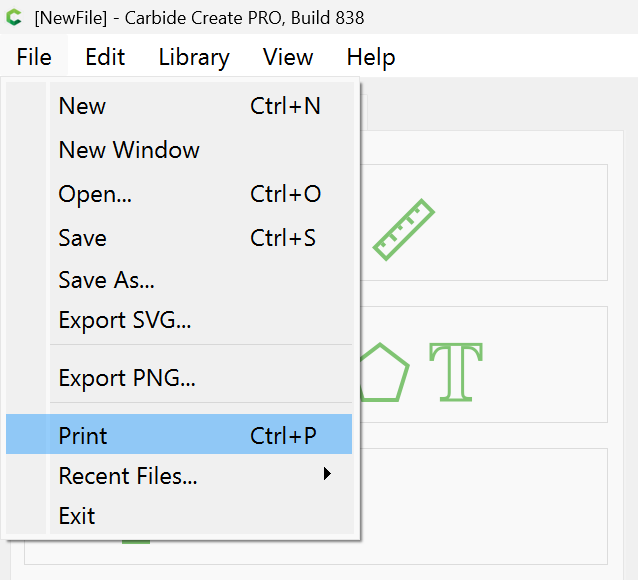
Current versions of Carbide Create are able to print:
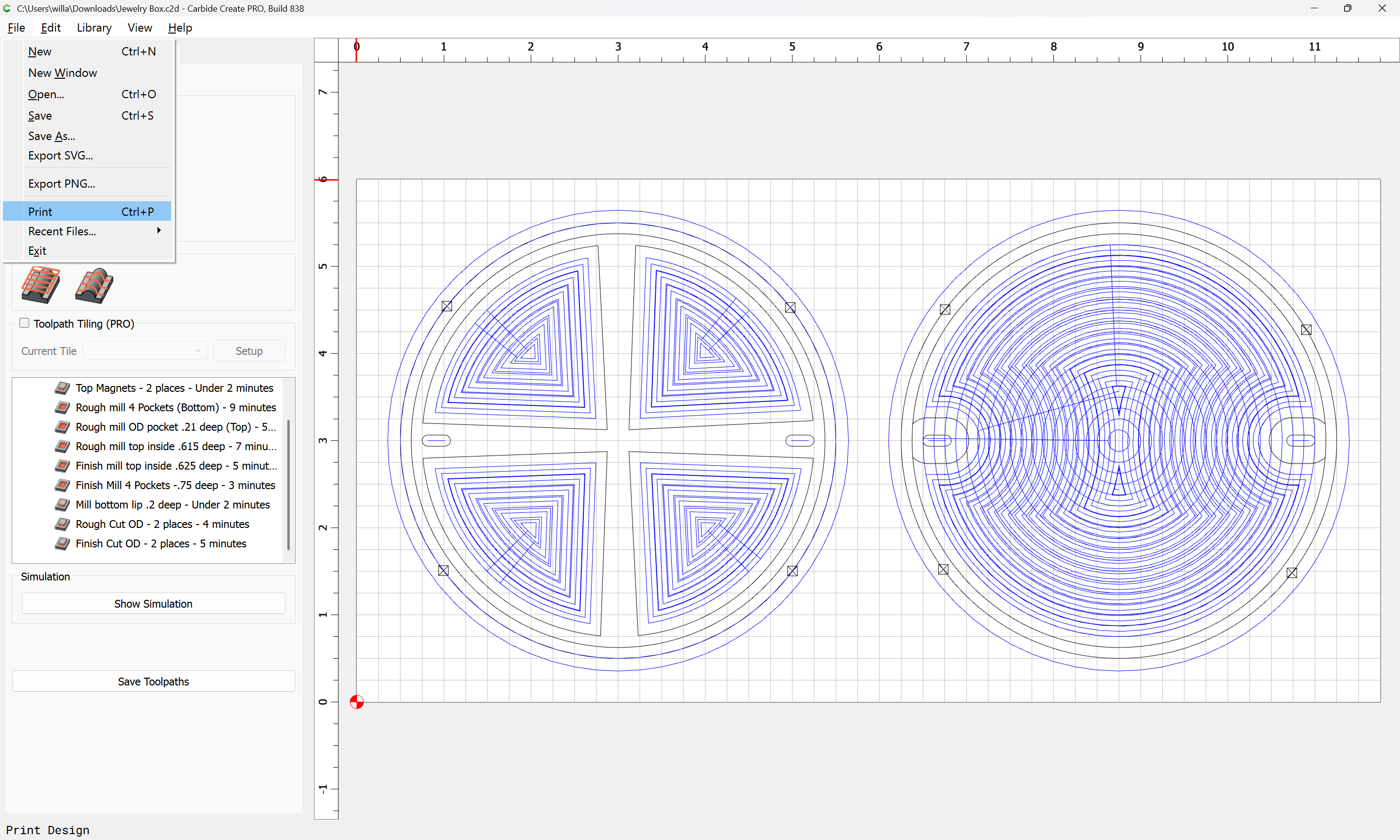
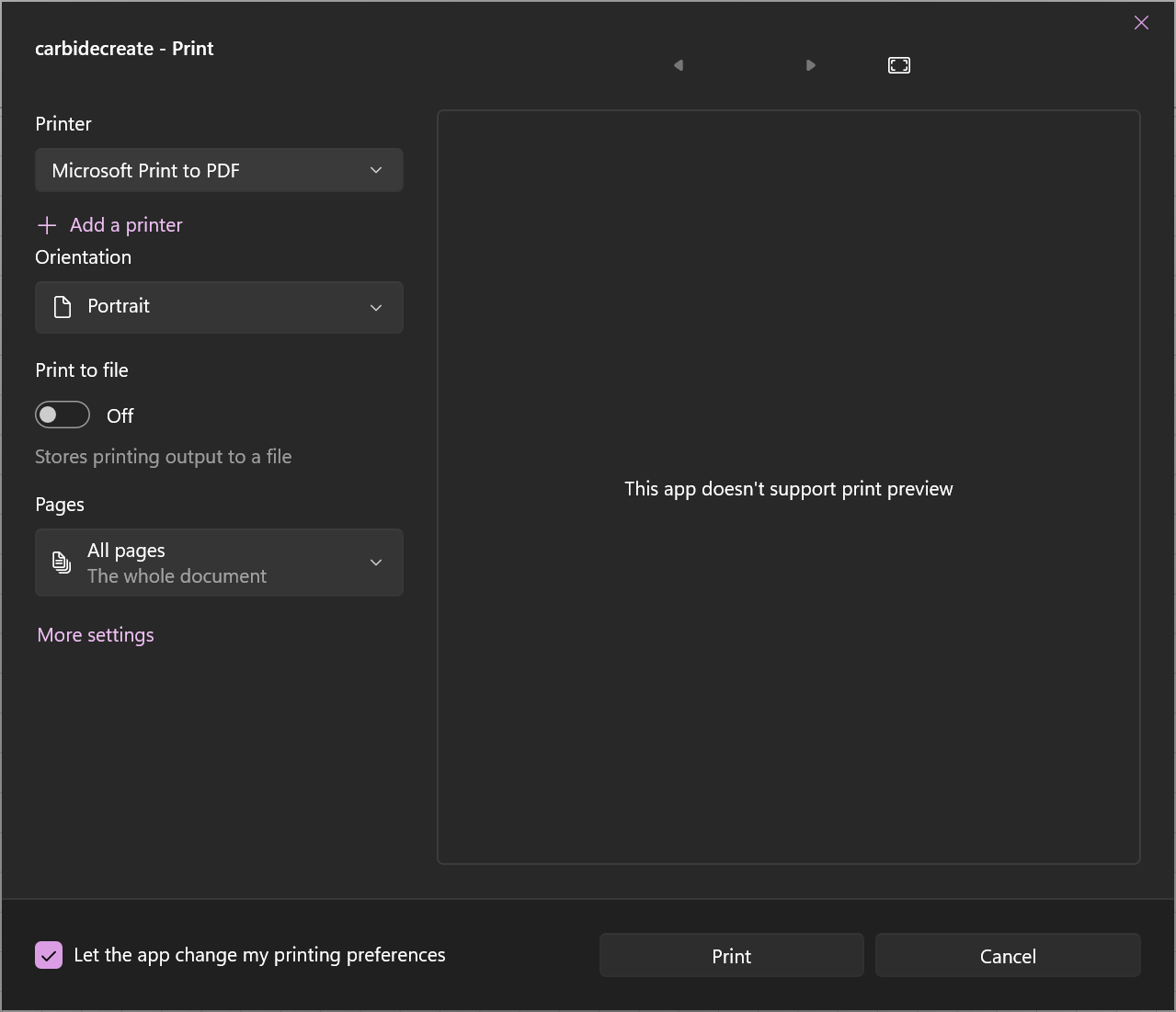
One can even divert to a PDF and get a nice vector PDF.
Note that the Stock should be at a minimum similar proportions to the page size used.
2 Likes
Ok - great - thanks
How do I convert to a PDF - this would be great to send proofs to clients
This topic was automatically closed after 30 days. New replies are no longer allowed.