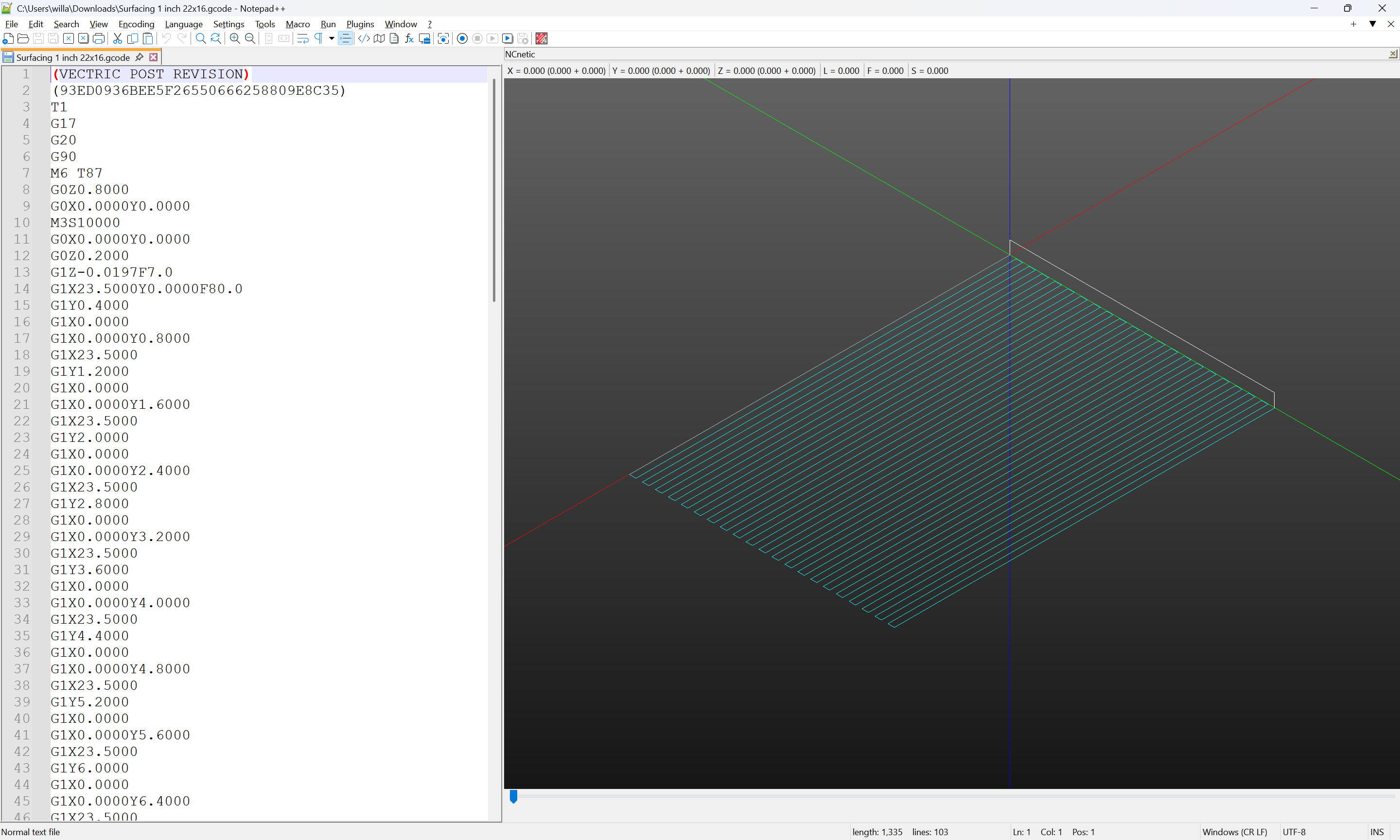
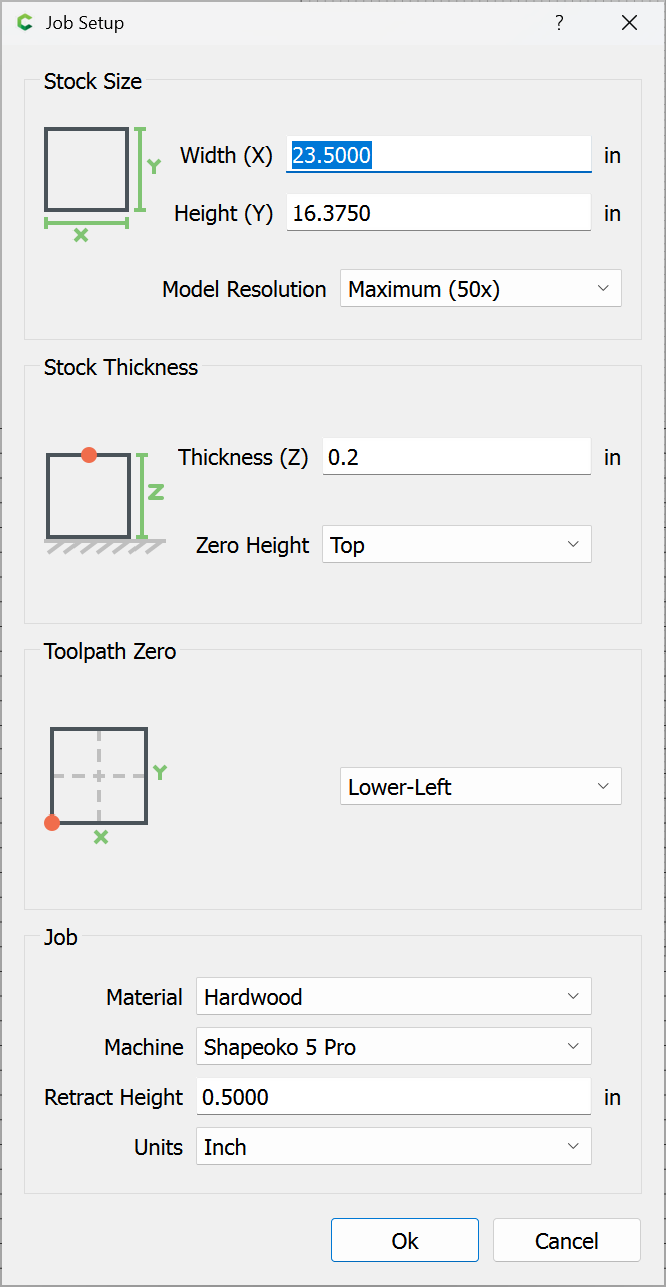
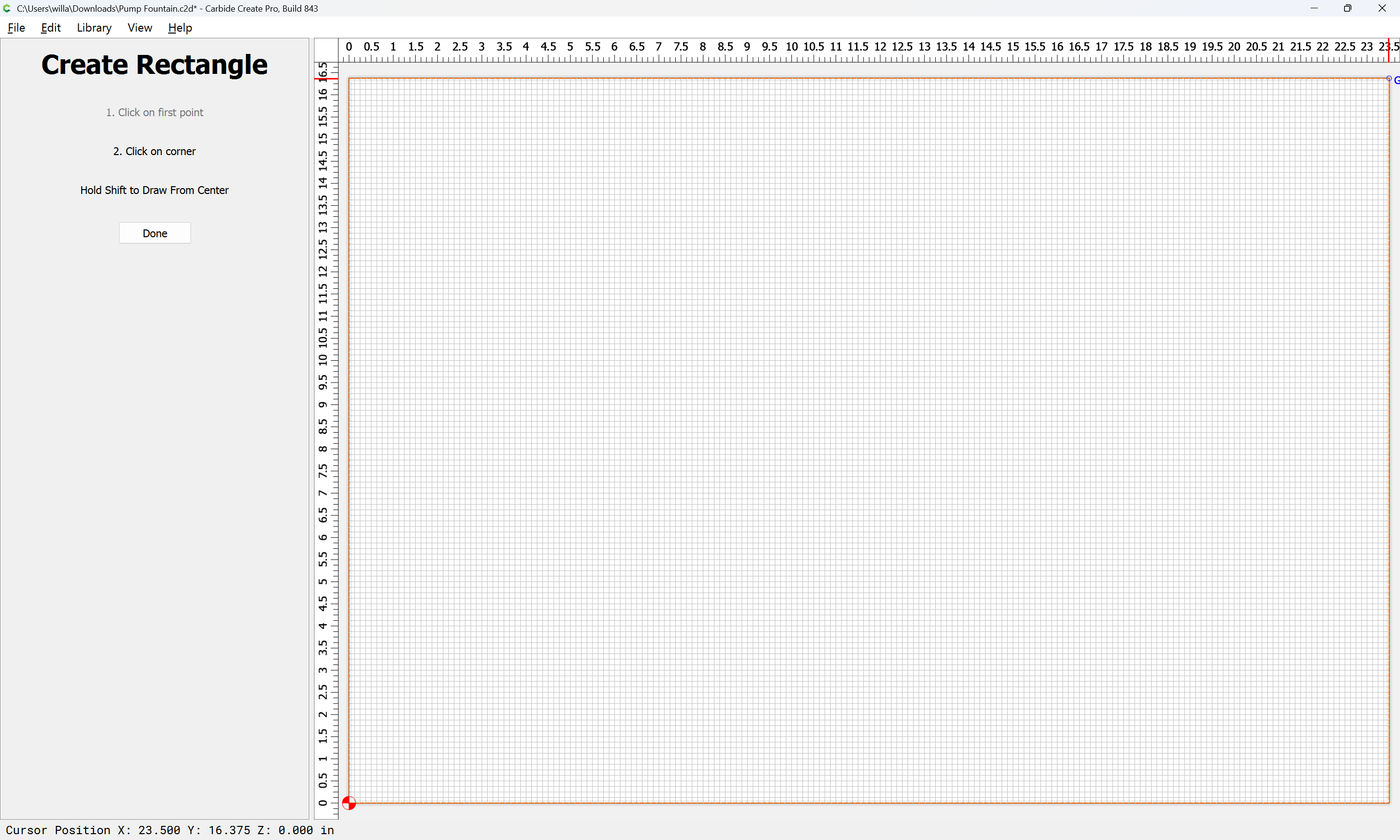
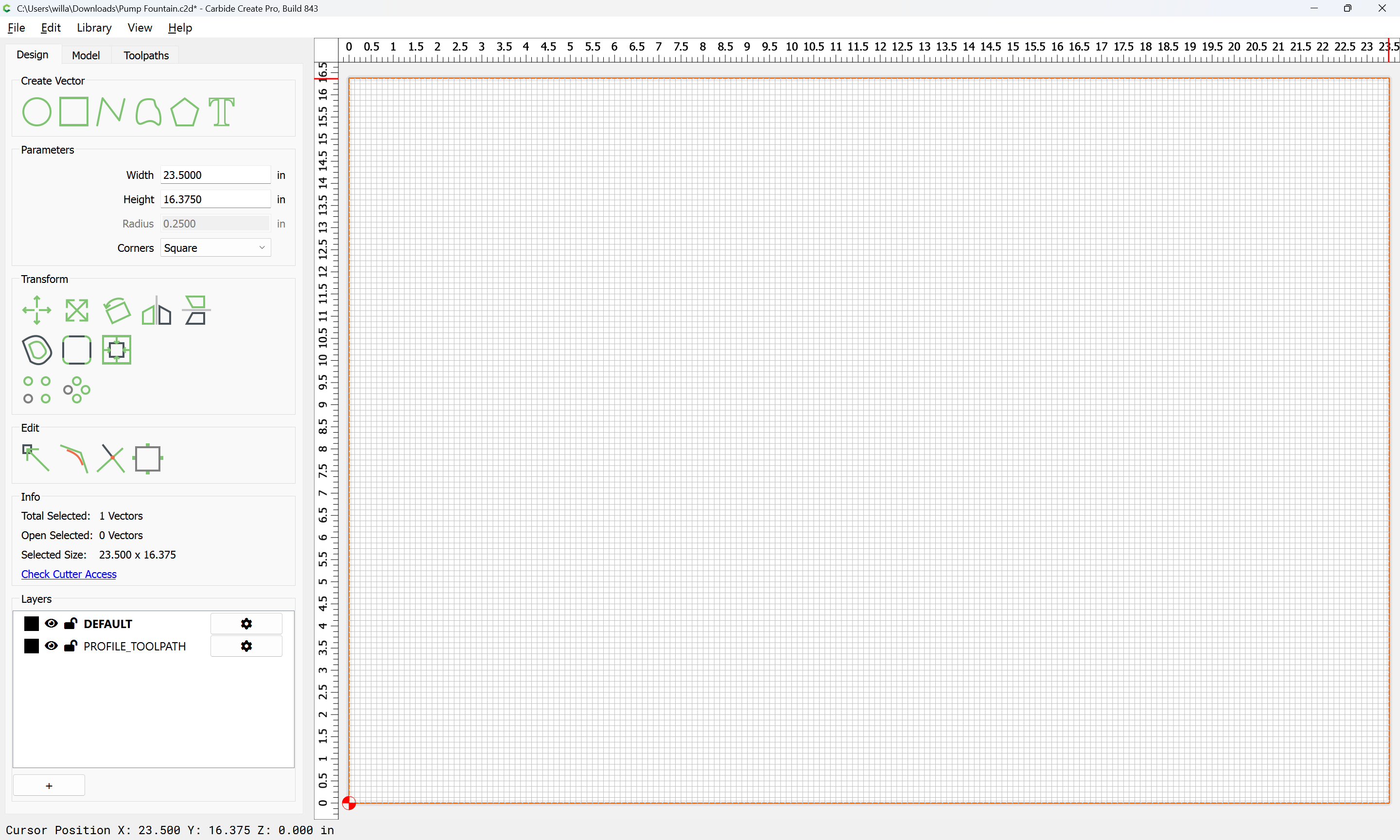
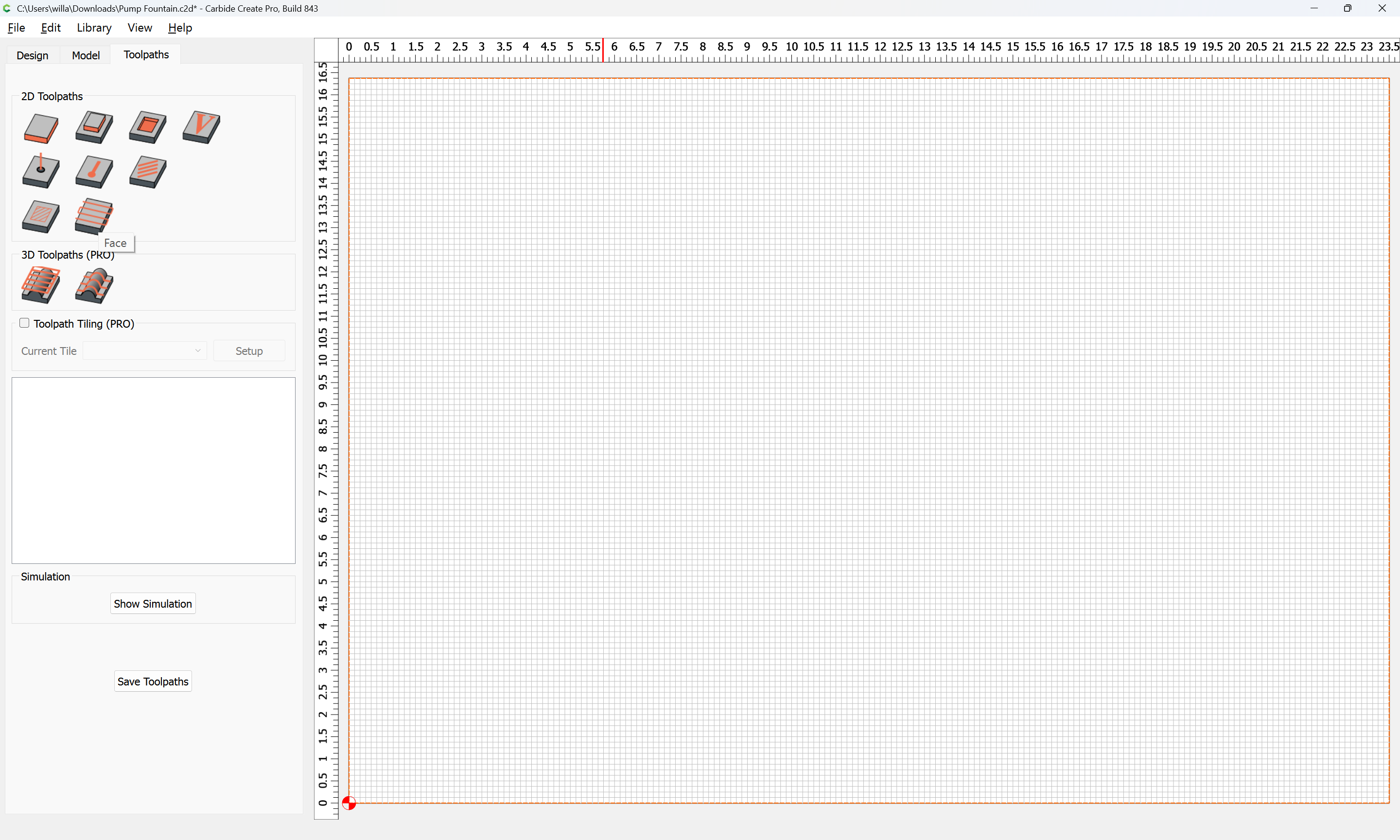
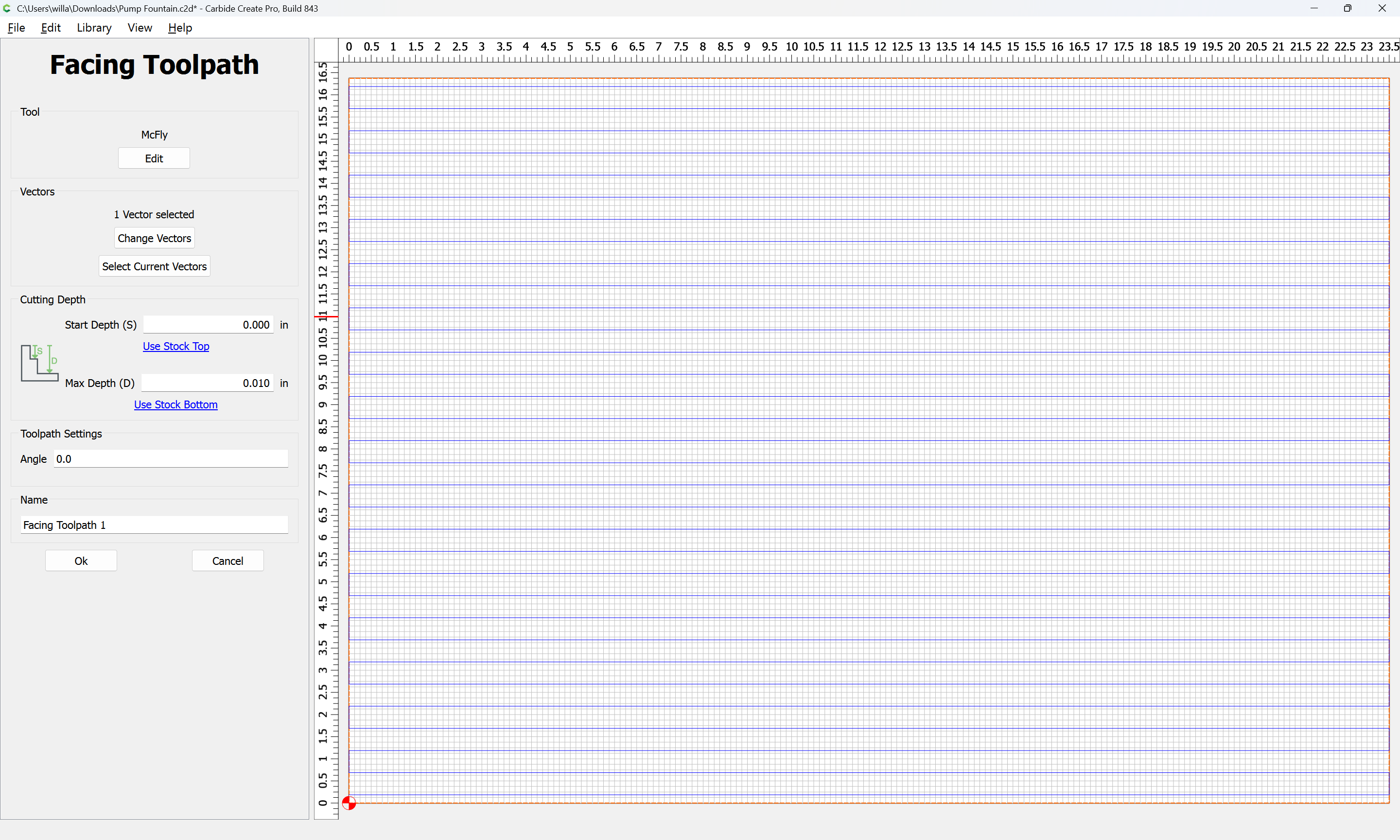
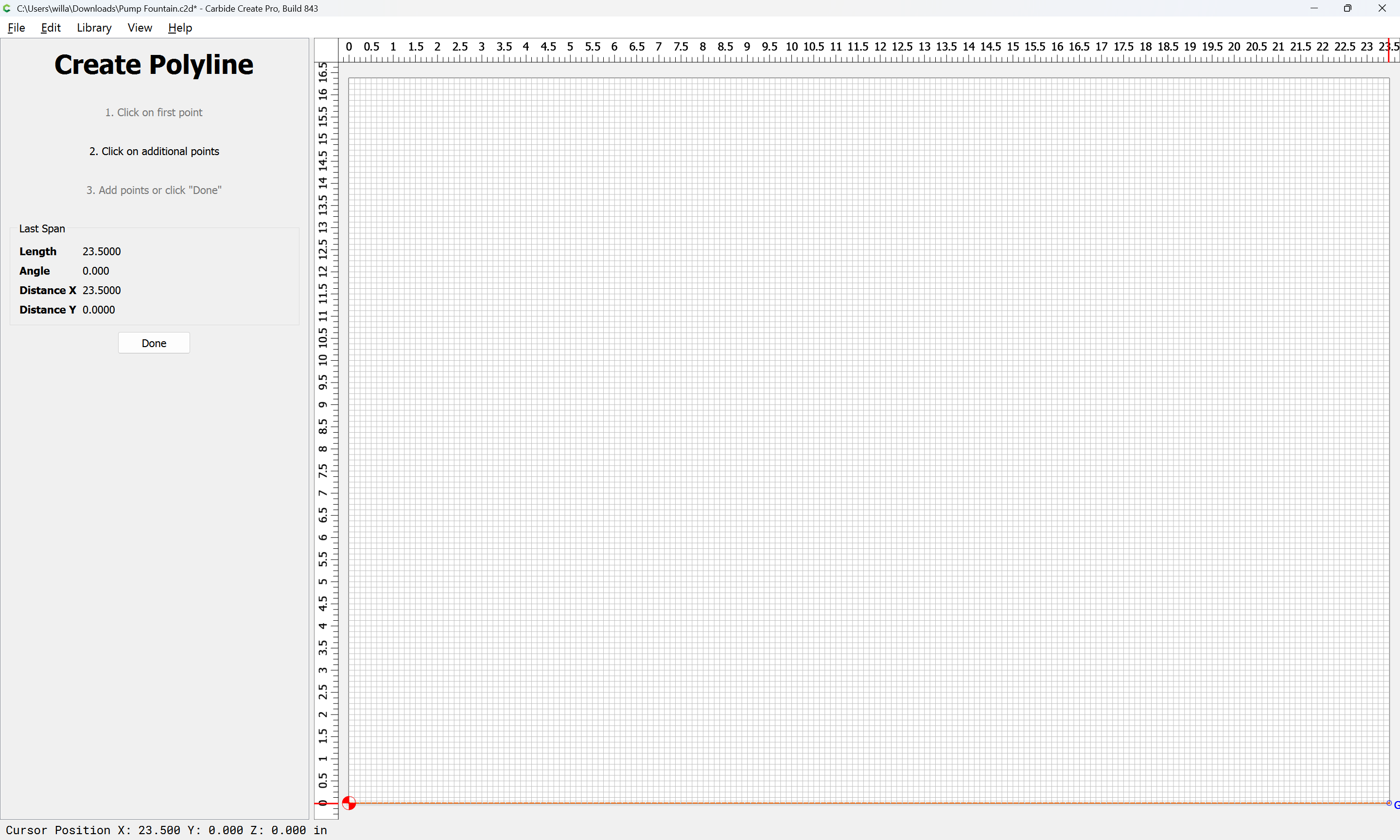
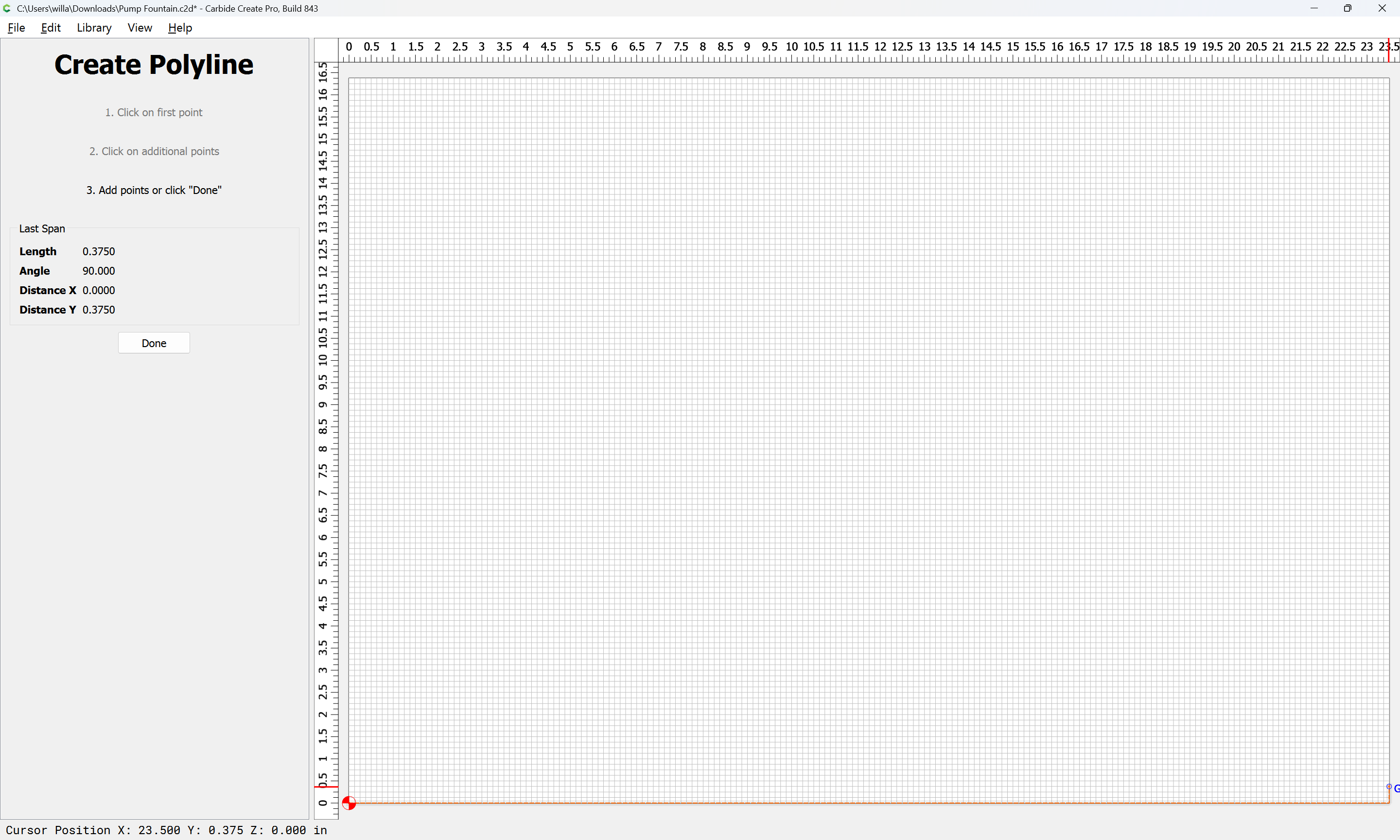
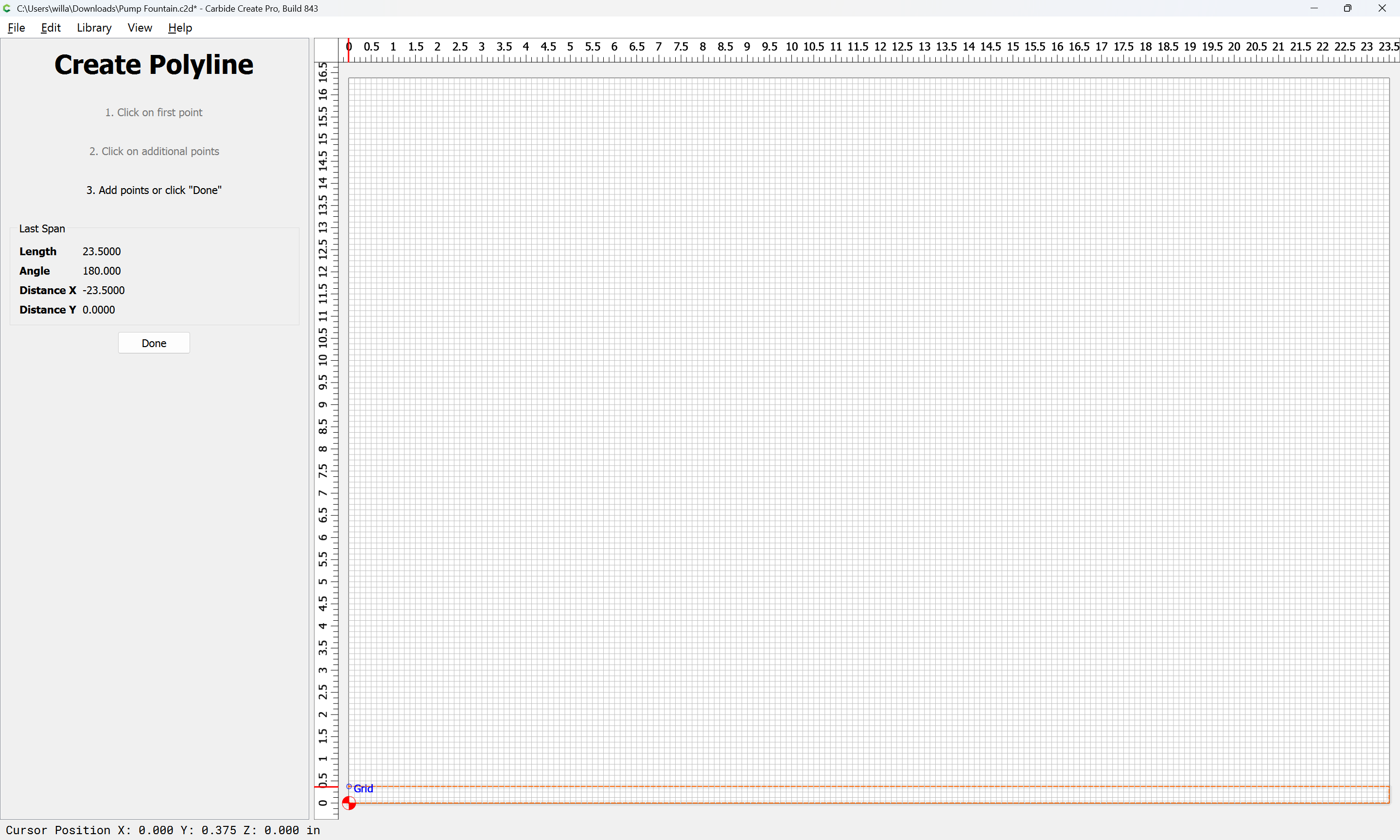
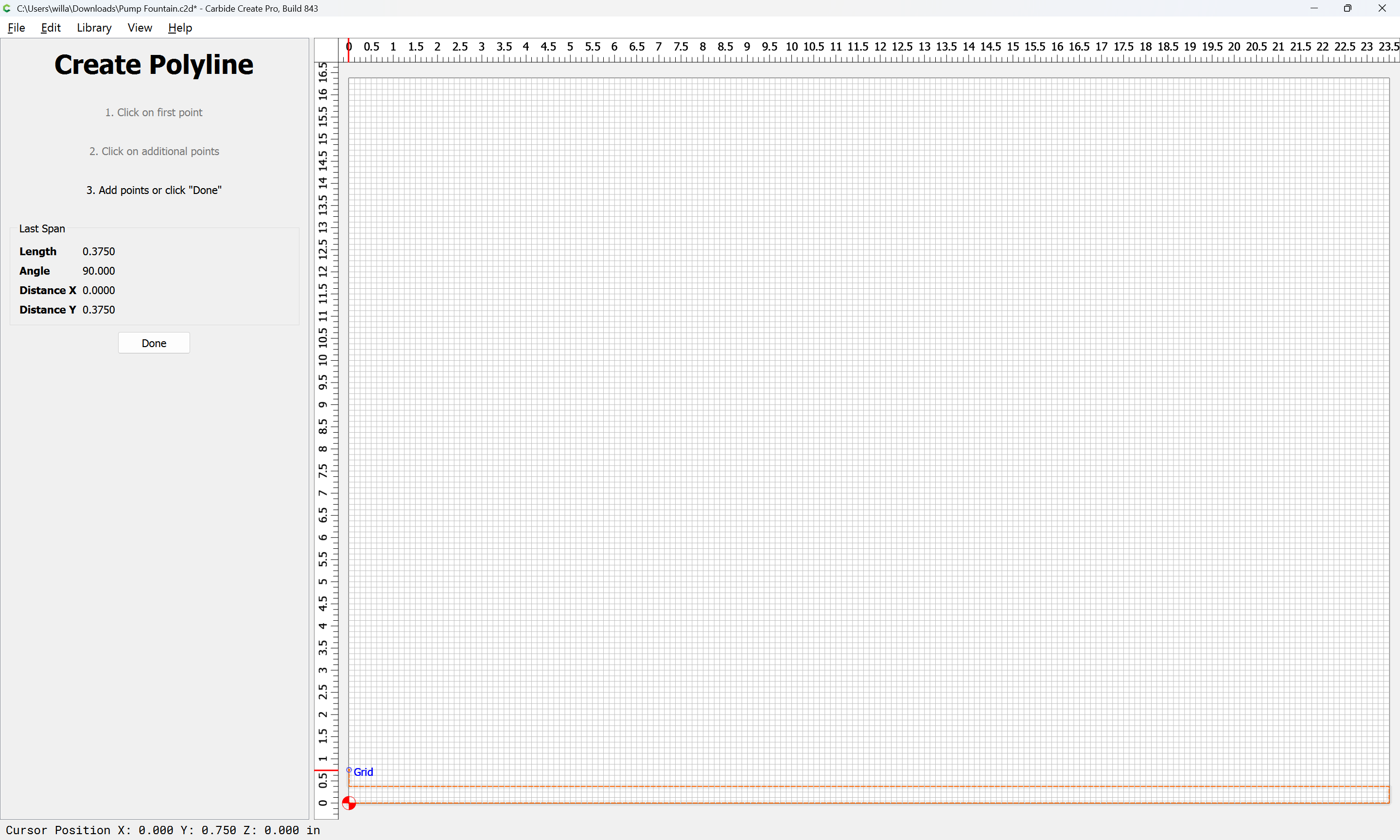
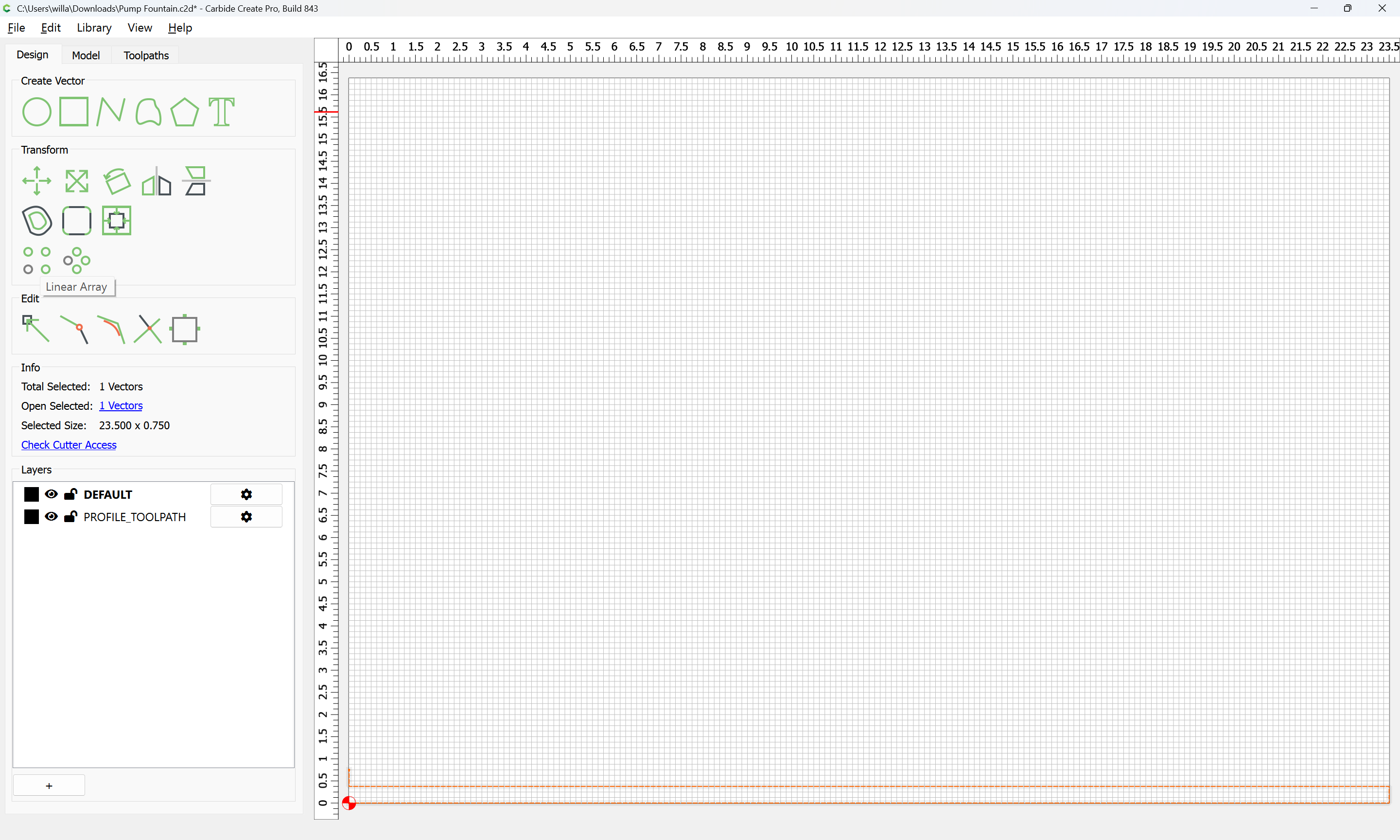
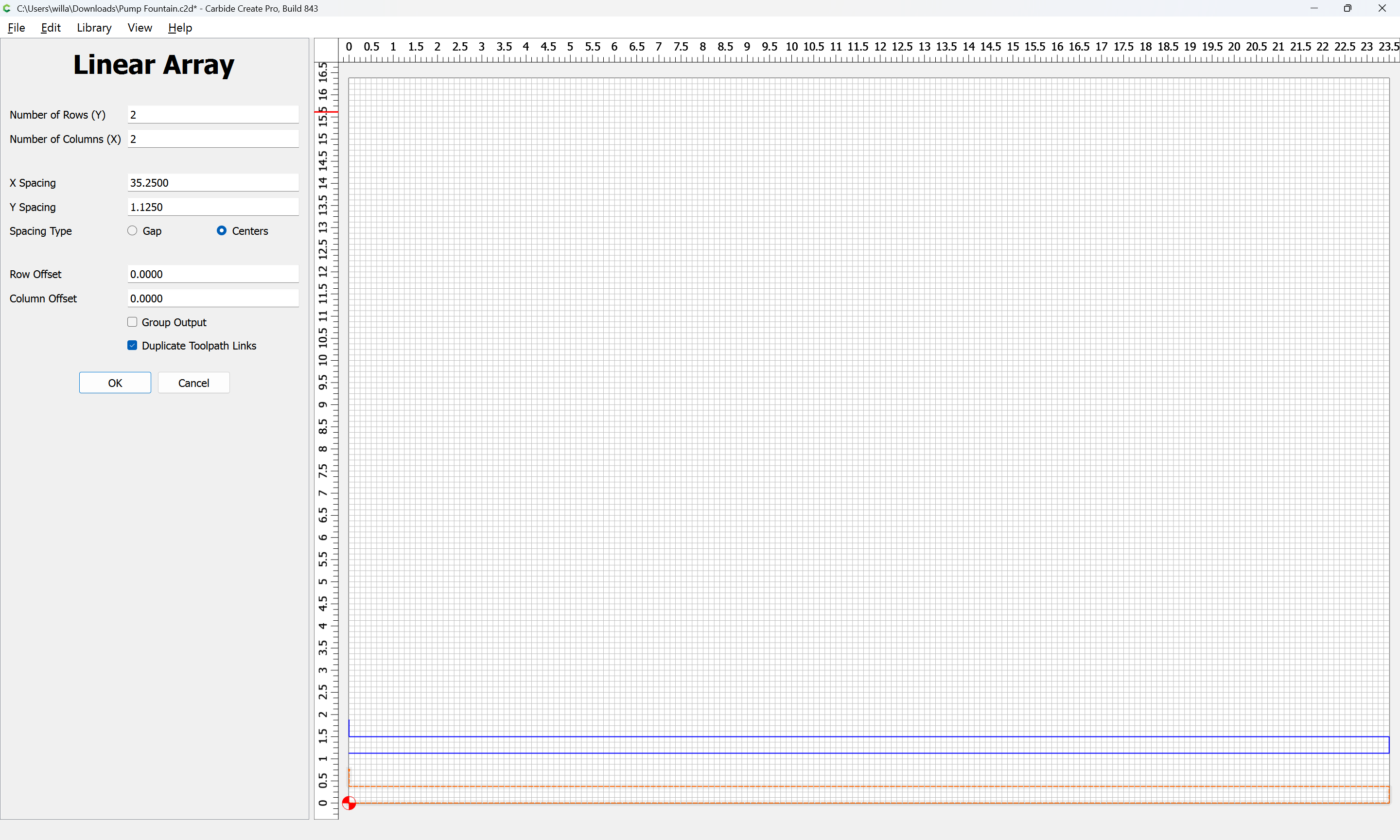
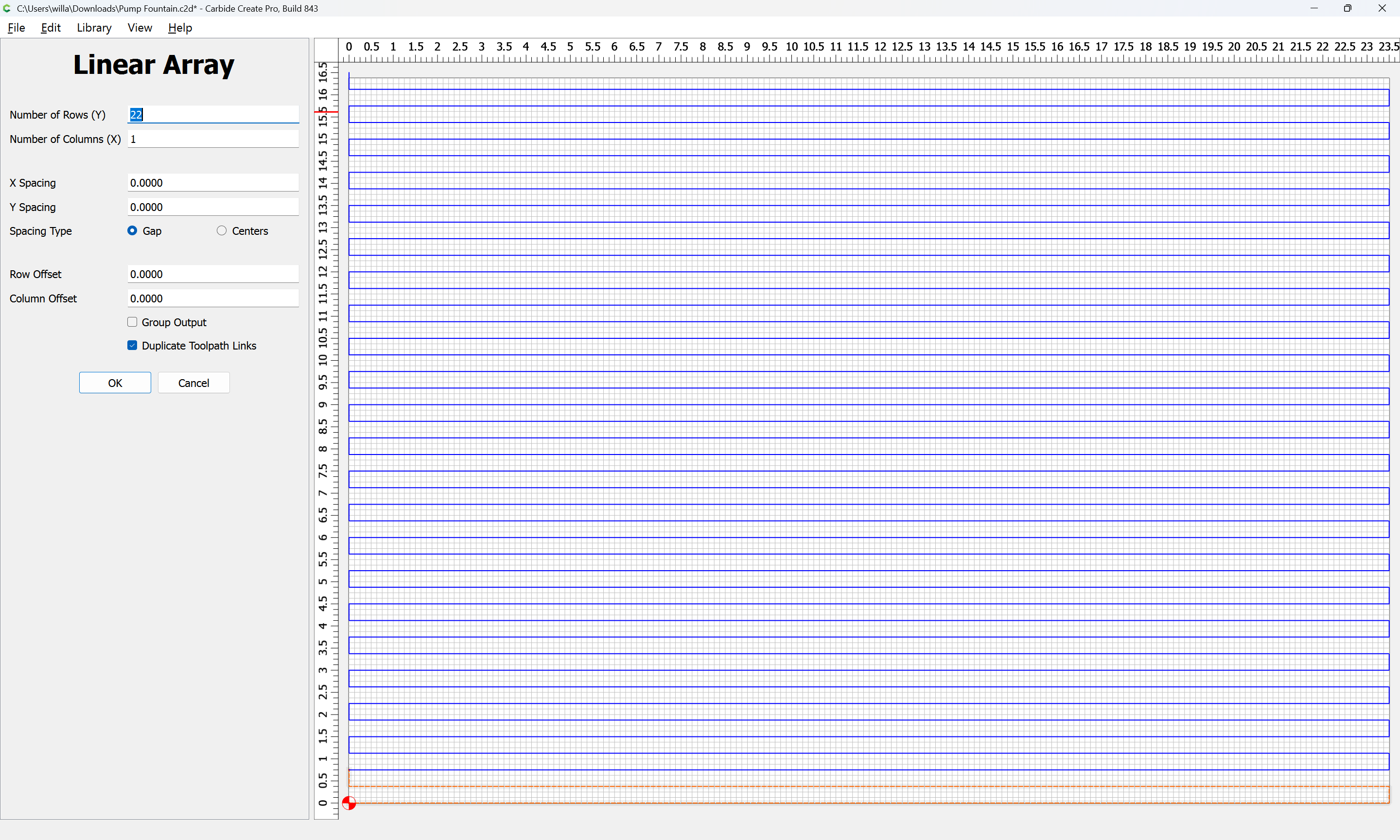
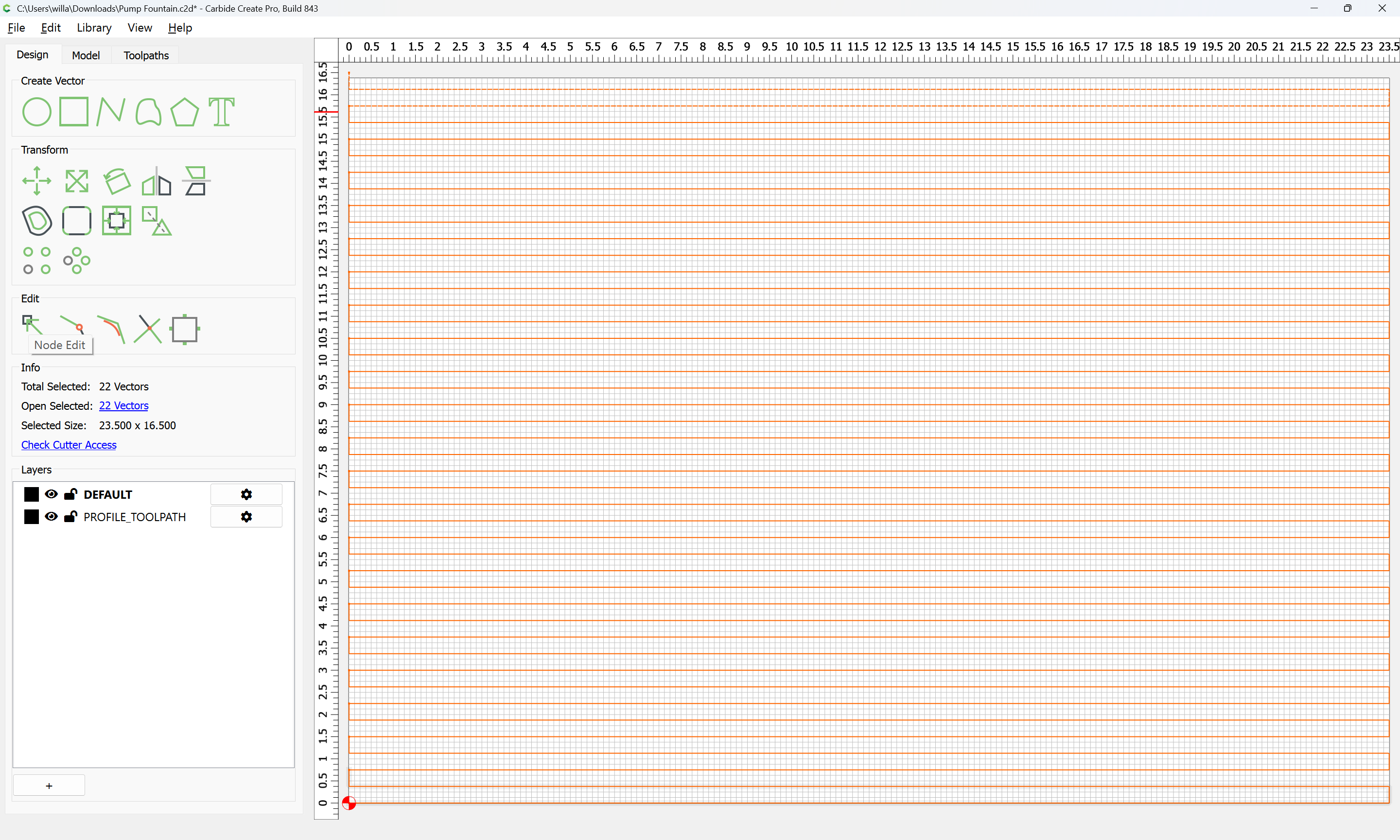
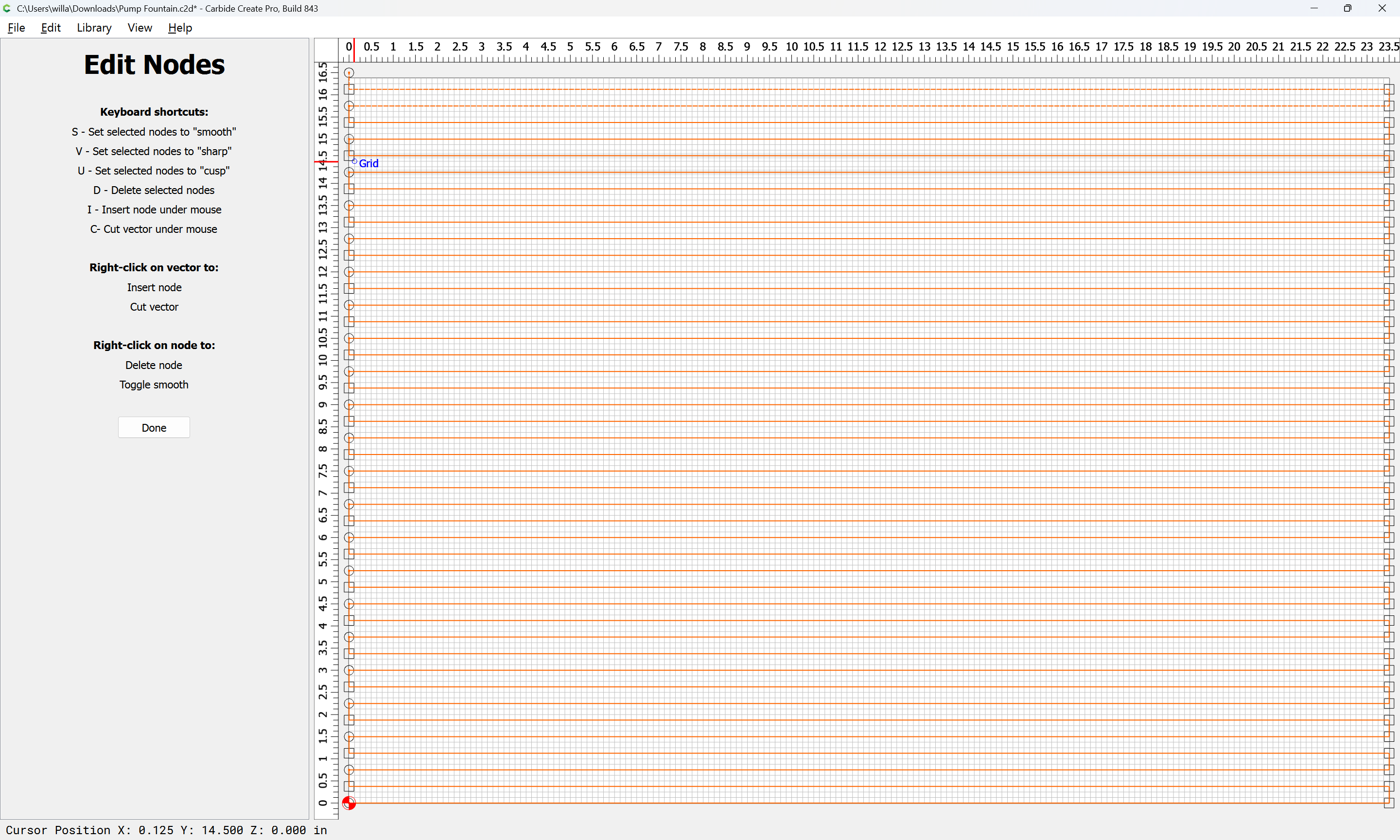
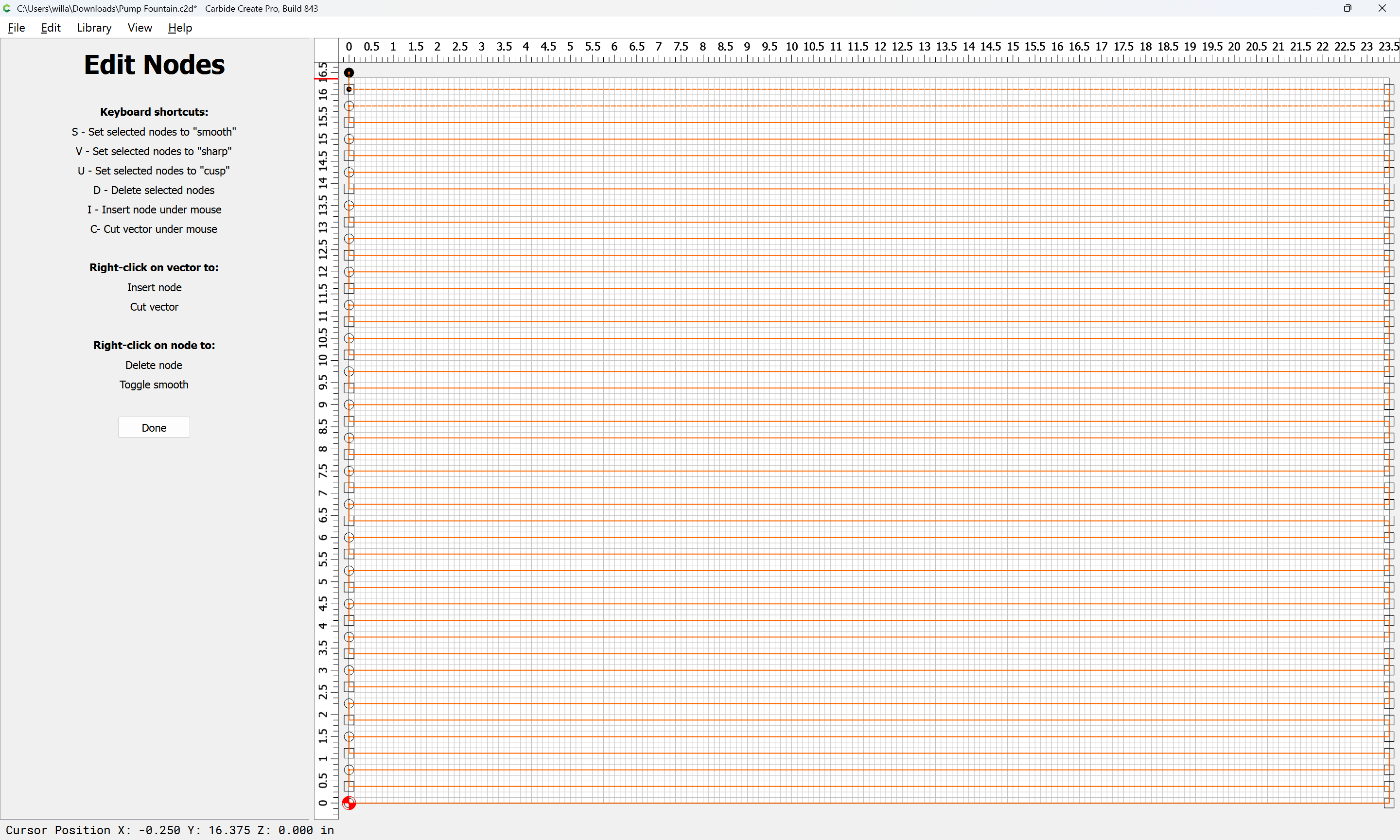
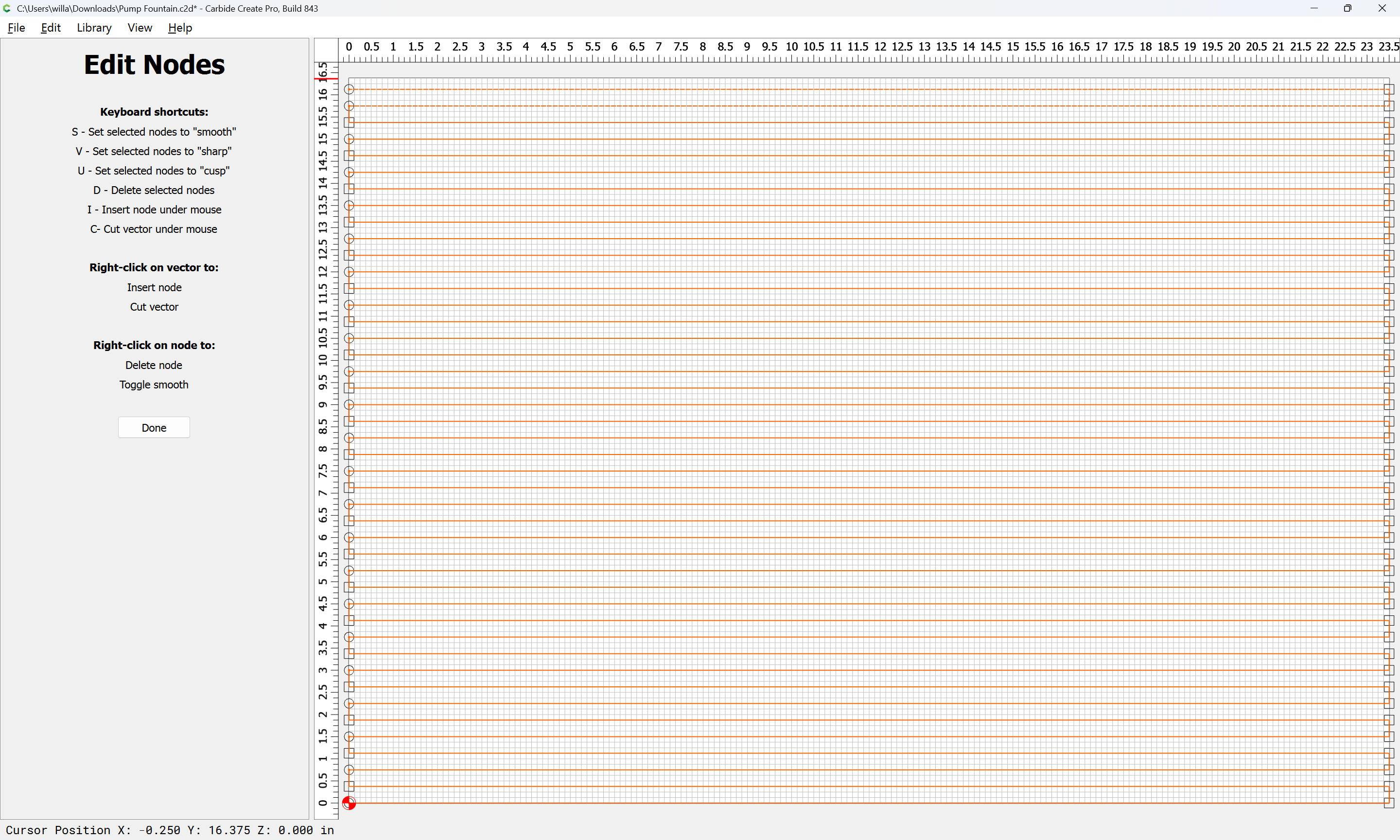
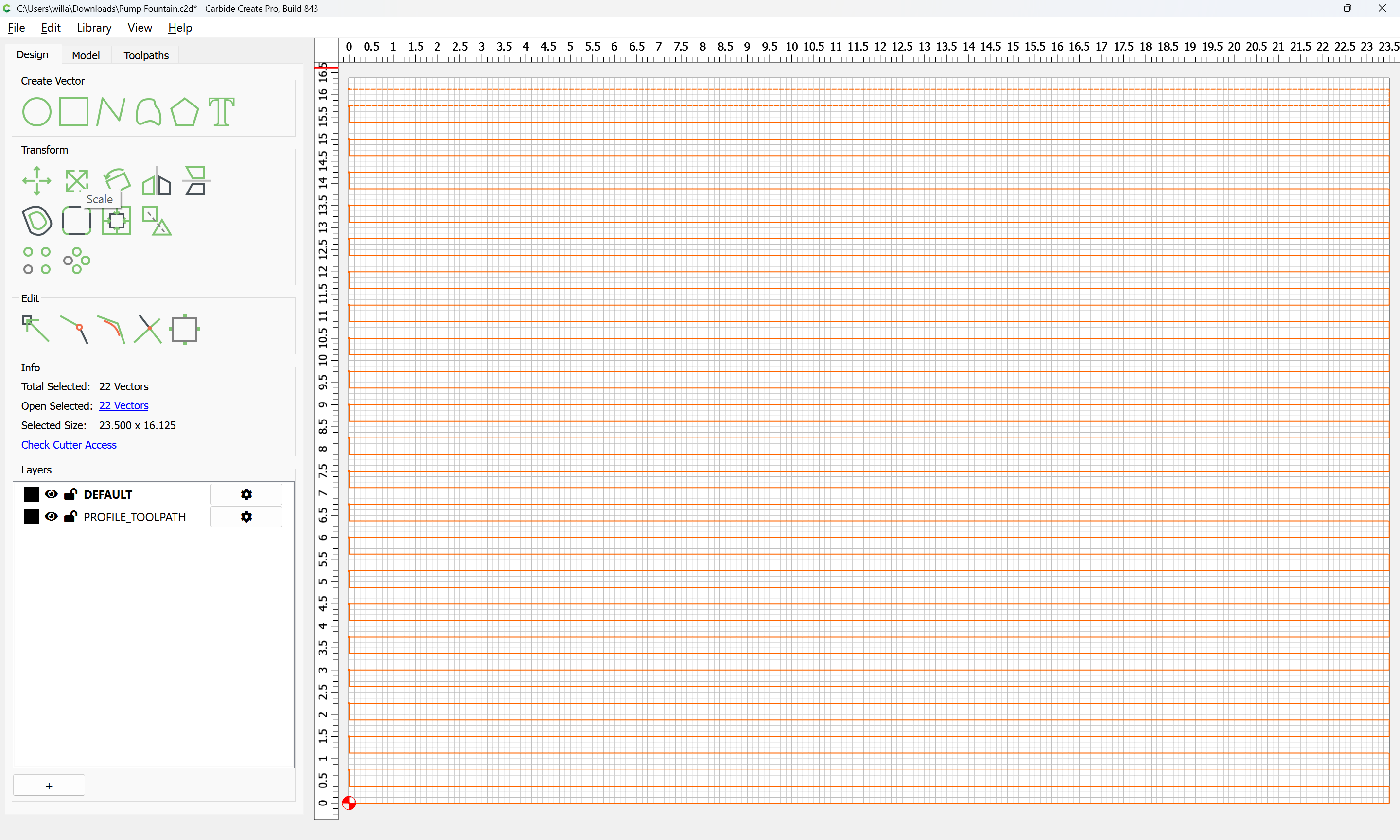
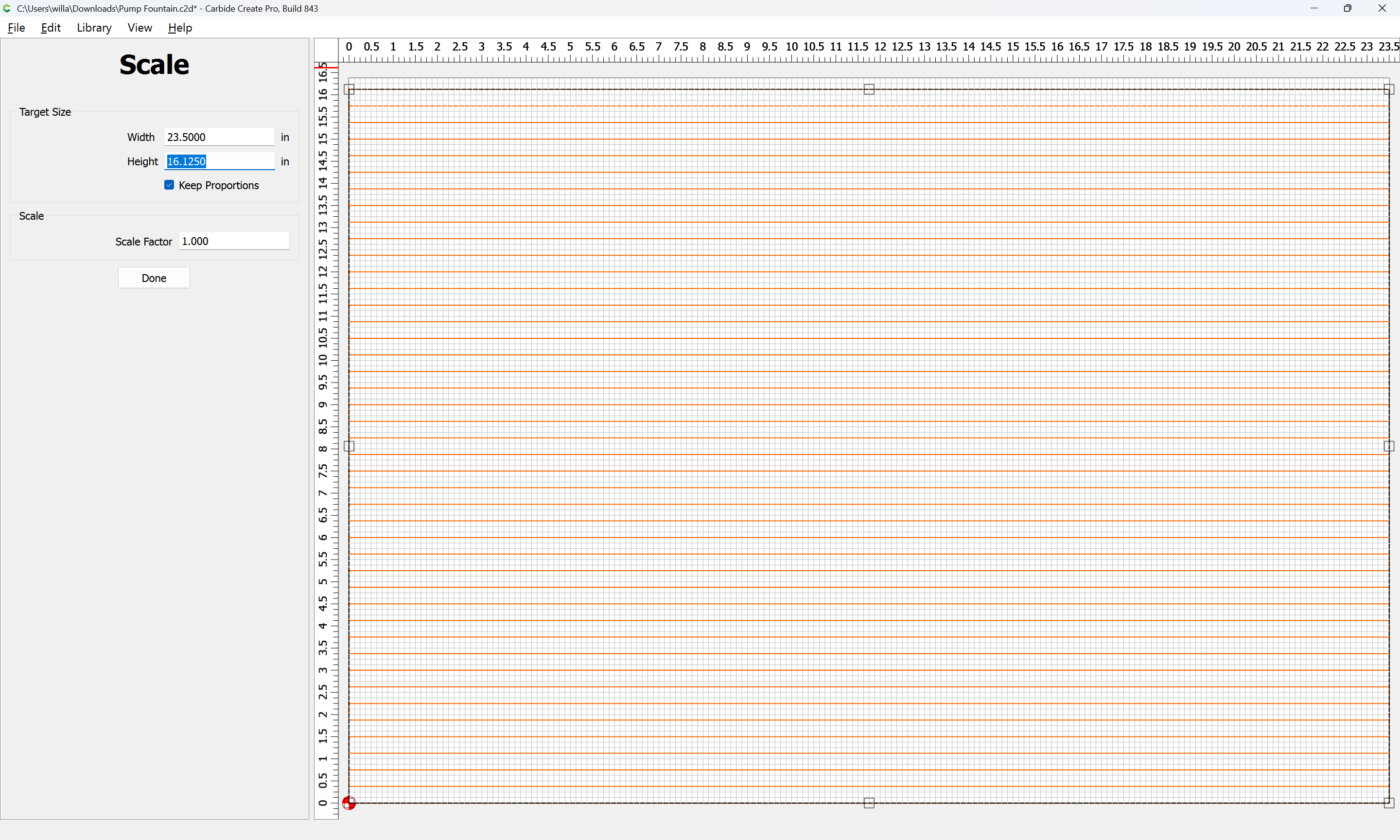
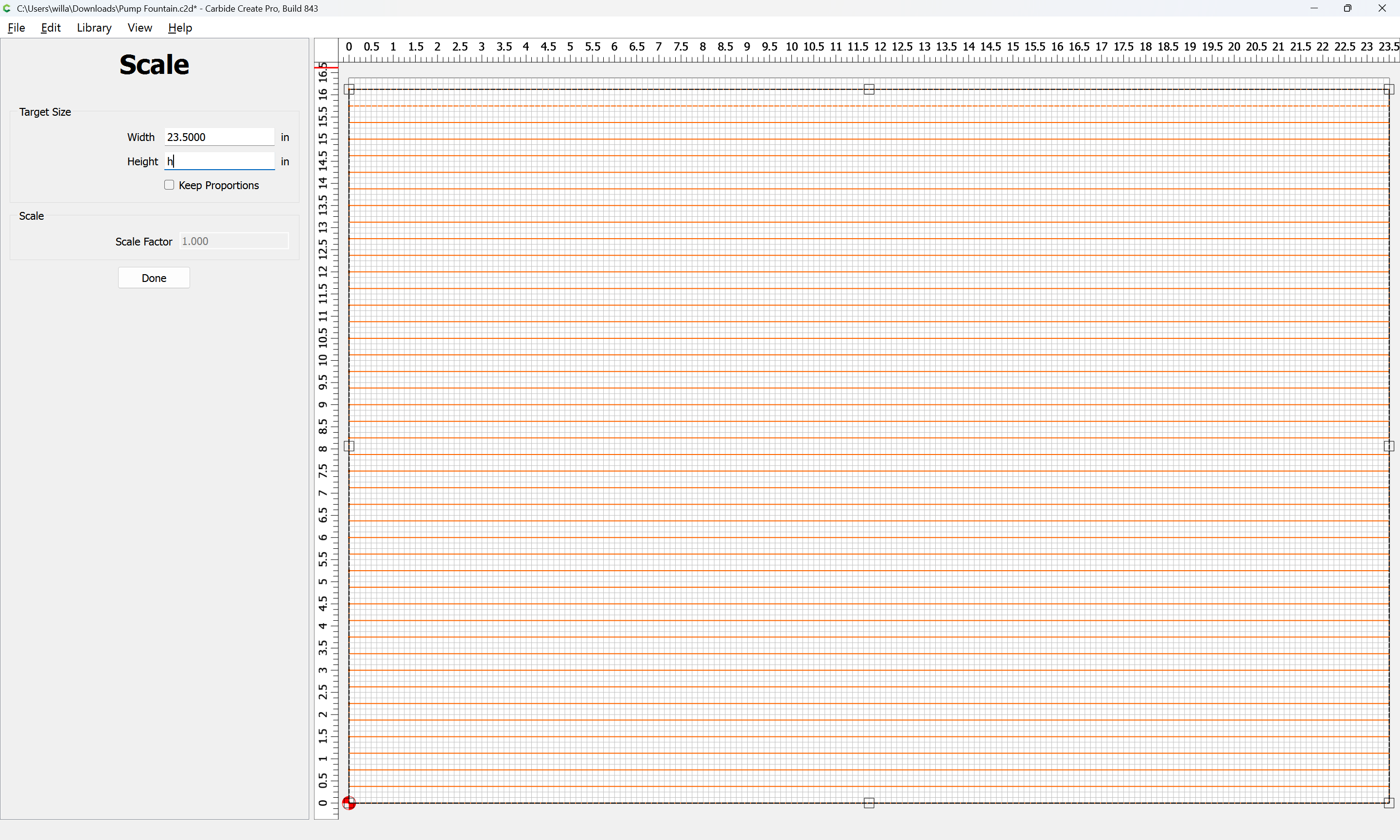
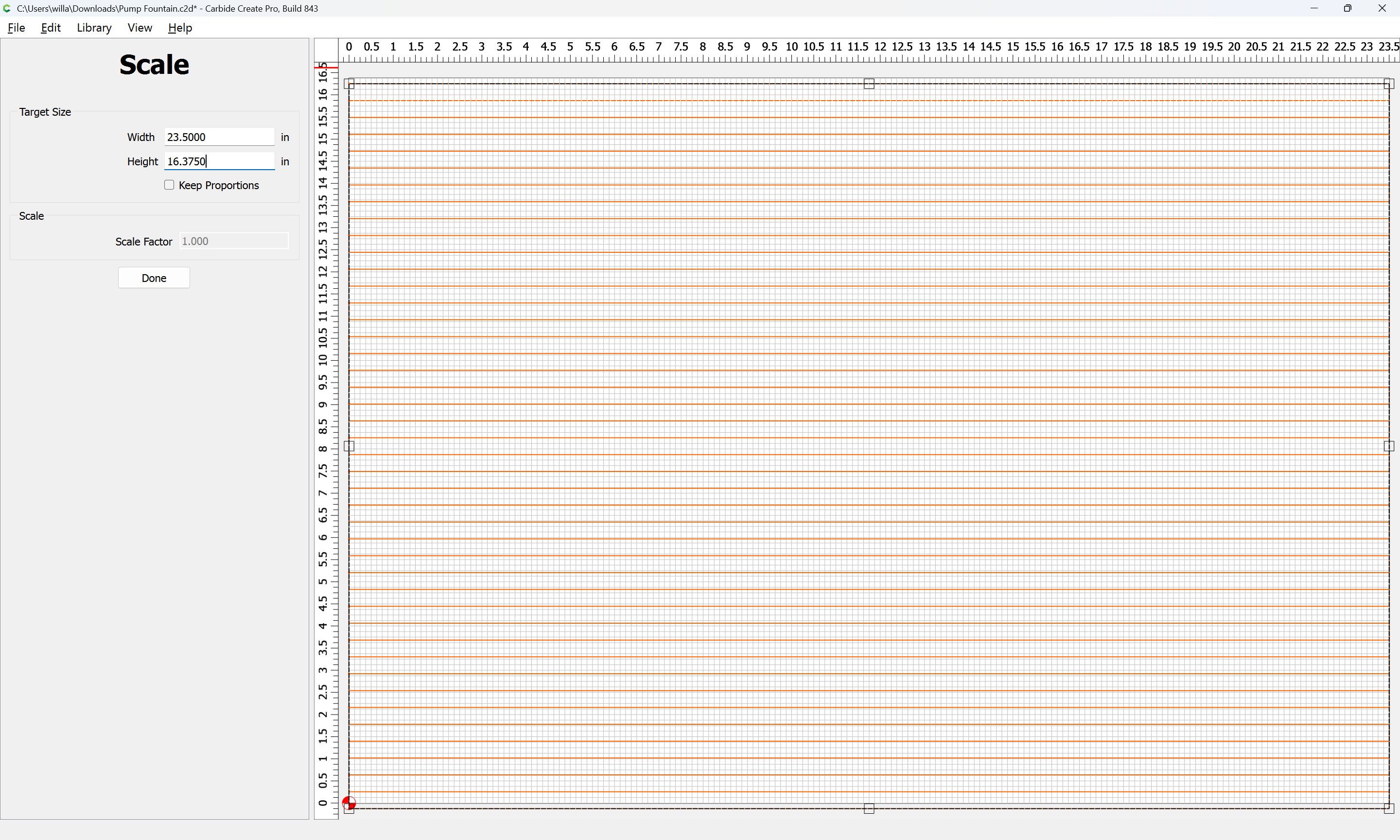
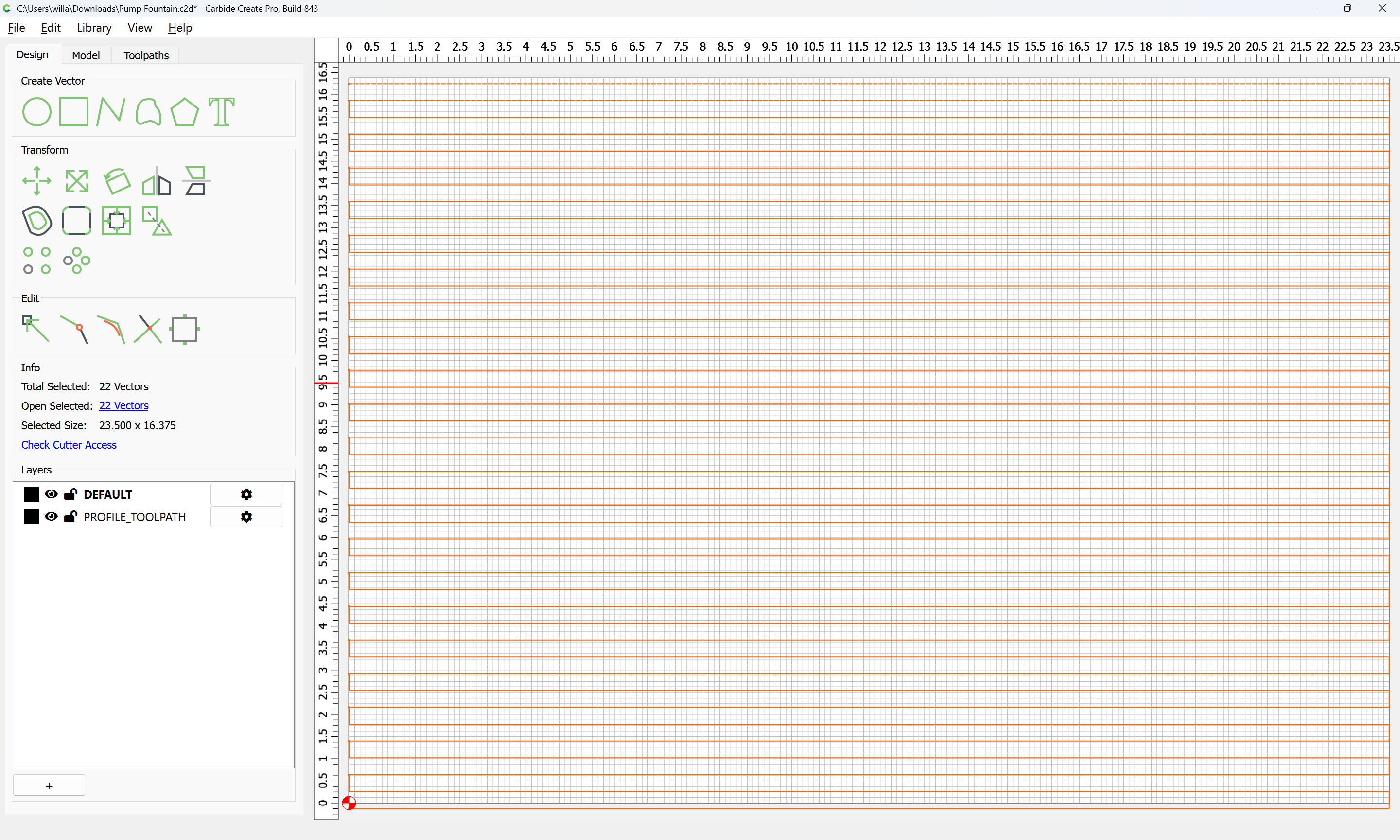
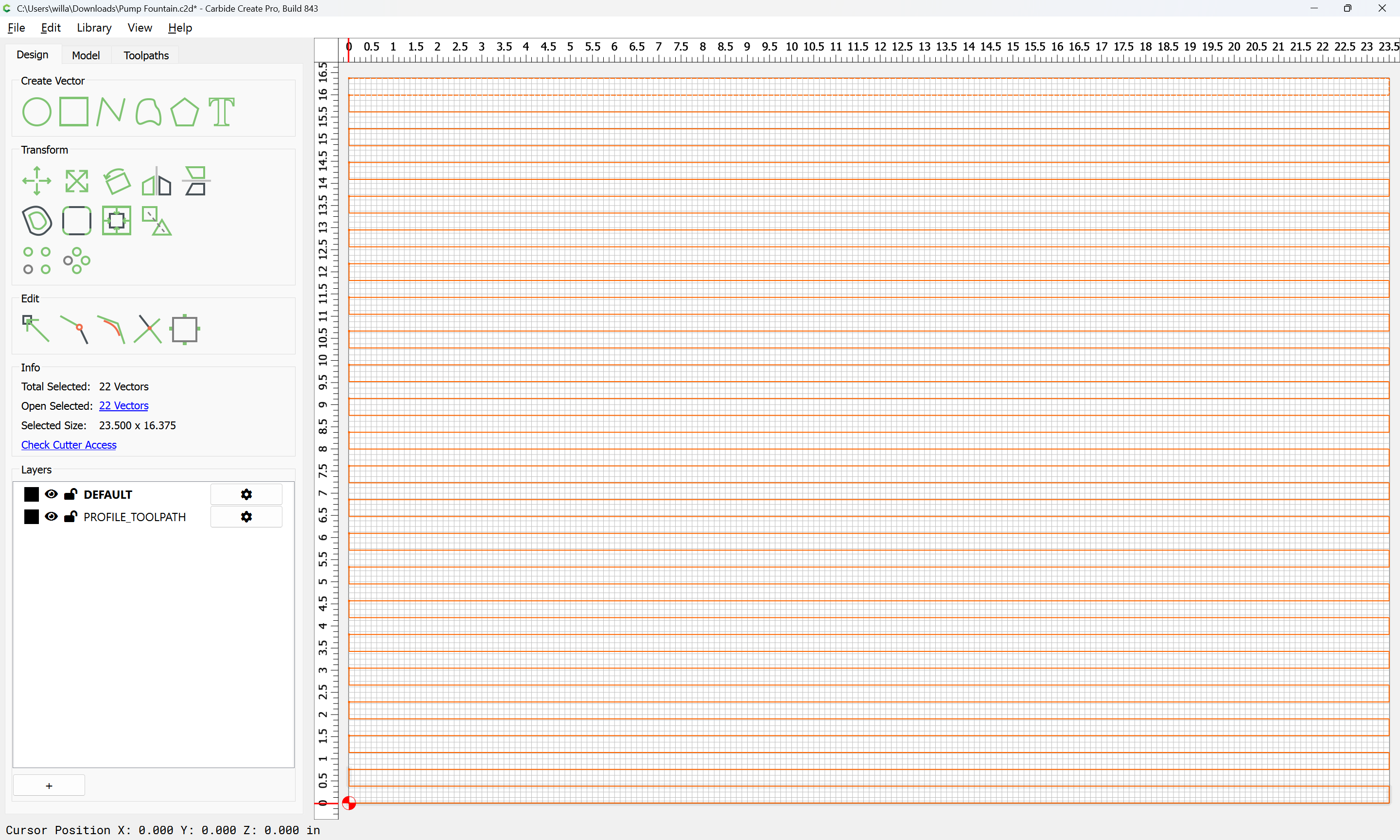
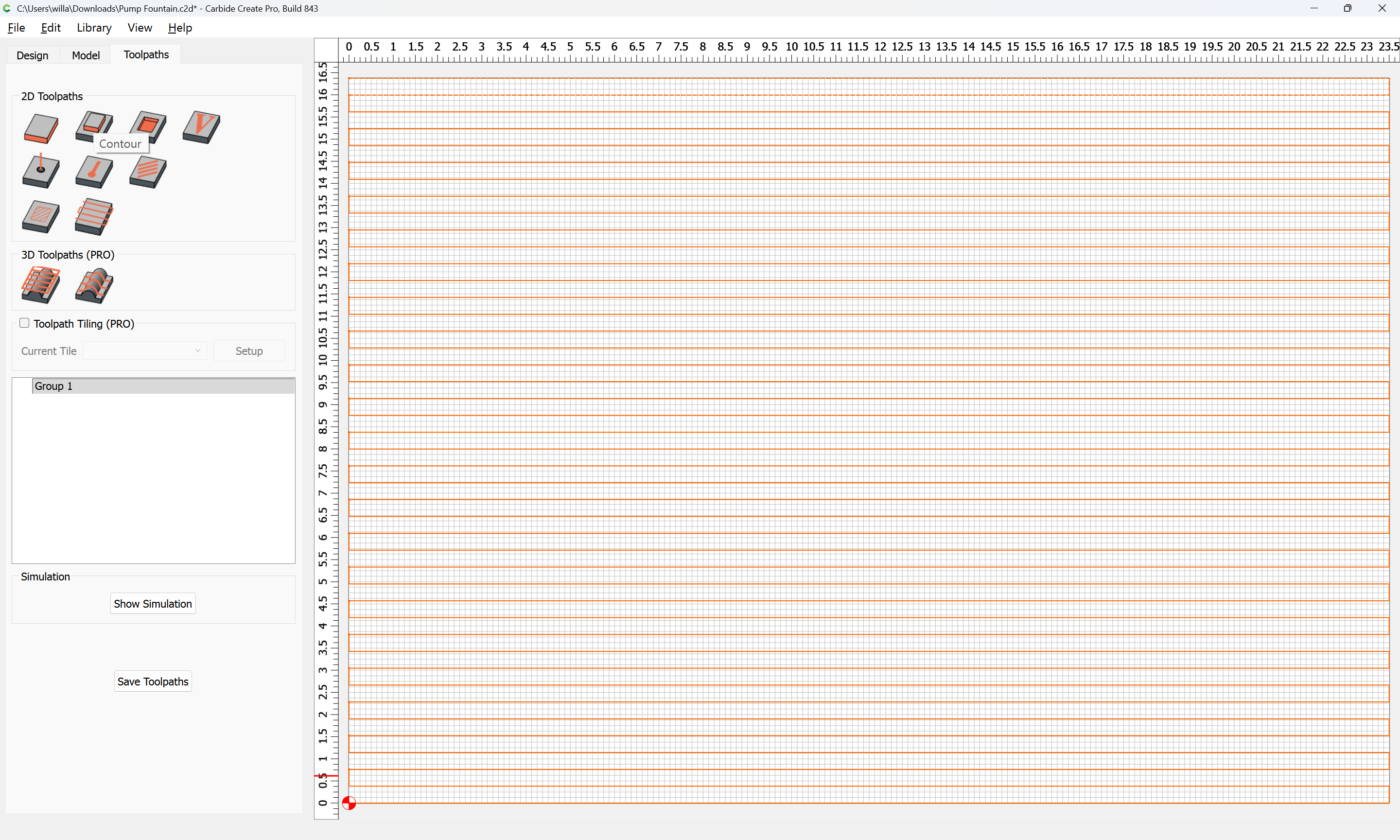
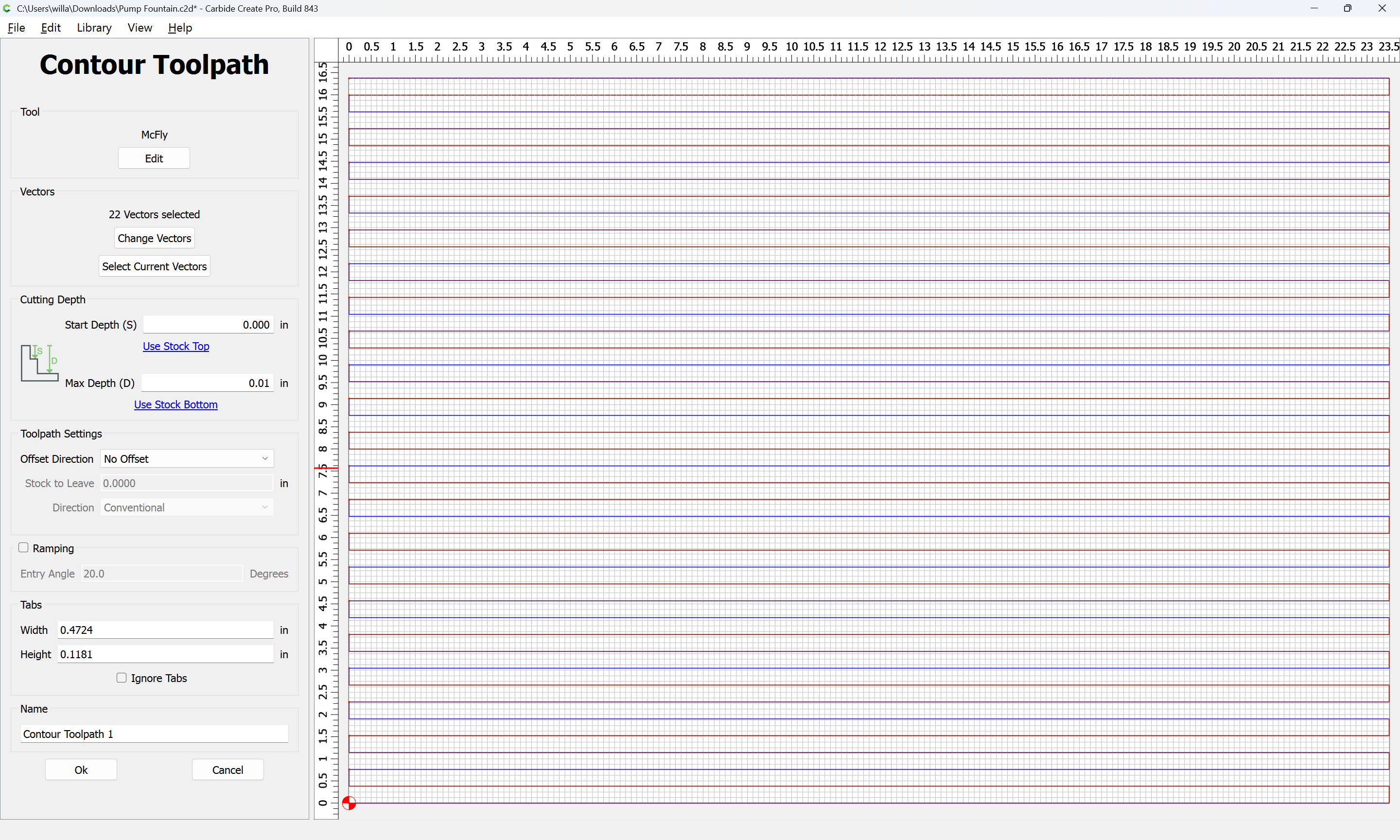
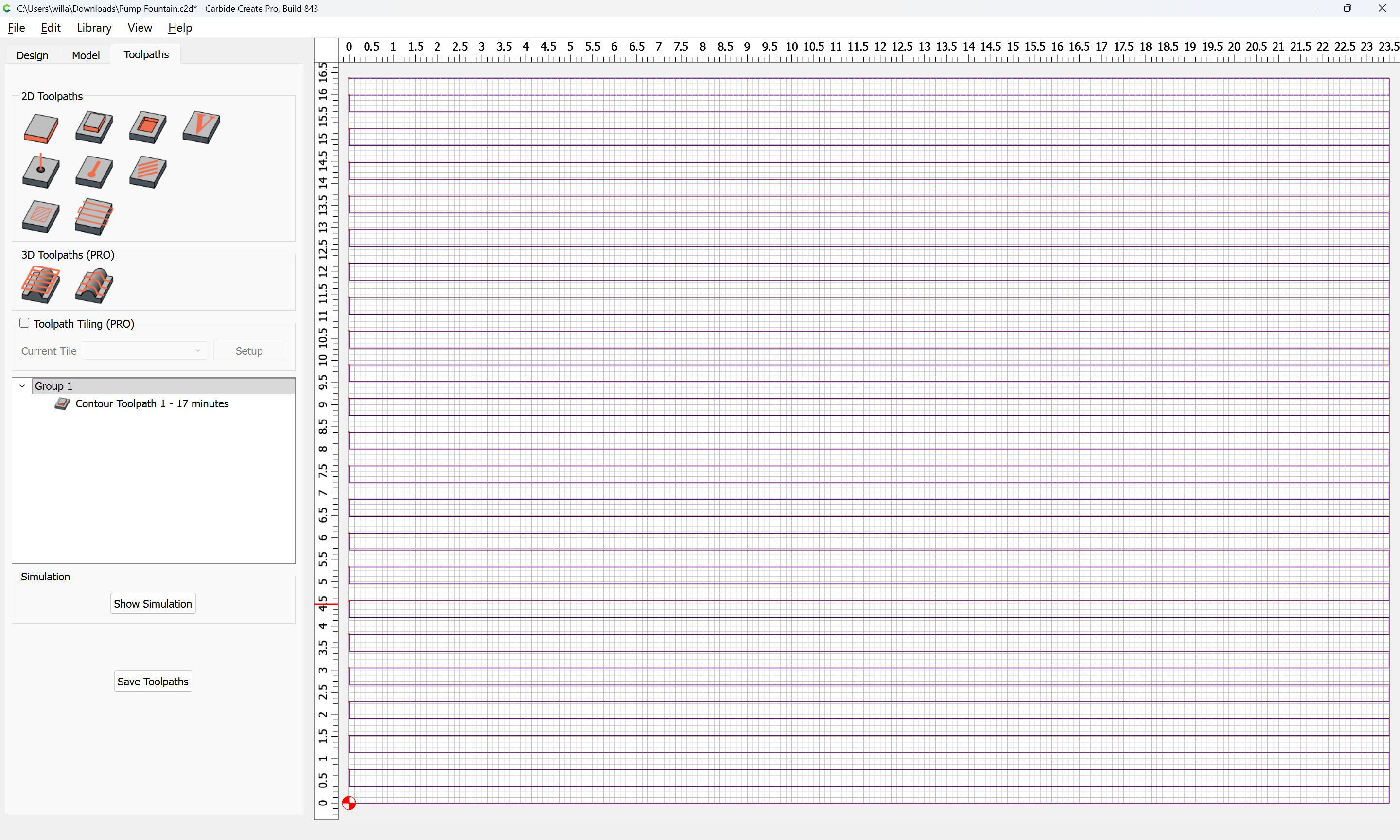
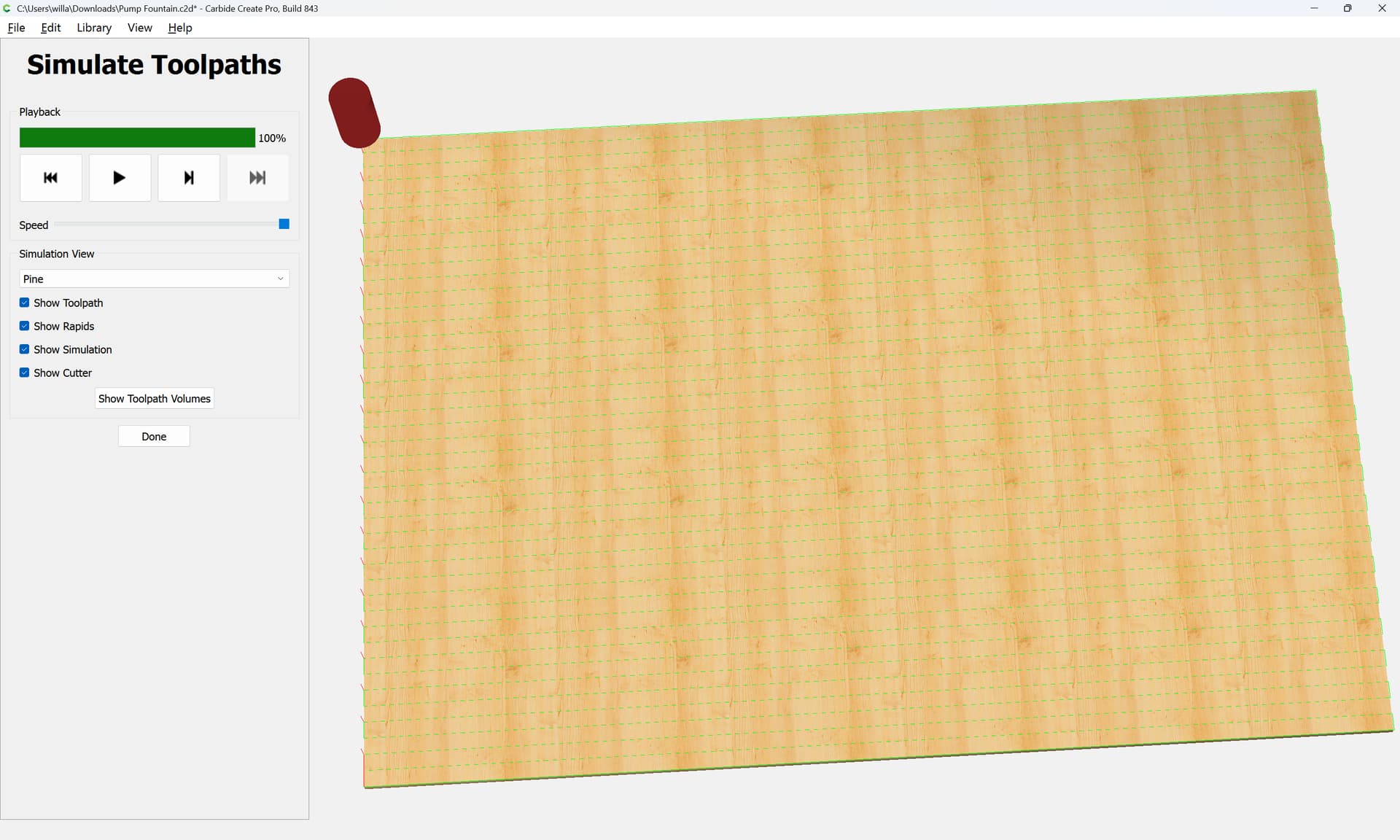
With CC Pro one could also offset the geometry by slight over half the diameter of the bit you are using to face with. Then apply the Facing Toolpath to the offset. That allows the tool to lead in to the cut rather than plunge down on to the work piece. That works really well for odd shaped pieces you want to face off. facing tool path.c2d (60 KB)