Randy513
December 30, 2025, 7:00pm
1
Trying to add a curve between two points
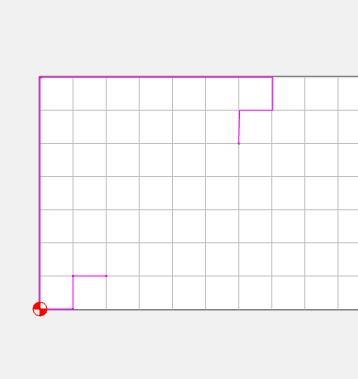
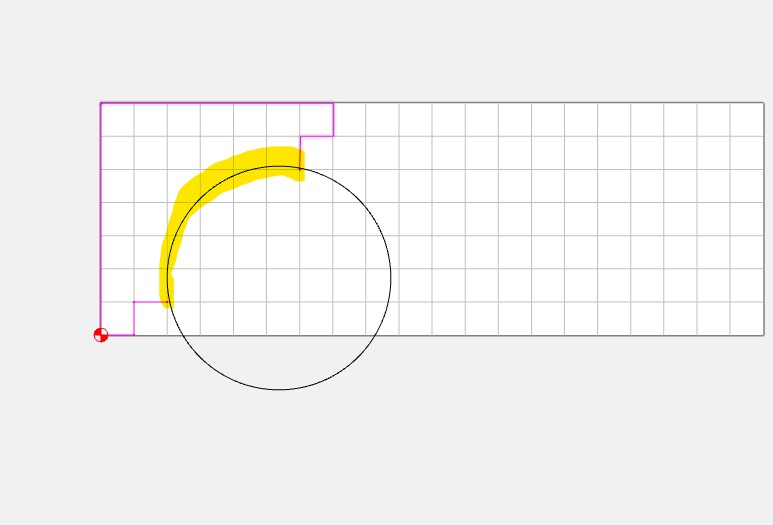
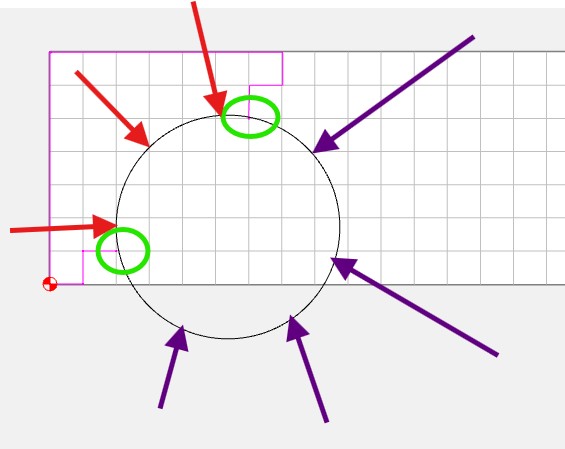
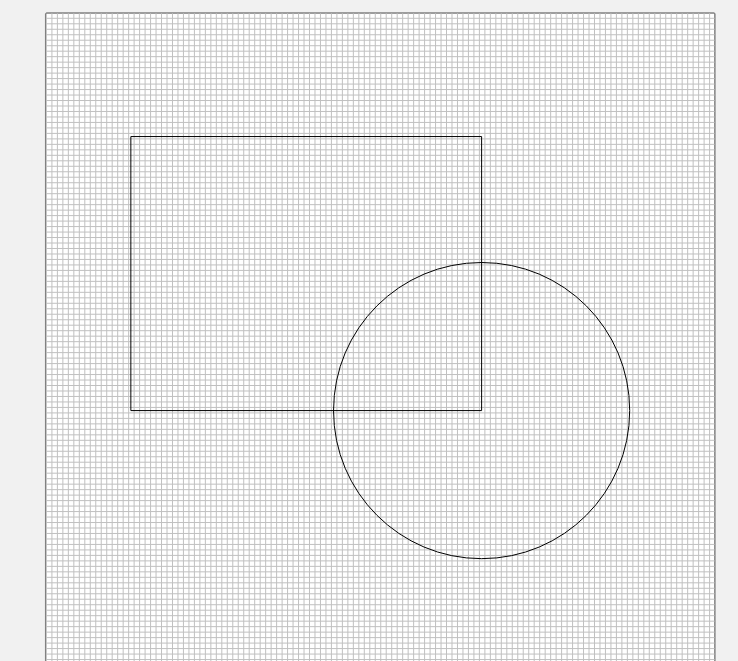
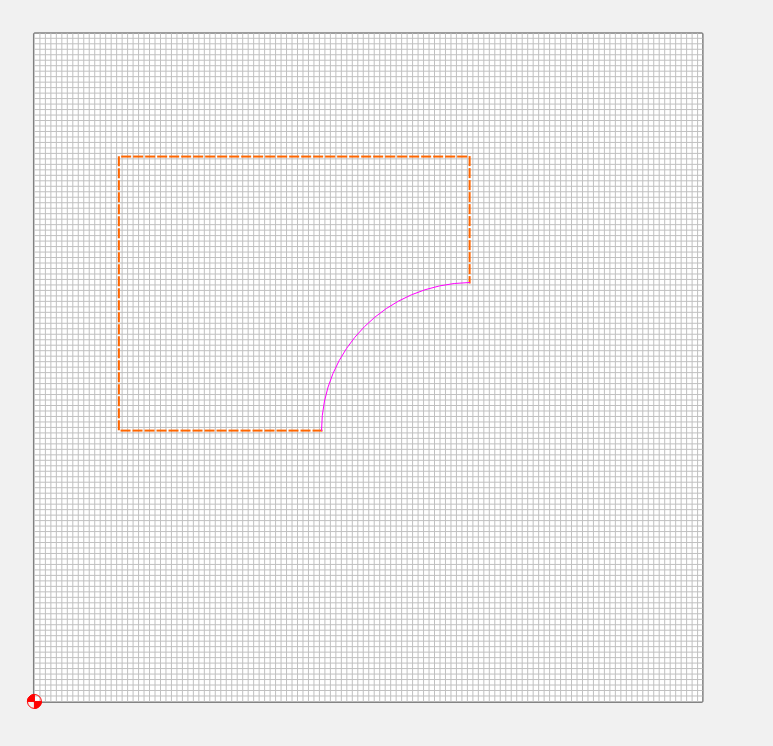
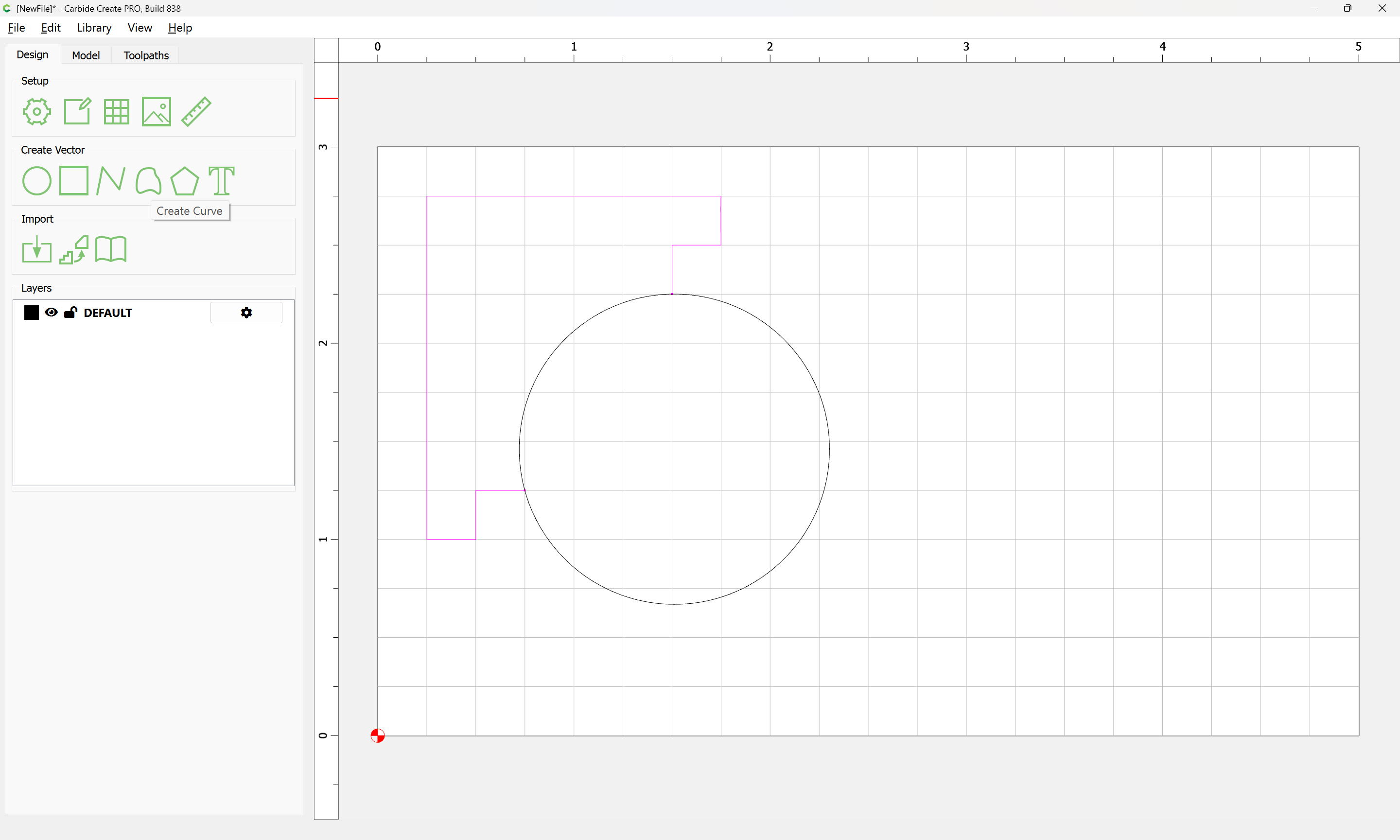
Draw # 3 is what I have now. I want to add the curve line between two vectors shown in Draw #2 . I have a circle in Draw # 1 is there any way to cut out what the purple arrows are pointing to and keep what the red arrows are pointing to?
SDGuy
December 30, 2025, 7:37pm
2
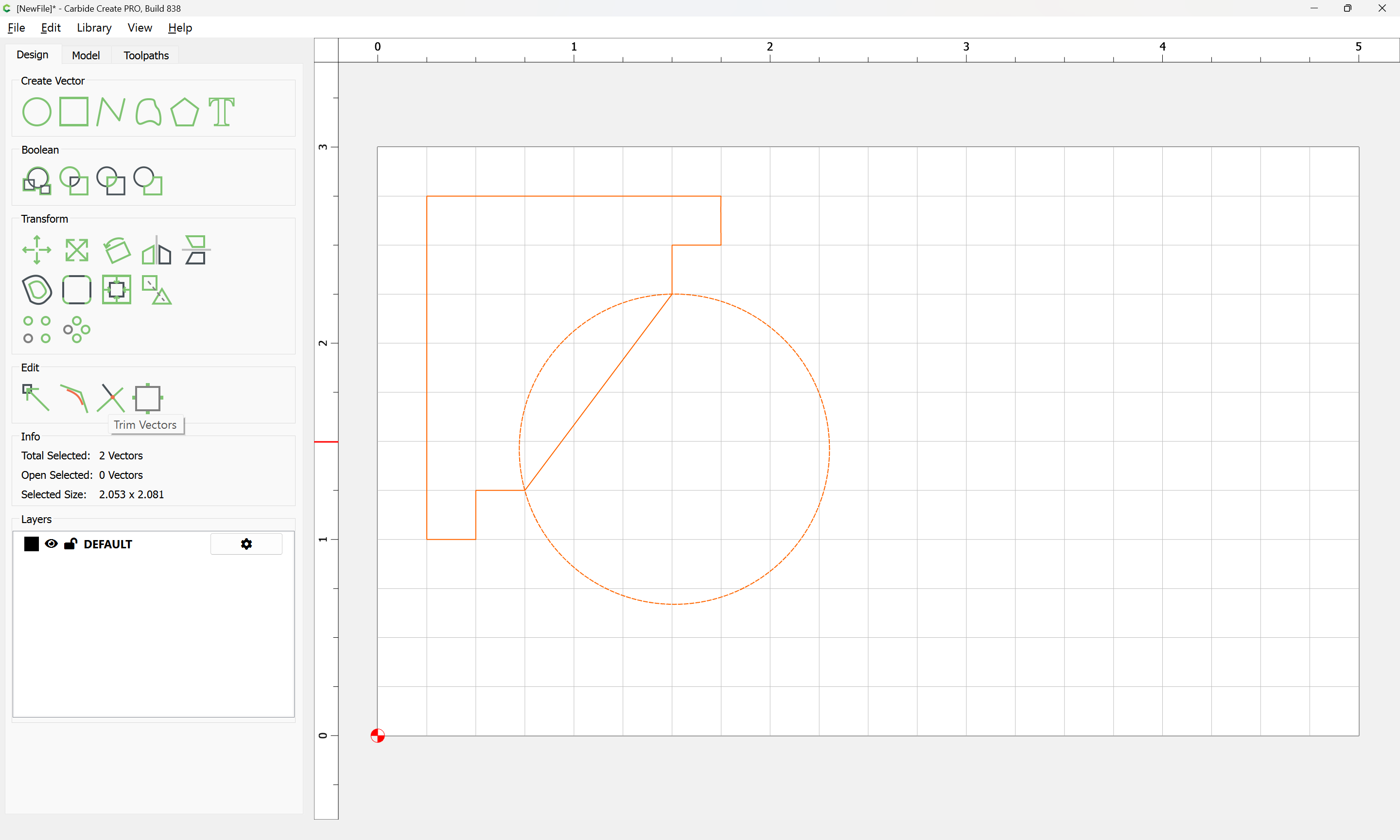
Given 2 Vectors:
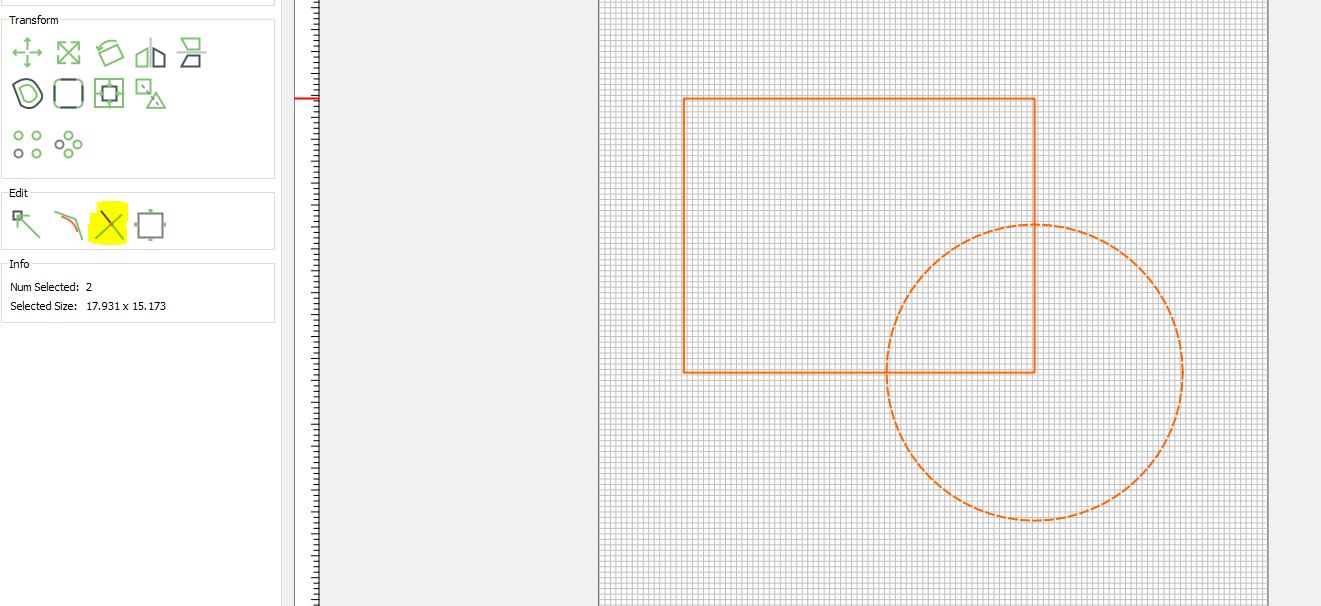
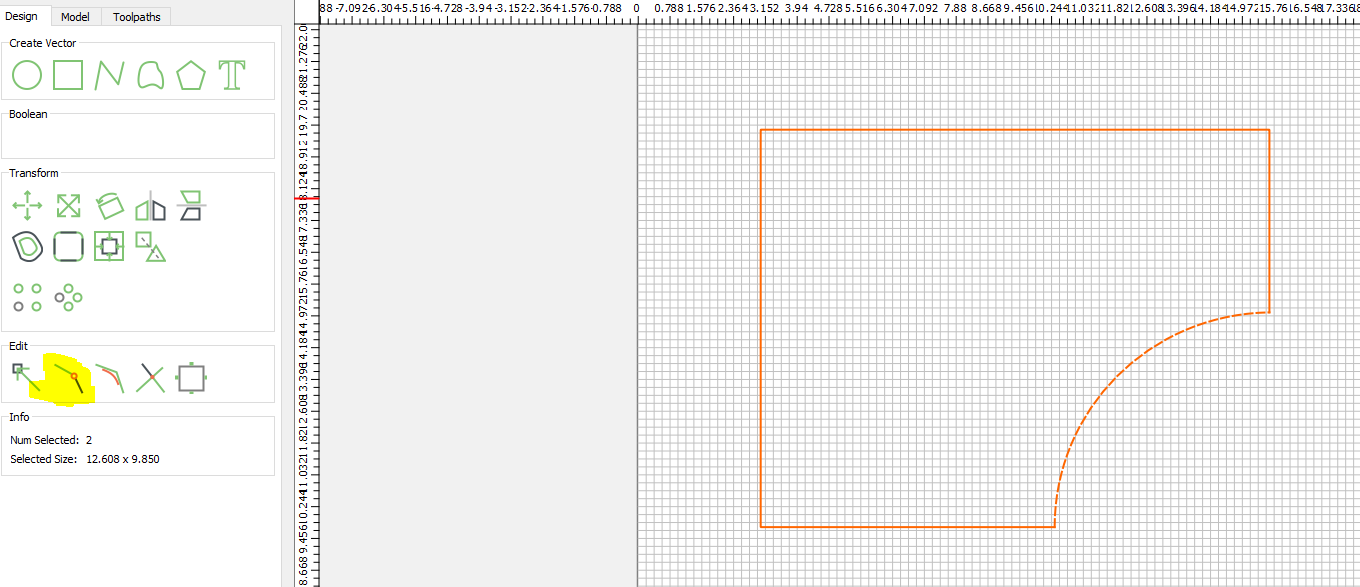
Select both Vectors and click the “Trim Vector Tool”
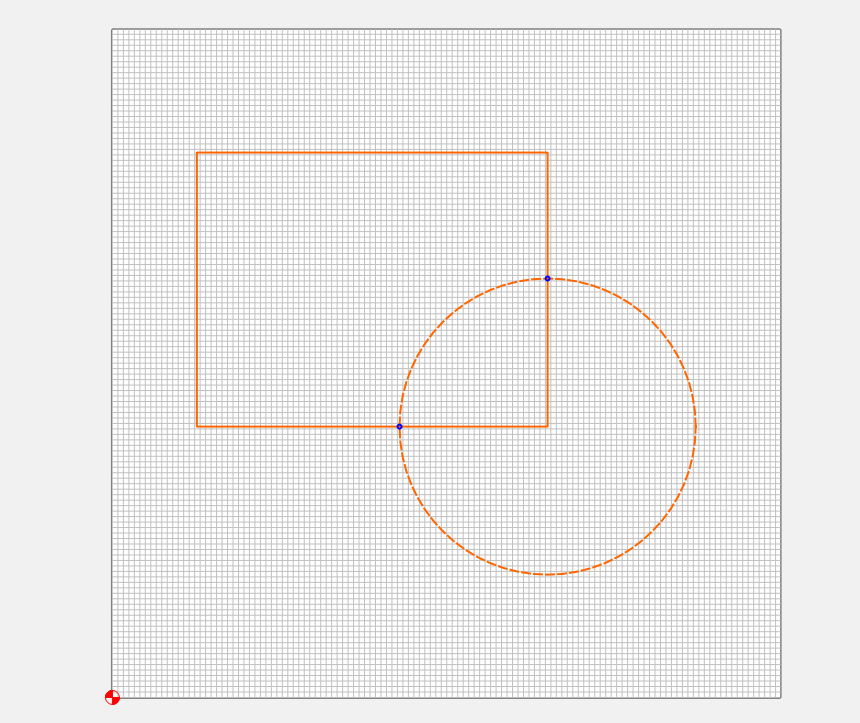
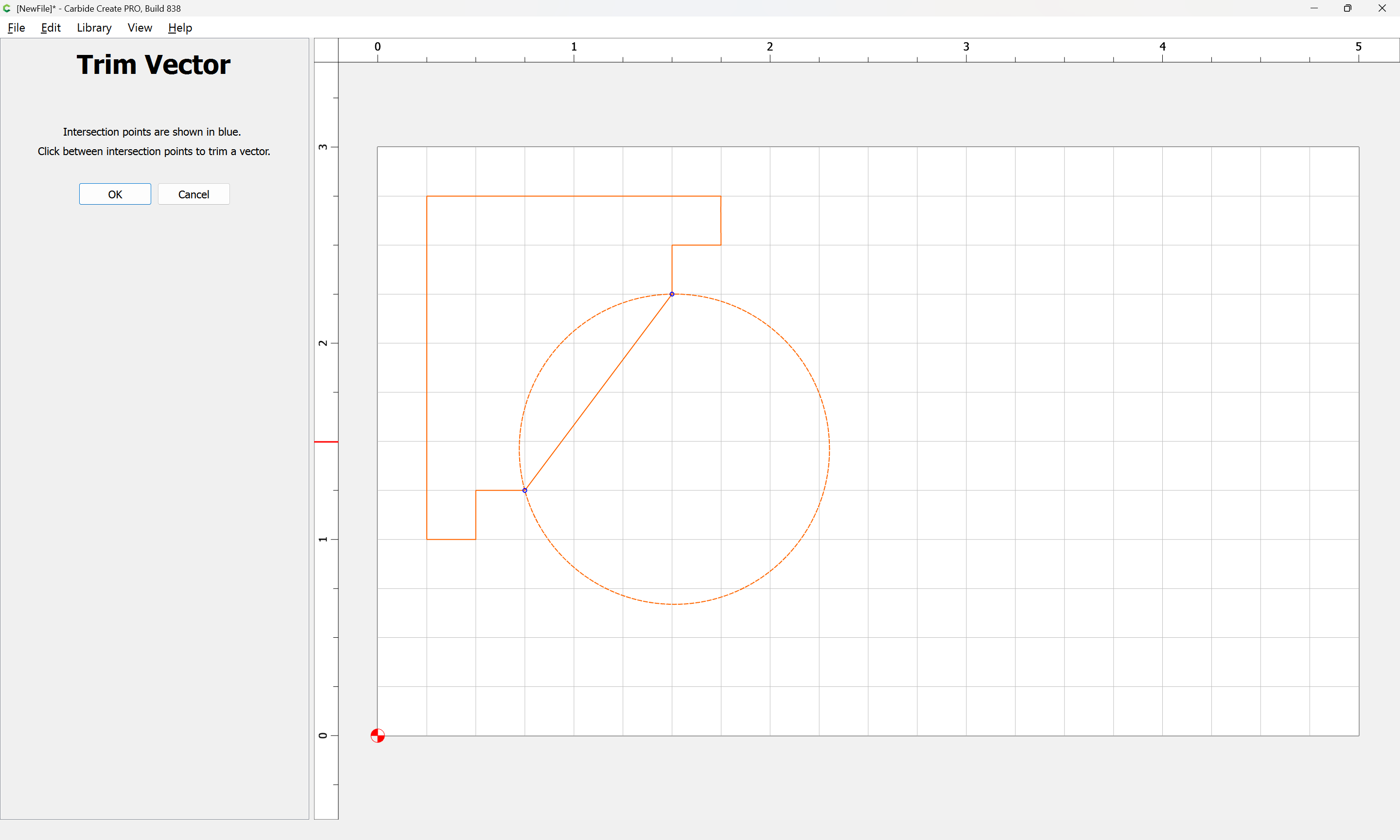
Blue Dots will appear where the Vectors intersect:
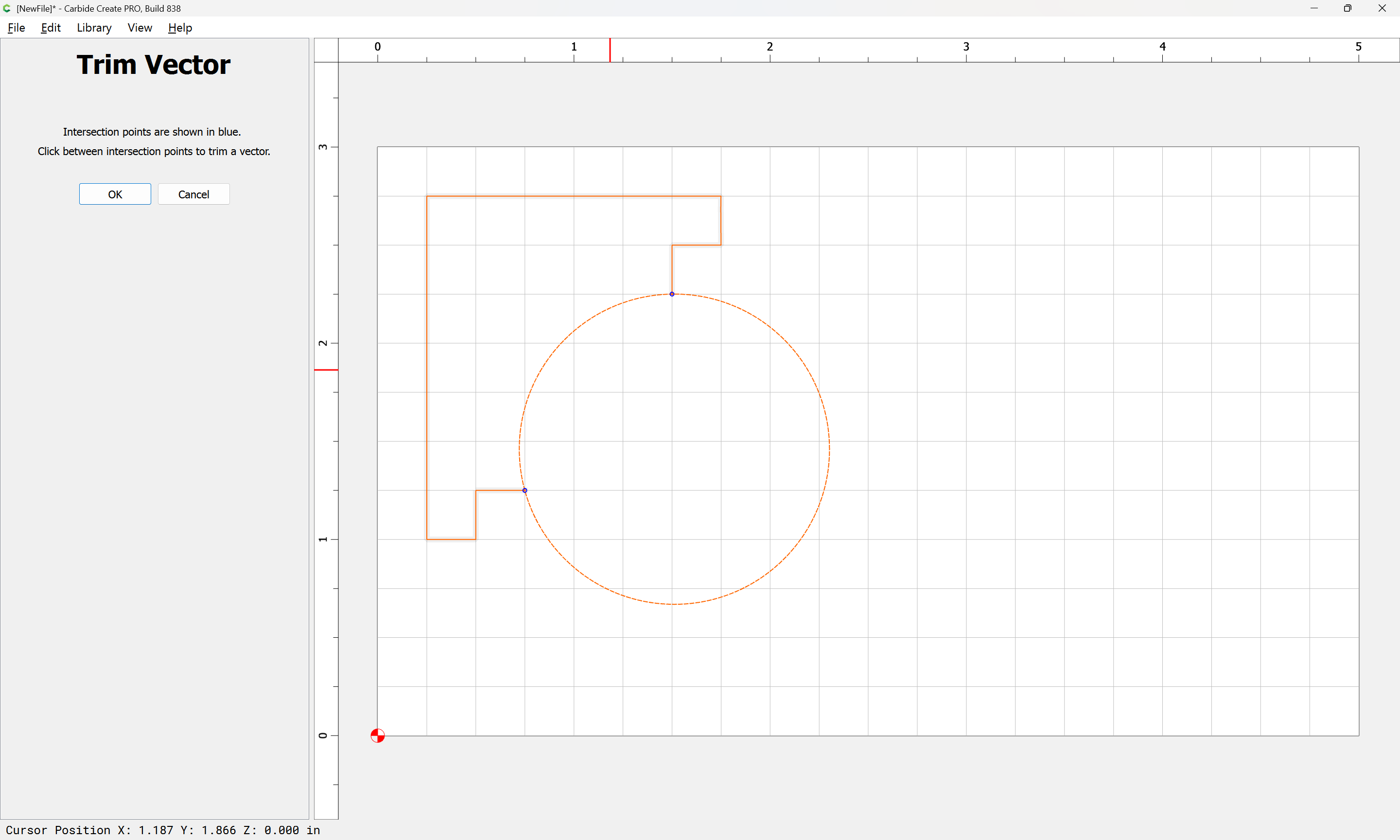
Click on the Section of Vector you want removed:
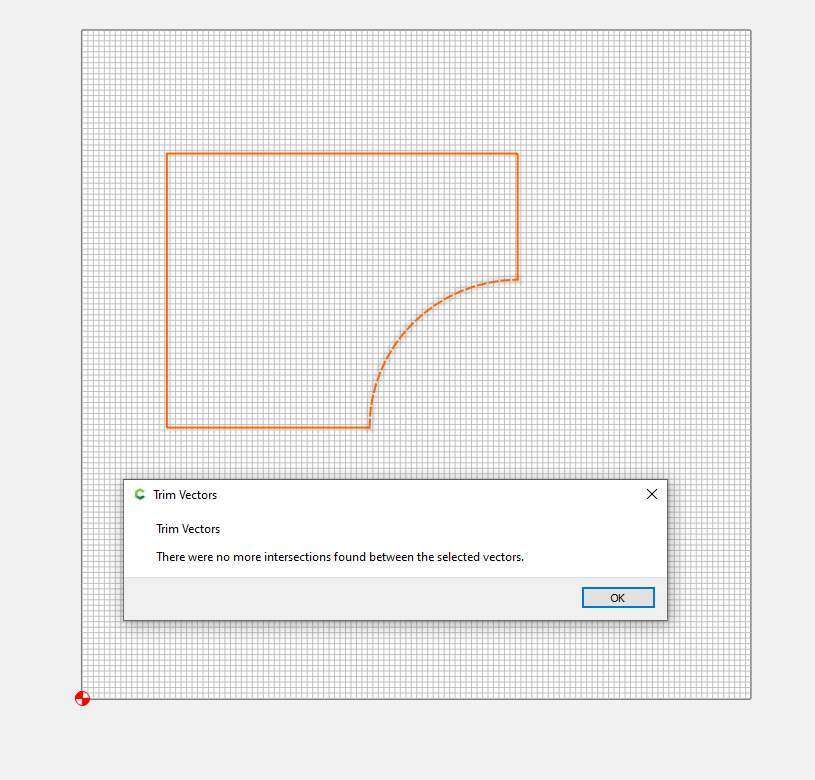
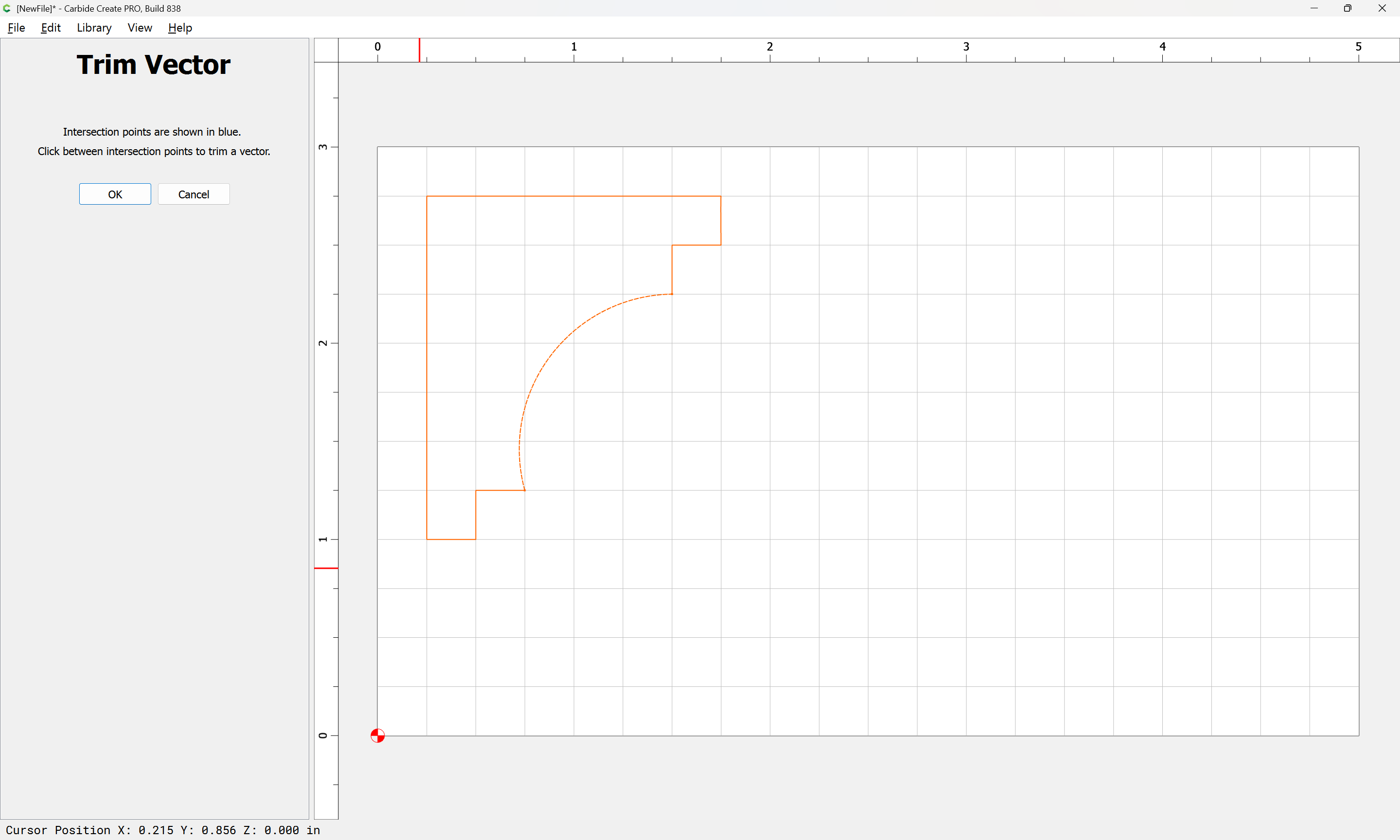
Click OK twice in the pop-up and in the upper-left corner.
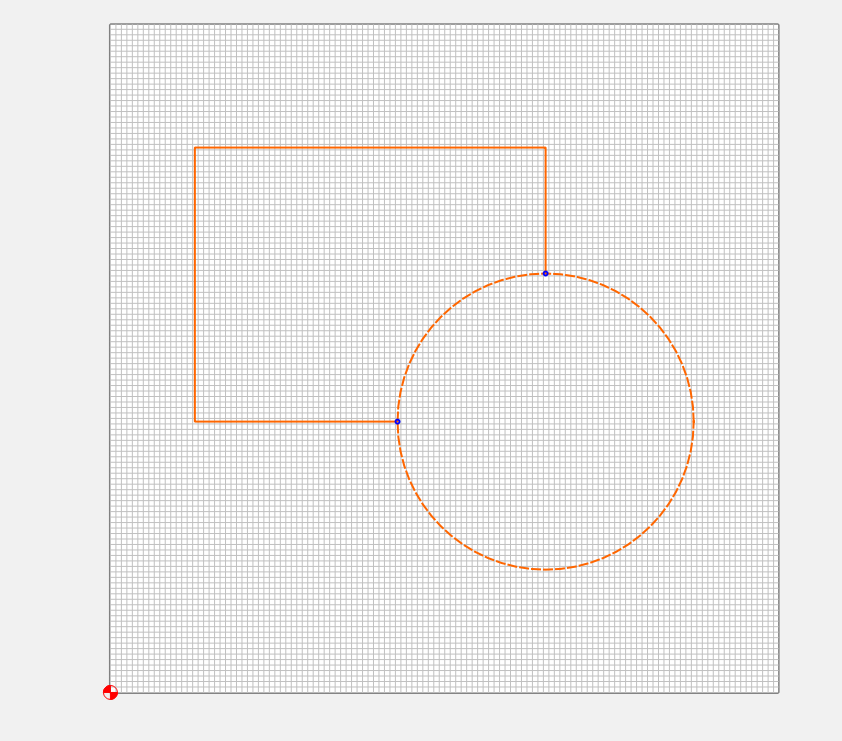
Now you have two vectors that are not “closed”:
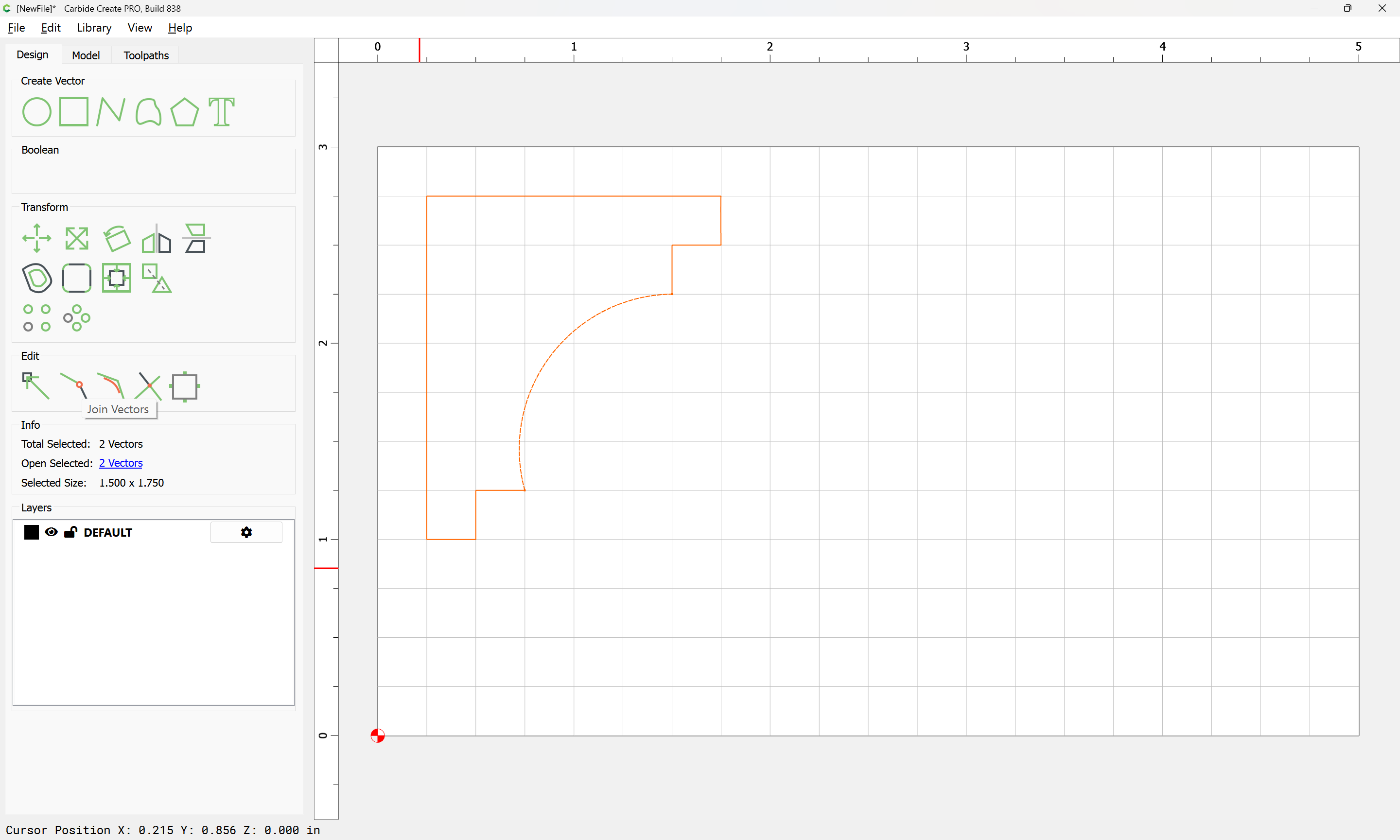
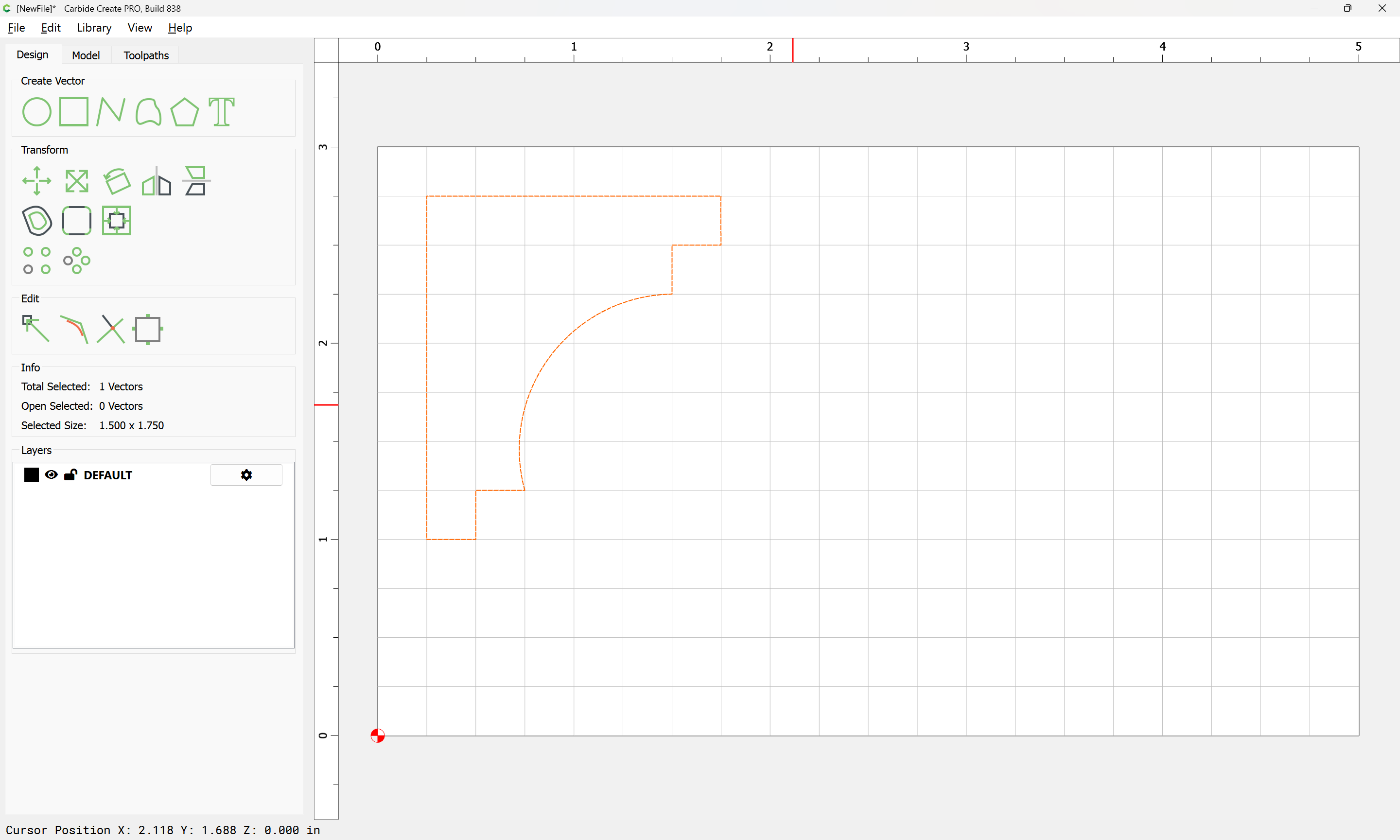
Next select both “Open” vectors and then select the “Join Vectors Tool”
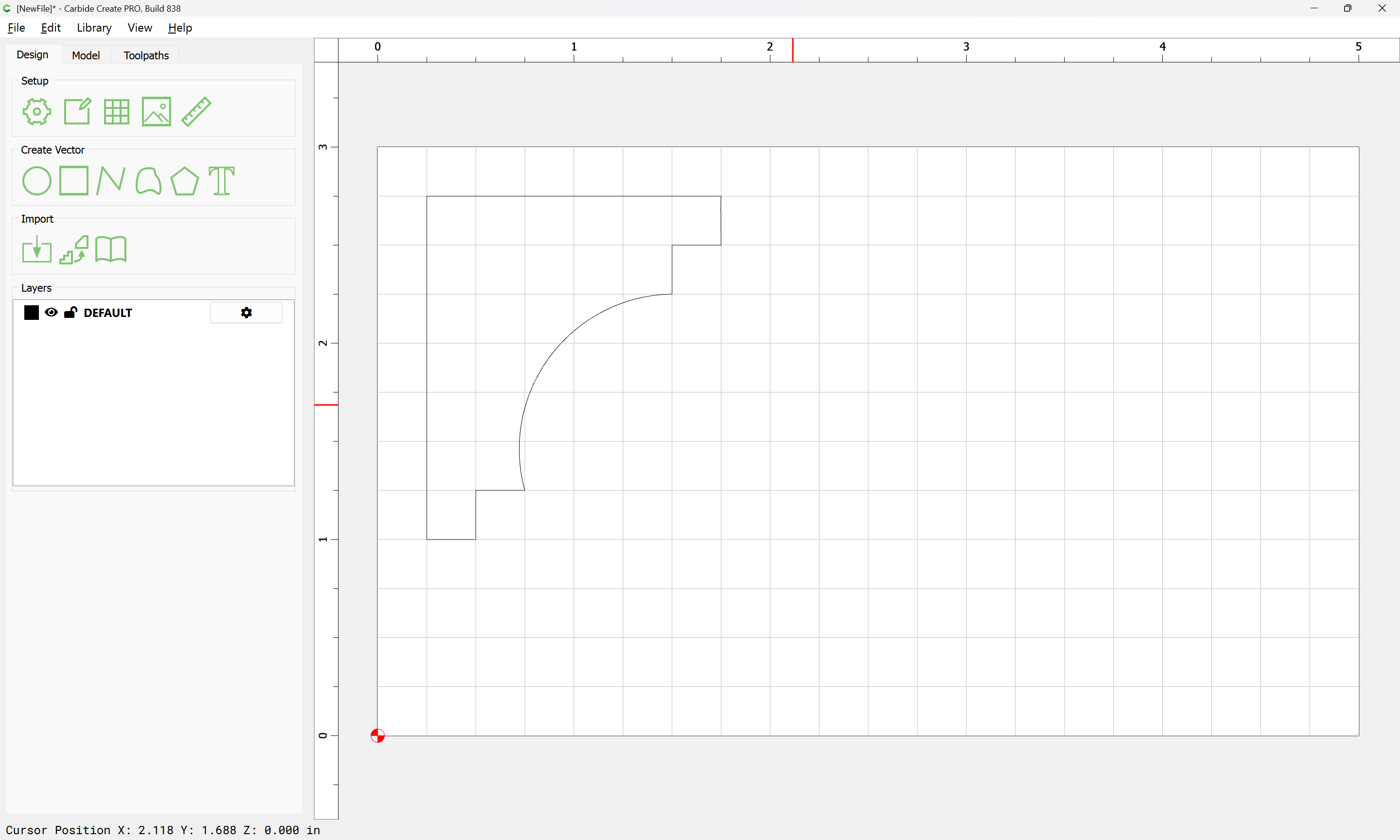
That’s it.
1 Like
WillAdams
December 30, 2025, 7:43pm
3
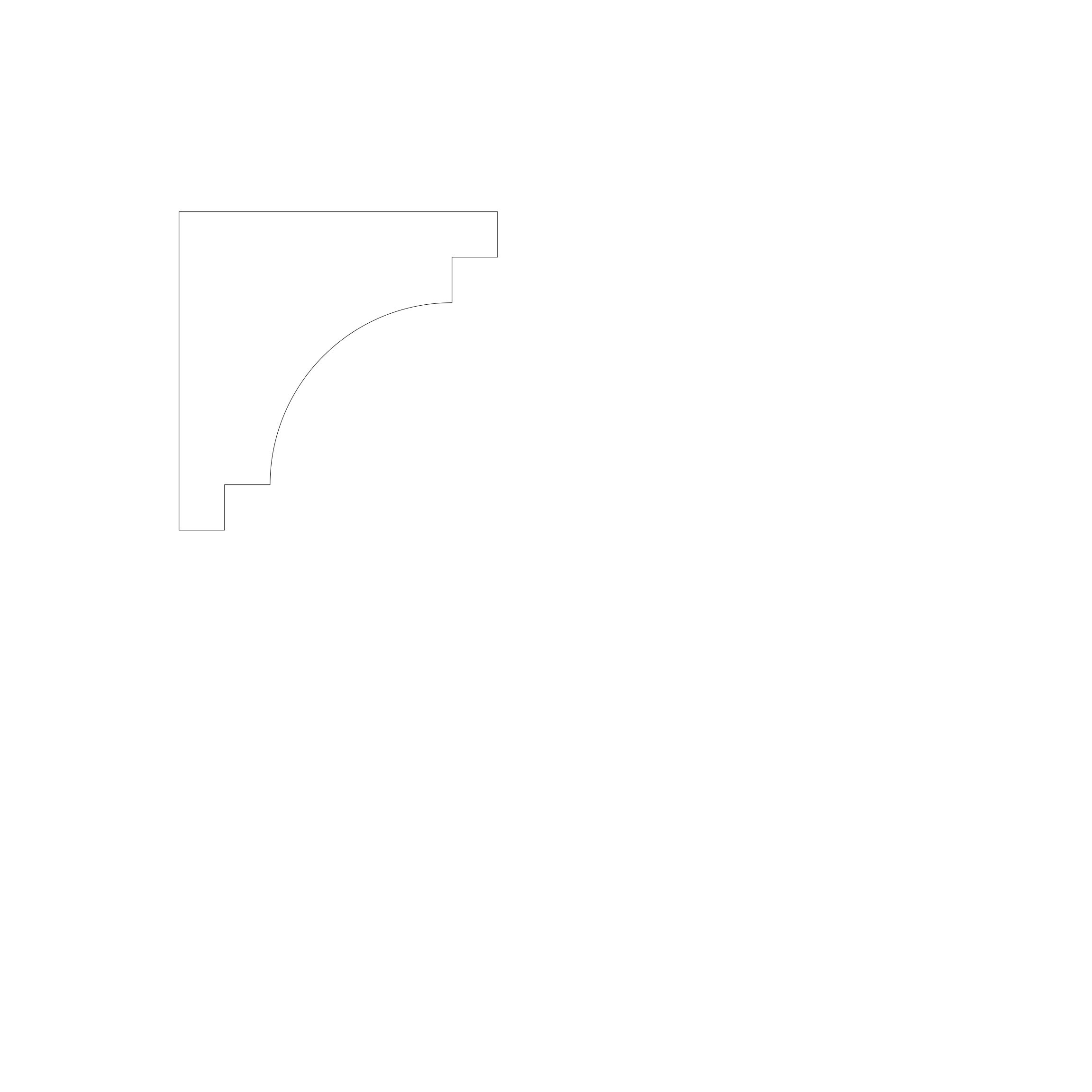
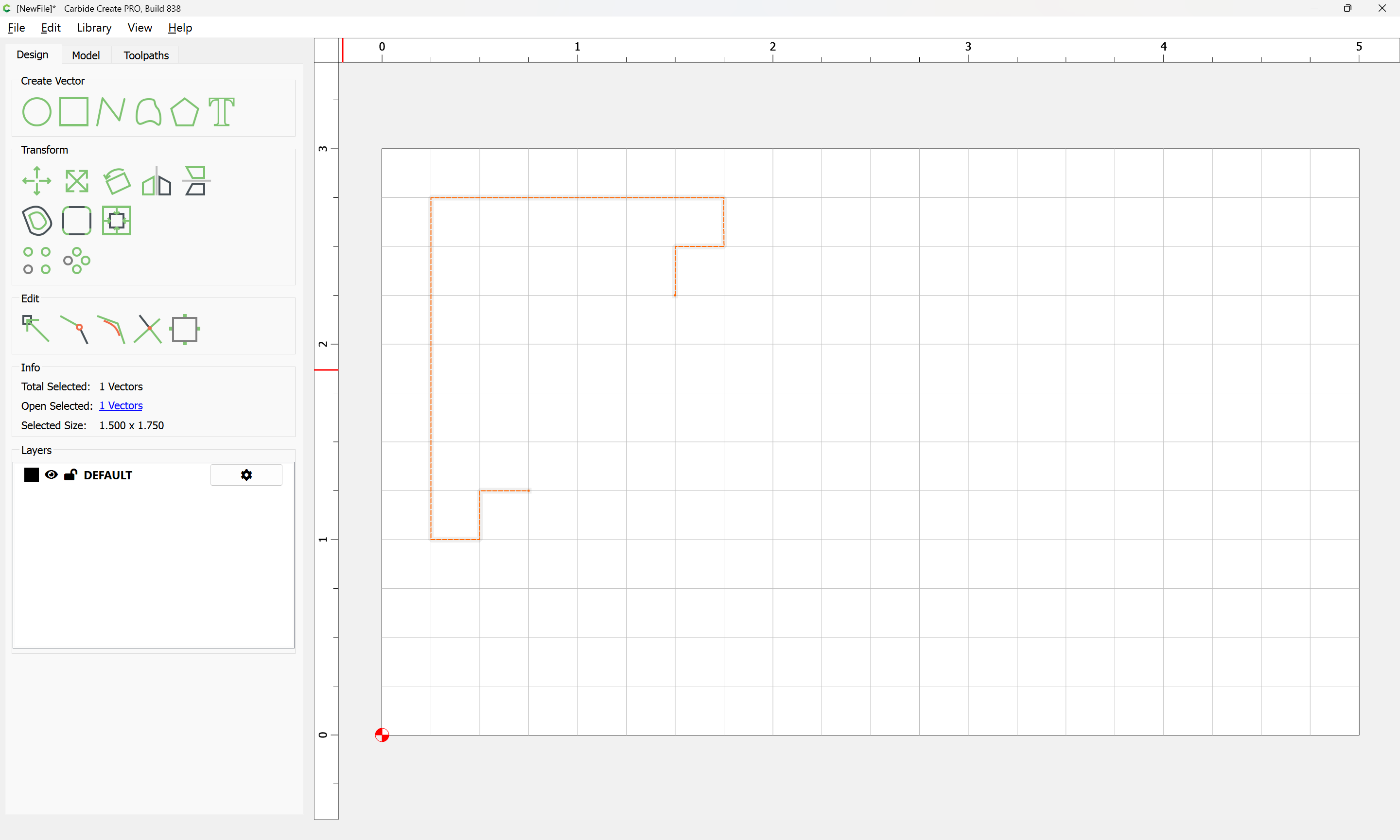
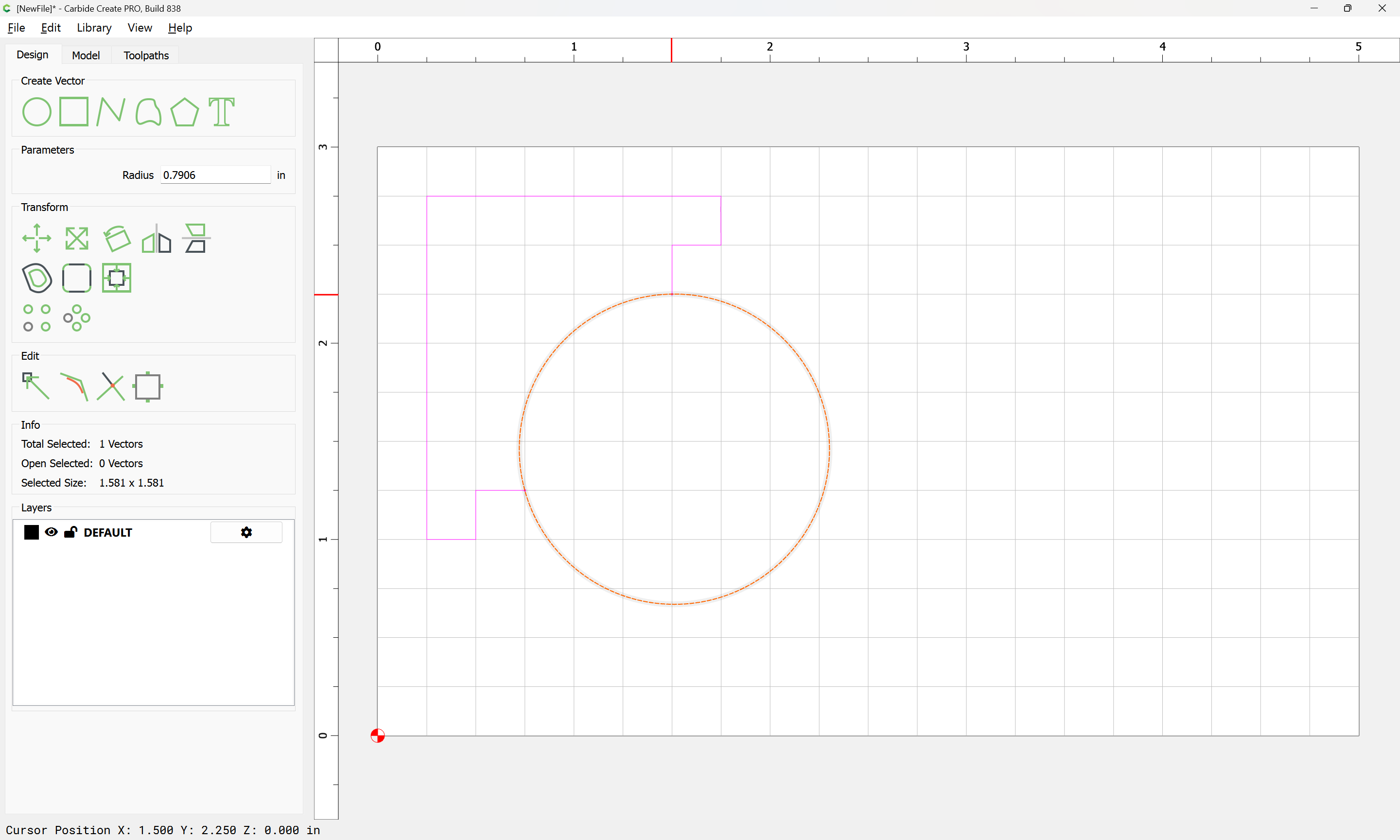
Given the shape:
If one has a circle drawn in so as to touch those two points:
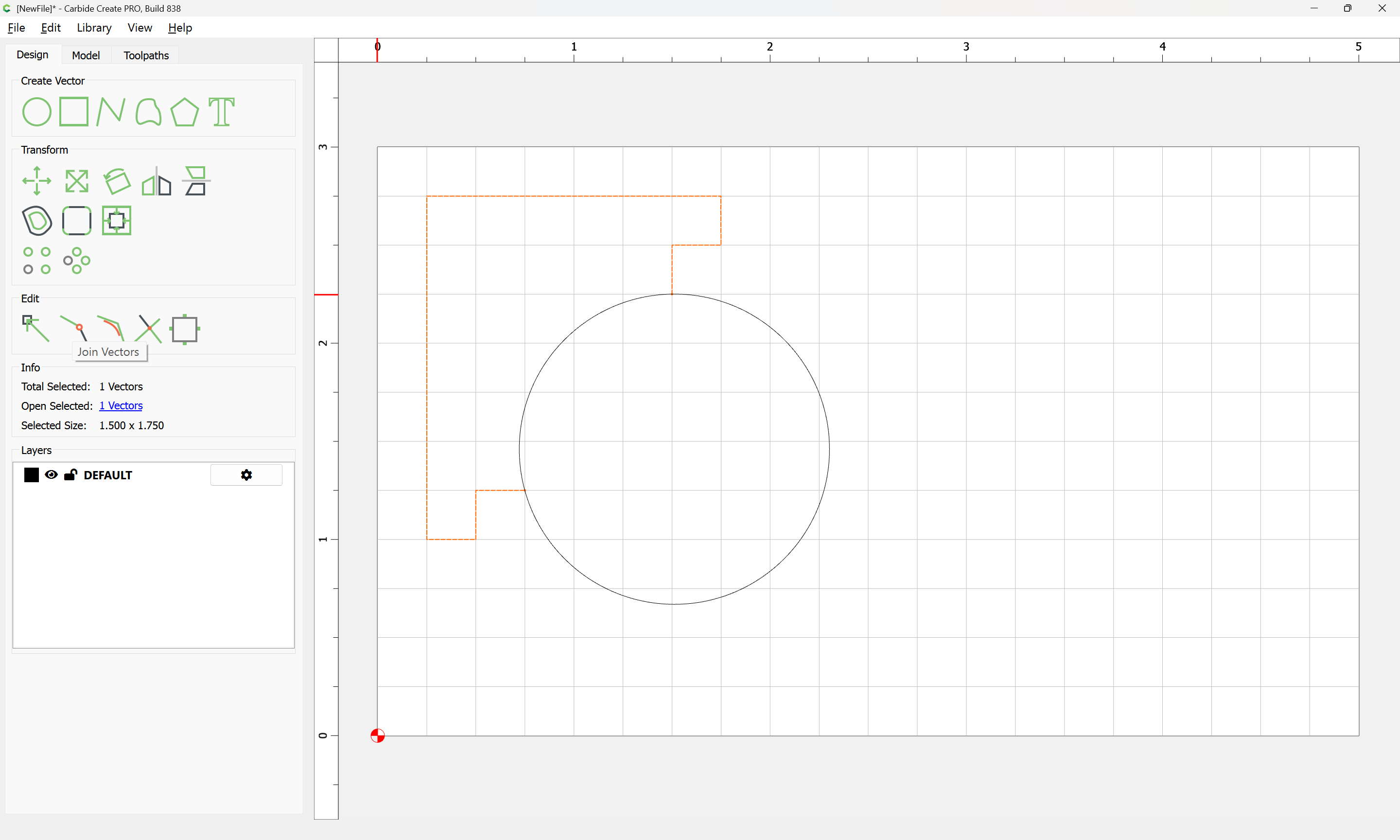
Then the easiest way to address this is to select the original geometry:
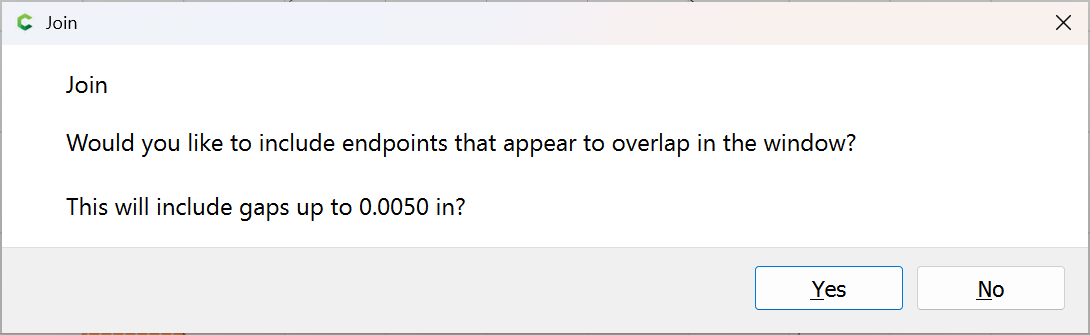
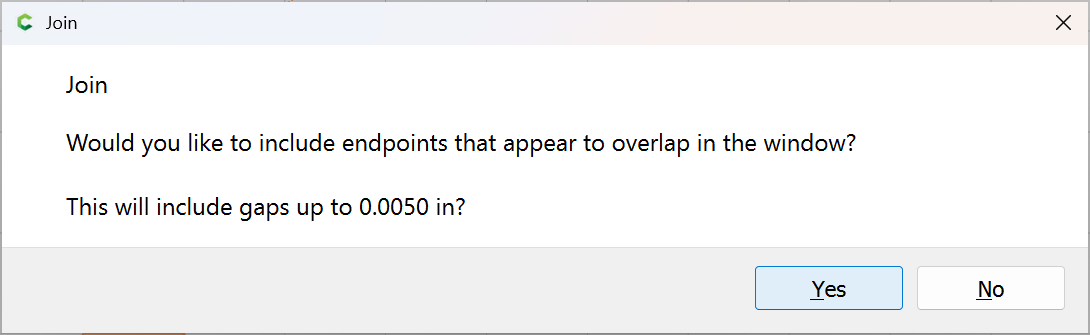
close it using Join Vectors
Yes
Add the circle to the selection:
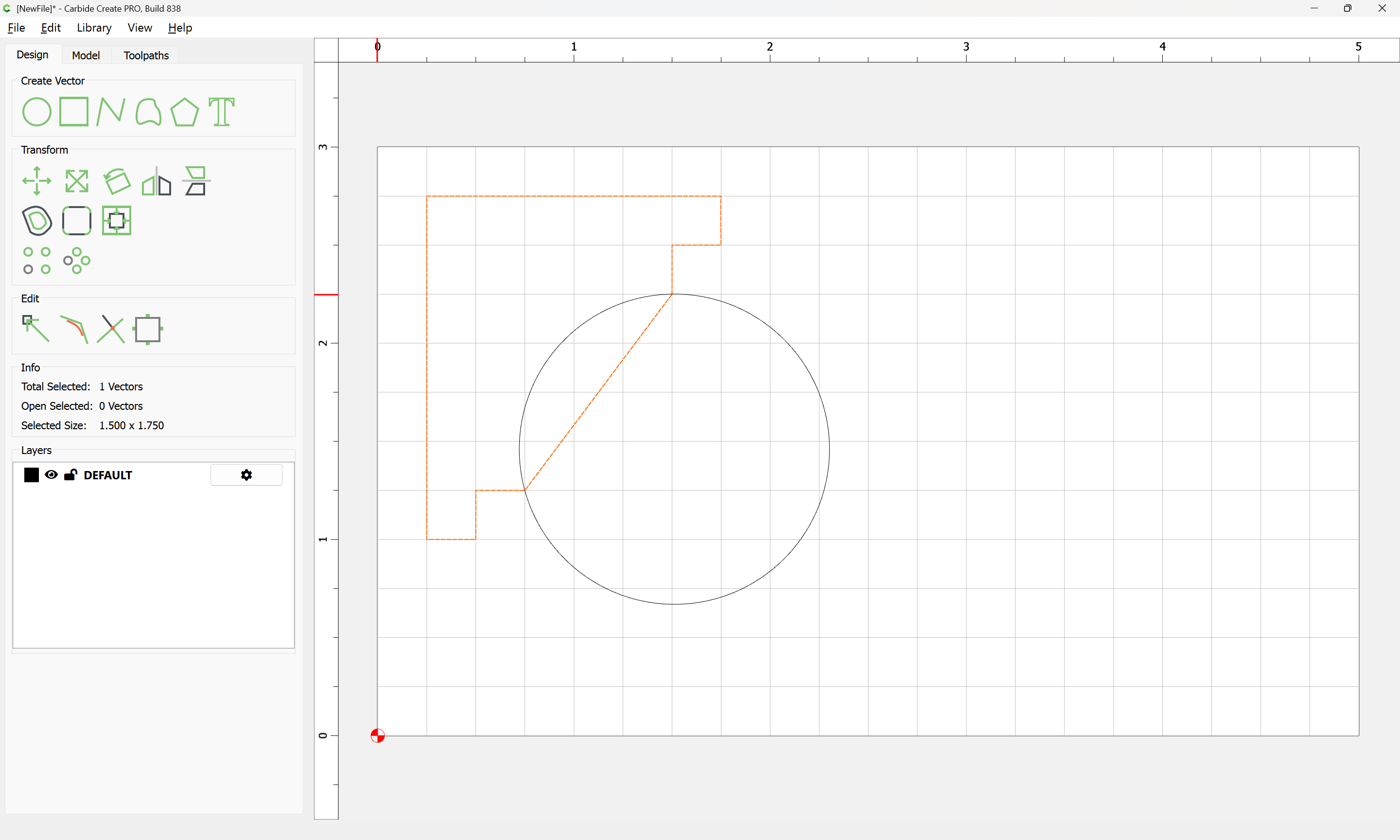
and use Trim Vectors to remove what is not wanted:
Ok
Join Vectors
Yes
2 Likes
WillAdams
December 30, 2025, 7:48pm
4
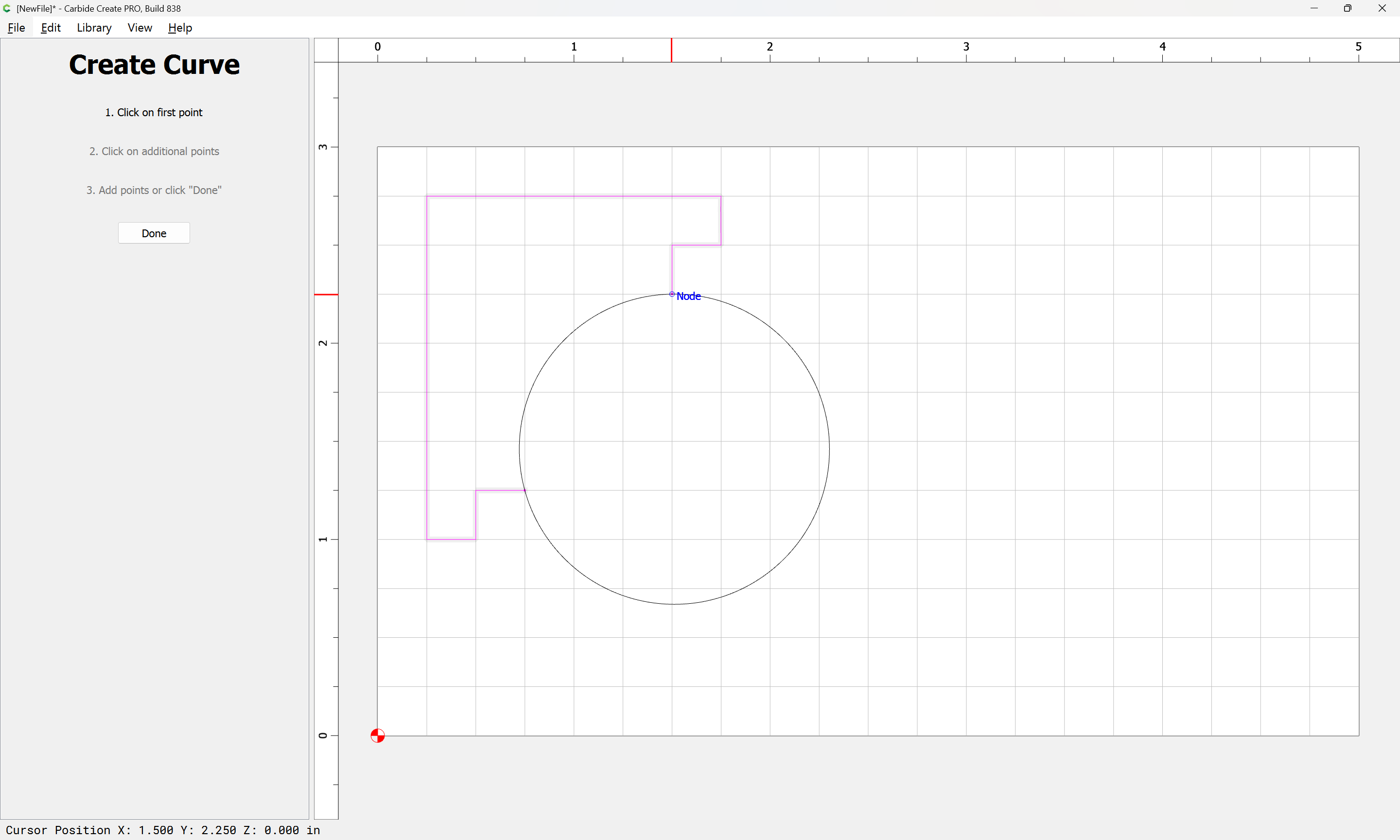
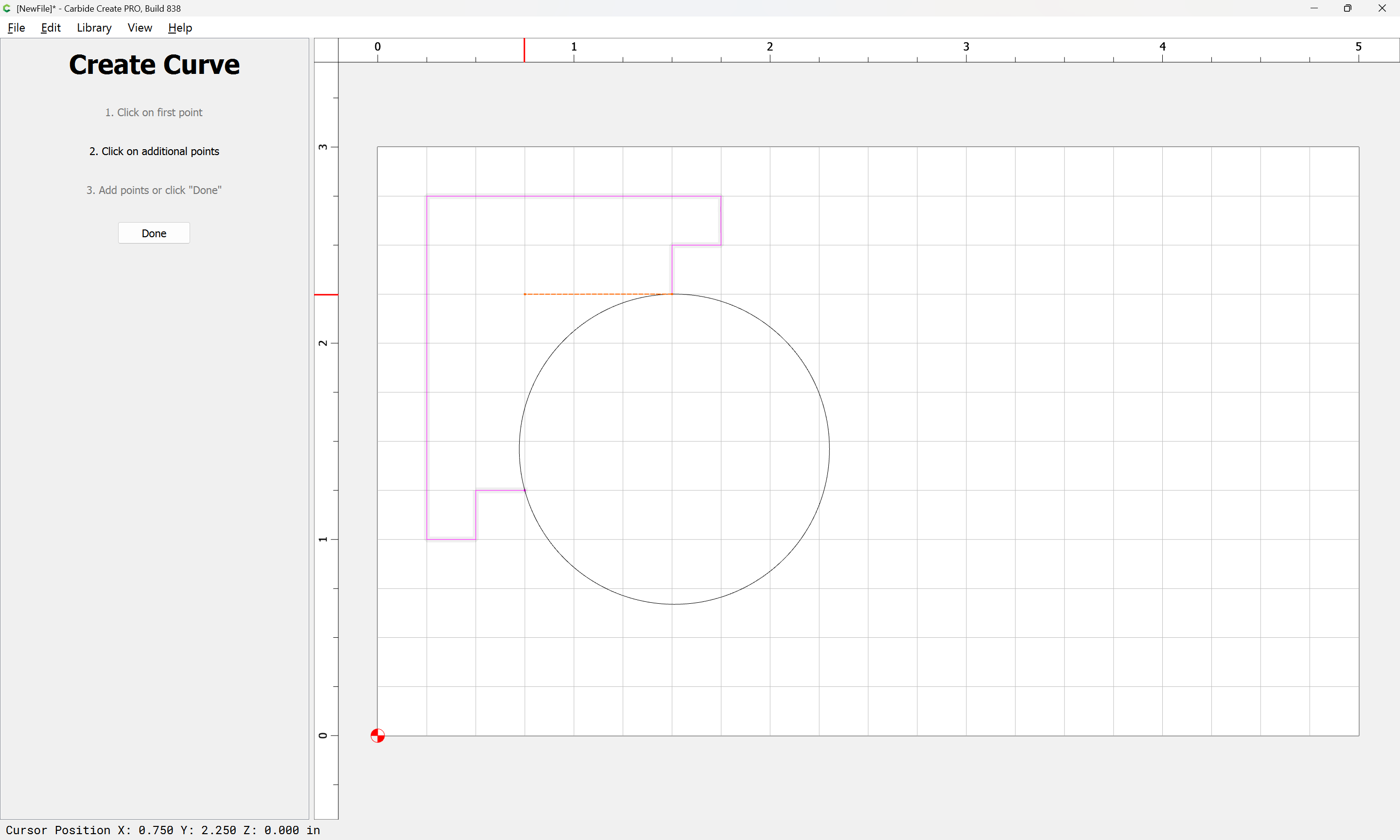
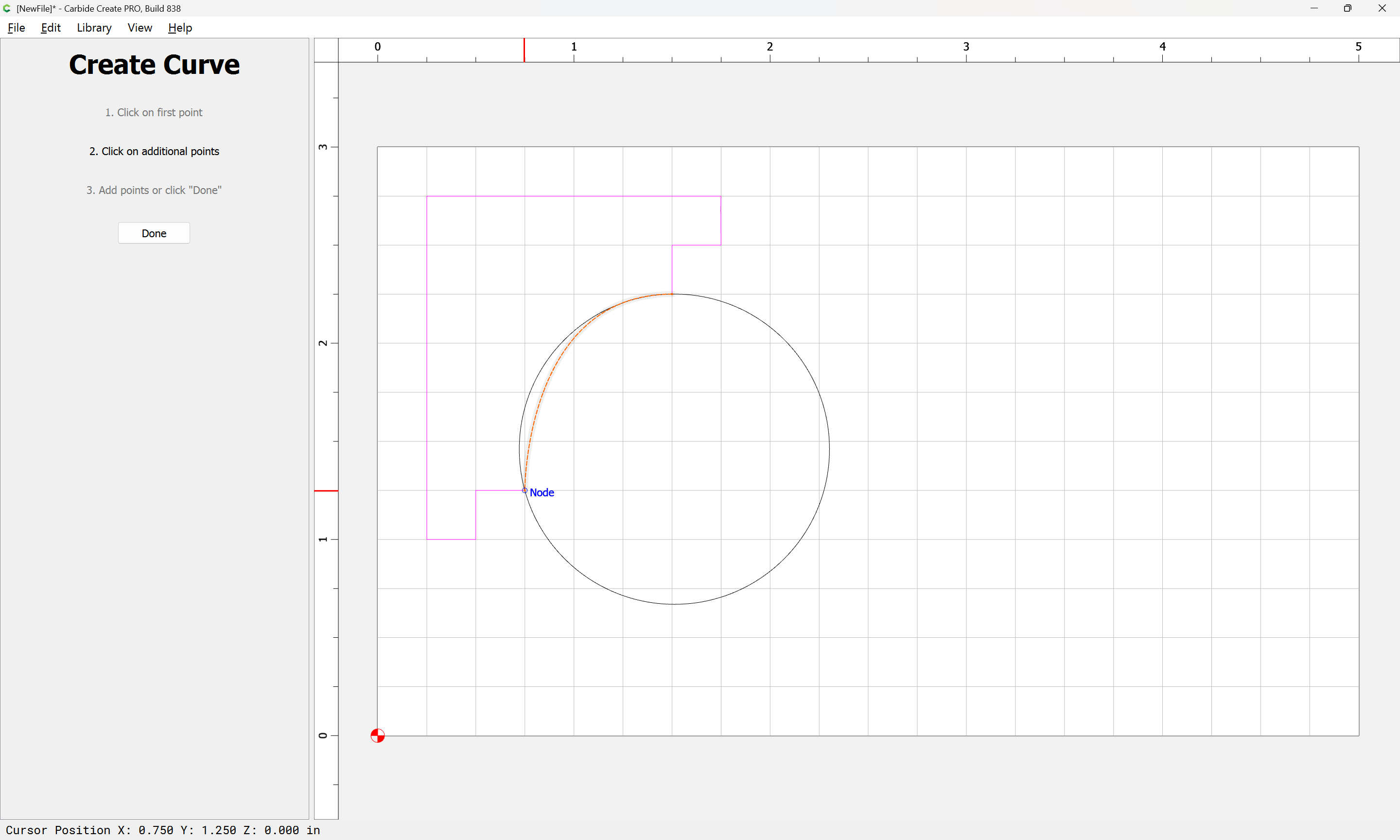
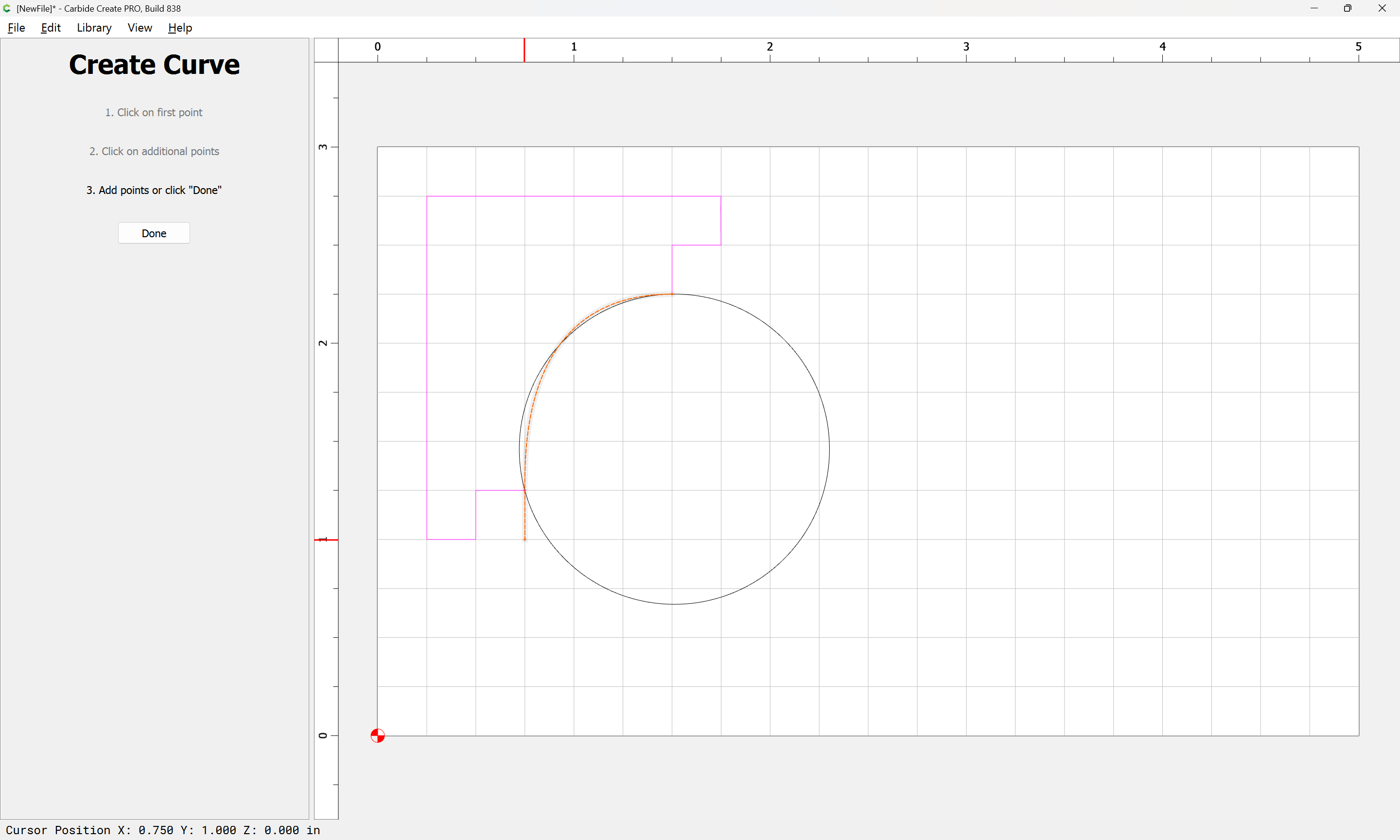
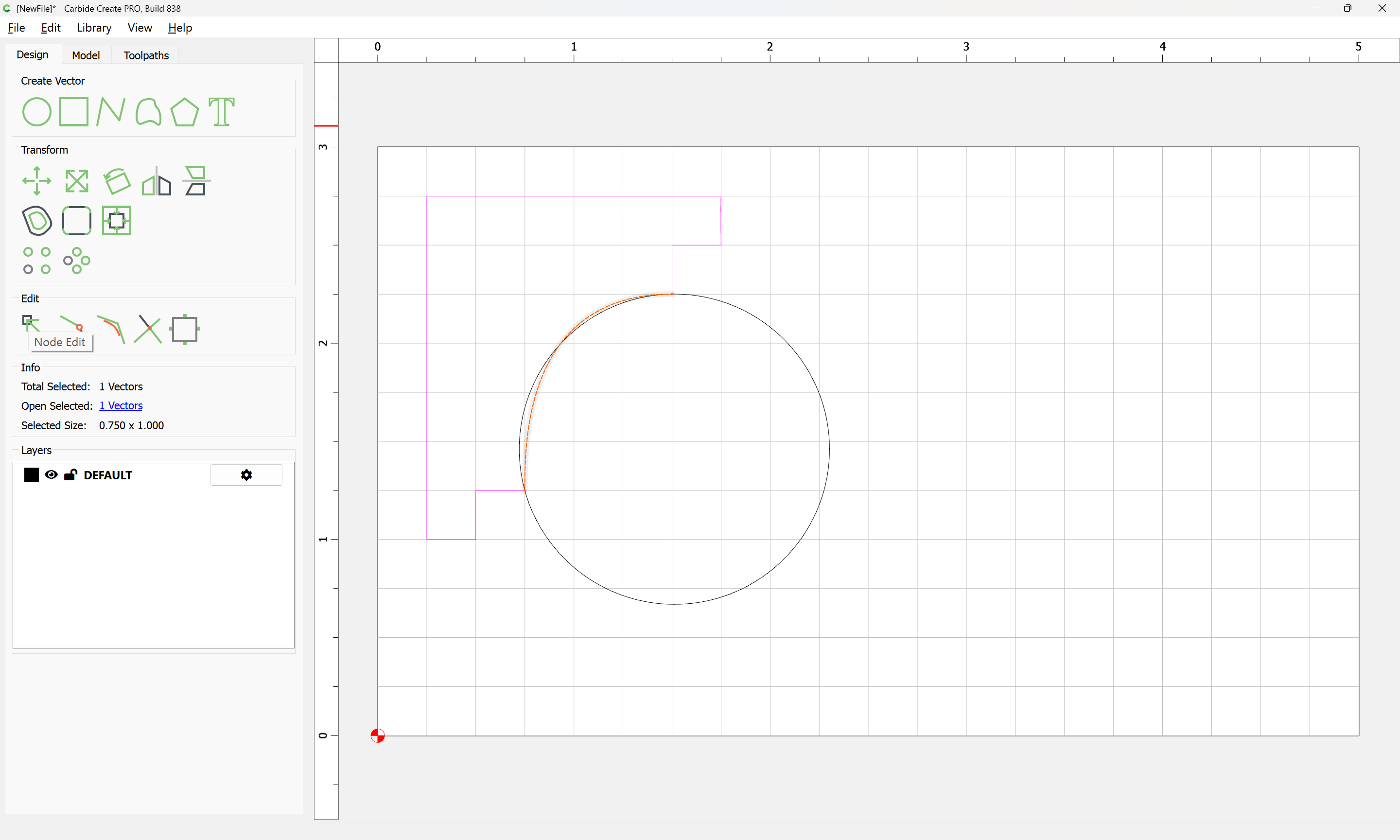
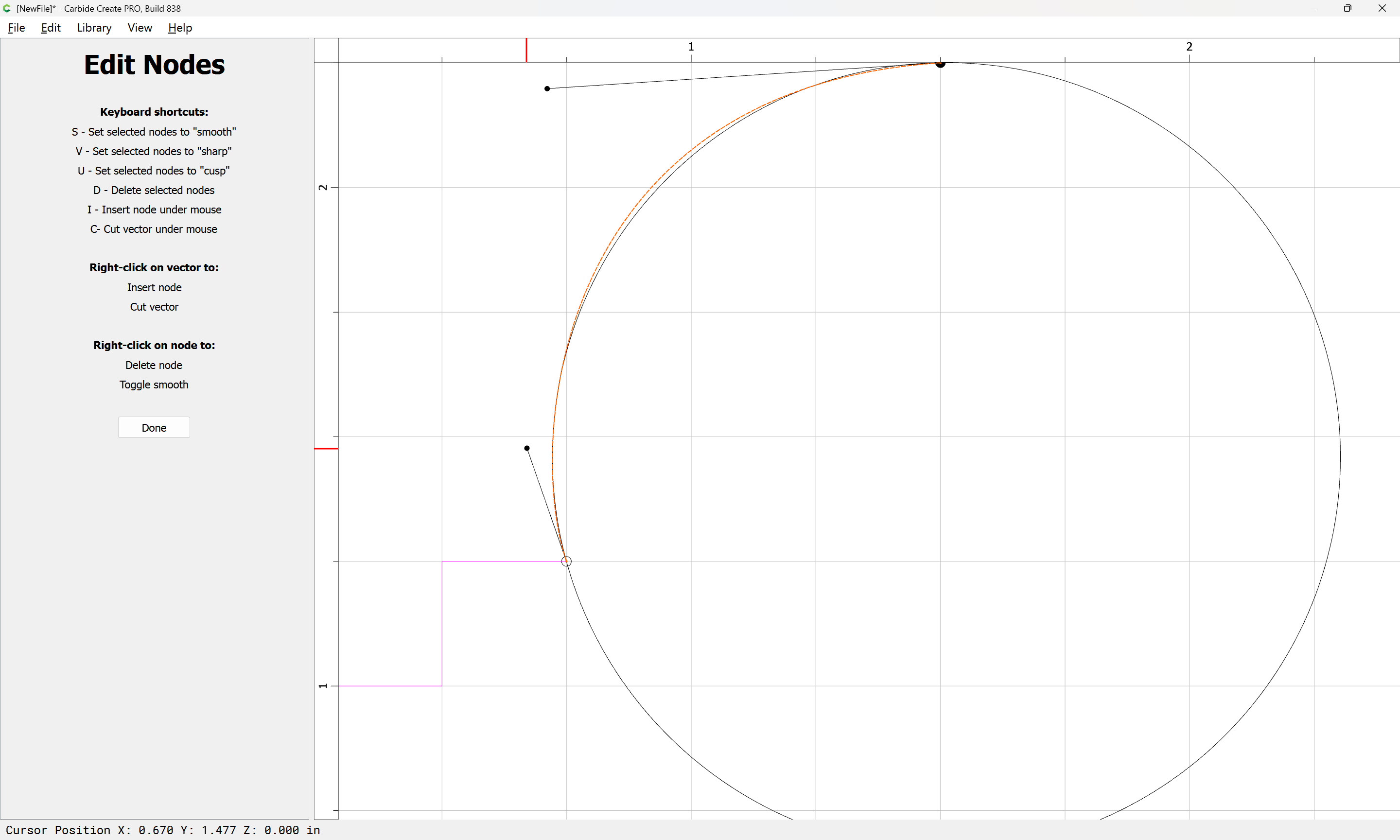
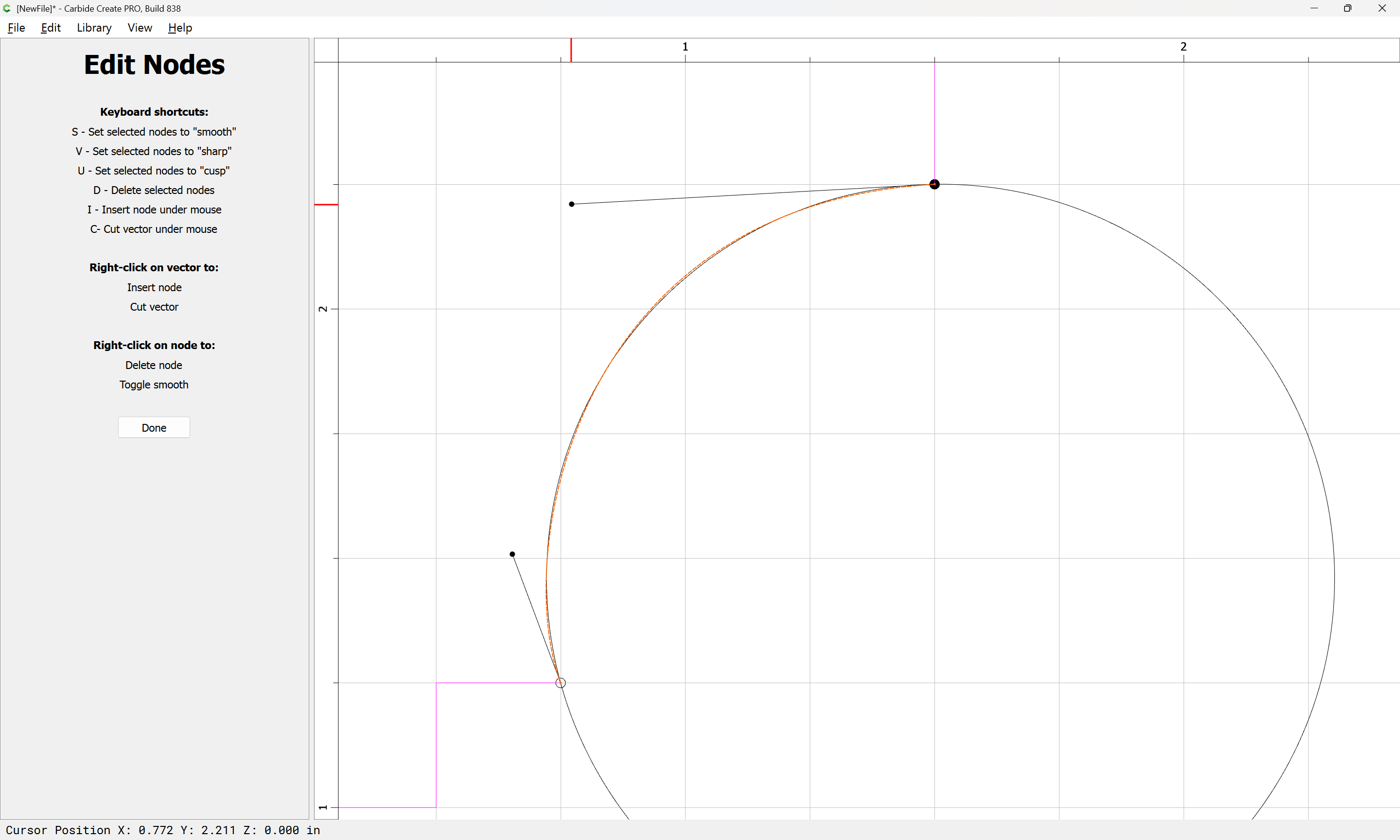
Alternately, this may be done using the Curve tool:
Done
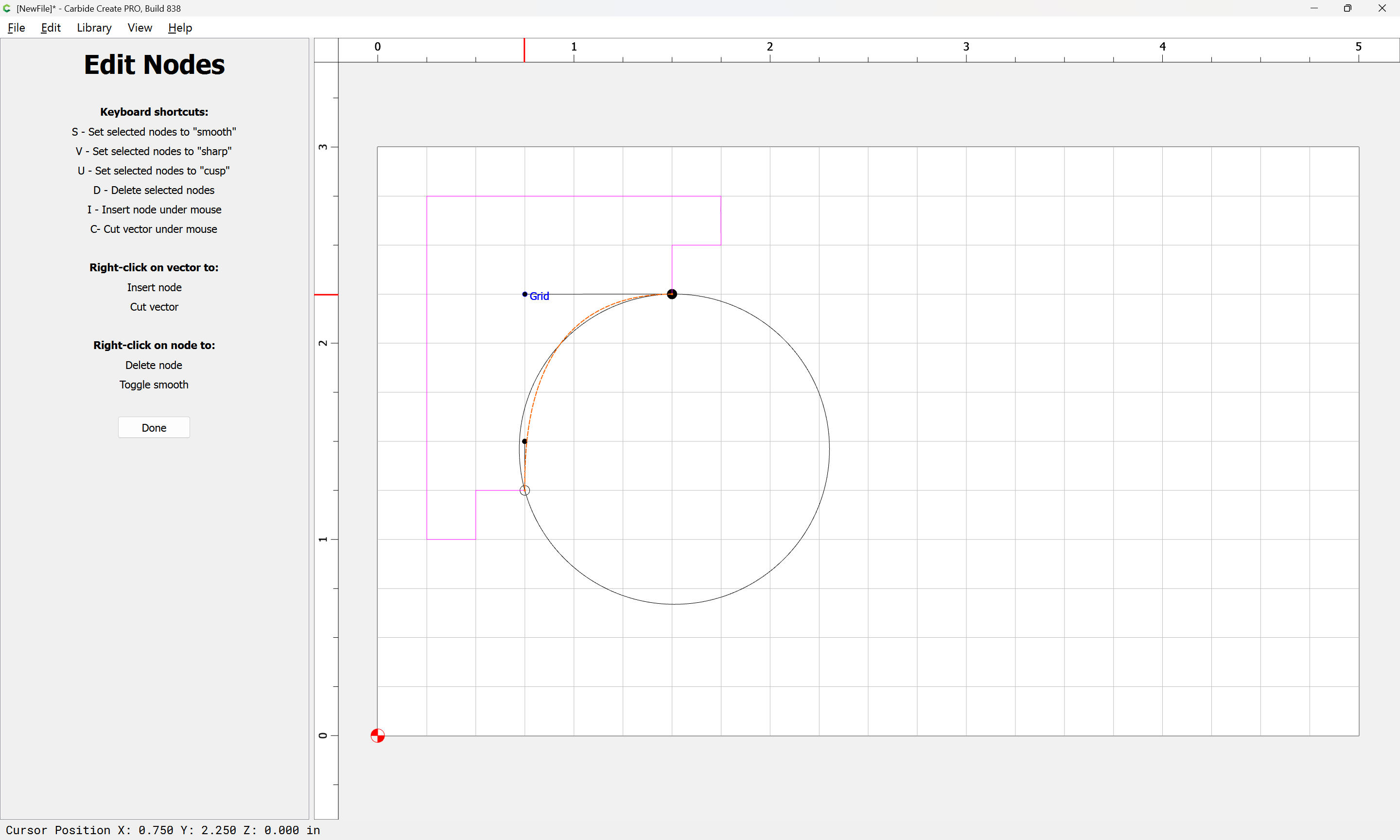
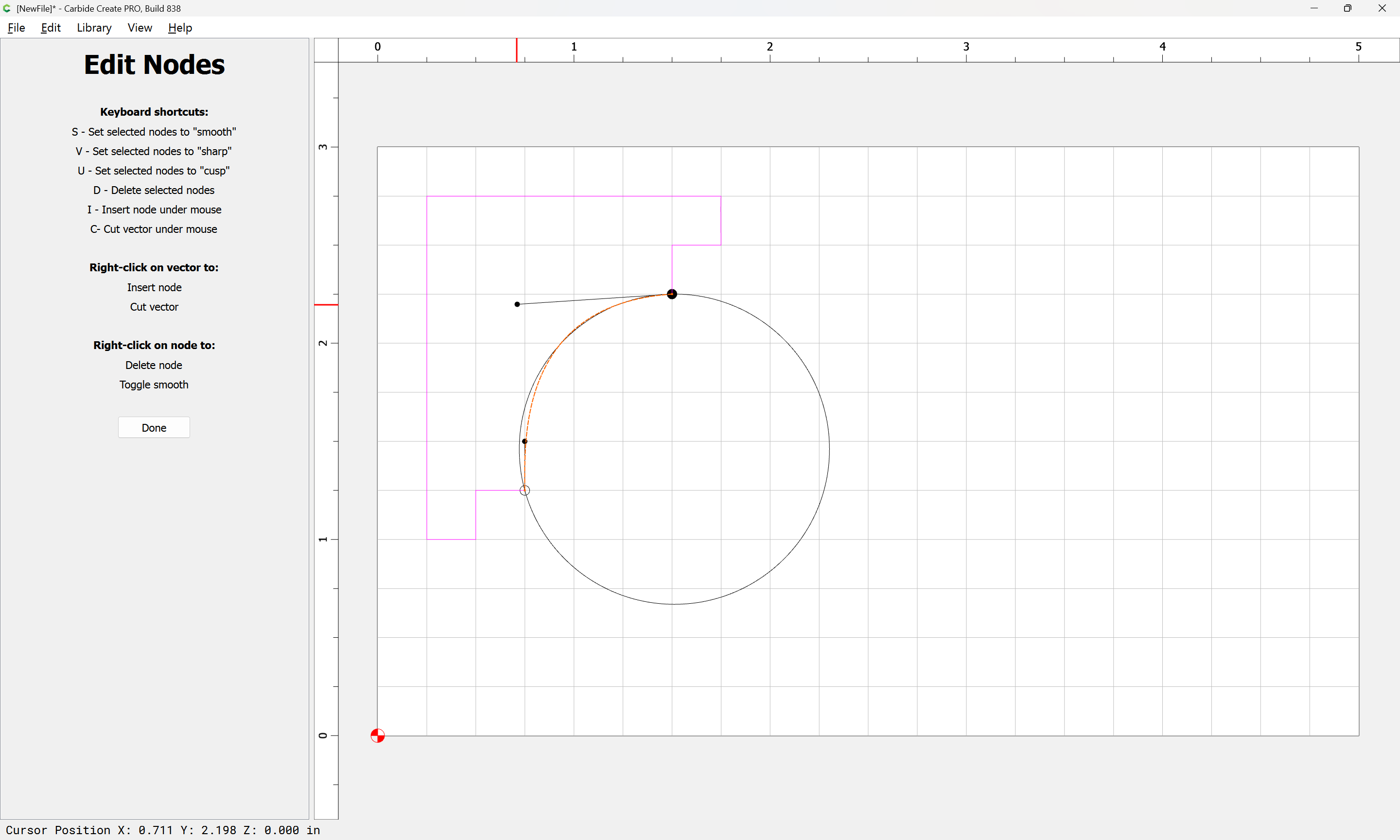
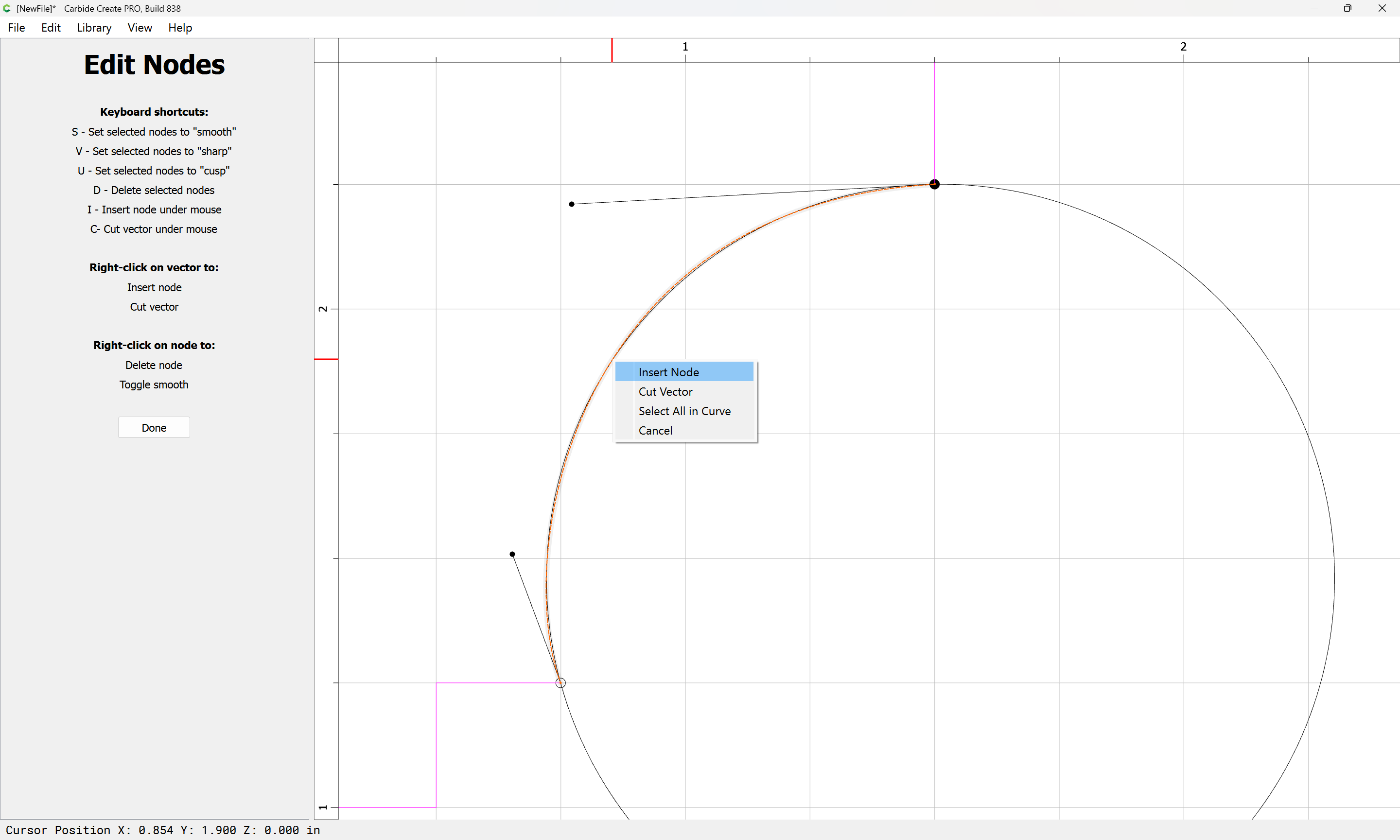
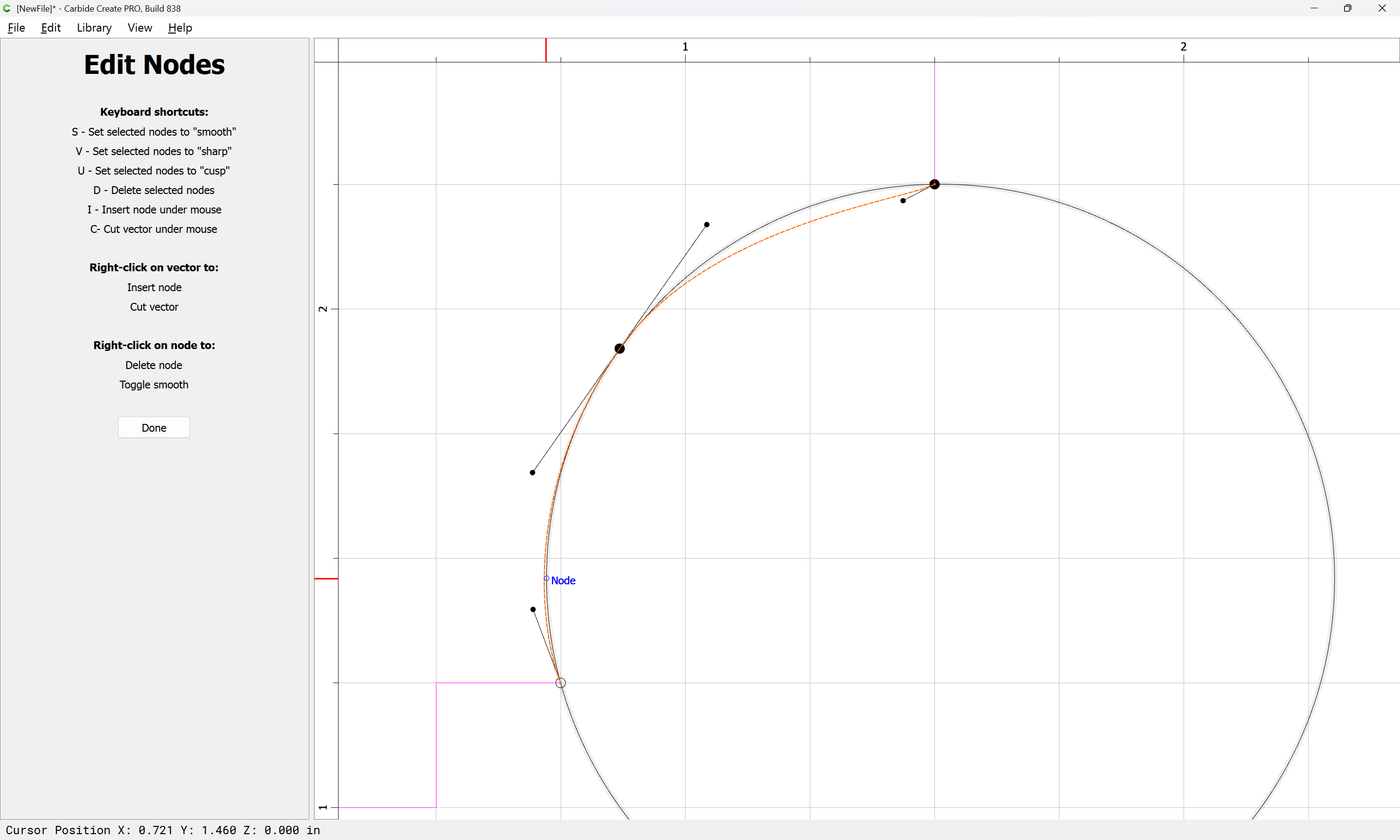
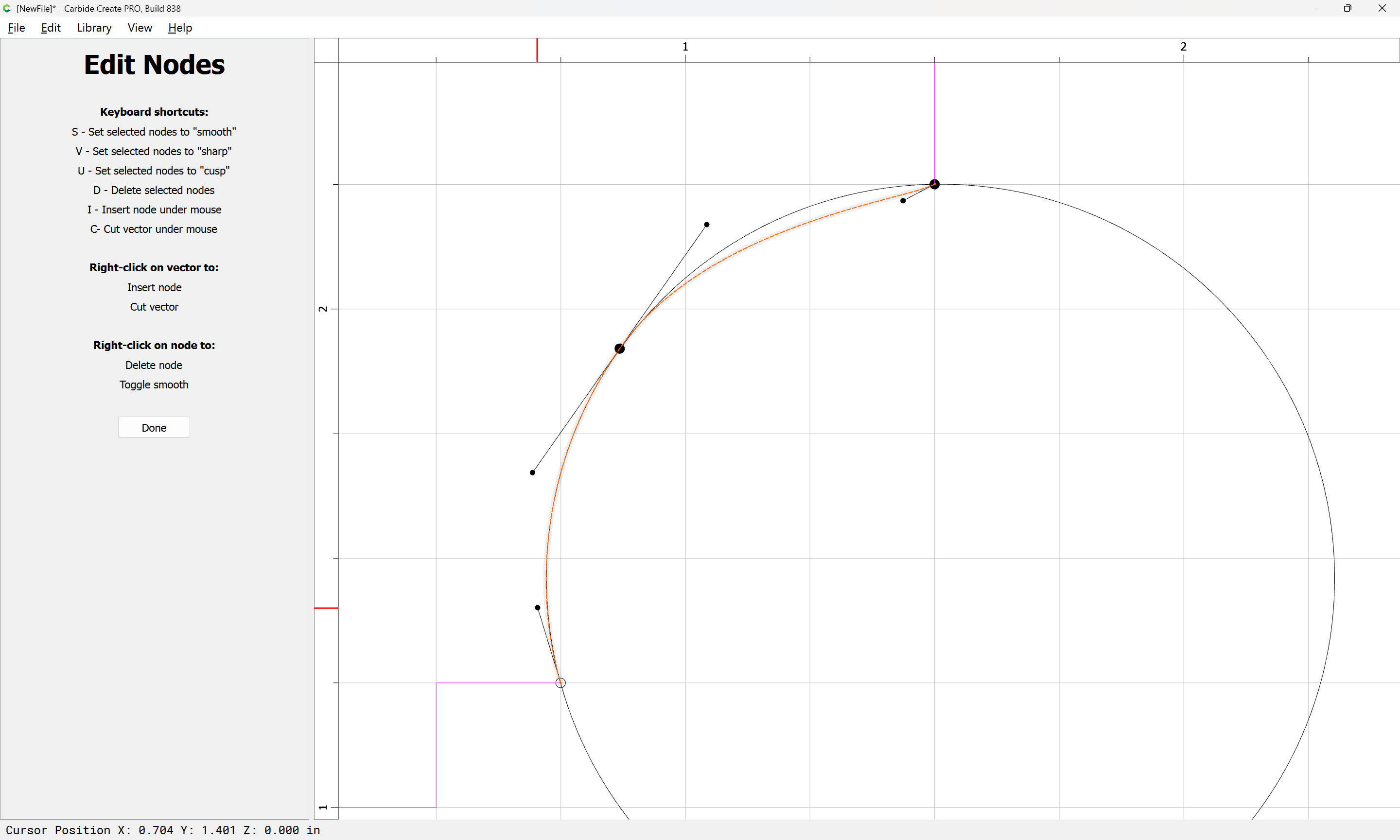
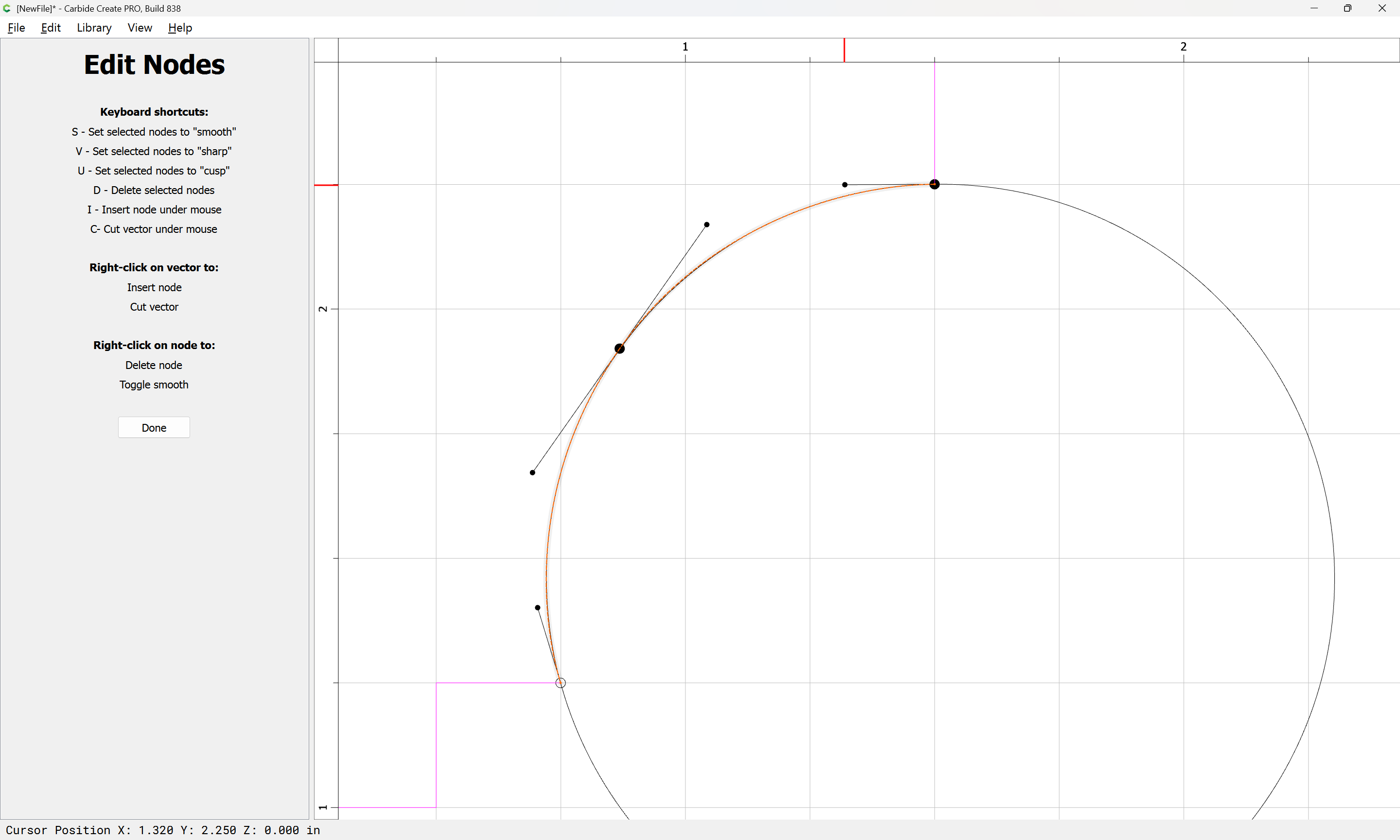
Then use Node Editing to adjust:
Probably a 3rd node would be needed for an exact fit.
2 Likes
Randy513
January 5, 2026, 2:27pm
5
Thanks that was very helpful. Appreciate all your input.
Randy513
January 5, 2026, 2:28pm
6
One more question will I lose this chat in 30 days?
GJM
January 5, 2026, 2:38pm
7
It closes…you don’t lose it. It remains here. You can bookmark it.
1 Like
system
February 4, 2026, 2:39pm
8
This topic was automatically closed 30 days after the last reply. New replies are no longer allowed.