Can I use a V-tool to make a bevel that goes all the way to the end of the workpiece? Say I have a circle cut-out and I want it beveled. The V-bit I have is not terribly deep, maybe half an inch.
Depends on the size — put up a file or drawing or notes on dimensions?
If unsure, put the v bit into the router/spindle and zero it to your spoil board top. Now just measure from the spoil board to the top of the cutter. This will be height of your bevel.
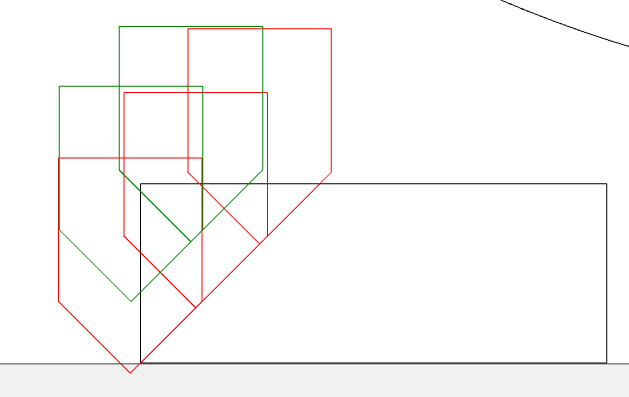
If you’re trying to cut deeper than the tool will cut in one pass, draw it up in profile & use the tooltips to determine your offsets & depths.
Note: for a 90° tool, the sides are 45°, so the offset & the depth are the same. 
2 Likes
This can be done without the pro version of carbide create?
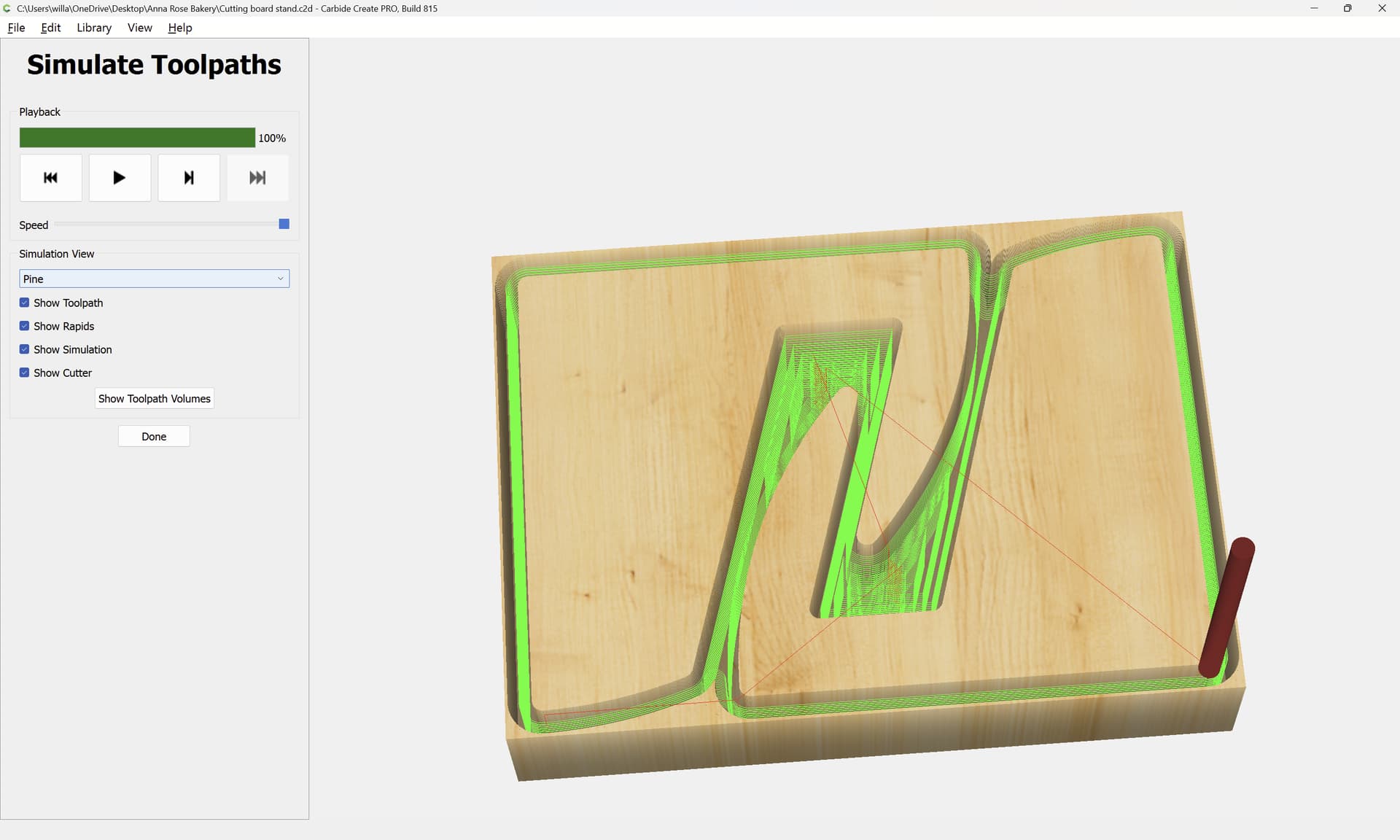
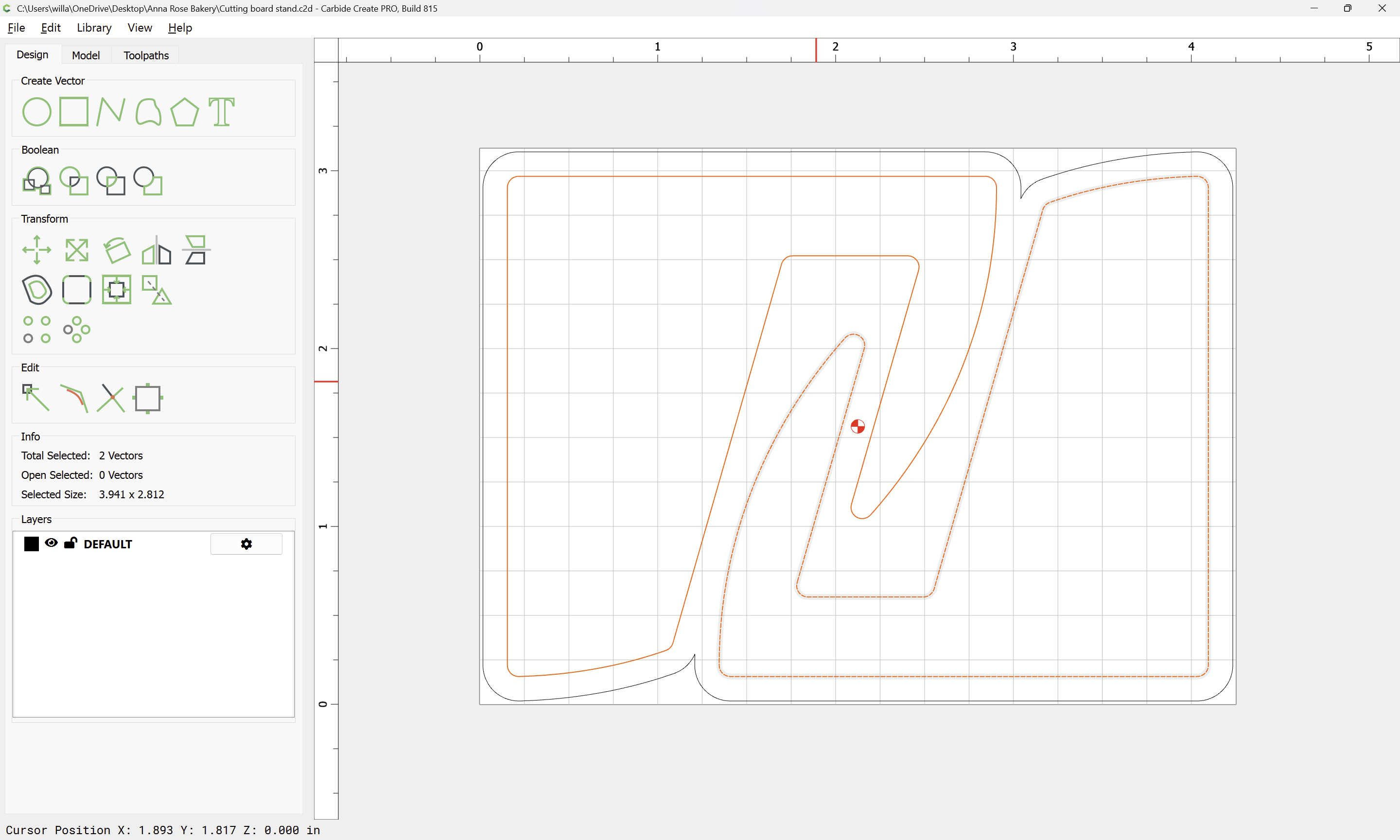
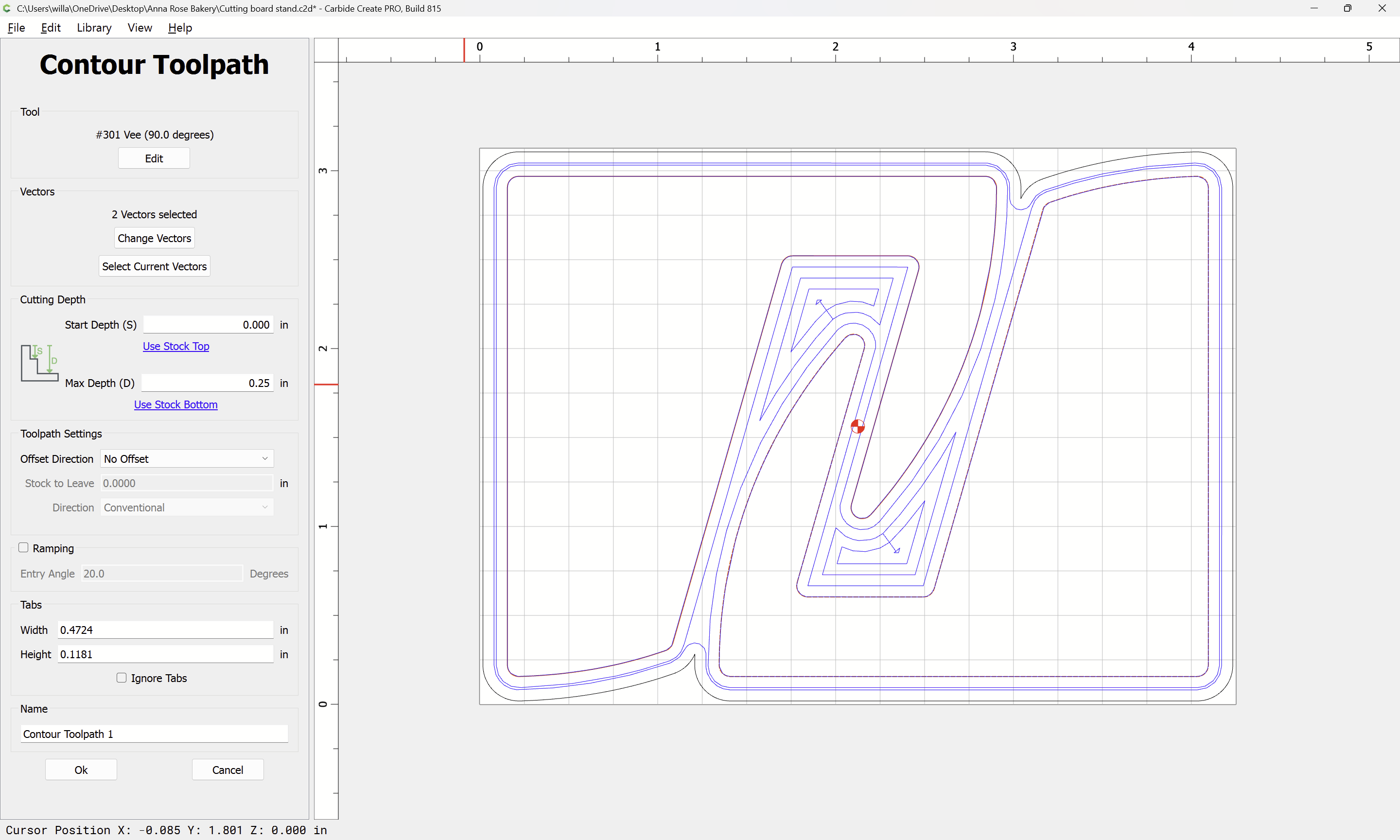
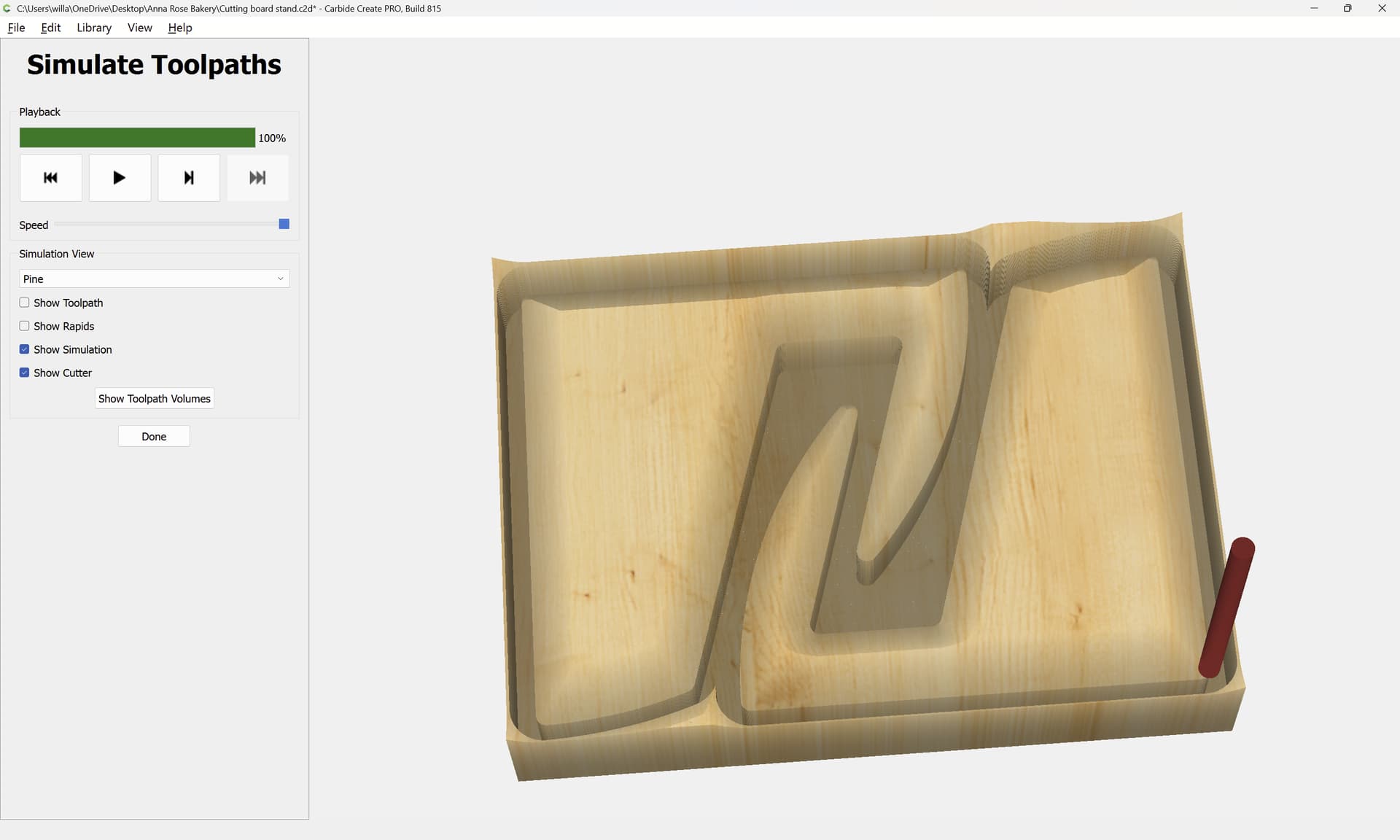
This is exactly what I need to do. My plan is to cut the outline with a quarter inch bit and then do something like this to get a bevel around the perimeter of the part. Say I am using 3/4 material, I need the bevel to be about 1/2" deep. Do I need multiple tool paths for this or will the software figure this out?
The software will not figure it out. It steps down vertically, not down the angle.
I would offset the perimeter inside 0.300 and machine that 0.200 deep. Then offset the perimeter inside 0.100 and cut that 0.400 deep. Then offset the perimeter outside 0.100 and cut that 0.600 deep. Use 0.200 depth per cut on all. That will give you a 45° chamfer 0.500 wide & deep
4 Likes
It might be easier to just cut a .25 inch bevel. The 90 degree v-bit has a total width of .5 inches, I am assuming that means that the depth of the V is .25. Trying to chamfer entire 3/4" piece of MDF seems like it would be difficult to sort out. Might be worth wile to find a bigger v bit.
I prefer to overlap a chamfer, whether it’s one cut or many. Vee bits don’t cut well near the center, and if the material moves or is not perfectly flat or accurate dimension, it gives you a little play to get a nicer bevel.
1 Like
This topic was automatically closed 30 days after the last reply. New replies are no longer allowed.