Good afternoon,
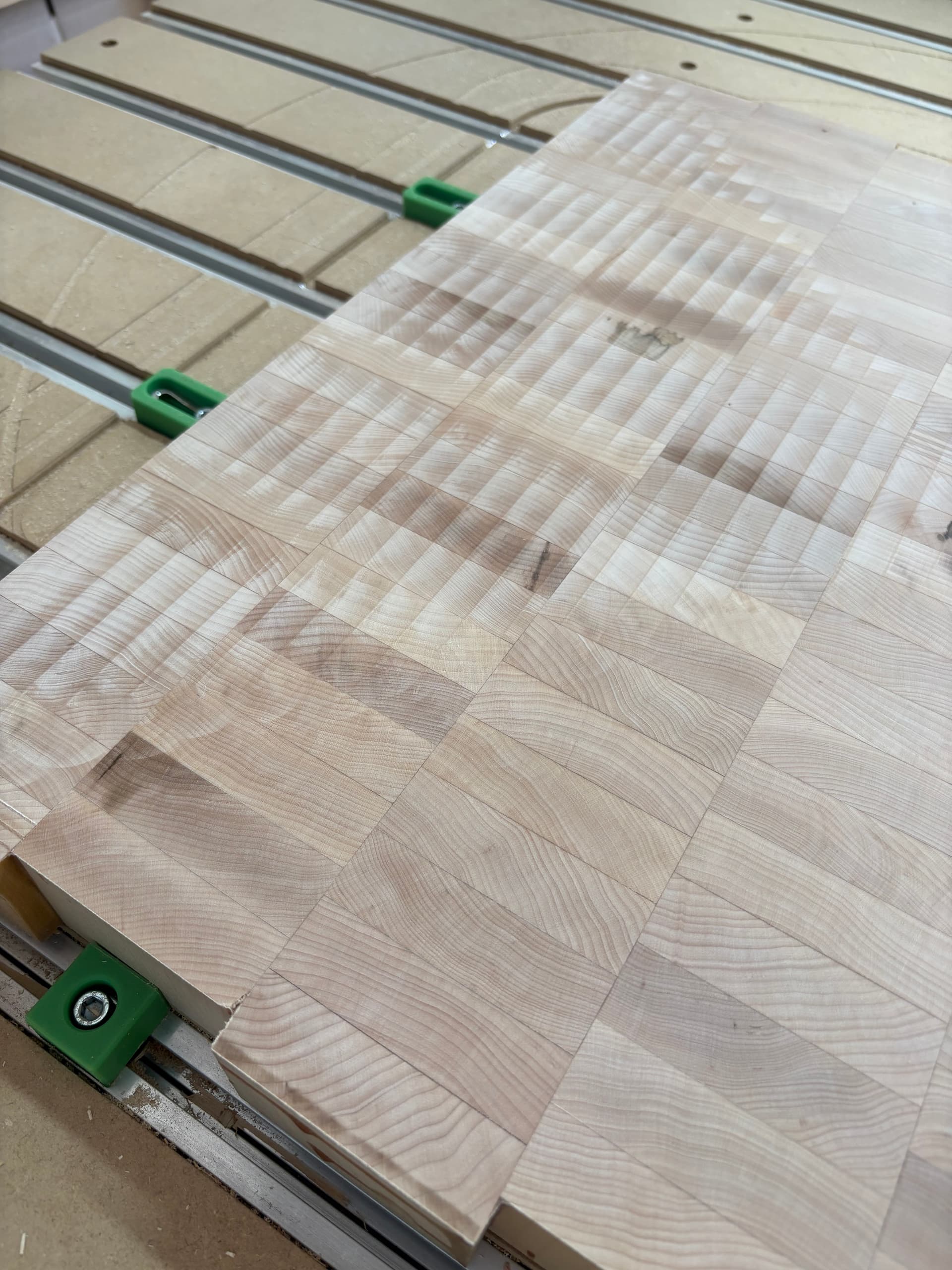
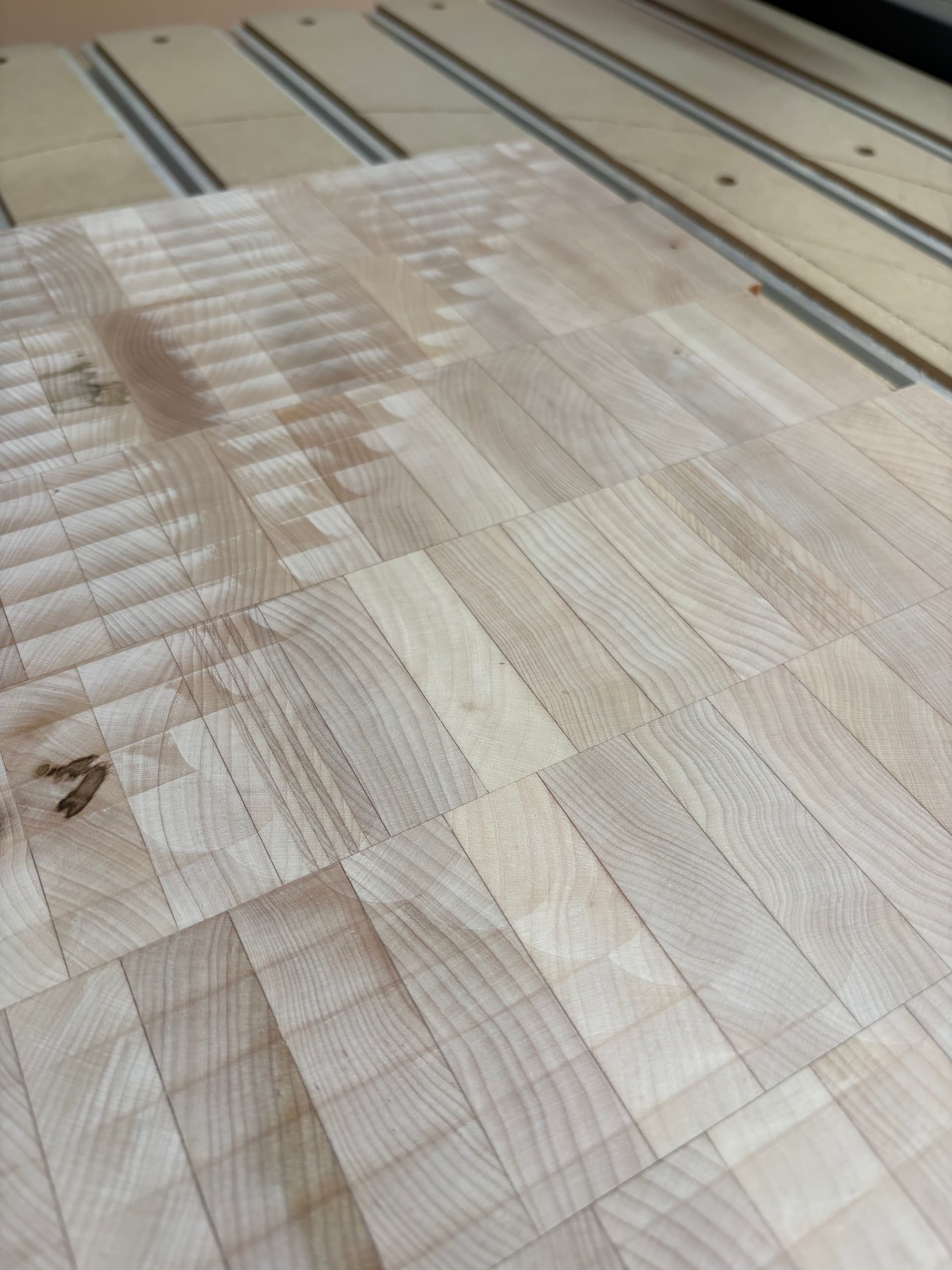
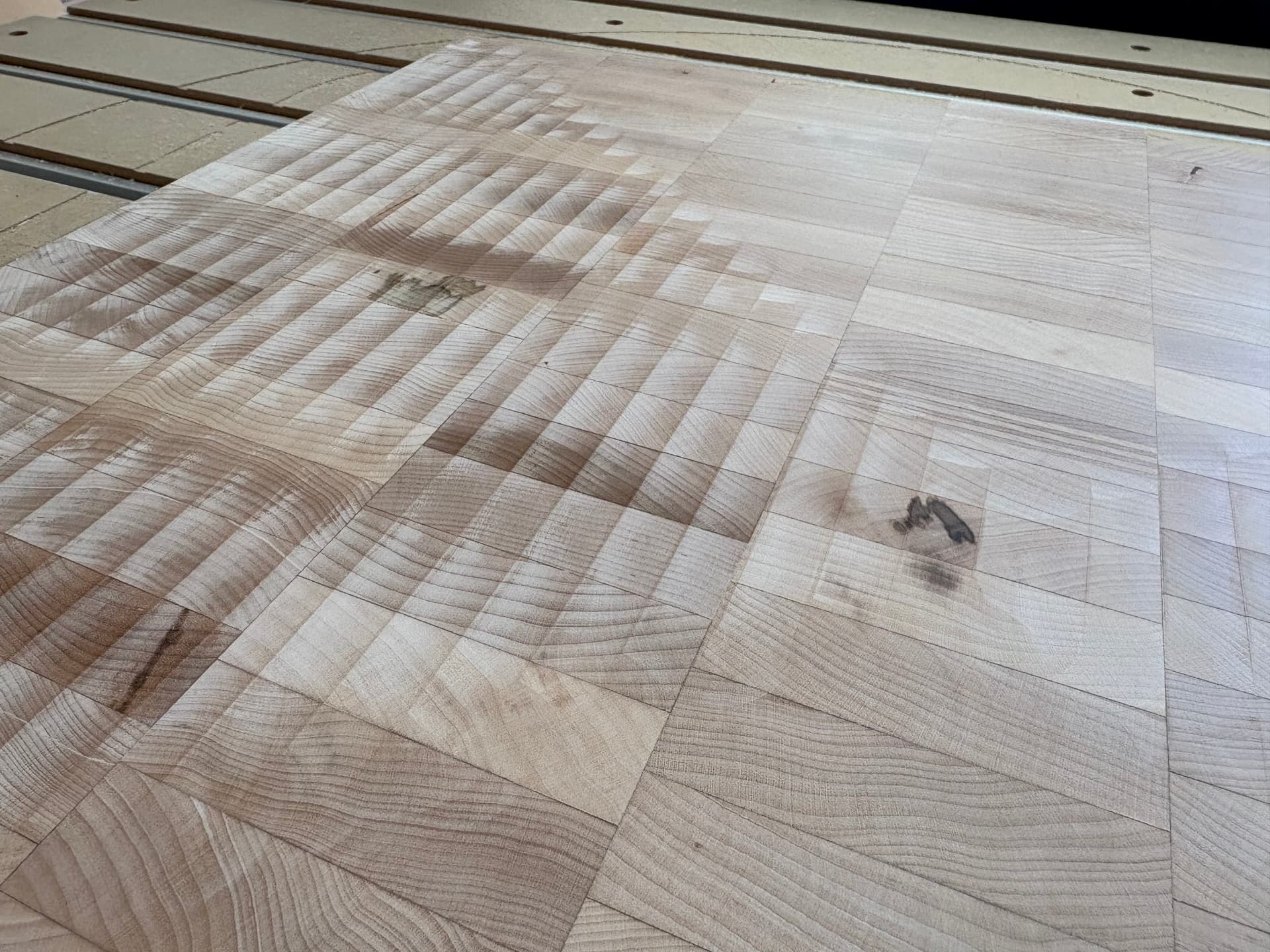
I am in the process of flattening some end grain cutting boards and I am getting some cutting lines but in only one direction while cutting along the X axis. When moving along the Y axis I get a smooth finish. After reading similar post I am leaning toward a tramming issue but wanted to see if anyone else had a similar problem with a different fix. The lines are very slight but you can just catch them with your fingernail if you drag it across the wood. The lines come out with some sanding (more than I was hoping to do).
Just looking for any pointers or advice to help get a smooth finish.
Thanks in advance,
Seth
Here is my setup:
Shapoko 4 XXL with Carbide compact Router
Pocket surfacing toolpath (as described in the Carbide Create you tube video)
CIC Workshop TF-2125 surfacing bit - 1.25" cutting diameter
cut depth - .0625"
Stepover .5" (40%)
speed 18000 rpm
feed rate 60 ipm
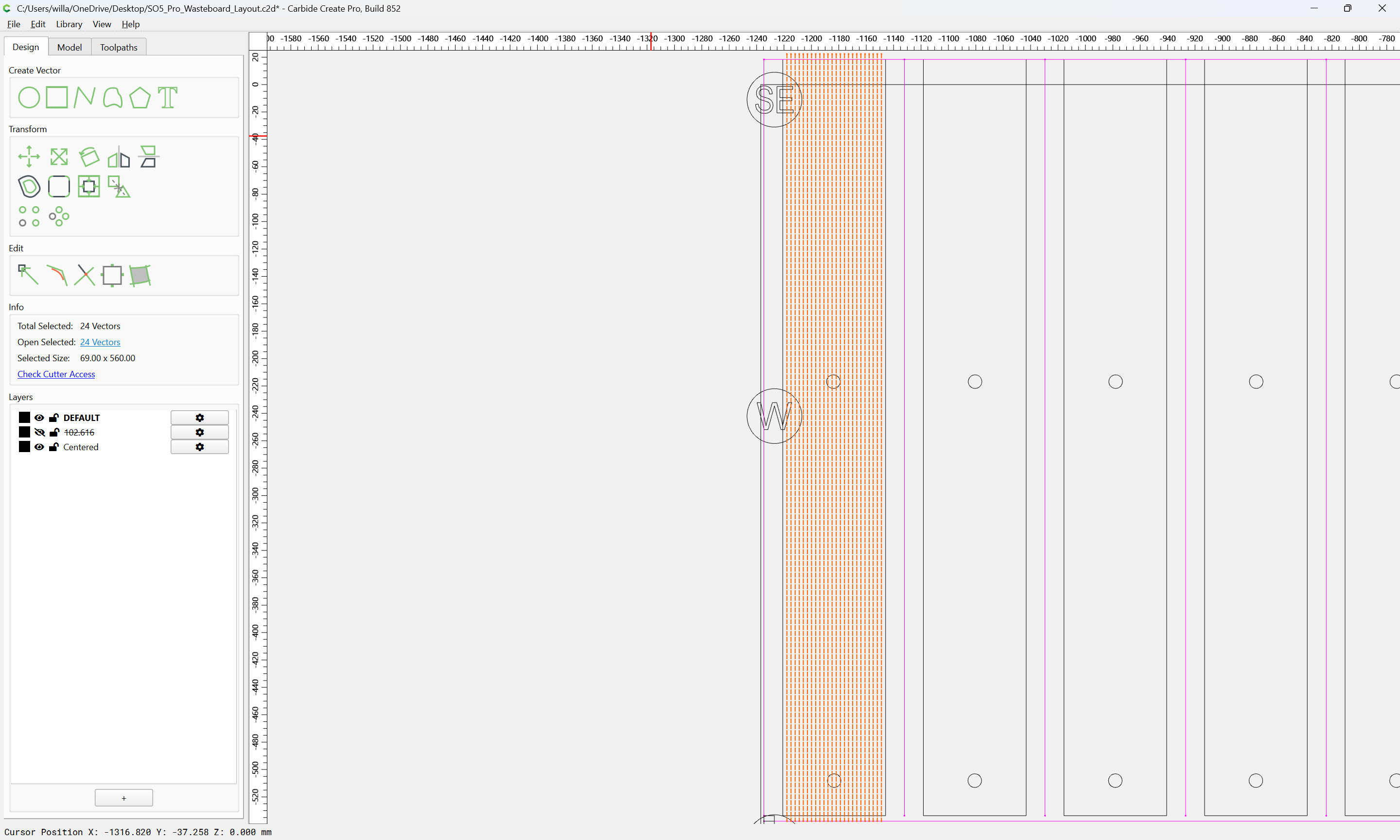
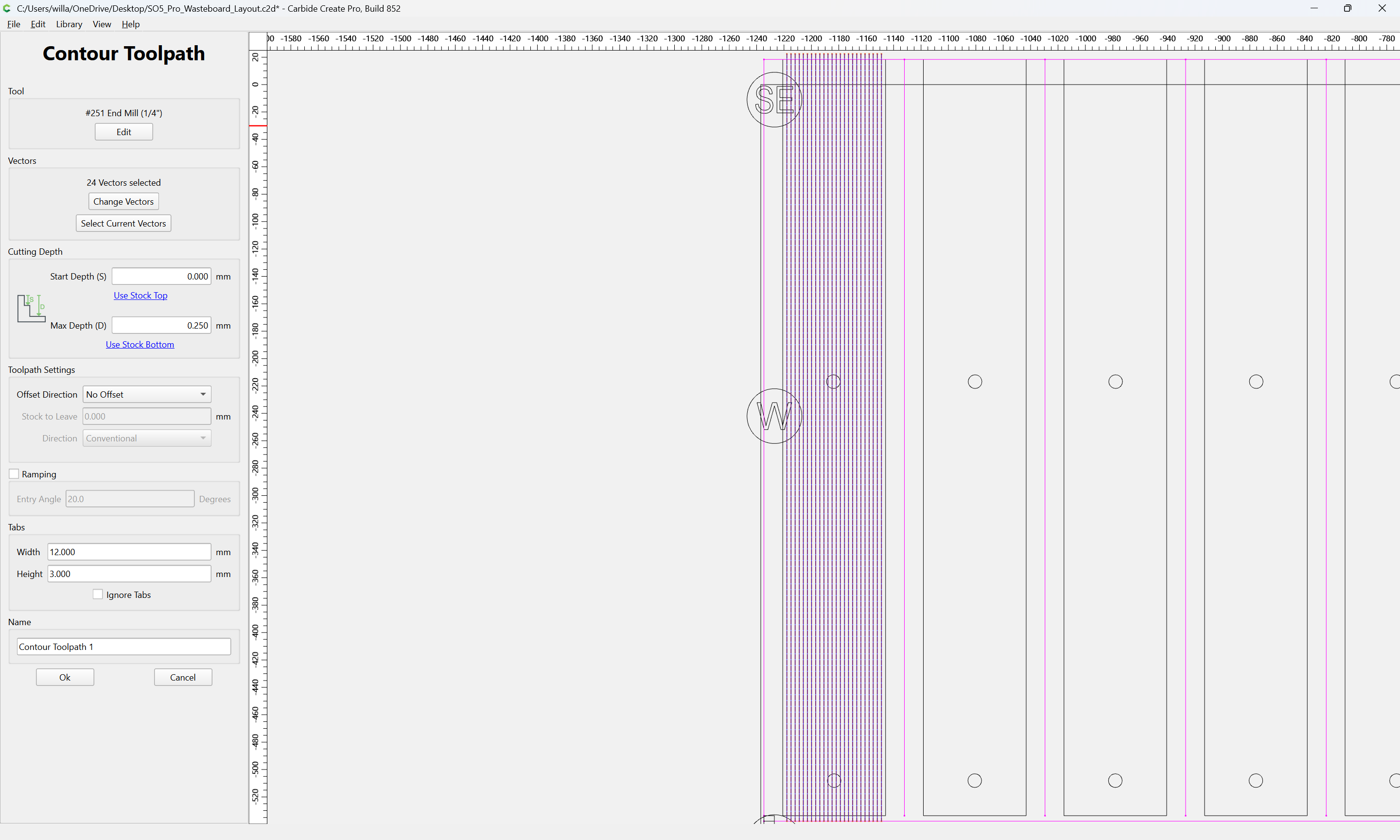
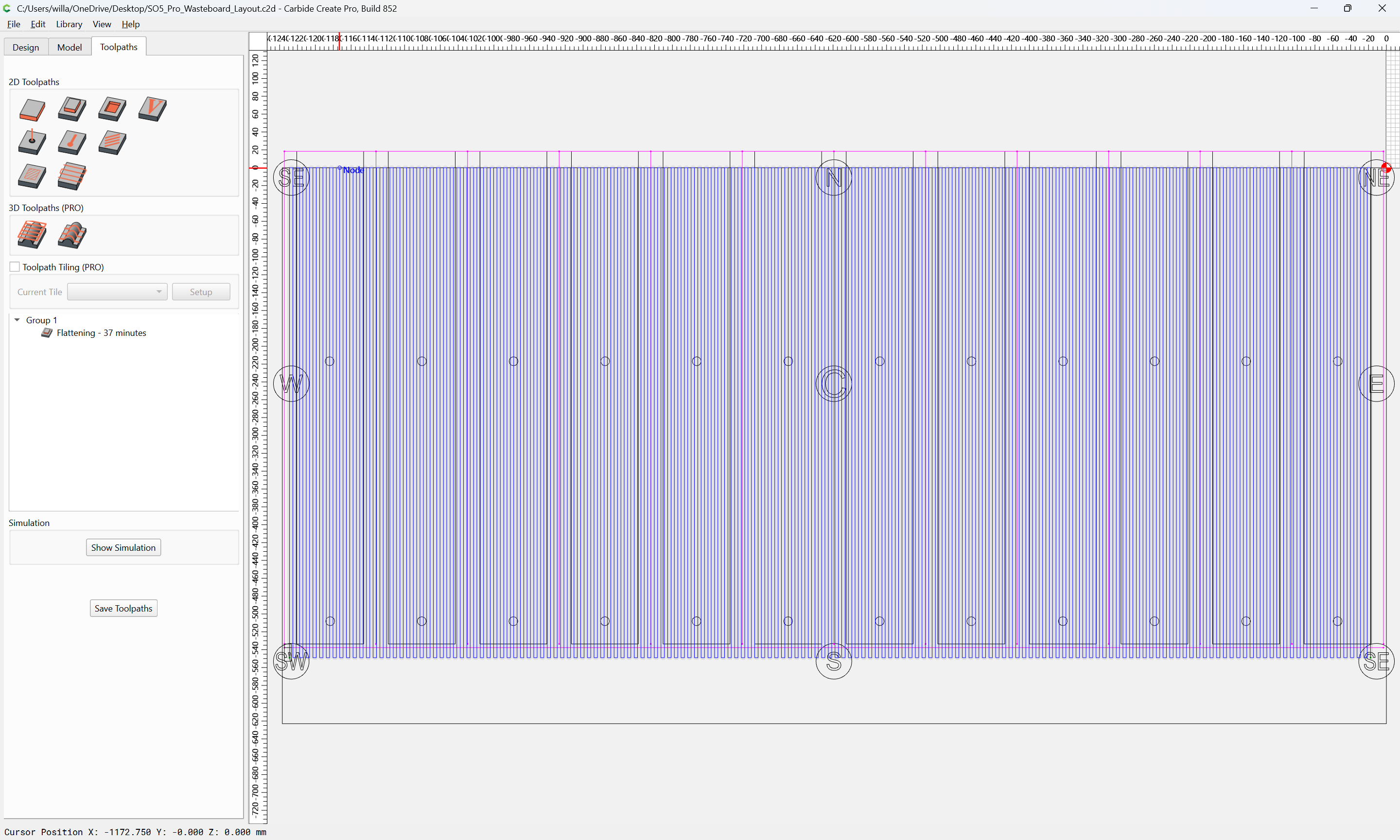
A Facing toolpath should work for this — it’s an option in Pro.
The only toolpath which is guaranteed to afford control over this is a Keyhole toolpath:
but it is quite limited in terms of the length which it is allowed to cut.
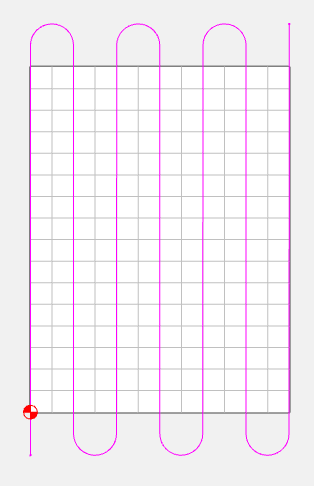
If you have a region where you don’t mind the spinning tool moving, then it should work to draw a continuous path where one line crosses the material cutting, then it moves laterally off the stock, traverses back to the original side, then laterally to the next line position, then repeats.
At that point, it’s easier to just use a special purpose tool or hand-code G-code.
Thanks for the information guys. I think you both have some good info for me to use on my next test run. I am only making these boards because I can and I enjoy the process. I will get a chance to give it another shot in a week or so and try out some new tool paths. I will let you know how it goes. I might also look into testing my trim and see if it can be improved upon. Another new skill for me to learn.