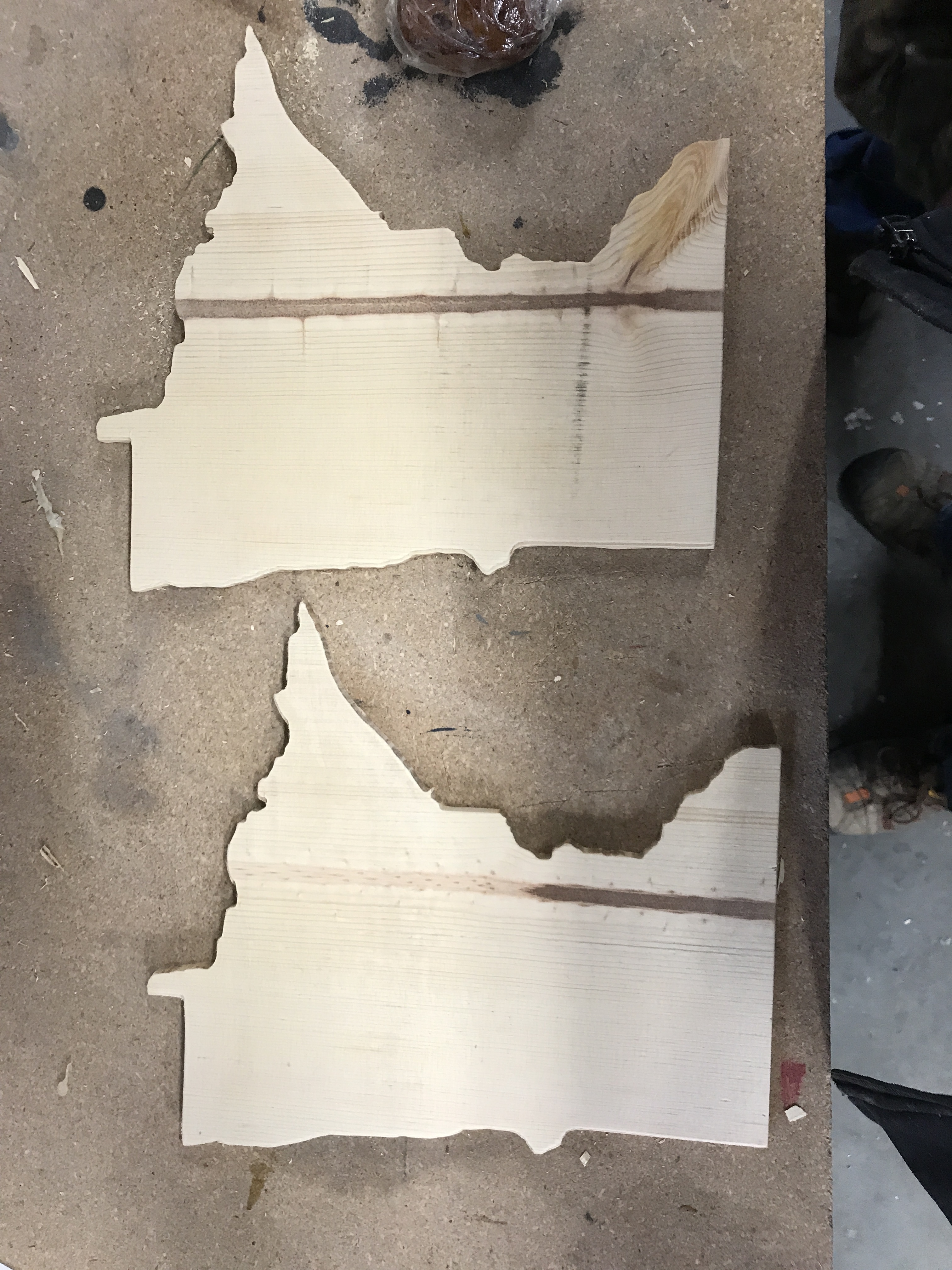
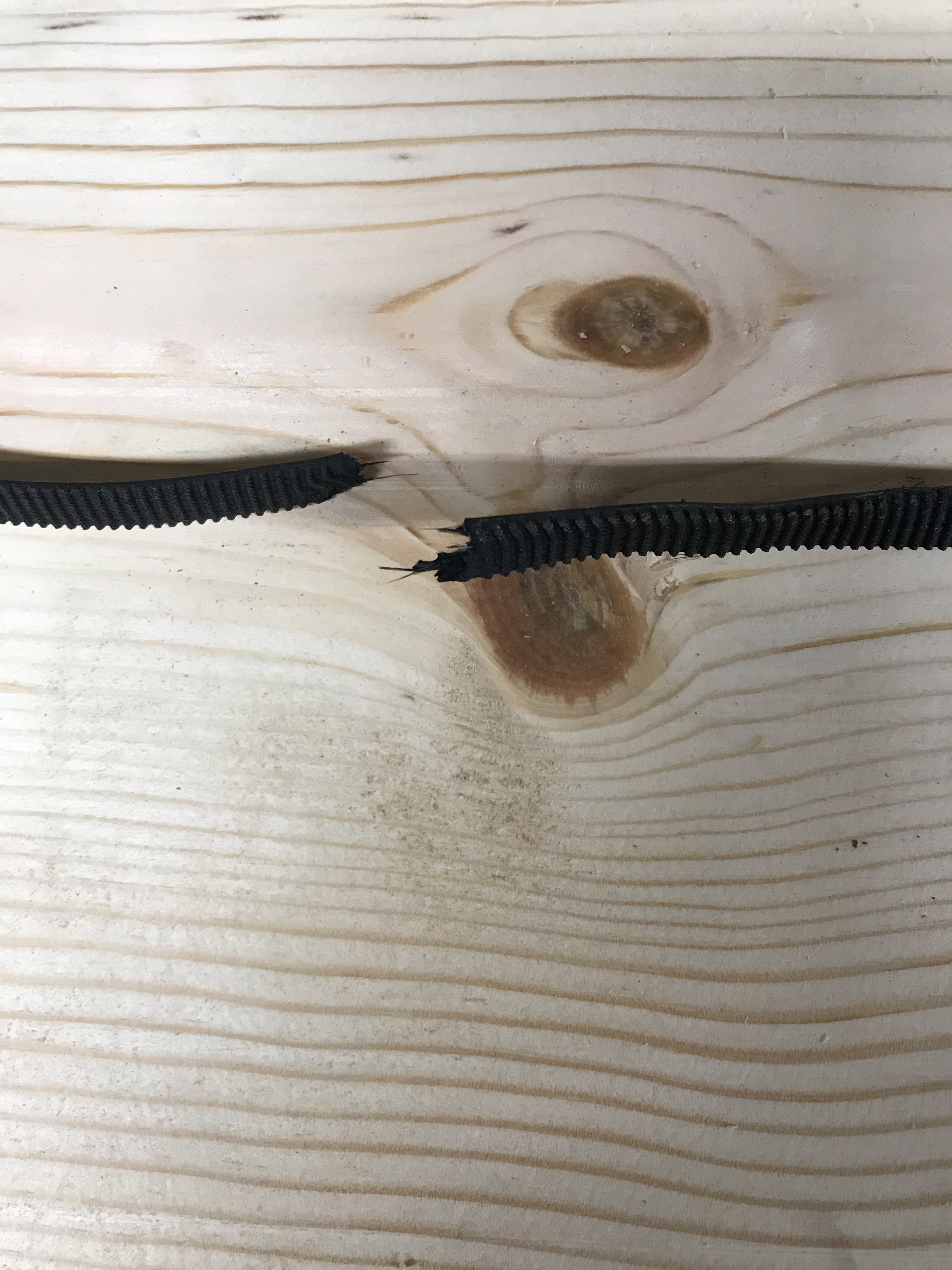
Sorry I didn’t get out to the garage this morning I had no motivation because I was up late trying to get ready for shift changeover and had to work 4-midnight tonight to transition into going from days to nights for the next 4 weeks.
I was able to do some testing after work, there is good news, bad news, and of course ugly news. So what I did was download a new DXF recreated it in vcarve with a 60”/minute feed and did the same in Carbide create. I tried running my original file just as a control method of sorts and the bad news is it still cut really slow. So I then tried the carbide create file and it cut as fast as expected ~7 minutes.
So with a little encouragement from that and some beer I prayed the new vcarve file would produce the same results. Loaded and ran it and it ran along like it was the FLASH (when compared to the original attempt) and was also right around the 7ish minute mark.
So I can only assume it was something wonky with the original outline that I downloaded. I was super excited to try and toss together a couple more vcarve files just to make sure it is all working as it should but alas that was not meant to be.
There goes the left Y axis belt I think the temperature drop might have cause some shrinkage and too much tension. So now I have to wait for amazon to deliver me some more before I can do further testing.
I’d suggest looking into getting either Gates-branded belts from SDP/SI or BB Man. (though the jury is still out on their being worth the price premium — still rocking them on my XL, but maybe I’m deluding myself to justify the extra paid) or belts using one of the alternative core materials (search here for steel or Kevlar core belts).
Where did the original file come from? I know that on occasion when I’m working with Coreldraw to autotrace a file to convert to vectors, It will add 10 gillion nodes. And will slow processing to a crawl. My laser seems to not really slow down, It might be able to eliminate some of them when I export to dxf. (but really doesn’t look like it).
I’d bet thousands of nodes rather than maybe a few hundred max.
It was some free one I found on google. I know it had issues when I imported it into vcarve, I had to highlight and click the join button for all the lines. But the new one I used was complete upon import.
I tried to google where to get belts last night and was having issues on finding anything that wasn’t from China and would take like a month or more to get here. So I went with amazon since they will be here Saturday. Do you have a link for where you get yours?
You’re not going to see runtimes that are exact to what CAM software estimates due to machines having to accelerate/decelerate and not actually cutting at exactly the feed rate you specify for the exact length of each cut. However, if your machine is running extraordinarily slow - and nowhere near at the feed rate you’re telling it to cut at, you should check what your GRBL settings are.
Send the command “$$” to your machine to see what your machine’s GRBL settings are. You will see parameters like acceleration and maximum speed for the different axes of motion. Acceleration can be tricky with underpowered machines, as well as maximum speed. It’s a matter of fine-tuning - getting the settings to be as high as possible - along with the current output of your stepper motor drivers - without losing steps along the way and losing position entirely.
My particular machine - which has the Y-axis stepper motor driver powering two motors - is limited in its max Y-axis speed because the stepper motors produce conflicting induction that backfeeds into the circuit and causes them to fight one-another, so I have to run the Y-axis with a slower max speed than my X-axis, which I have maxed out. I know it’s induction backfeeding because even when everything is off and I push the gantry by hand up and down the Y-axis it stutters and fights me along the way - unless I break the circuit by unhooking one of the motors, then I can push the gantry up/down the Y-axis at full tilt.
Someday I’ll add a stepper motor driver so each Y-axis motor can have it’s own driver chip, then I’ll be cooking with gas! Anyway, watch out for that!
It takes some tuning, but once you get it dialed you should be able to have your machine running much faster, and much closer to the times estimated by software.
Many people have upgraded to 9mm belts. I would suggest that if you upgrade, get 9mm, it fits on the stepper however, I have not seen the proper 10mm clip to attach to frame. Maybe those who upgraded can chime-in.