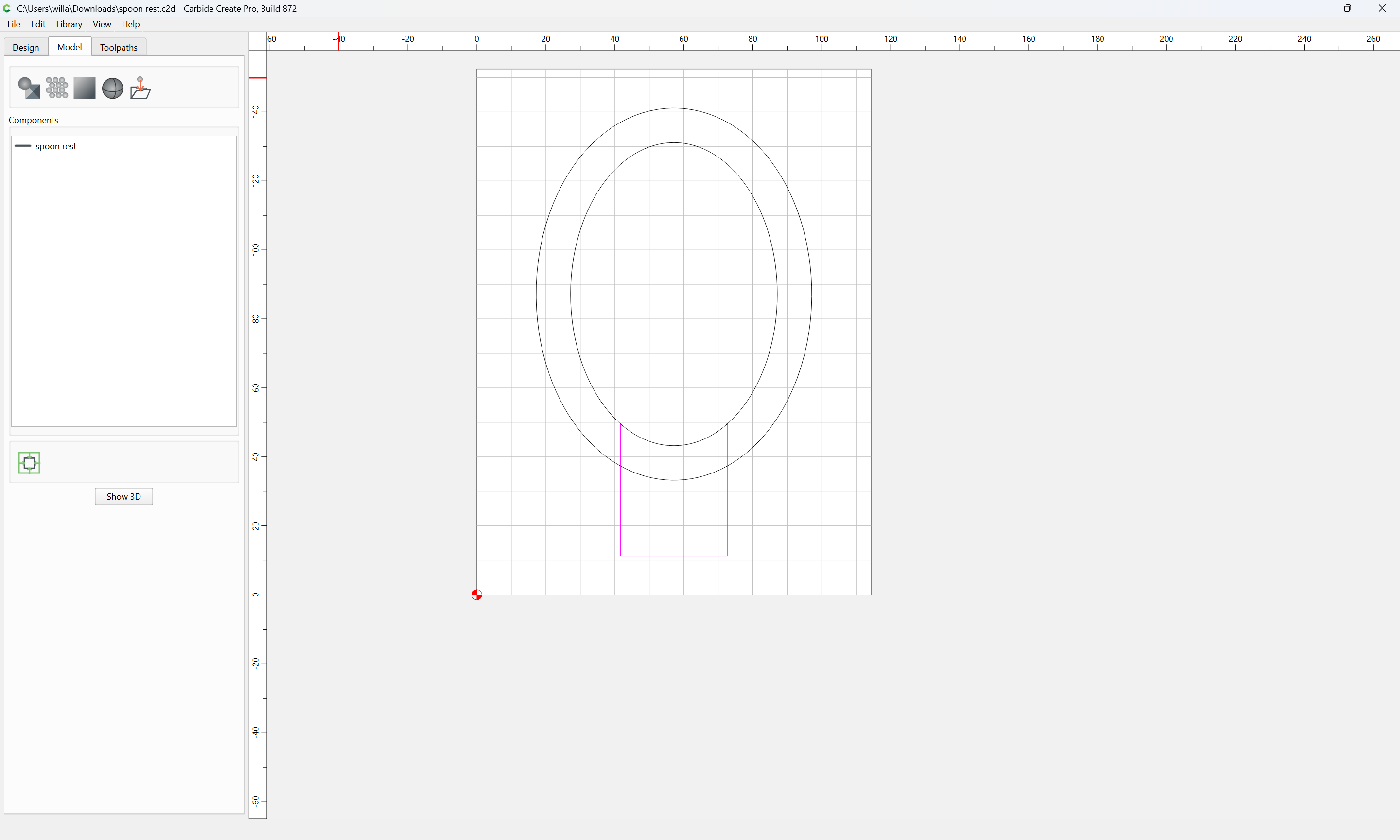
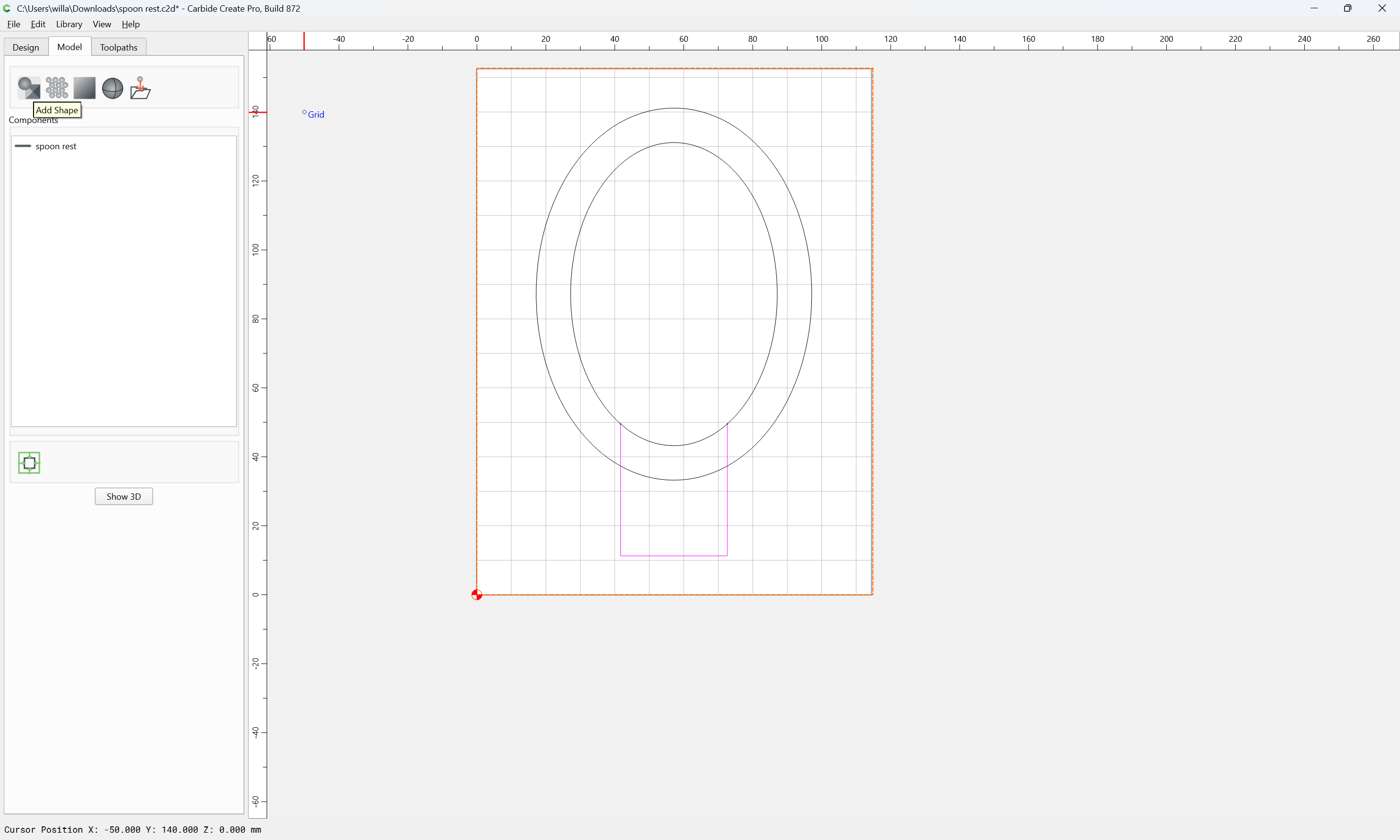
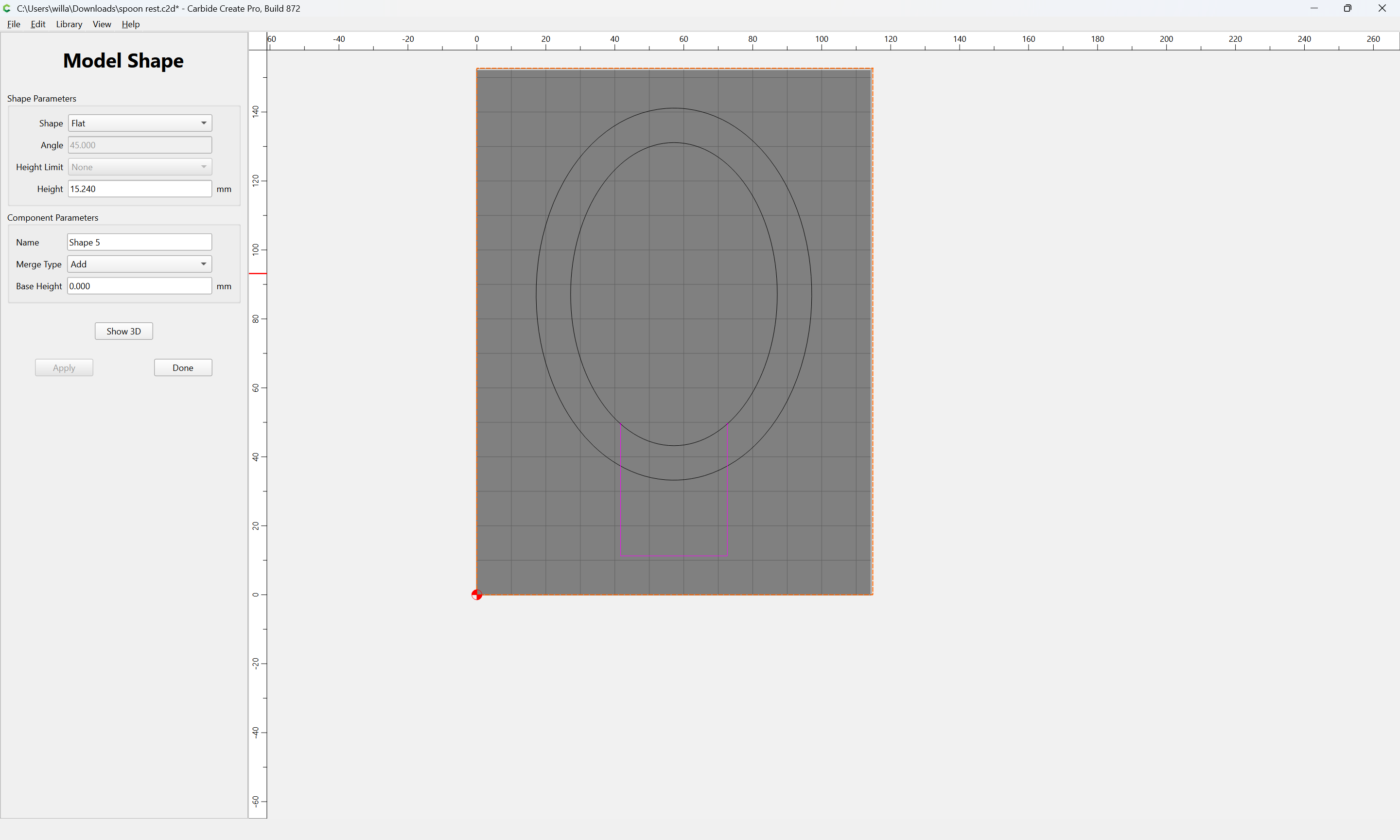
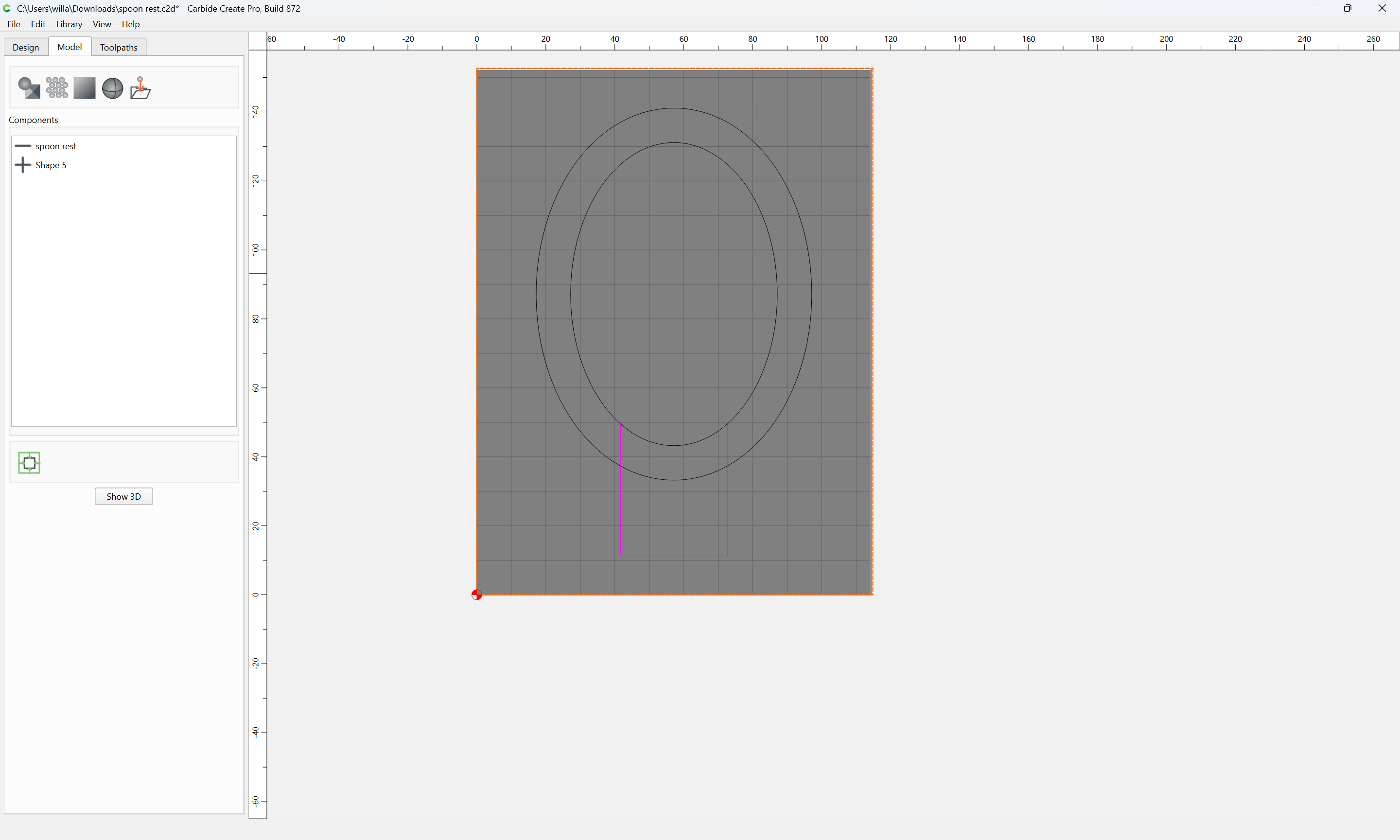
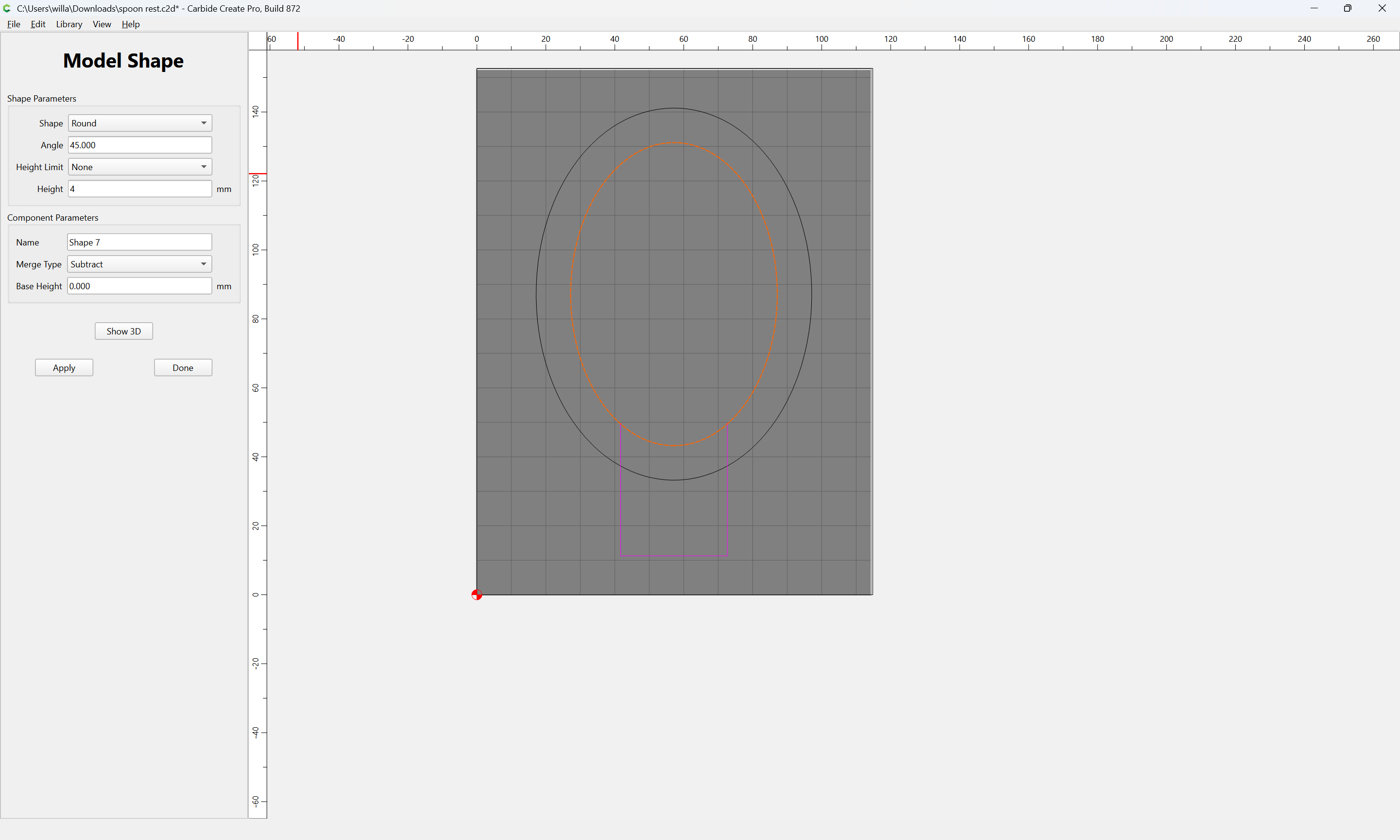
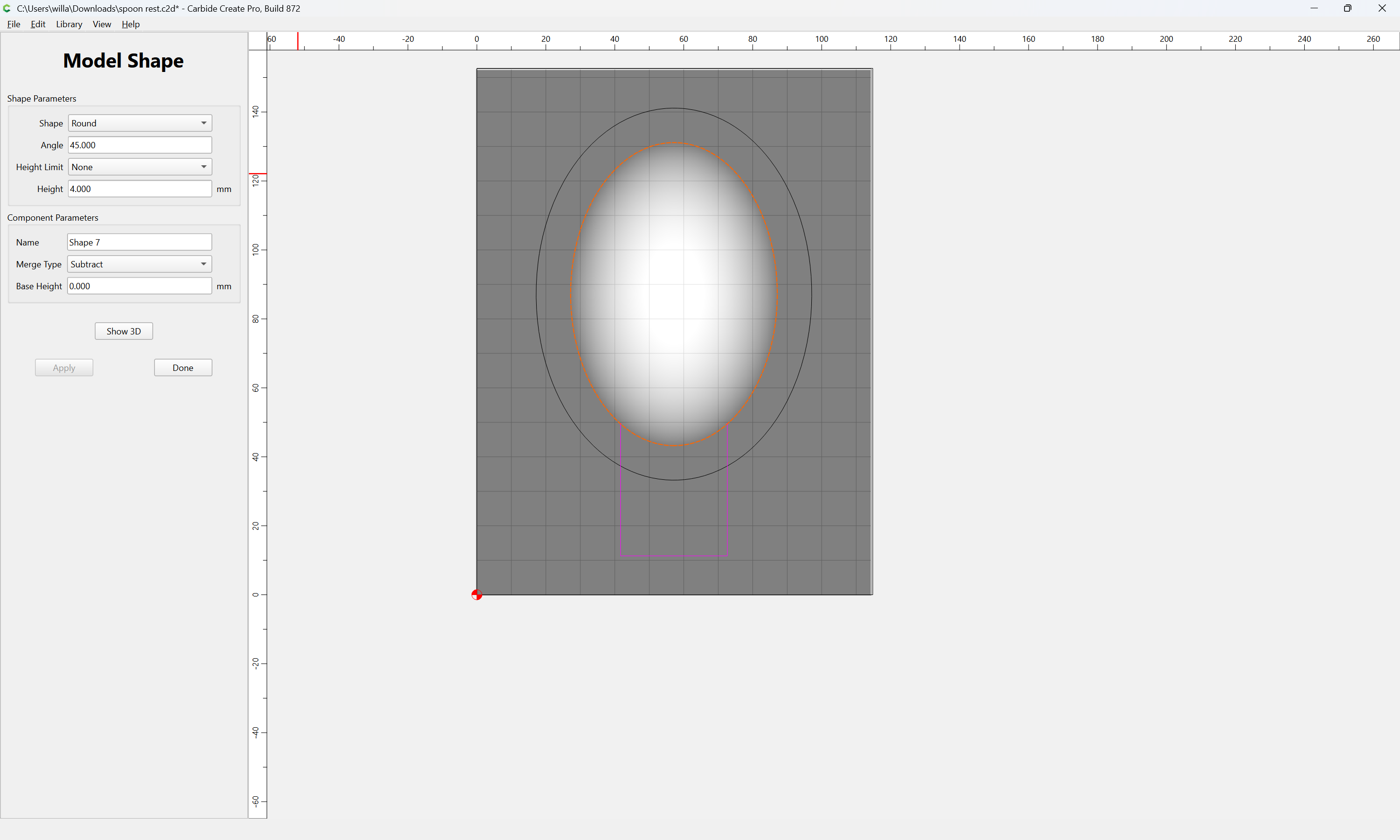
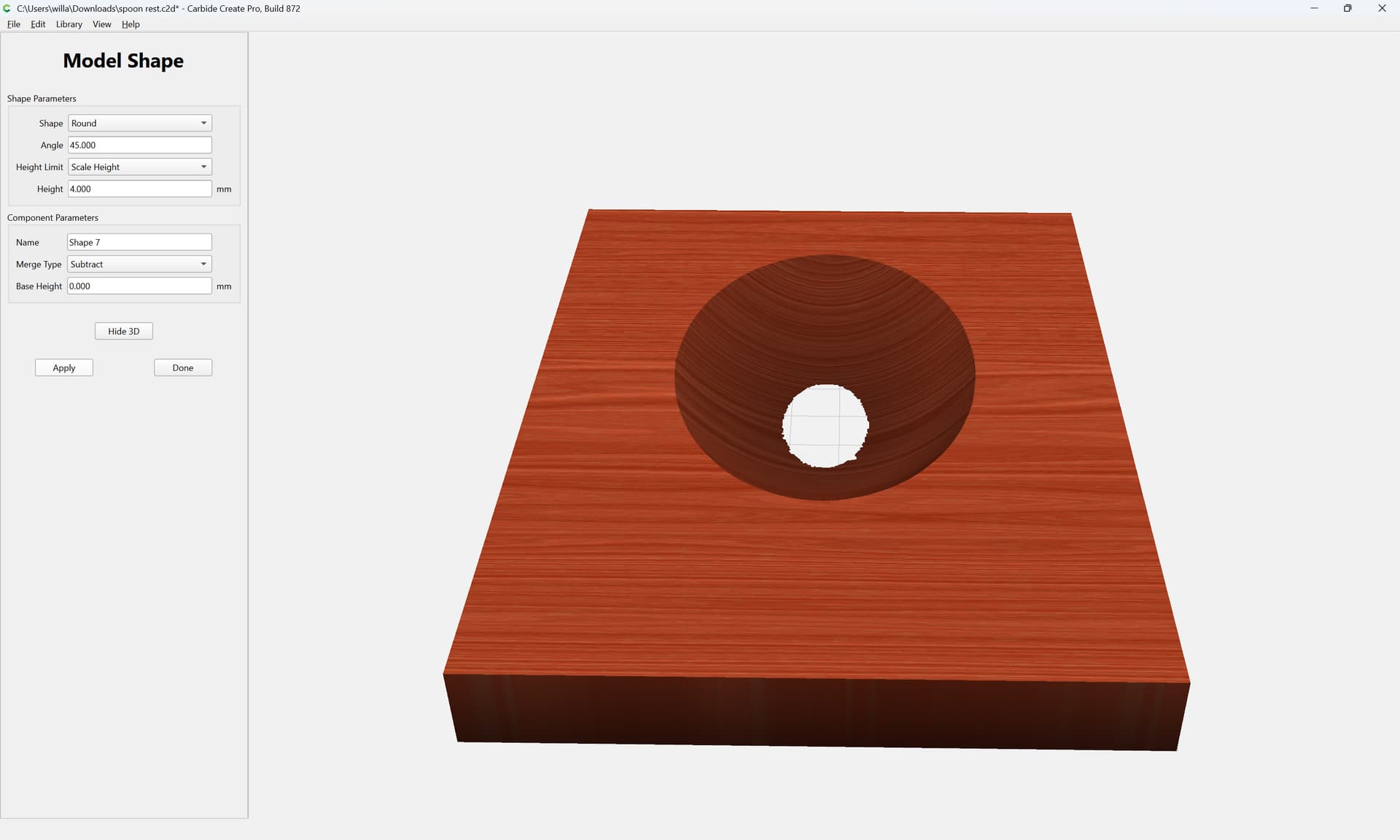
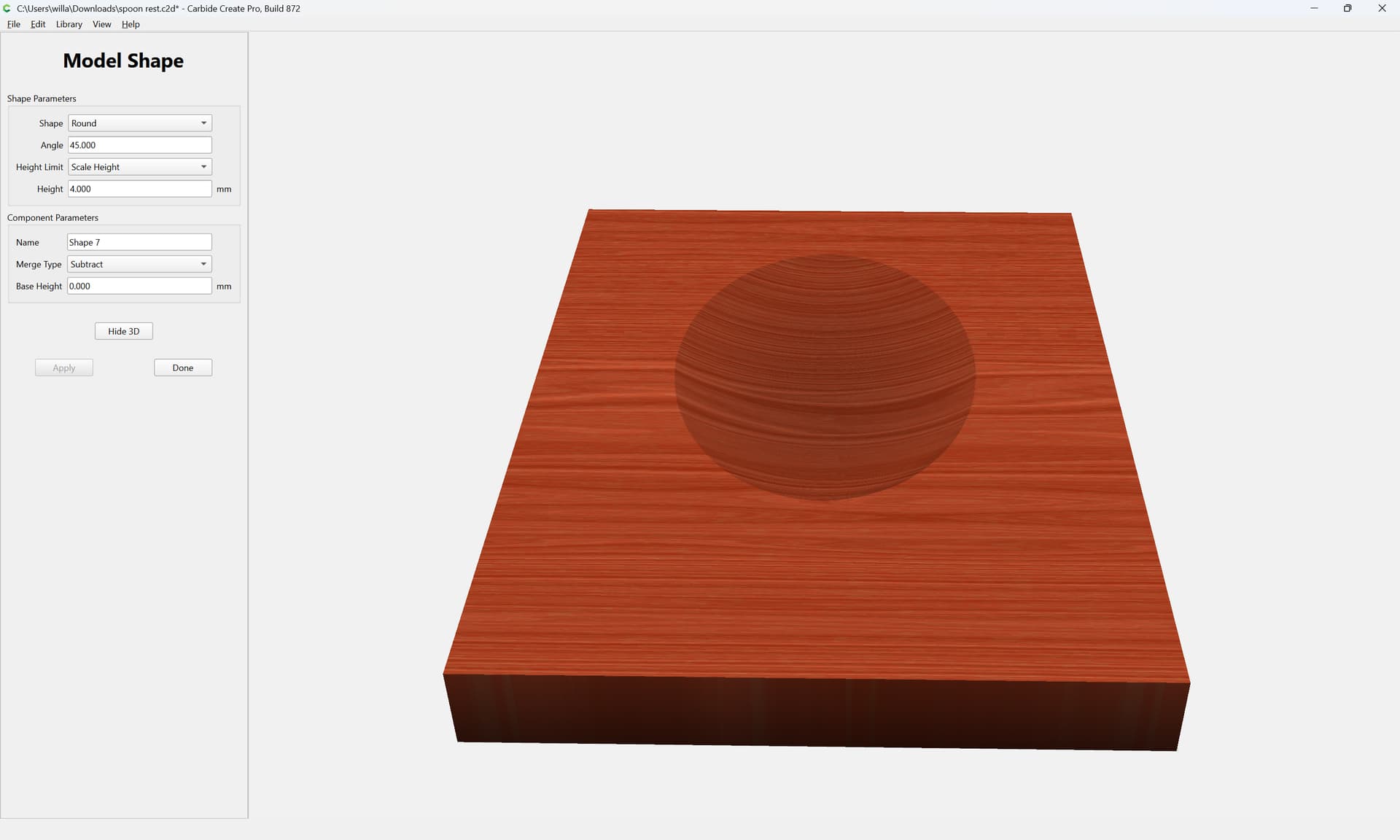
I can’t figure out what I am doing wrong. I am attempting to design a very simple spoon rest. I have tried to follow a design tutorial Will did for someone with a similar concave design but when I click on the ‘show 3d’ button, nothing is showing except grid lines. I have deleted and started over multiple times without success, so I am reaching out for help.
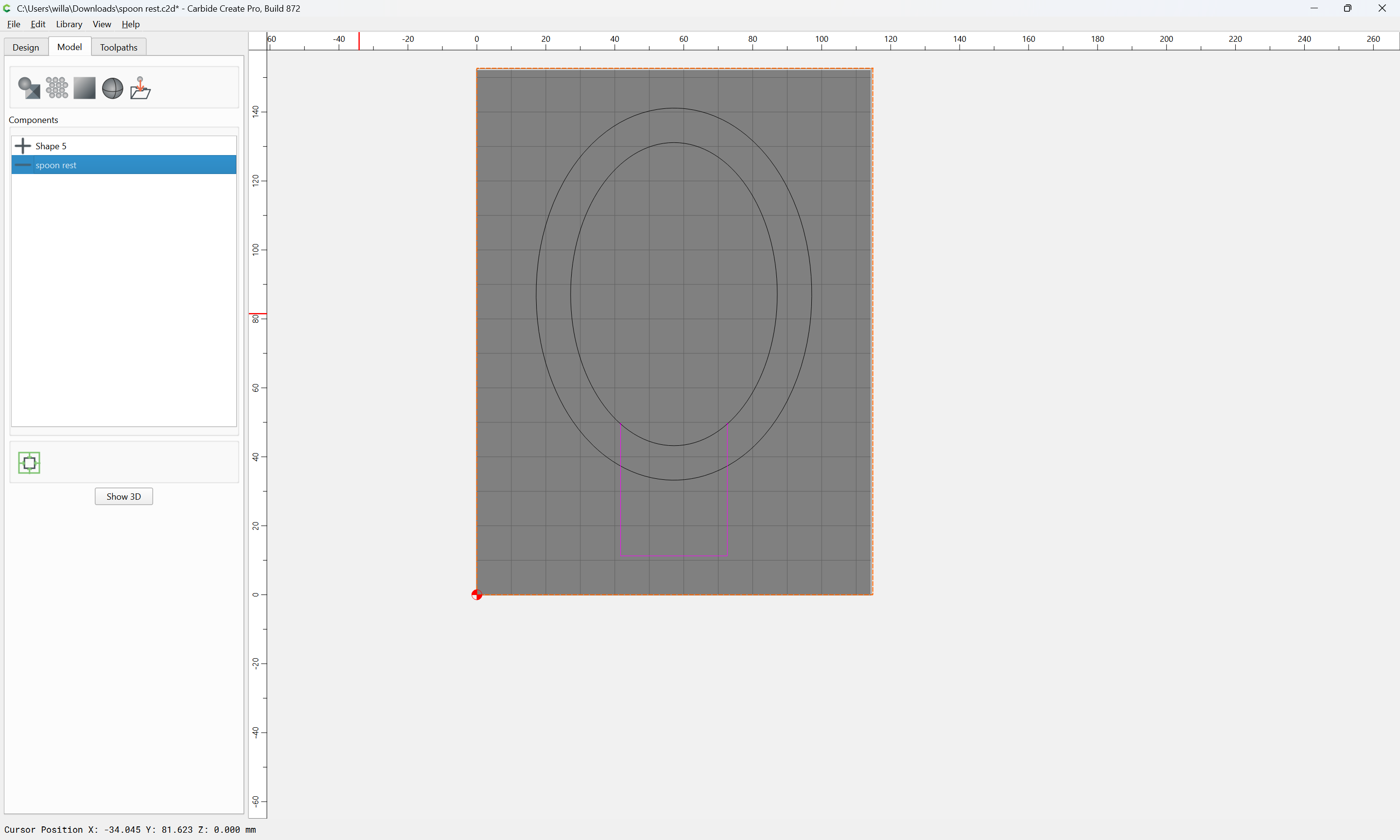
The problem is that you have a segment being “subtracted” out, but there’s nothing there to subtract it out of.
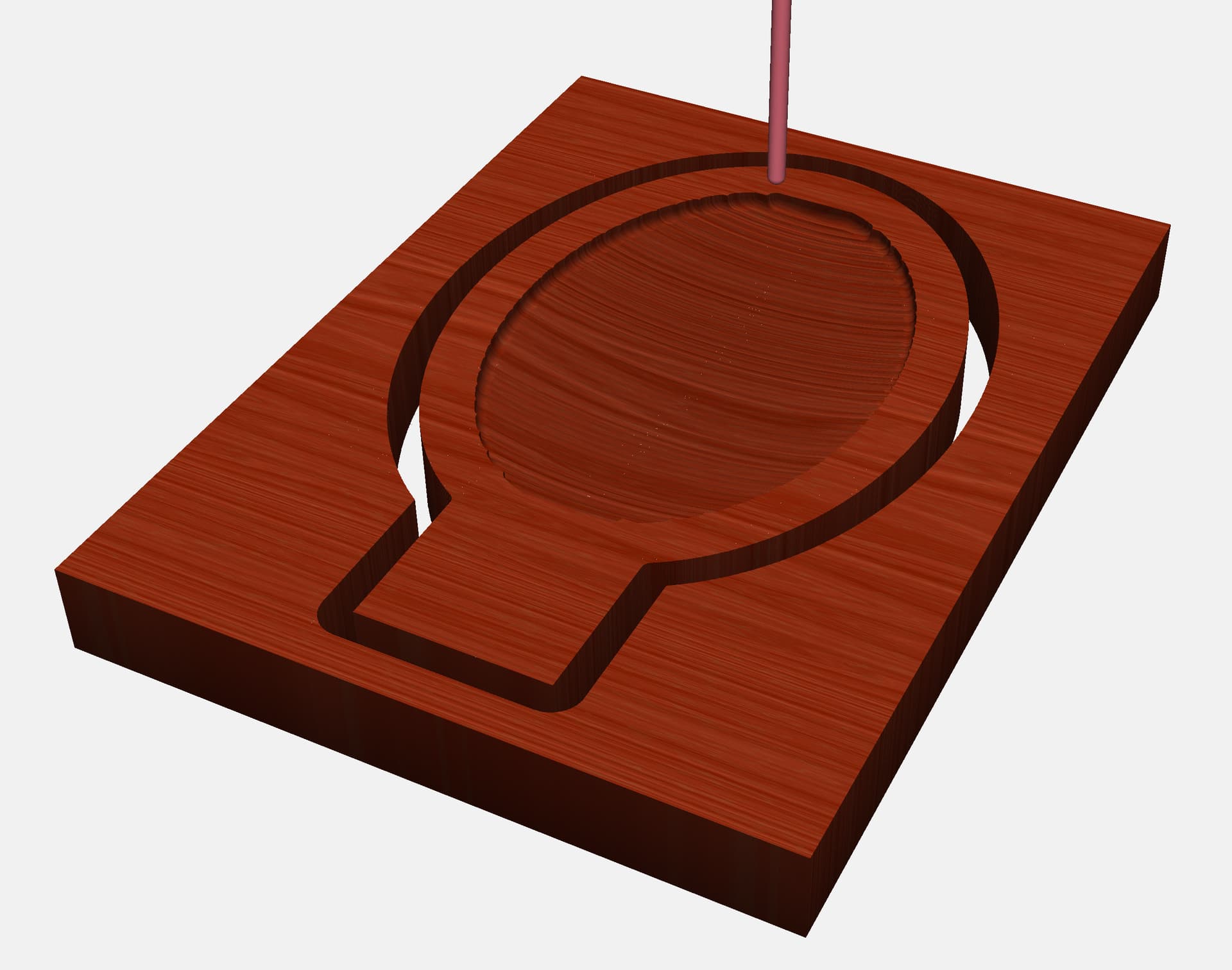
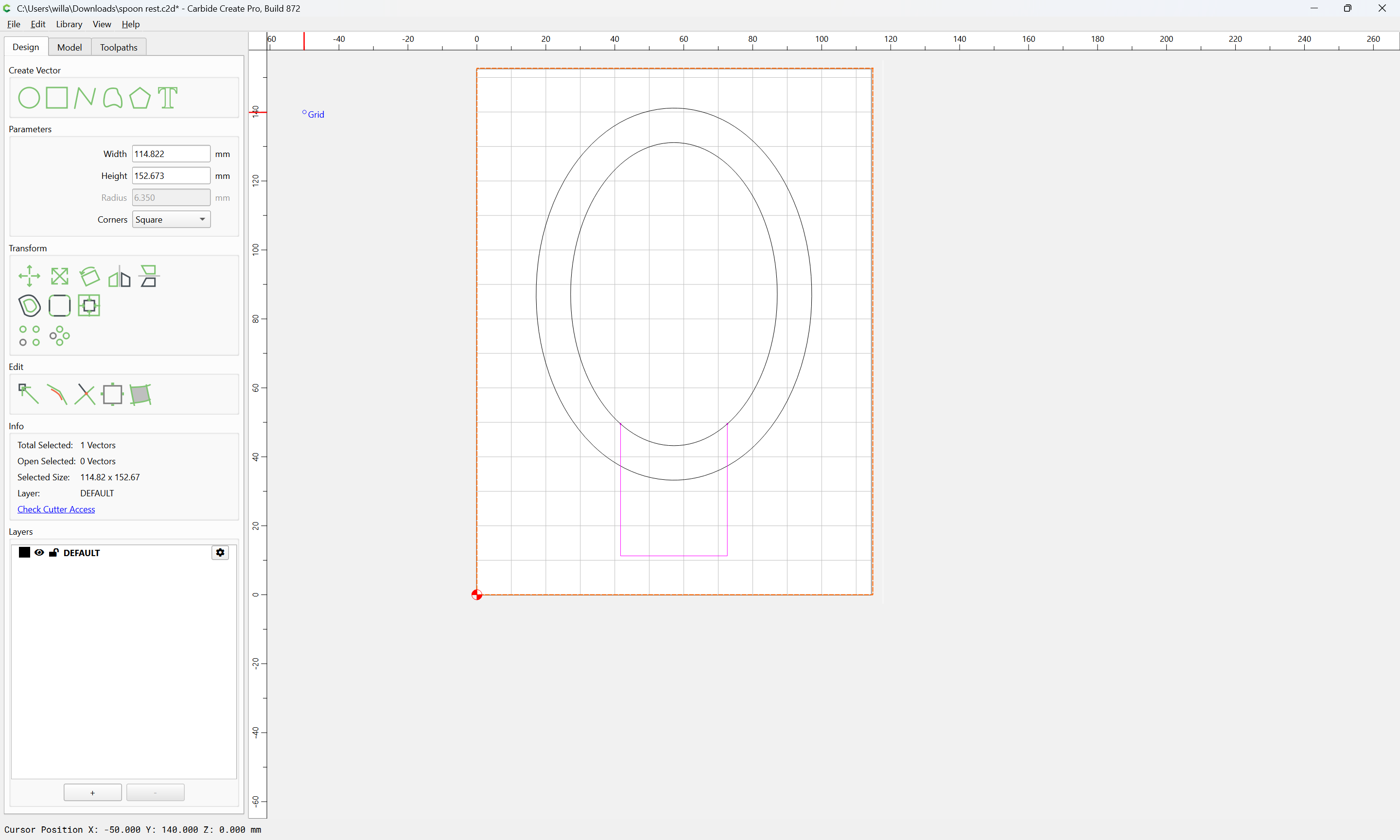
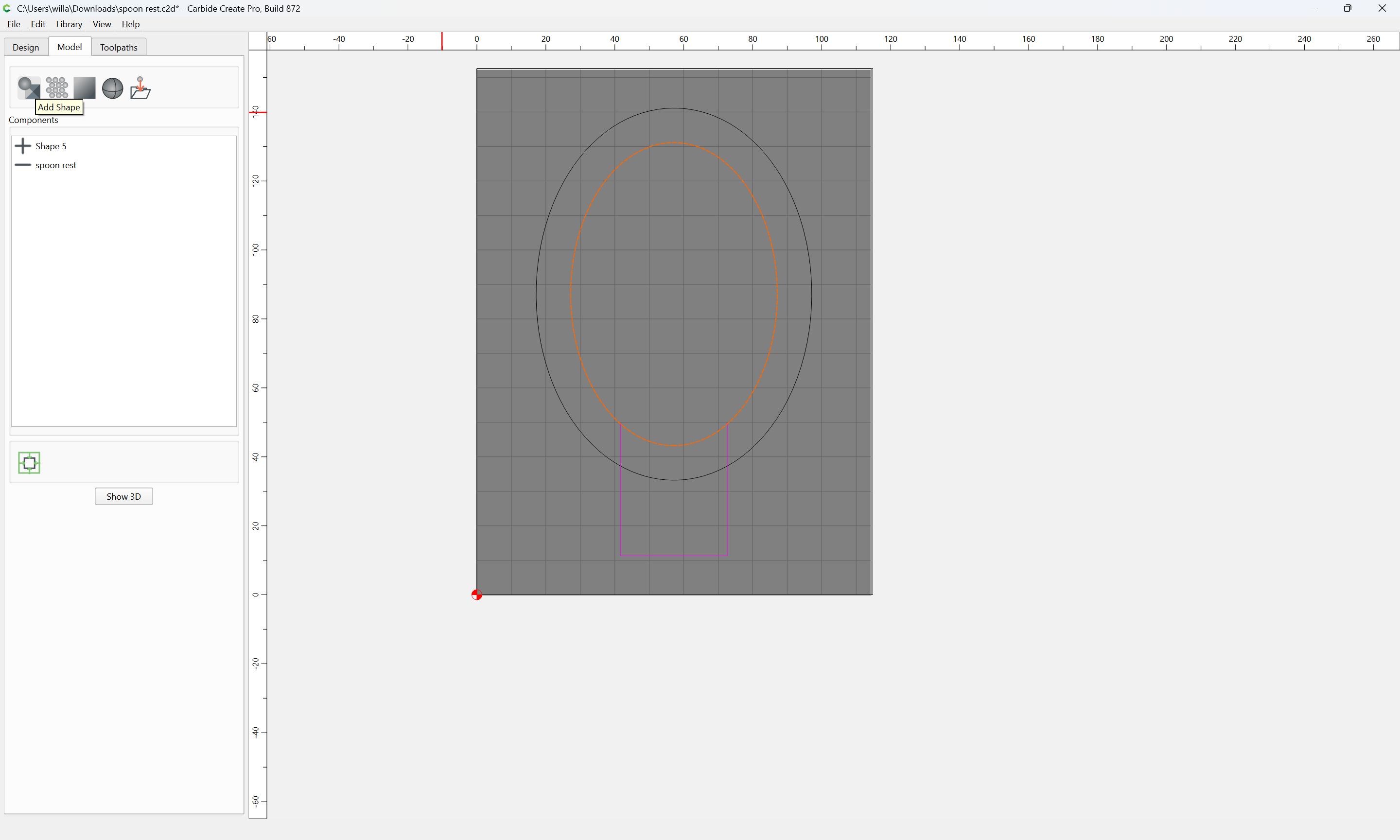
Select the outer oval shape, create a new shape with a type of “flat” and whatever thickness you want the material to be. Set the “Merge type” to “Equal” and when you click “done” it should render with the concave part in place.
When you’re ready to carve, do a 3d carve based off the inner oval that you wanted to be concave and use the outer oval and rectangle at the bottom as your perimeter parts.
ahhh, thanks @pizzarob and @WillAdams, that makes sense now. I was not adding in the “starting with a positive shape”. I was thinking that would carry over from my original dimensional settings and I just needed to work from that point. Thanks for the much needed assistance.