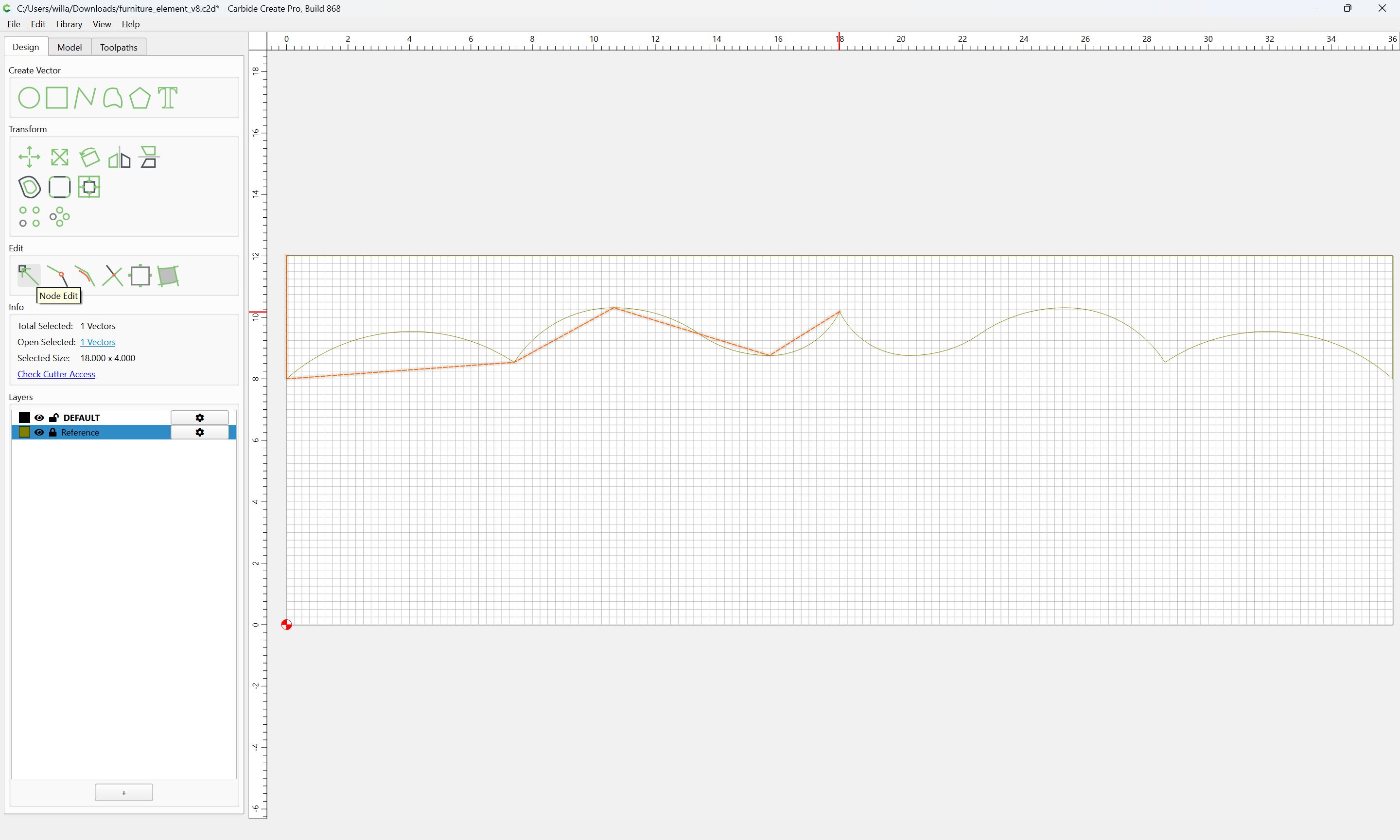
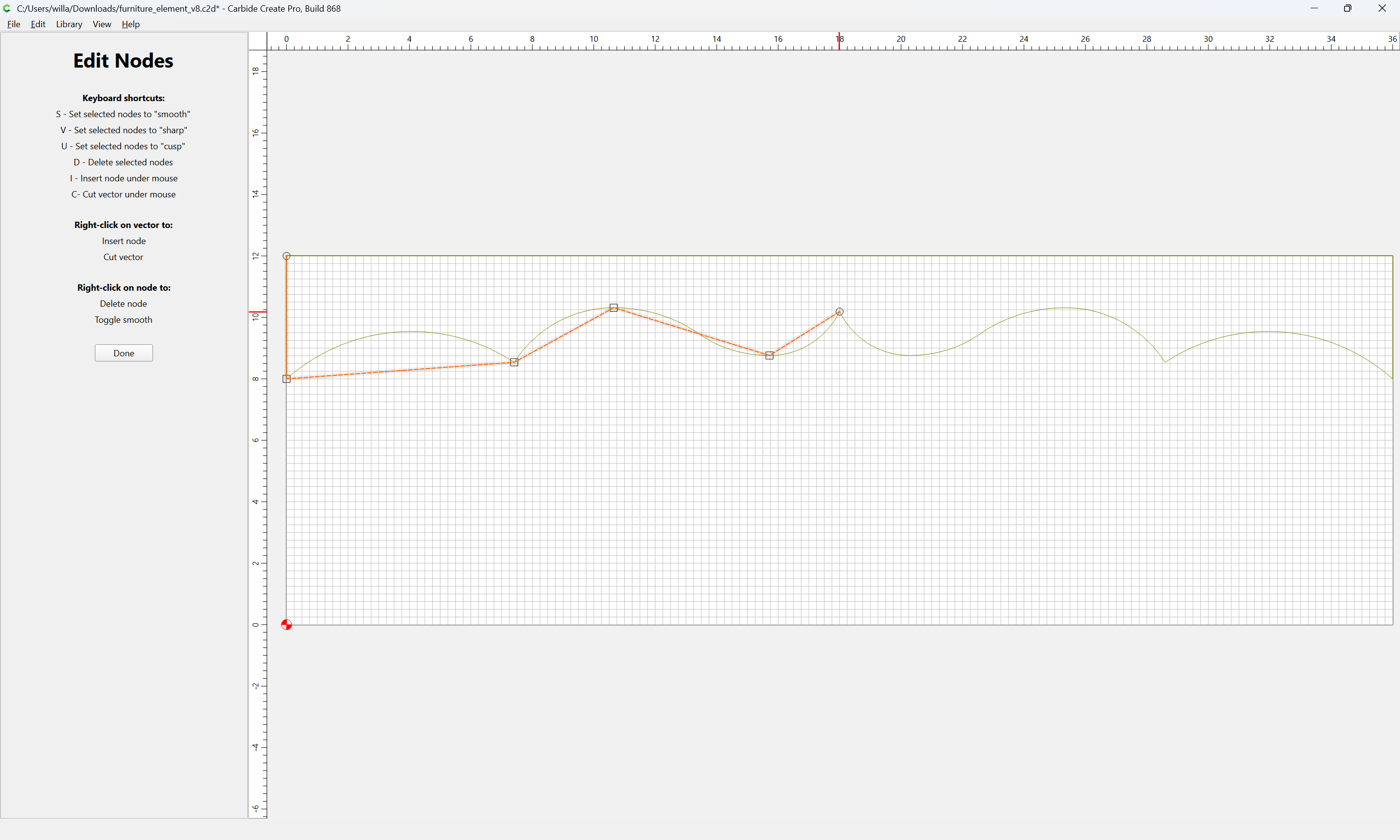
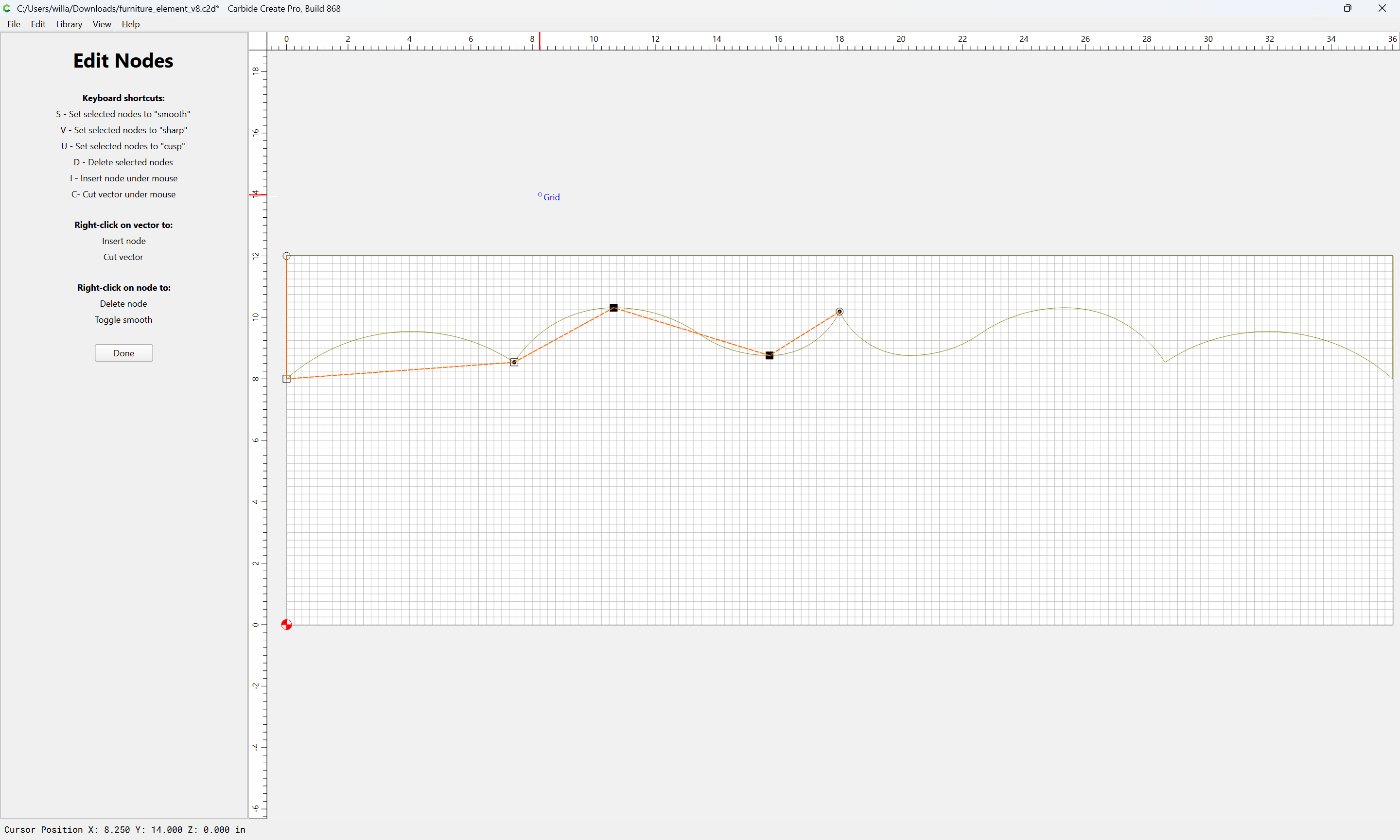
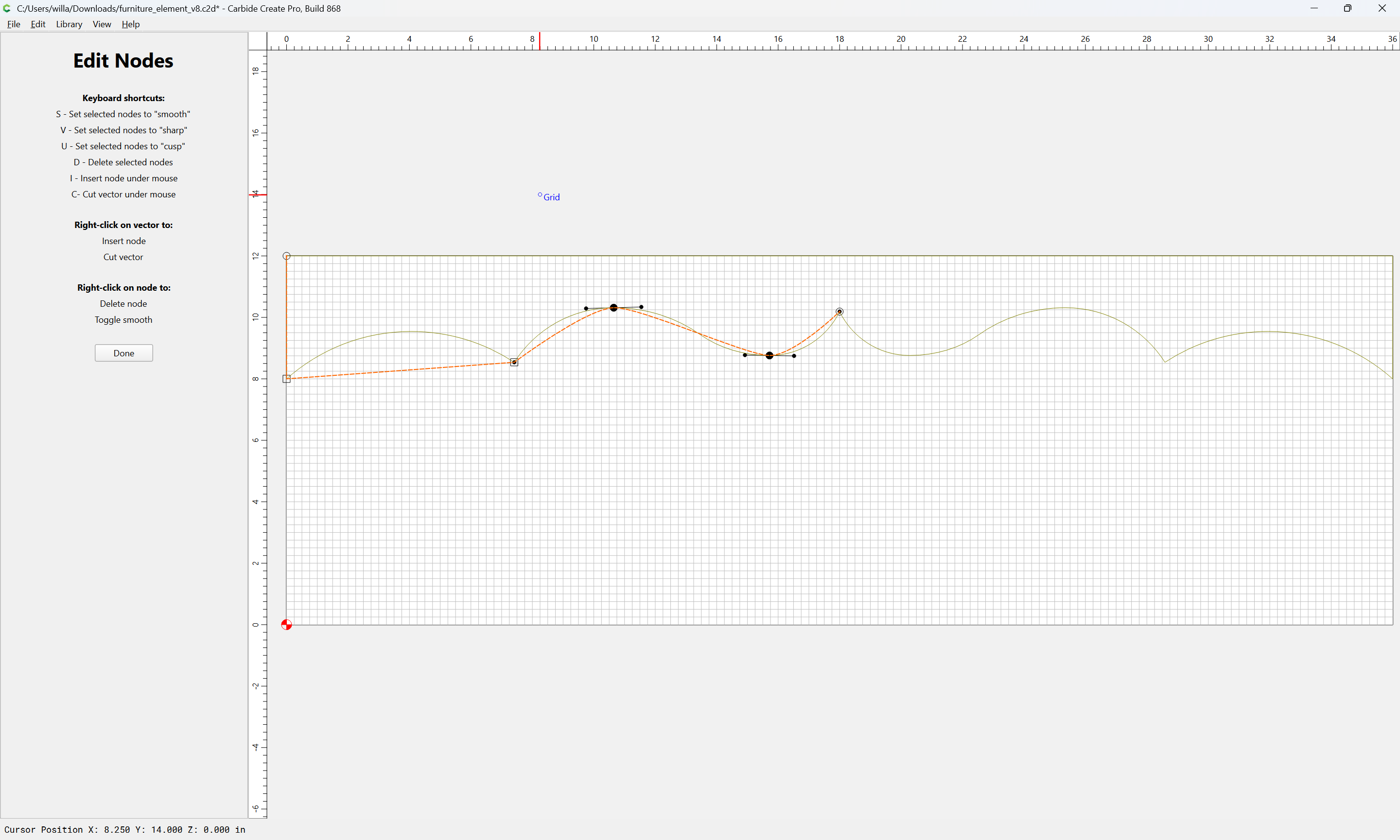
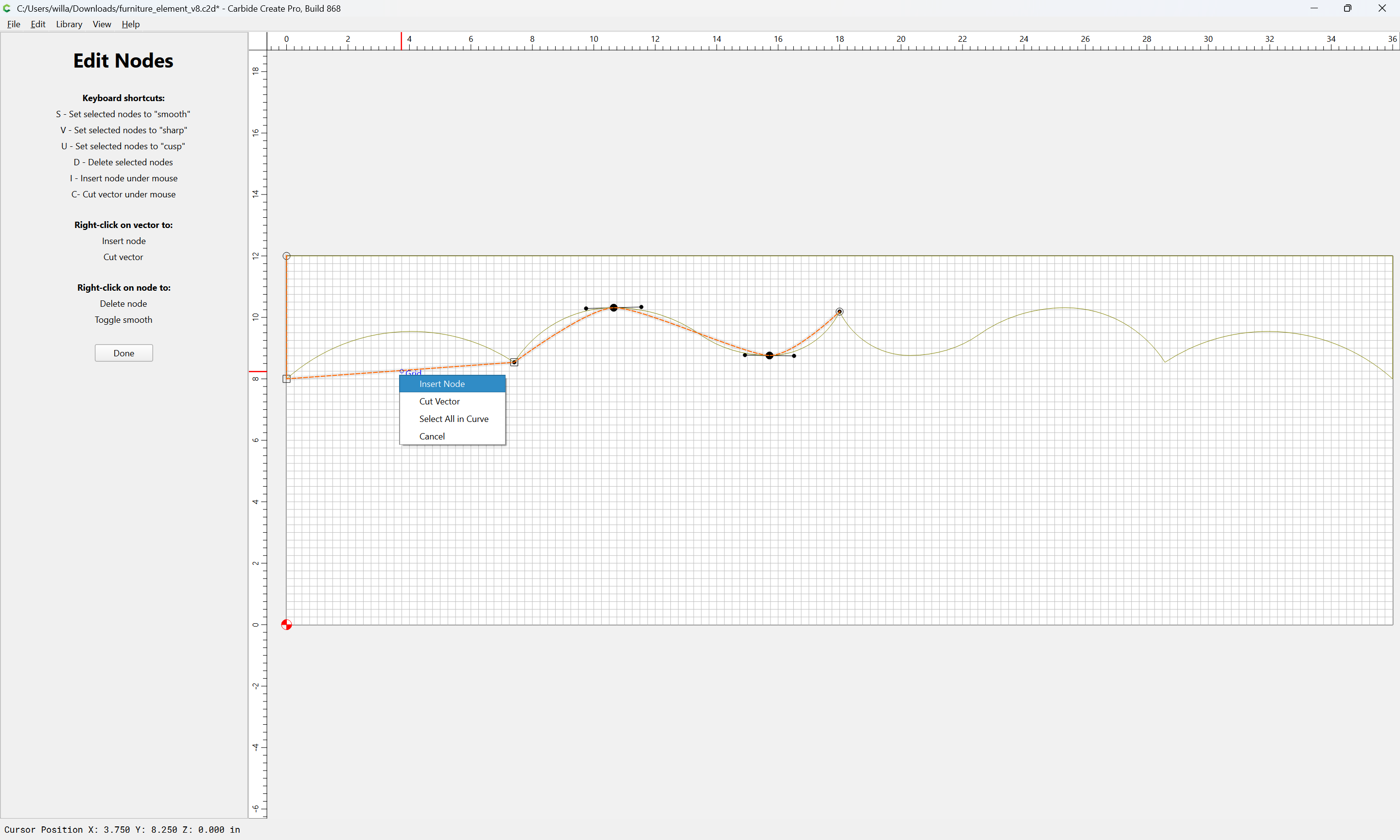
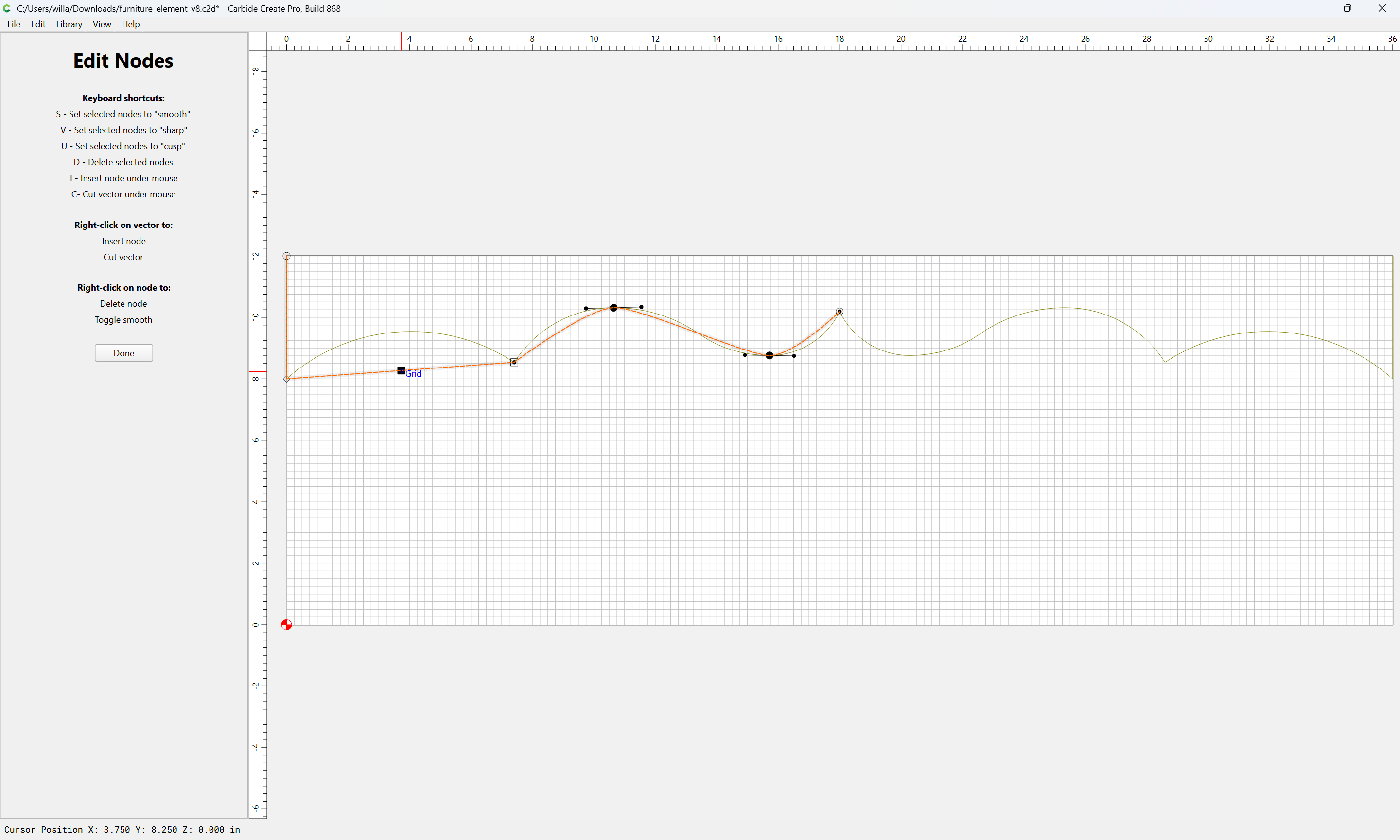
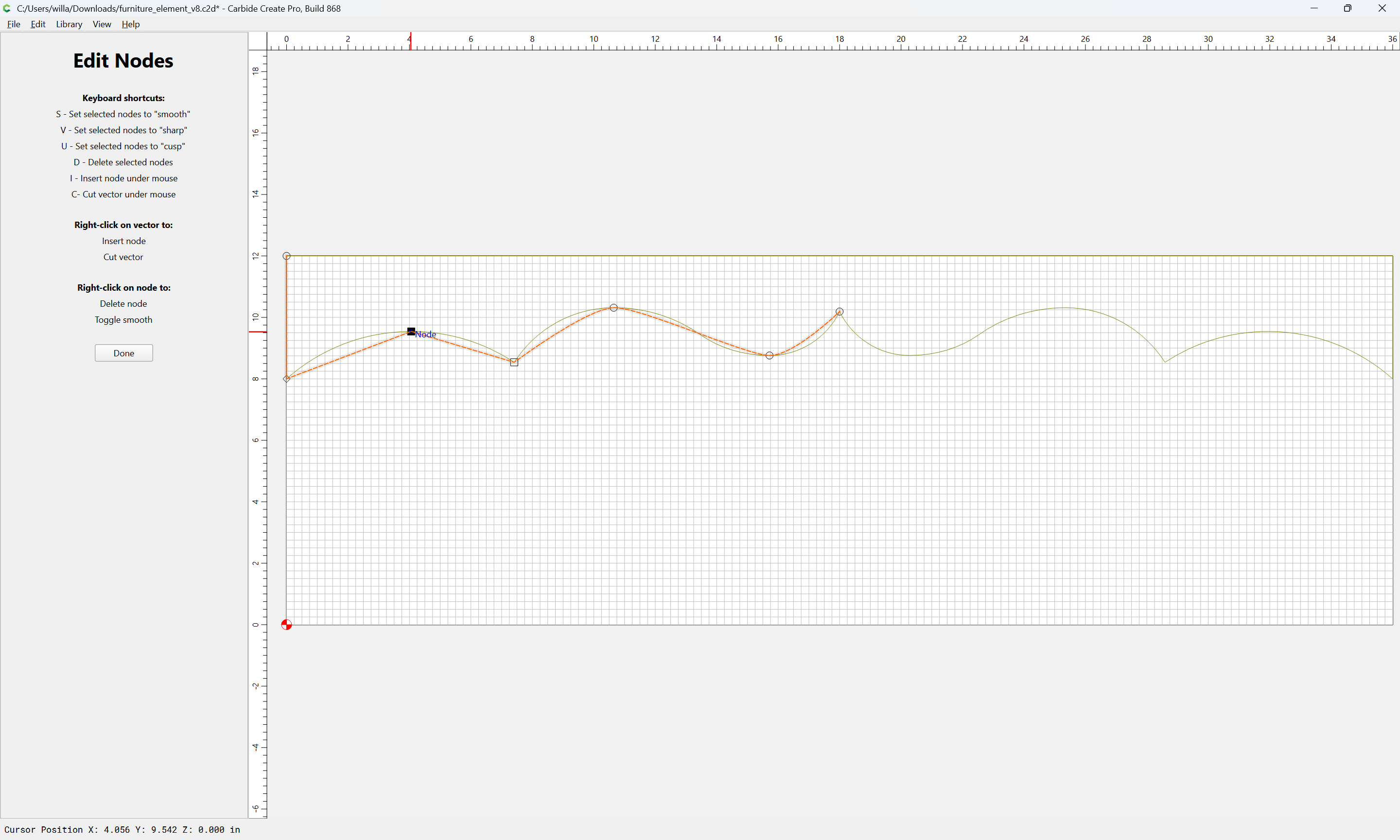
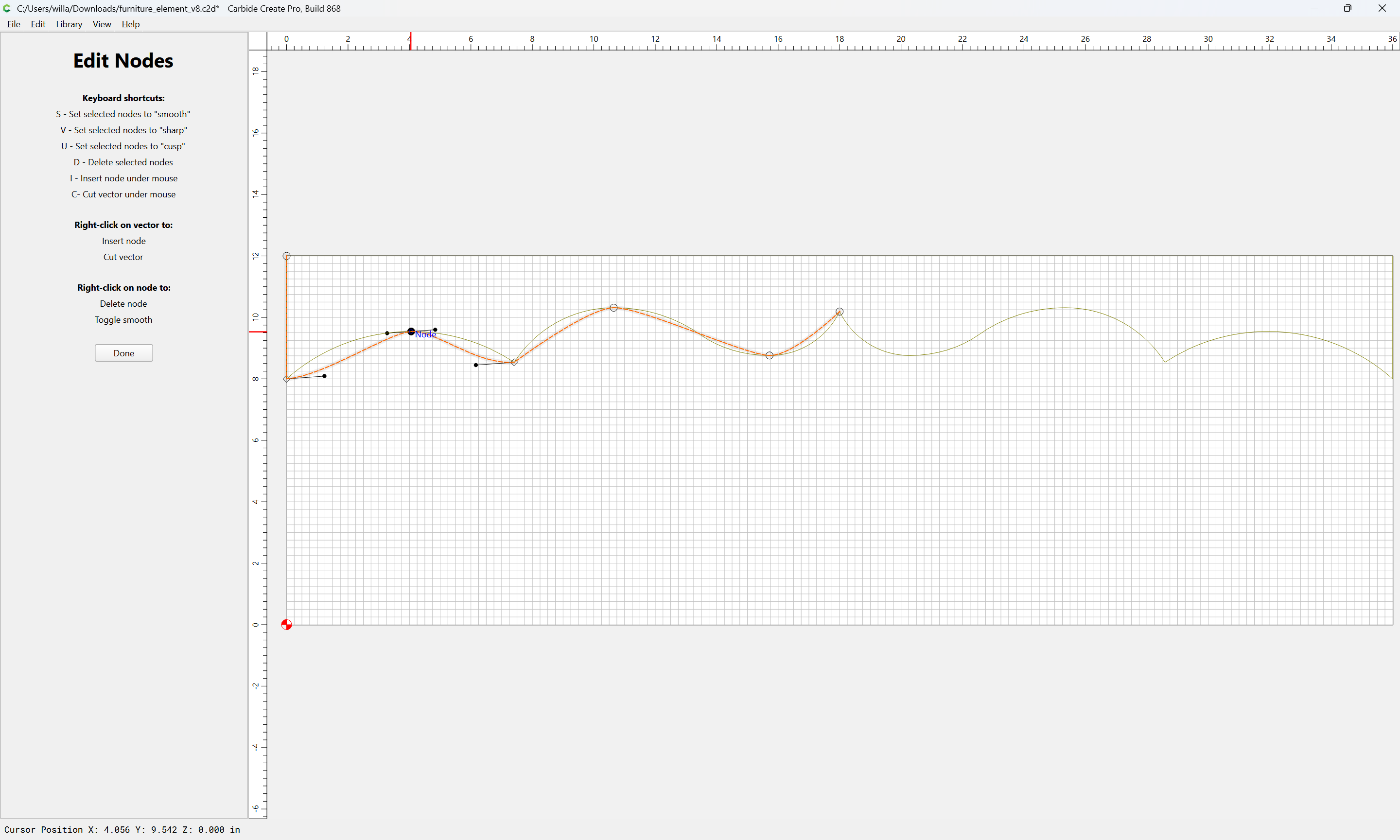
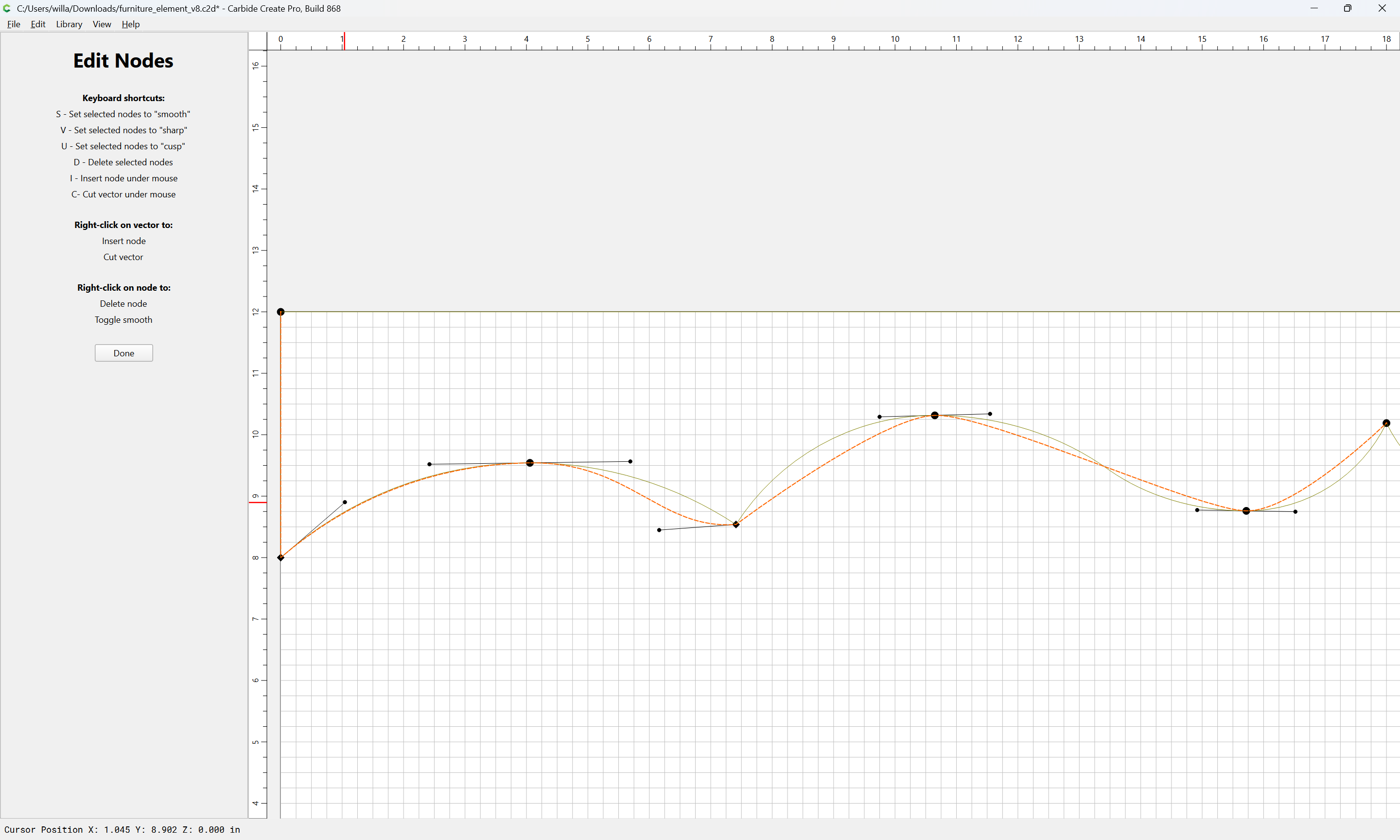
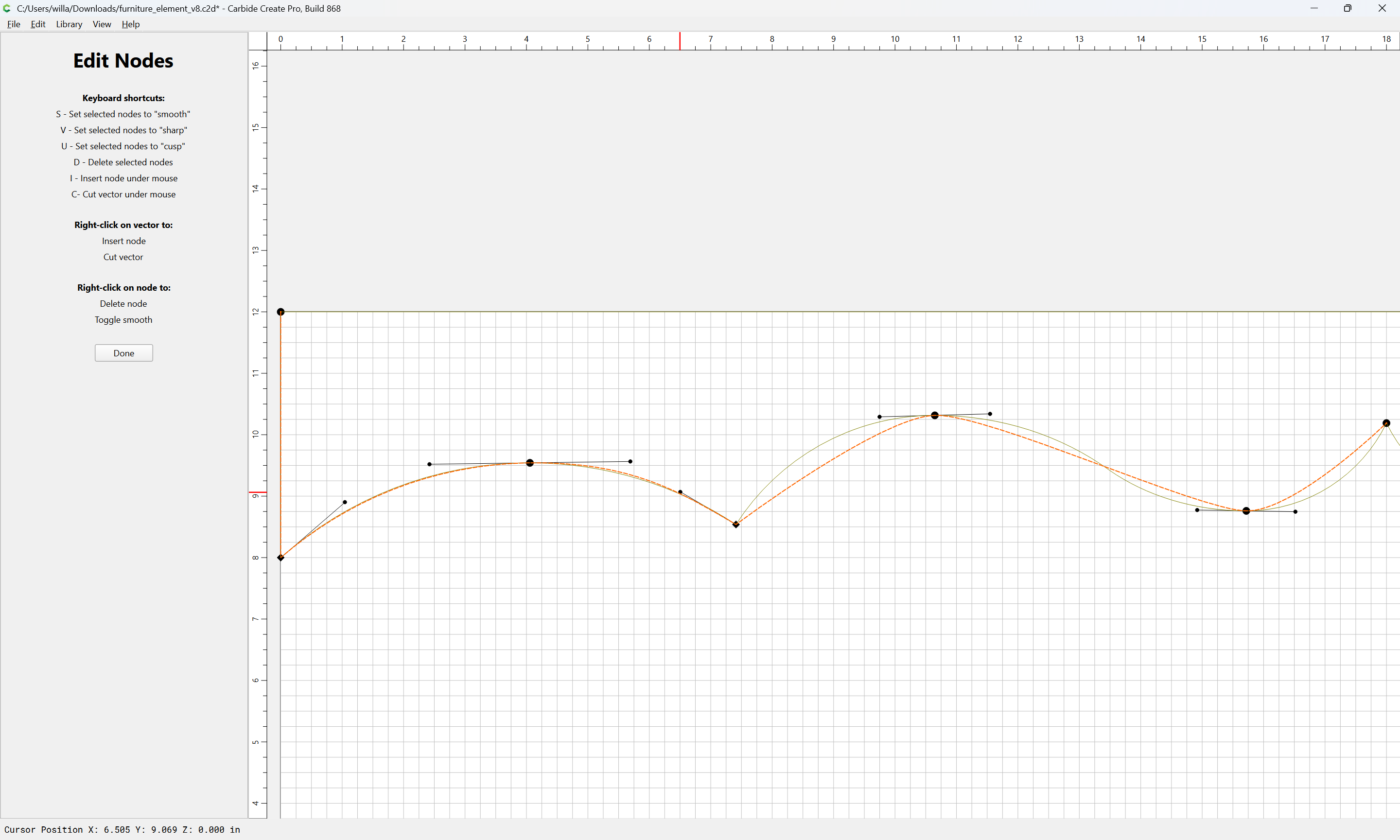
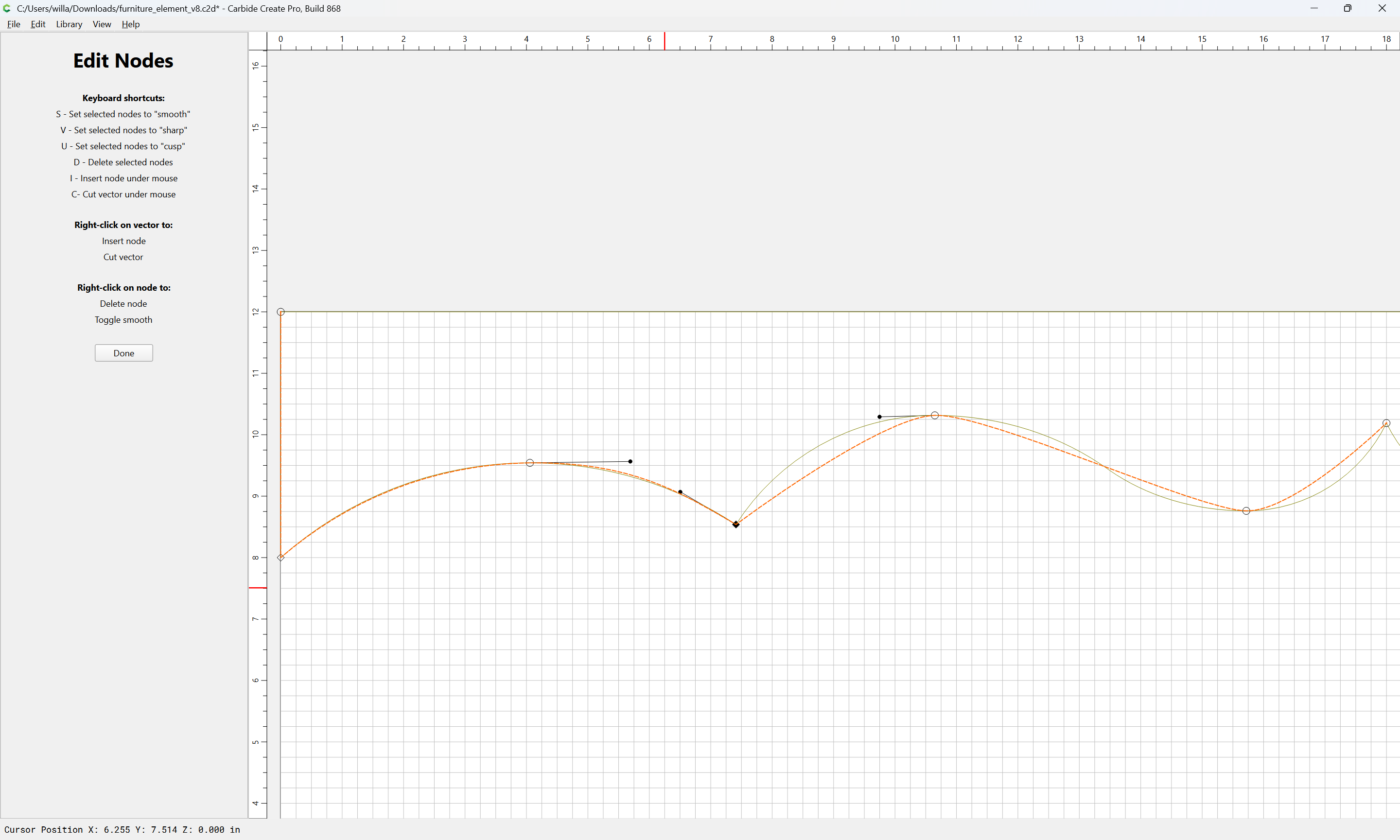
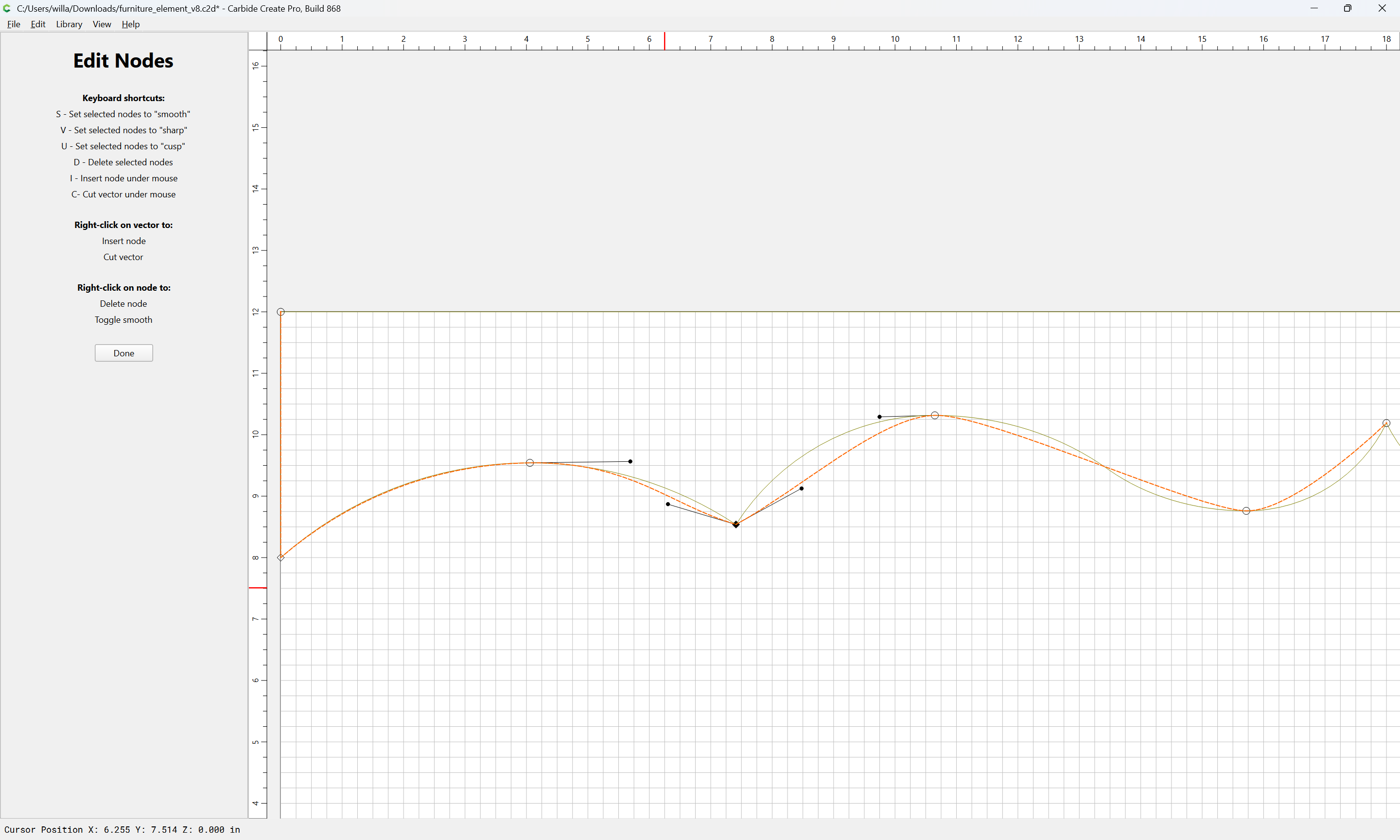
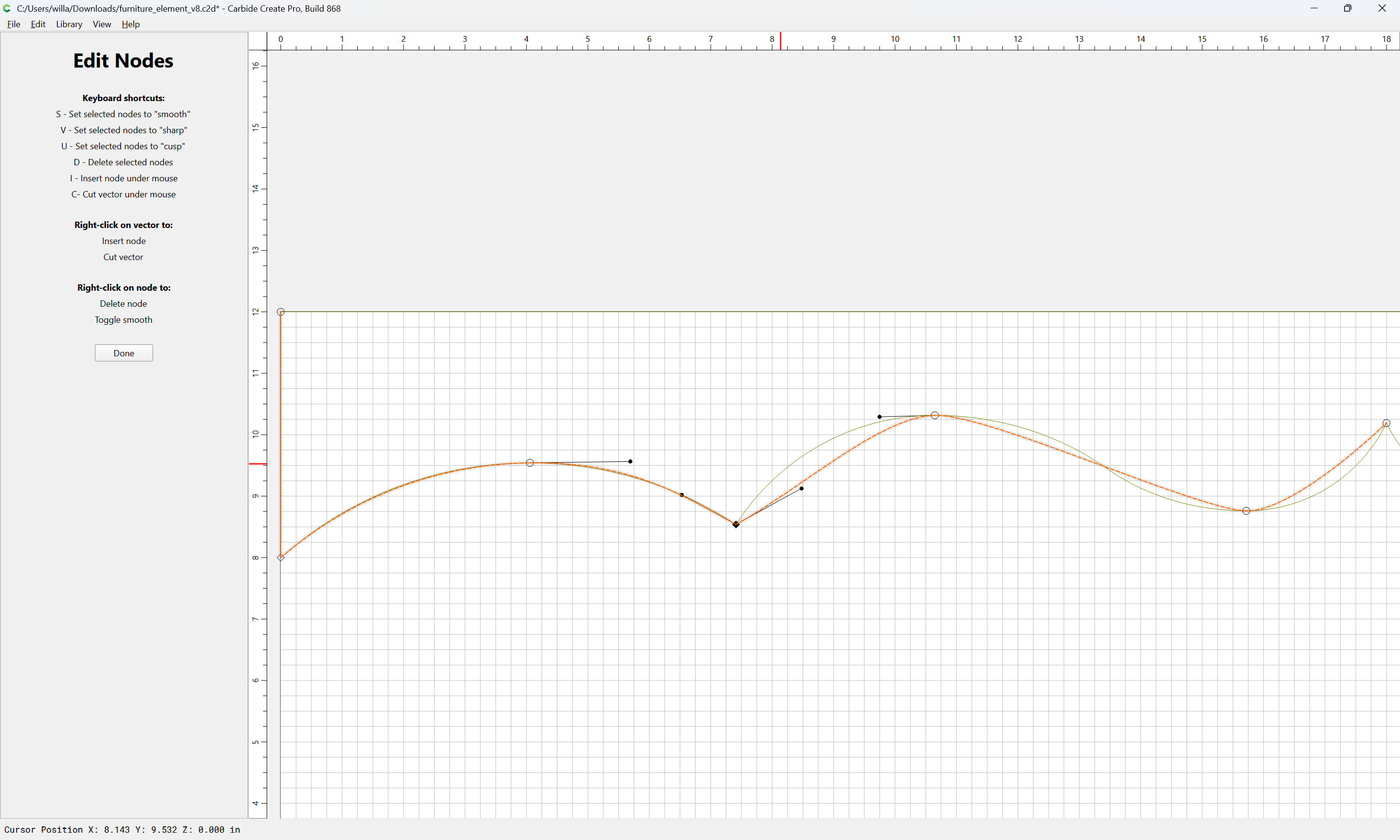
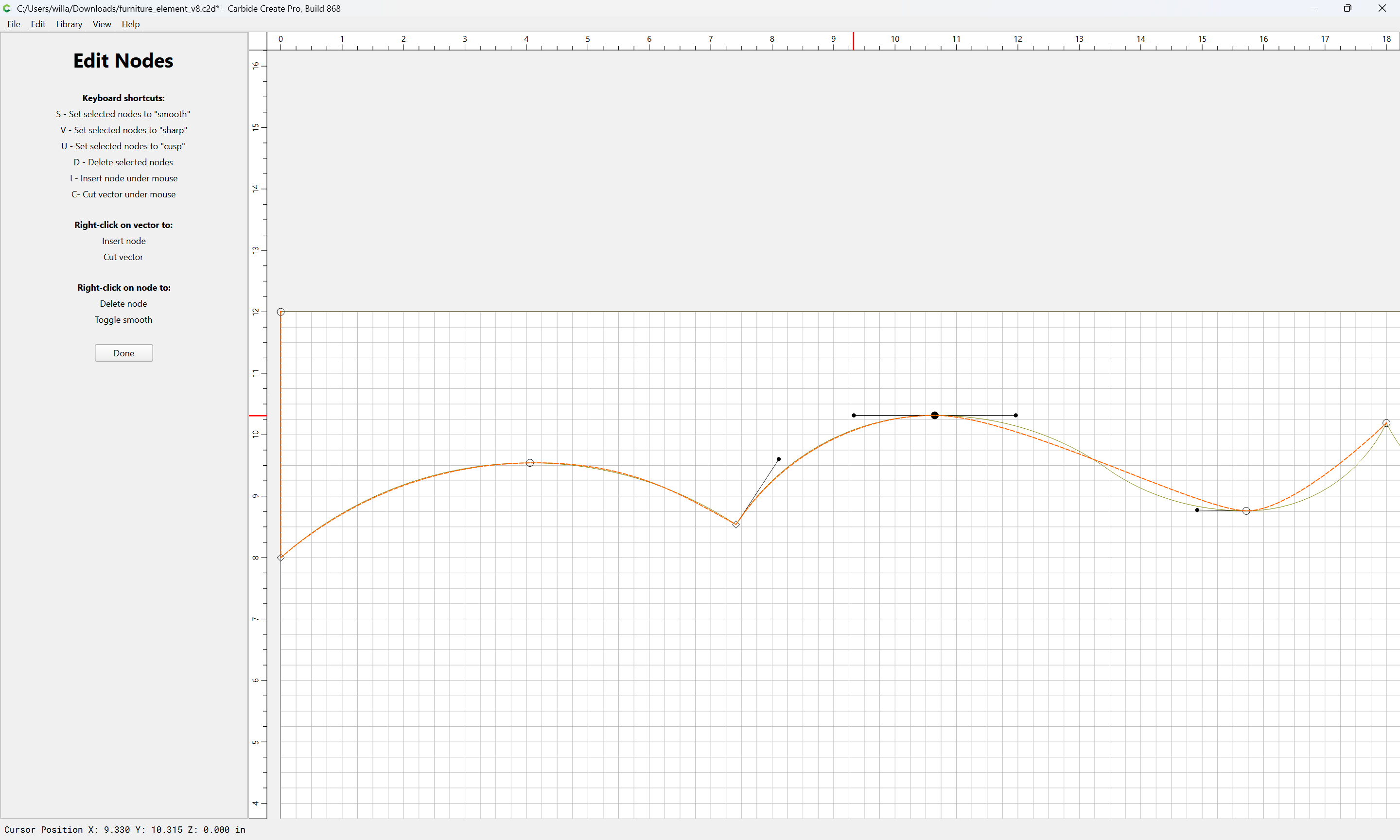
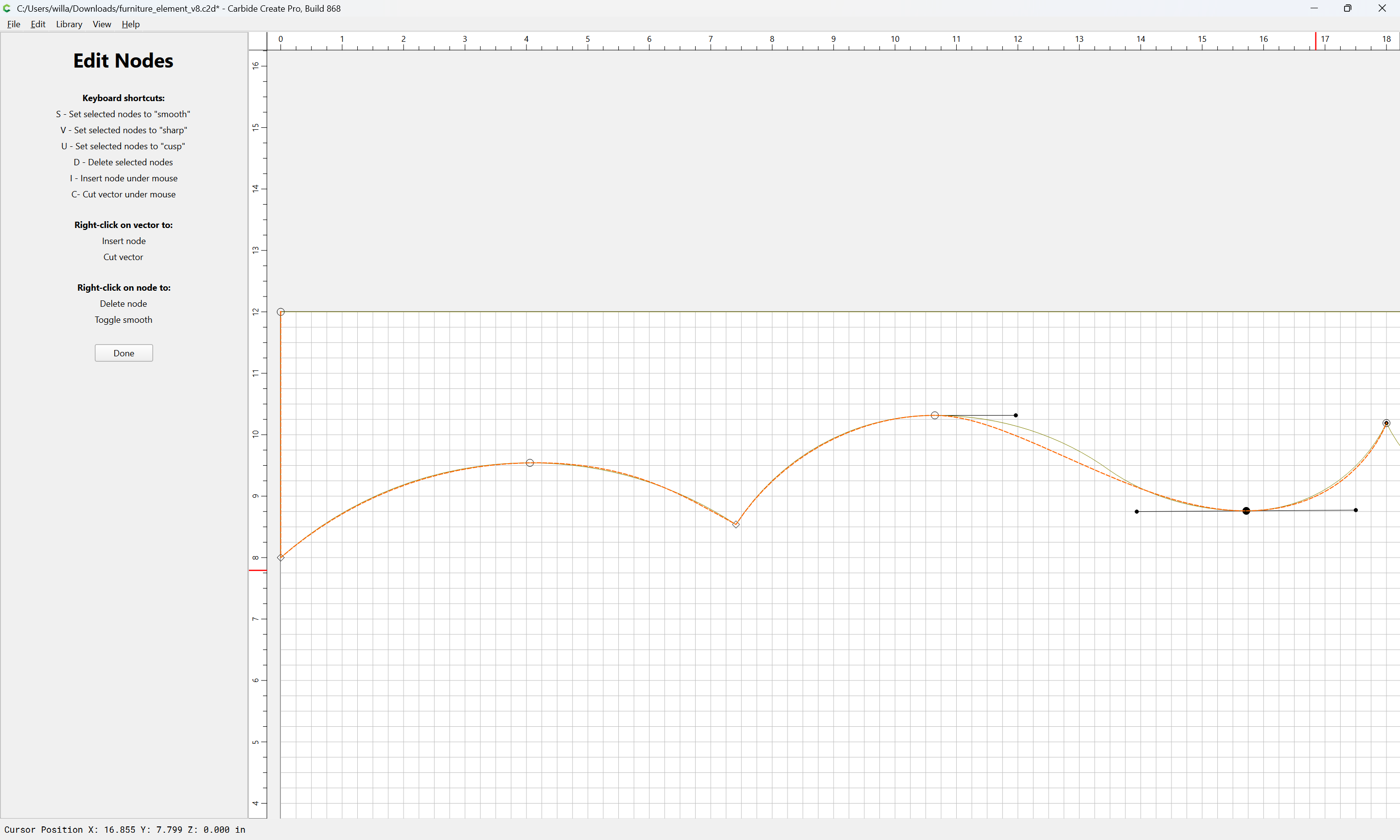
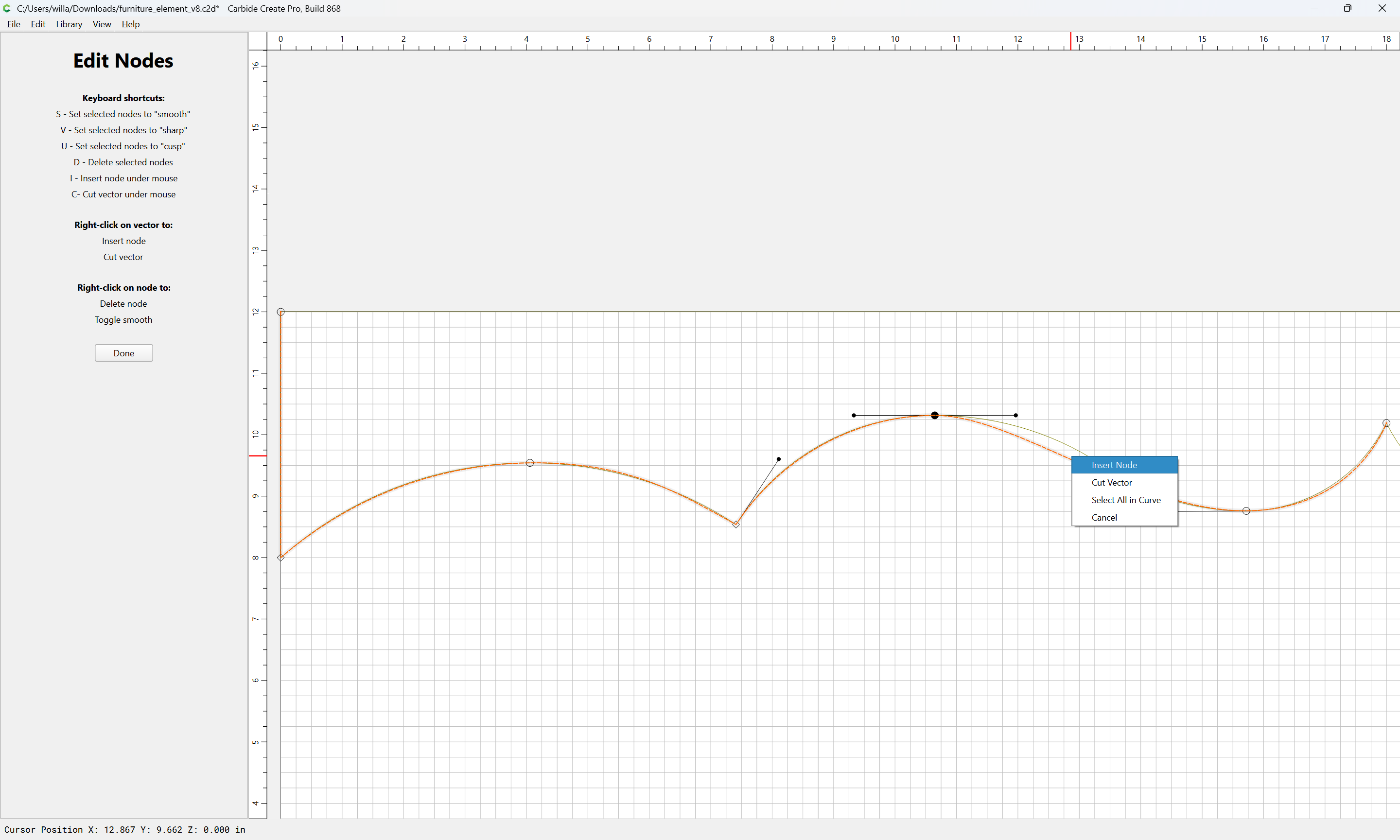
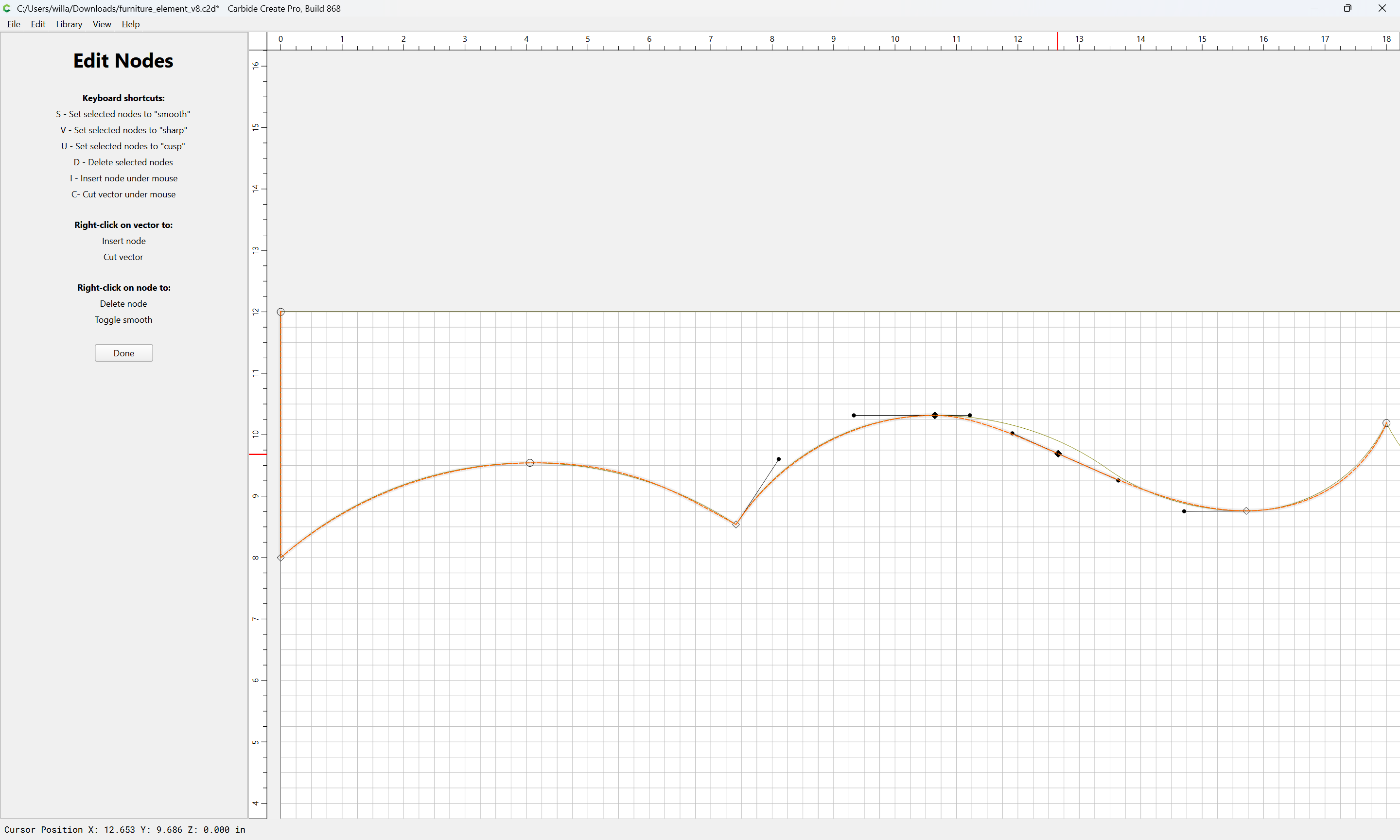
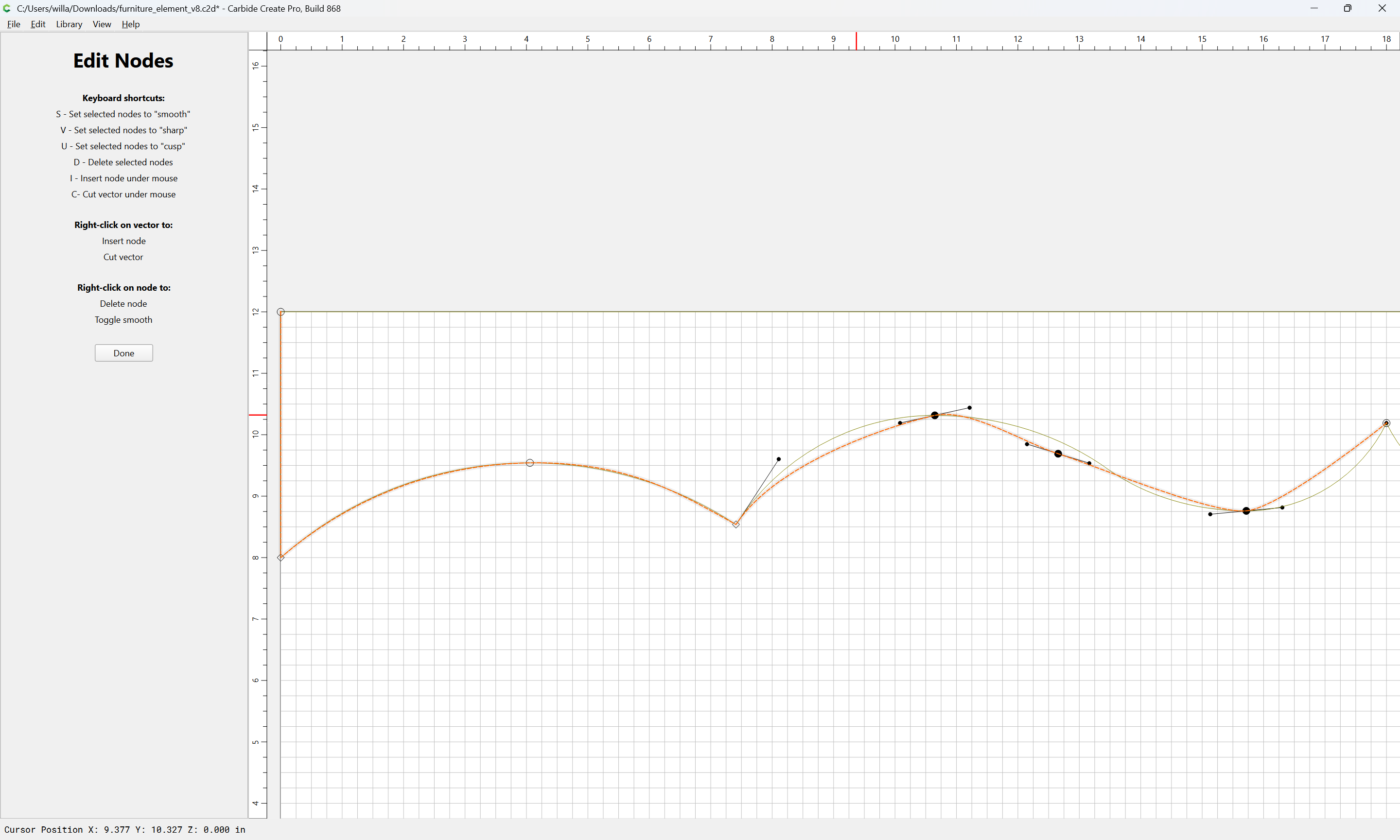
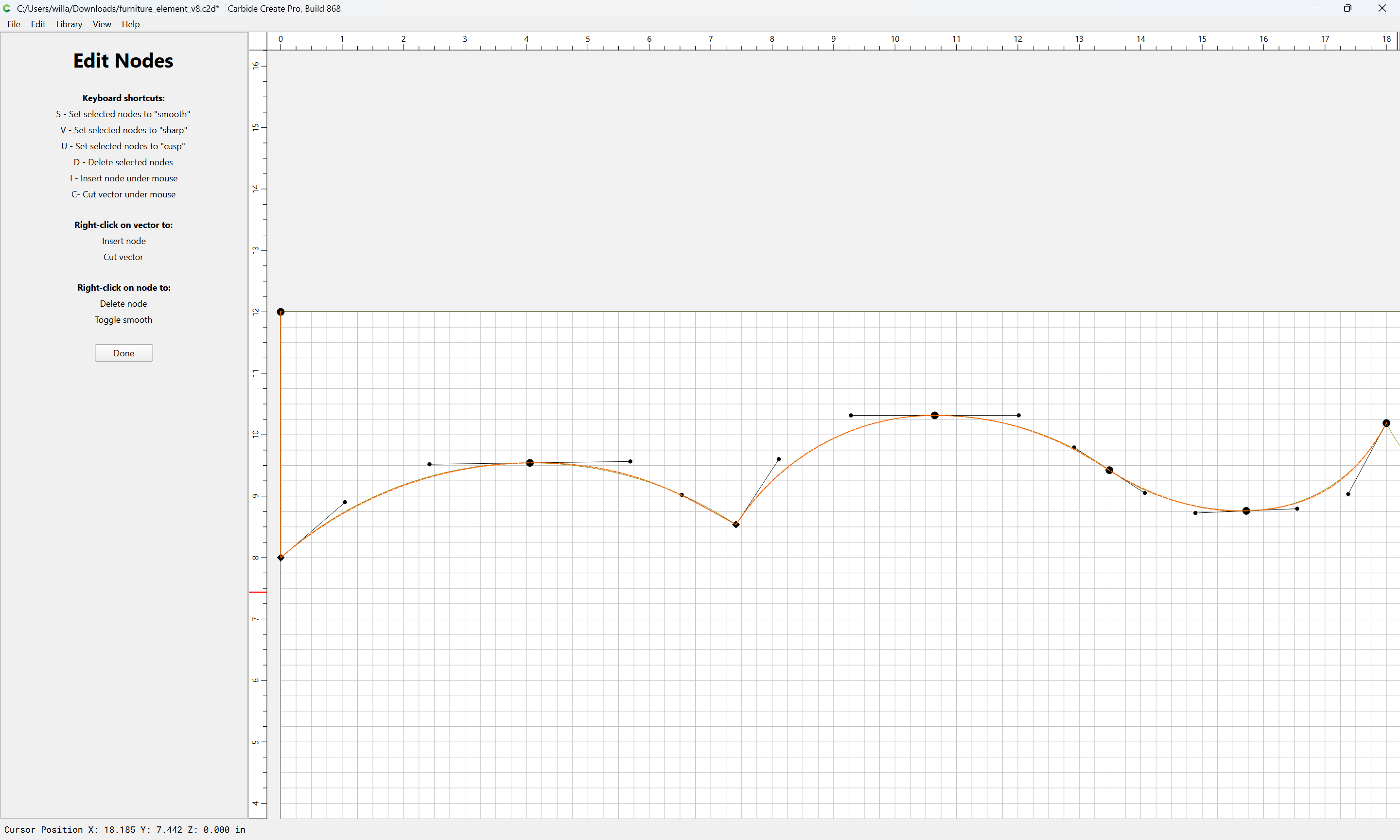
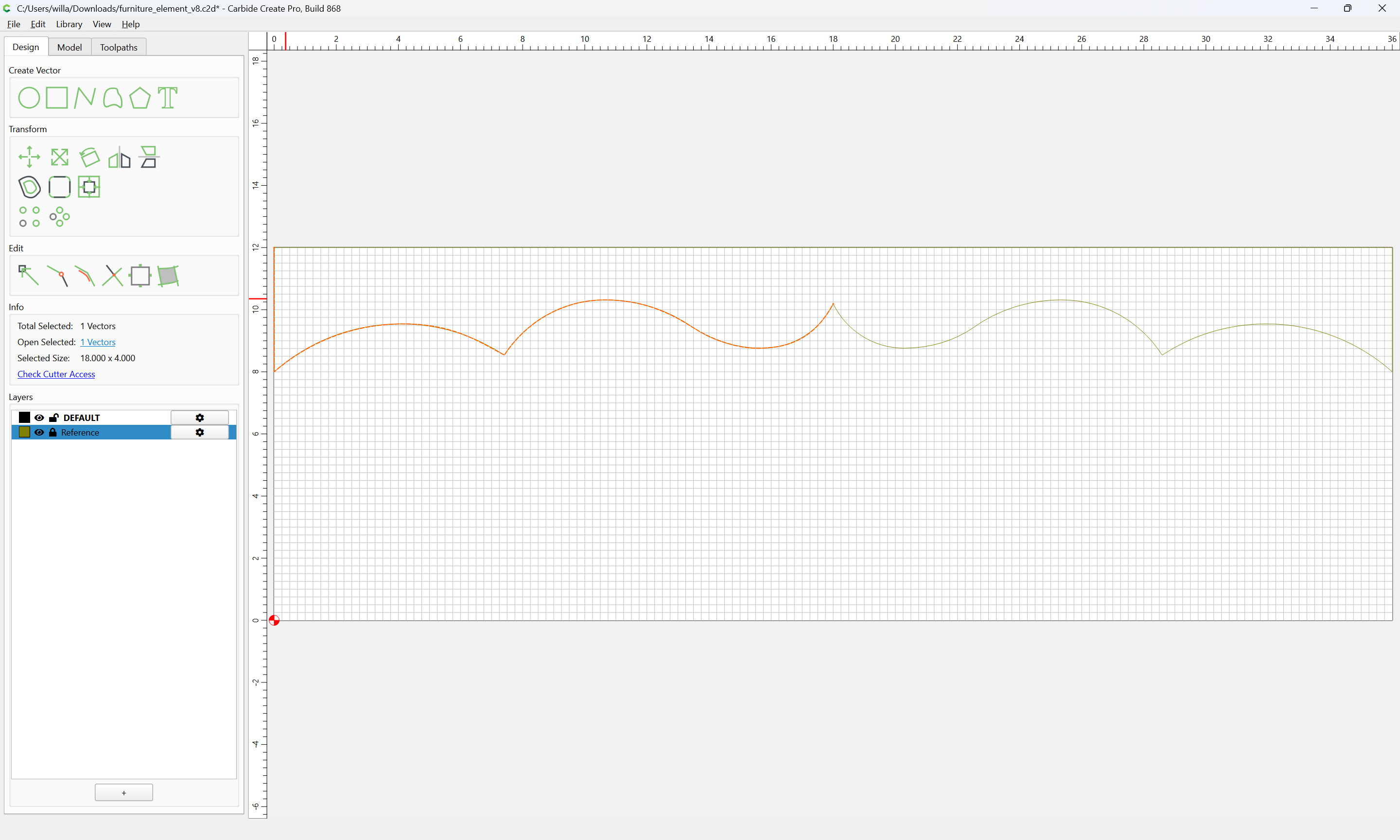
as requested on support…
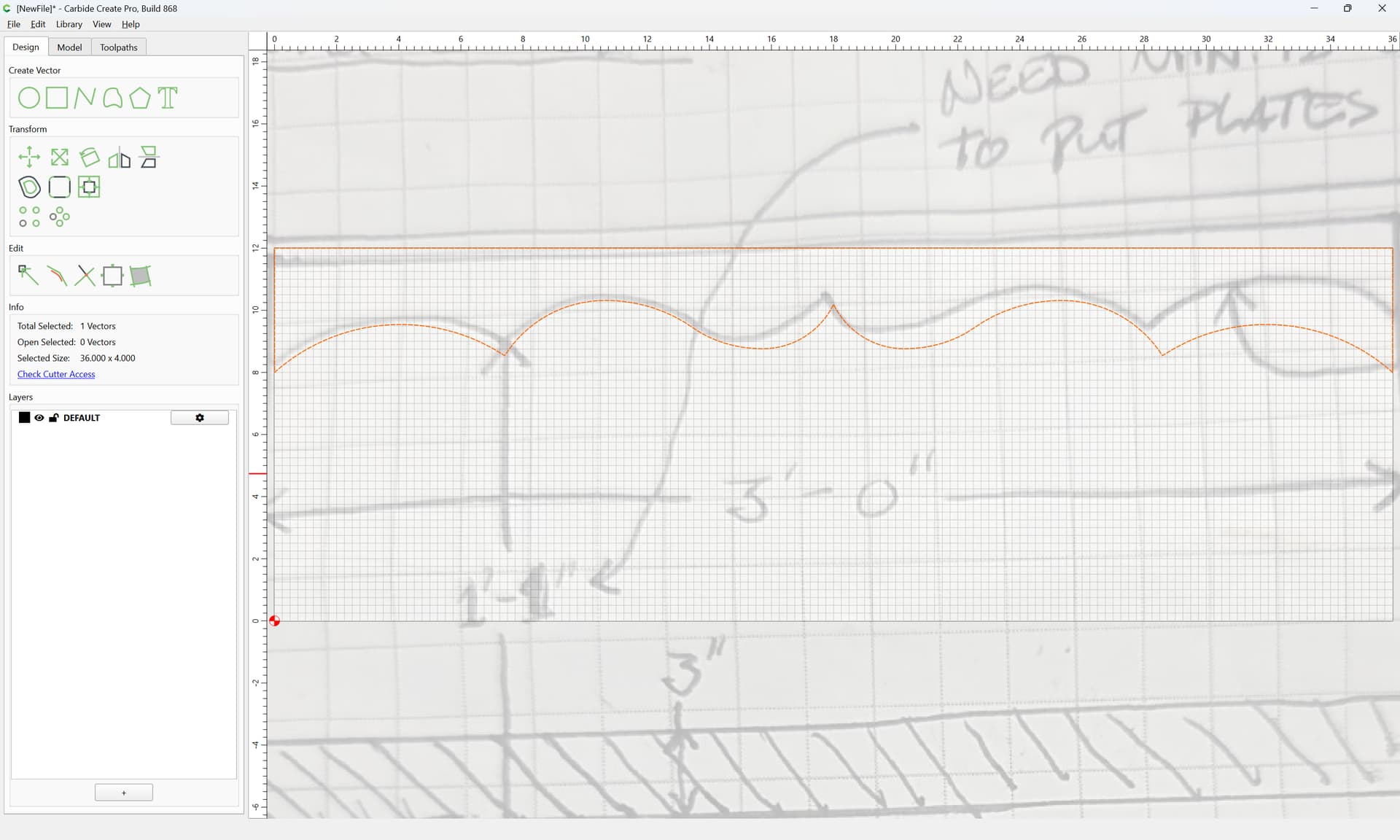
I am trying to design a valance for a kitchen cabinet that has multiple arcs …
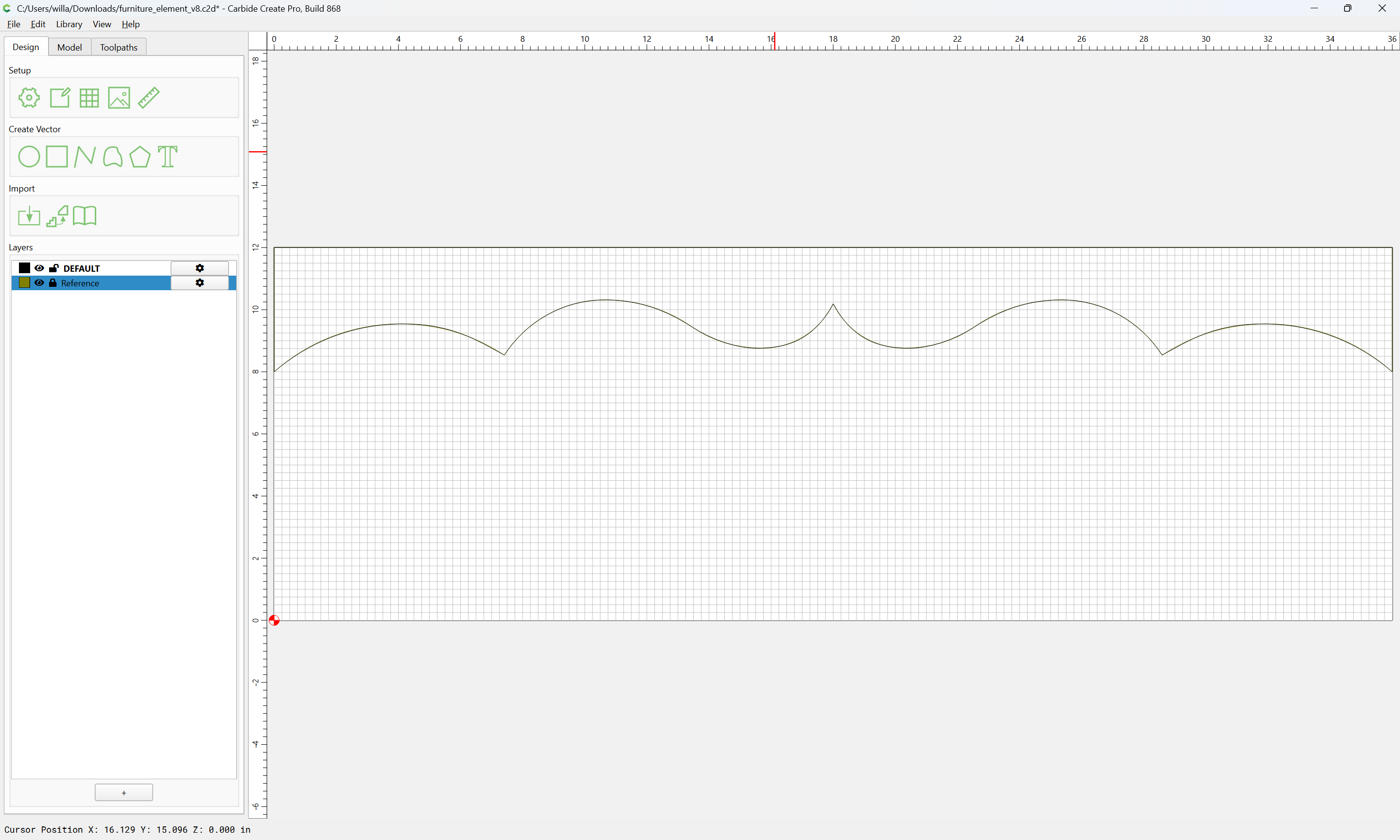
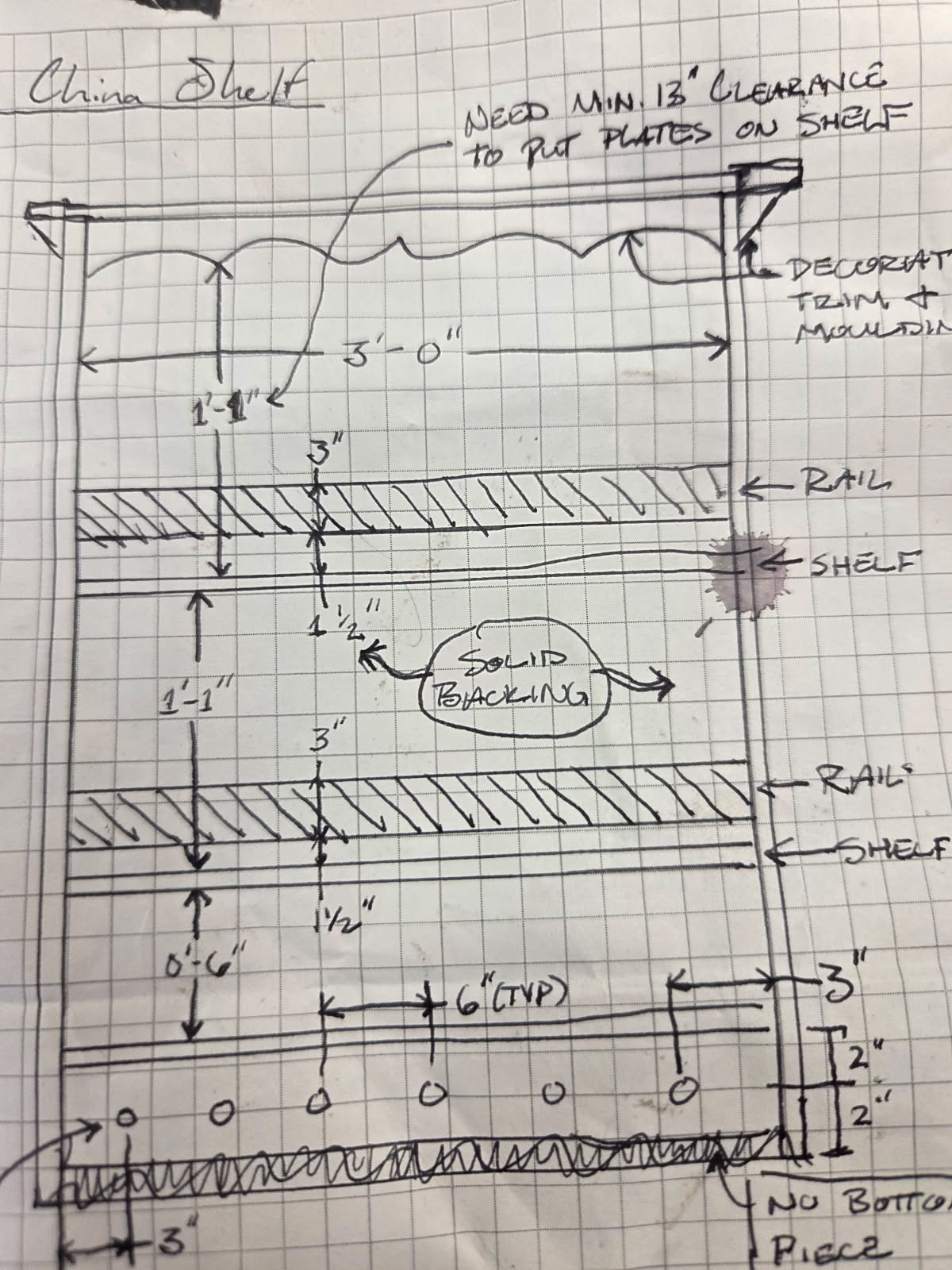
where the design is:
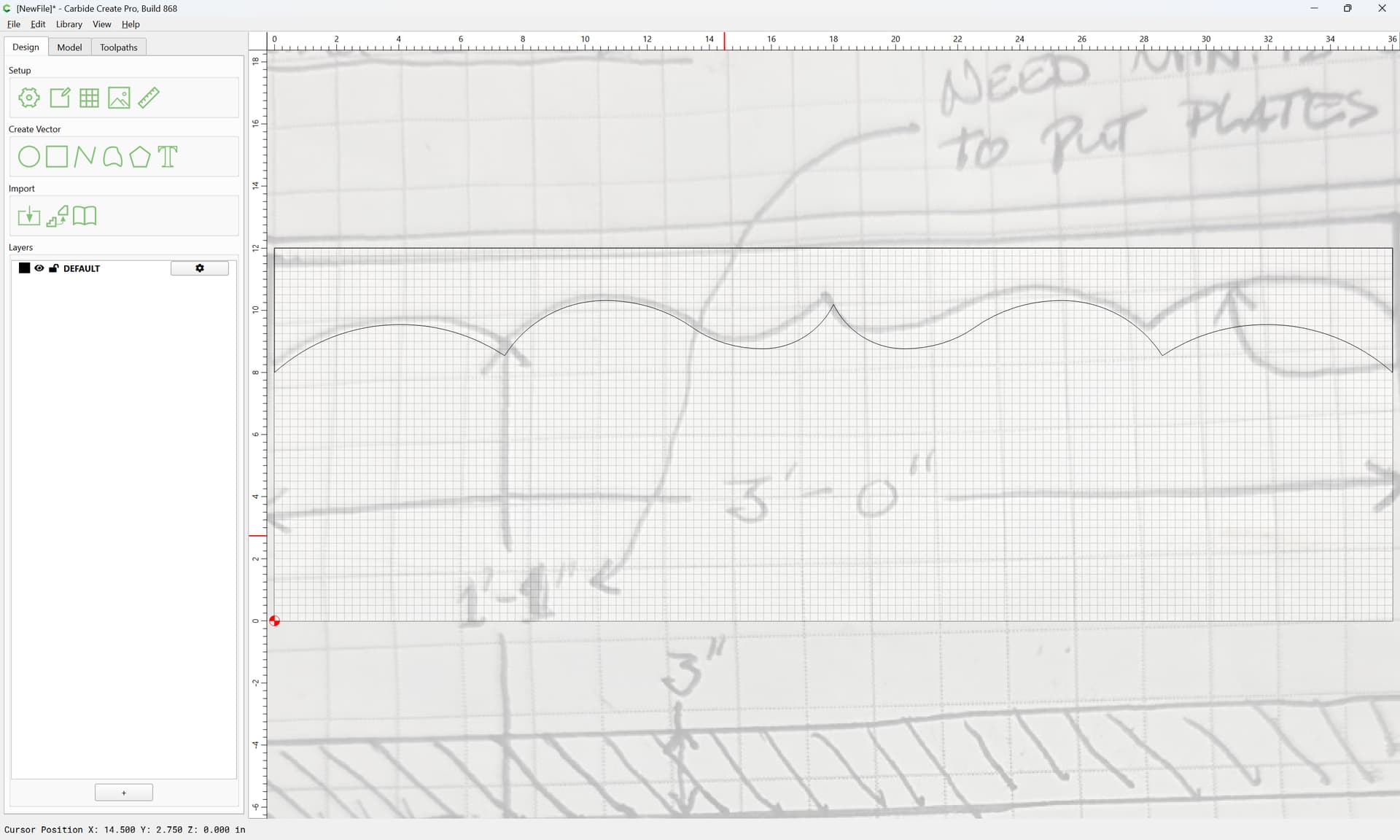
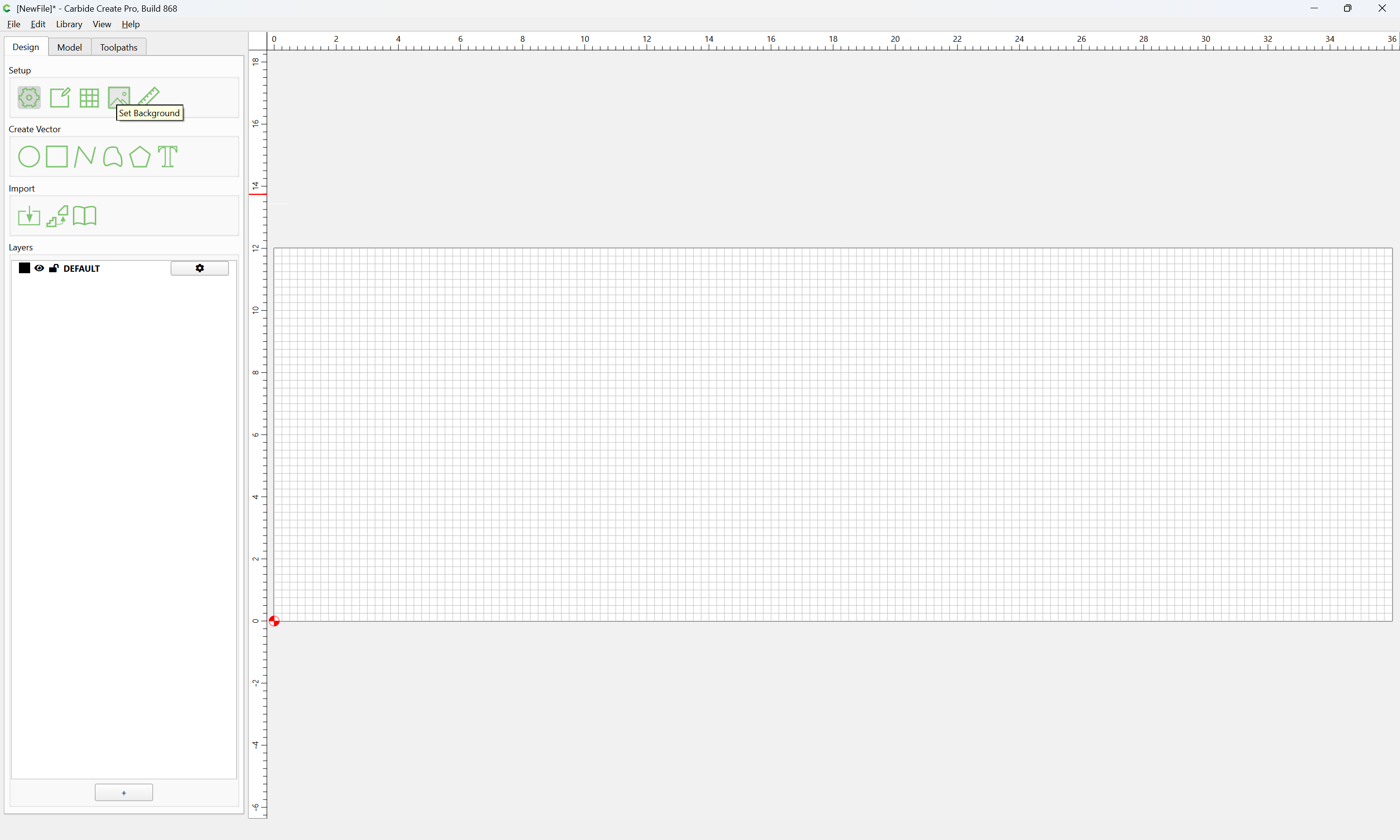
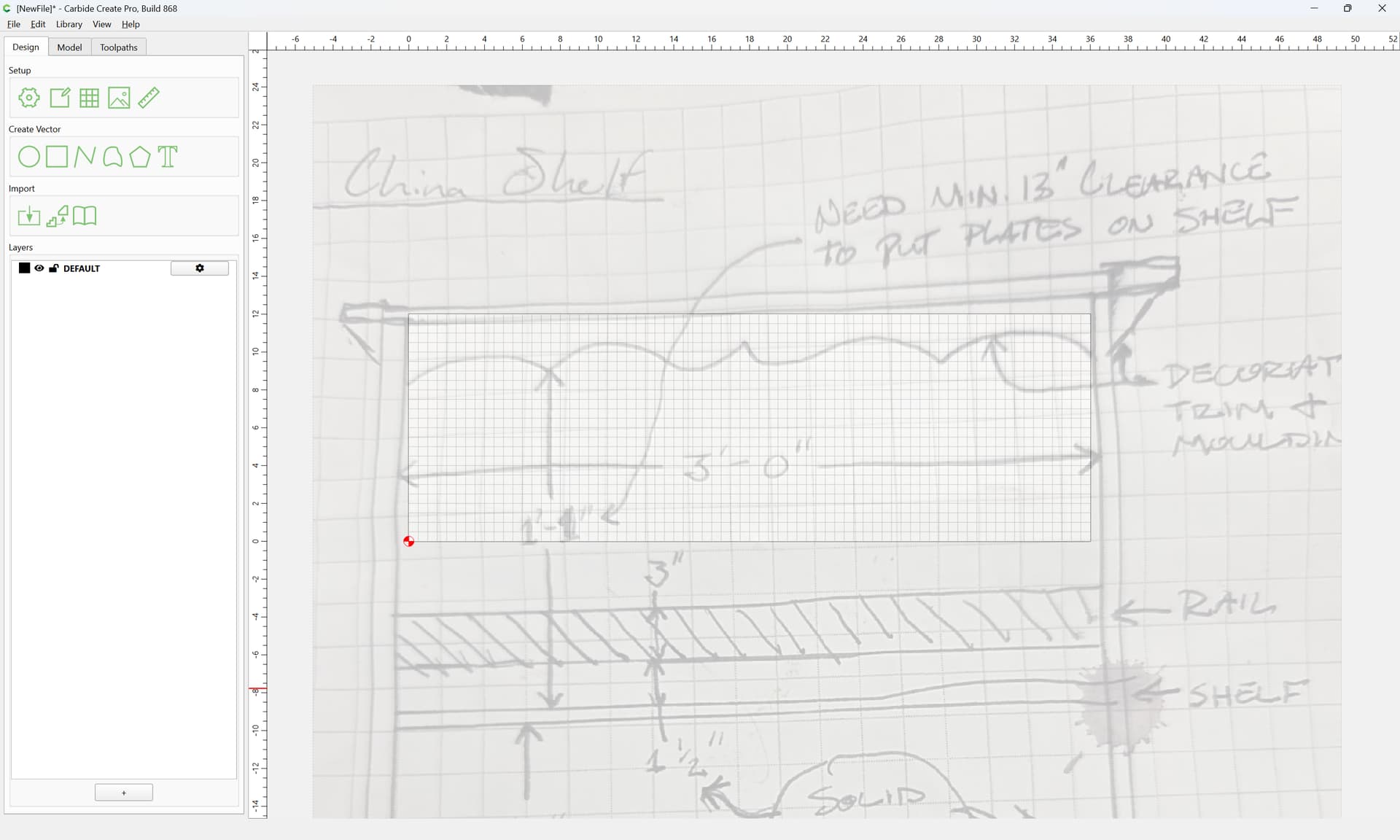
first, create a suitably sized working area:
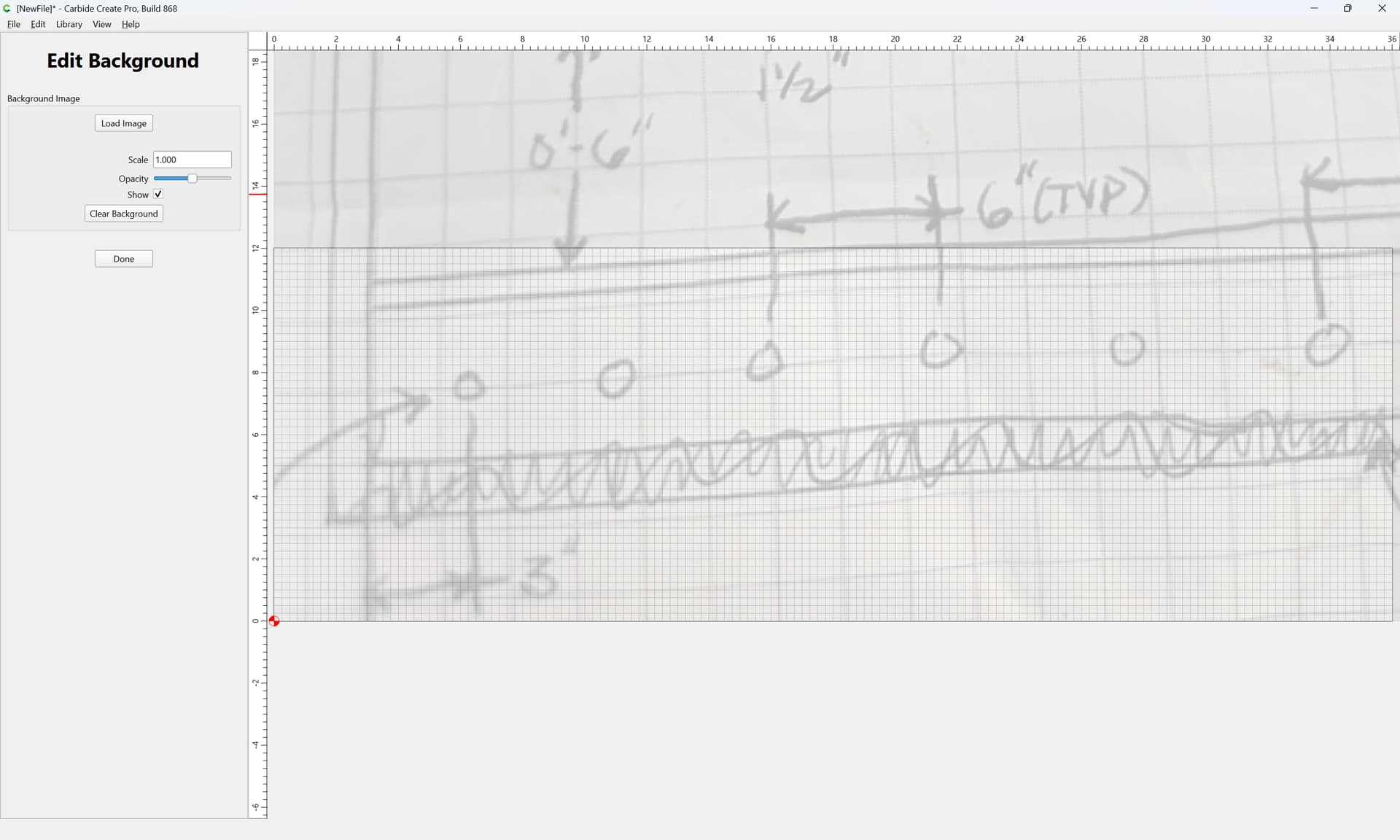
then Set Background
and adjust:
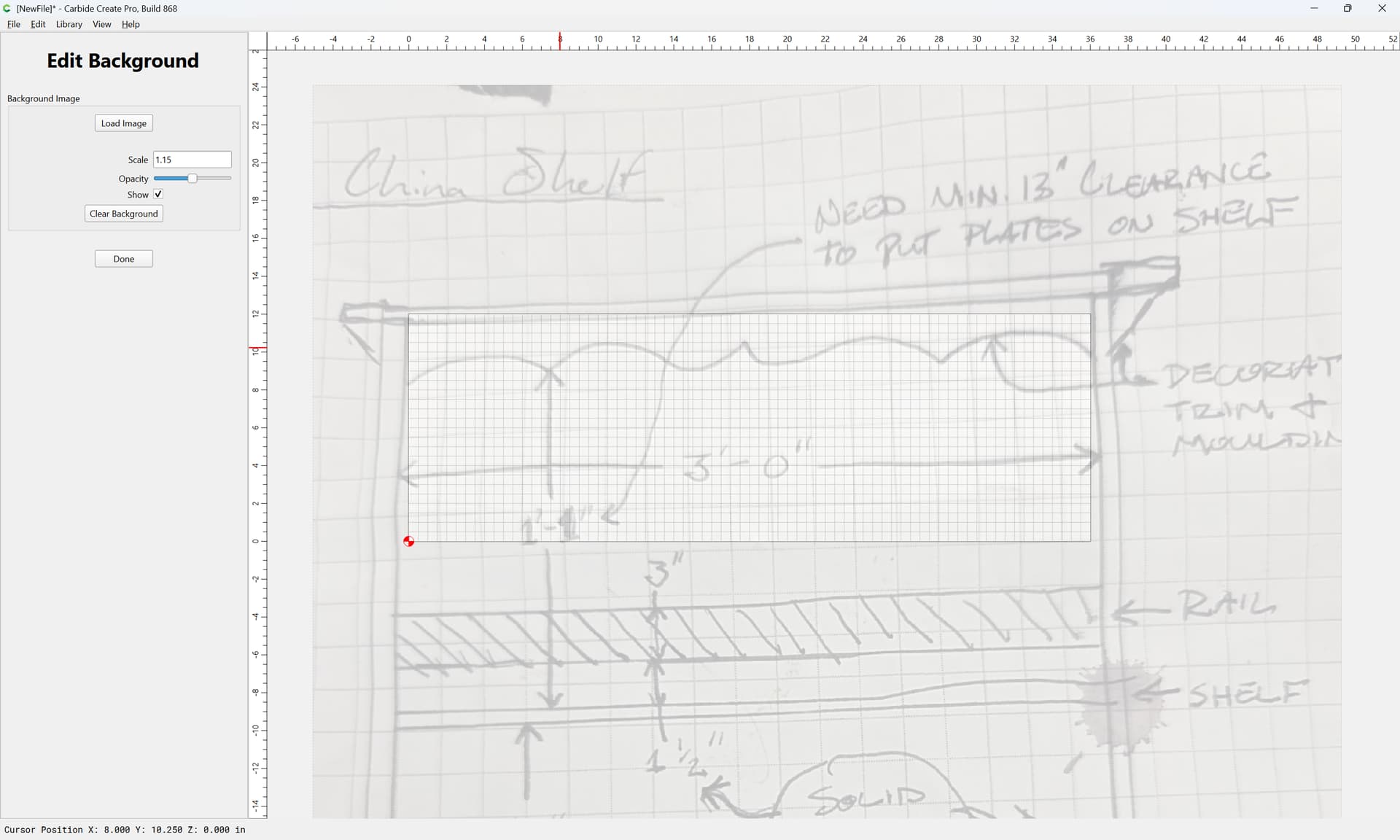
Done
Draw circles which approximate one-half of the design:
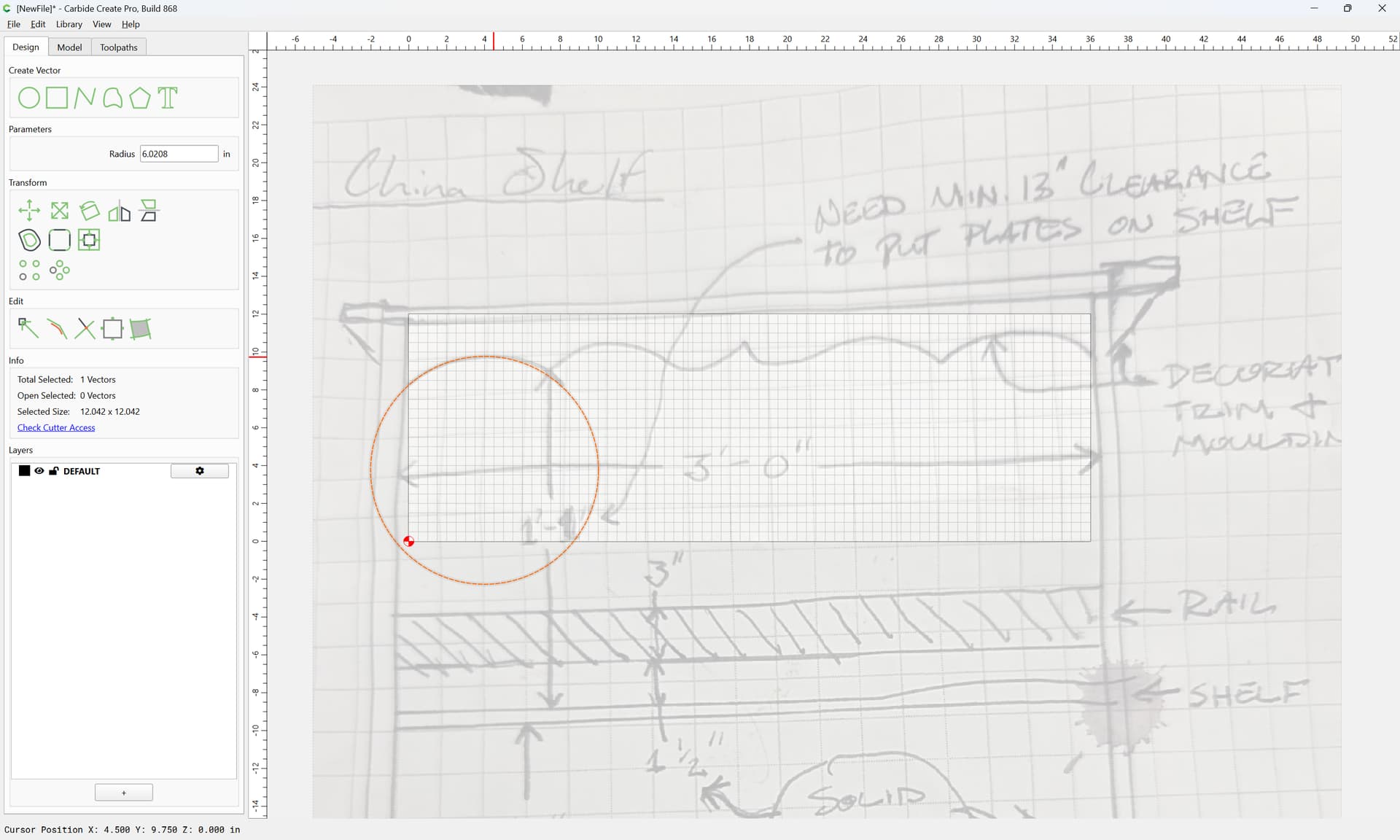
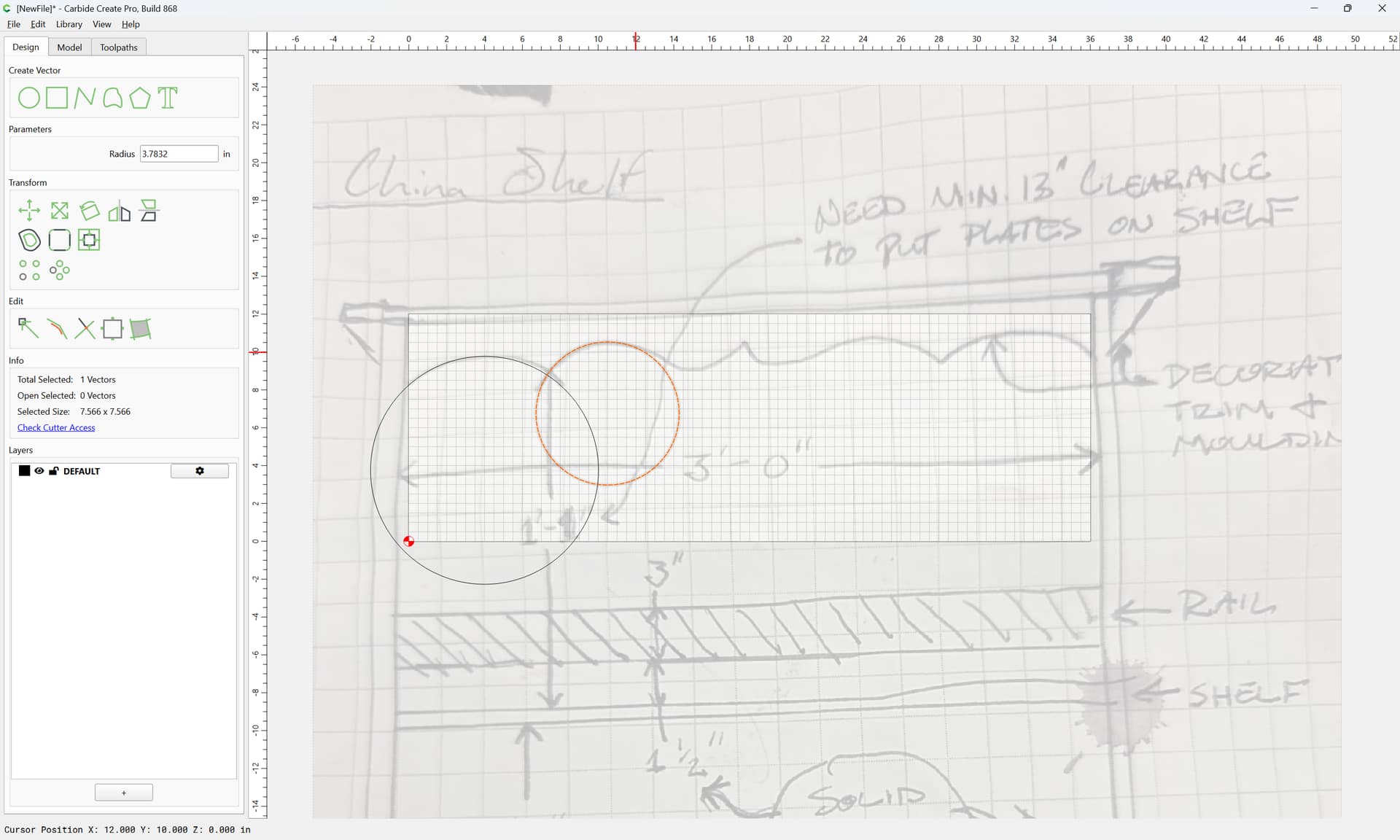
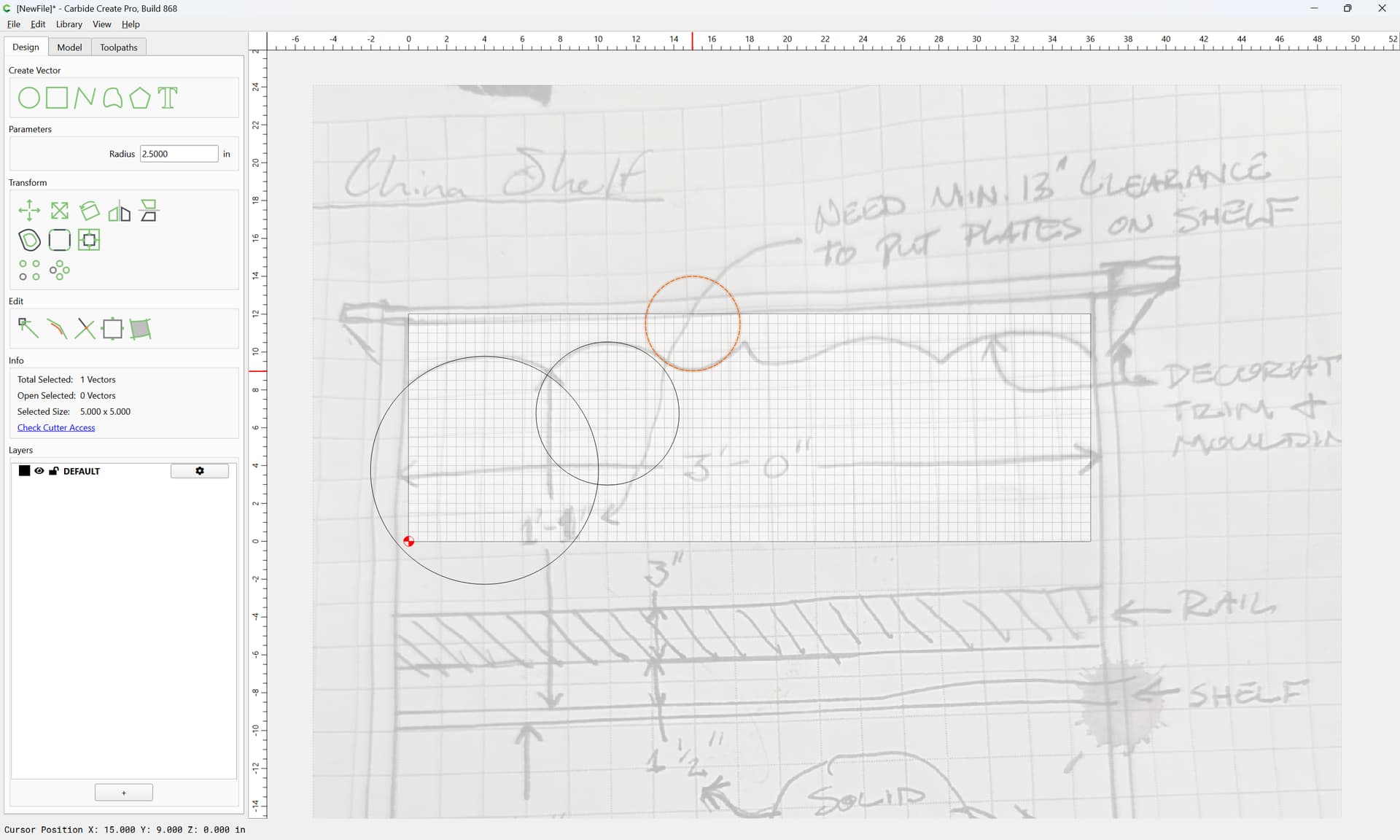
where necessary duplicating a circle:
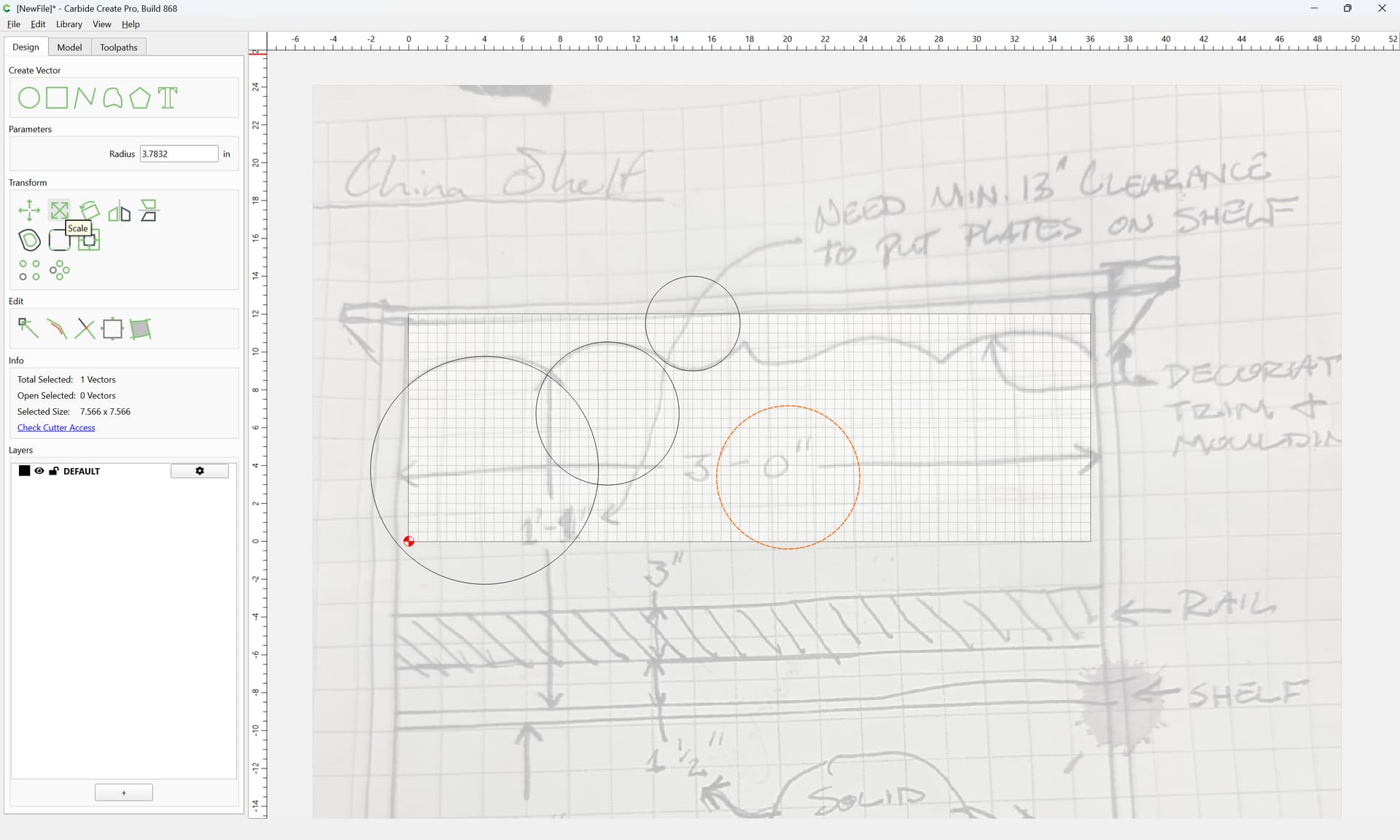
halving it using Node Editing:
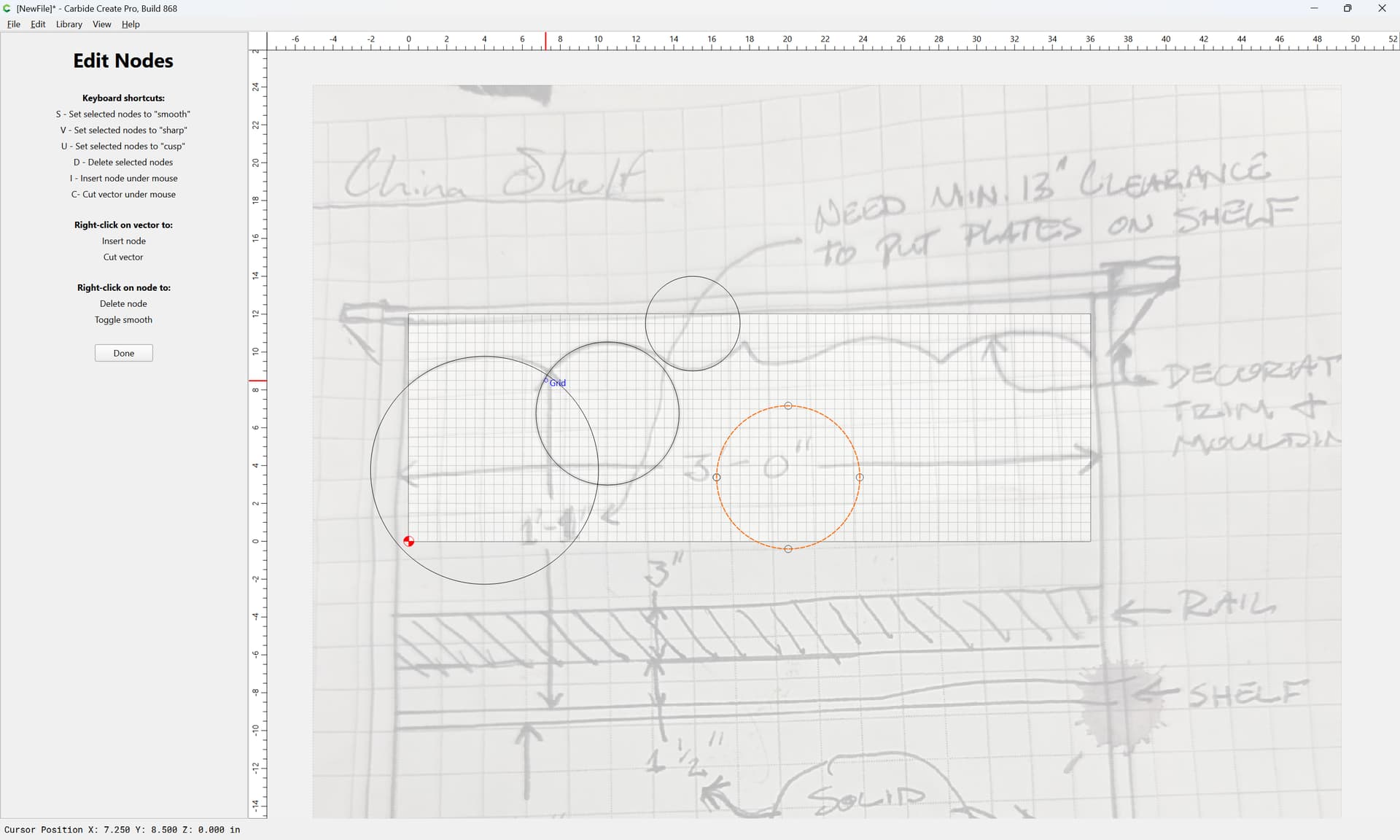
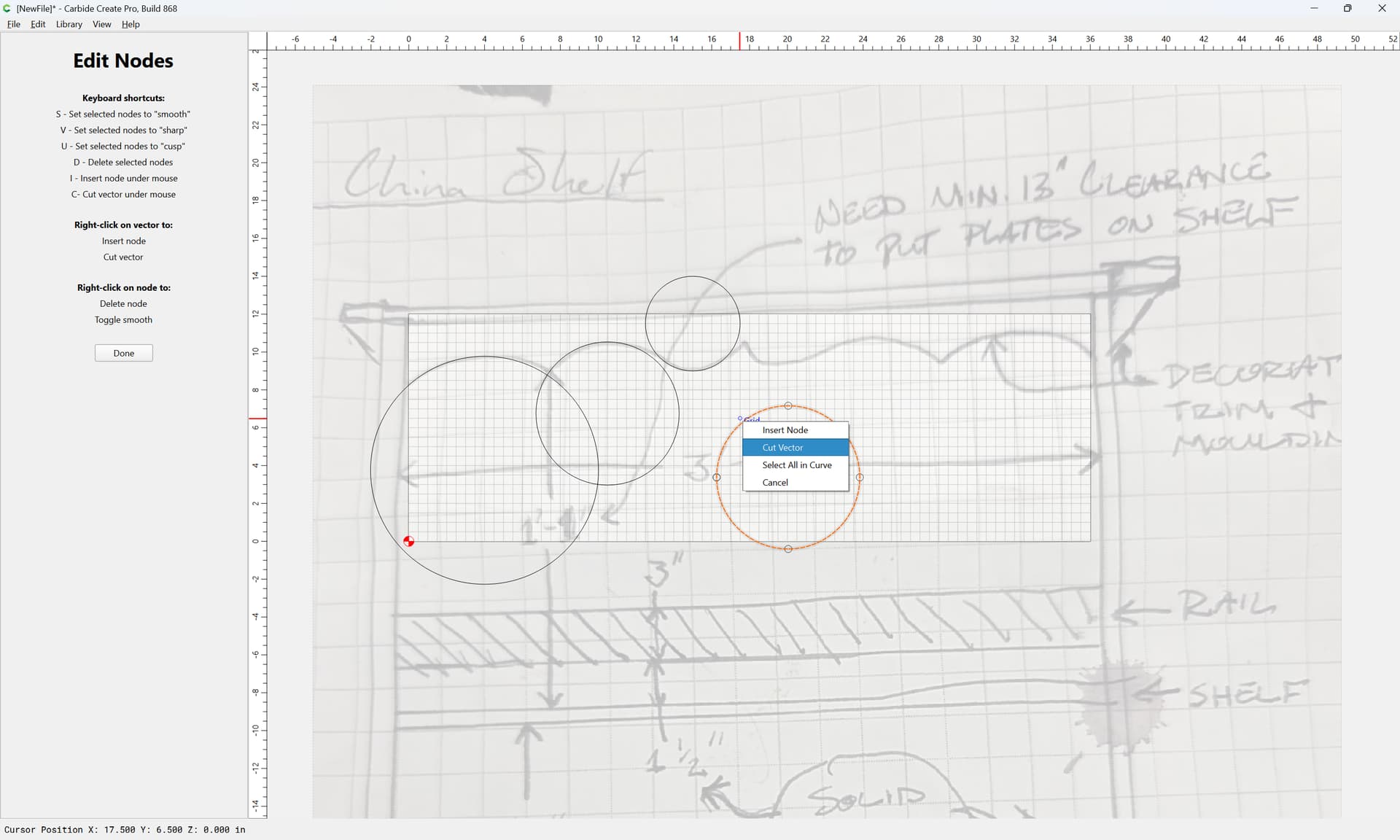
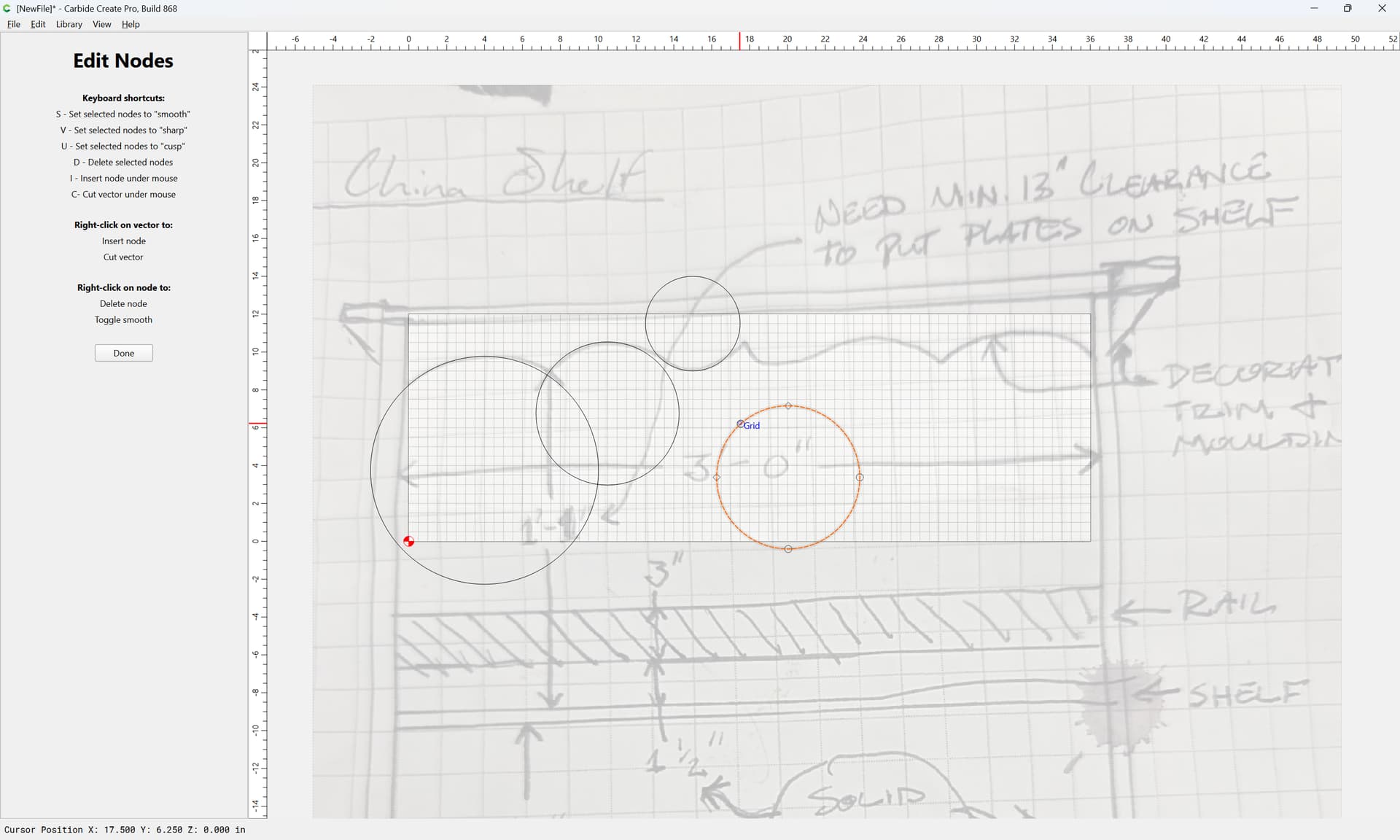
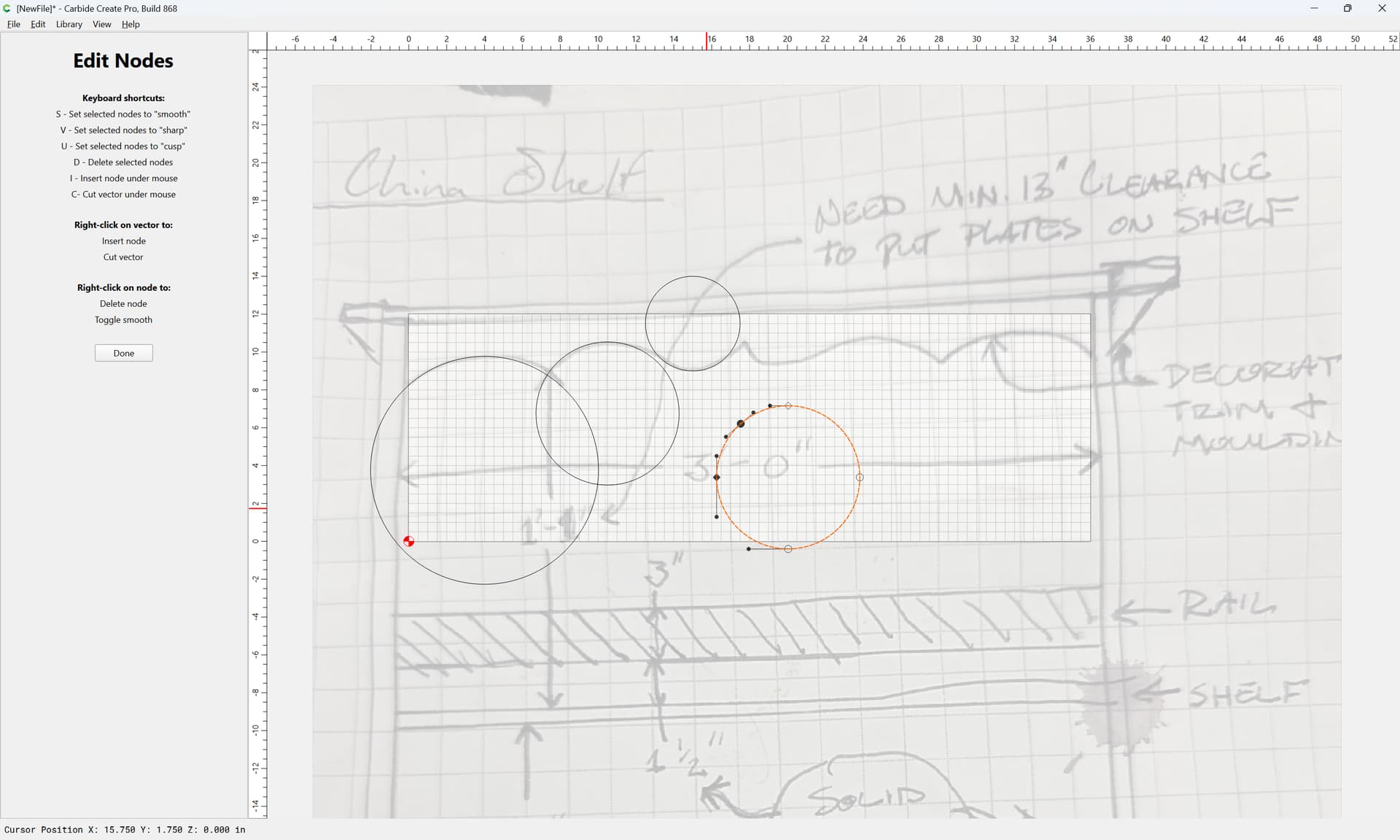
d
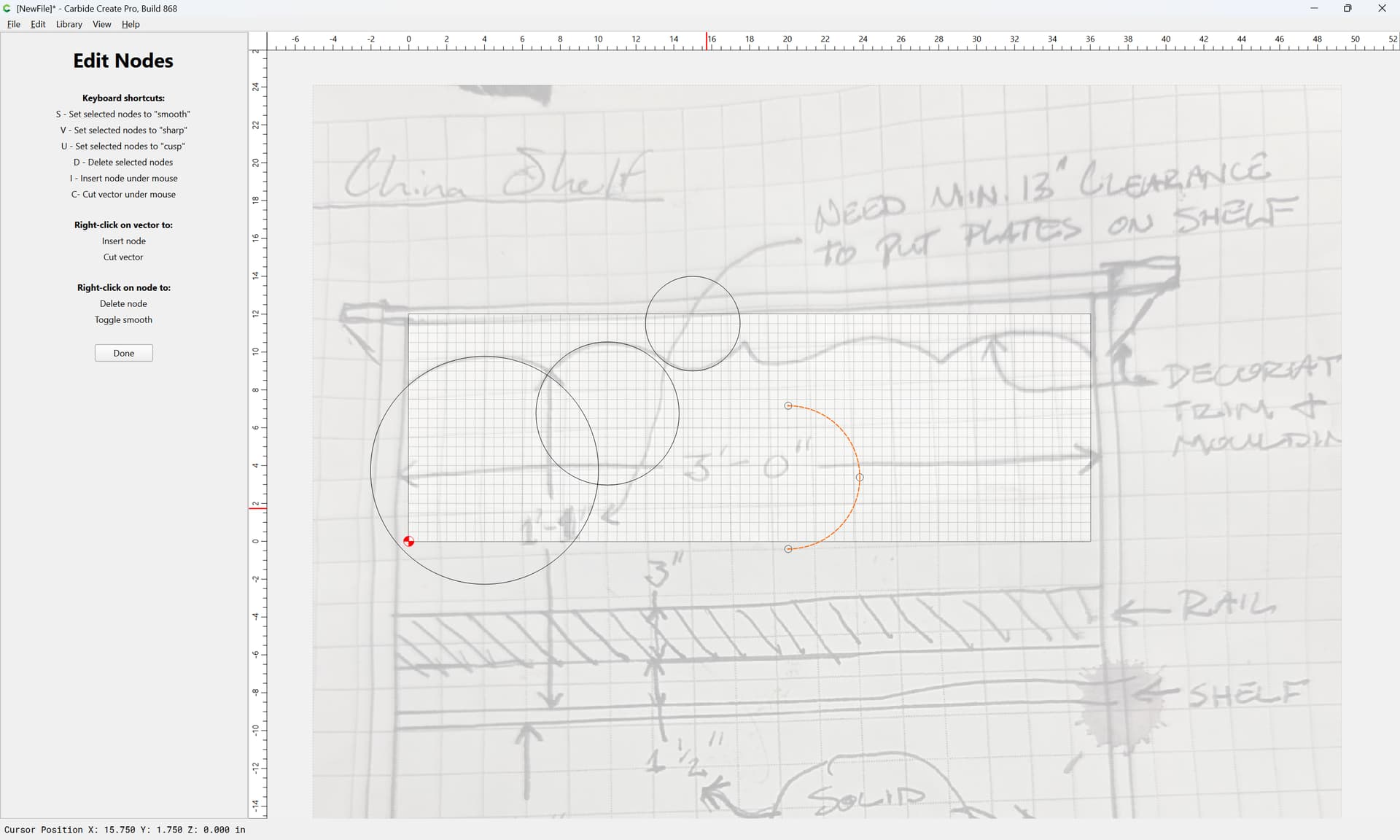
Done
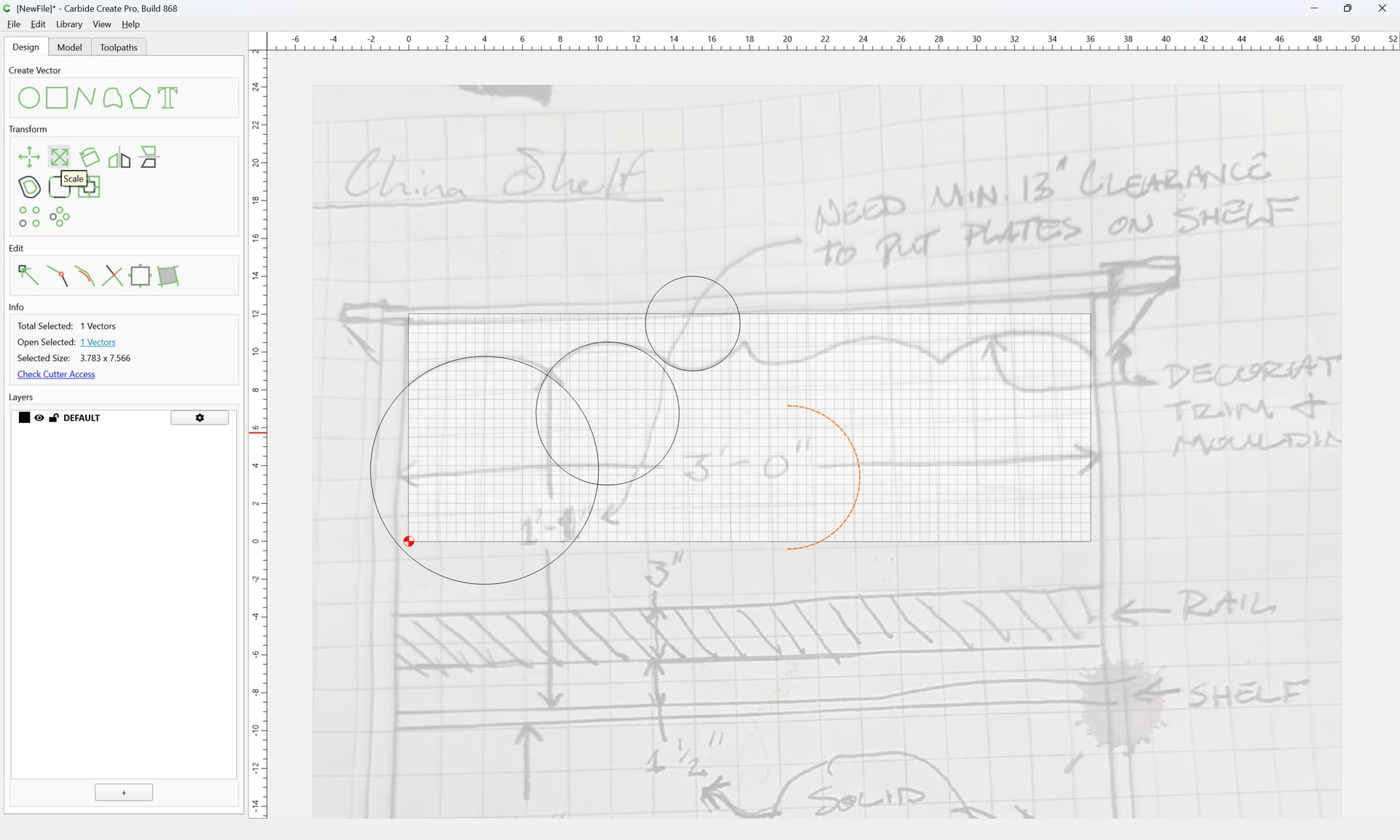
drag into registration with the original:
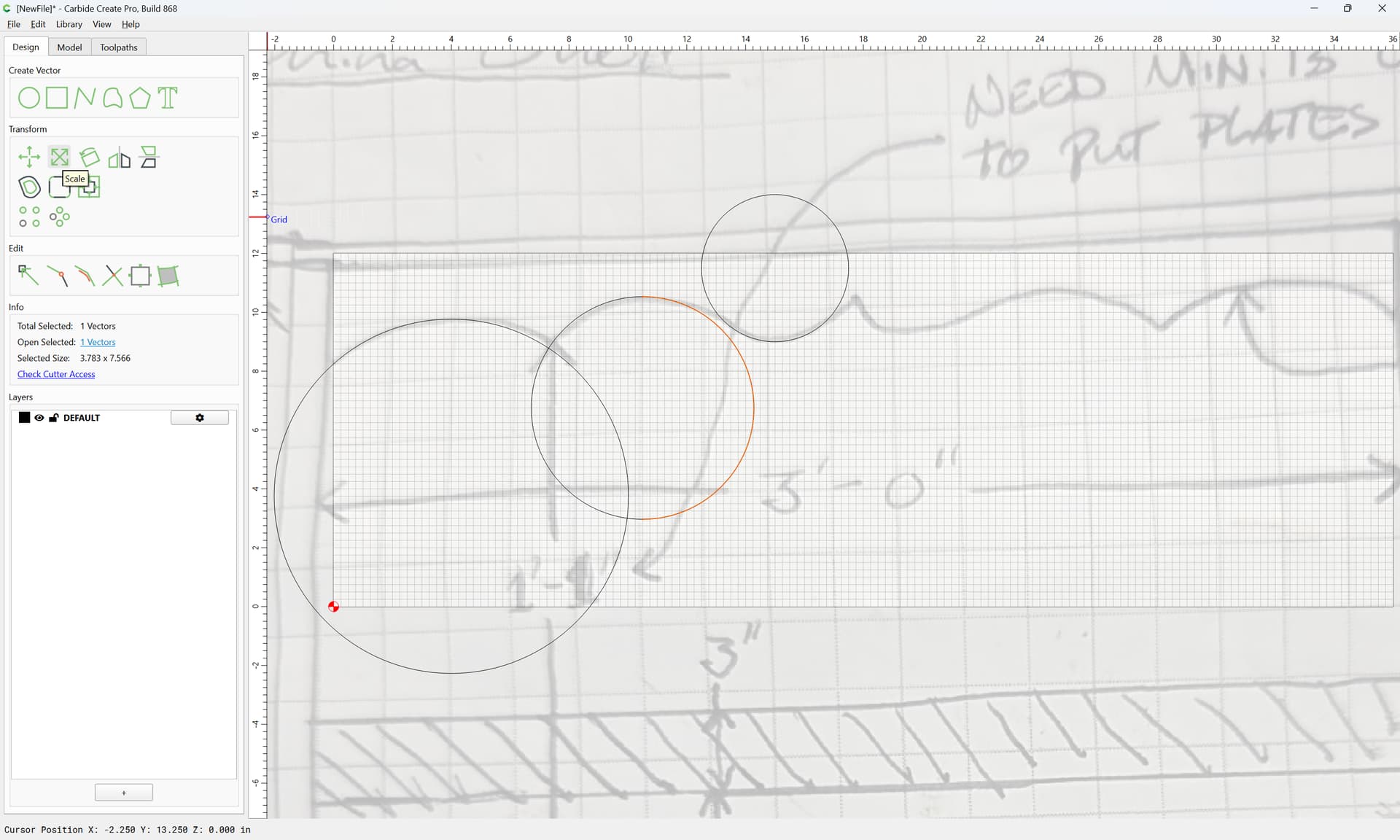
and scale asymmetrically:
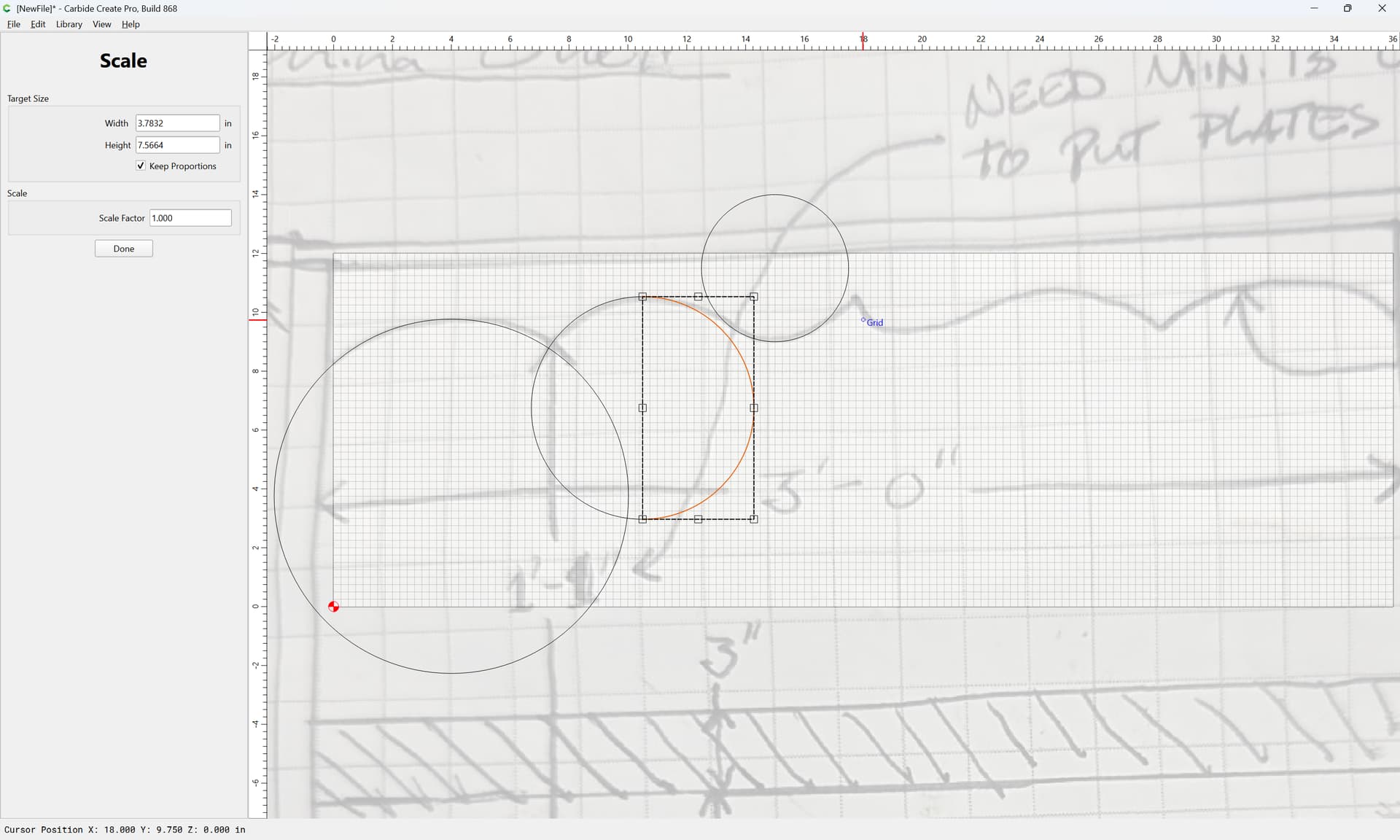
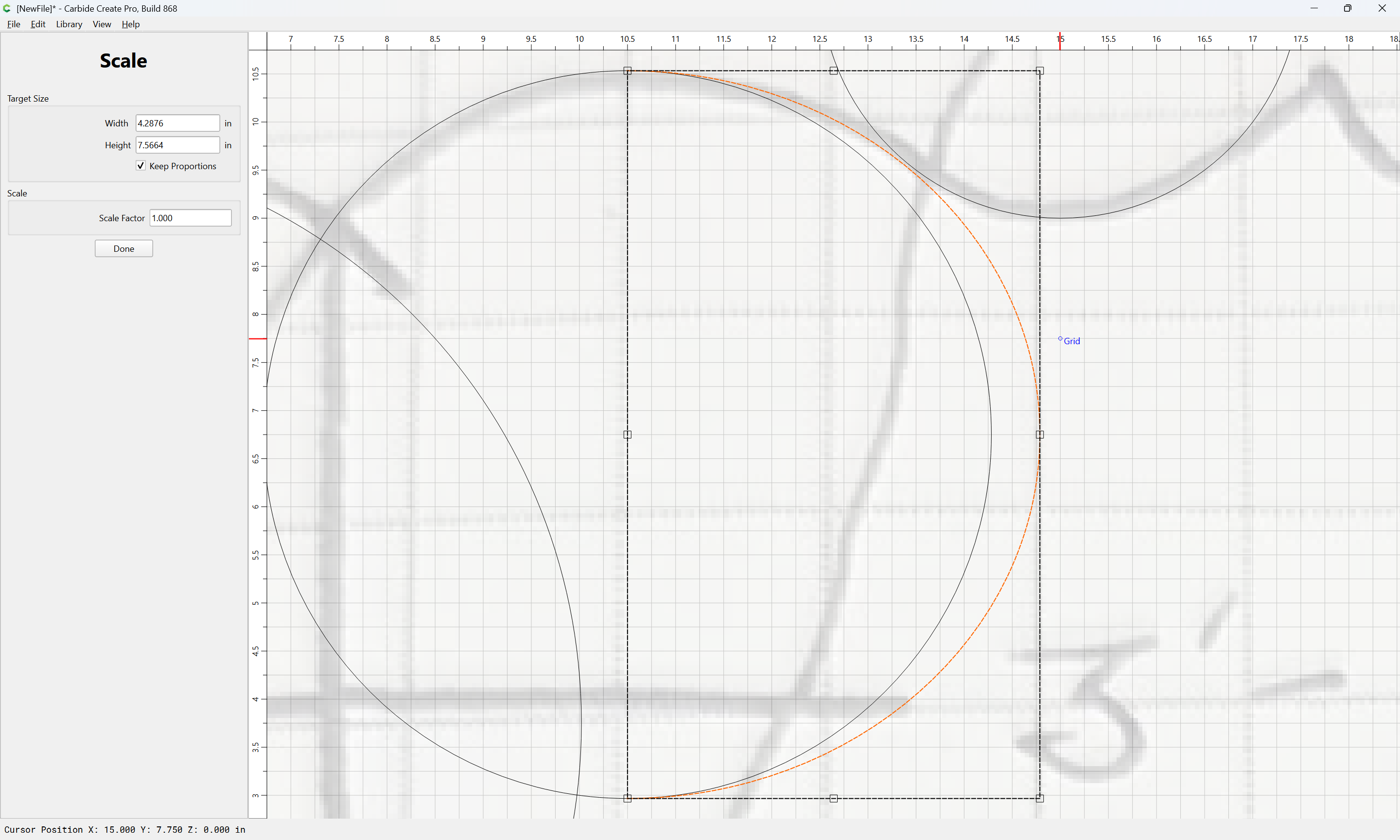
if need be turning off the grid:
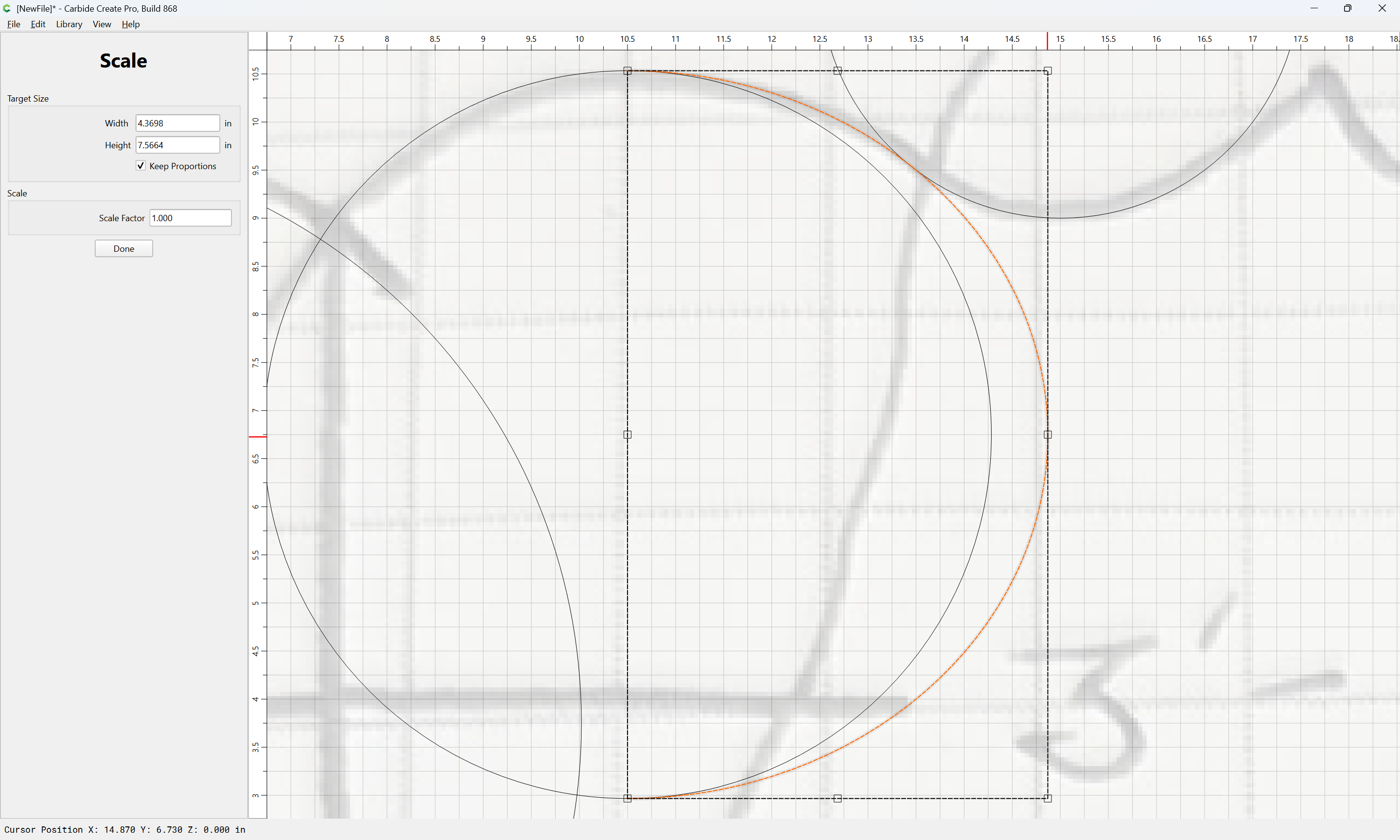
Done
Repeat/adjust as necessary:

Then draw in geometry which defines the intersections:
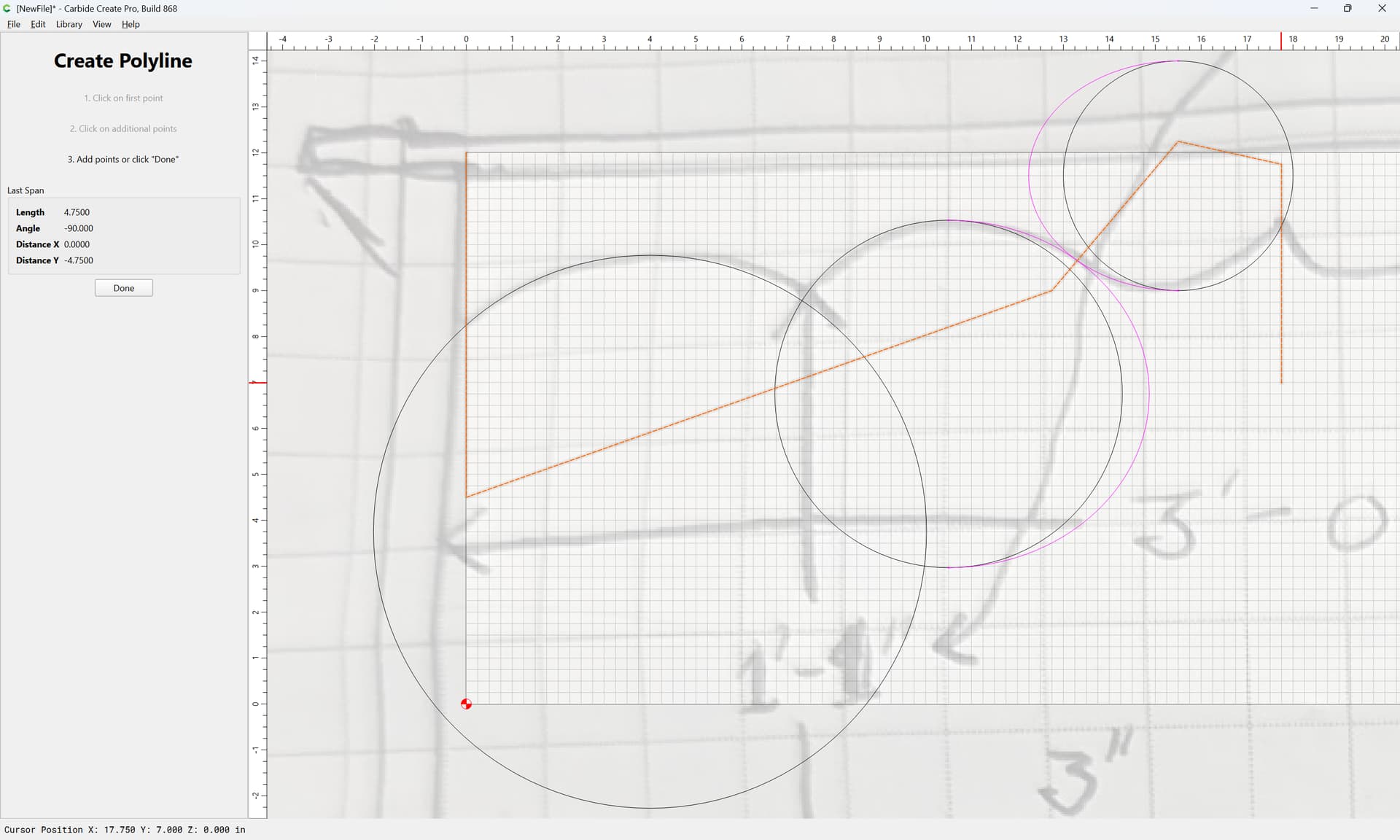
Done
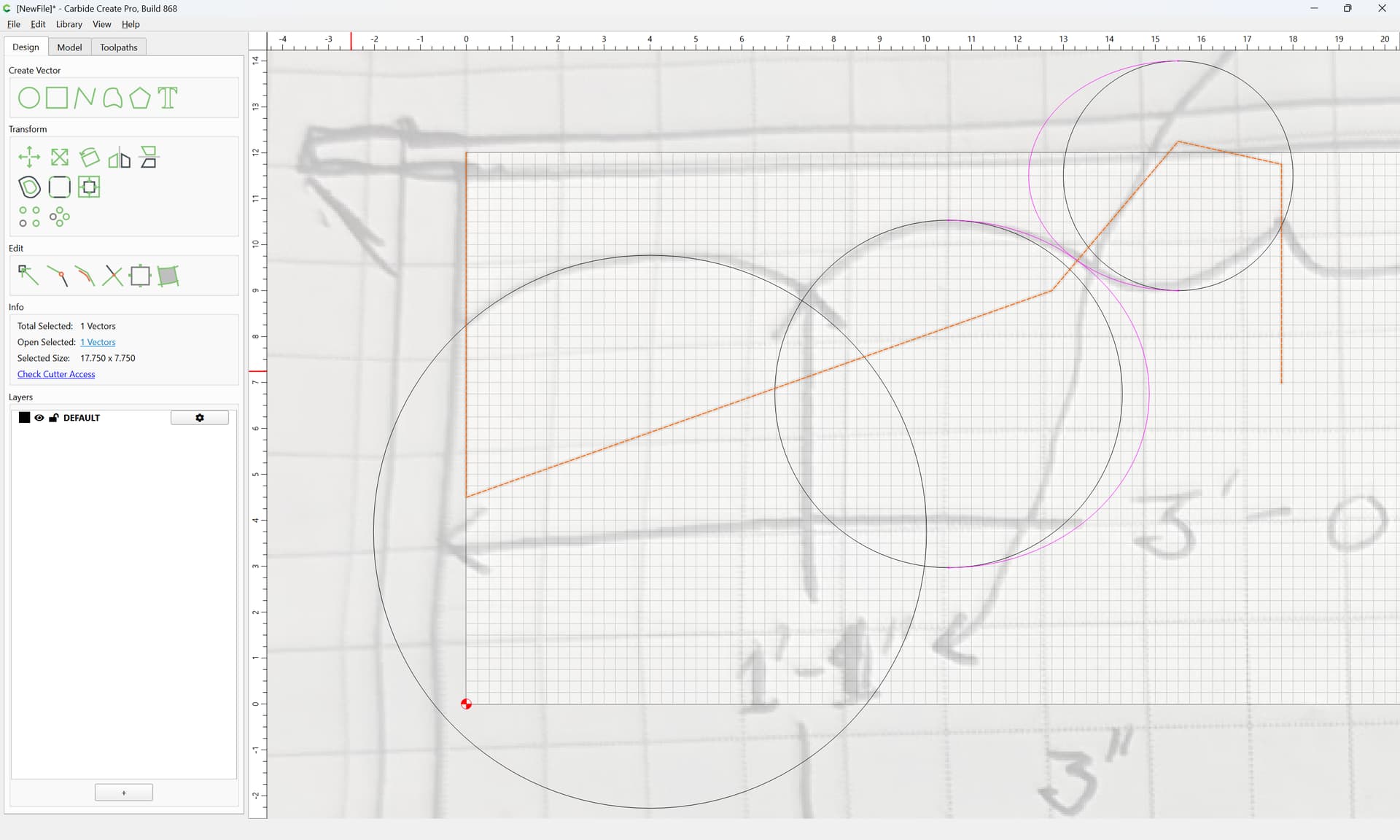
Select everything:
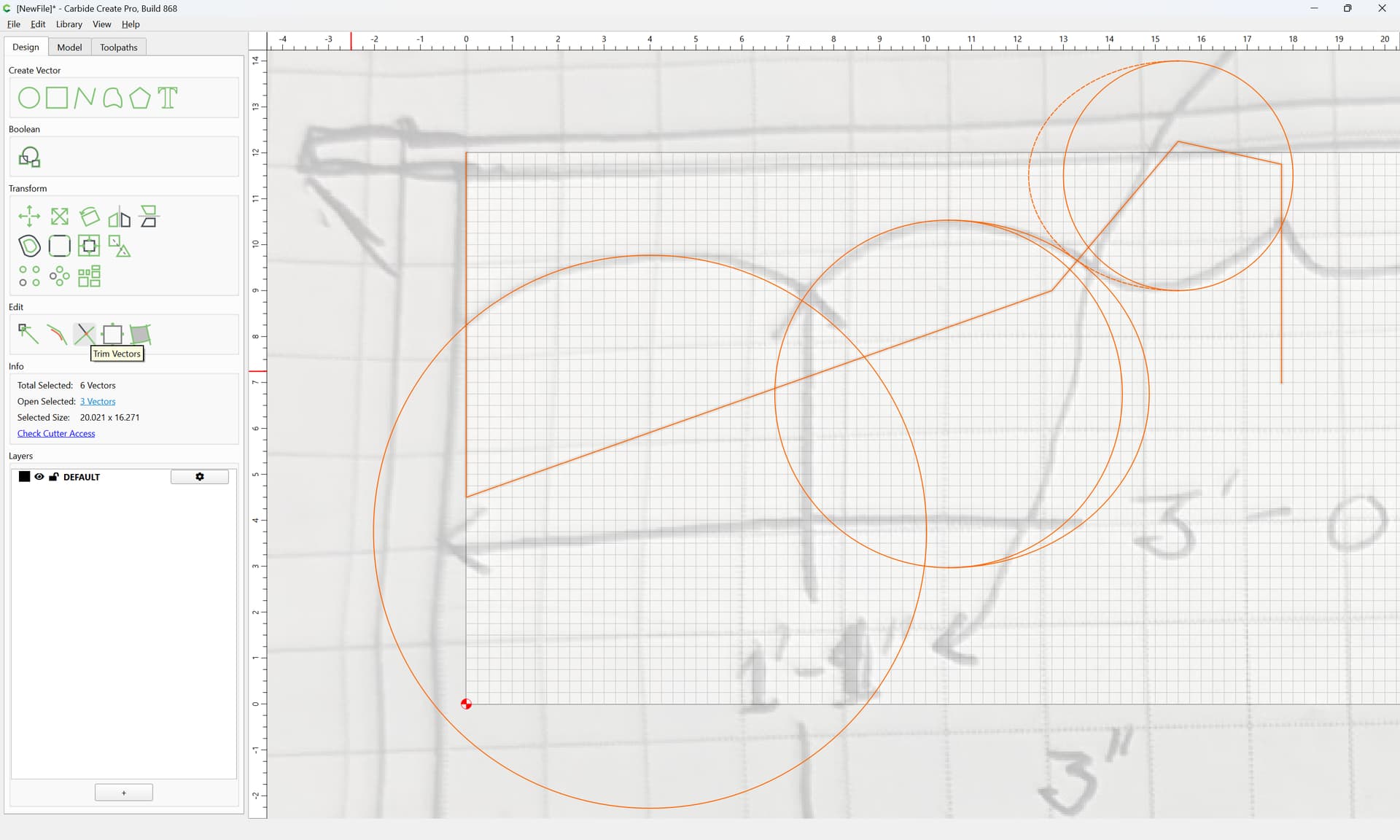
and use Trim Vectors to remove what is not wanted:
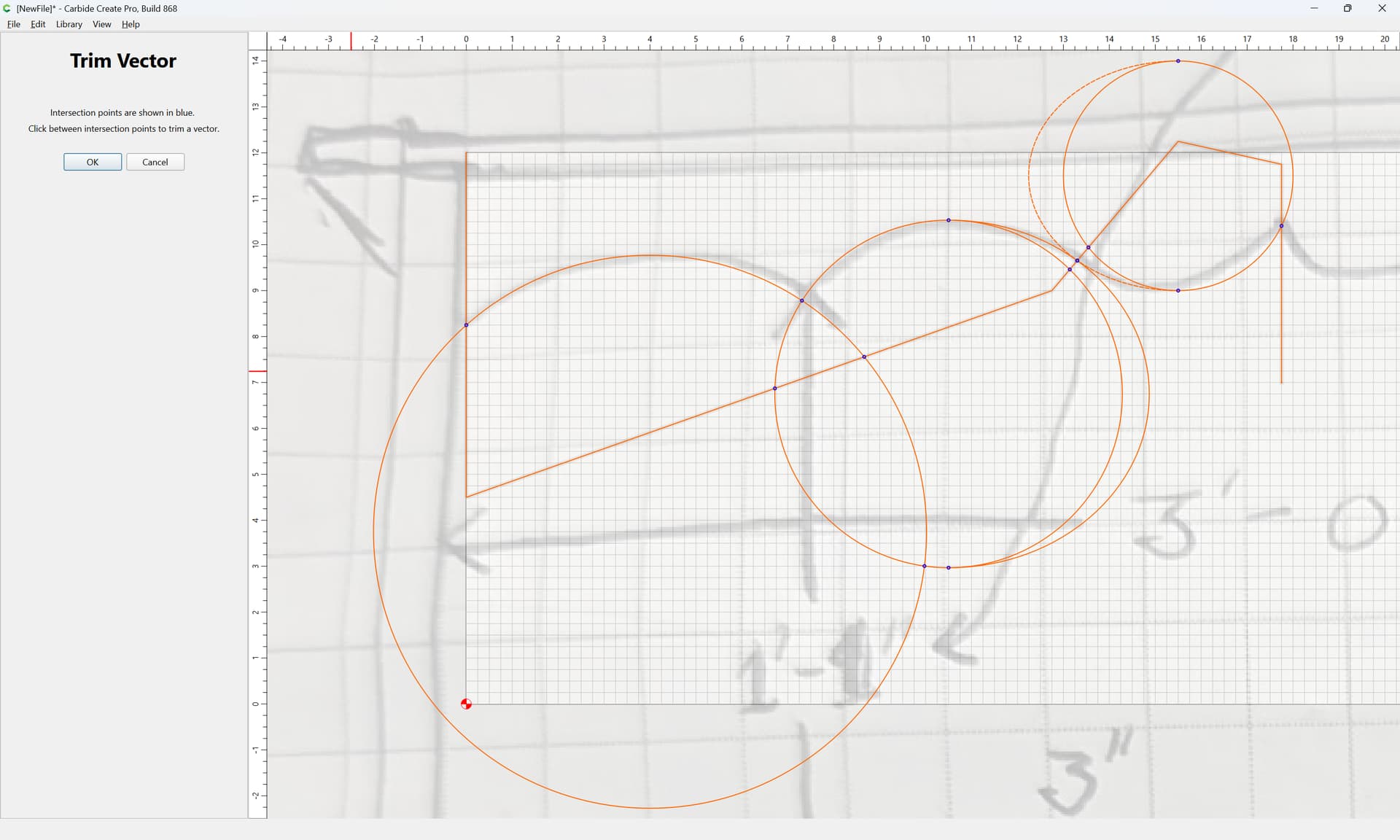
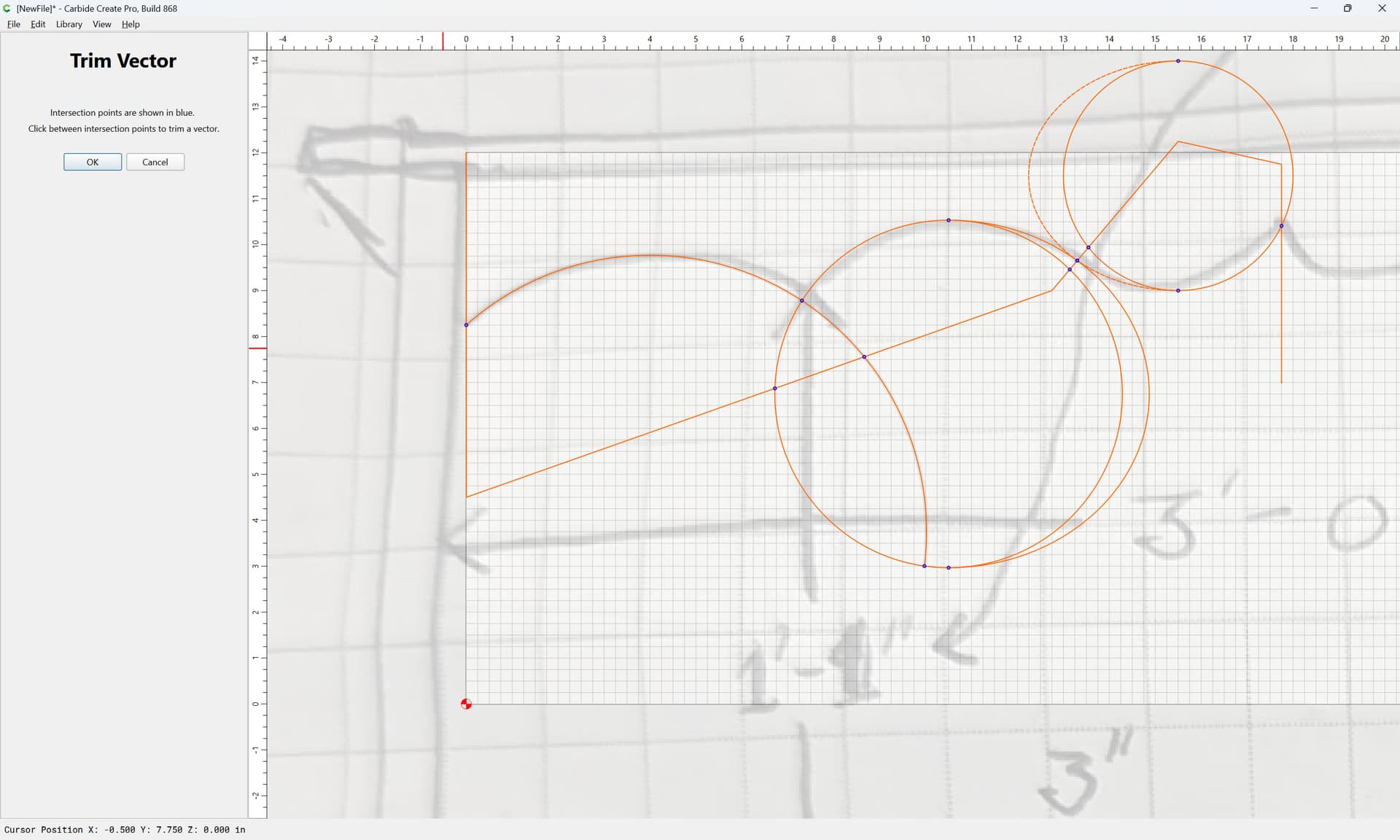
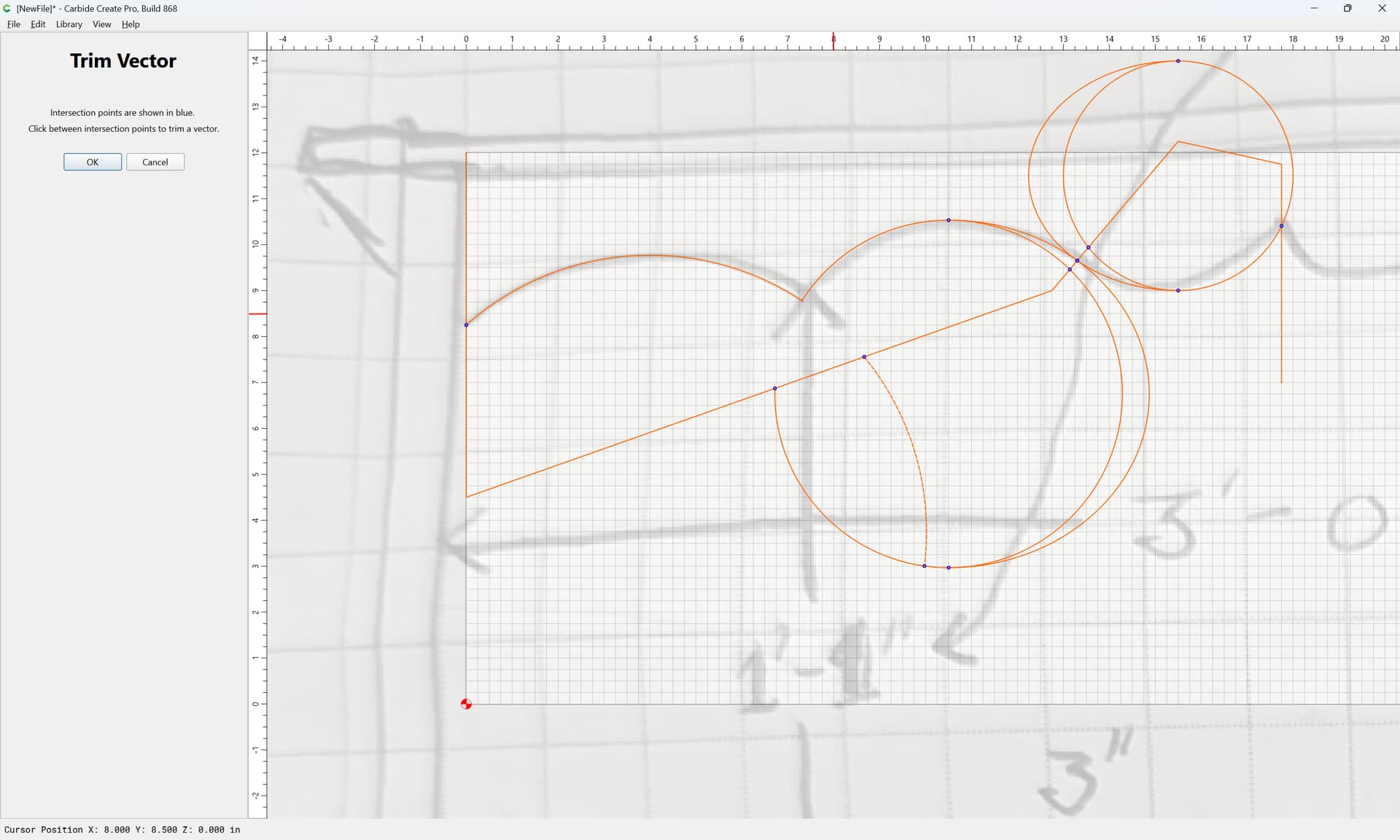
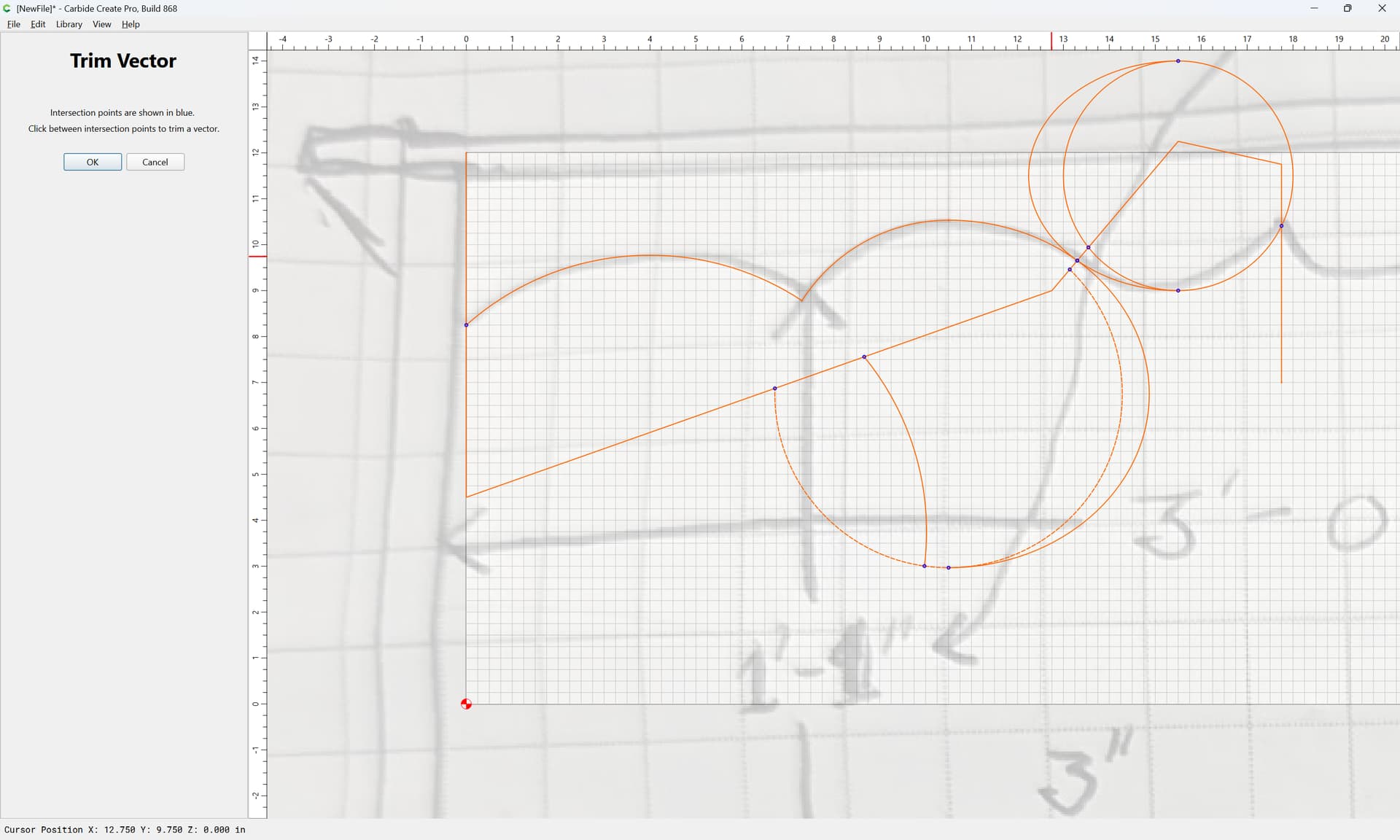
Ok
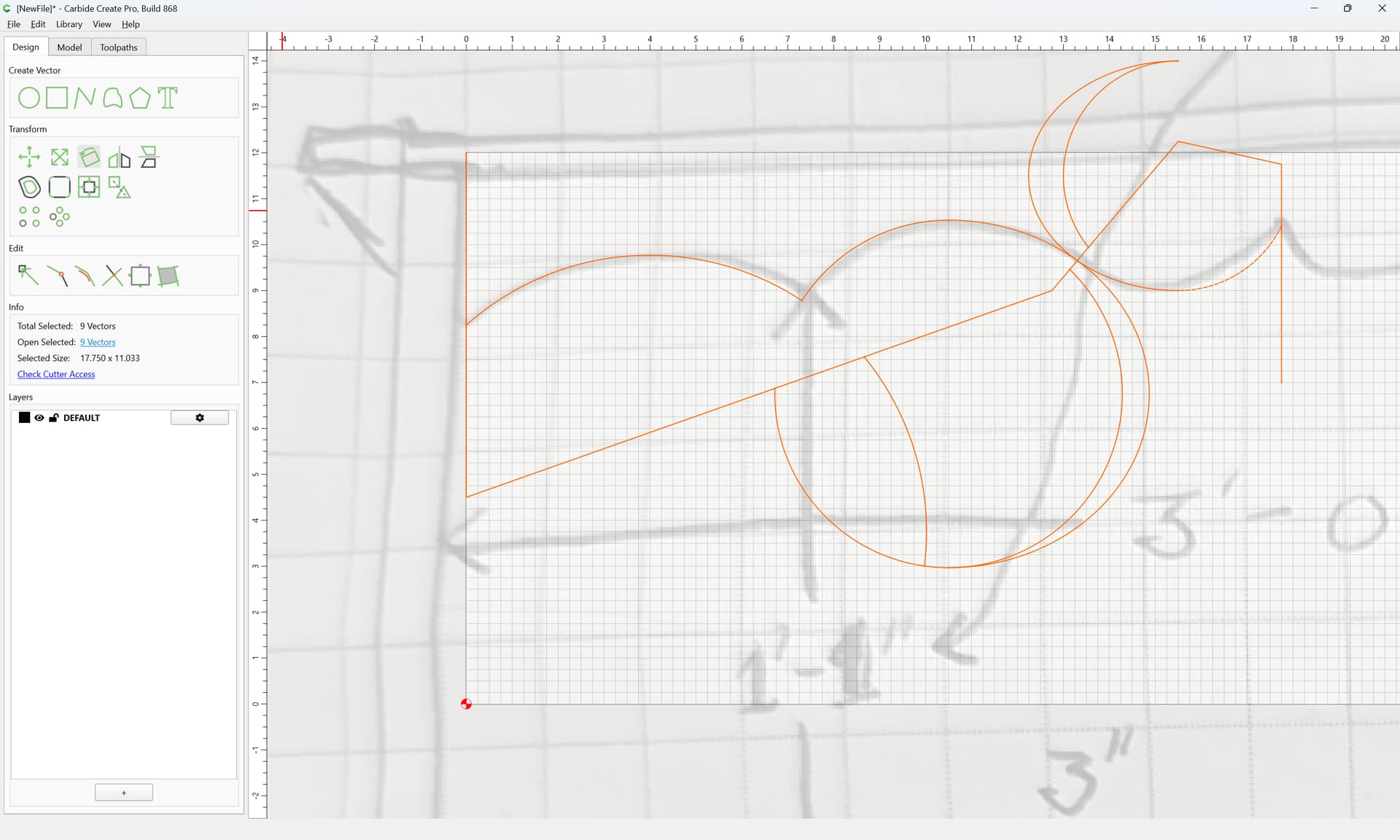
If need be, repeat with a simpler selection:
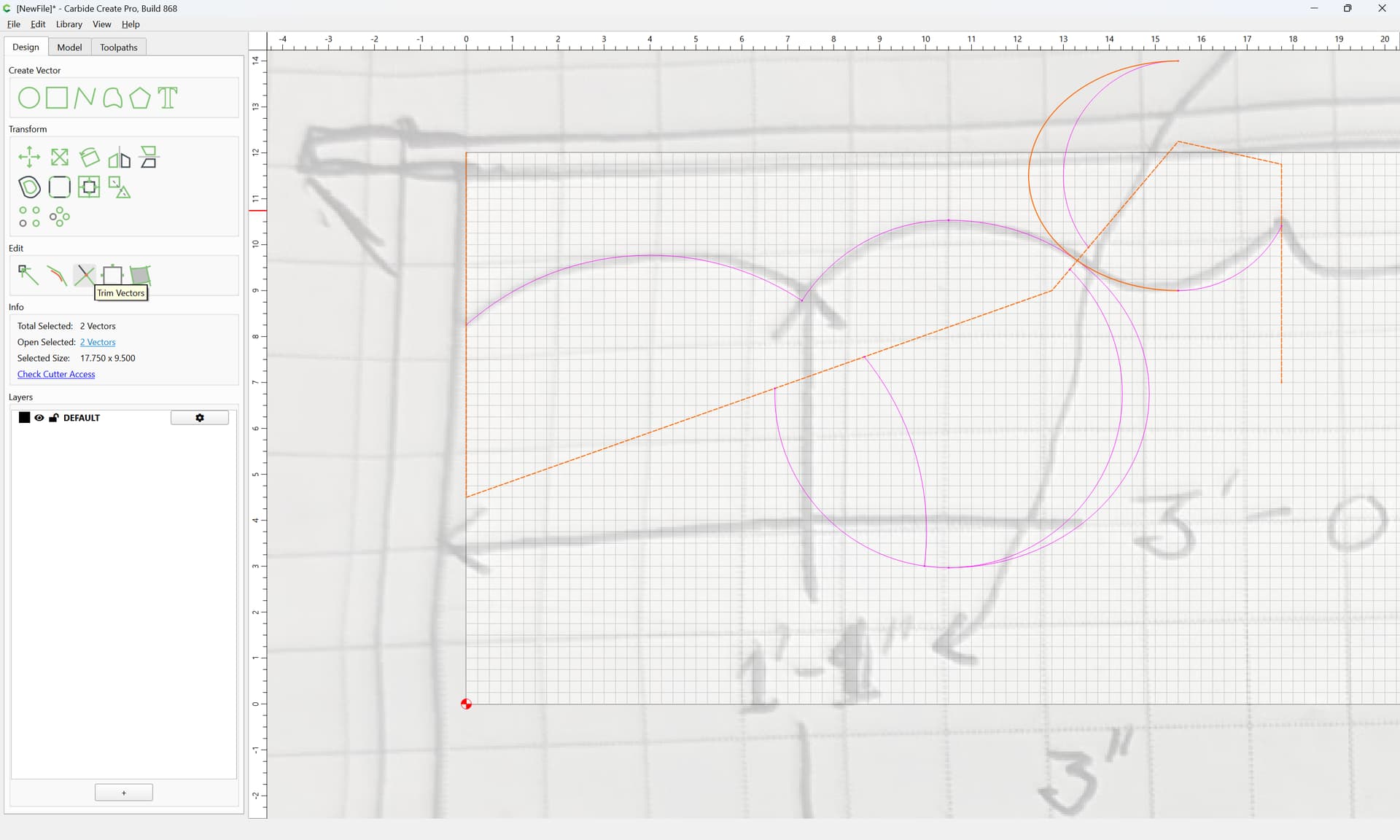
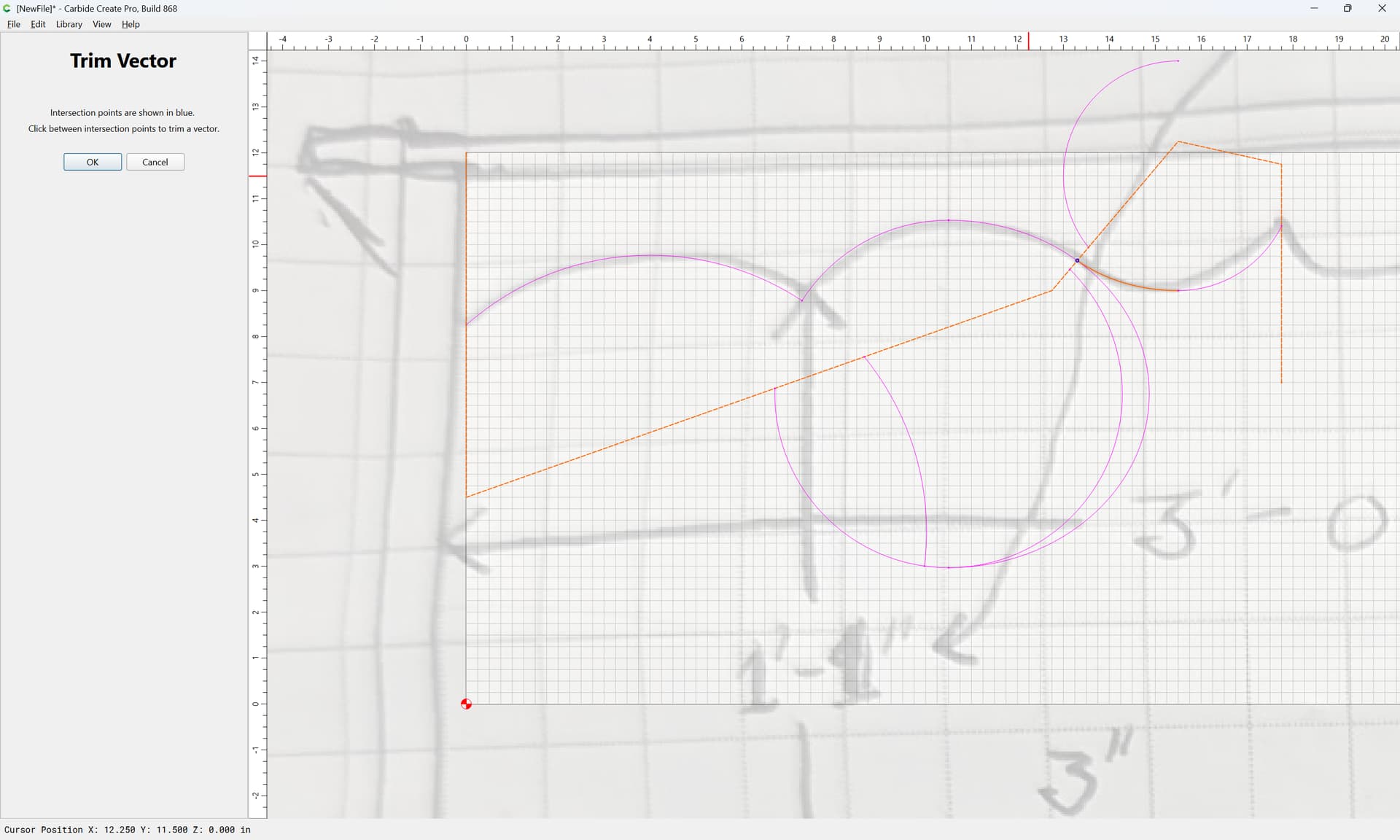
OK
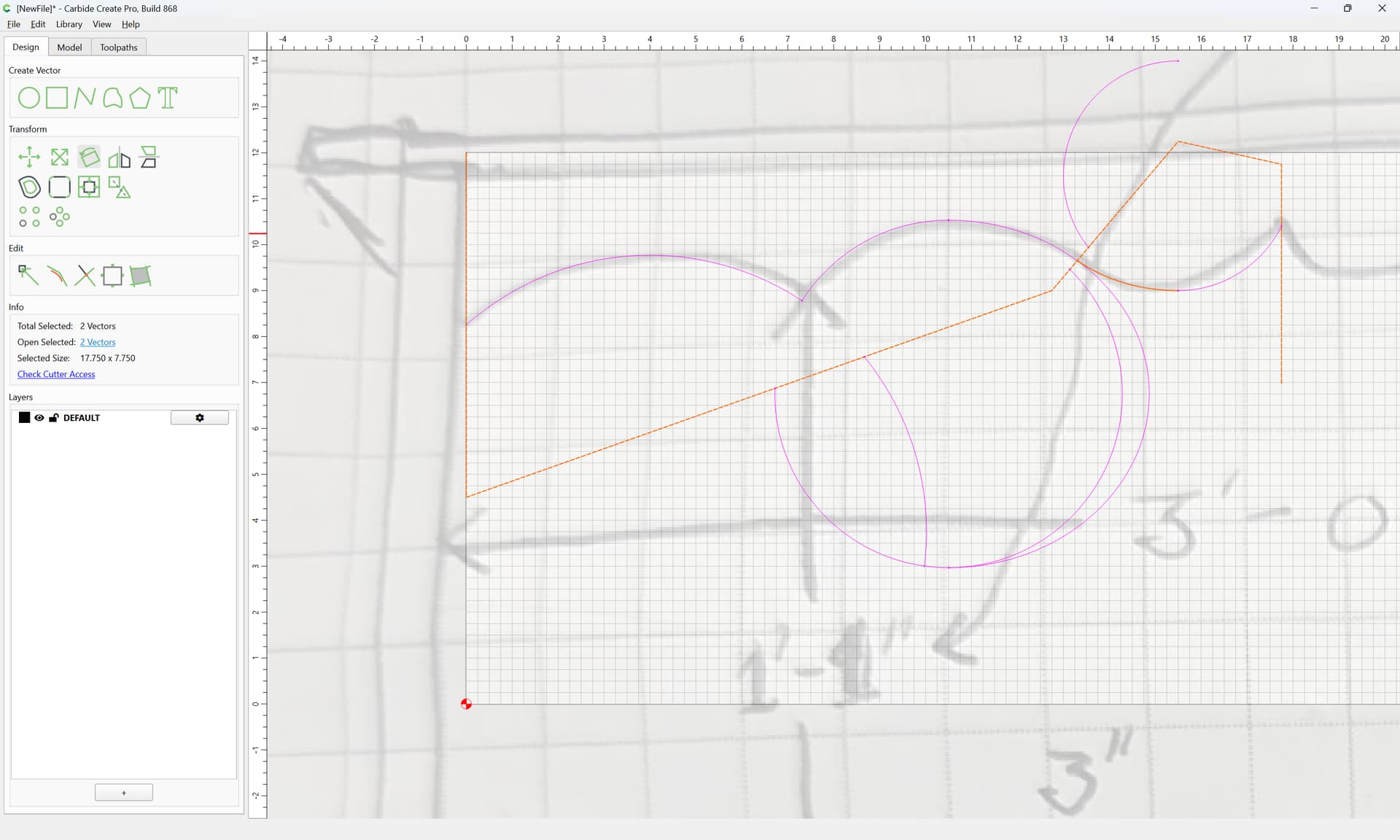
repeat as needed:
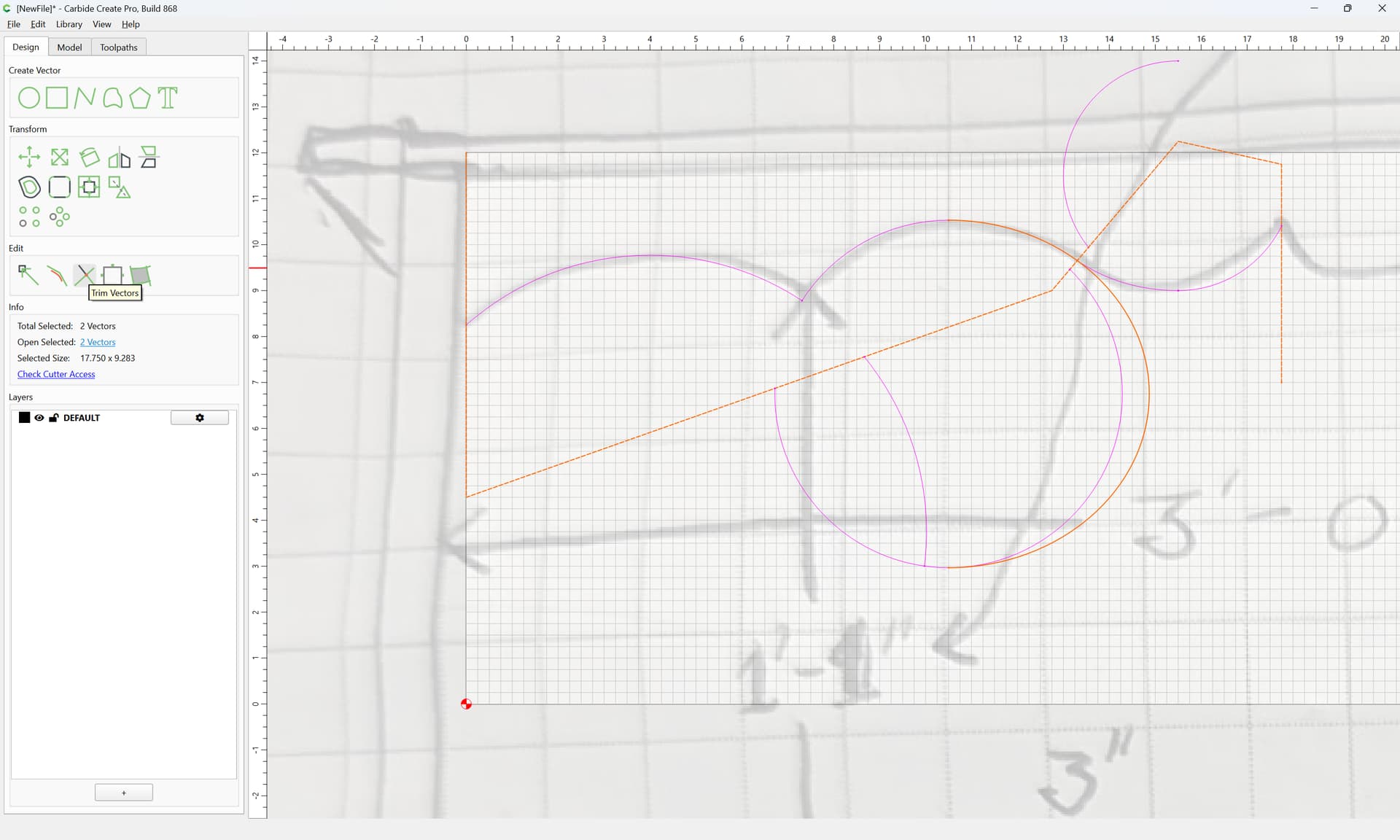
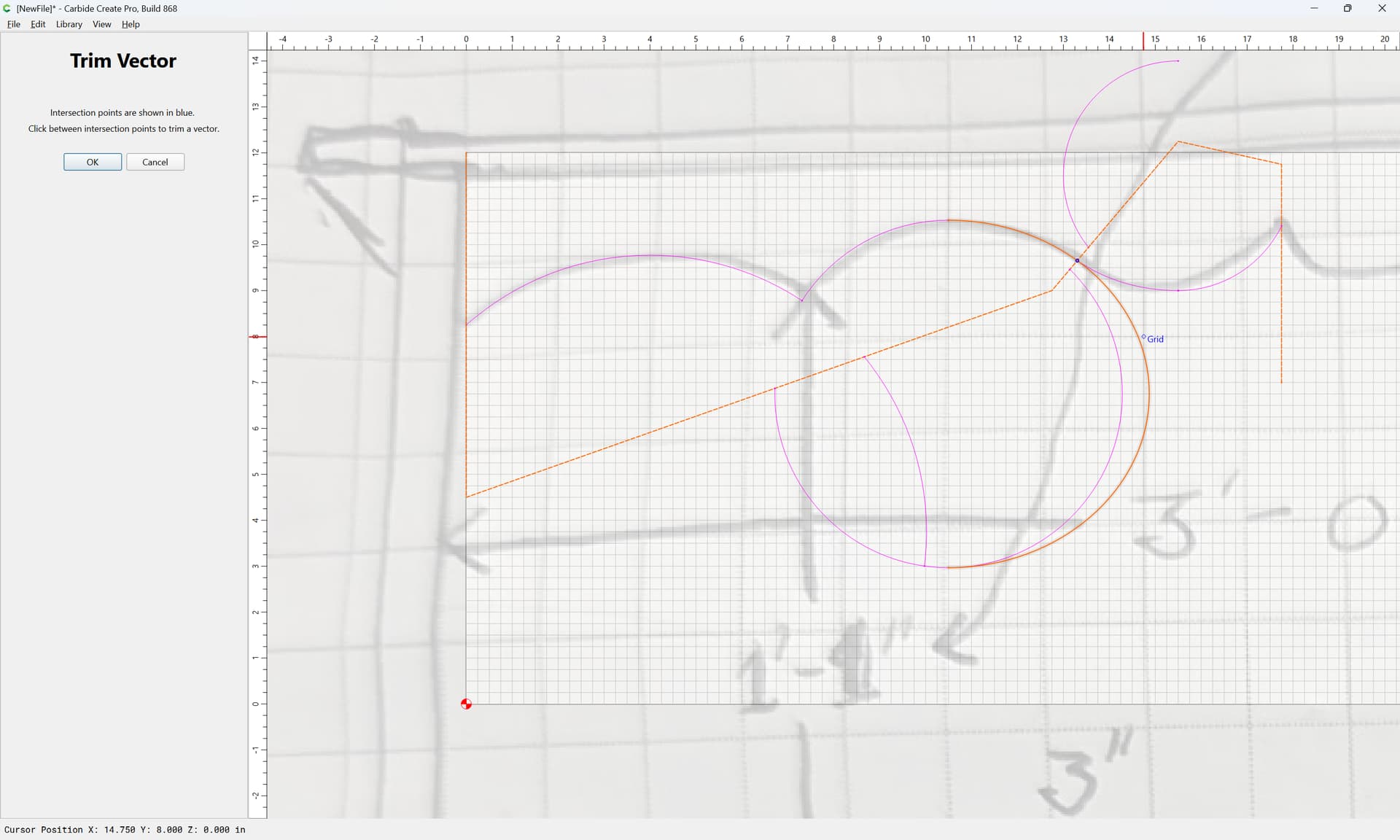
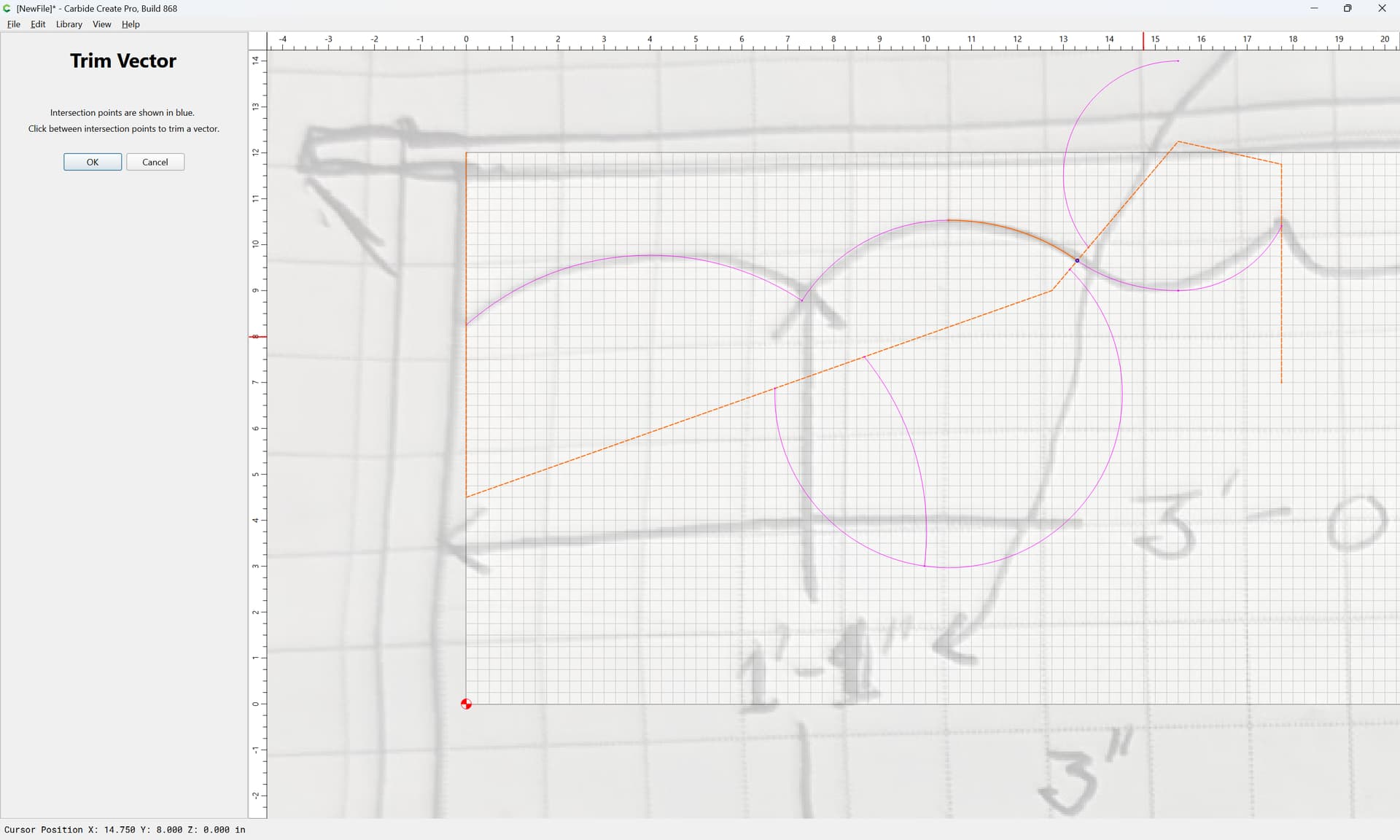
OK
Select the arcs/curves which one wants:
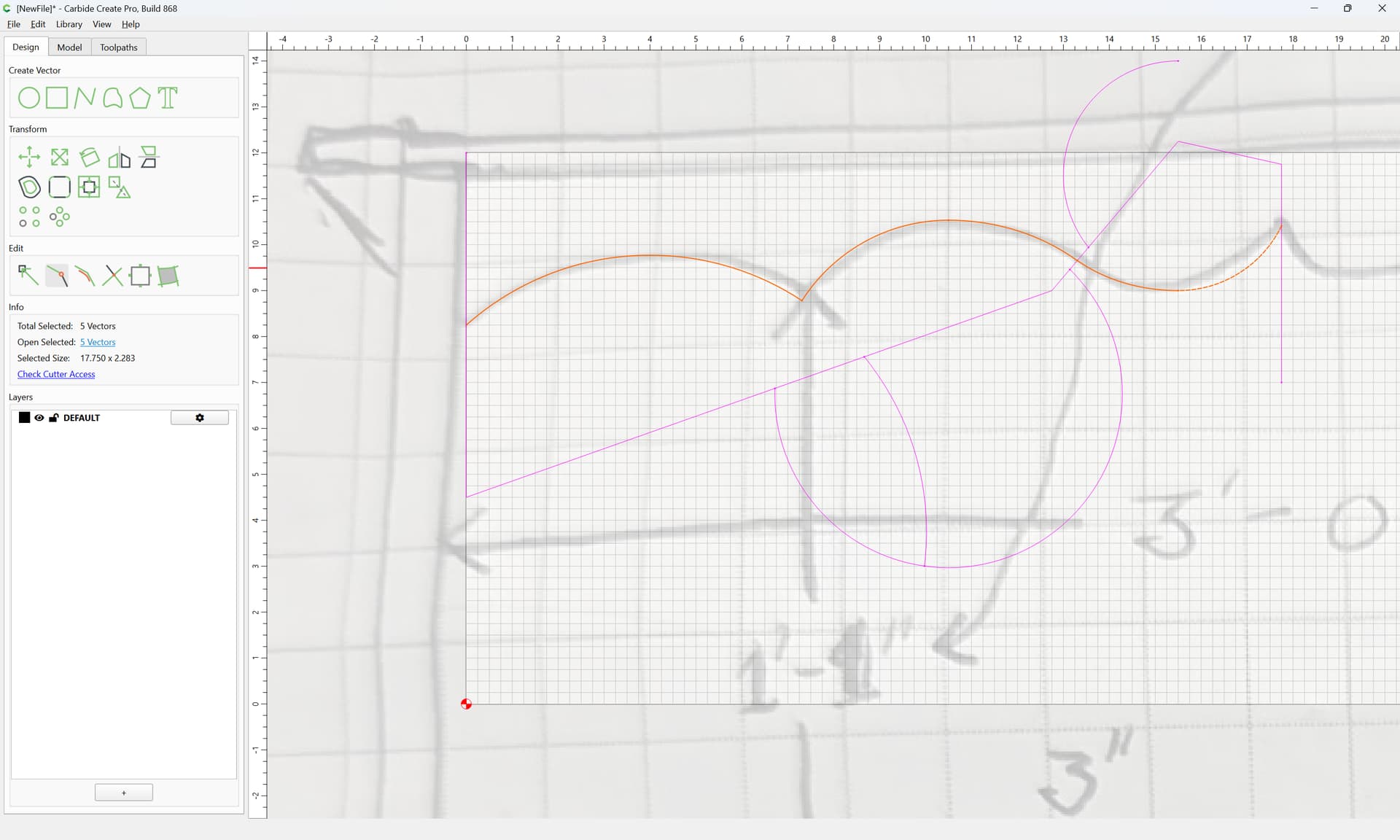
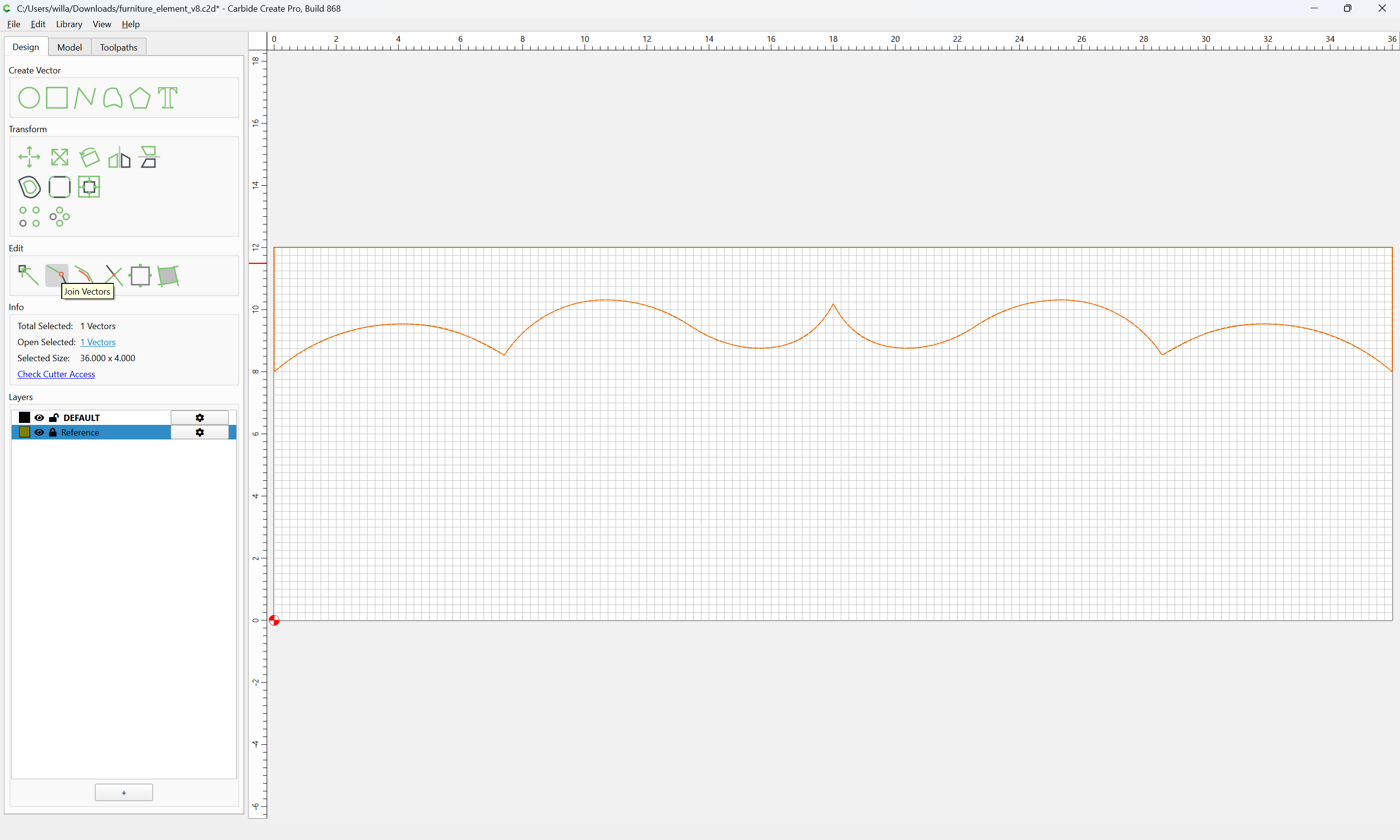
and Join Vectors
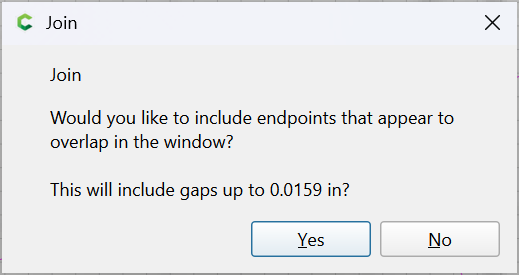
Yes
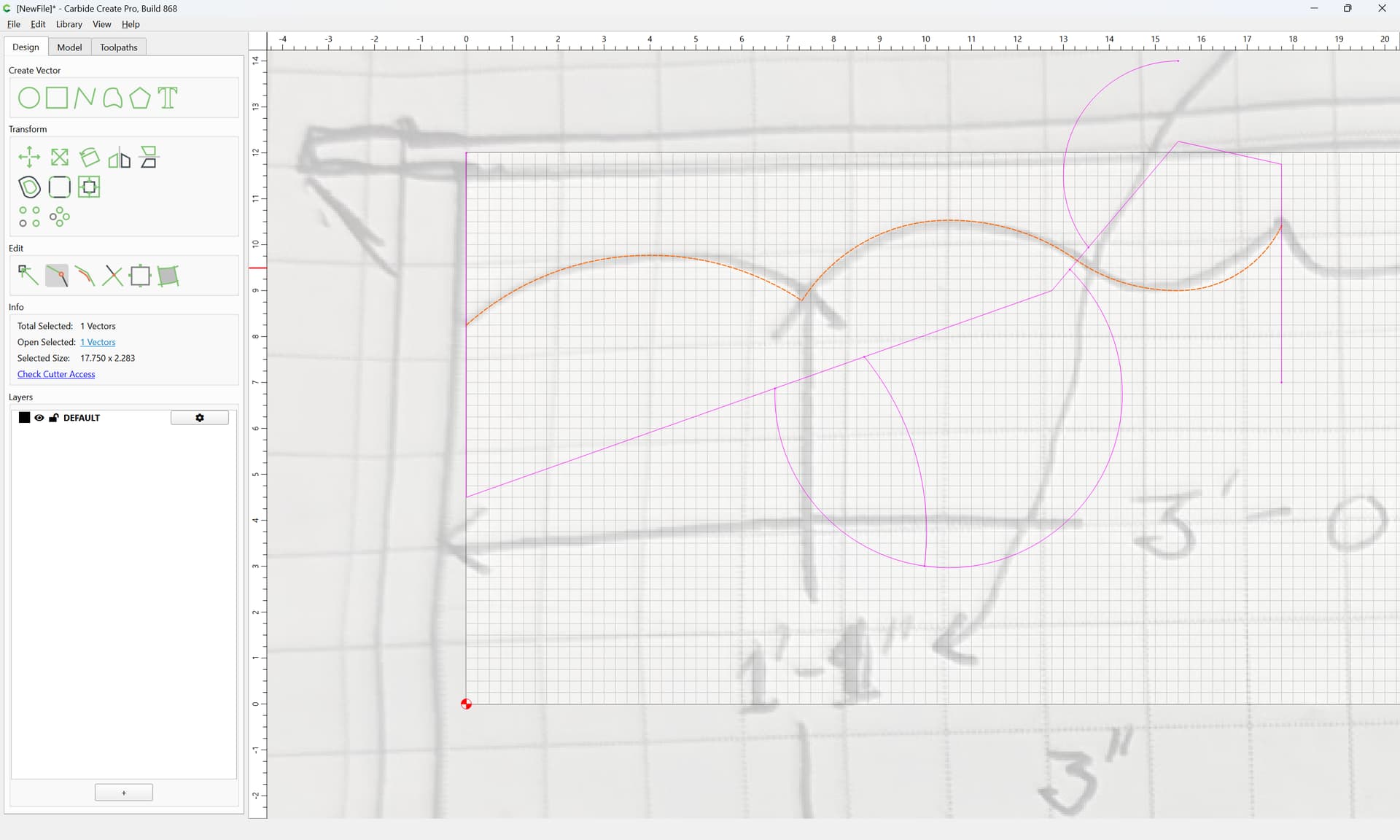
Select the balance:

and delete
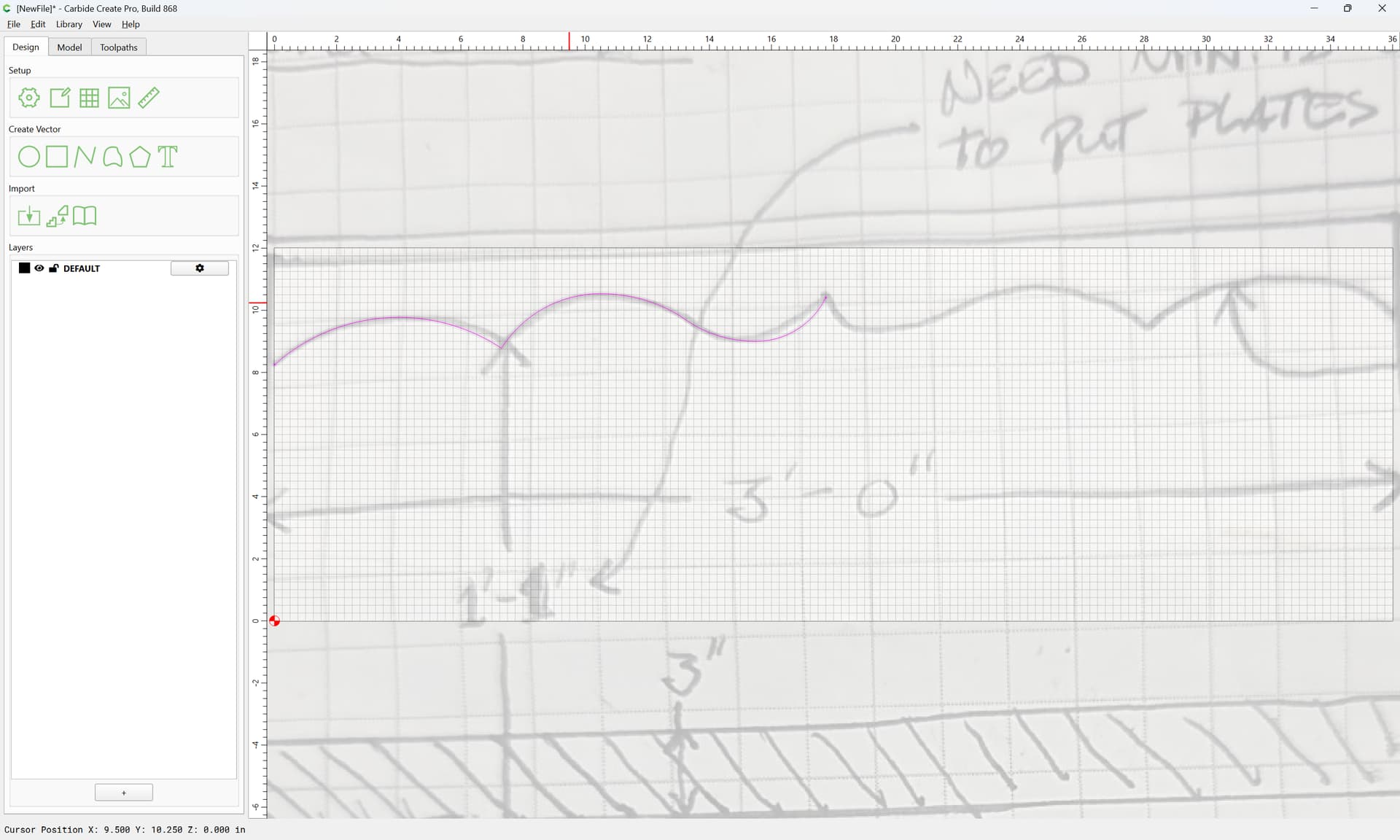
Select the half:
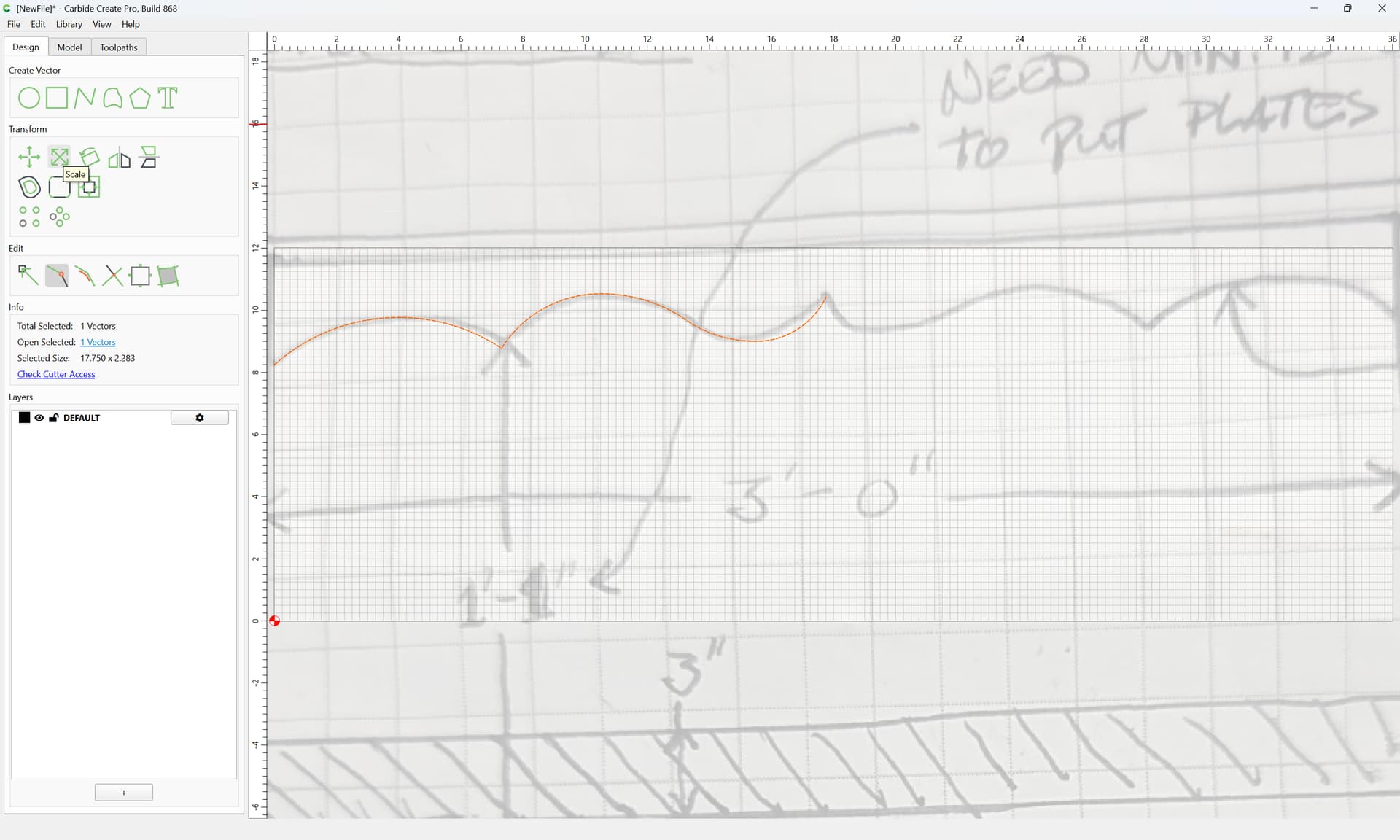
and scale to half the width:
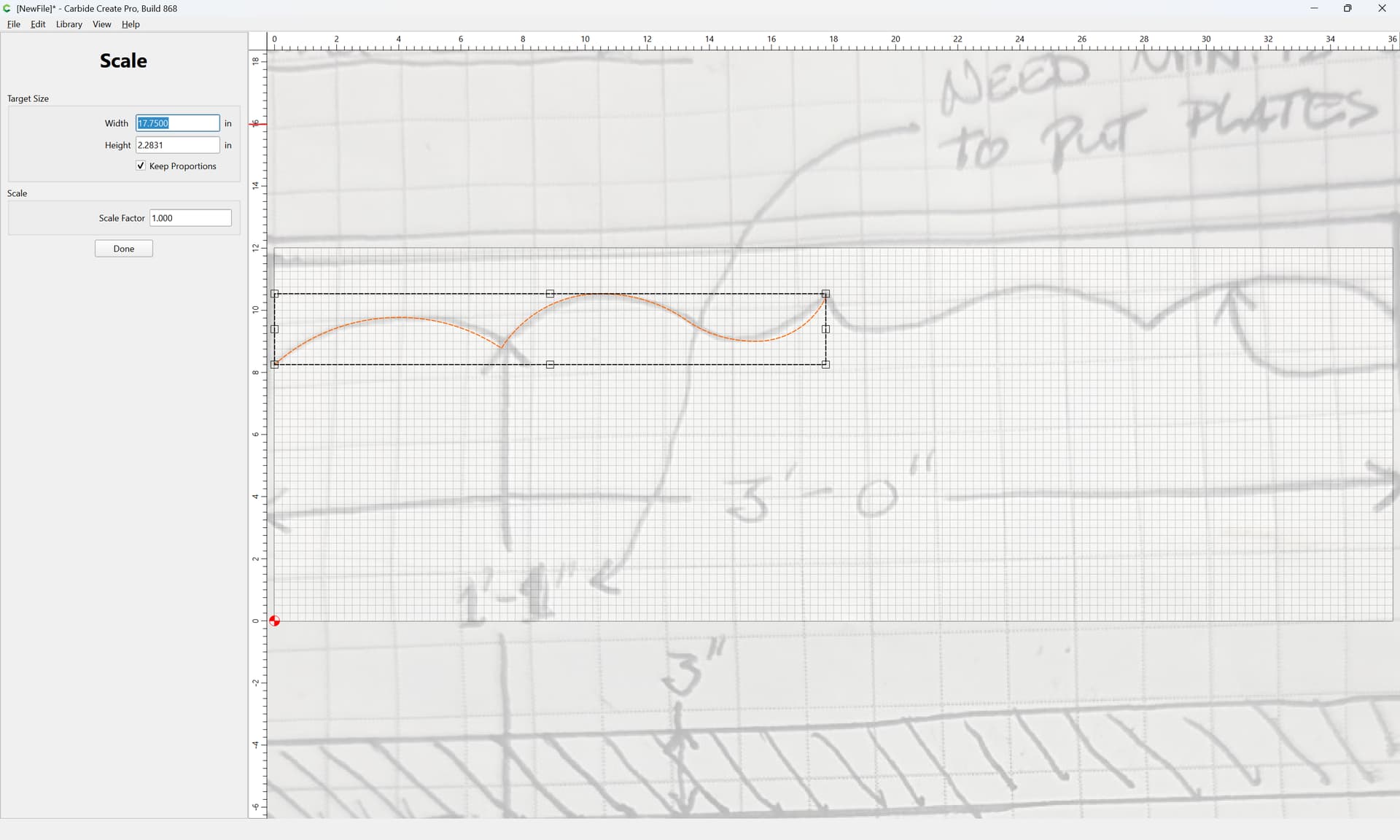
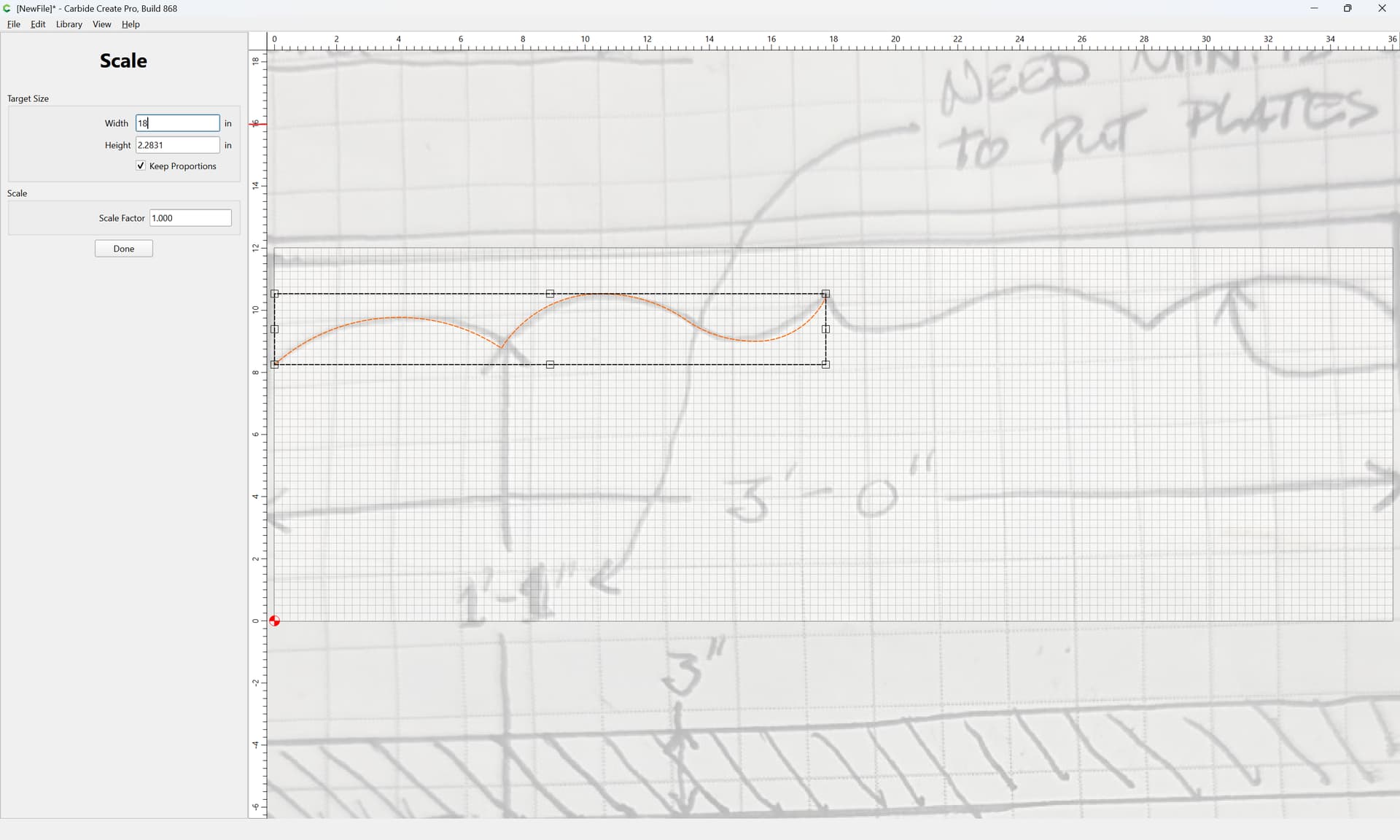
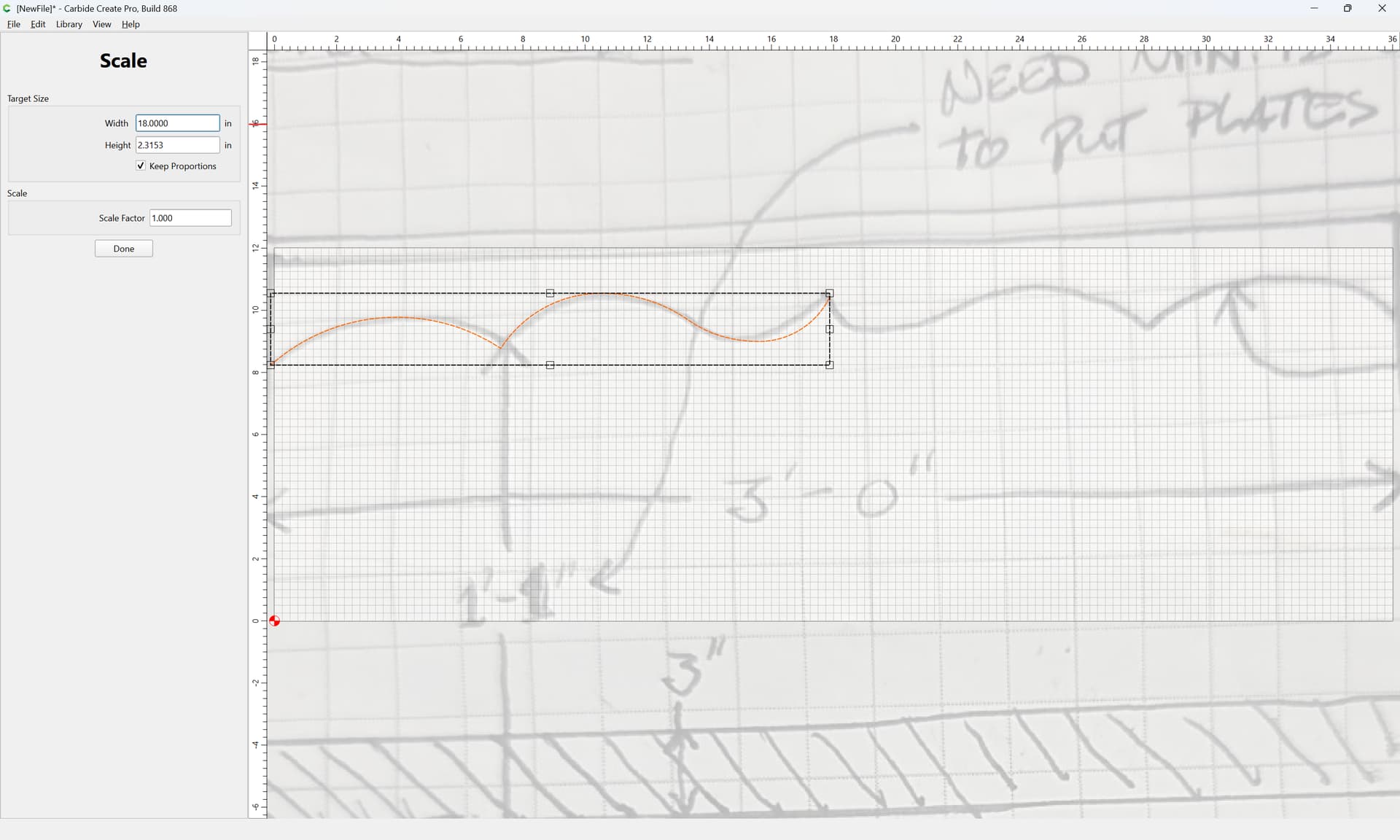
Done
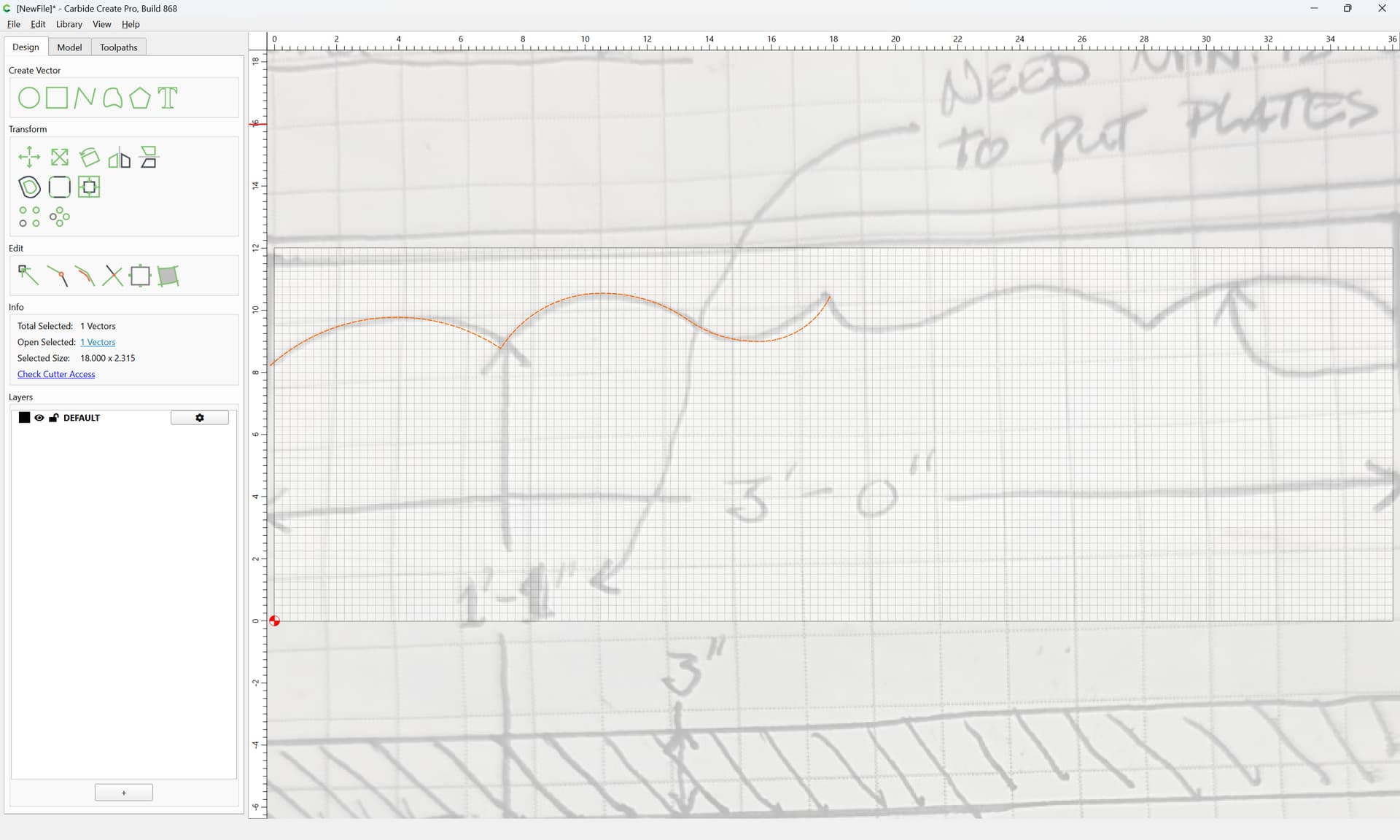
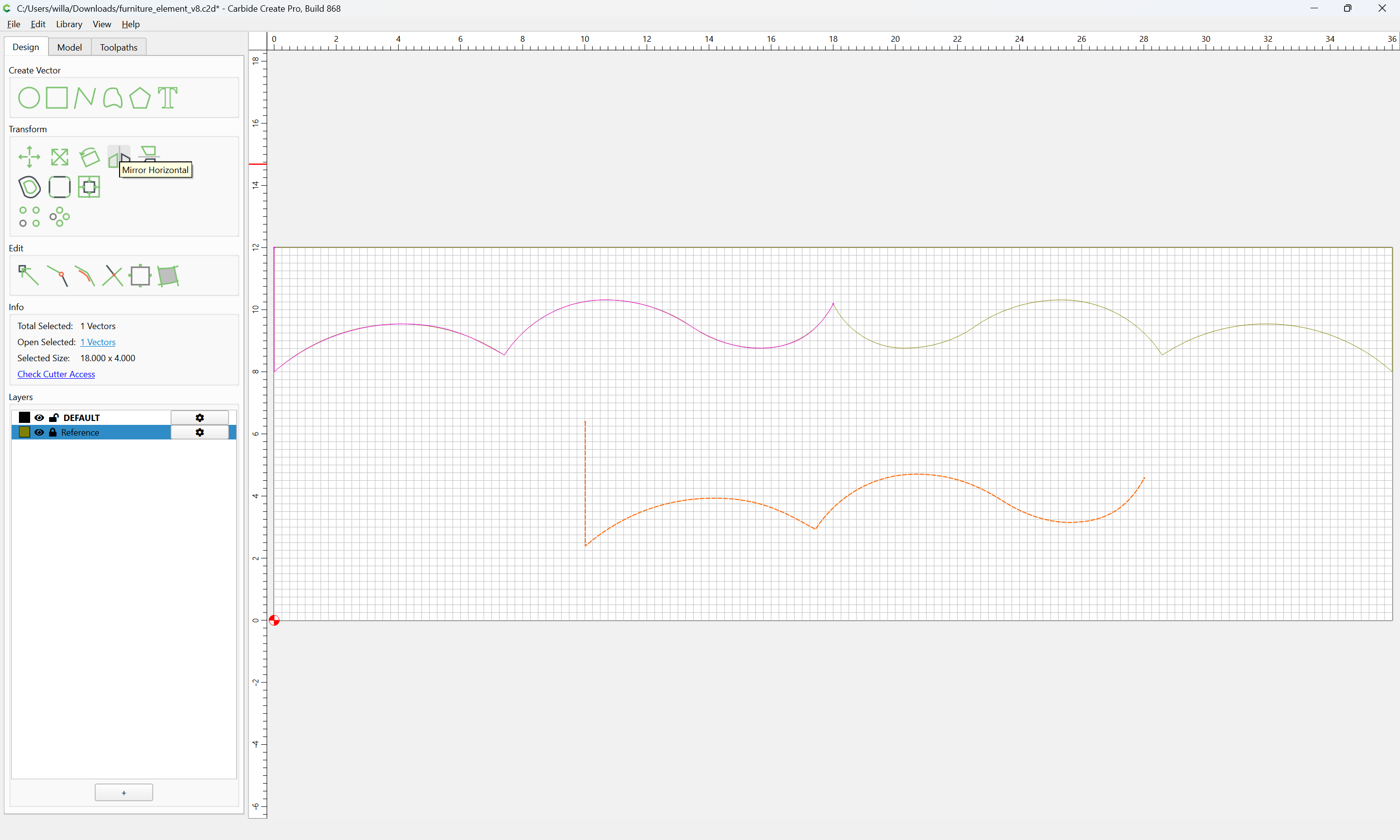
Duplicate:
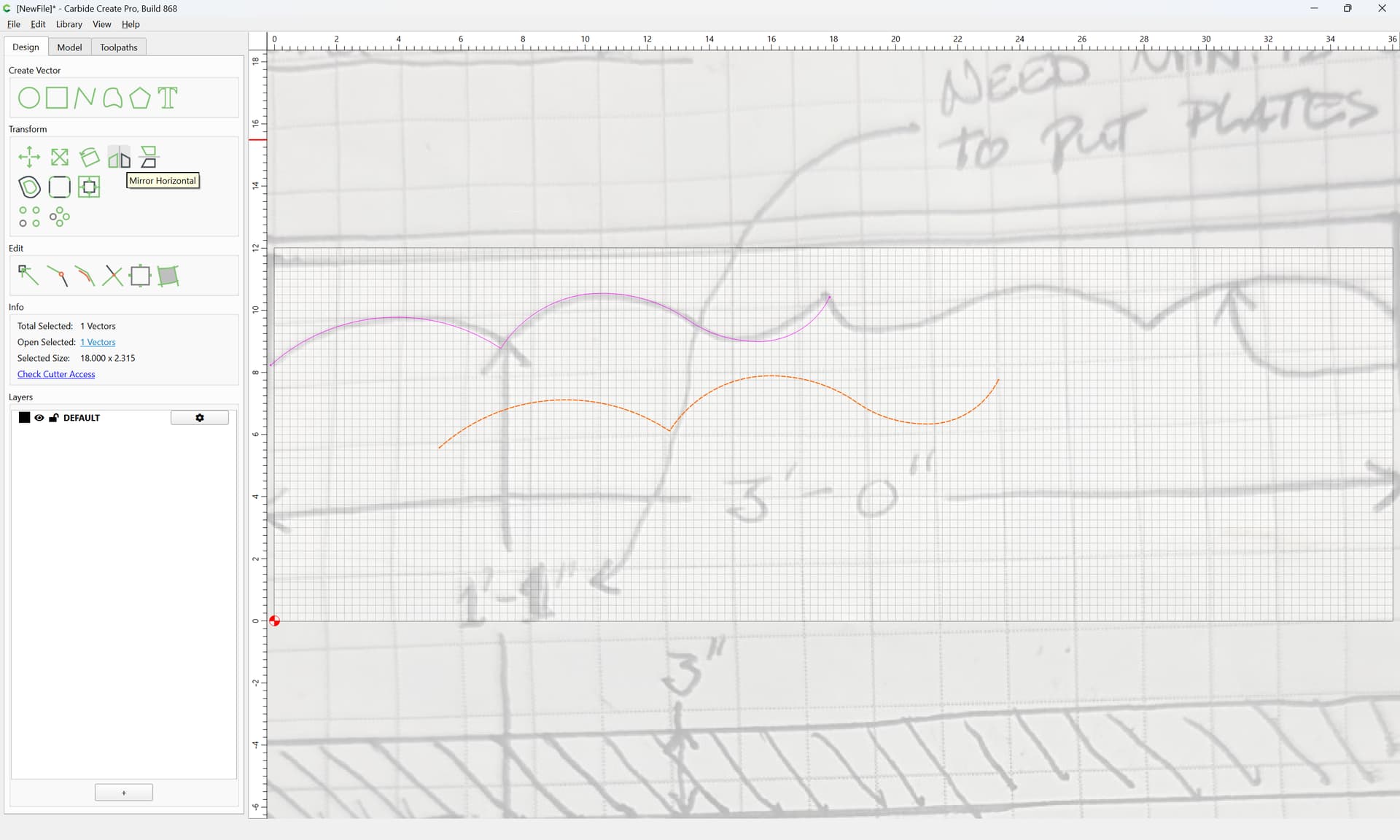
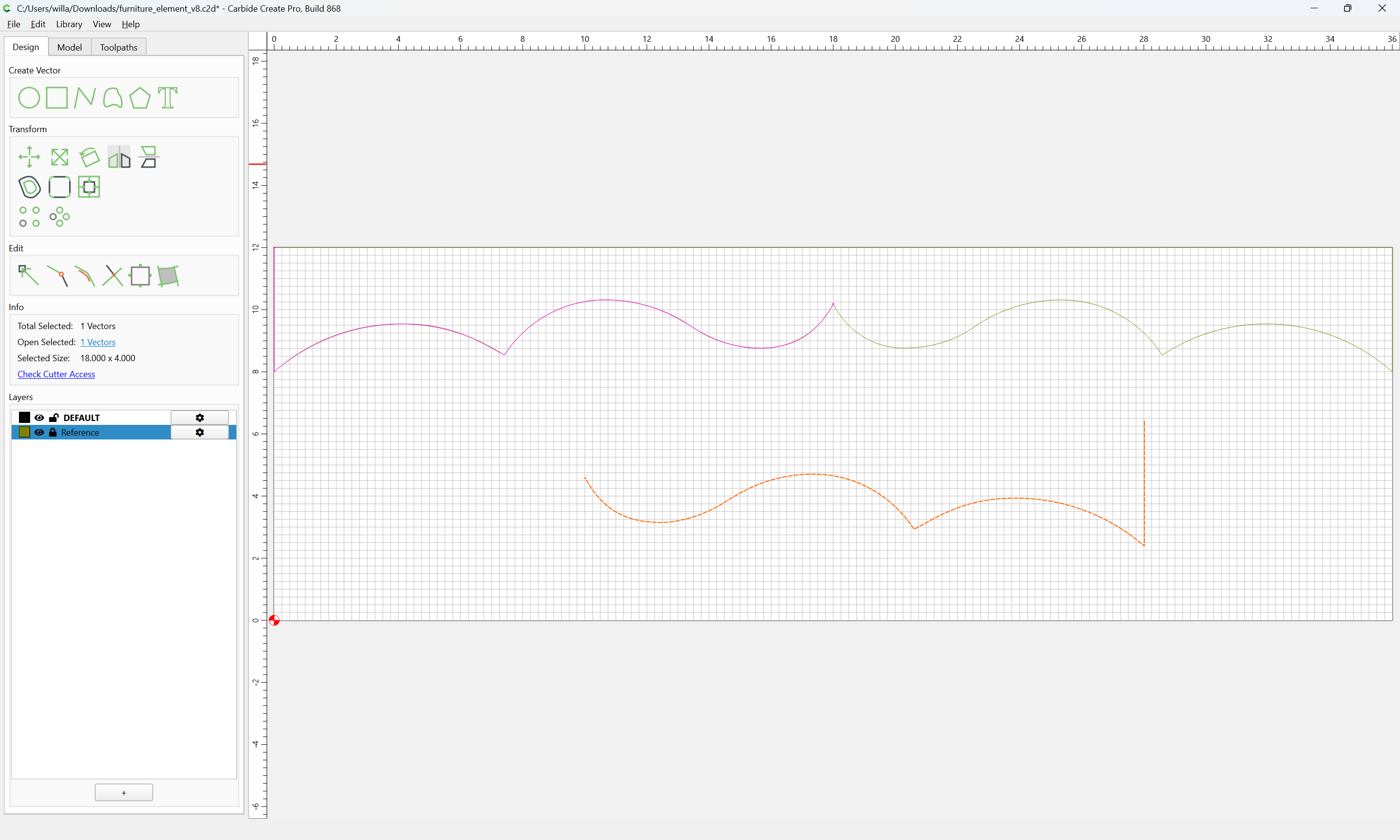
Mirror Horizontal
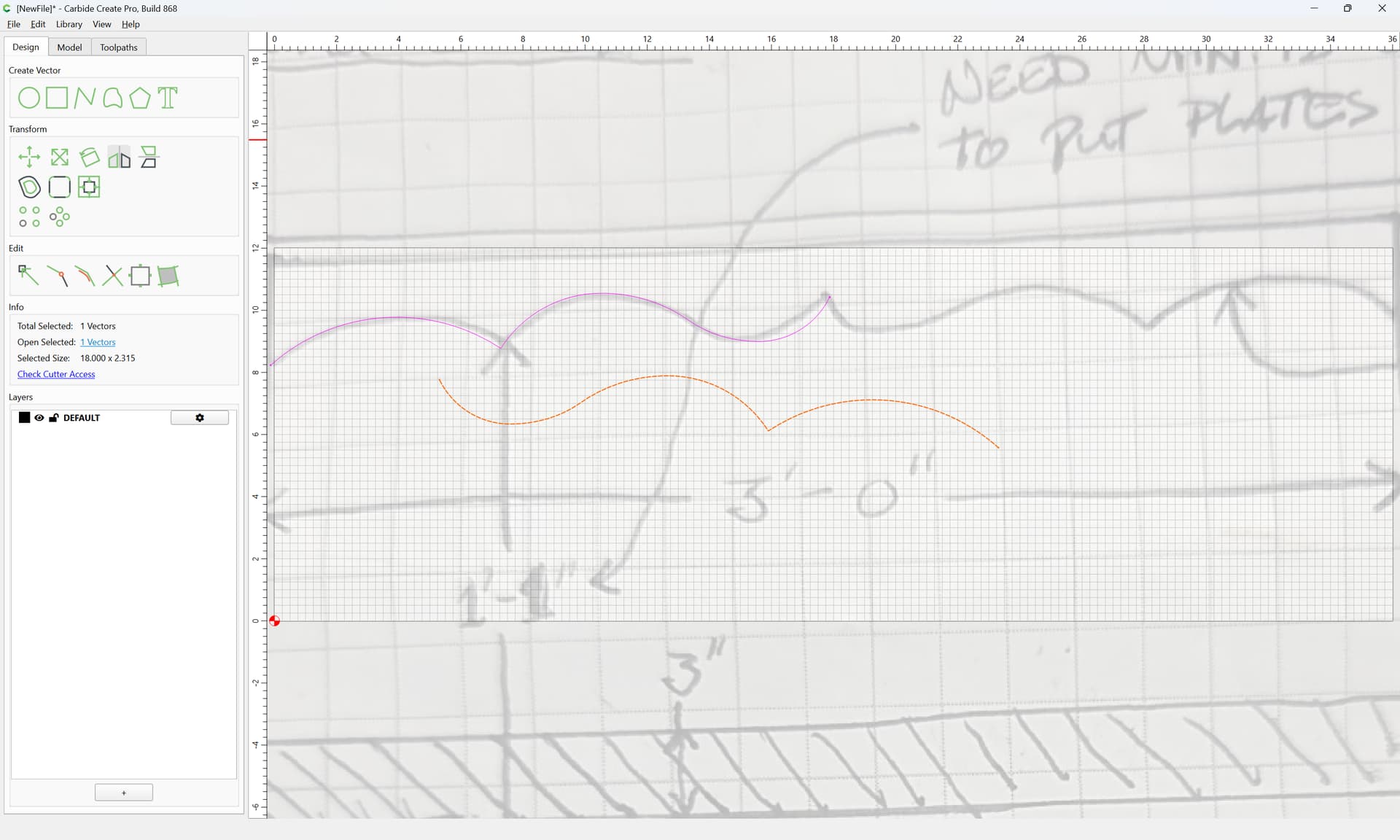
drag into registration:
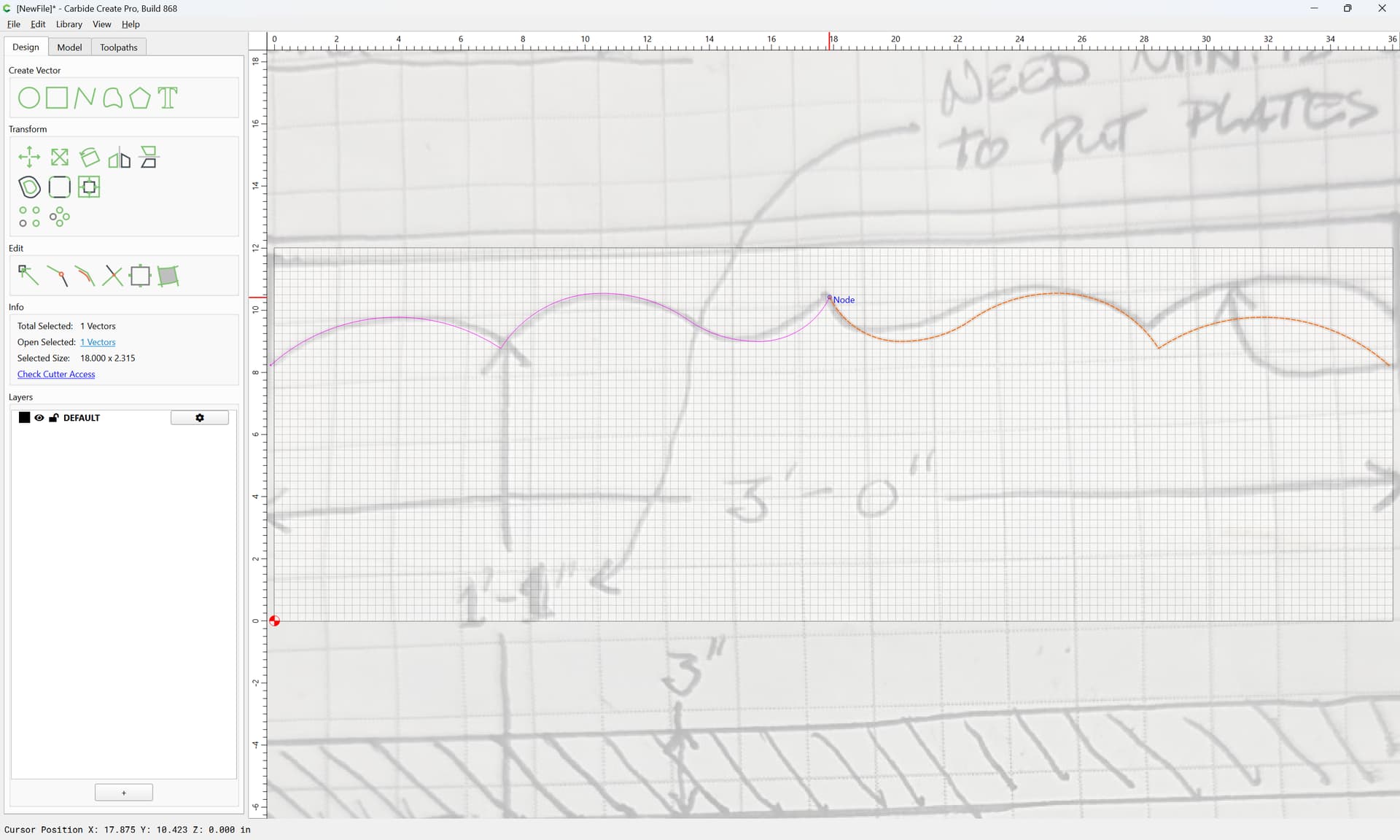
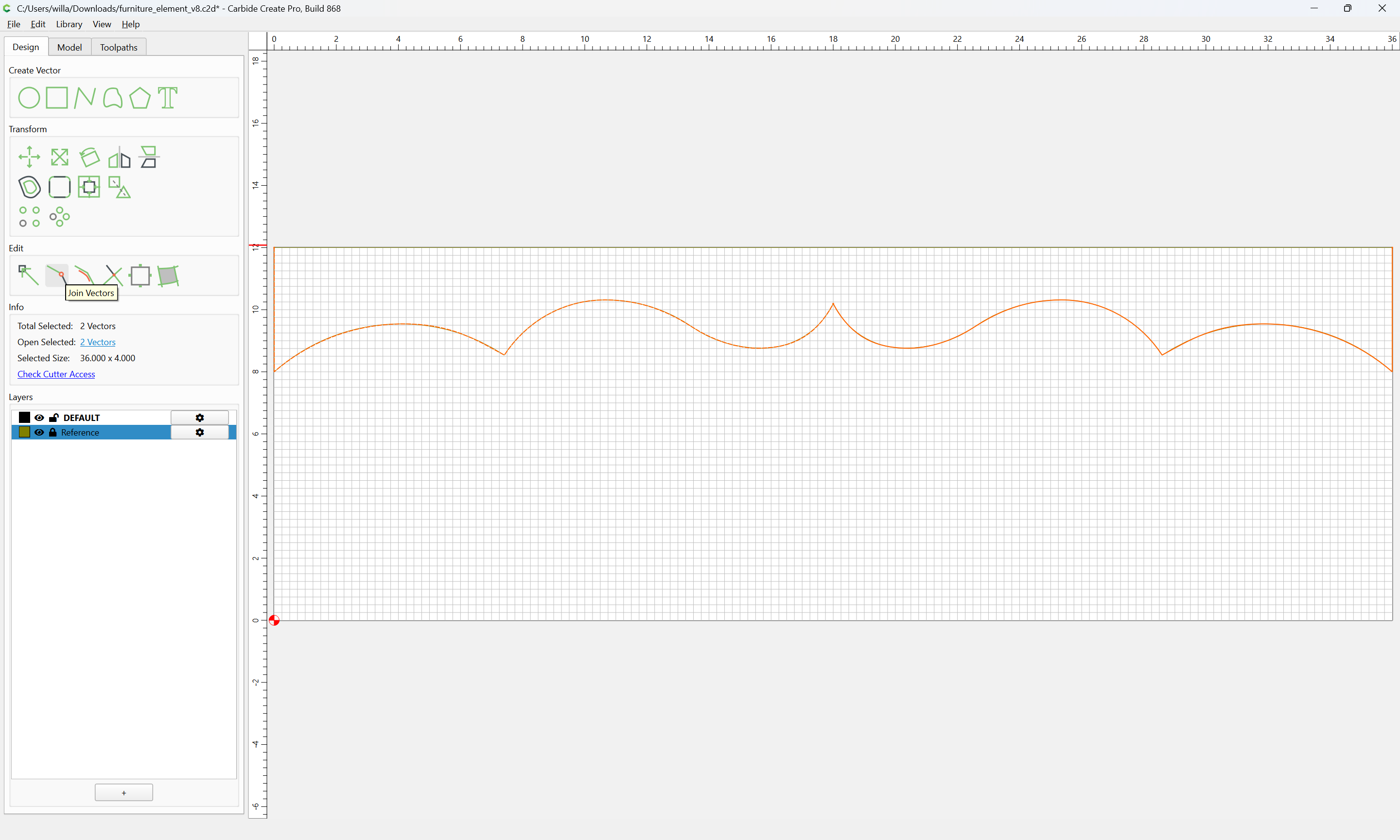
Select both halves
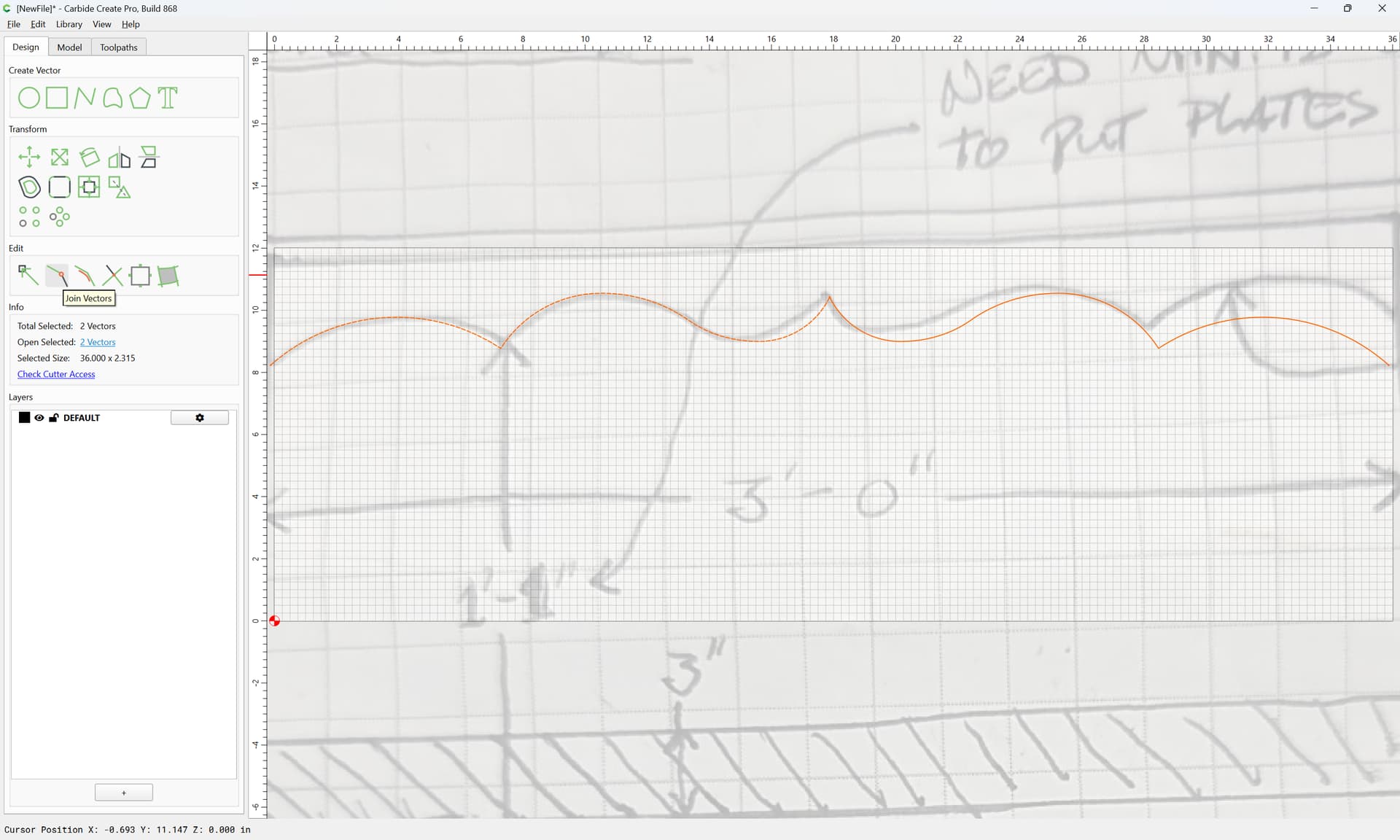
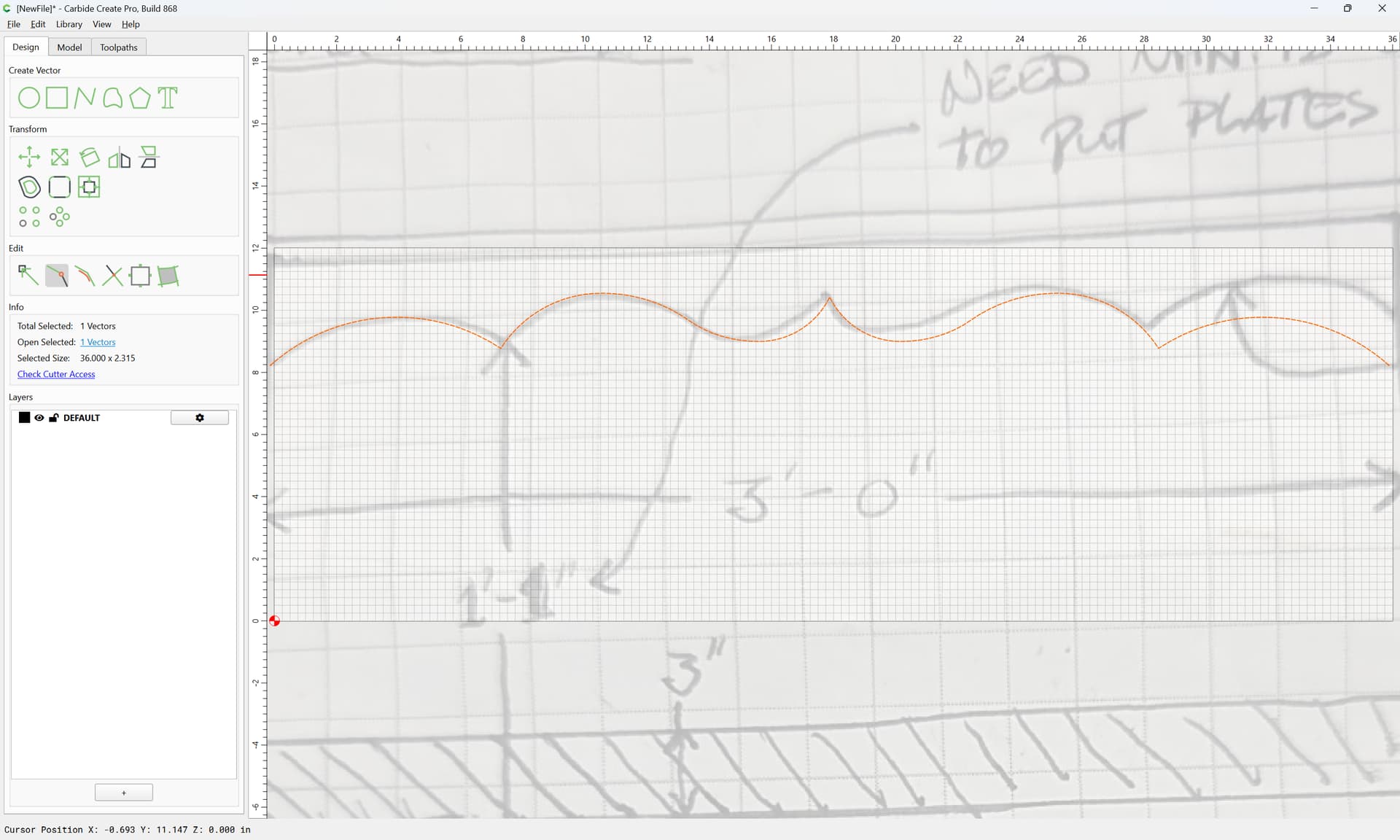
Join Vectors

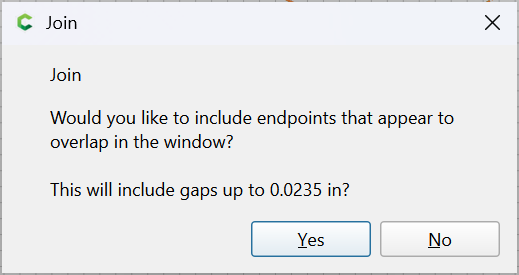
Yes
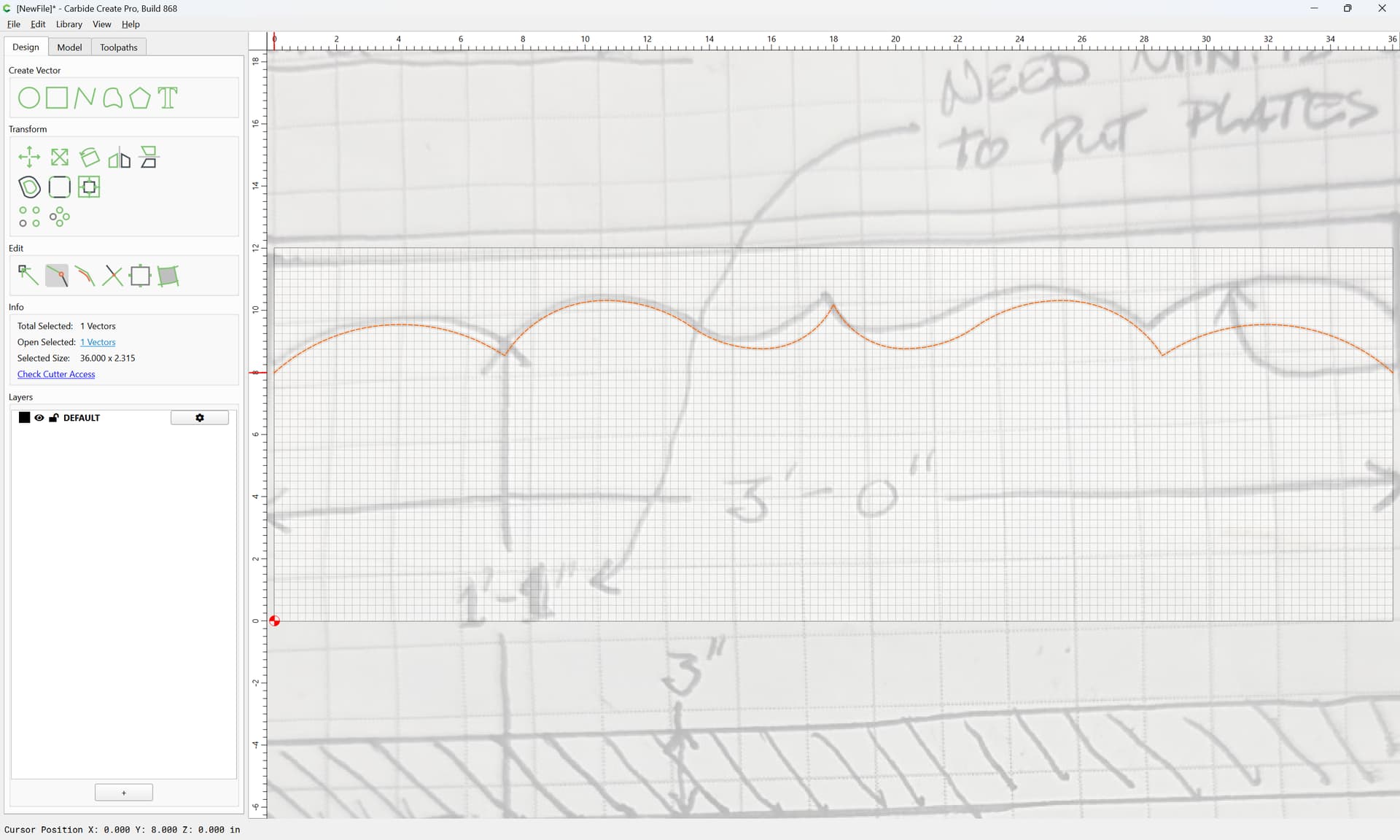
Drag to where desired against the grid:
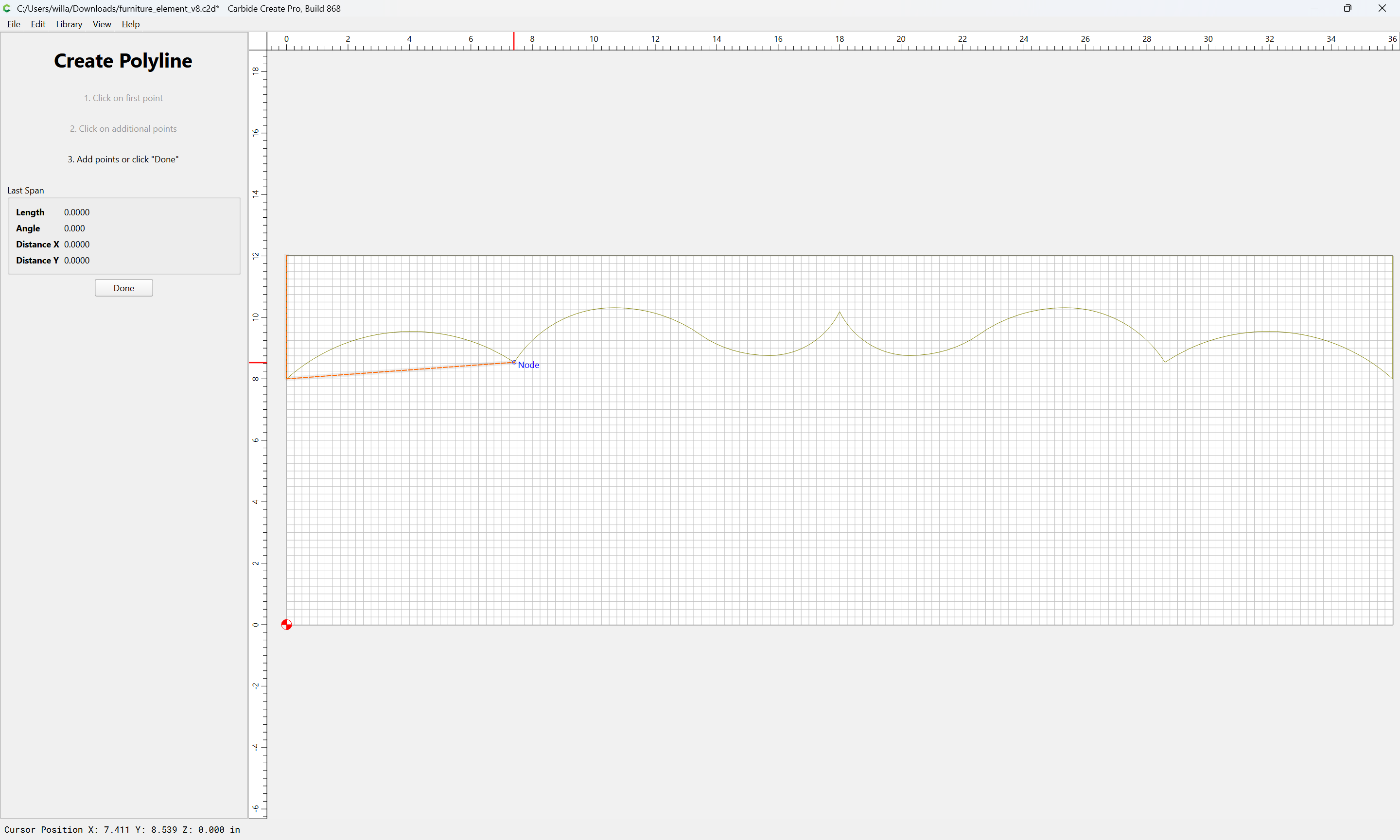
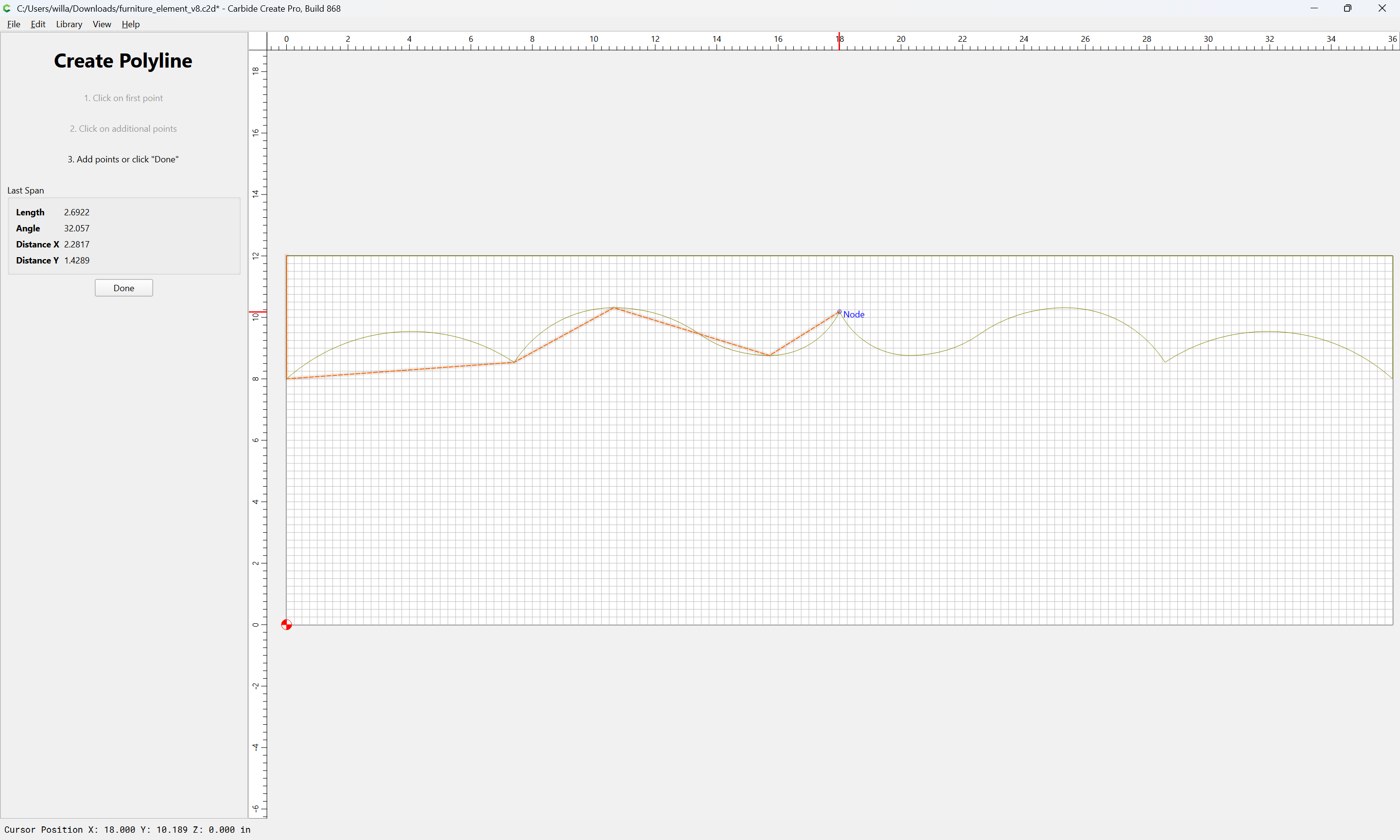
draw in the balance of the part:
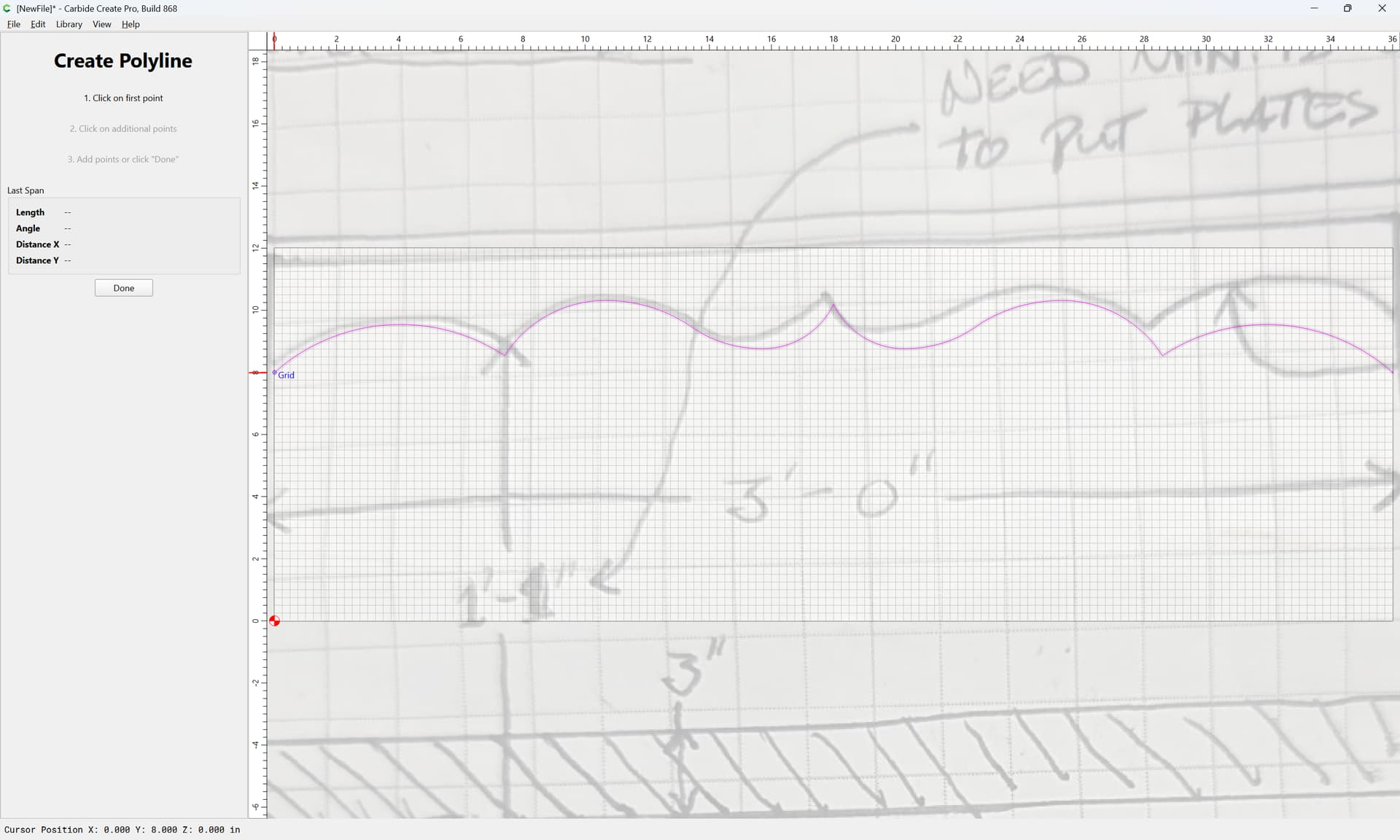
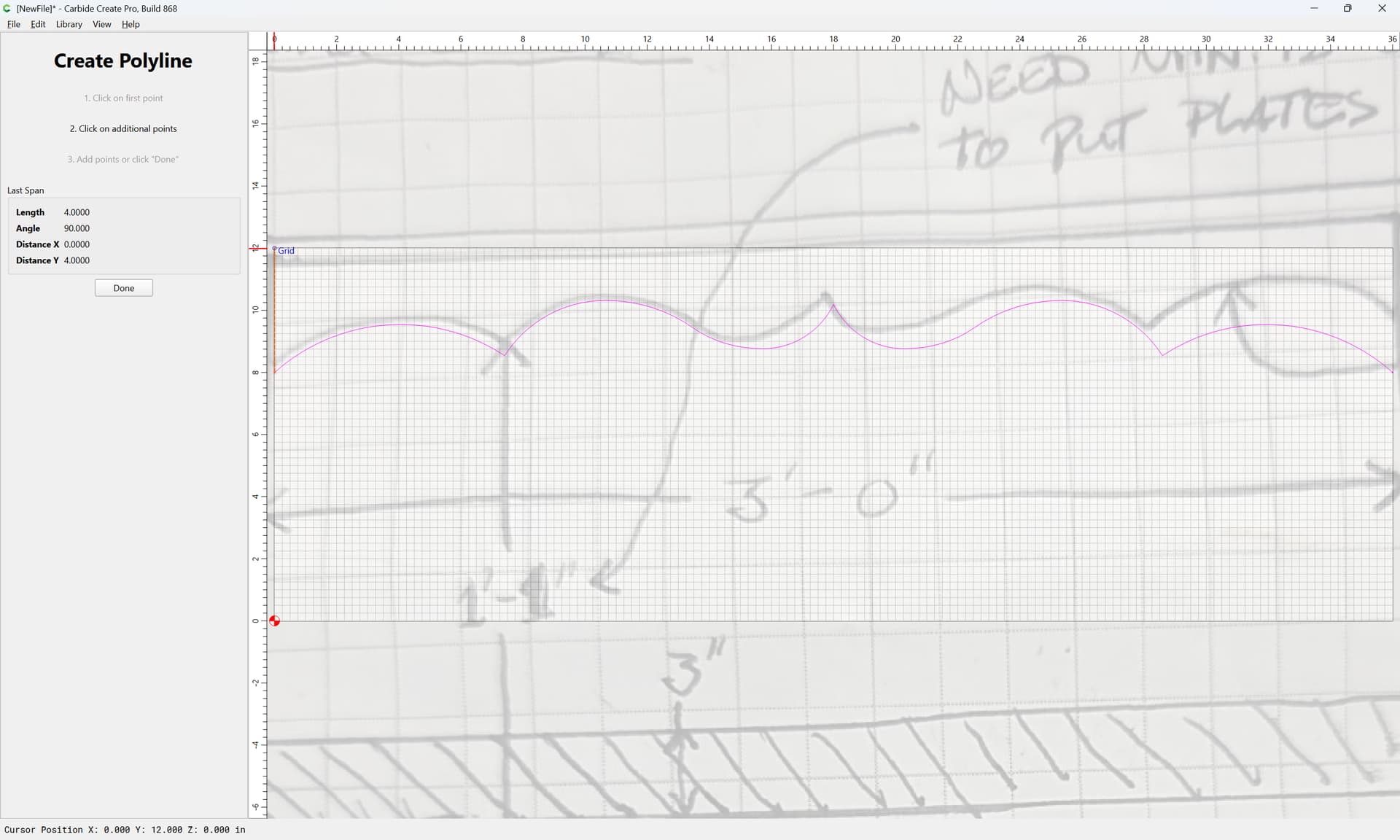
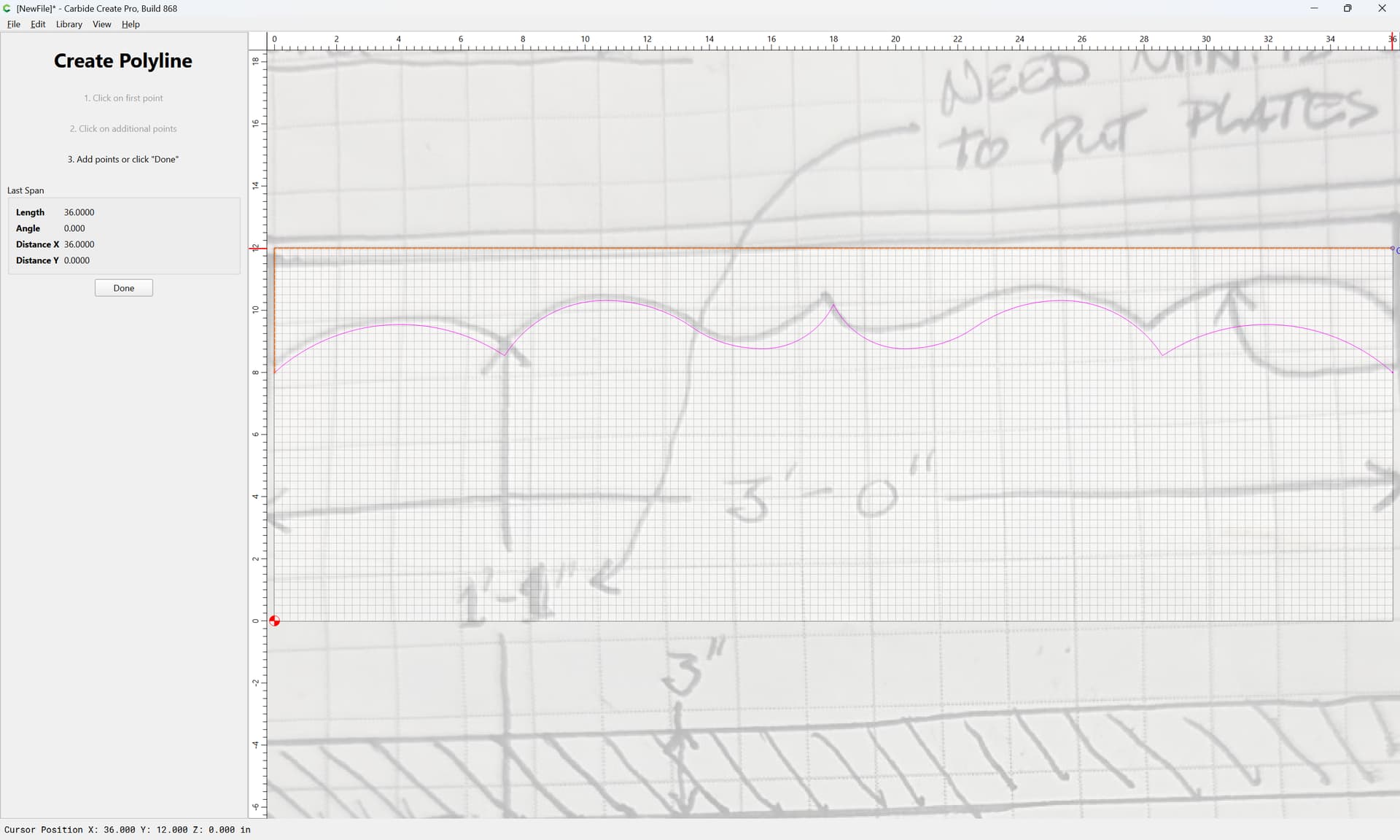

Done
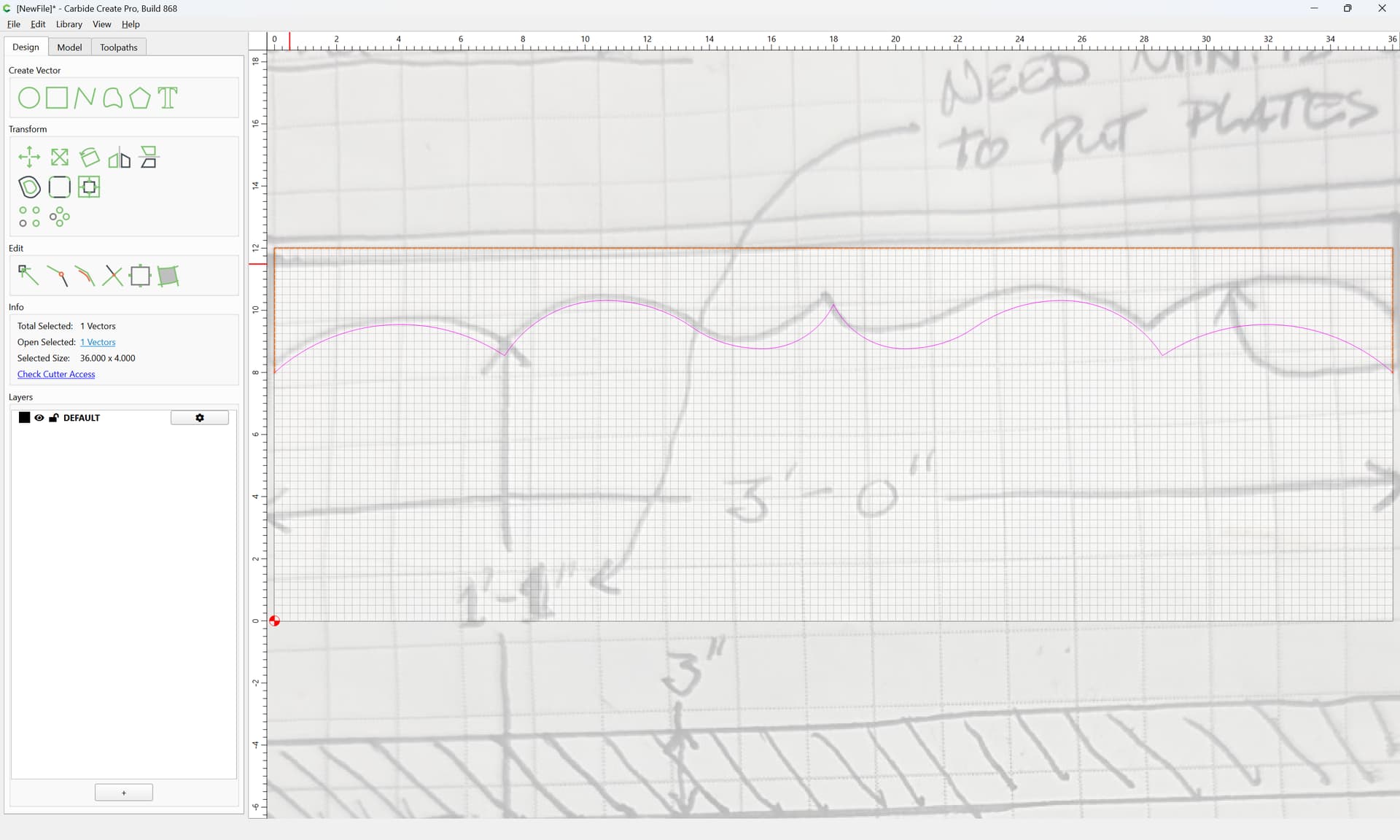
Select all the elements:
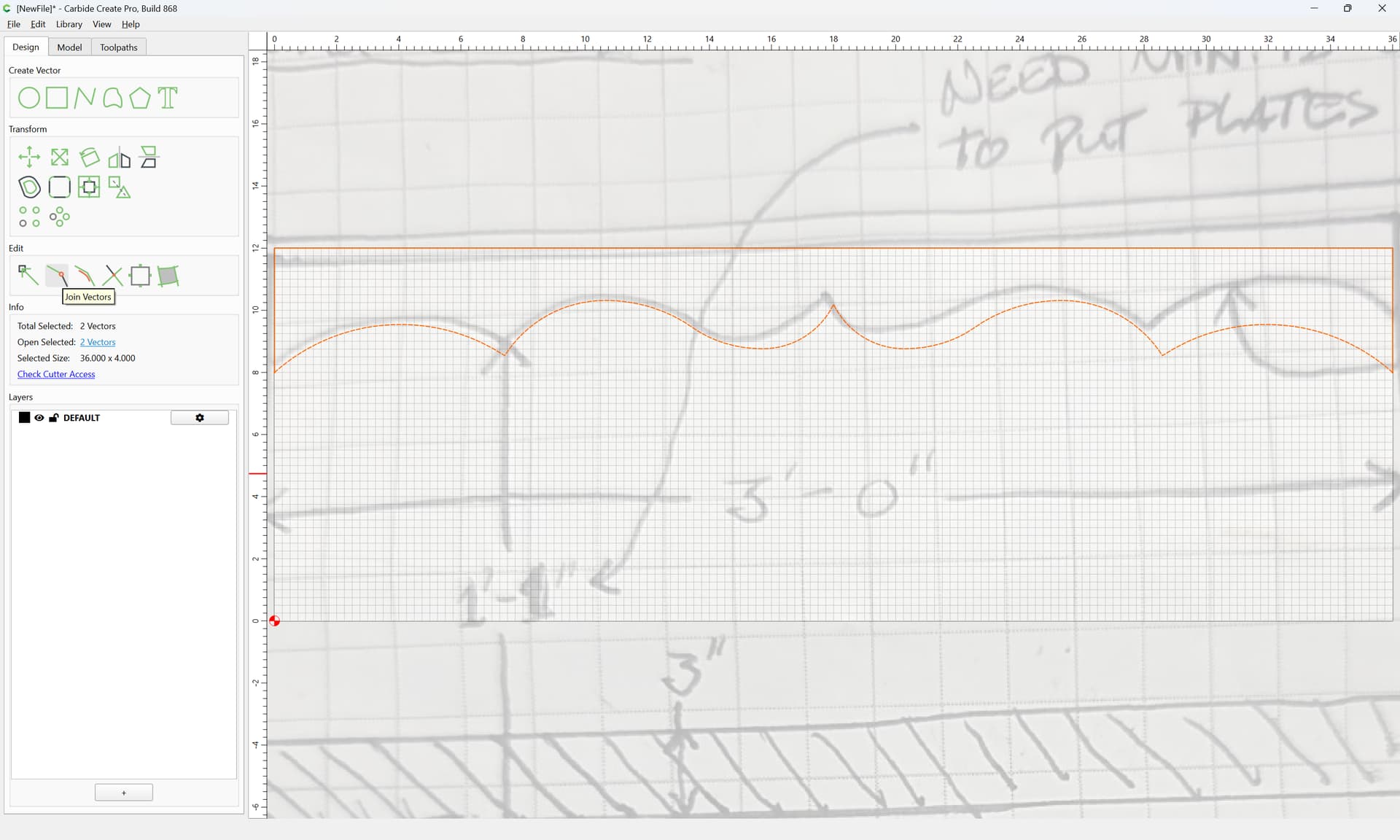
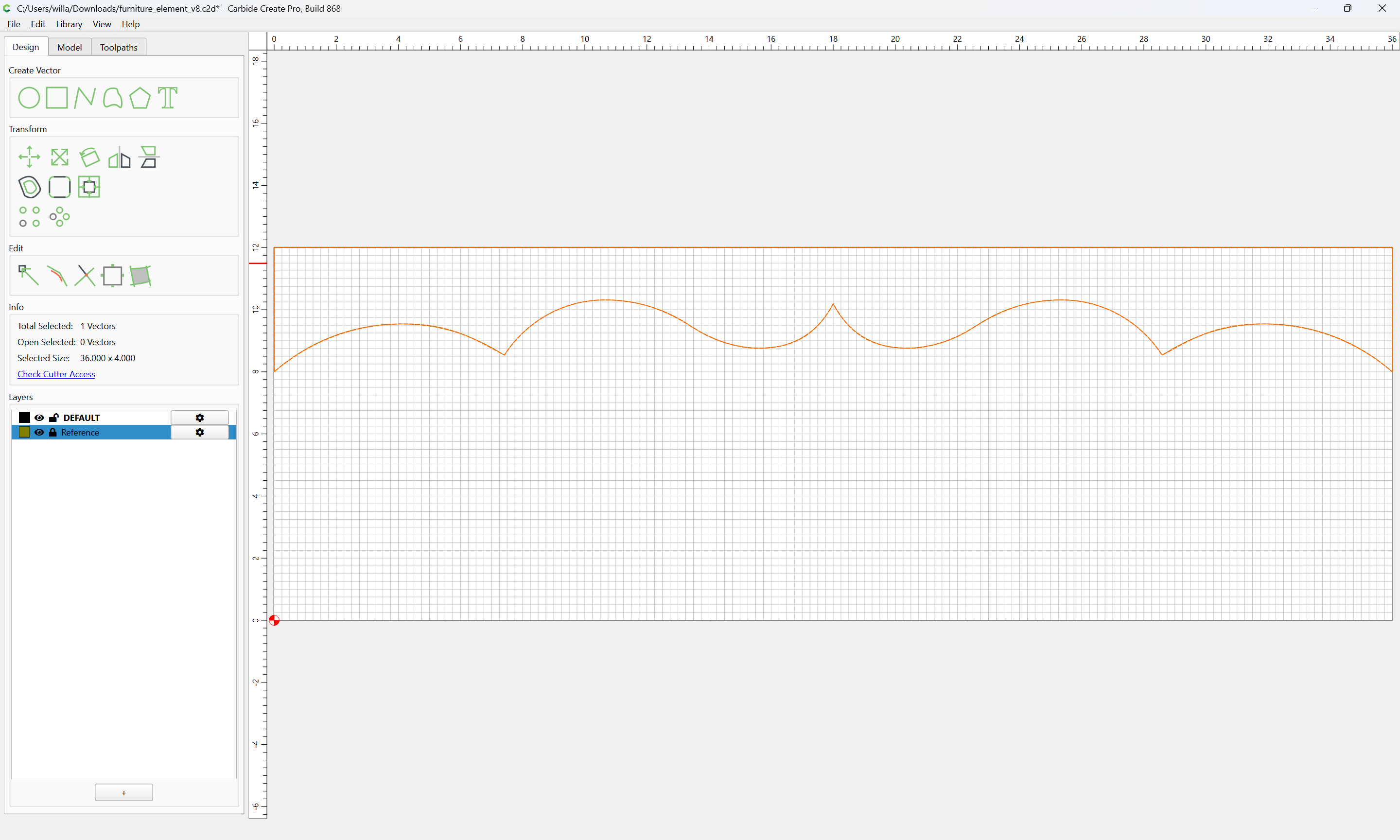
and Join Vectors
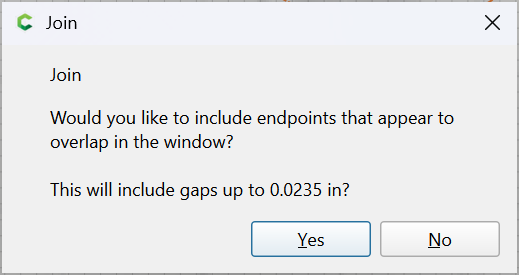
Yes