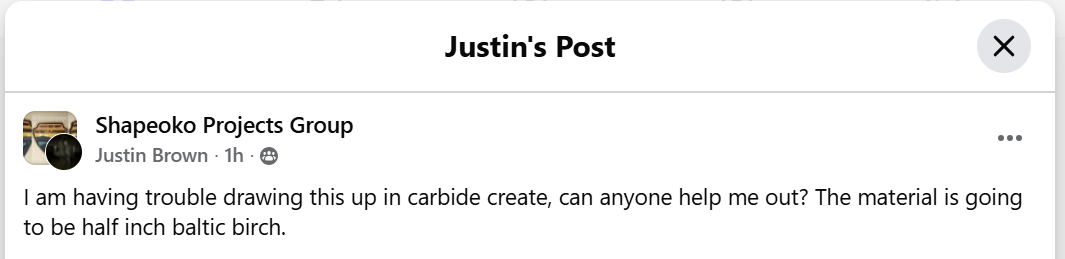
as requested on Facebook…
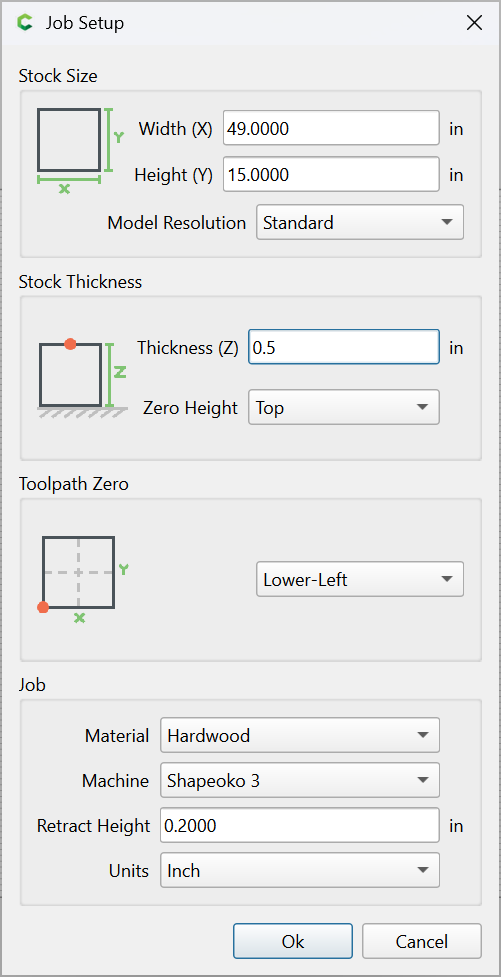
First, Job Setup:

Set Background
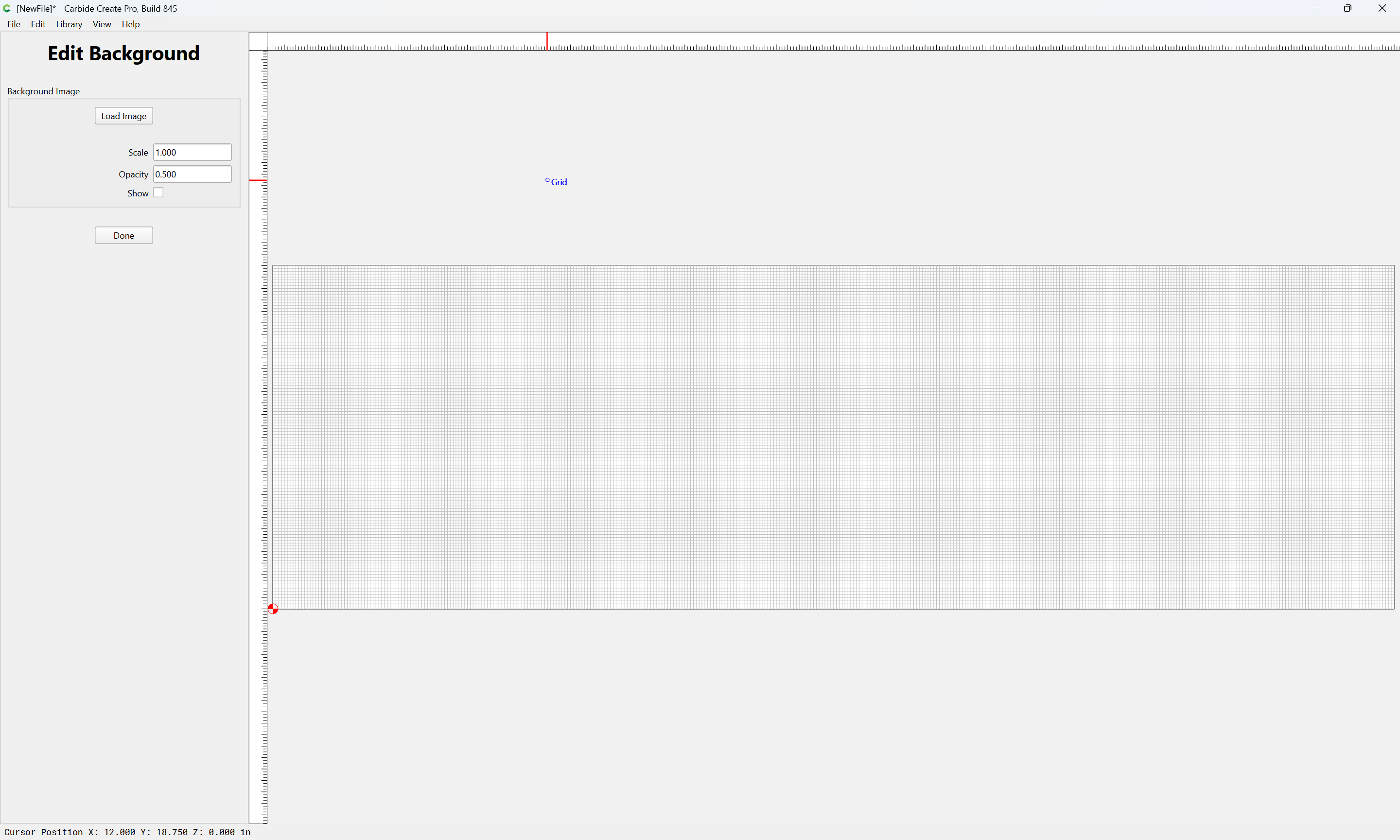
Load Image
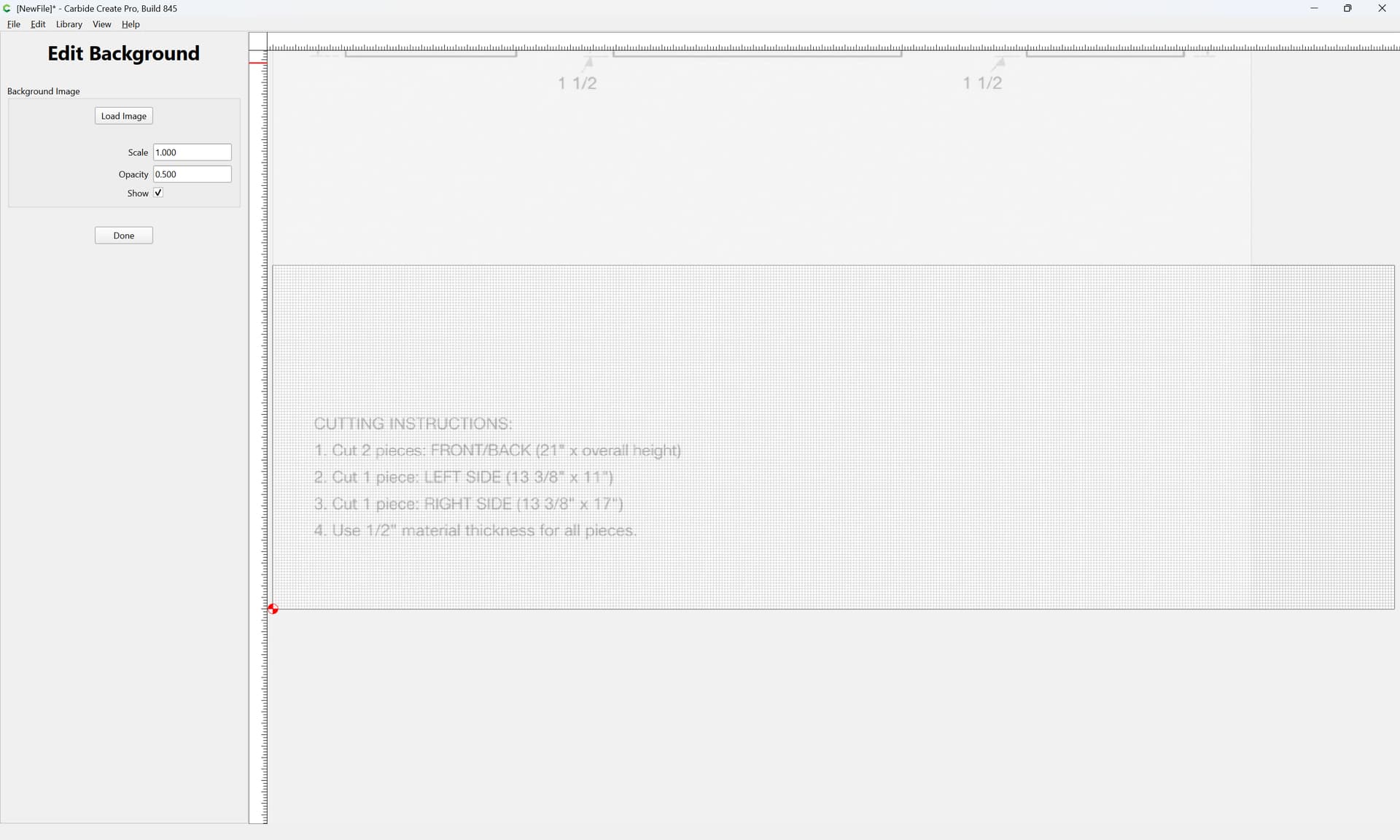
Drag into position
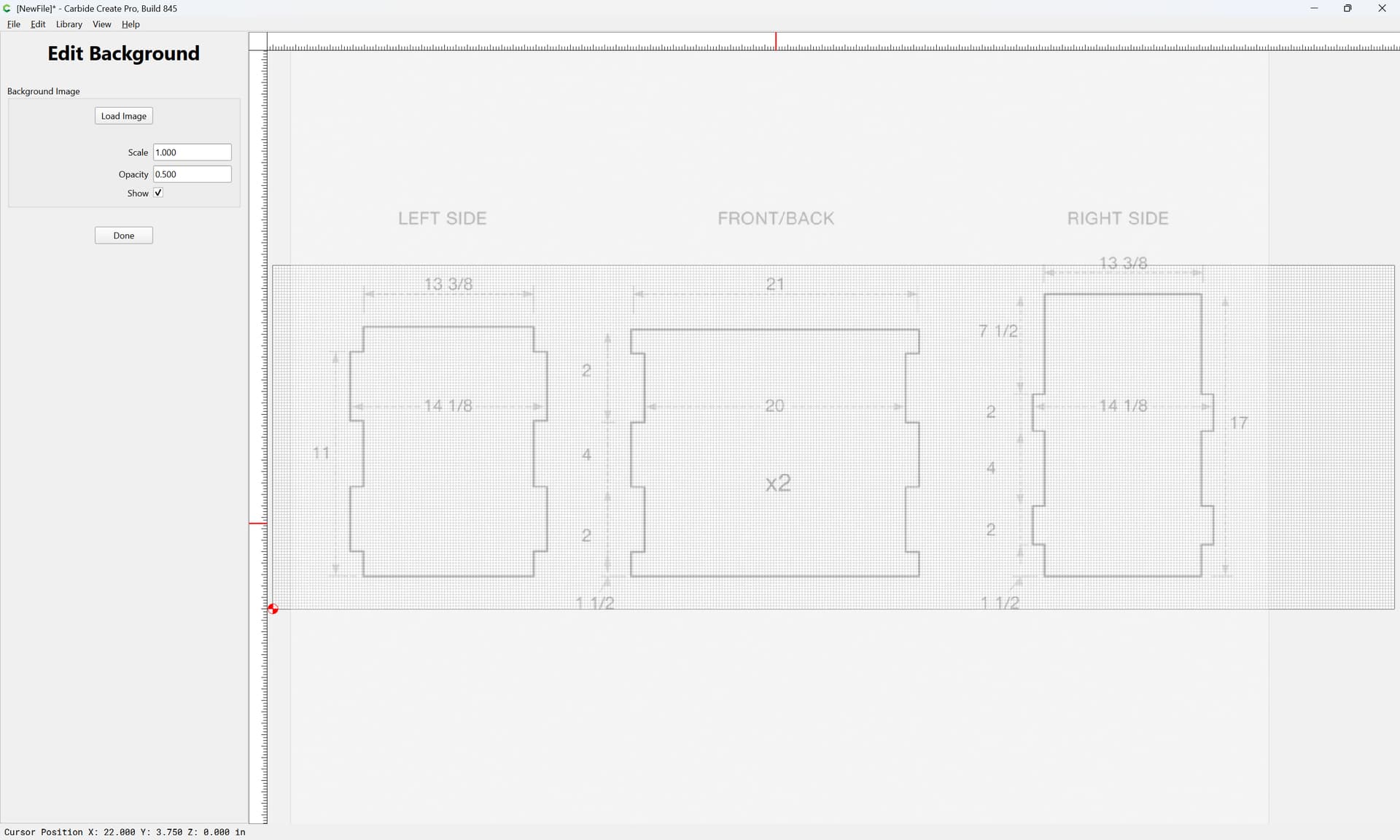
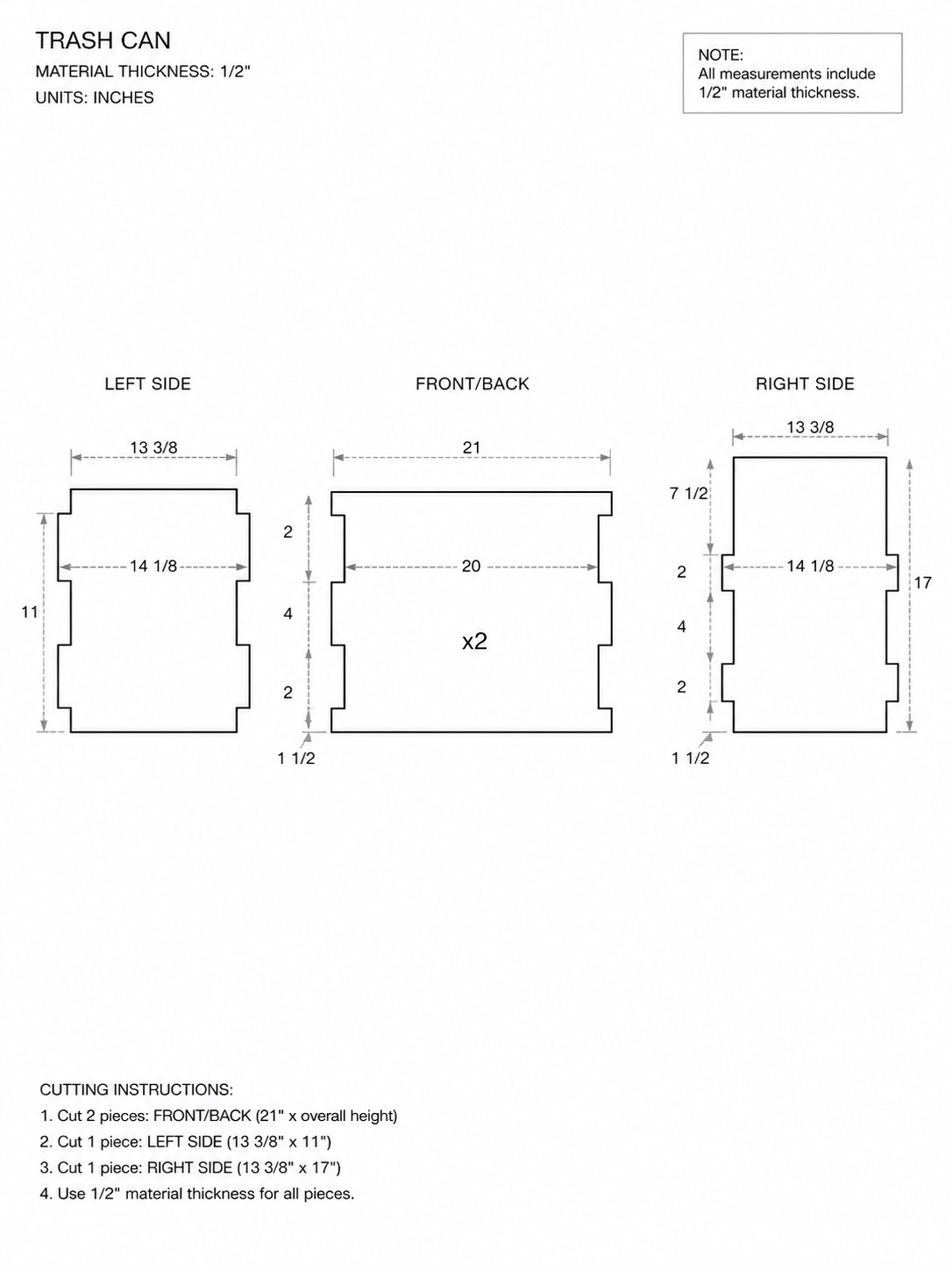
Draw a rectangle of the right size as a size check:
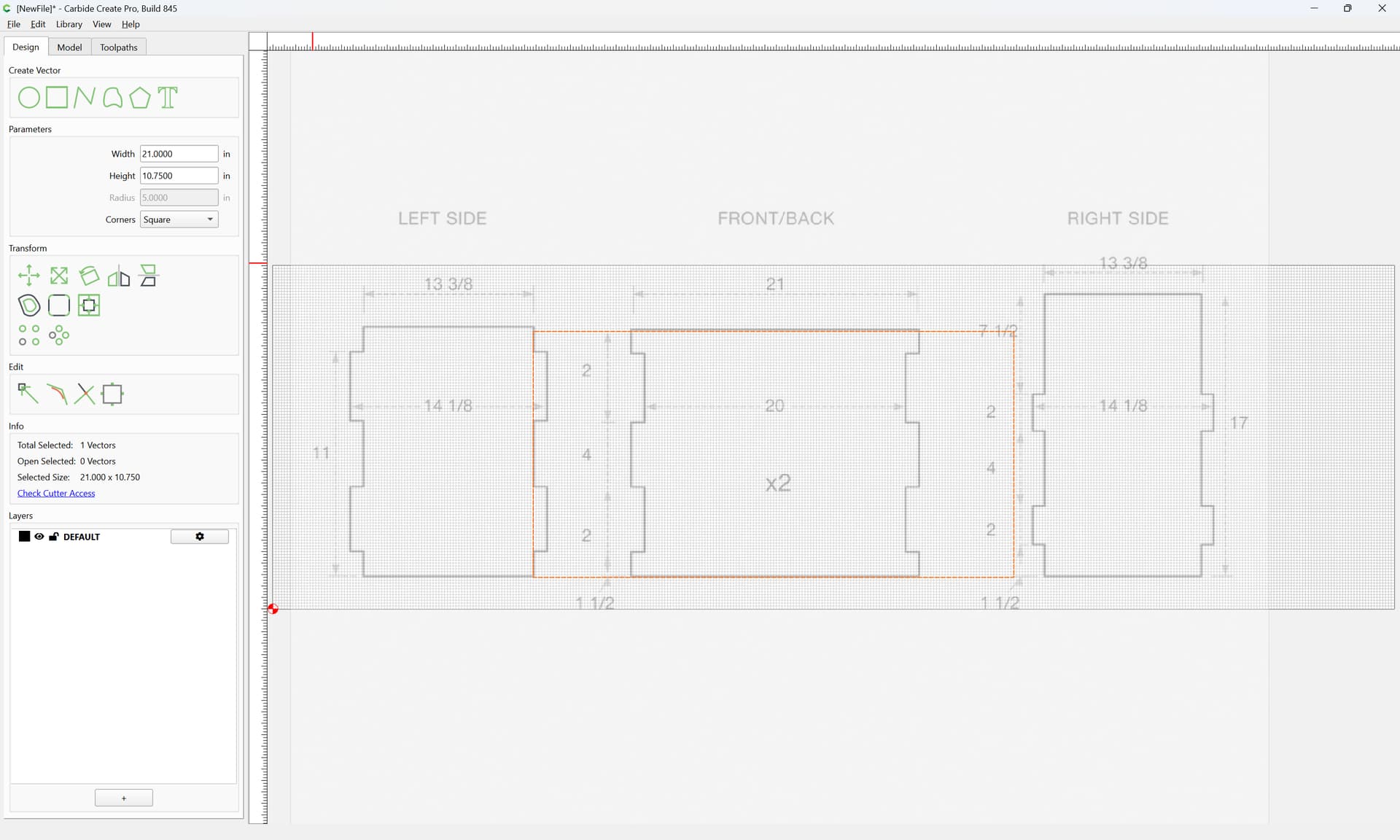
and it’s obvious that the drawing and dimensions do not match up…
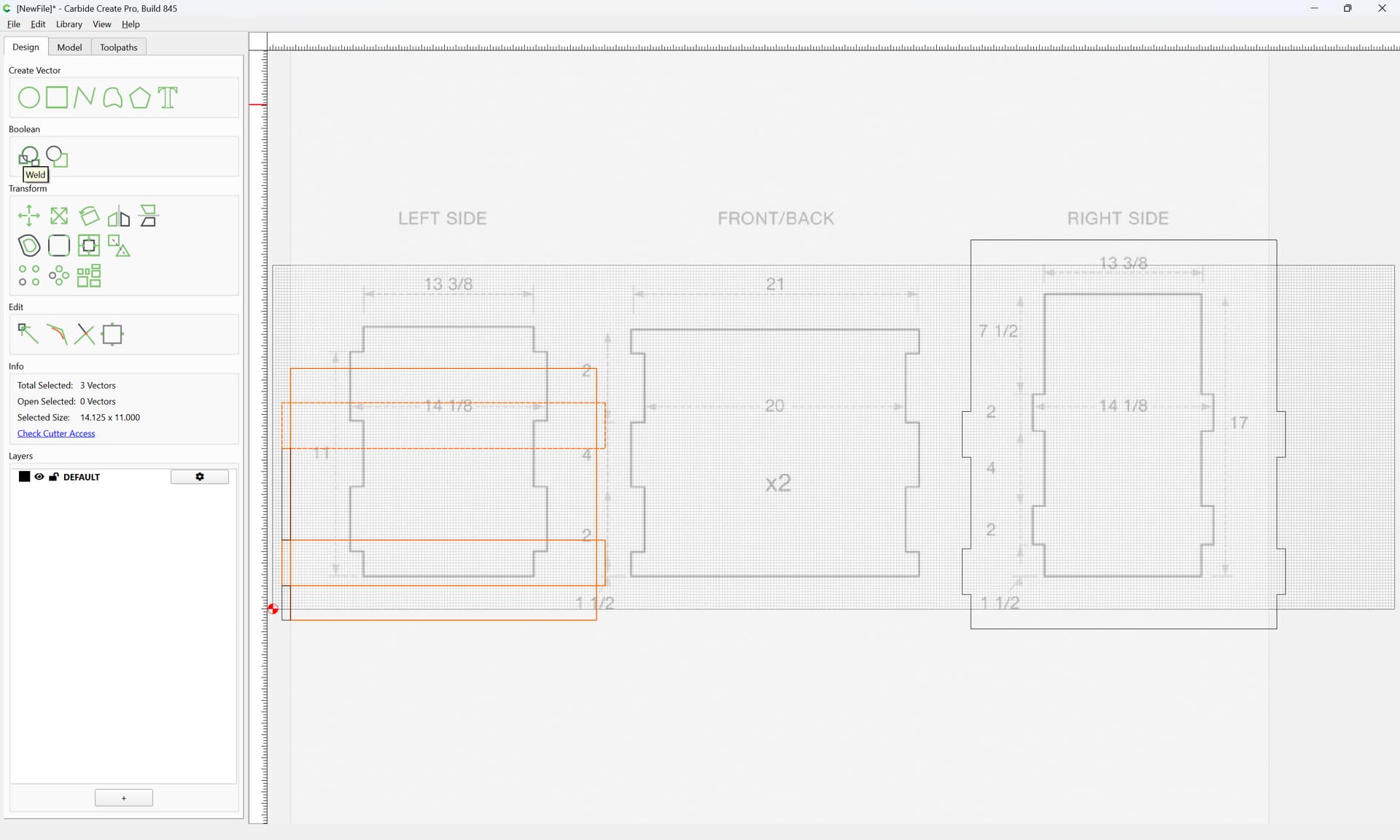
Instead, draw a series of overlapping rectangles using the specified dimensions for each part:
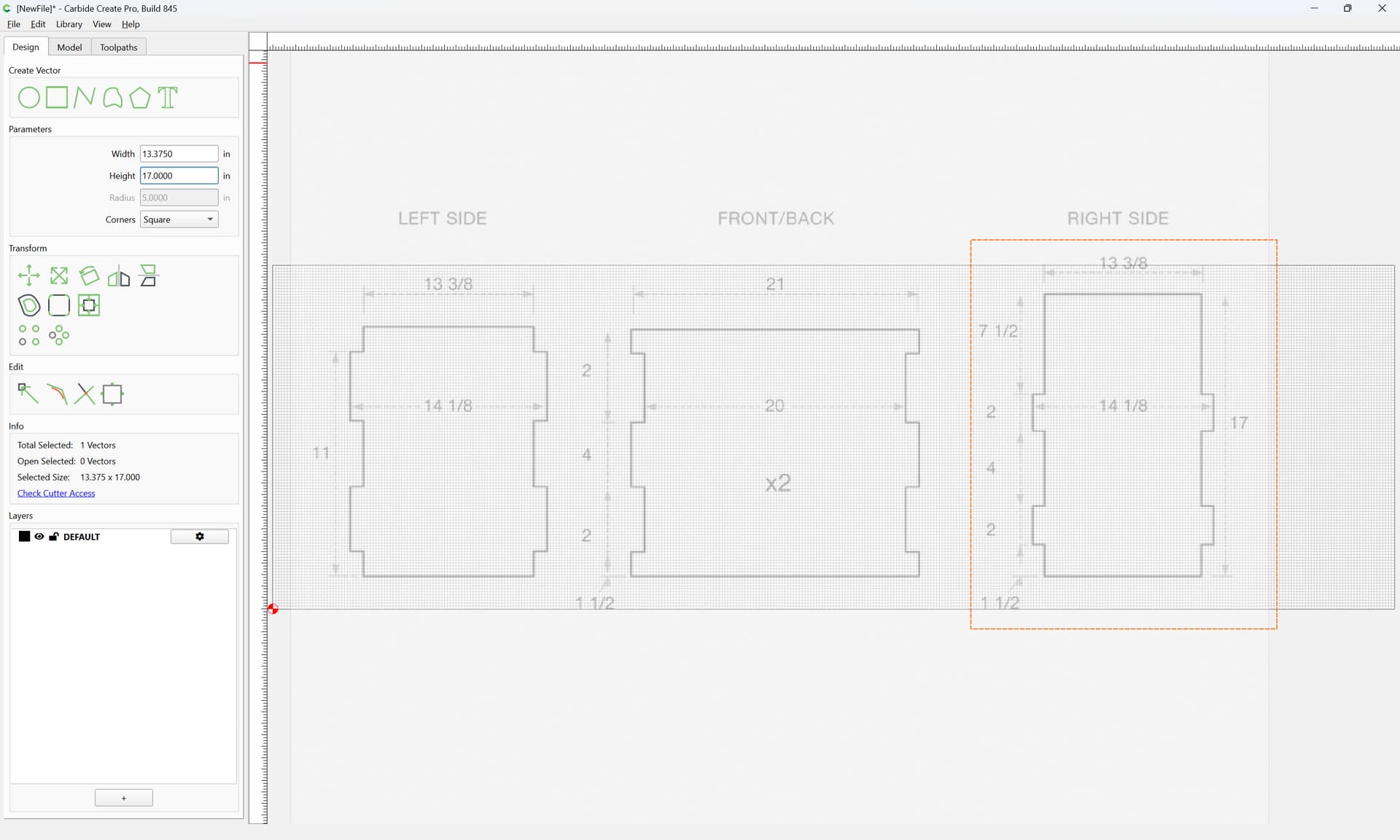
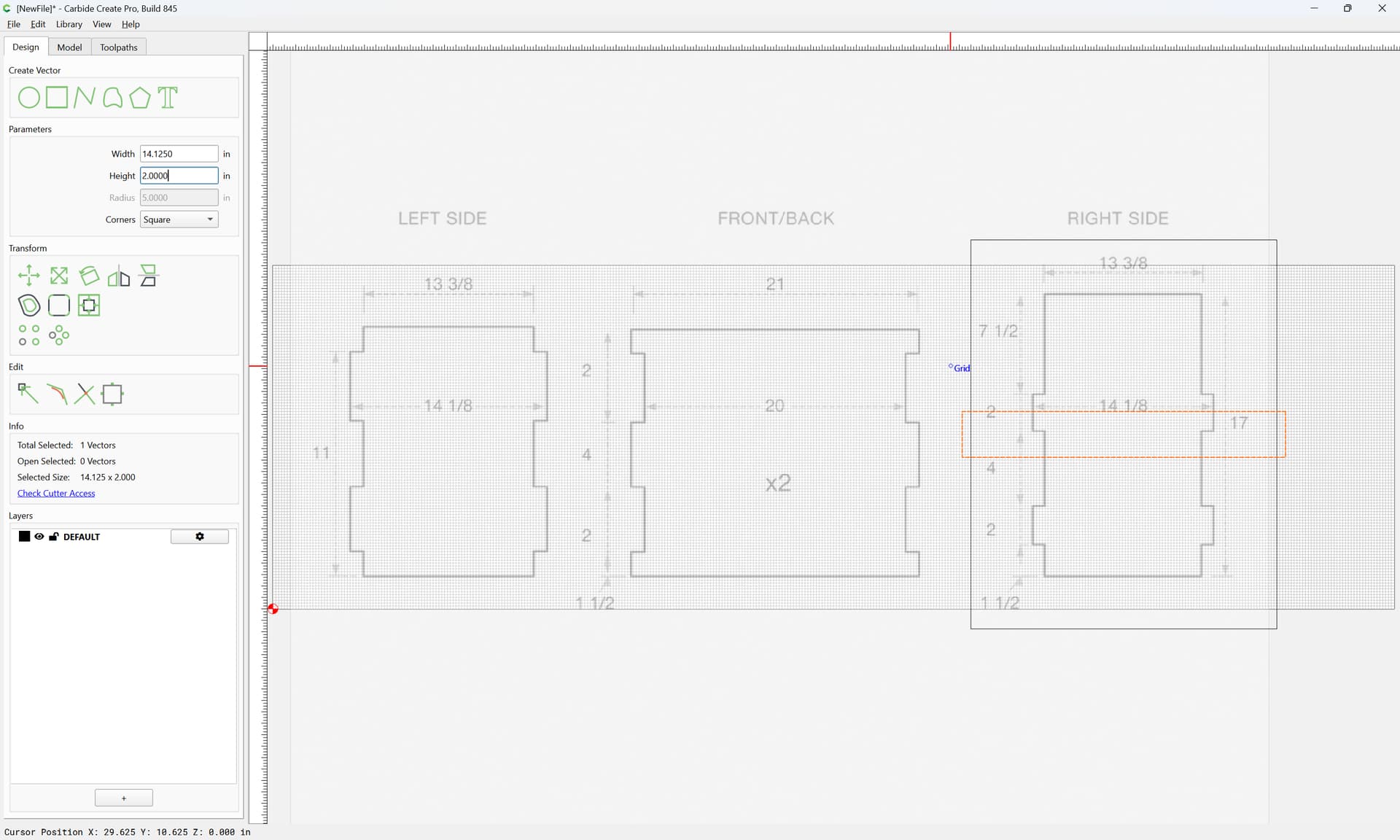
and additional rectangles as needed for spacing:
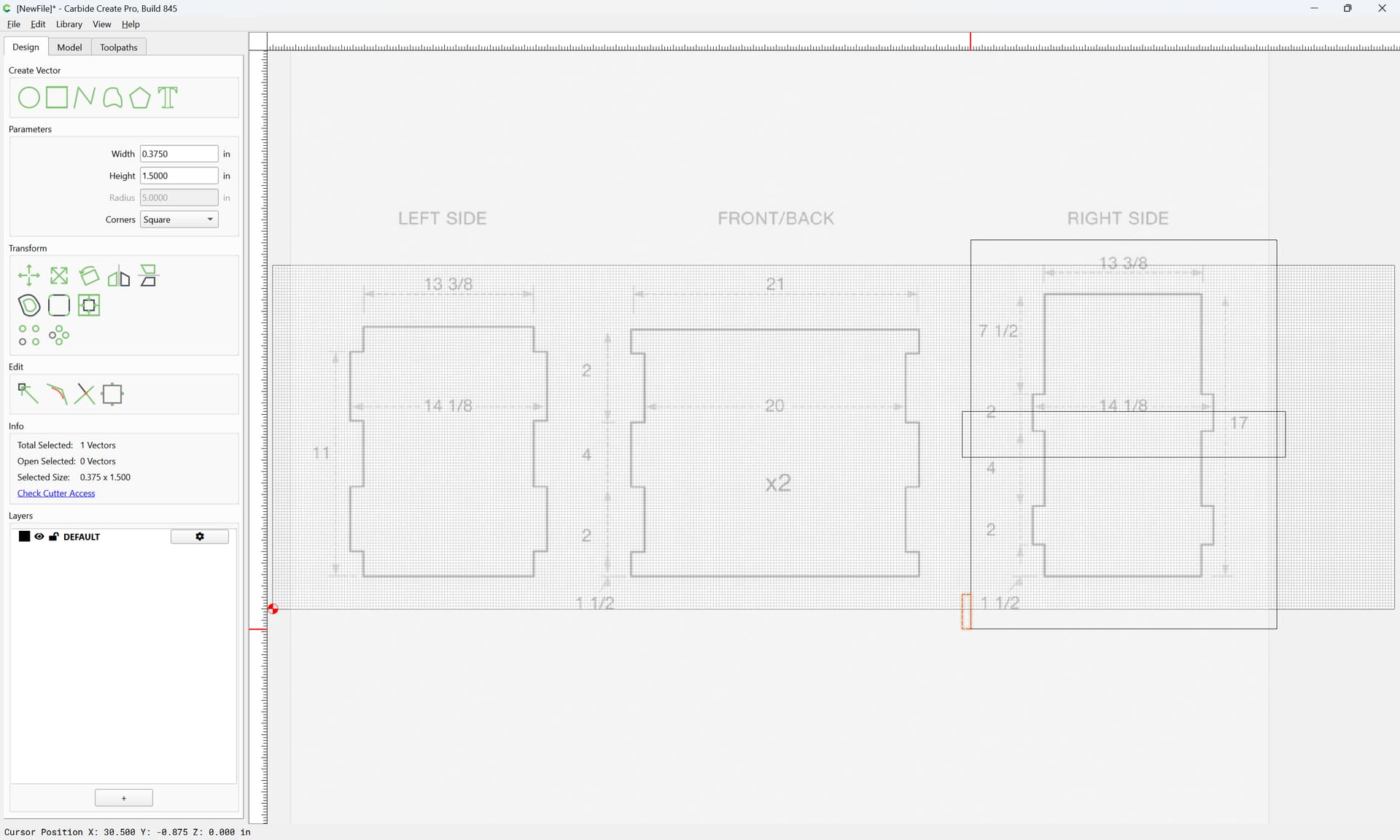
and positioning:
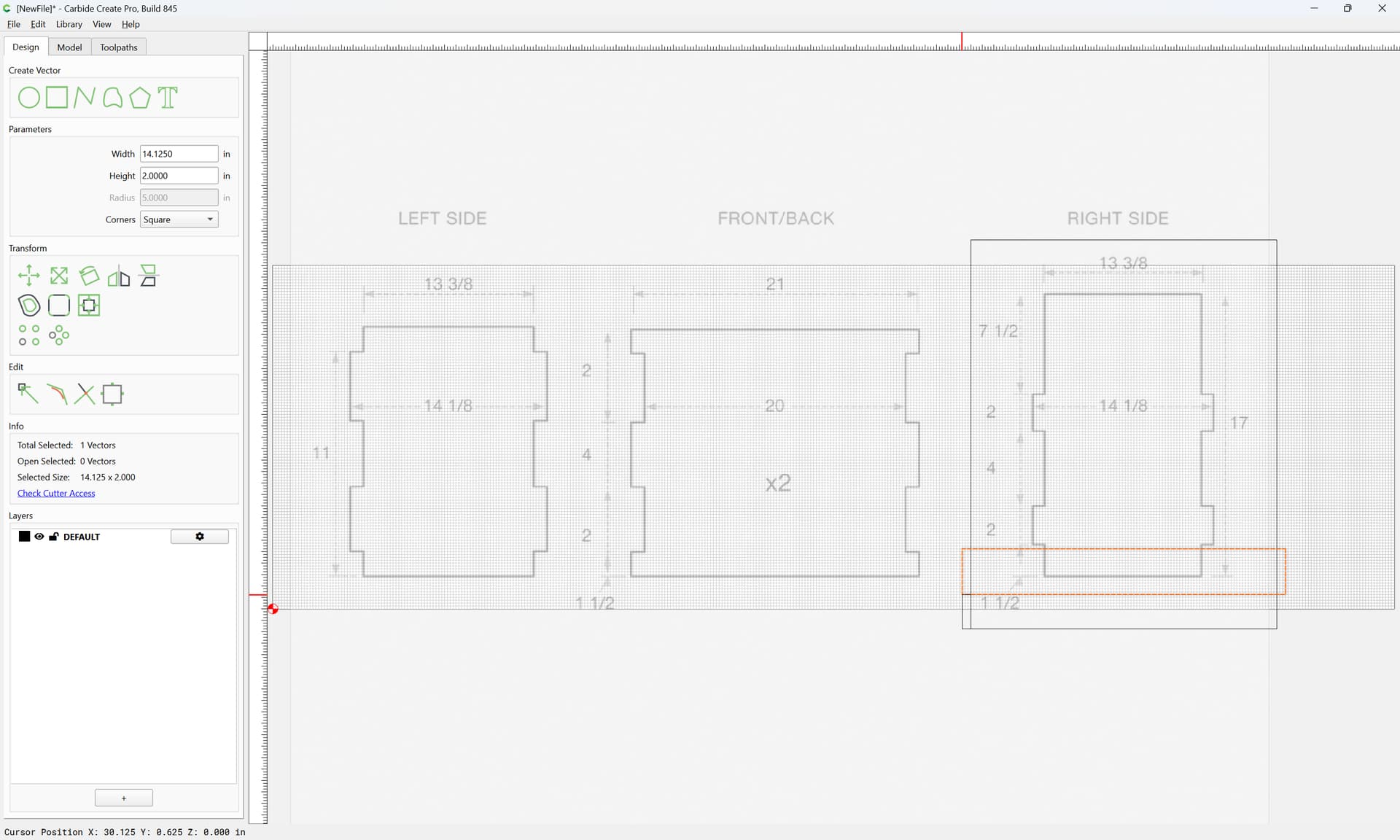
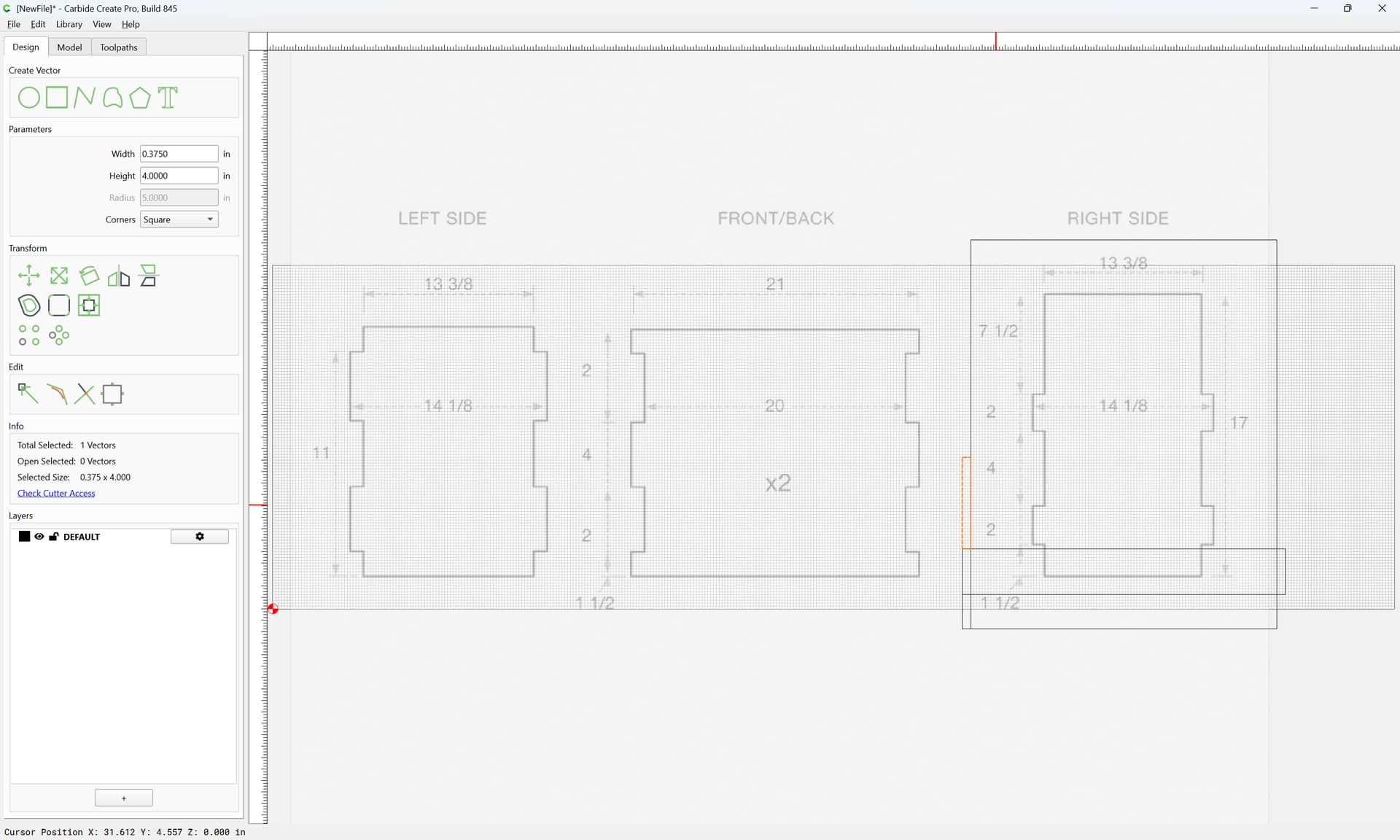
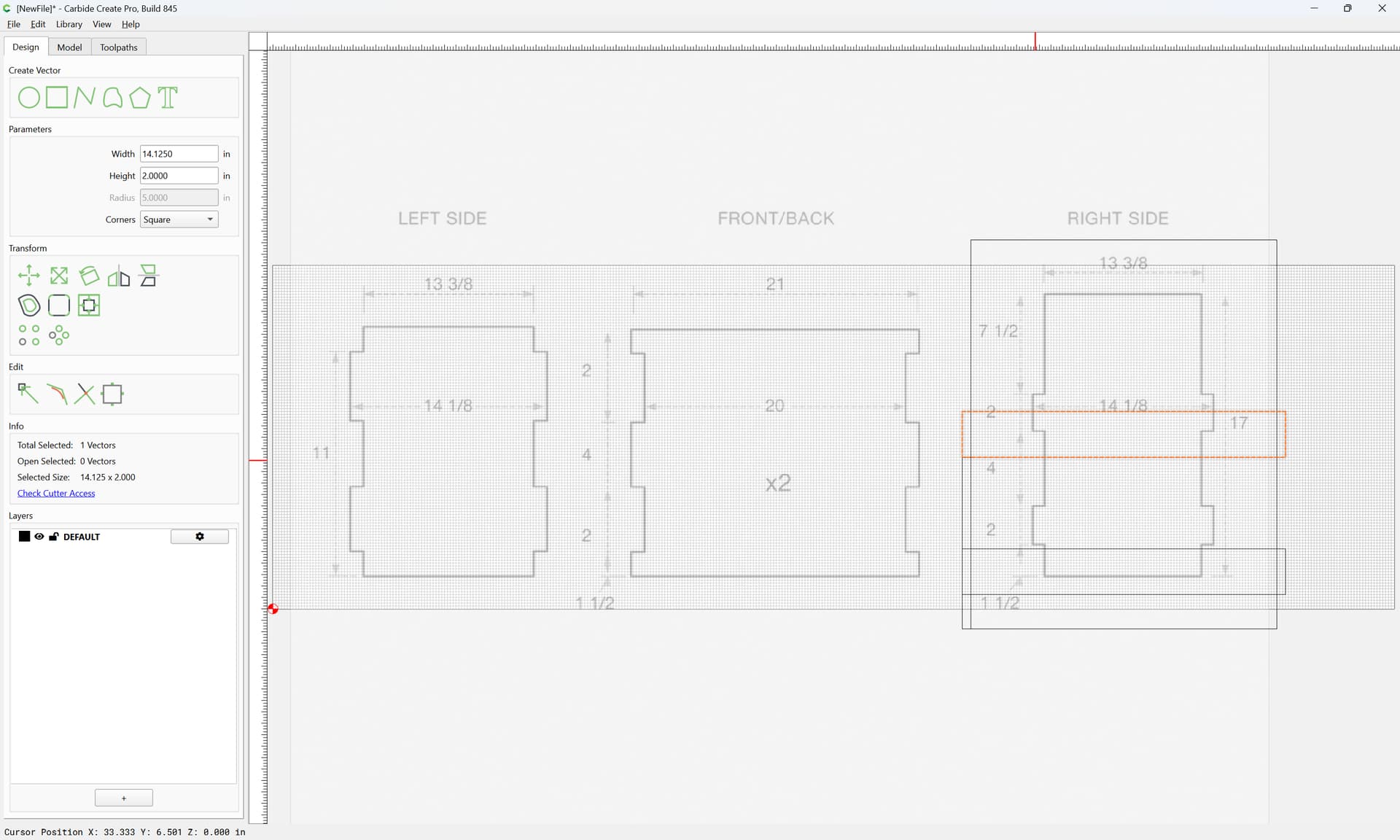
Once all the elements for a given part are compleat, select them:

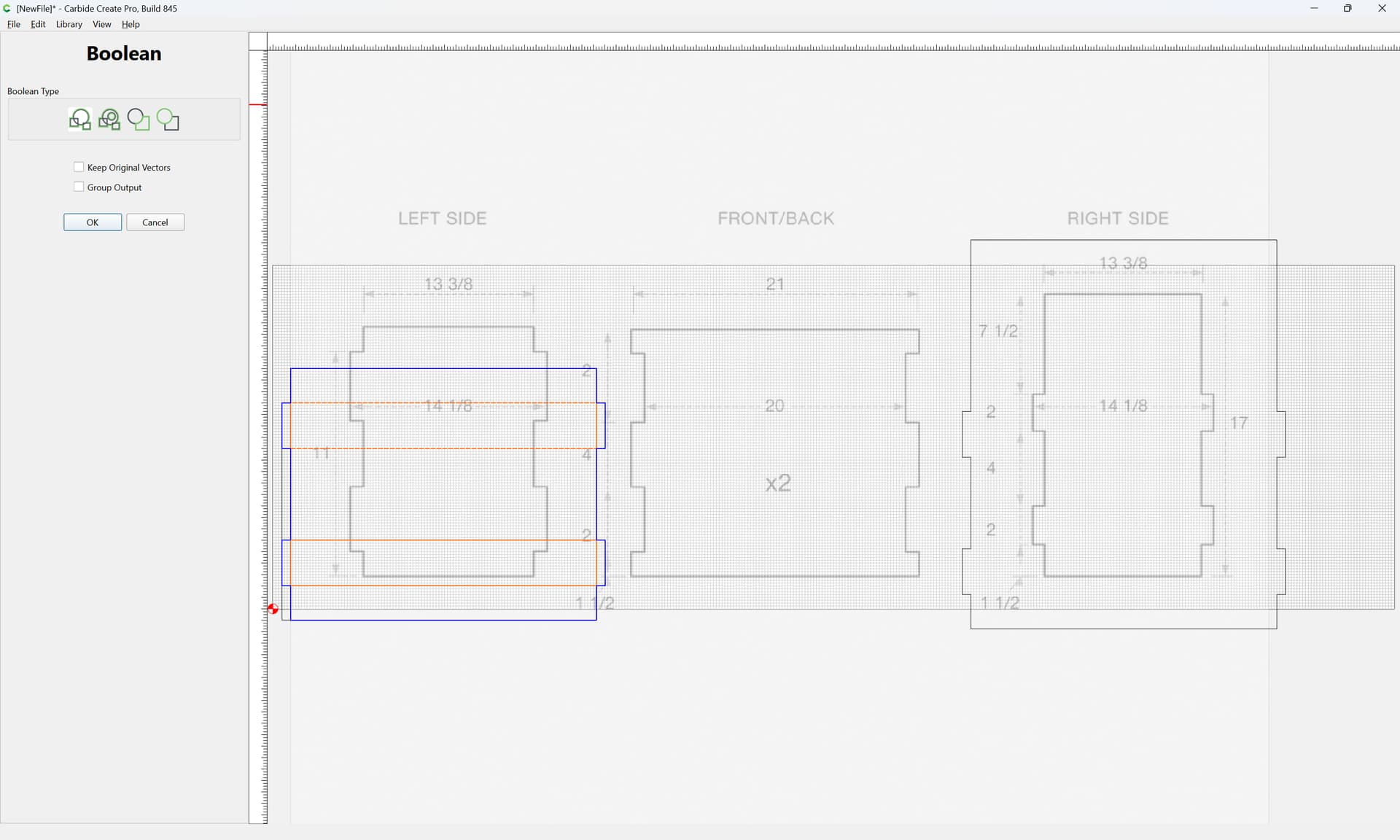
and Boolean Union:
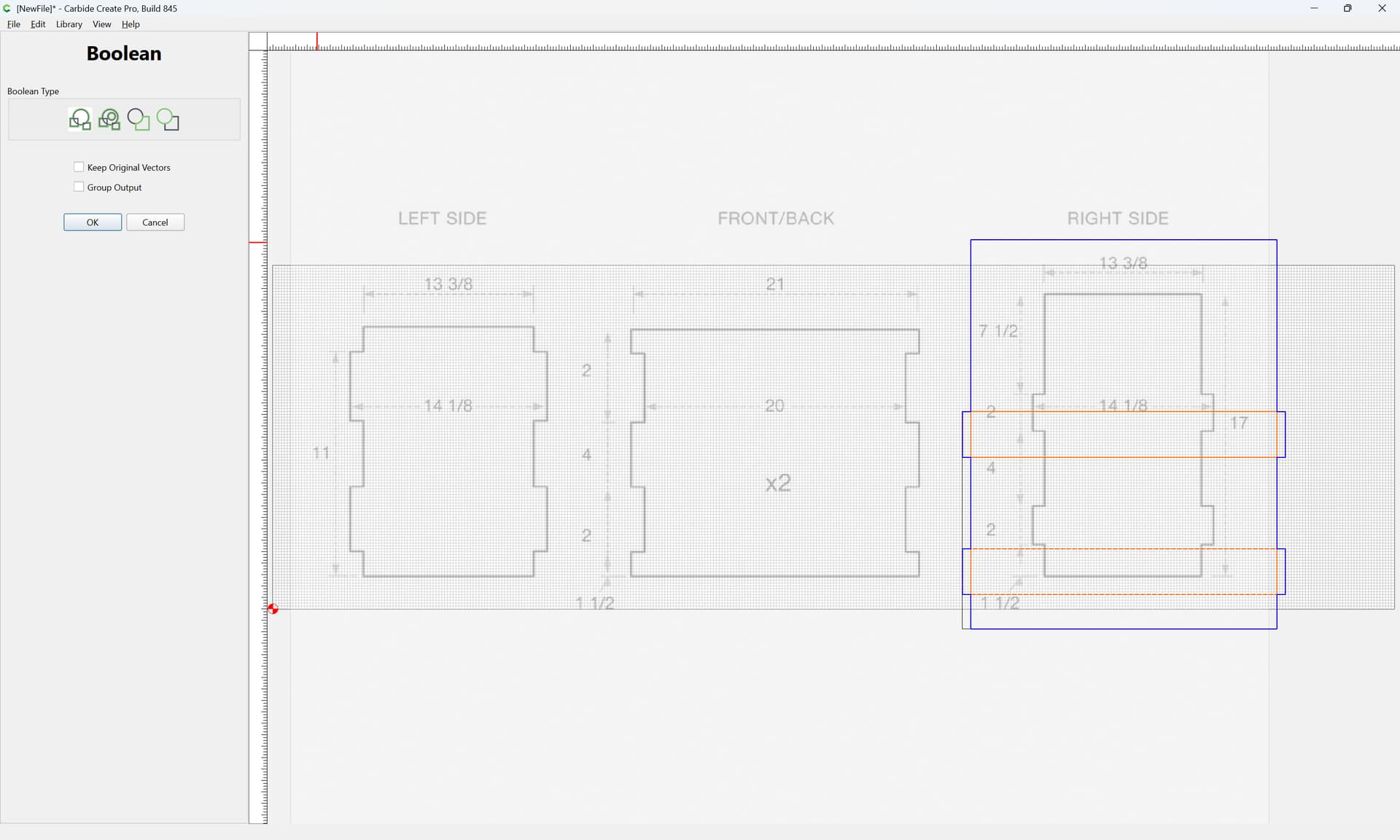
OK
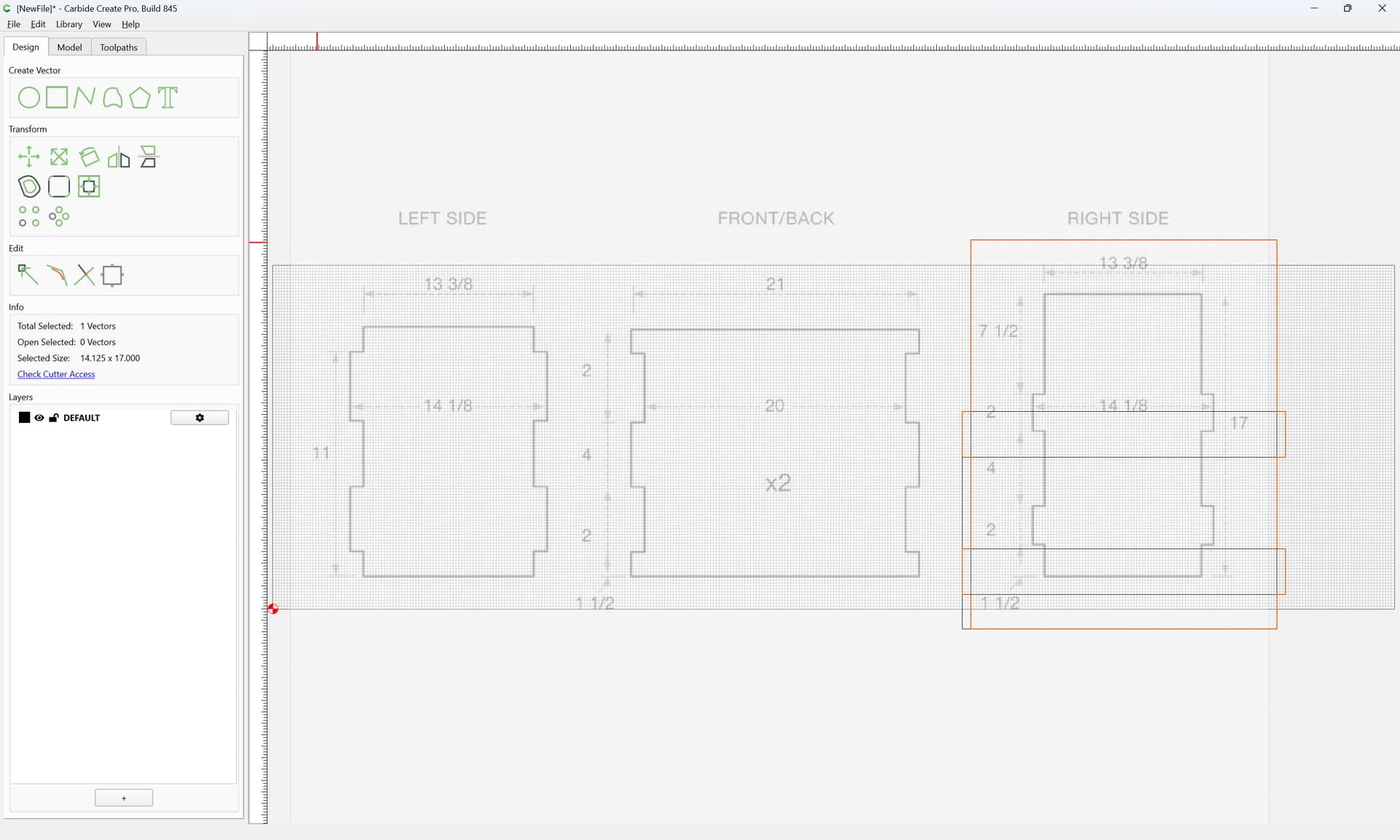
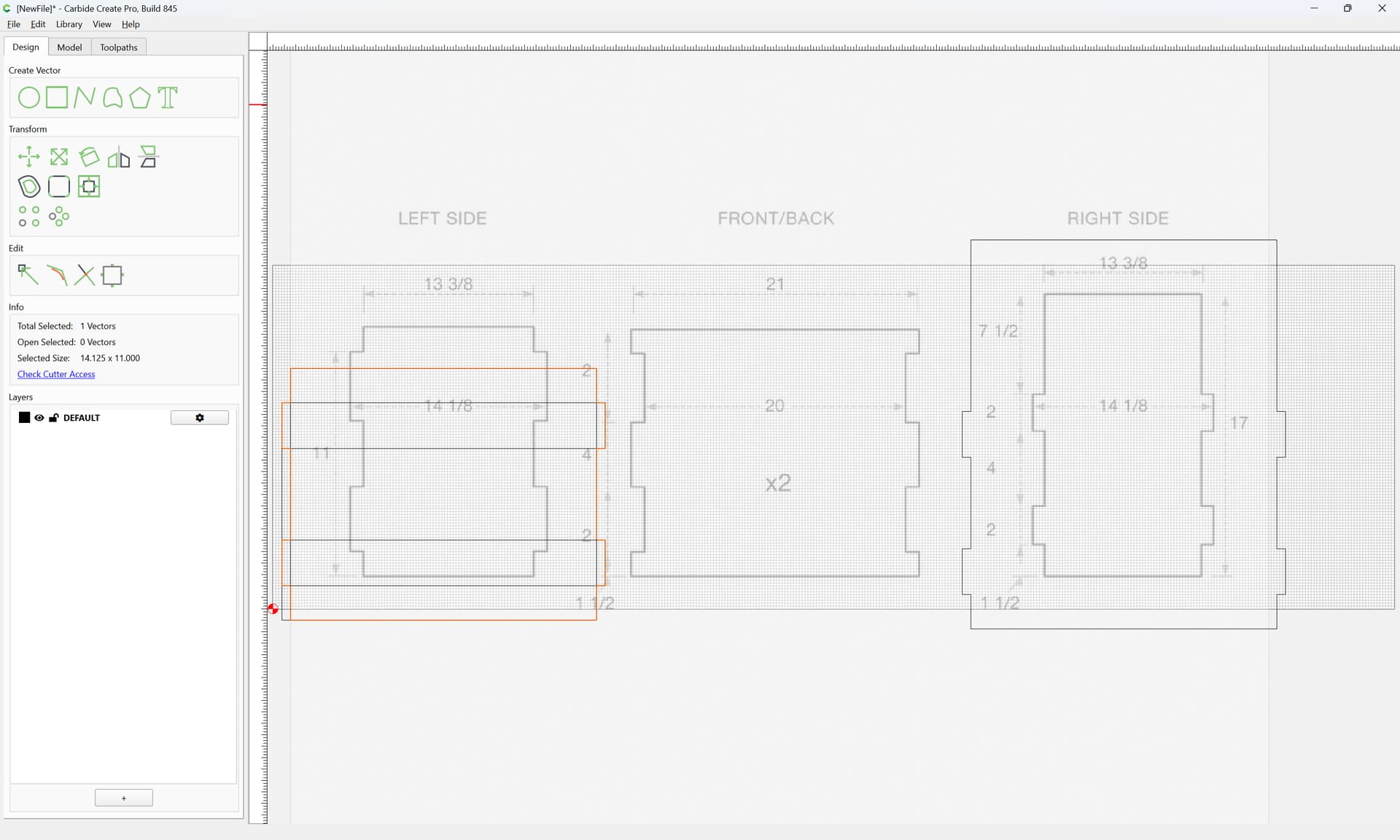
Repeat for each other part.
As one draws, correct dimensions as necessary.
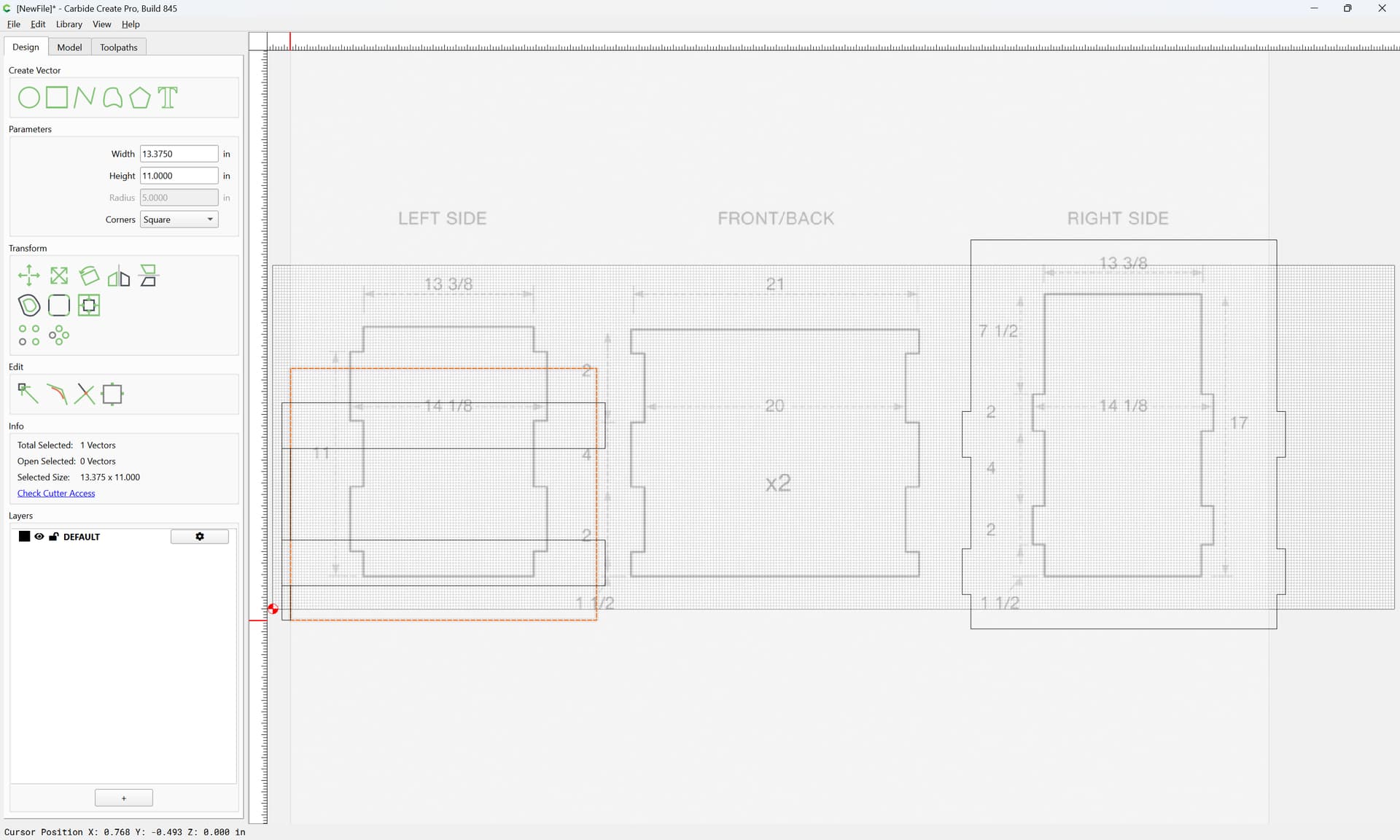
OK
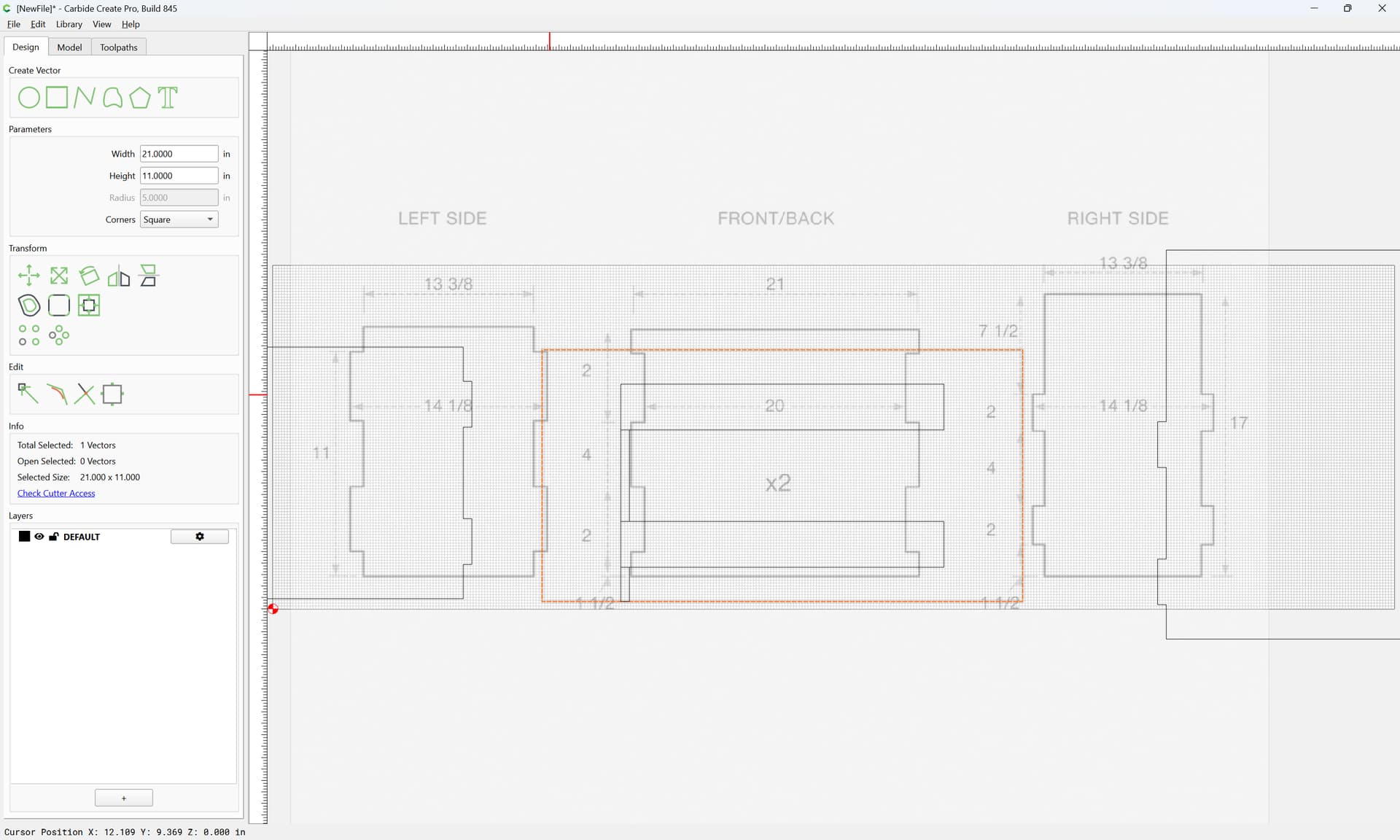
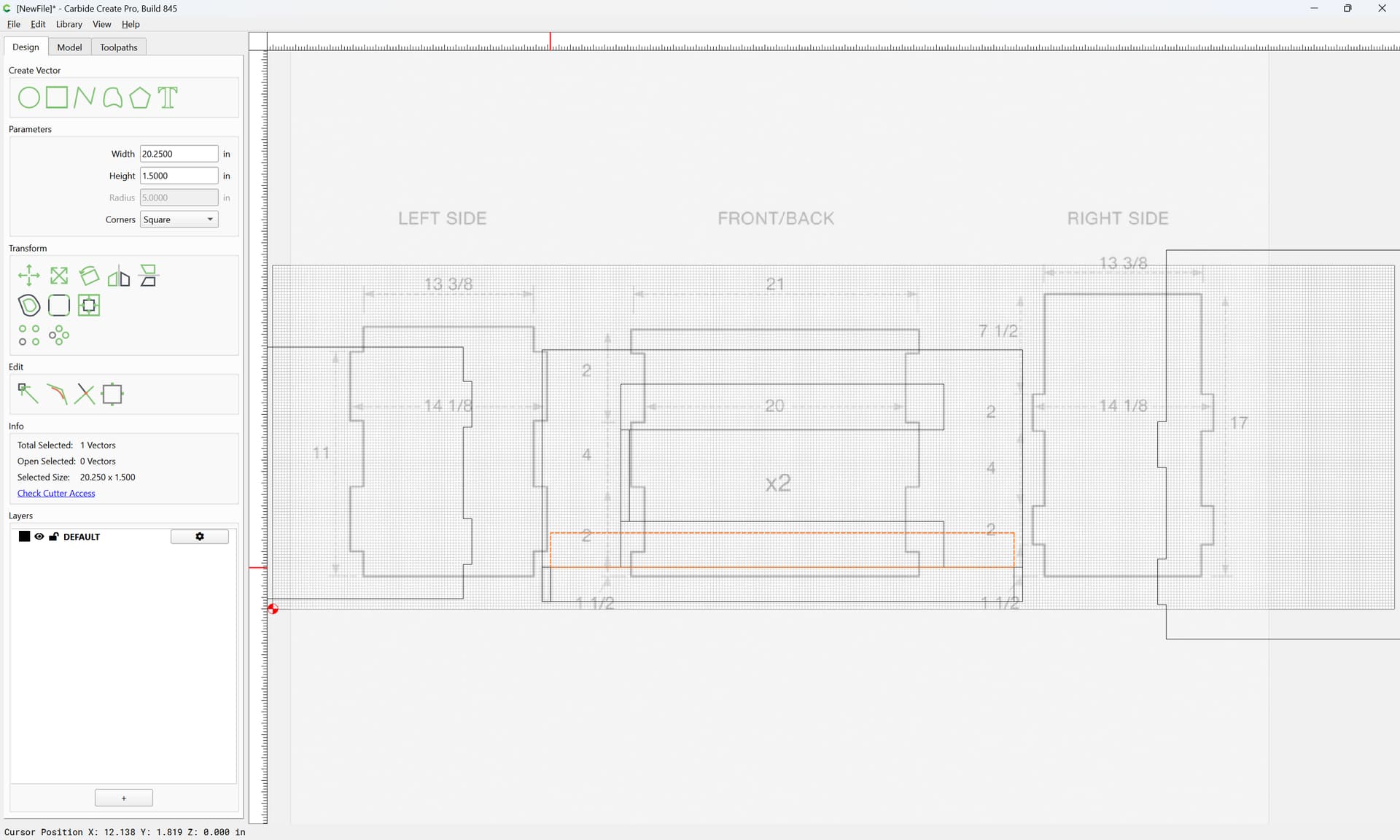
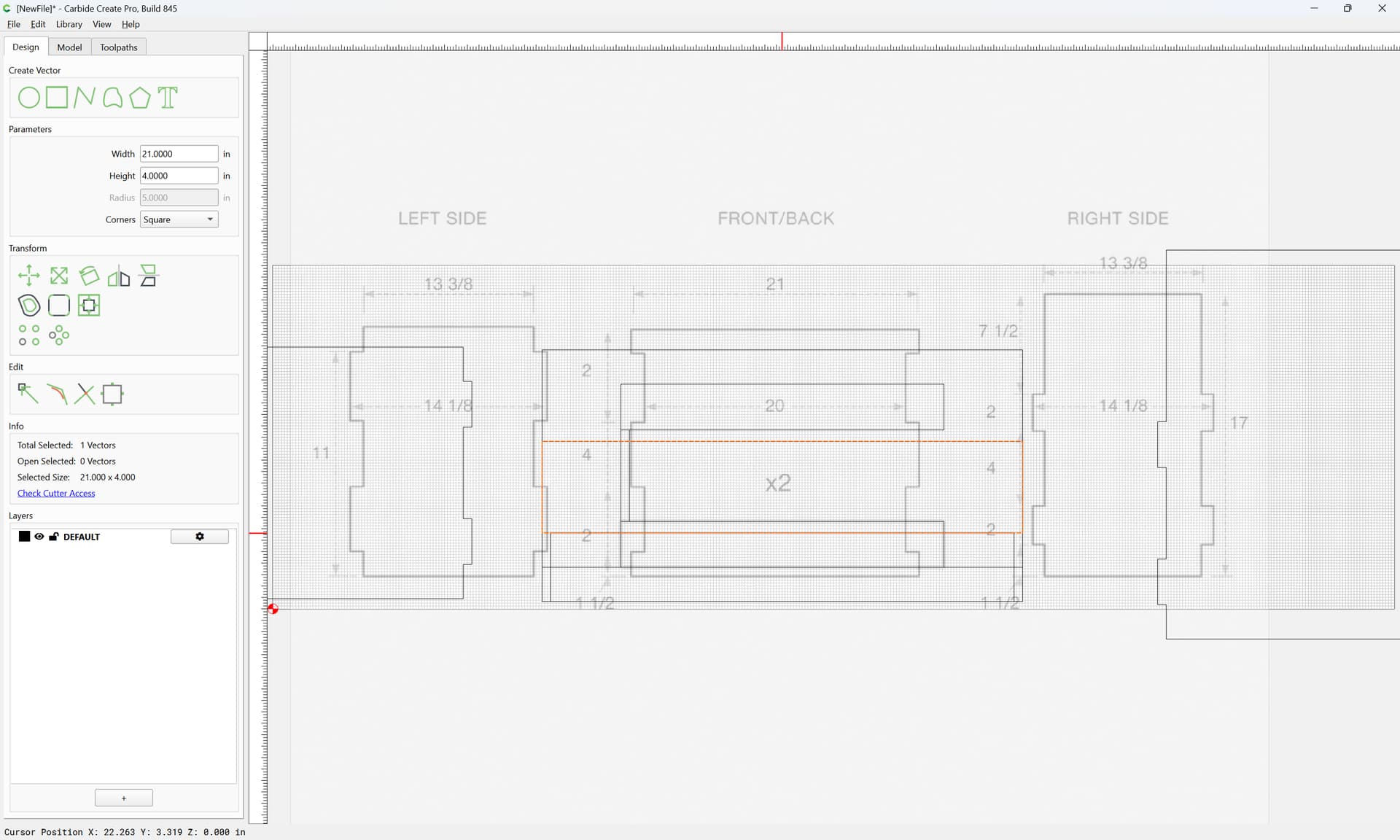
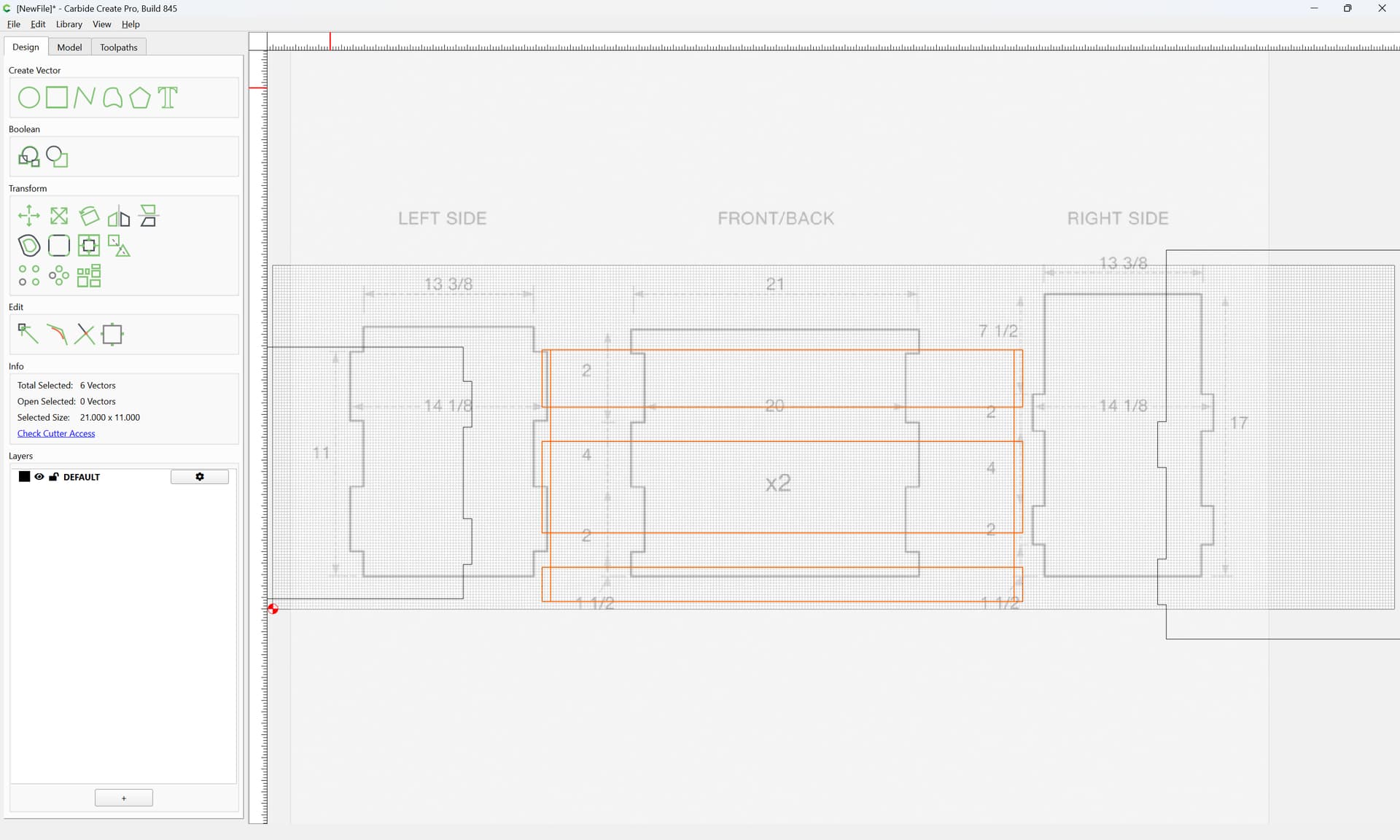
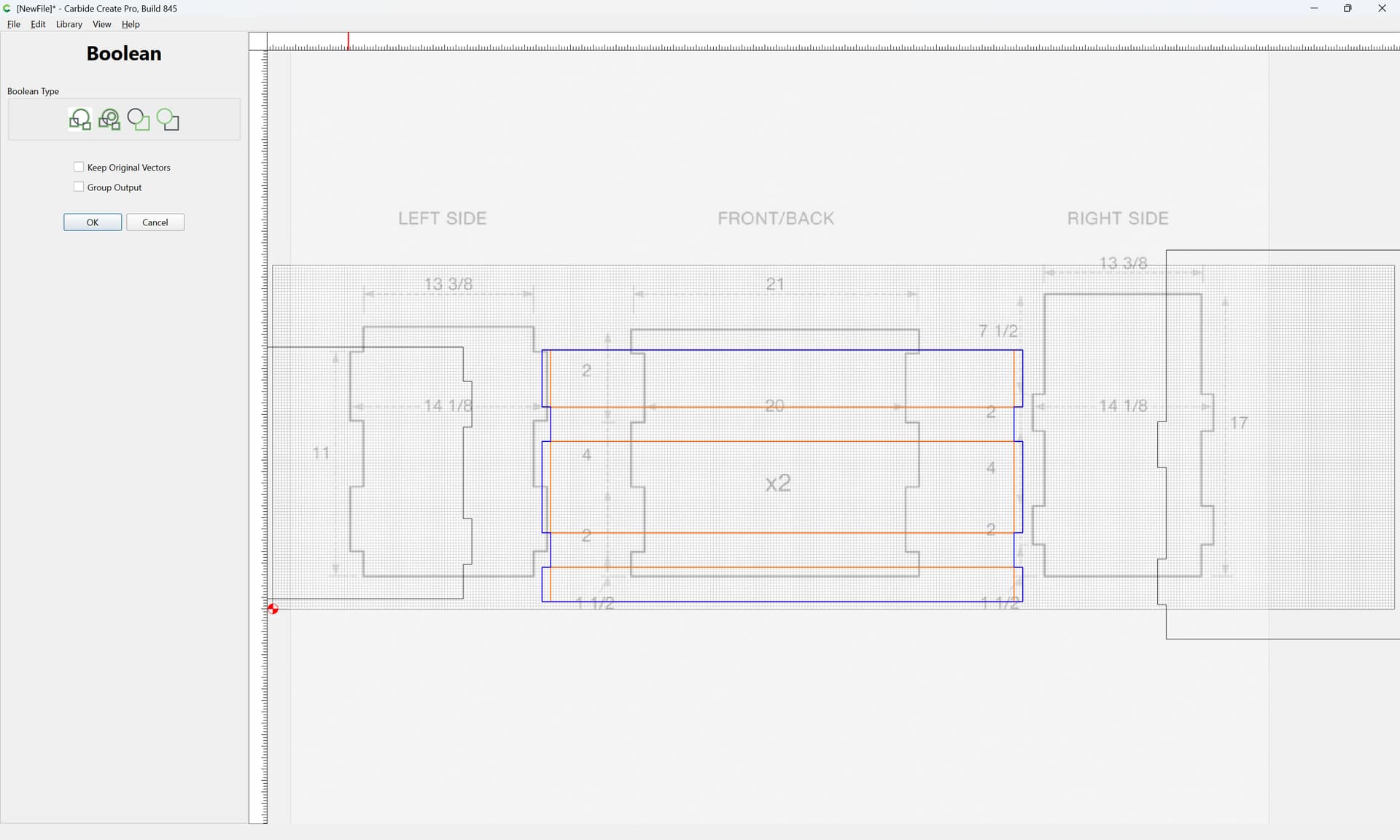
which doesn’t quite line up, so we re-draw the front/back outline:
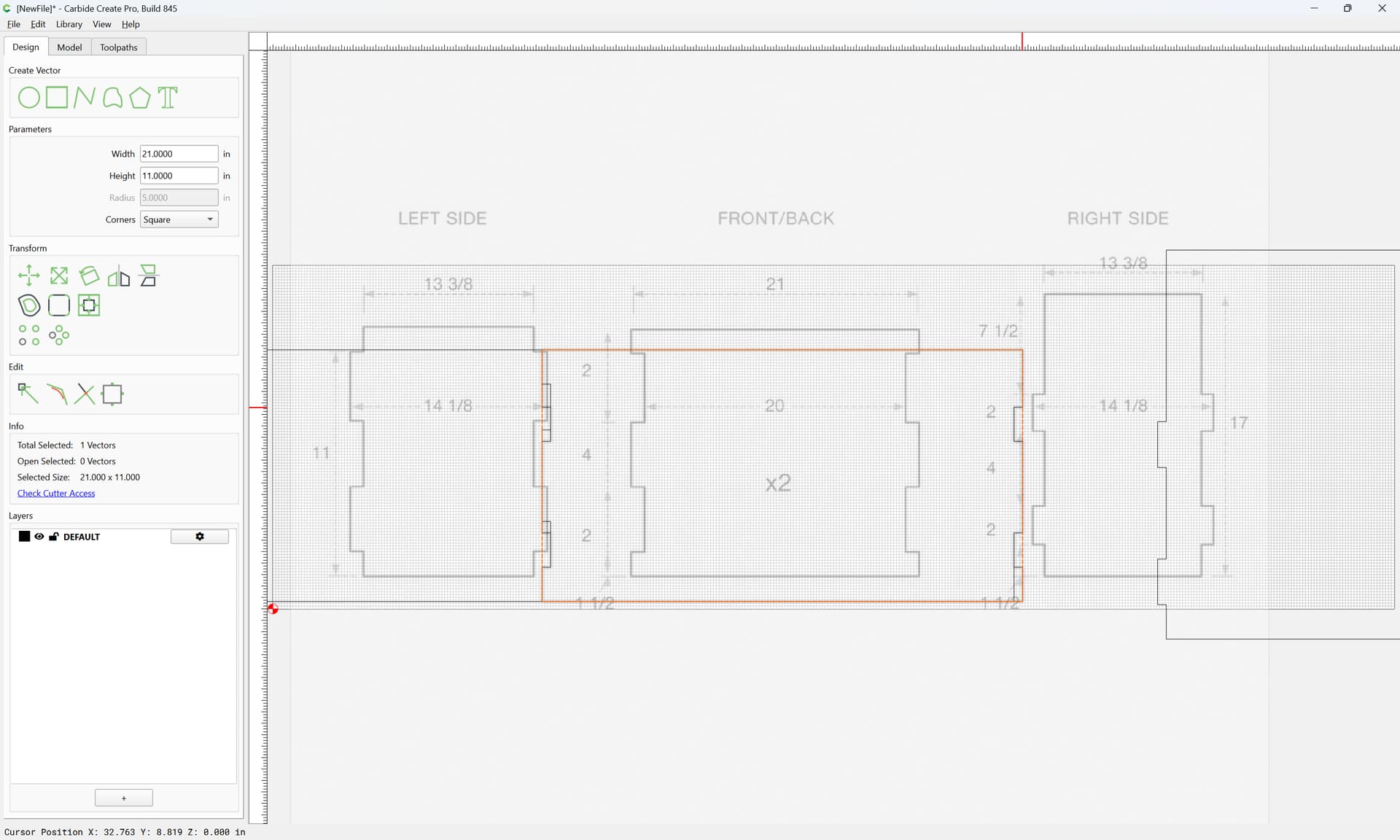
Delete the wrong construction:
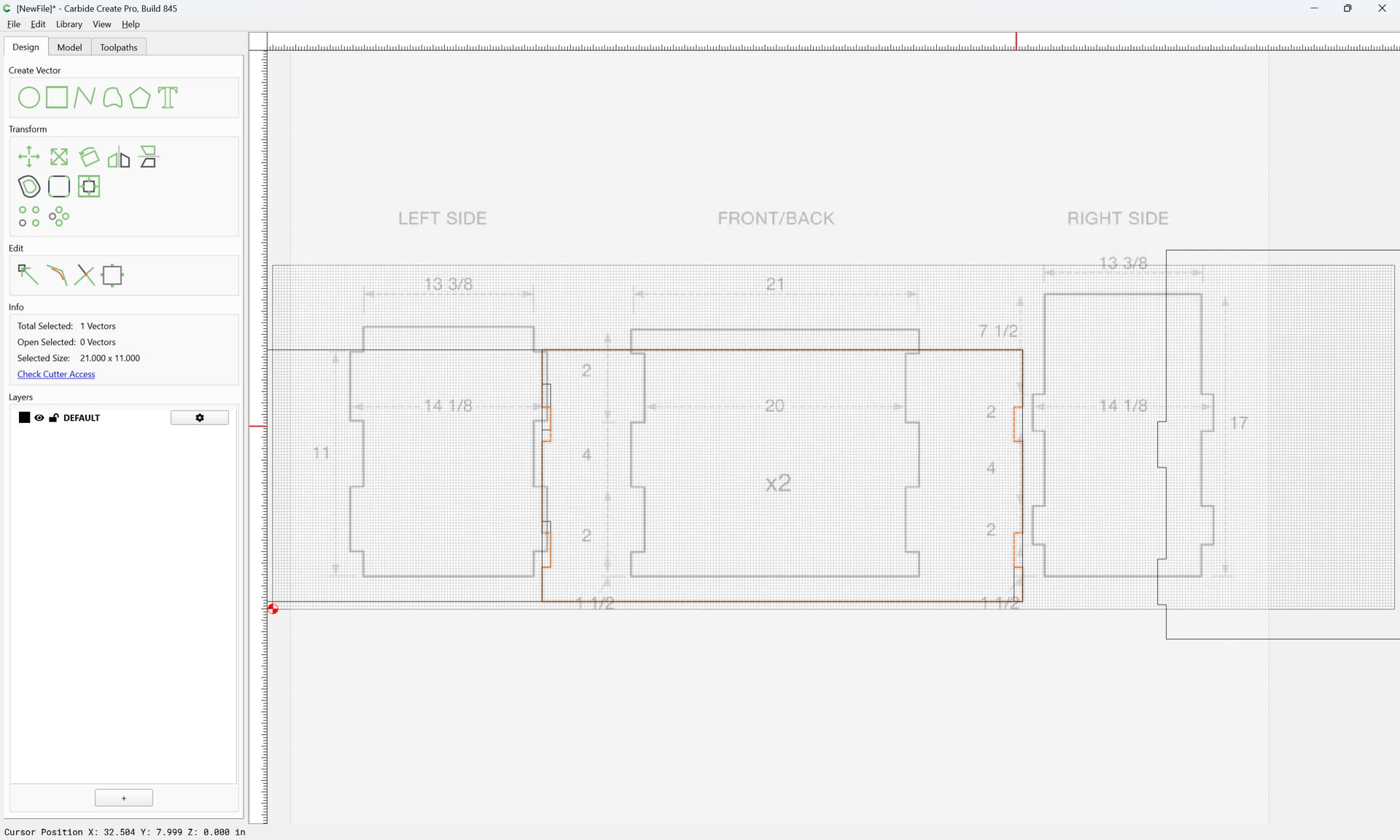
Duplicate the original:
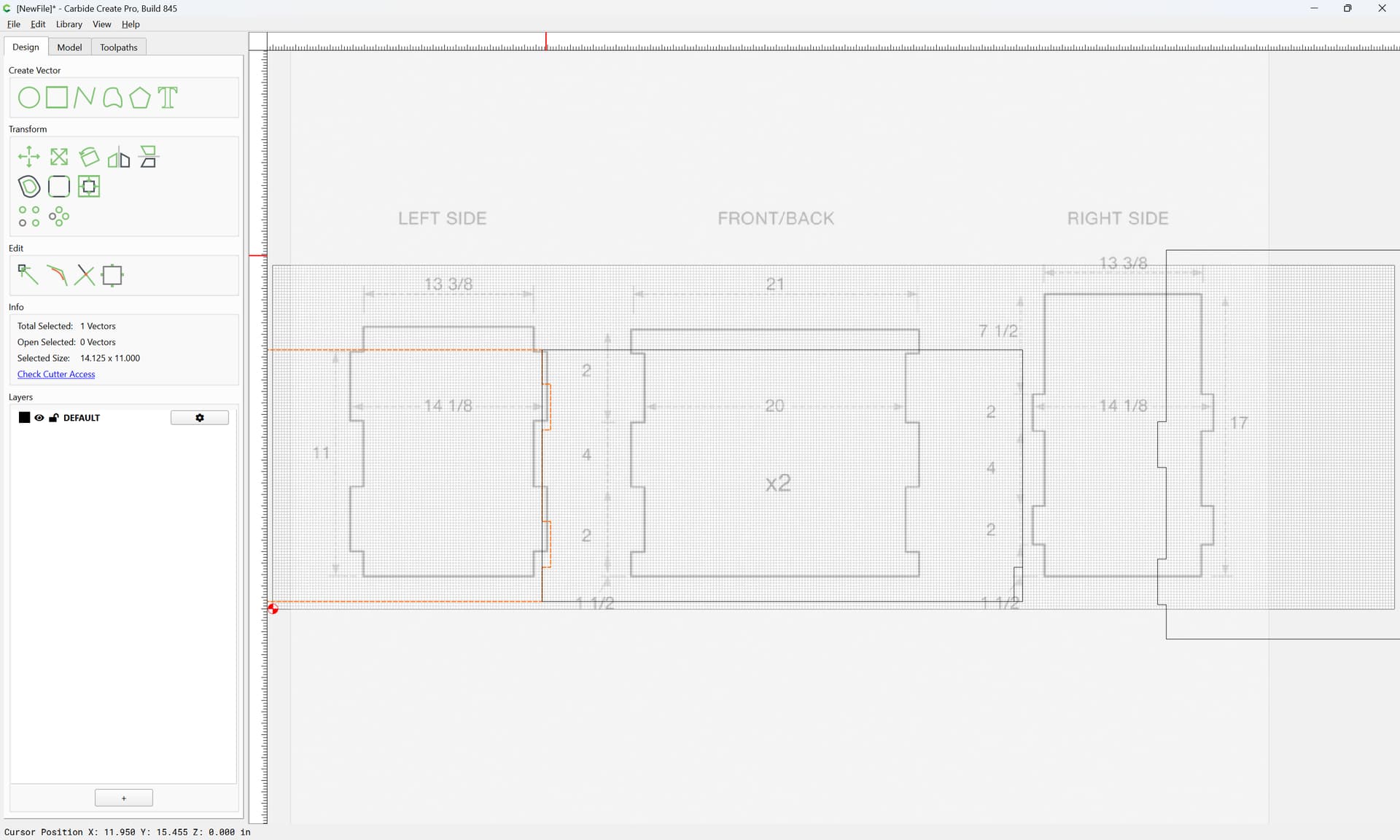
twice
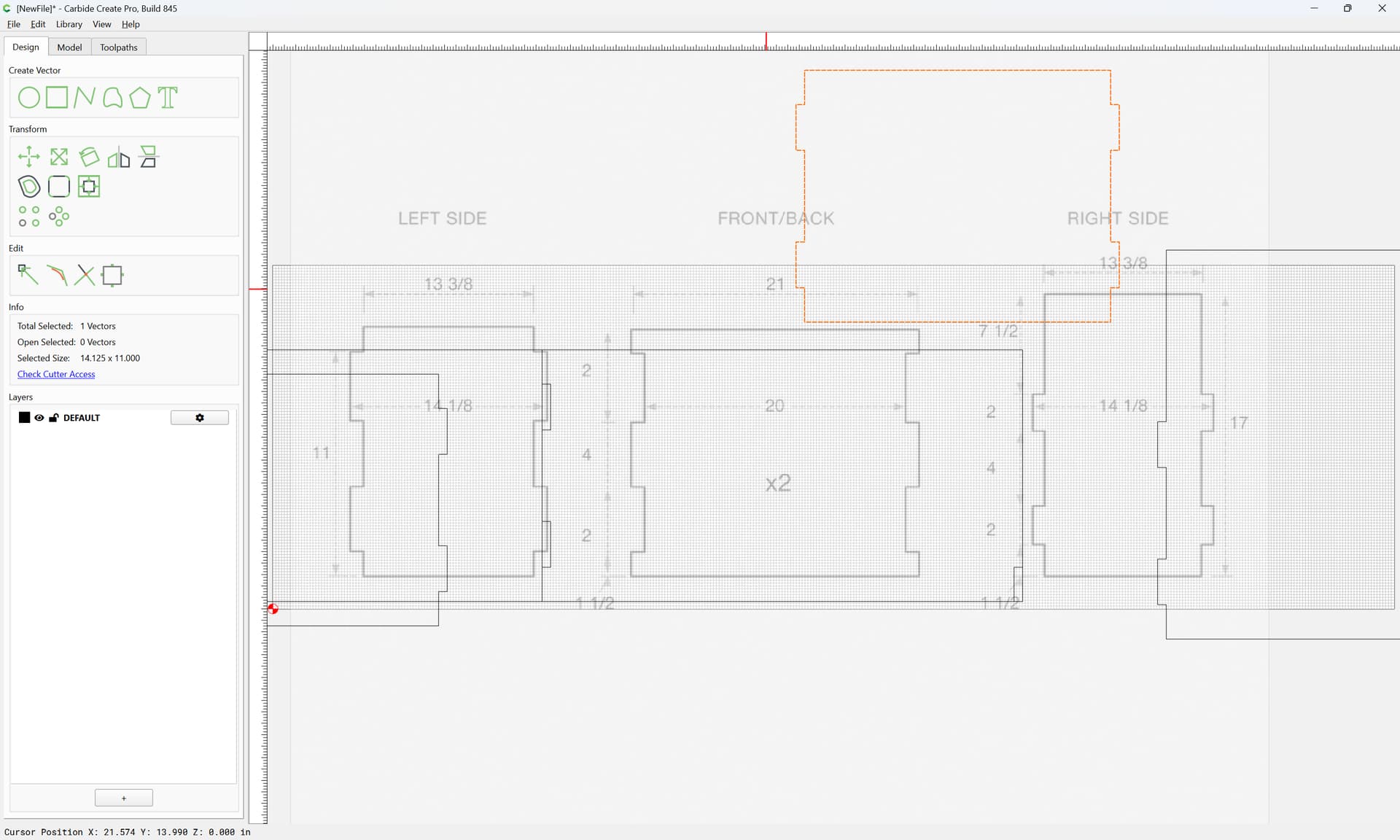
and drag both into registration:
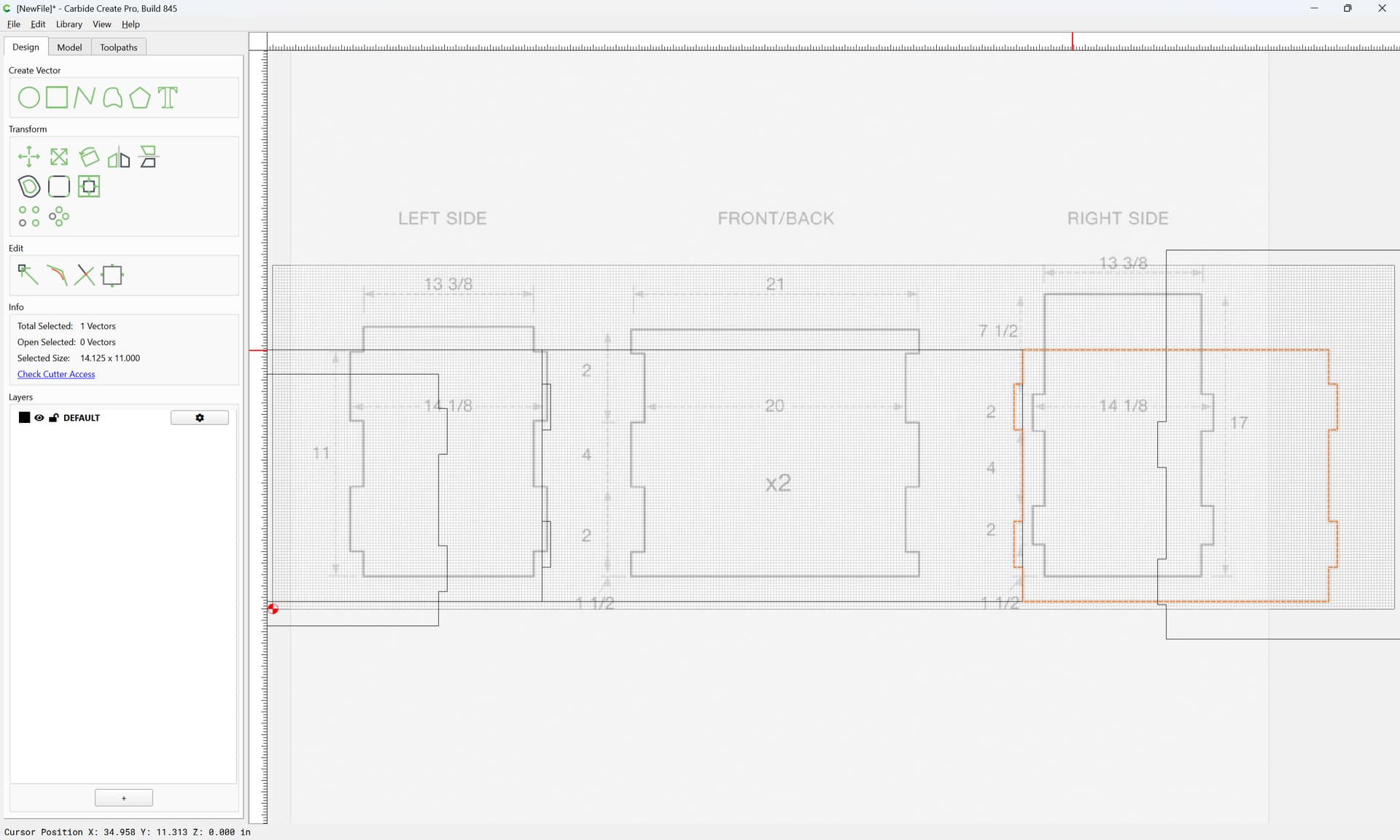
select the re-drawn geometry:
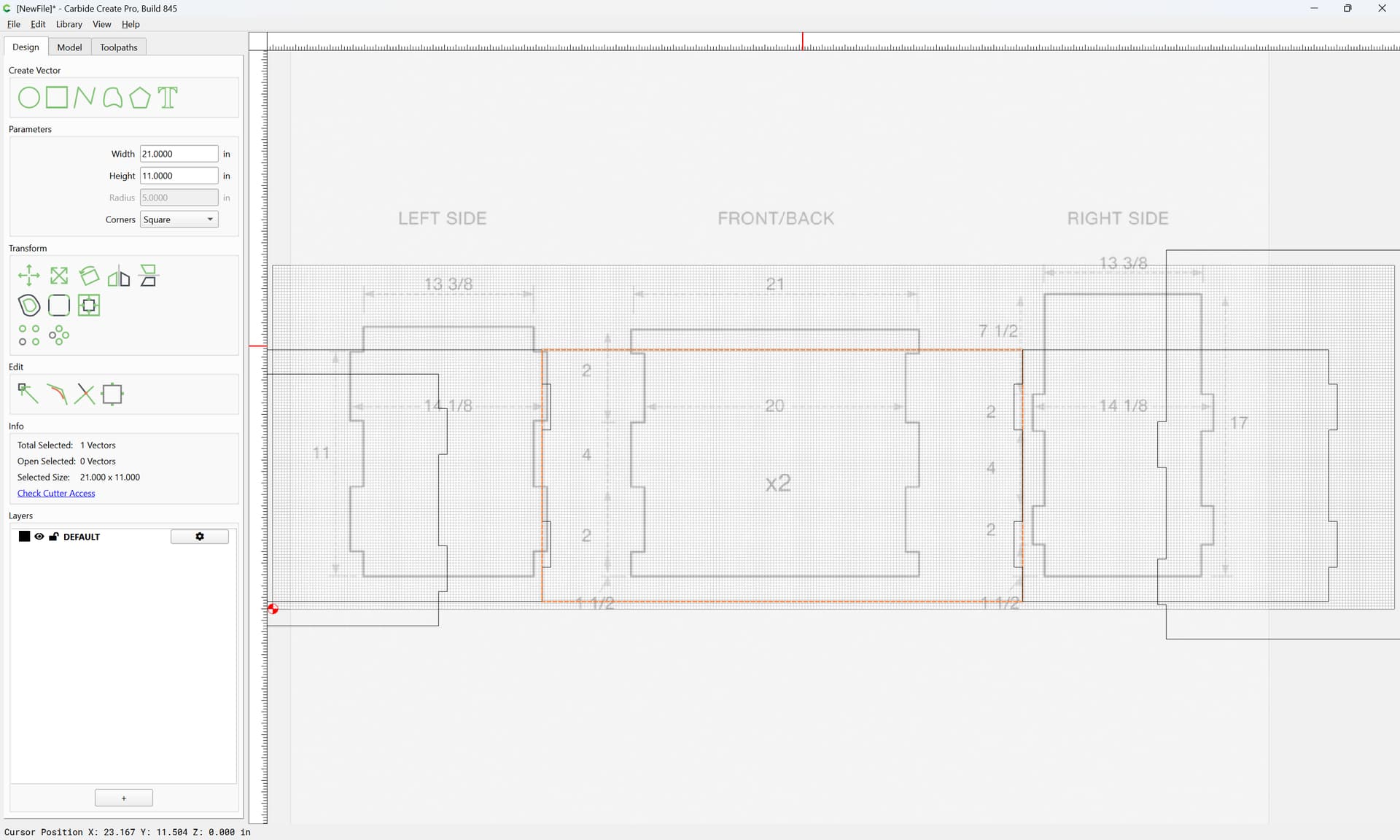
shift-click on one of the duplicates to add it to the selection as the key object (indicated by a dashed highlight)
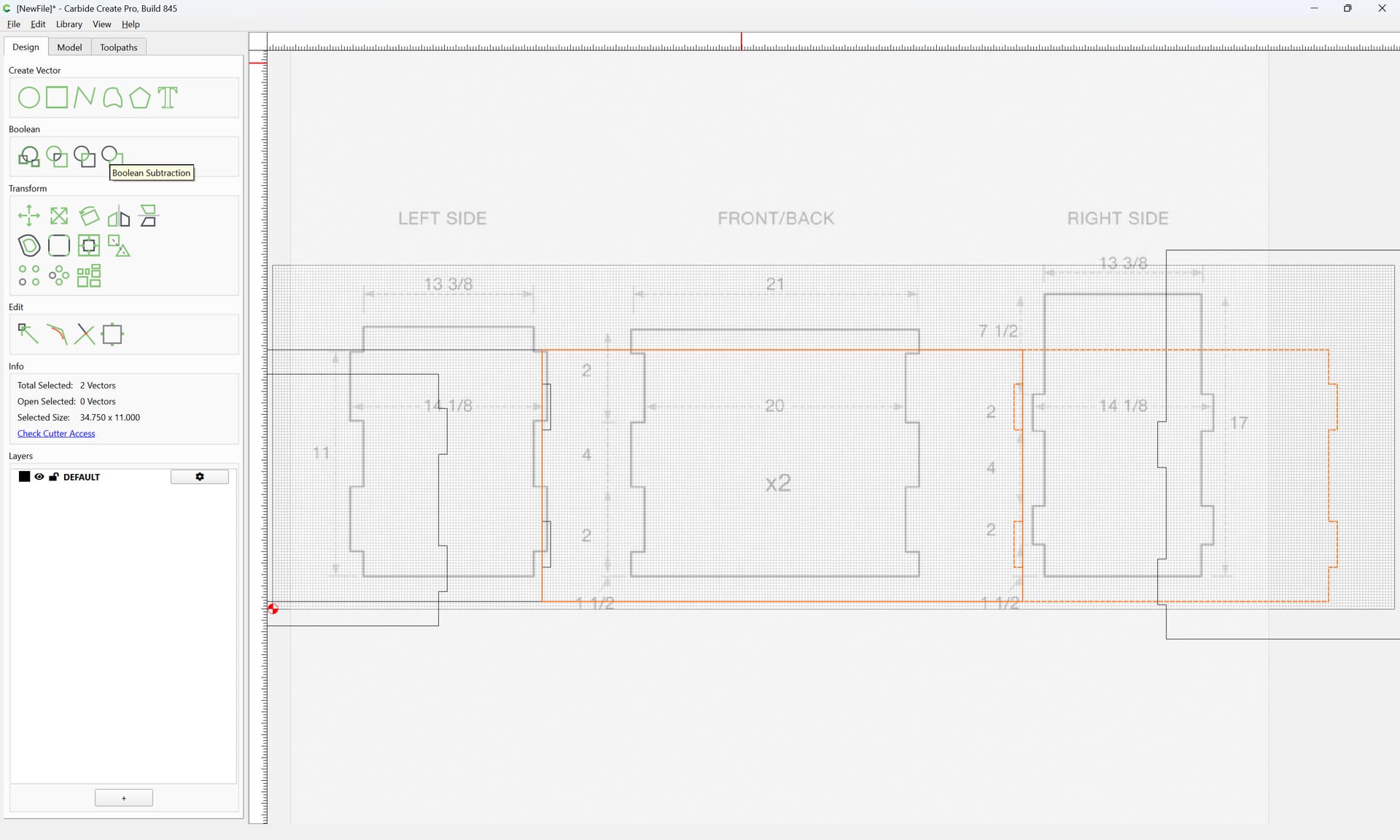
then use Boolean Subtraction:
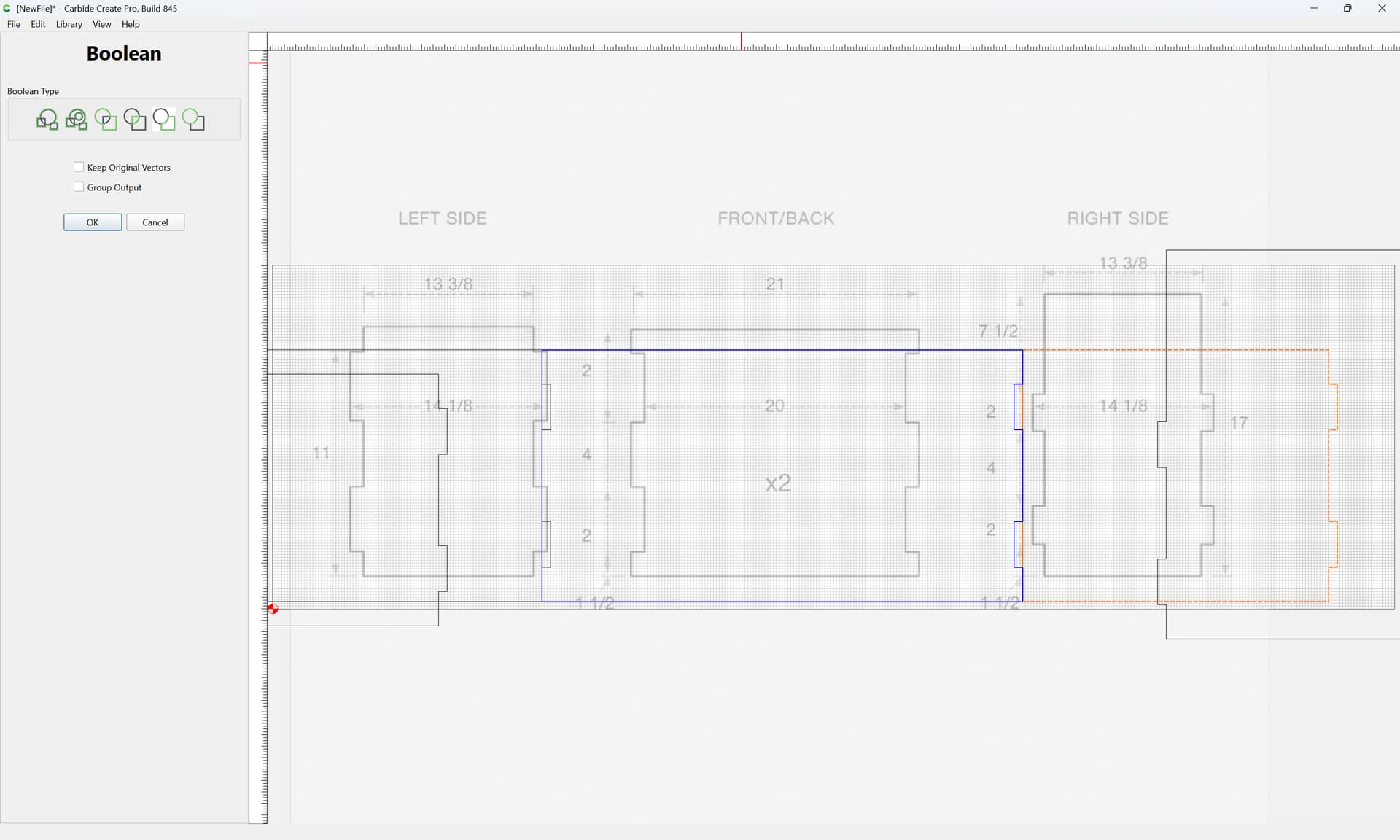
to remove what is not wanted:
OK
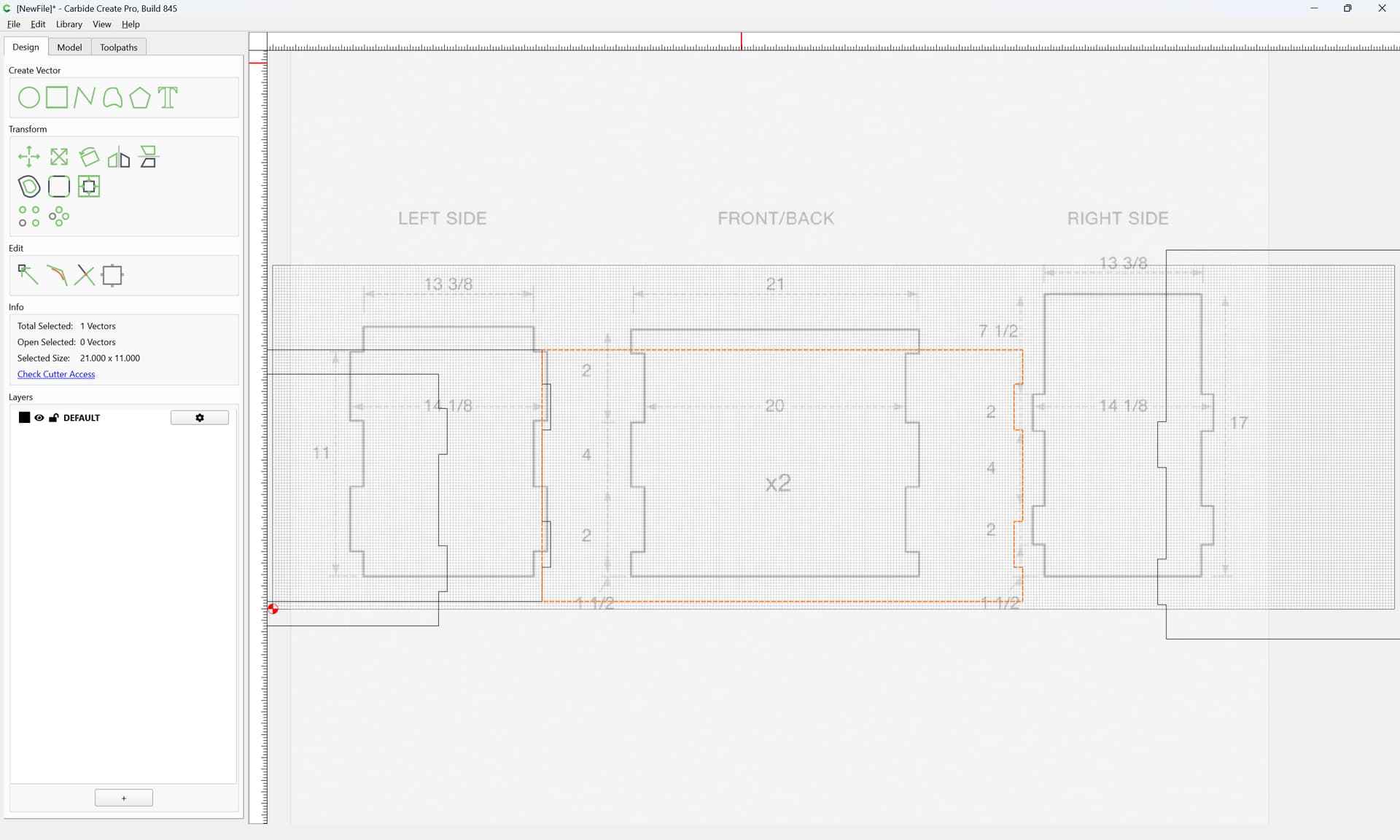
Repeat for the other side:

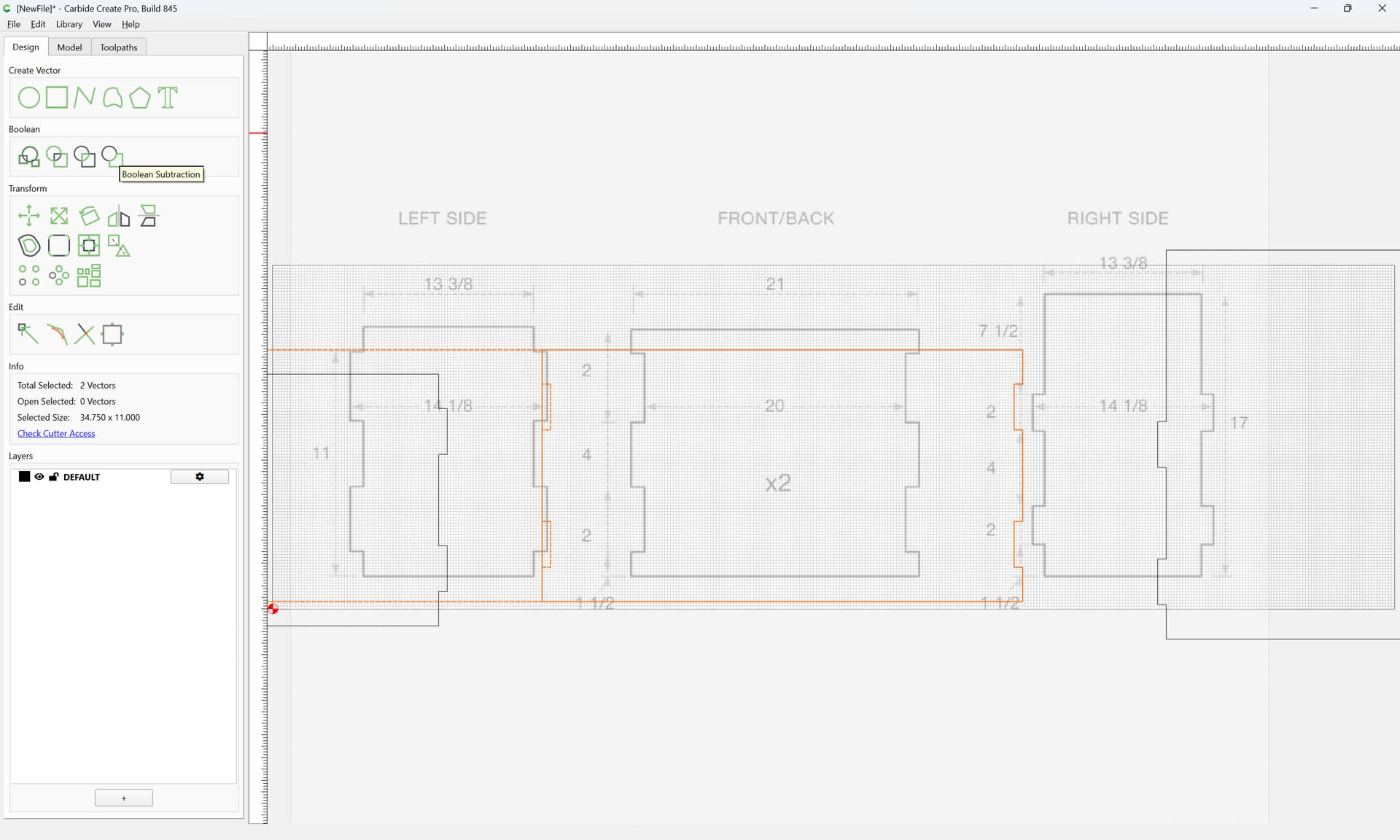
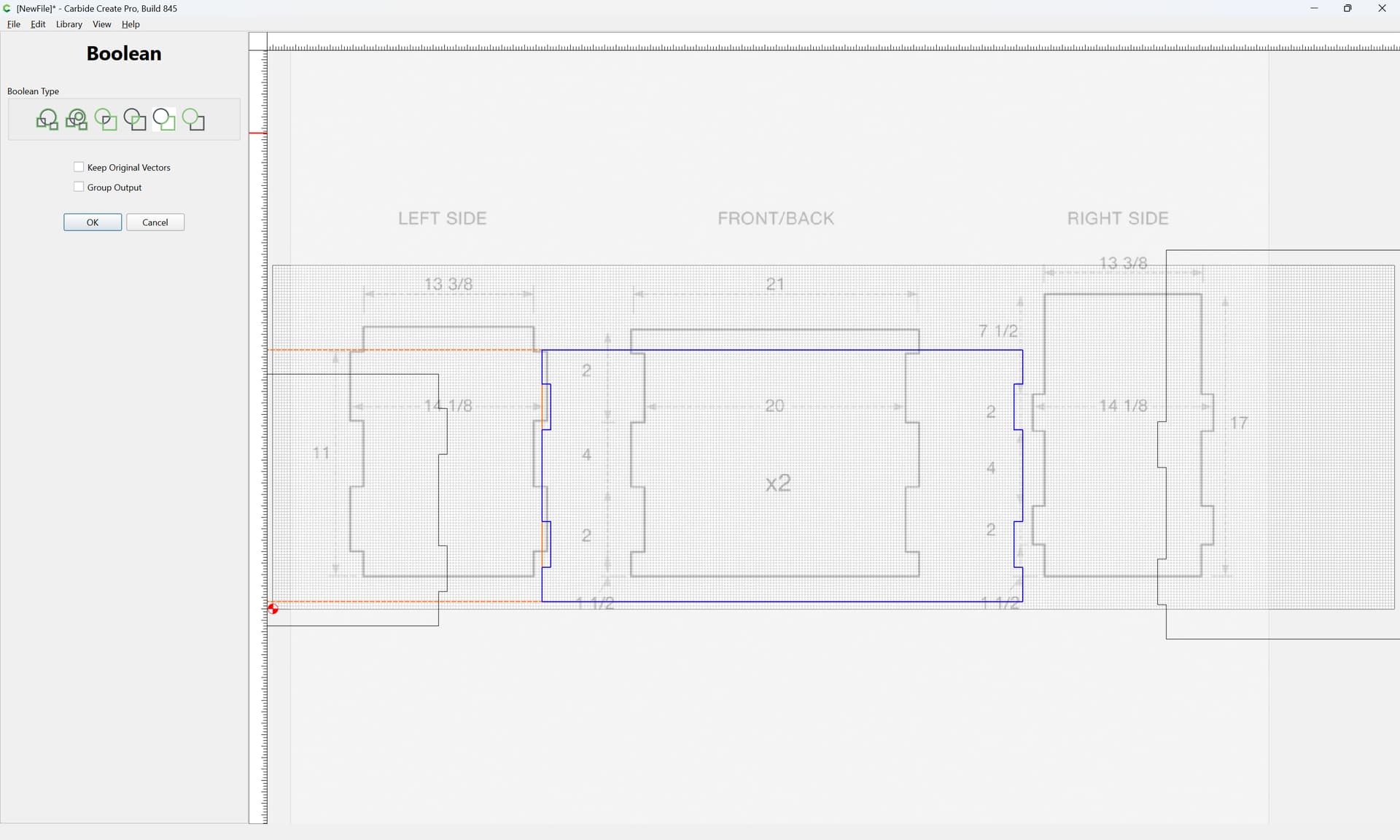
OK
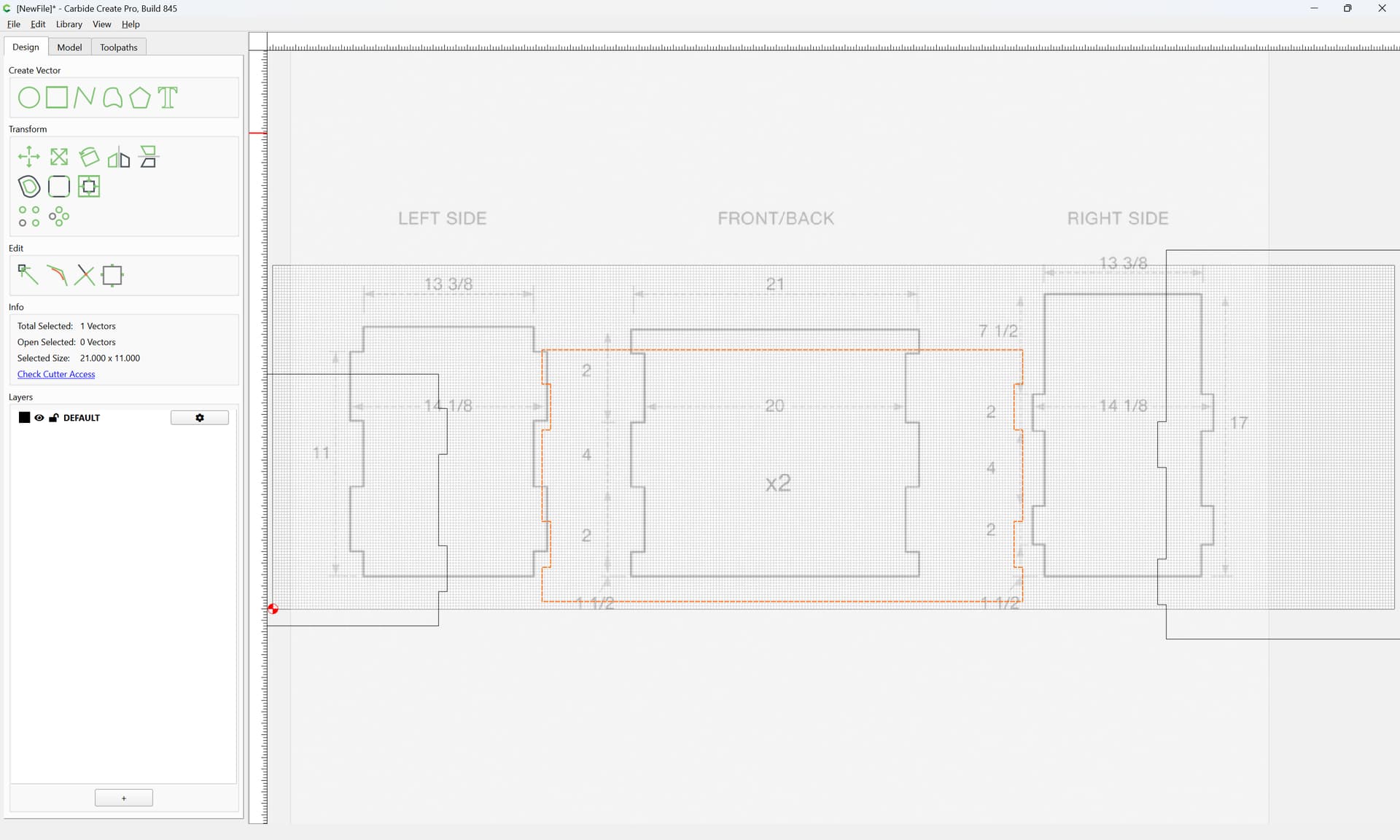
Hide the background image:
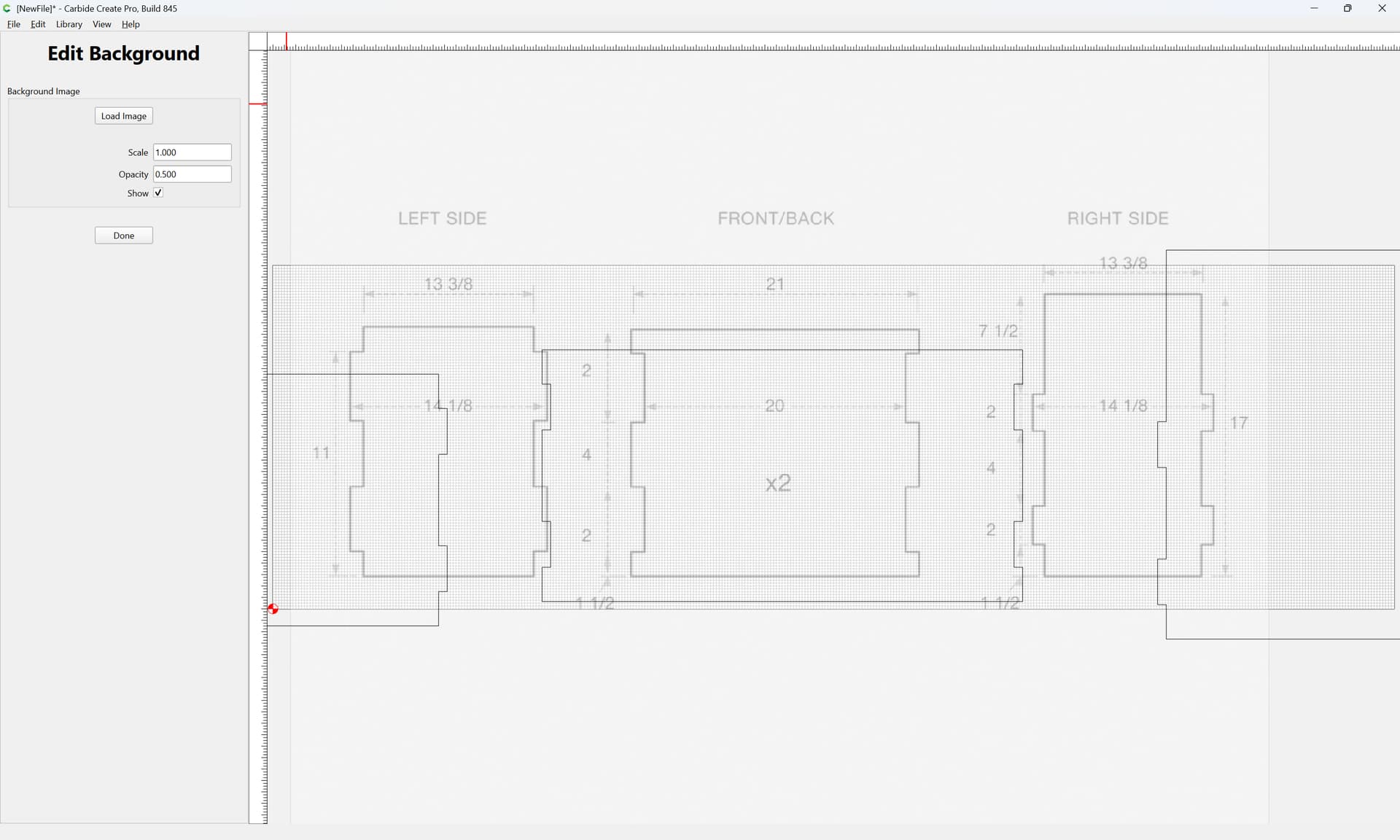
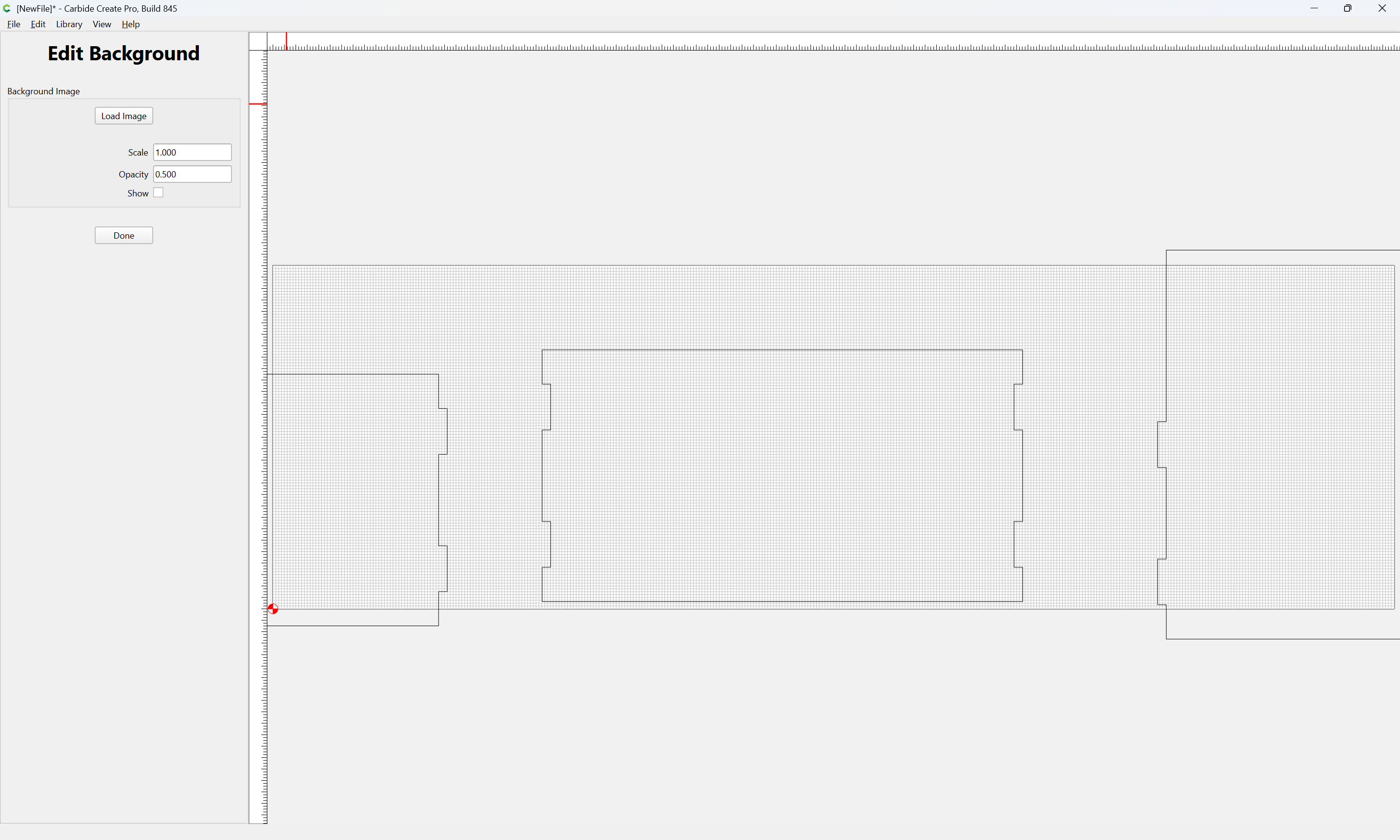
OK
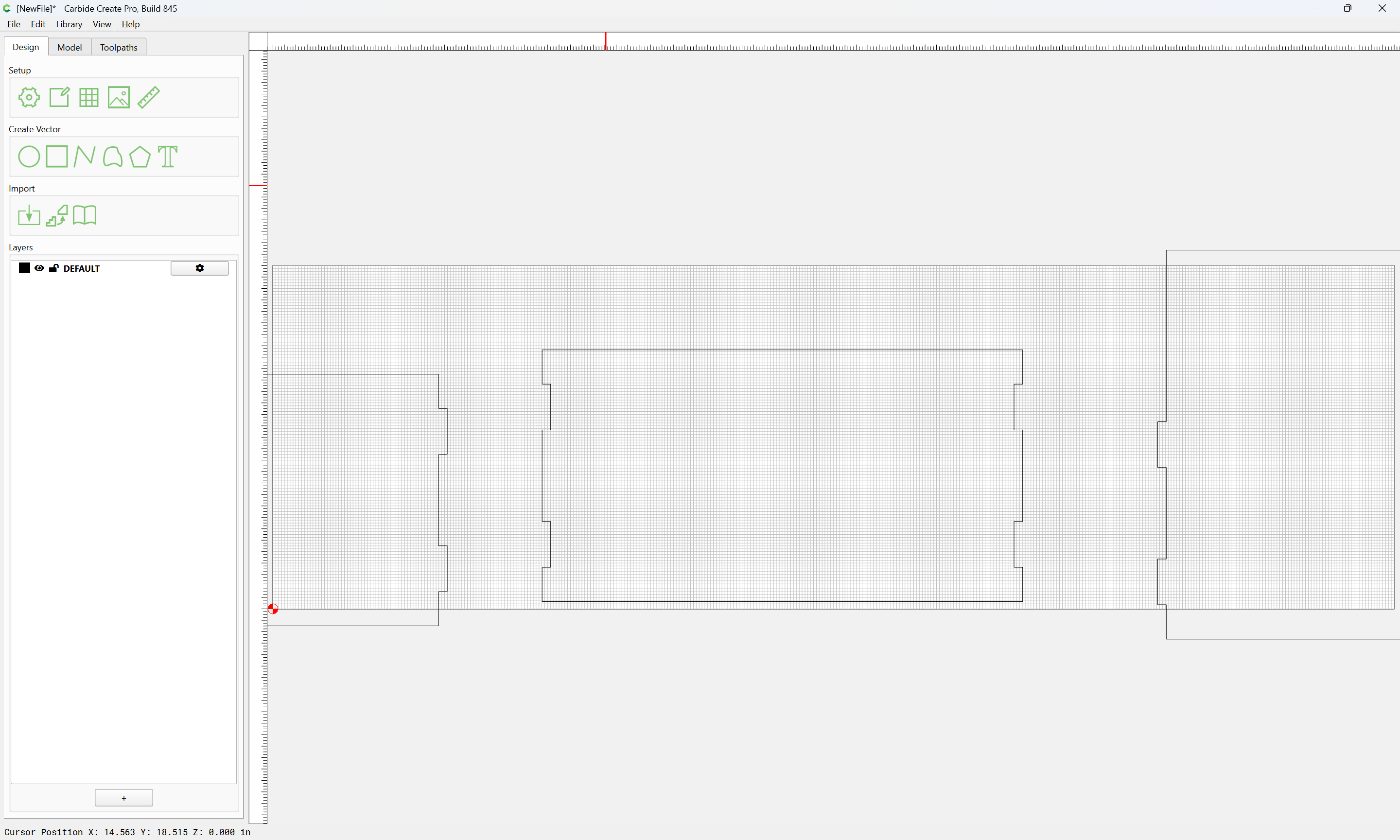
Duplicate the front/back:
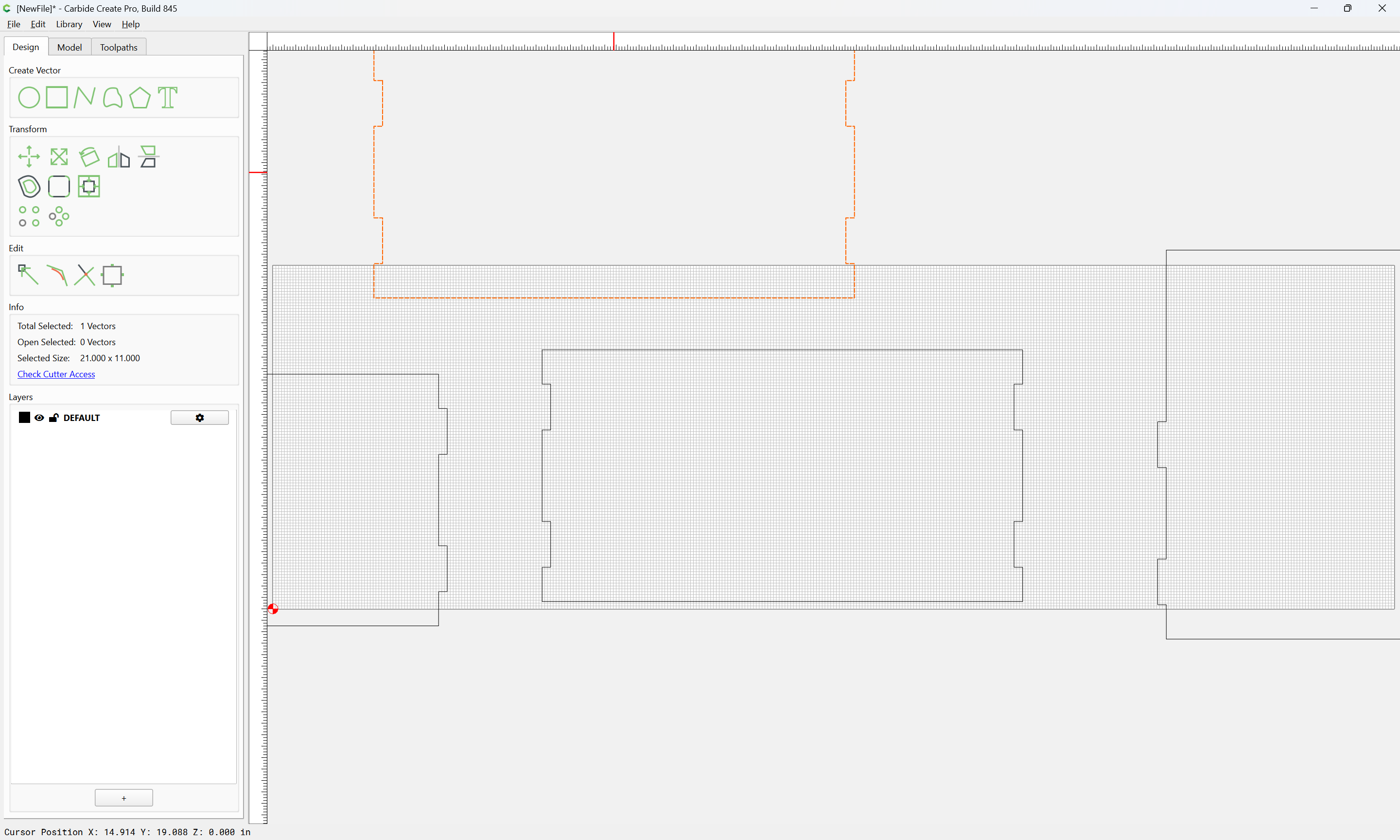
Verify that things fit as expected:
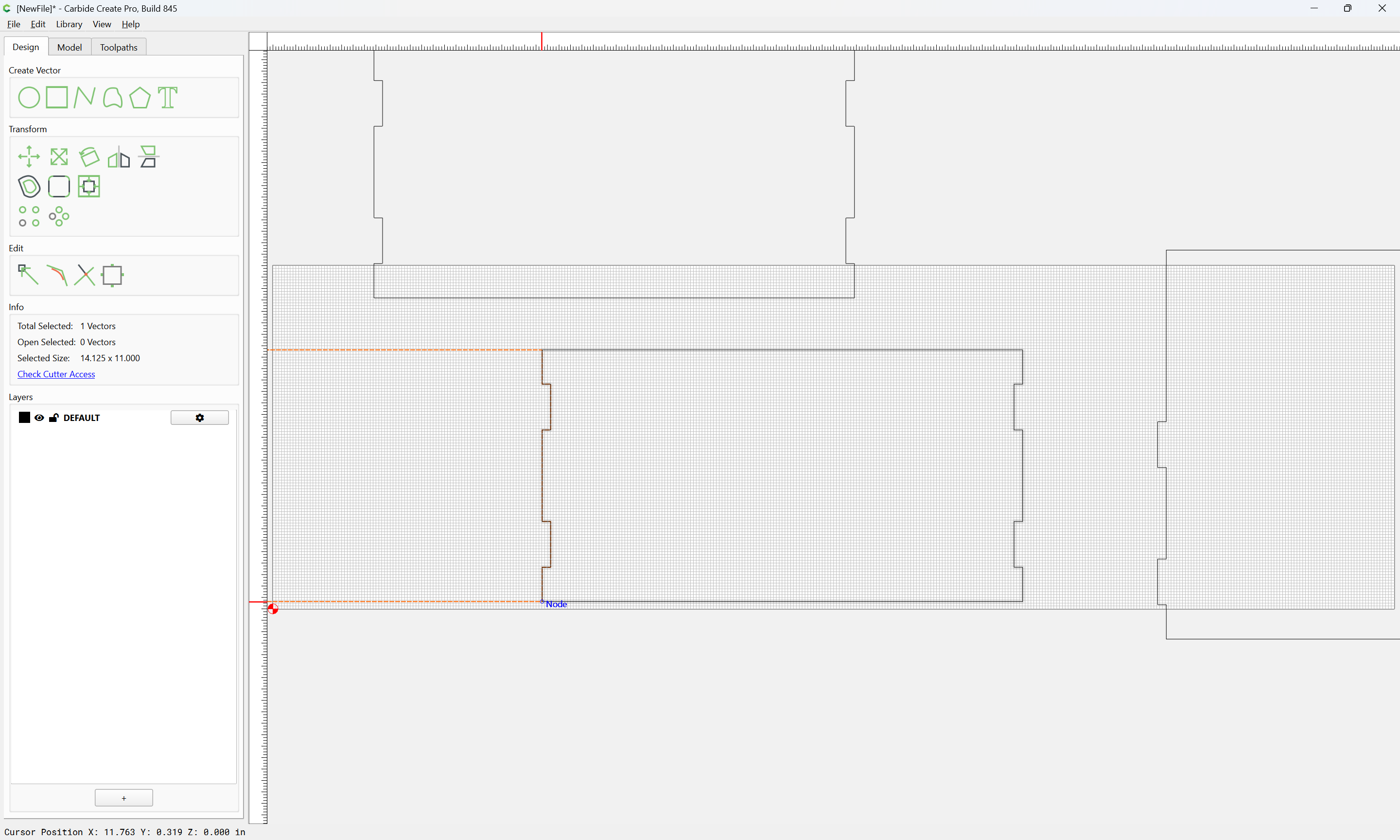
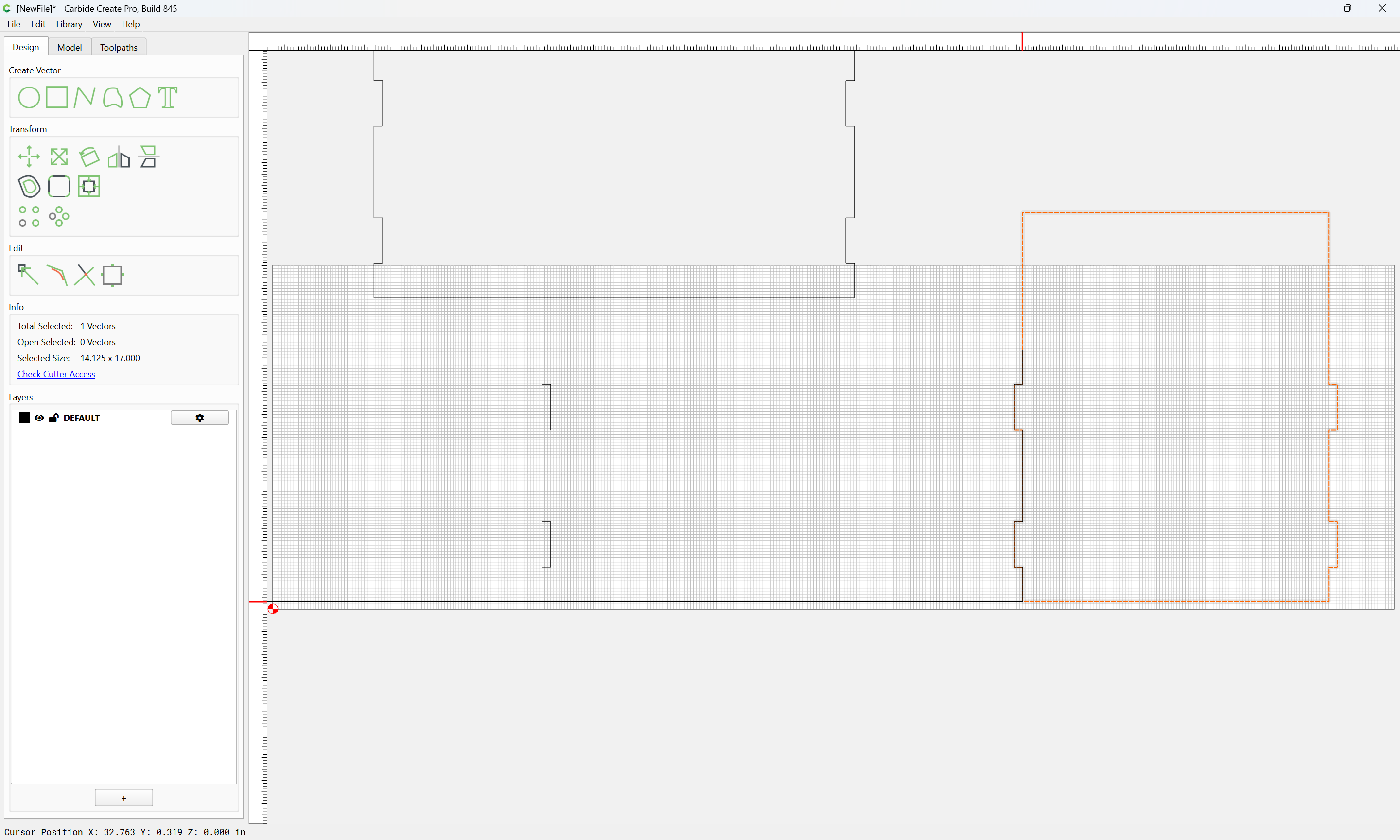
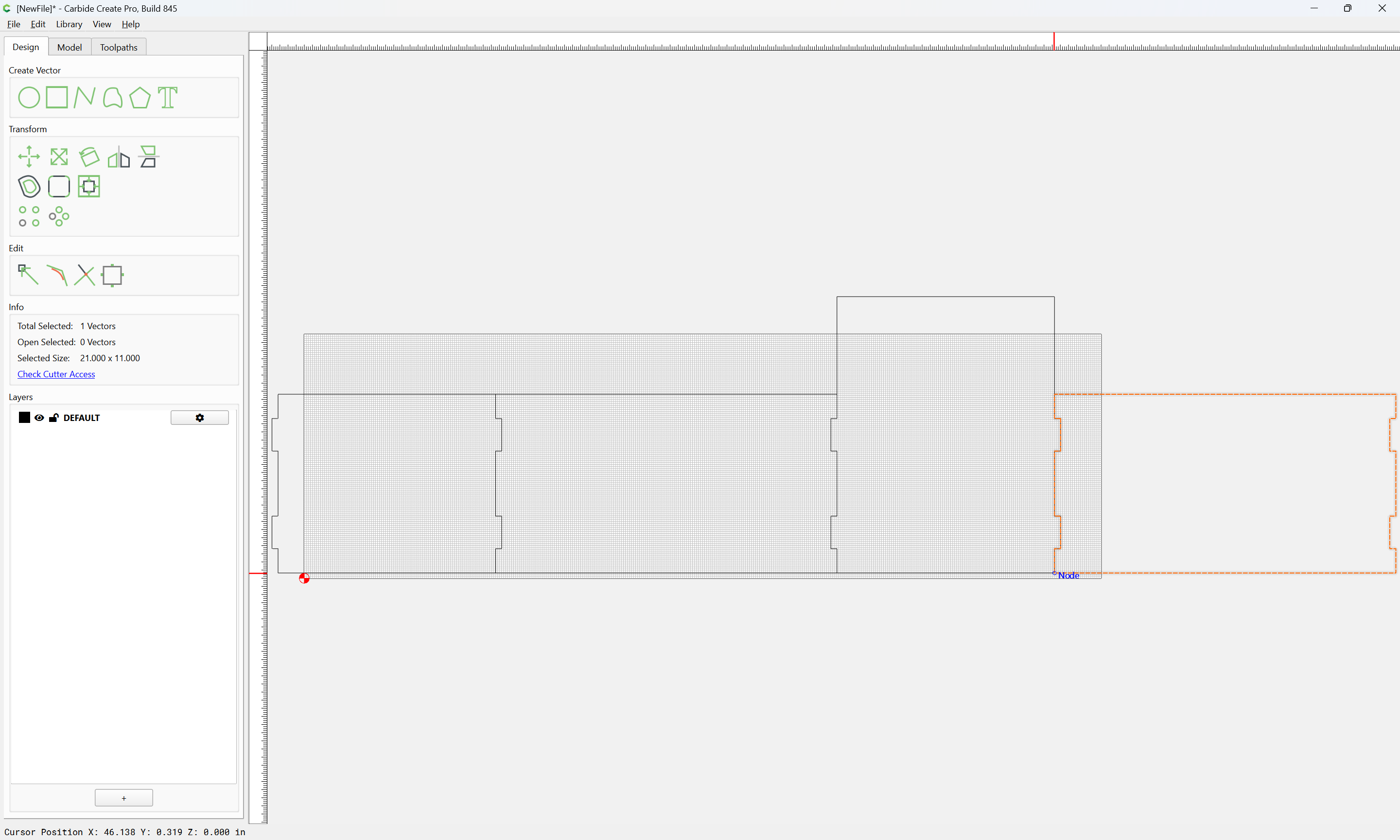
1 Like
Note that either dog bones will need to be added/subtracted, or the tops of the box joint “fingers” rounded off, see:
or, a file used to cut the internal radii square.
Attached as a v8 file.
trashcan_v8.c2d (556 KB)
2 Likes
This topic was automatically closed 30 days after the last reply. New replies are no longer allowed.