In the Aggrevation board, in simulation (and actual cutting) an extraneous hole is drilled diagonally left and down from the letter “n” in Van. Nothing can be seen or selected in that area of the board in the Design mode. Note I have reduced the selected bit diameter to 1/4-inch for the holes to show them as different from the depicted designed holes. How can I eliminate this extraneous hole that I can’t find?
Aggrevation 16by16 pt5 bowl bit.c2d (488 KB)
Edit the toolpaths and select the associated vectors?
In toolpaths mode of Create, when I select the “holes” toolpath and select “Edit Operation” I cannot select the extraneous hole - just chage bit parameters.
In the Design mode when I choose the layer with the holes, the extraneous hole does not show and cannot be selected.
It will be a piece of geometry centered on where the hole is which is associated with a drill toolpath.
1 Like
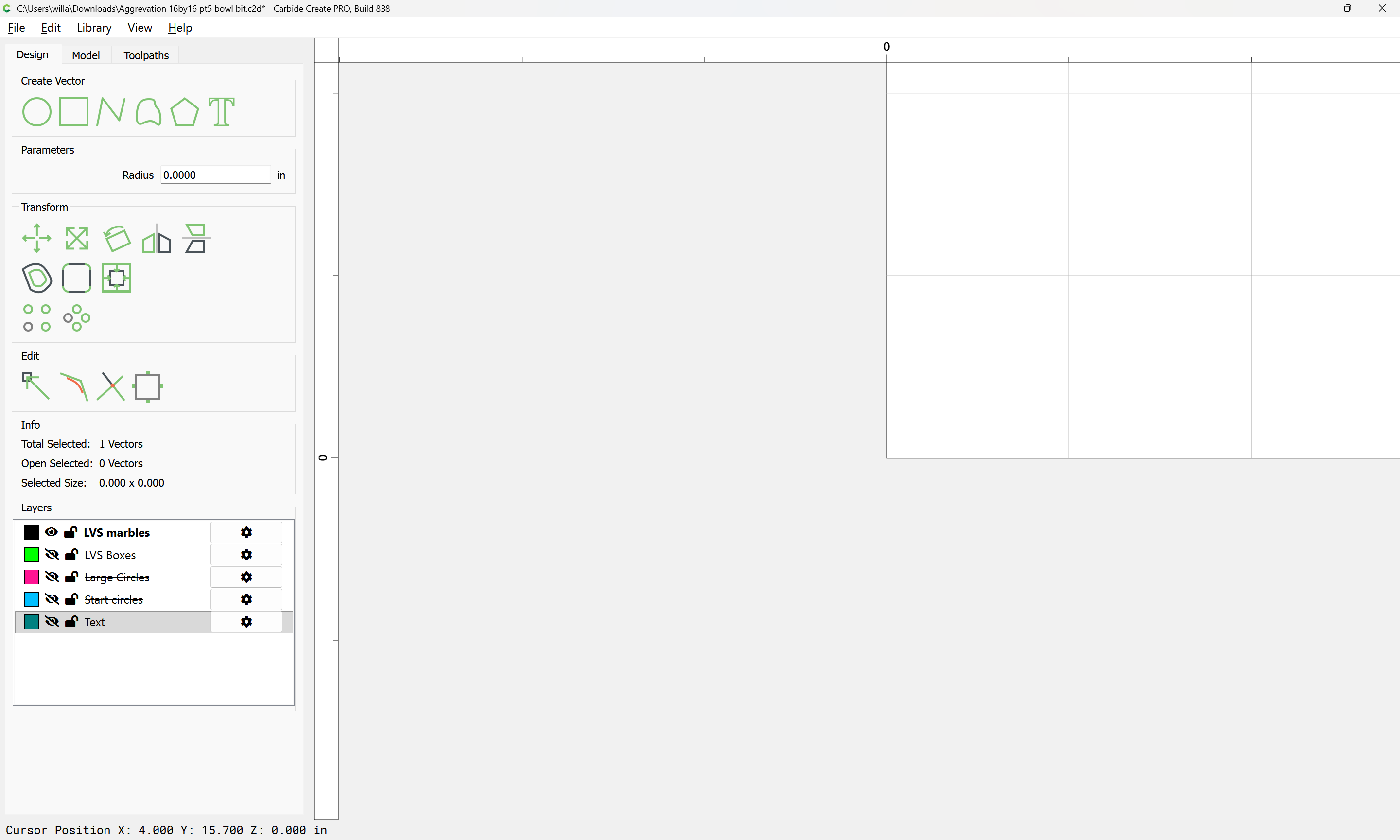
Looks like it’s a phantom vector. If you disable all the other layers & select all with CTRL-A, it shows 134 vectors selected. If you rectangle the visible holes, it shows 133 selected.
If you move those 133 to another layer, then CTRL-A, then Fit to Selection, it zooms in to the lower left corner of the stock, but highlights nothing.
My guess, a zero length vector somehow got created. ???
Use the method above to select just the phantom vector & delete it. 
3 Likes
Yeah! That worked. Your analysis makes sense and the successful deletion of whatever zero-length vector there was solved the problem Now I can go create the board(s) for my grandkids Christmas present. Merry Christmas Tod1d, you made my day.
1 Like
Good eye!!!  Change the radius & you can see it.
This topic was automatically closed 30 days after the last reply. New replies are no longer allowed.