Hello,
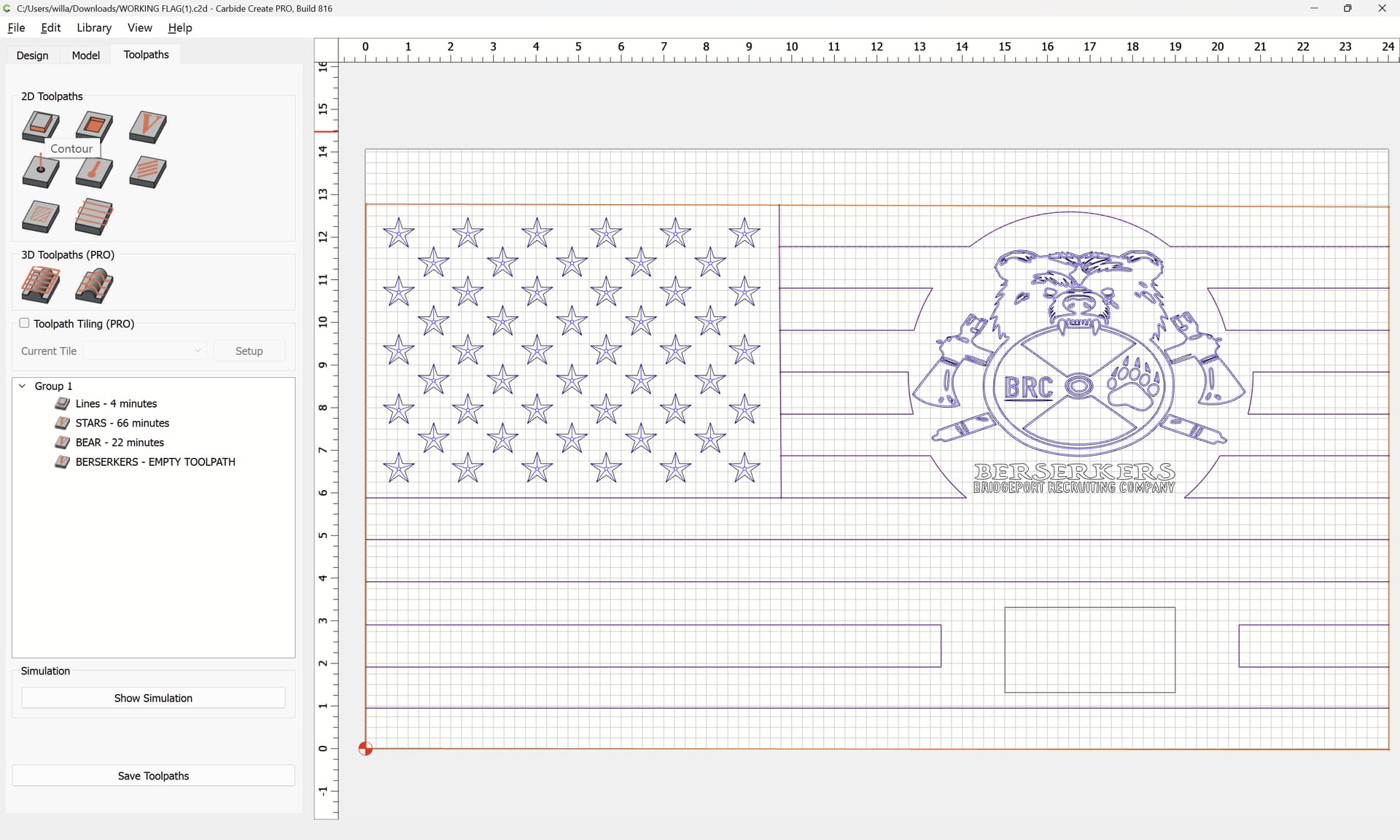
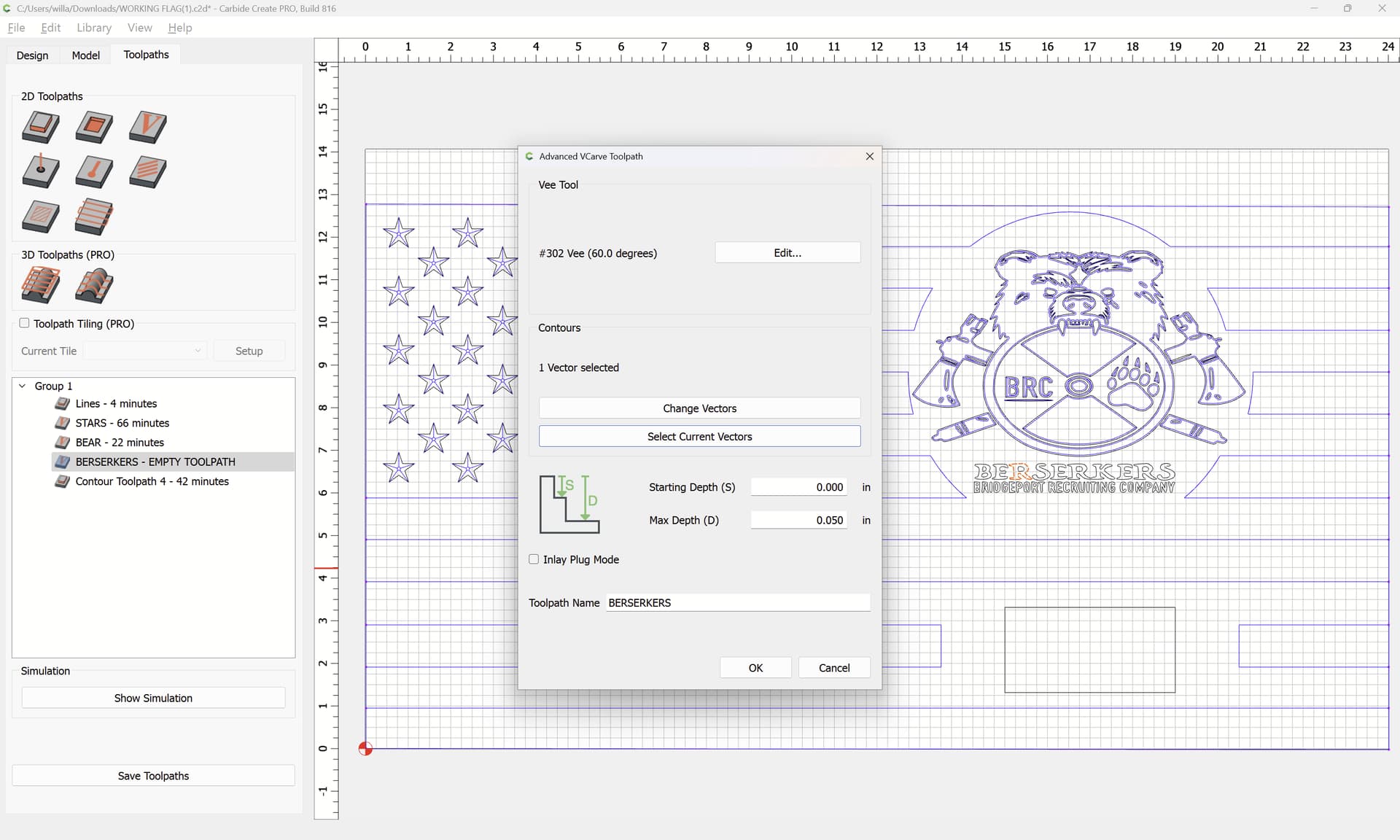
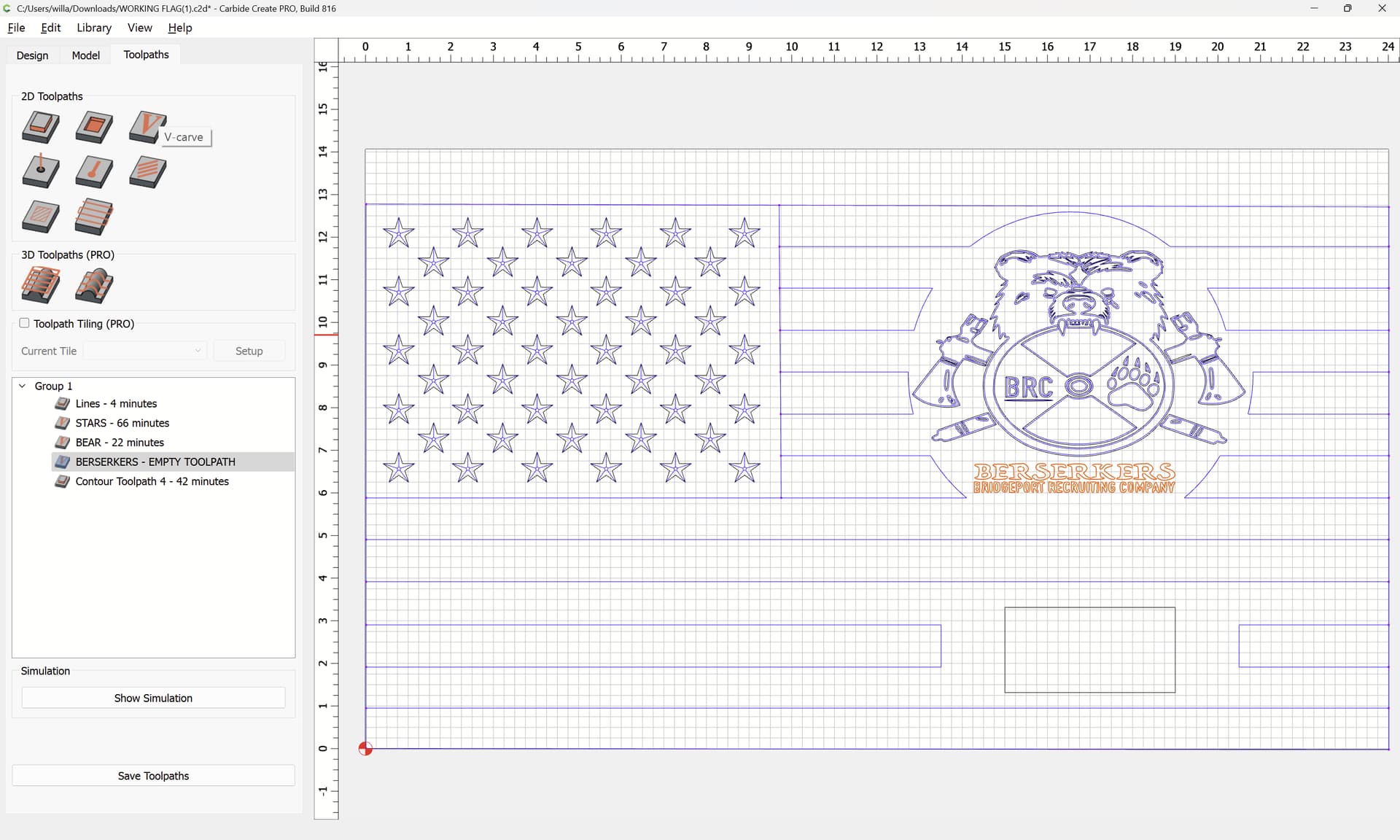
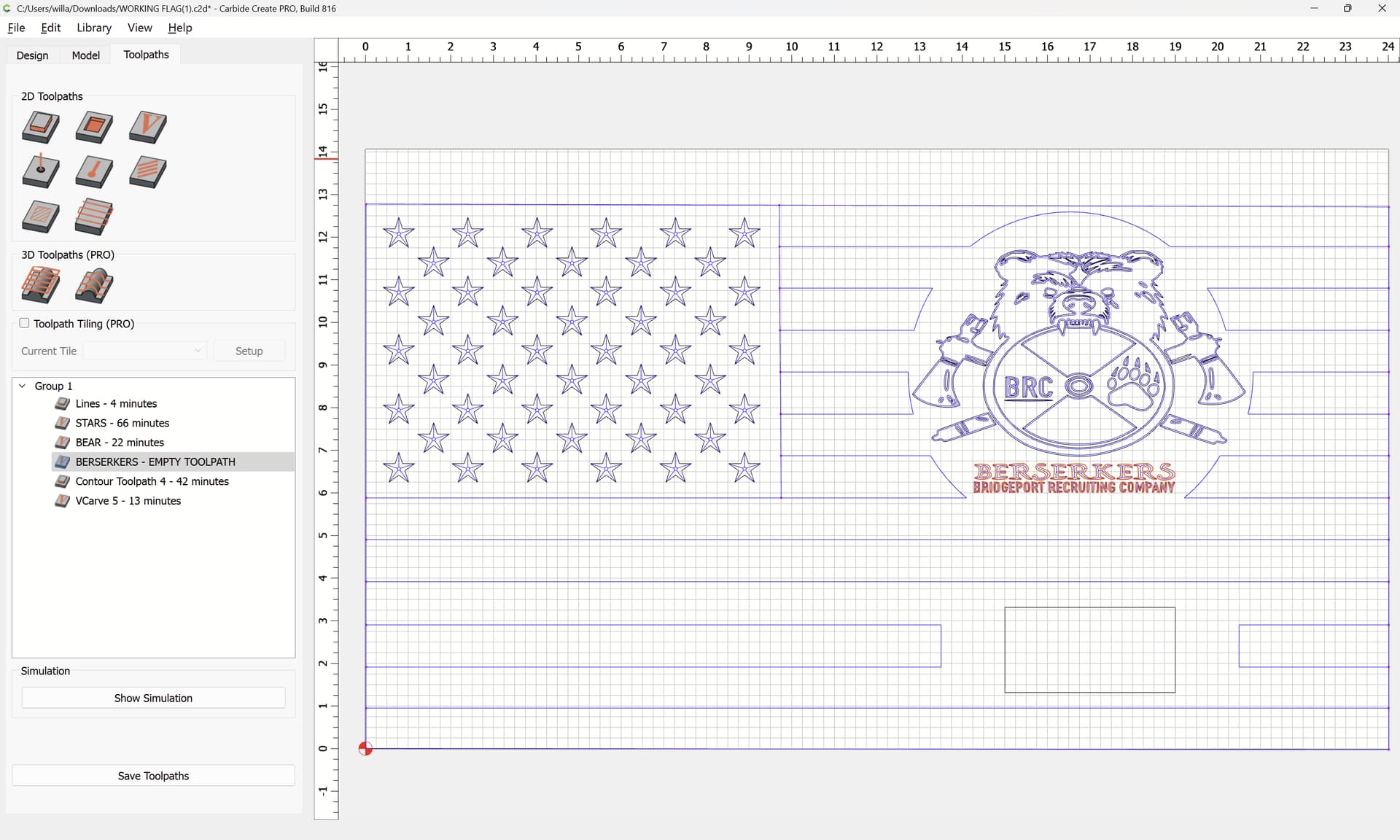
This is my second project, so I definitely have lots to learn. I keep getting empty toolpath on the words on my logo. I have tried different bits and different depths and still cannot figure it out. Can someone please help me with this? I have attached the file for your review.
WORKING FLAG.c2d (392 KB)
Tod1d
July 22, 2025, 8:27pm
2
Not sure. Only the outside of the “R” is selected.
If I create a new V-carve with just the R or all of the Berserkers text, it works fine. ??
1 Like
WillAdams
July 22, 2025, 8:28pm
3
Your design includes open/unclosed/unjoined geometry (indicated by being magenta):
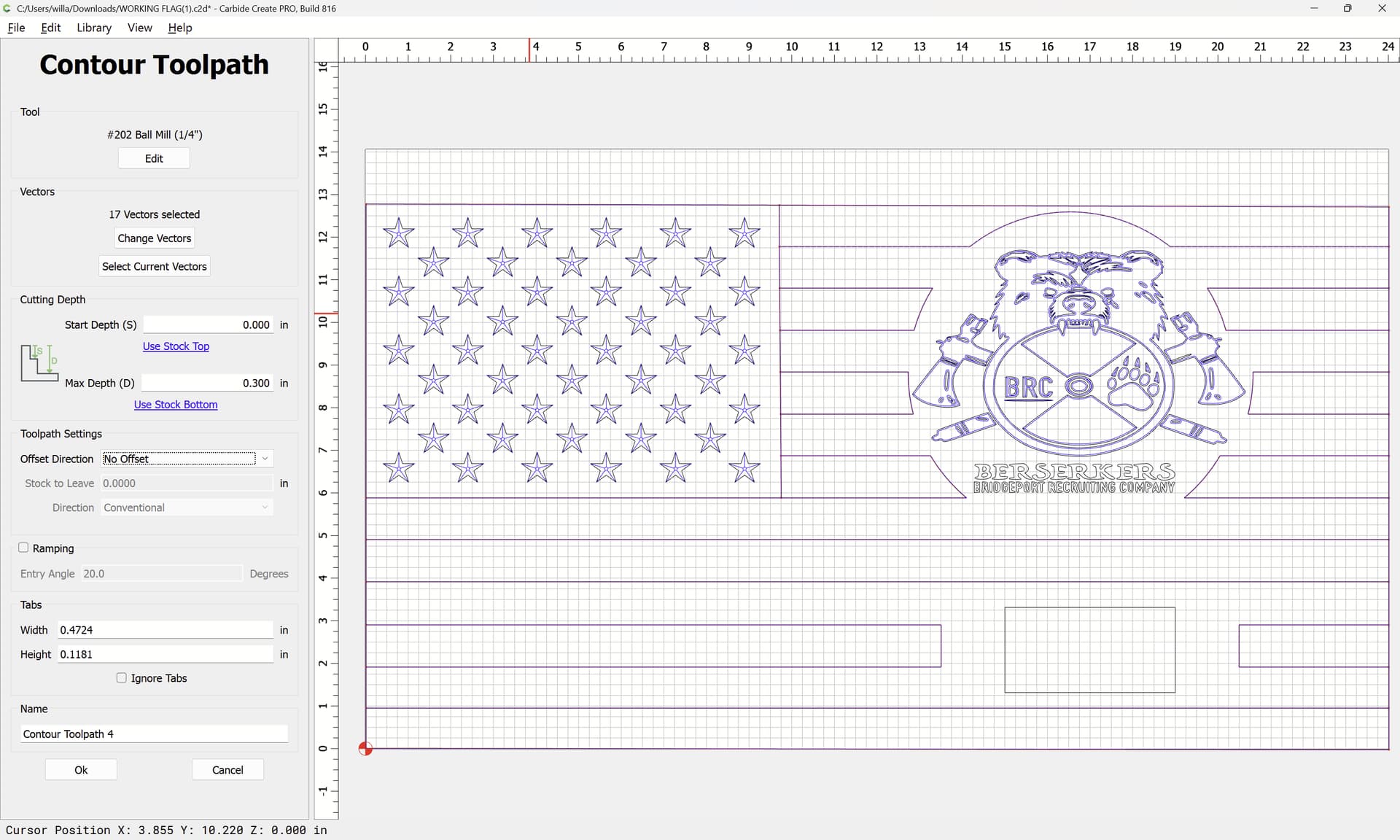
such geometry may only be used with a Contour toolpath:
If you wish to use this geometry with some other toolpath, then the geometry will need to be edited so as to describe one or more closed regions…
WillAdams
July 22, 2025, 8:32pm
4
For the “Berserkers” text, as noted, only one piece of geometry is associated with that:
If the entirety of the text is selected:
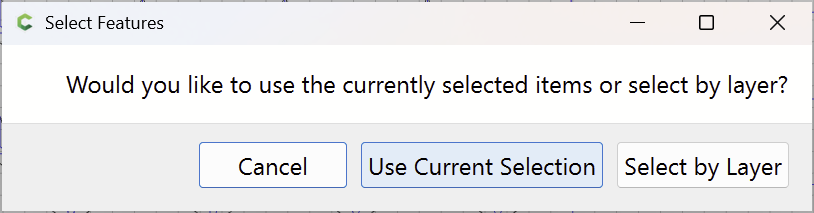
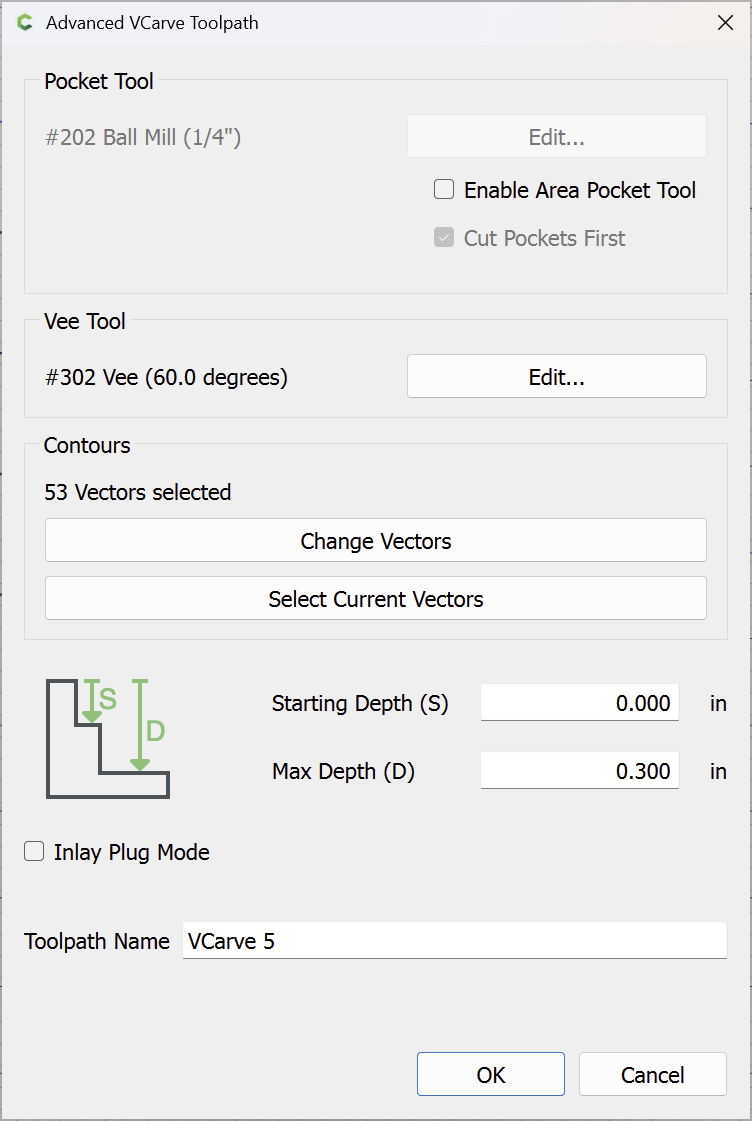
and a V carving toolpath is set up:
Use Current Selection
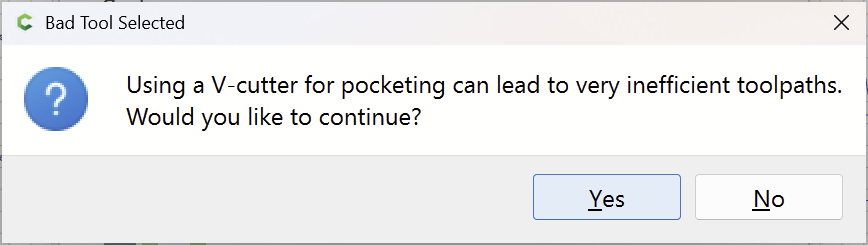
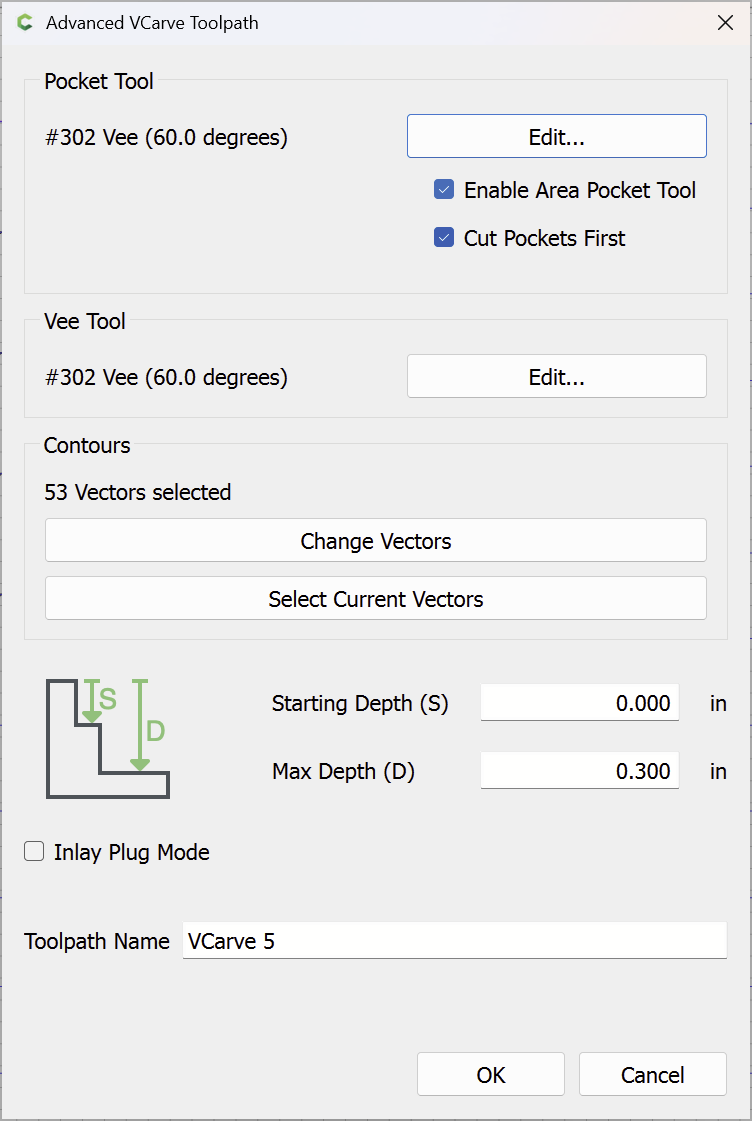
and the same V tool is set up for Pocket Clearing as for the V Carving:
Yes
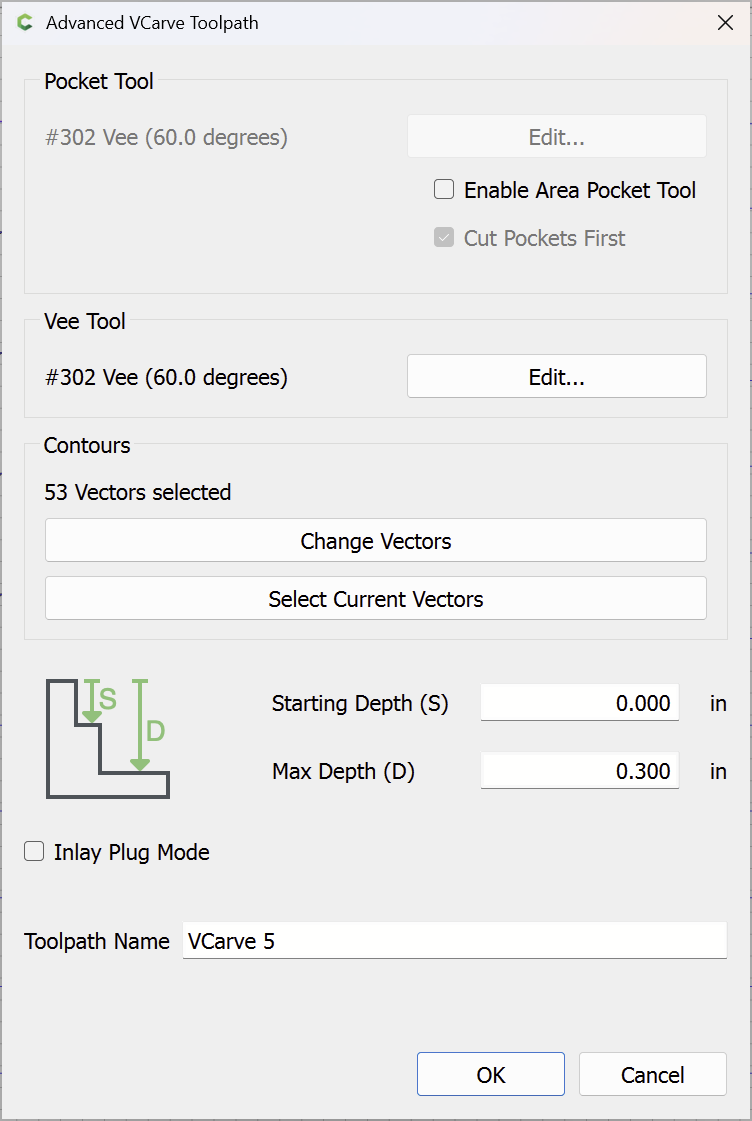
and the “Pocket Clearing” Checkbox is cleared:
OK
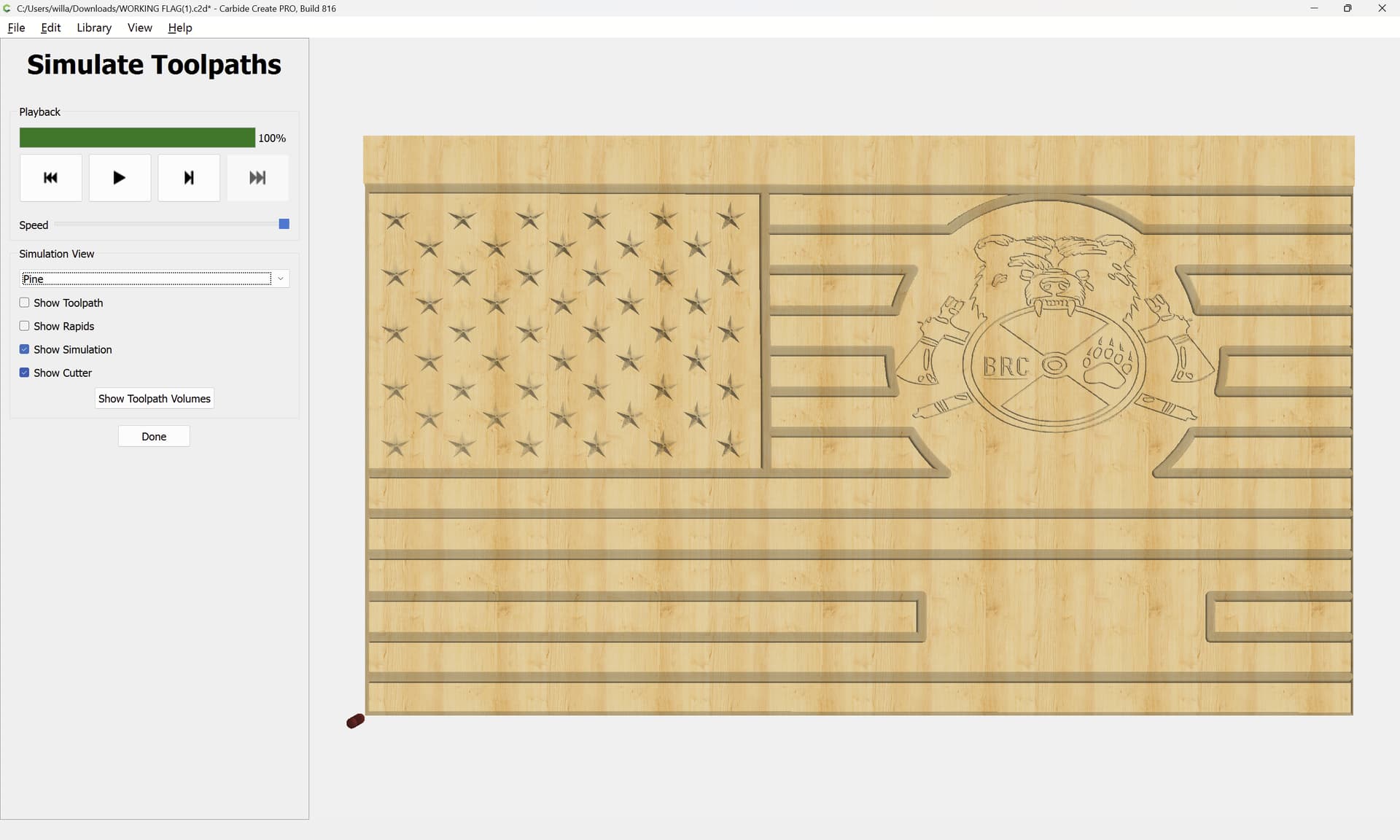
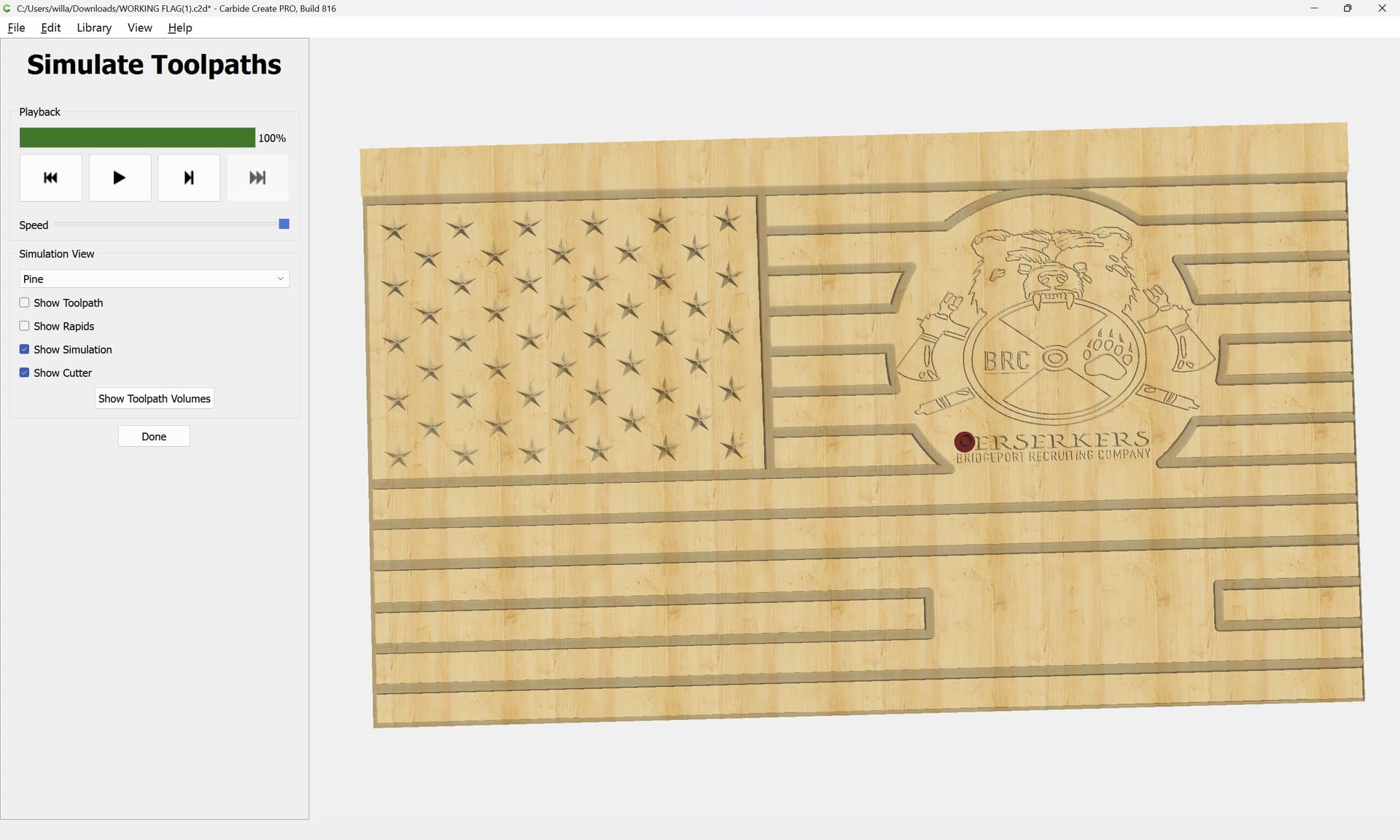
then the file previews as expected:
Attached as a v8 file.
WORKING FLAG_v8.c2d (416 KB)
3 Likes
Awesome!! Thank you very much!!! I appreciate the help.
system
August 21, 2025, 8:57pm
6
This topic was automatically closed 30 days after the last reply. New replies are no longer allowed.