Hey guy have a question yesterday I was cutting fine, shut everything down for the night. Woke up this morning to finish my project and now I’m getting this error message.
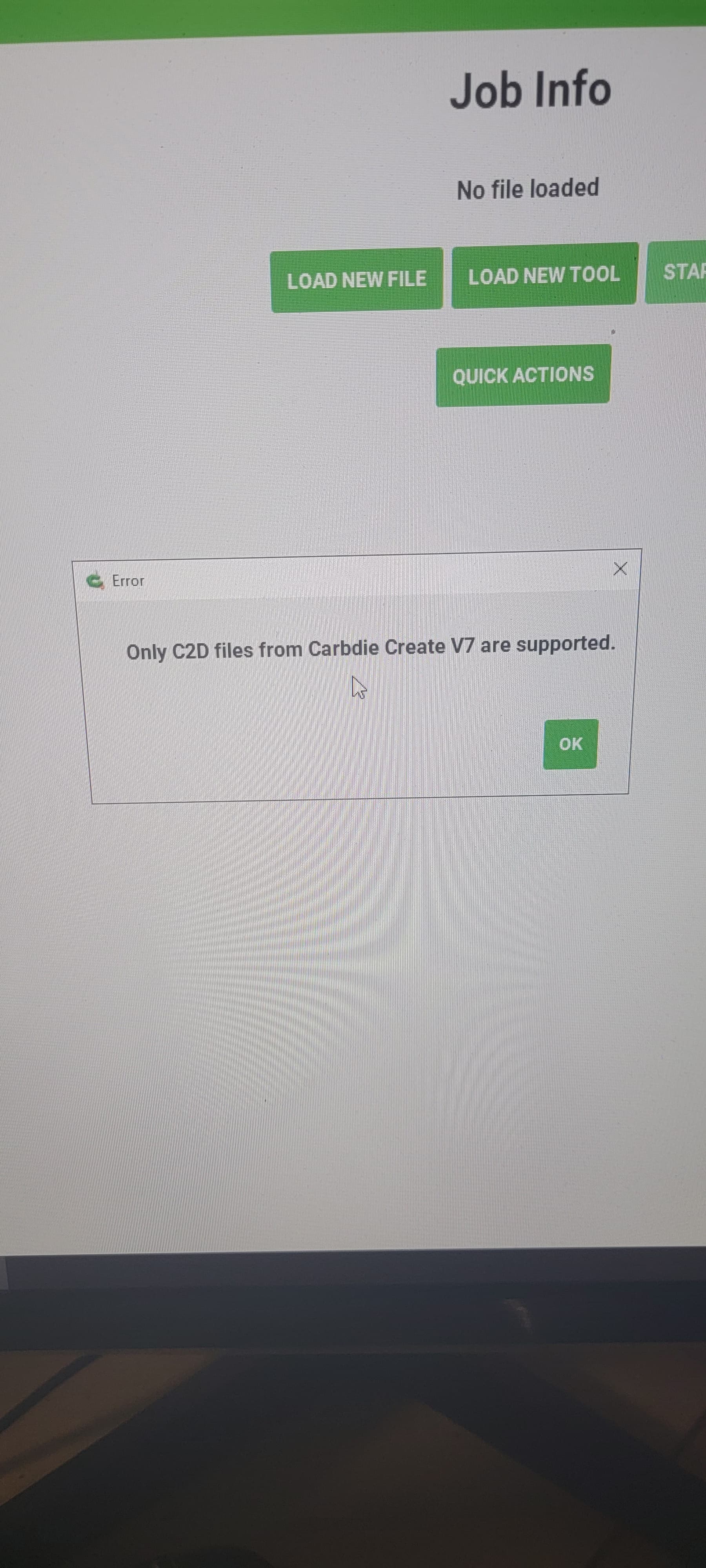
It’s likely that you either created that file with Carbide Create V6 or the file is corrupted.
It was working fine yesterday. How do I fix it
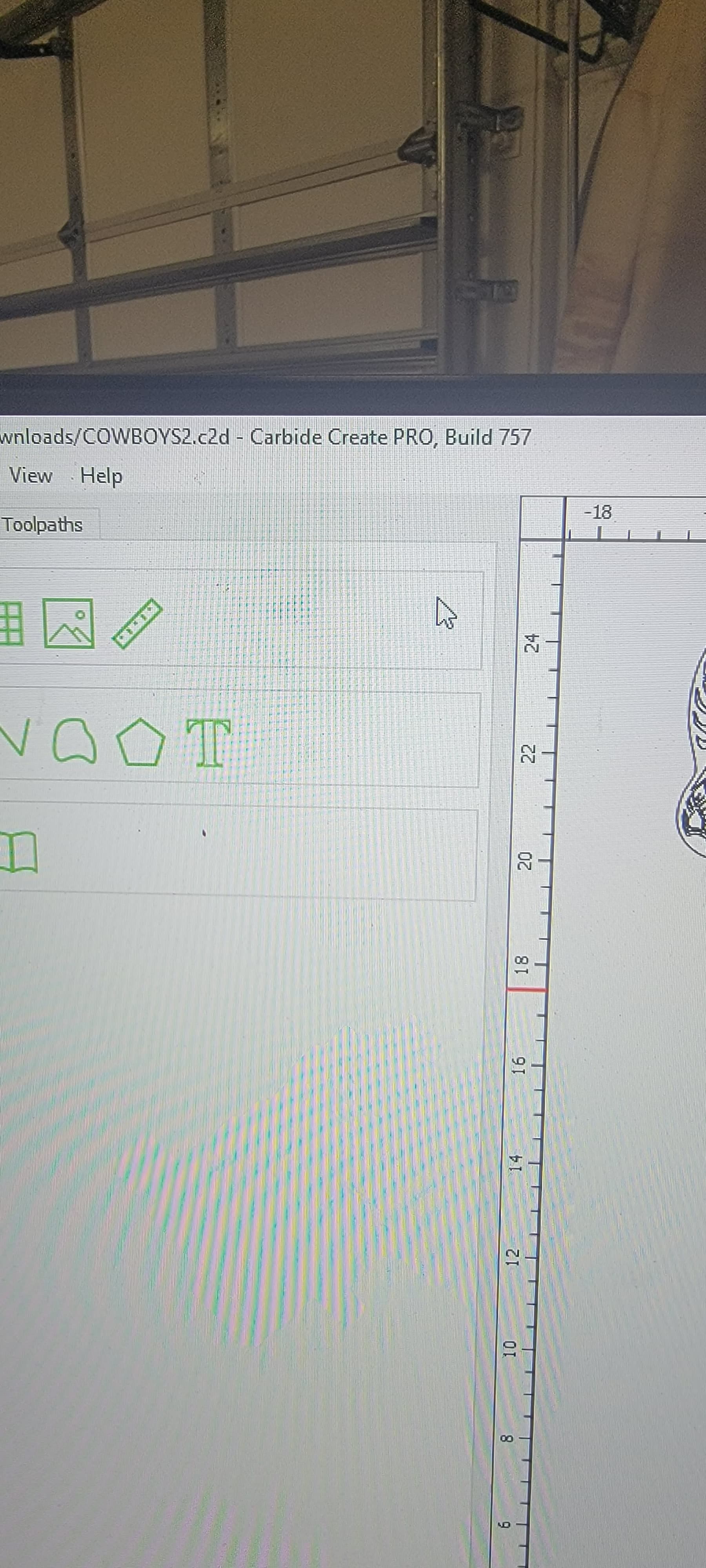
Save the file again from CC to make sure everything got written properly and try again.
Hi Rob, I got exactly the same problem today.
I use the same CC version as jbaker (CC PRO 757) and Carbide Create says “Only c2d files from Crabide Create V7 are supported”.
I closed my CC and opened the file again : everything was lost (even Job setup) confirming that the file was corrupted.
Nothing special happened on file save… I don’t understand what happened.
I will try again (the job is not to difficult to remake)
I started a new project, let it empty (just the rough piece in job setup) and saved it on the previous corrupted file (overwrite with same name). Then I opened the file again and everything was lost again (job setup lost : machine type, inch/mm, stock size…)
After some other tests, I found the origin of my problem.
CC doesn’t like french characters in the file name (my file name was créations.c2d).
The corruption comes already at the saving of the file… very strange (what is the relation between the file name and its containing ?).
If I use another name “creation” instead “création” it works well.
CC has strange behaviours on bad file names.
Sorry for James Baker, I don’t have the response to his problem. He’s file name seams to be Ok, but have the same result.
For some reason I think a file was corrupt. Re-installed carbide motion and create it seem to fix the problem.
This topic was automatically closed after 30 days. New replies are no longer allowed.