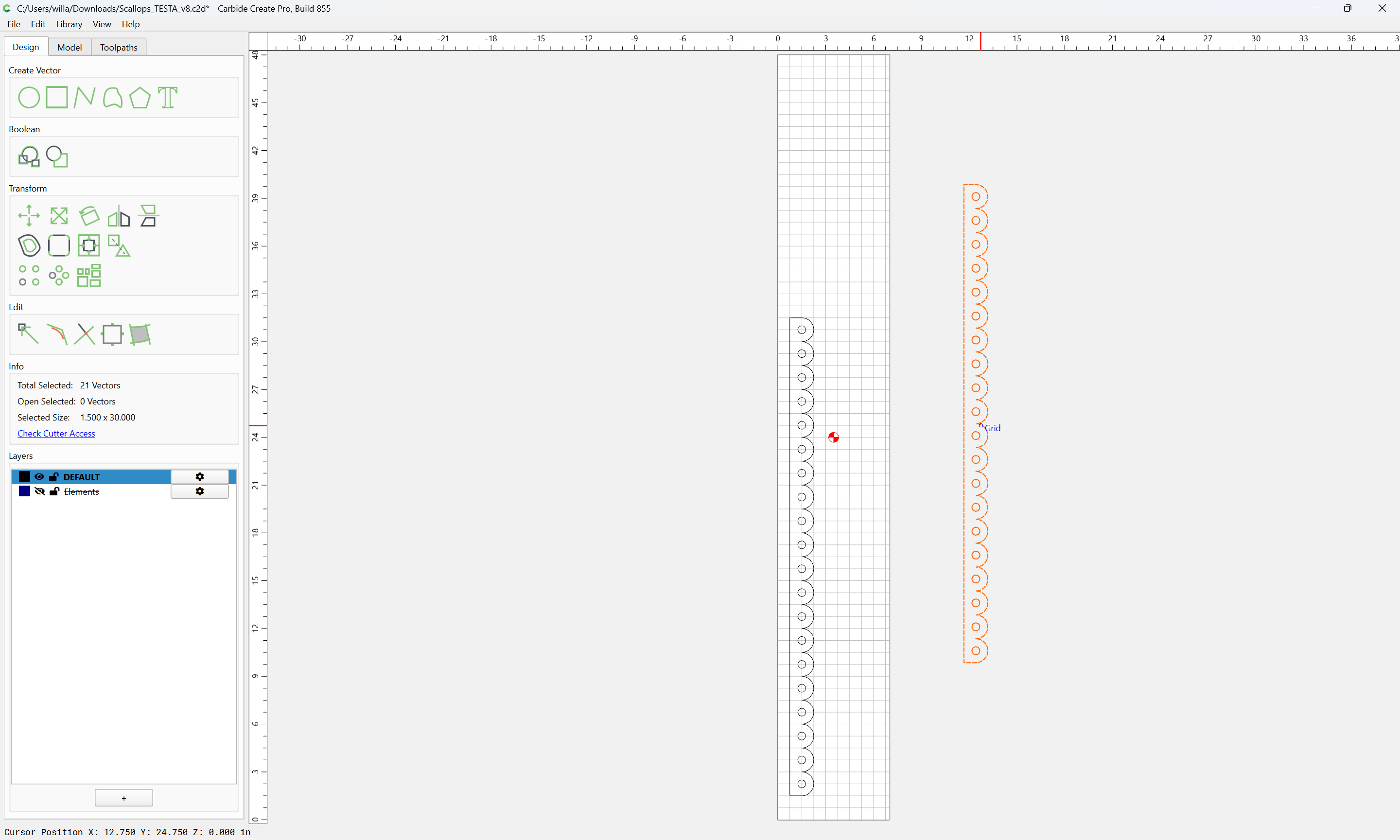
Extensible geometry (which may be joined to cut)

as requested on support…

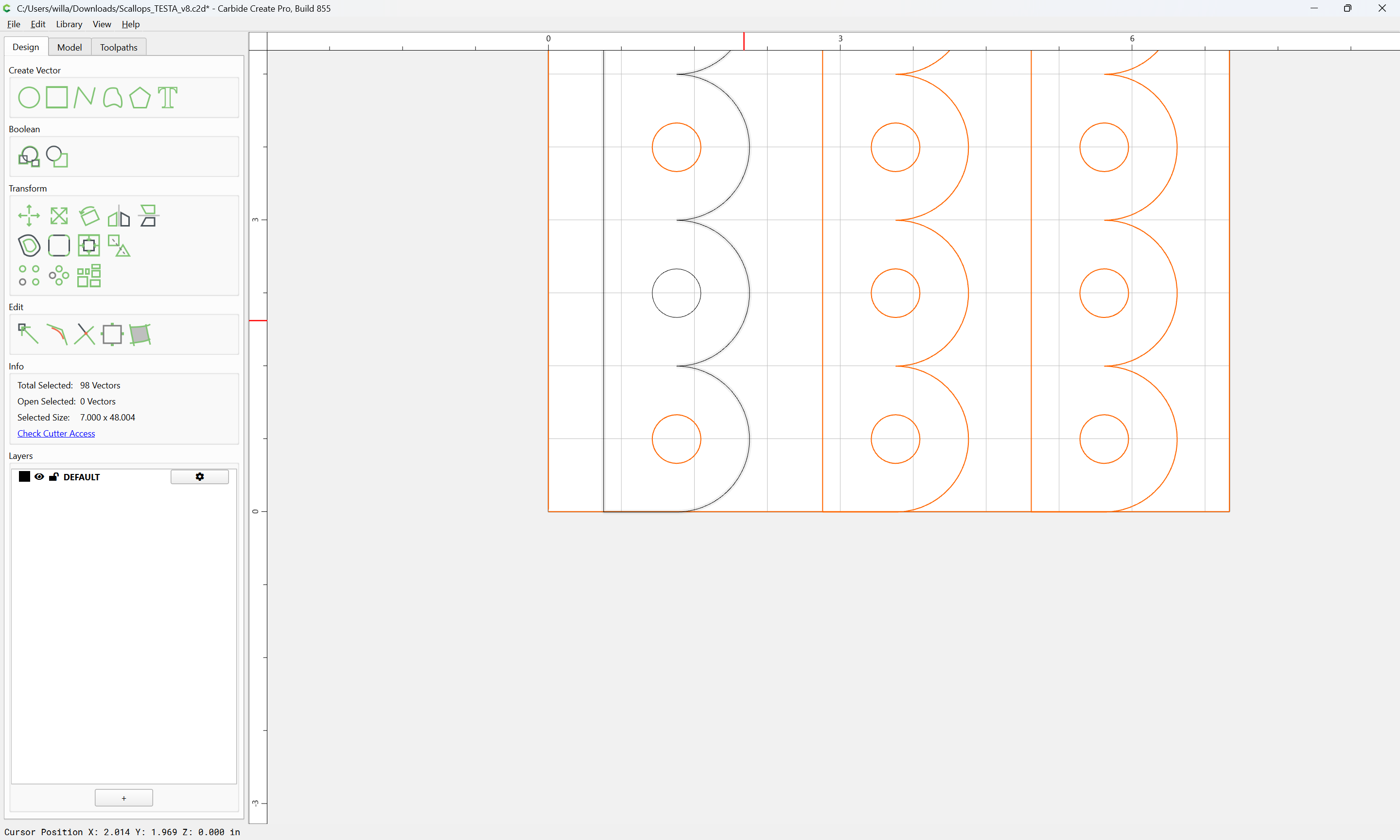
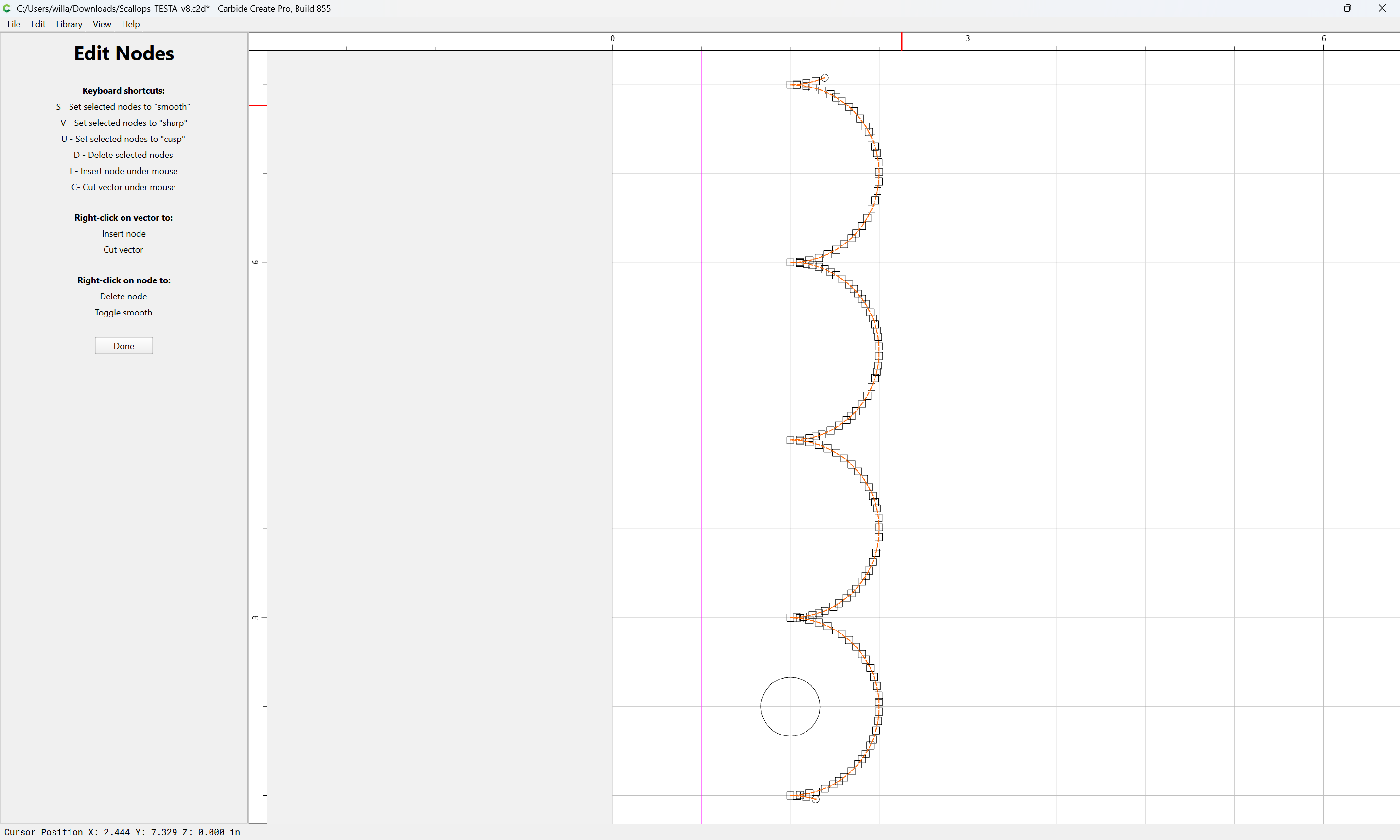
Trying to get rid of these little cuts in my file but can’t seem to figure it out, retraced the vector a few times and seems pretty clean. Not sure where to look next-

… file opens with unconnected lines… select and connect each of them … that then (cuts as expected)

I left it open cause I have a run off and I am trying to continue it long.

There are notable approaches here are:

  • have a separate layer with the scallops in pieces which may be extended at need using the Linear Array tool
  • manual edit the elements to join them
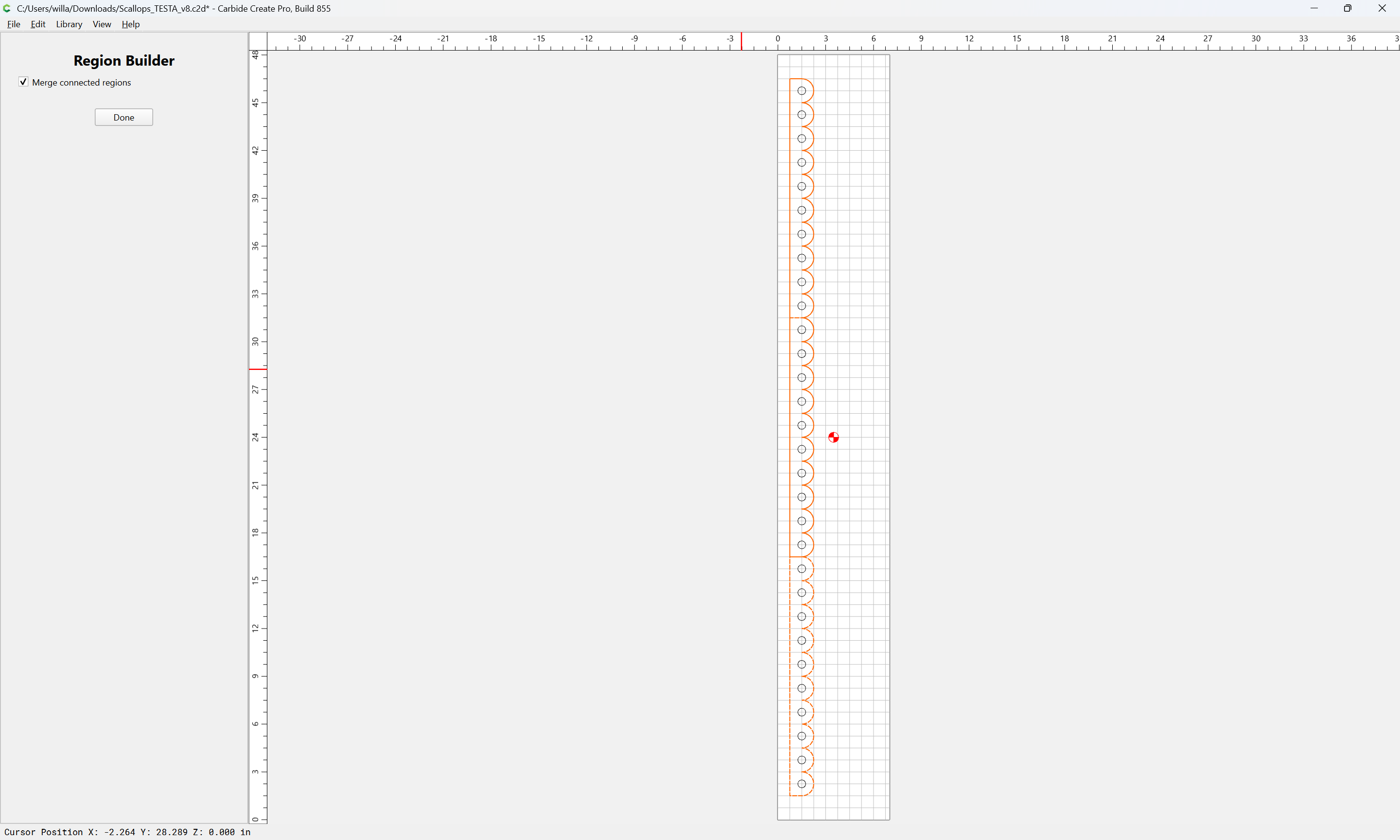
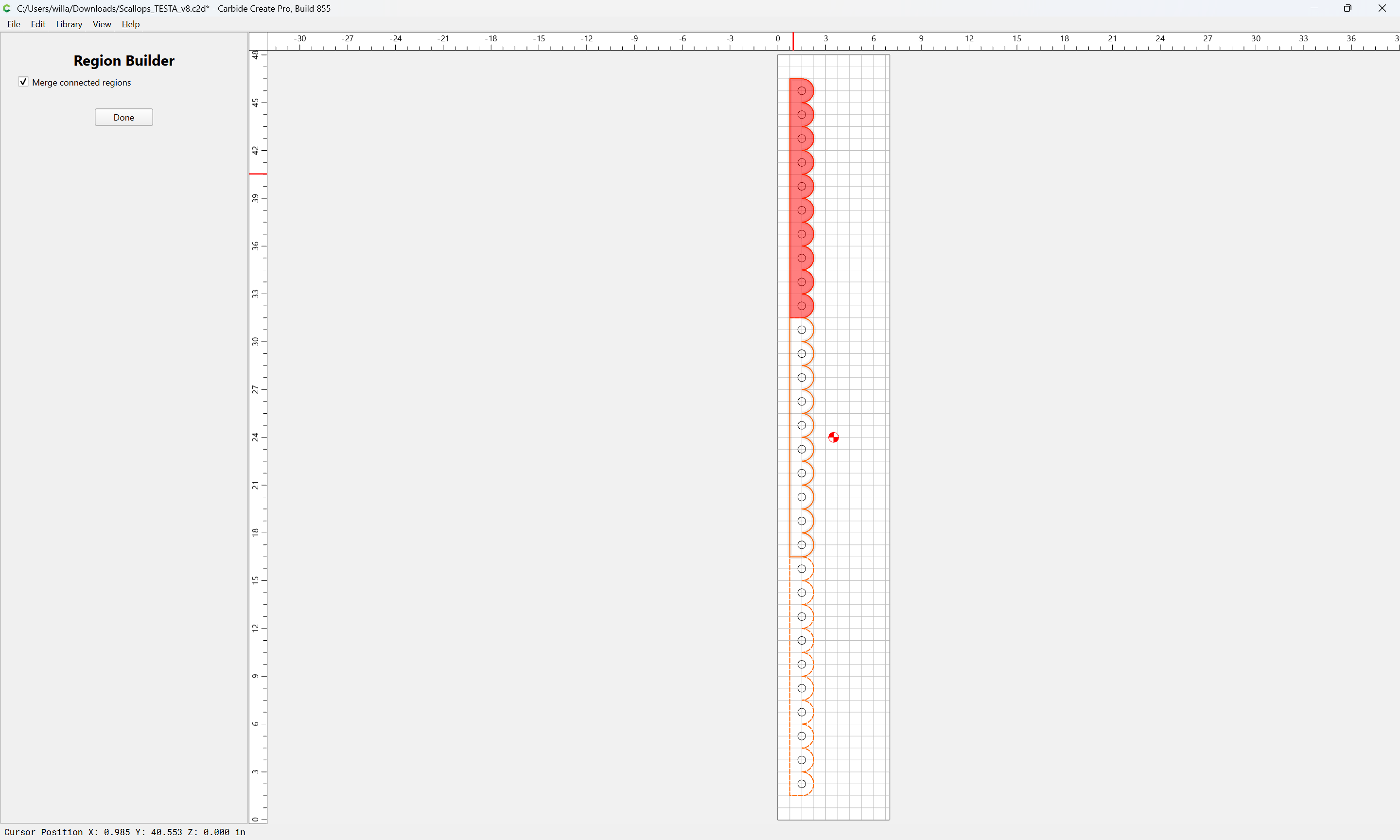
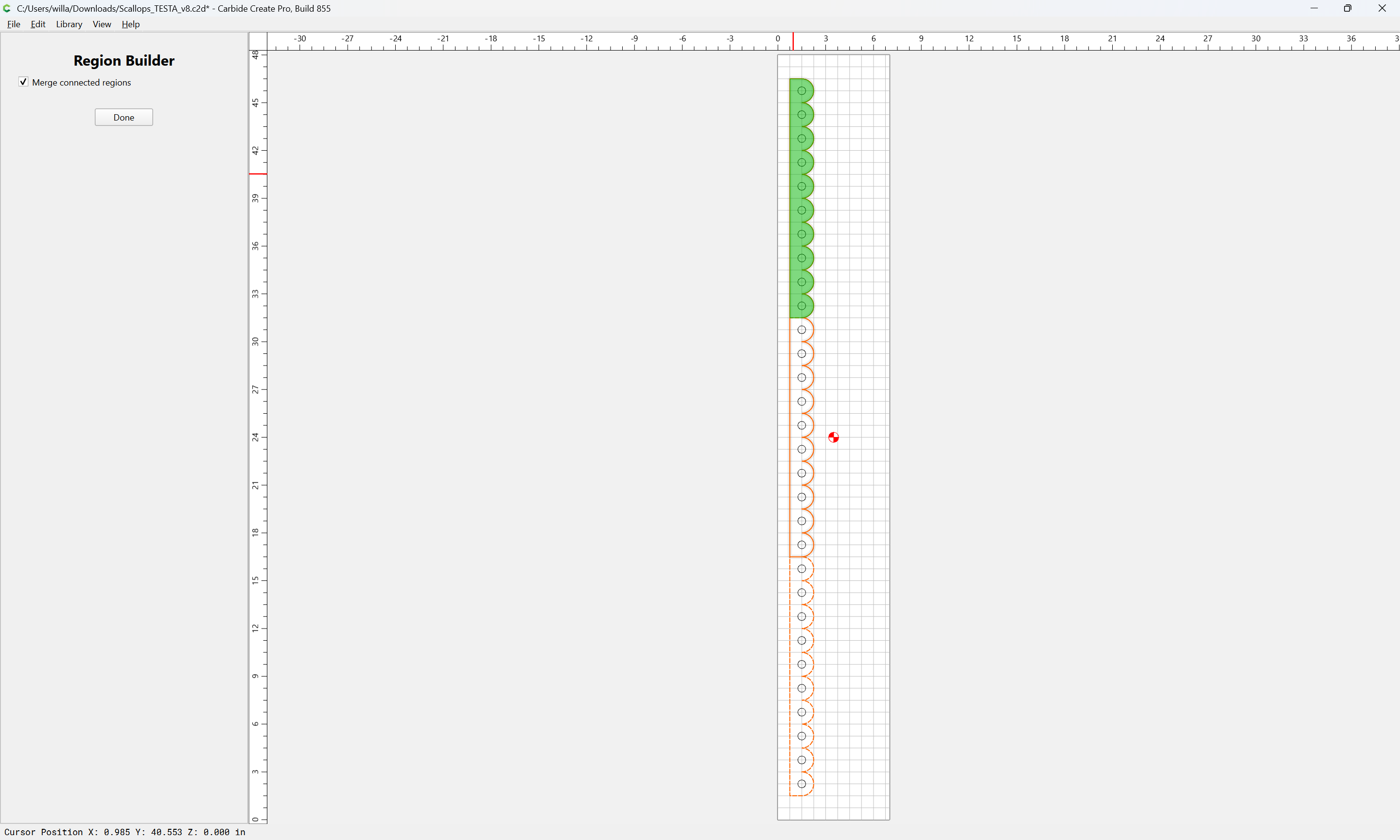
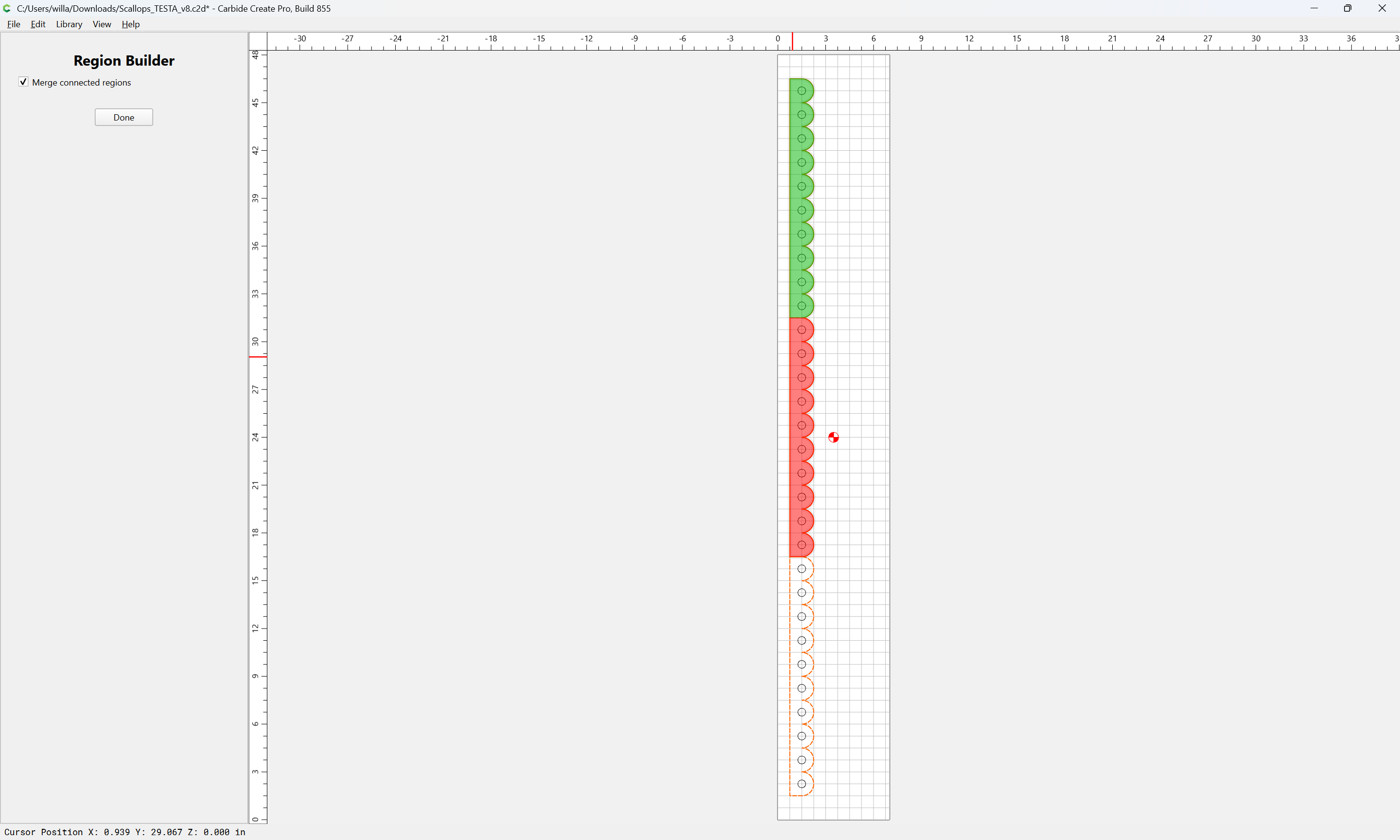
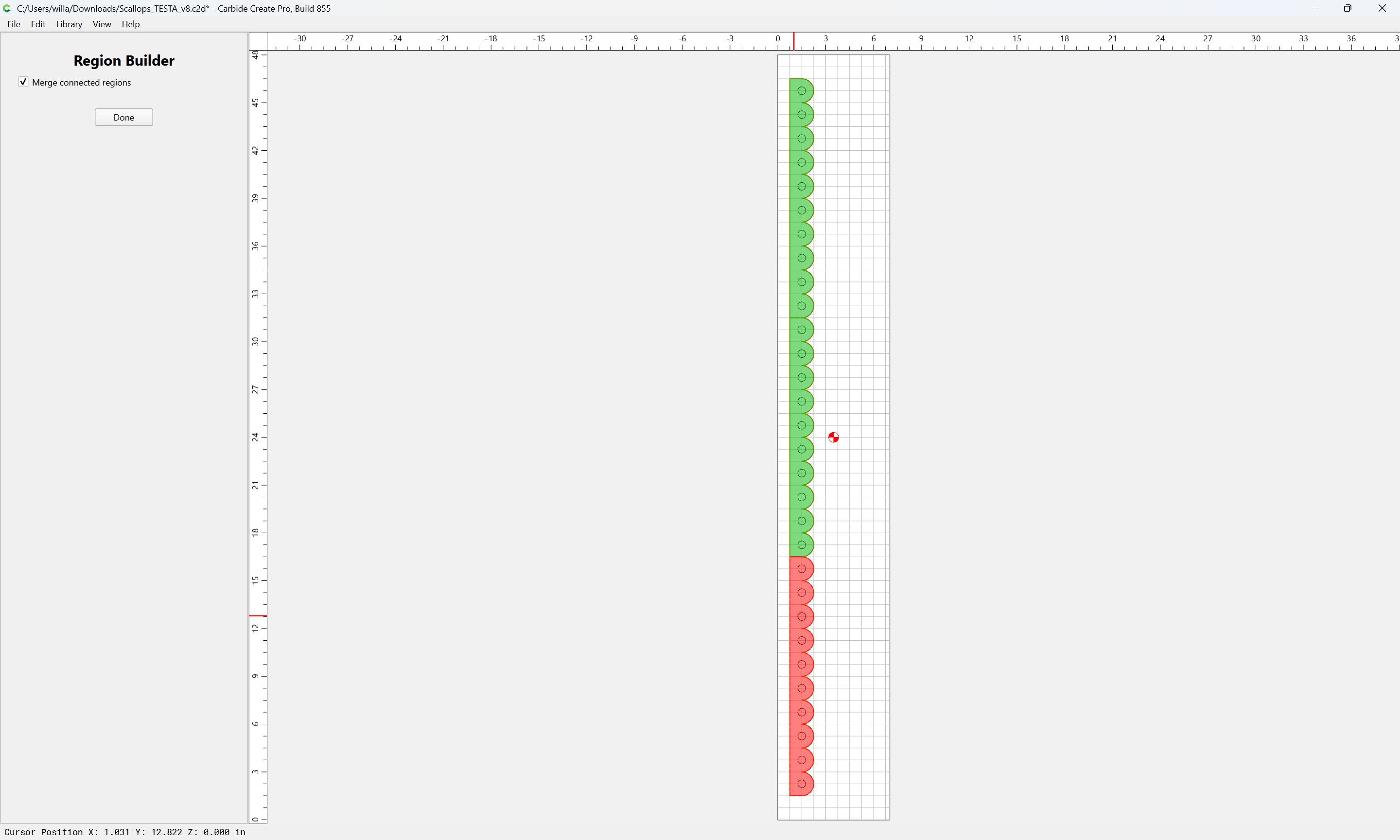
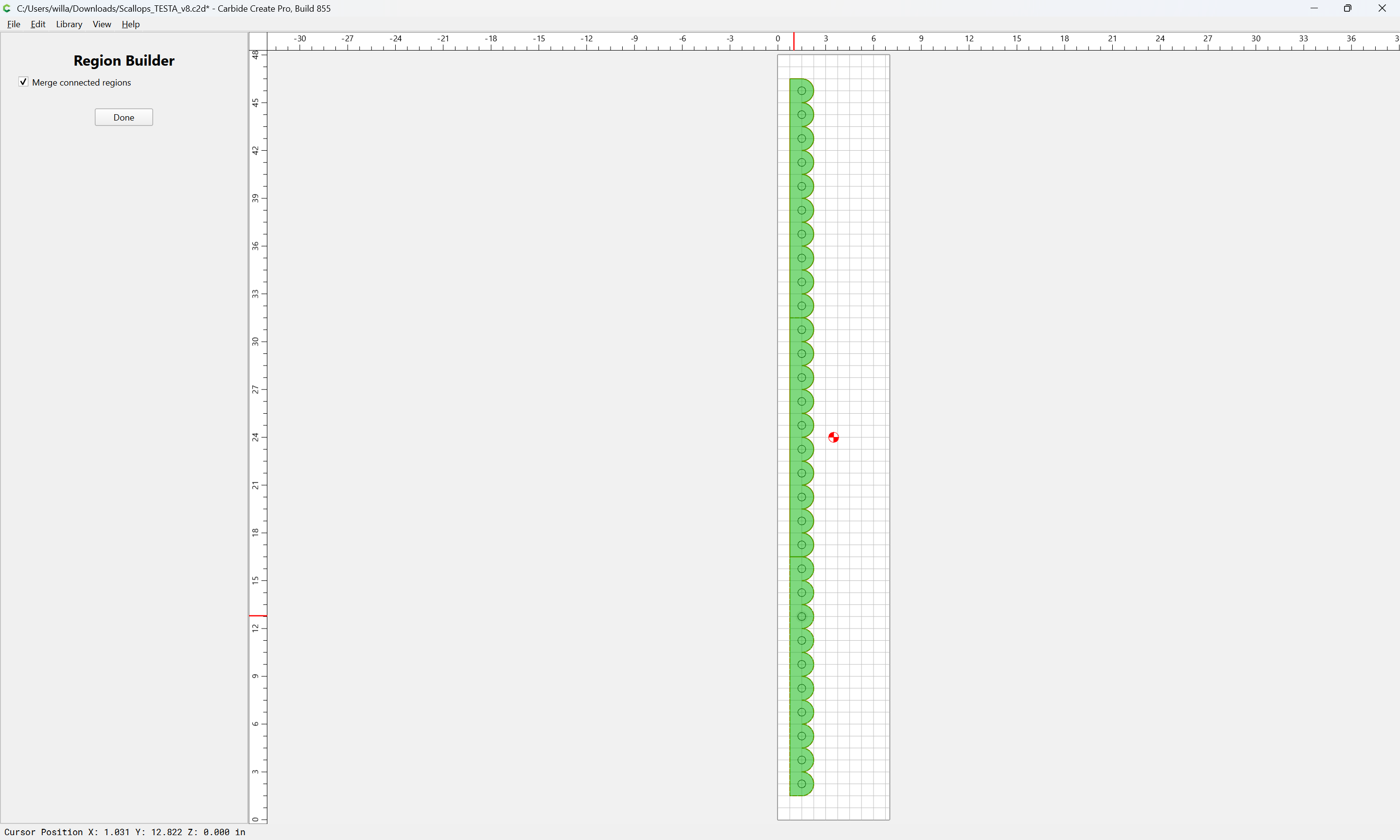
  • overlap multiples and use the Region Builder to create the desired region

We will show the second as we construct the first, then use a completed piece to demonstrate the third…
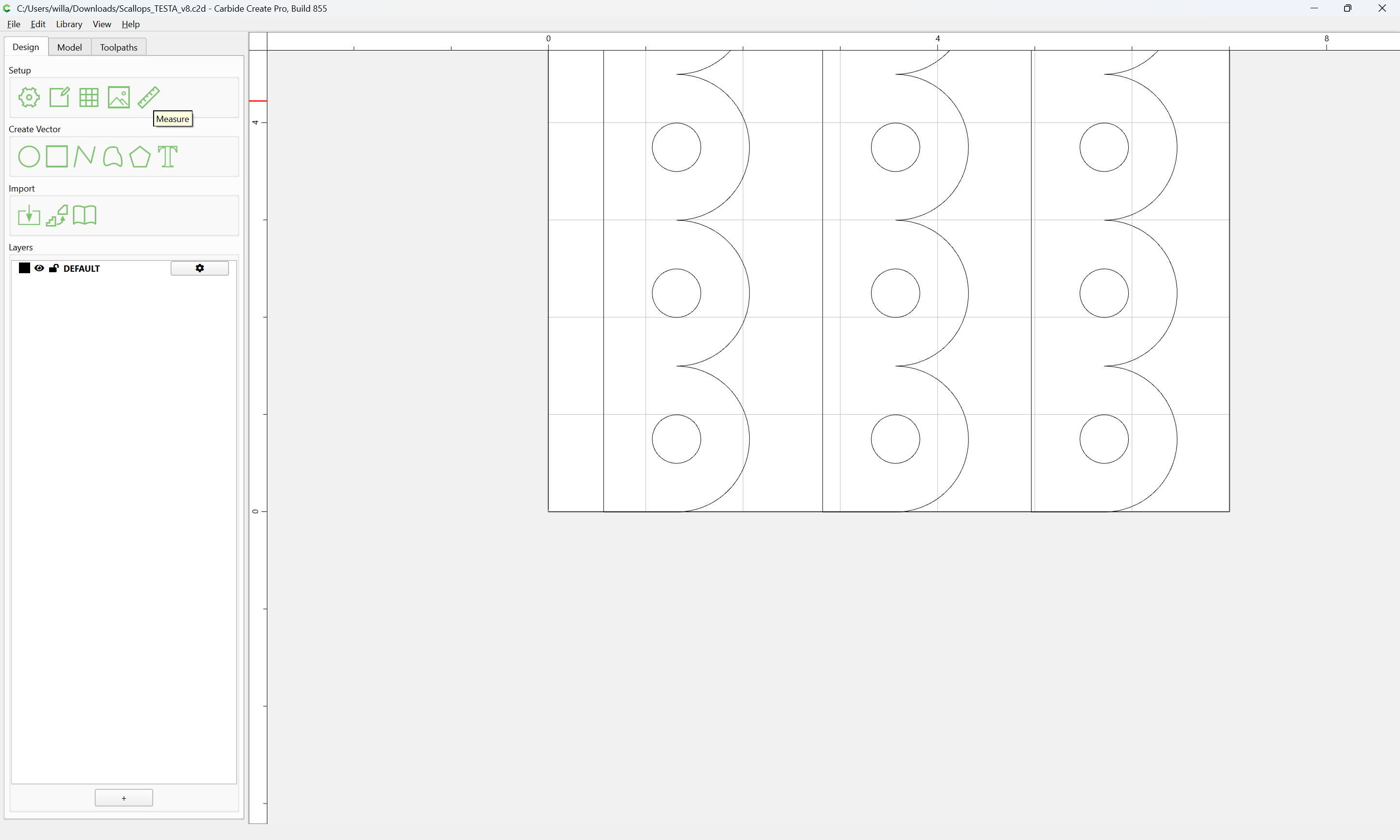
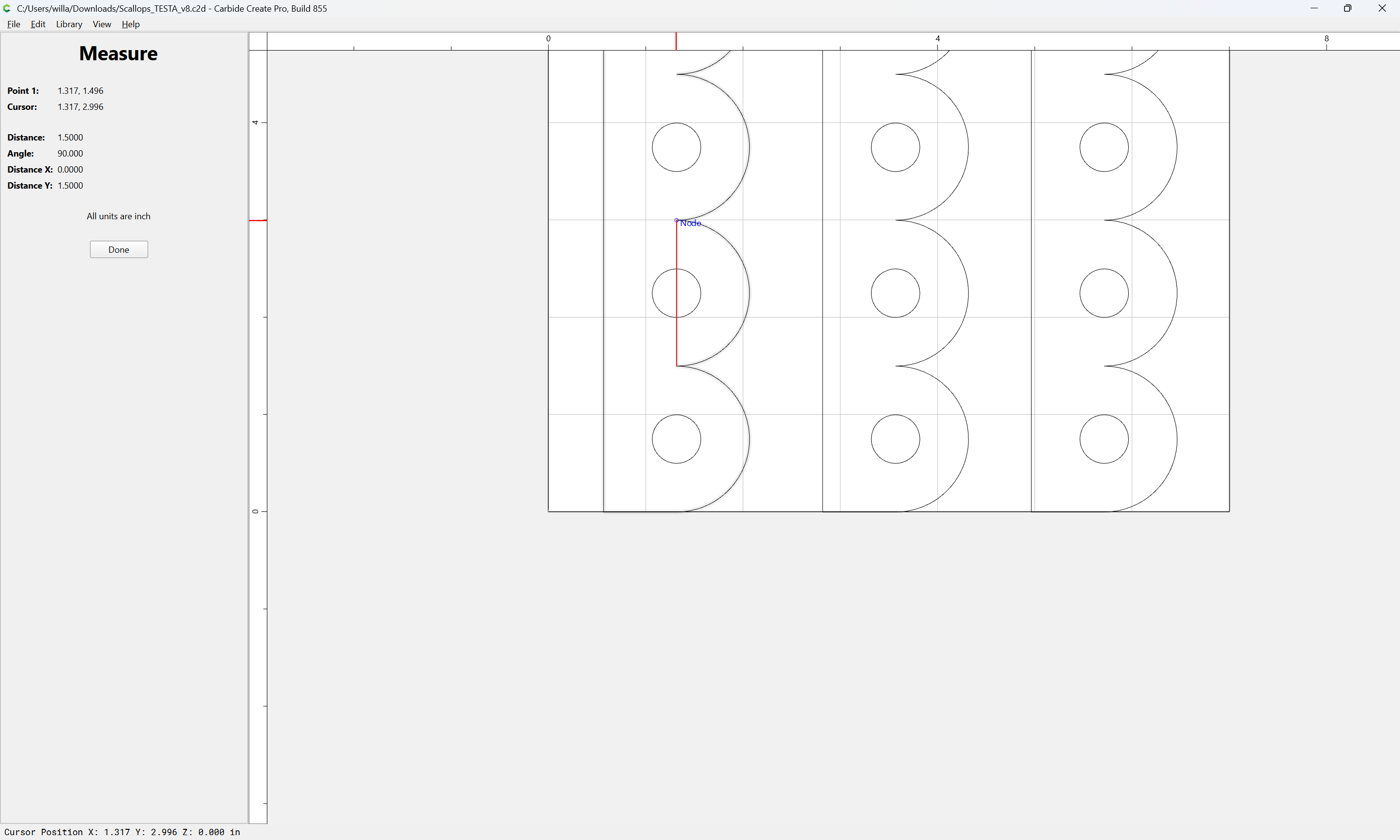
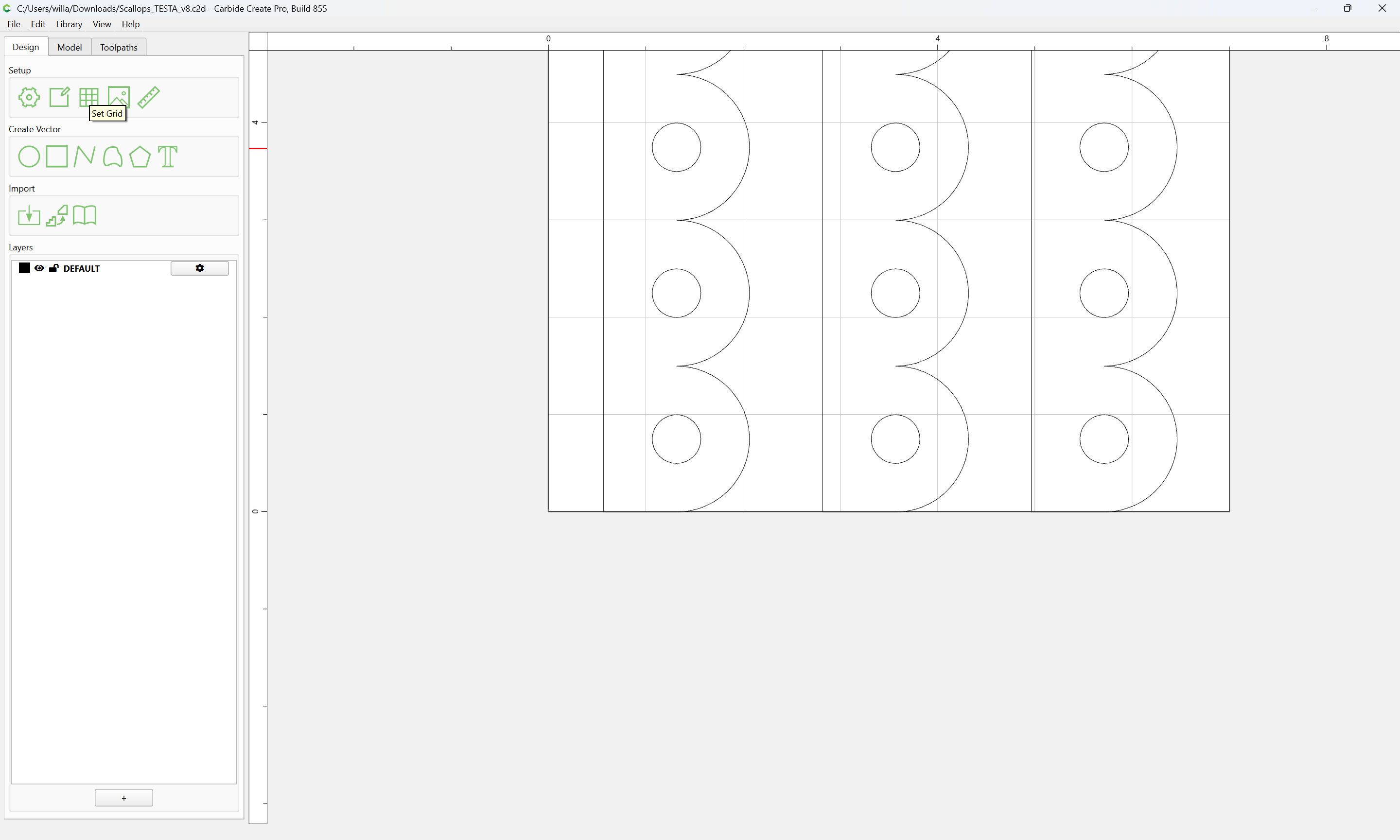
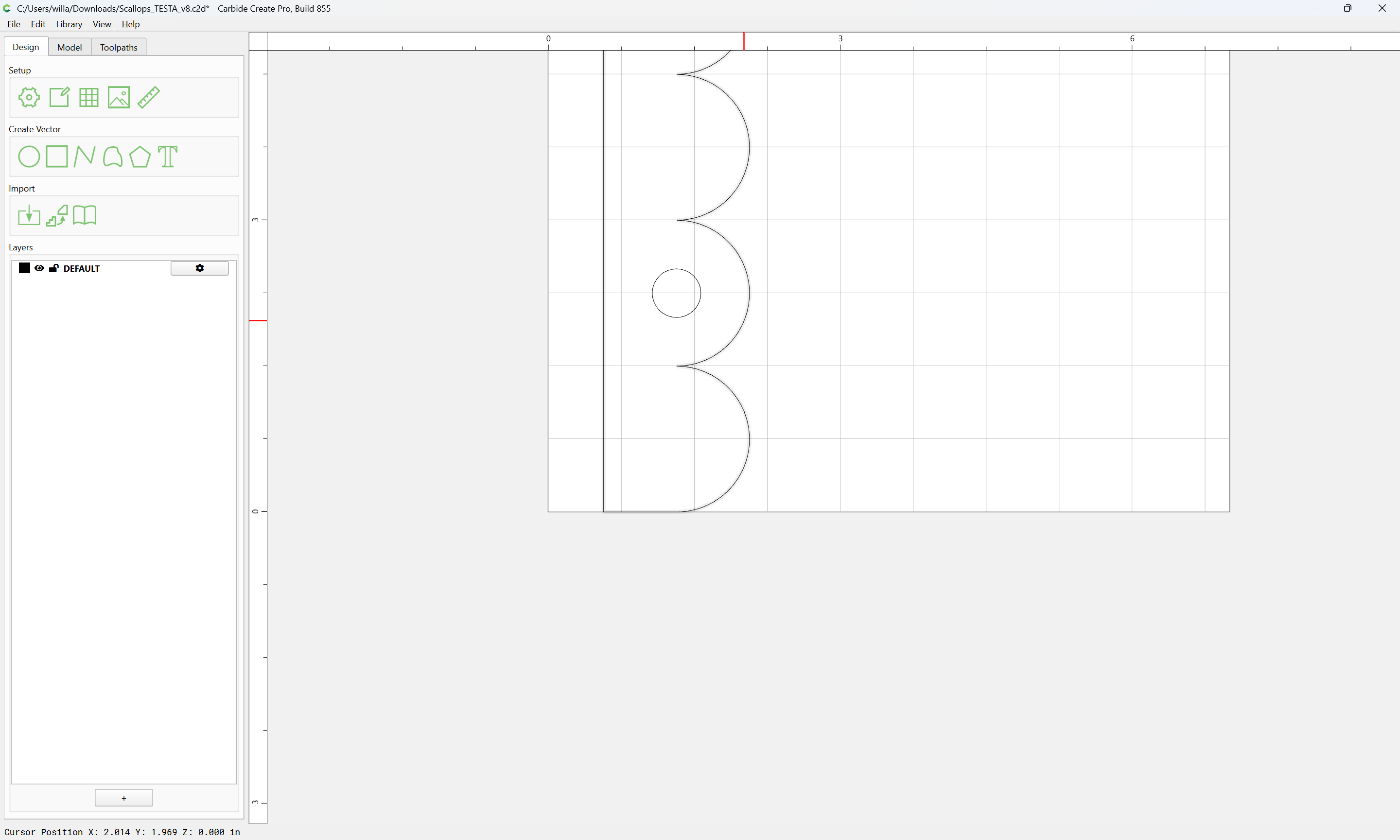
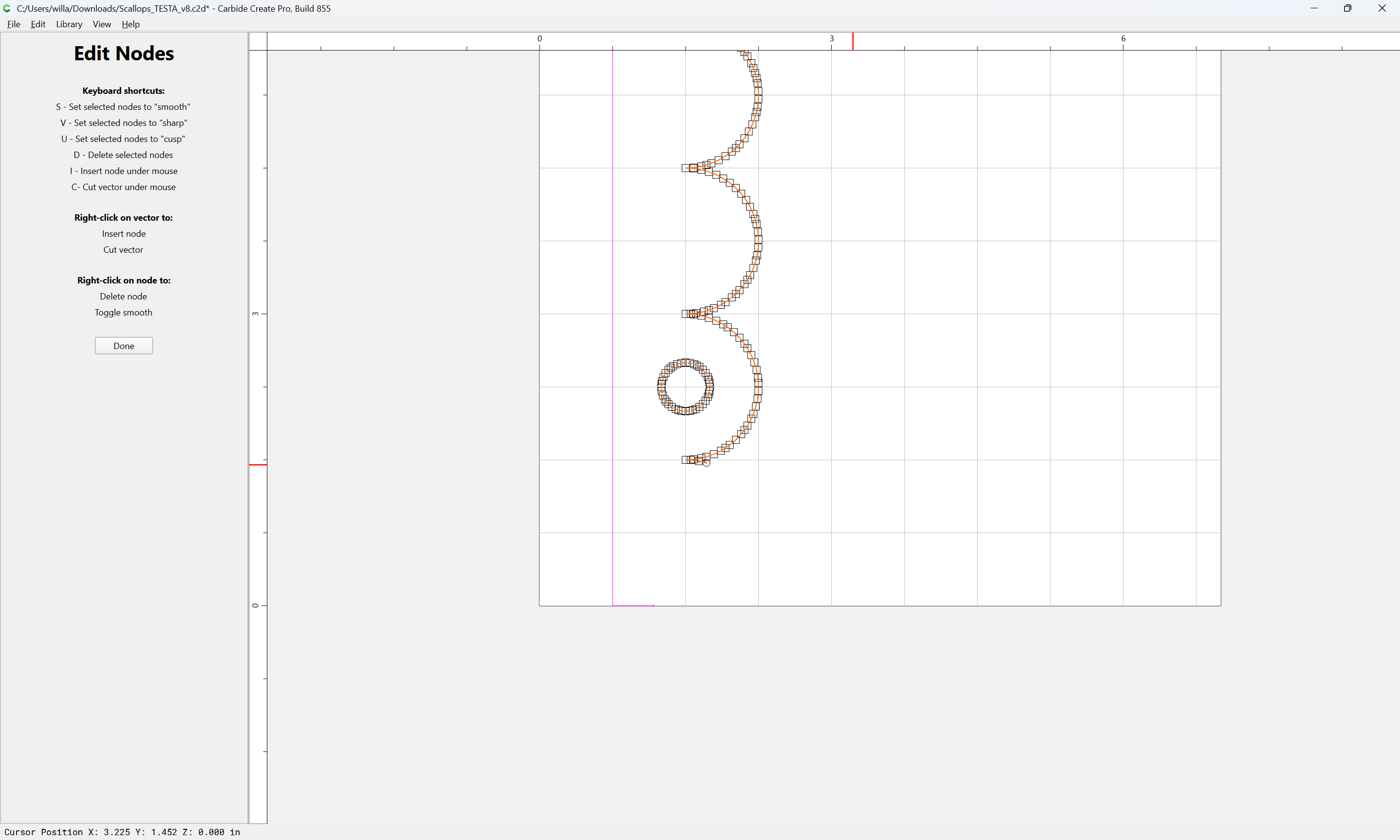
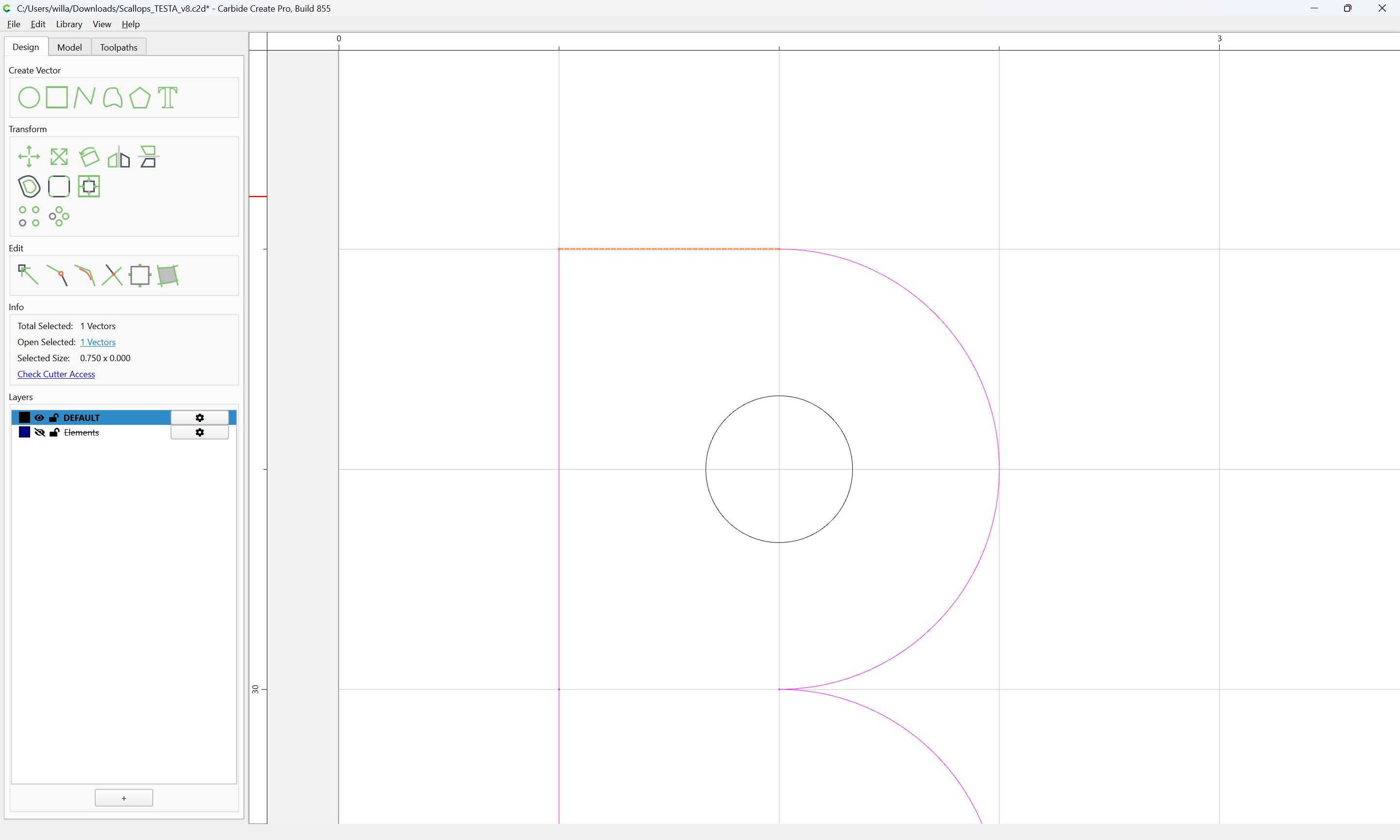
First, zoom in:

and measure the unit size:

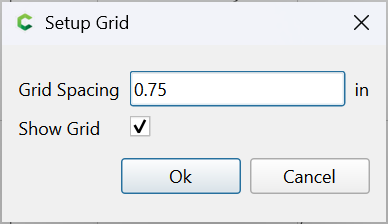
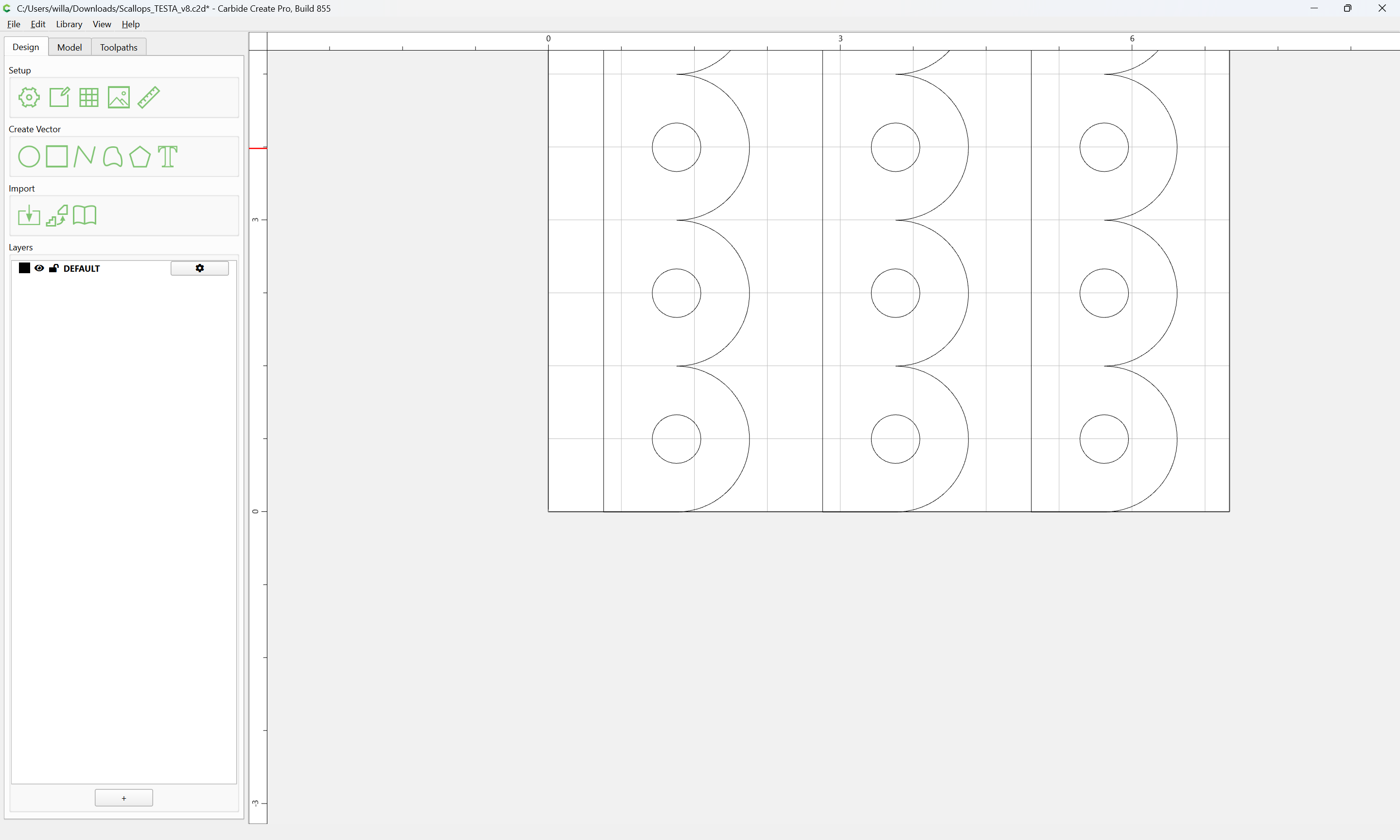
and set the grid size to match half that:

Set Grid

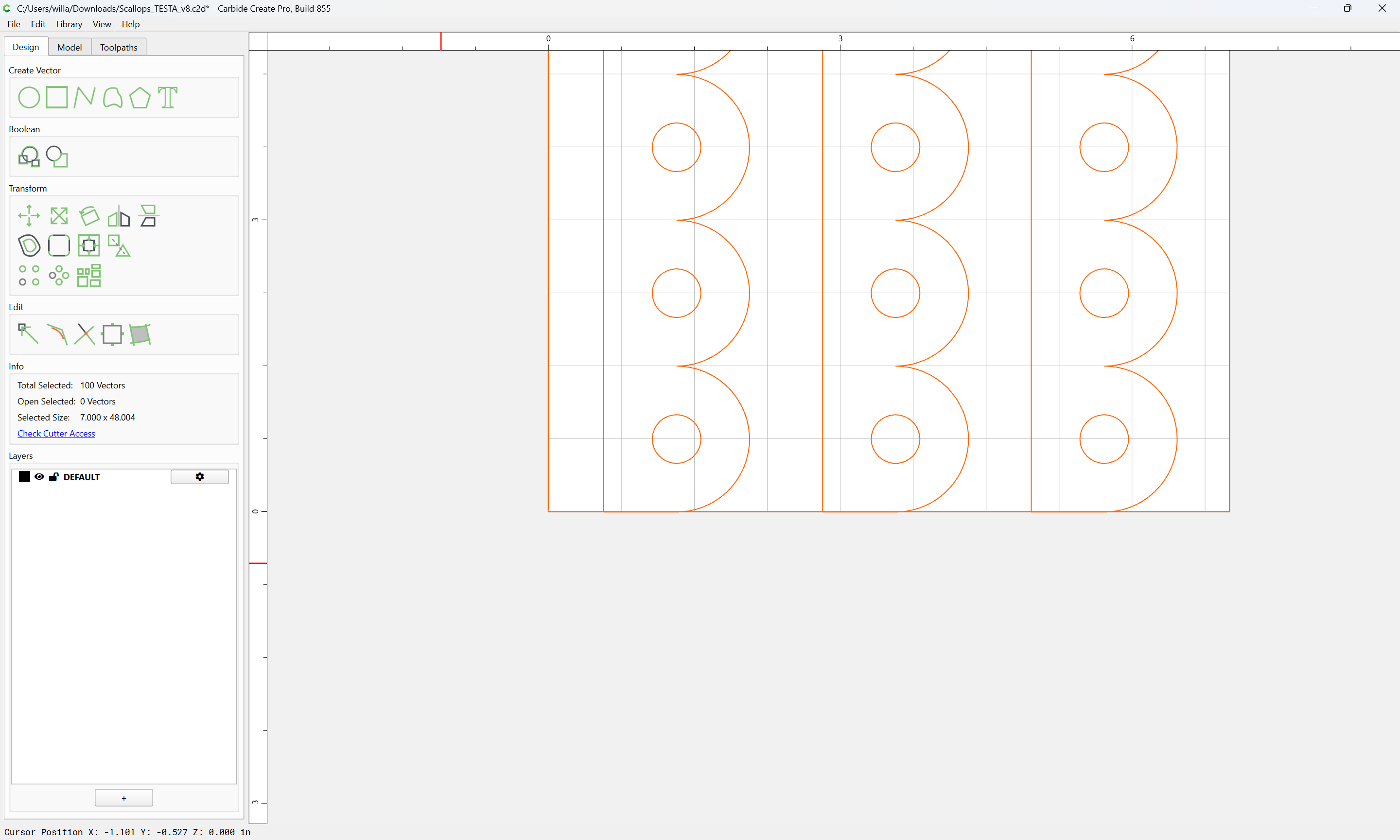
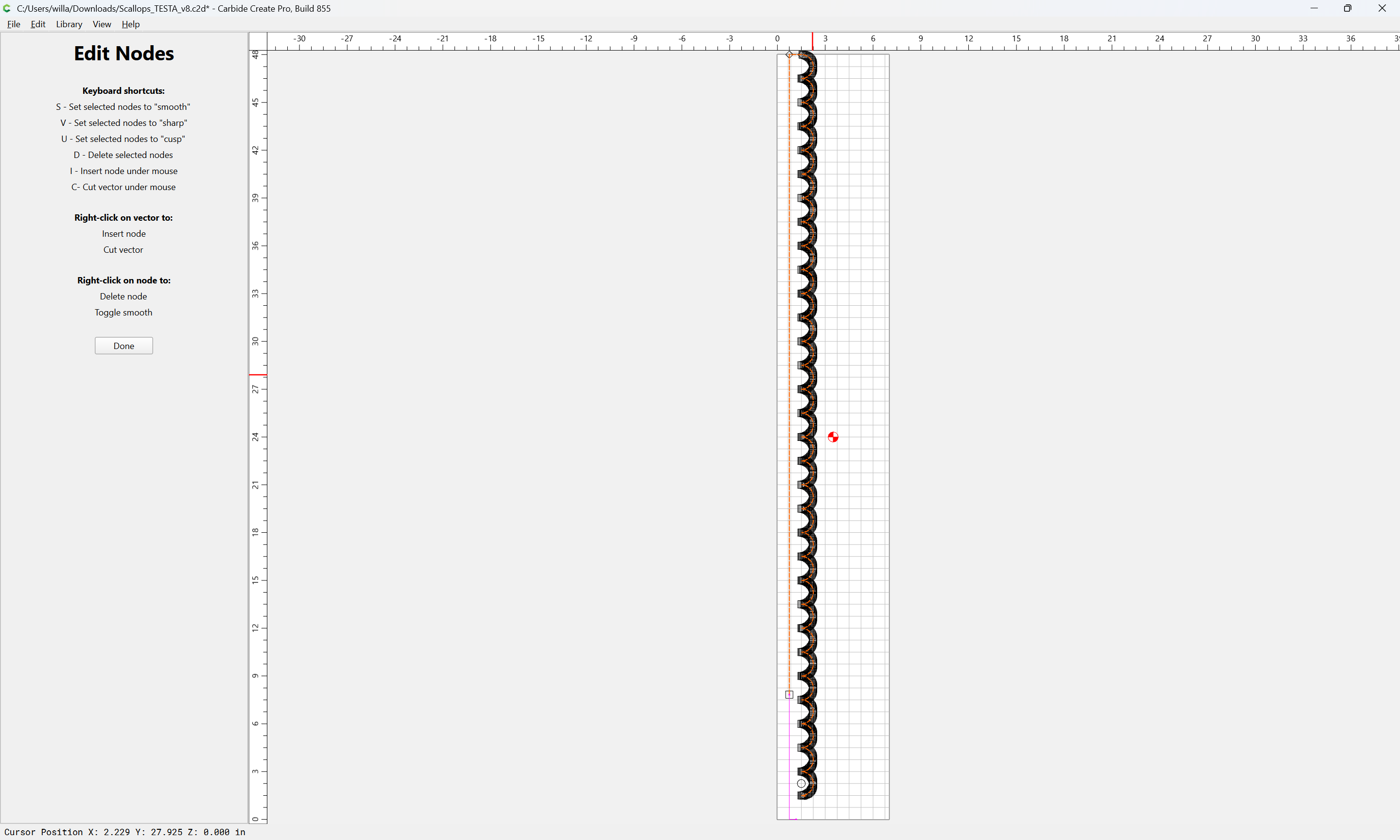
Then select everything:

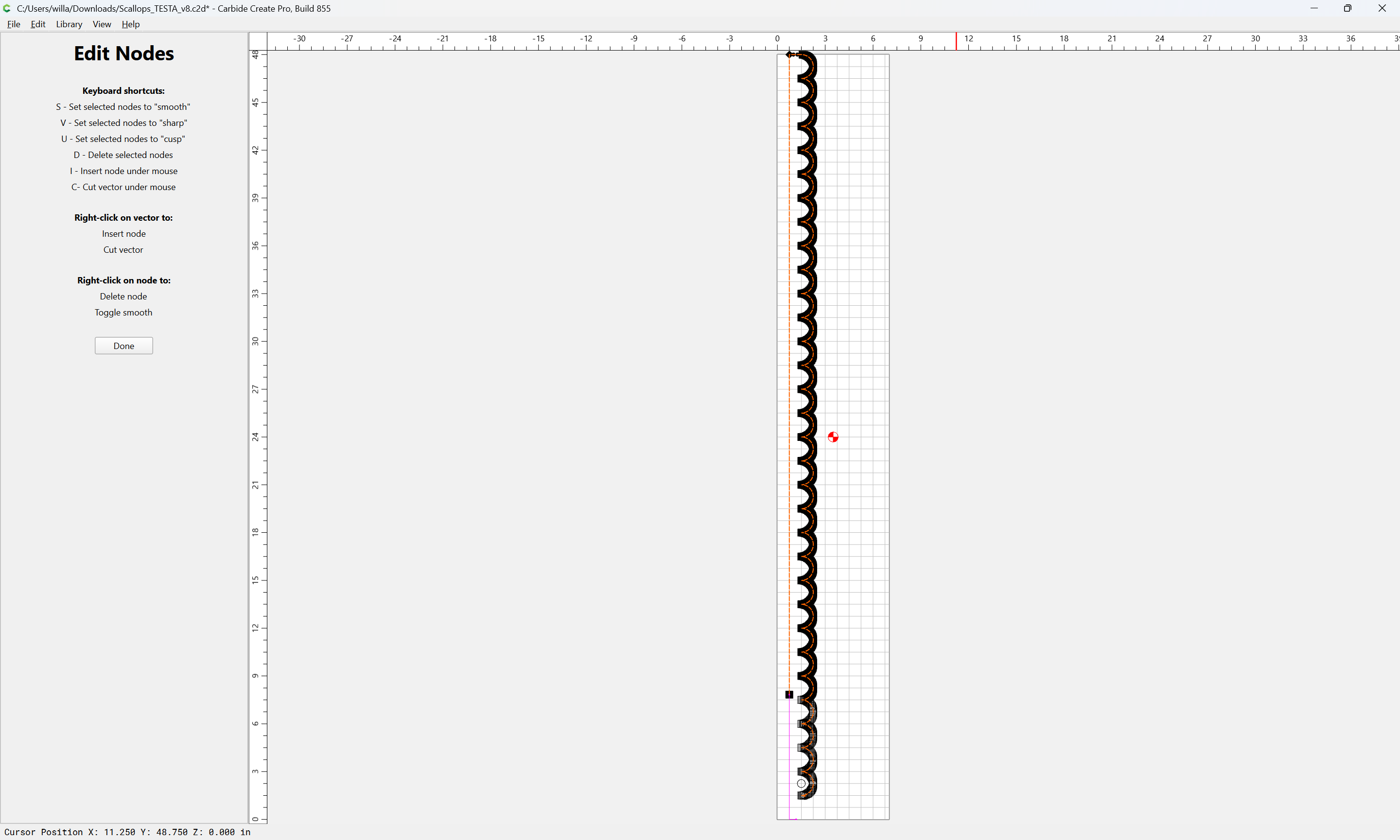
and deselect one set of elements:

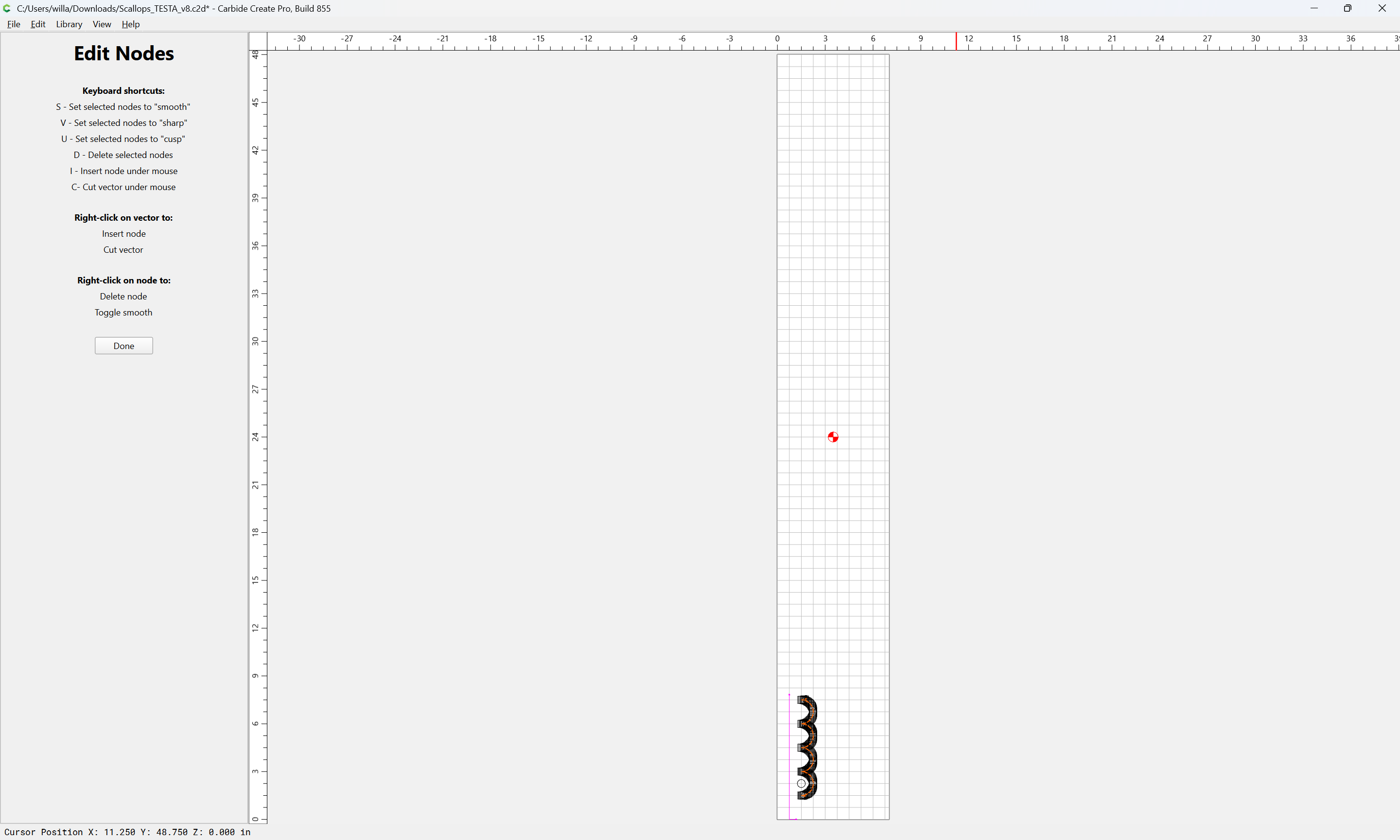
and delete:

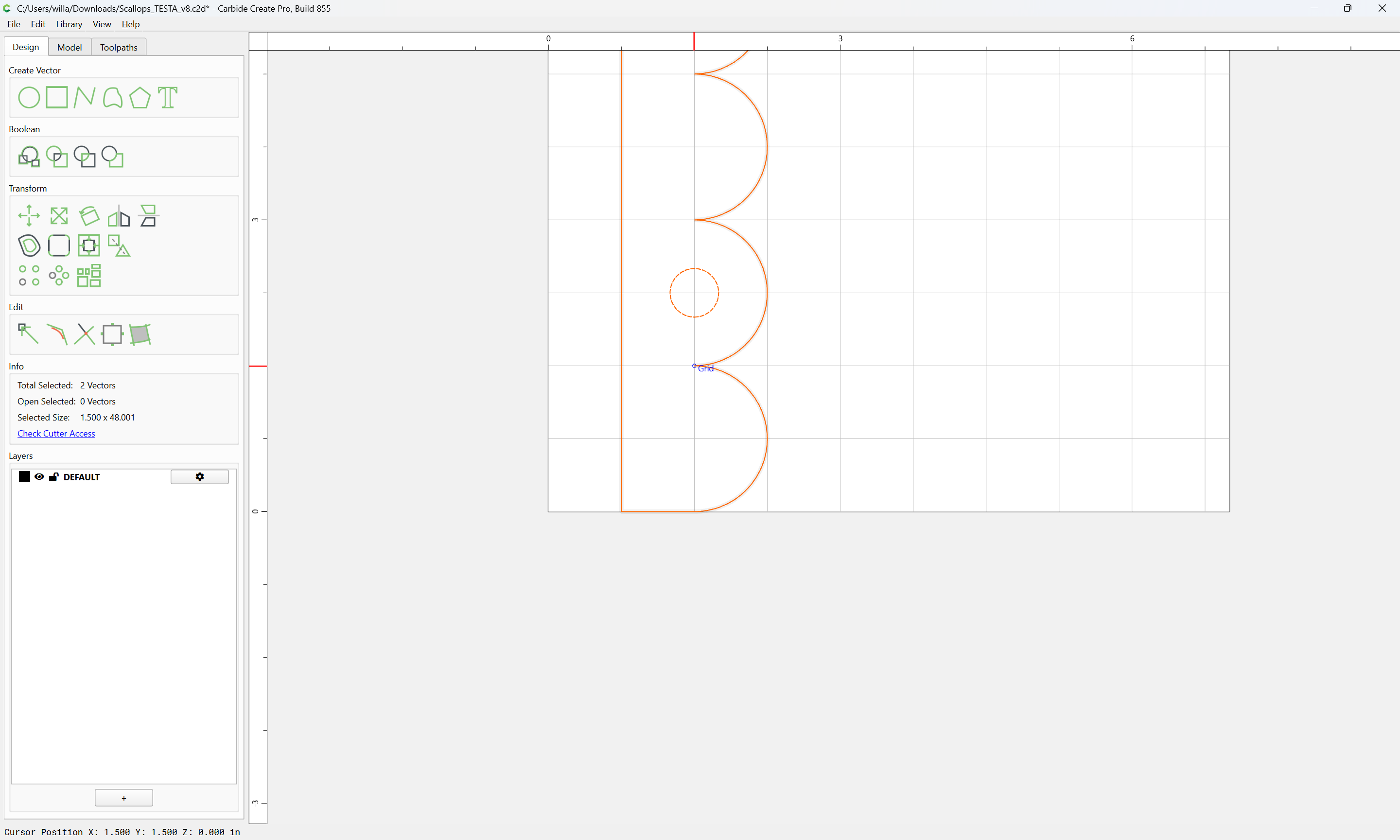
Then select everything and move so that it lines up with a grid intersection:

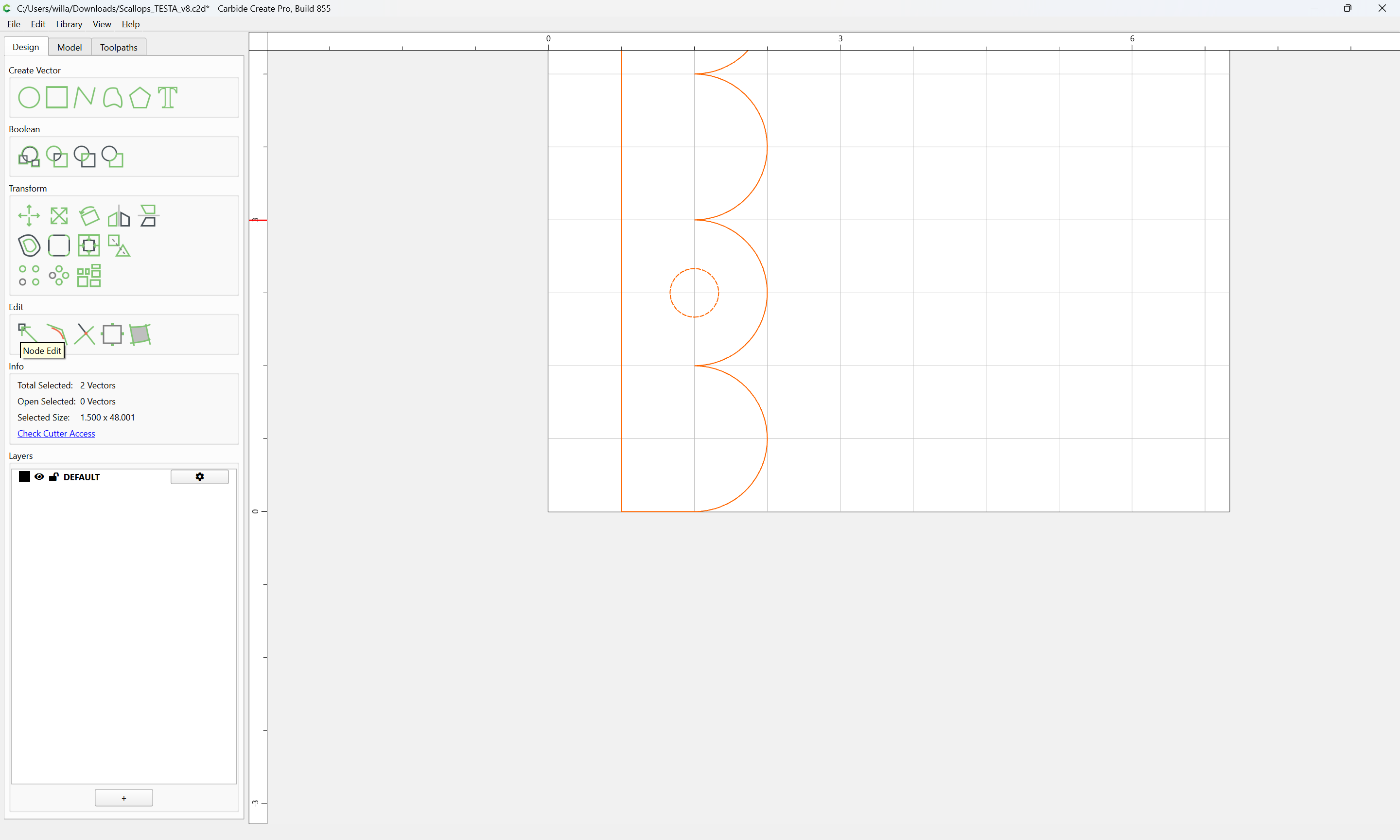
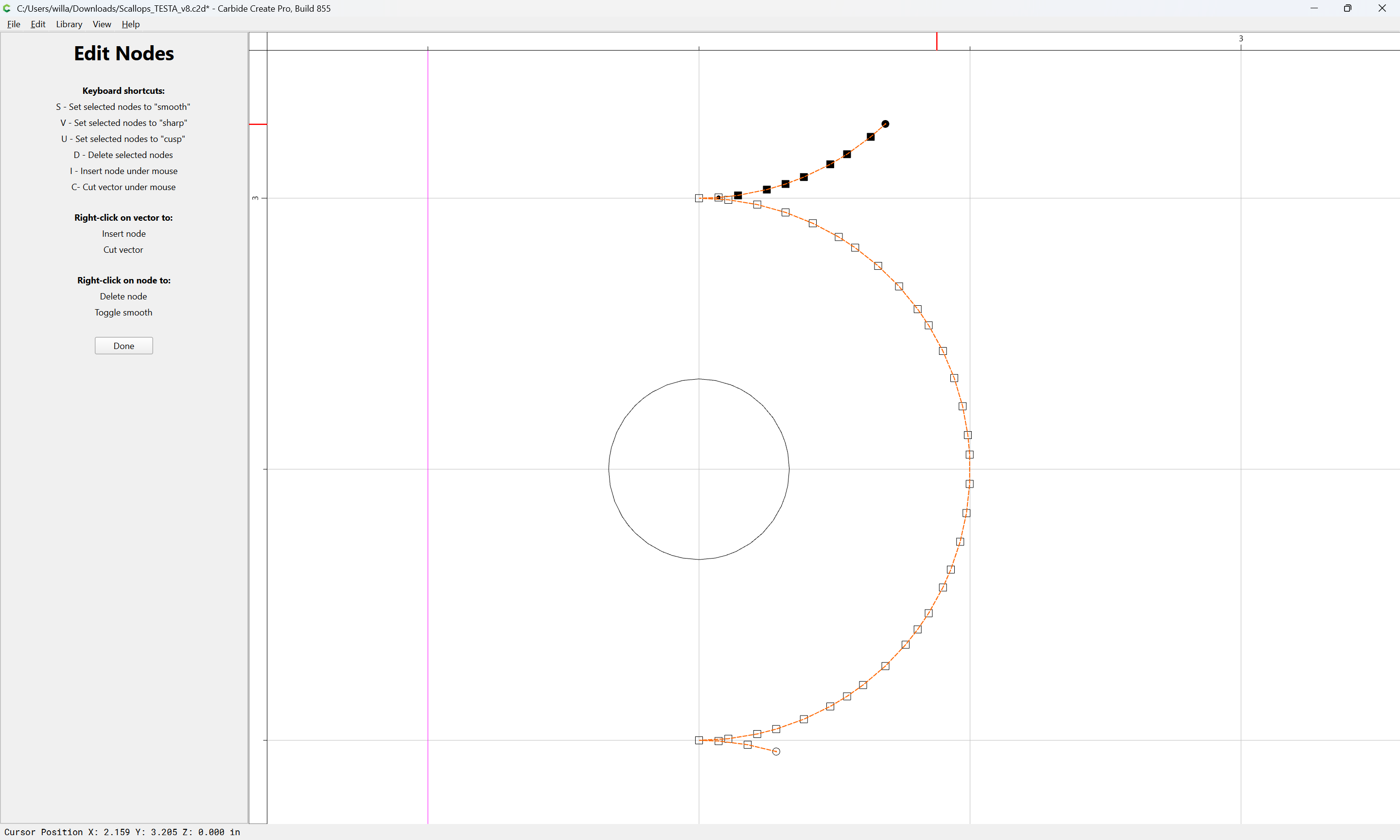
Then go into Node Edit mode:

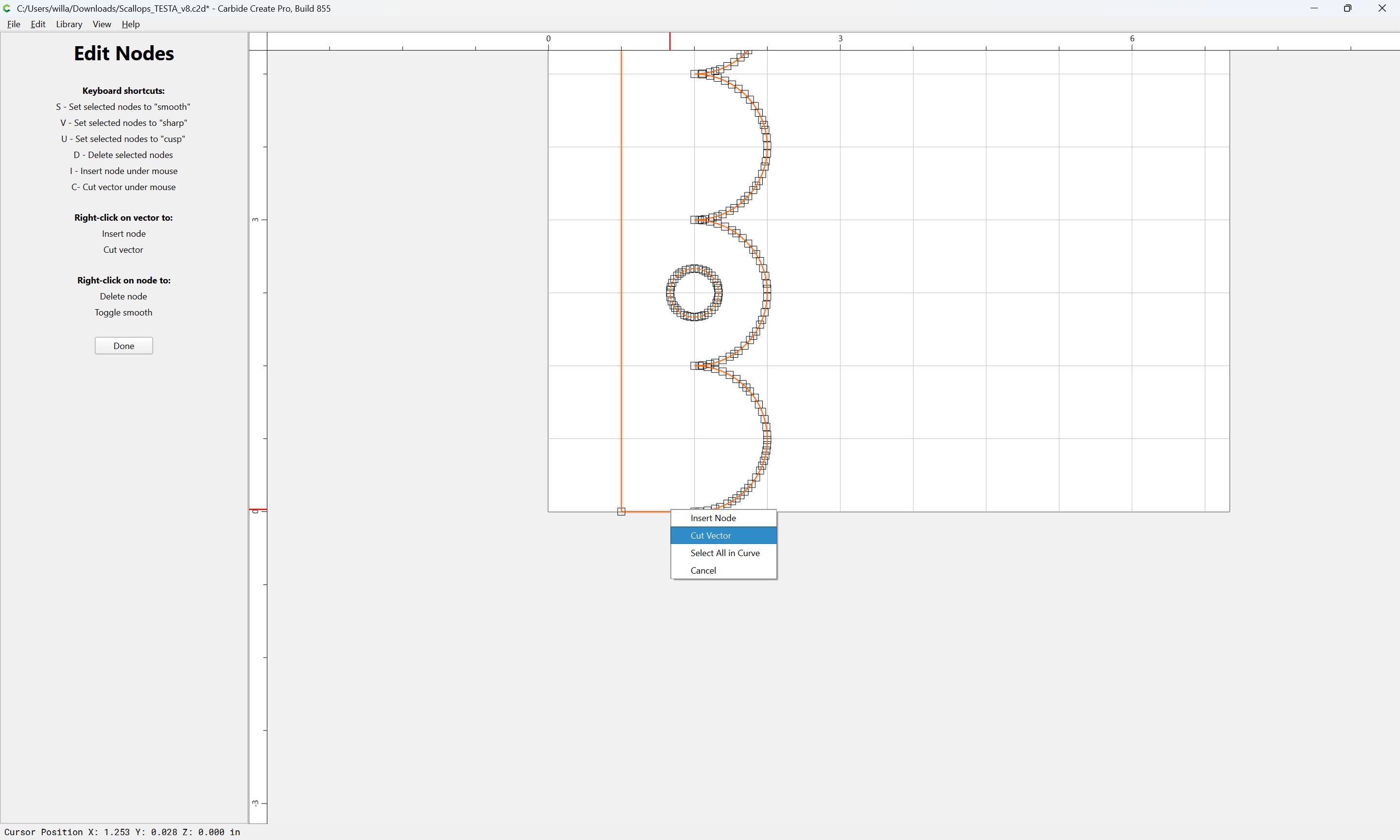
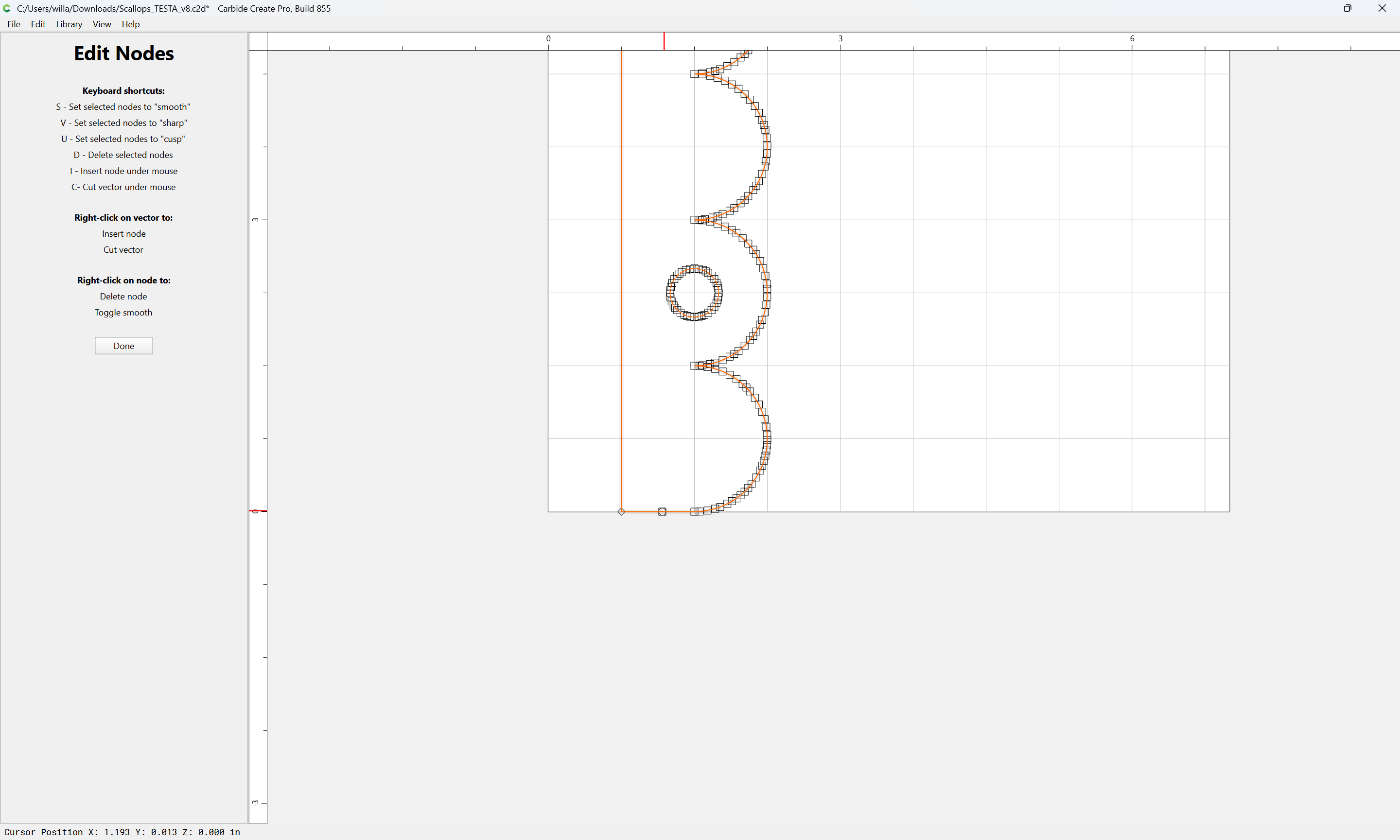
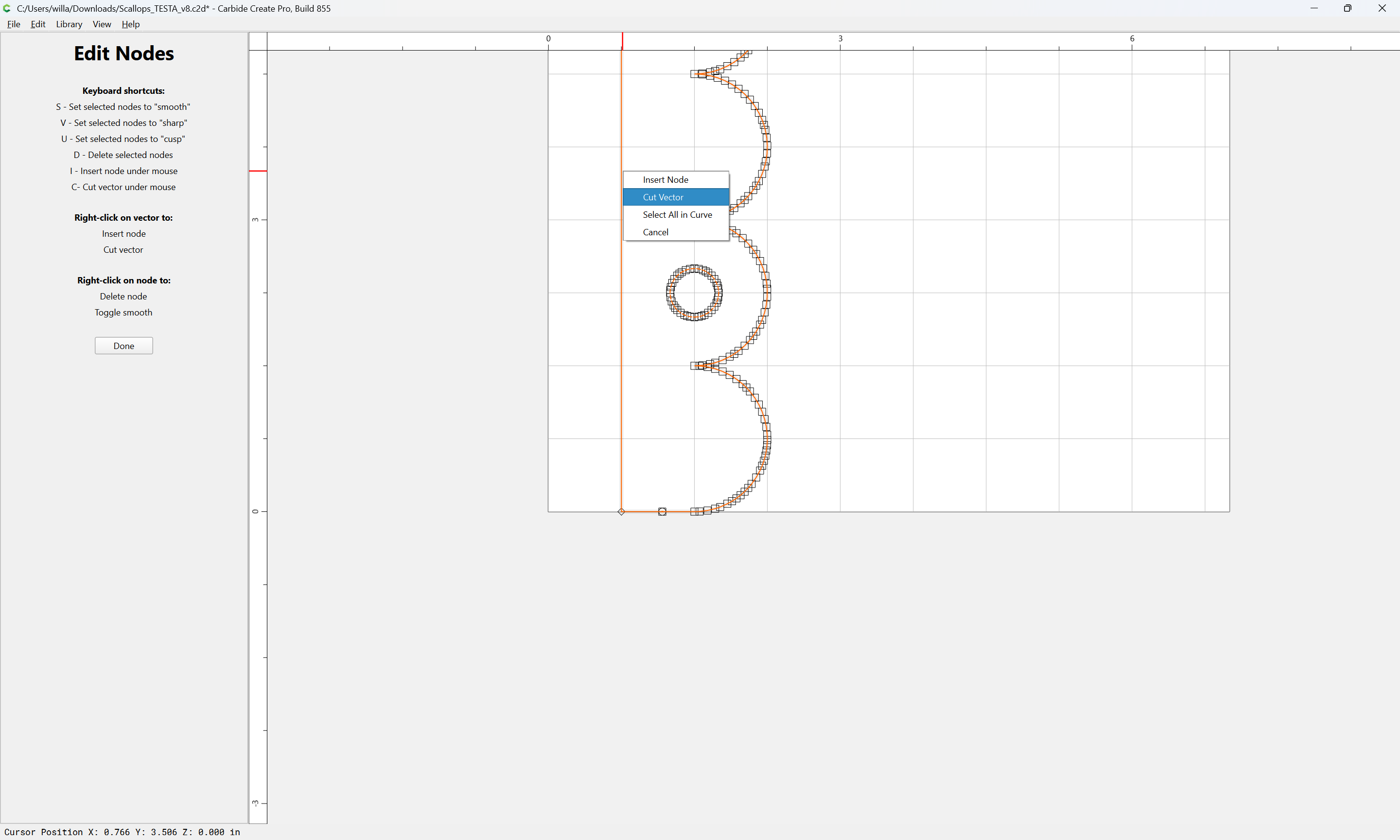
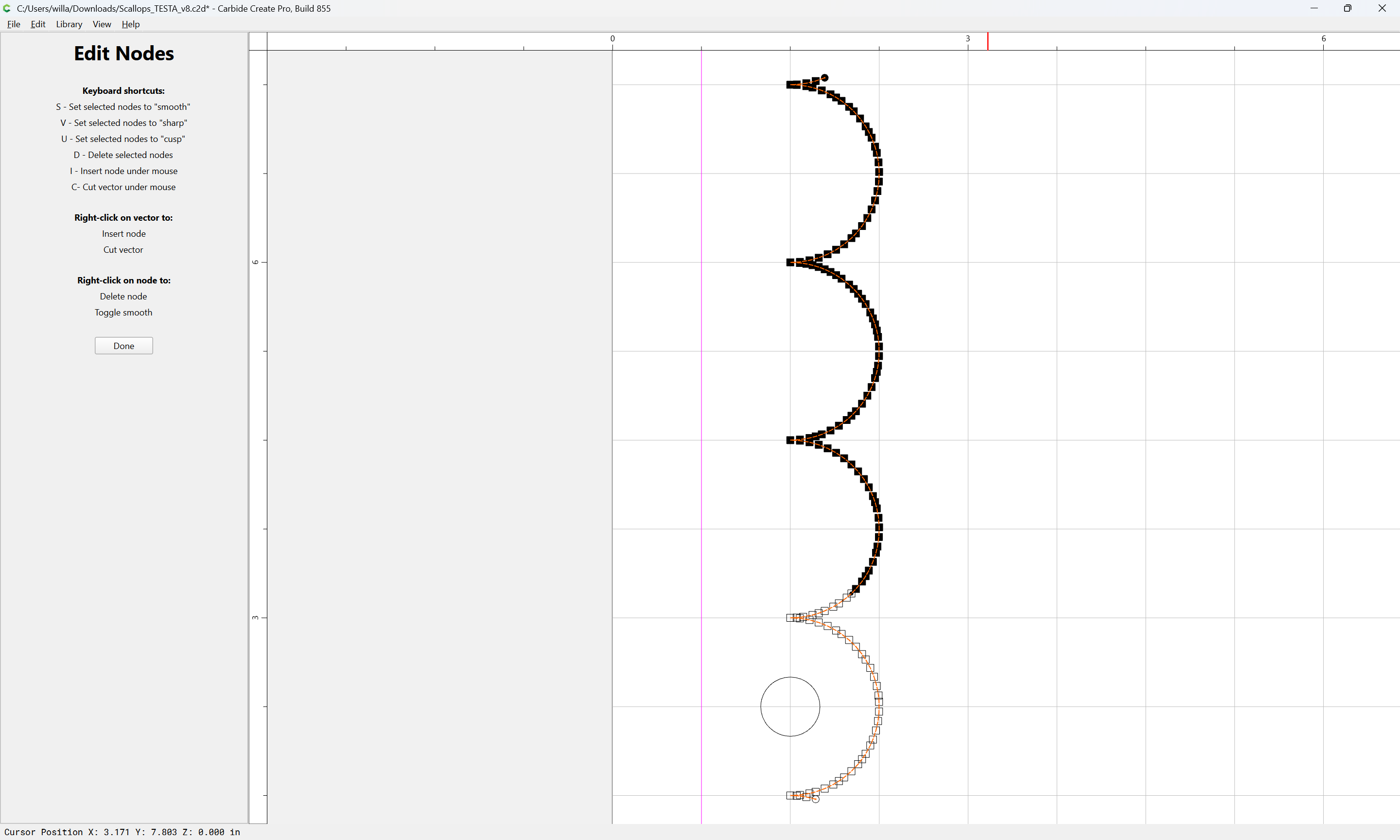
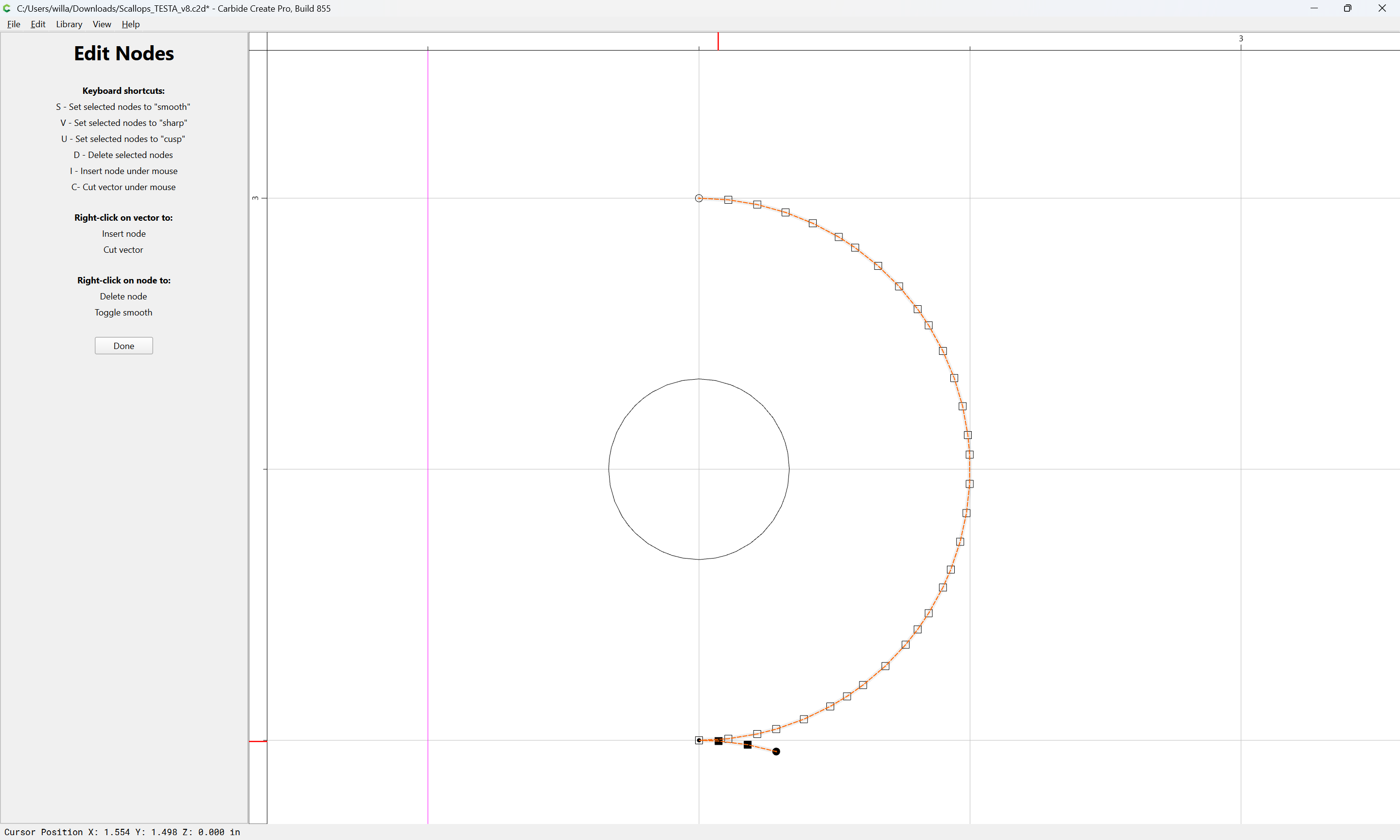
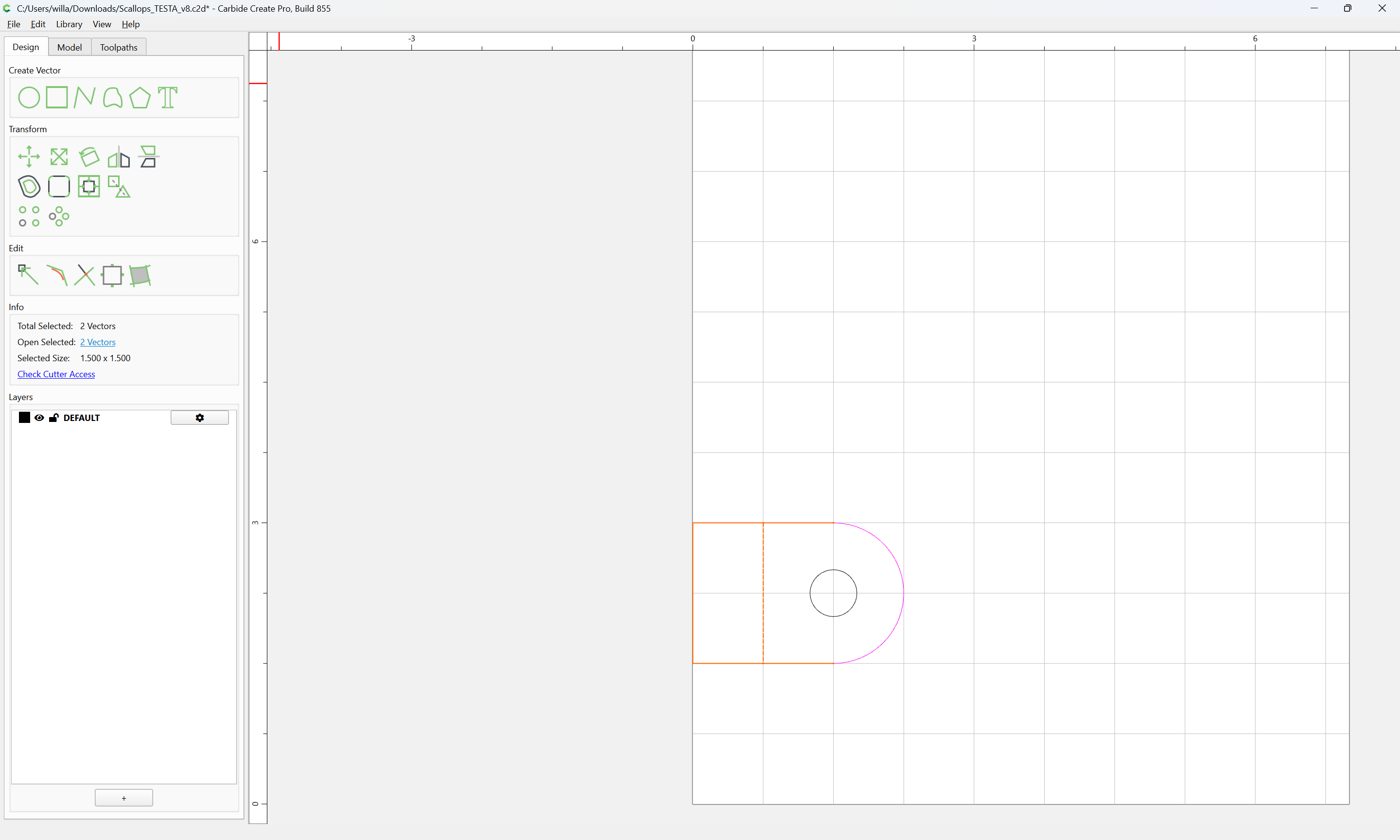
and cut the lines so that one section will be isolated:

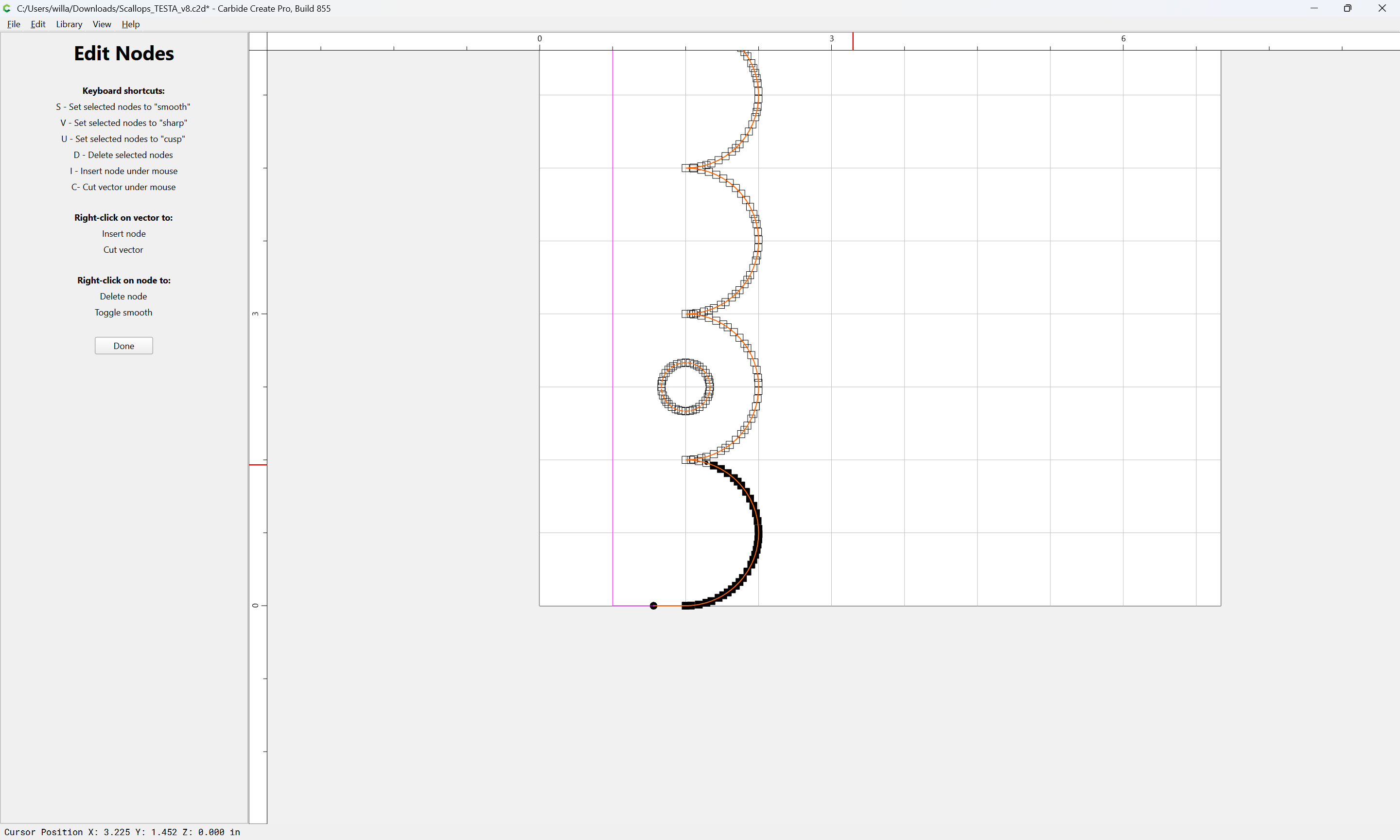
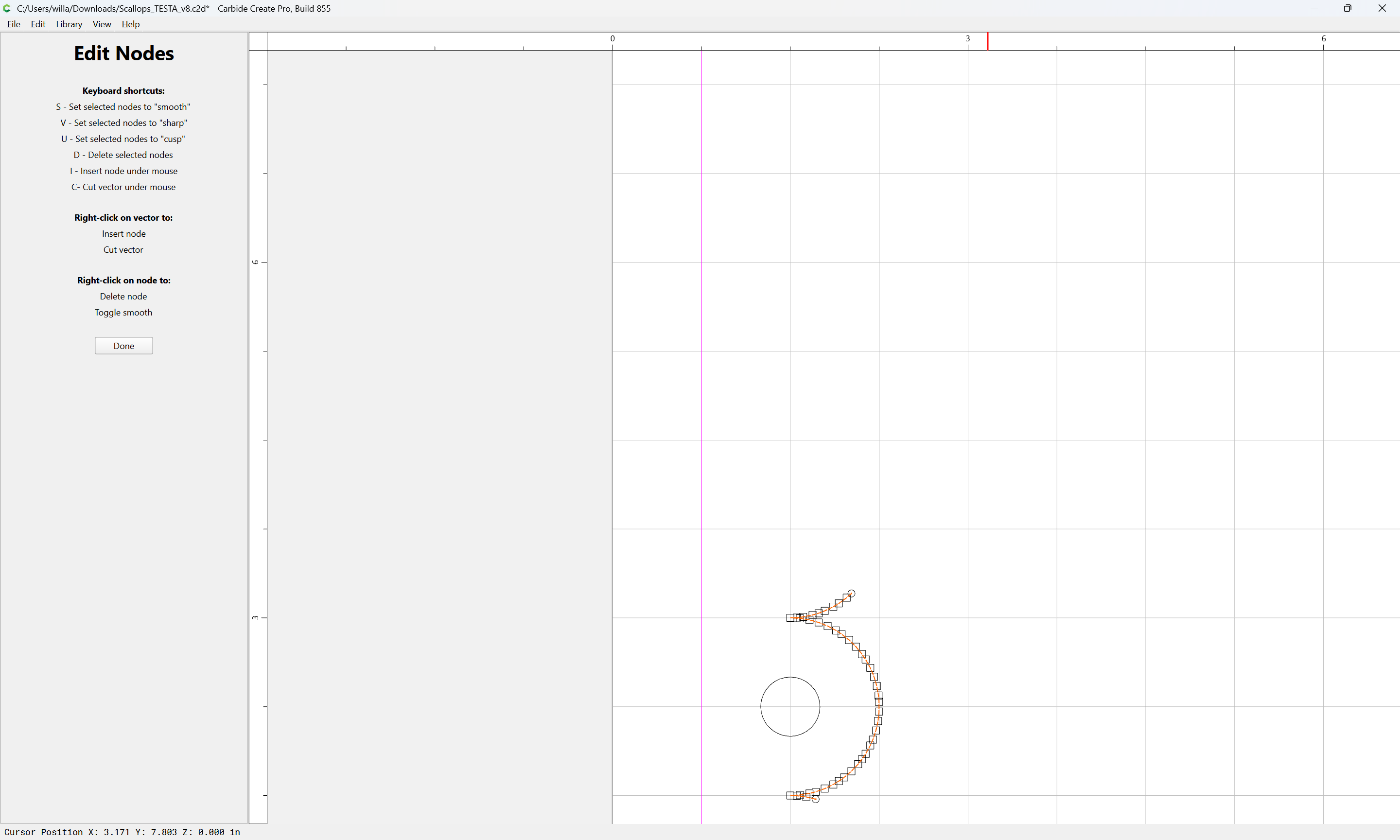
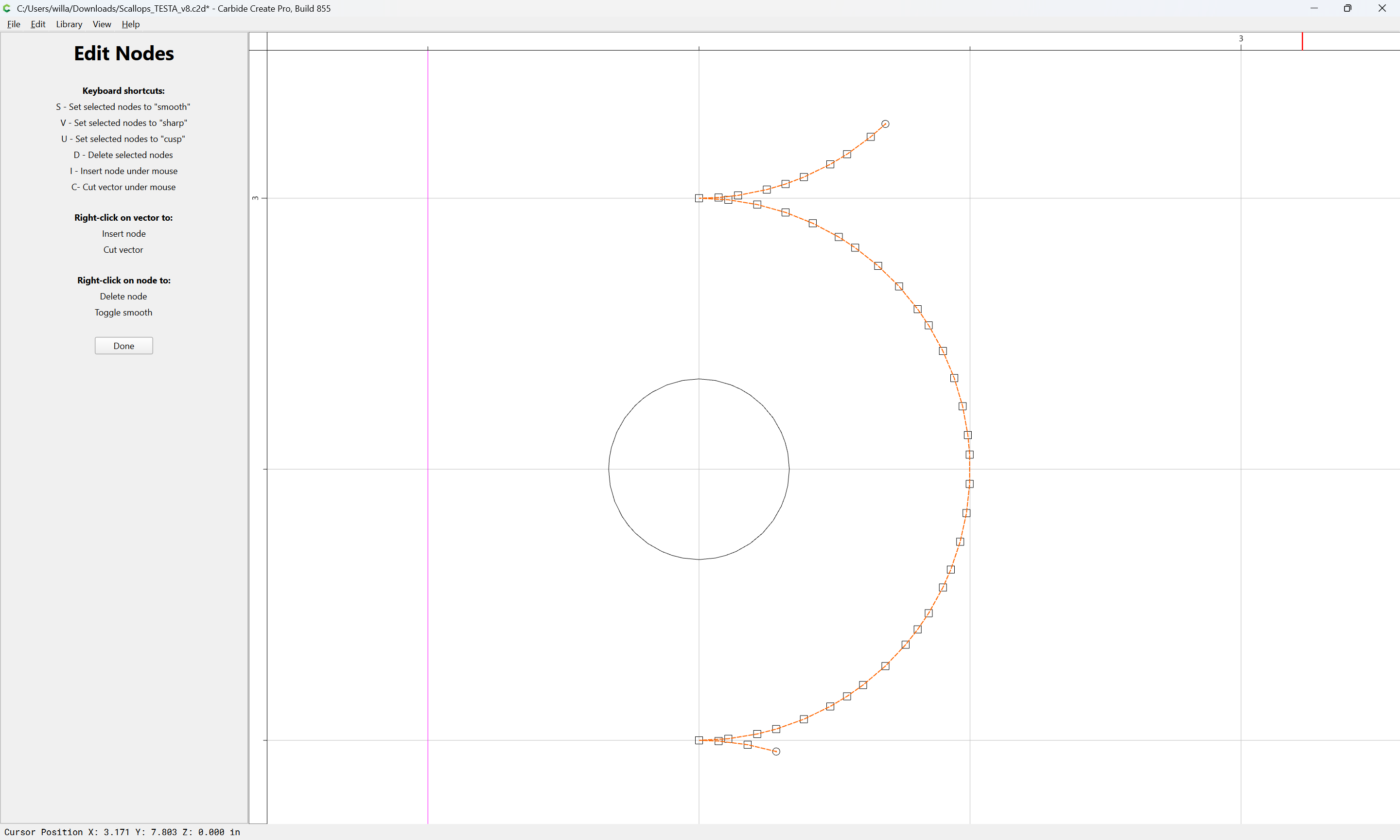
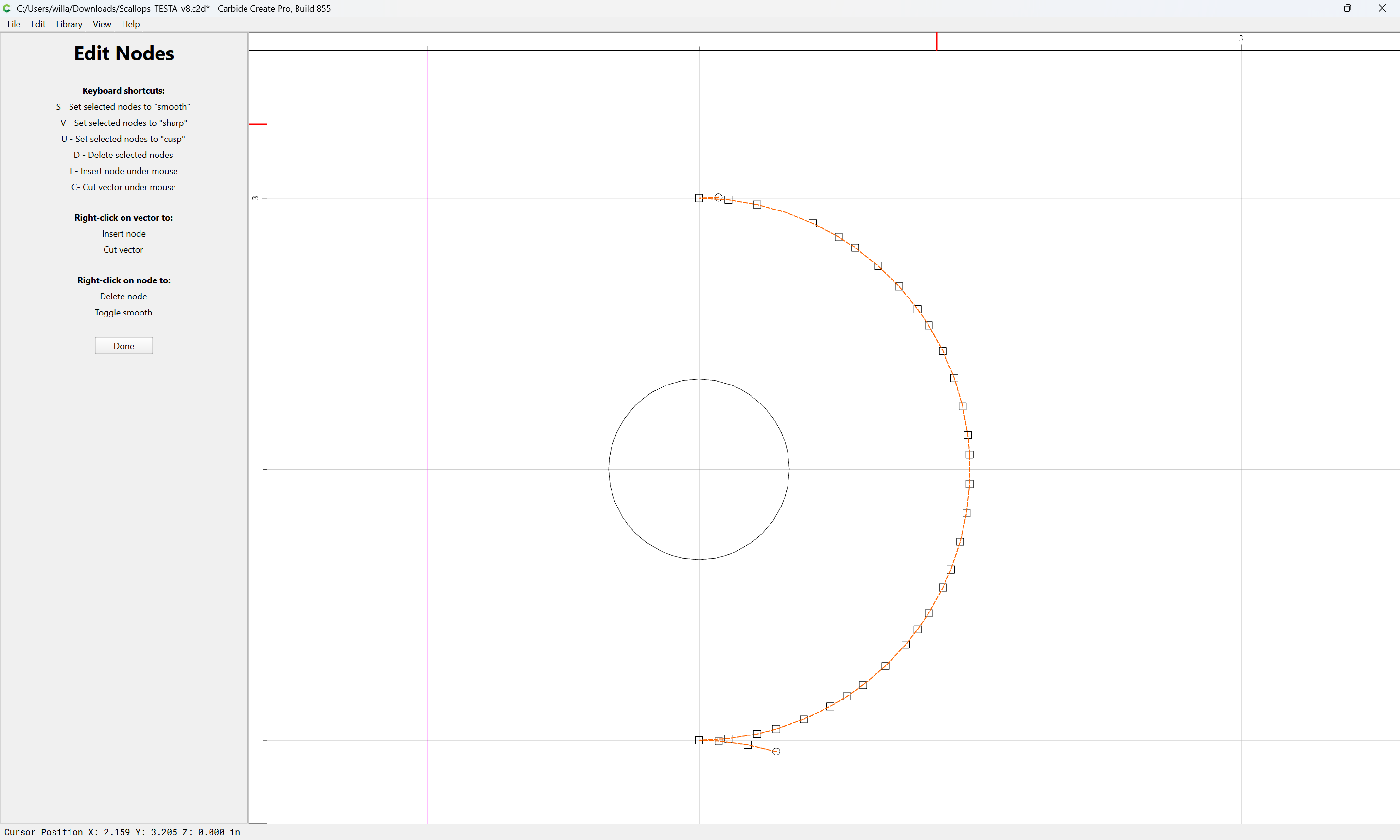
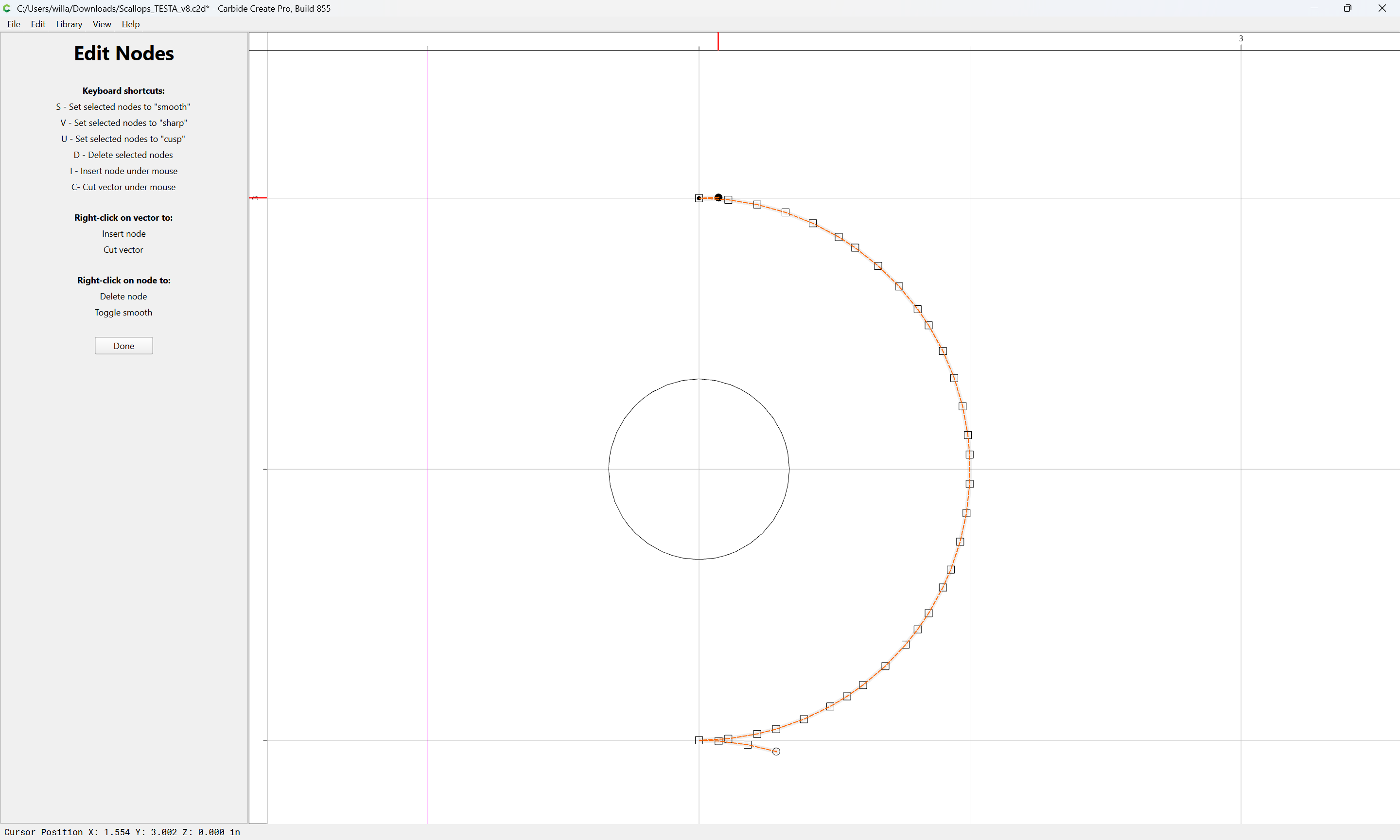
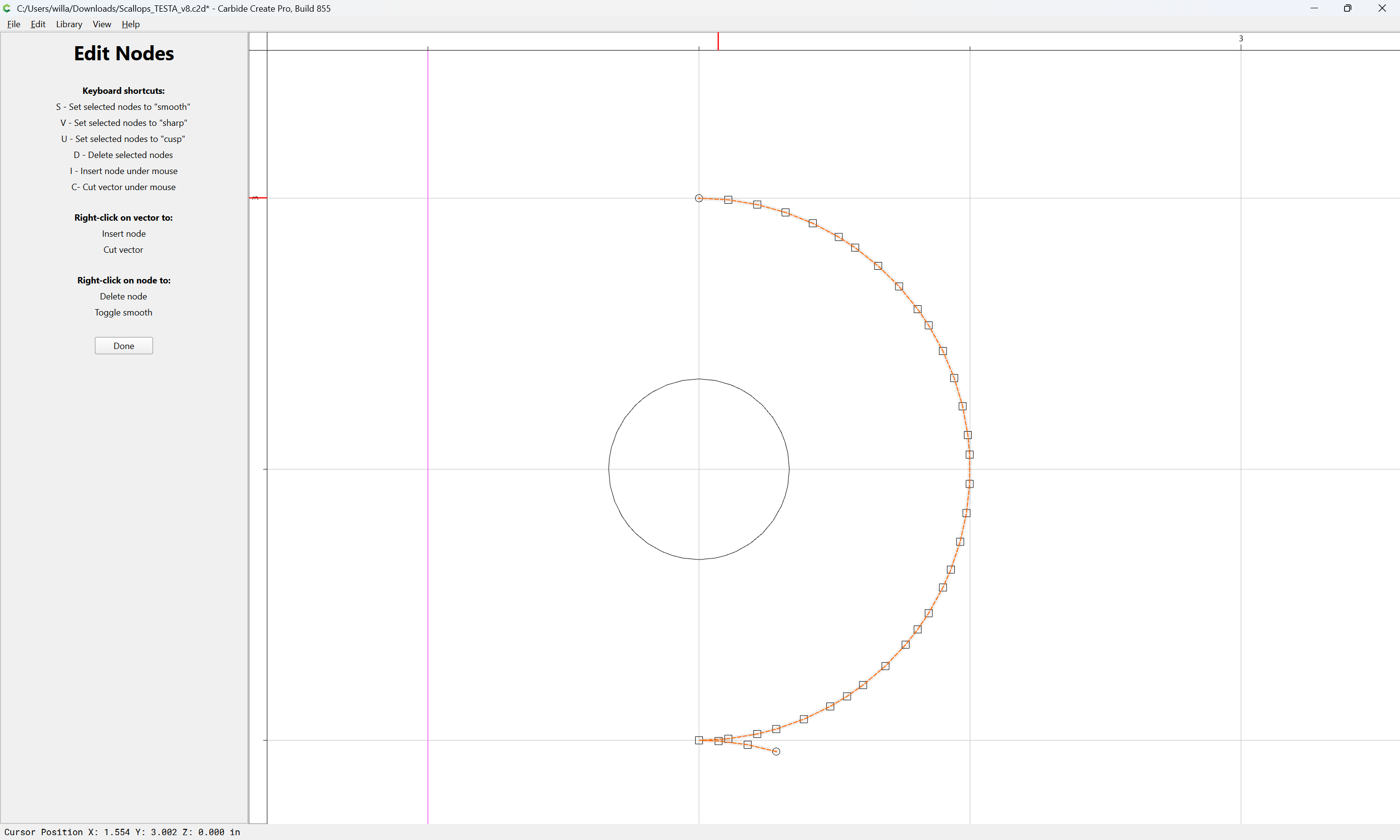
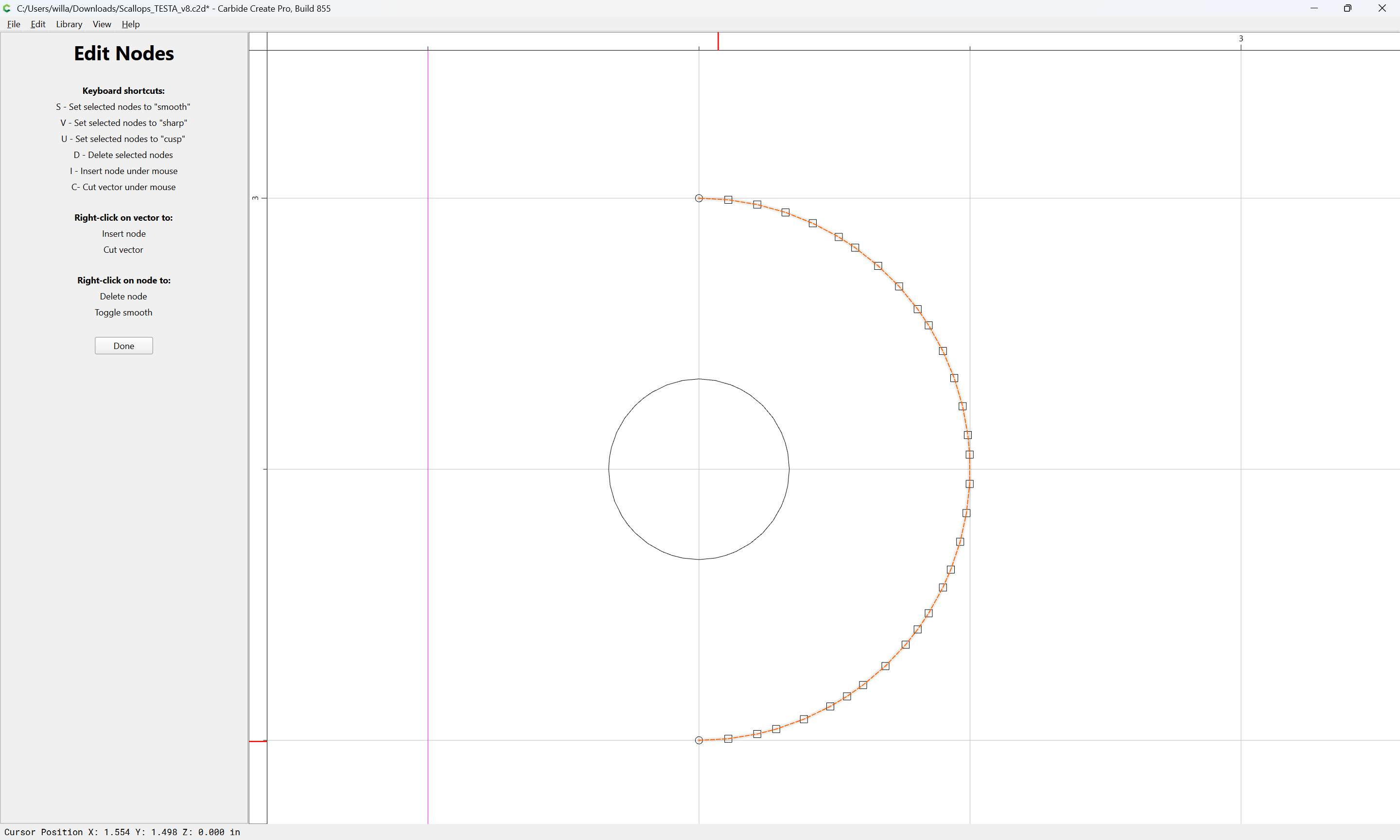
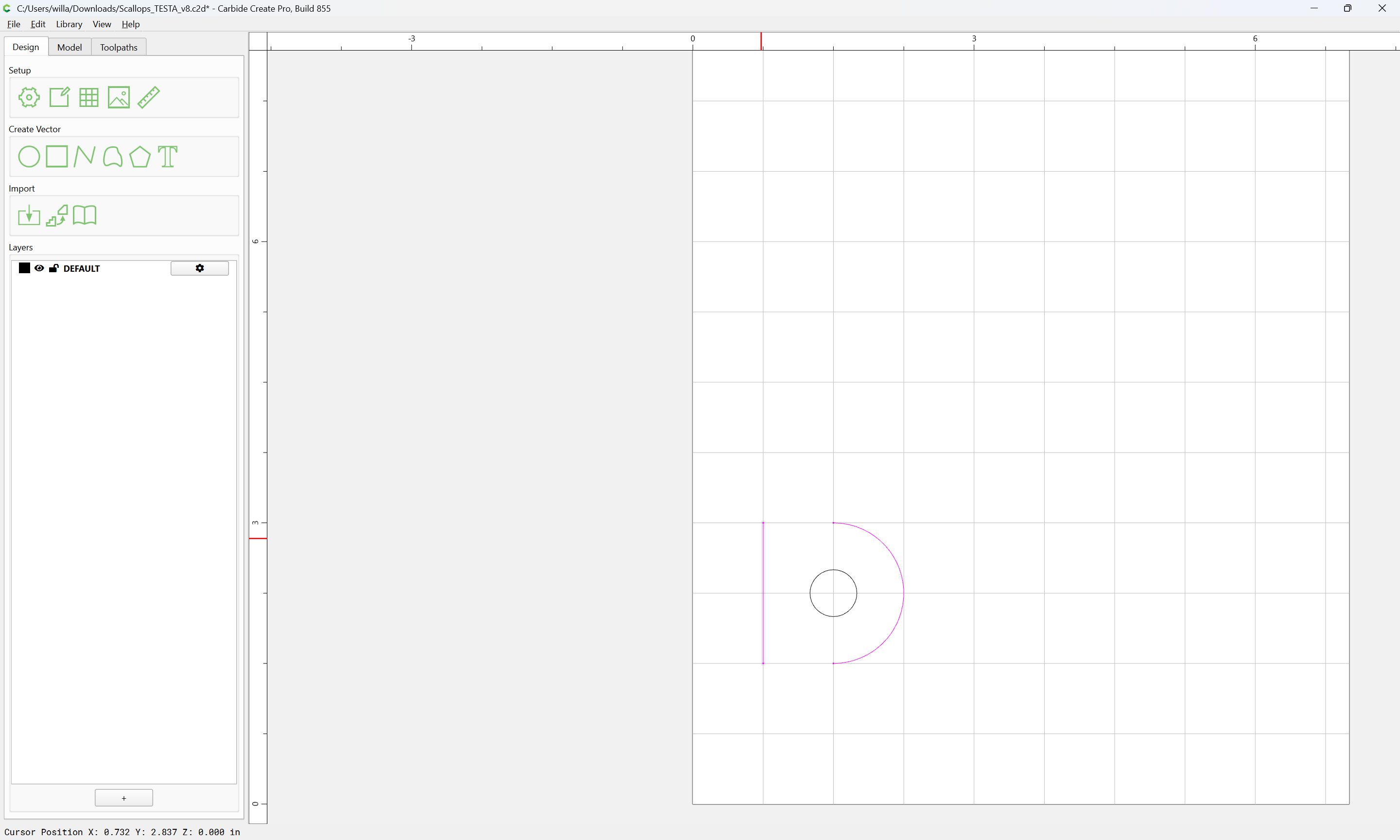
Then delete all but one curve:

d

ctrl f

ctrl f

d

d

d

Done

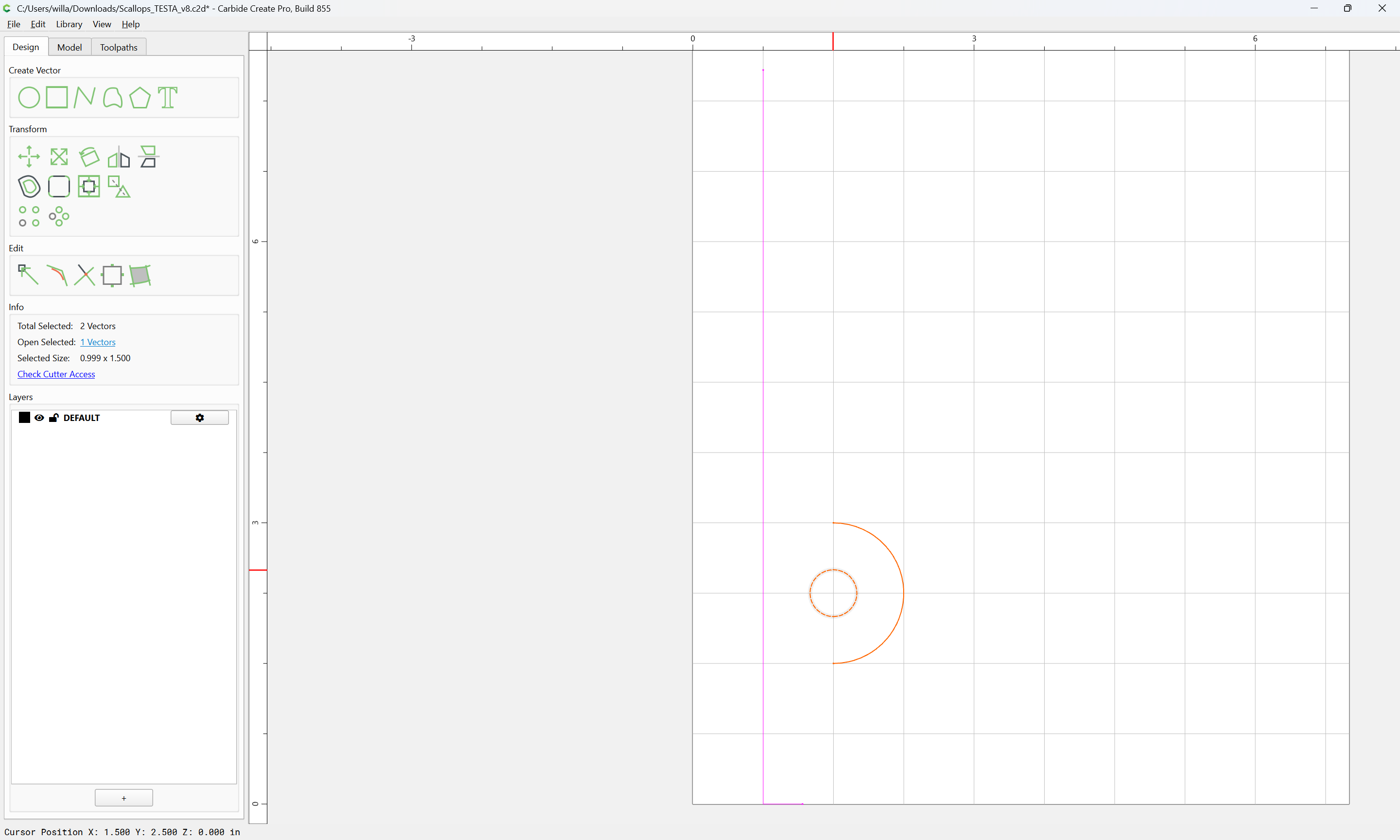
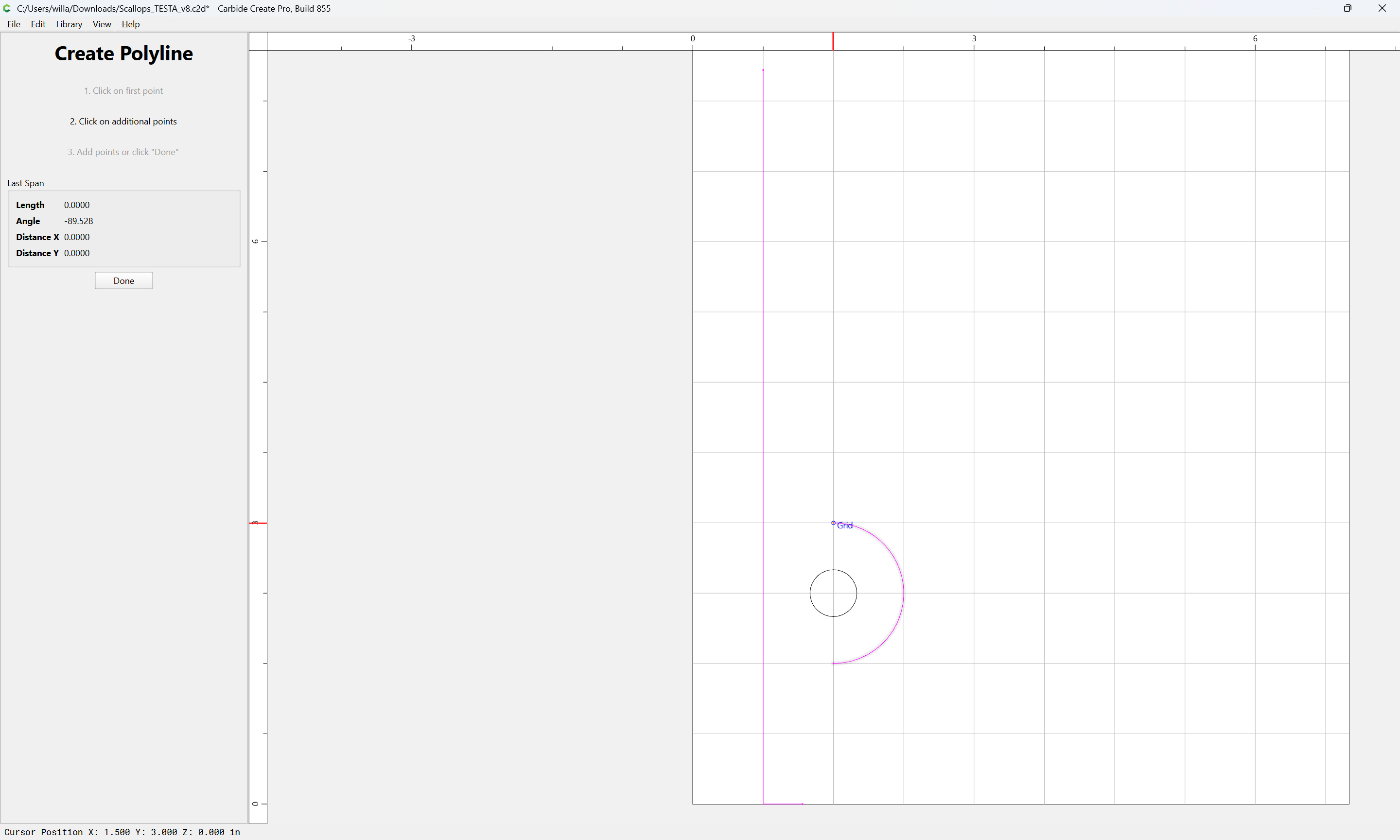
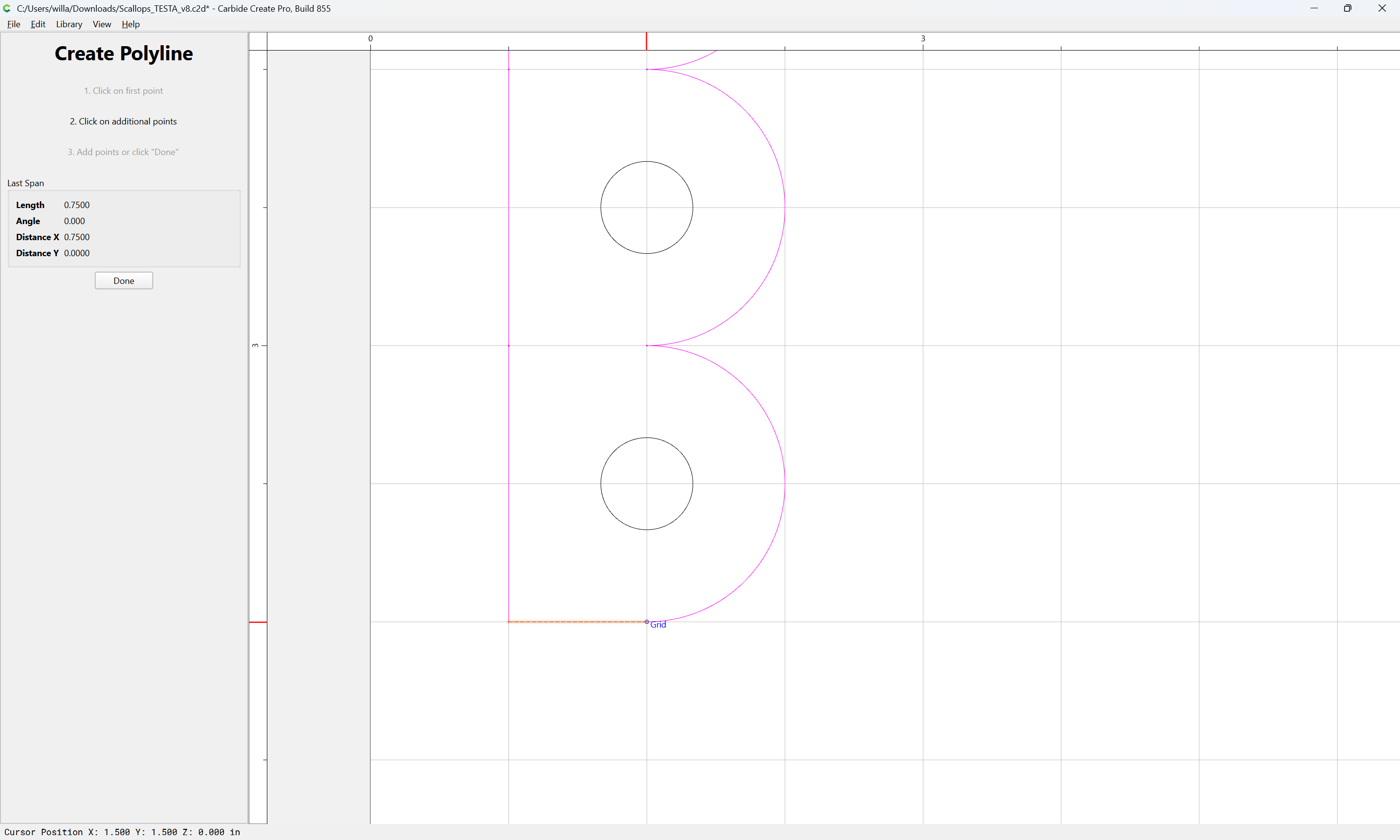
Draw in geometry to define the length of the line on the left using the Grid:

Done

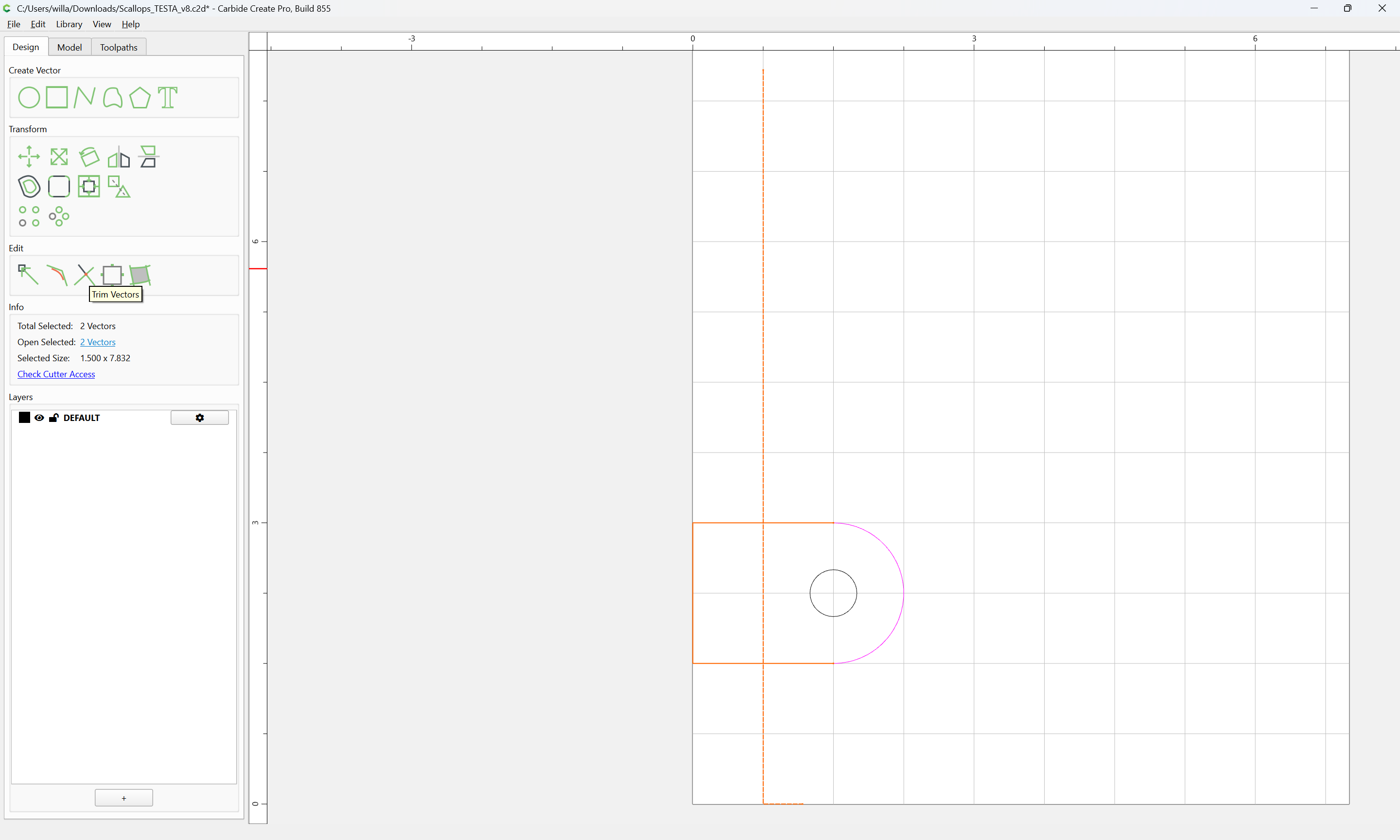
Then select the geometry:

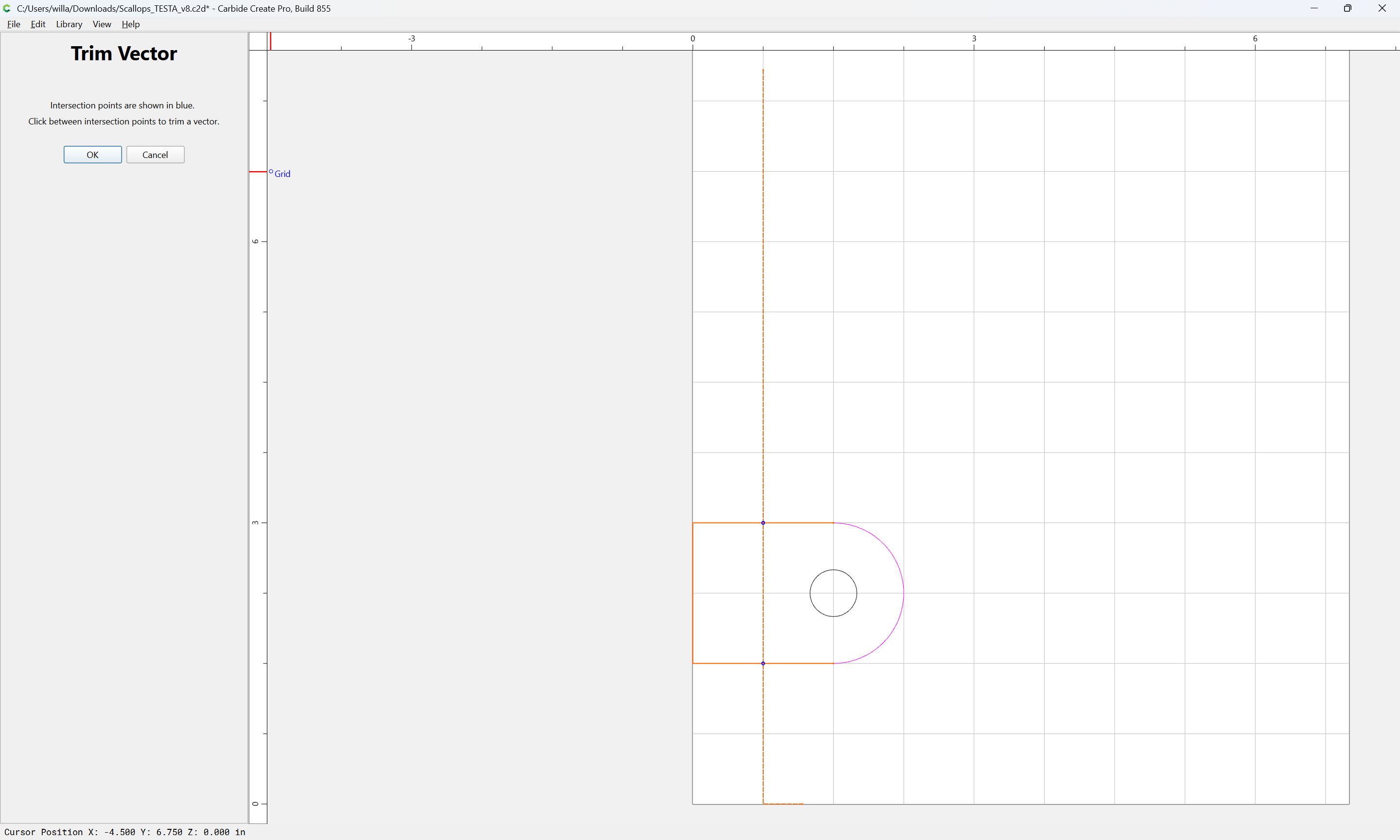
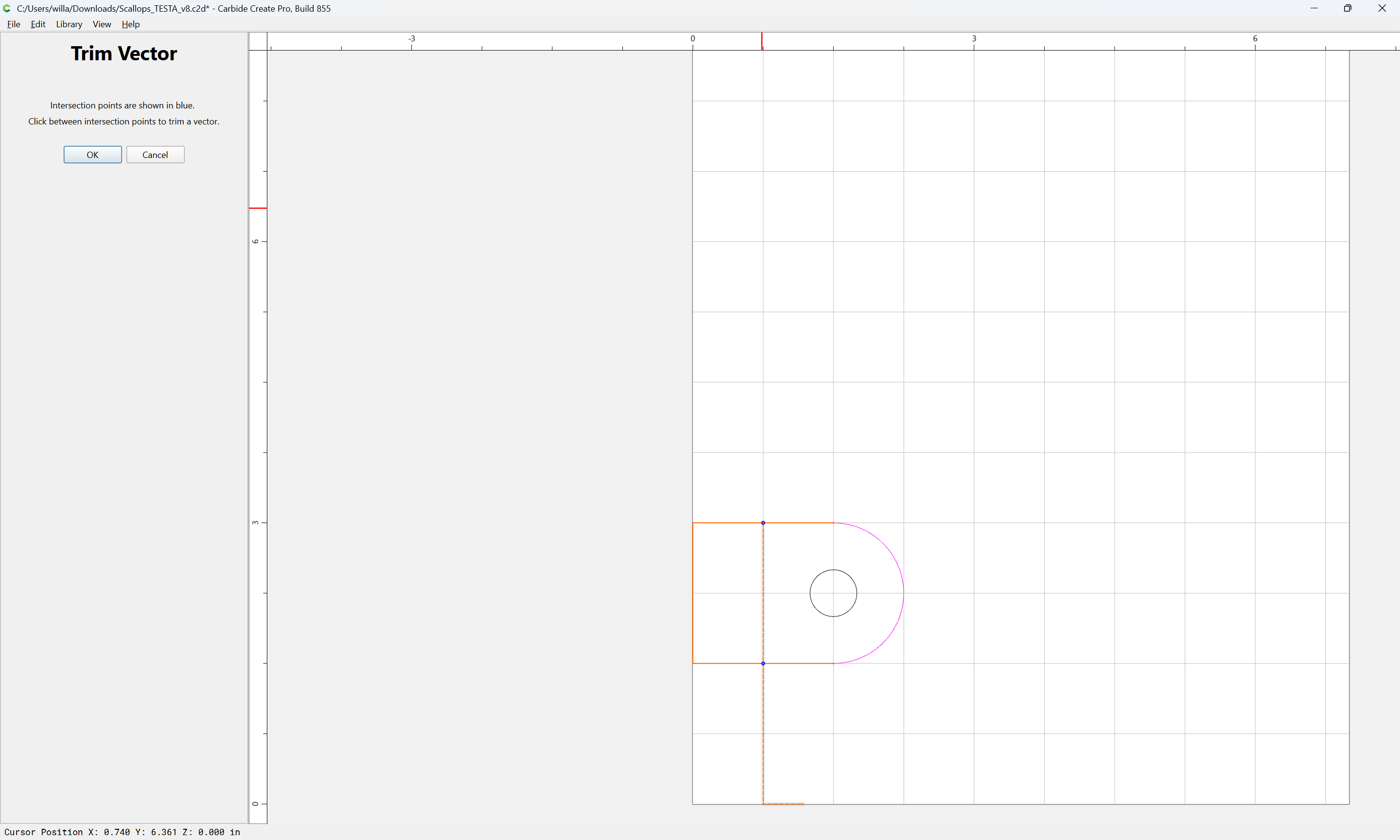
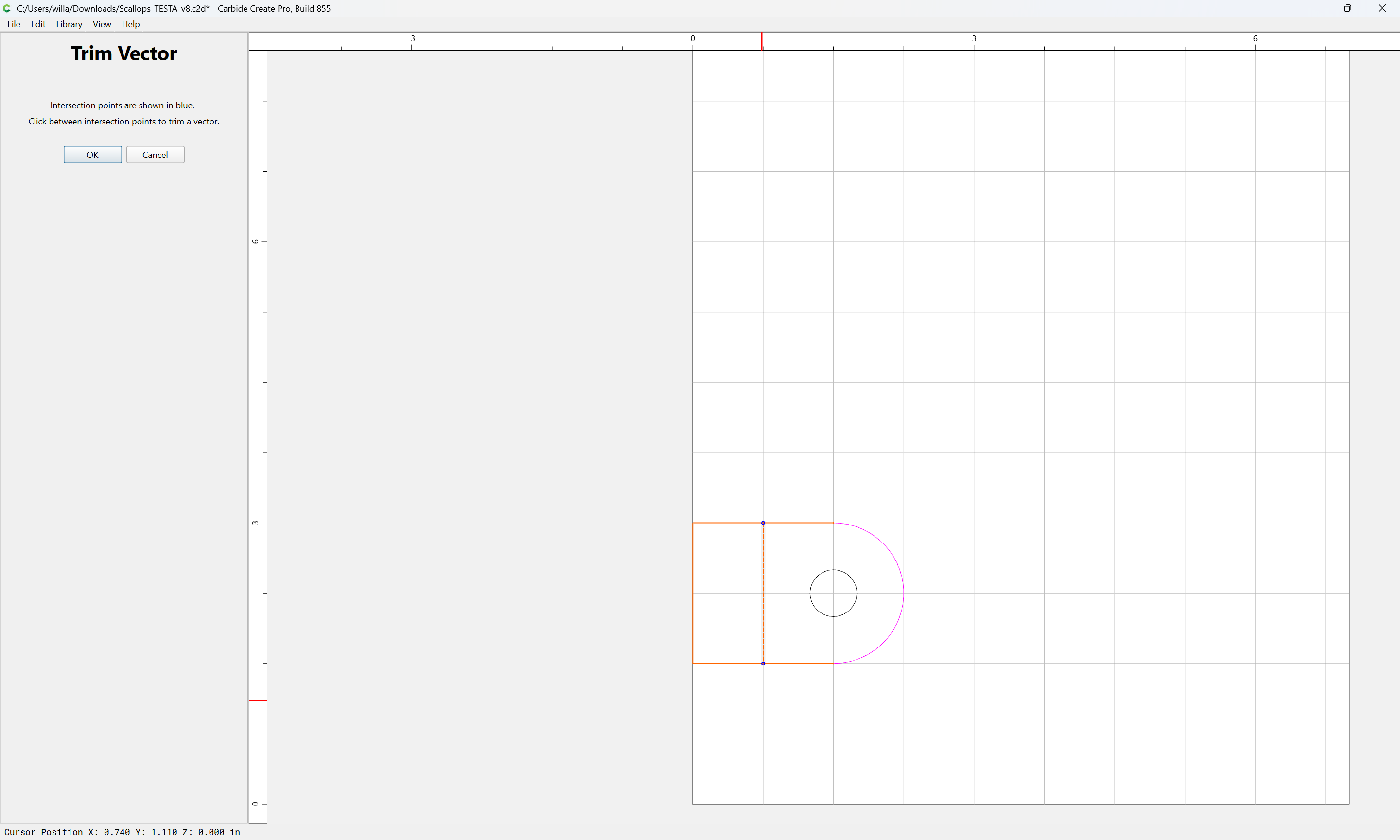
and use Trim Vectors to reduce it to only what is wanted:

OK

Delete the drawn-in geometry:

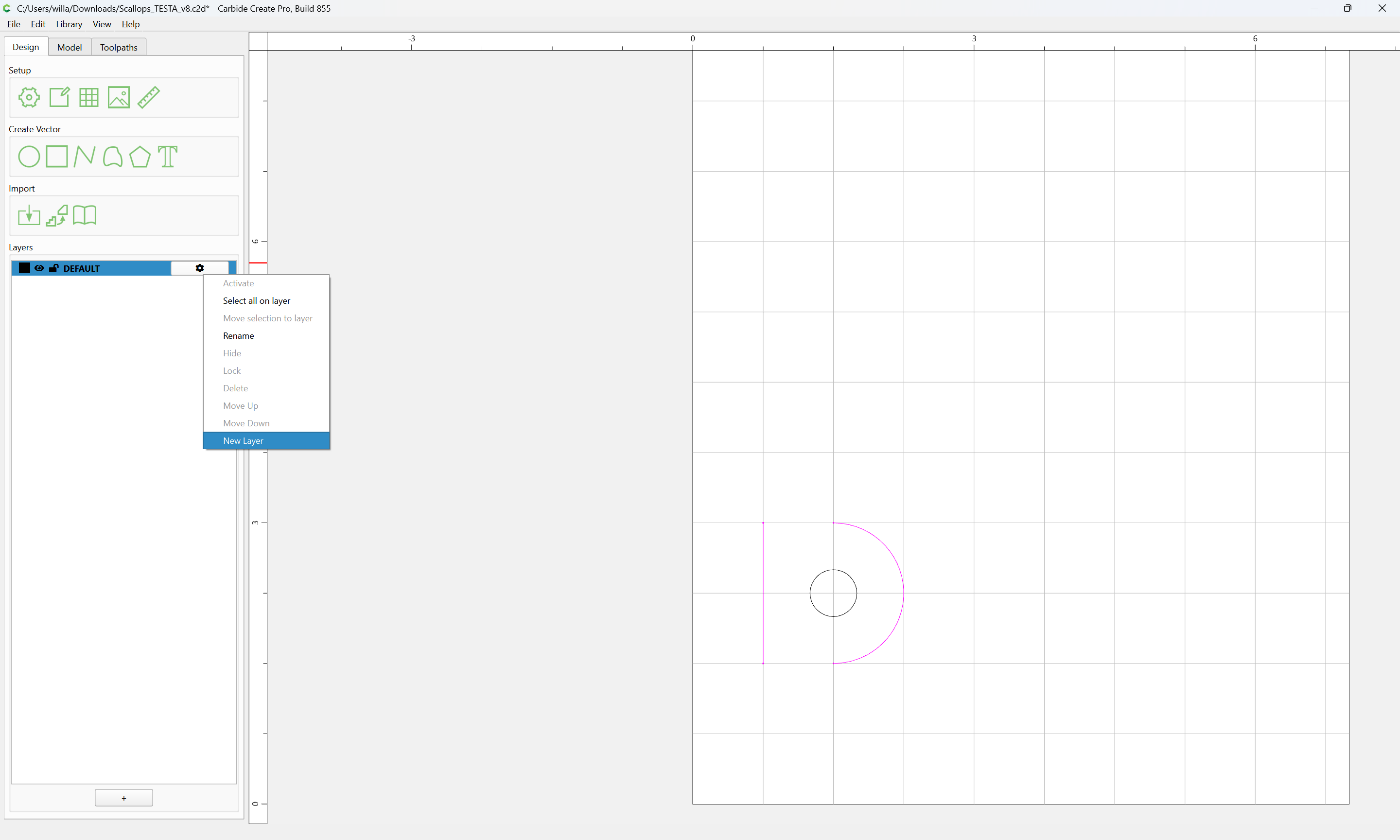
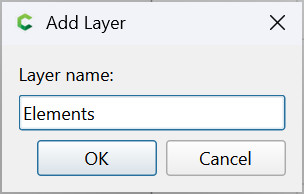
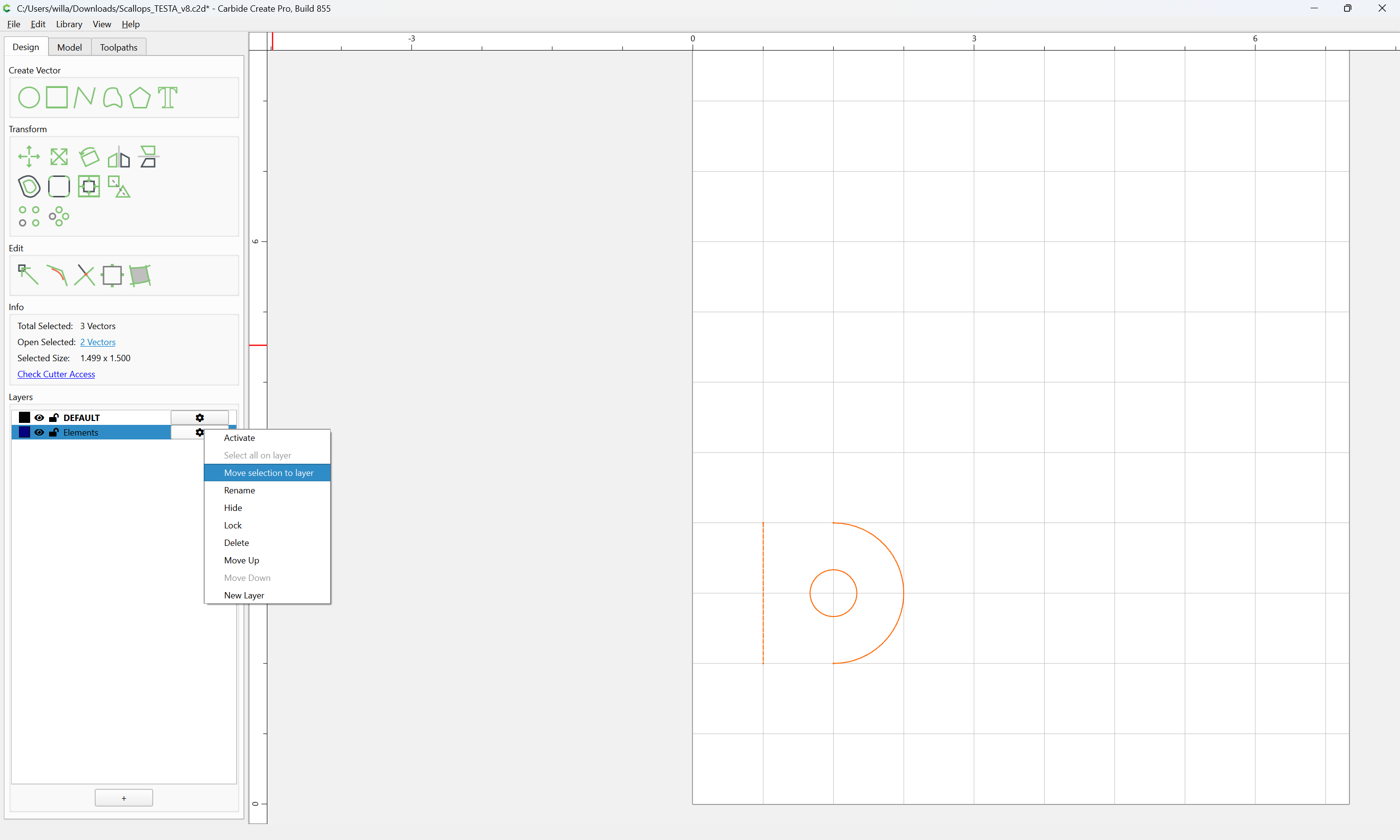
Create a new Layer:

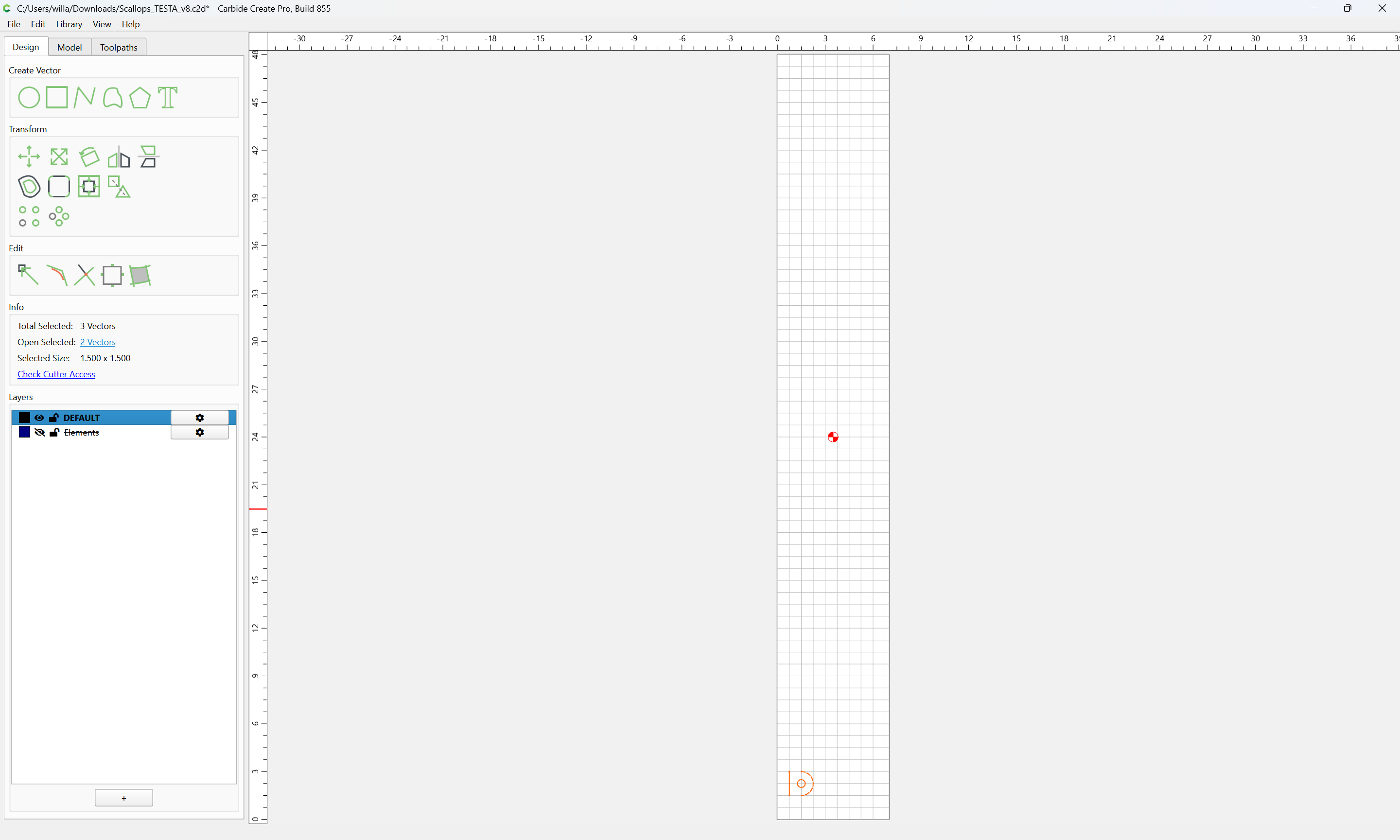
and move everything to that layer:

Then, select everything:

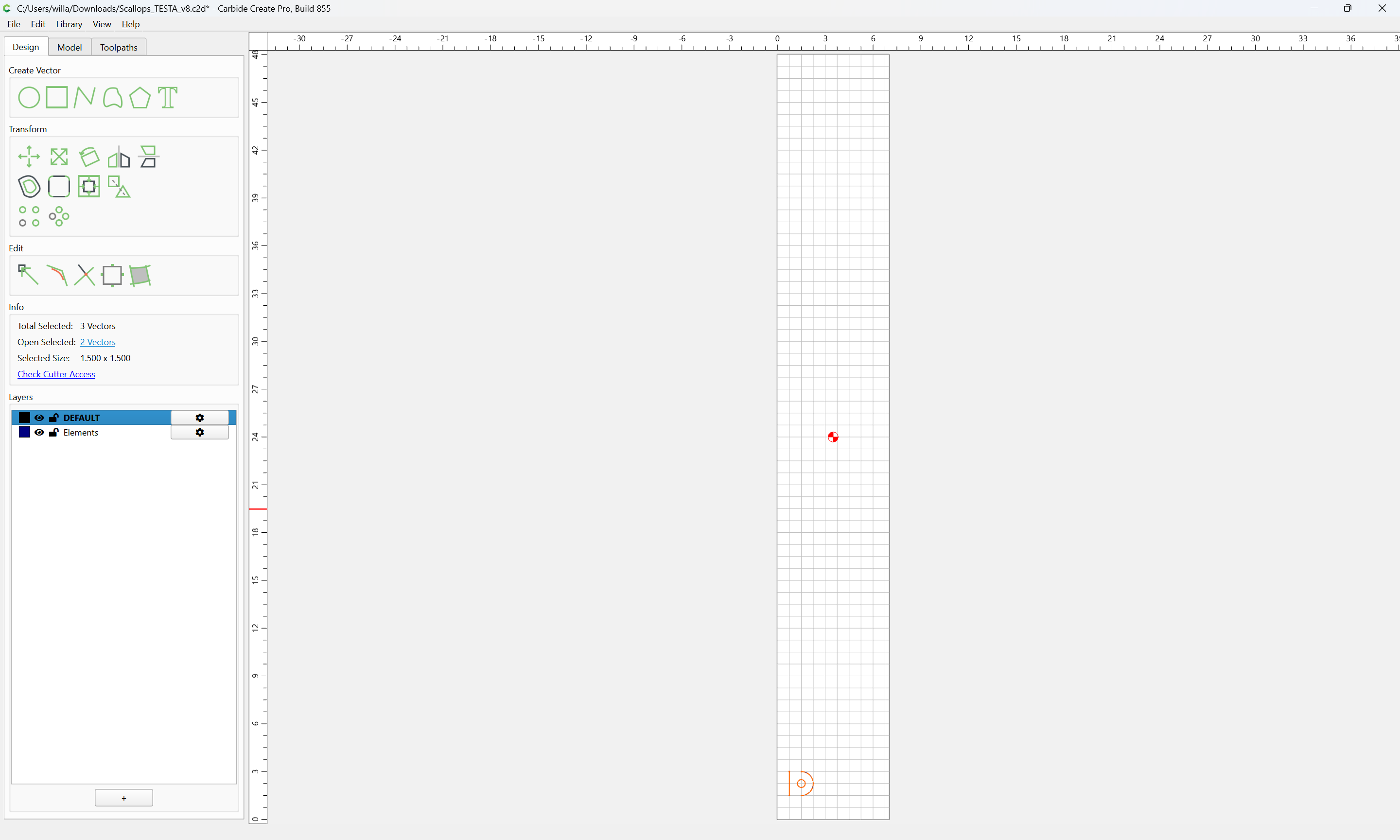
copy-paste onto a different layer after double-clicking on it to make it Active:

(we will use Default)

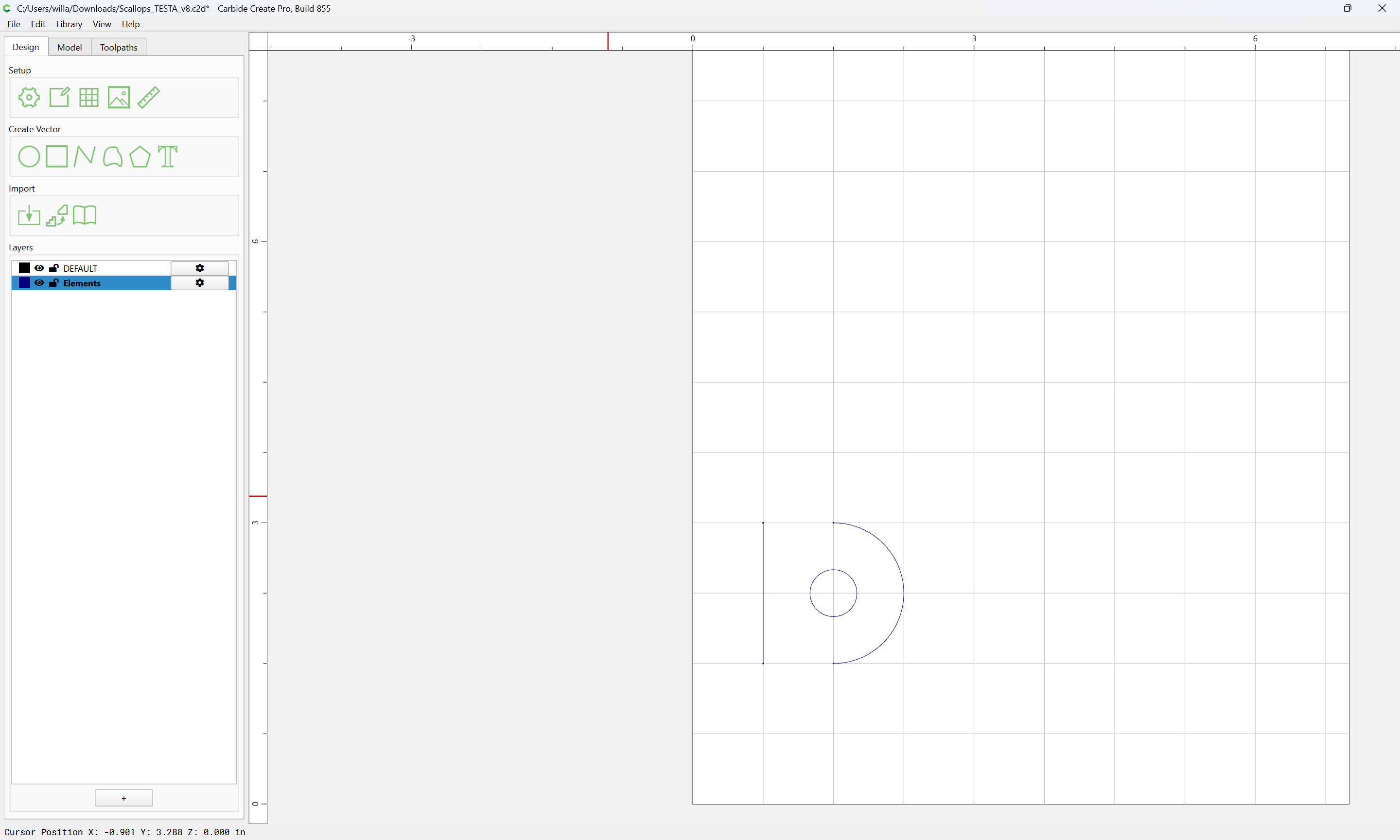
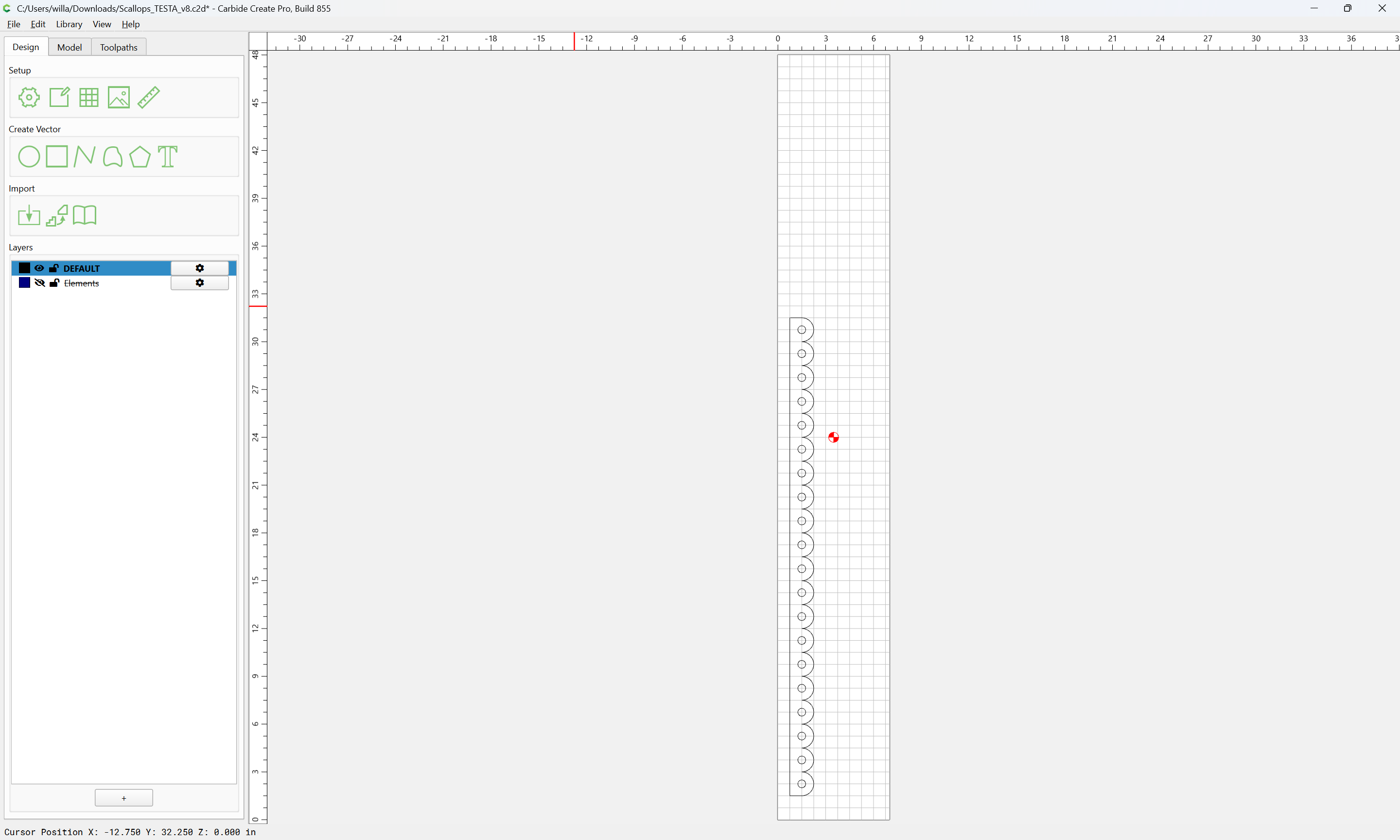
Hide the Elements layer (against future use)

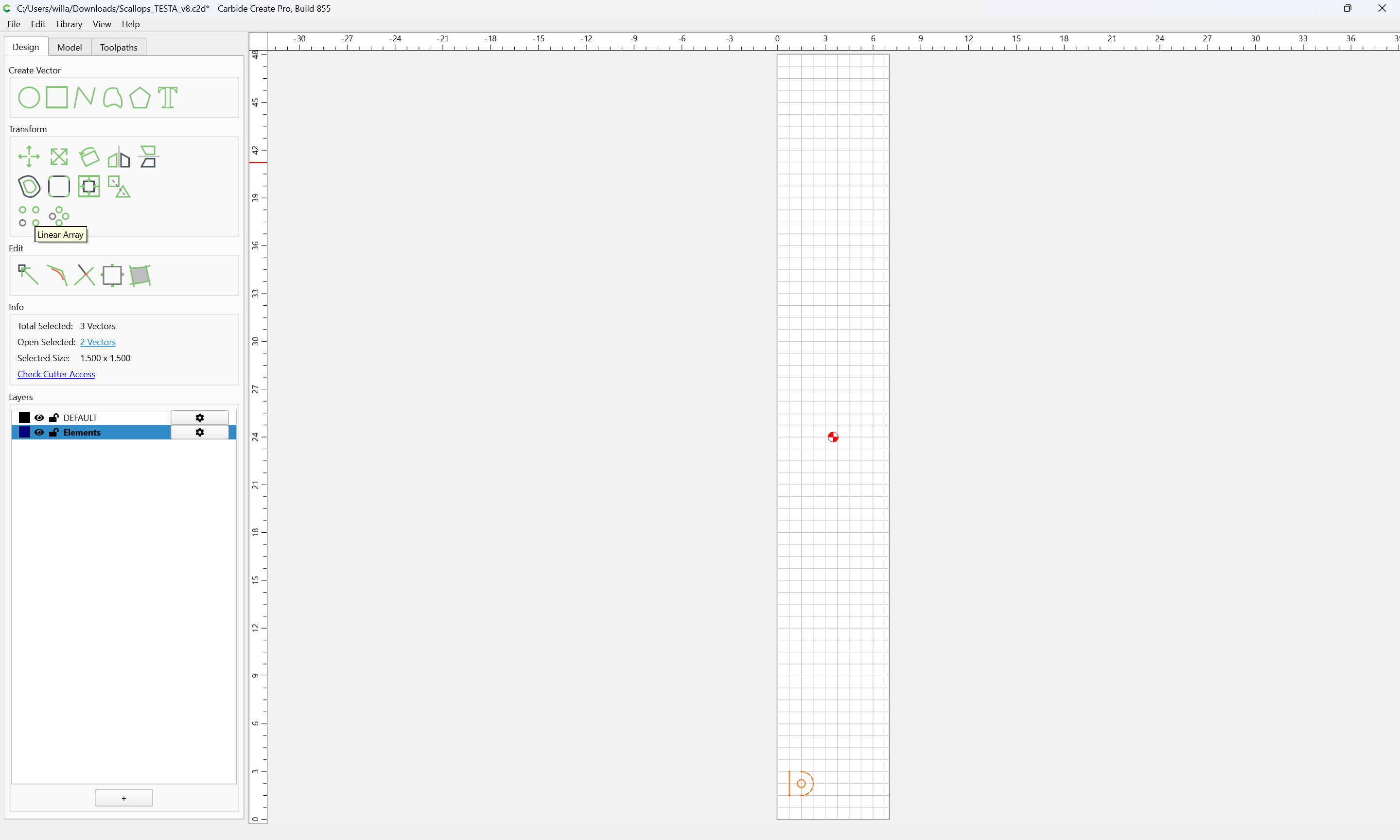
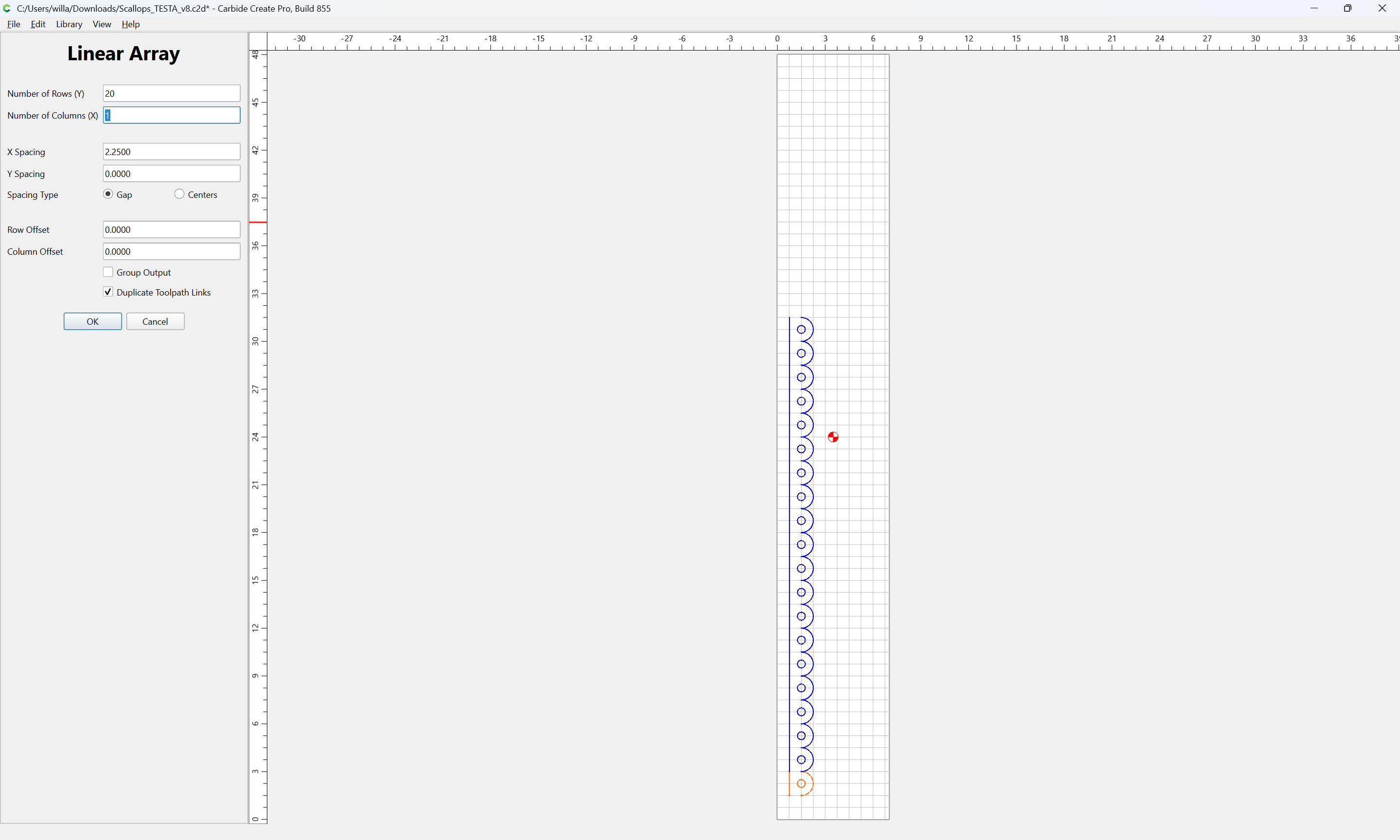
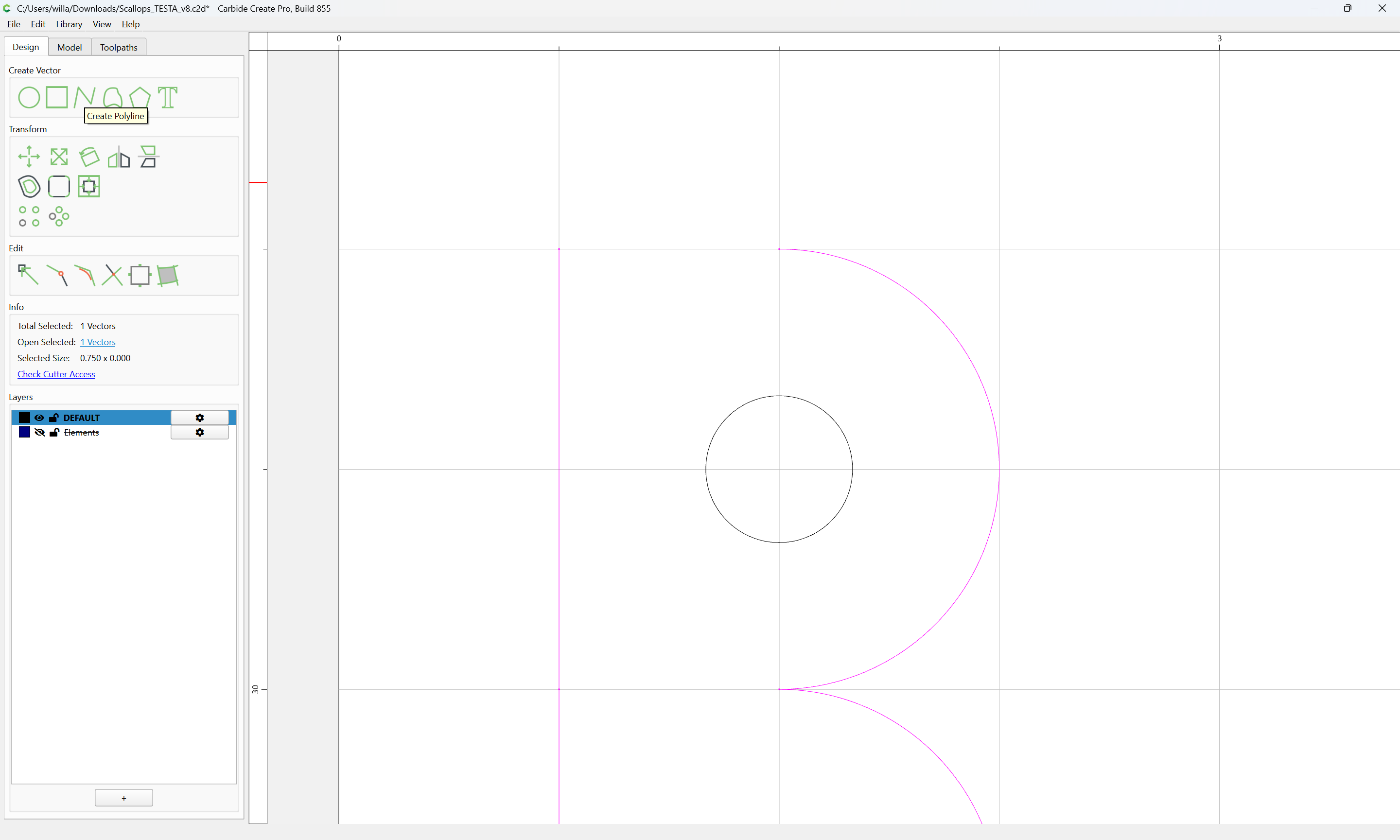
and use the Linear Array command:

to duplicate as many as are desired for a given implementation:

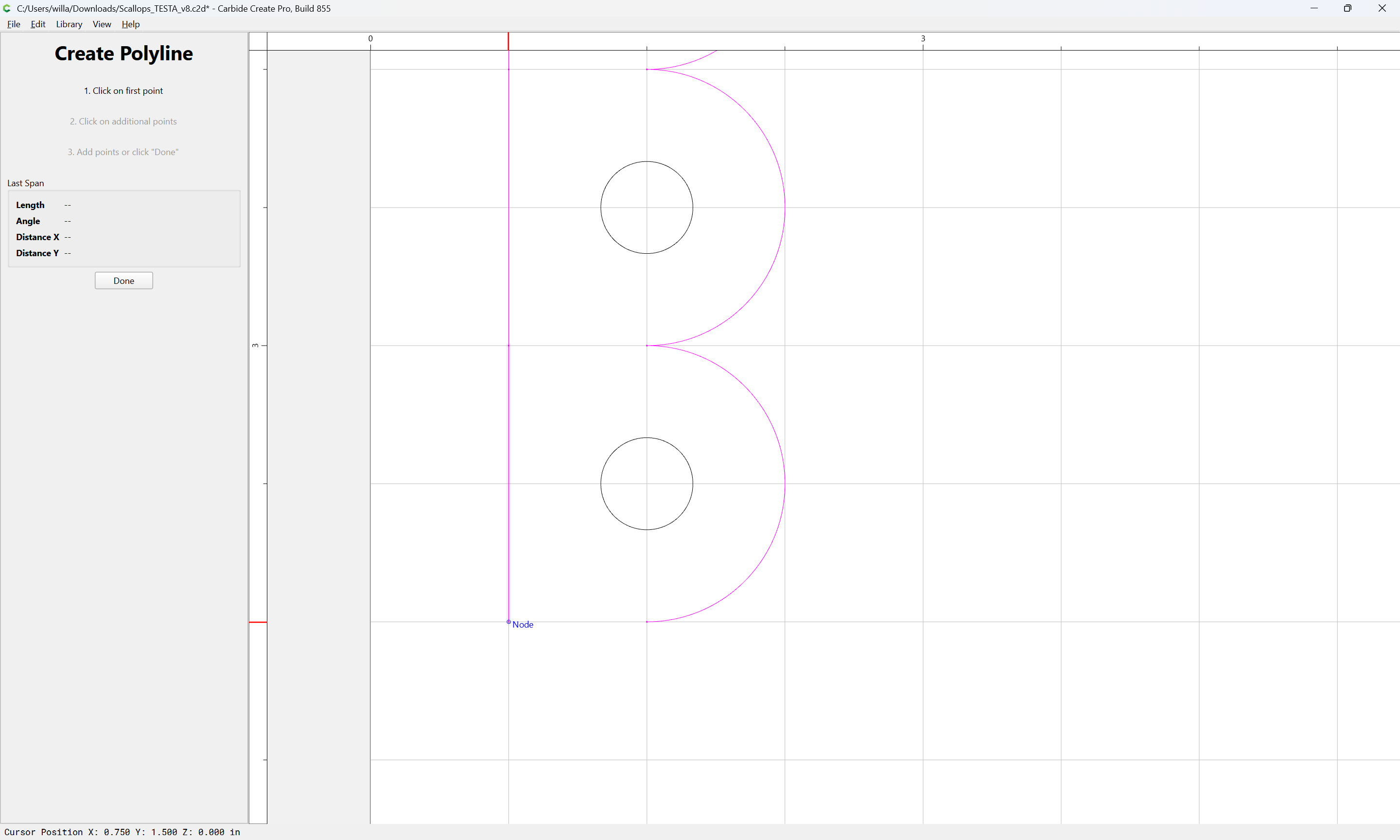
Zoom in on each end:

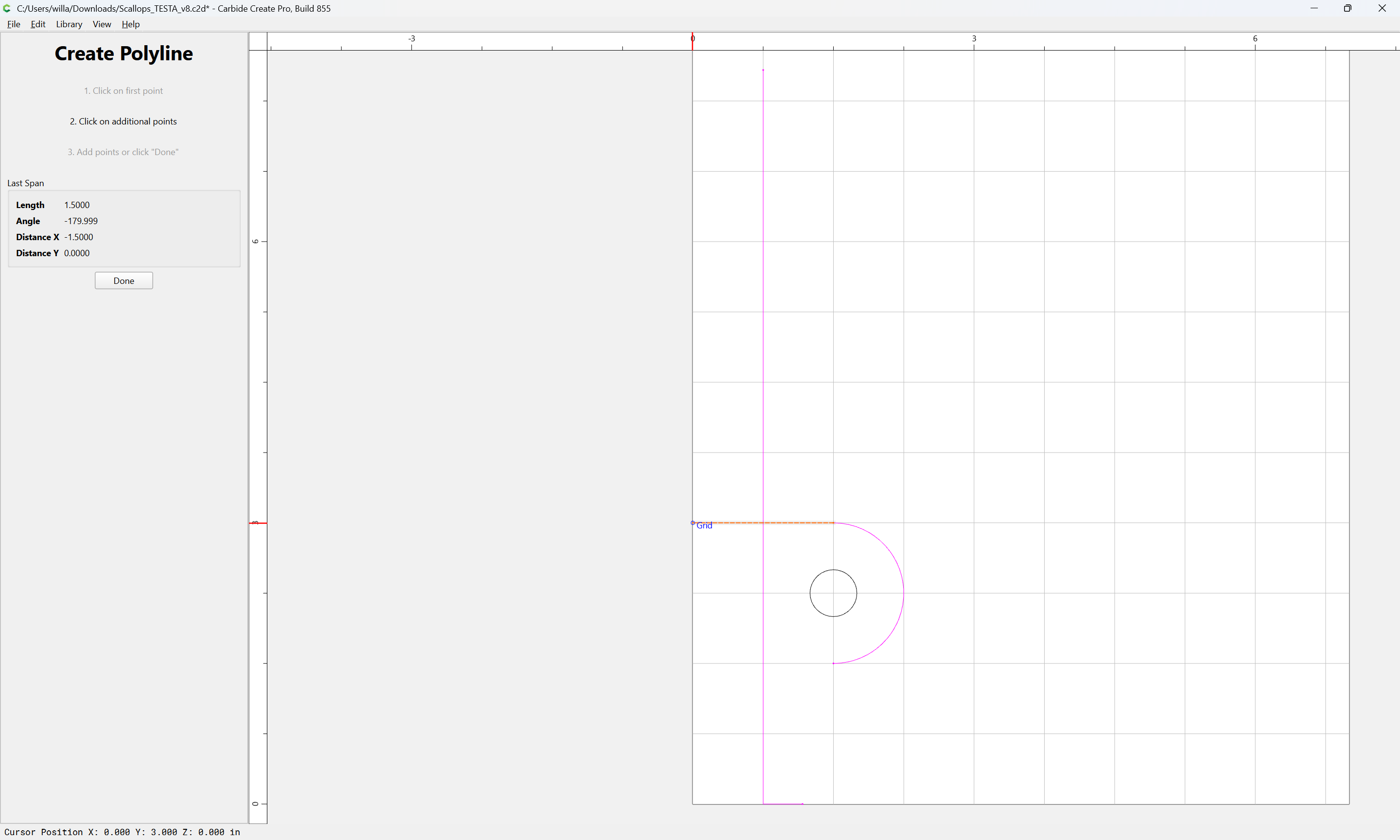
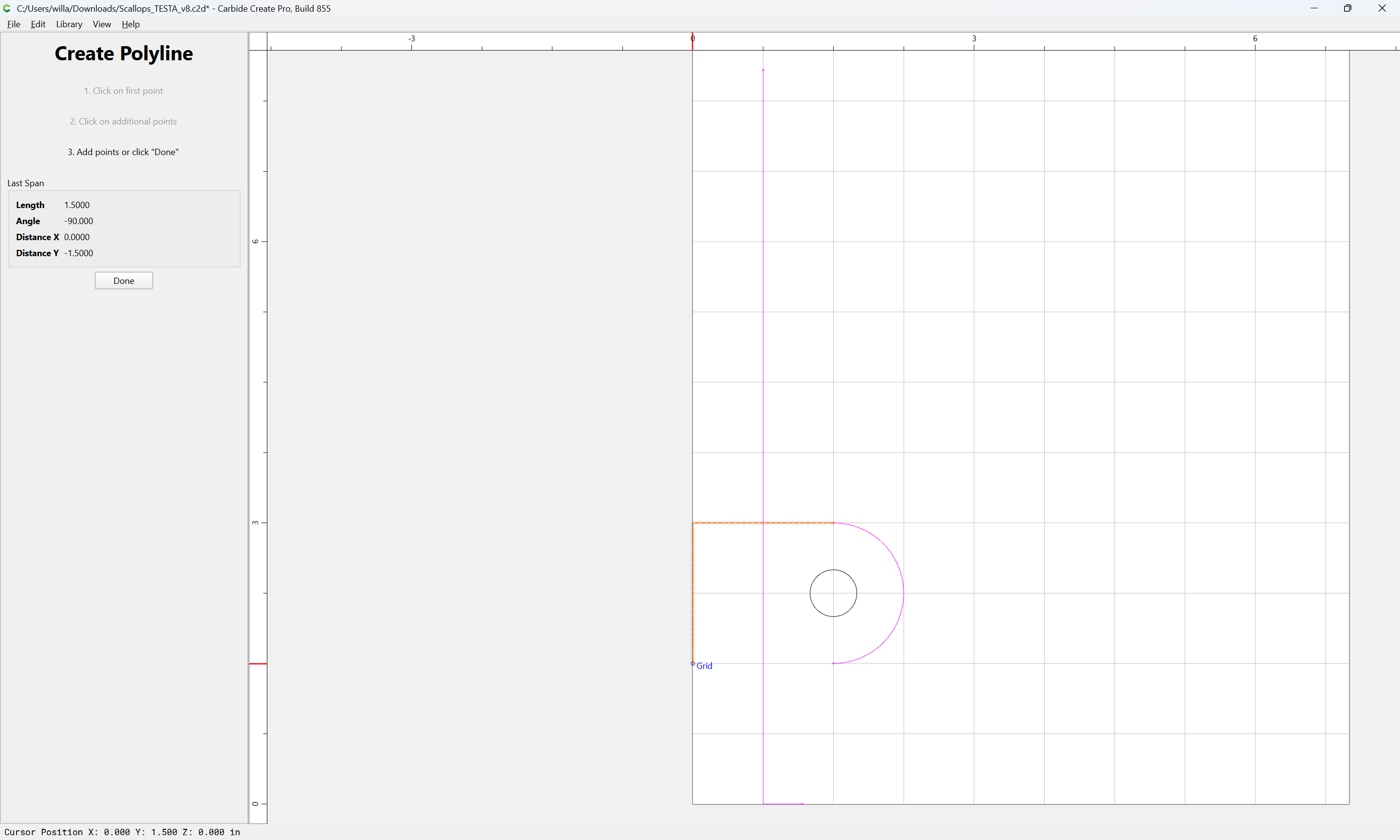
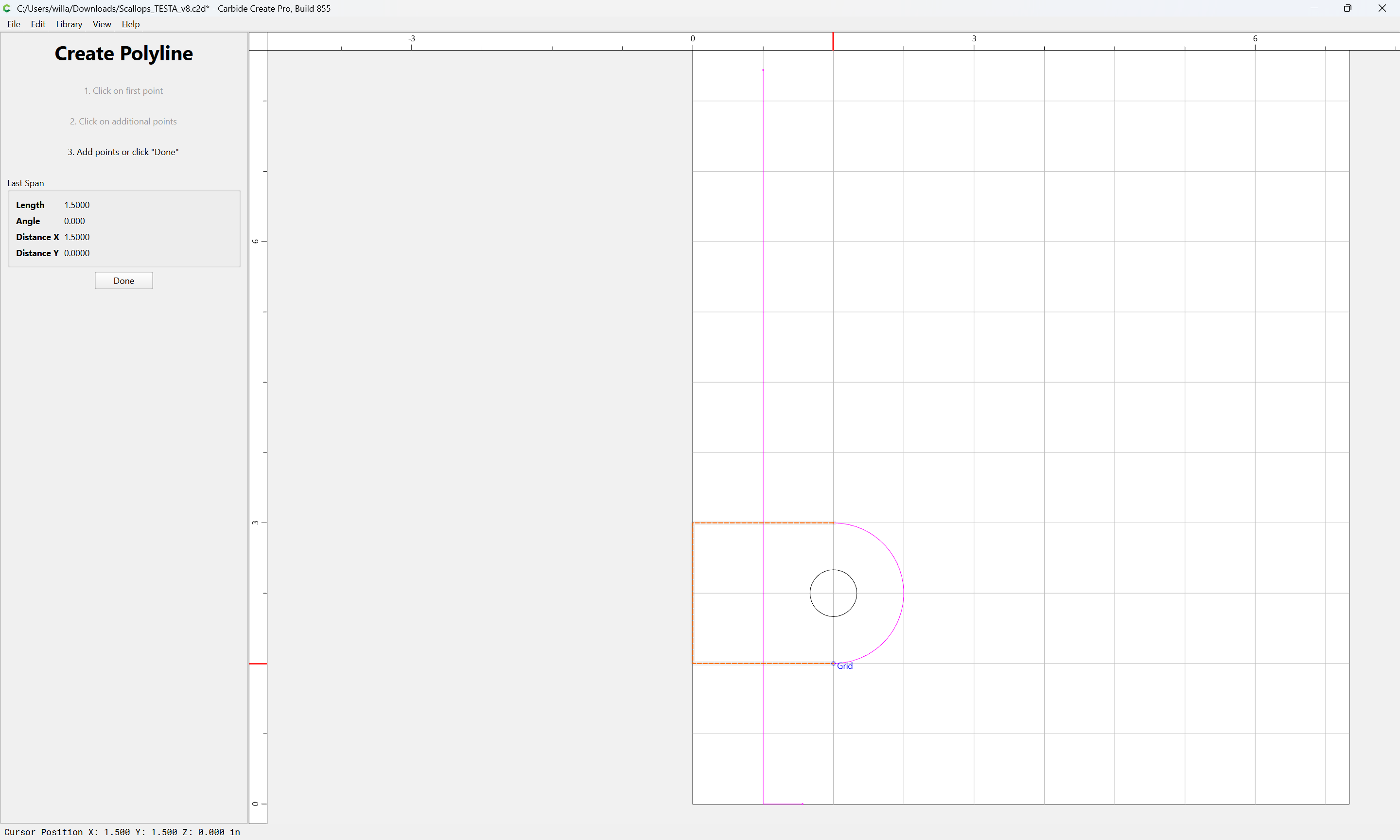
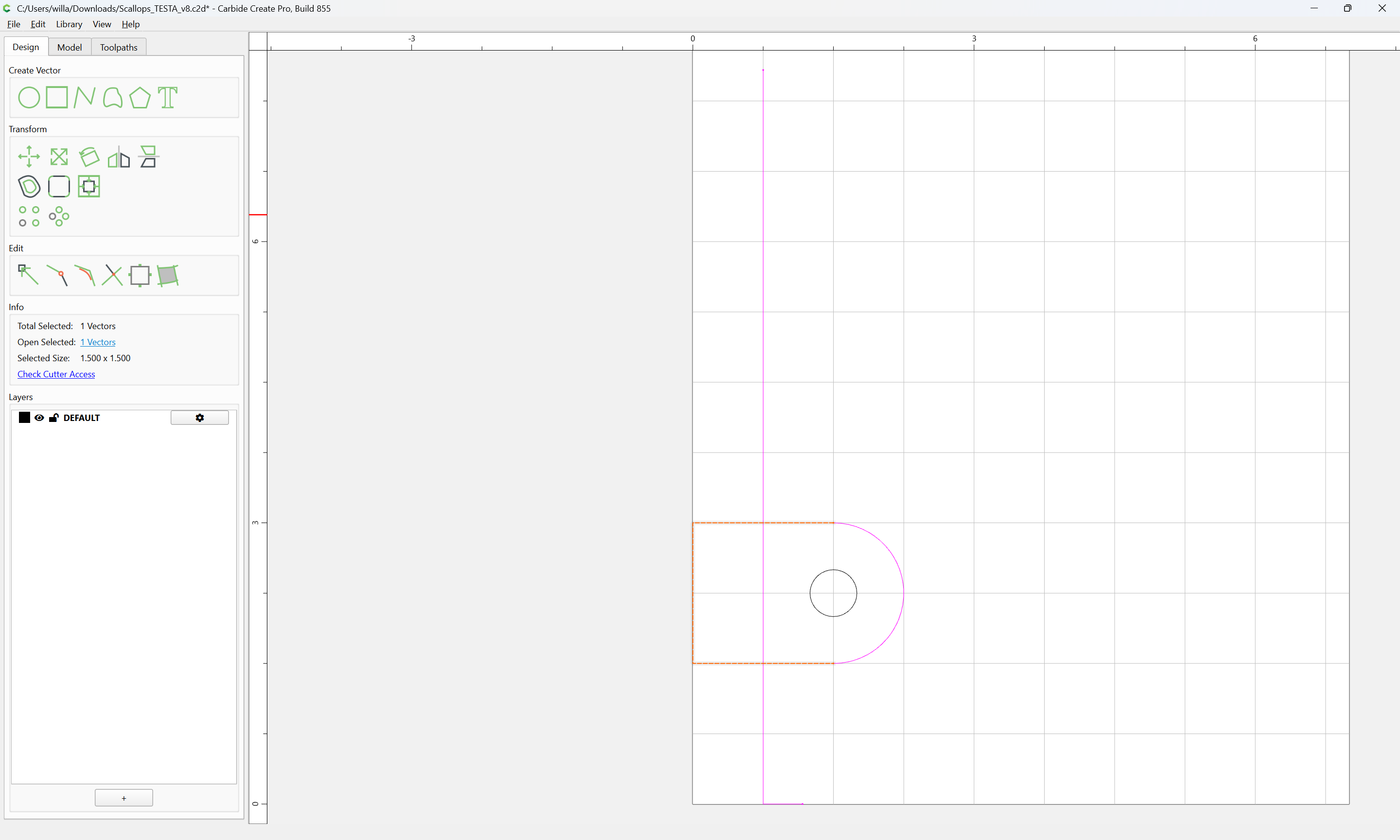
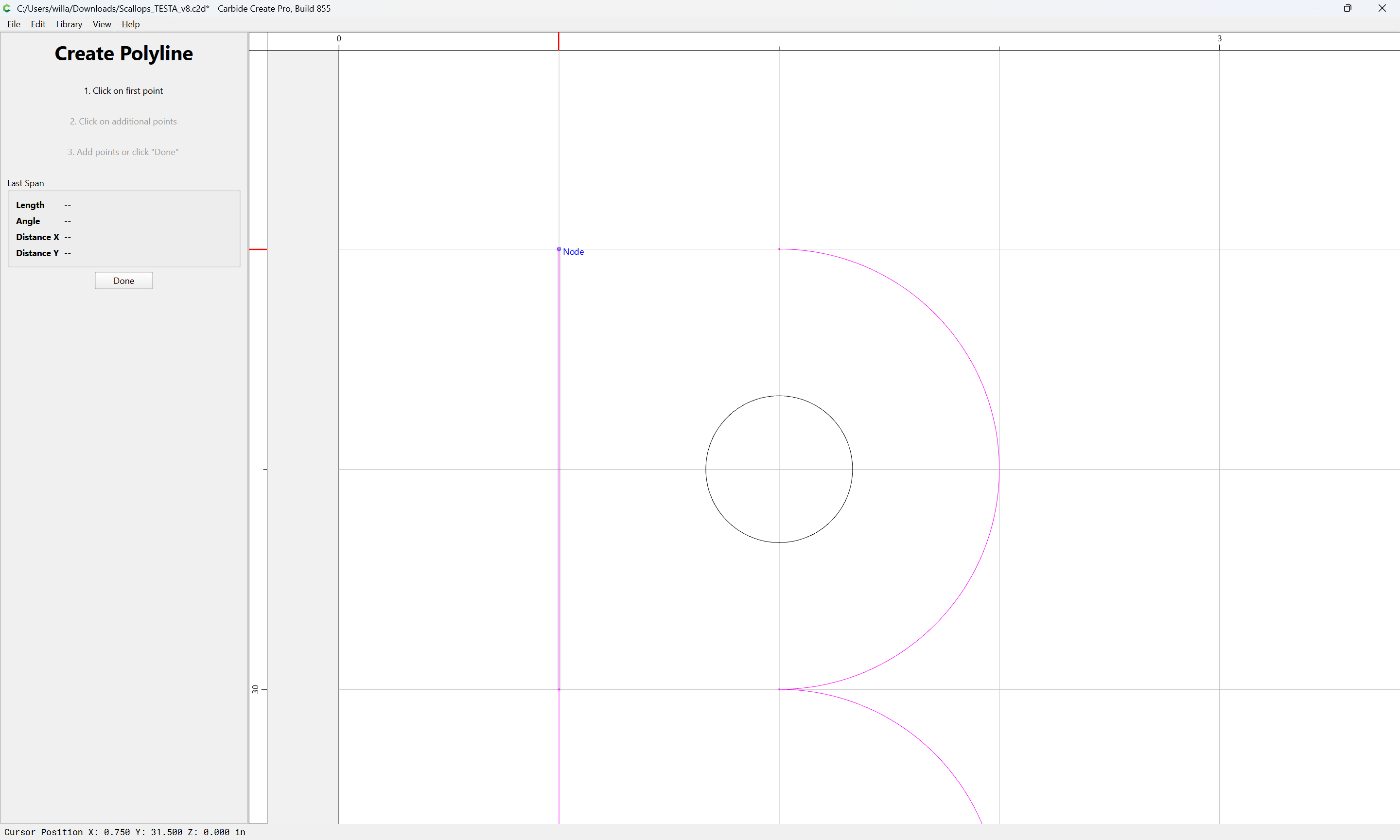
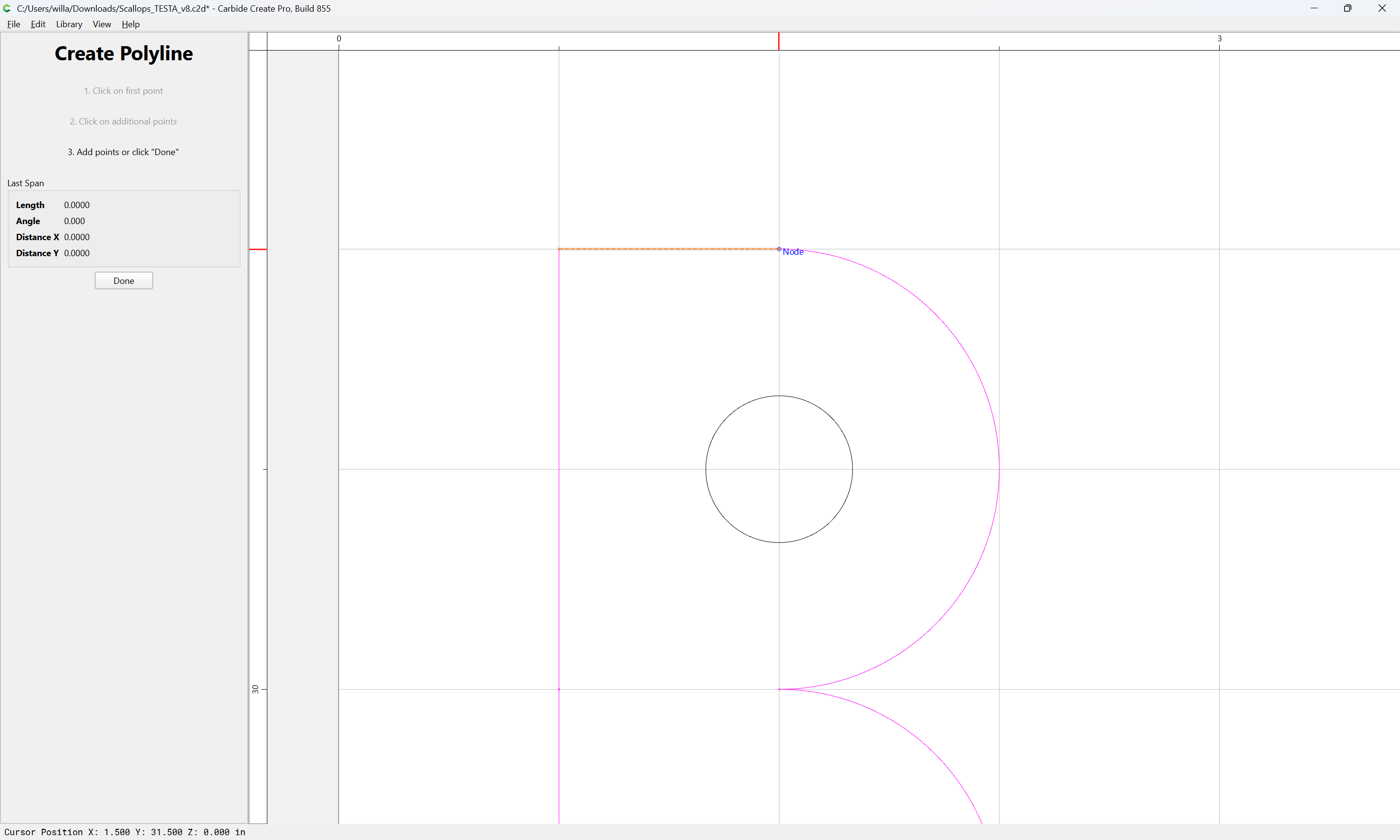
and use the Polyline tool to draw in geometry to close:

Done

Done

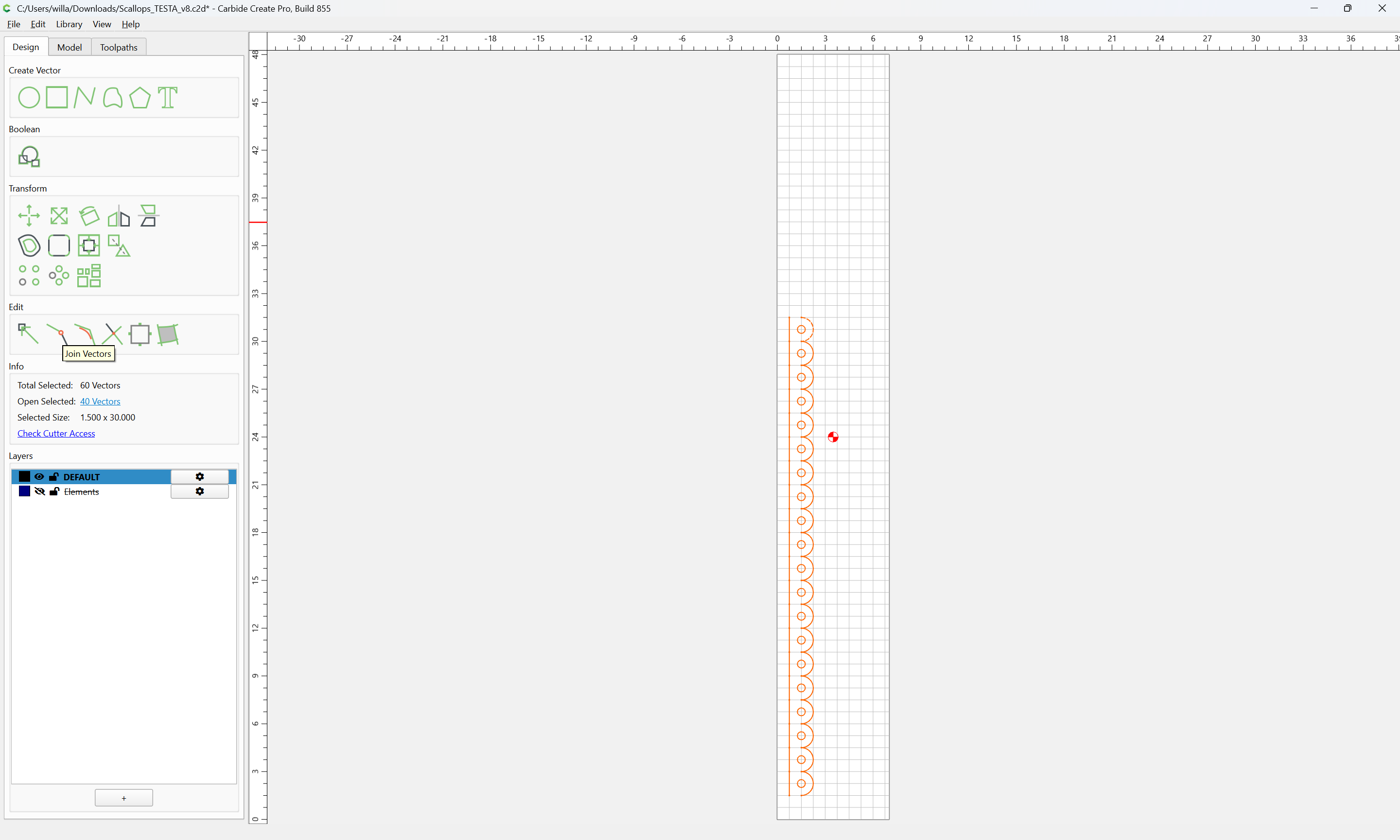
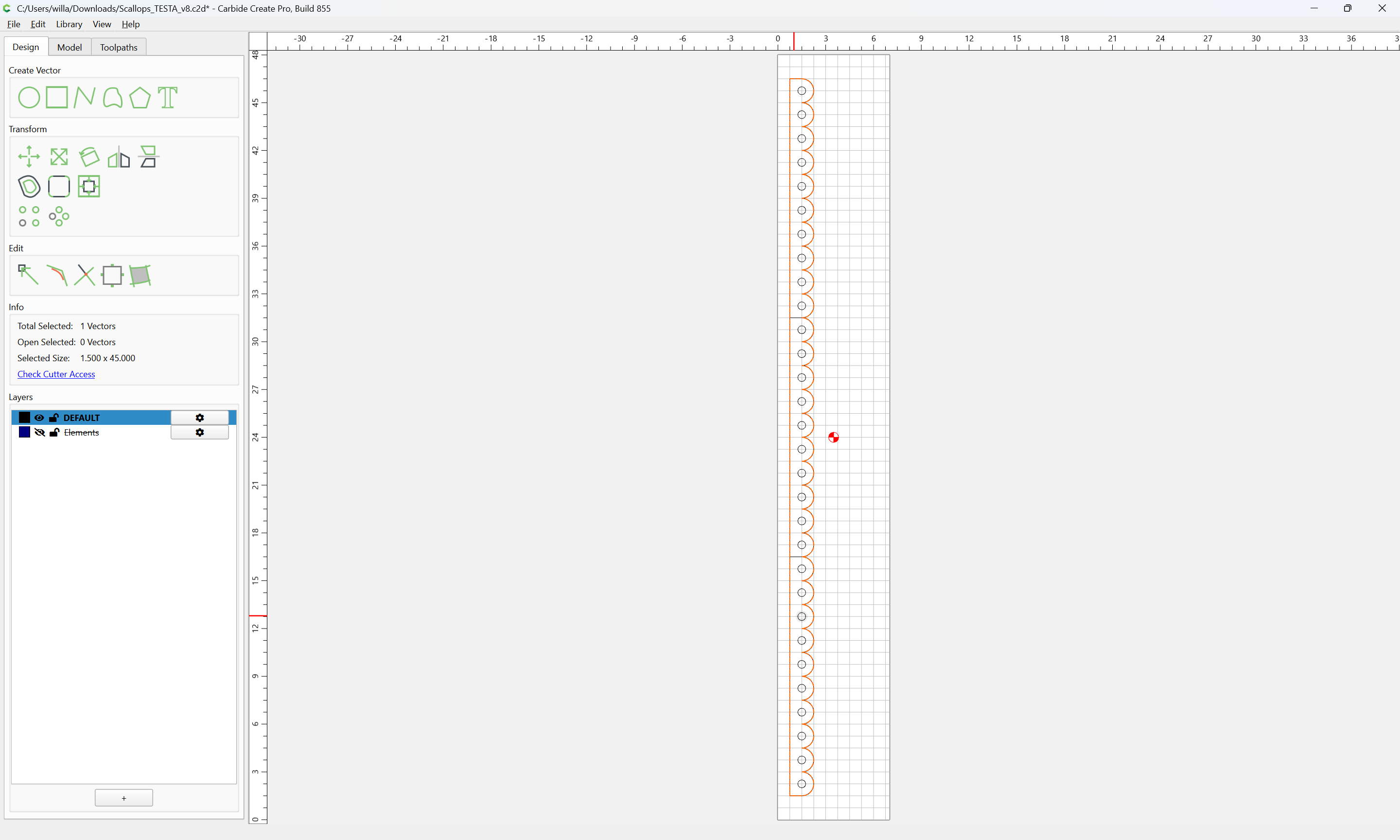
Select everything:

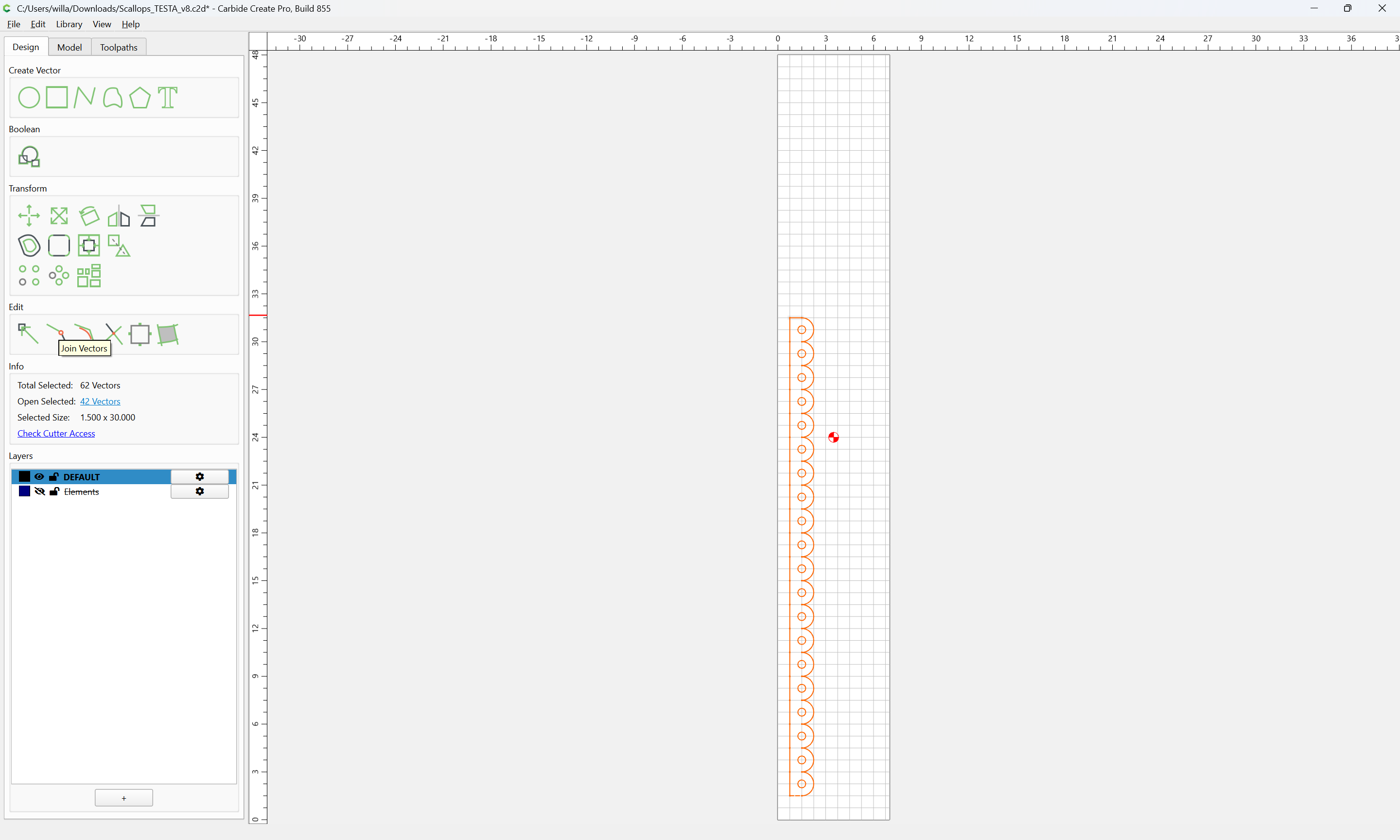
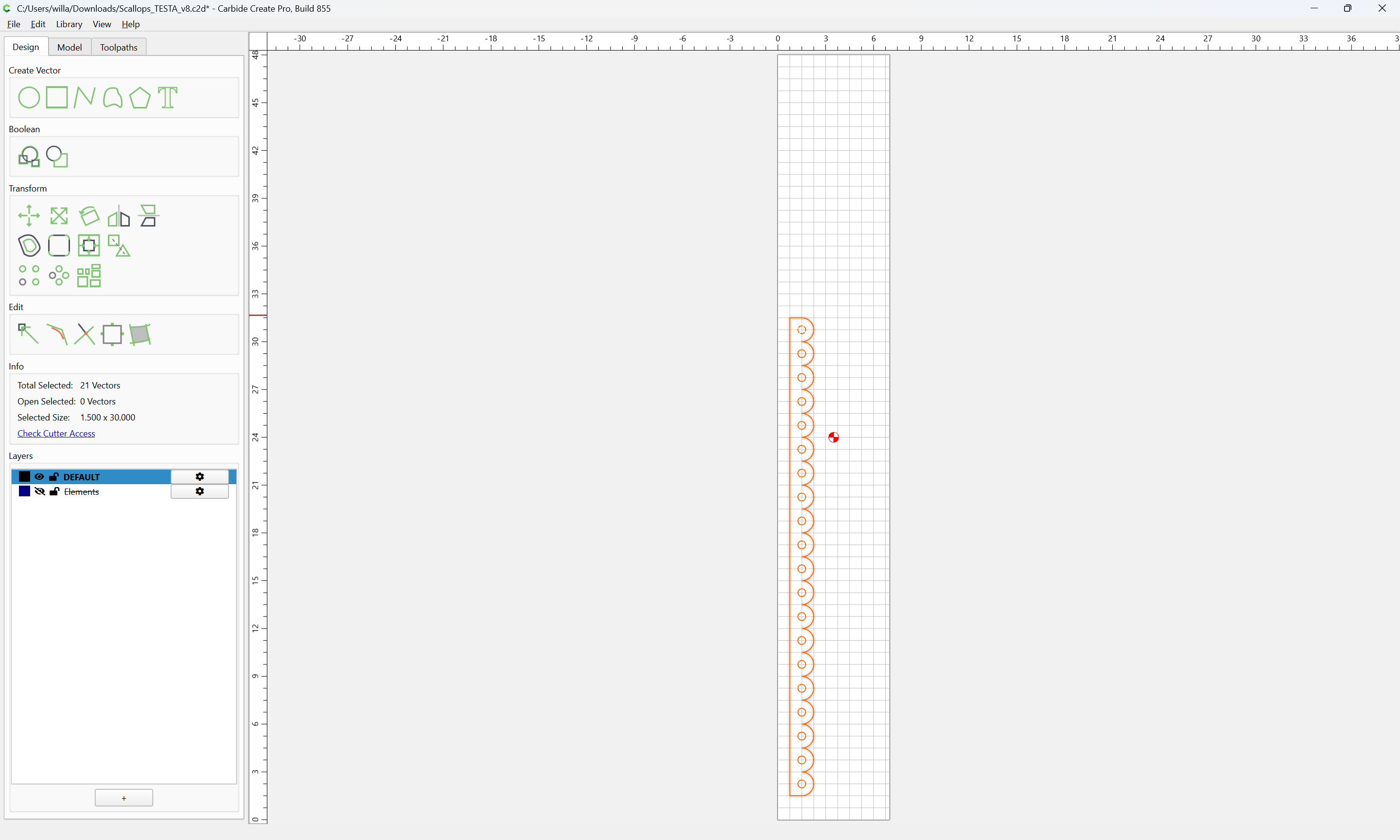
Join Vectors

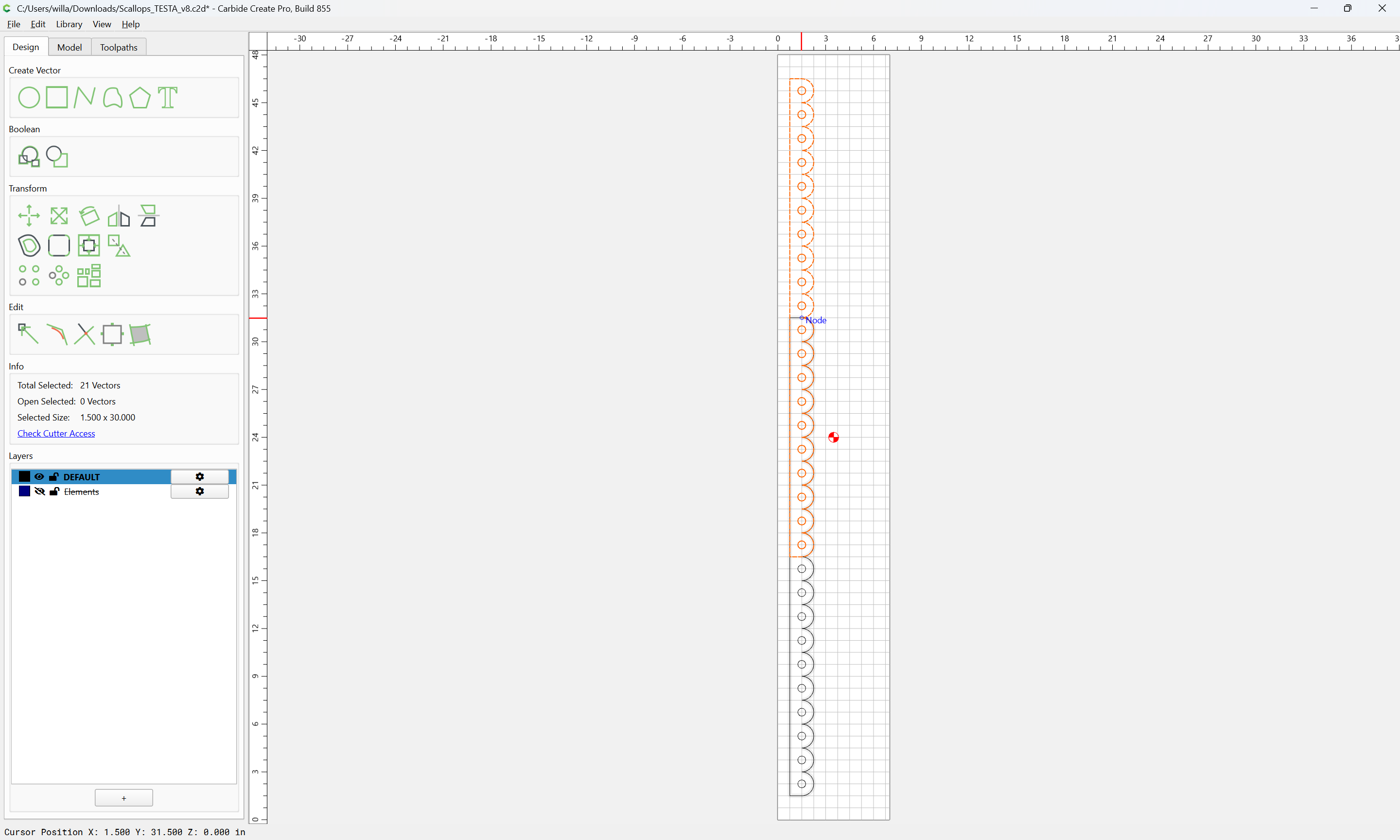
To extend this by duplicating and using the Region Builder, select and duplicate what is wanted:

Then drag it into registration with the original:

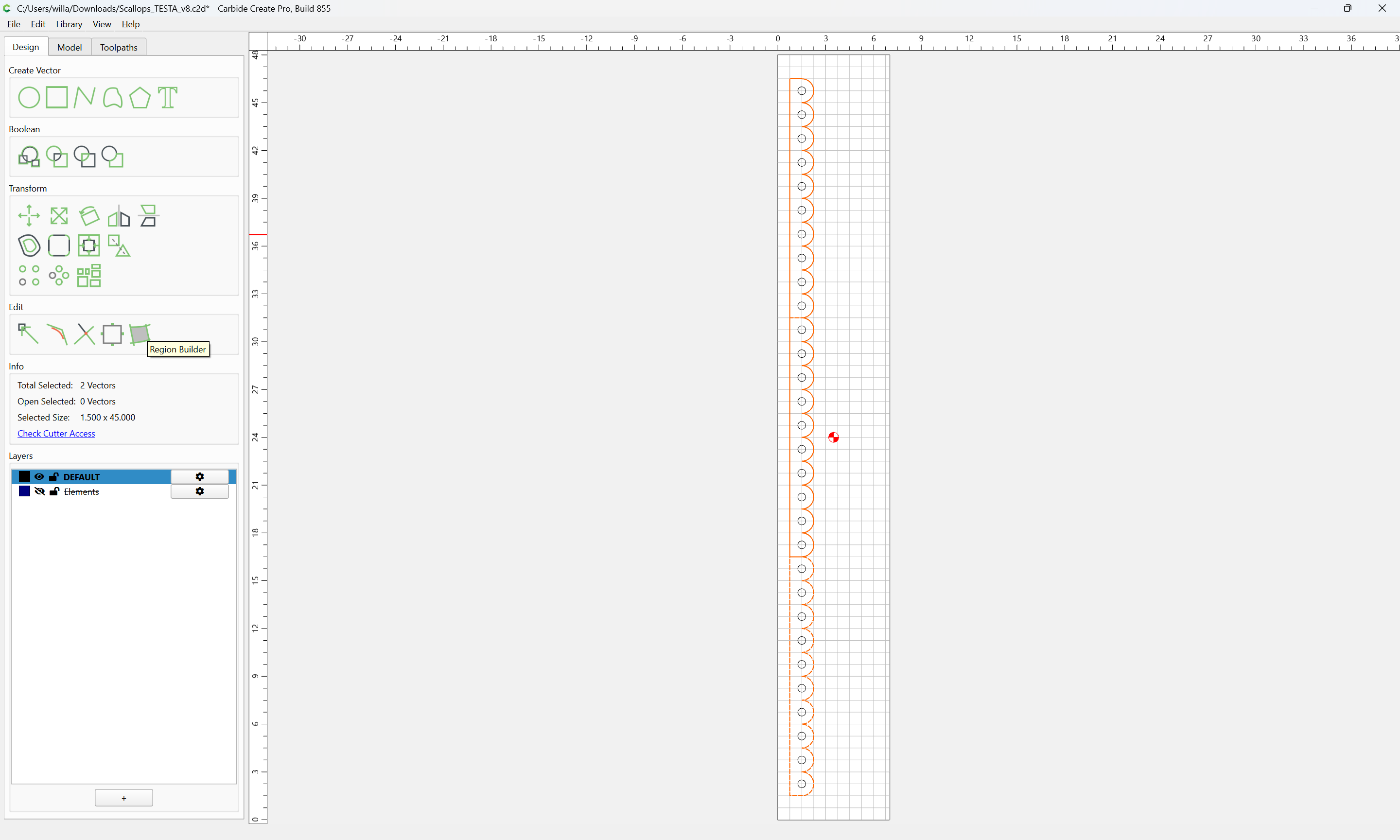
Select the two overlapping regions:

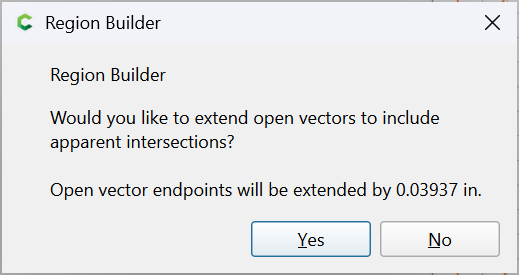
and use Region Builder:

Yes

and select the desired regions:

Done

2 Likes

This topic was automatically closed 30 days after the last reply. New replies are no longer allowed.