WillAdams
(William Adams (Carbide 3D))
December 13, 2024, 10:16pm
1
as requested on support…
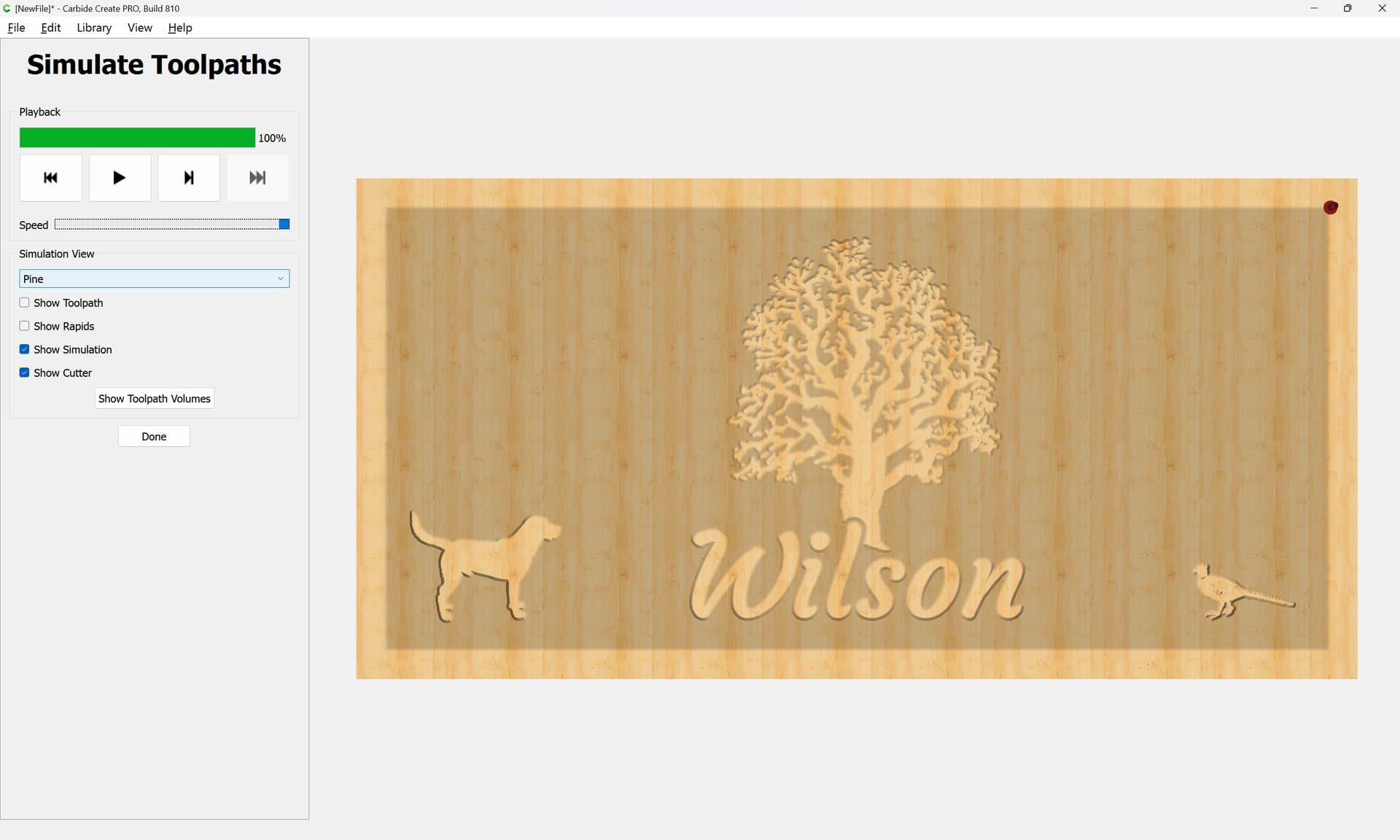
18" by 36" sign with tree engraved in middle with their last name Wilson across the tree trunks and have black lab on outside left side and pheasant on outside right side something like that but the whole sign will be pocketed down to .200 so it looks like I have “trim” around the sign with black lab and pheasant 3D inside the frame
First, go to Job Setup to set things up:
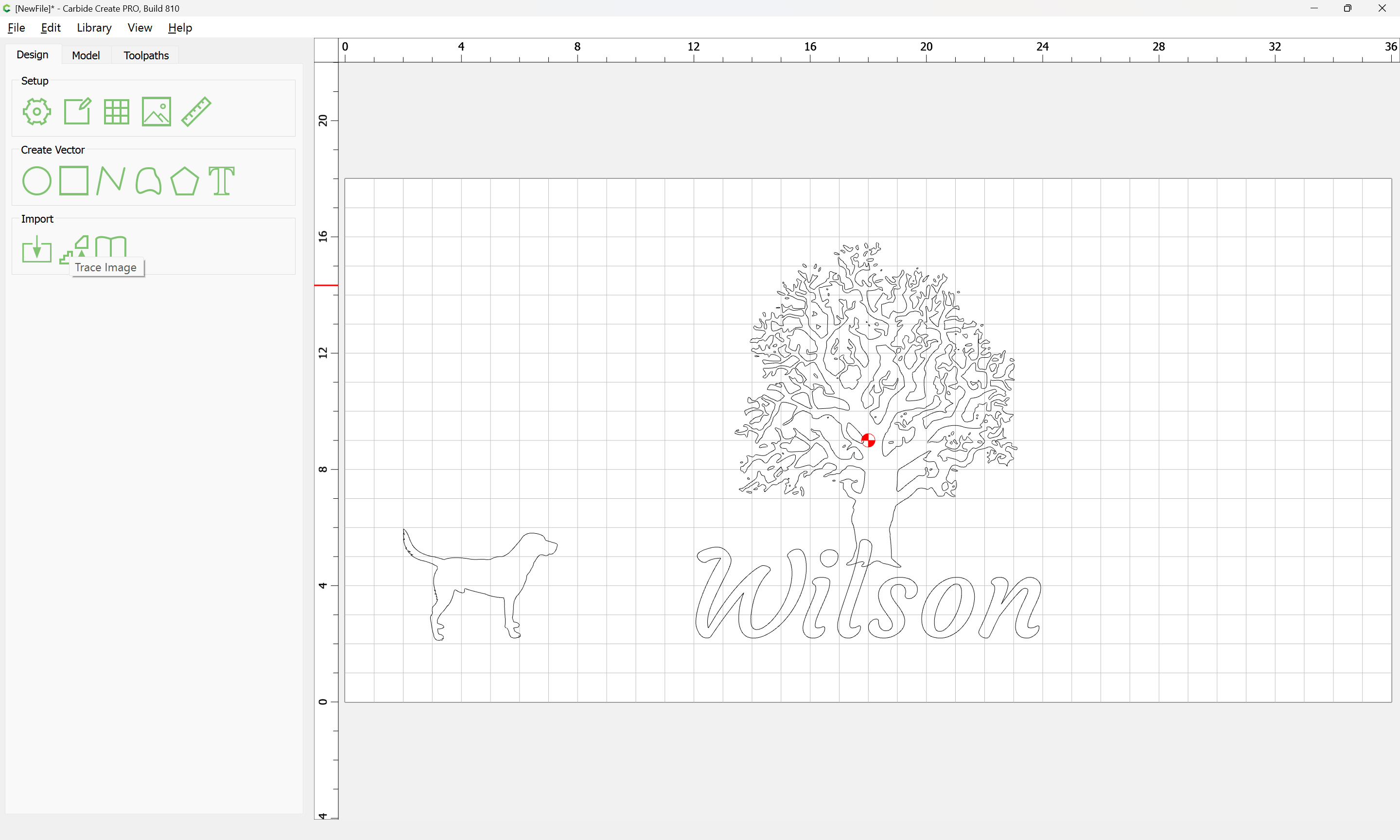
then begin bringing design elements in or drawing them:
WillAdams
(William Adams (Carbide 3D))
December 13, 2024, 10:38pm
2
Find a suitable file:
http://openclipart.org/detail/188718/oak-tree
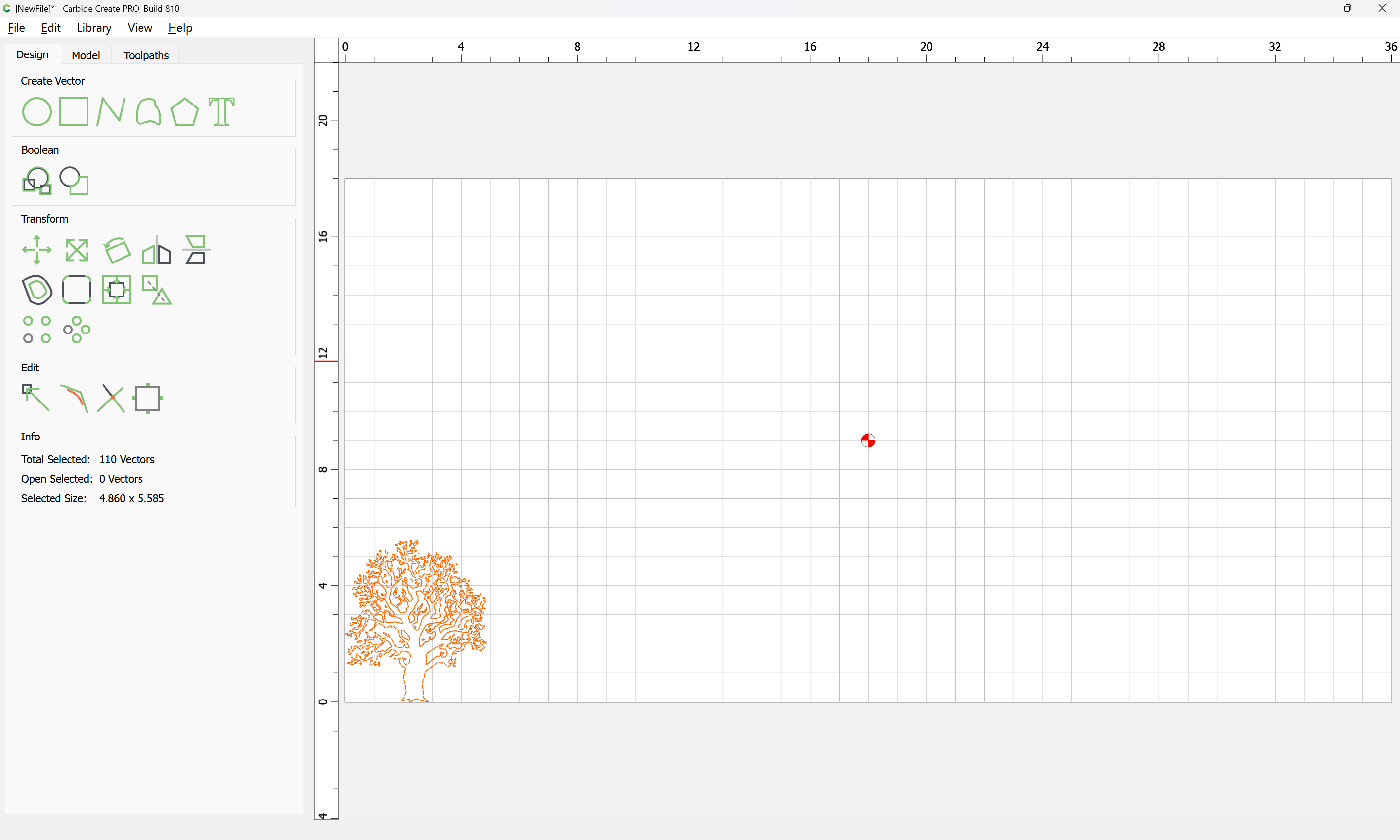
and import it:
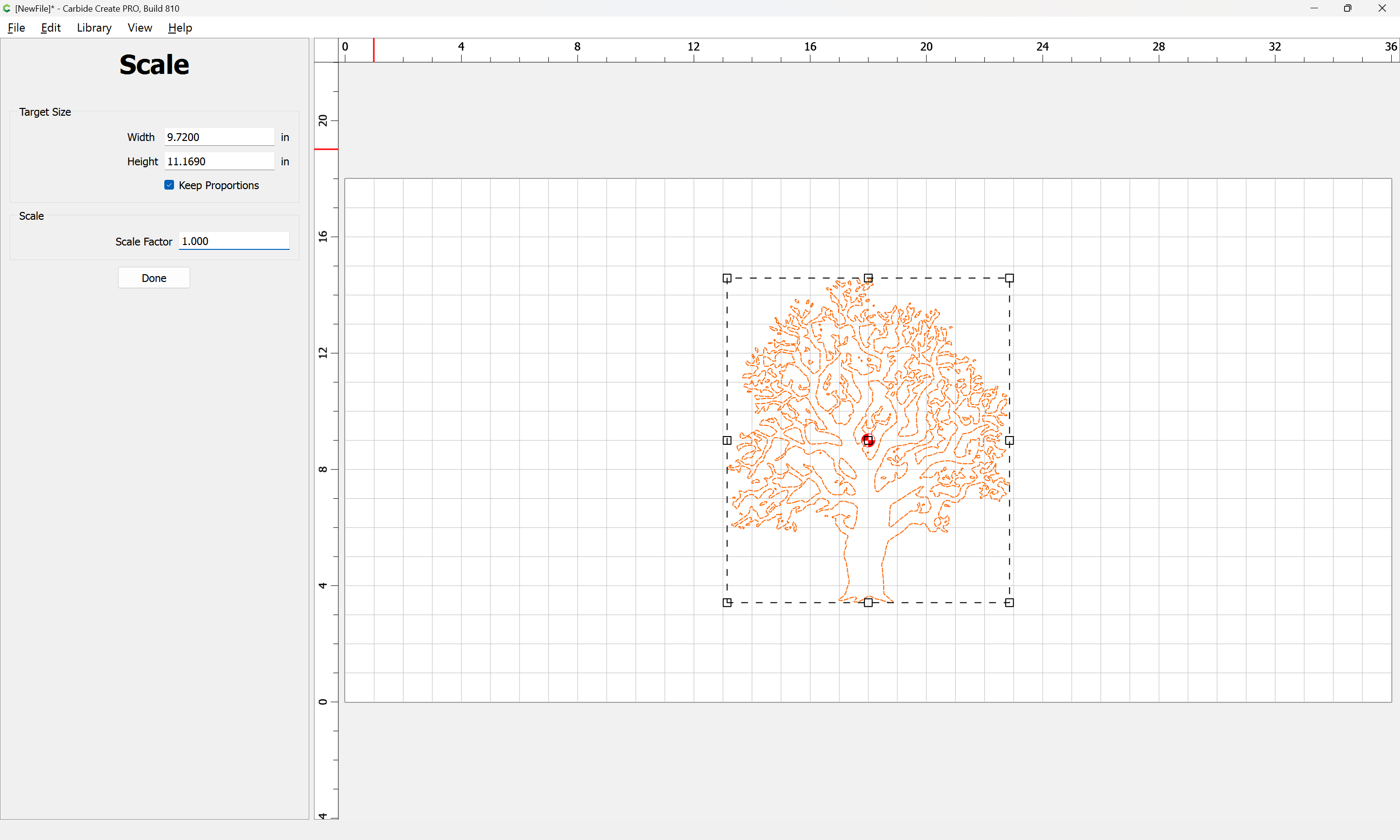
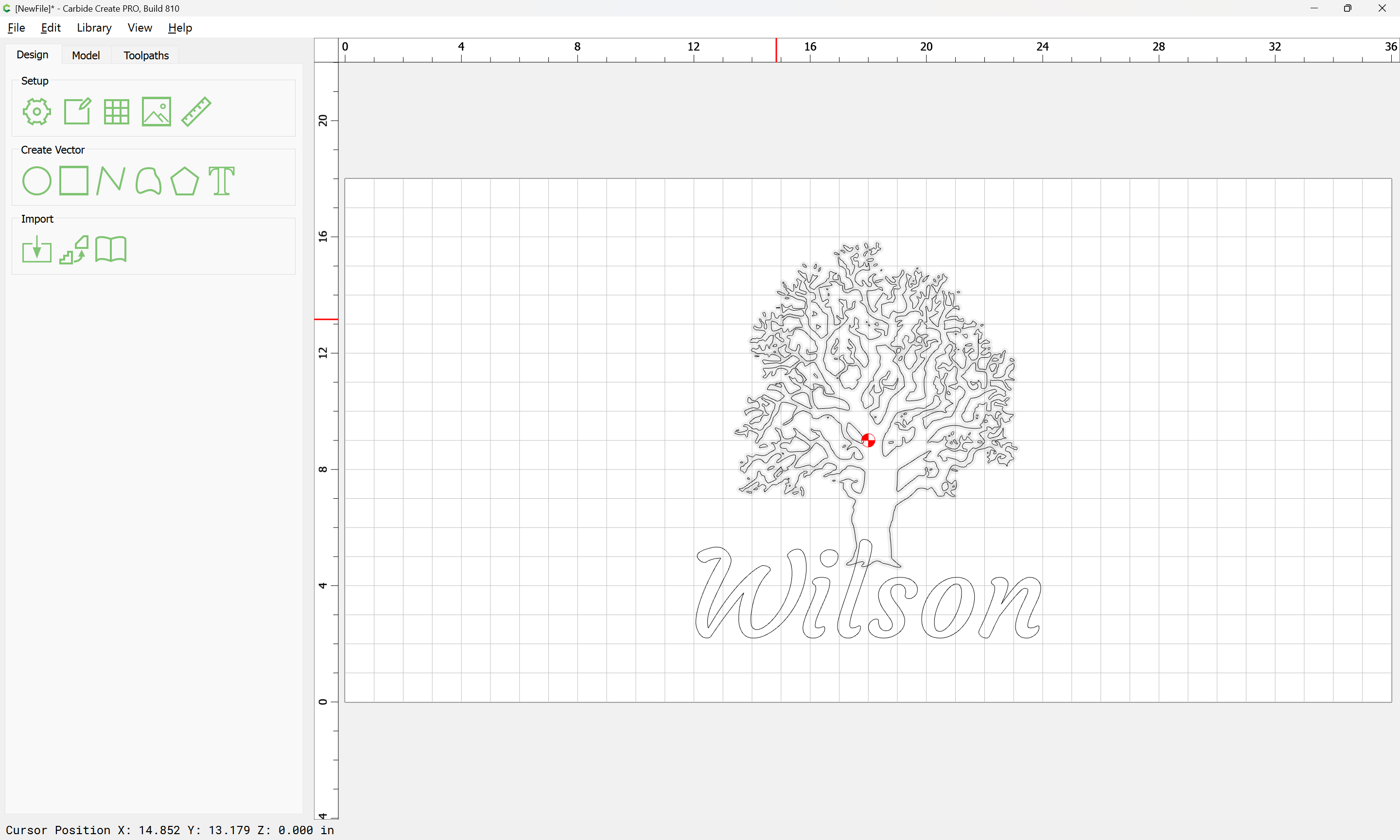
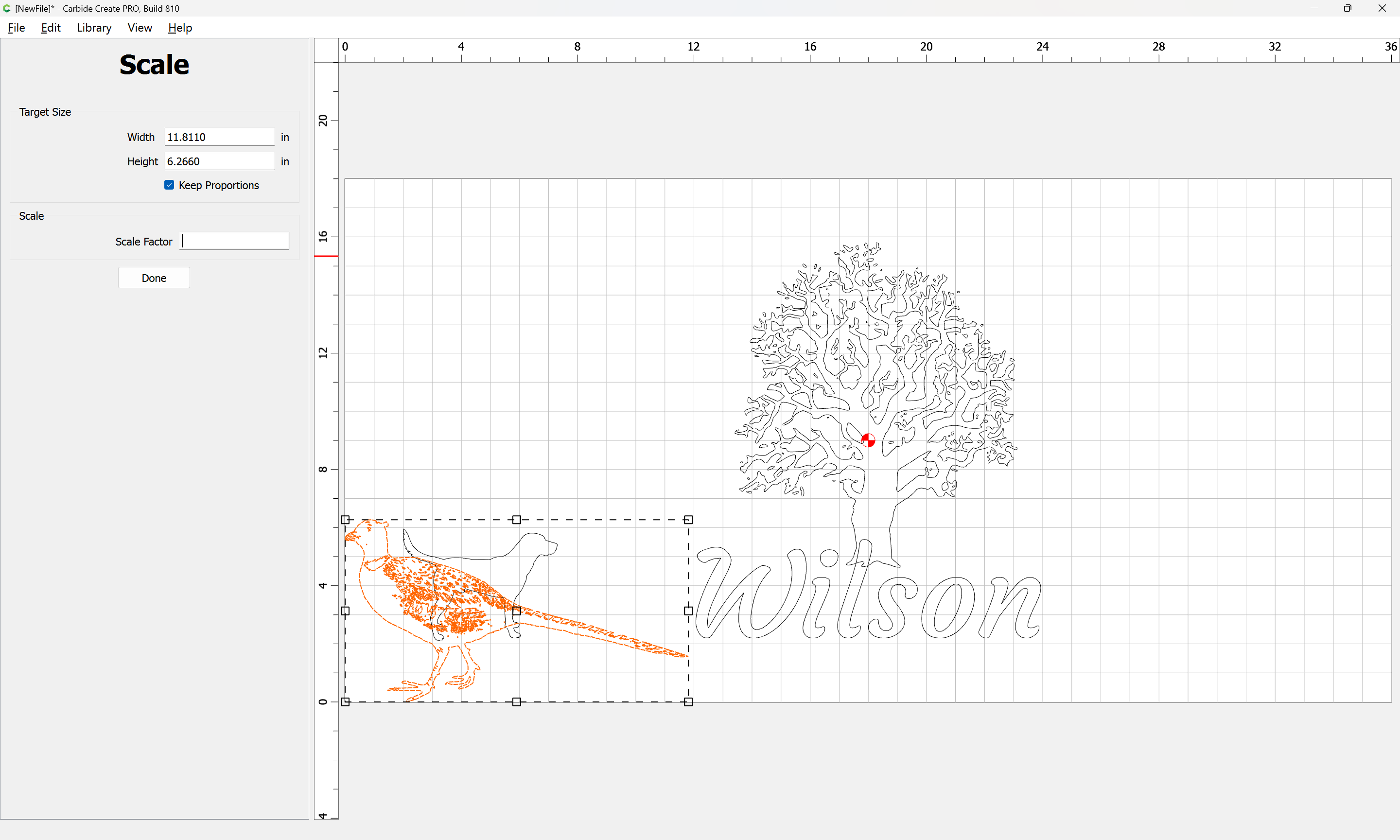
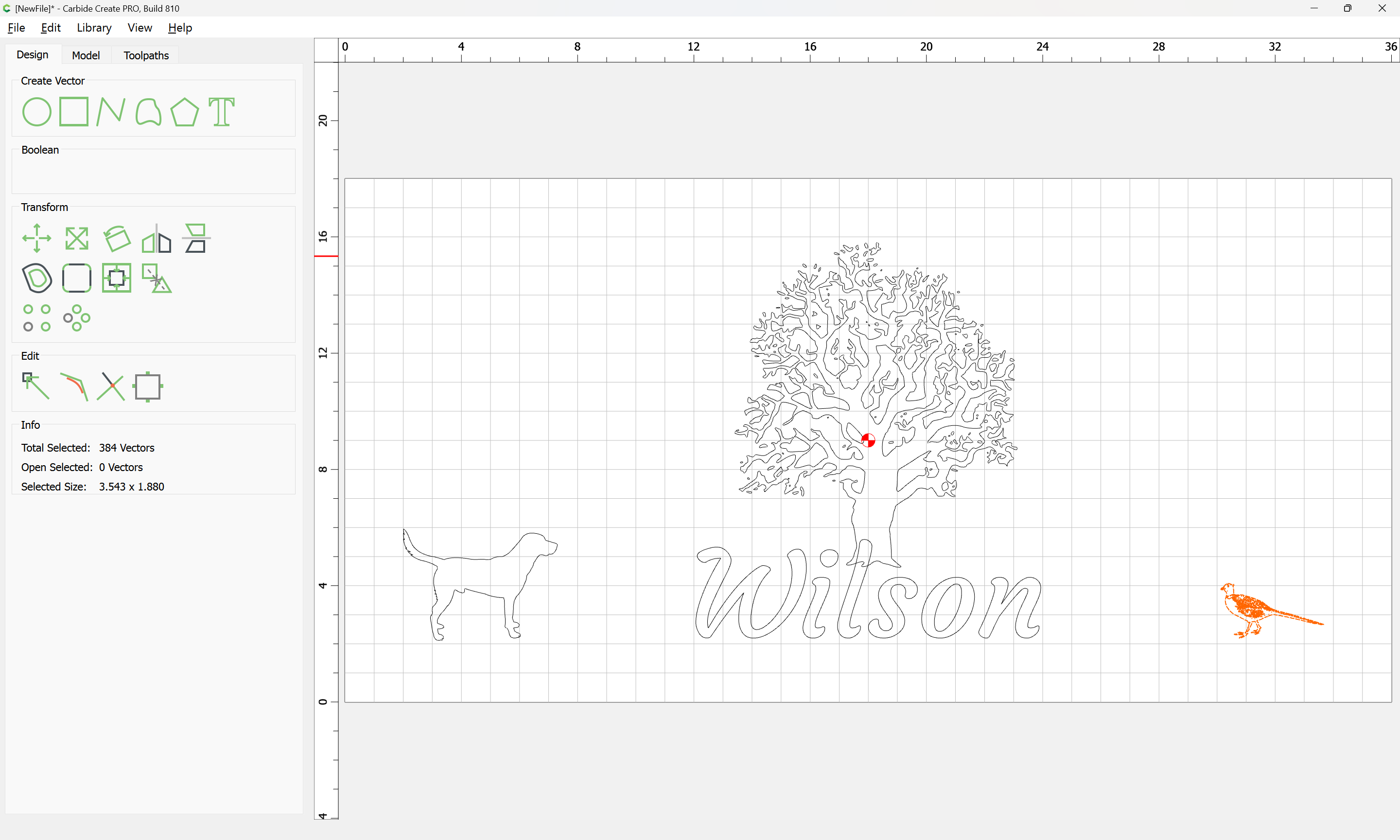
position and scale it as desired:
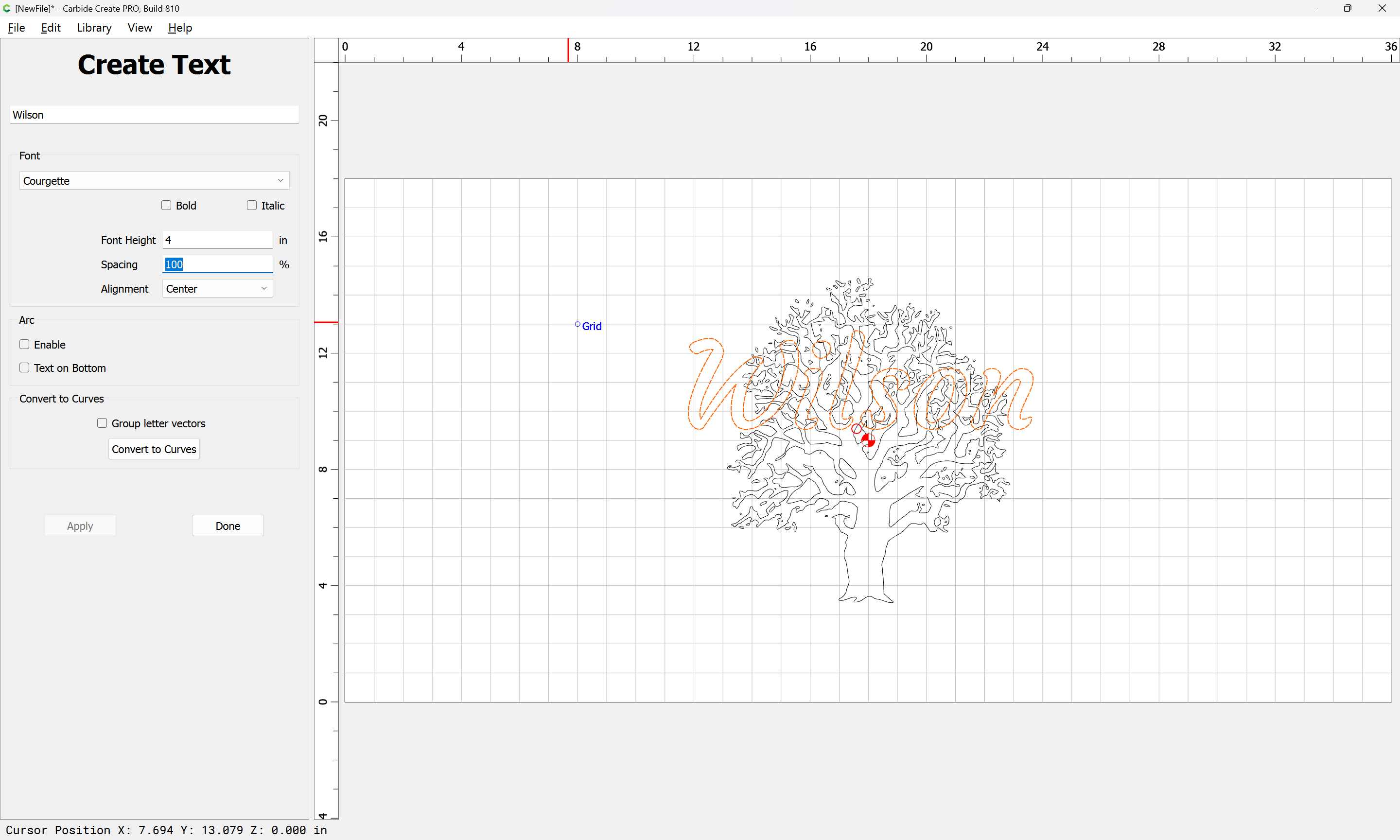
Set the text:
and adjust:
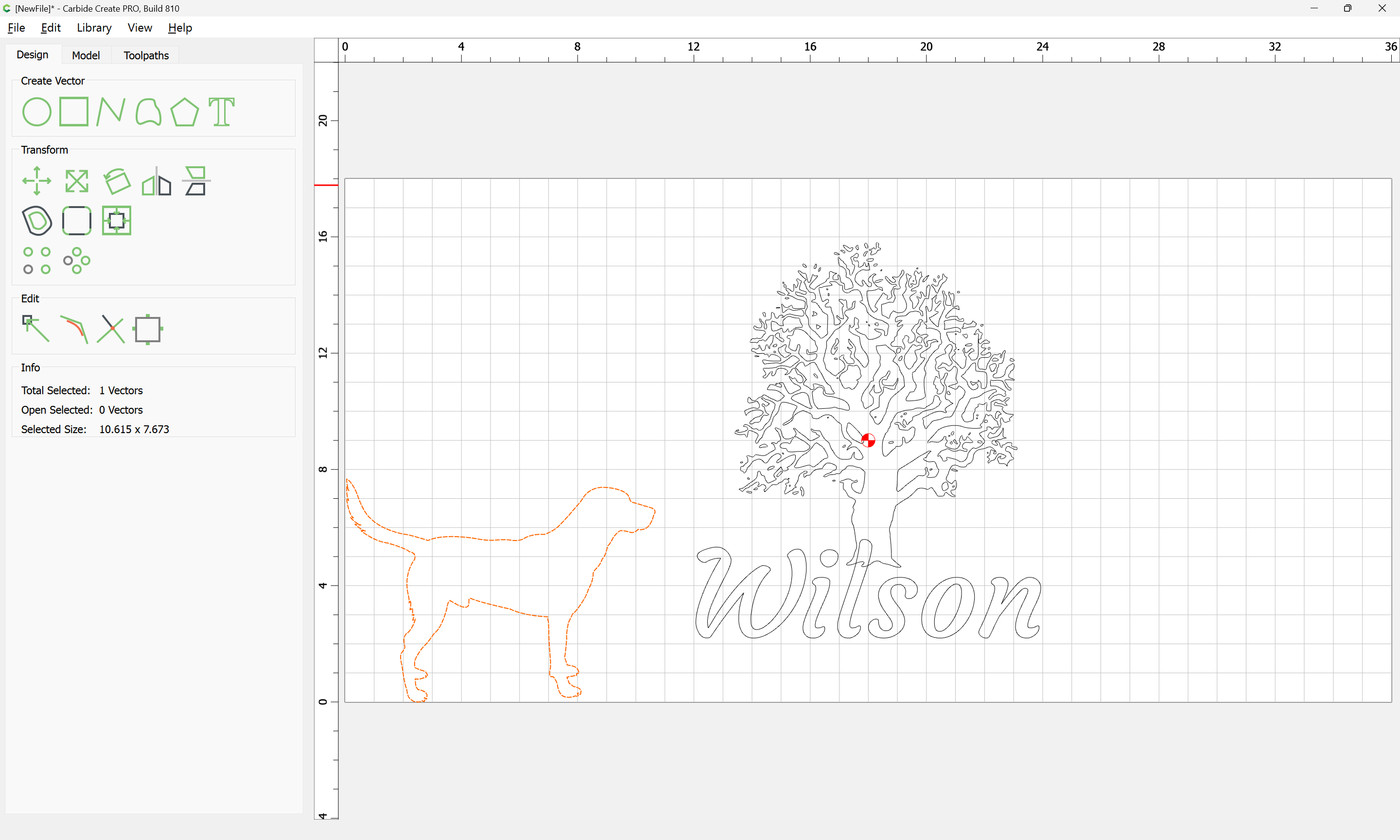
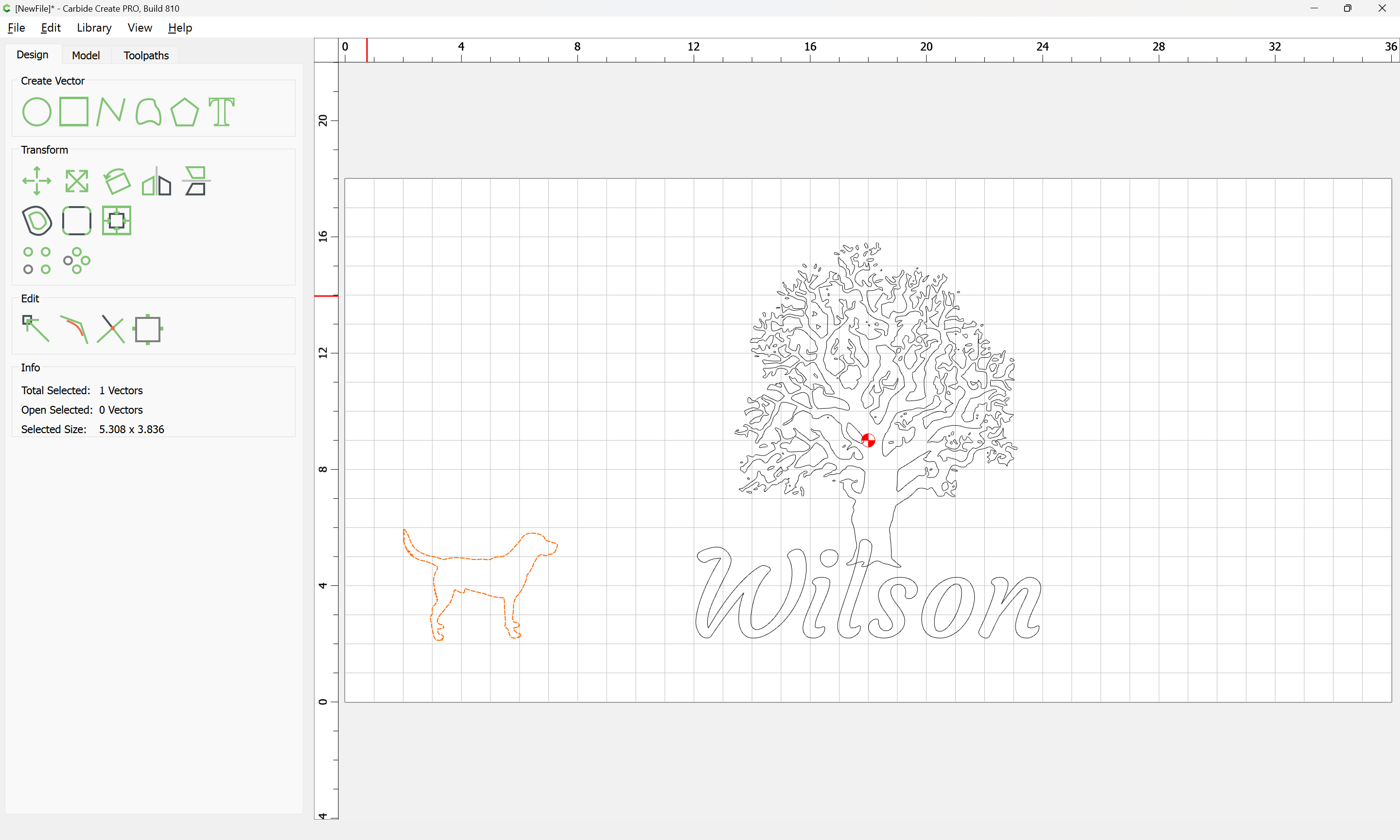
adding elements…
WillAdams
(William Adams (Carbide 3D))
December 13, 2024, 11:19pm
3
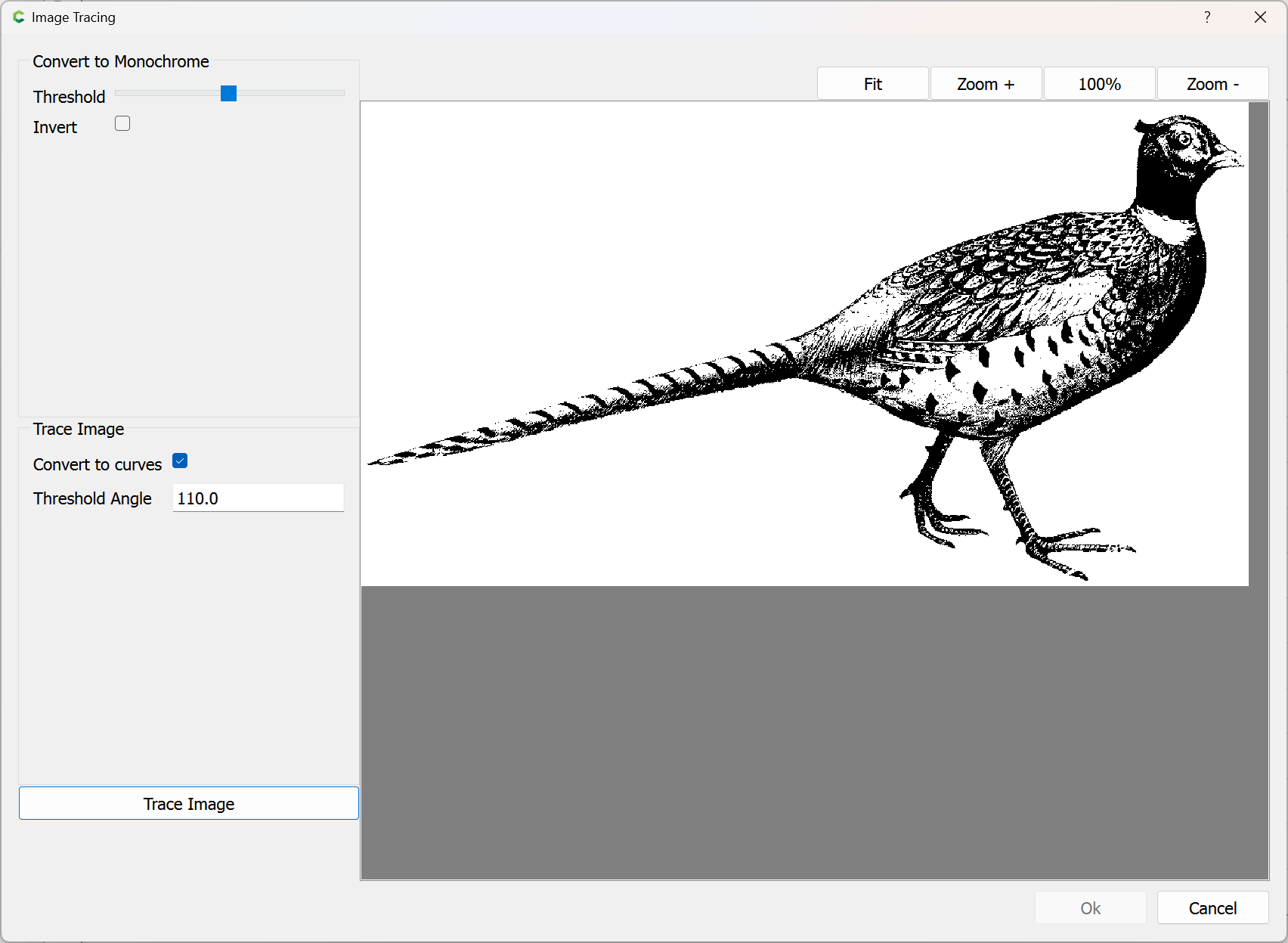
If the image is a pixel image, then it will need to be traced:
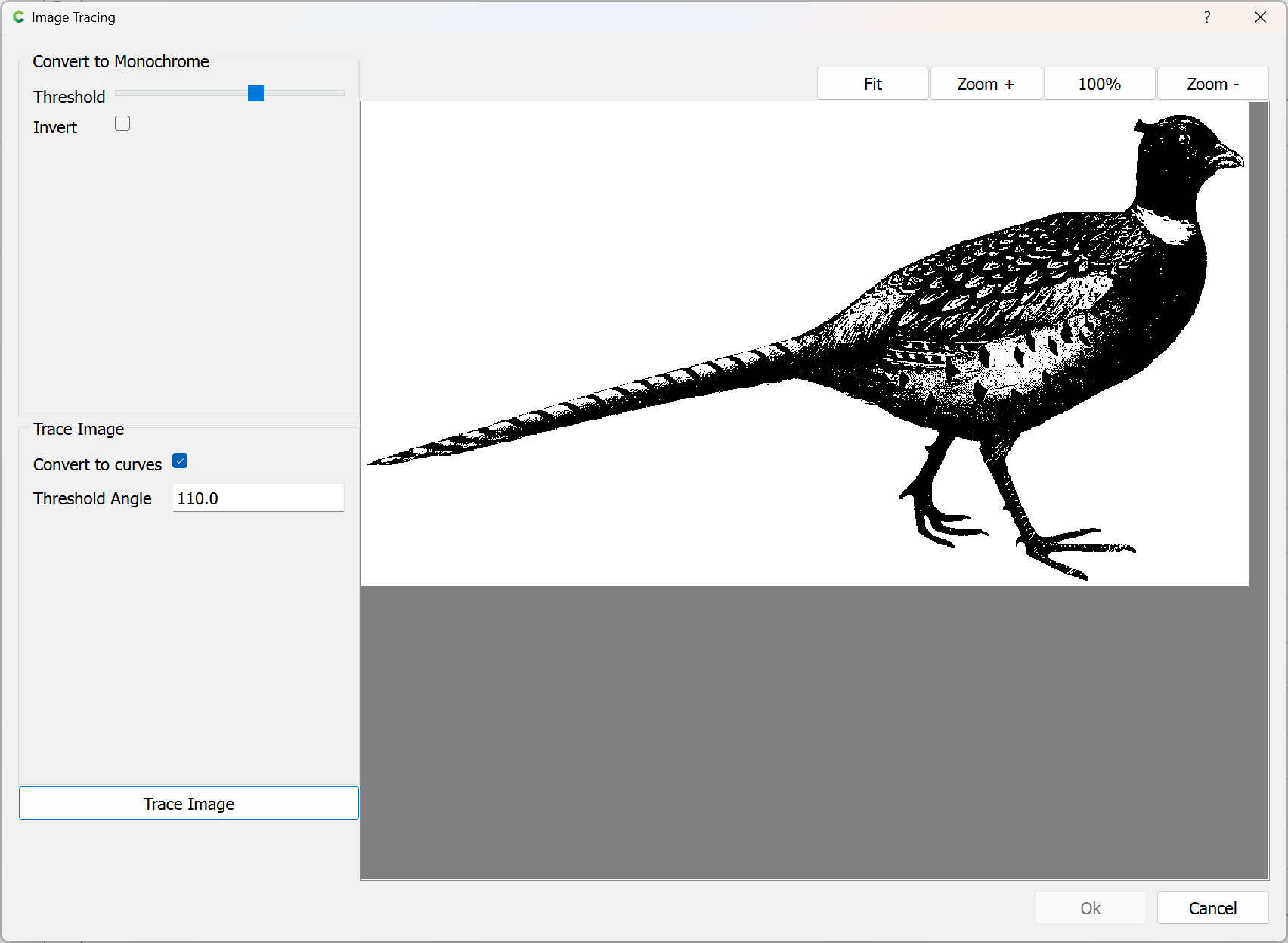
adjust as necessary:
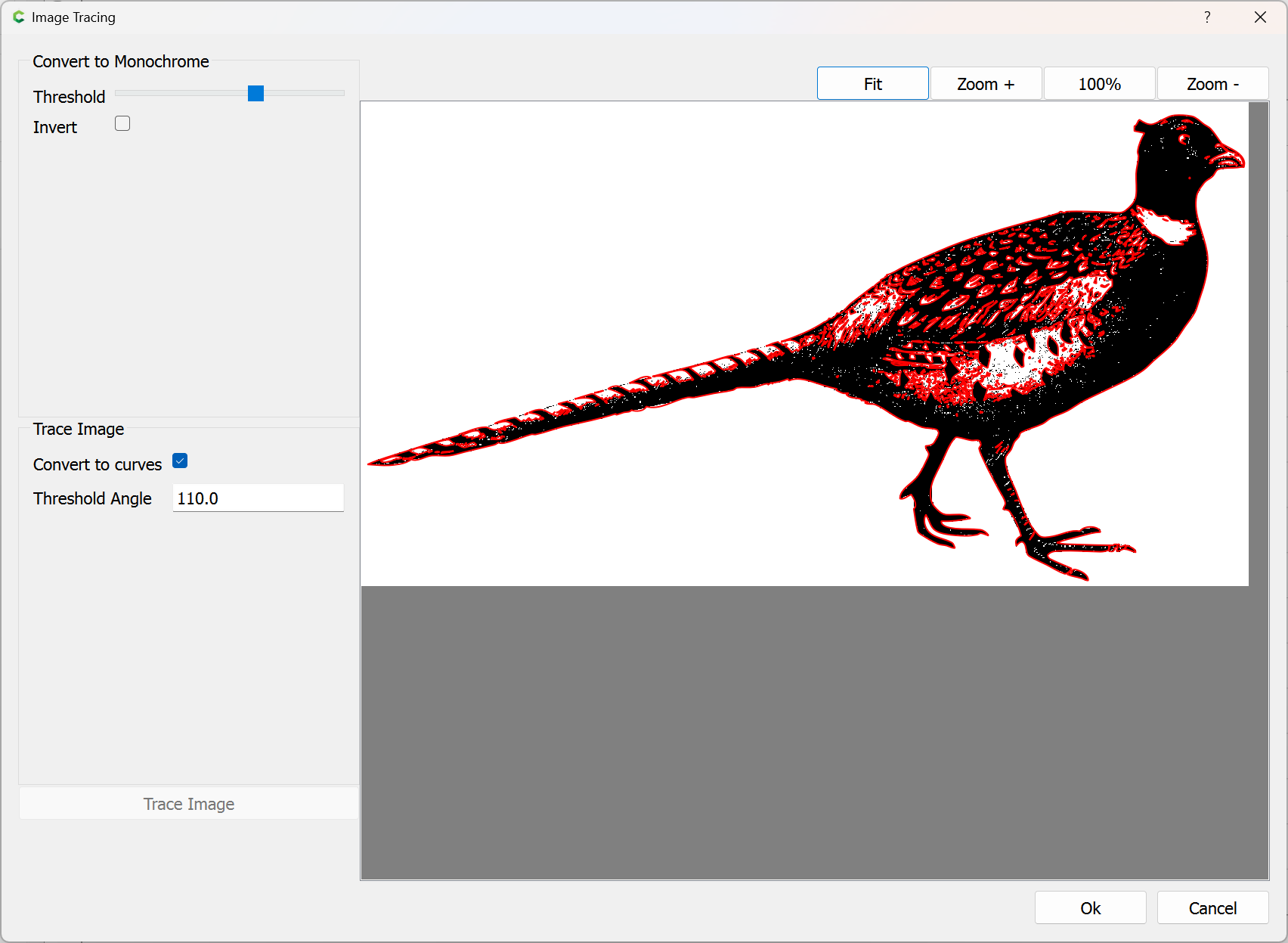
Trace Image:
OK
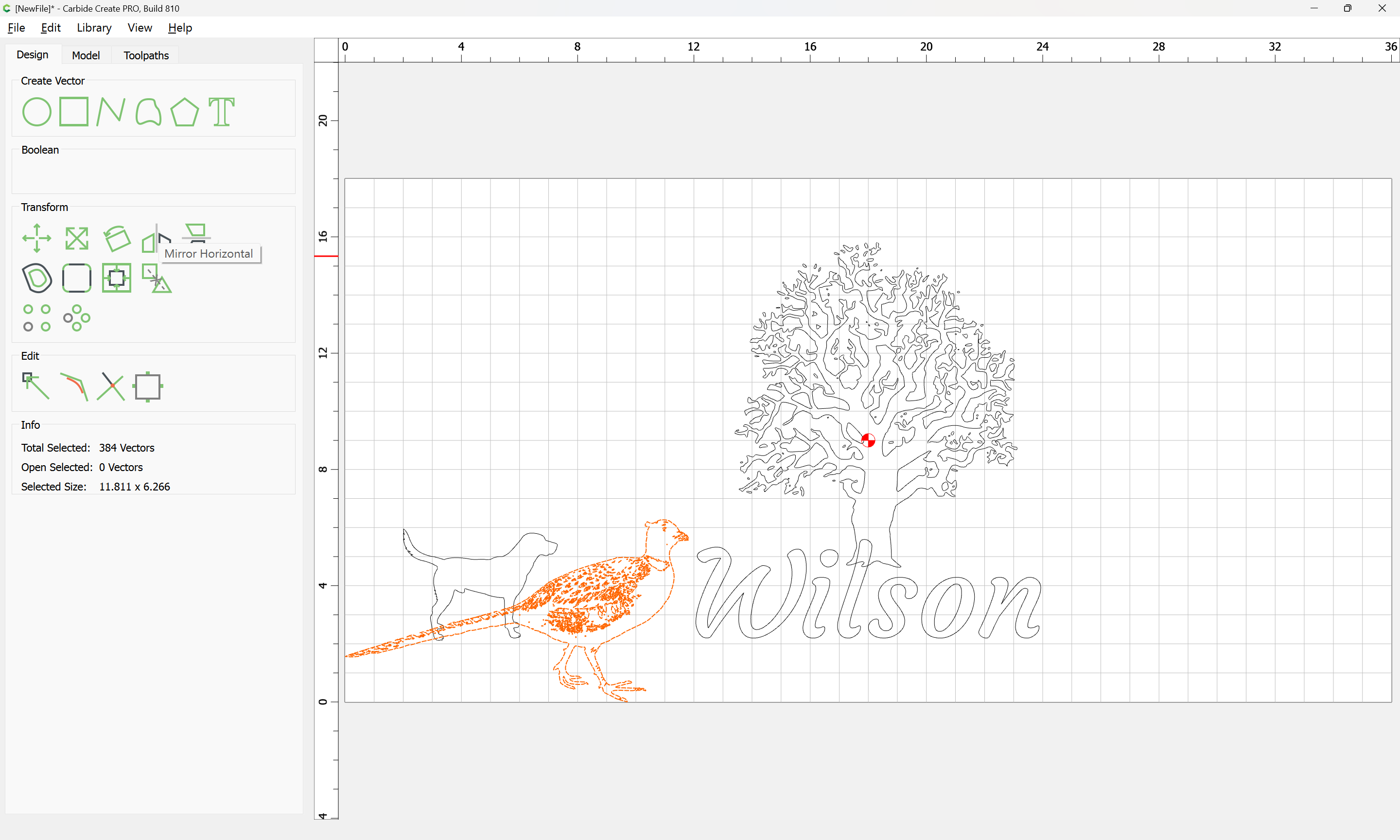
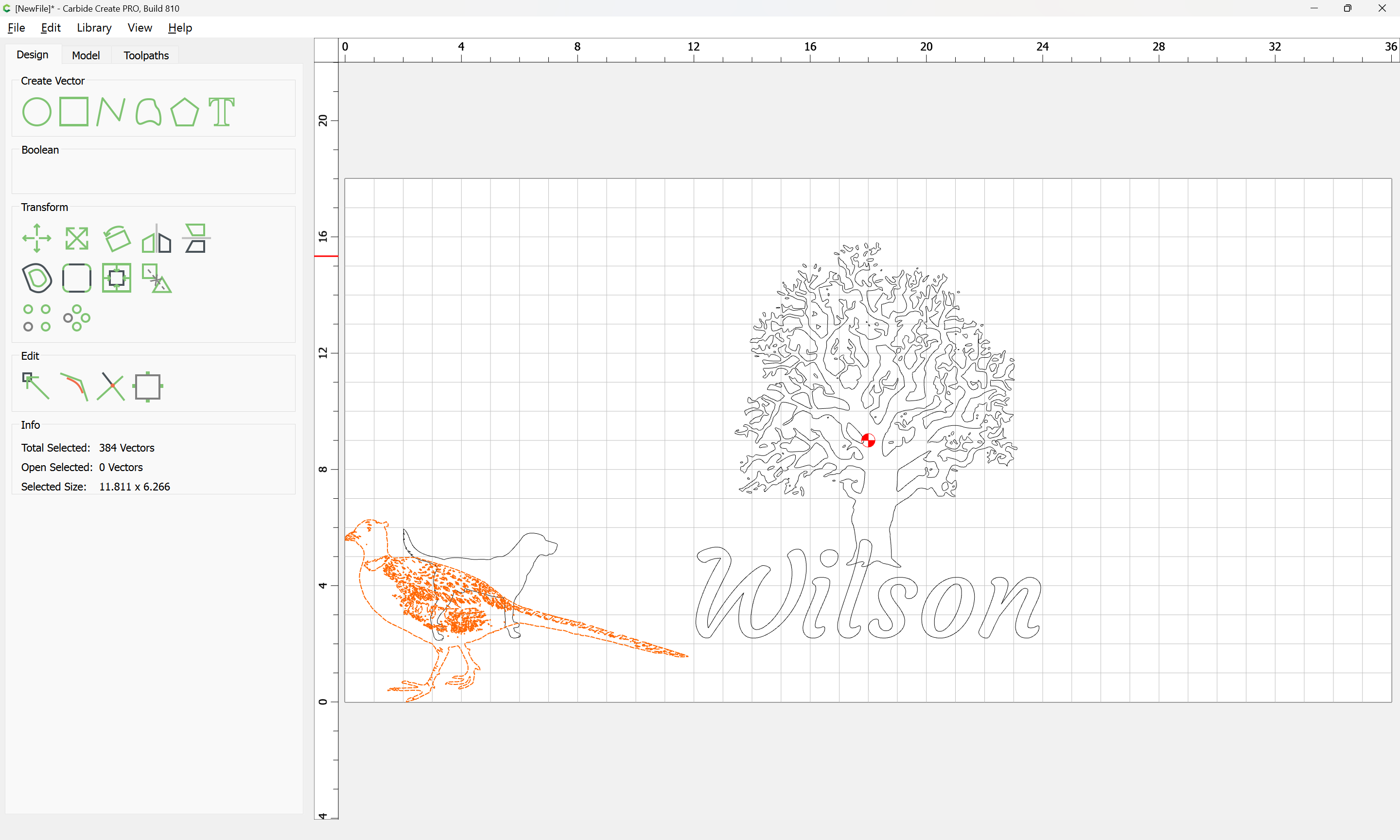
Mirror Horizontal and adjust:
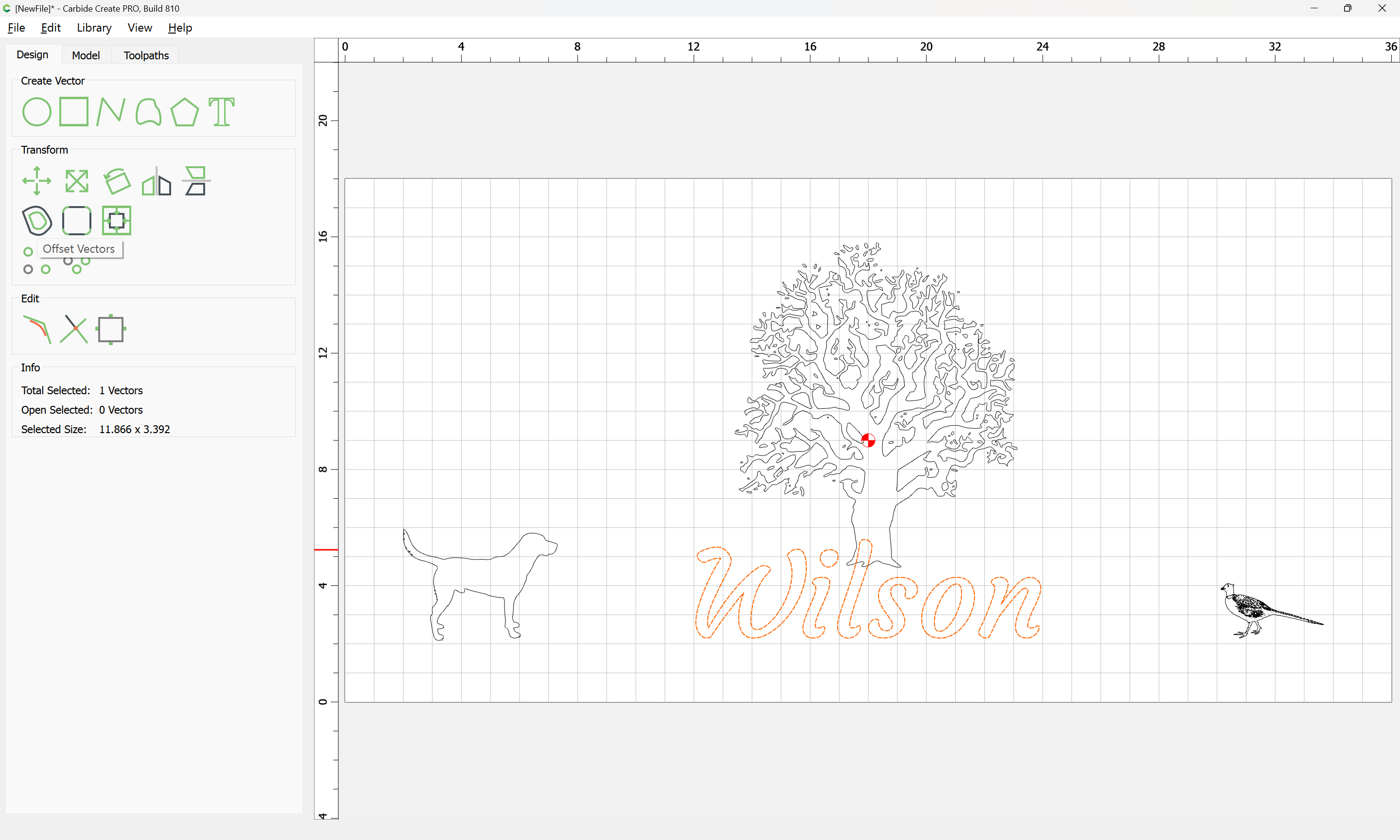
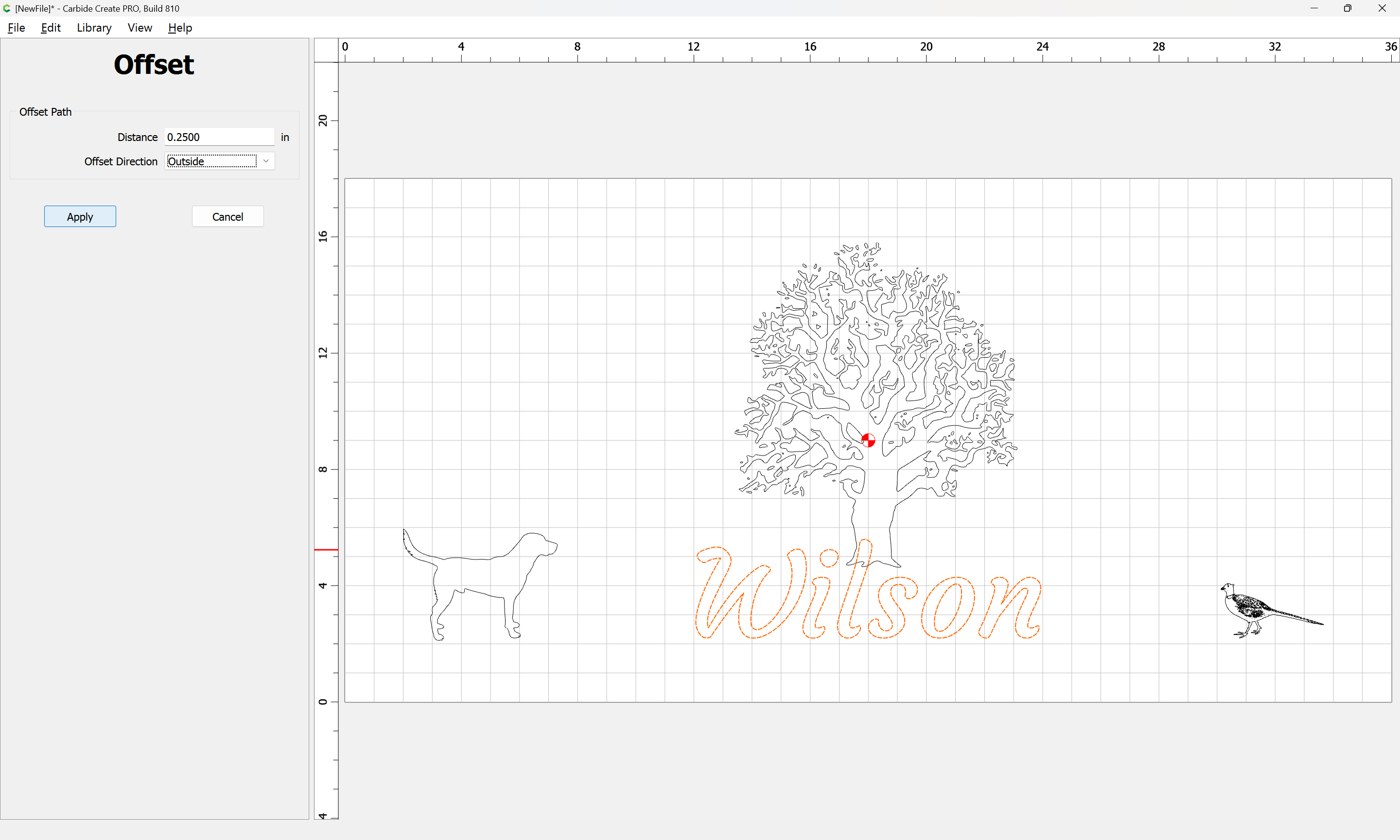
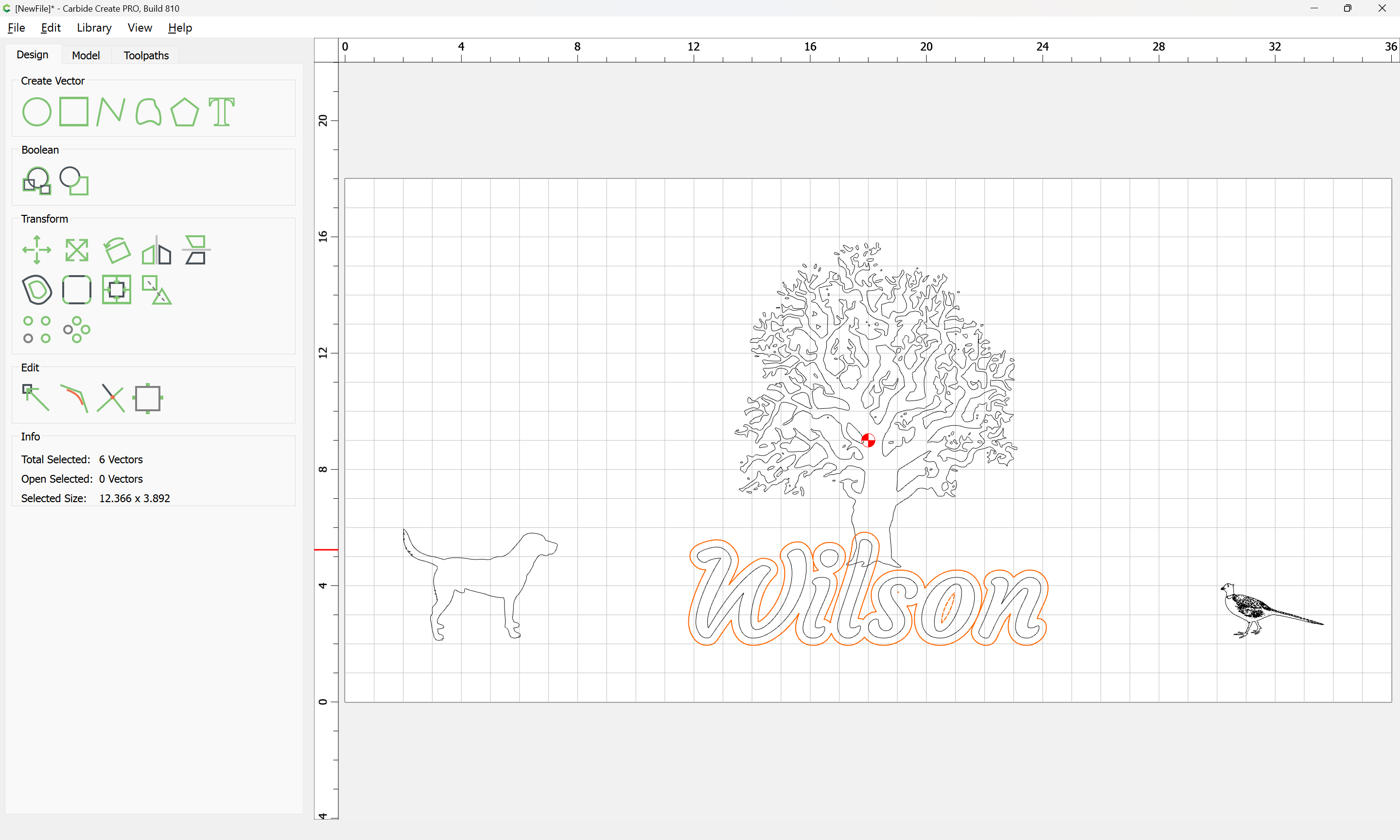
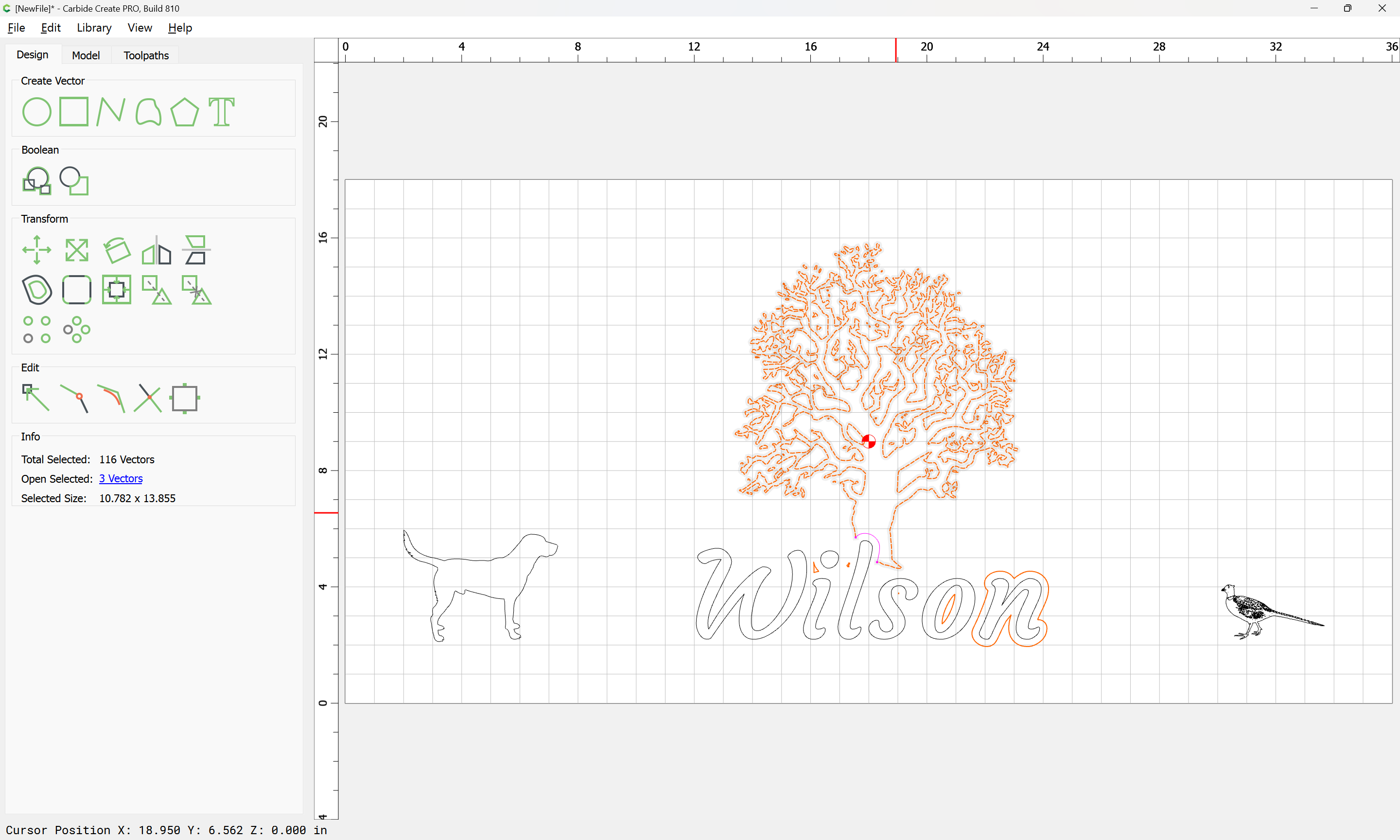
Where the text overlaps the tree, offset:
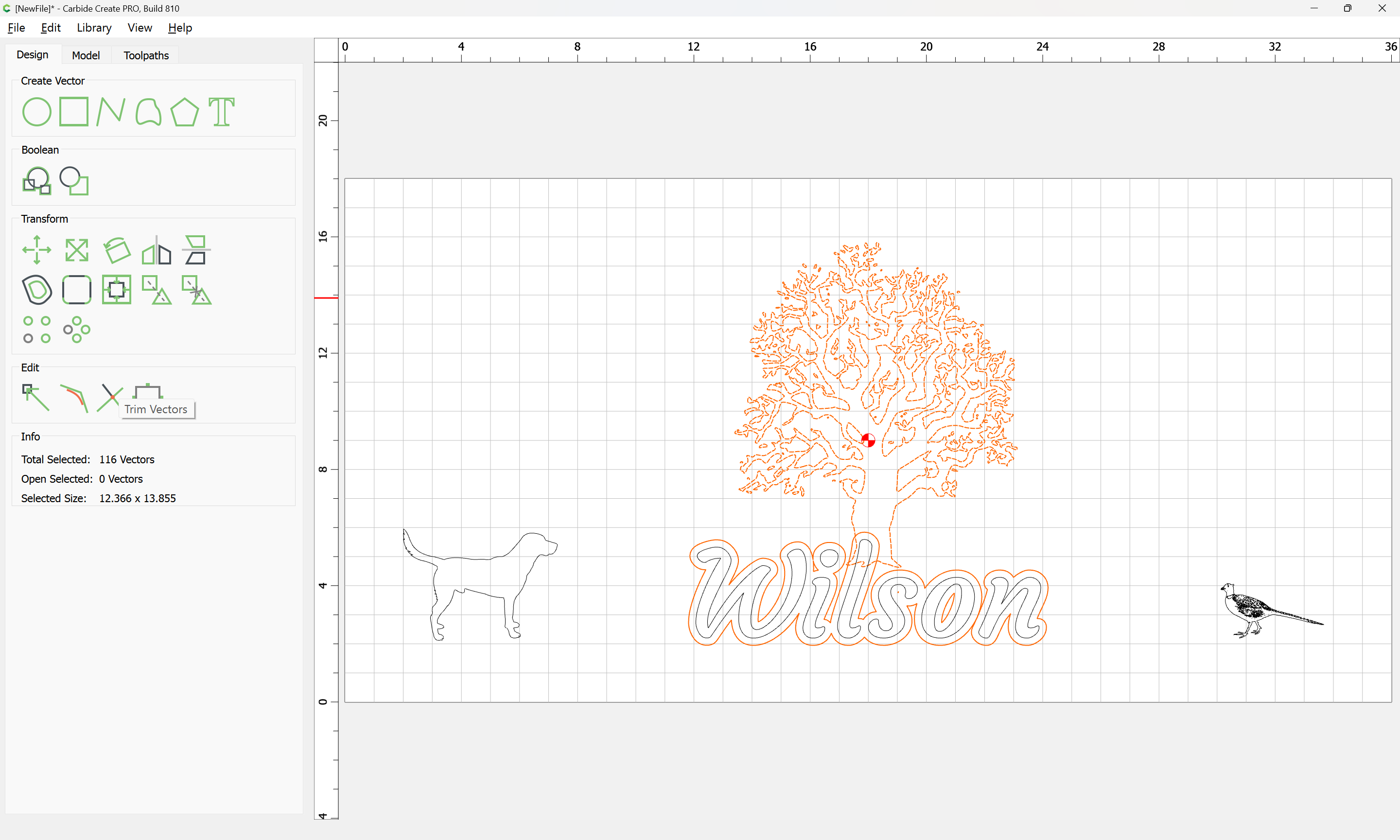
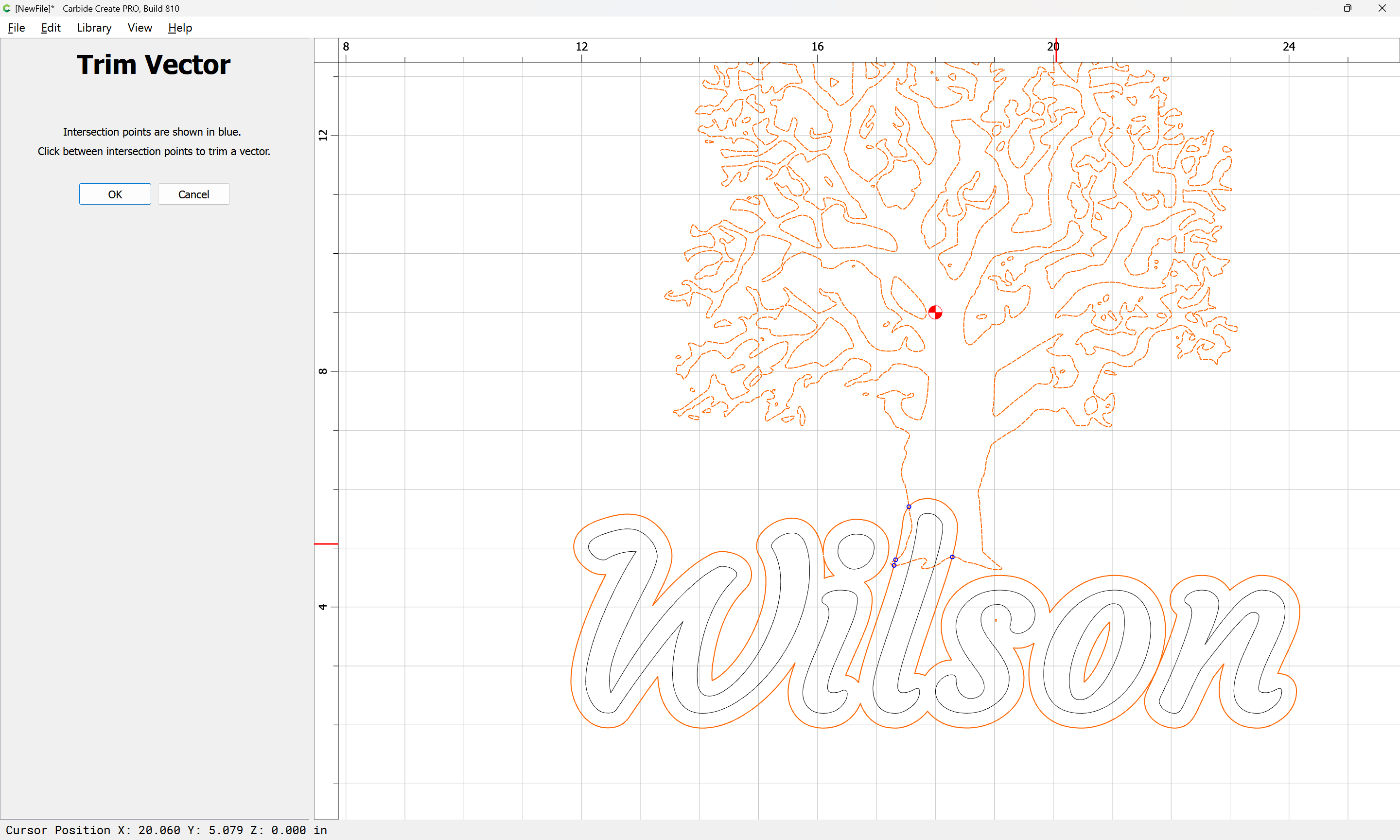
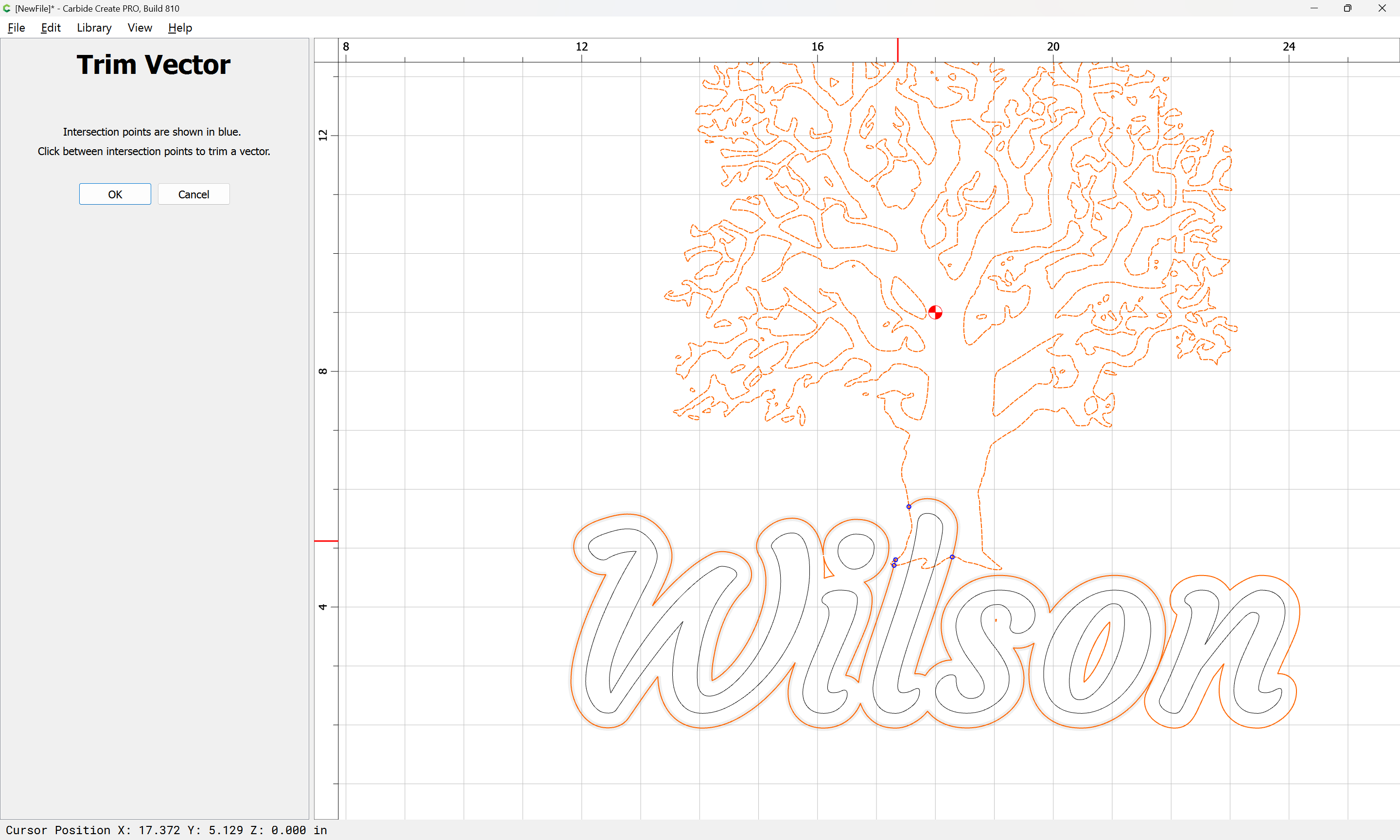
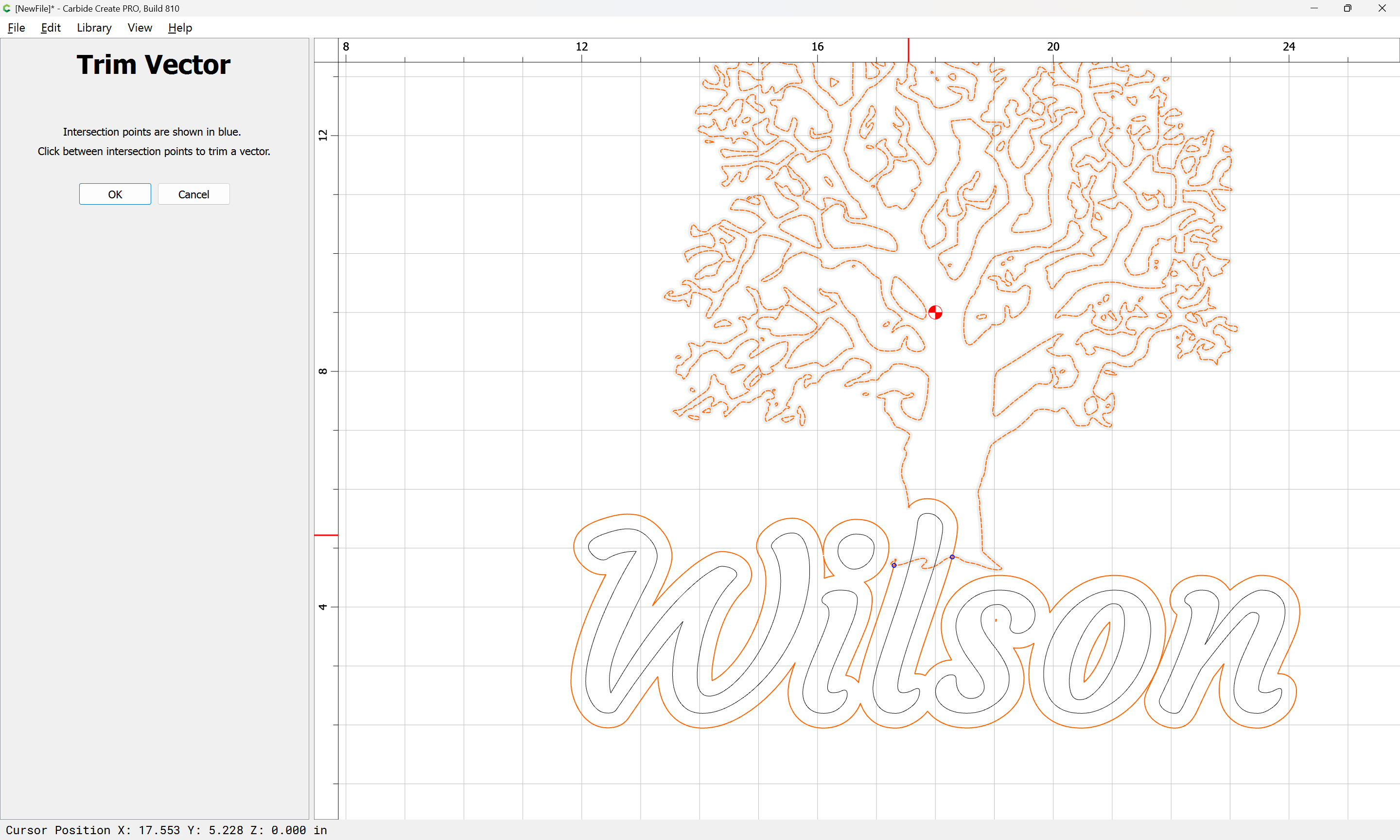
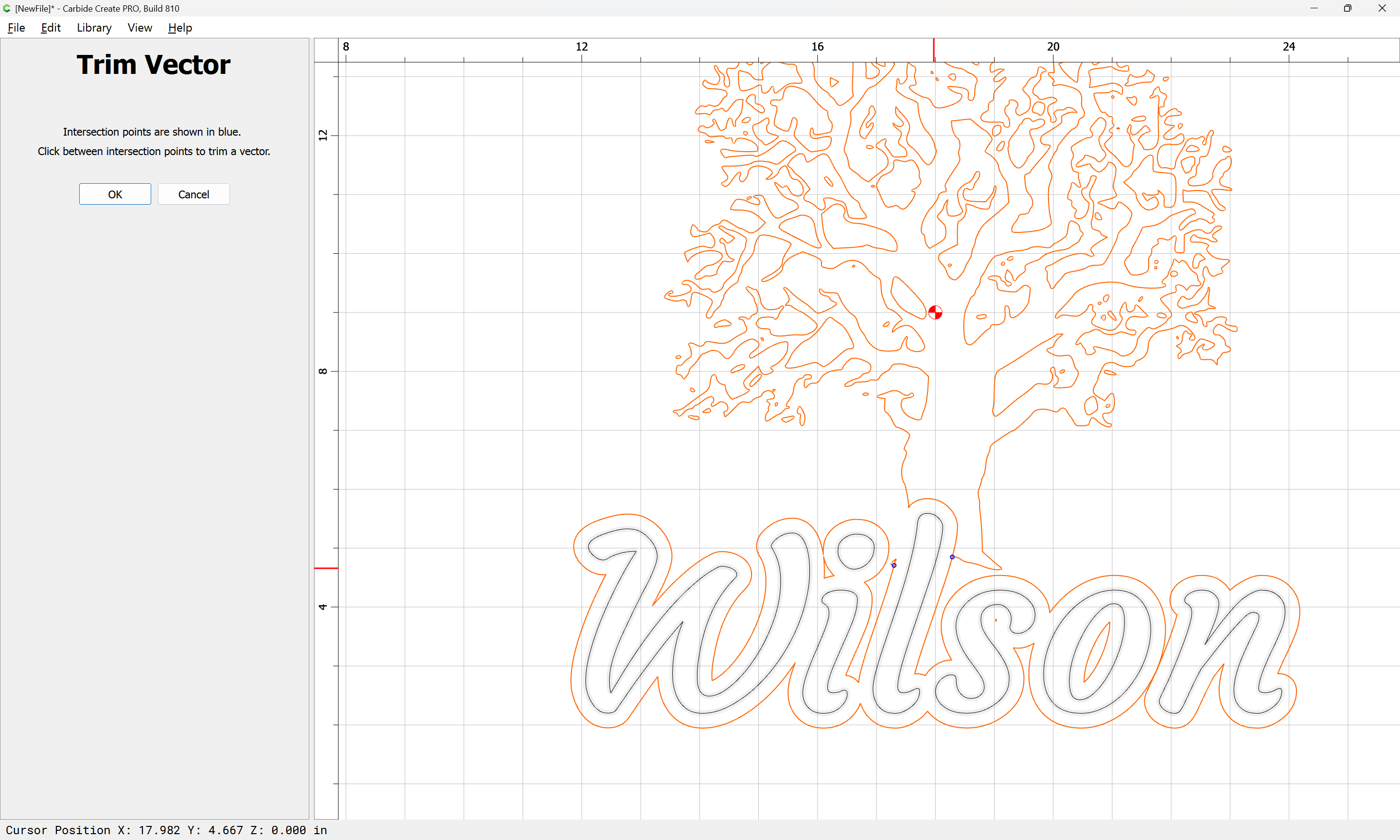
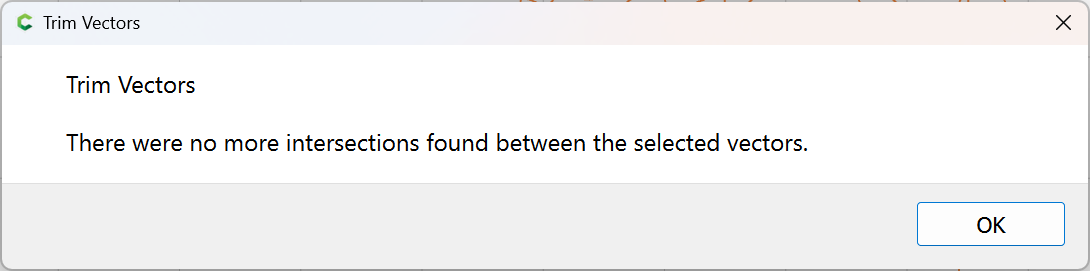
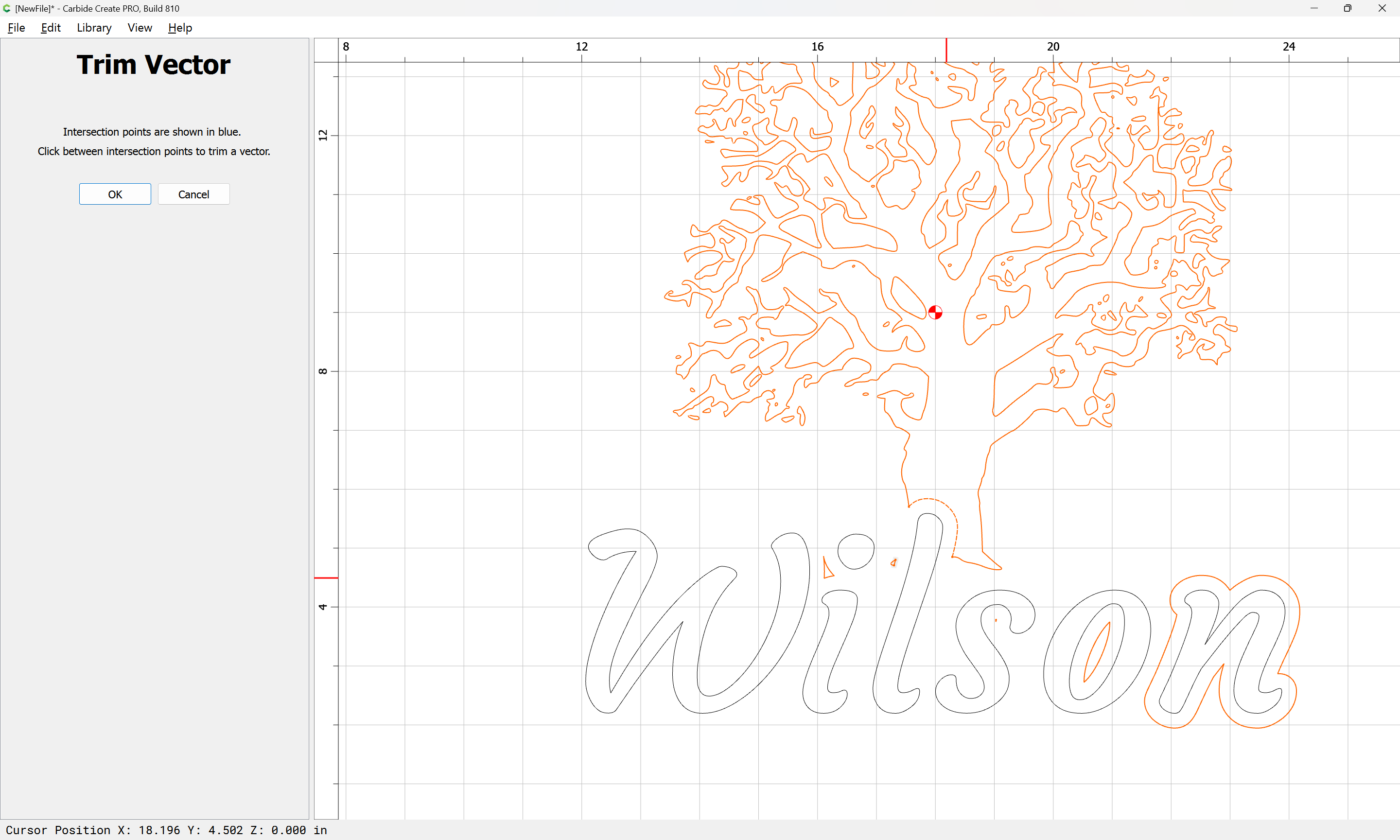
and then use Trim Vectors to remove what is not wanted:
until one arrives at:
OK
OK
Select what is not wanted:
Delete:
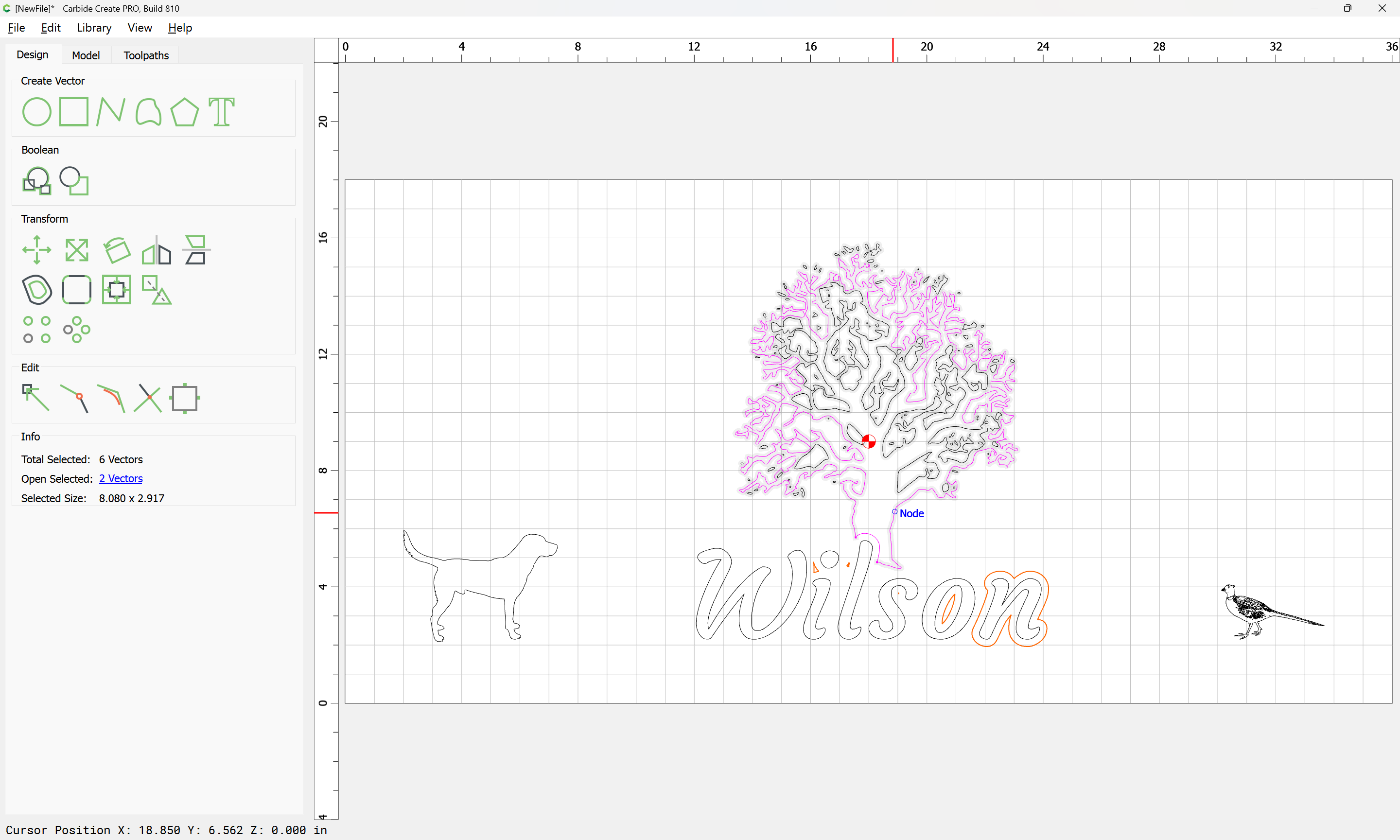
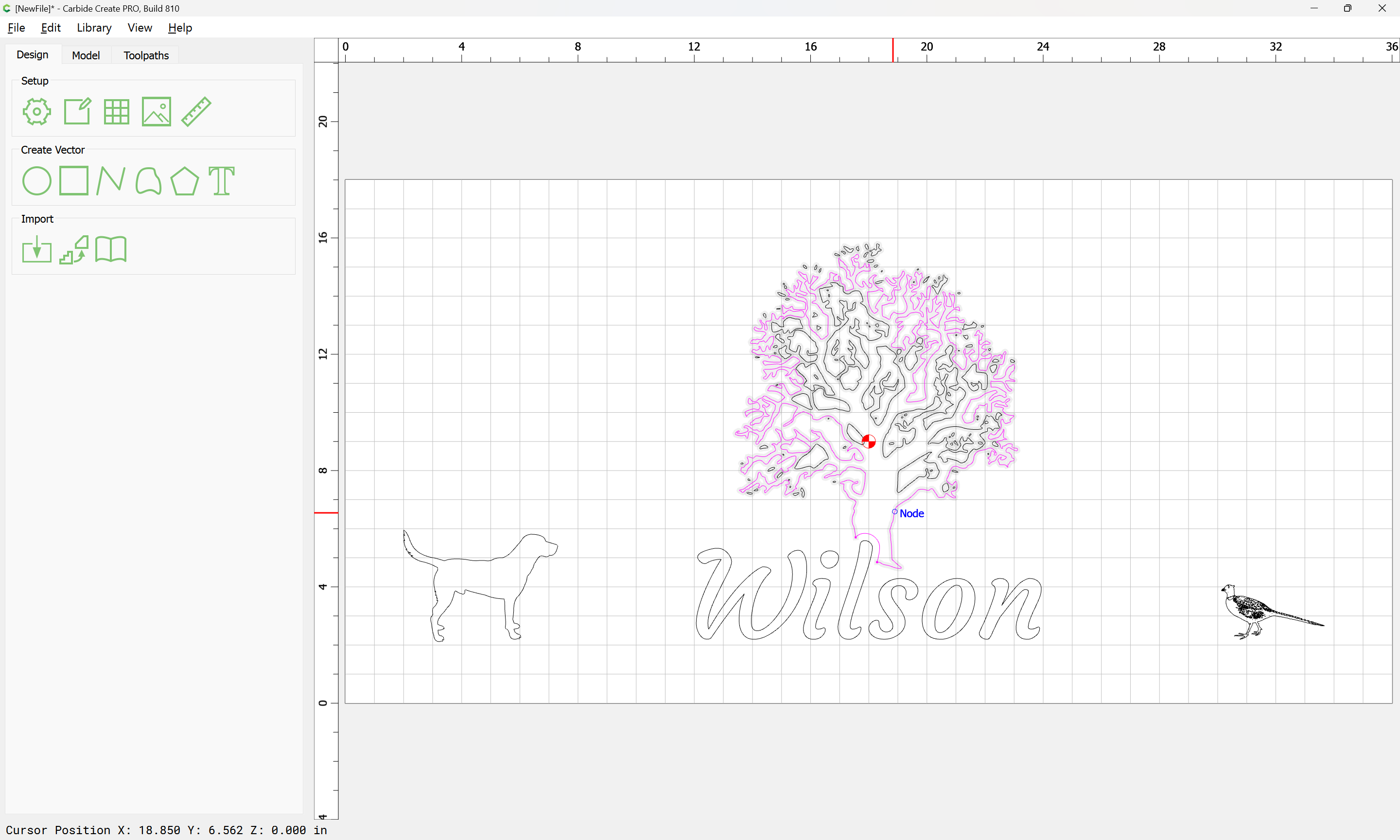
Select the open geometry:
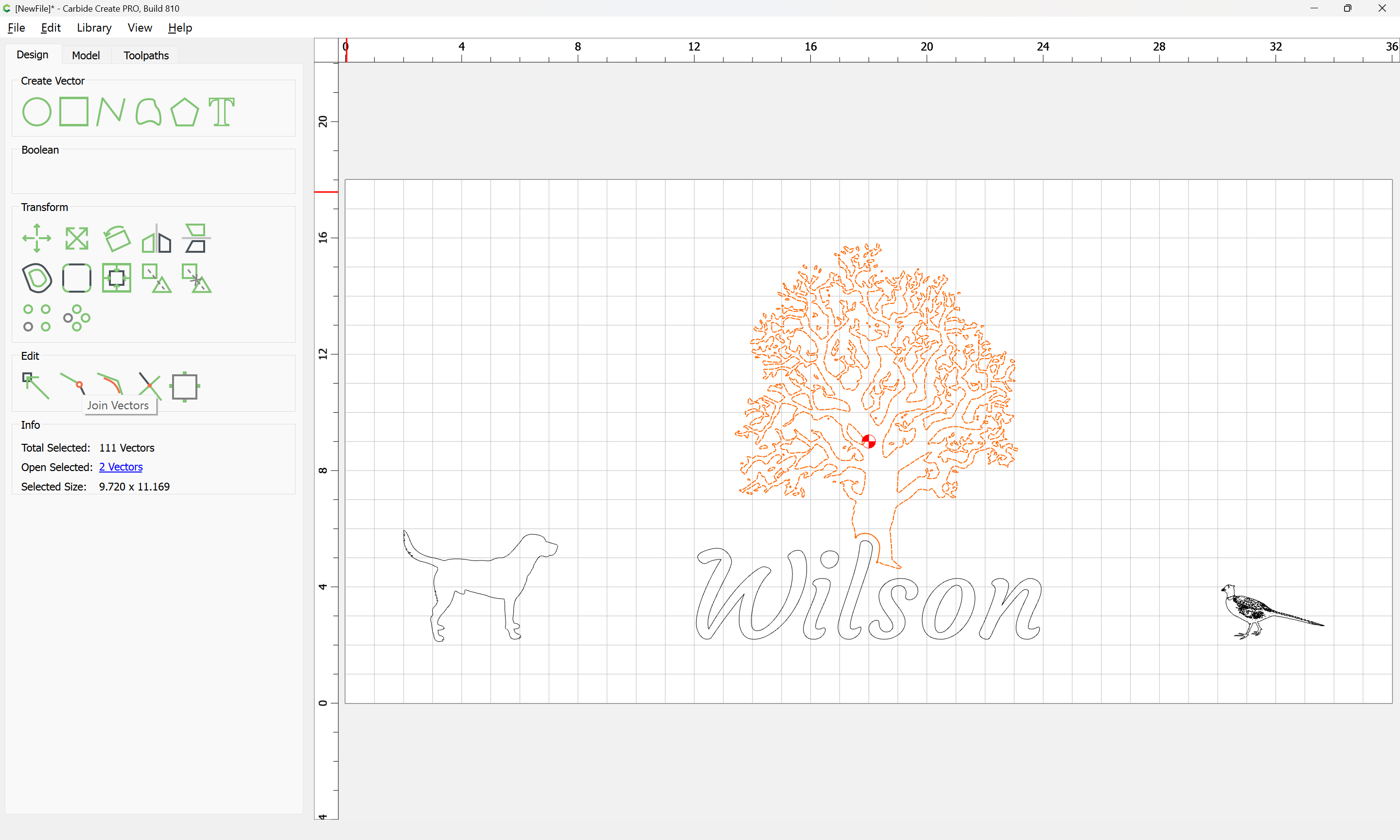
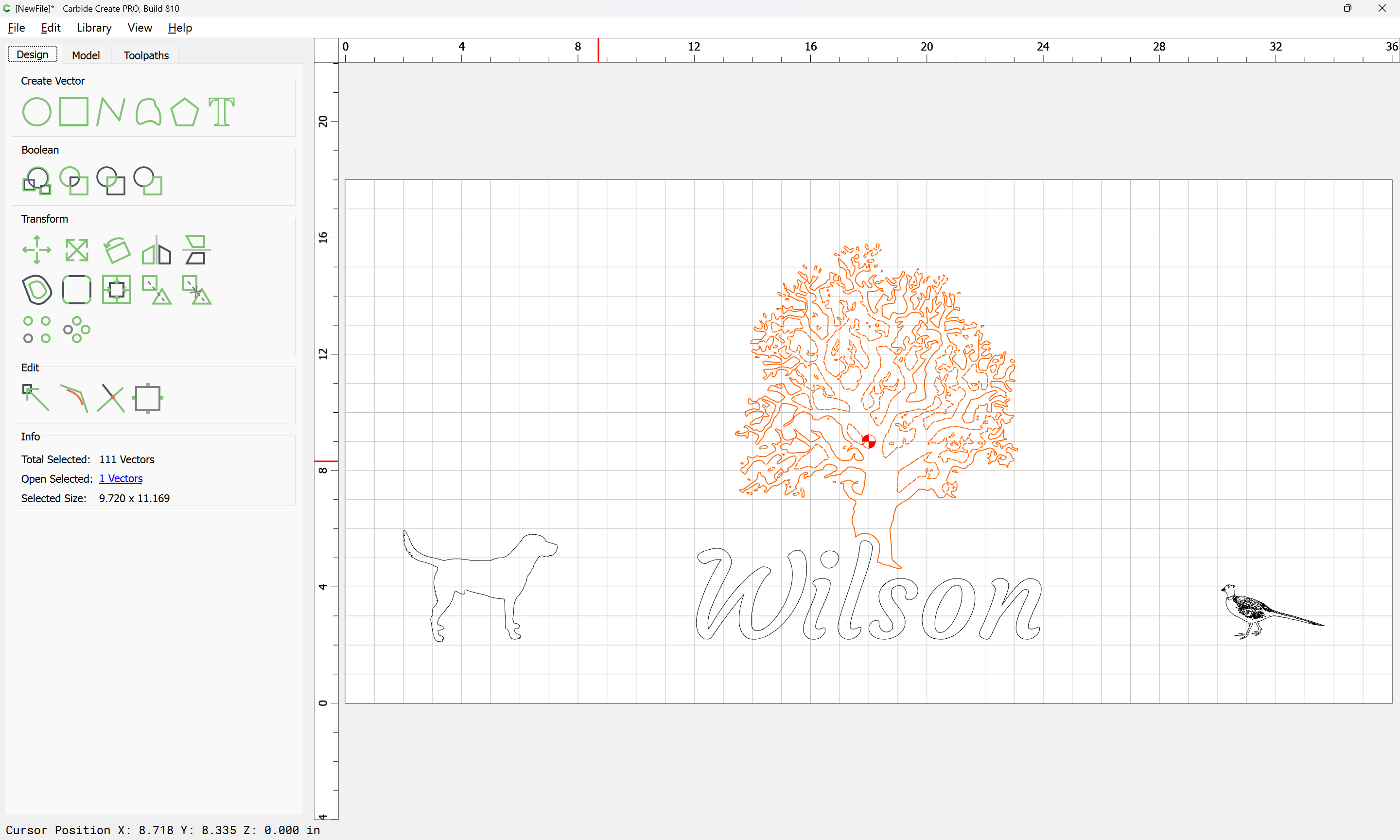
Join Vectors:
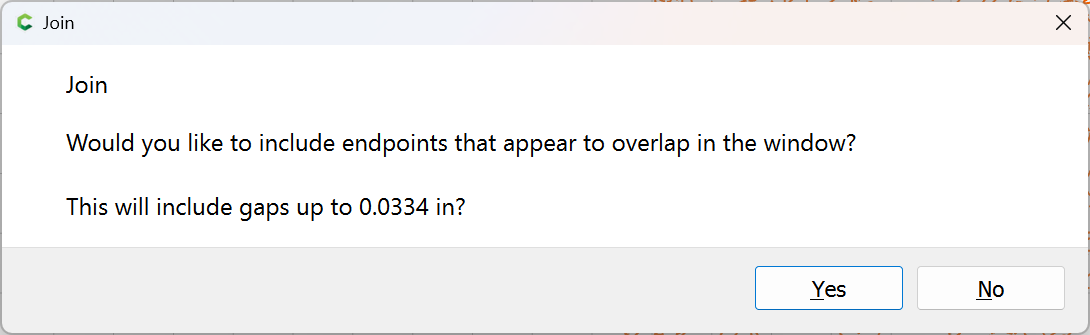
Yes
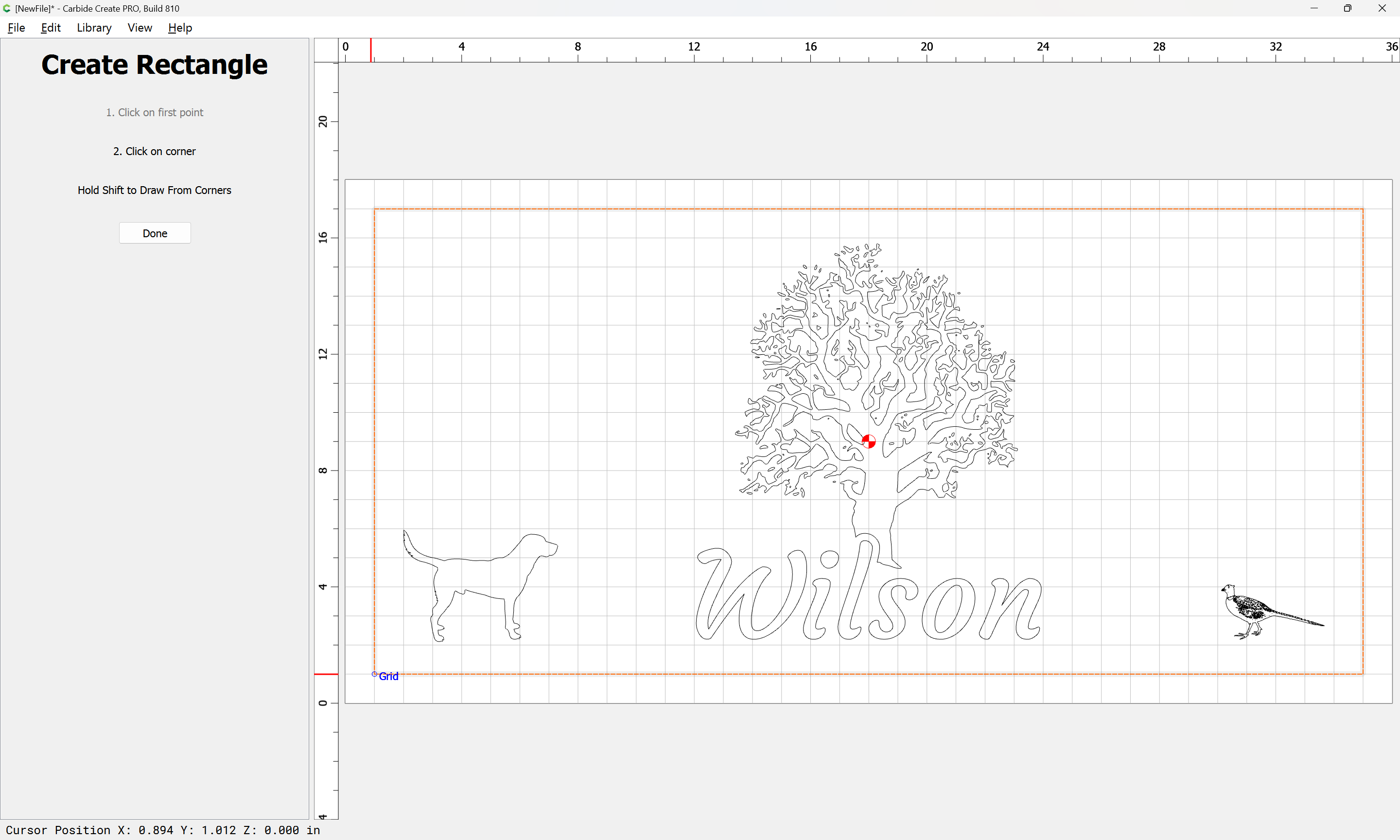
Draw a border:
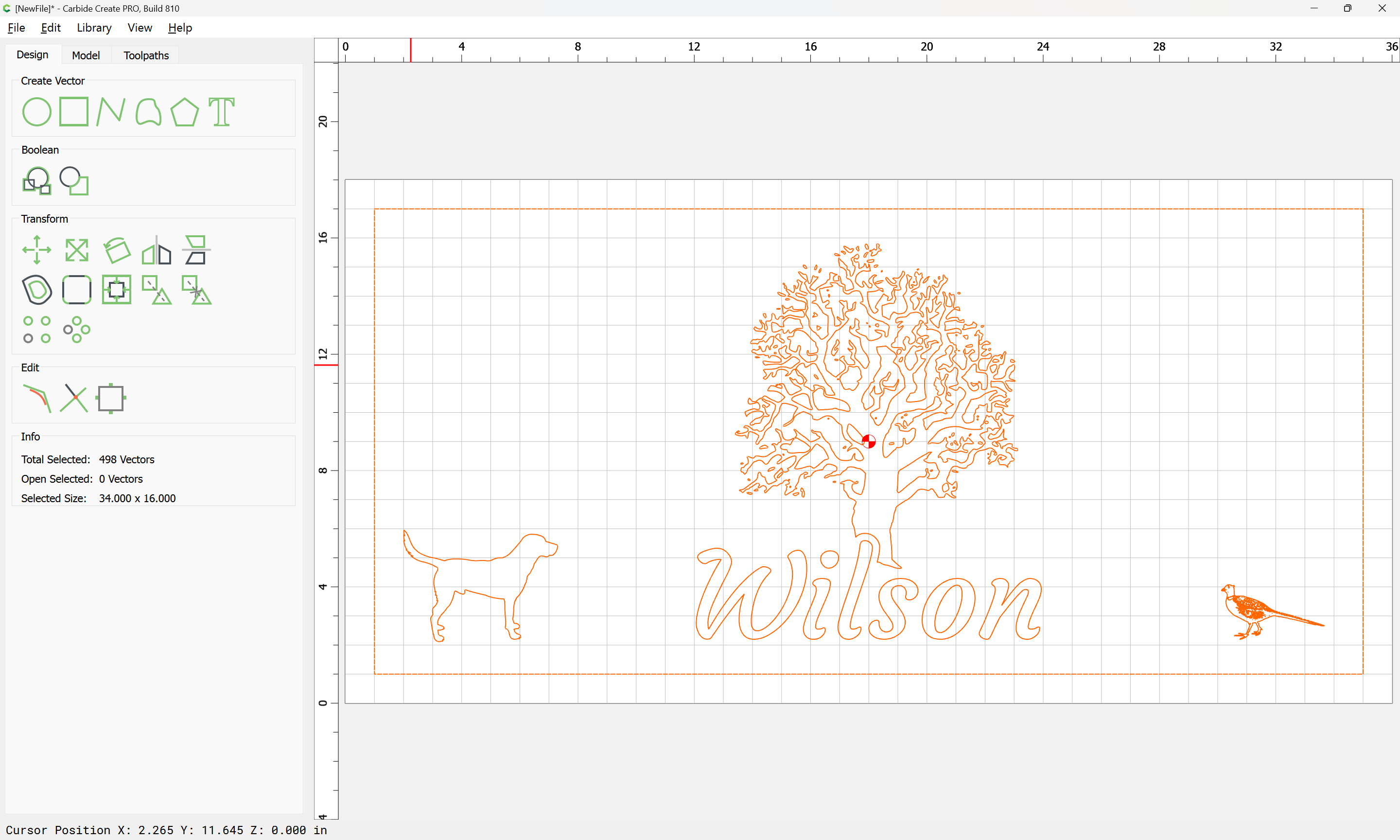
Select everything:
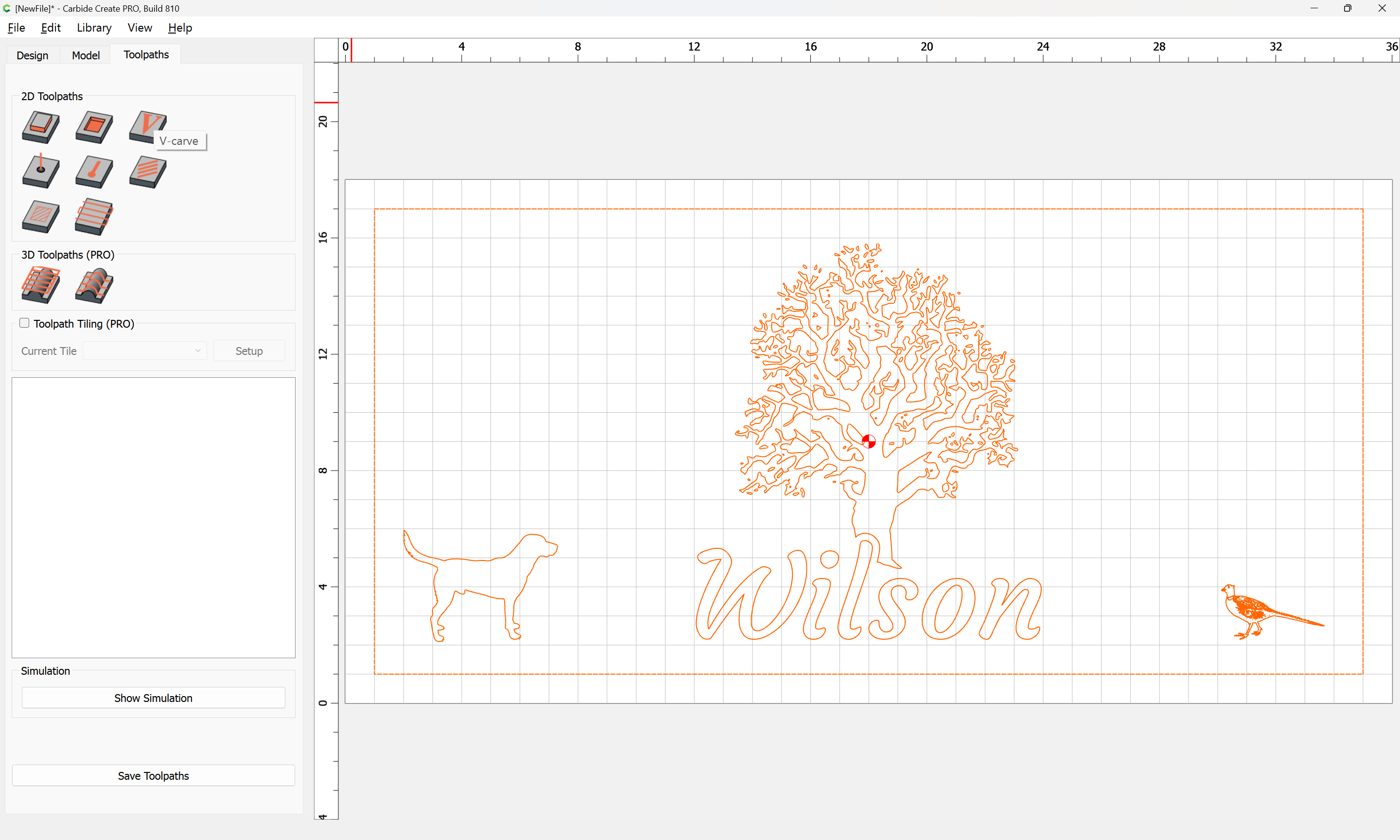
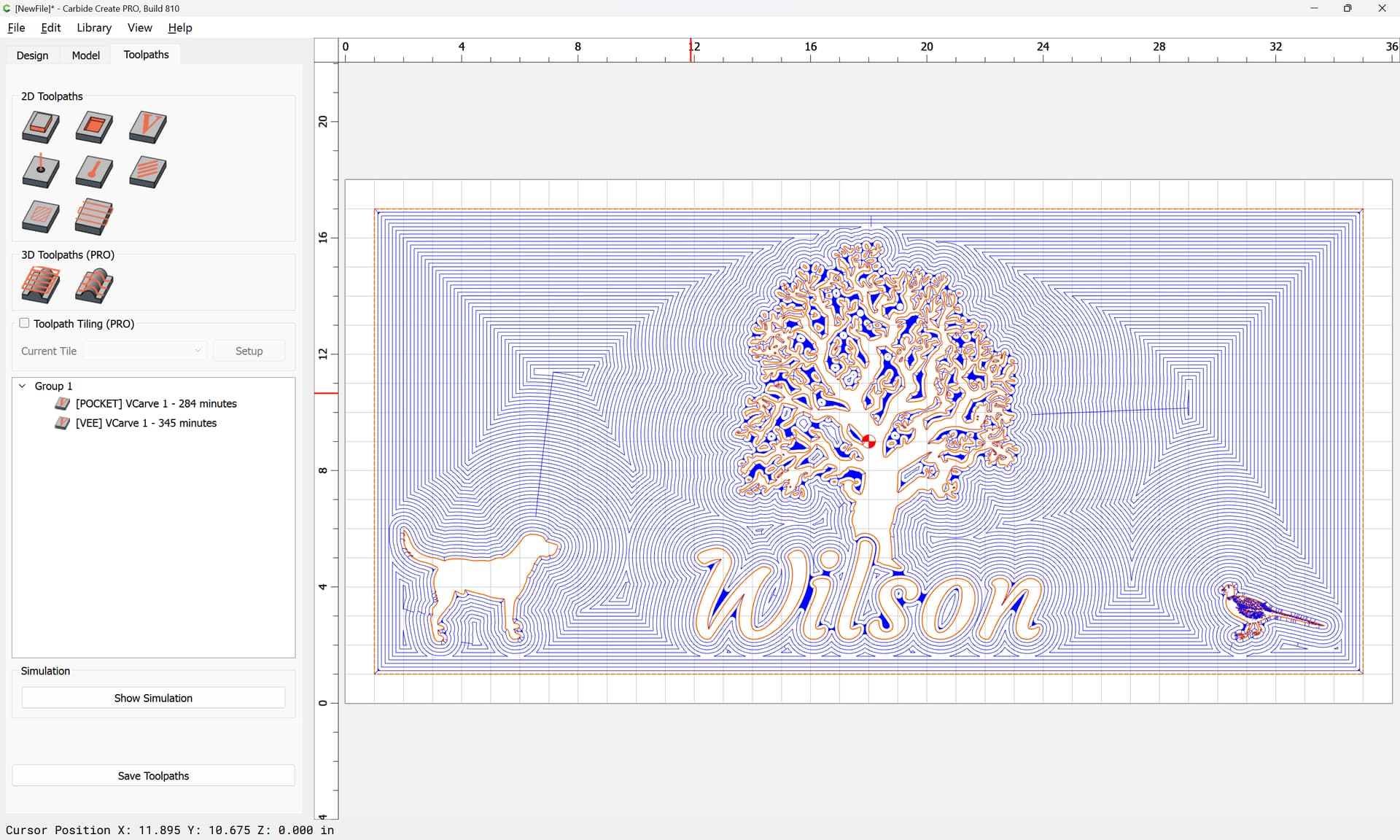
Switch to Toolpaths:
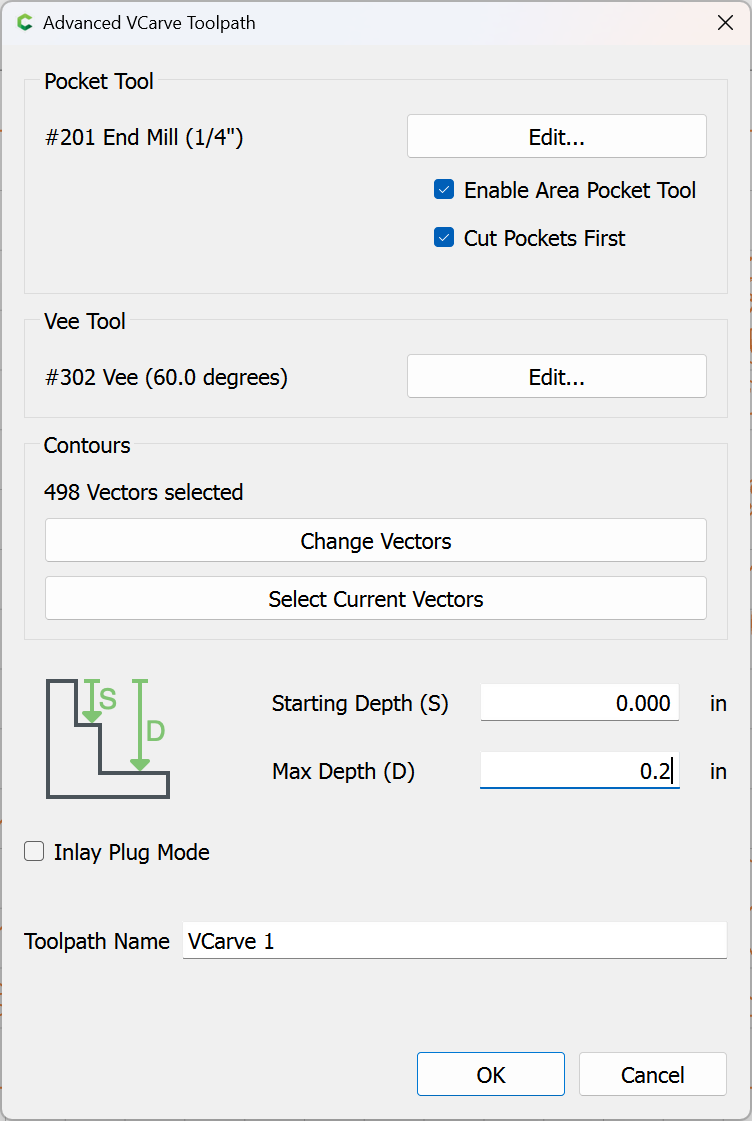
create a Vcarve toolpath:
OK
1 Like
system
(system)
Closed
January 12, 2025, 11:19pm
4
This topic was automatically closed 30 days after the last reply. New replies are no longer allowed.