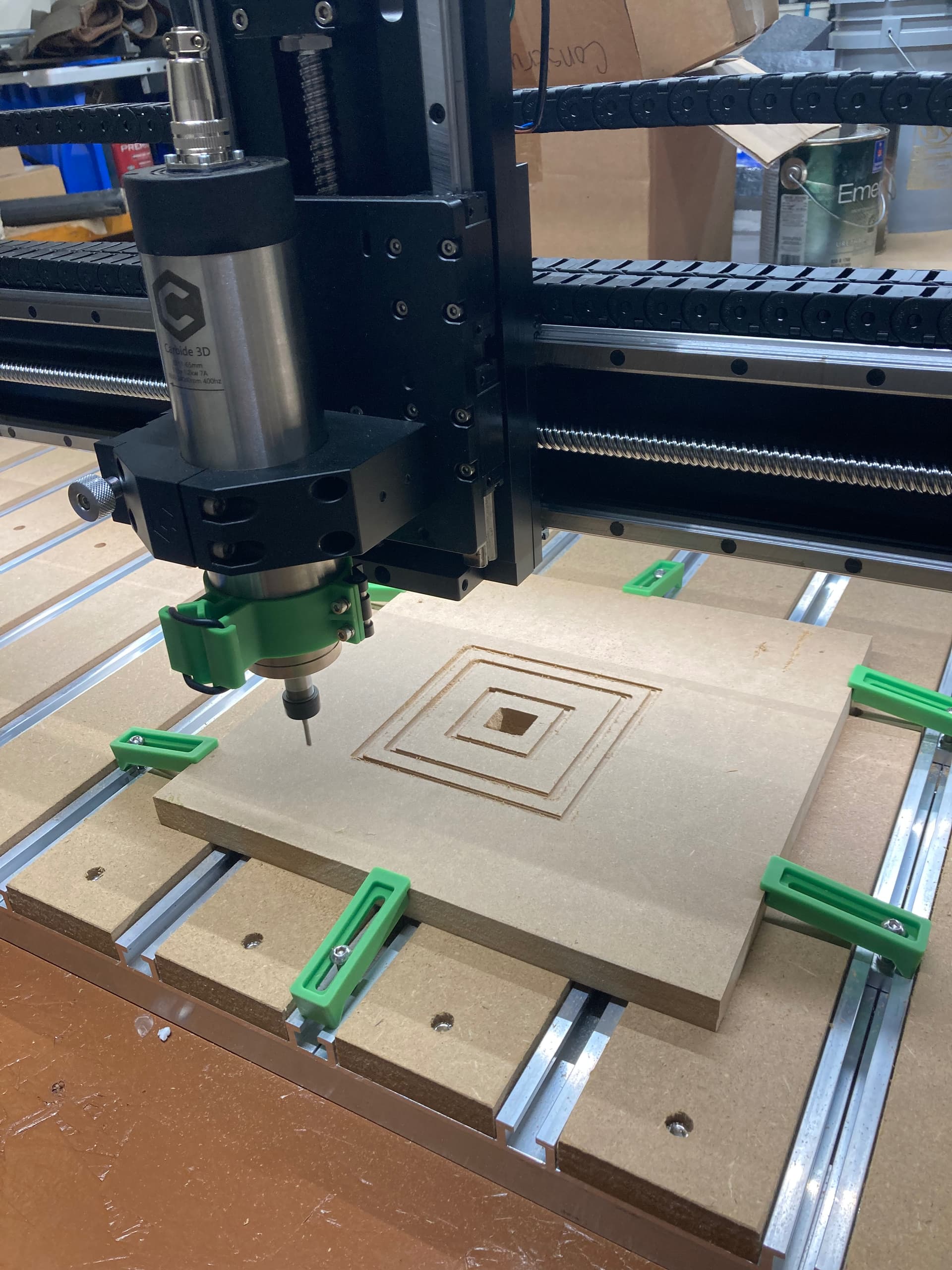
I figure out one issue causing me problems with my first cut. In CC I set it to lower left and when in CM I for some reason was zeroing on the center of material. Not sure why I did that…
I disabled bit setter and did the paper method and it ran what it was supposed to do with 1/8 endmill, but when it was supposed to cut out with the 1/4 endmill it just moved to that position about an inch above the material and just stayed there and the spindle was running. I don’t think this is normal because I couldn’t change bits. I couldn’t pause the spindle so on CM I hit stop.
So I had to start from the beginning. So I tried it again with the bit setter enabled. It cut, but now not as deep as it should have. When it came to where I should have used the 1/4 endmill it did the same thing. Went to position about an inch above material spindle still running. I clicked start and it continued, but still didn’t cut deep enough to cut piece out. So not sure what causes that?
How do you change bits durning a run? The pic shows where it goes after it’s finished with the 1/8. Any advice? Thanks.
Got a spicy controller maybe? Have you left it on and idle for long periods
?
also did they get a new mdf supplier, fibers are so large they look like particle board.
I completely redone the hello contour design from the Carbide video. Bit settler is enabled and initialized. I grouped all the 1/8 together and 1/4 in CC to see if that made a difference. Same issue. Spindle just stops at that position and run.
If I click on start again it continues to cut, but with the bit I don’t want.
IDK.
A post-processor is a system for controlling how G-code is written out — selecting “Carbide 3D Shapoeoko” sets the post-processor to one which does tool changes.