Hey all, I’m trying to figure out how to (successfully) flatten my wood, and I use a lot of hardwood. I don’t have a huge issue with the softer hardwoods, but when I use the spoilboard cutter, it burns the wood. I’ve tried messing with the feeds and speeds, going to 18000 rpm and 100 ipm (yes I use inches). I had also tried using the settings for the McFly, but it also burns it. If there is advice as to the feeds and speeds to use, I’d love to hear it, but I’m coming to the conclusion that I can’t easily use the spoilboard cutters on hardwood (which, yes, I get). Given that, is there another bit that I could use (preferably with a bigger diameter) that could help me flatten the hardwood?
One thing worth checking is the chip load. At 18,000 RPM and 100 IPM, you may not be getting enough chip load, depending on your cutter’s number of wings and insert geometry. This can cause rubbing and heat instead of clean cutting.
If you are considering another surfacing bit, the Amana Tool RC-2255 2-1/2" 3-Wing Insert Carbide Surfacing Bit is rated for hardwood. For solid wood, Amana also recommends its optional general-purpose inserts (RCK-457).
I would check the insert condition, chip evacuation, and manufacturer’s hardwood feed-and-speed recommendations before buying another bit. Also, make sure the bit is compatible with your machine.
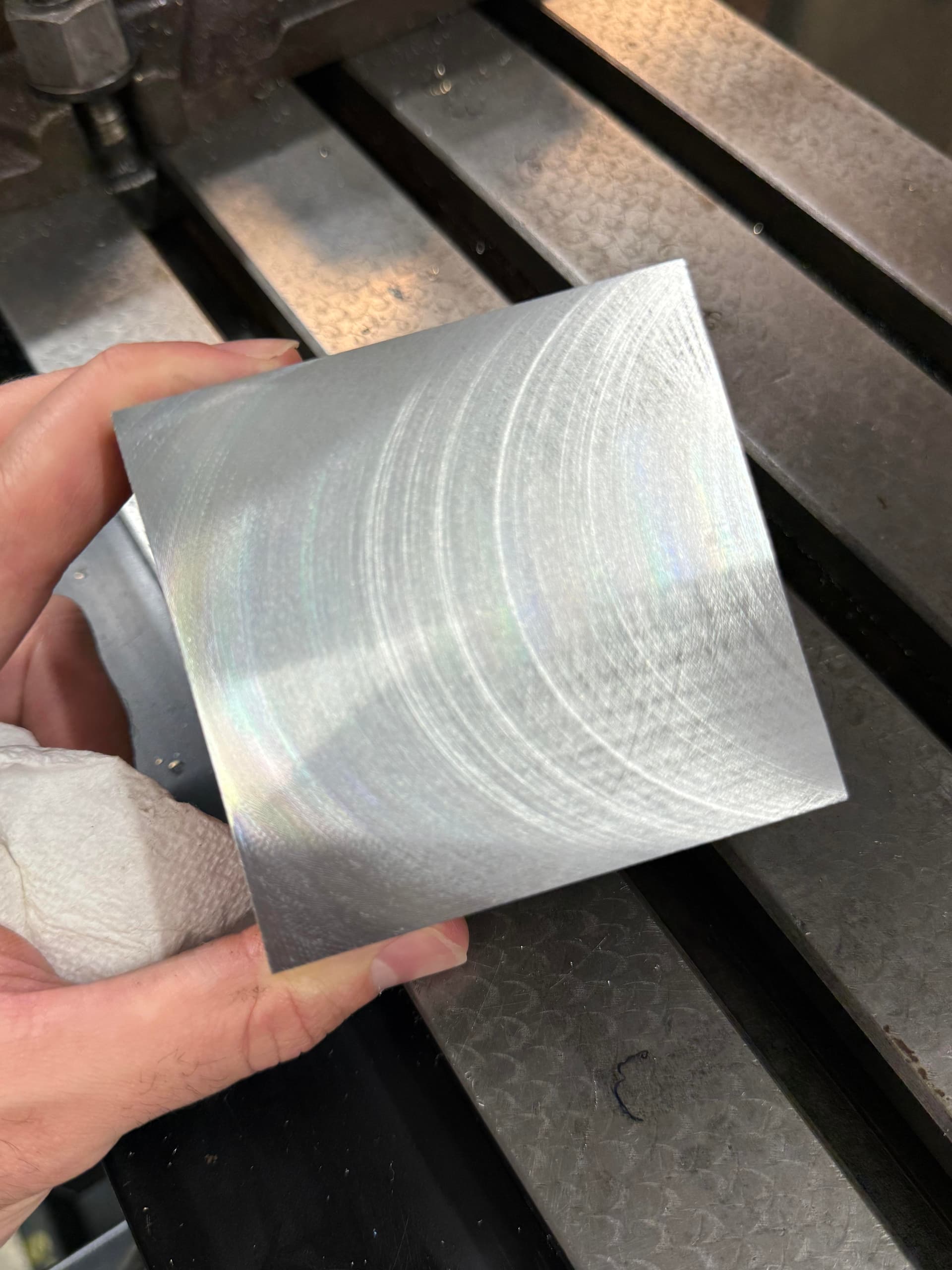
I am going to agree with Will as a possible tramming issue. I have seen it on my small 4040 as well on Bridgeport sized mills. The cutter essentially is taking a cut from the front as it moves left to right, or front to back. It also cuts again due to the rake of the tool, instead of being flat against the workpiece it could possibly be tipped forward or back and “or” tipped sided to side.
Ask me how many times i have trammed a Bridgeport in my last 50 years
I use the Facing toolpath and I try to go with the grain. The issue seems to be primarily with the different woods - when I faced alder, it didn’t have much burning, but white maple has a lot of burning. I’m currently using the SpeTool W05004. Maybe I could try the Amana RC-2248?
I have trammed it a couple times, but I suppose I could try doing it again. Is there a way to purchase new spoilboards for the Shapeoko Pro? I’ve never thought about that as a possibility, but it might be time to start fresh on it.
I think the chipload may be part of the issue. I don’t know how to adjust for it with the Pro, though. Maybe just need a different router bit. I saw the Amana Tool RC2255, but I can only do a 1/4" shank. I have this one: Spoilboard Surfacing Router Bit - Amana Tool 45525, 3-Flute but I couldn’t use the bitsetter with it as it is currently configured, so I put it to the side for now. I could just rearrange that too and see if that bit works, I suppose.
I like the bigger diameter bits because it can cover more of a surface area, but I’ll see if the smaller ones work.
I removed the bottom cutters on the McFly, it doesn’t really make a difference between the two bits, but I’ll try it on the other spoilboard.
I don’t do a lot of surfacing - at least not very large areas. but I do work with Alder and Maple a lot. Maples are denser. The material can’t be removed at the same rate. So I use some combination of slower feed rate shallower or narrower passes.
This might sounds counter-intuitive to chipload ideas. I see it on the thickness sander too. There if I mistakenly take too deep a pass, the machine auto-slows the feed rate, which then burns the top layer of Maple
So assuming no mechanical problems with tram or dull cutters I would try shallower passes at a faster feed rate.
I use the McFly which is a similar design to the SpeTool. I get good results surfacing very hard woods like Ebony and Rosewoods at 200im alternating long passes with the grain… but no deeper than .010" cut depth. Boards are 24" x 3" not huge.
My ears tell me that no matter how solid the workholding is, and how snug my 3M Peltors are, the geometry of a wide diameter wing cutter with a 1/4" shank creates a lot of vibration. That can contribute to rubbing and burning as well.
I have not had much luck with that type due to the way they are made. That type of tool has to be sharpened by a machine such as a Deckel, or similar. What i have experienced is they are not cutting on all silver soldered carbide(s). They may not even have the same relief on all carbide cutters.
It appears it works for you on some types of wood so it may be just fine. I am not saying they don’t work, just a high probability of the carbide(s) not being evenly sharpened on all cutting faces. I would try putting some Dykem, or even sharpie marks on the cutter faces to see if one is higher than the others when you use it next time.
Hope you get it sorted out, i know how frustrating some things can be.
I think 18000 is way too fast for a 1" - 1 1/2" tool. I use 8000 - 10000, and at least 60 ipm, usually bumped up to 120. But you can likely go up to 200 ipm. Use your ears, they will tell you.
Maybe program @ 100 ipm so you have up to 200 with the override.
Indeed! …I looked up the SpeTool specs out of curiosity. 18,000rpm, 100im, and .078" (2mm) Cut Depth for 1/4" shank 2+2 cutter. That’s a very deep cut I wouldbe afraid would sieze up let alone burn at any speed IMO.
In my example I stuck with the Carbide suggested 16000rpm for the McFly, at 25-50% the cut depth and 3-4x feed.
Thanks! Next time I have a slab too wide for the planer I’ll have to try deeper passes with the McFly. I tried when I first got the 5.0 on Black Limba which is less dense and hard than Walnut. It did NOT go well. That was before I did the 5.1 upgrade and dumped the casters. Much less rigid.
Back to the top…maybe OP can say more specifically the type of White Maple?
Walnut is comparable to Soft Maple, but Hard Maple is about 25% heavier (denser) and 50% harder on average.
Hi all, just wanted to send a quick update - based on your recommendations I went with the Amana 45251 and tried it out based on the specs from @terryawatkins (they have the same diameter), and it worked a lot better than the spoilboard cutters. I think I shifted away from that one in the past because I didn’t like how it was flattening based on the pocket toolpath. The facing toolpath works a lot better and the end result was way cleaner. I don’t have a pic of the burning from before, but there was no burning this time around. I do think I need to flatten the spoilboard, it’s pretty beat up, especially since I use it in the same spot pretty often.
I’m going to keep trying to figure out this feeds and speeds thing, and I really appreciate all your help with this!
I had the same problem cutting cherry, i found i cut the rpm to 14,000 and feed at 100 ipm and didn’t have any burning on 88 pieces i cut. I didn’t like the chip and finish with the McFly , got too many stringers from the horizontal inserts. Then tried the IDC 1 1/2" surfacing bit and got chatter on the light finishing pass. I have settled on th 1 1/2" Woodpecher surfacing bit it has 3 inserts and on cherry and walnut it runs at 15,000 rpm 100 - 150 ipm at a depth of .050" and never had any issues and made perfect chips. It was on sale for $69 when i bought it
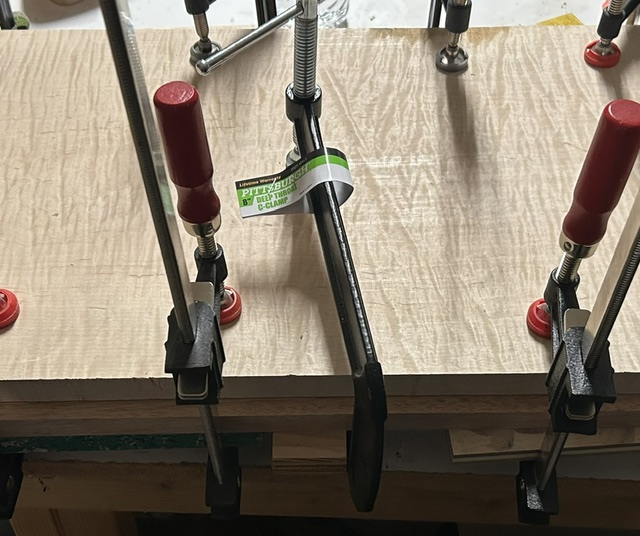
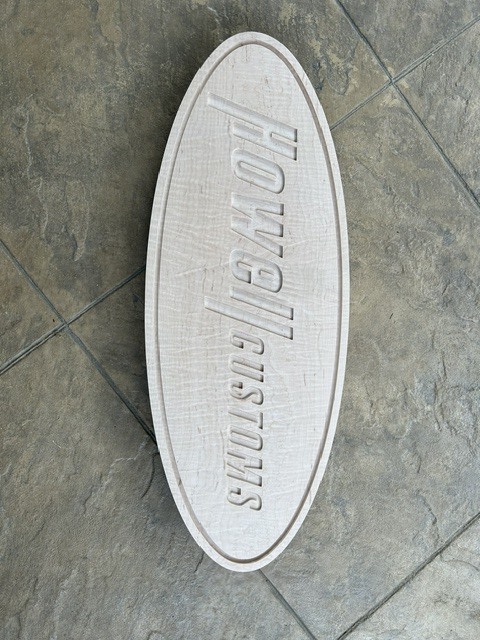
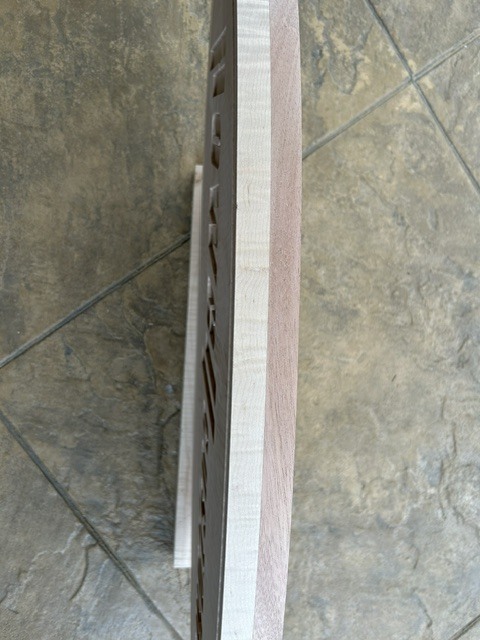
Hi Sarah I had the same issue on a very expensive piece of 3A to 4A flamed curly maple. I glued it to a piece of mahogany to make a sign for a boutique custom guitar builder here in Nashville. I was only taking off about .02 of the surface and I had 5 burn marks in it. I I slowed it down to 14,000 rpms and it did a lot better on the second pass. I was using a 1.25" amana surfacing bit. Not all of the burn marks came out. I ended up taking the surfacing bit out and letting it cool down. Then I laid it on its side and scraped the carbide cut edge across the burn marks by hand. I went very slow but got them all out and saved the piece. See for yourself, you can’t find the burn marks.
I’ve had the same issue (McFly) and it was a dirty bit. Soak it in tool cleaner for a bit and wipe clean. If there are stubborn deposits use a brass brush. I use a lot of hardwoods which are prone to mineral runs (minerals absorbed from the soil into the wool cells) which cause spots and streaks that can sometimes burn. I’ve found the real culprit is cherry. Black cherry is prone to pitch pockets which are maroon colored crystallized sap. They often leave pleasing patterns and spots on the wood but can burn when cut with high speed bits (CNC or router). Reducing the speed helps a lot. If the pitch collects on the cutter it will burn the next piece of wood you cut (in my case it was hard maple). I try to remember to clean each bit when I remove it from the collet but I guess some times I get lazy and pay the price. Good luck.