I’ve found this discussion back in 2021 and wonder if things have advanced since then. Continuing the discussion from Start depth after a flattening job?:
I’m hoping to create a single program file to first flatten a surface then start the vcarve. Currently, I use two separate program files. We should be able to seamlessly go into the machining the vcarve once the flattening tool path is complete. I’m pretty sure [the paid version of] fusion can do it. I’m using the Pro version of CC.
Thanks!
Yes, this can be done — just put the V carve operation at the bottom of the flattening operation, so:
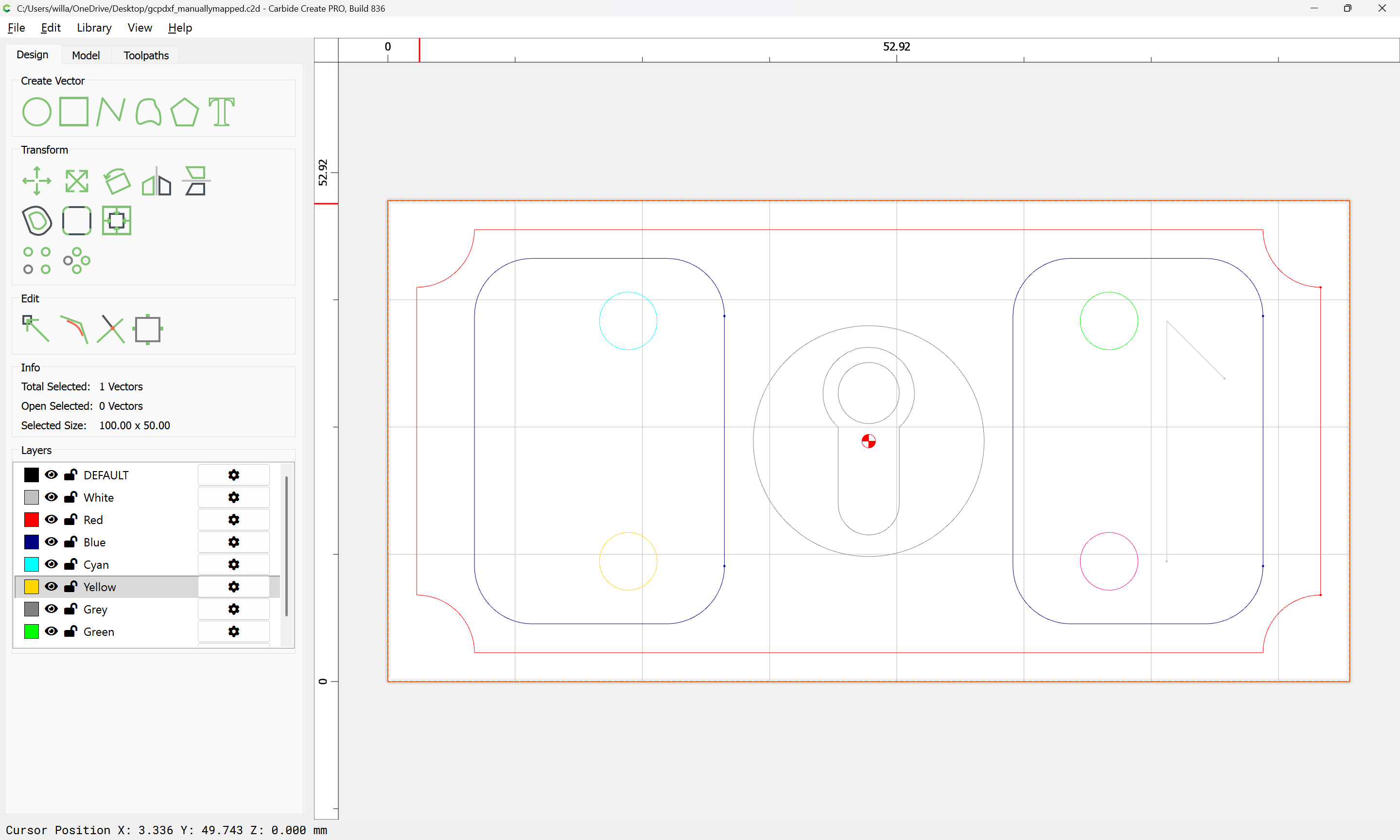
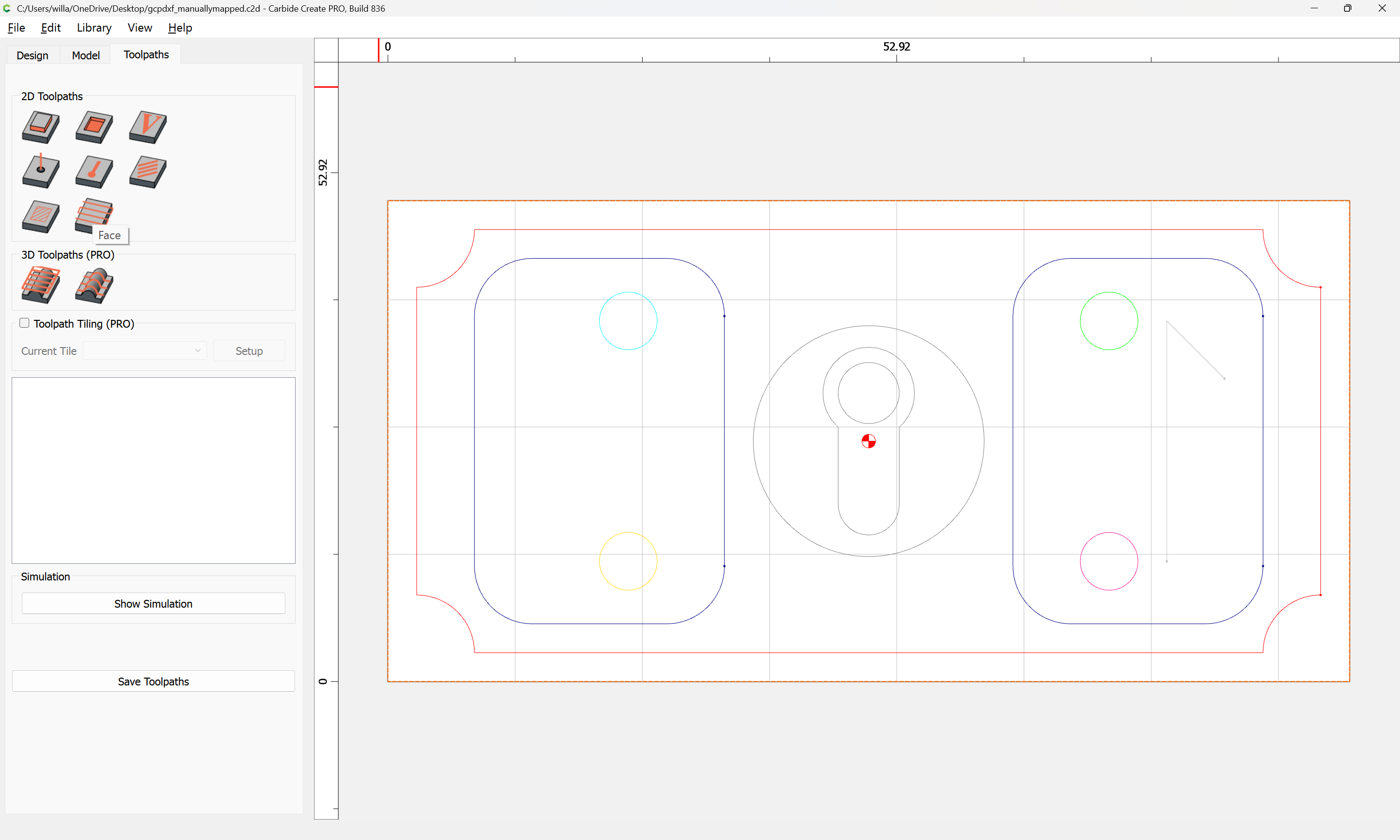
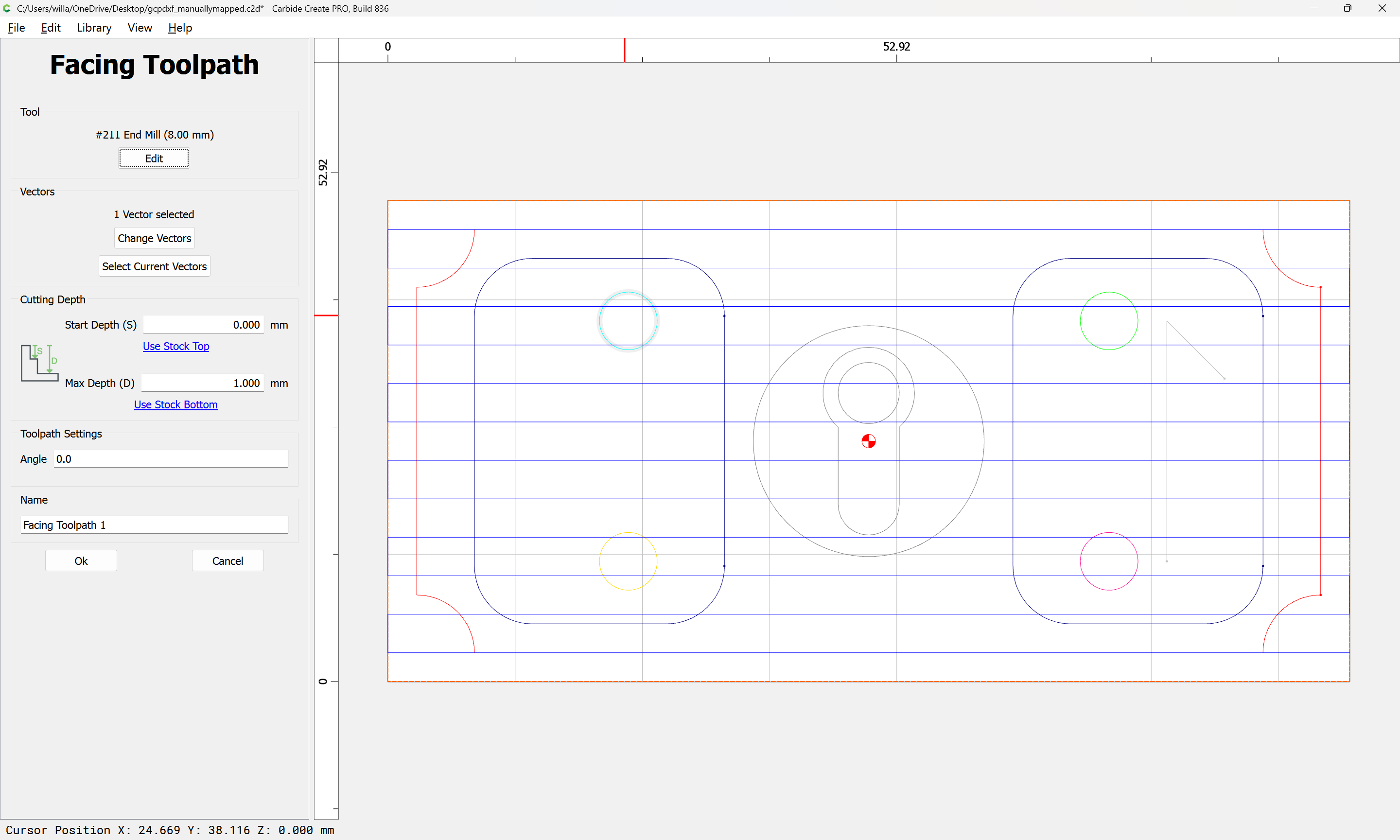
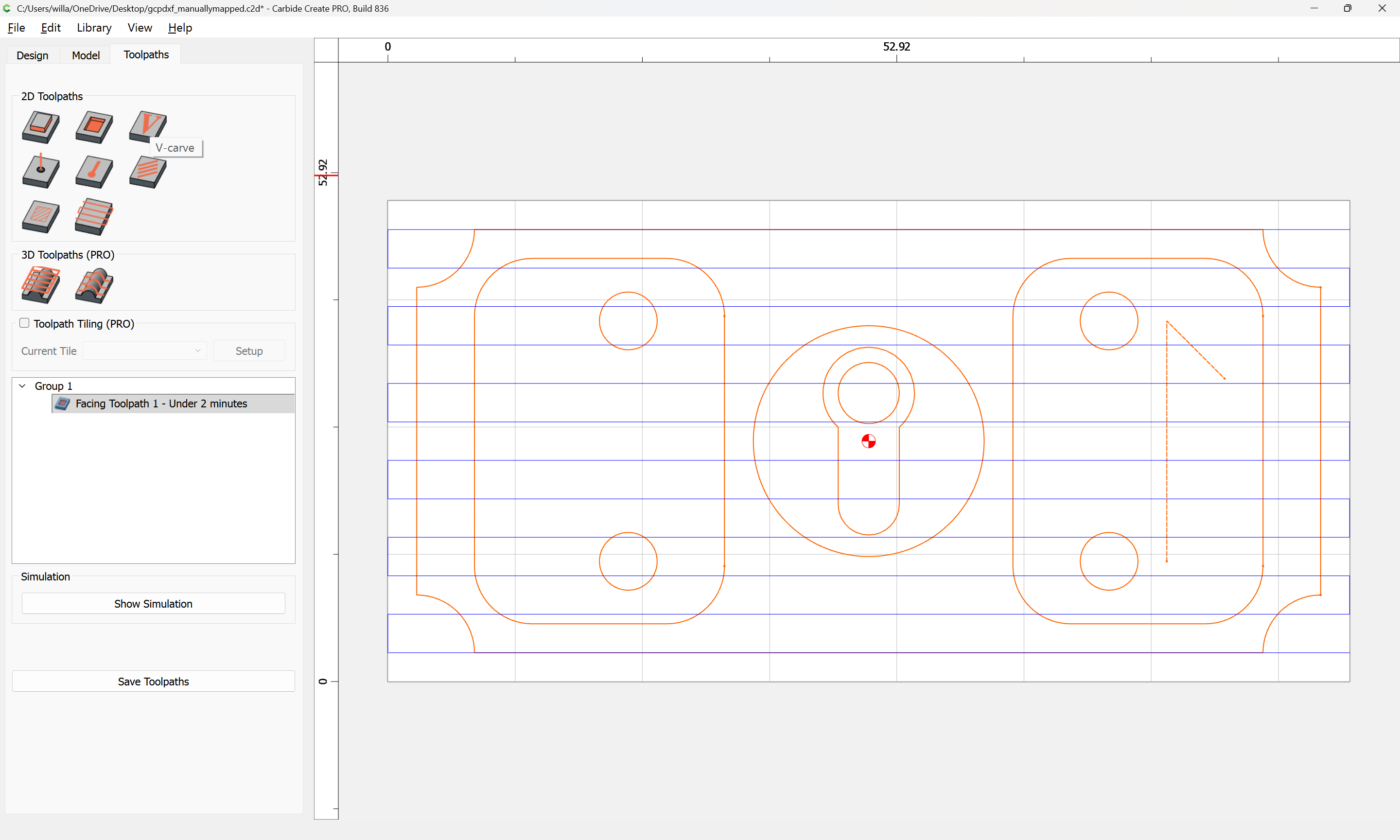
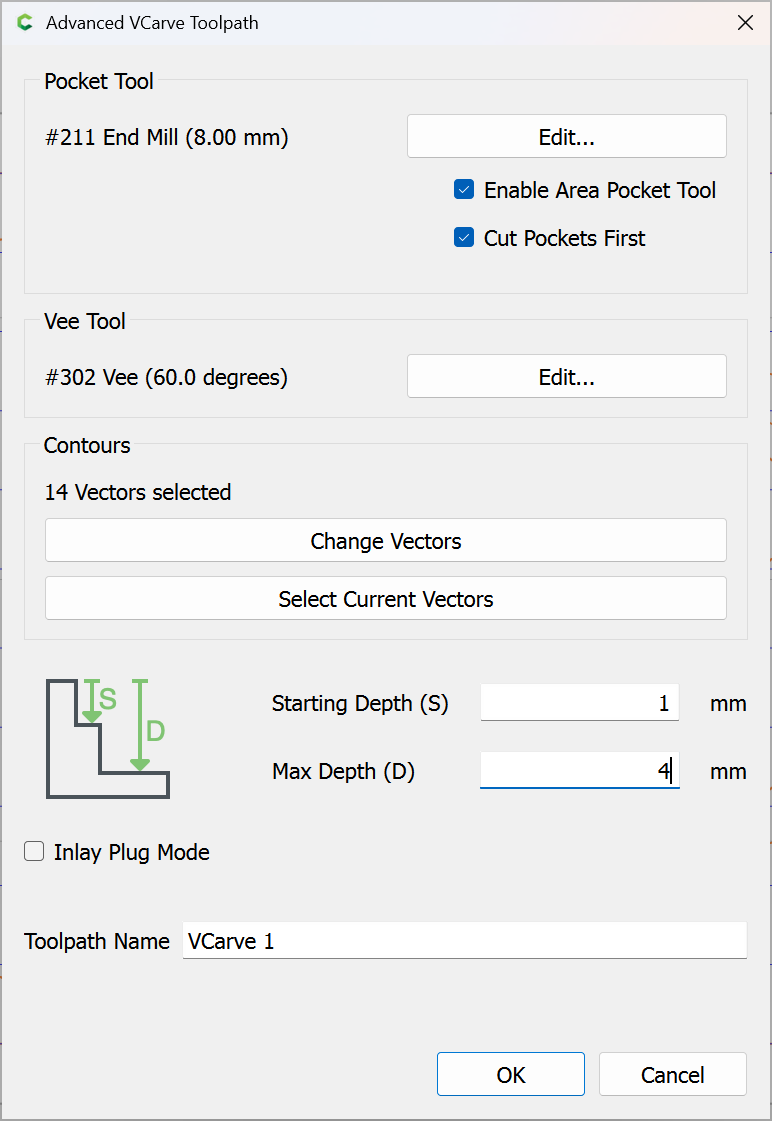
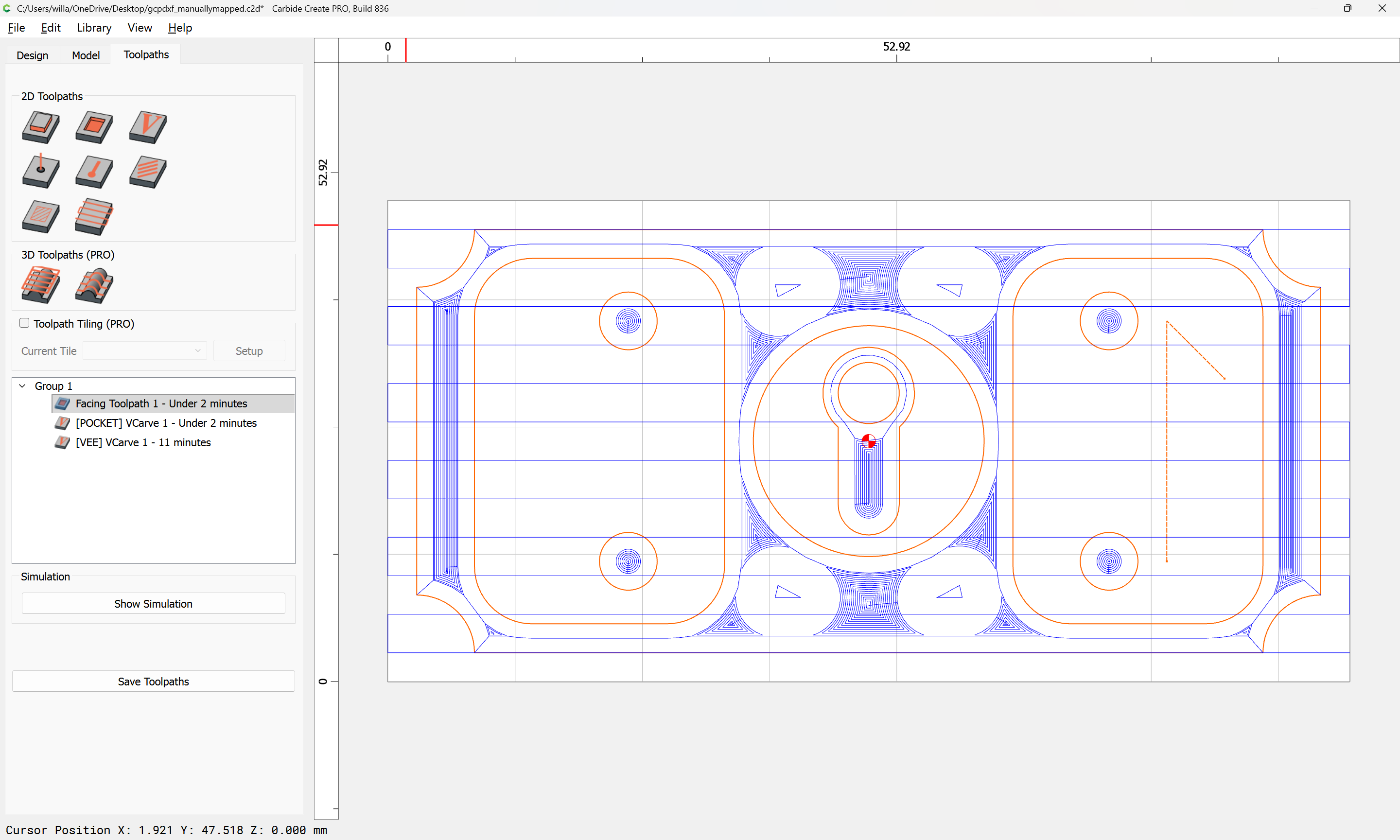
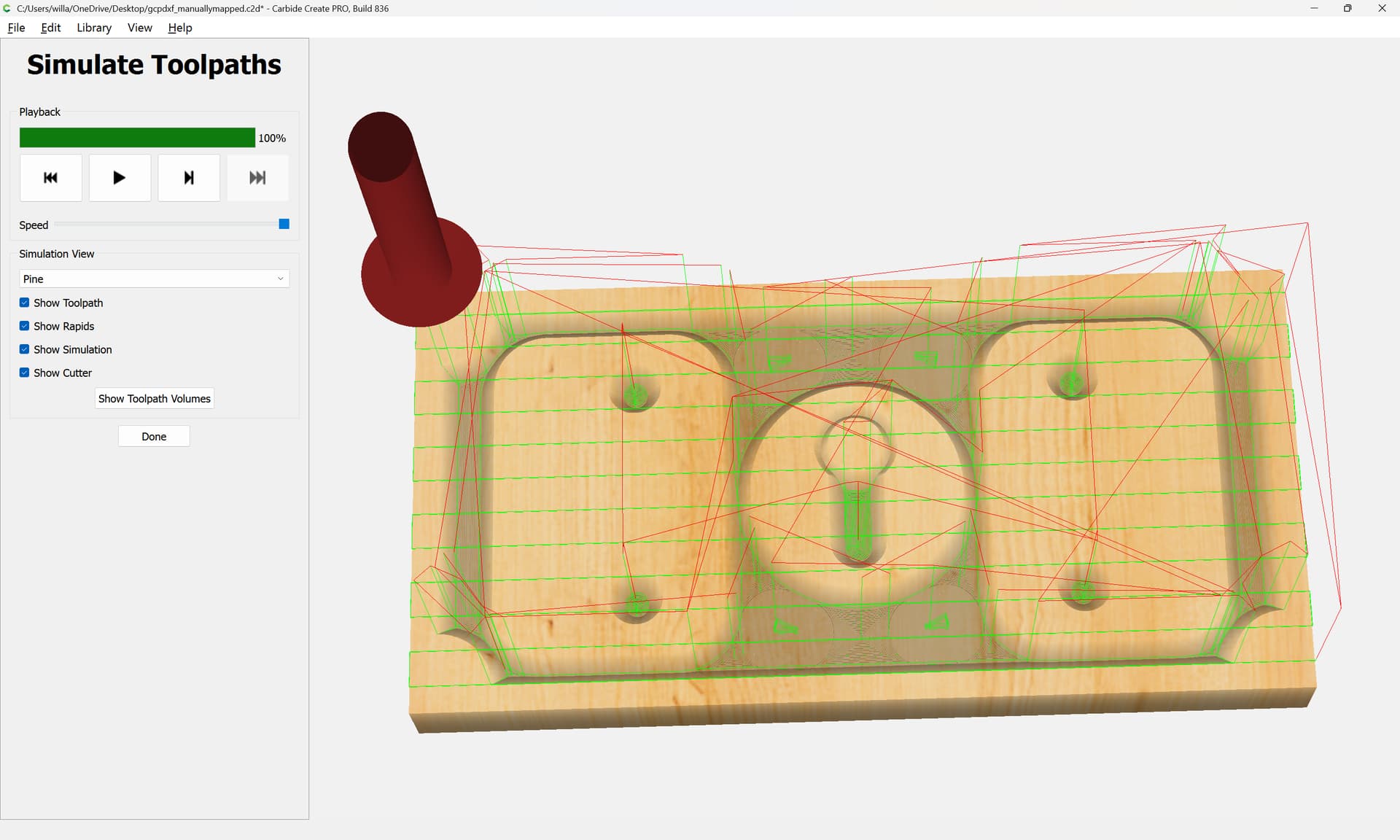
So, if I’m flattening by 0.050" and my vcarve depth is 0.25" then my starting depth for my vcarve is 0.050" and max depth 0.30". Makes sense. Thanks.
Will,
How would I use the flatten tool path with the inlay plug? Would I add the flatten depth to the plug depth? So, if I flatten by 0.050" and want a plug depth of 0.230" my new plug depth would be 0.280"?
Thank you in advance!
Steve
It should be the same as for any other V carve — just start at the depth of the flattening operation and add that depth to the Max Depth.
2 Likes
Will,
So, my max depth of the facing tool path will be 0.000 but my z zero will include the facing cut depth. Then the vcarve tool path will start at 0.000. Is my understanding correct?
Thanks
If you can assign a toolpath at that depth, then yes, that should work.
This topic was automatically closed 30 days after the last reply. New replies are no longer allowed.