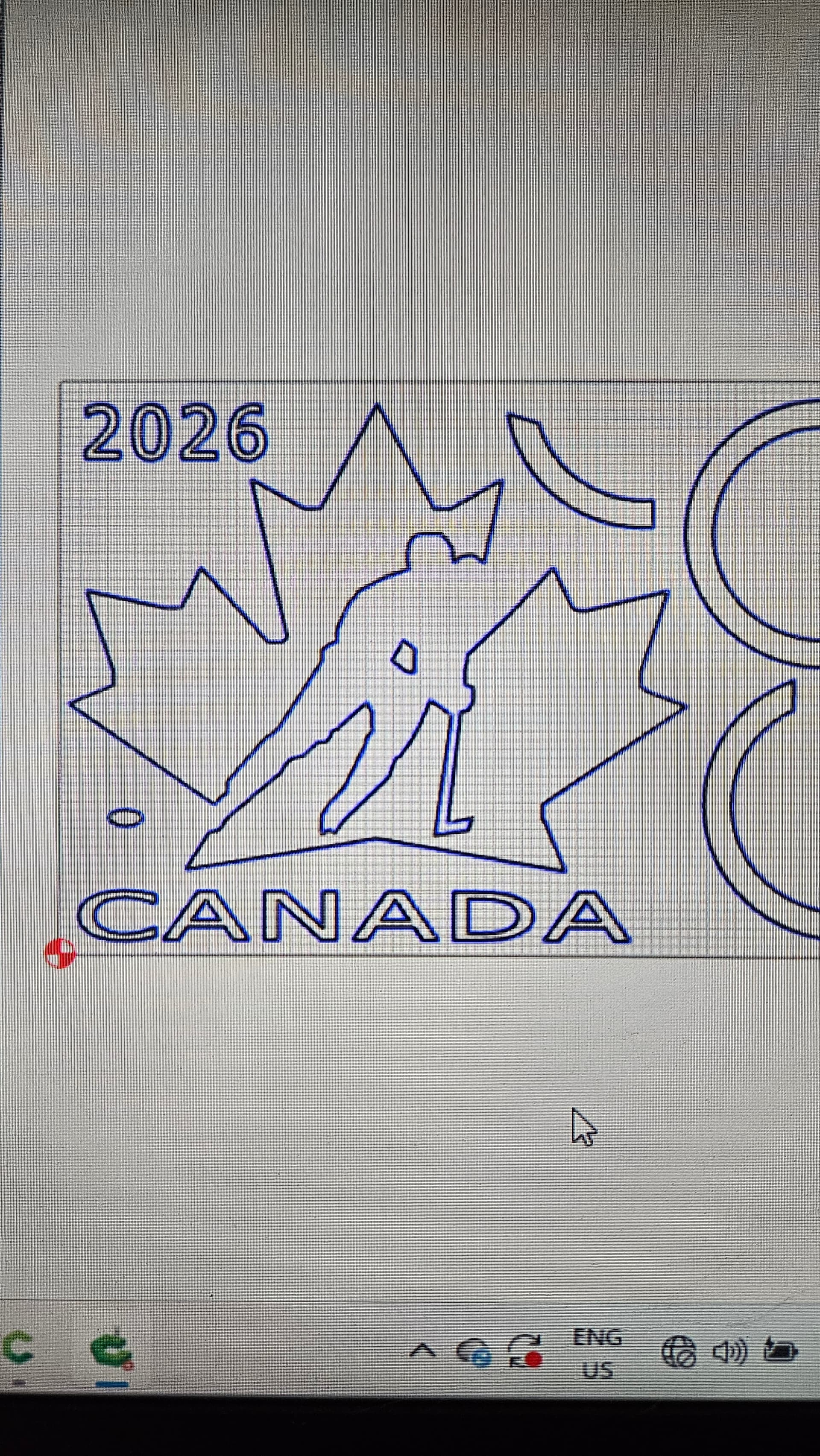
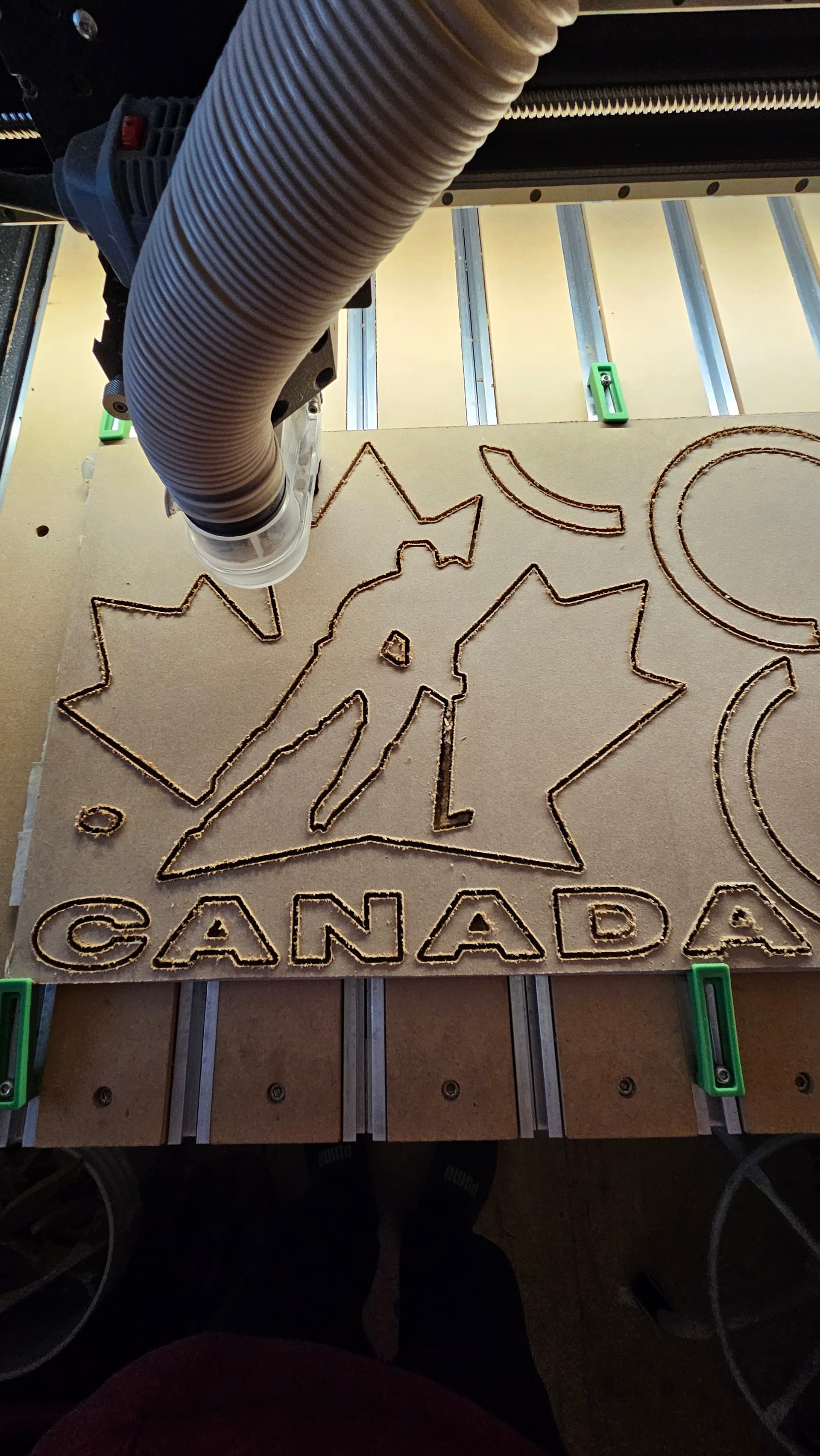
I have the identical fonts for both pc’s, the one i design on and the one that runs CM and the S5
I saved and performed all tasks the same as i usually do.
It worked out, and just fit without ruining a ring however it is also the wrong font.
The easiest way to ensure the font stays as you planed is to use the convert to curves option. This works well if you don’t need to edit the text later. What did the preview look like?
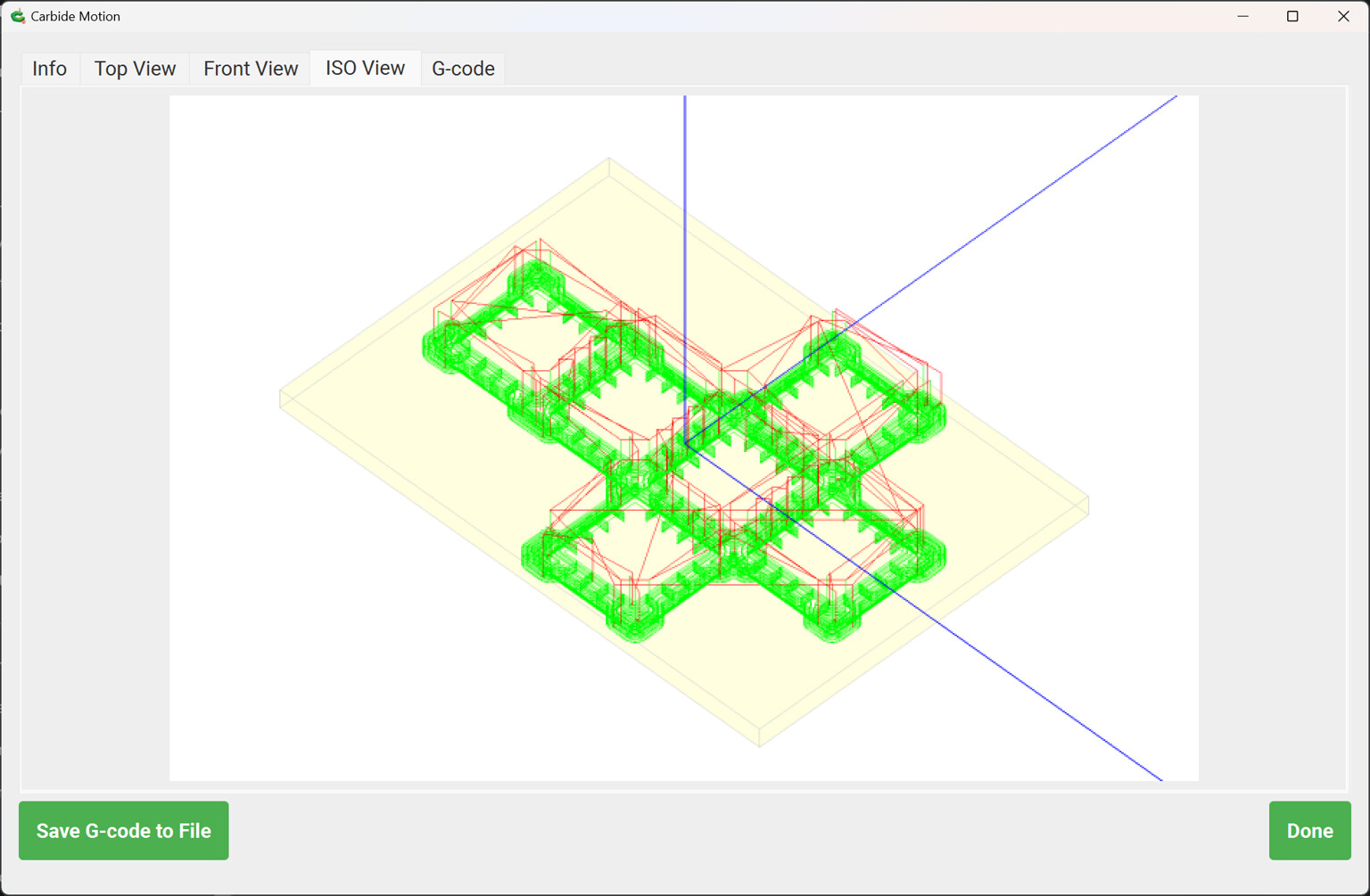
The preview i will admit im not certain, but the screen view you see above is the c2d file that was uploaded and then started. I looked at the preview to make sure it was uploaded as the proper file but i disnt oay that close of attention to the font. Once i saw it carving as it did, i looked up at the screen and was in a mind ef trying to understand what i was viewing on screen and what was being carved. My hand was on the red button, but it all worked out just fine and didnt ruin a thing.
One thing which may change a file’s apperance is the interplay of the screen resolution and the screen scaling.
If anyone has this difficulty, please send in the file and screen grabs from the computers showing the difference in appearance as well as details on their screen resolution and scaling settings.
Note that toolpaths in a file are set when it is saved, so before saving a file on a copy of Carbide Create be sure to verify that the preview:
To put a finer point on it, Carbide Motion CANNOT change a toolpath/design/font when it’s loaded; the code to do that does not exist in Carbide Motion.
When this happens, it’s always because the file was opened on a machine that doesn’t have the fonts used in the design installed, so it’s rendered in a default font. Converting the text to curves ensures that the font change never happens.