Hi all, I know there are tons of forum threads about Fusion with Shapeoko but every one that has what I’m looking for ends in a dead link.
I’ve had my Shapeoko for almost two years and know what I’m doing. I have done all of my CNC design in Carbide Create Pro for both STL cuts and standard flat parts. I also know Fusion and use it for larger woodworking plans like tables and furniture. I want to start using Fusion for CNC. I have a thing modeled and I’m ready to start setting up machine paths. There are lots of tutorials for this. So I’m confident I can figure it out.
But I don’t quite understand what a machine profile does (presumably spits out gcode in a path that is compatible with Motion/Shapeoko). And…every link to a machine profile on the forums is broken. I’ve followed countless google and forum results and they all end at dead links. Fusion does not have anything listed for Carbide or Shapeoko in the available machines.
I’ve done several fusion projects to my 5 pro. I have not set a machine profile at all, just the post processor. also not done anything special for tool changes, just defined the toolpaths and their tools.
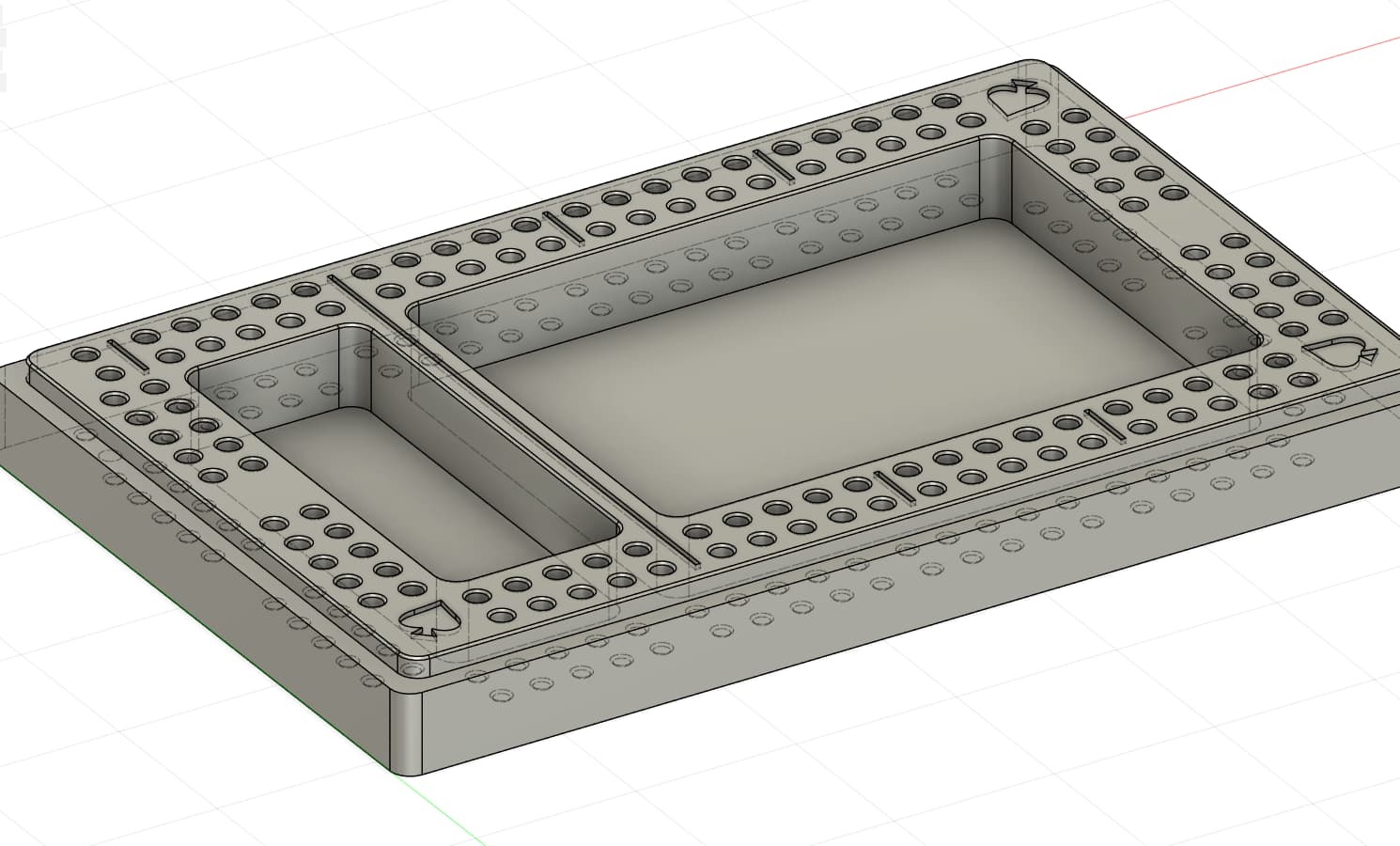
Can you see the toolpaths and simulations without a machine configured in Fusion? A big part of the problem I want to solve is reducing the errors and complexity of my toolpath planning. For example, I have a custom-designed cribbage board that’s not particularly complex. But I like doing high speed roughing passes and then finishing passes that clean up tool lines and reduce sanding burden. But I end up with a ton of complex tool paths where a slight miscalculation (even viewing the simulation) ends up with a bad cut and it’s hard to quickly view a single toolpath.
It’s much easier to plan an object like this in Fusion and I’m hoping I can make the toolpath planning more predictable with less (or at least more catchable) human error:
Yeah you can use simulation and such in frosting without a machine profile set. The simulation will simply show the tool moving through the stock as opposed to the entire machine.
You won’t get machine specific feedback in your simulation to prevent collision and whatnot but that’s almost never necessary for these machines and the projects run on them.
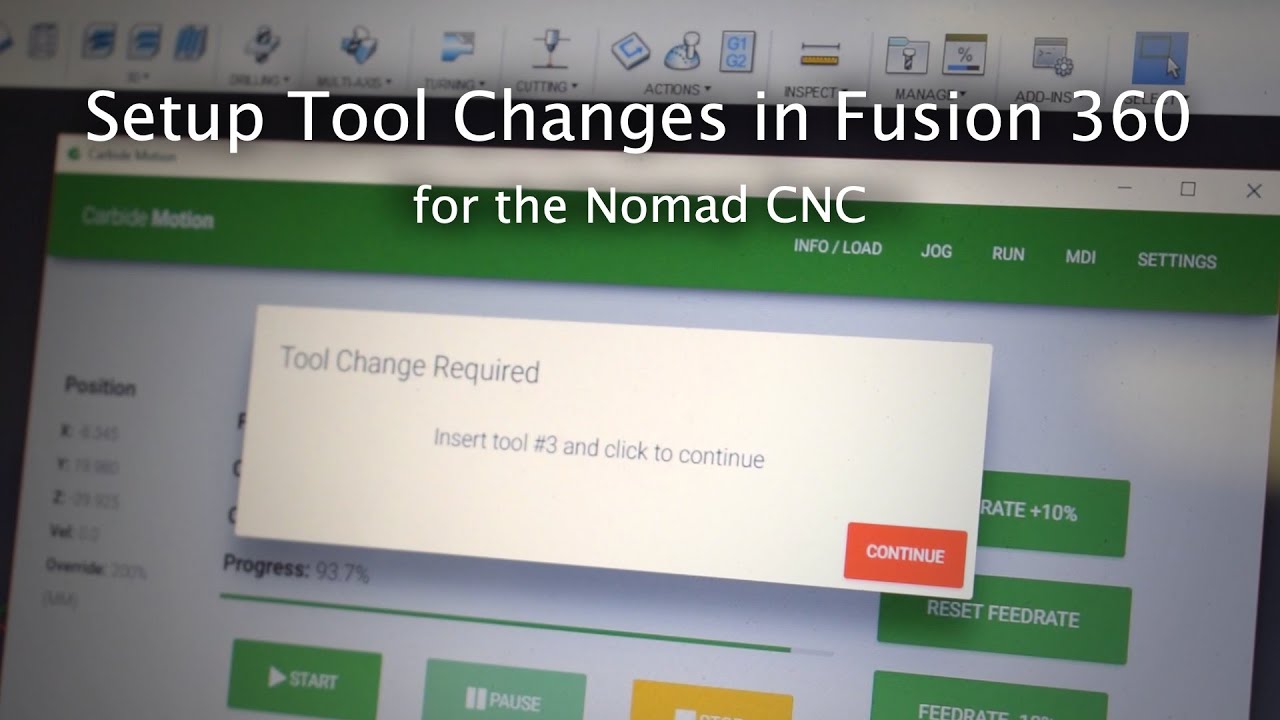
Yes. I have been using Fusion and my Shapeoko together for years, and while I did play with machine profile/simulation feature when it came out, it was only fun for about 5 minutes and I soon went back to basics: a Shapeoko-compatible post-processor is the only mandatory thing to have setup.
Our own @neilferreri’s post is my alltime favorite, available here
(not a broken link, since it was uploaded to this site)
just use “Simulate” instead of “Simulate with machine” and you are good to go, i.e. figuring out how your toolpaths may or may not hit your stock/piece, as long as you manage separately the potential conflicts between your job and the machine limits (max machinable area, max stock height you can manage etc)
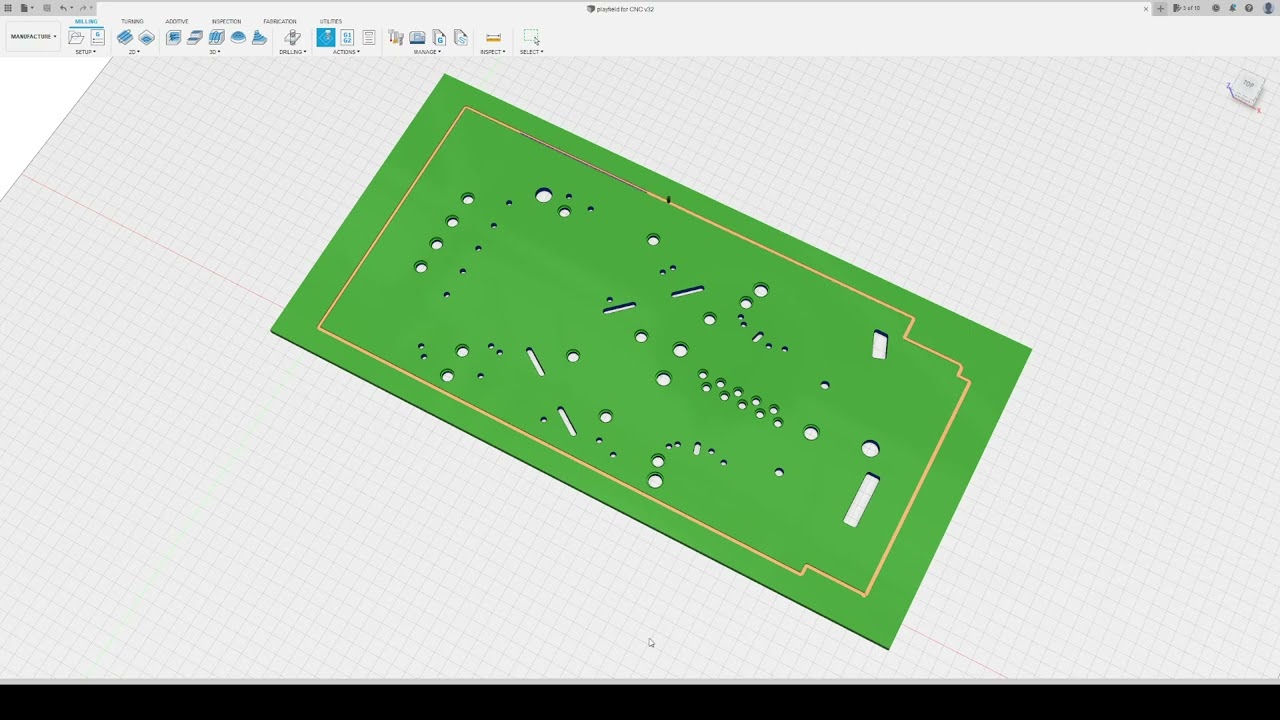
yes, as others have said you can see the simulations, although I haven’t looked through to see if you can have the simulation pause at tool changes, it will just run through. here is a test one from a few years back. 3 tools in here if I remember right
The only way I can check each tool path that I know of in CC is to disable the ones I don’t want to see? If not all them run to completion. I don’t know everything about CC/CM either!
Thanks for all the answers! It ended up being easier than I expected to create tools, plan tool paths, and preview the cut order. I’ll probably do a much simpler design for the first actual gcode so I can test that zeroing, tool measurement, and my Fusion-defined tools work as expected before I try milling this relatively complex design.
I suppose I’ll have tens or hundreds more hours to spend to tweak all of my finishing and other settings. Spend 10 hours in design to save 10 minutes of sanding… right!?
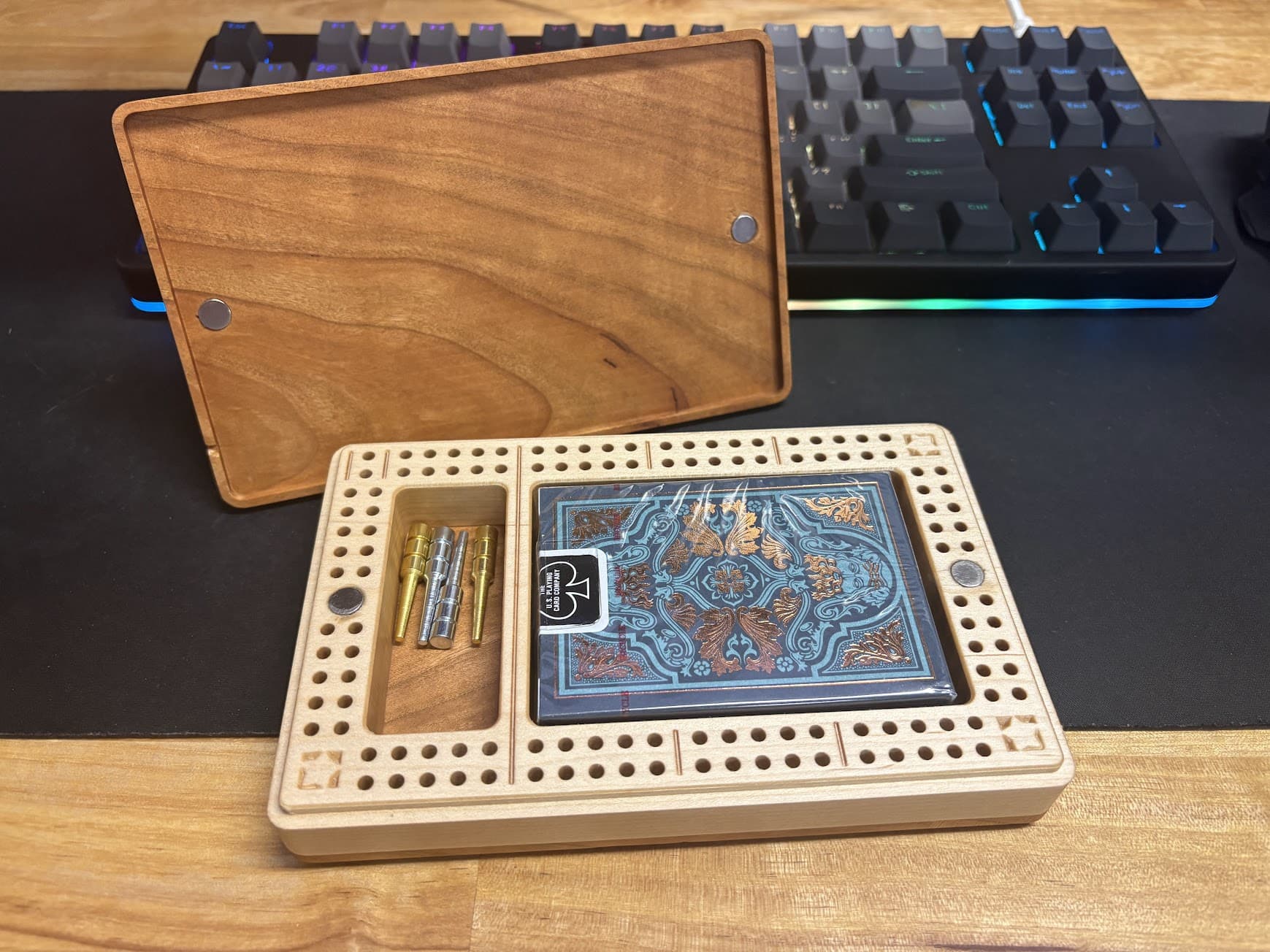
Bonus pic of the prototype. I designed this in CC Pro and I’m happy enough with it. But I need to tweak some precise tolerances and do a better job at finishing passes because the prototype required way too much sanding and assembly time to produce more than a few.
The updated design will mill the base out of a single piece of wood, do better finishing passes, and chamfer via the machine. I’m waiting for some new magnets to come in to get precise measurements before I add those to the design.
My goal here was to make a really condensed travel cribbage board that looks great and puts most of the work on the machine and not me!