I am having problems doing inlays.
i have the inlay box checked, the word is mirrored, and I have a box
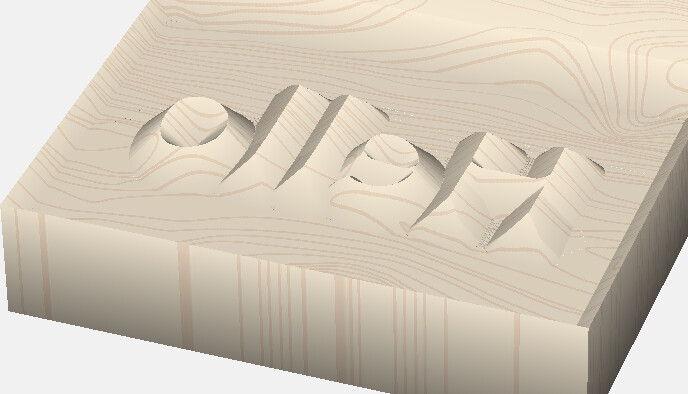
around the word. The letters are raised bur recessed into the wood
not on top. Any Suggestions ??
Thx
Steve
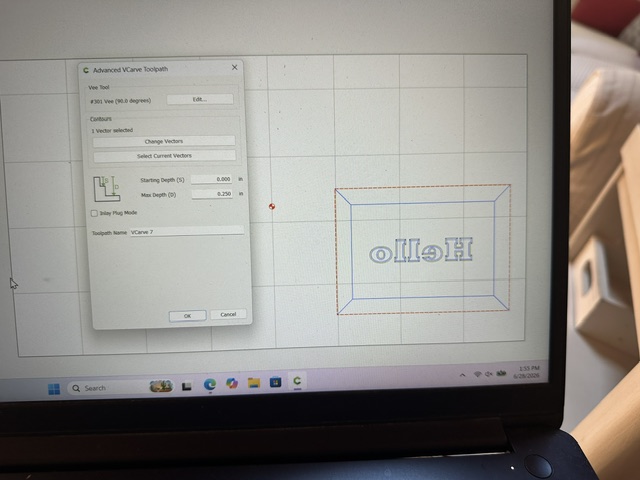
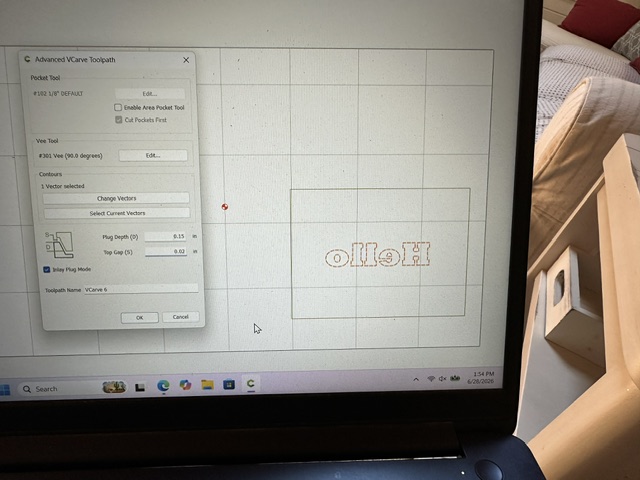
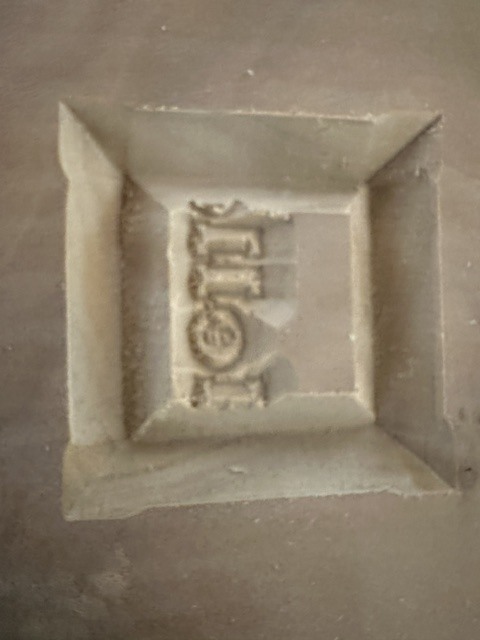
Post a picture and/or your file. That will help you get help.
1 Like
It looks like you’re machining the curves separately??
And you’re not using the clearing bit?
Select the text & the box together, and check the clearing bit.
1 Like
I tried doing that, but unfortunately the result is the is the same
as you see in the picture
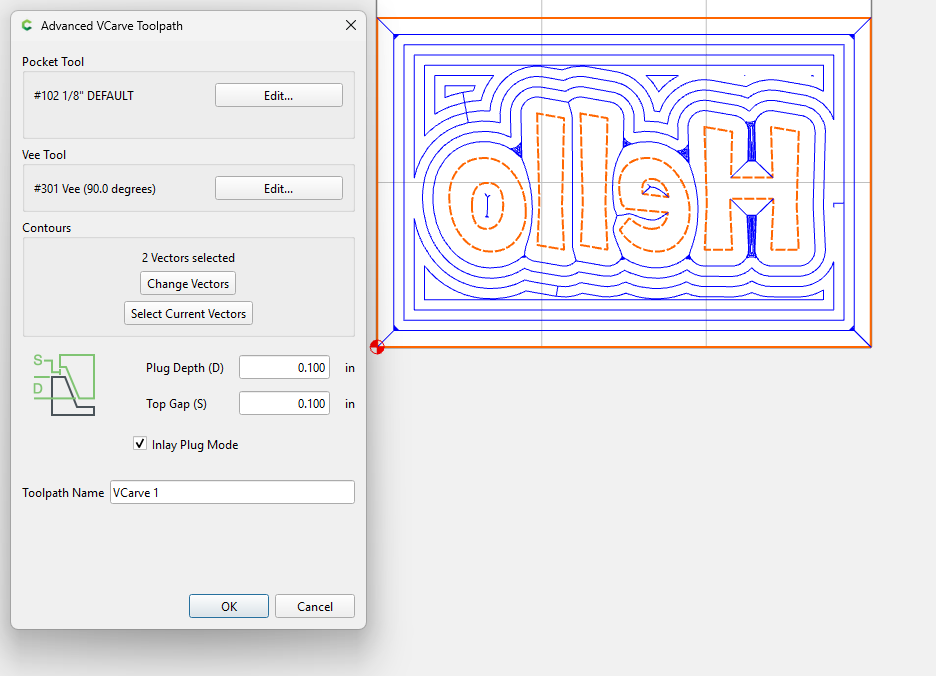
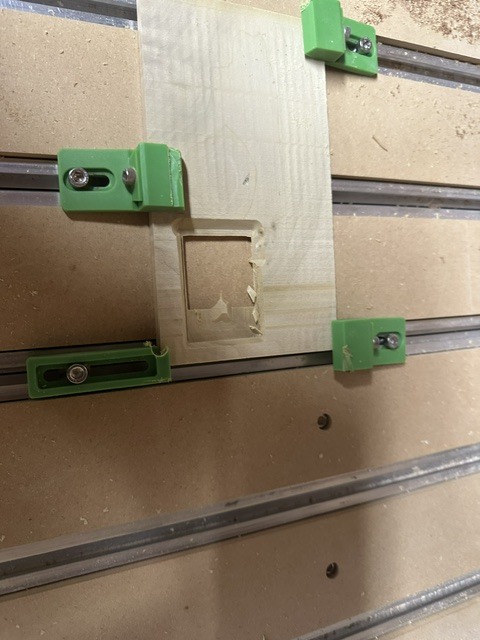
I tried with your settings (pic below) the only thing i saw difference is my settings showed 3 vectors for some reason
I really appreciate your help!!!
Thank you
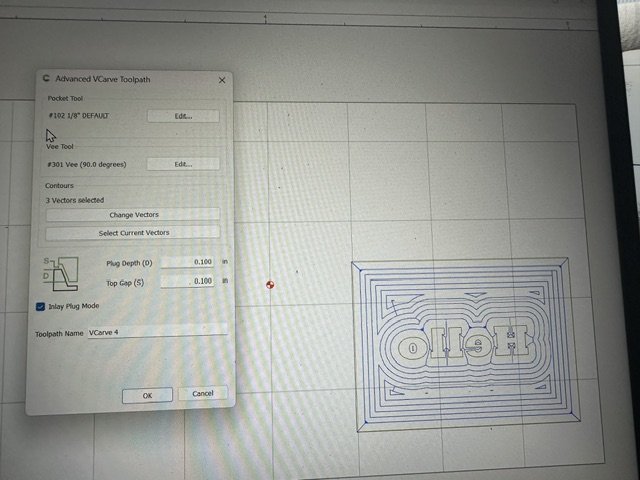
If the text is actual text, there should only be 2 vectors.
select the text & move it to see if there’s a duplicate underneath. Use CTRL-Z to undo the move.
Do the same with the rectangle.
3 Likes
looks like that was the problem!
I didn’t see duplicate text, so I deleted
and redid the text and it worked great!
Thanks again for your help !
1 Like
This topic was automatically closed after 30 days. New replies are no longer allowed.