I am thinking of using HDU and there are some experts in this crowd.
I have already been educated to use 1 1/2 think material.
HDU density - Is 15 lb/ft ok ? What is the preferred density ?
Down cut bits - I went through a search on the forum and found most use downcut bits and vbits.
Comments ?
Minimum Dia bit - As always I try to maintain as much detail as possible, but I know there is a point of diminishing returns. I was going to use a 1/16 bit for the final detail.
Is that too small for the material ?
Finish bit - Is it worth a ball end mill finish cut ? Is HDU furry ?
I don’t remember exactly, but I believe we’ve tested 15/30/45 lb HDU in the shop and found minimal differences between them. They all work pretty well.
For roughing operations, I don’t know if it makes much of a difference. I used upcut and never had issues with tear-out. It just slices so easily it never poses a problem. 1/16" is fine for HDU too. The only thing it really affects is time. I would recommend a ball nose endmill or a tapered ball nose, rather than a flat endmill. And if you get the tapered, you probably don’t even need to worry about programming in the proper angle. Just pretend it’s a #111 or comparable endmill.
Thank you ! I am waiting to learn what the actual size of the sign will be.
No ball end mill for finishing ? Ok.
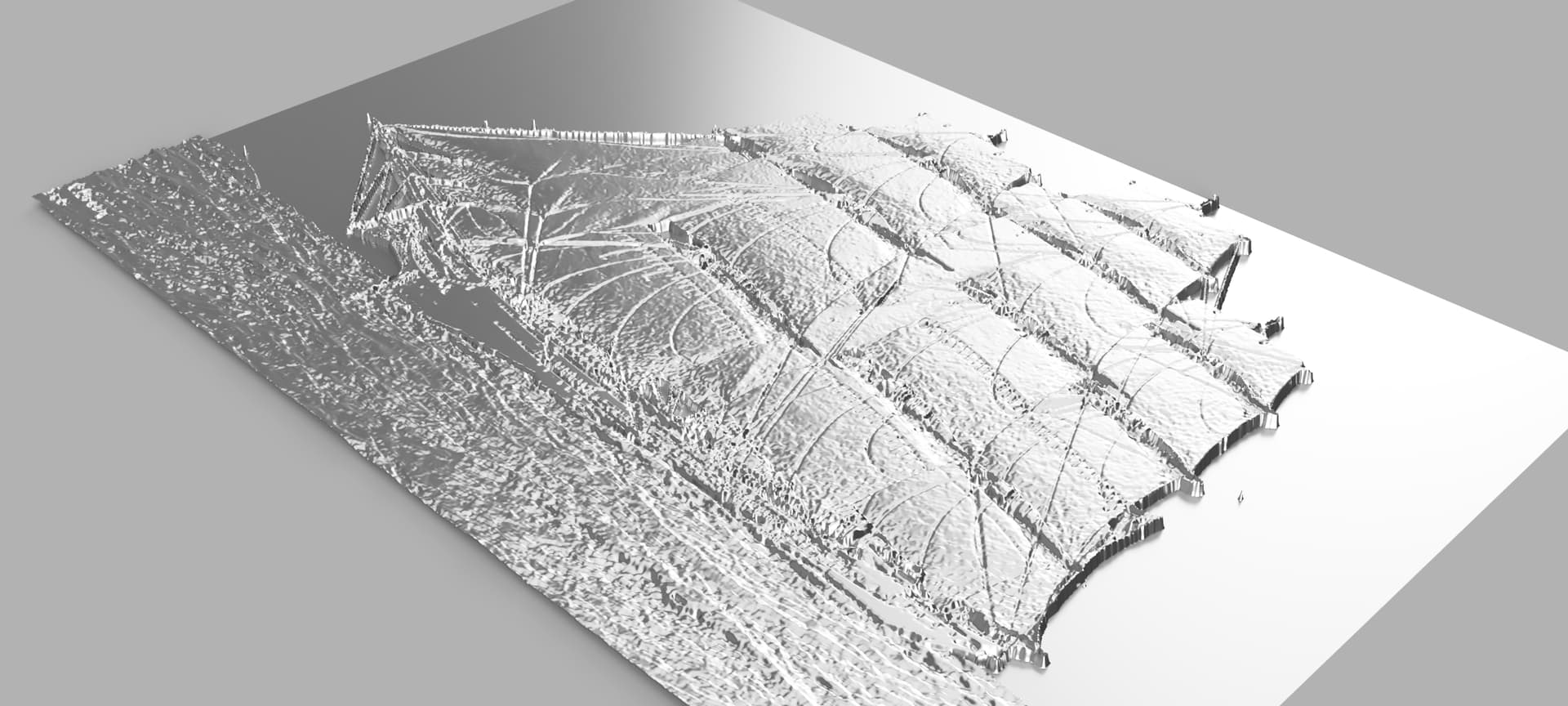
The image ( using Image2Surface in Fusion ) turned out to be 62" wide with the settings I picked.
I scaled that results by half and started testing tool paths.
Fusion is having a crashing on the second pass using an 1/8 ball end mill so I will have to do this in panels.
EDIT: Oops, you did recommend a ball end mill for finishing.
I guess I should read the complete text …
I recently ordered and received some HDU for my first attempt at the material. It is also a 3D carve and I will be using 2” thick material.
I need to spend some time working on my F&S to see if I can get runtime into something more reasonable than the current 12 hours
I don’t know that I will get to it this weekend but I will post the finished project when I can.
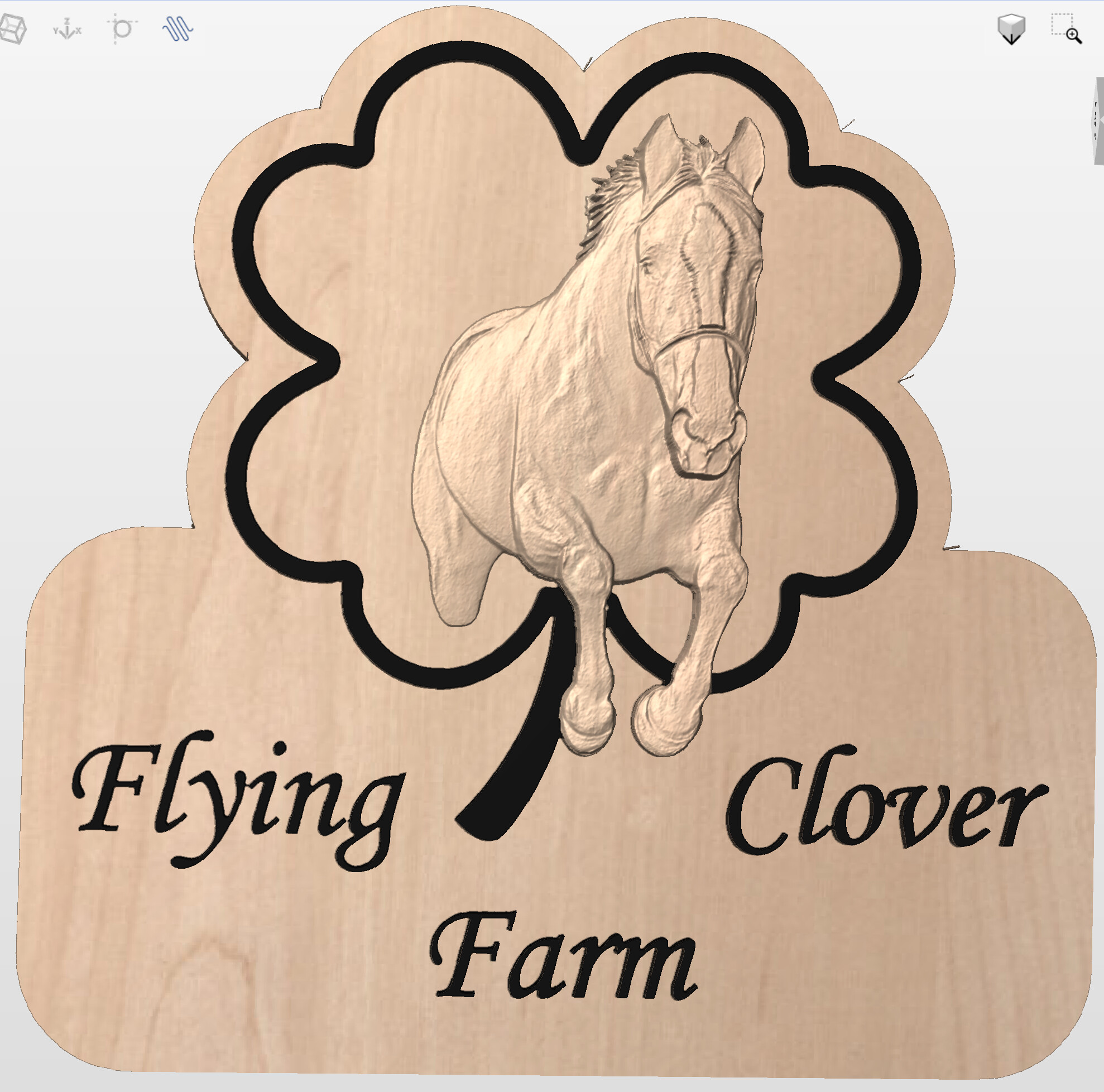
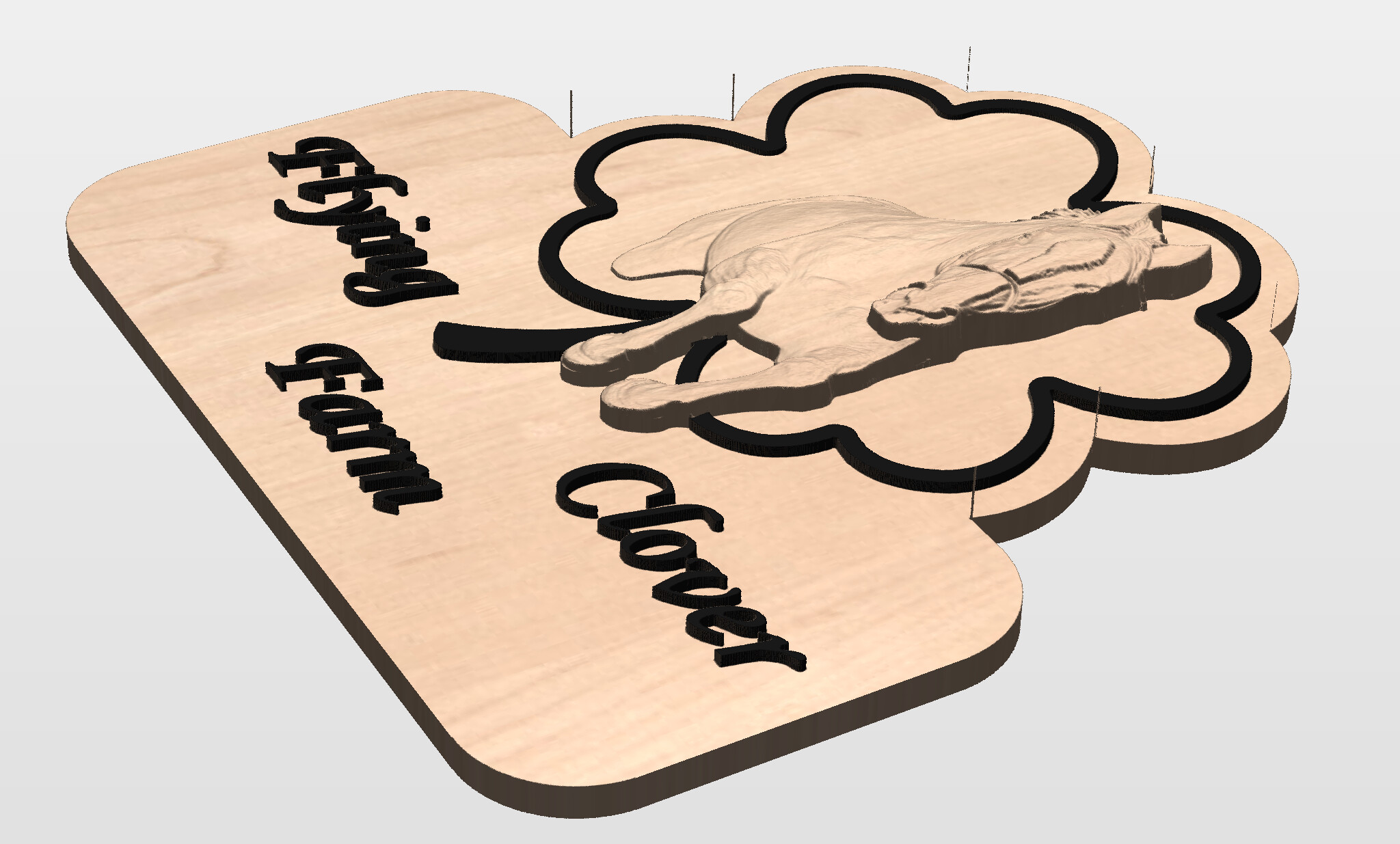
I used vistasculpt to get from the image of the owners horse to a 3D STL. It is not rounded on the right side. Not sure I have a good way to deal with that but she has seen the proofs.
I use Paint.net for image editing. Not the best, but neither am I.
Assuming Black is up, I suspect you have a pretty dark edge on the right side of the horse.
If it is very white, then reverse some comments
You need to raise the grey scale some. The game is to brighten the edge area without introducing a new artifact on the neighboring area.
On the right side of the horse, try select by magic wand ( similar colors ) the area of interest, adjust the tolerance to change the selection scope. It make take a few selections to complete the edge.
For each selection
Try raising the exposure of the selection to lower the depth. I find this works sometimes.
Try adjusting the Brightness and Contrast.
After all changes are made , select the area you changed plus some in the untouched are and use a Gaussian blur to smooth any transitions.
I am sure there are better Digital artists/touch up folks in this group
No…no 3d. Just time, frustration, and lots of help from this community (especially that last one) to get the look I’ve been fortunate to achieve. Plus recently the help of texture toolpaths helped!
I too look forward to seeing what hdu looks like with 3d!!!
Besides making a 3d model, the 2d work is absolutely applicable especially if there is textures.
Images have a tendency to create textures where is may not want them. I use a Blur to calm them down.
The original image has the pixels separated by 1mm . I found the result of skipping a pixel in the mesh generation produced a better result than an image scale by 50% even with the best scaling options.
So if I scale the mesh down by 50%, then the pixel size effectively becomes 0.5 mm or 0.020 inches. Using a 1/16 bit may not make it to the bottom of the carve if the topology has a big deviation between pixel grey scales ( deeper dimple ).
I will have to figure out a way to simulate that …