Hello all,
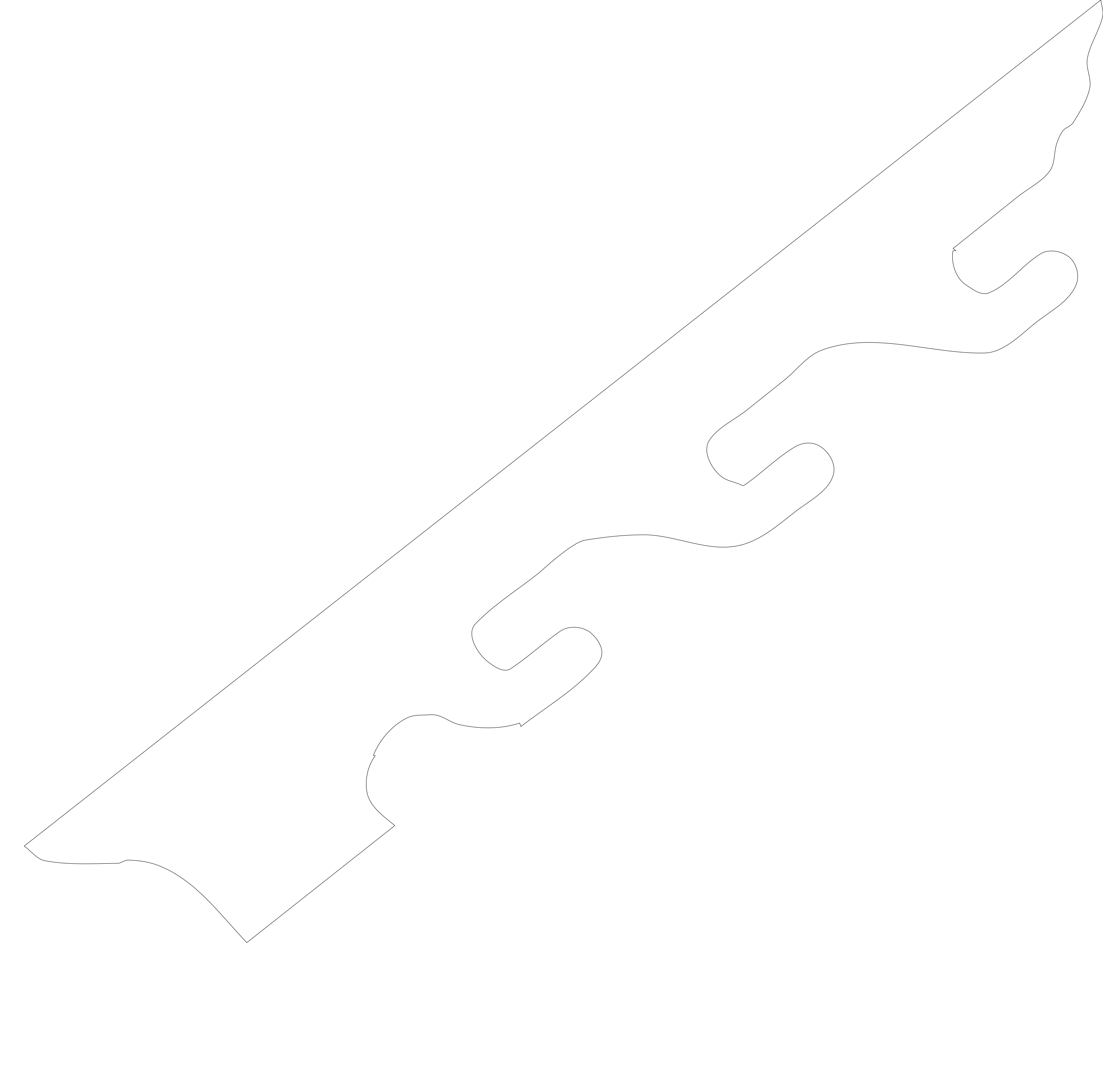
Trying to clean up a file. I was able to copy this file from a JPEG but is has issues after the fact, I was wondering if someone would be so kind as to point me to the command to help me smooth the final vector our or maybe point me to an instructional video using carbide create. Ill upload the file so that you can see what Im trying to accomplish. Its rater ragged after creating it.
thanks,
Tracy
What is it? Is it functional, decorative? Does it need to mate or match with another part?
Is the .jpg the only reference you have?
If you’re just looking to smooth out the jags, node editing should do it. Delete a few nodes then nudge the remaining nodes to get the shape you want. If it’s functional & needs specific dimensions I think it’s easier to draw it from scratch.
1 Like
It is one side of a gun rack that you would hang on a wall. I used the trace fuction to copy the jpg to and svg but it let it kind of ragged. I thought I uploaded a pic…will try again.
thx
If the image is small, the “jaggies” will be worse.
The final product will be large about 38 inches long. Tod got me going. It has been awhile I just needed a reminder that it was node editing that I needed to use. Its been awhile but I think I got it now…thx folks
1 Like
Just looking at your image I think you need to measure the actual guns you want to hang up. The thing looks rather small. Many guns have rather wide stocks and a rifle may not even sit in your gun rack. As @Tod1d suggested you should just start by measuring your guns and start your own design. You can copy the elements you like but just draw it up from scratch.
Here are two files for a 3 gun rack and a 4 gun rack. Modify them as you wish. I made these in earlier CC but opened in v7 CC and saved them. You can see my spaces for the gun to hang are much larger than the ones in your picture.
3_gun_rack_v7.c2d (96 KB)
4_gun_rack_v7.c2d (80 KB)
For my gun racks I used pocket screws to hold the pieces between the gun racks.
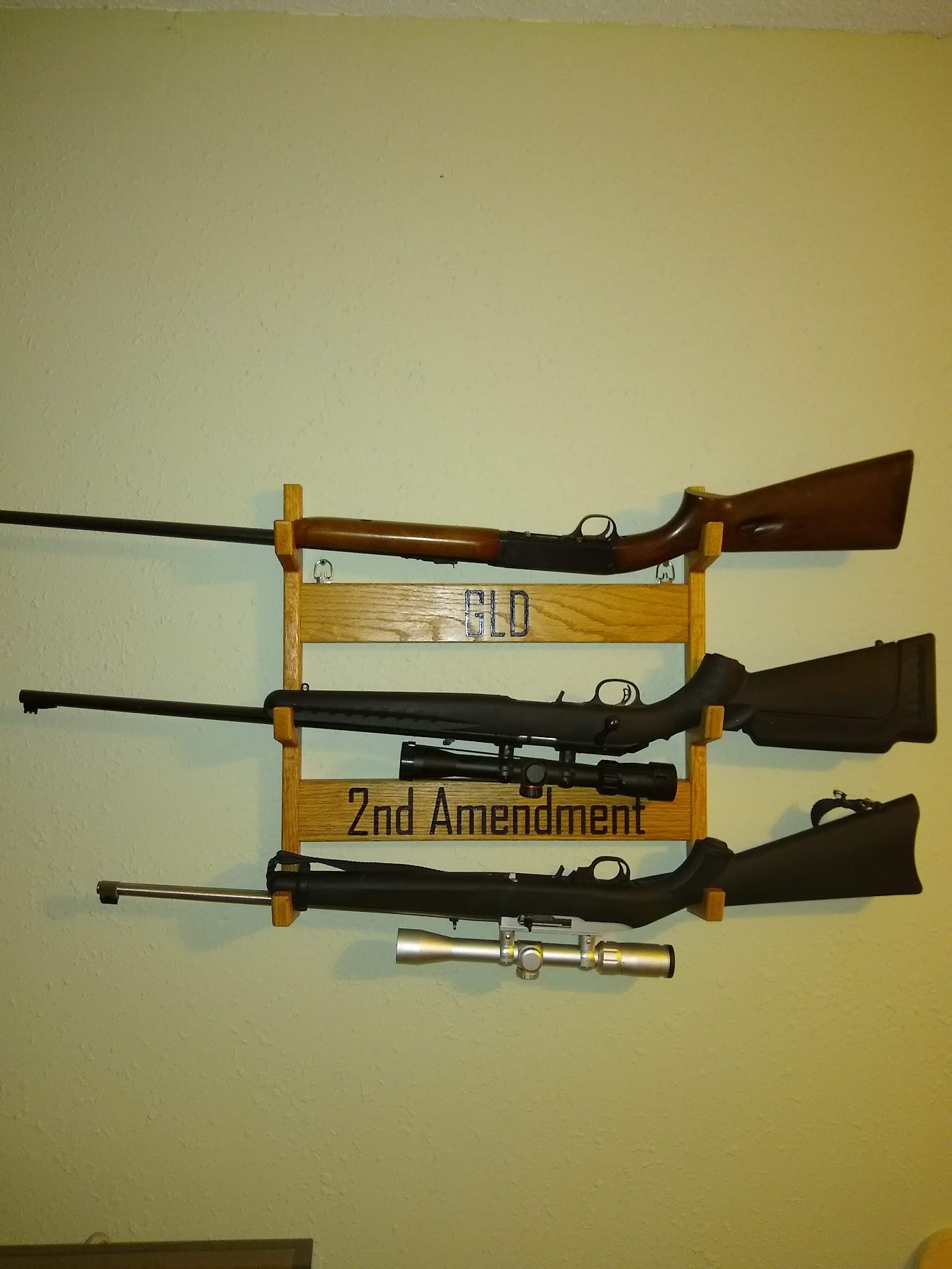
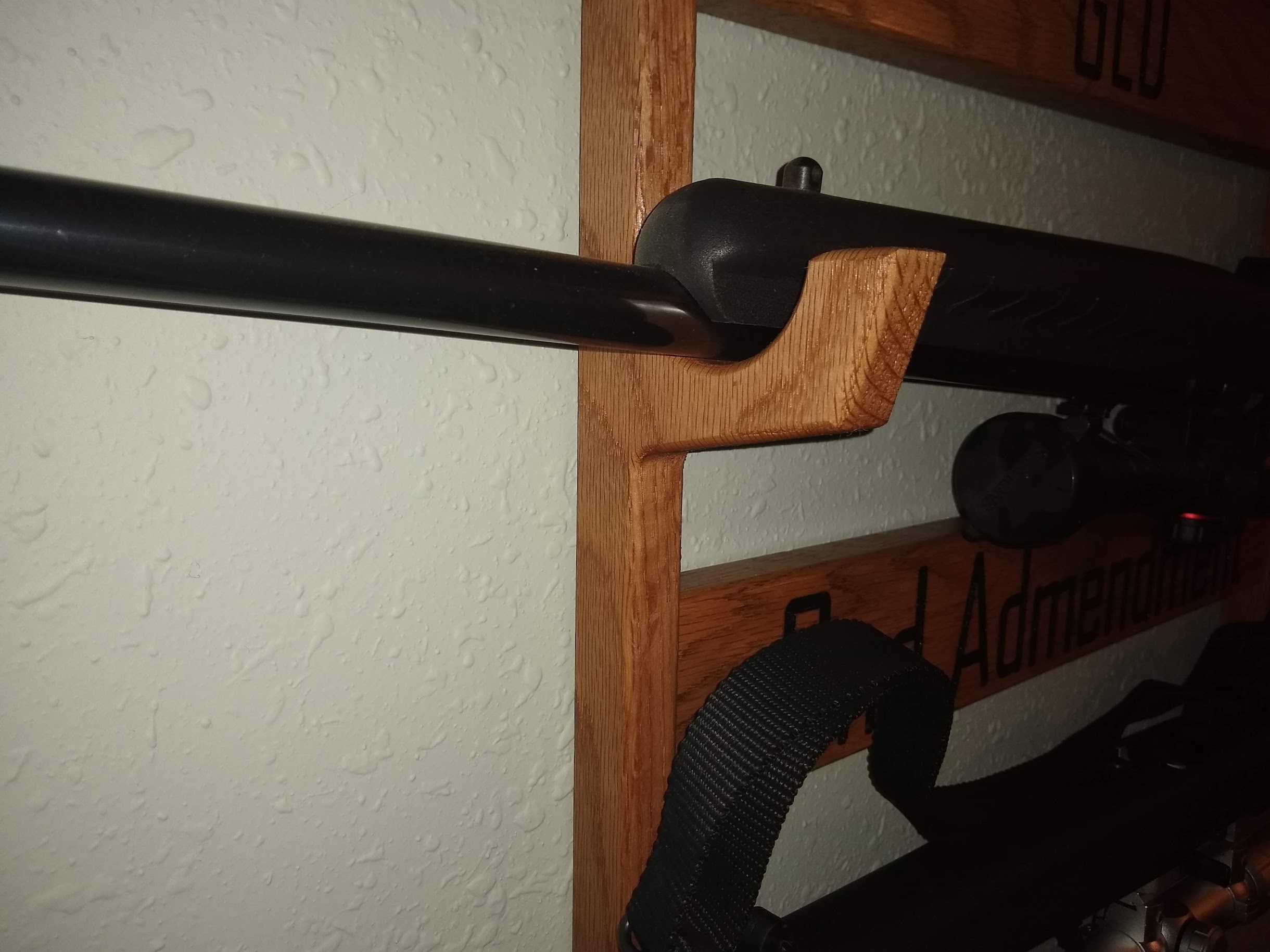
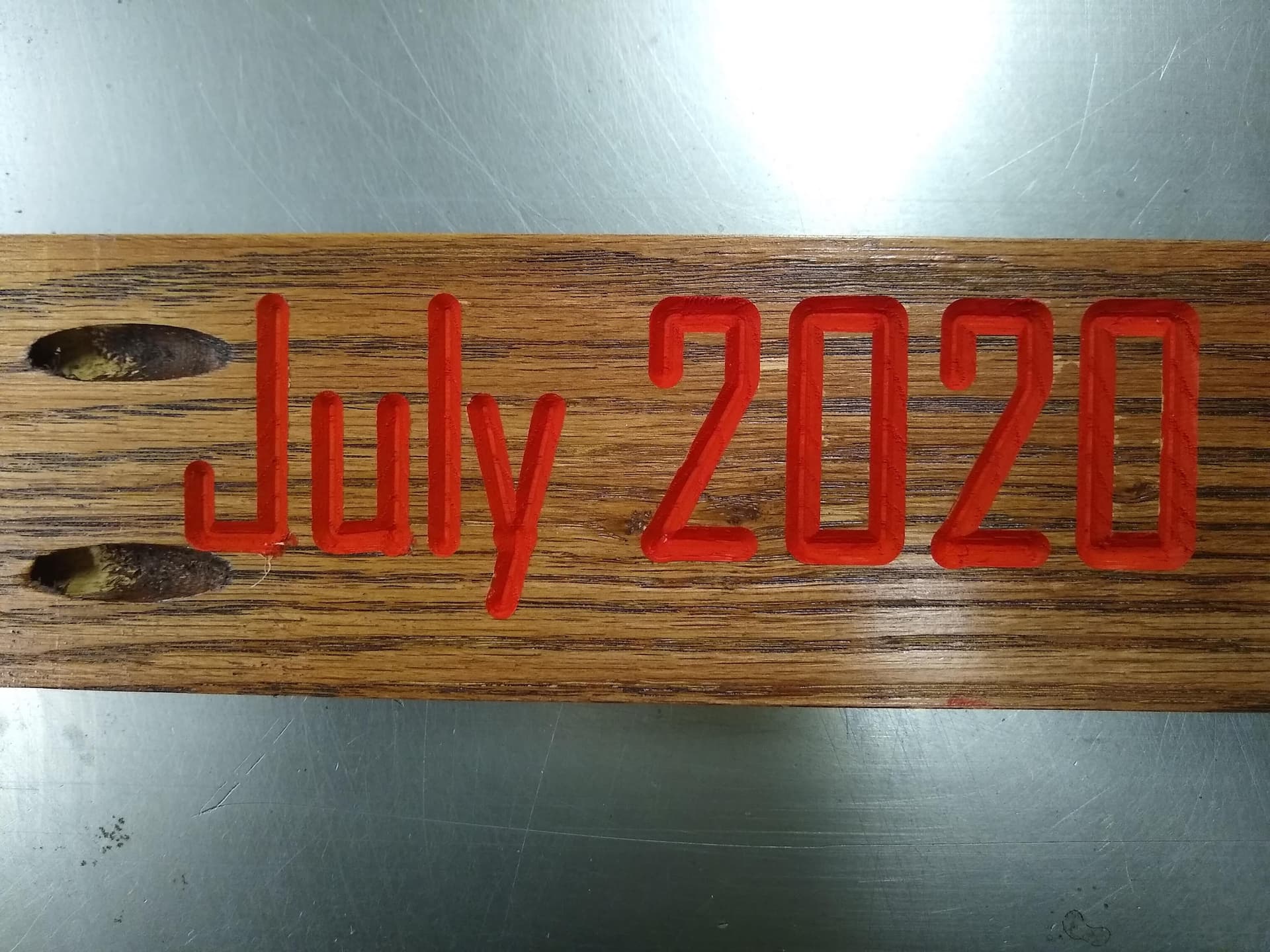
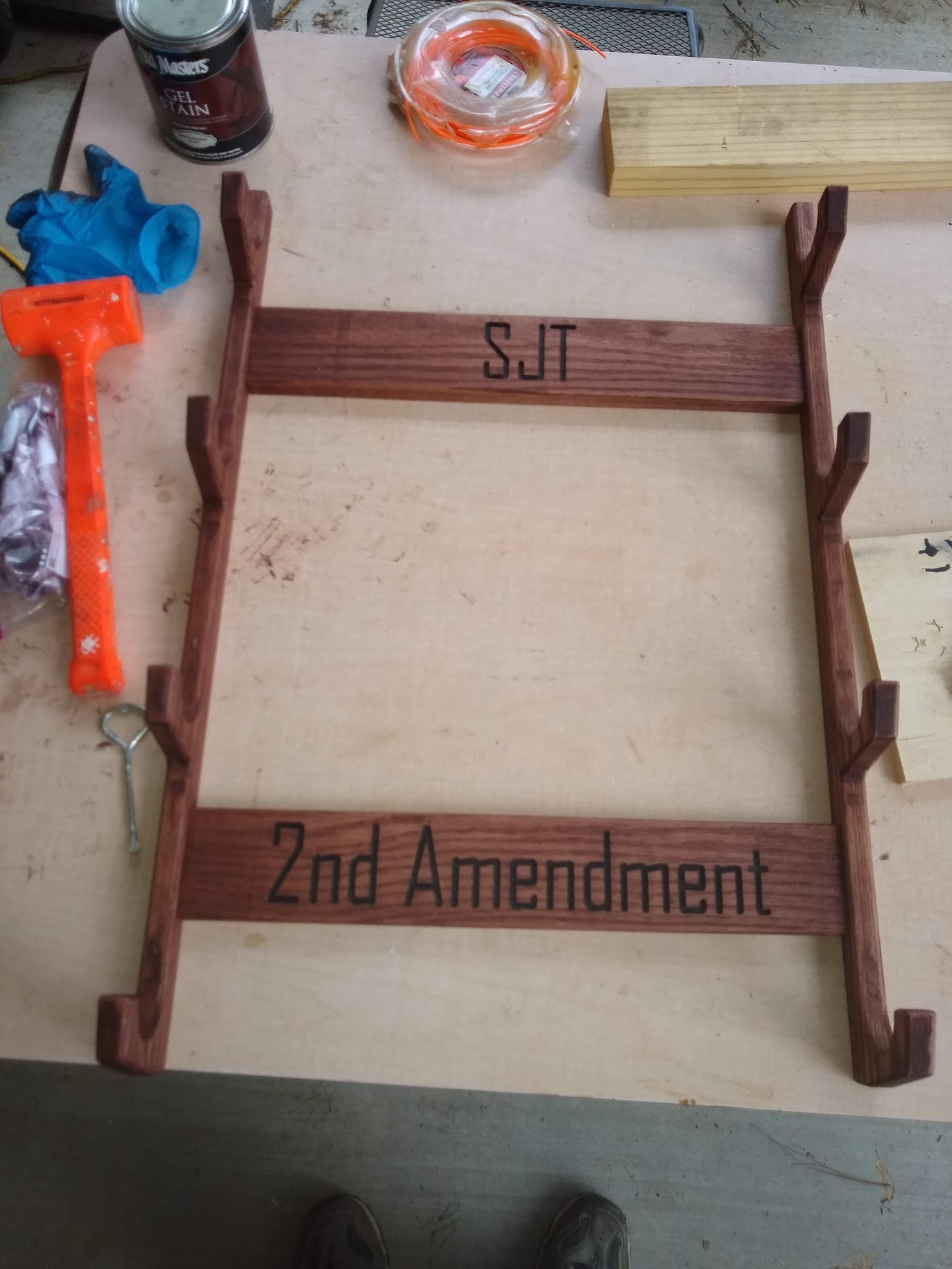
FYI Guns can be quite heavy. Notice that my hangers are at 16" spacing to match wall studs so I get my gun rack screwed into a stud for maximum weight capacity. So likely a gun rack would be wider than 16" but make sure it is wide enough to hang your gun on the crook of the stock and wide enough to get to the other side.
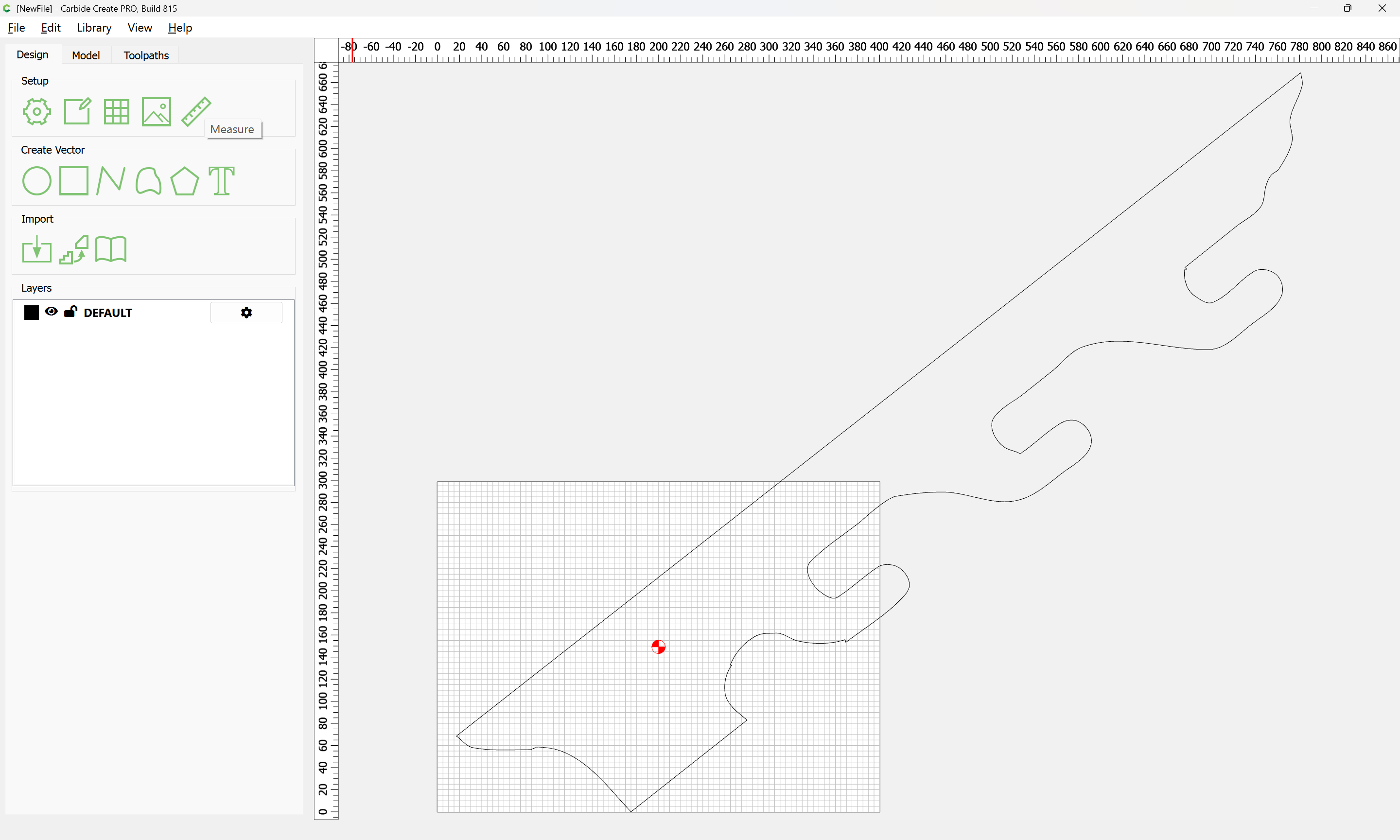
Opening your file we get:
aw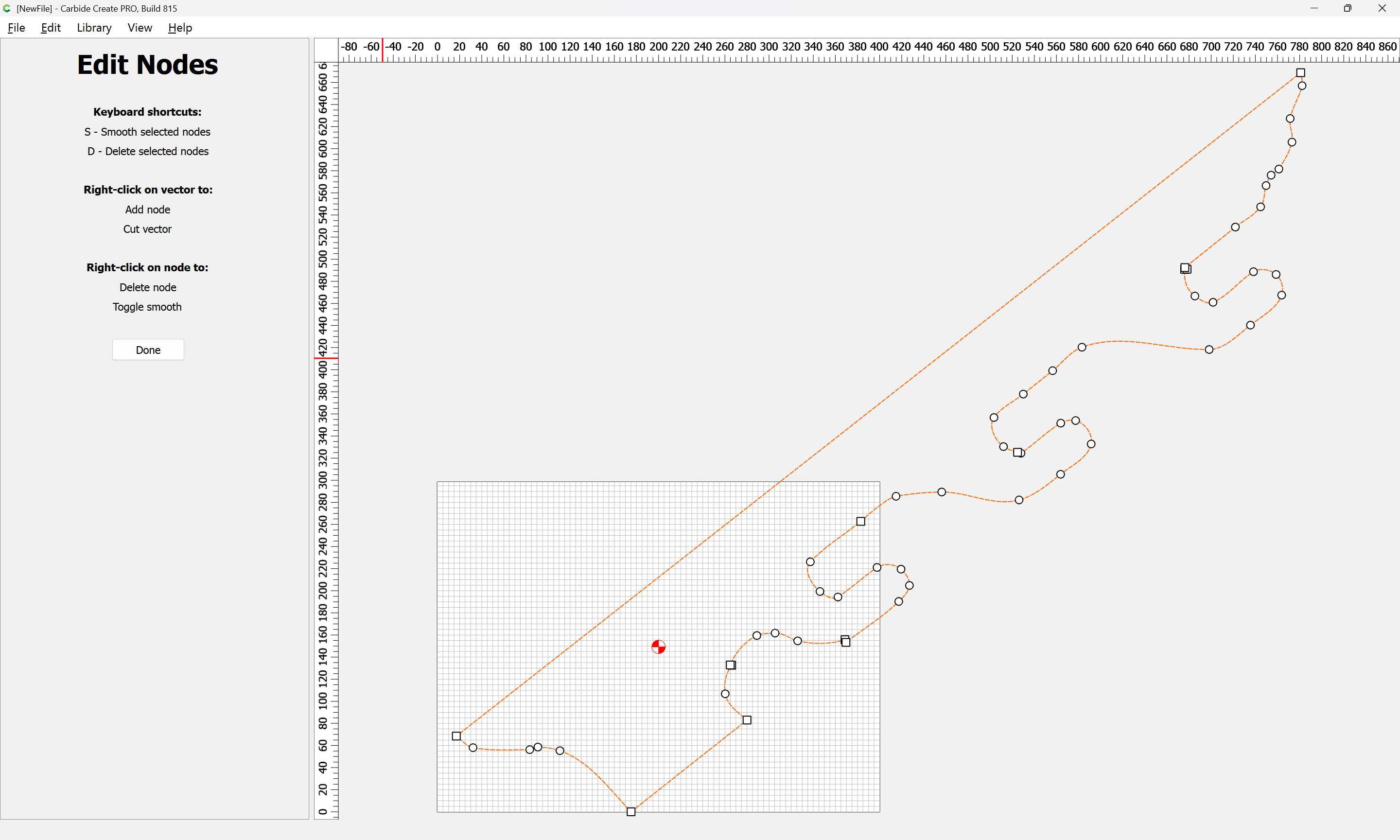
(when examined in the Node Editor)
Most things which are geometric in form are best re-drawn…
First, measure the angle:
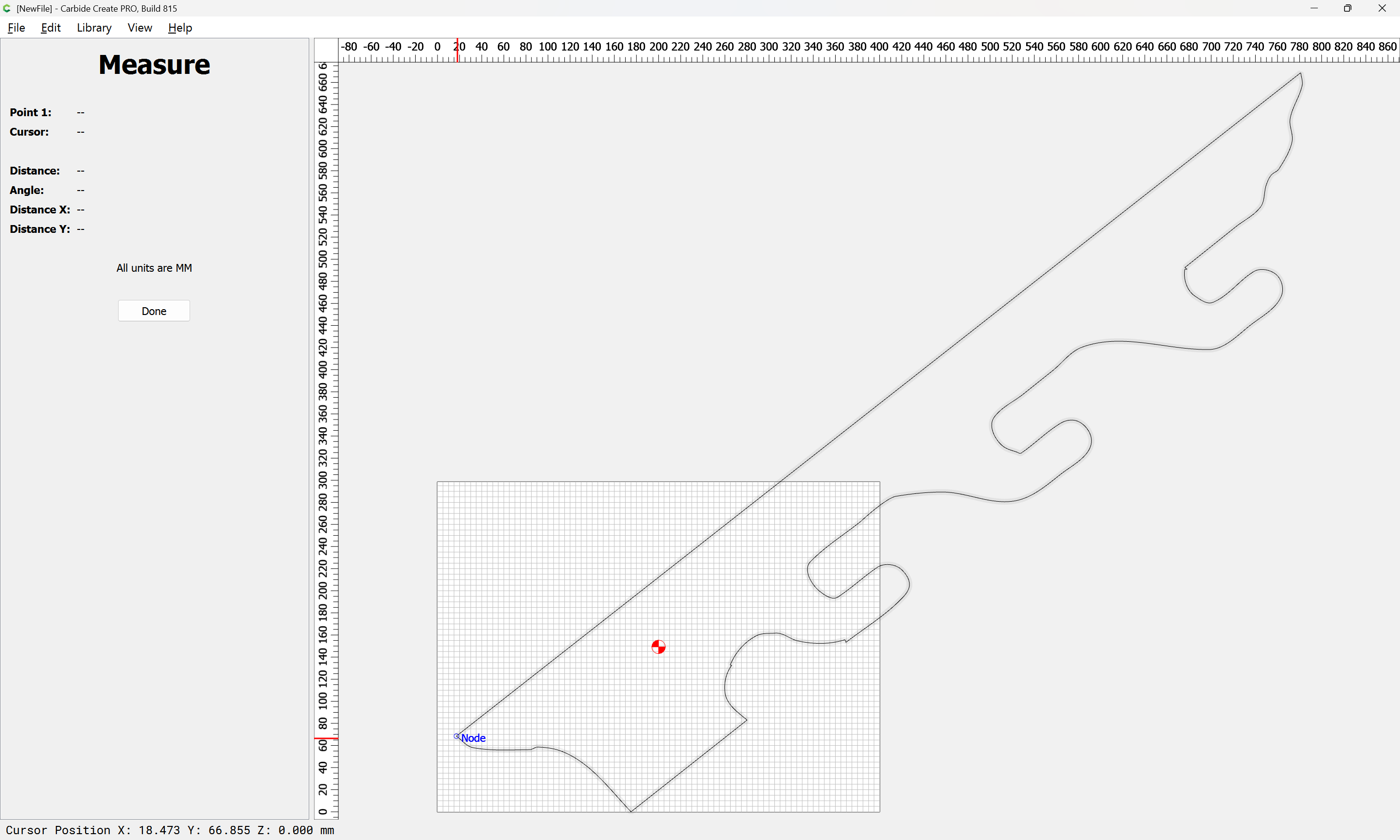
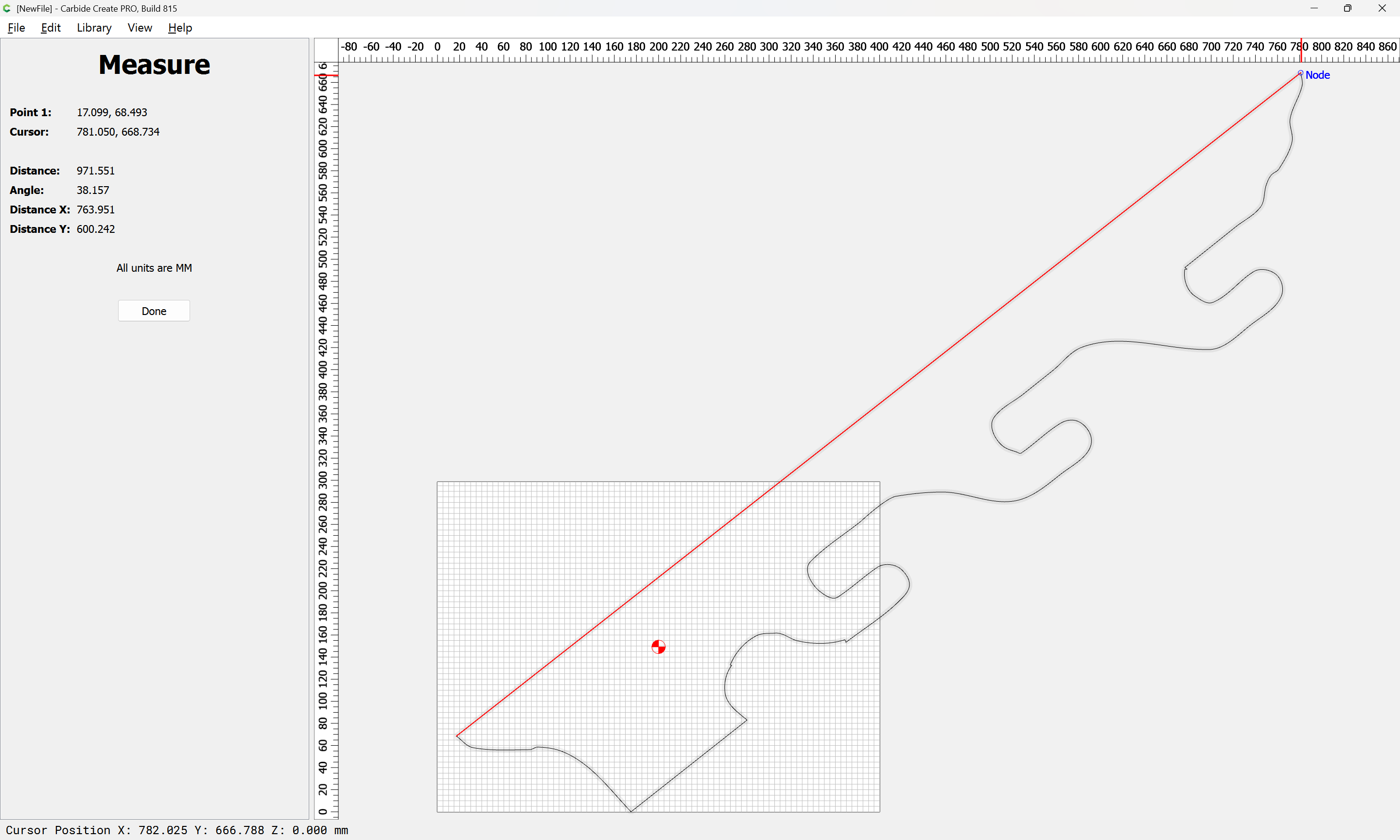
Then rotate it to be orthogonal to the Cartesian coordinate system:
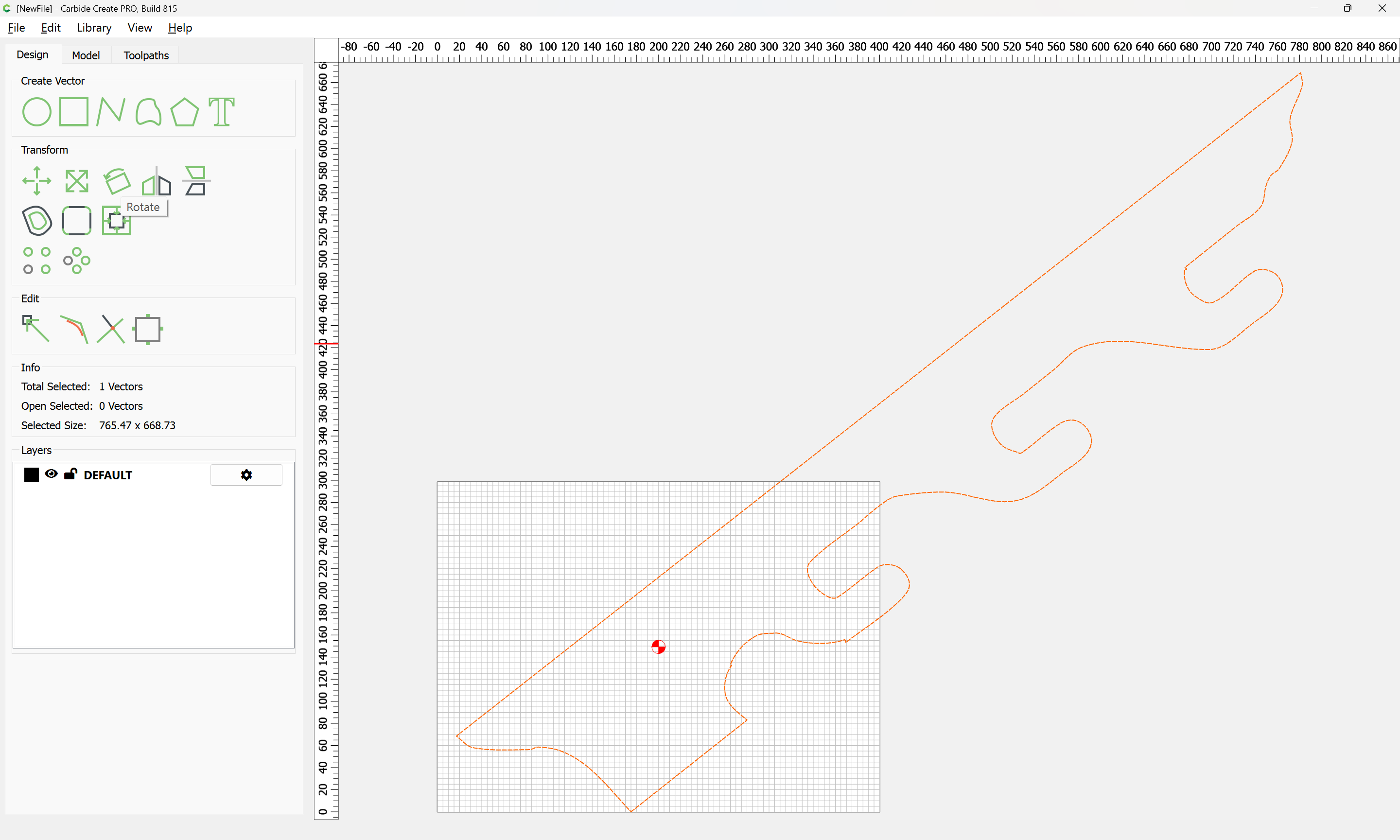
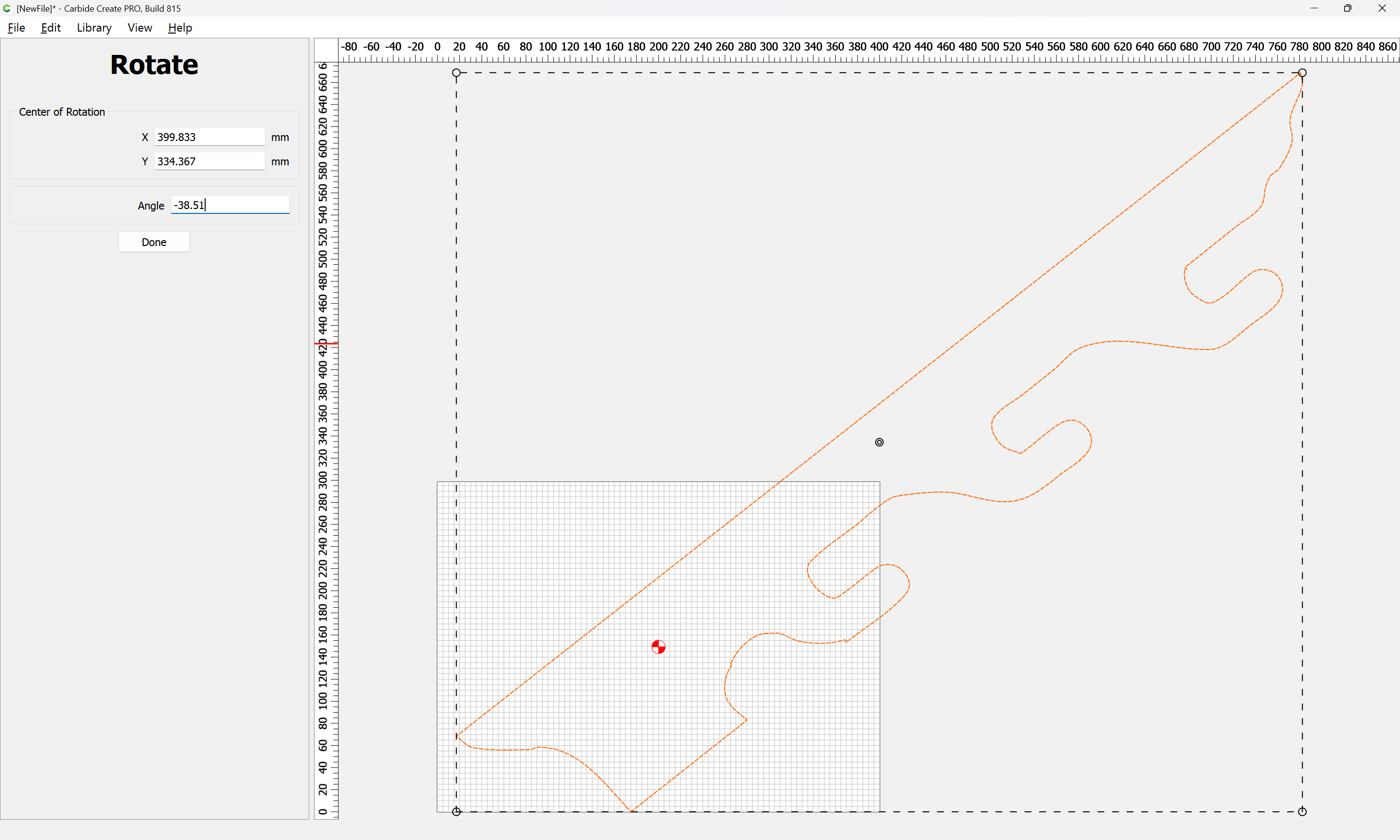
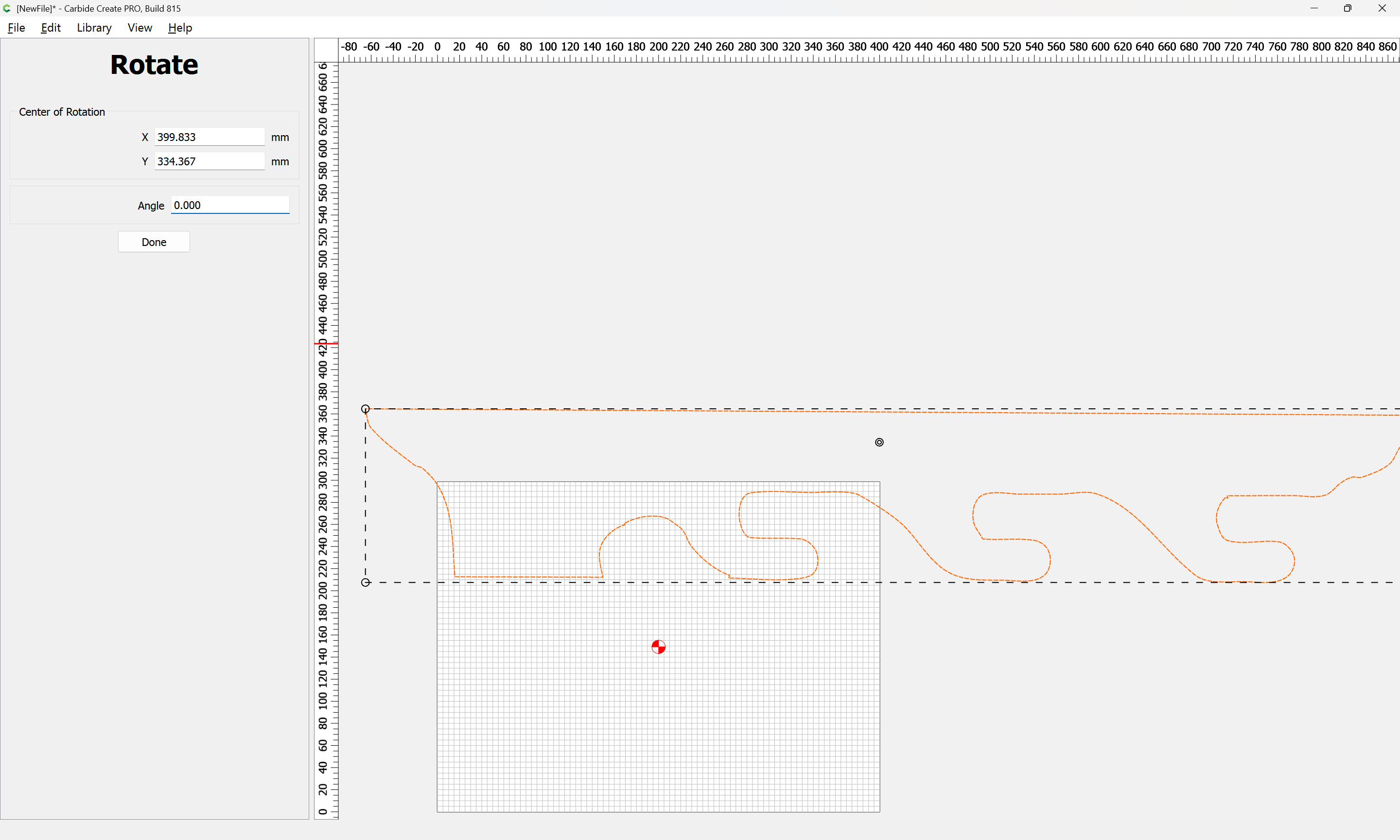
adjusting if need be:
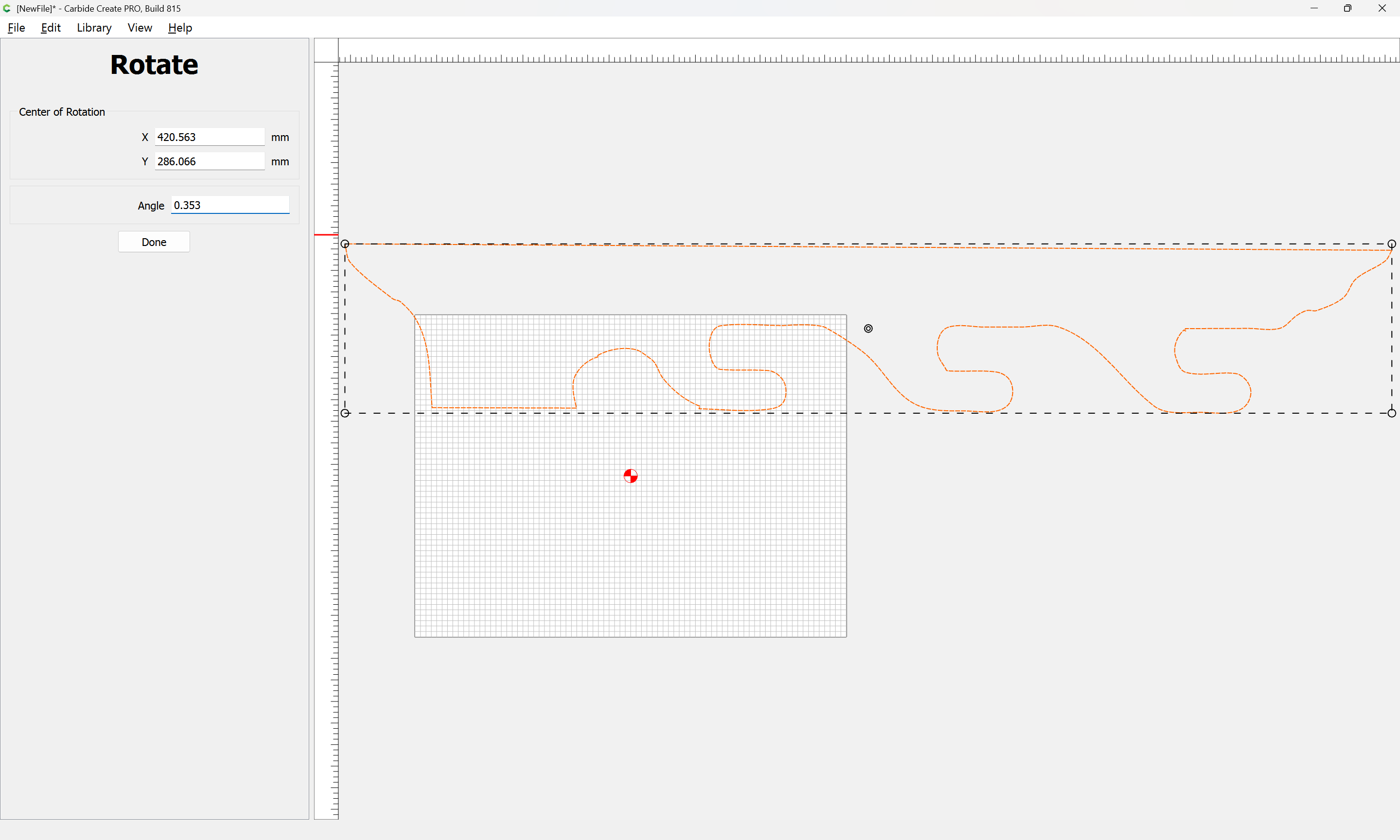
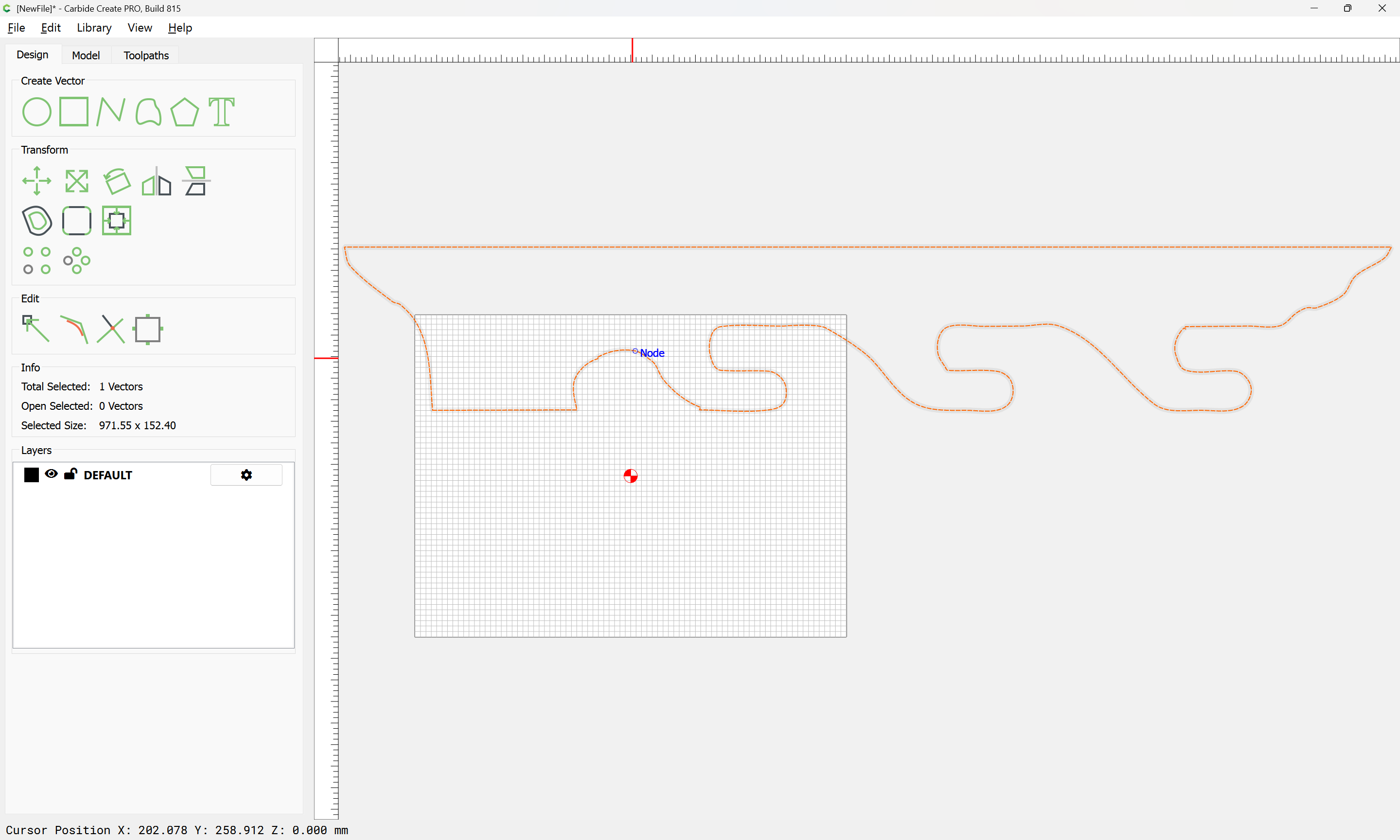
then adjust Job Setup and positioning:
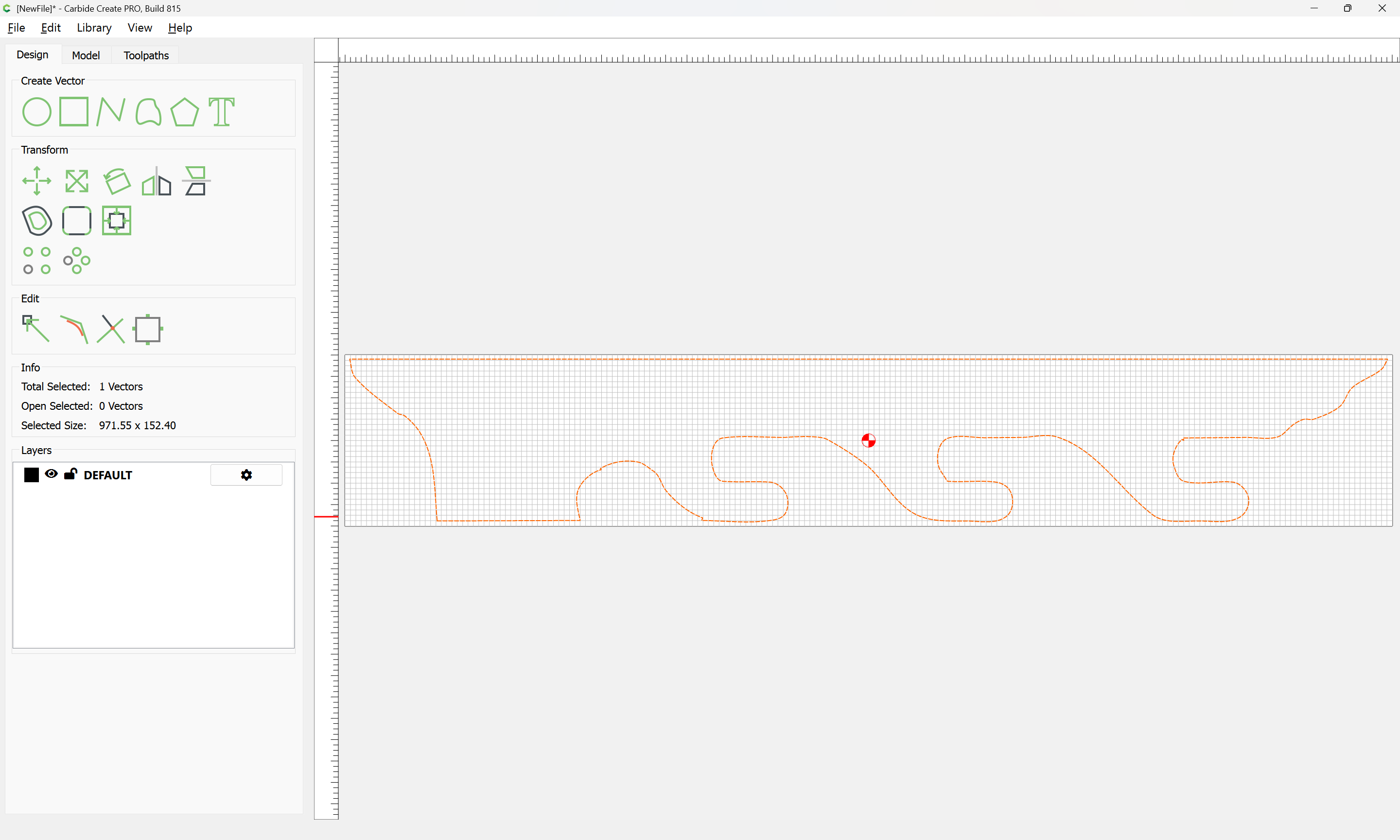
Make a new layer and put the original on it:
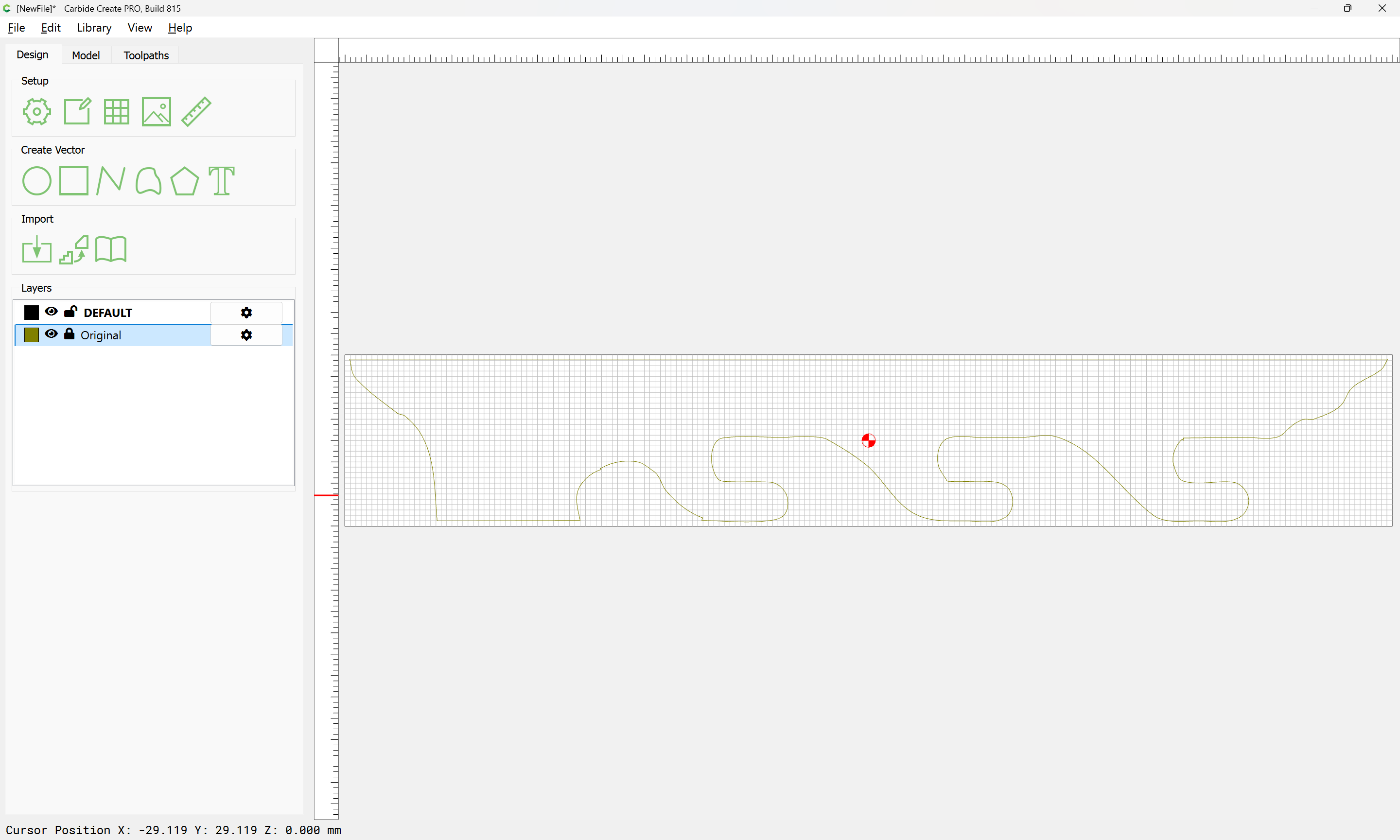
Then re-draw.
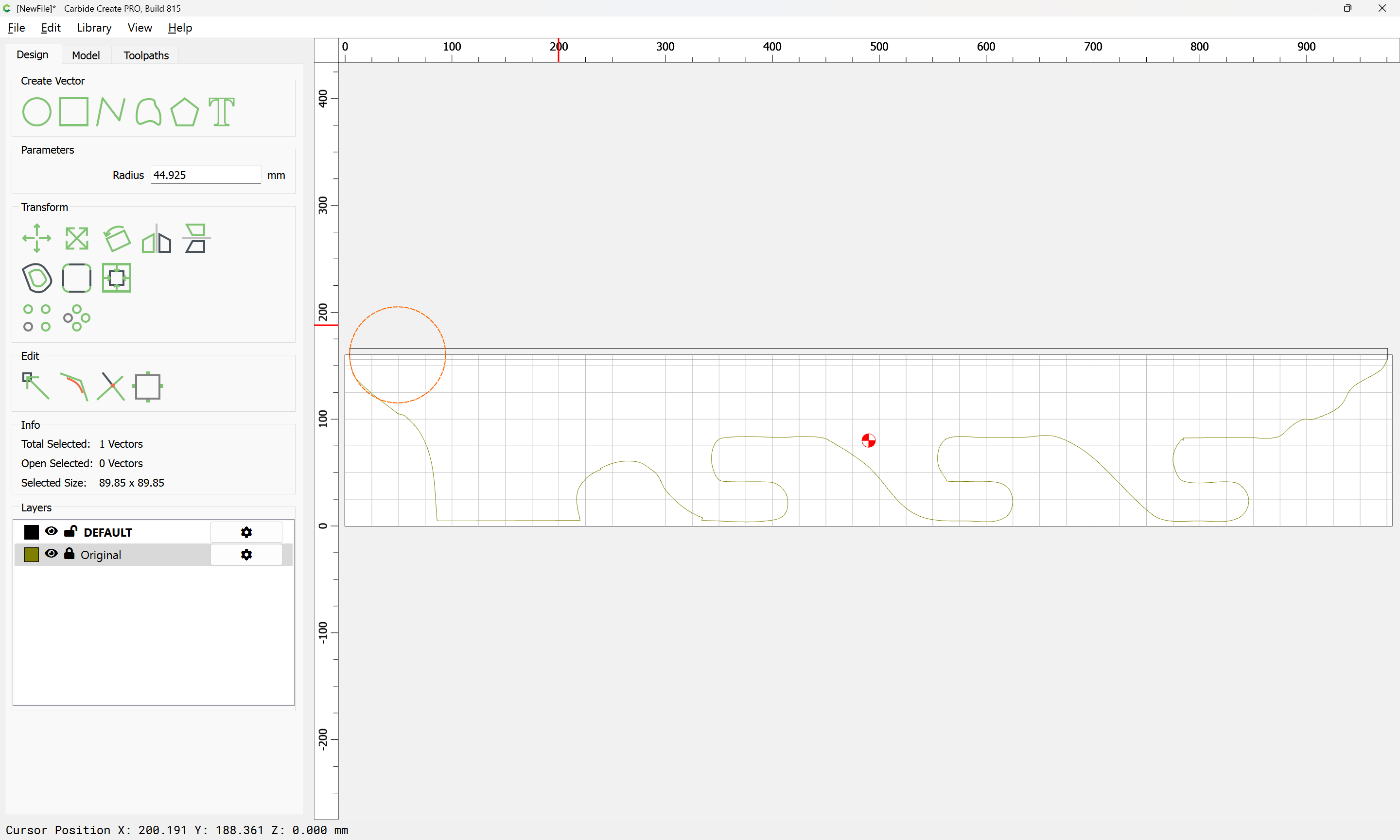

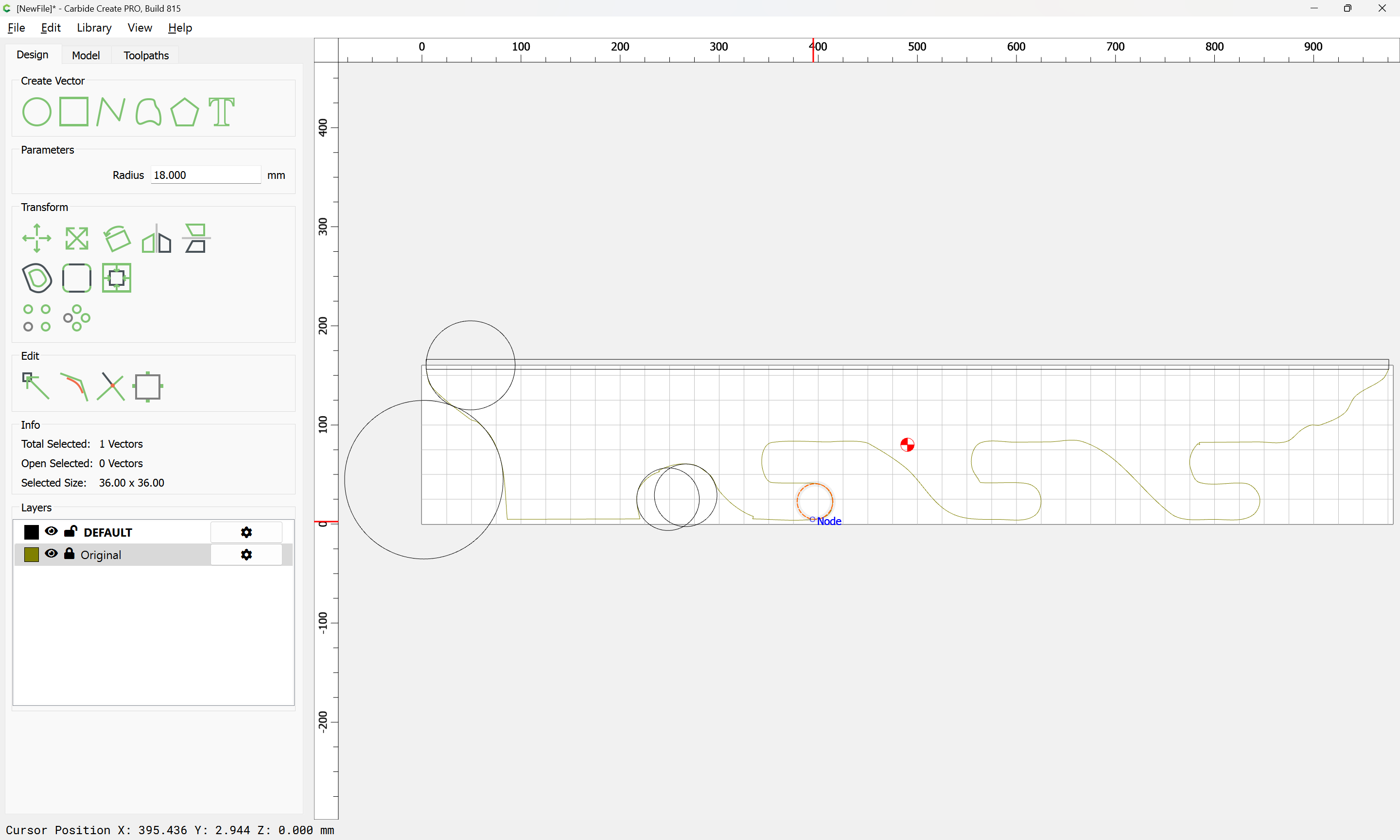
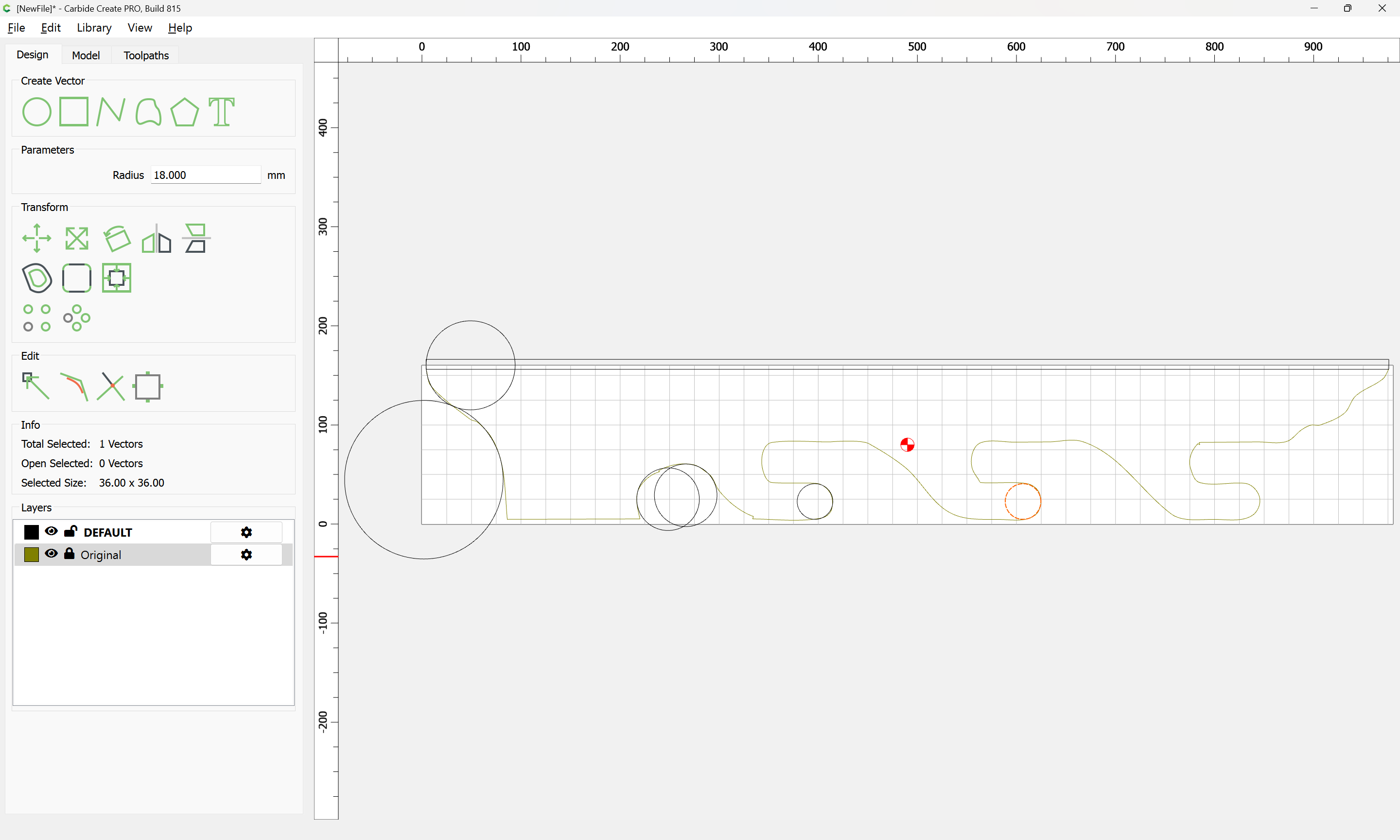
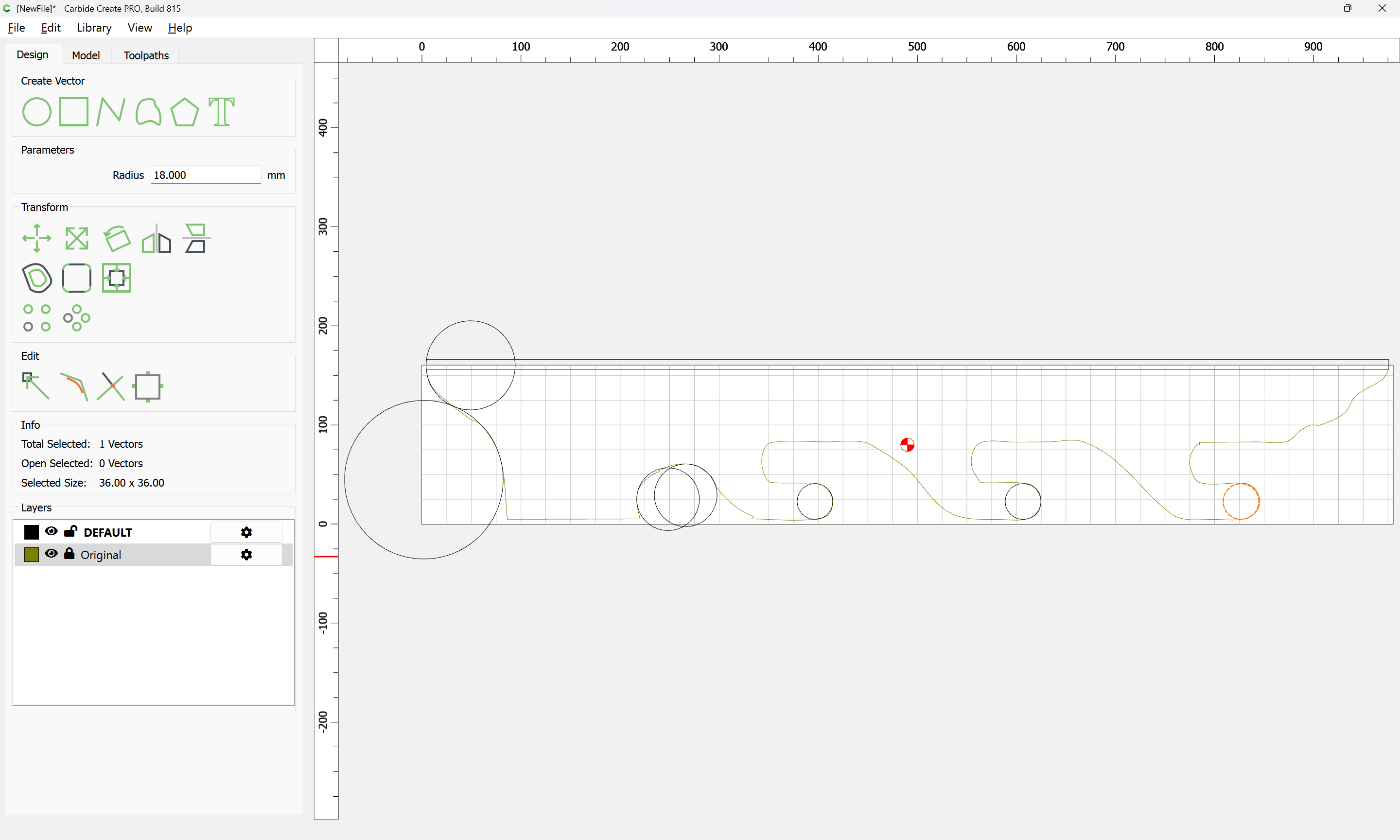
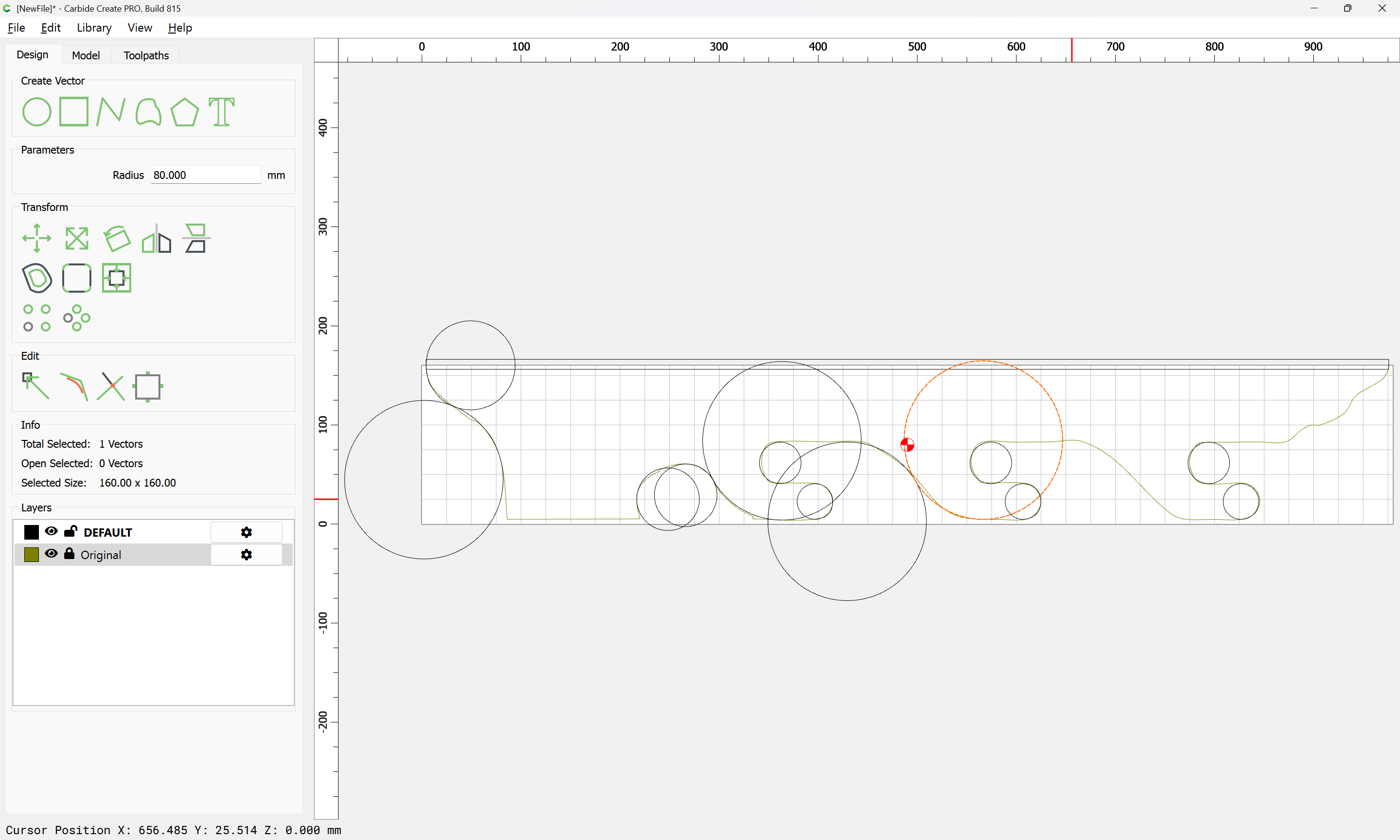
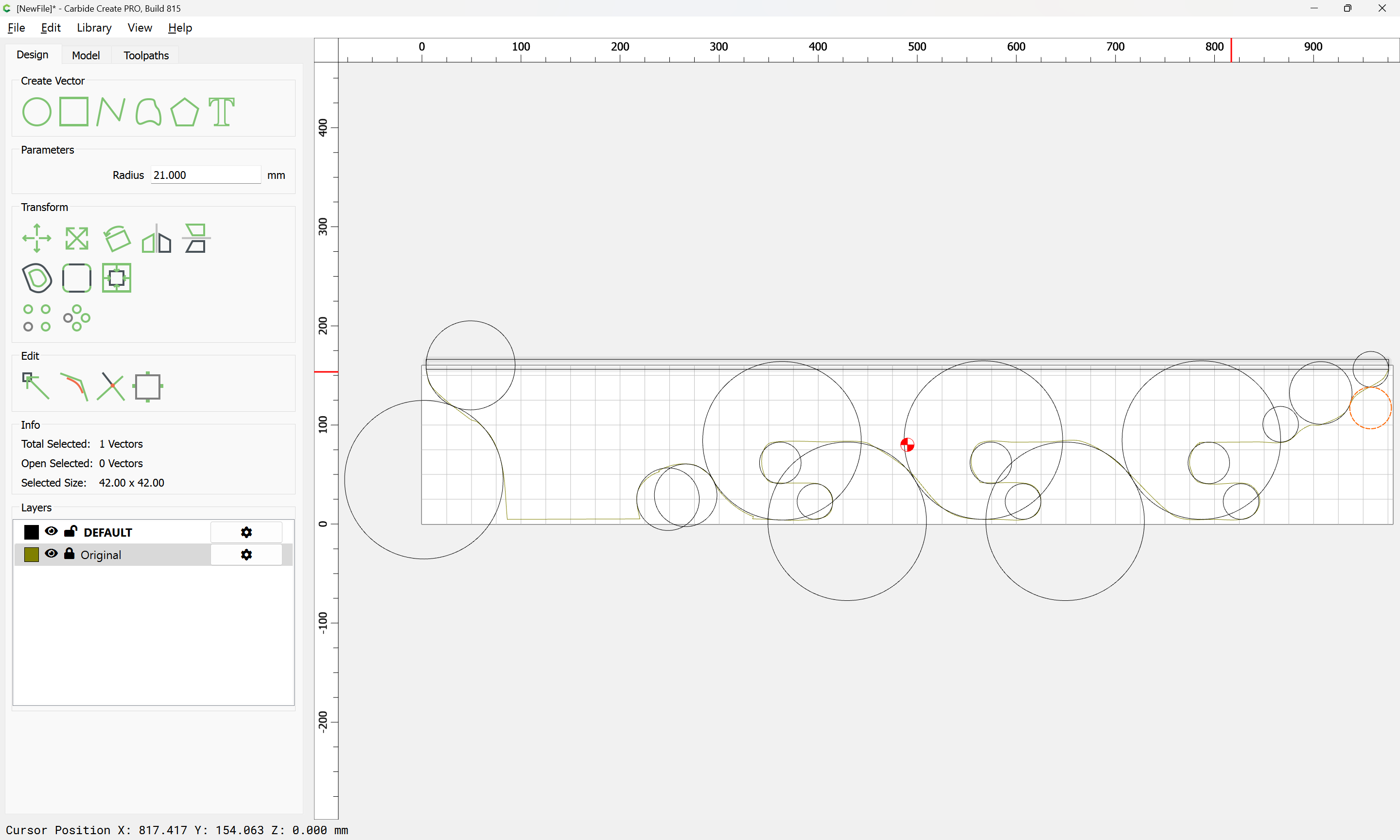
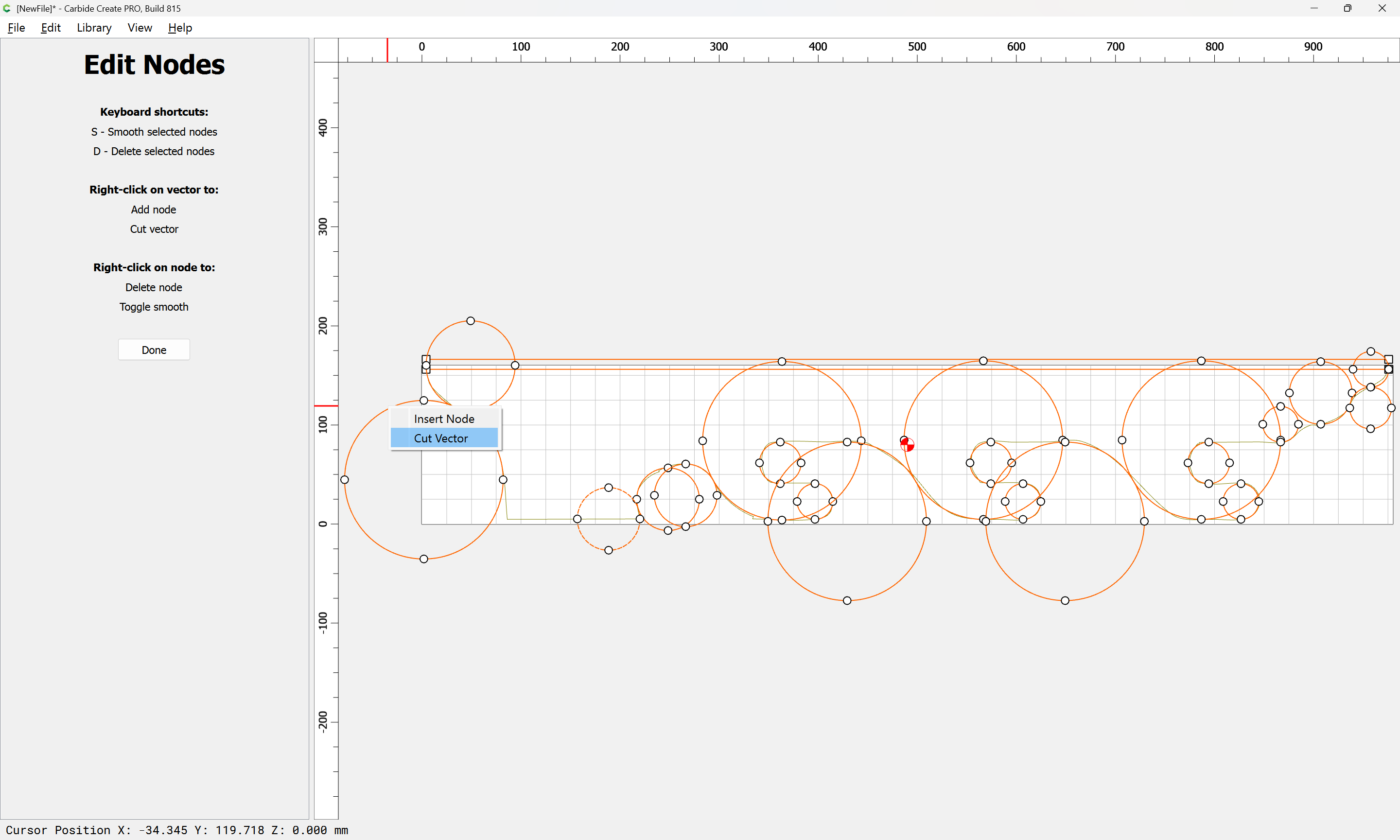
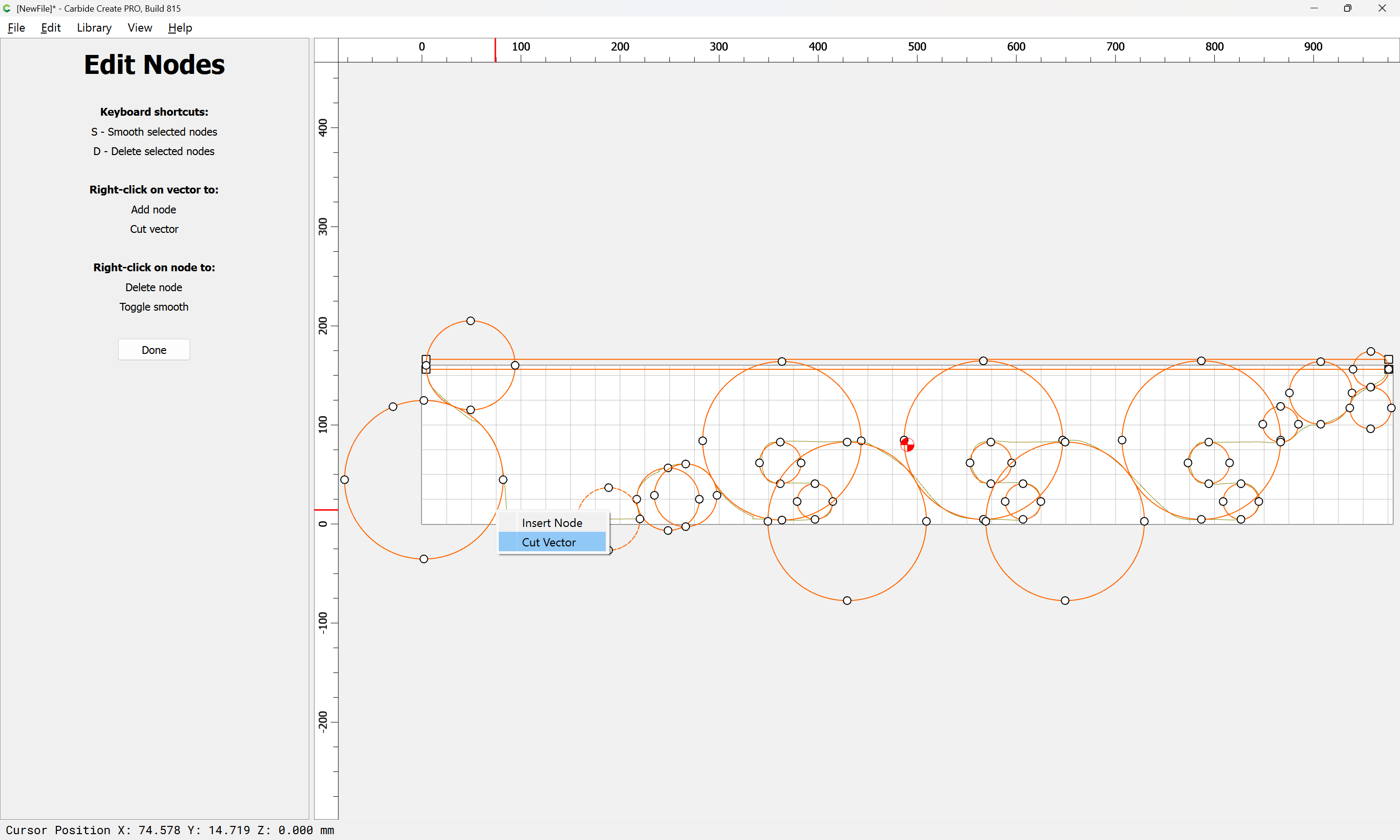
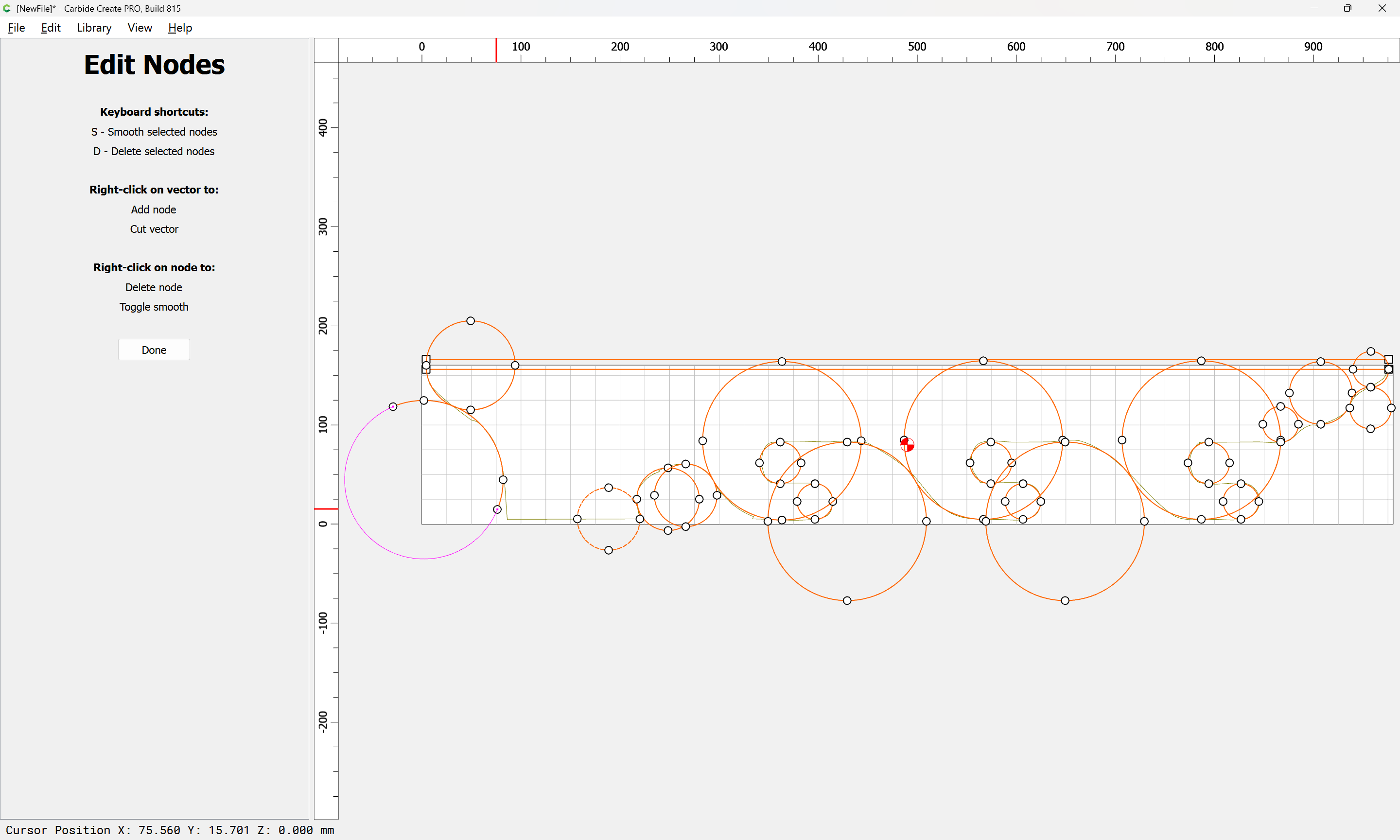
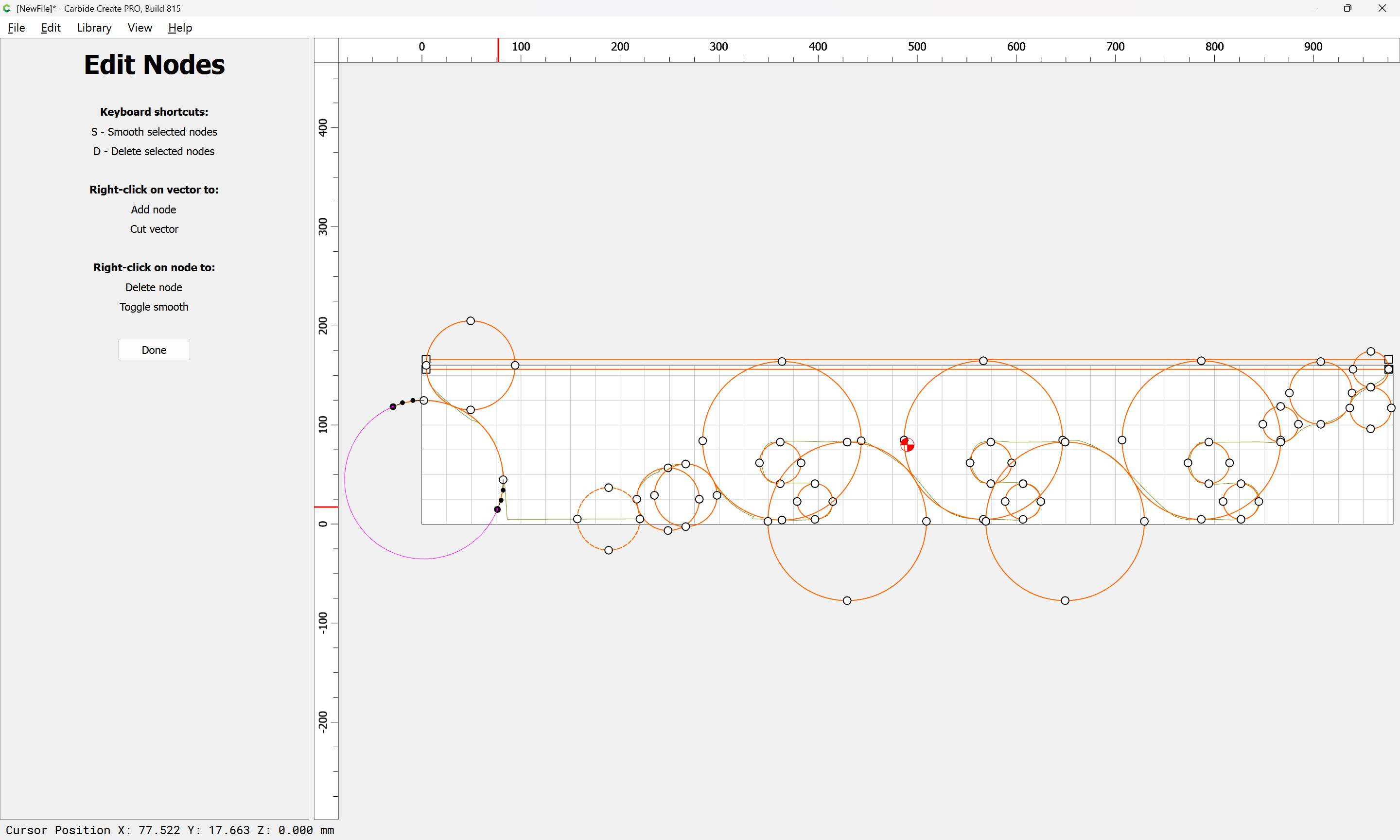
Then, go into Node Edit mode and cut away what is not wanted:
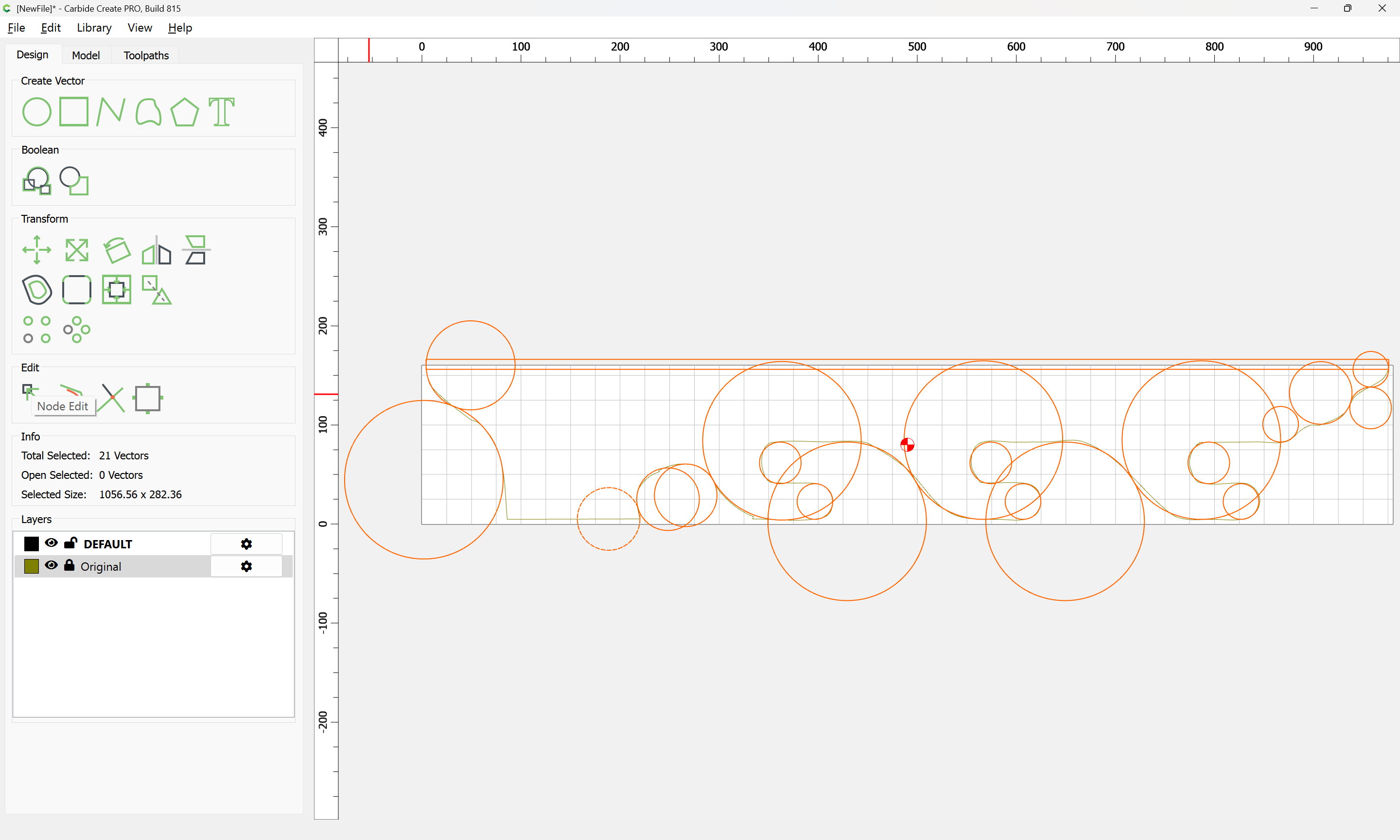
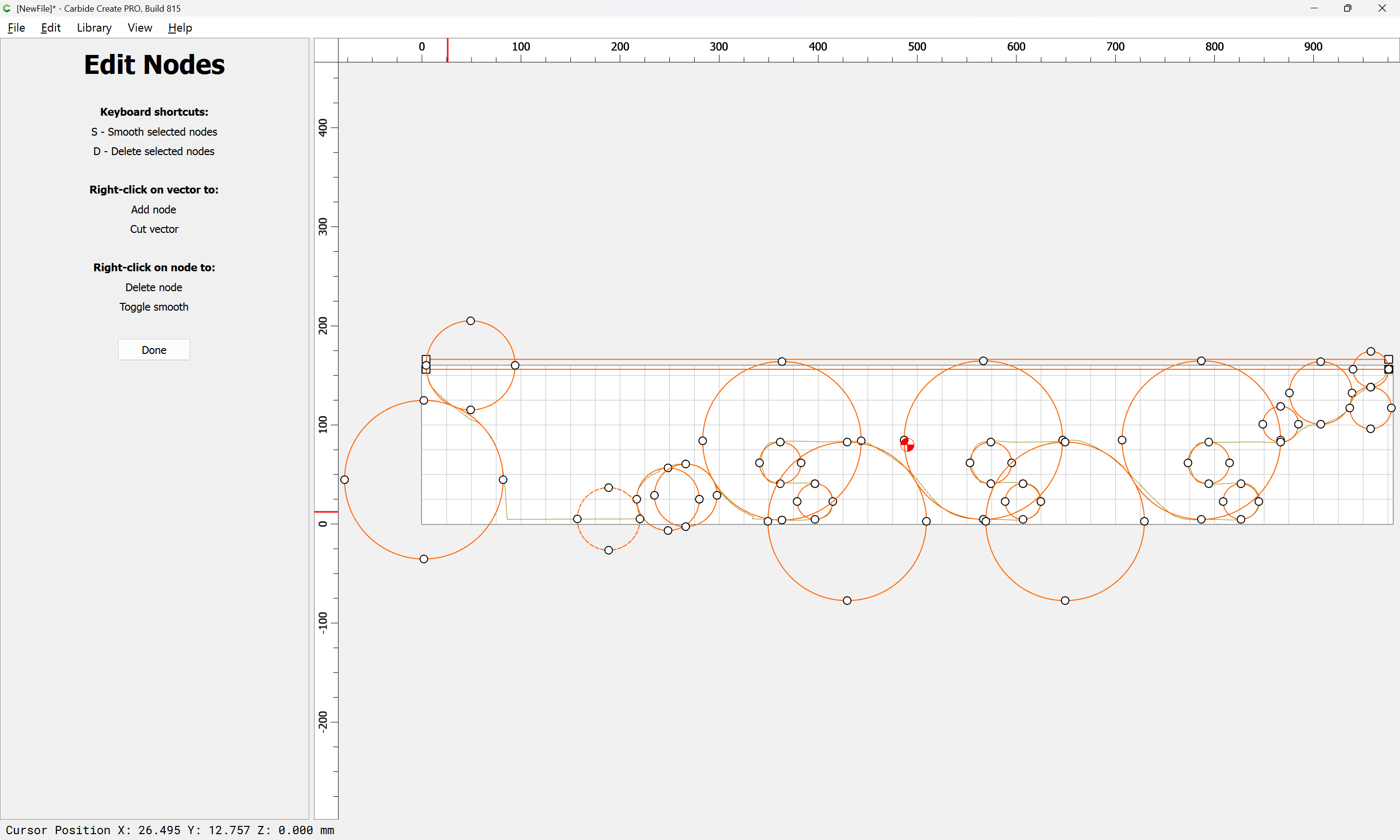
d to delete
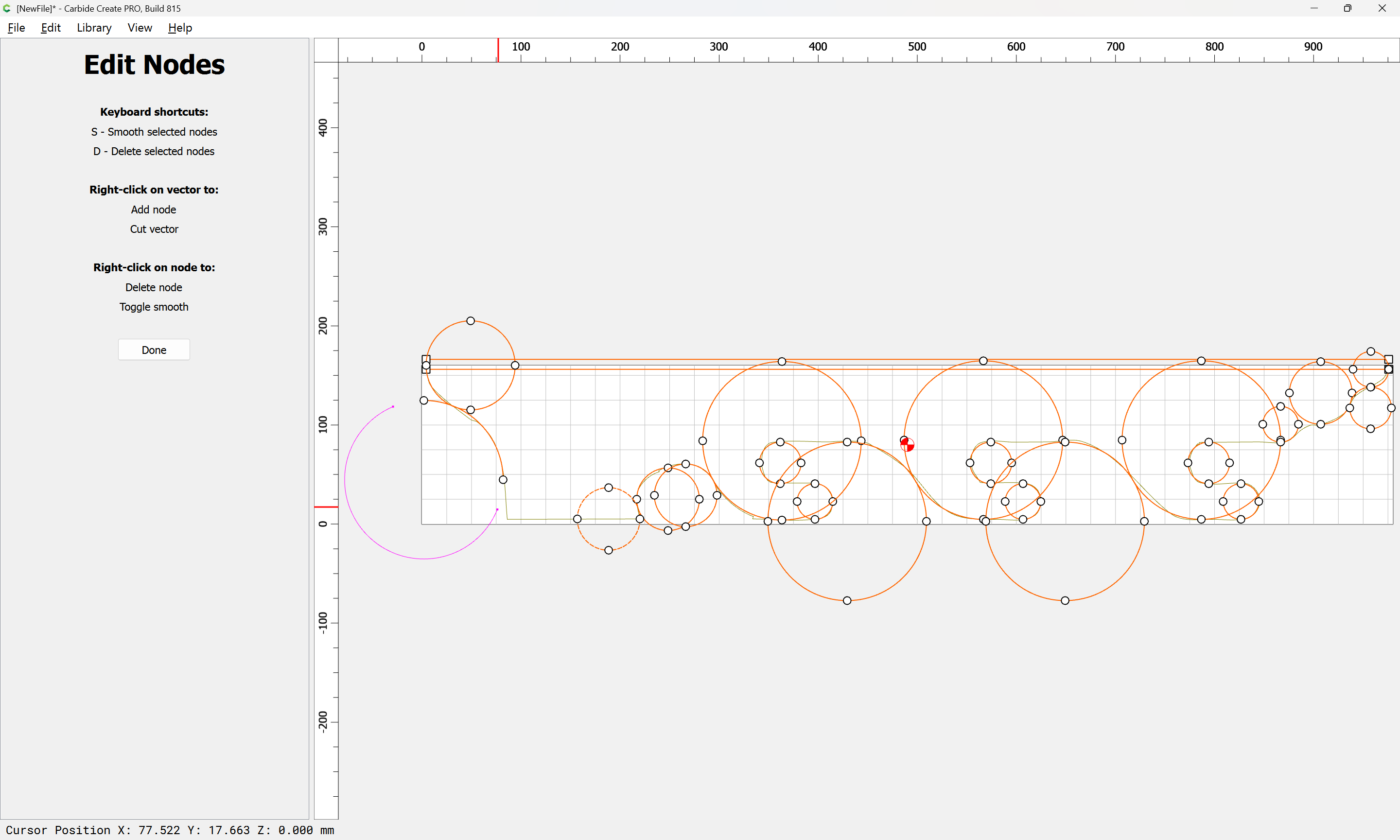
Note that it may be necessary to exit and return to Node Editing after making a new selection, depending on which side of a cut operation remains active in the Node Editing operation:
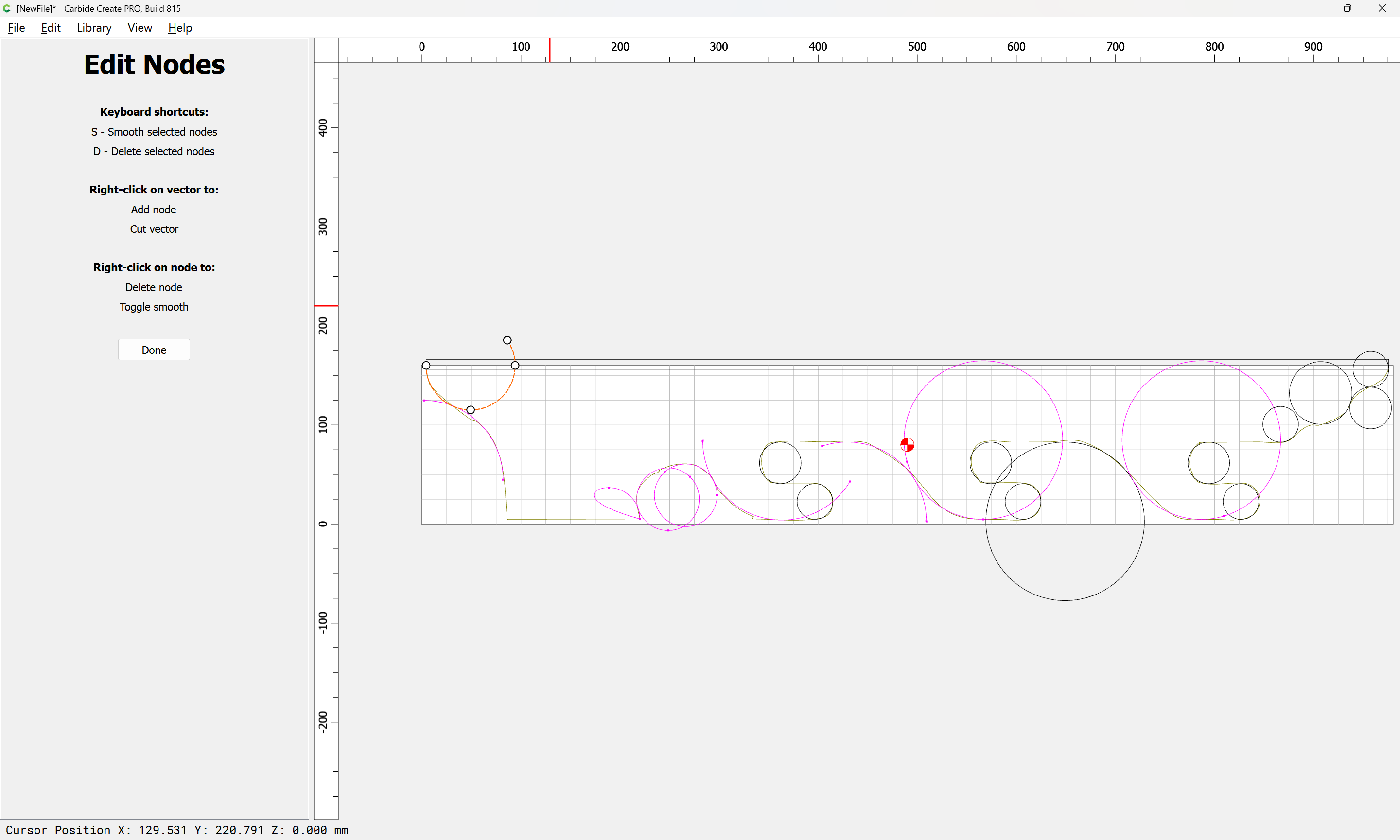
Note that at some places:
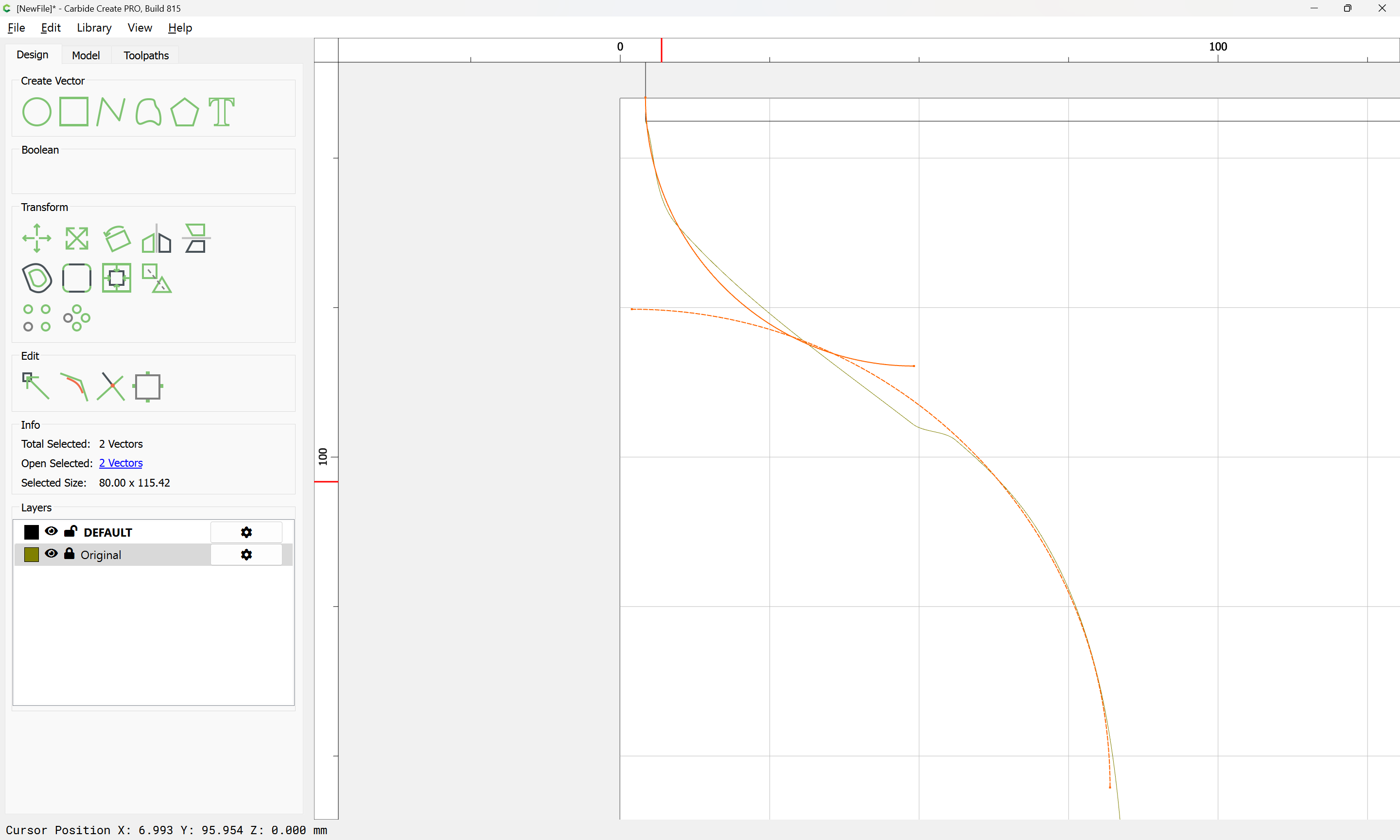
it may be expedient to draw in geometry for a Trim Vectors operation:
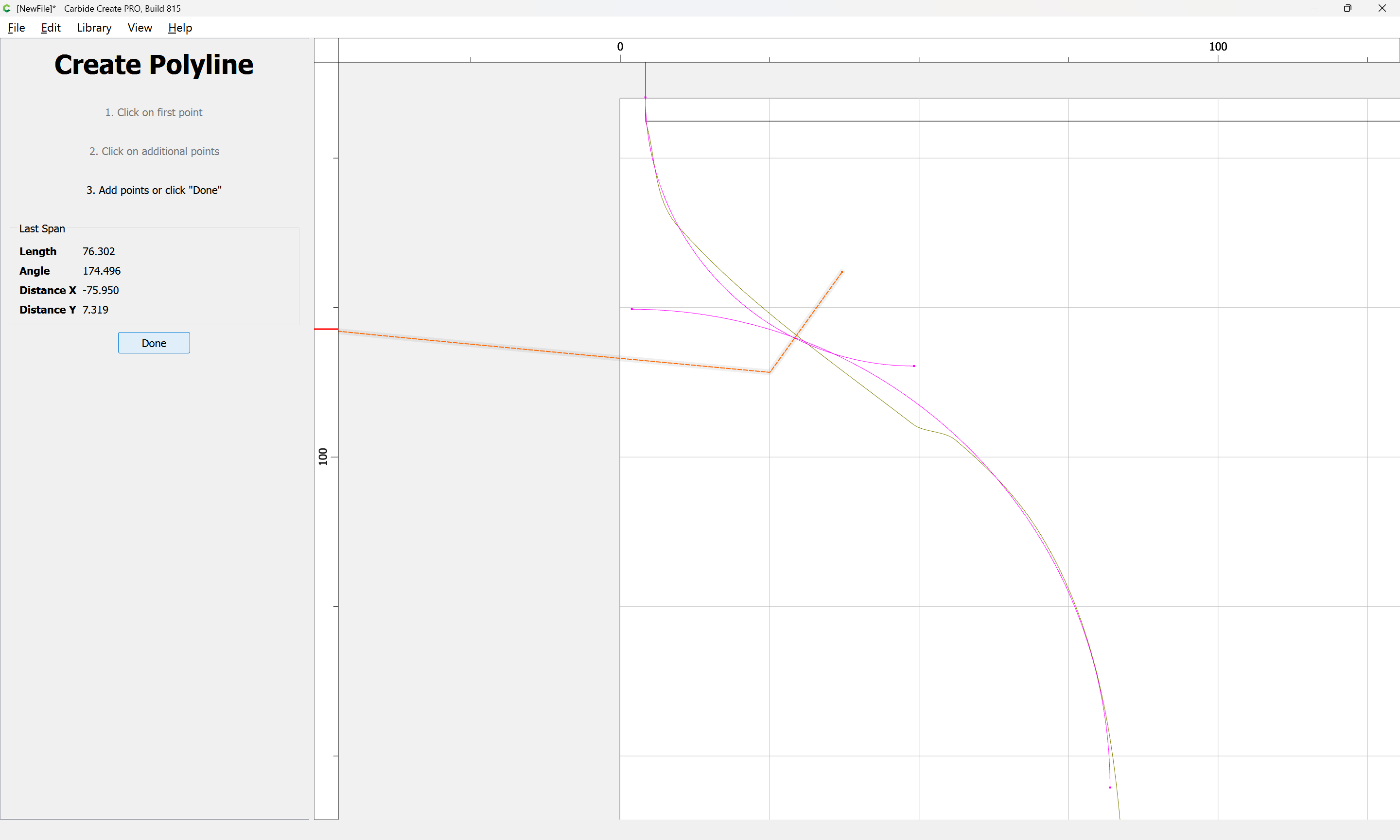
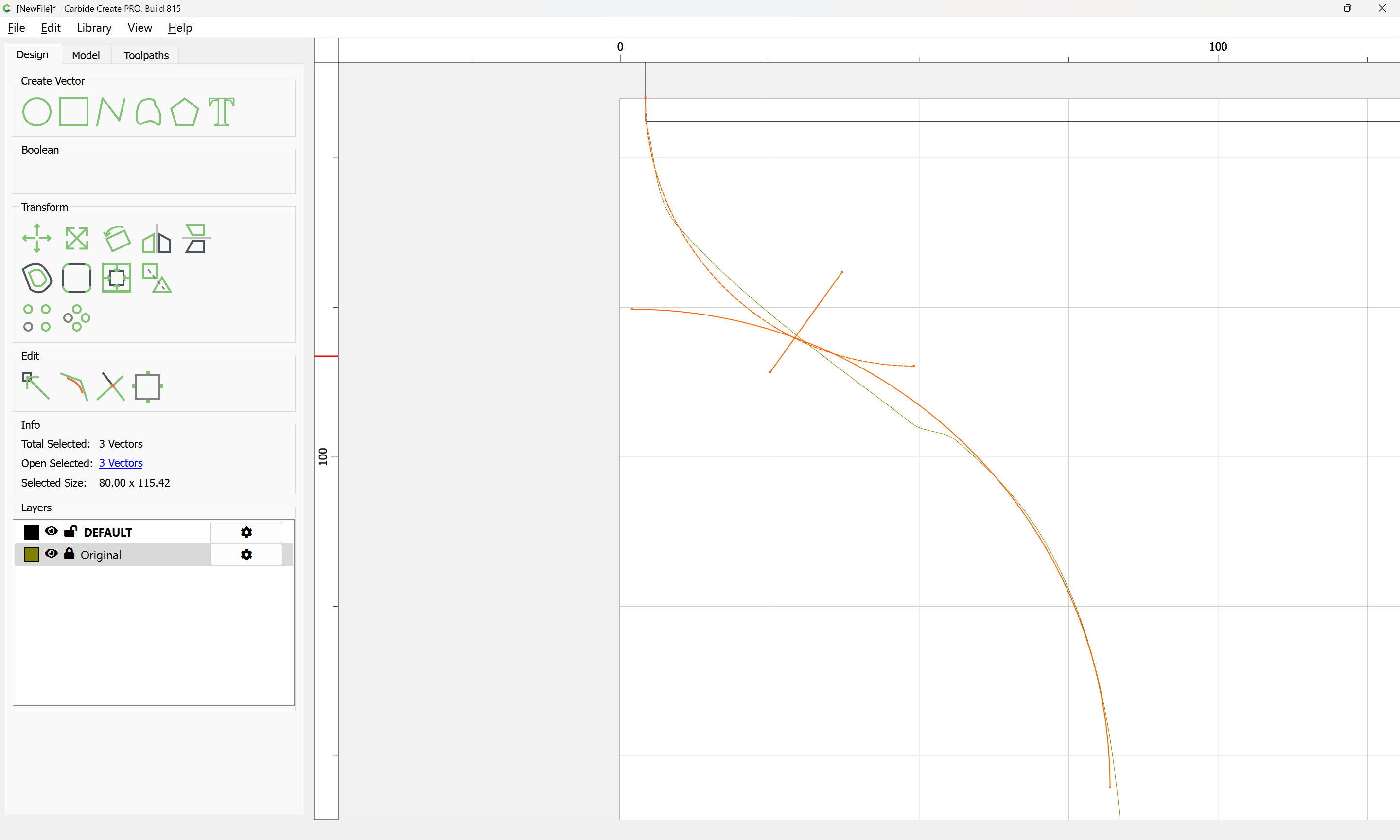
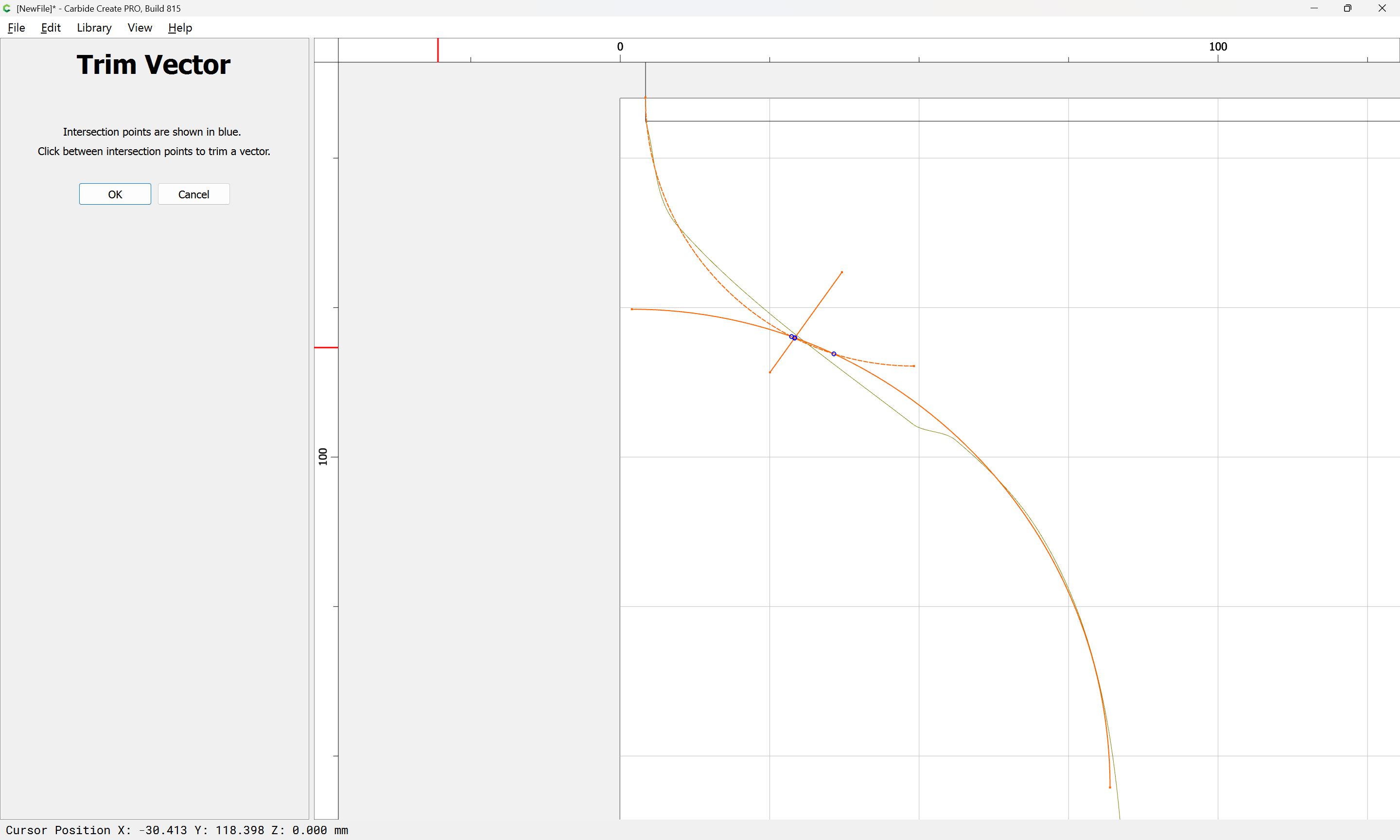
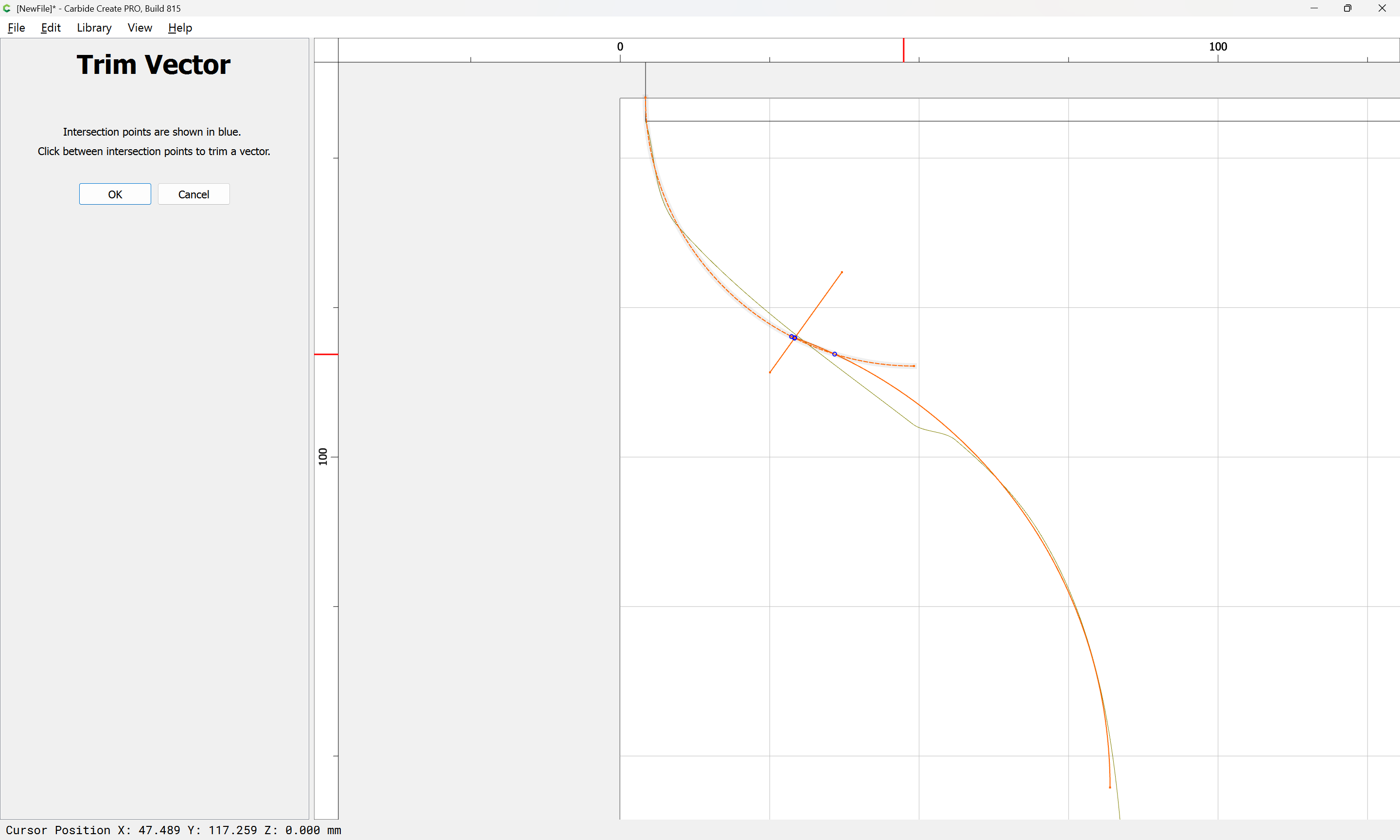
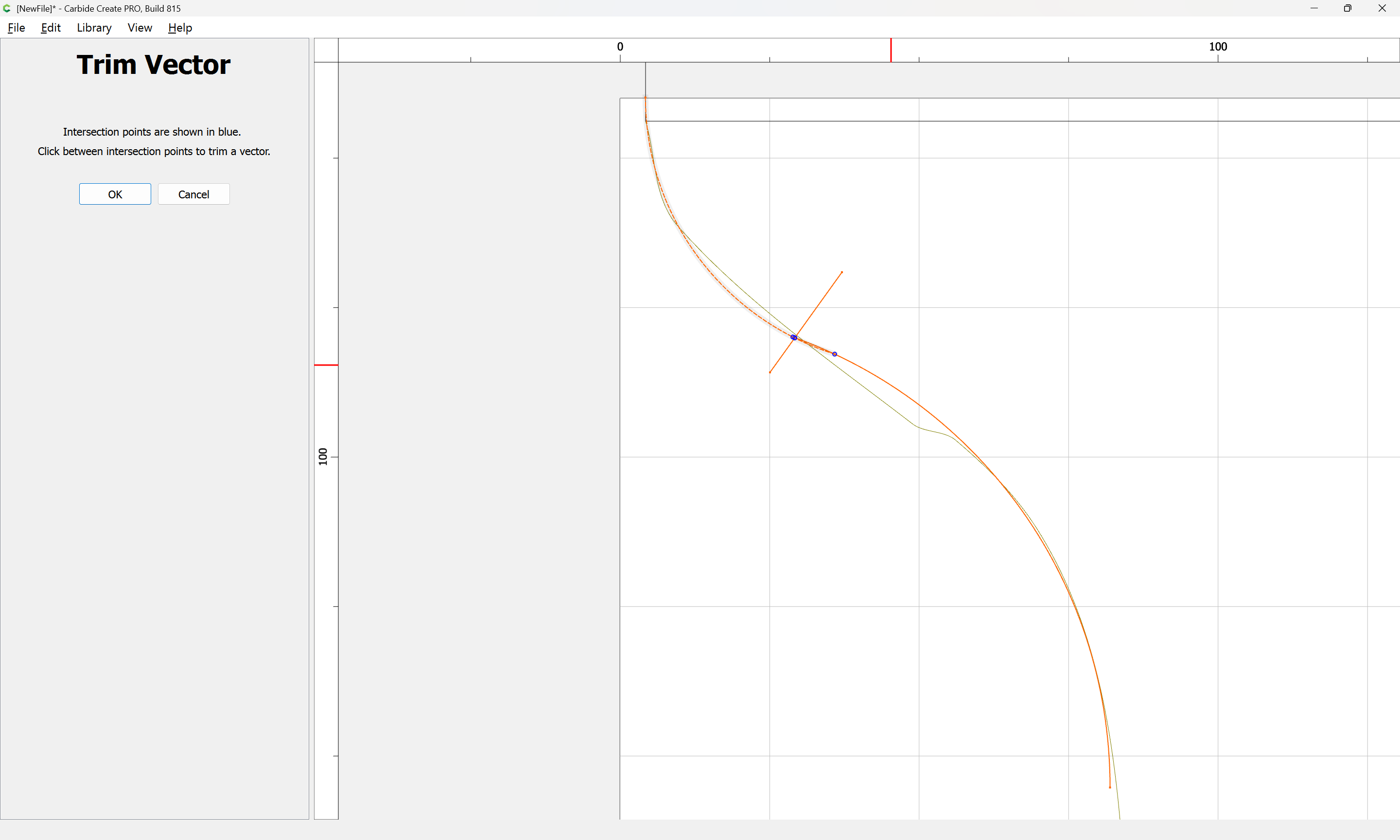
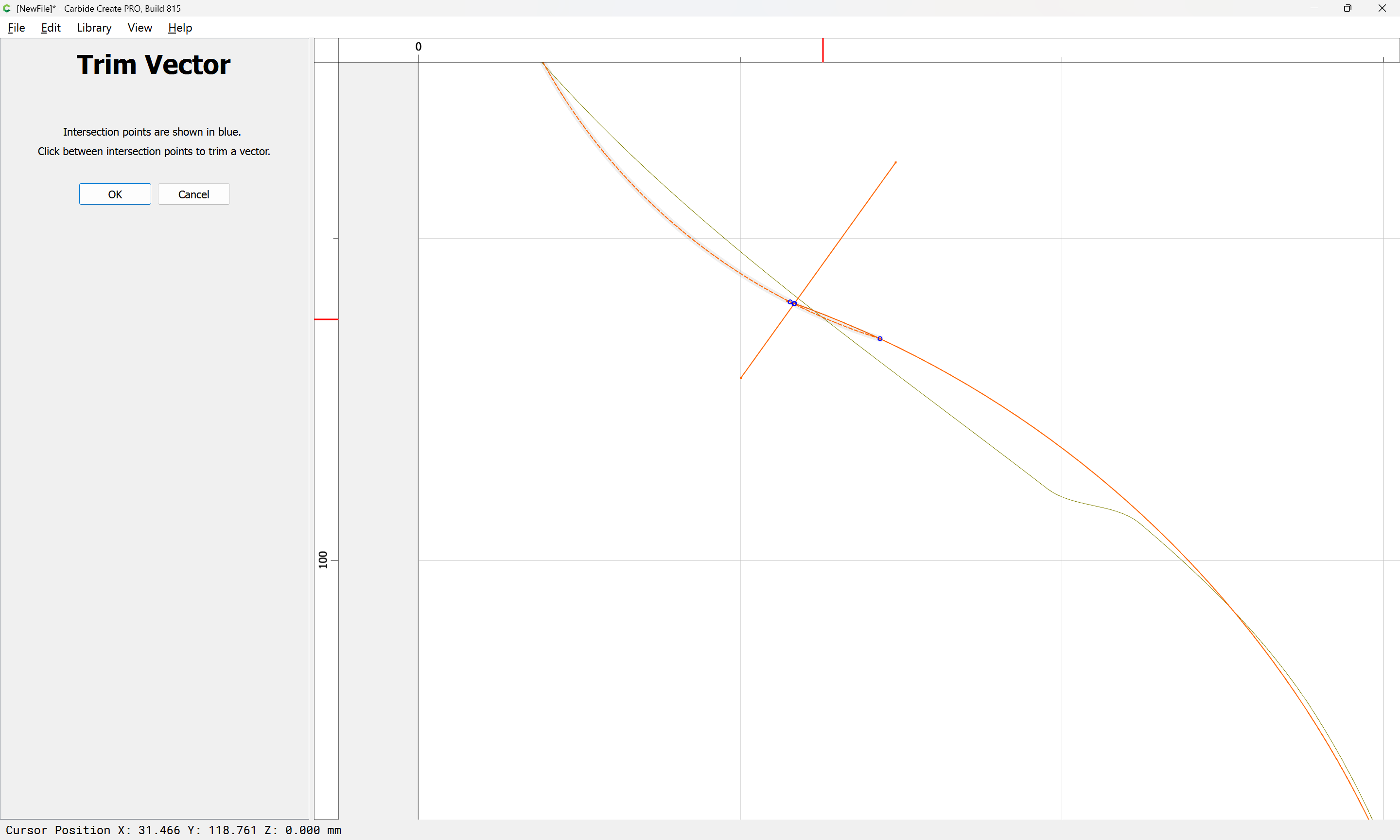
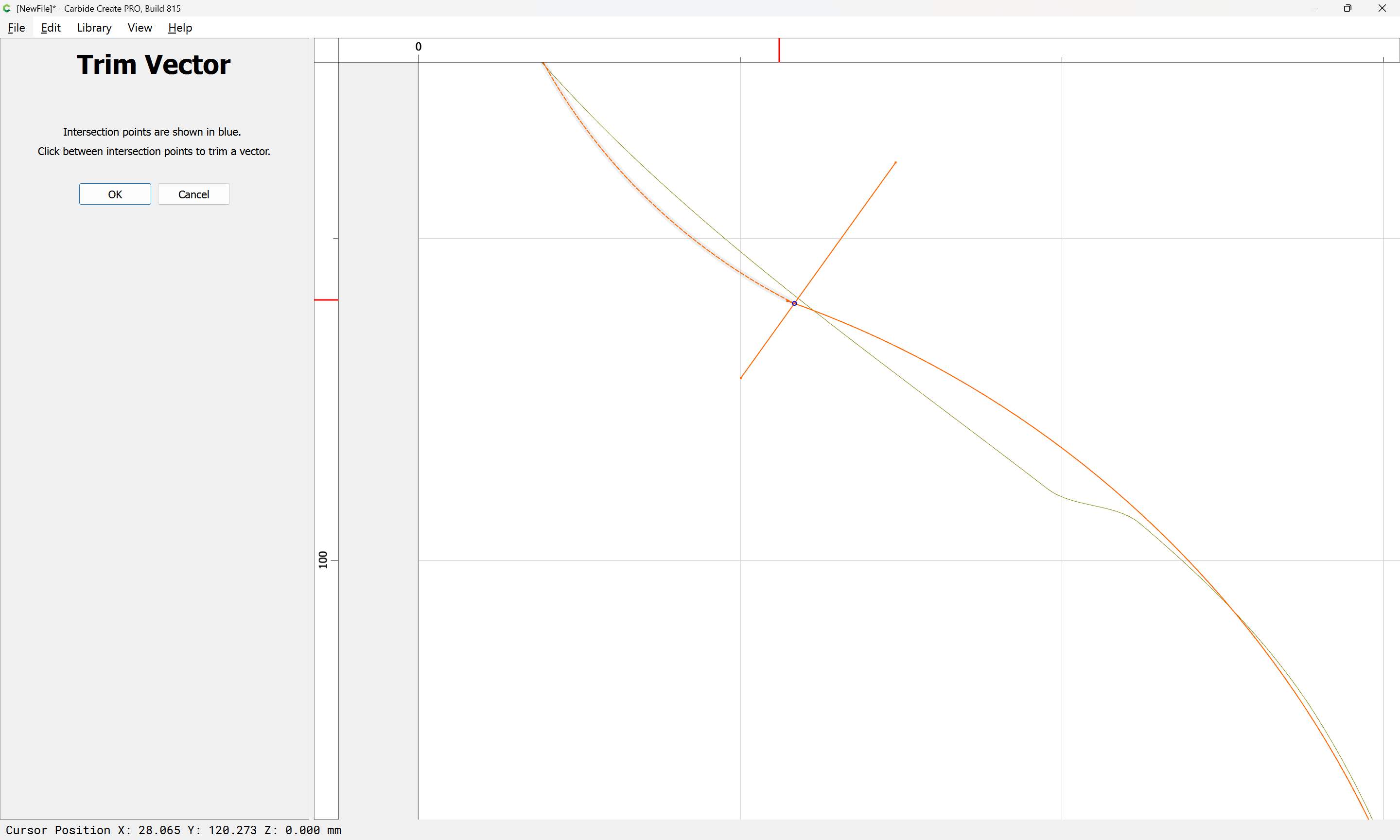
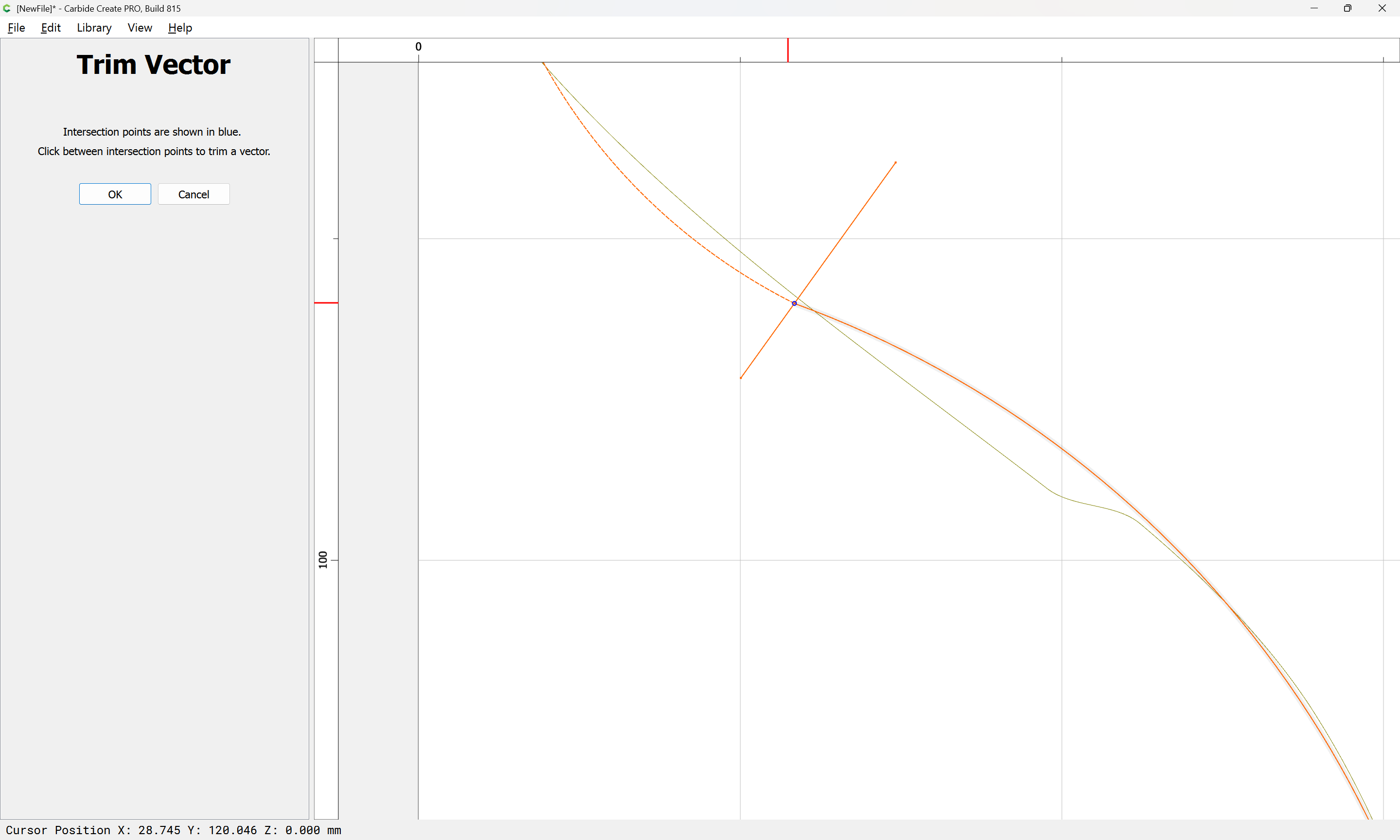
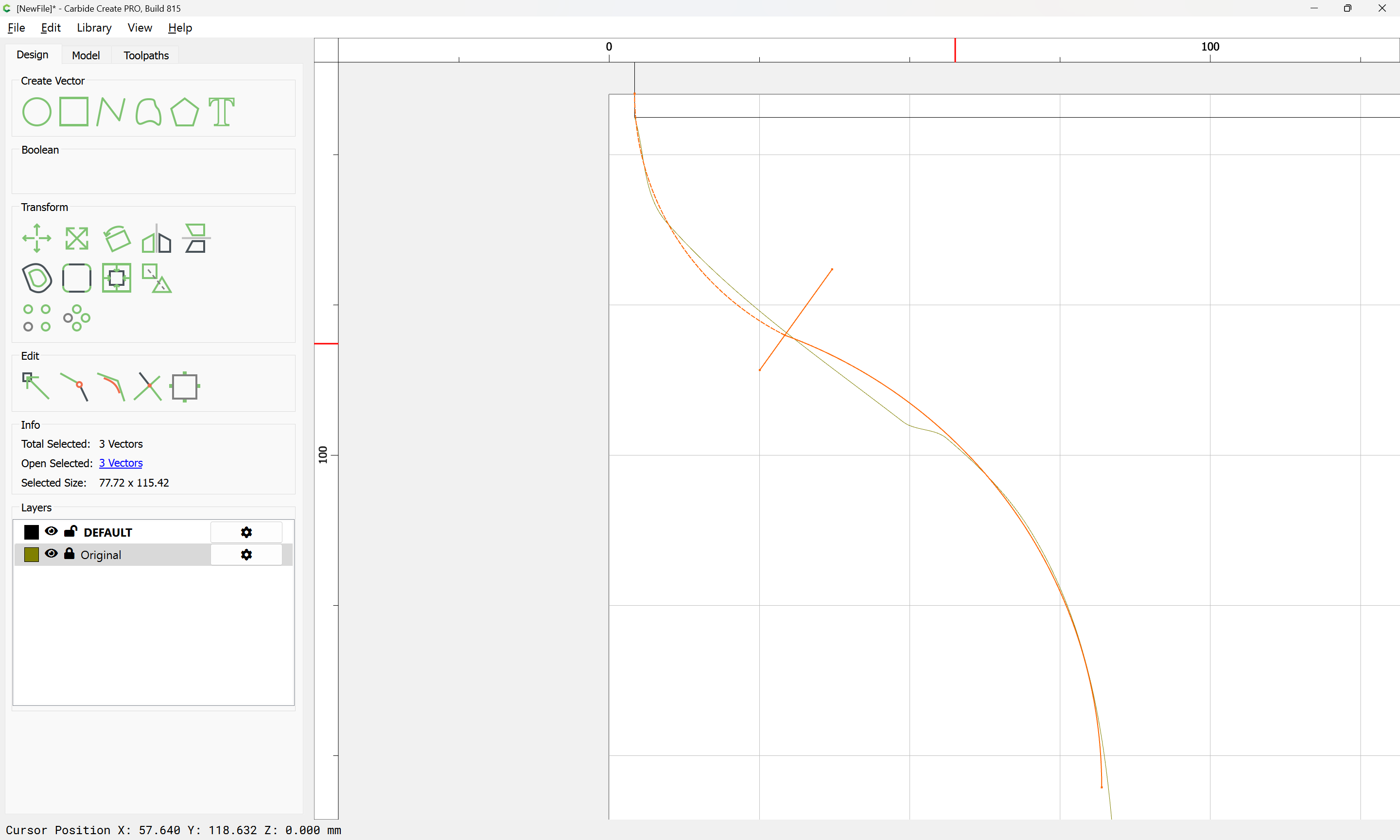
Where necessary, draw in lines:
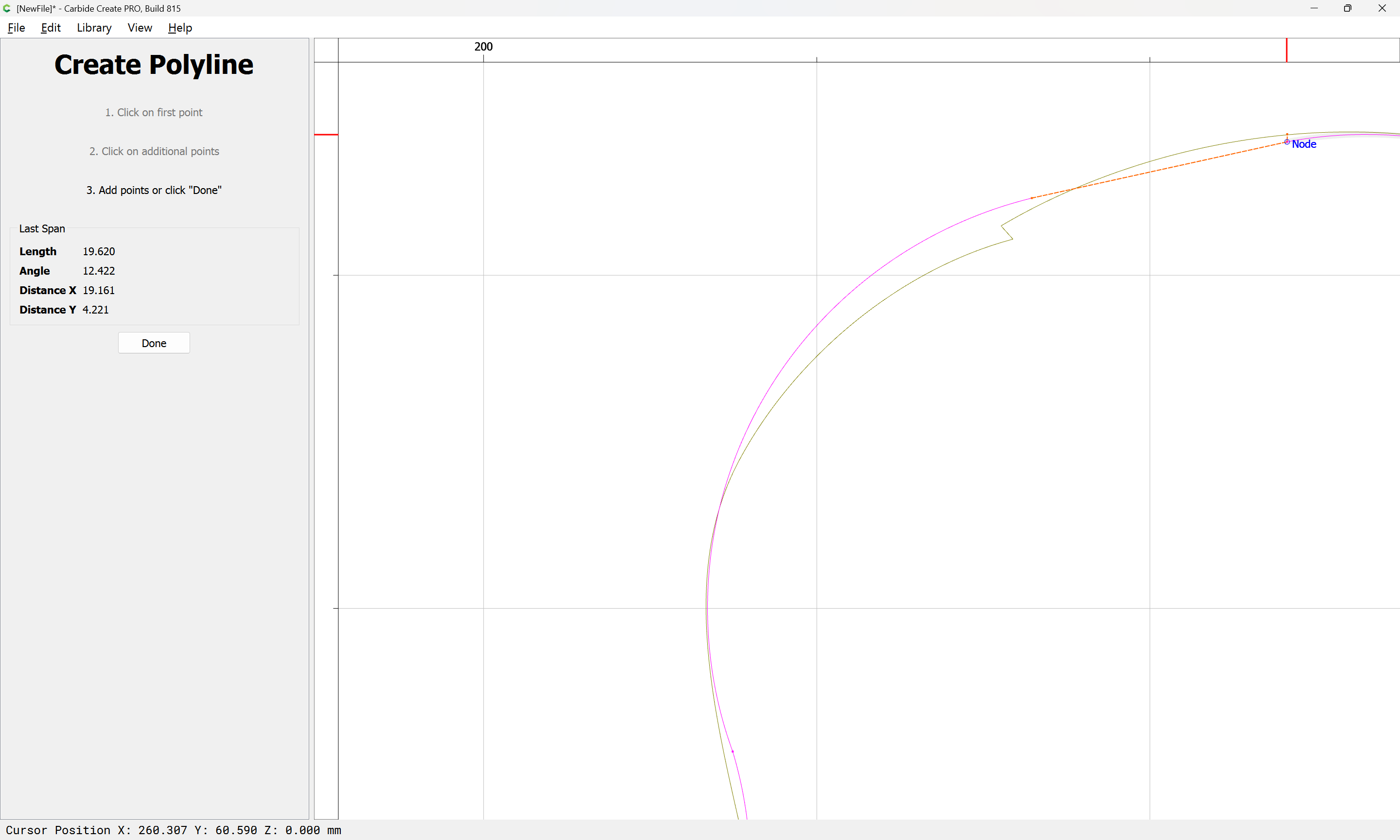
repeat until one arrives at:
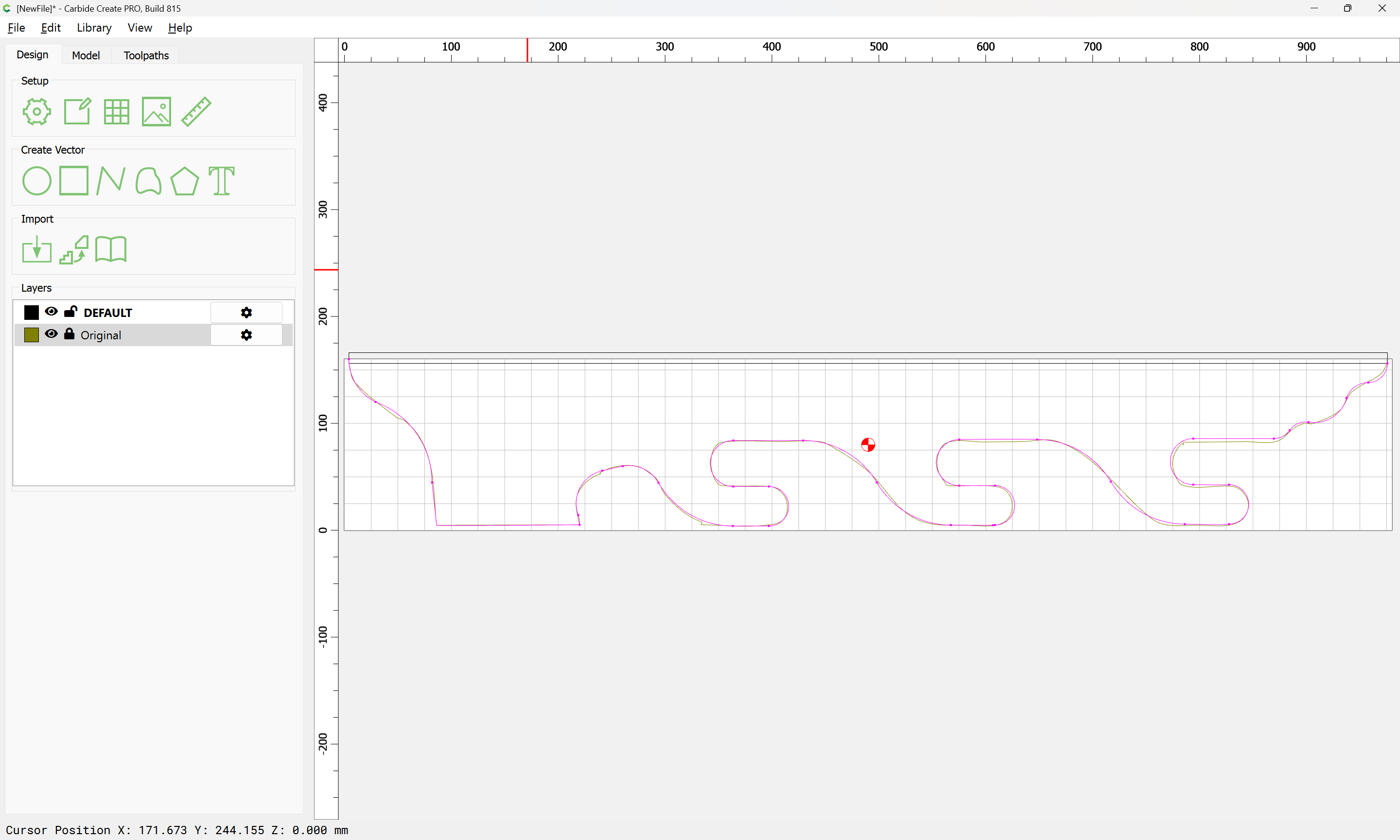
Adjusting a bit one arrives at:
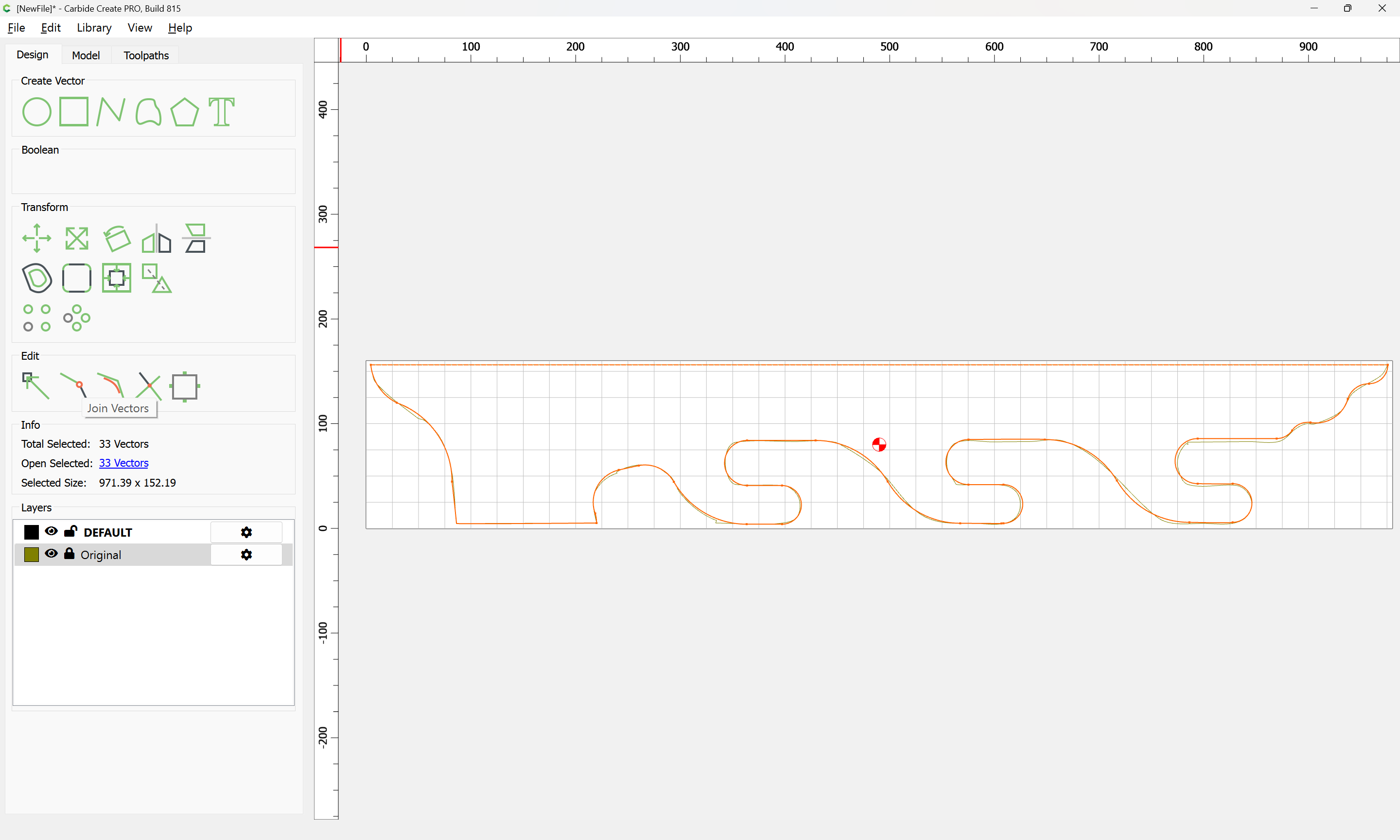
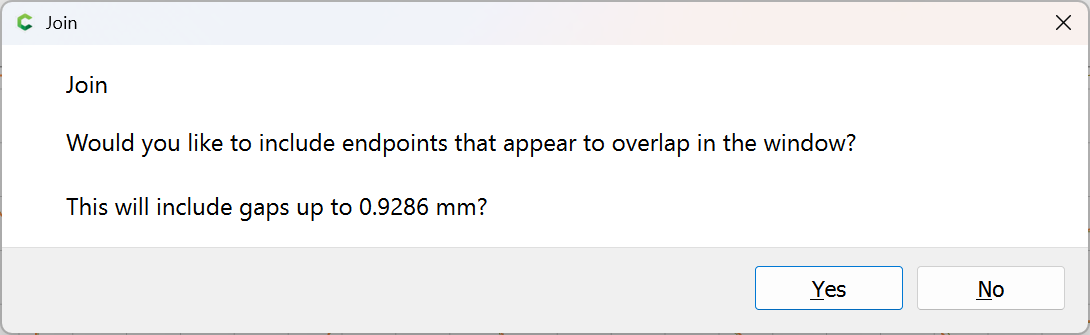
Yes
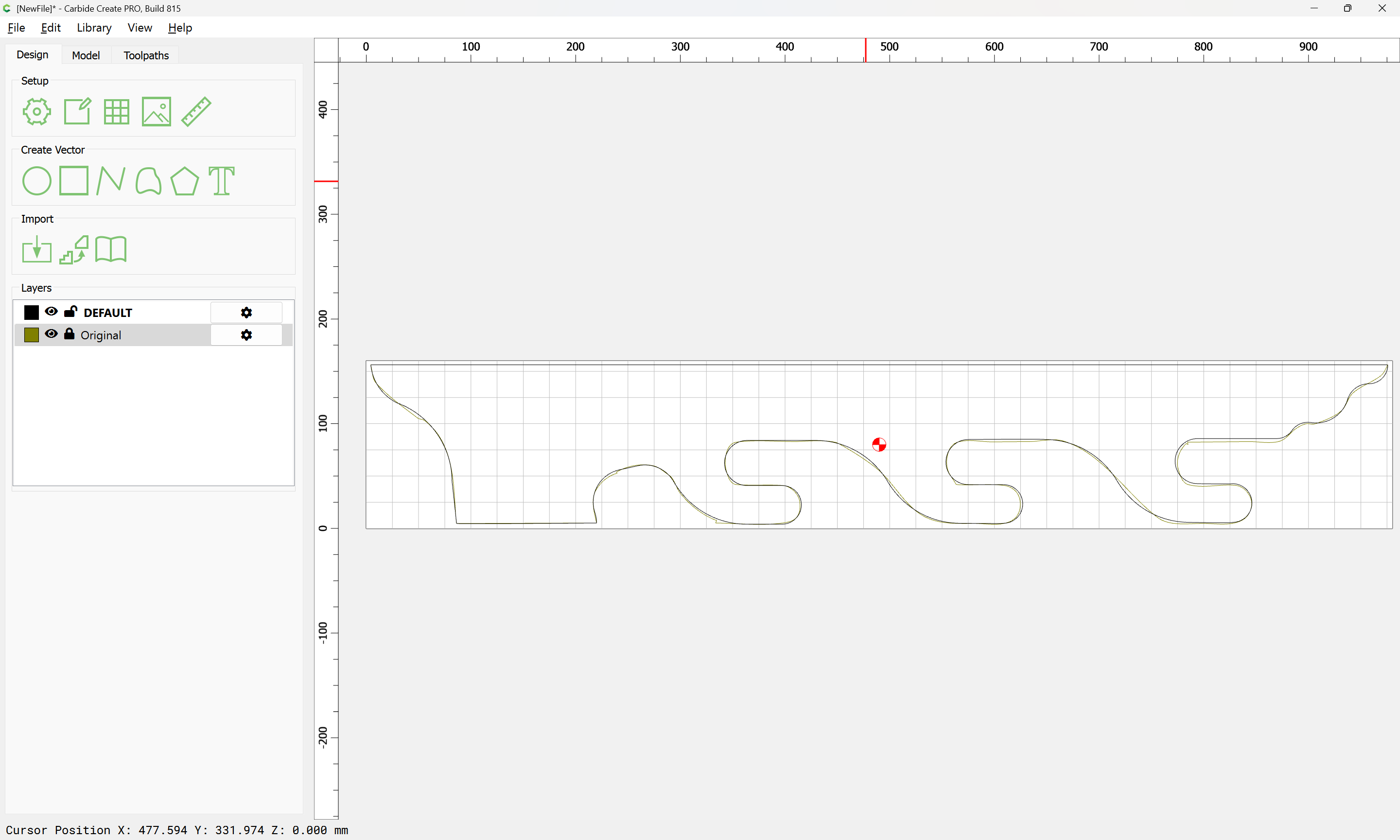
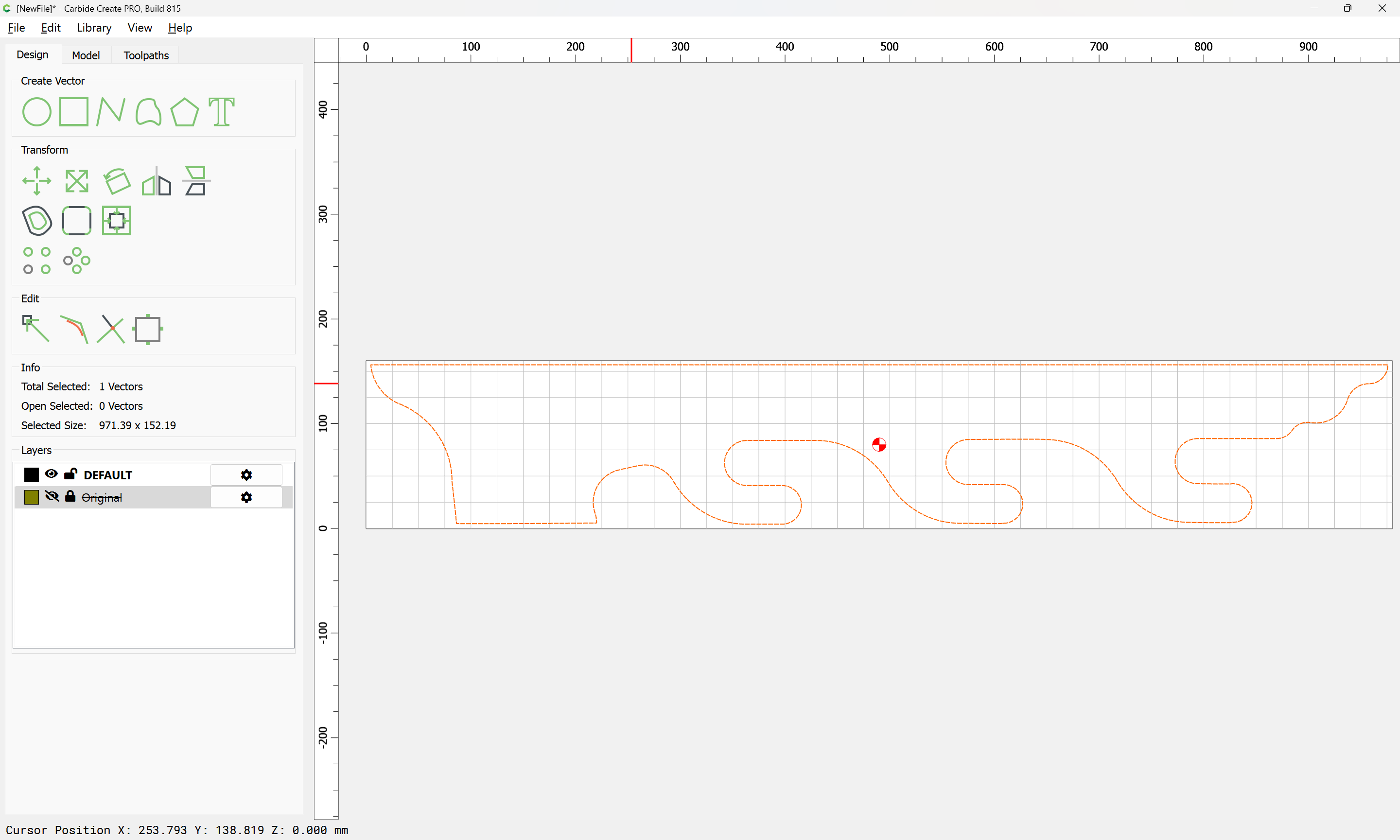
Adjust as necessary. Attached as a v8 file:
drawn_profile_v8.c2d (48 KB)
1 Like
Dang! That is awesome! And it left me lost…I have zero ability to do that. I really appreciate that. Im going to attempt to do it on my own and recreate what you did. Im going to need a ton of luck…thanks Will!
Thanks Guy. This is for my brother. He collects and restores old Winchester gallery guns. They are fairly small and lightweight. He was looking for a specific design. I’m just going to cut him a template and he is going to do the rest.
I would suggest adding felt to the rung of where the guns will sit in. This will help protect the metal and the stock from getting any unwanted scratches or just any markings on the gun from the hardwood. Just a suggestion.
2 Likes
For any complex task, break it down:
- draw circles to define curves
- break down the circles either using Node Editing or by drawing additional geometry to use with Trim Vectors to define what you wish to keep/remove
- draw in lines to connect the arc segments
If you get stuck, upload the file and we can walk through this with you.
Alternately, it can just be done directly using Node Editing, but w/o modifiers for constraint, that’s a bit fiddly (the work-around is to use a fine grid).
2 Likes
Thanks Will…very helpful…will cut tomorrow!
This topic was automatically closed 30 days after the last reply. New replies are no longer allowed.