I need help with 3D design. I haven’t found a really good tutorial for what I am wanting to do. I am looking to make a challenge coin tray with naval aviator wings 3D carved into them. (see photo for inspiration of what I am going for. I am using the latest version of CC Pro. This is my second 3d carve, and I really just don’t understand it. Can someone give me pointers on how you would accomplish this?

As a starting point see
If still stuck, let us know and we will walk through this w/ you.
1 Like
That was very helpful. I think I have it figured out (maybe). Can you look at the updated file and make sure I have it correct? I do have 1 question. My design is using a rounded dish shape rather than the flat pocket in the reference file. In my inspiration picture the object rises out of the dish. In my model the object is raised, but follows the shape of the dish. Is there a way to fix this, or would I basically need an STL that already combines the dish and object instead of creating a dish in CC and then importing the STL in it?
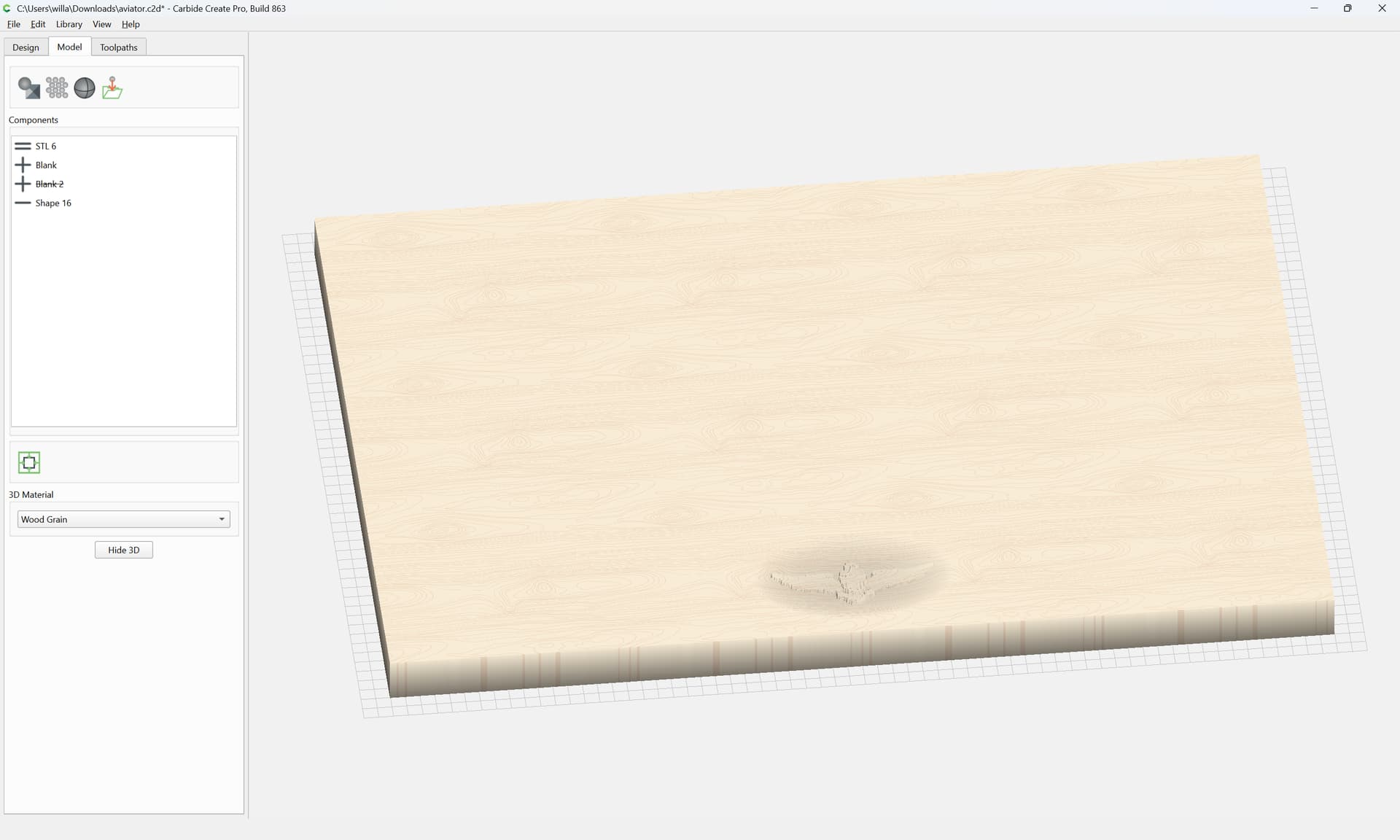
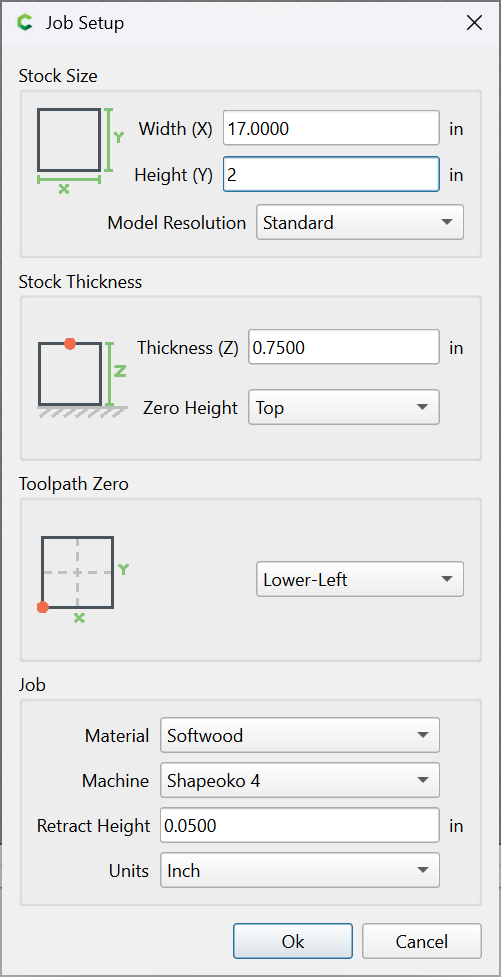
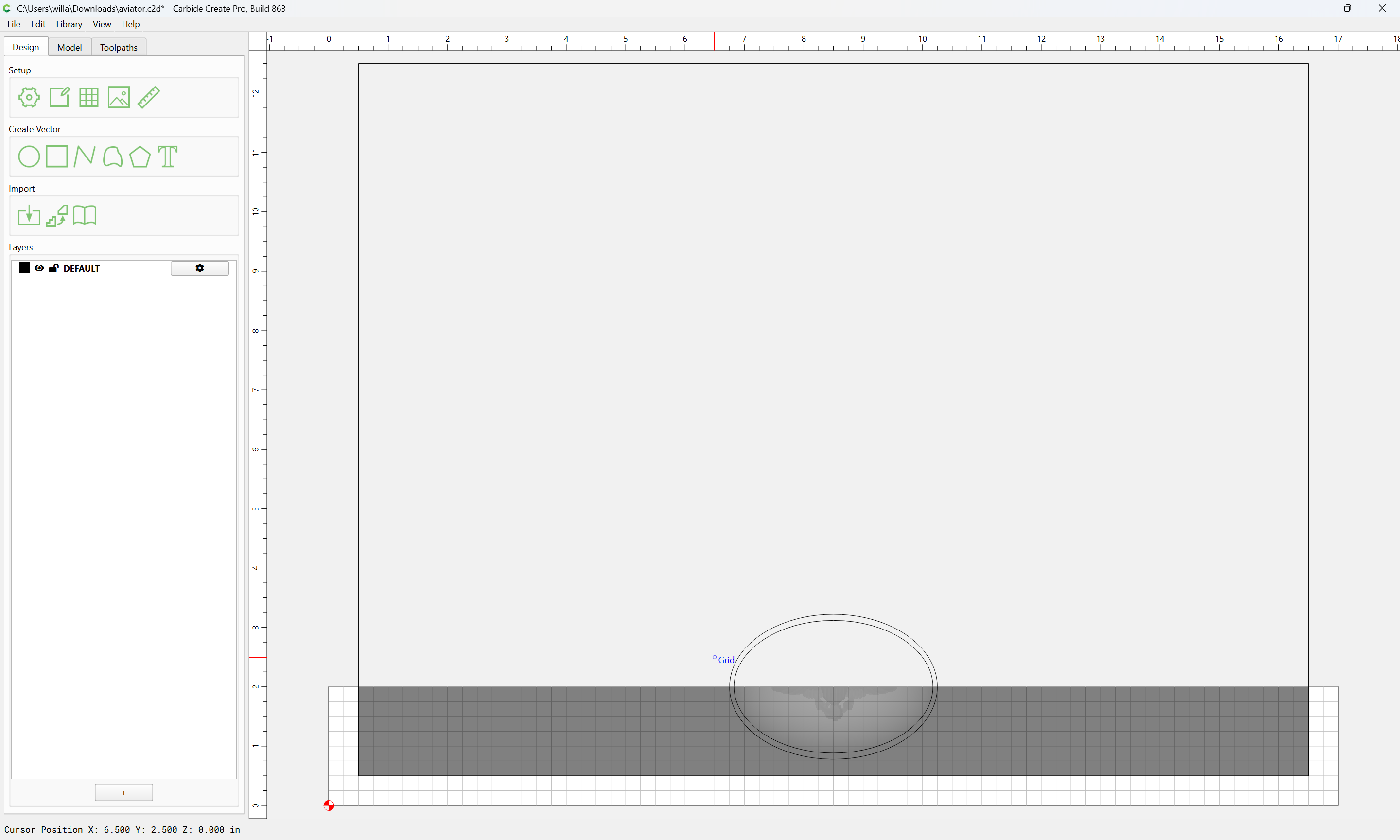
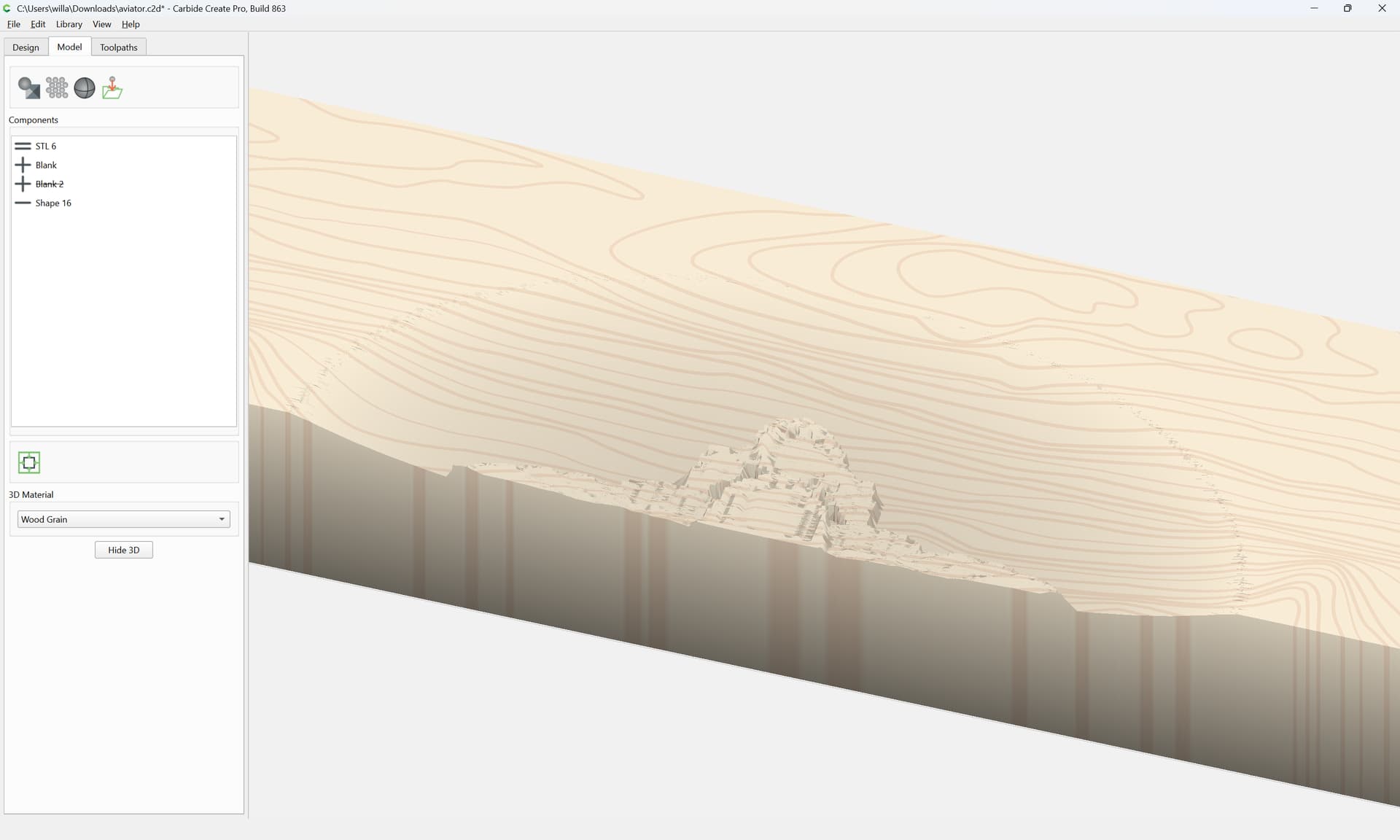
The dish shape is concave. The aviator wings (STL) are also concave as they follow the shape of the dish. Is there a way to make the STL stay flat in the dish instead of following the concave of the dish? Thank you for your help.
Order of operations:
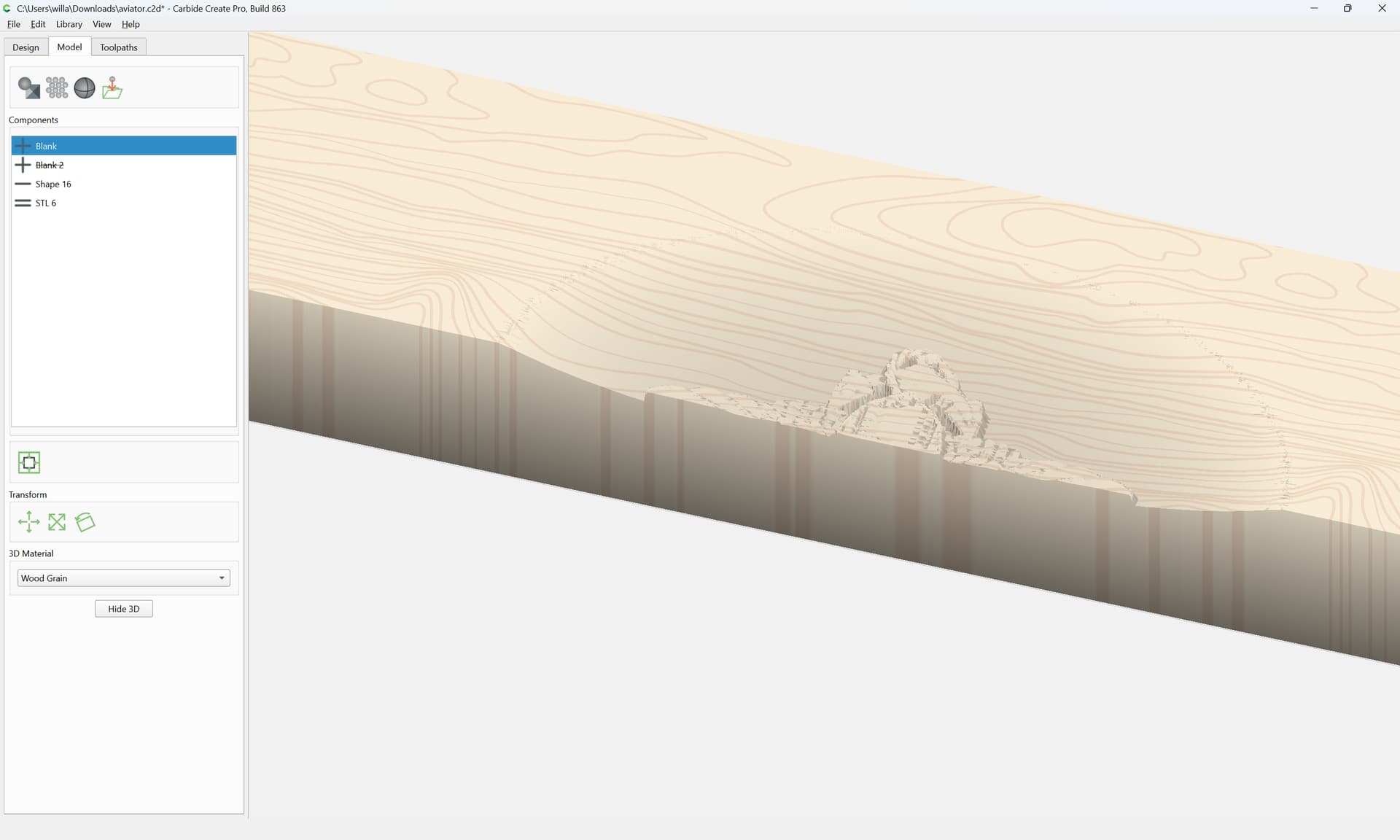
Move the = STL component below the ones which make the rounding shape and which were modifying it when it was higher up.
OMG. Thank you so much! I would have never figured this out on my own.