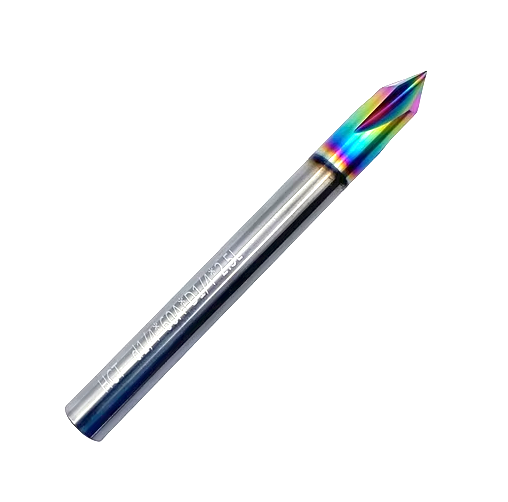
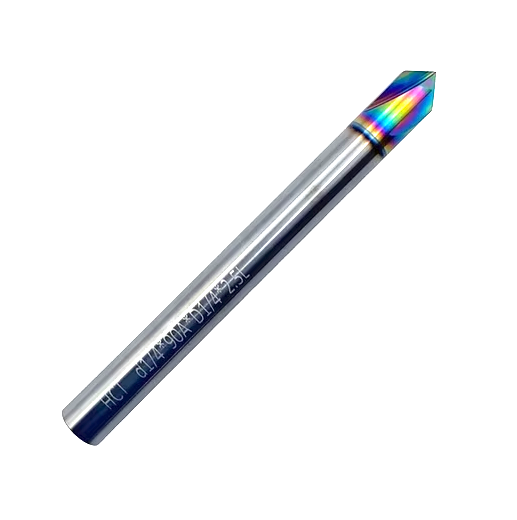
Although they have 4 flutes I would just tell CC it is the 90/60 degree stock bits. Make a test to see how they cut. Likely they will work just fine as the #301 (90 degree) and the #302 (60 degree) bits. If you dont like what they produce you can create a custom tool. @WillAdams gave a link above on how to produce a custom bit.
I have a long 1/8" down cut bit that I just tell CC it is #102. Works fine.
I have a 15 degree and 20 degree vee bits I bought on Amazon. I like them because with the steep angle you get an almost vertical side and with advanced vcarve opposed to a regular vcarve I get sharp corners on things.
If you do just use the #301 / #302 definitions, one thing I would do is increase the feedrate. With the conservative values that CC uses, and the increased number of flutes, you might get more rubbing instead of cutting.
Just take the original value, and multiply by, say, 1½ or 2.