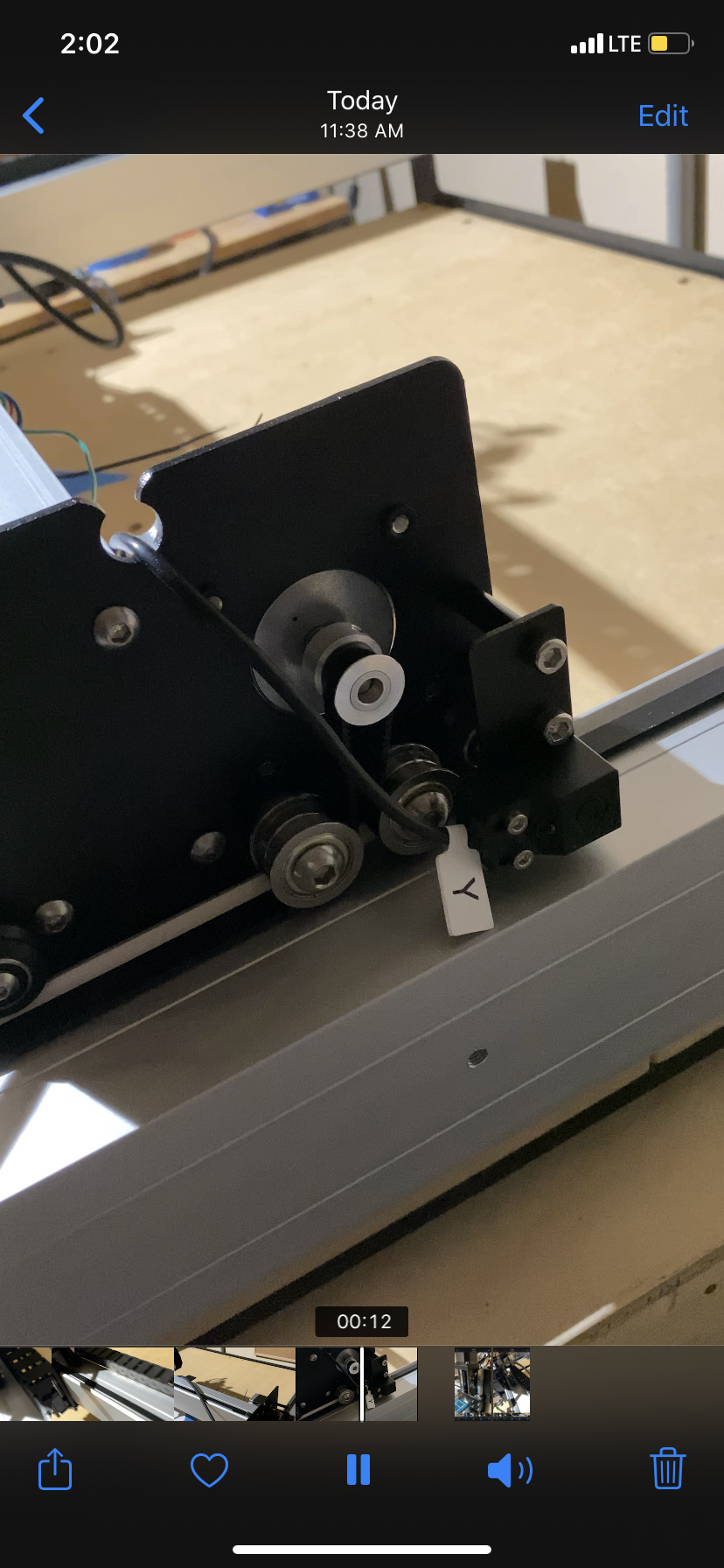
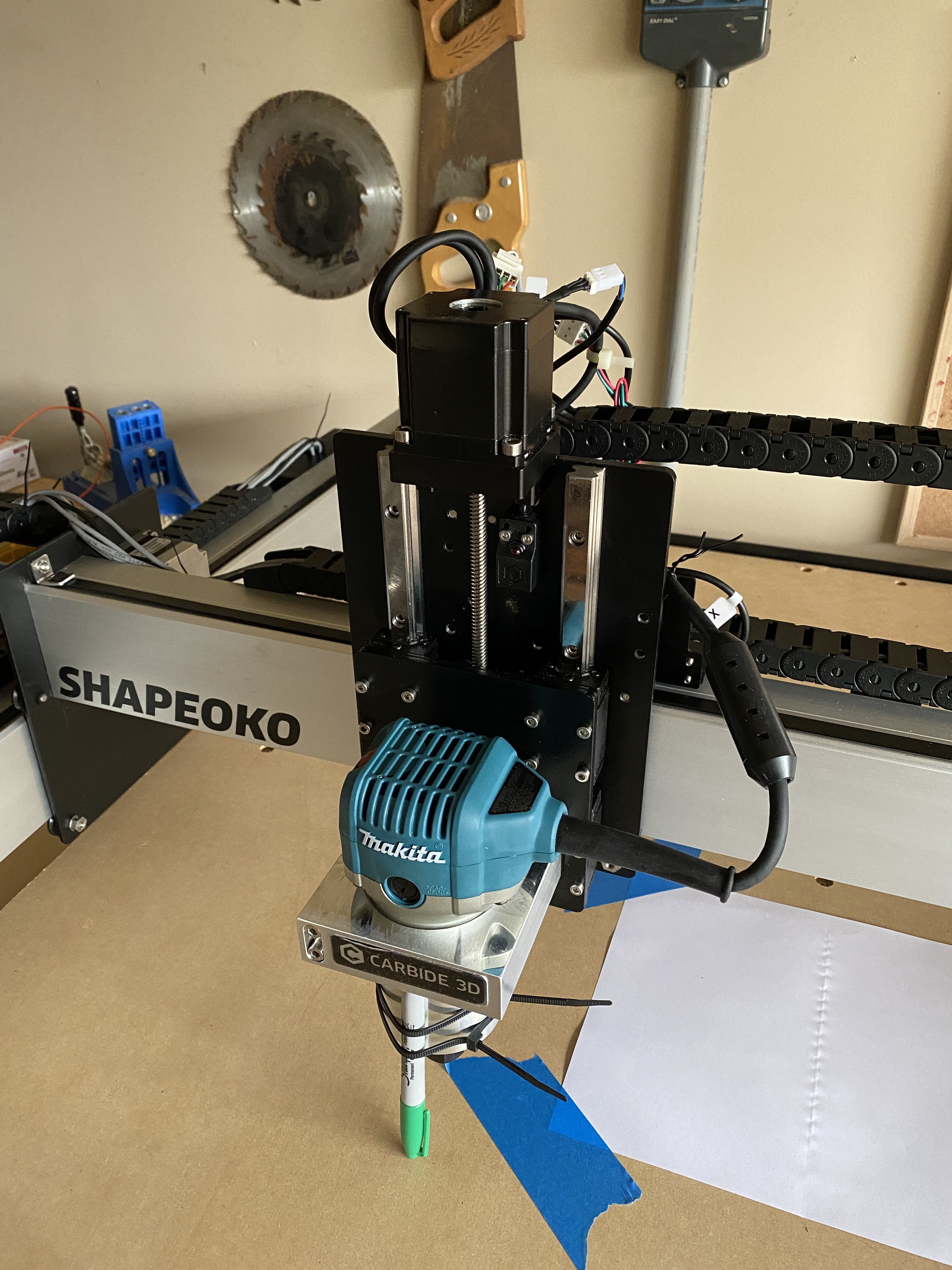
So I just got this cnc and by a miracle got it put together and went to go run the test and ran into this issue and I’m not most technologically inclined person so some assistance would be more than appreciated getting into this world!
The issue at hand is that when I click to run the hello world test the cnc is stuck and won’t move and makes a terrible noise and I’ve read to check the end switches and they look right but they don’t light up or anything? So I’m not too sure, can only post one since I’m a new member but any help would be appreciated
Welcome to the club!
Chances are your switches are not connected properly on the controller.
You should contact support and they should be able to help you “live”, but in the meantime you can do this:
Launch Carbide Motion, connect to the machine, and go the “Settings” menu (upper right corner)
In the window that opens then, there is a line called “GRBL Active input pins”: if you trigger the switches manually by bringing a metal object near them, you should see “X” or “Y” or “Z” printed there.
If not, re-check the wiring/connection of your switches. It’s easy to get it wrong on that tiny header on the board.
Checked them! All good! It’s like something’s making a loud vibrating sound right when I hit the Intialize machine button and it’s stuck and won’t move
So I think maybe my X is wrong? Because I got it moving just now but it’ll go to the far left rail and just band against it and say failed to home, this is where I have my X at rn
turn off the machine, move the axes manually (slowly!) such that X is a couple of inches away from its limit switch, and move Y as far as possible away from the Y switches (such that X will contact first), then launch homing and observe:
whether the X limit switch LED lights up or not (probably not based on your description)