After Carbide Create added “Layers” I’ve been using that feature A LOT, LOVE IT.
But I have stumbled on what appears to be a (tiny) bug.
Just downloaded 6.31, but I have noticed this with previous versions.
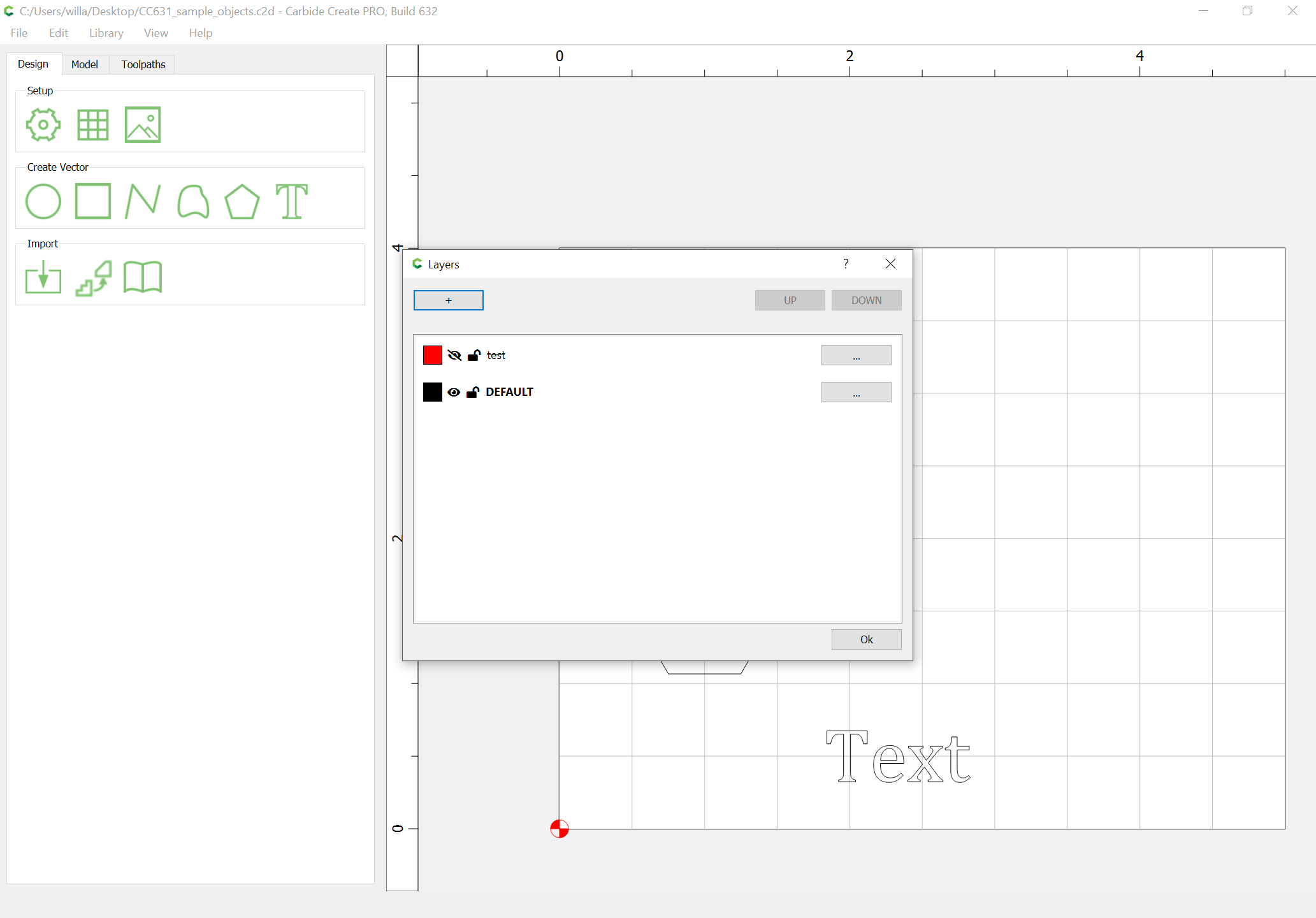
If the file contains multiple layers, and the first layer is hidden. I’m not sure if the bug is happening on the save or on the open. But when you open that file later, the top layer will no longer be hidden.
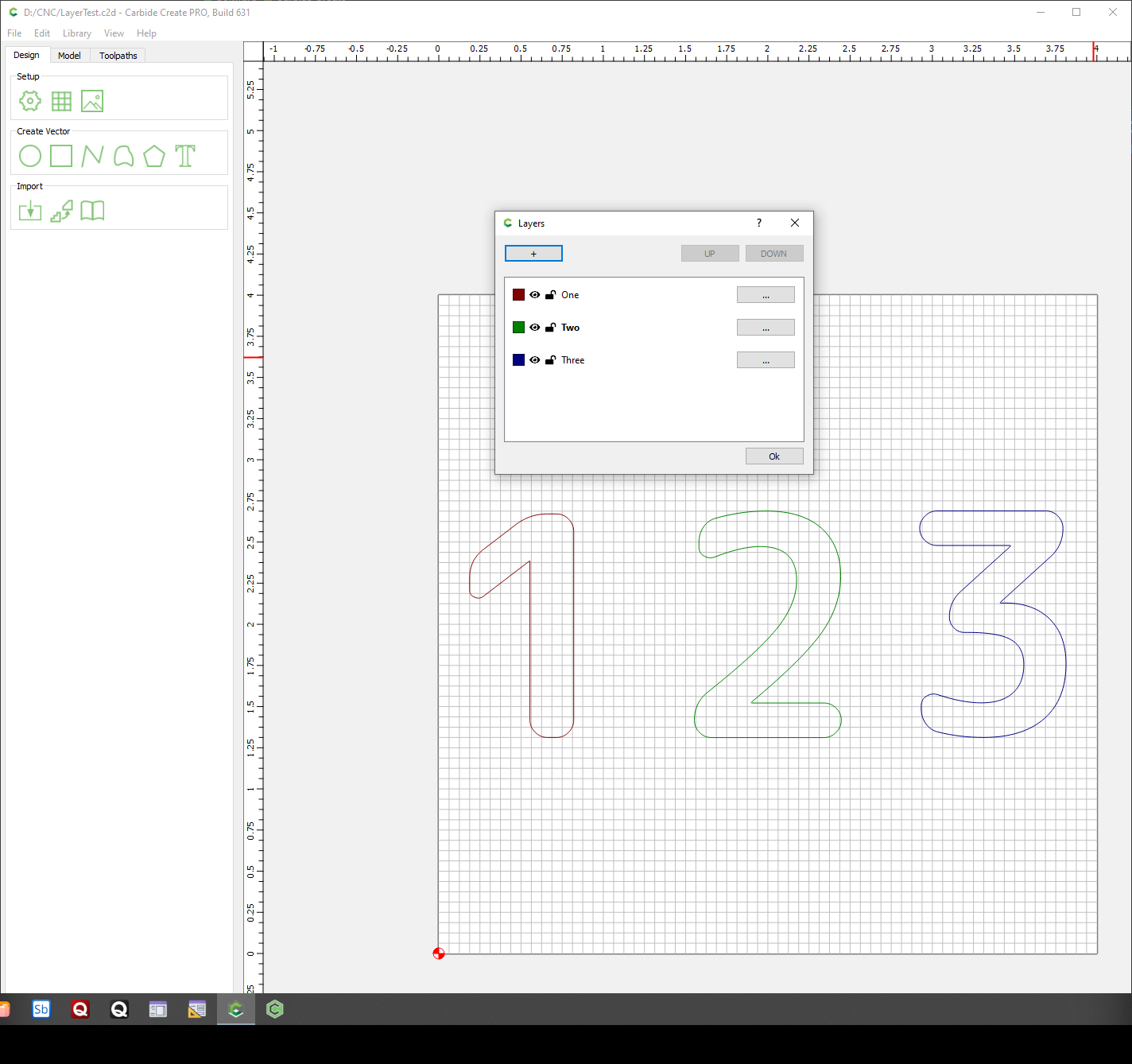
I am unable to reproduce this as well. My files come back with hidden first layers when they are opened as well as when they are imported. I even tried hiding the default layer as the first layer and that worked correctly as well.
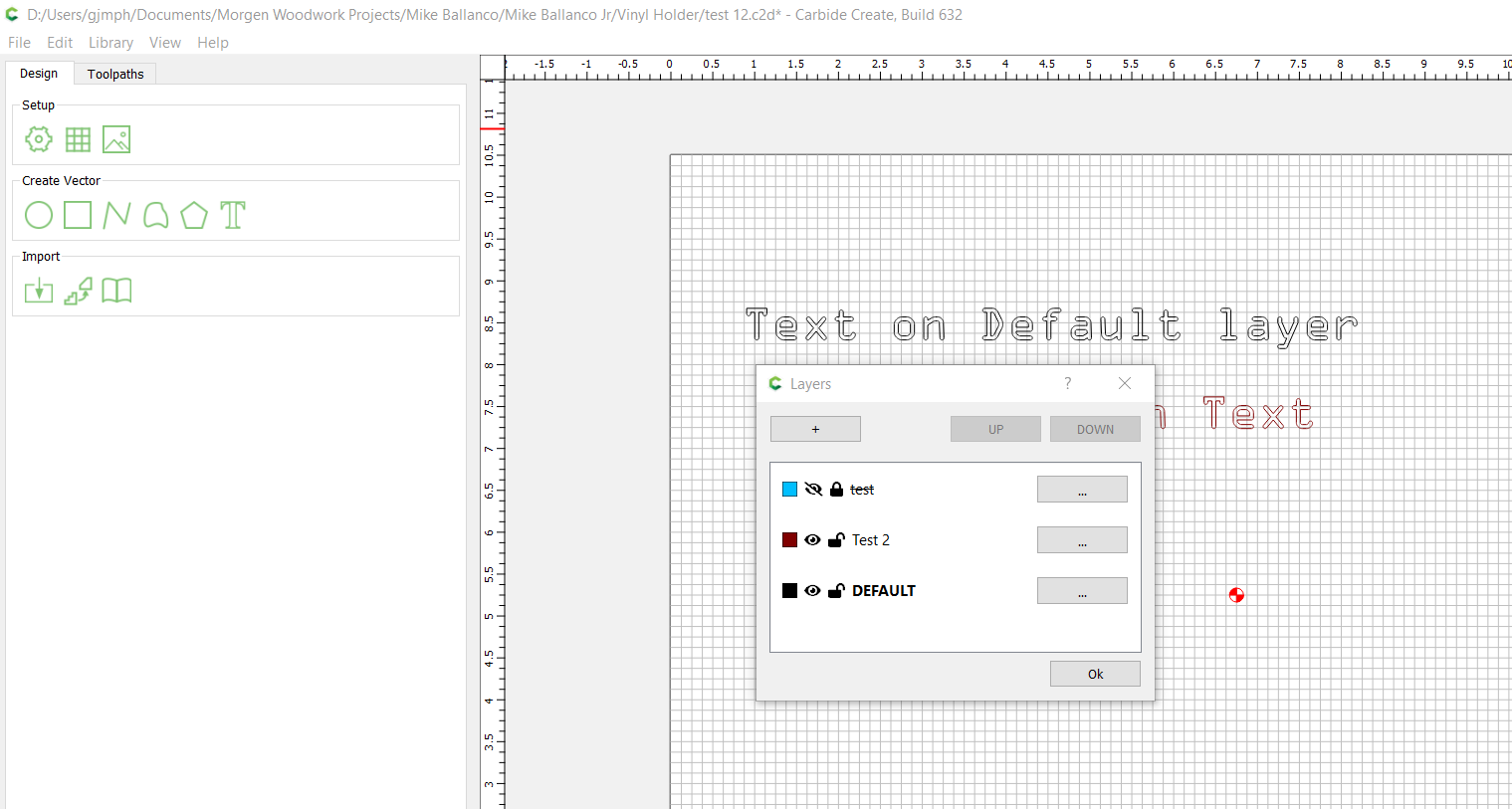
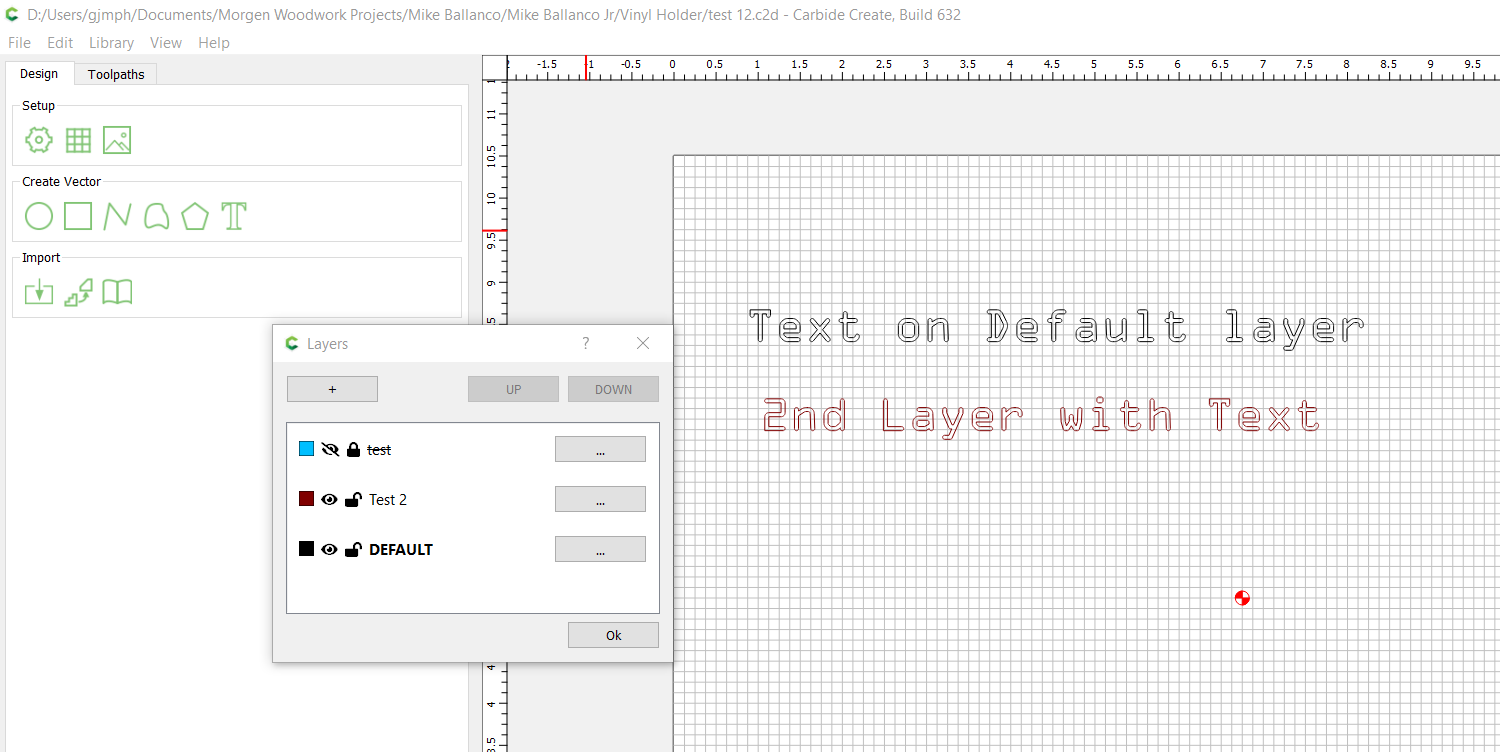
The first layer is no longer locked or hidden. I tried locking and hiding the second layer and it worked perfectly, the bug appears to only effect the first layer.
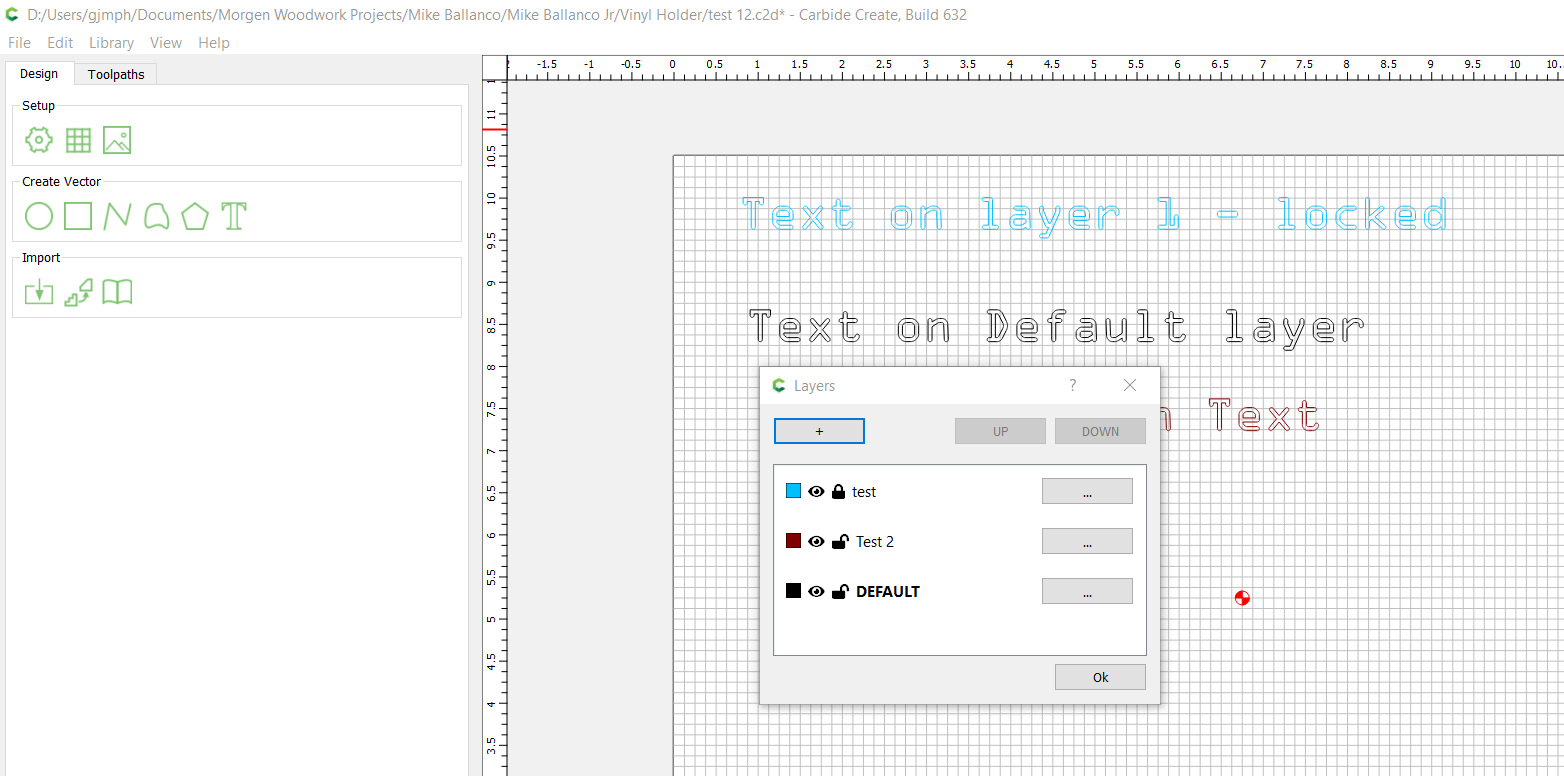
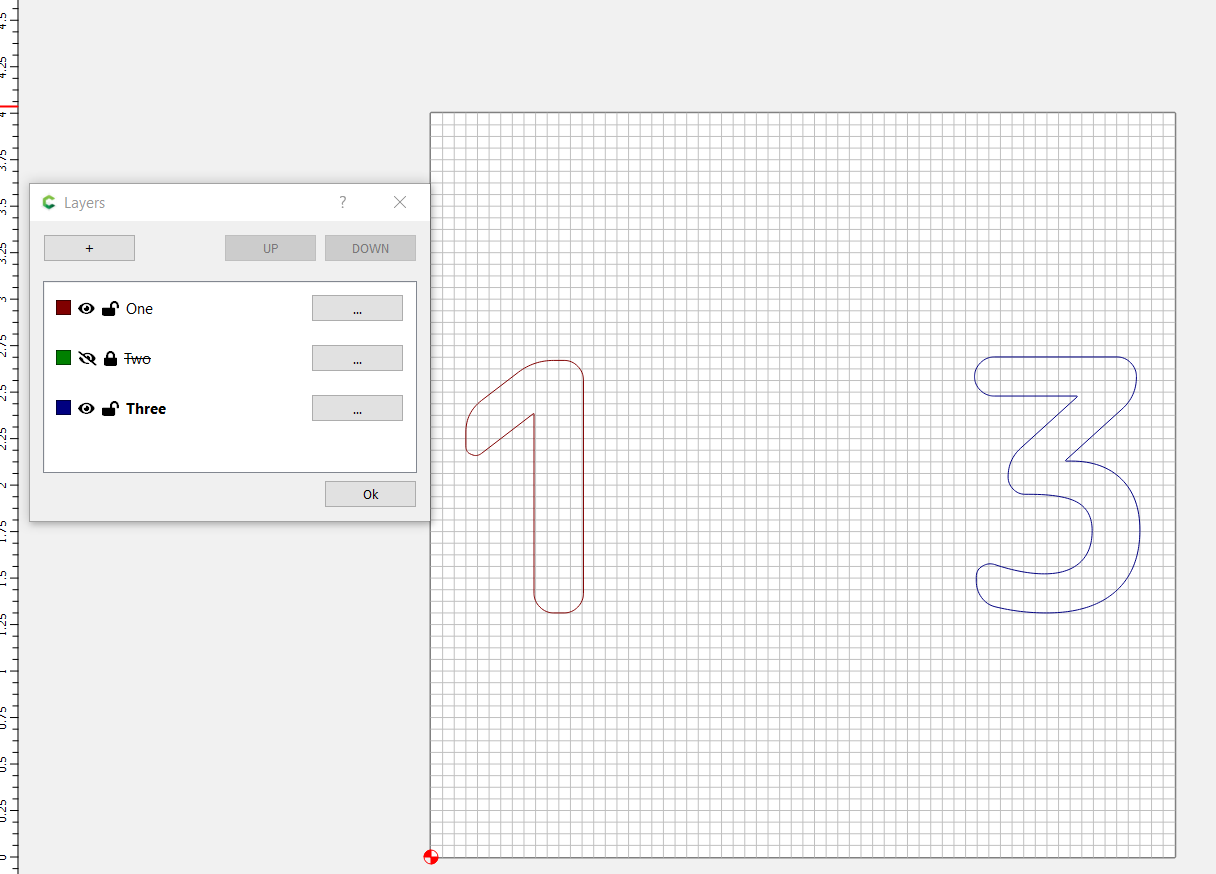
I cannot reproduce the error in 632. I was able to save the file with the first layer hidden and locked…and then reopen it and the layer was hidden and locked. I’ll need to play more to try to find out why it’s not failing for me…that might help to identify what’s really going on.
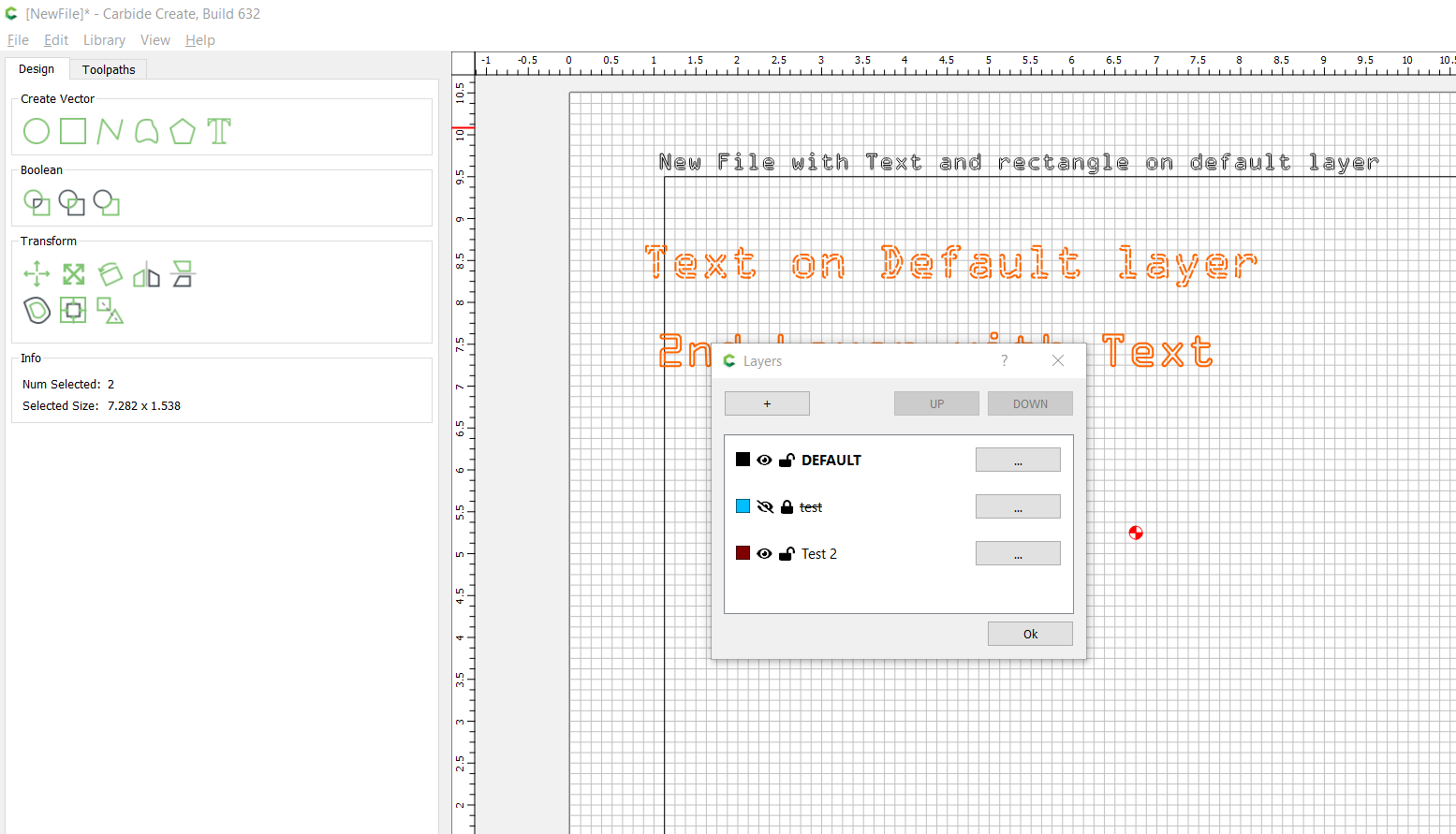
Interesting result…the DEFAULT layer is MERGED with the default layer of the new file.
But the first layer of the embedded file, which was hidden and locked, came in hidden and locked.
So it “worked” for me…although DEFAULT is apparently a “special” case and merged layers.
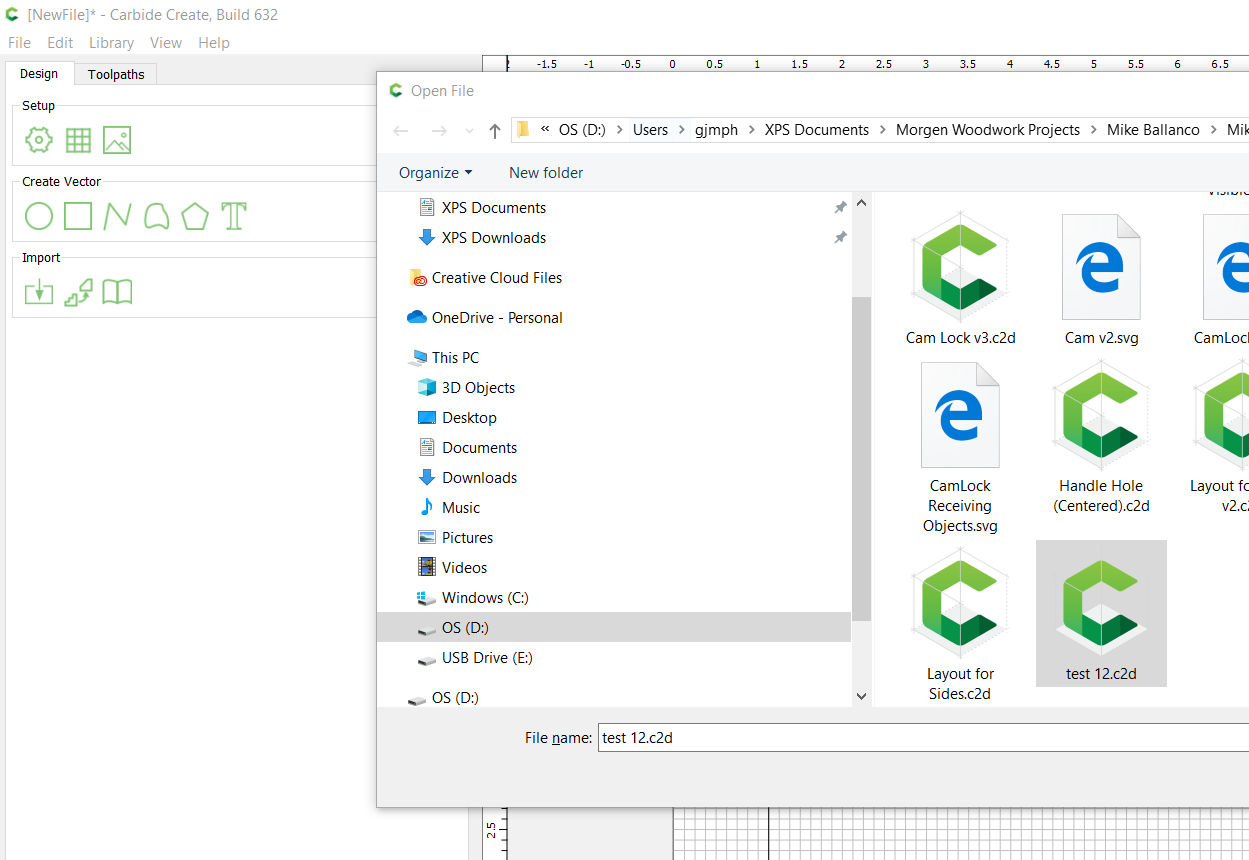
If I open my file test 12.c2d (1.2 MB)
from a FRESH instance of CC — everything works (as I showed above). I can load it several times and it loads properly each time.
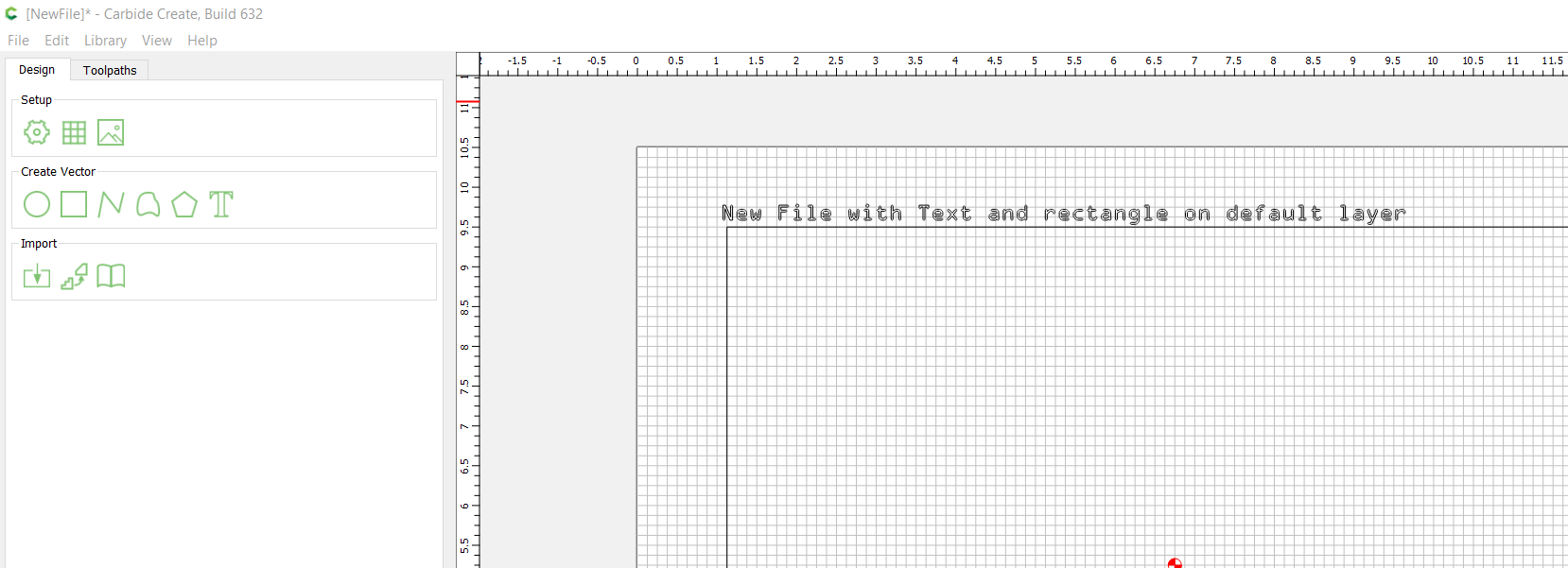
If I load Robert’s file into a fresh CC, it loads as I showed before HOWEVER
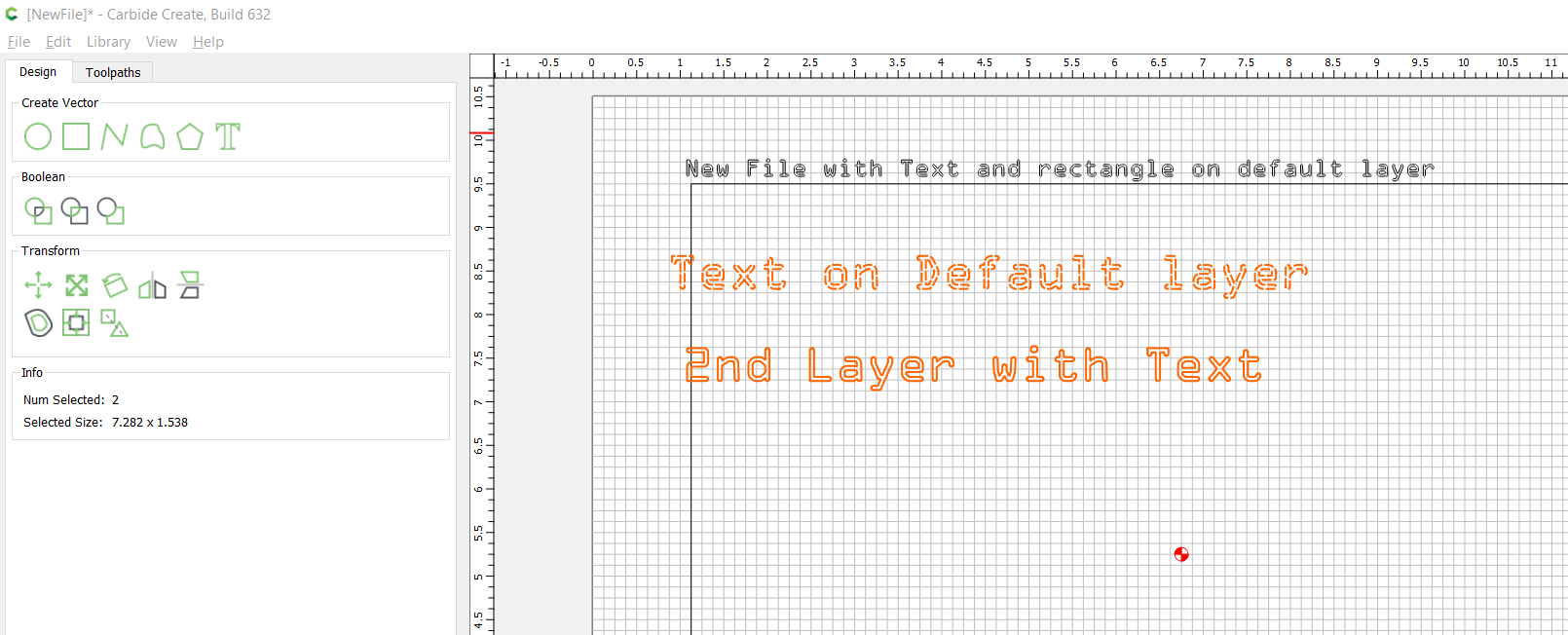
When I THEN load my file, I see the error!!!
EDIT: Selecting File New and then re-opening my file fixes the issue (it loads properly then)