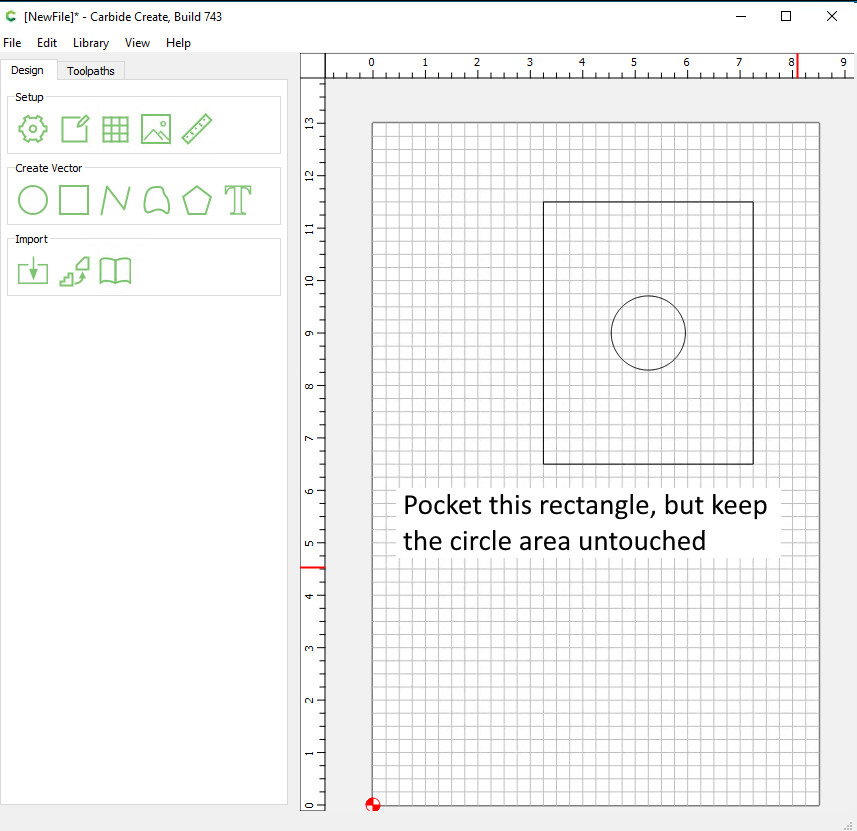
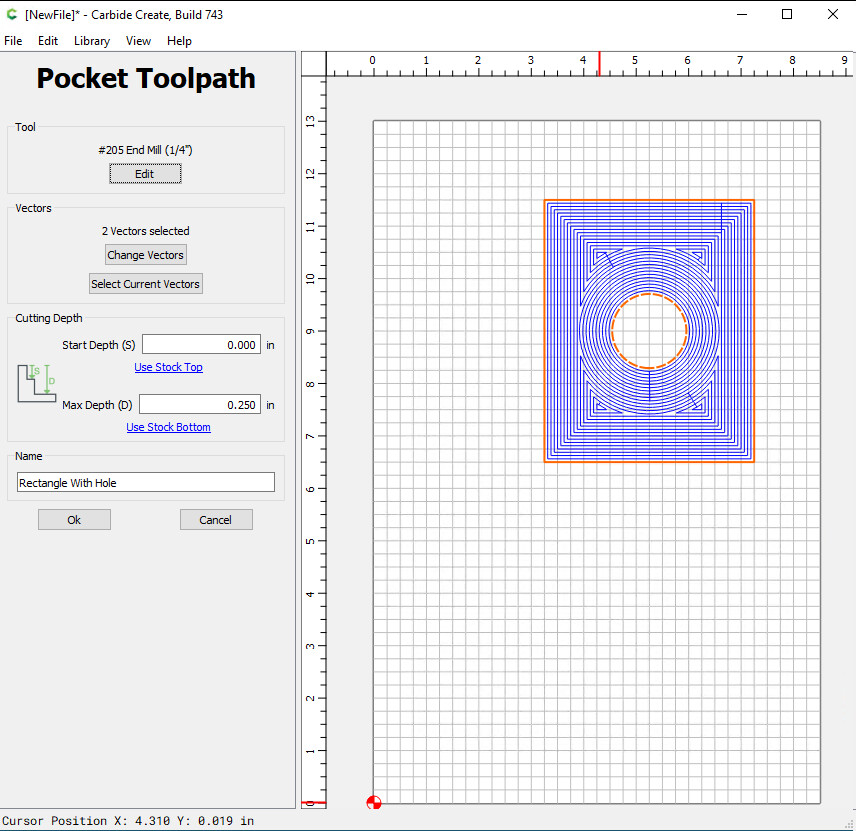
I am trying to create a pocket of a rectangle. But I want there to be a circle in the middle of the rectangle that is not pocketed. I tried Boolean Subtraction A-B and B-A, tried clicking on one shape first then the other. But the boolean subtraction doesn’t seem to like when there aren’t line intersecting (which makes sense). So how do I create the opposite of a hole in the middle of a shape?