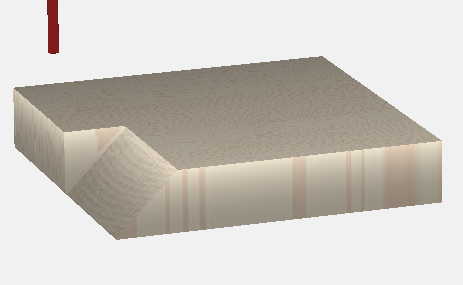
Hi there,
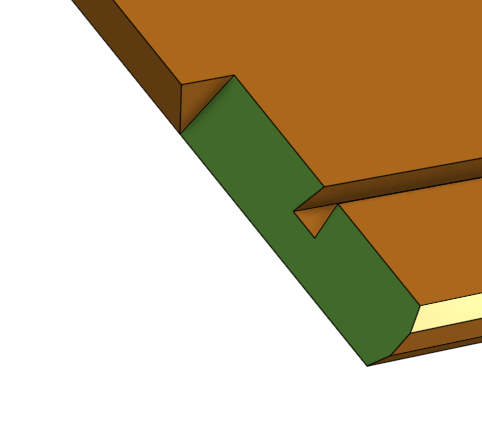
2 questions. How do I reproduce this cut, and how do I describe this cut when trying to find how to reproduce this cut? I suspect CC won’t do it directly, and that’s fine. Will CC Pro do it? if so, how?
It is a 45 degree mitre on part of the edge of what will be a nightstand side. I can make the 45 degree cut with a series of contour cuts, but since its not a thru-cut, the edge comes out wonky.
Any pointers on how to do it, or what software I need to buy to do it would be wonderful.
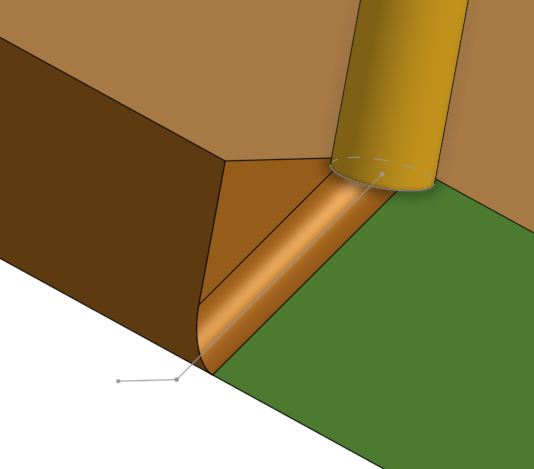
I should be able to approximate that edge by doing this:
And then either finish it with a chisel, or just leave it rounded, and round my matching piece.
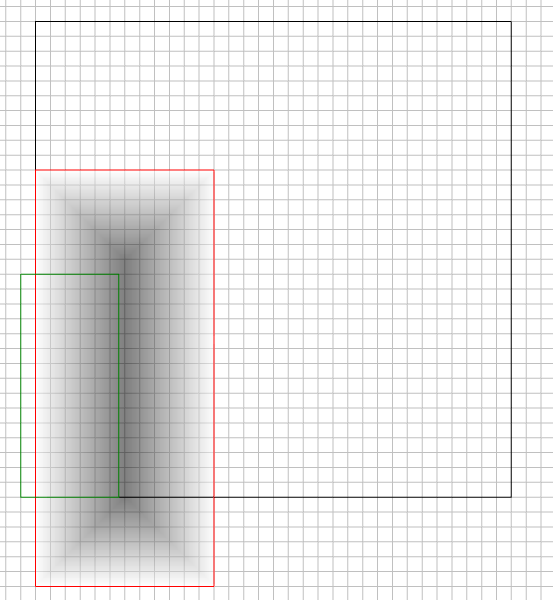
The cut path for a normal endmill would be the gray line.
No. that part I can already make. I’m talking about the green surface (I’d call that a mitre cut), and the path needed to approximate the back edge. I’d call it a plunging channel cut or a plunging groove.
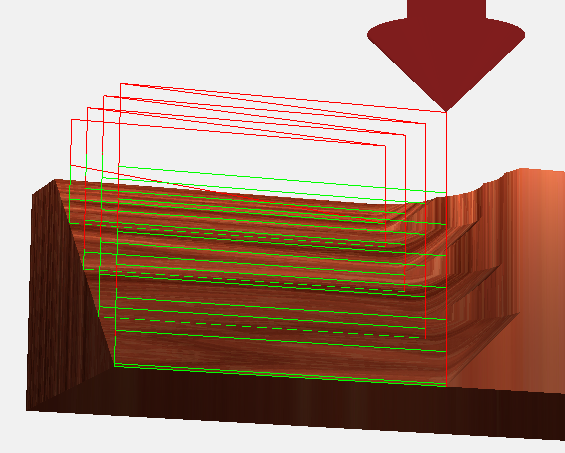
The 2nd image is the toolpath simulation. The beveled face will have scallops, and the wall will have an elliptical fillet from the round end mill. Both remedied with a little hand work.
Another issue being the last pass on the 3D finish path at the wall is not exactly tangent to the designed edge of the wall, so it’s leaving a couple thousandths of material on that wall.
So, if you’re saying it can’t be done precisely with CC 3D toolpaths, then you are correct.
It can however, be what my math teacher described as, “Close enough for all practical purposes.”
i.e. If you line up all the boys on one side of the room, and all the girls on the other side, and at even intervals halved the distance between them, in theory they would never meet. They would however, become close enough for all practical purposes.
 I suspect CC won’t do it directly, and that’s fine. Will CC Pro do it? if so, how?