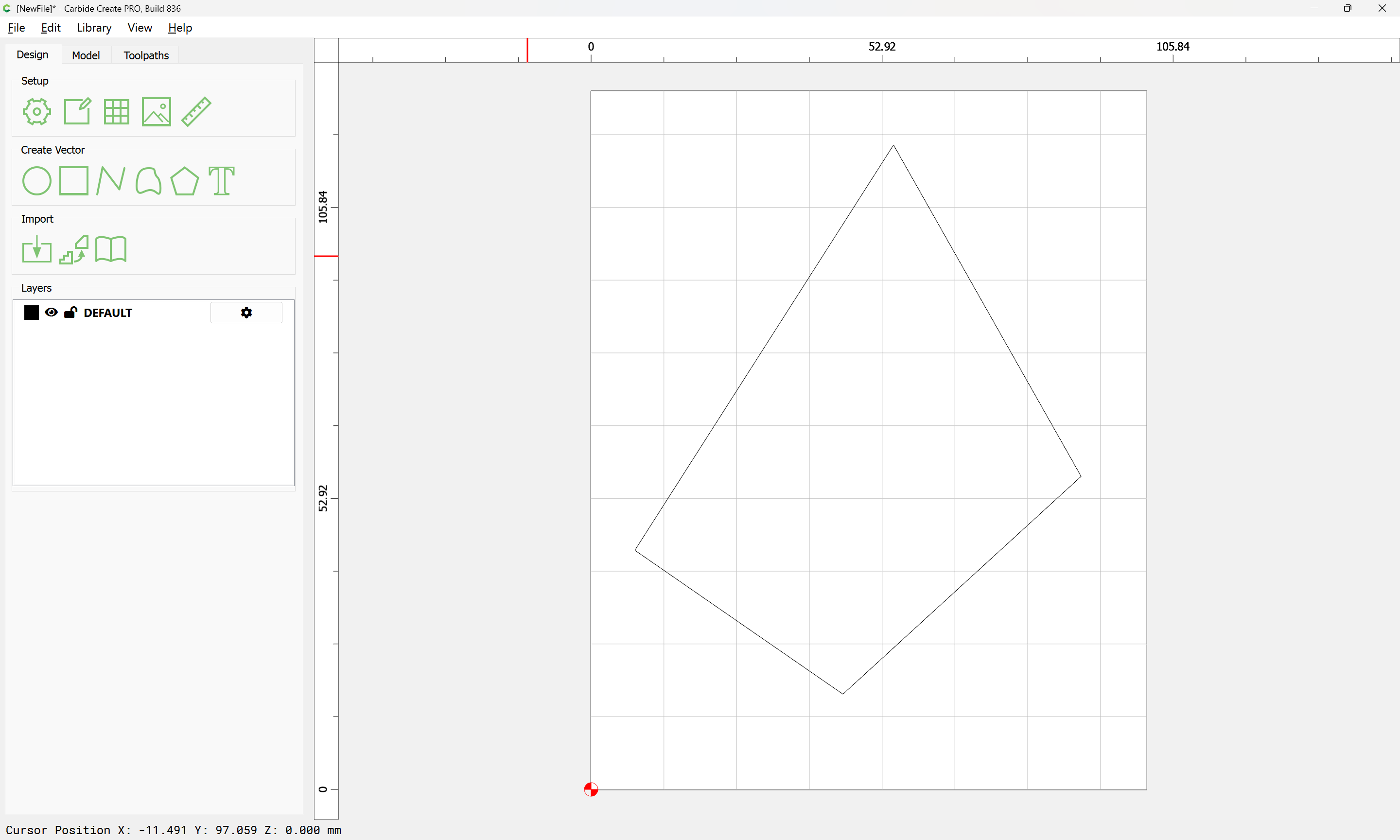
as requested on support…
Some programs have an “Extend Vectors” function where a partial shape is filled in.
While Carbide Create lacks this feature as such, the same result is easily arrived at with other features in the program.
Given the vector:
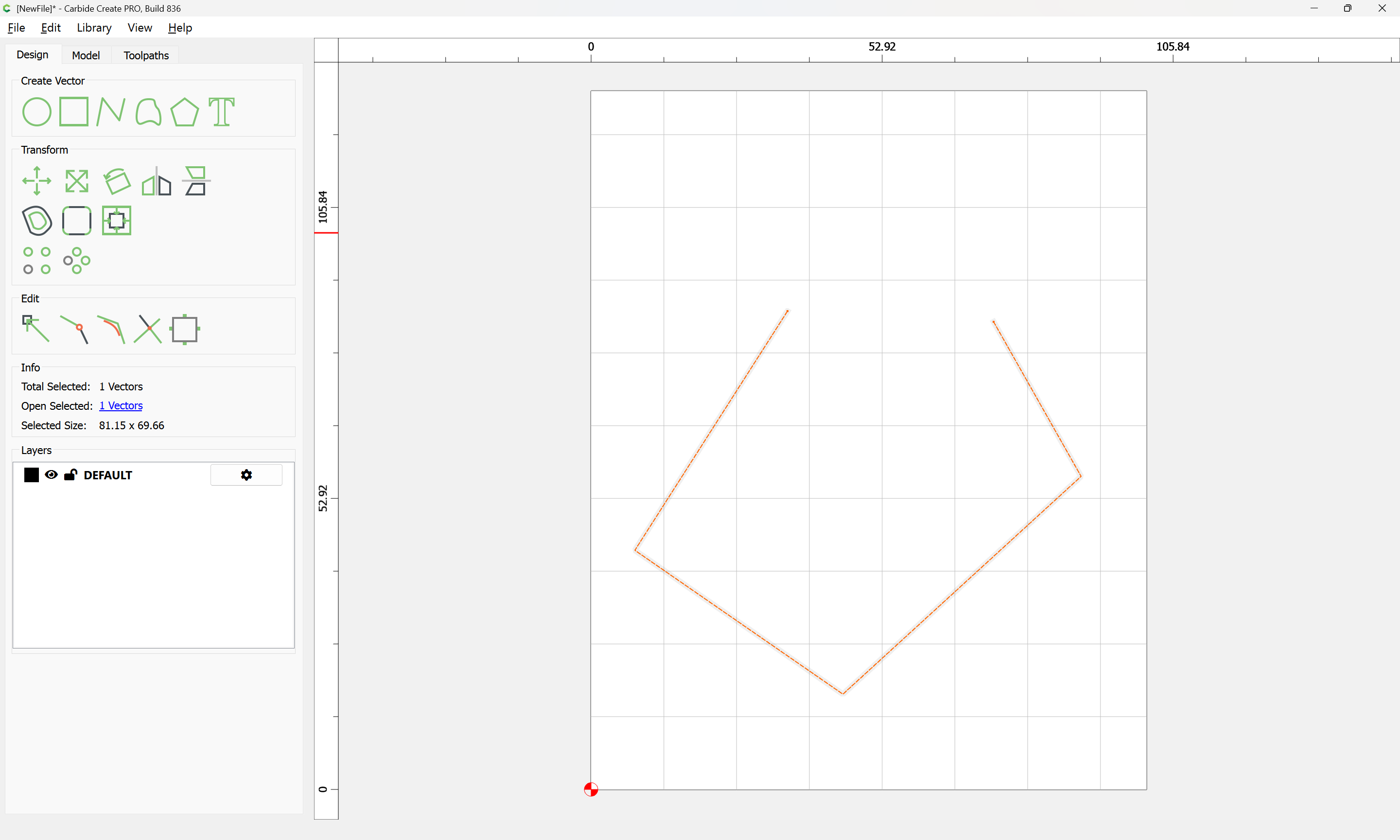
which one wishes to appear as:
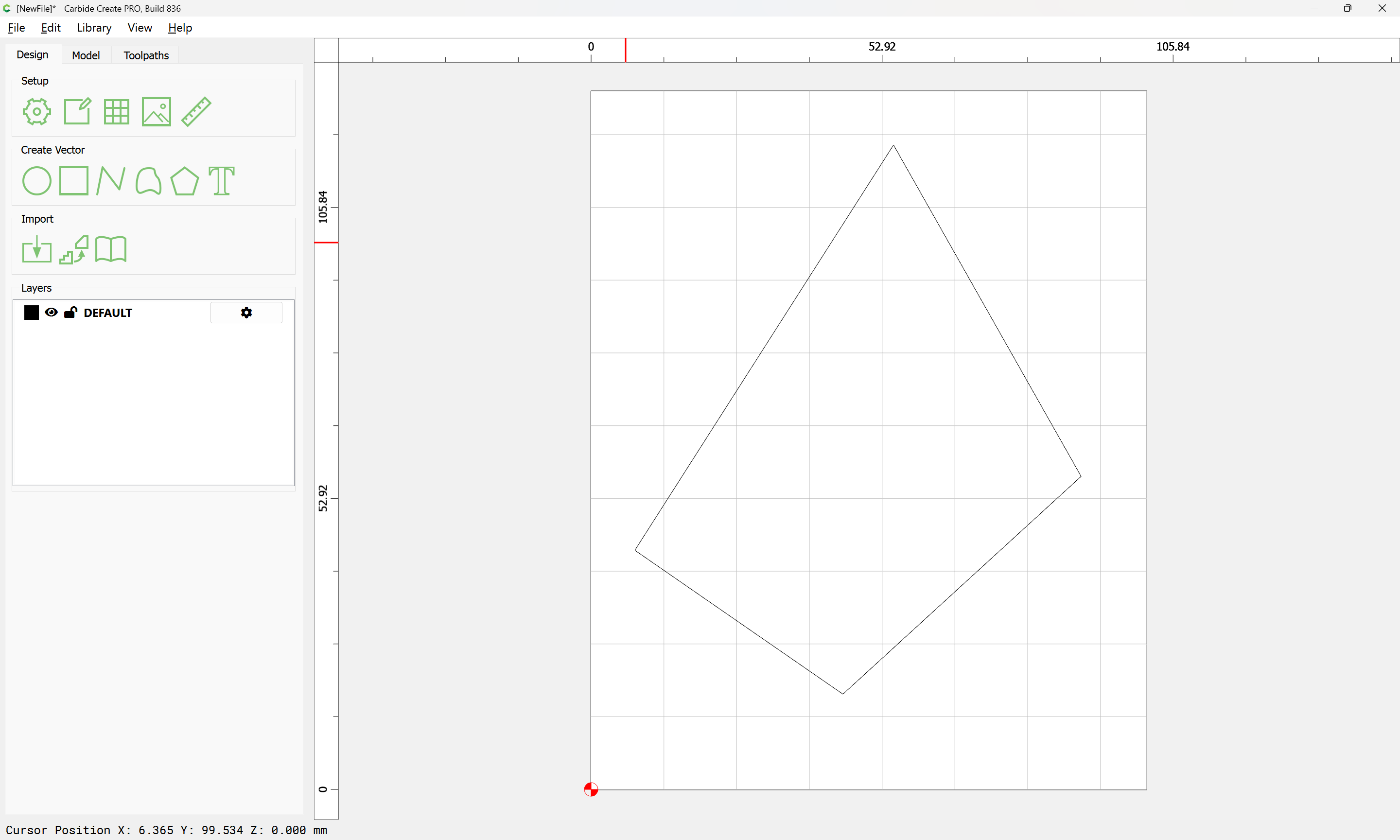
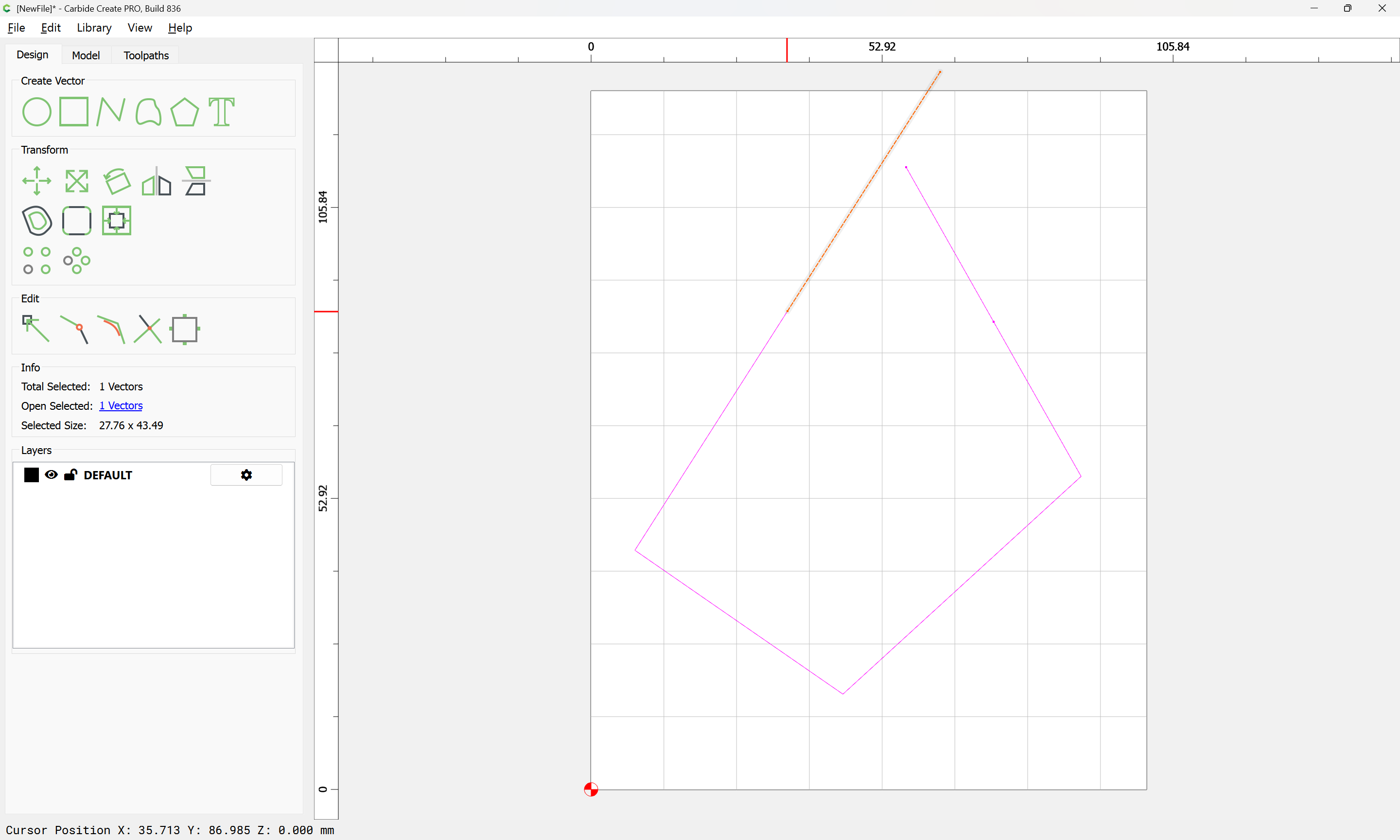
Then one needs two lines of a sufficient length, this may be made by copying the geometry:
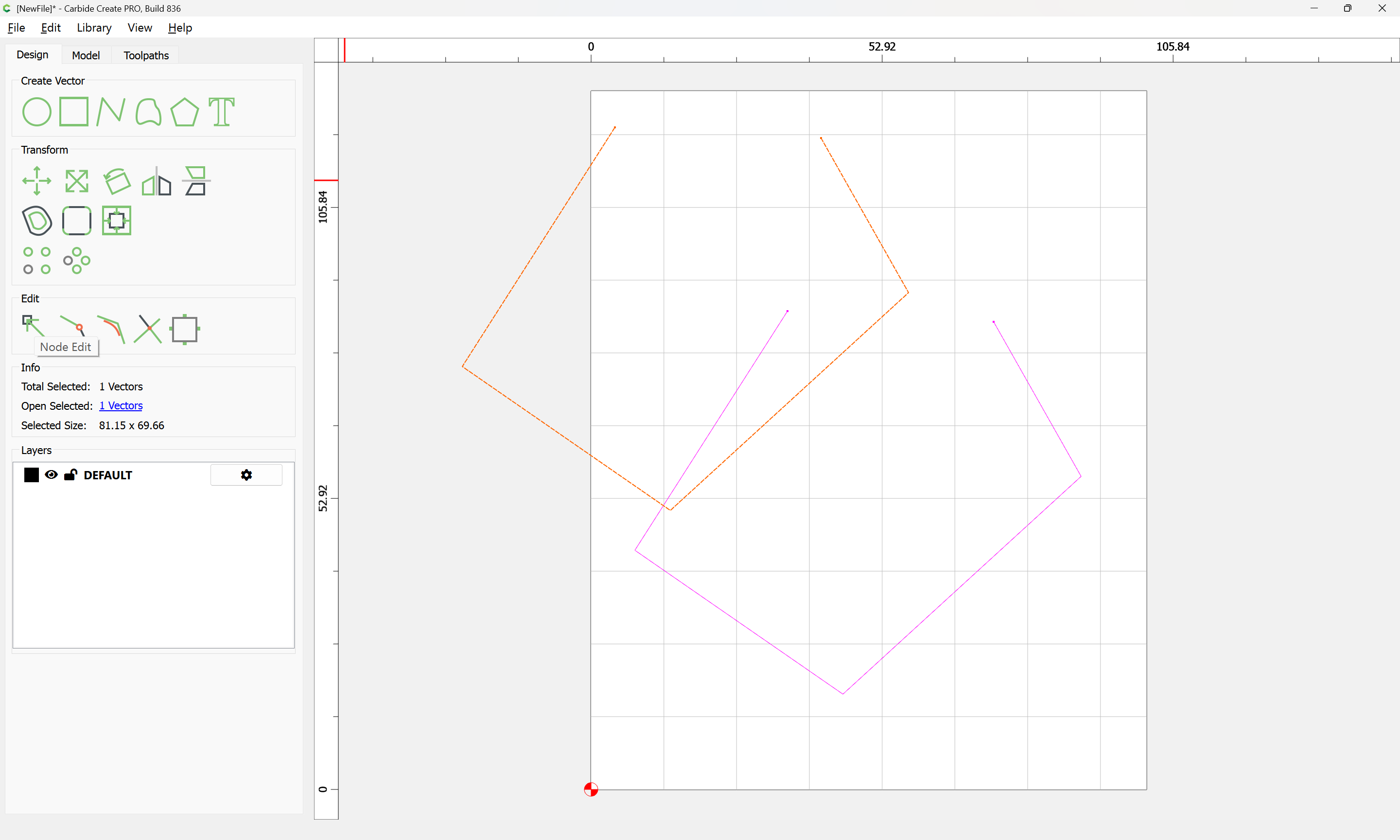
and node editing it to remove what is not wanted:
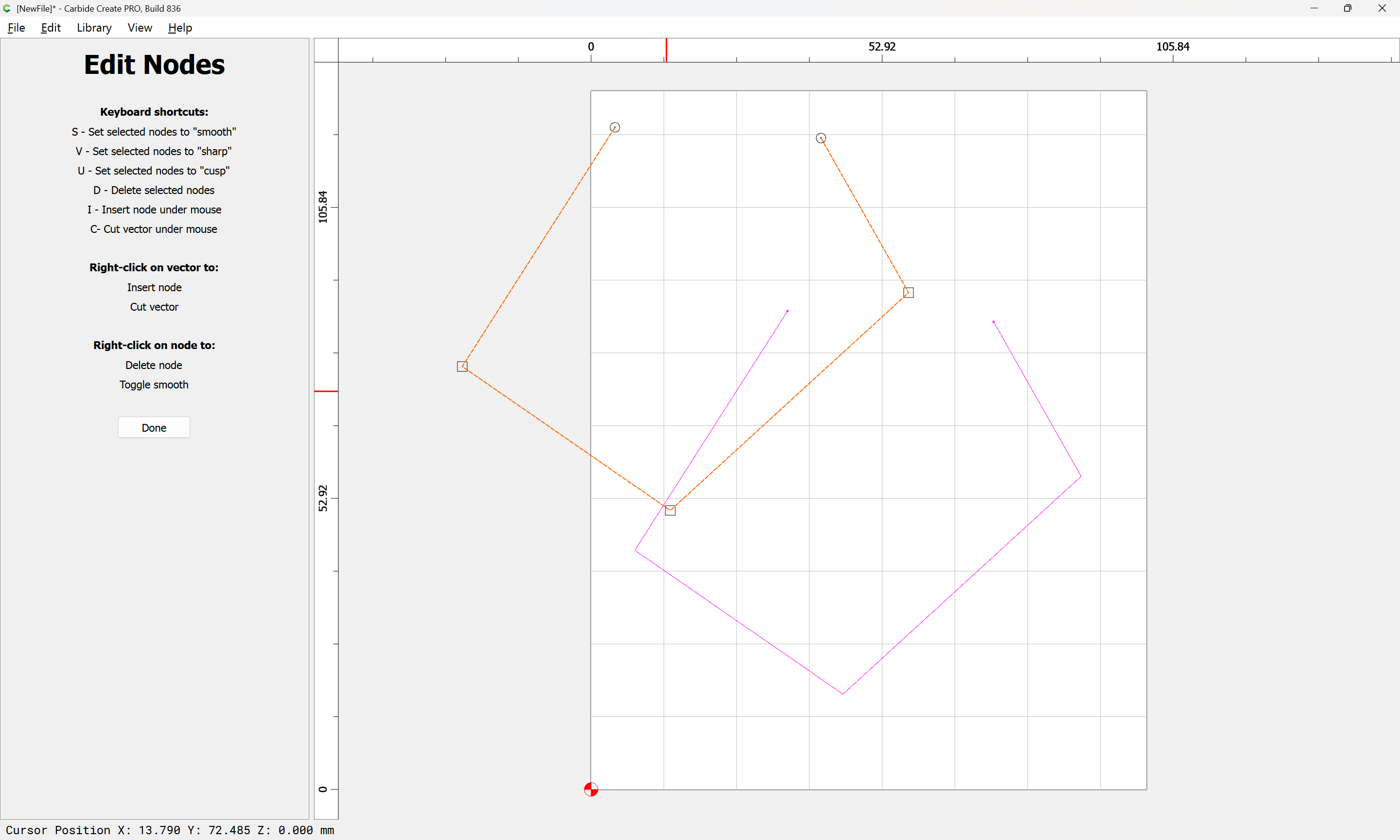
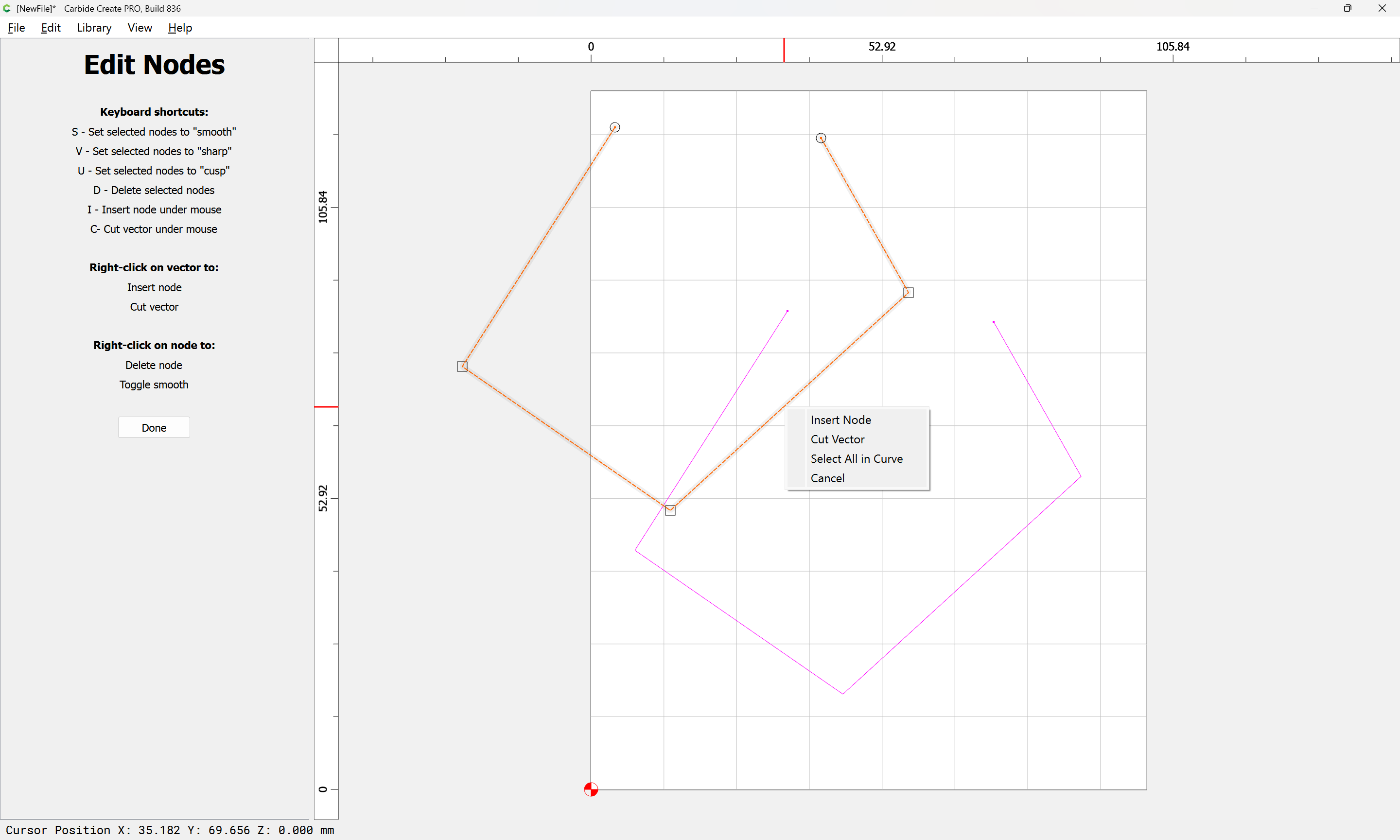
Cut Vector
Select the geometries in question:

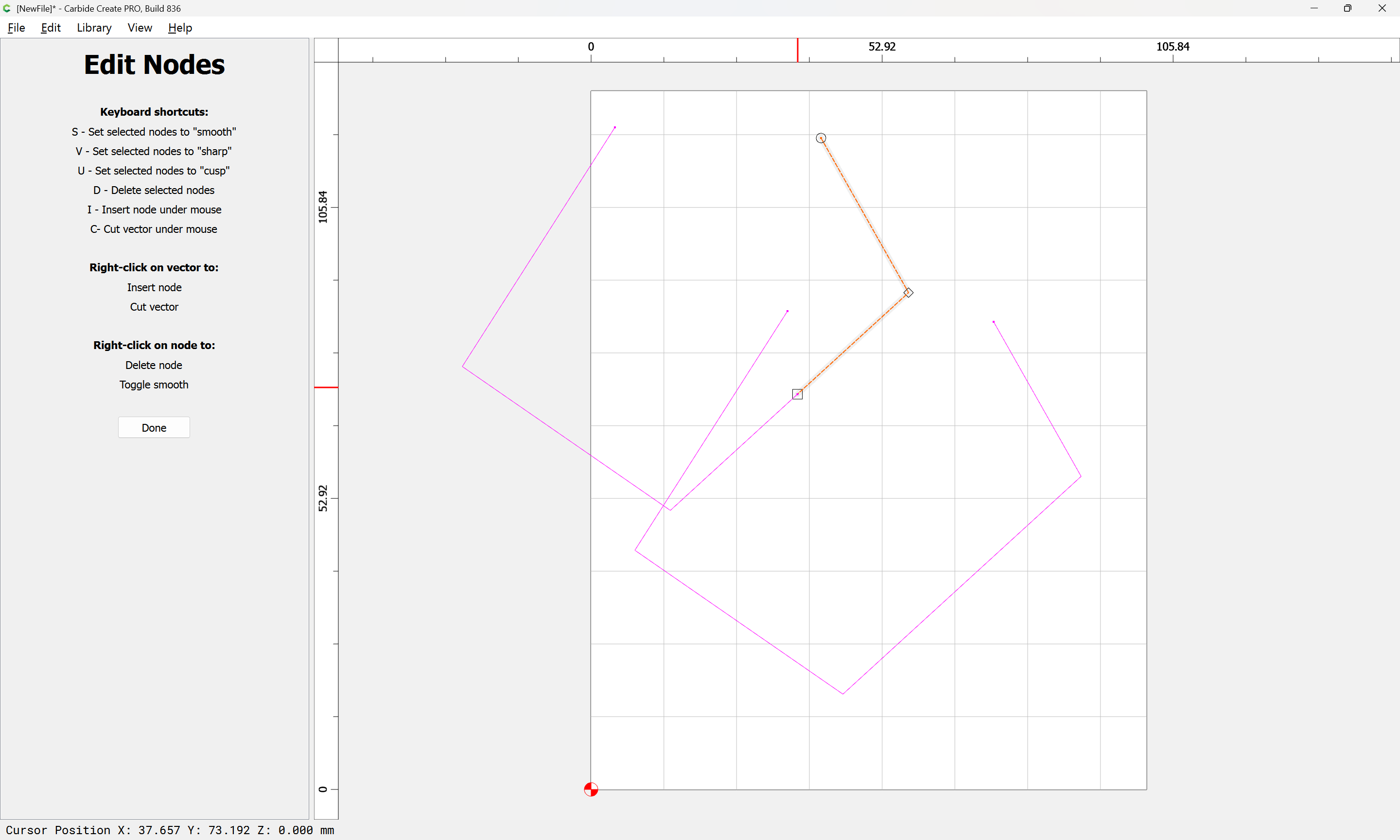
then select the nodes which must be removed:
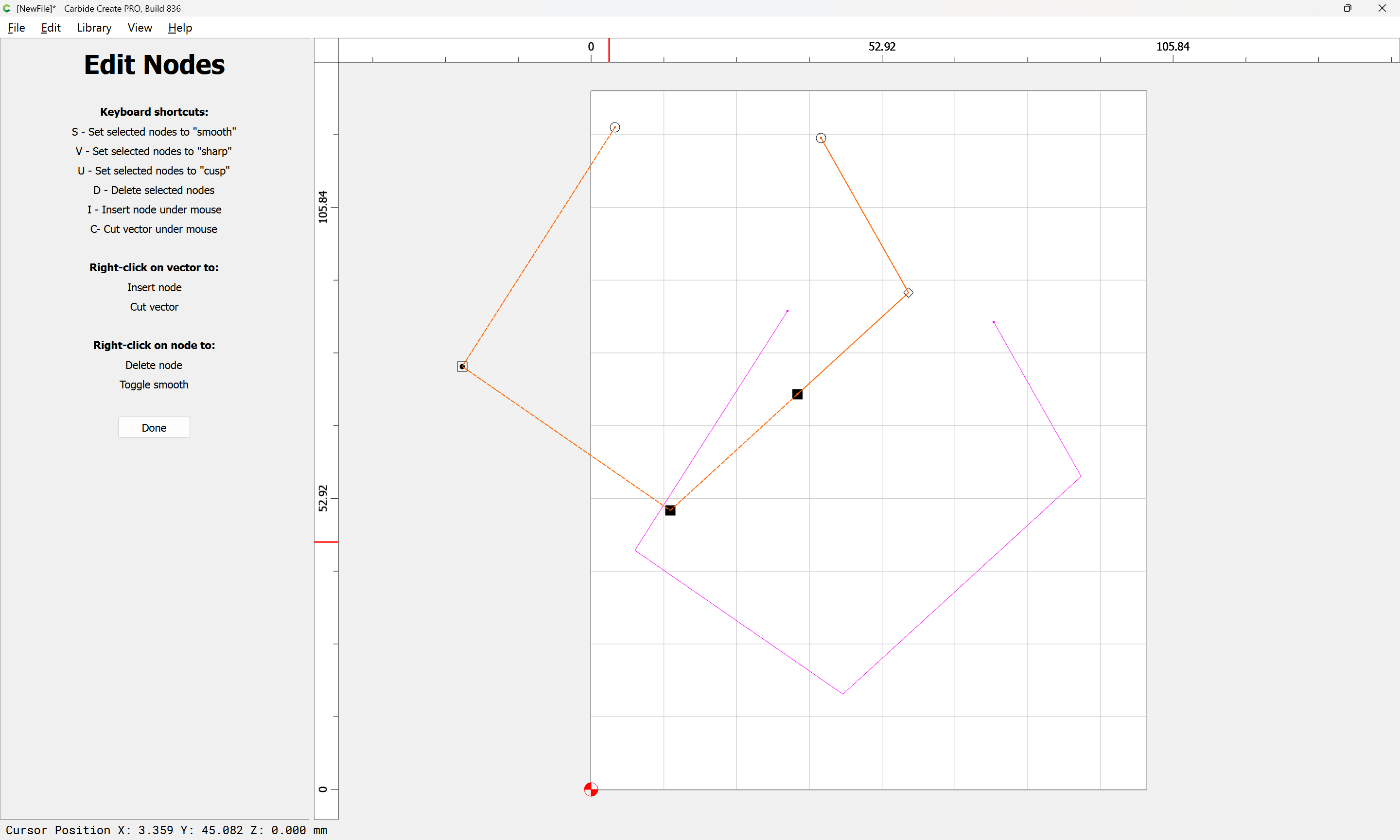
and delete them:
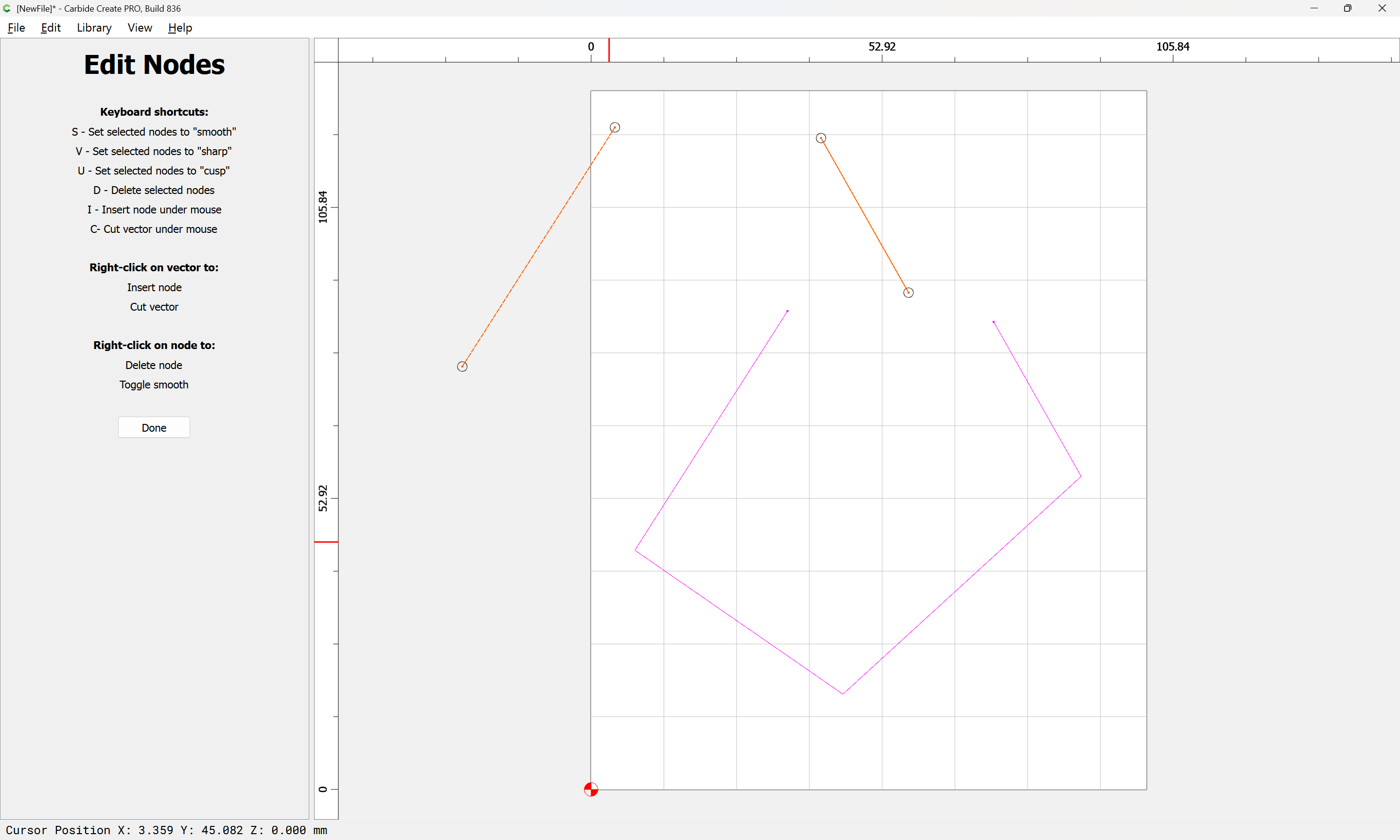
Done

Then drag the lines into registration:
and if need be, duplicate again:
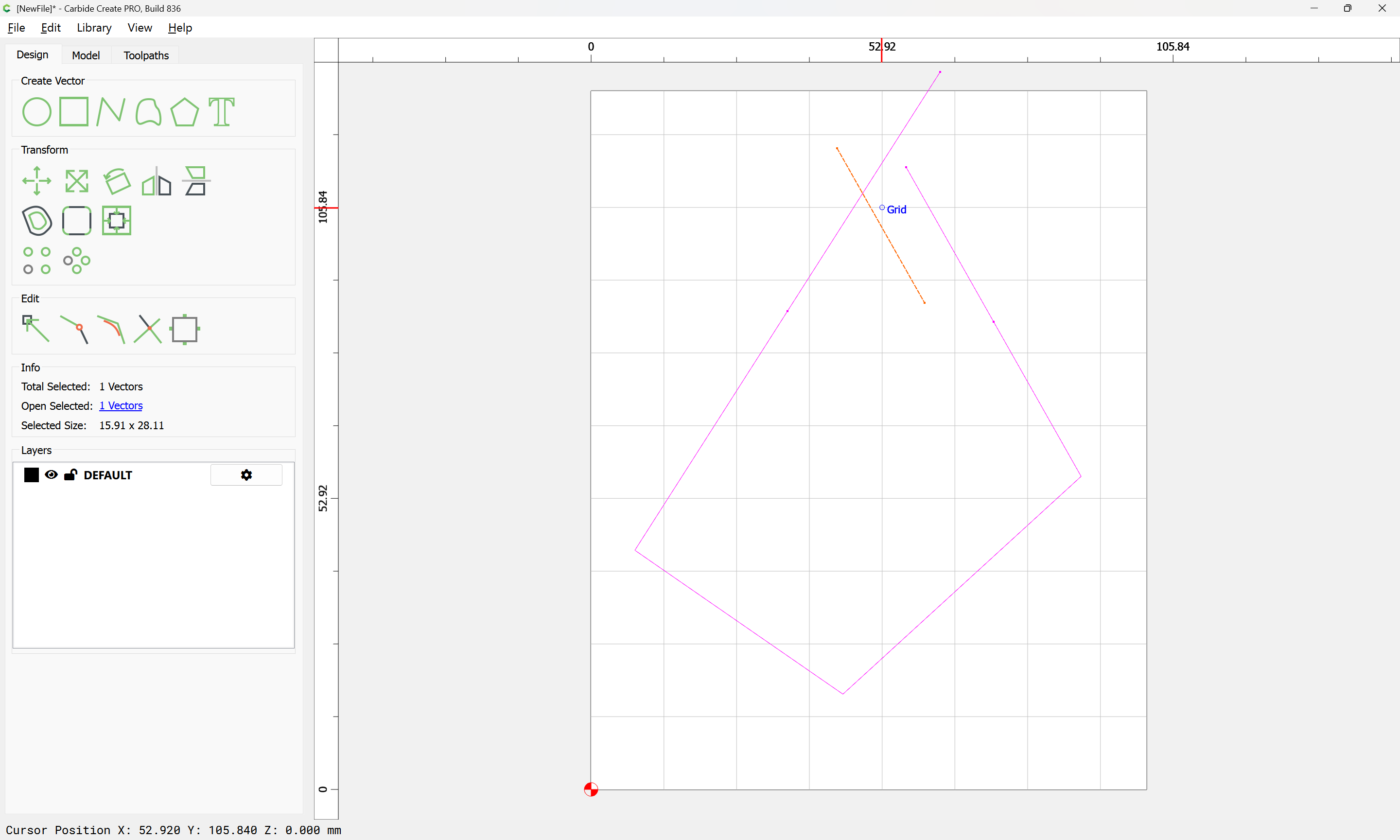
and drag into registration again:
Select everything:
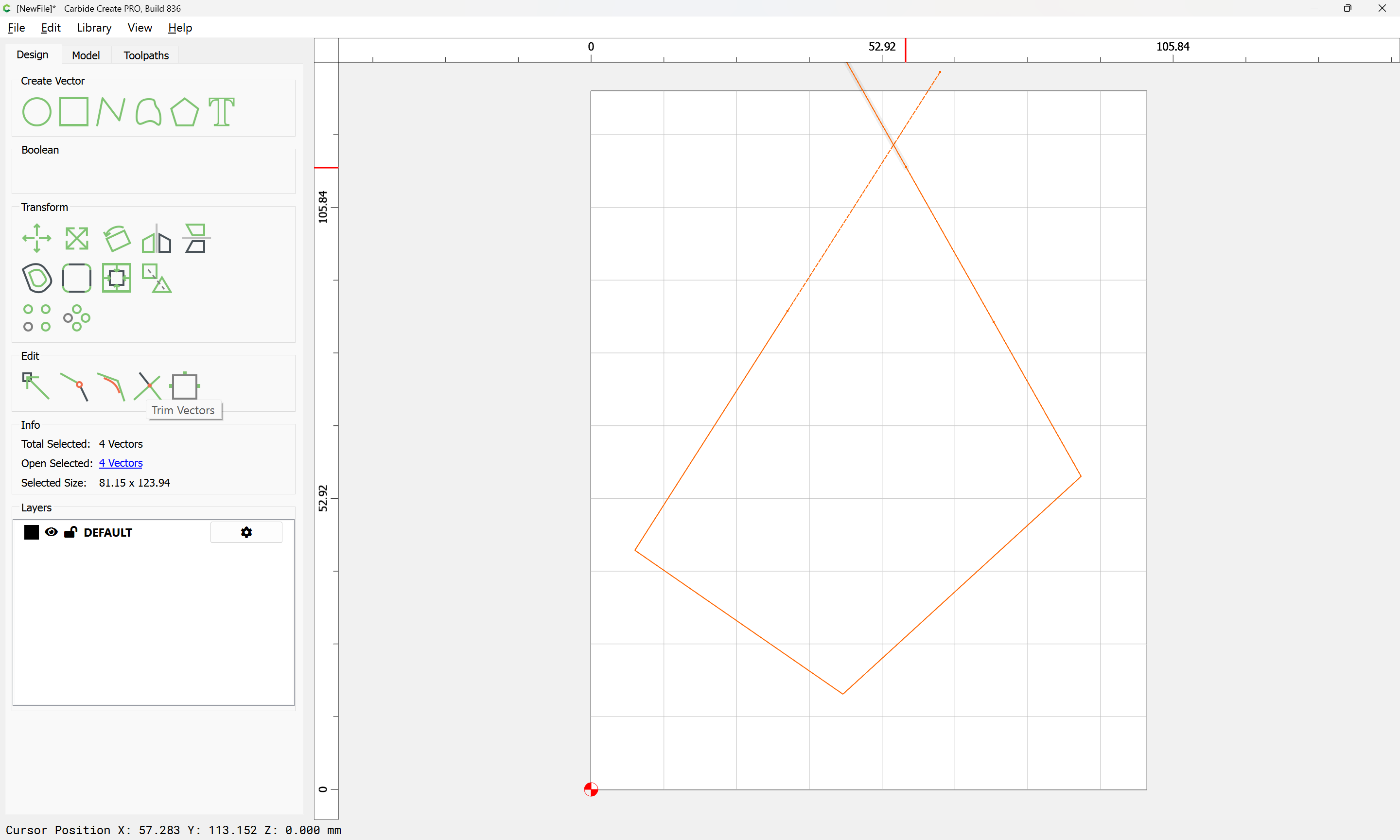
and use Trim Vectors:
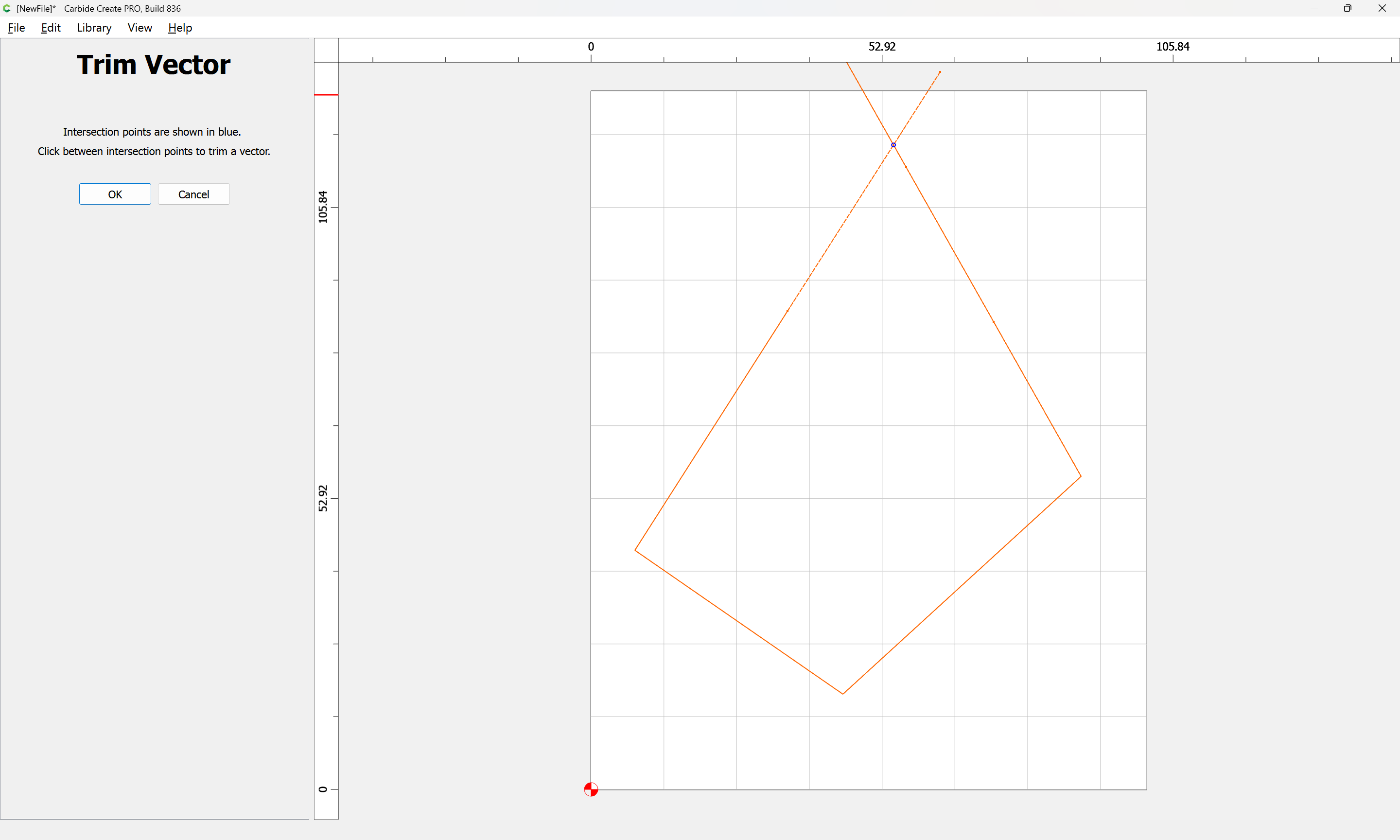
to remove what is not wanted:
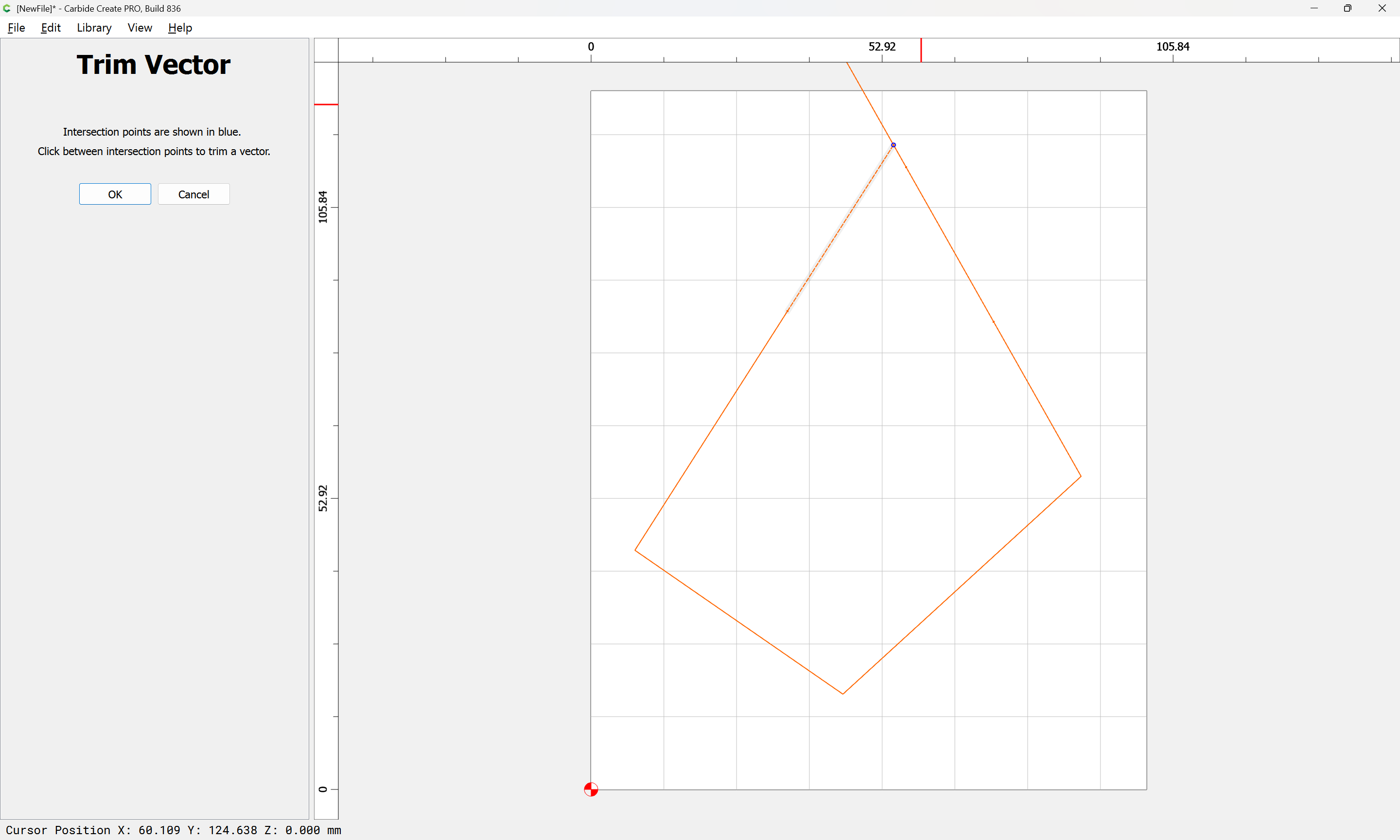
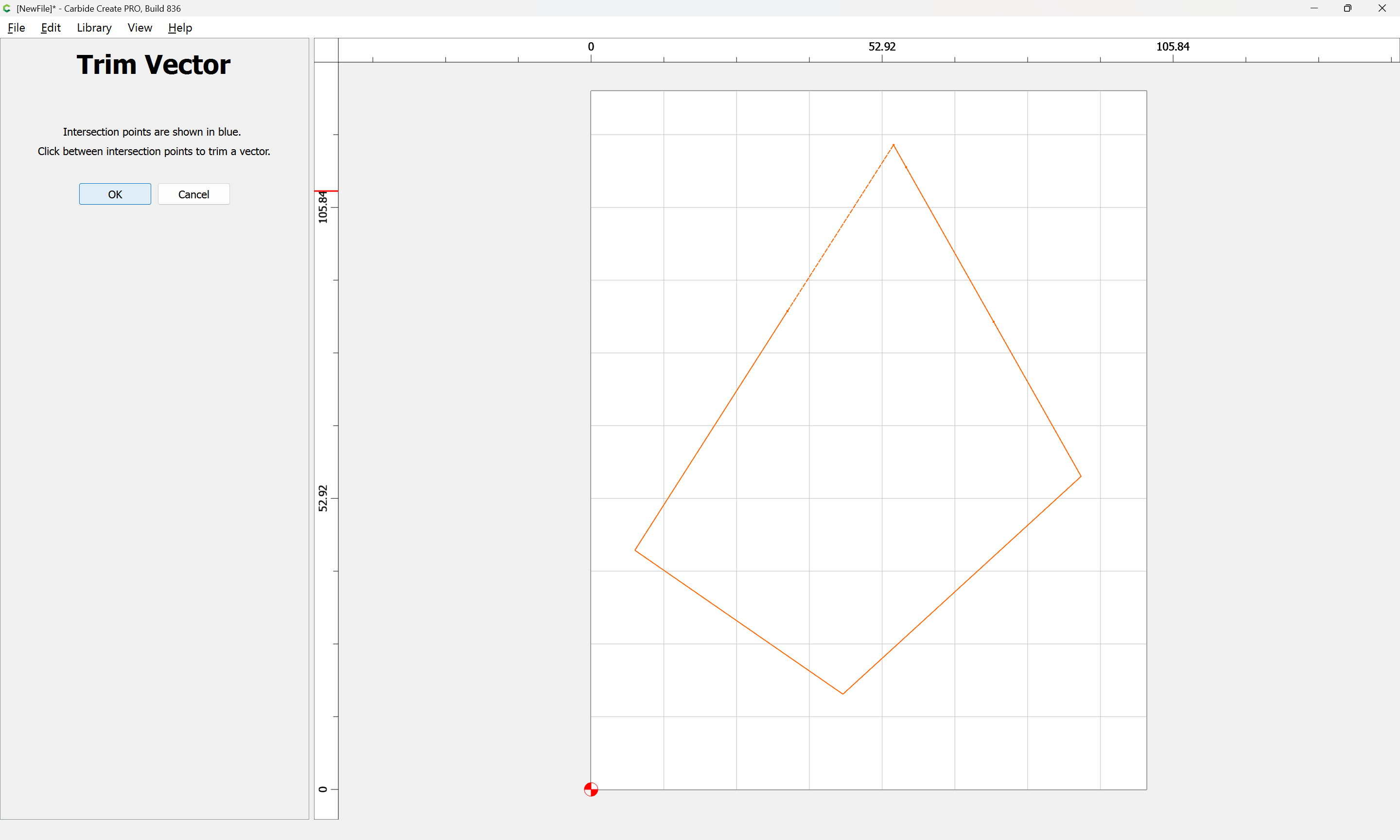
until one arrives at:
OK
OK
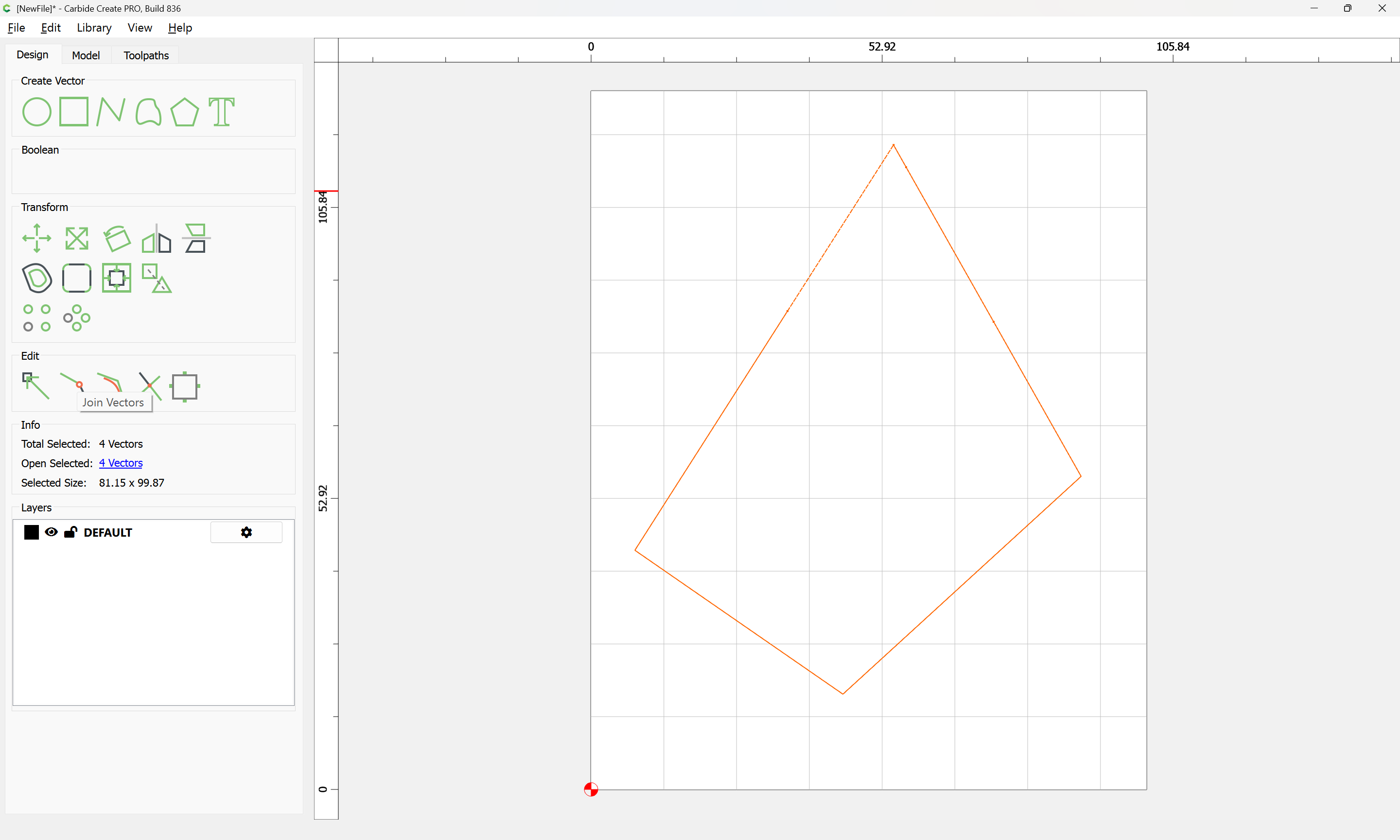
Join Vectors
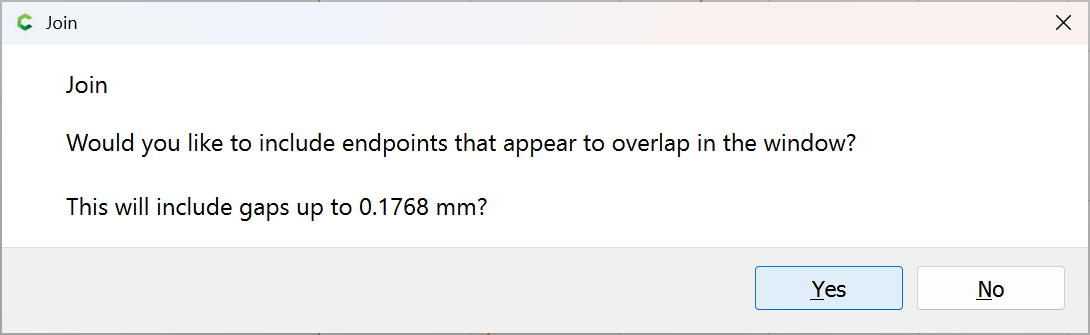
Yes