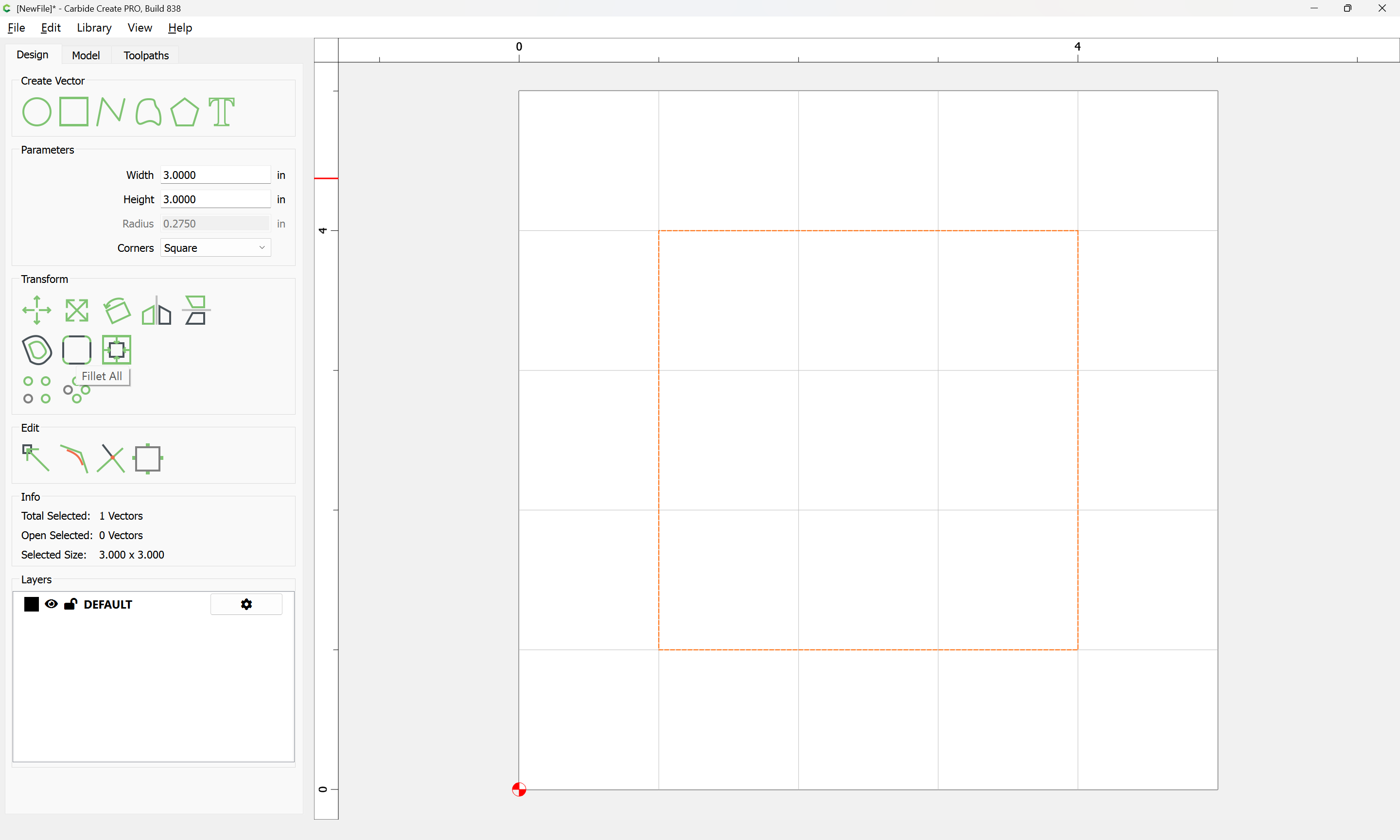
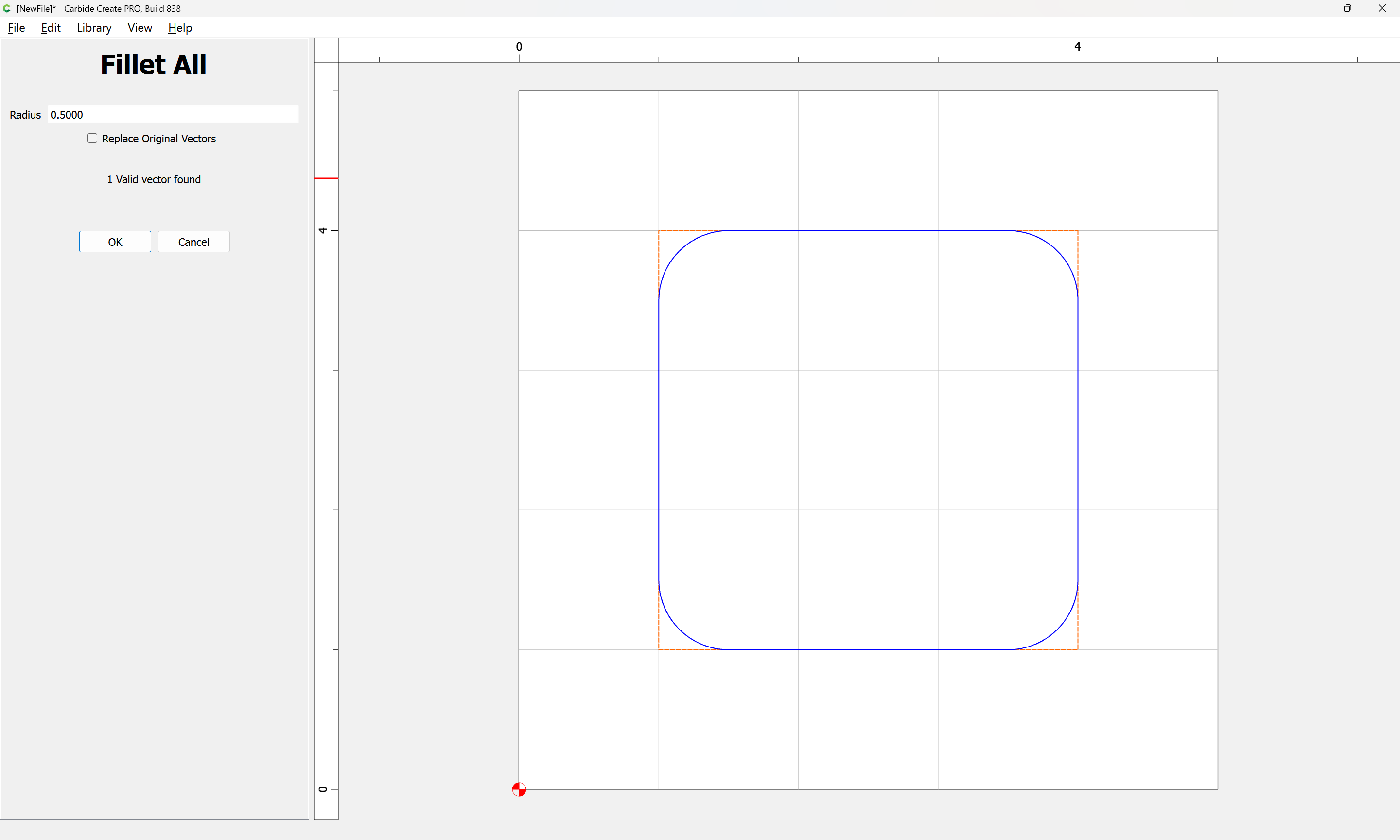
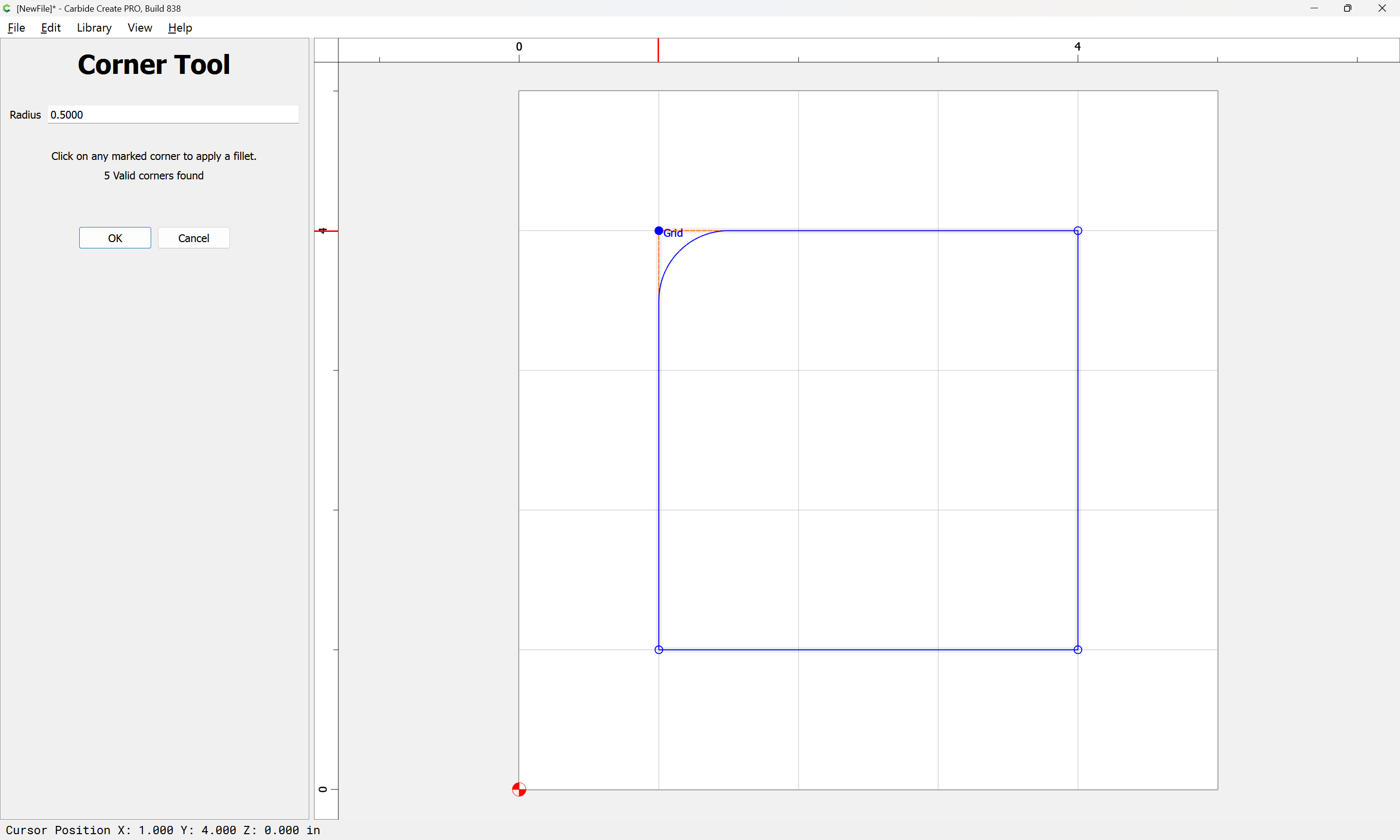
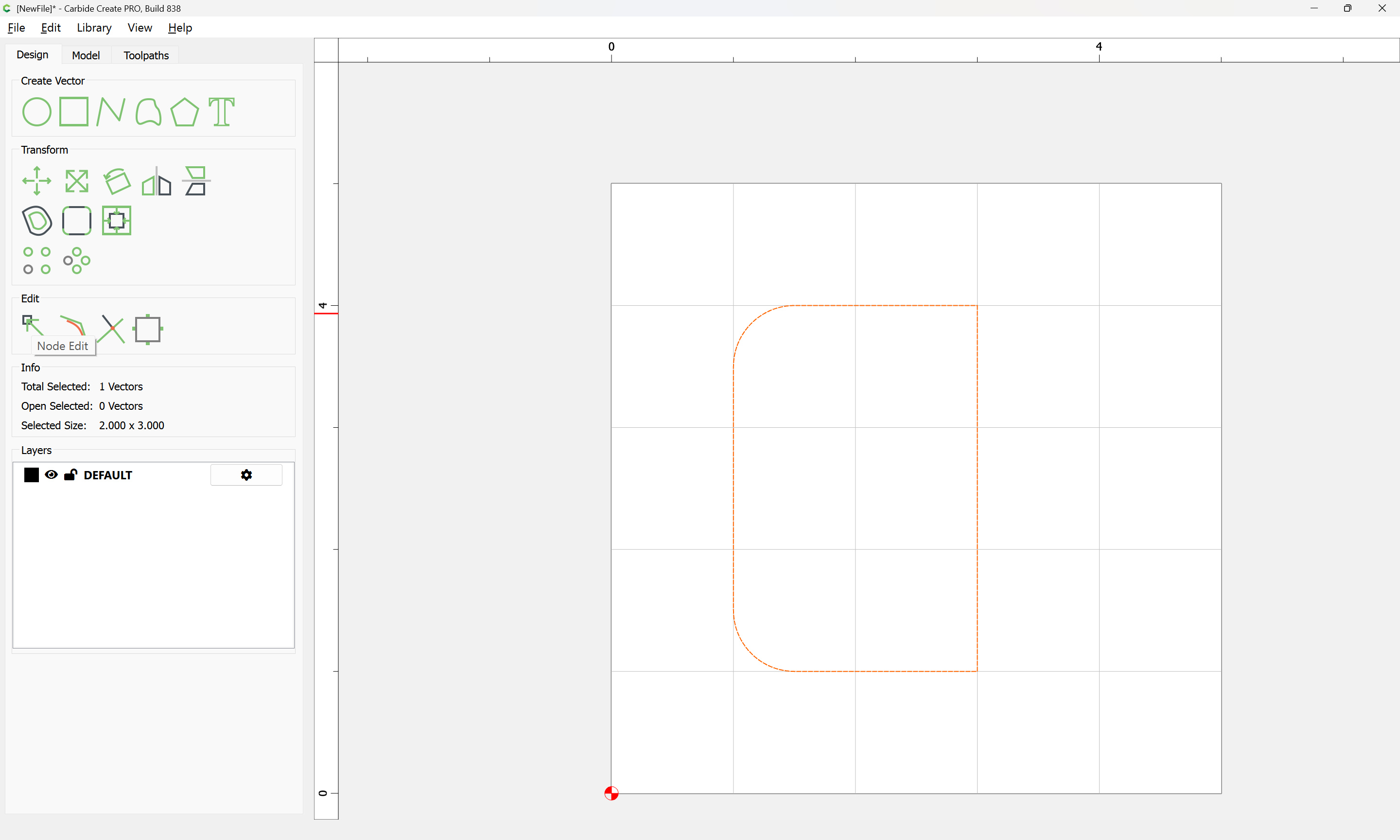
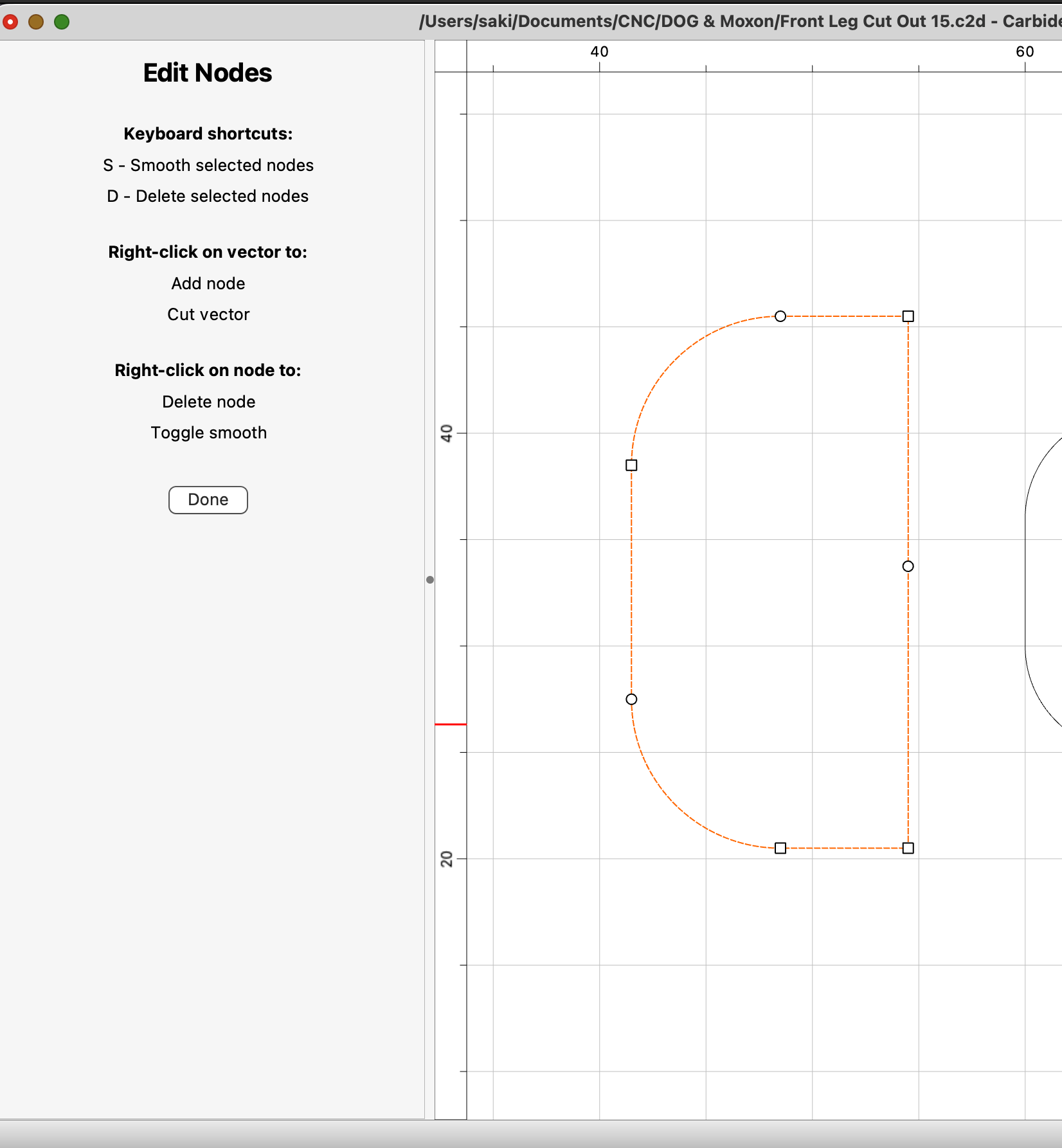
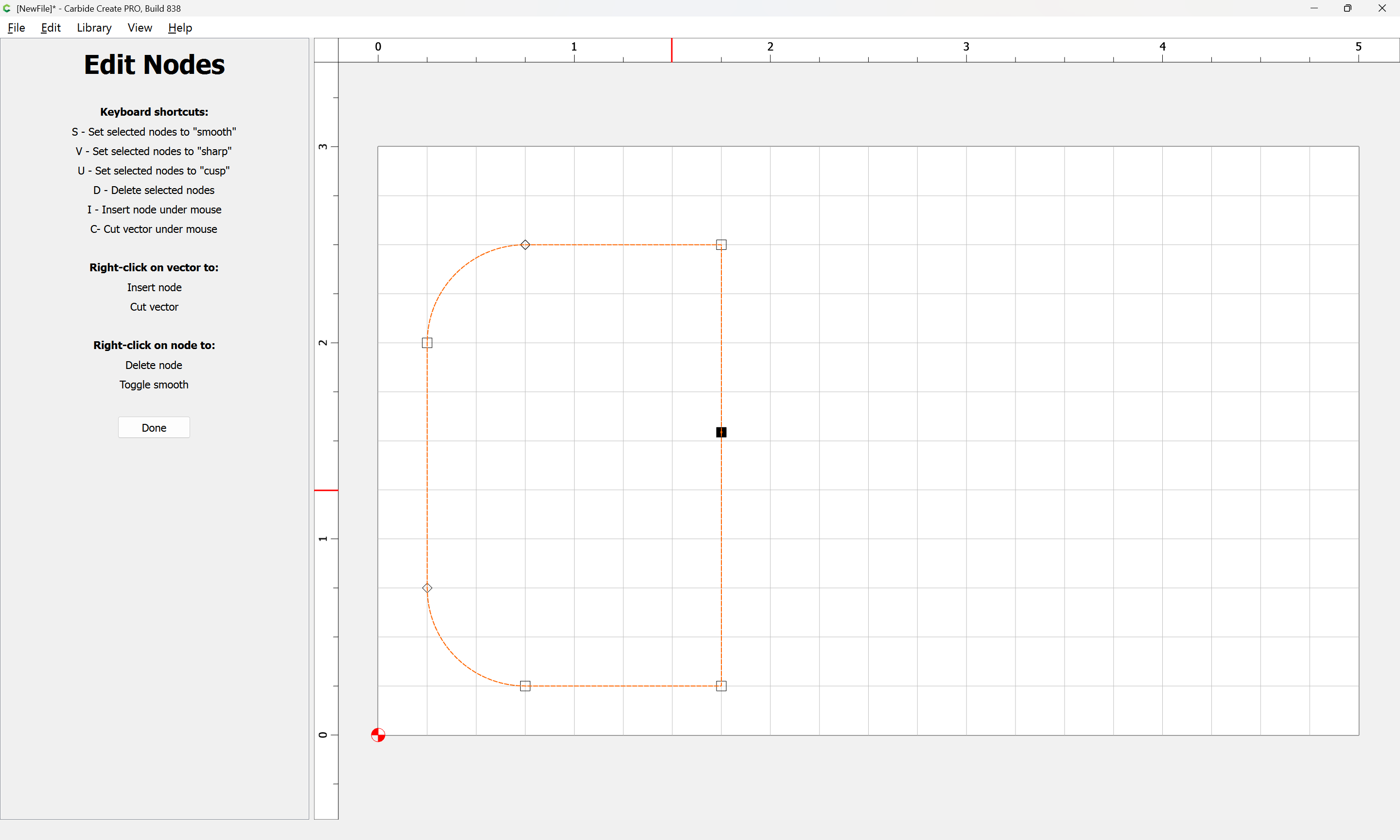
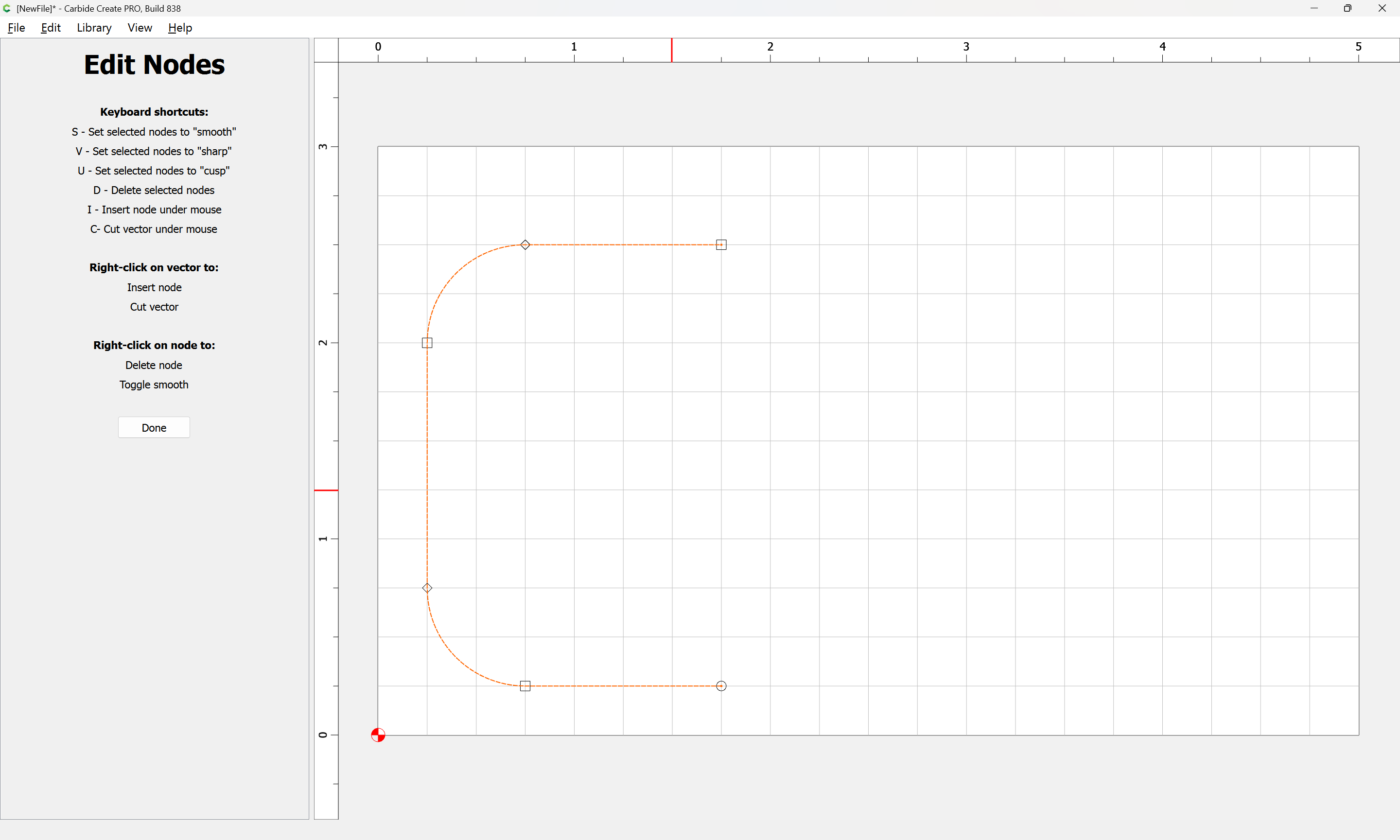
Problem: How do I fillet only two corners of a square that I choose?
I’ve done this before, where I choose the fillet tool and it allows me to choose only the corners I want. However, currently it’s all or nothing on the entire square, which is not what I want.
Any suggestions for the quick fillet of one or three corners, without adding more shapes and doing the subtract process?
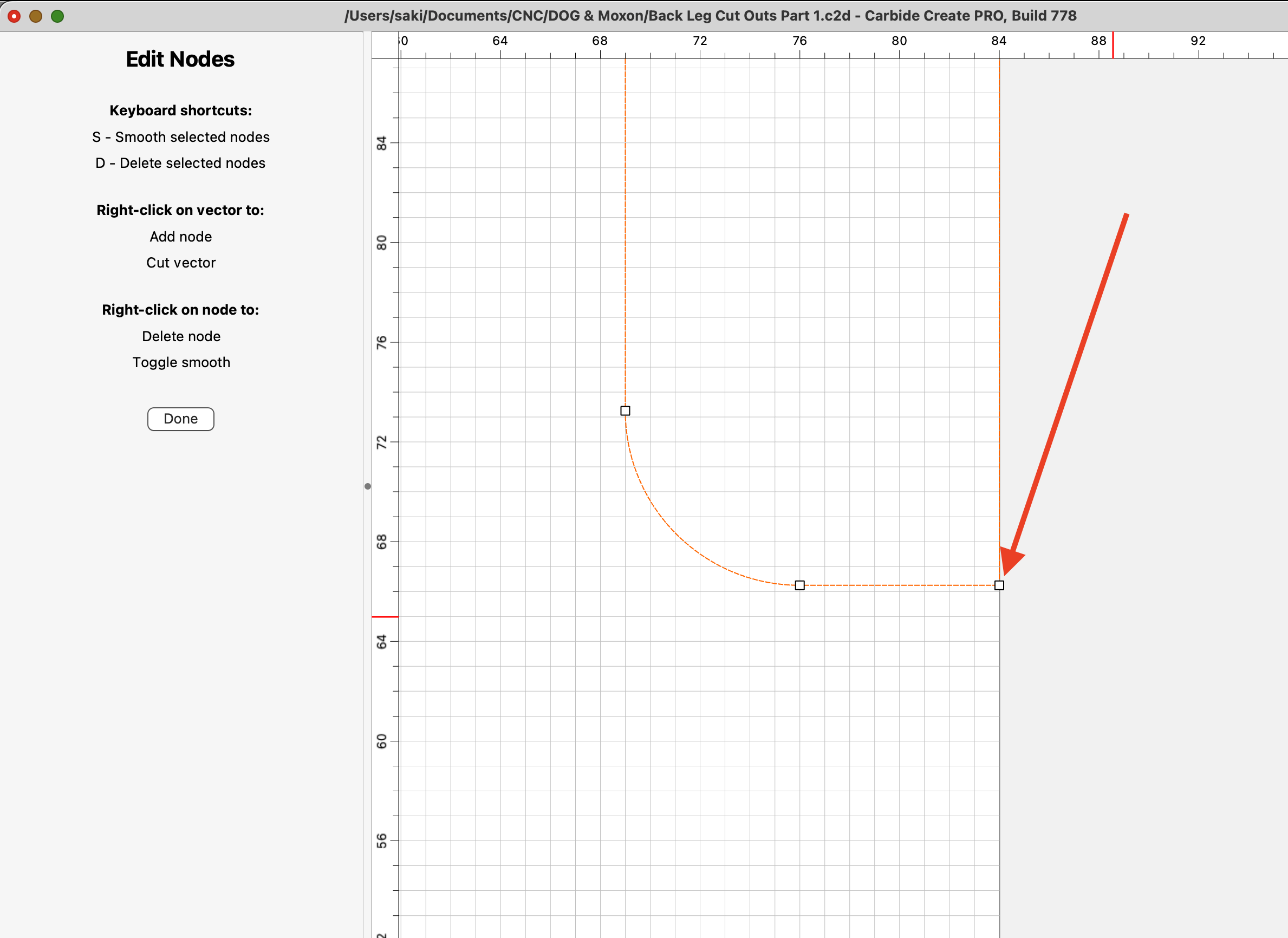
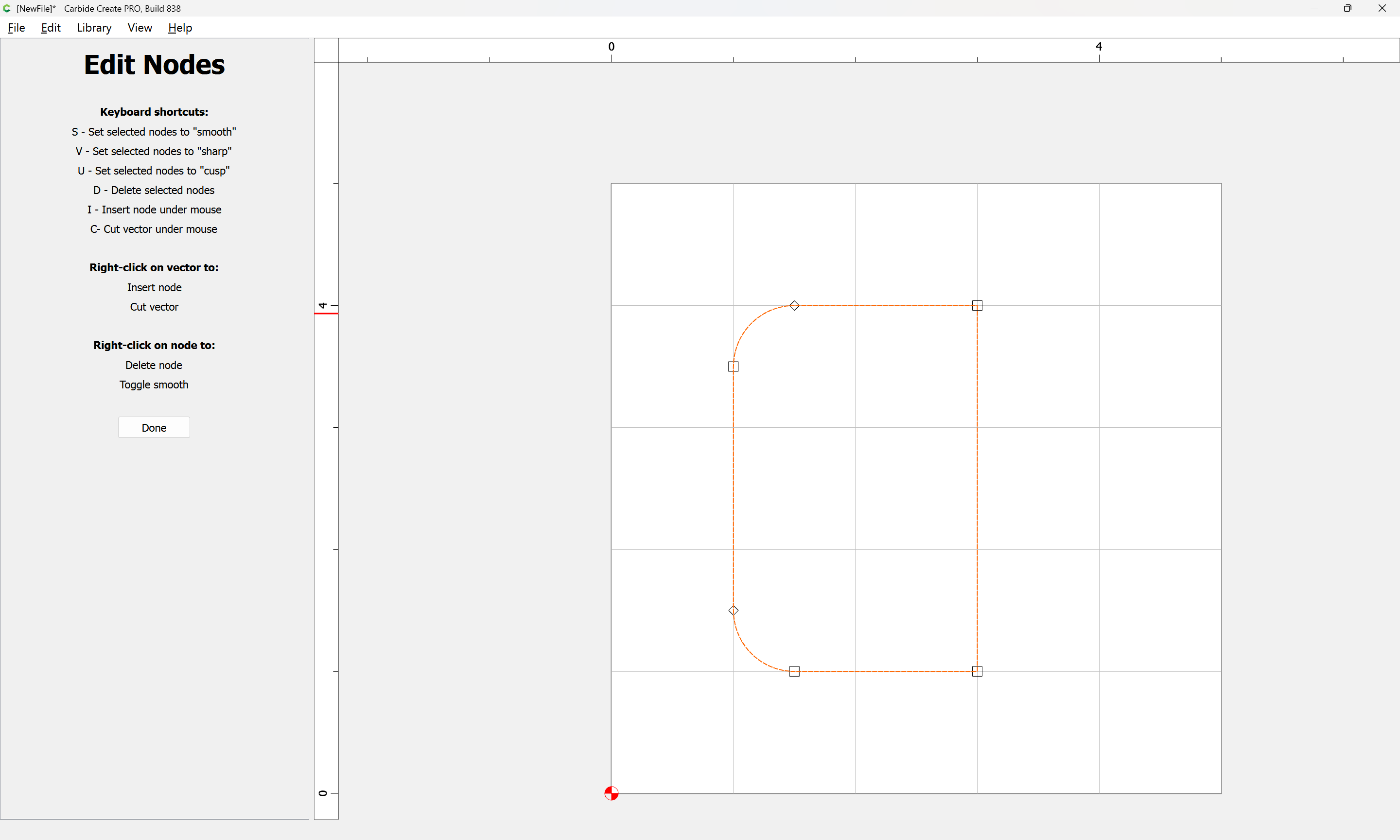
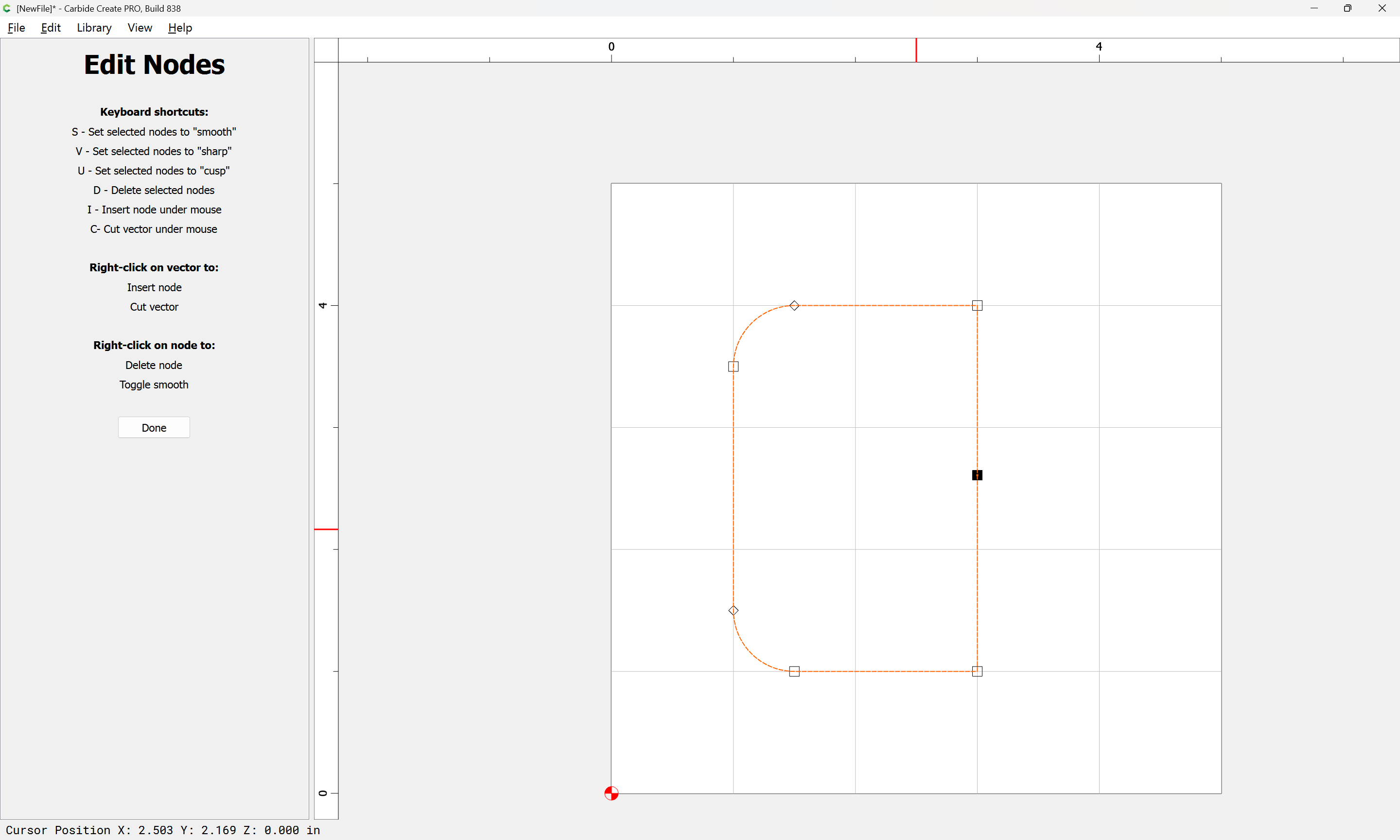
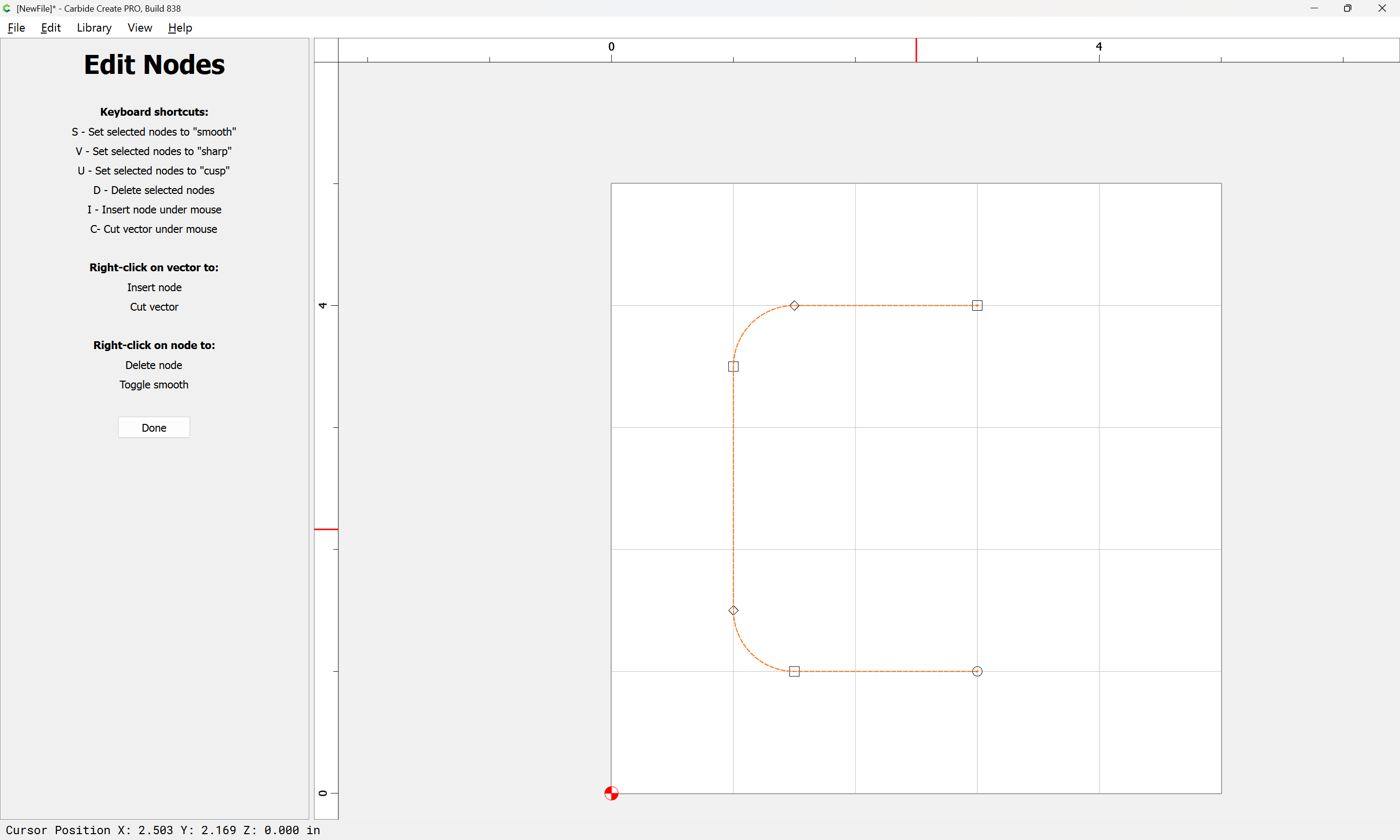
Thank you. Once I created the shape I want, I now want to remove one side of the remaining shape (see attached) so I can cut that out of the workpiece…without having to contour the whole thing, which would take much longer.
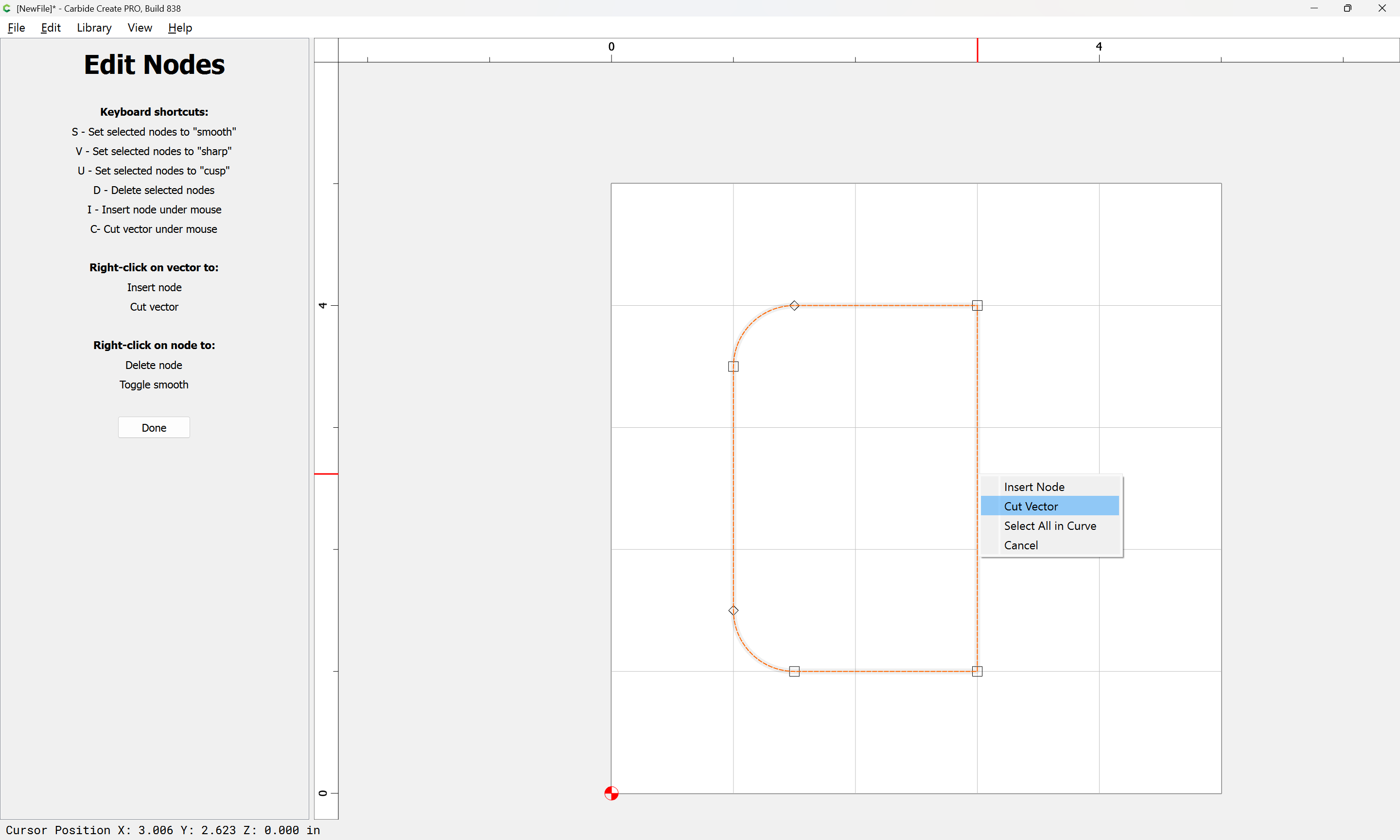
How do I cut directly on the 90 deg corners of the remaining shape? I can’t seem to find any precision with the tool…and I’m sure removing of just one side of a shape is easier than what I’m doing…multiple point slicing.
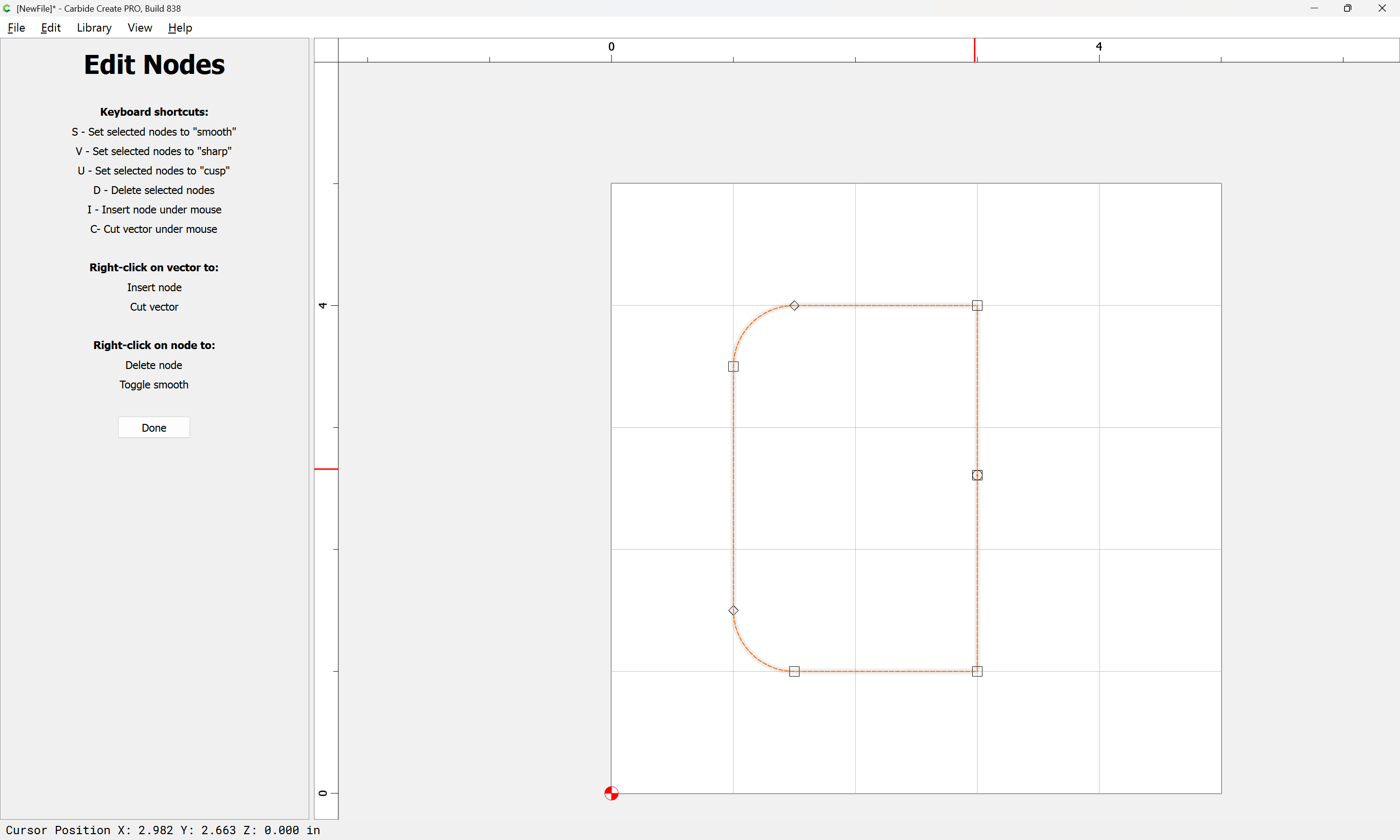
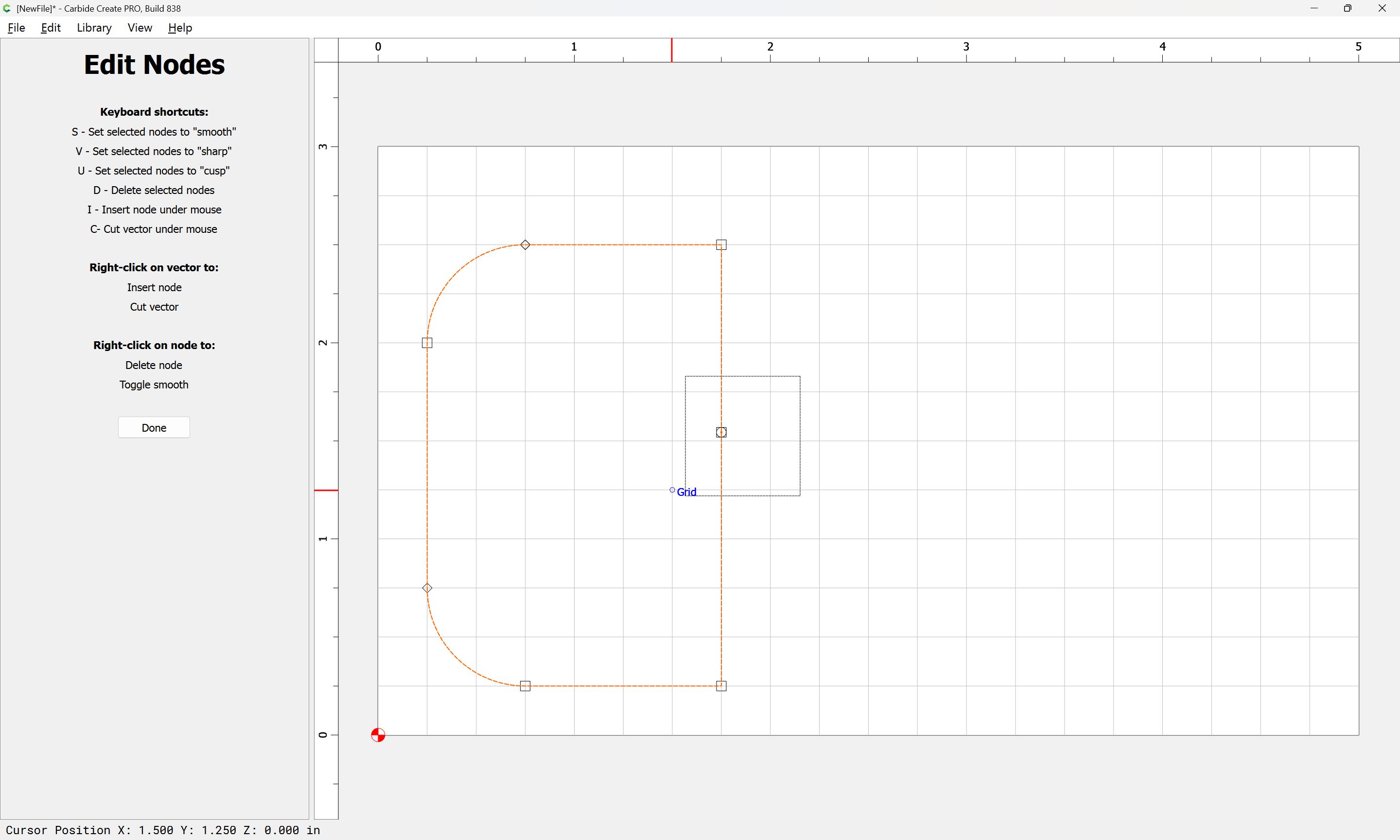
I can cut that same line, which places a new node like yours, but then my only options are to cut again and again.
I’m not seeing an option to select parts of the shape or lines along the shape - for me, I can only select the whole shape or click on a node. I put a video below so you can see that Im cutting and then trying to click and remove, but this process seems to require more expertise that I have.