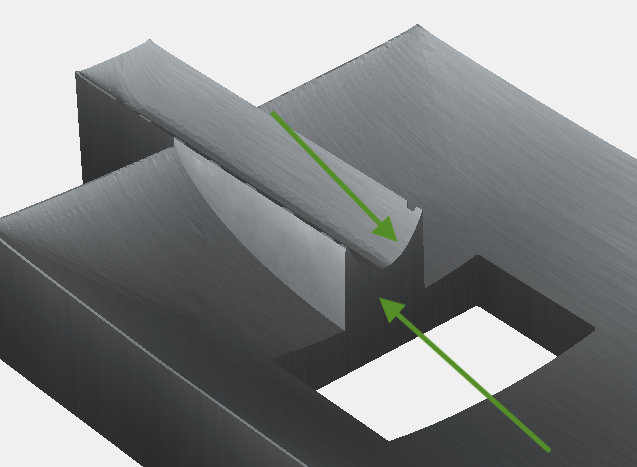
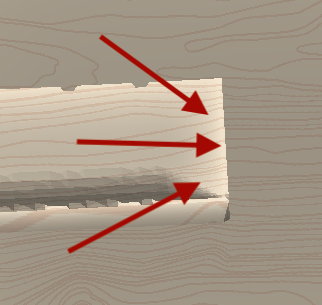
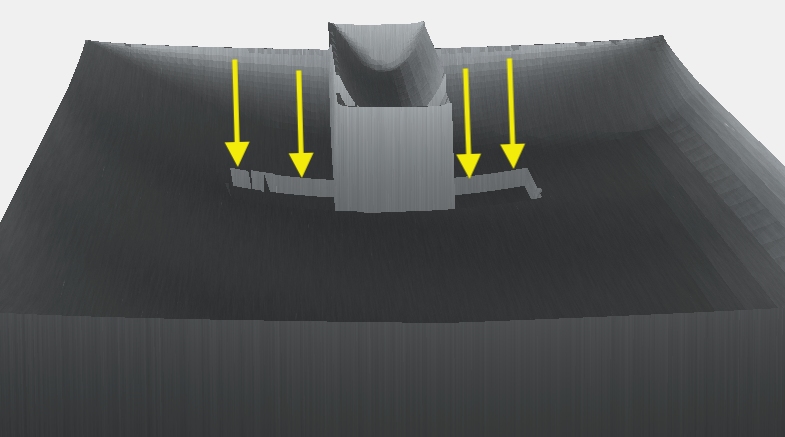
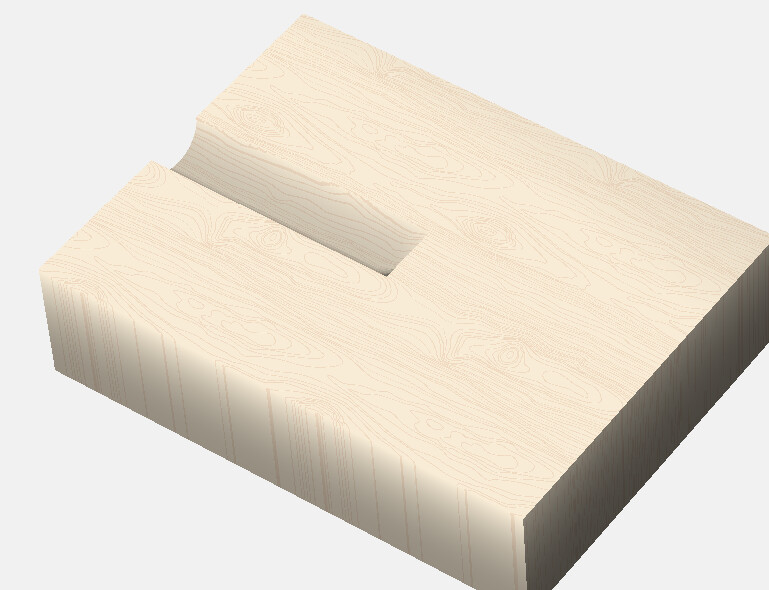
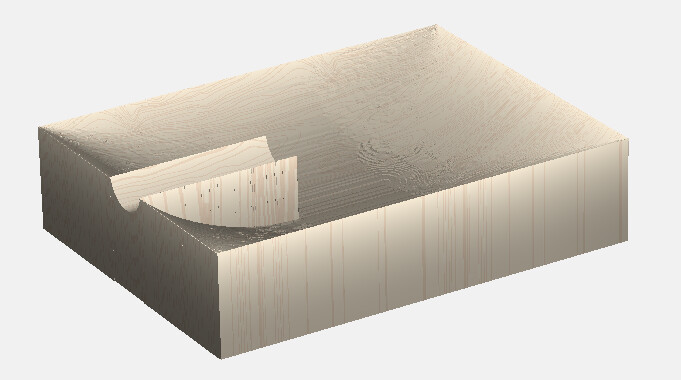
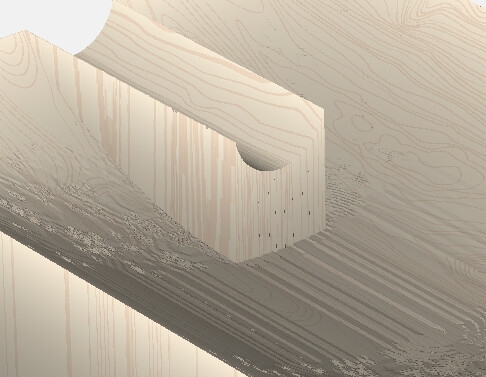
when making a 3d round (tube for example), you need to go beyond the length you want, then ‘cut off’ the ends to keep the round geometry consistent (remove the end lip). I cant figure out how to ‘cut off’ or remove the end correctly. Hopefully the 3 pictures I attached will help explain. I am trying to remove the round tubes end (lip) but keep the stock base at its original curved shape. Any ideas what I am doing wrong?
‘junk lip’ picture shows the ends that need to be removed
‘flush cut’ picture shows how I want the end to look
‘floor curve’ picture shows the curve in the stock floor I am trying to keep
Hi, thanks for the reply… I am only using carbide create pro, I dont have any other CAD software to try.
Equal dont seem to help, it looks like ‘add’ and ‘subtract’ are the only merge types that will keep the curvature of the stocks floor… but it also keeps the unwanted end of the shape I am trying to cut away
If the rectangular center hole is supposed to be there, You can let the base of your smaller round groove extend into that hole, subtract the groove, then trim the end off with a subtract.
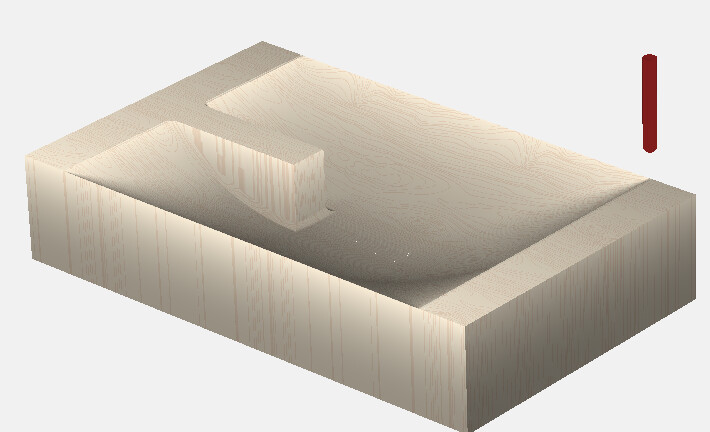
If you’re trying to maintain the ‘bowl’ shape throughout, I think you will have to make 2 separate parts. One that cuts the bowl shape & leaves the base of the groove, then another that cuts the groove in that base.
Hi, thanks for the reply… if I understand you right, I cant make 2 separate parts. The bowl shape has to be maintained while the groove is added to the protruding shape.
What this is is a cigar ashtray carved in stone. So the cigar will rest in the groove thats added to the protruding bar shape. There will be 3D designs on the bowls surface, thats why I want to maintain its original shape/curve
Sorry, I am still not really following you. Is the bowl shape maintained just below the groove cut in the image you posted? (looking at it from the other side) Can you upload that project file so I can see it in the software?
What kind of ‘image’ do you mean by saving and then re-importing?