I just purchased the micro jig cnc match fit kit, I need to make a grid Spoilboard 4” horizontal and vertical- I was going to make the Spoilboard 23.5x 47.5 in , but am not having any luck designing the Spoilboard and tool paths
Can anybody help
What are you having trouble with specifically and what software are you using?
1 Like
Note that Carbide Create does not preview tooling which does undercuts, so you will need to just set up a No Offset Contour for the dovetail tool and take where it cuts on faith/wireframe preview.
indicates that there are “free spoilboard plans” — what do they show?
It seems you just need a series of lines which make the cut and begin/end somewhere the tool can plunge…
I have the MatchFit system in my shop. I bought the jig they sell to manually router the clearance slots and follow up with the dovetail bit.
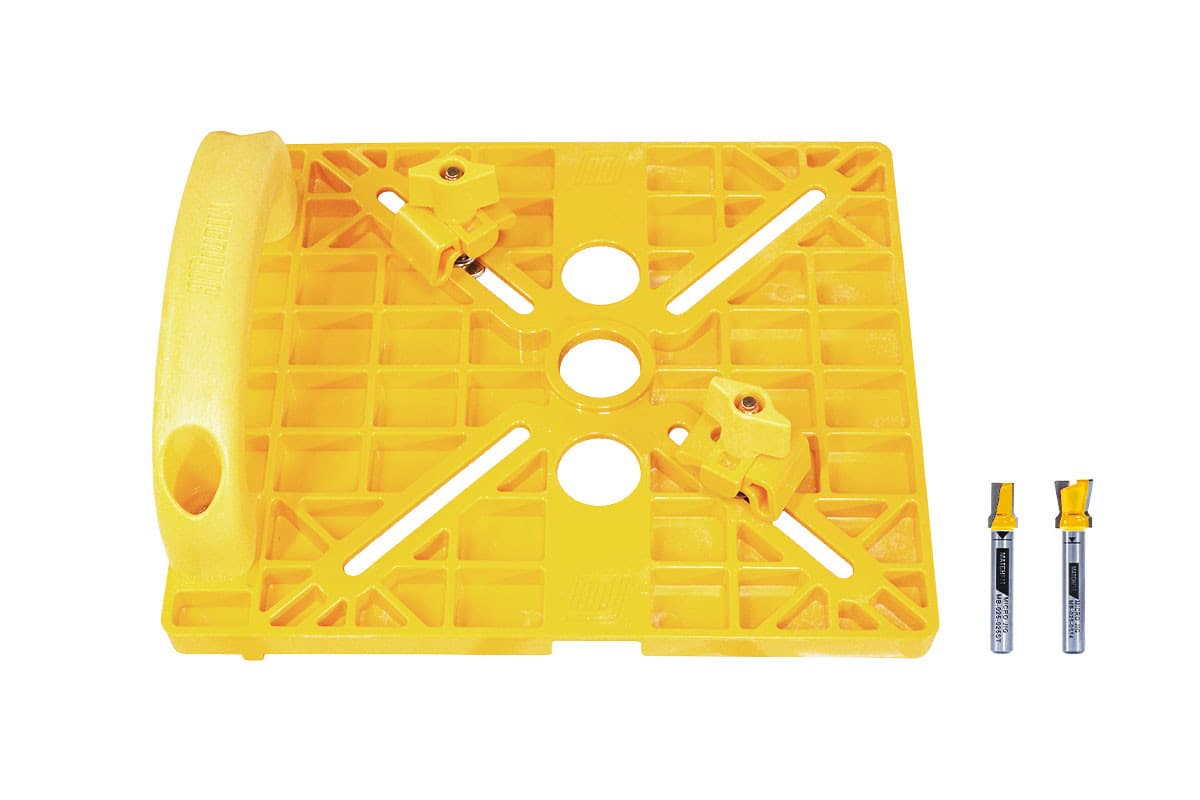
The jig requires you have a router that can use Porter Cable style bushings. I think you could use a router without the PC bushings but if your router moves it messes up the whole operation. I use a Dewalt palm router. You first hog out the grooves and then follow up with the dovetail bit. You could just use the dovetail but but you are removing a lot of material at once for a palm router. Plus you get a cleaner result if you plow out the grooves first and then the dovetail bit.
I know this is not a Shapeoko solution but you can use the system for other things round the shop. I made a piece of mdf up to cut straight edges on irregular stock. It can also be used as a tapering jig.
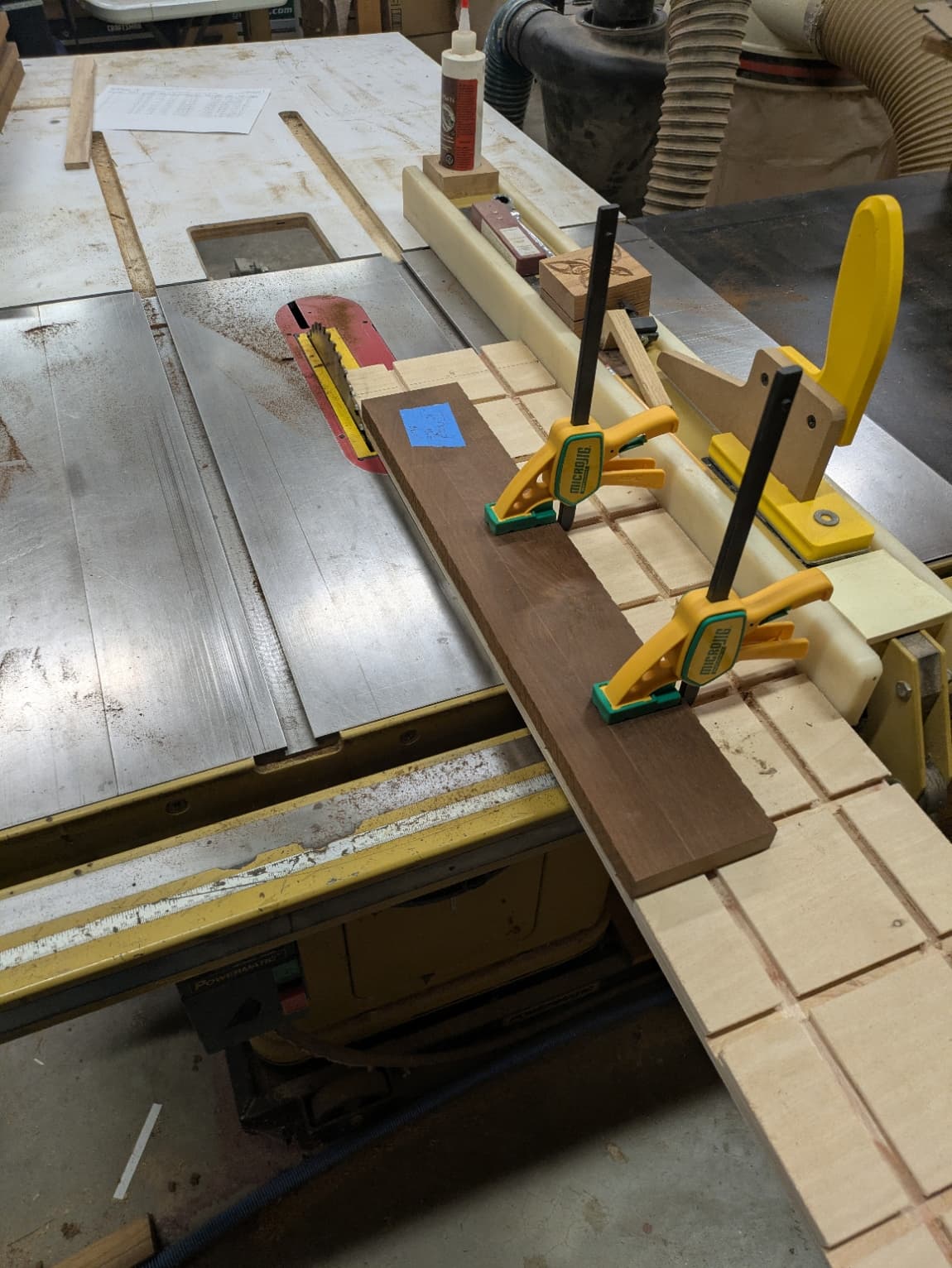
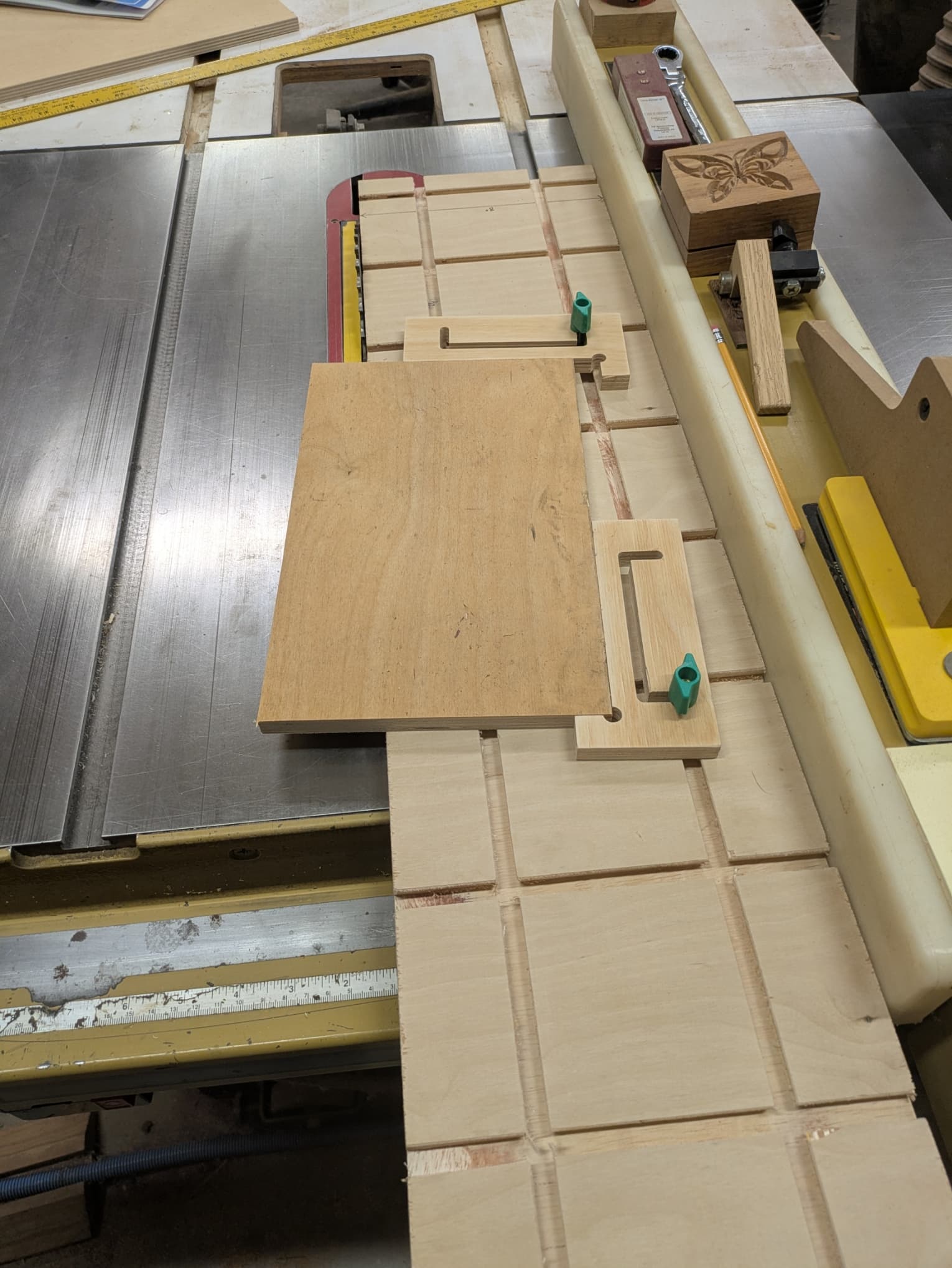
I did use my Shapeoko to make the tapering jigs.
I also have a Jessem Pocket Mill Pro and Master Doweling jig that has its own workstation for the Jessem that uses the MatchFit clamps.

If you dont have a jointer it cuts a very nice straight edge. You are limited in length but for making small table top glue ups it works great.
I made a new assembly bench that has the MatchFit system and it works great.
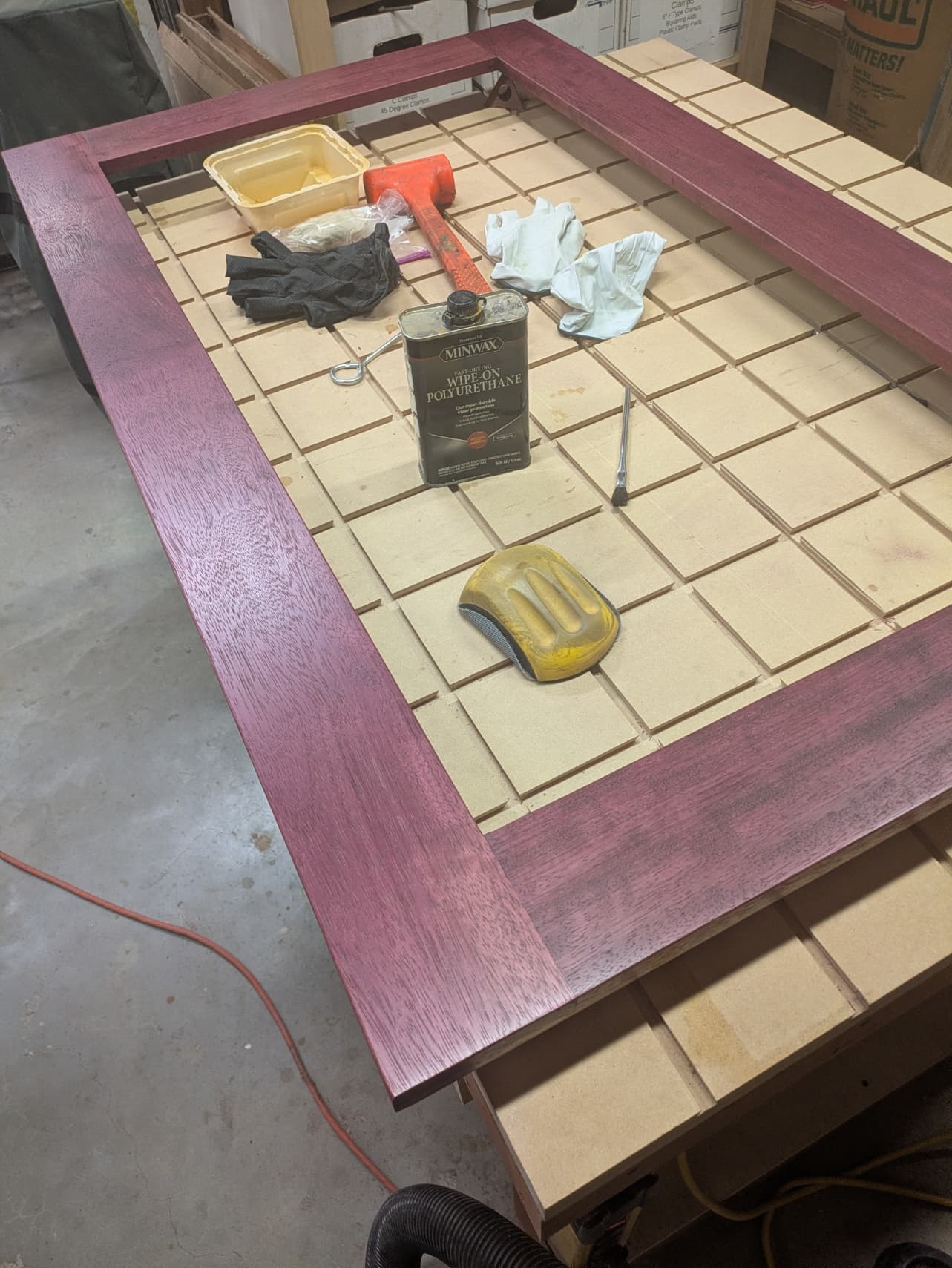
1 Like
i have created a toolpath for a spoil board match fit cnc grid .
the first tool path is a 1/4" end mill 5/16 deep
the 2nd toolpath cut the outer perimeter 1/4 " wide and 5/16" deep
the 3rd toolpath i made a duplicate tool path and set it for one pass of 3/8" deep and it would not let me have a tool bit change to install a micro jig dovetail bit, and it did not work,
there is no dovetail tool in the carbide create pro library,
is there a way to have this work ? does anyone know ,please see file
16.25 x 16.25 test grid.c2d (96 KB)
Tool geometries which undercut are not supported in Carbide Create.
The usual approach is to make a placeholder tool, work up reasonable feeds and speeds, cut the central channel clear w/ a square tool, then use a No Offset Contour to make the cut where one wants, but note that it will be necessary to double back.
Alternately, if it’s a short distance a Keyhold toolpath may be used.
This topic was automatically closed 30 days after the last reply. New replies are no longer allowed.