How to not cut an area within a pocket

Prob a simple question…still working on my Jokers and Marbles game.

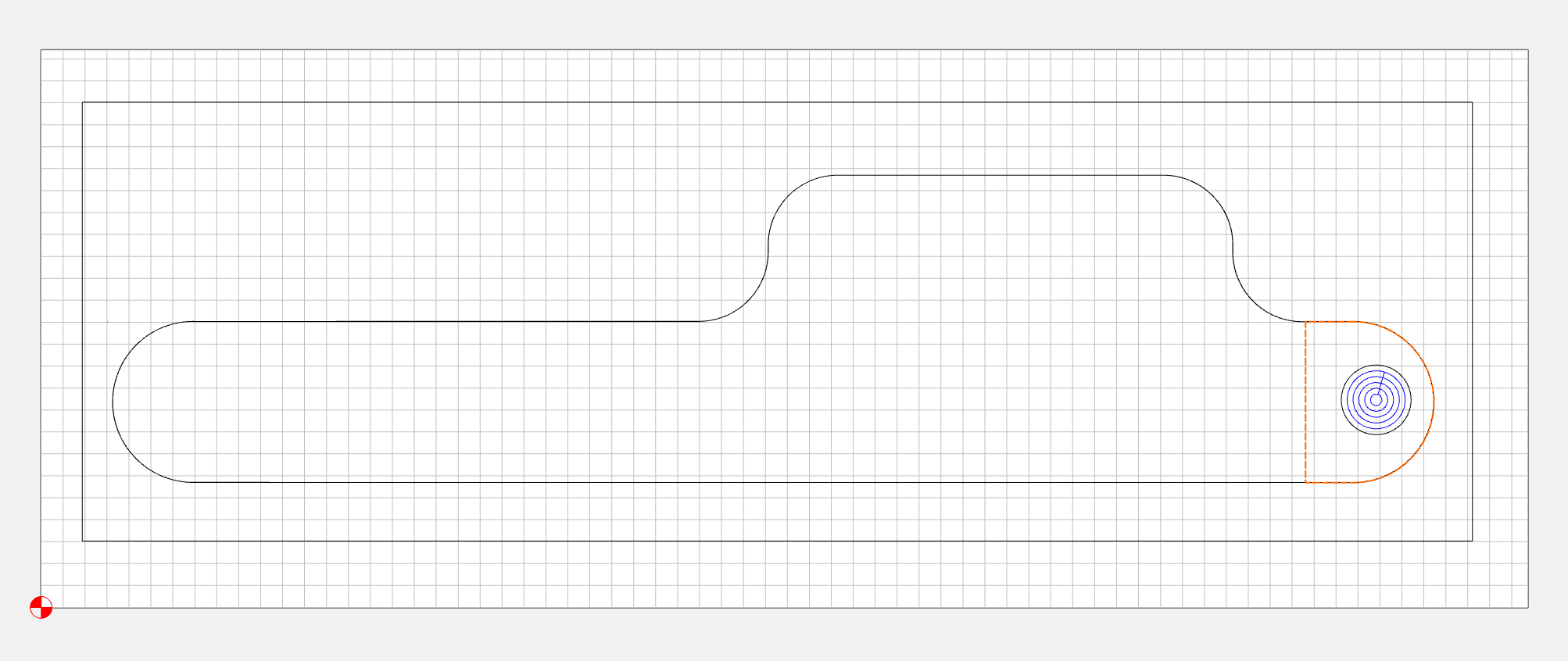
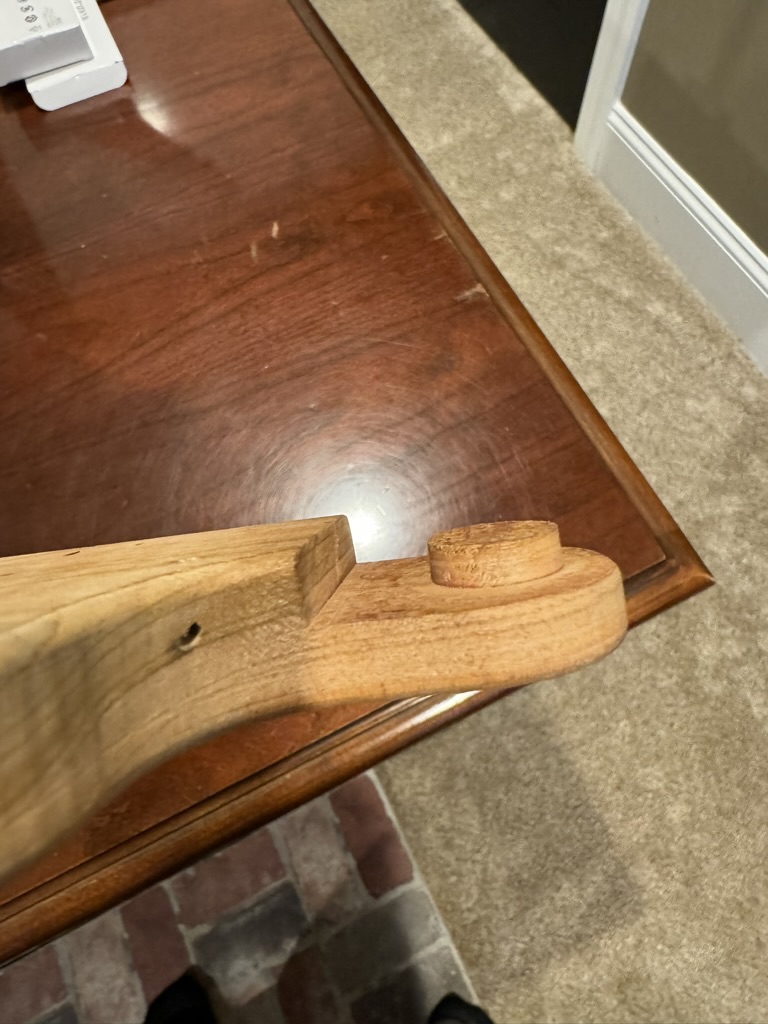
On the bottom side, there is a male connector. I am trying to figure out how to create the toolpaths to retain the cylinder instead of the pocket cut erasing it. I created a pocket cut 6mm from the top of the cut.

I created a circle for the cylinder and want that to be cut about 1mm from the top of the cut so I have a slight clearance within the connector hole. But b/c the pocket cut is 6mm deep, the cylinder is eliminated.

How do I tell the toolpath not to cut in the circle/cylinder area?
Thank you!


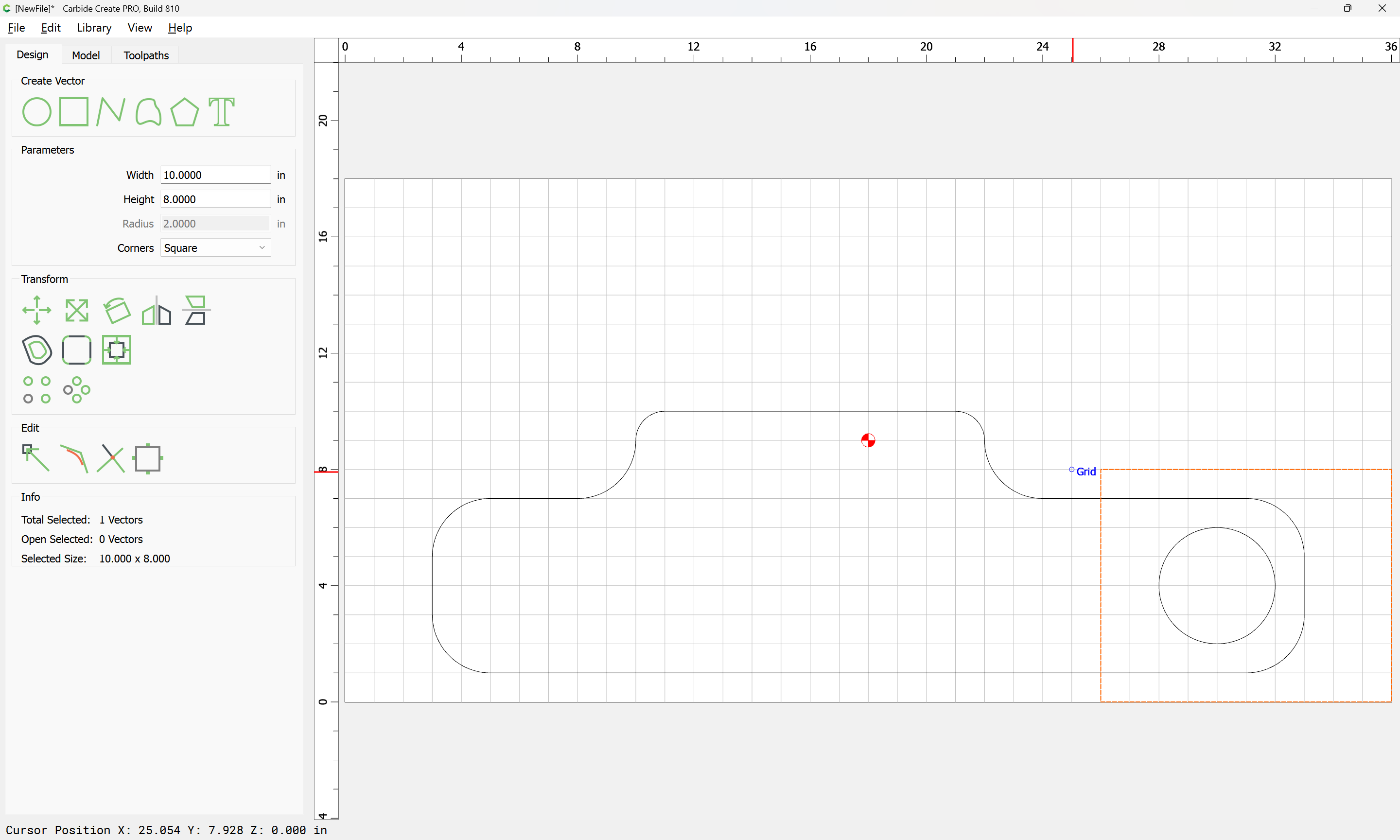
Select the surrounding area and the area which you want as an island.

Probably you’ll want to add a partial offset and do this in multiple toolpaths for efficiencies sake:

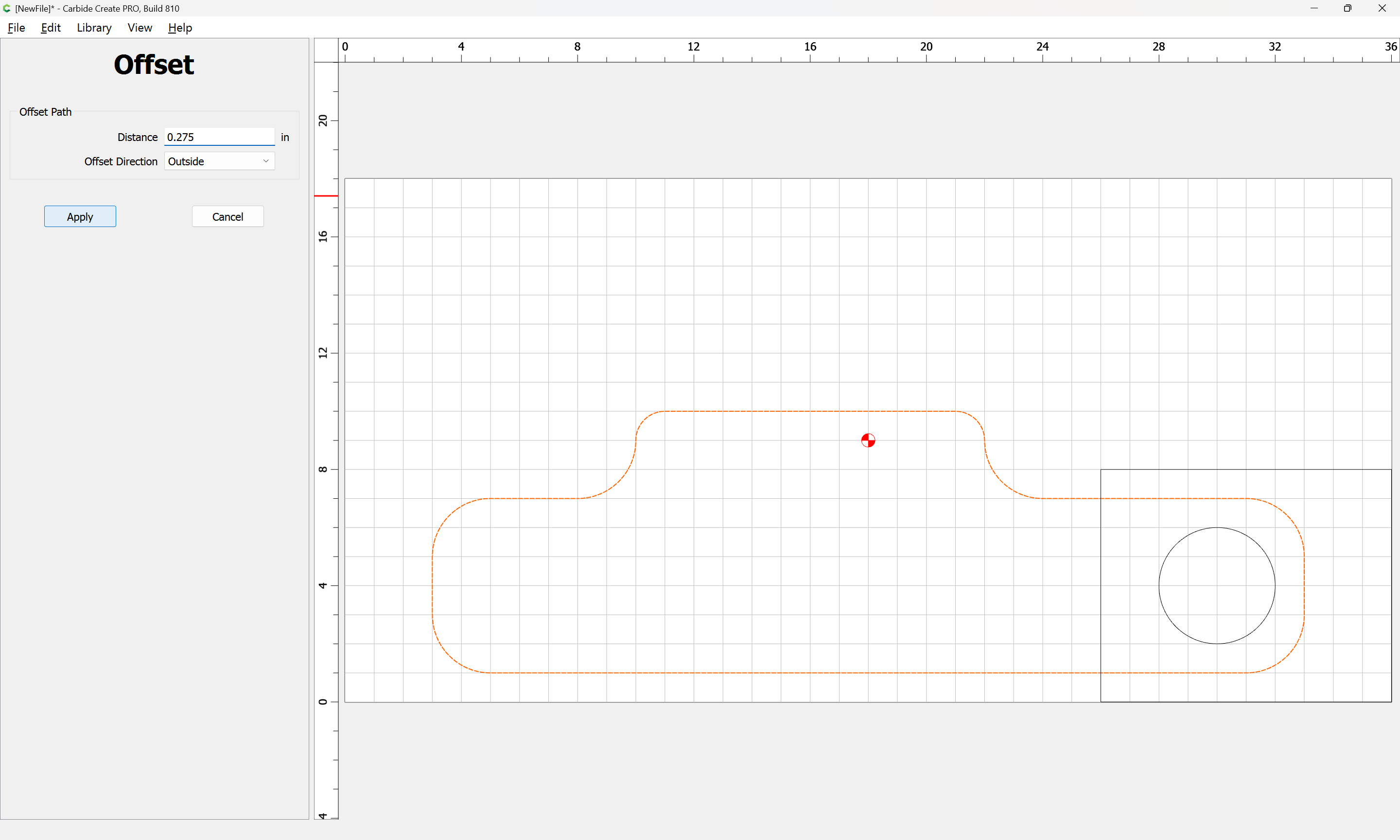
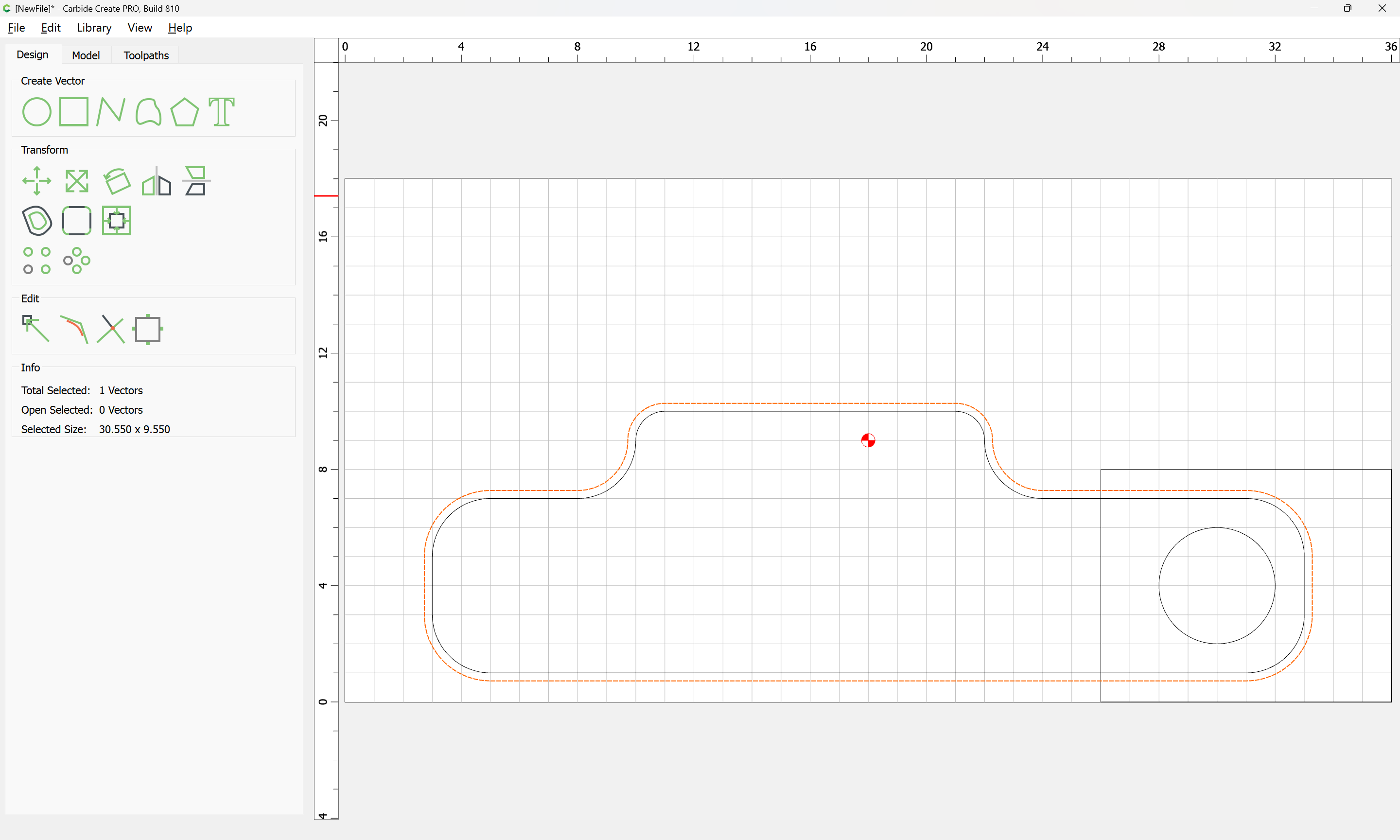
Offset the part geometry by endmill diameter plus 10%:

Apply

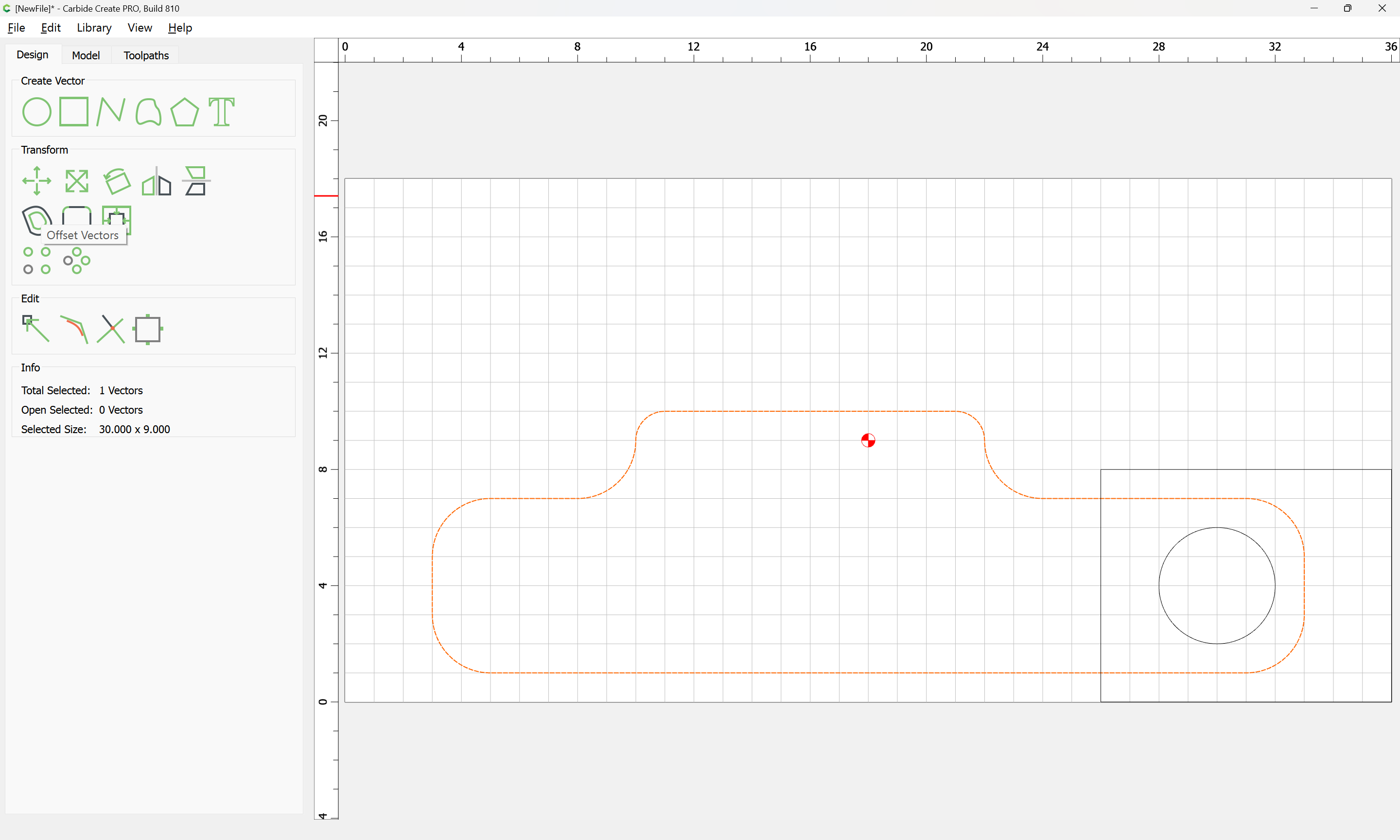
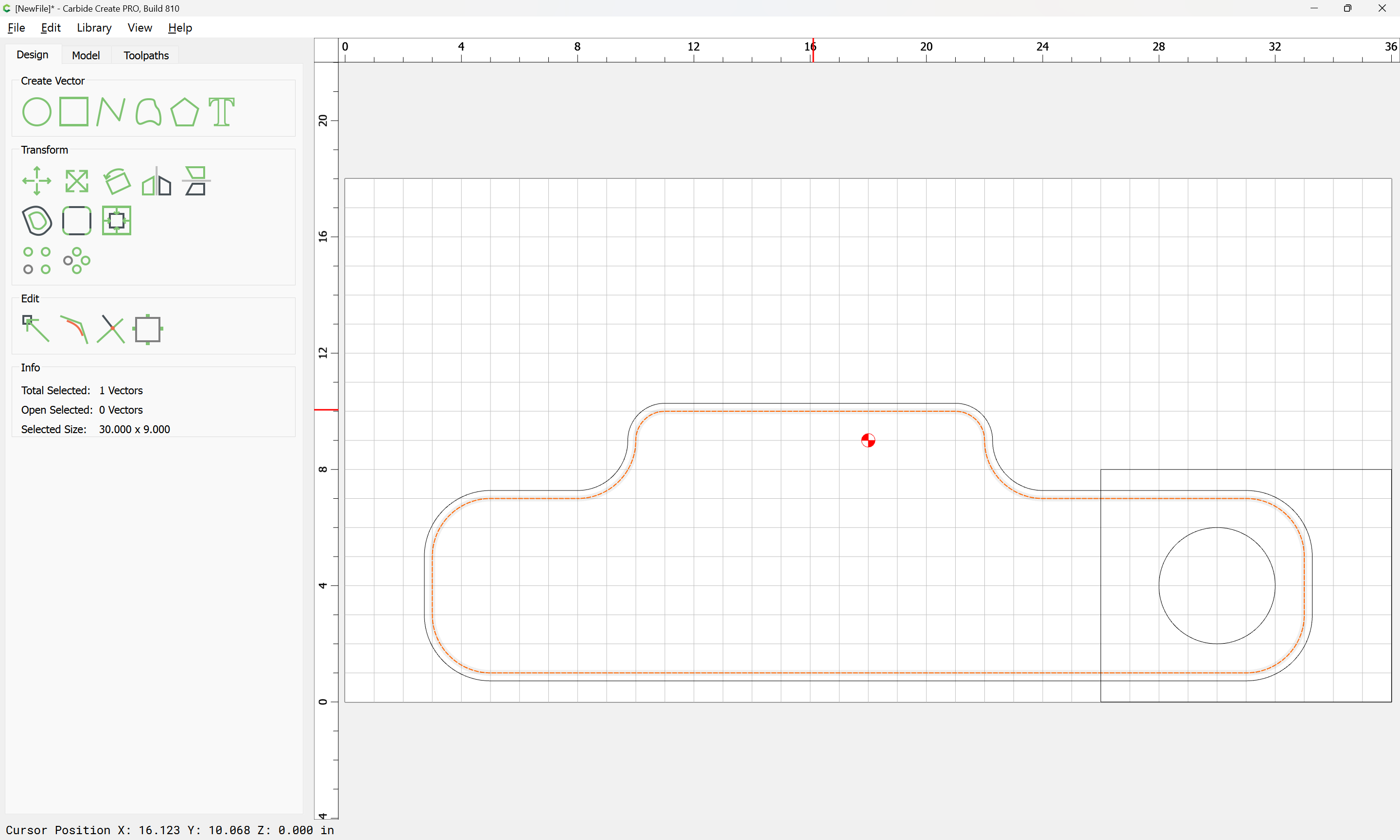
Duplicate the original geometry in place:

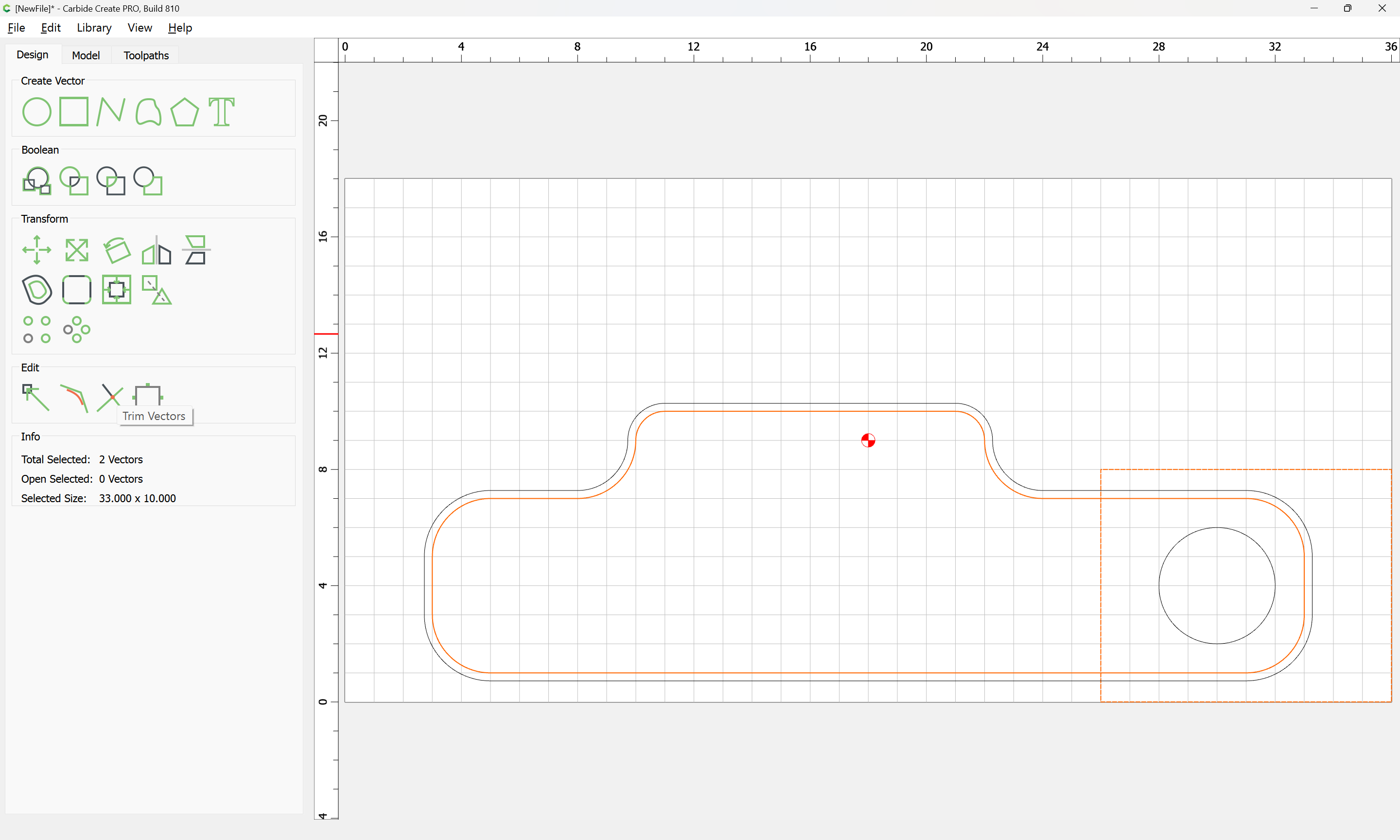
shift-click on the rectangle to add it to the selection:

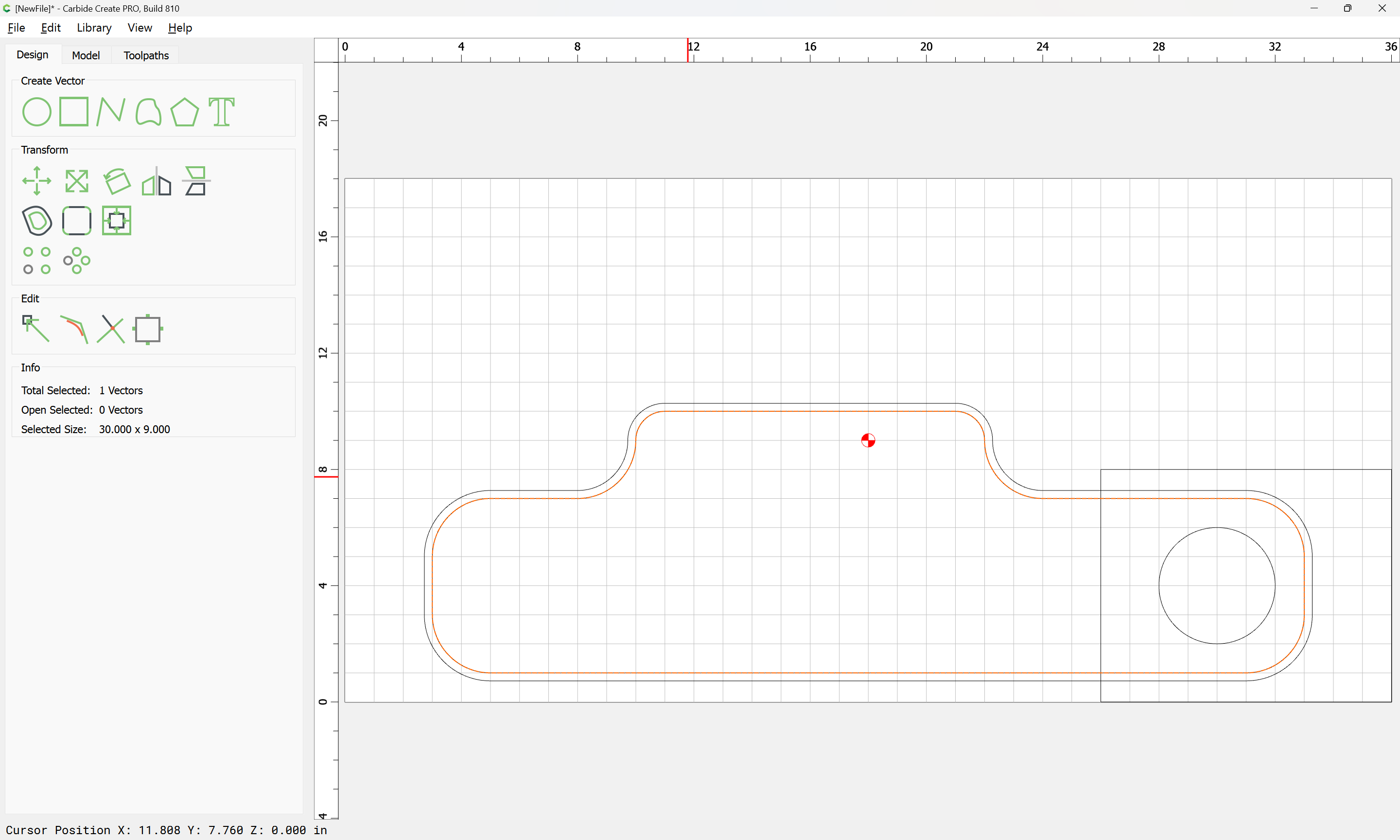
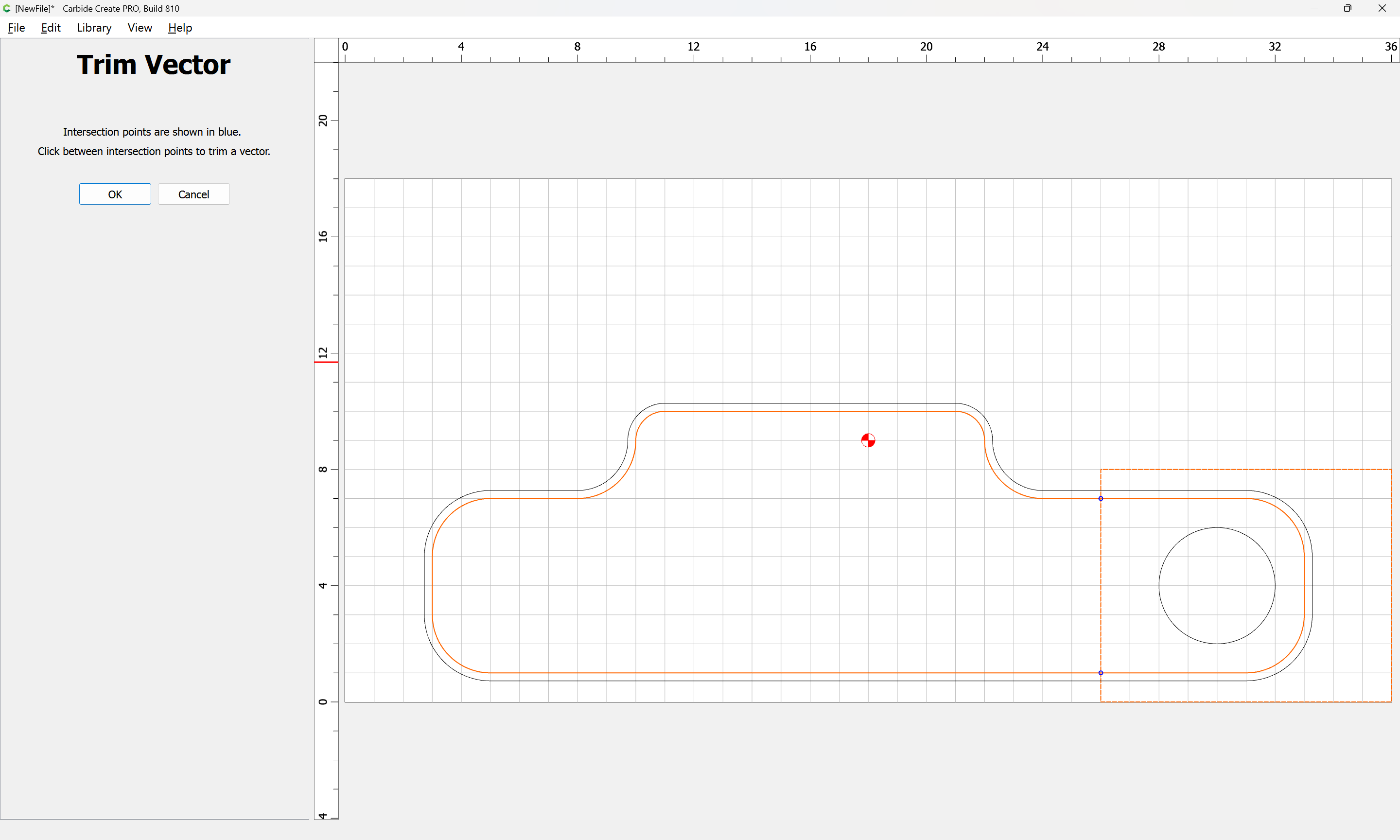
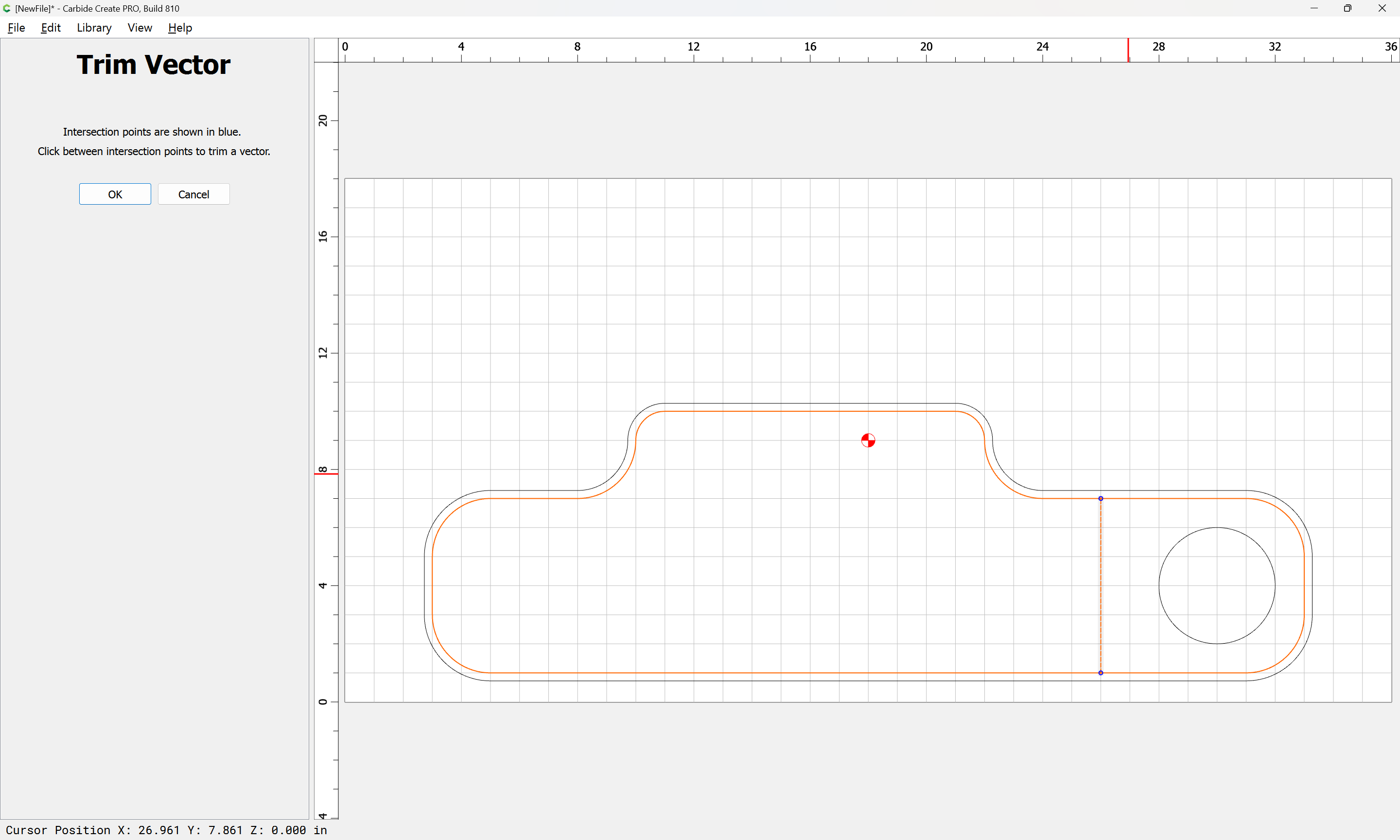
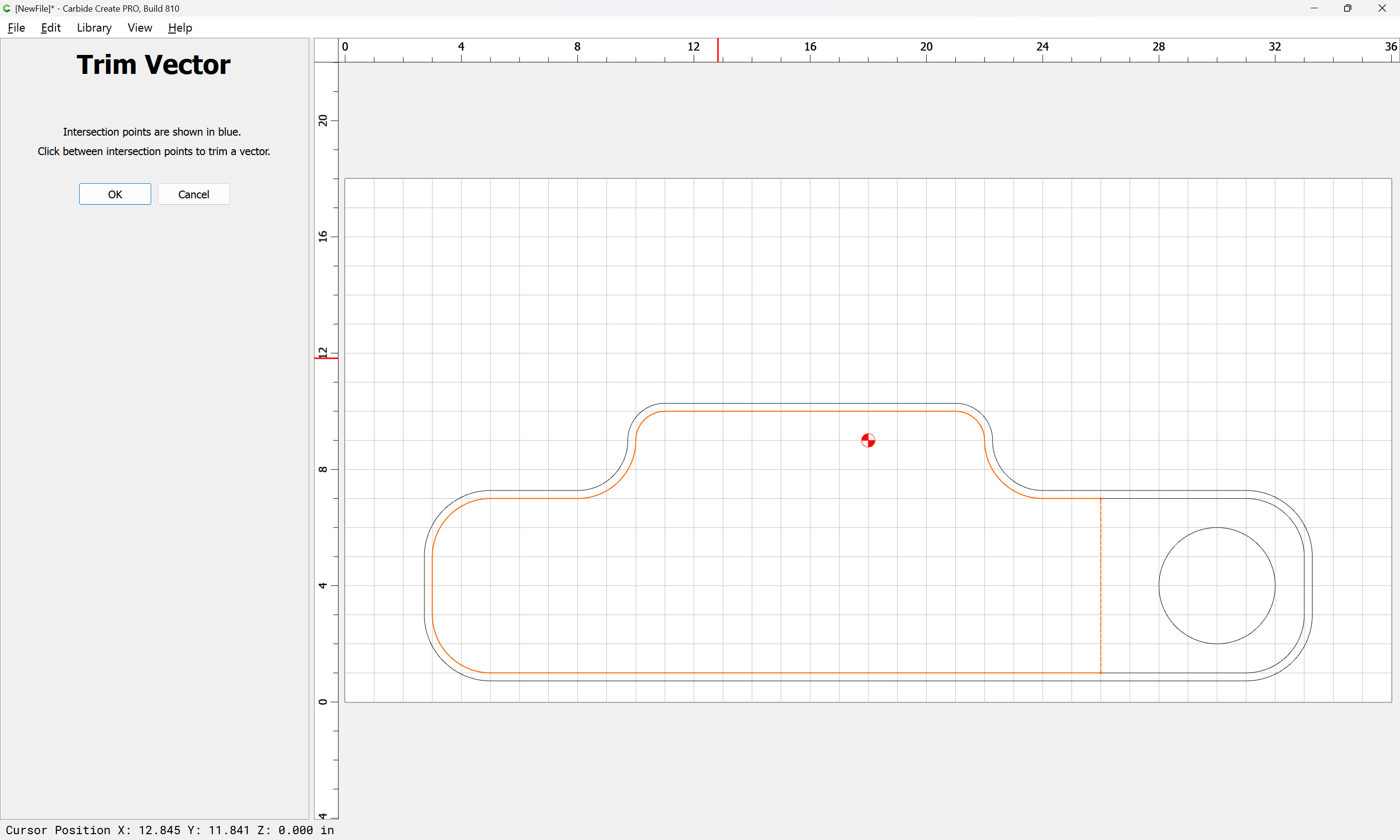
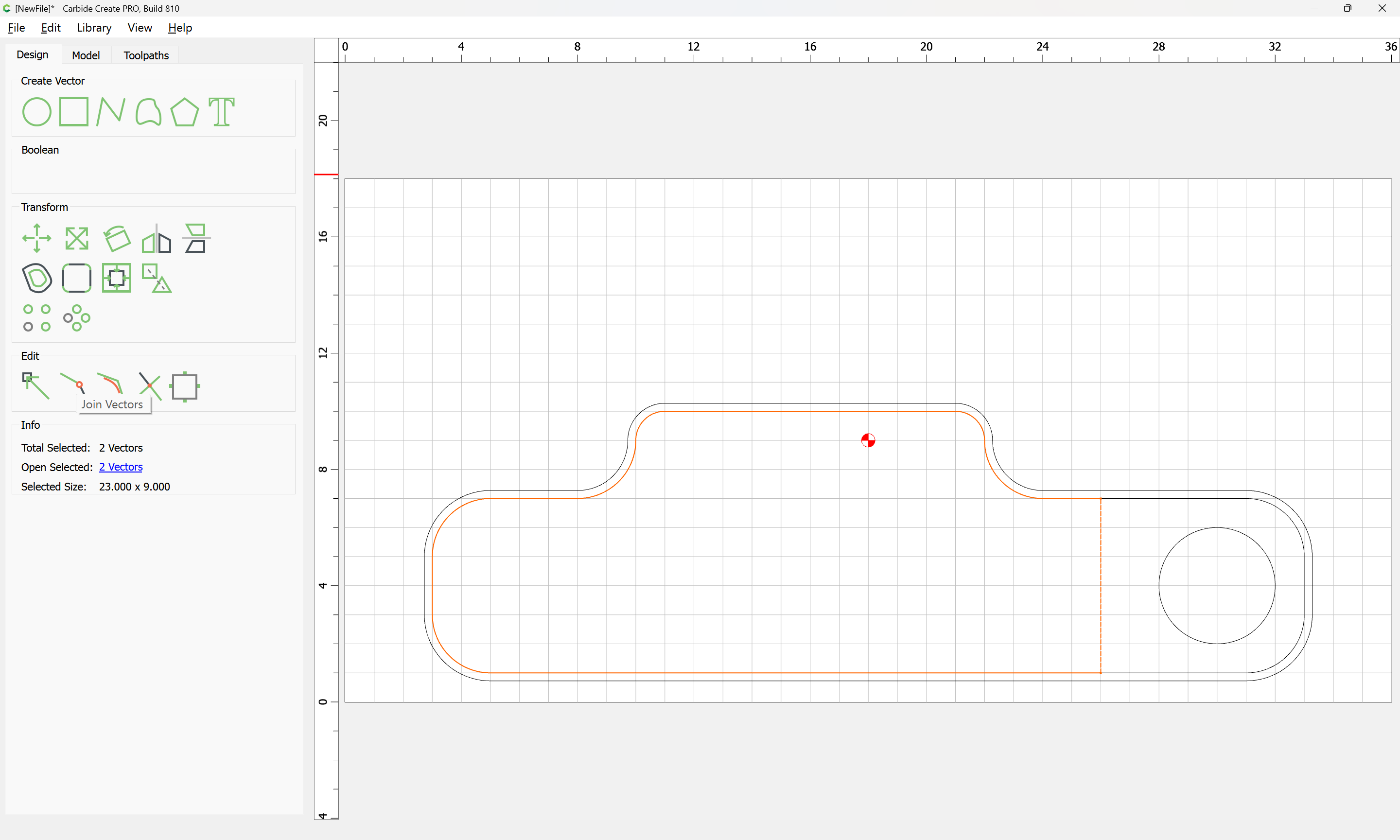
Use Trim Vectors to remove what is not wanted:

until one arrives at:

OK

OK

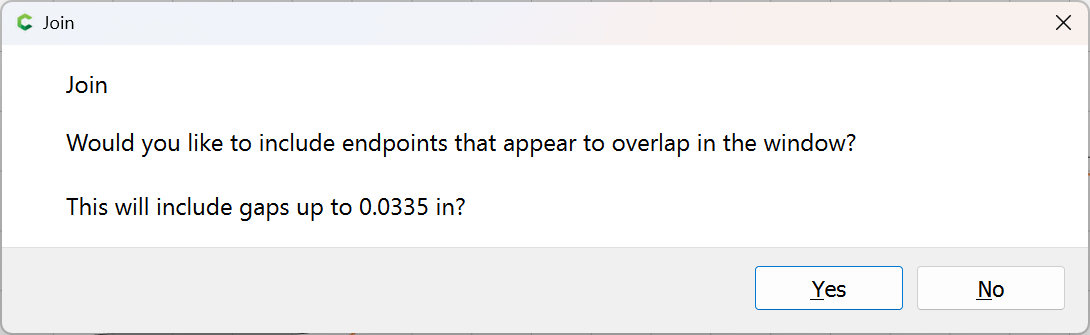
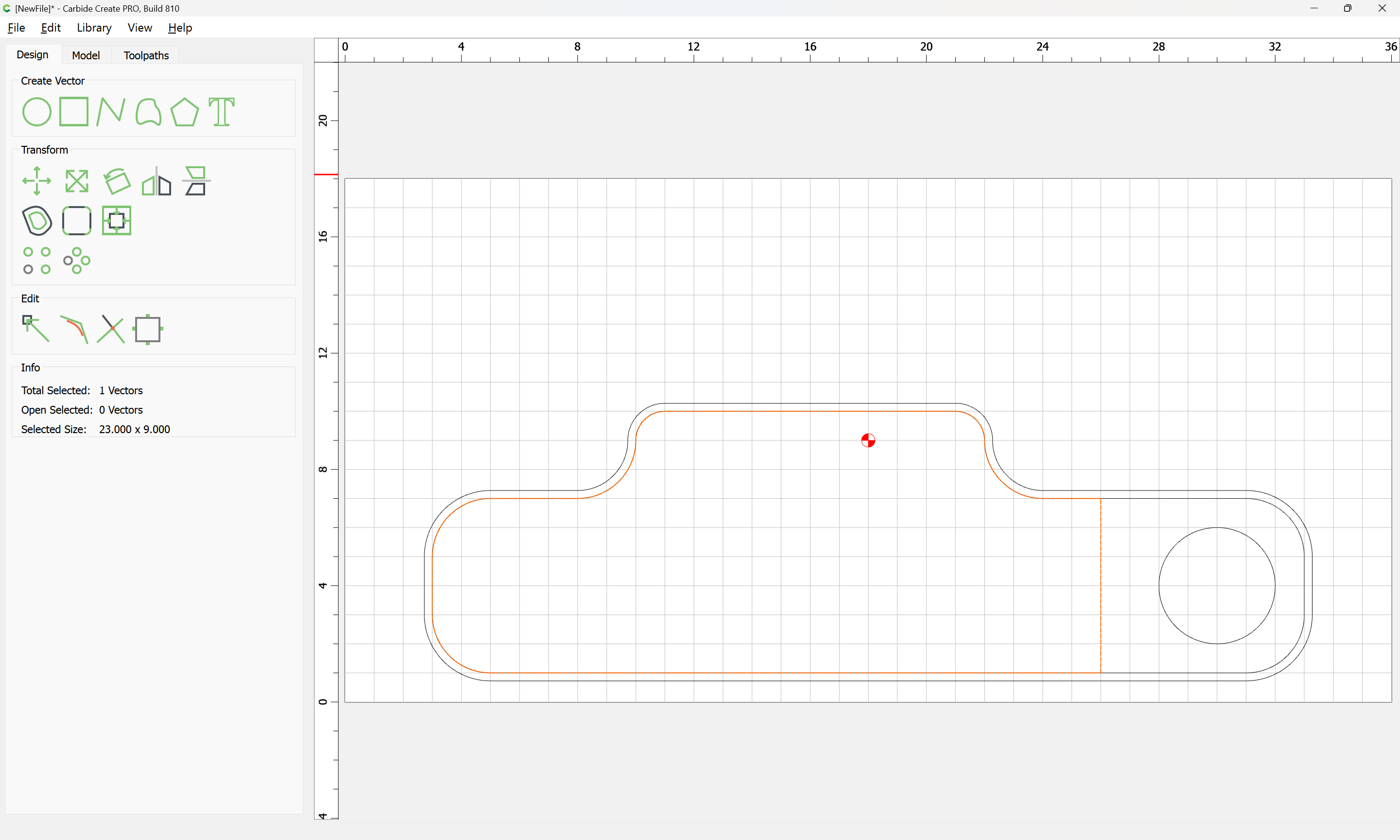
Join Vectors:

Yes

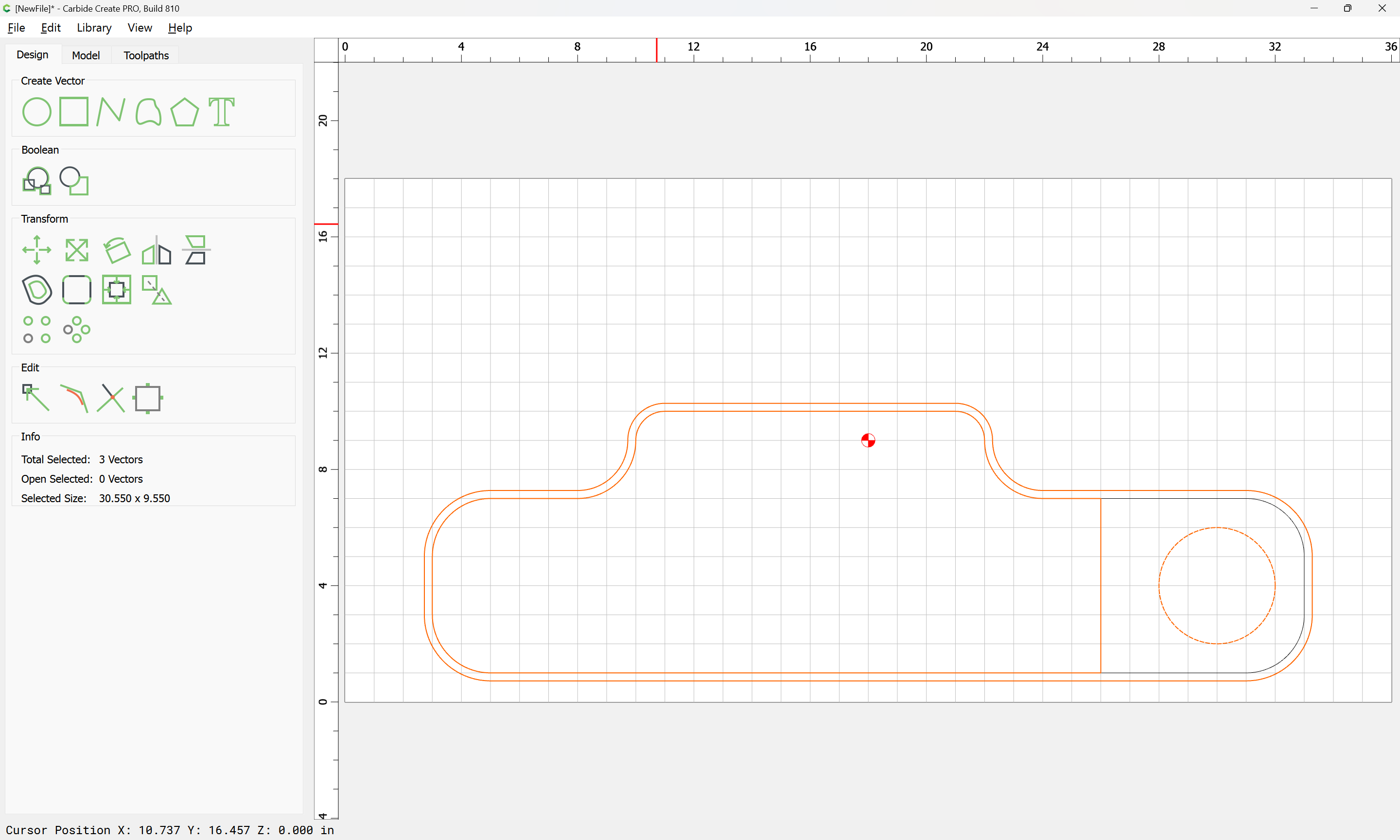
add the offset geometry and the desired island to the selection:

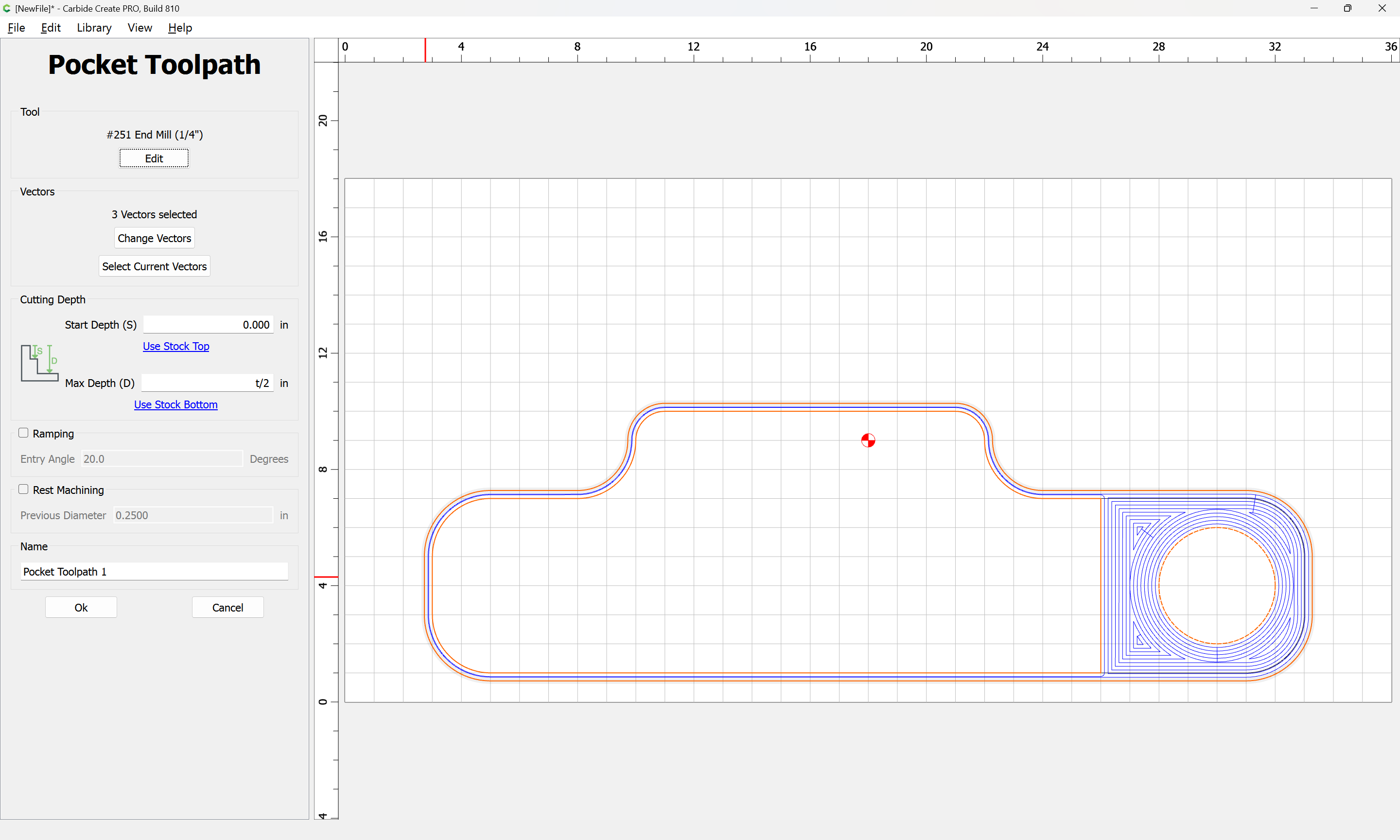
Assign a Pocket Toolpath to the desired depth:

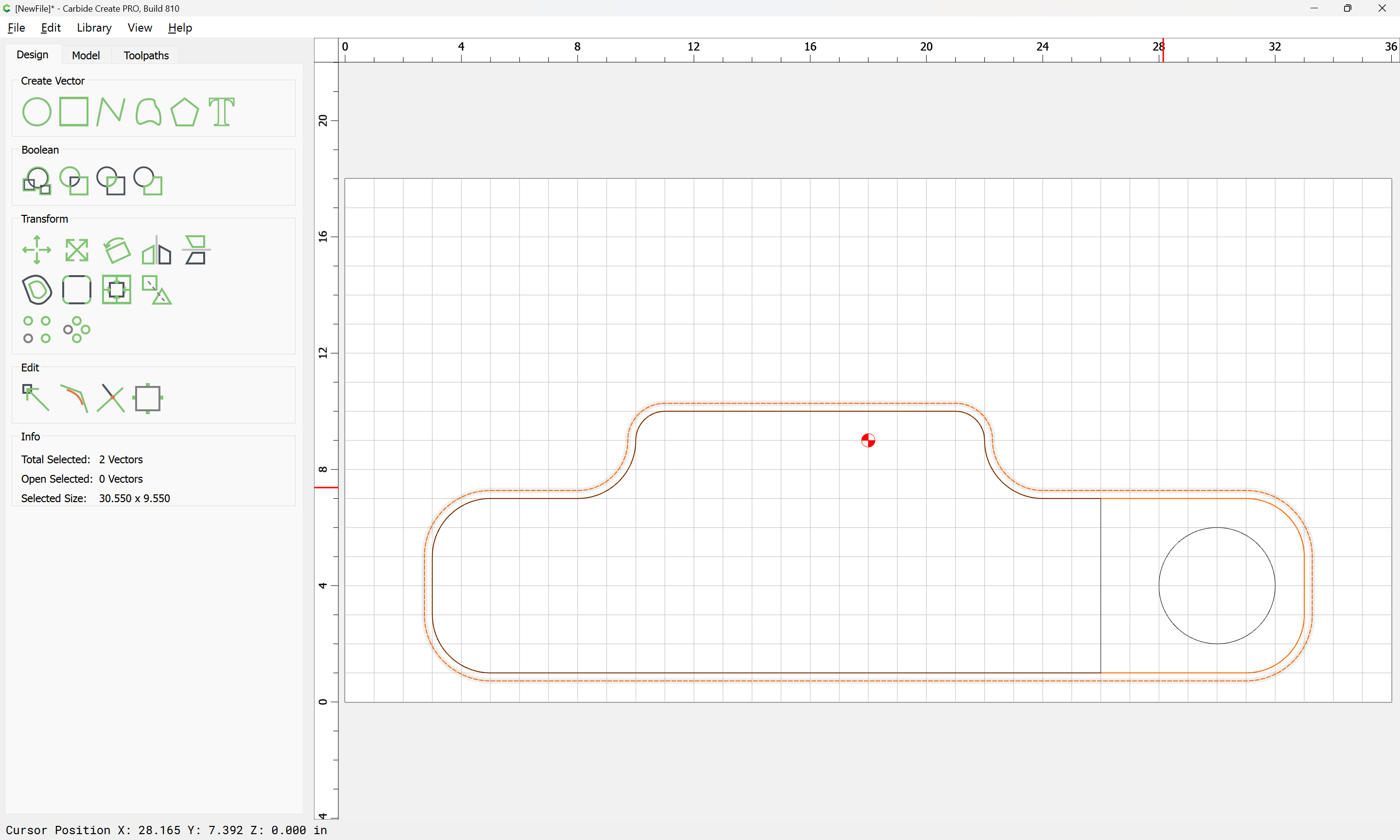
Then select the original part geometry and the offset geometry:

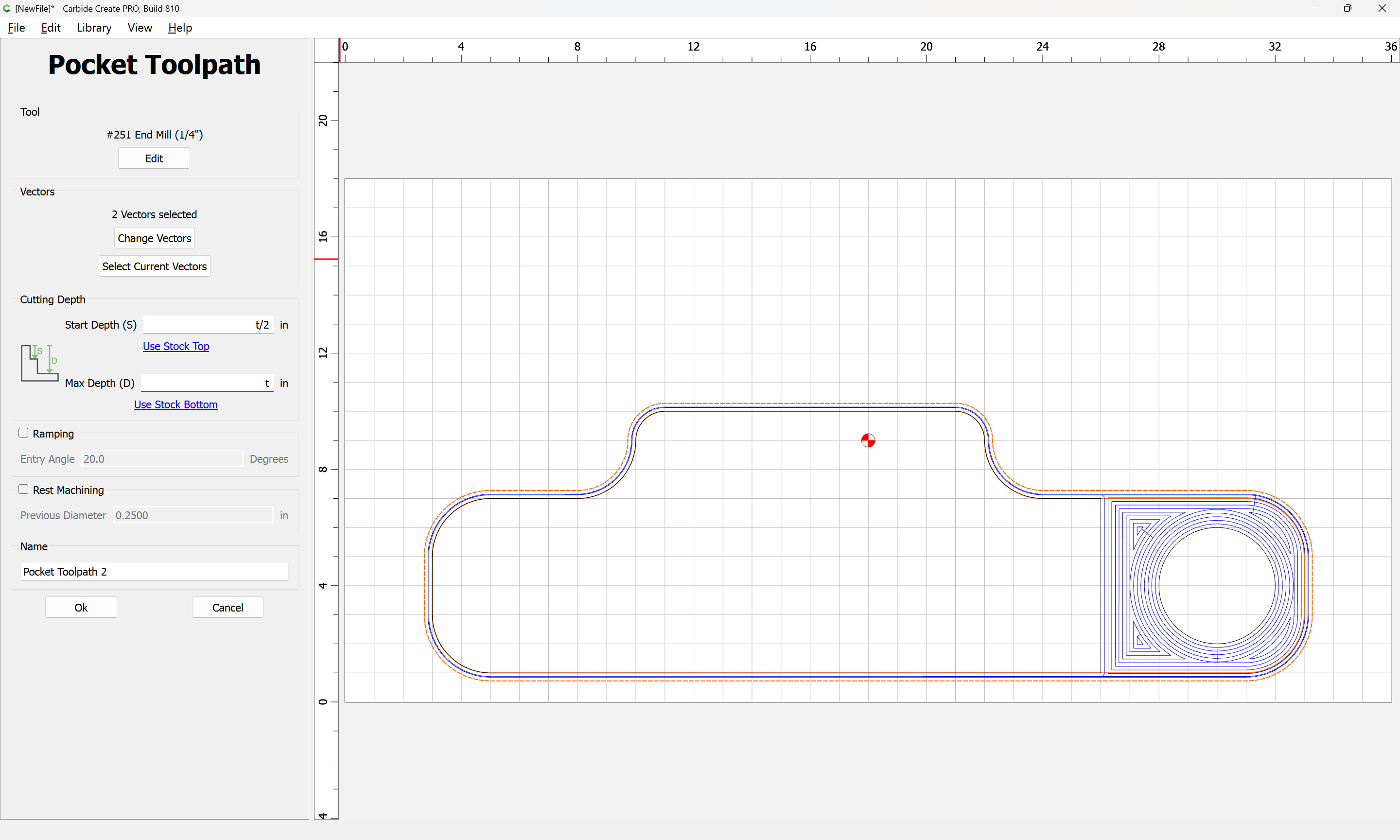
and assign a Pocket Toolpath which starts at the bottom of the previous pocket and cuts to the desired depth:

(probably Stock Thickness less tab height, then finish with a Contour toolpath which respects tabs)

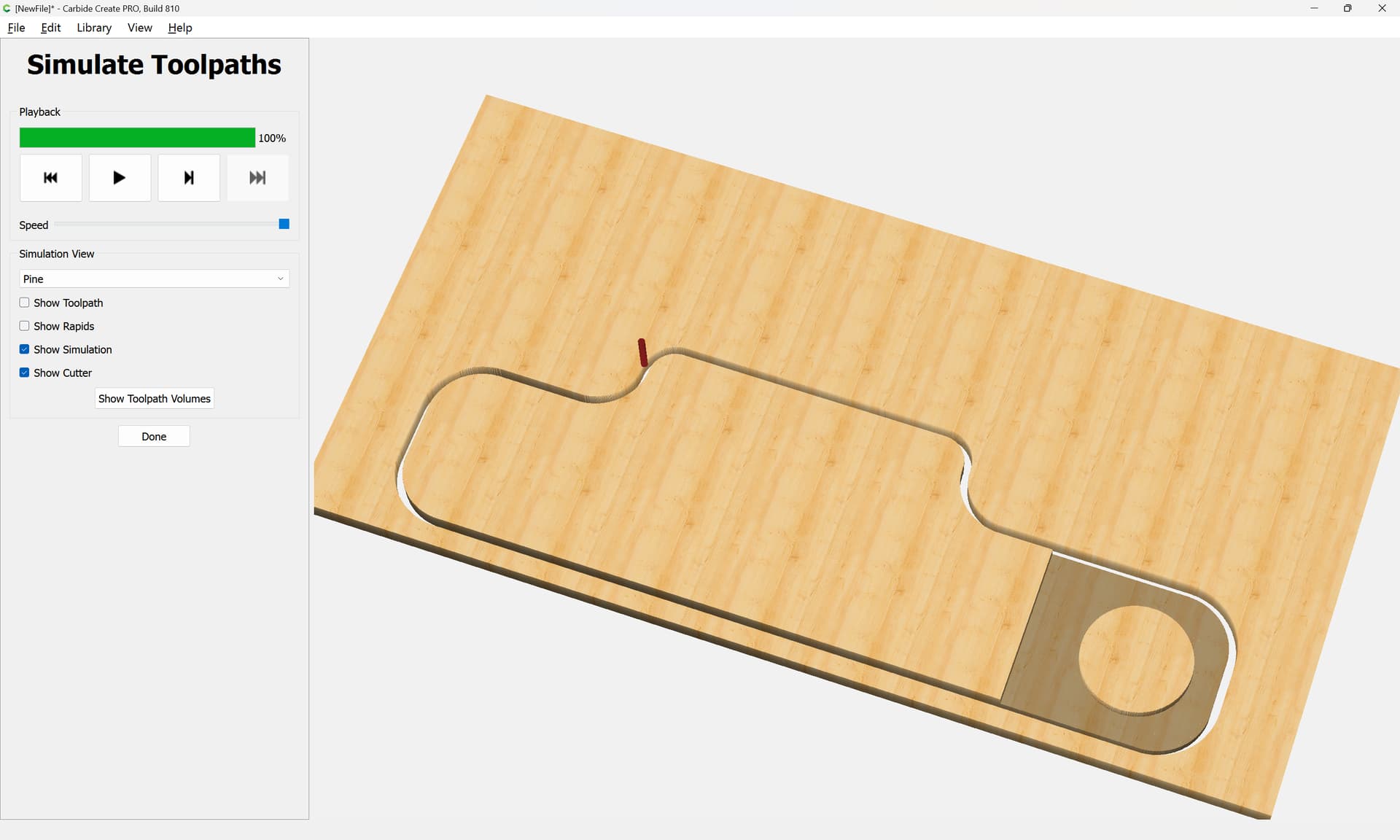
which previews as:

Wow! Thx. I’ll see if I can do this.

This topic was automatically closed 30 days after the last reply. New replies are no longer allowed.