Hello everyone,
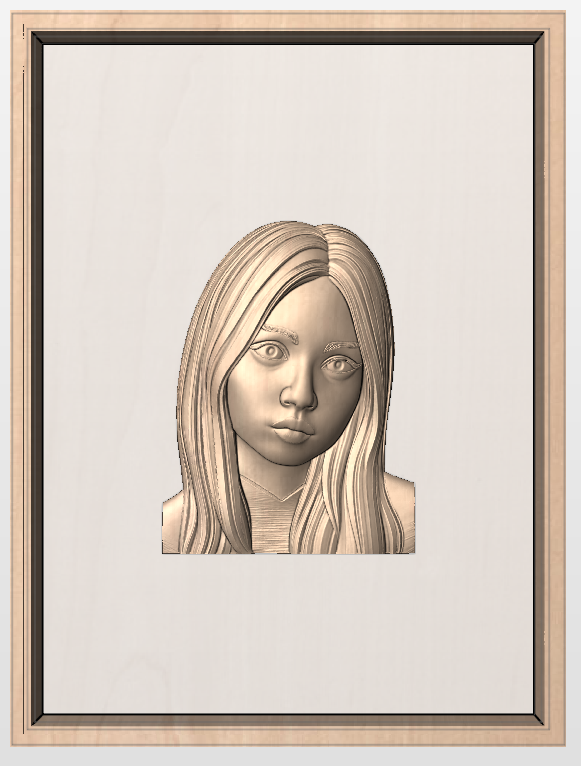
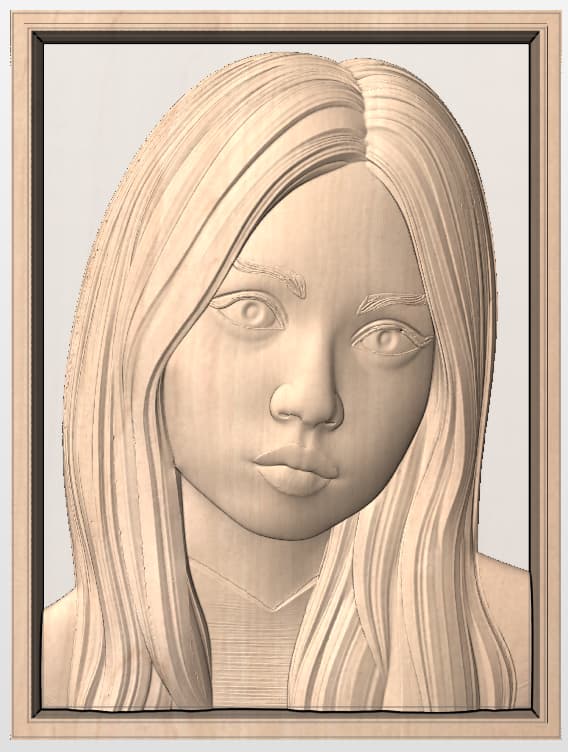
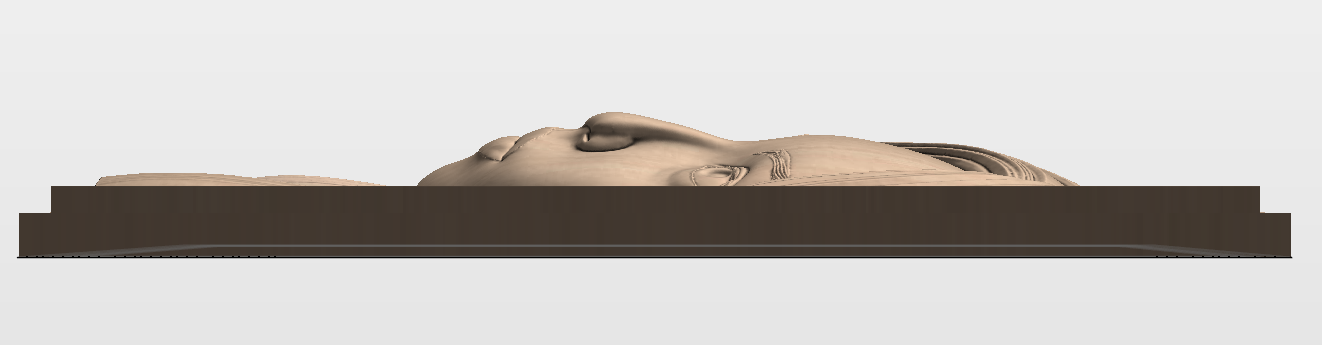
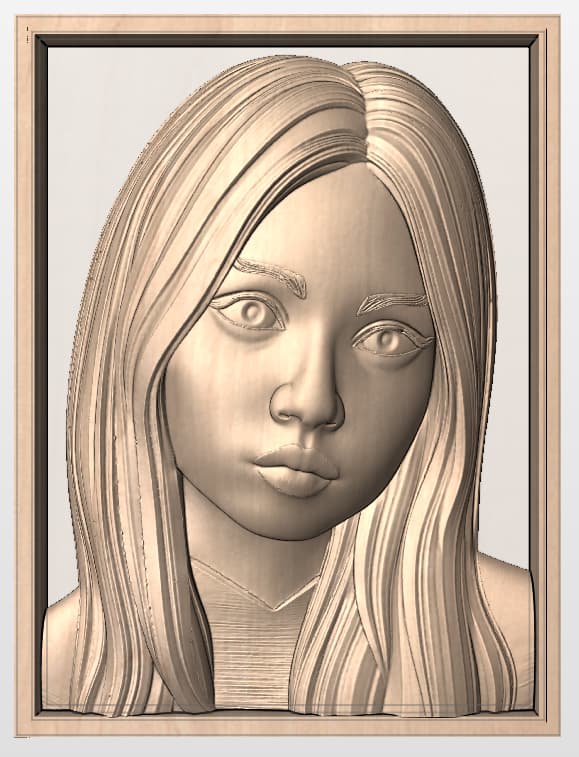
I’ve been trying to work on a face model, but unfortunately I always run into the same issue: the models usually have a very large thickness in the Z axis. For example, in this case the model has a depth of about 3", which makes it impossible for me to machine since my wood stock is only 1.34" thick.
Part of the reason is that I would like to make fairly large pieces, around 18" x 24", so another possible solution would be to scale the piece down to half the size. However, I was wondering if anyone here knows a better way to optimize the reduction of Z height without losing too much detail.
What would you personally prefer in this case: a smaller carving with more preserved details, or a larger piece that looks flatter in the Z axis
Thank you very much for your time and attention!