I have upgraded to V CC 838 and all my tools from prior CC are gone as well as all the custom SVG i added to the Library tab. I am not able to see how to add the images back to 838 as i dont see a folder for it anymore.As this been removed from CC? When i added a new tool in the library in 838 i dont get a setting or CSV file in the about CC directory tools folder? are these thing removed from this verison?
CC overwrote my last install so i have lost the ablitiy to go back to my pervious version where all the stuff was already saved.
thanks in advance
My custom tools are all gone as well. Same situation - just upgraded to 838, and GONE.
EDIT - Nevermind, user error on my part.
Which tools show is based on the selections at the top of the window:
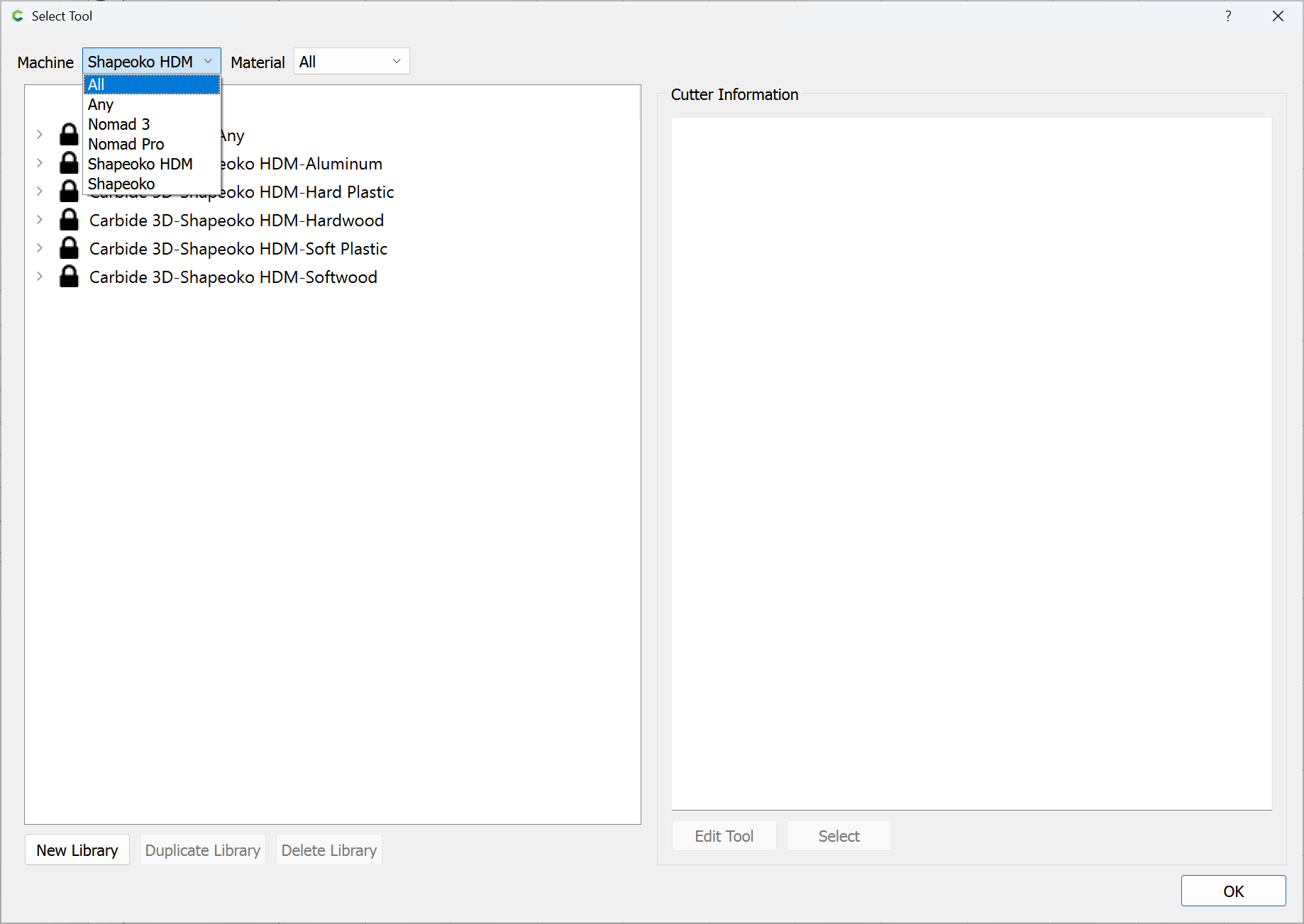
Everything should show if “All” and “All” are selected.
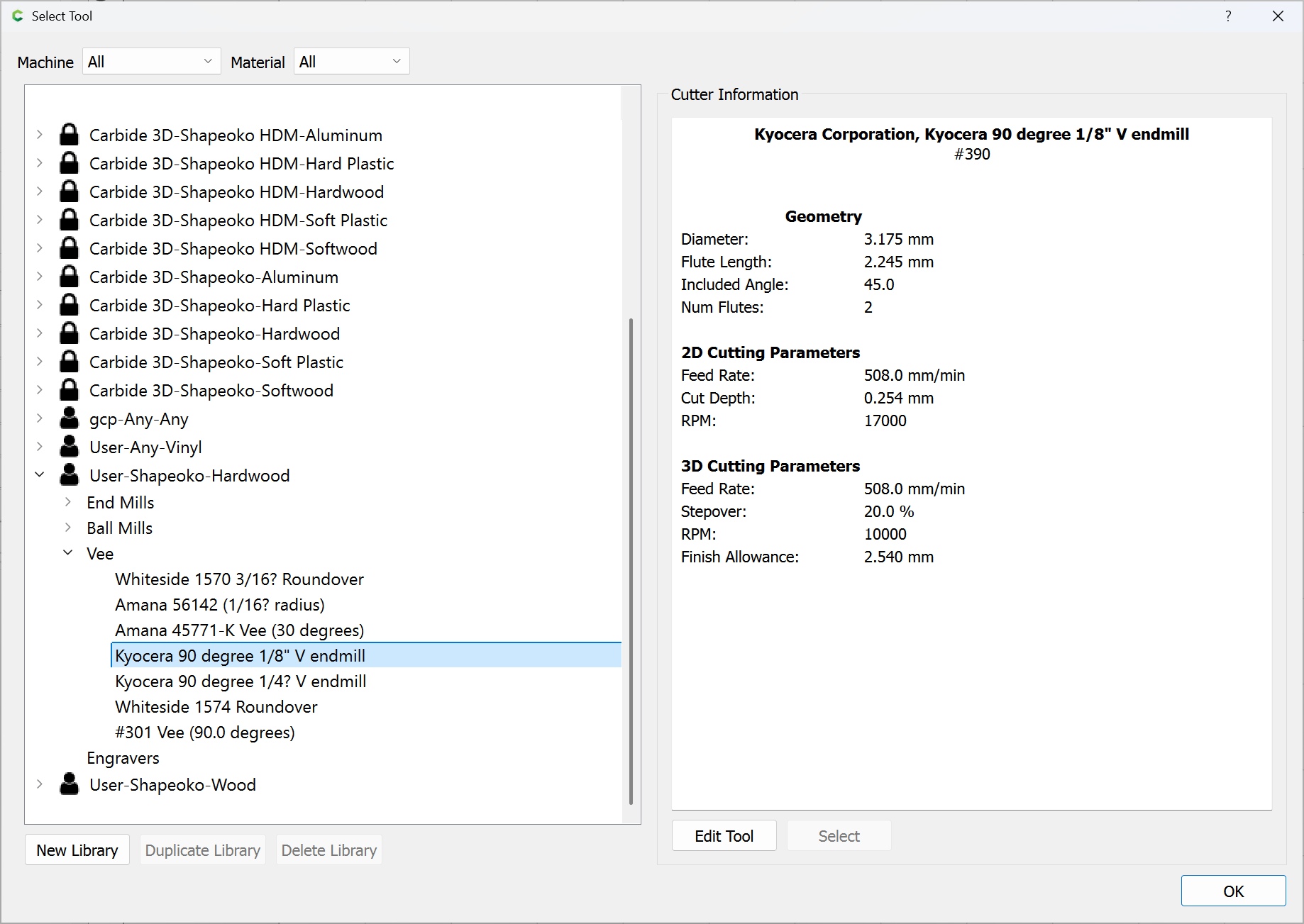
My custom tools show:
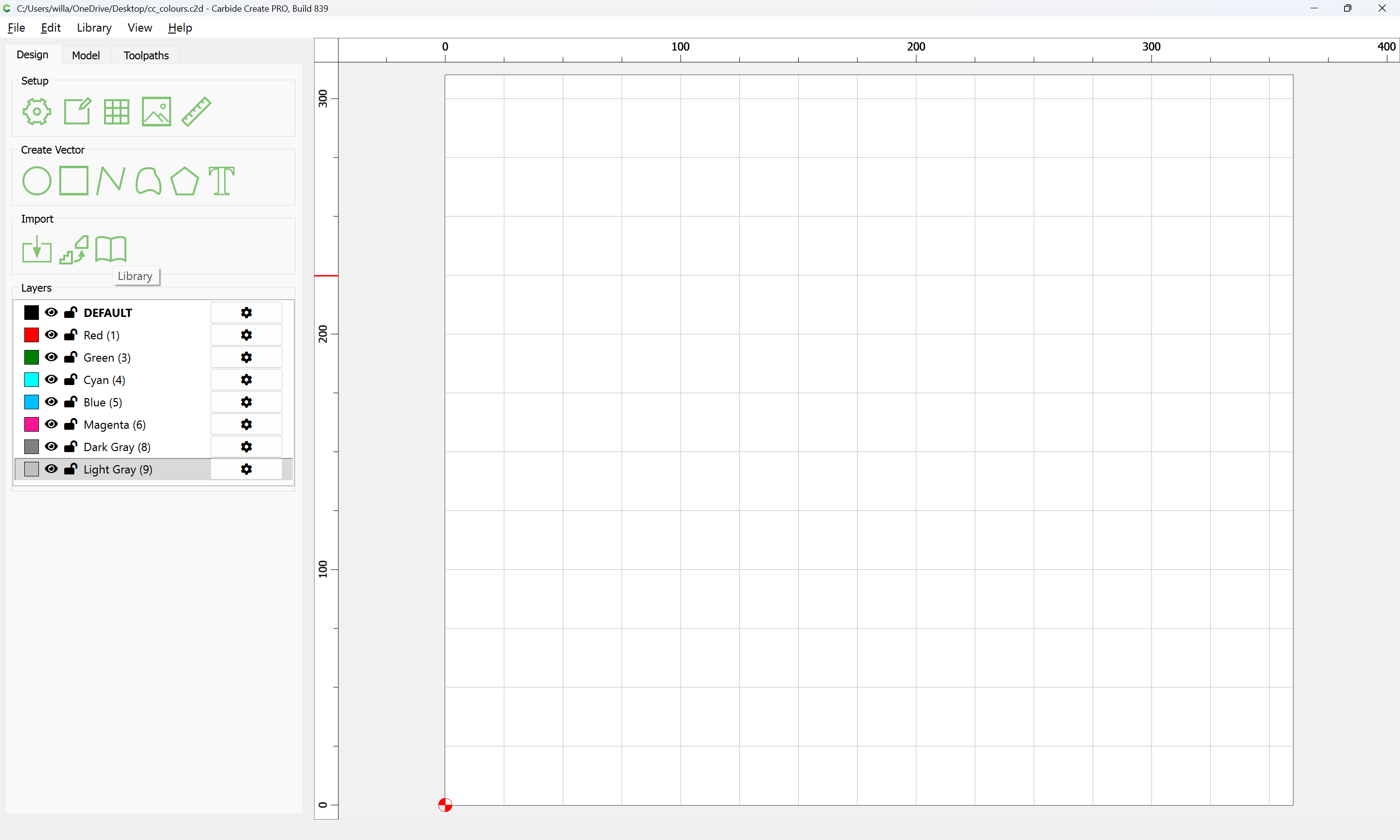
For the Library content, the files are in a folder which Carbide Create should only interact to access/show:
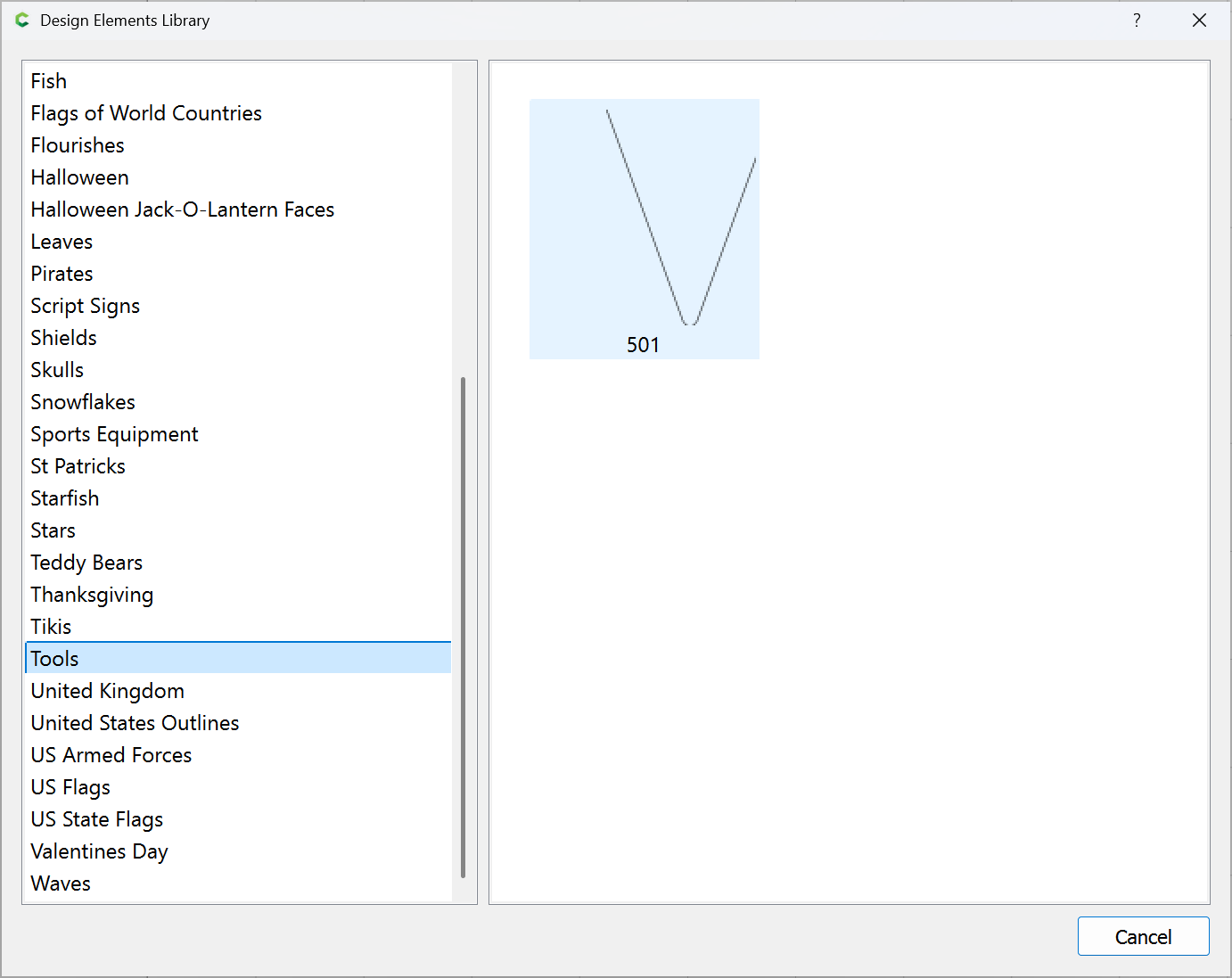
and a custom folder/file which I have is still there:
yes i am aware that all and all need to be selected which they are. I made a new tool library and in the create folder it does not show up so i can edit change them.
as for the library i was able to put svgs in the folder and able to select them when i go to libray for doing repeat projects. I am not able to find that folder anymore
Reboot, check for updates, shutdown and restart — are the files then visible?
If not, post screen grabs showing what you are seeing in Carbide Create and the matching folder locations in the Finder/Windows File Explorer.
If the files are actually missing, restore from a backup — are they then visible?
ok i will try that when i get back to my computer in the morning. What is the folder location to put my SVGs in to access them from the library in create.
It is the same location as you are complaining of having put them and now they are missing.
You can find it as before by About Carbide Create | Open Data Directory
Will I am not complaining bud. I am asking a question as it is not the same location as I put them before hence why I asked said question …
This file location has not changed.
What do your backups show for files?
Let us know step-by-step what you did, what you expected, and screen grabs showing what you are seeing and the matching screen grabs showing the folders where the files which are not showing up are.
This topic was automatically closed after 30 days. New replies are no longer allowed.