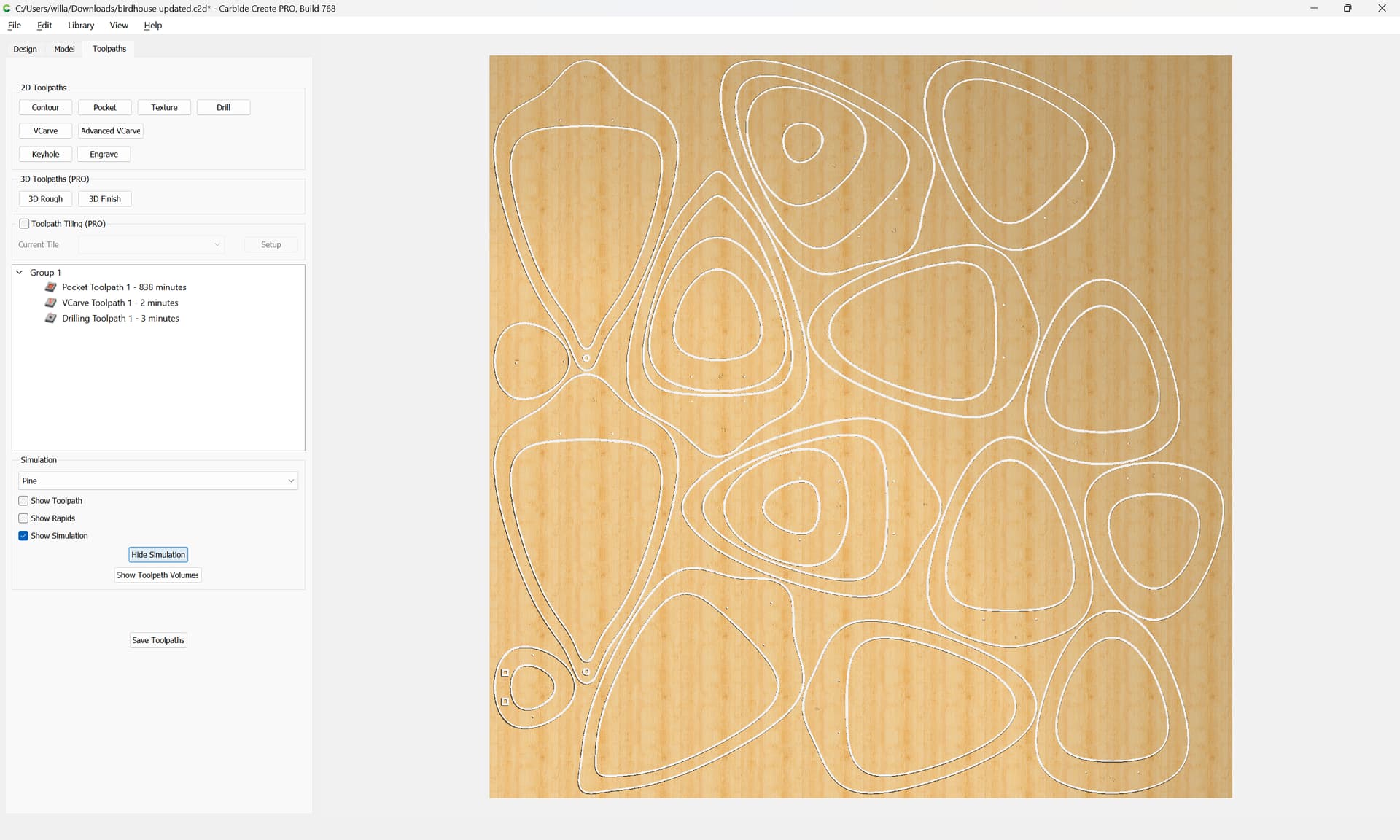
as requested on support…
Given a DXF which imports as:
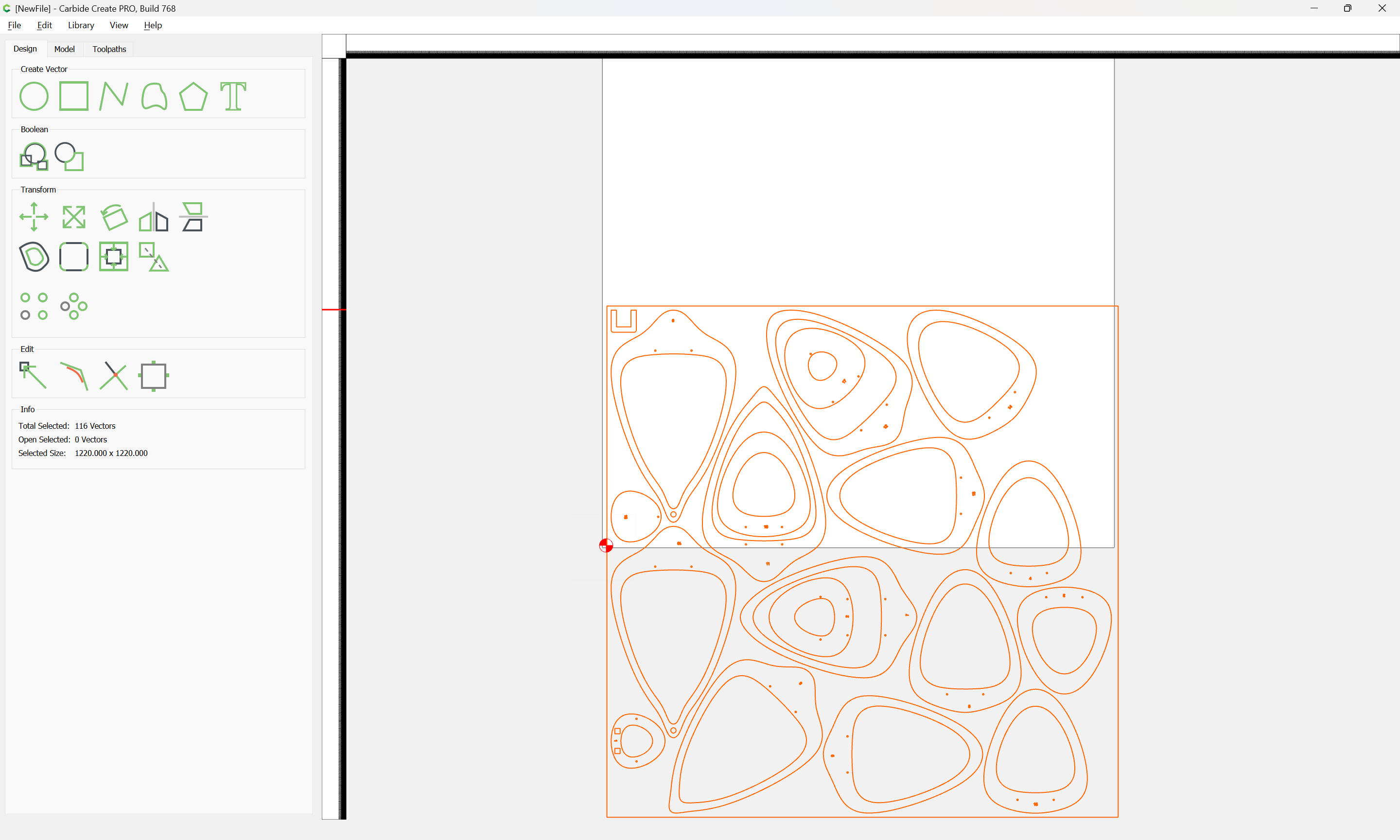
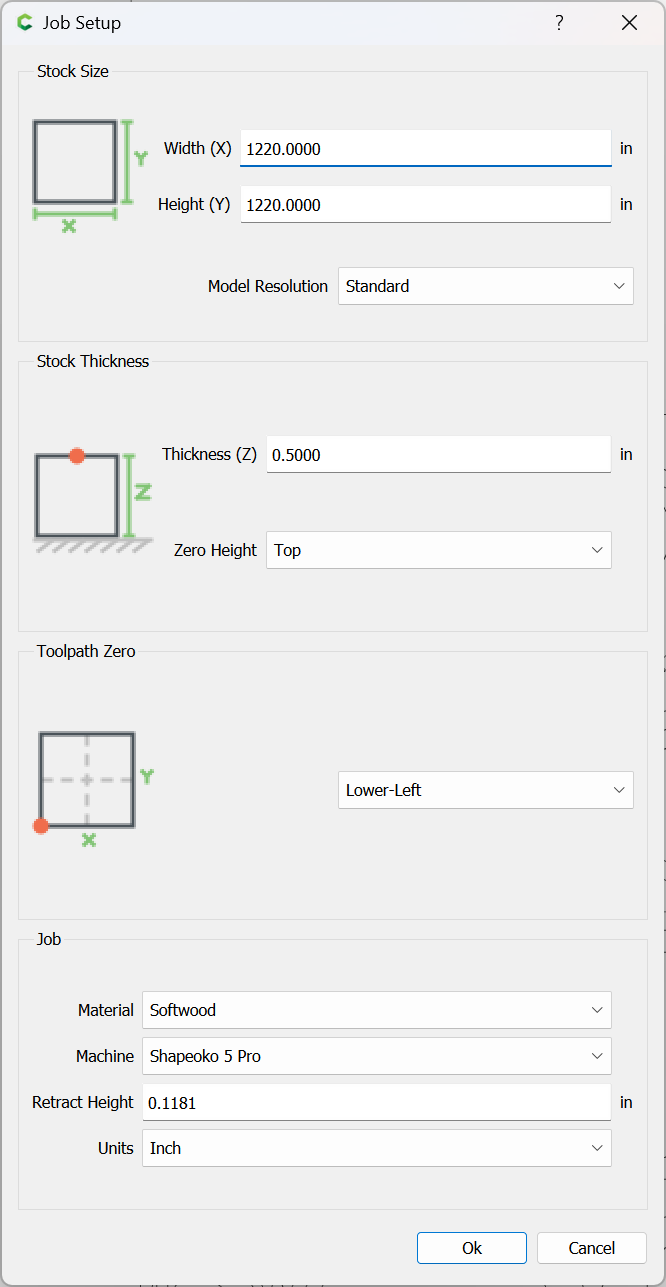
We first go to Job Setup:
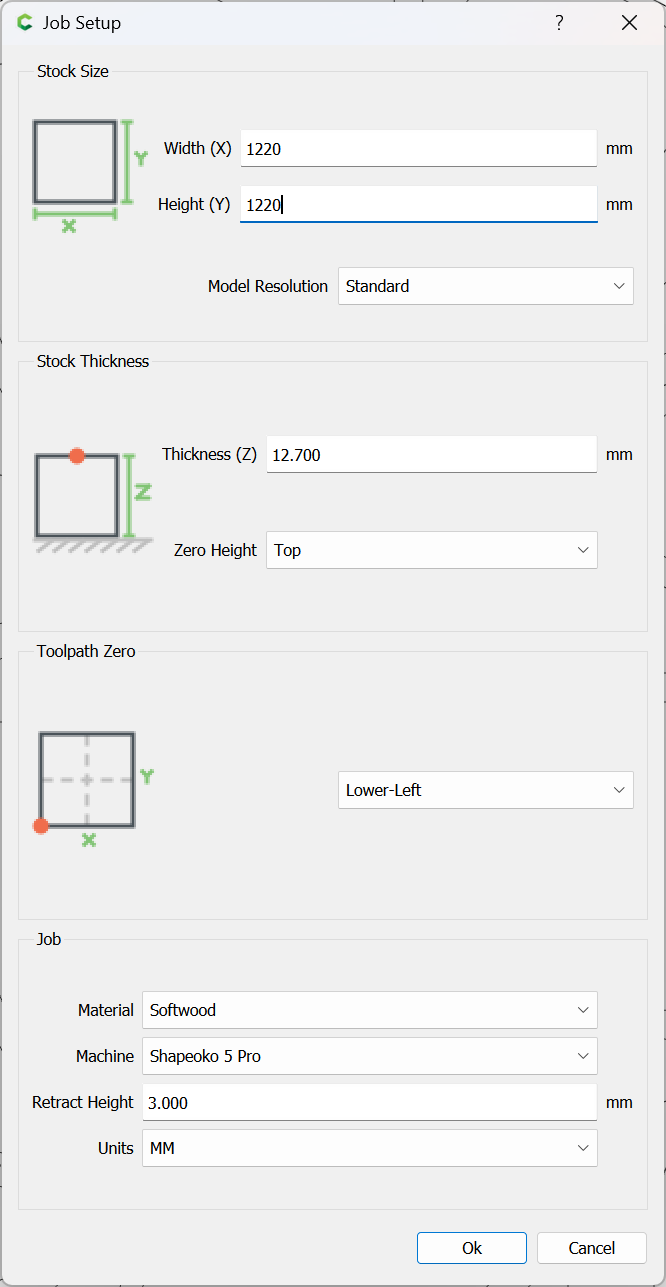
and adjust things so that they can be re-sized in terms of millimeters instead of inches:
and we re-size the geometry to the correct size:
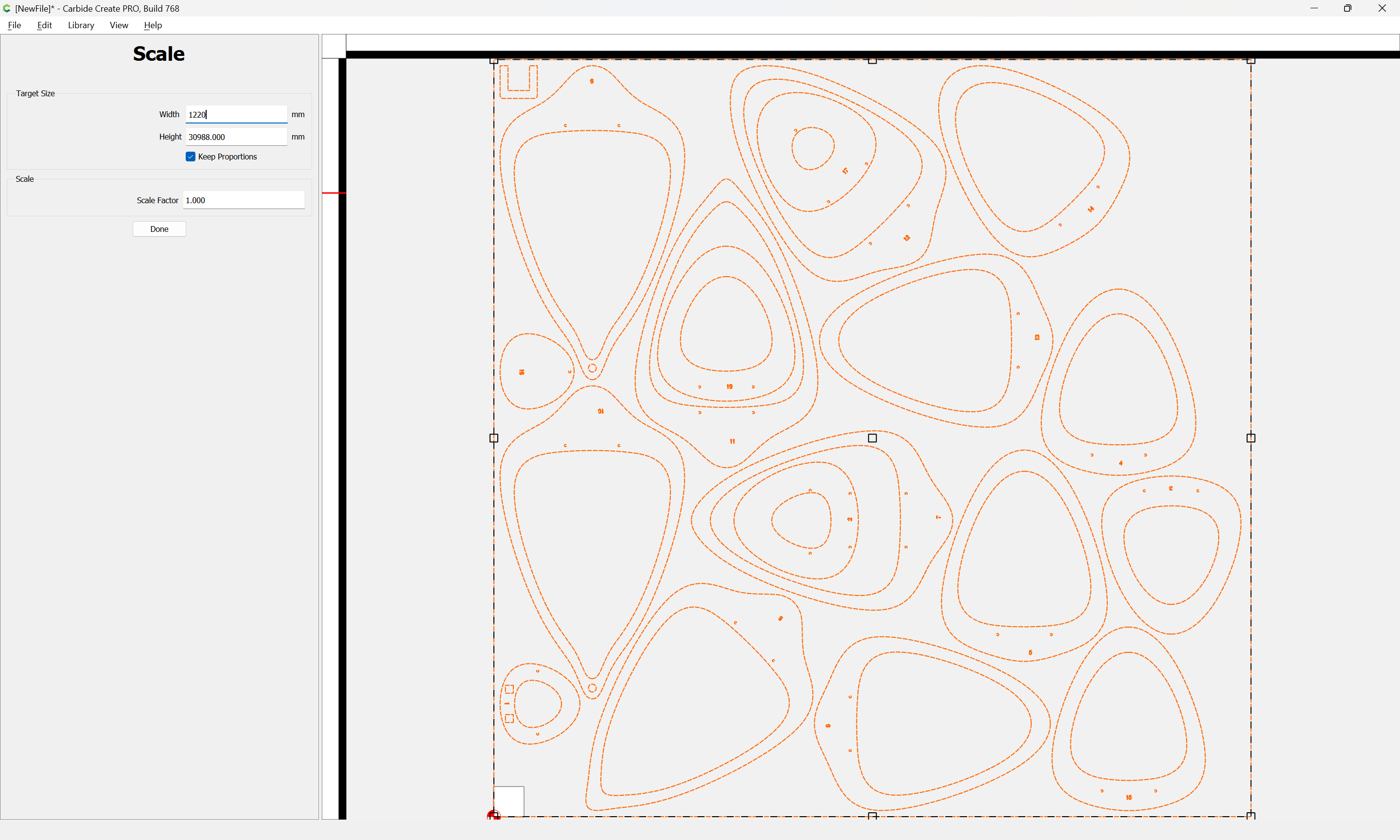
Done
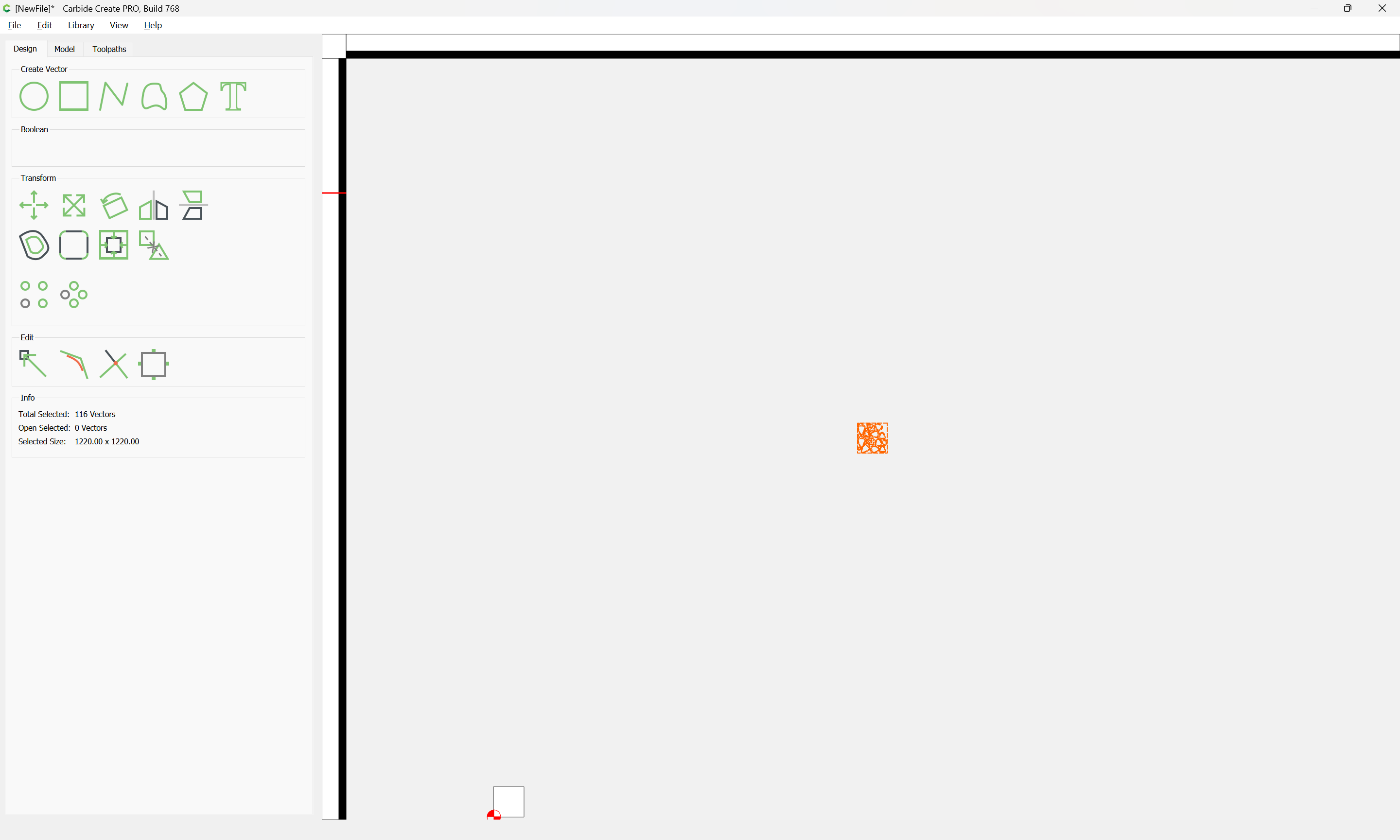
and group it and align it to the stock:
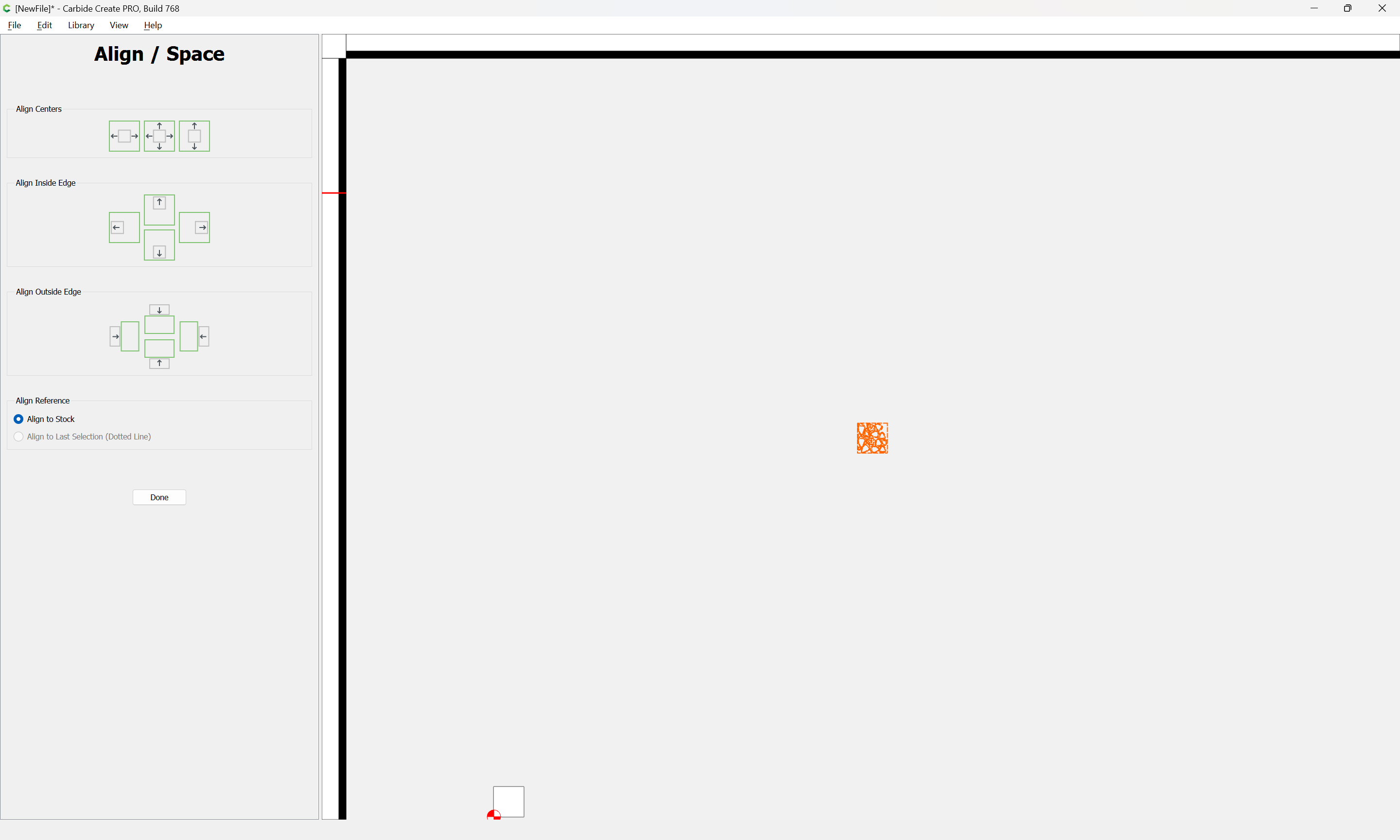
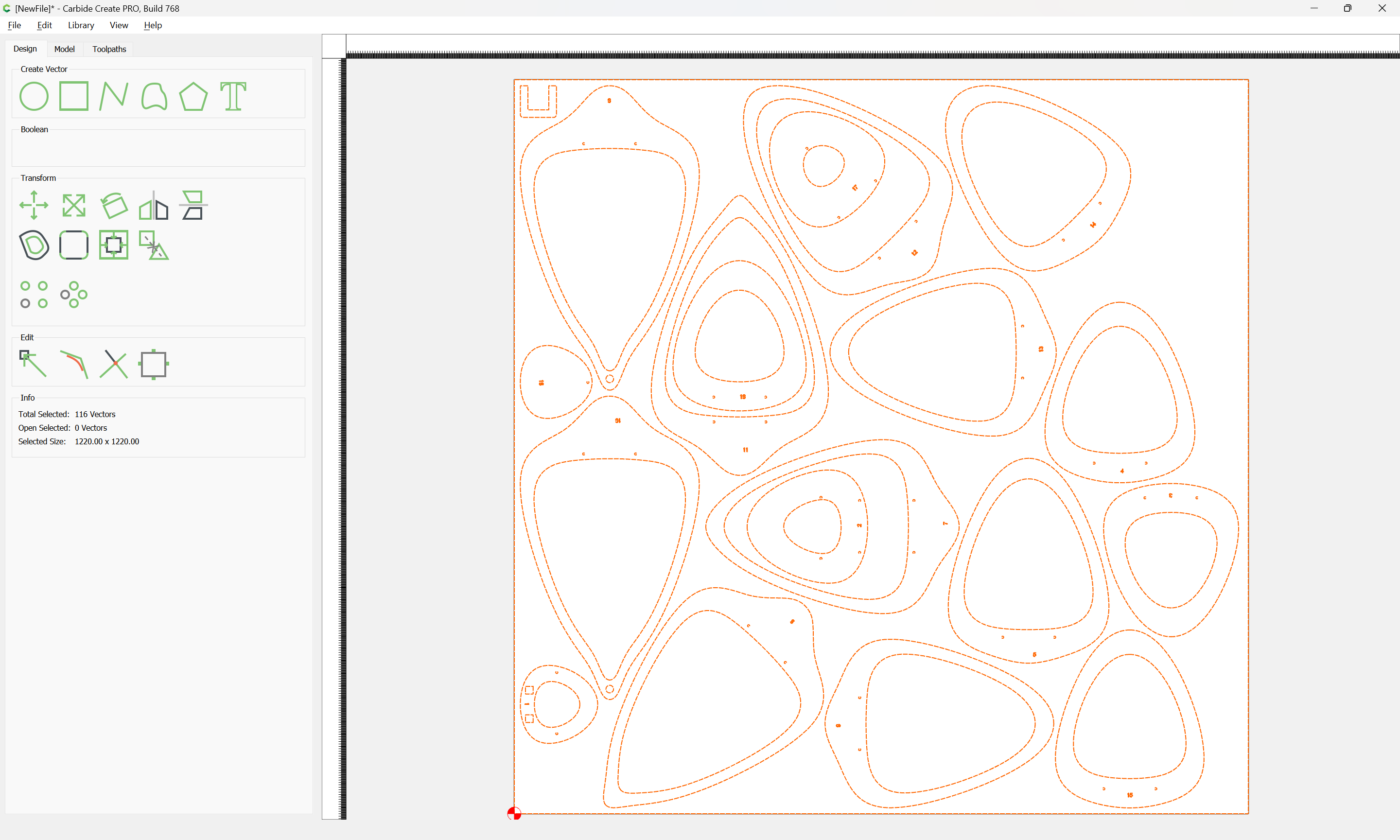
The very fine grid is potentially confusing:
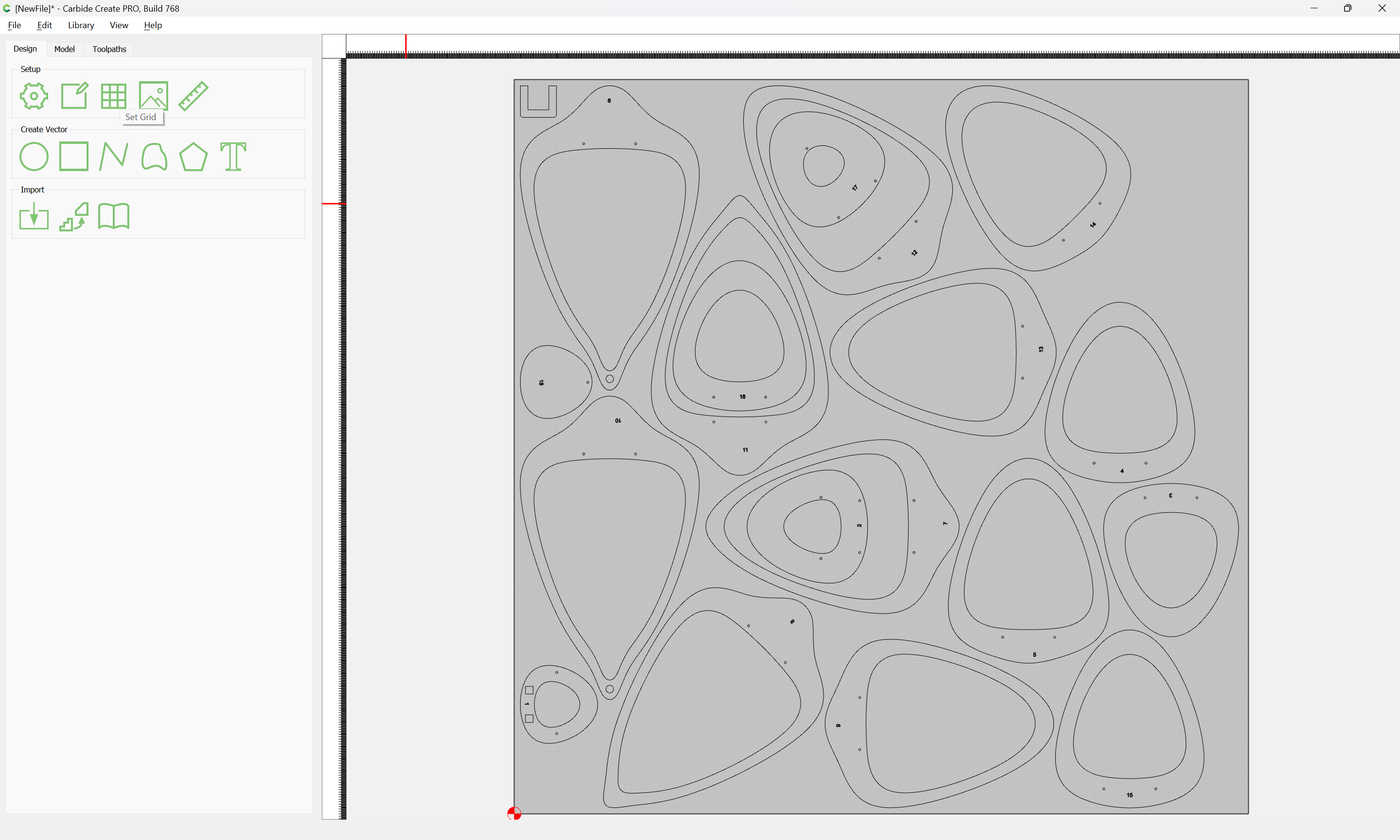
So we set it to a reasonable size:

and Ungroup:
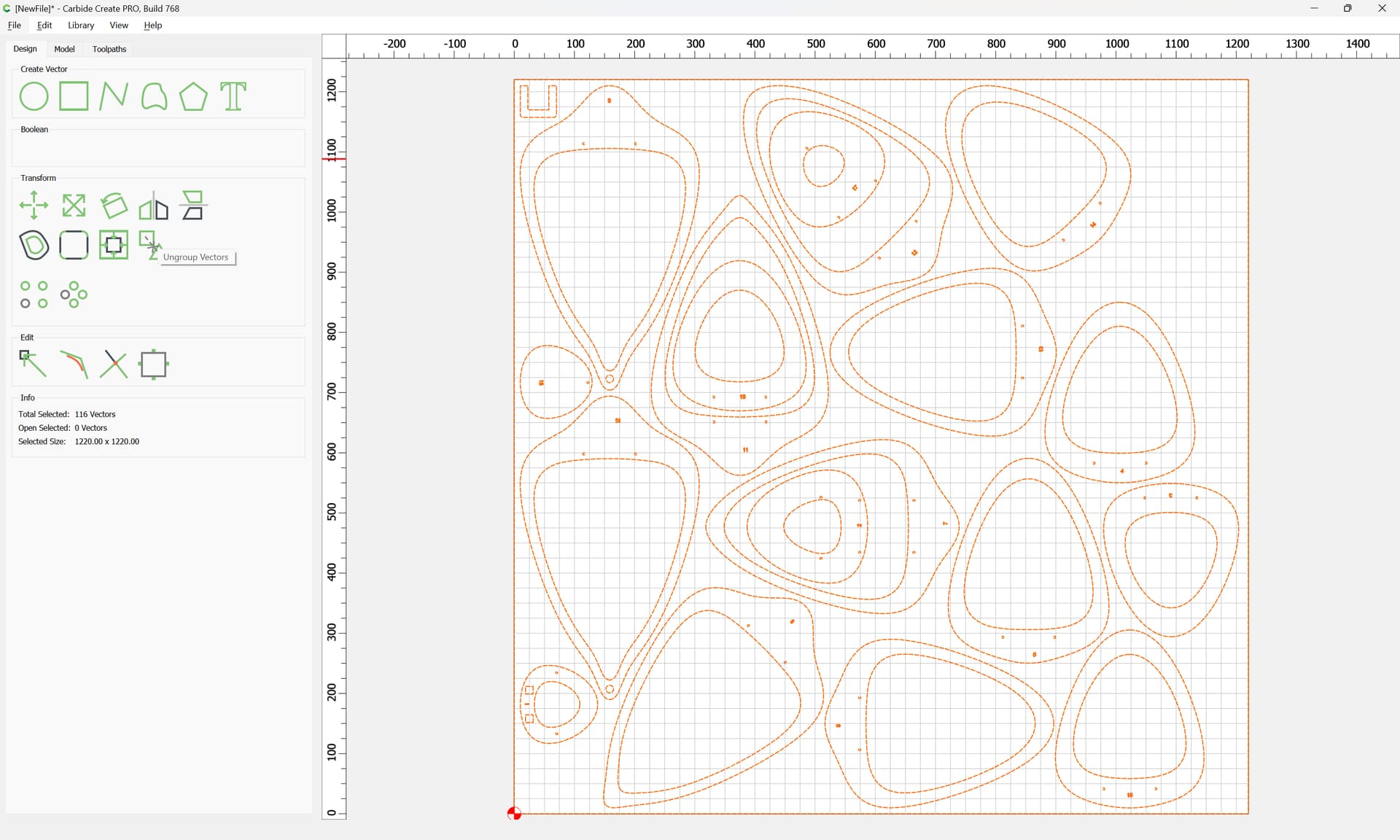

Checking, the space around the parts is reasonable:
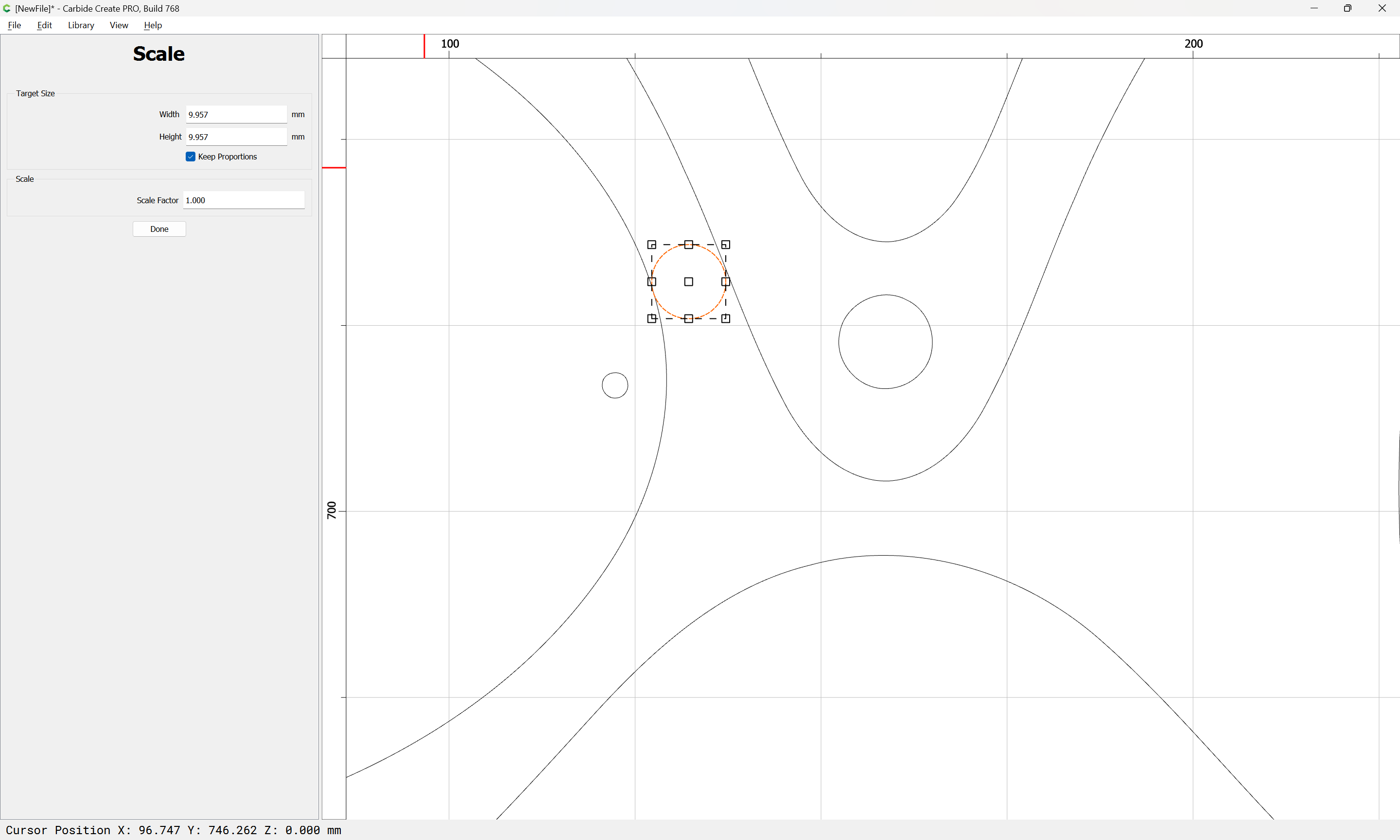
Presumably the small circles are for holes for dowels:

There is a feature which should select them:
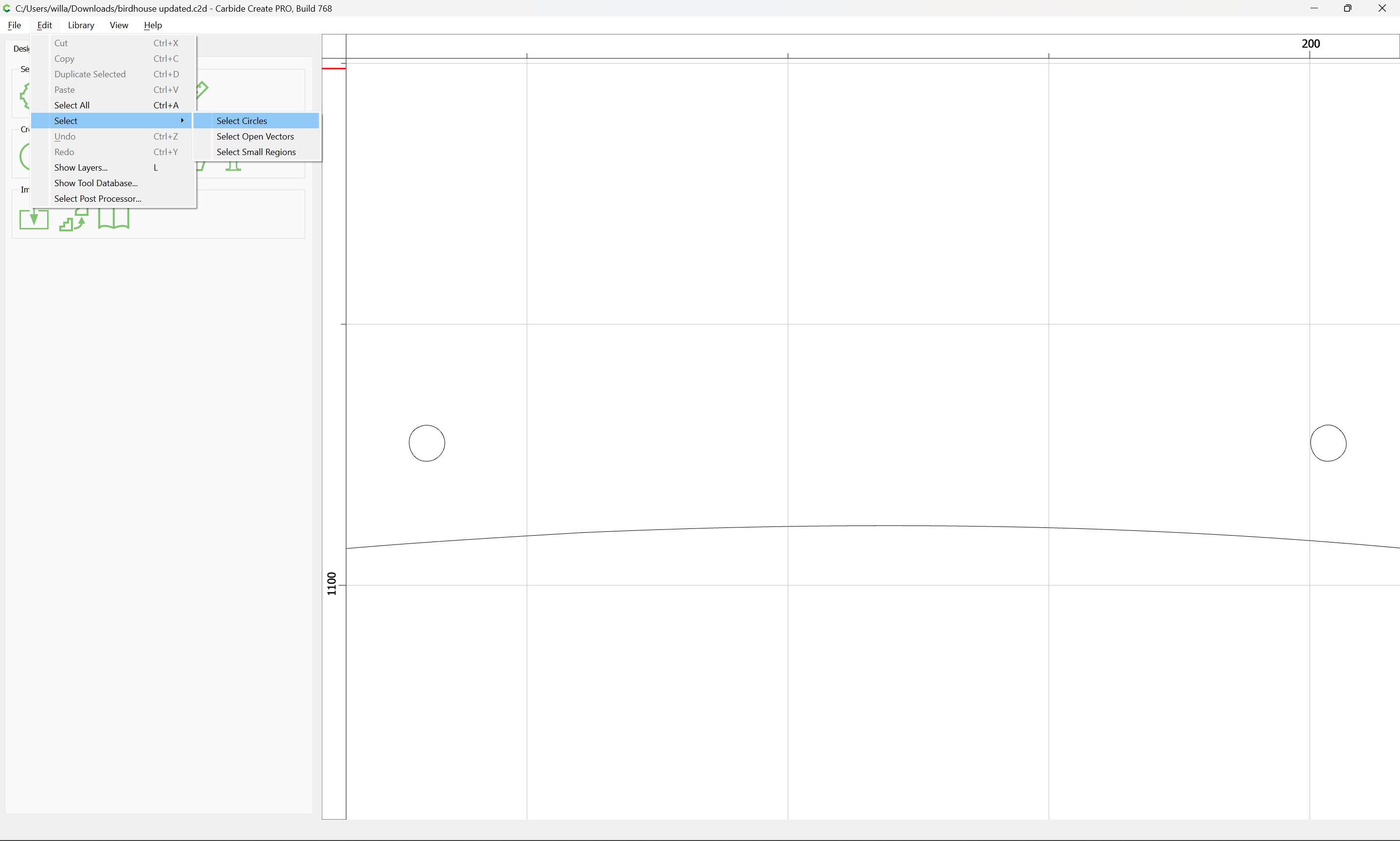
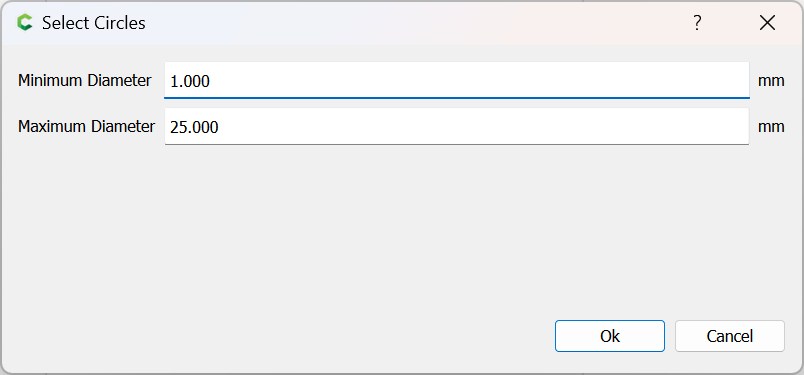
which oddly misses some:

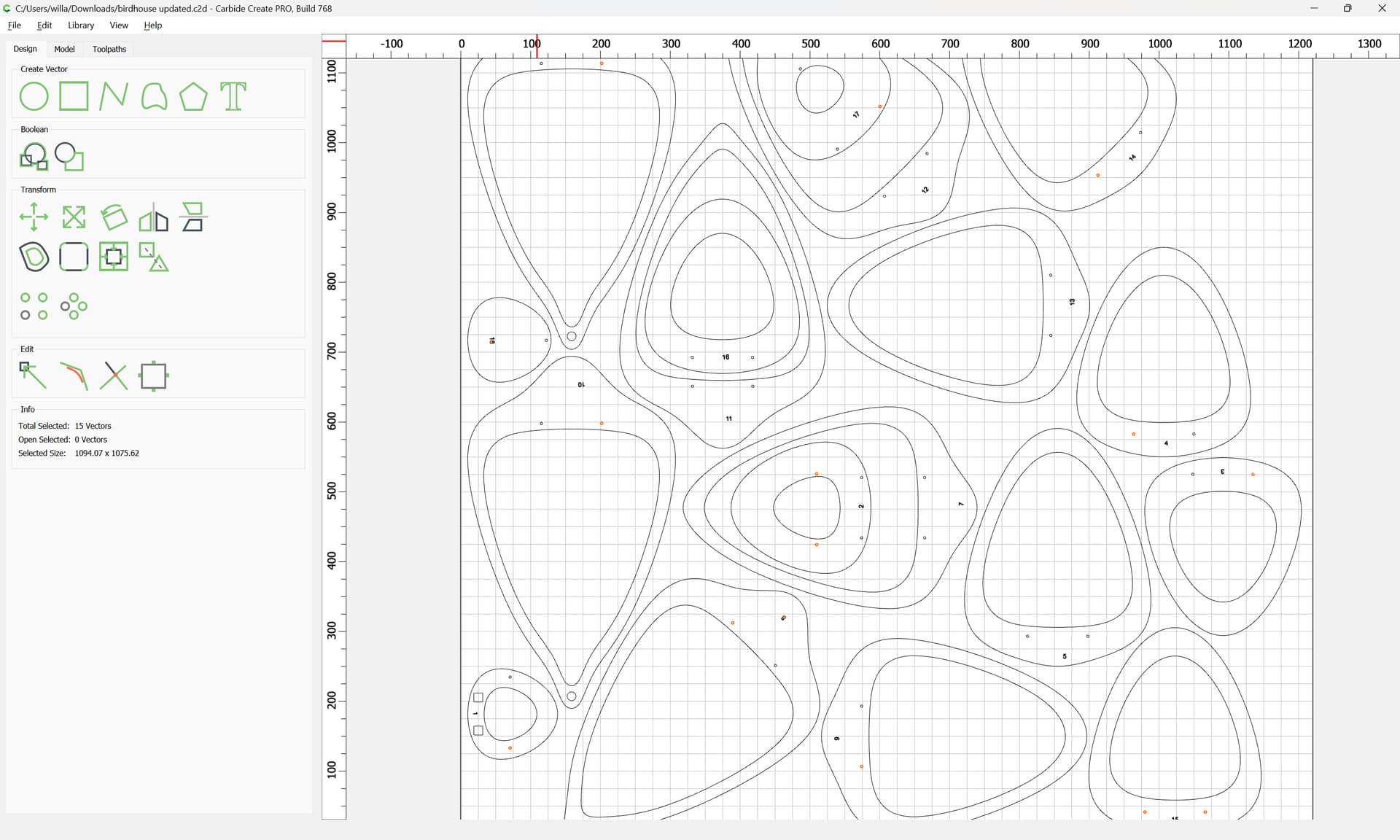
We make a layer for them:

and move the selected ones there:
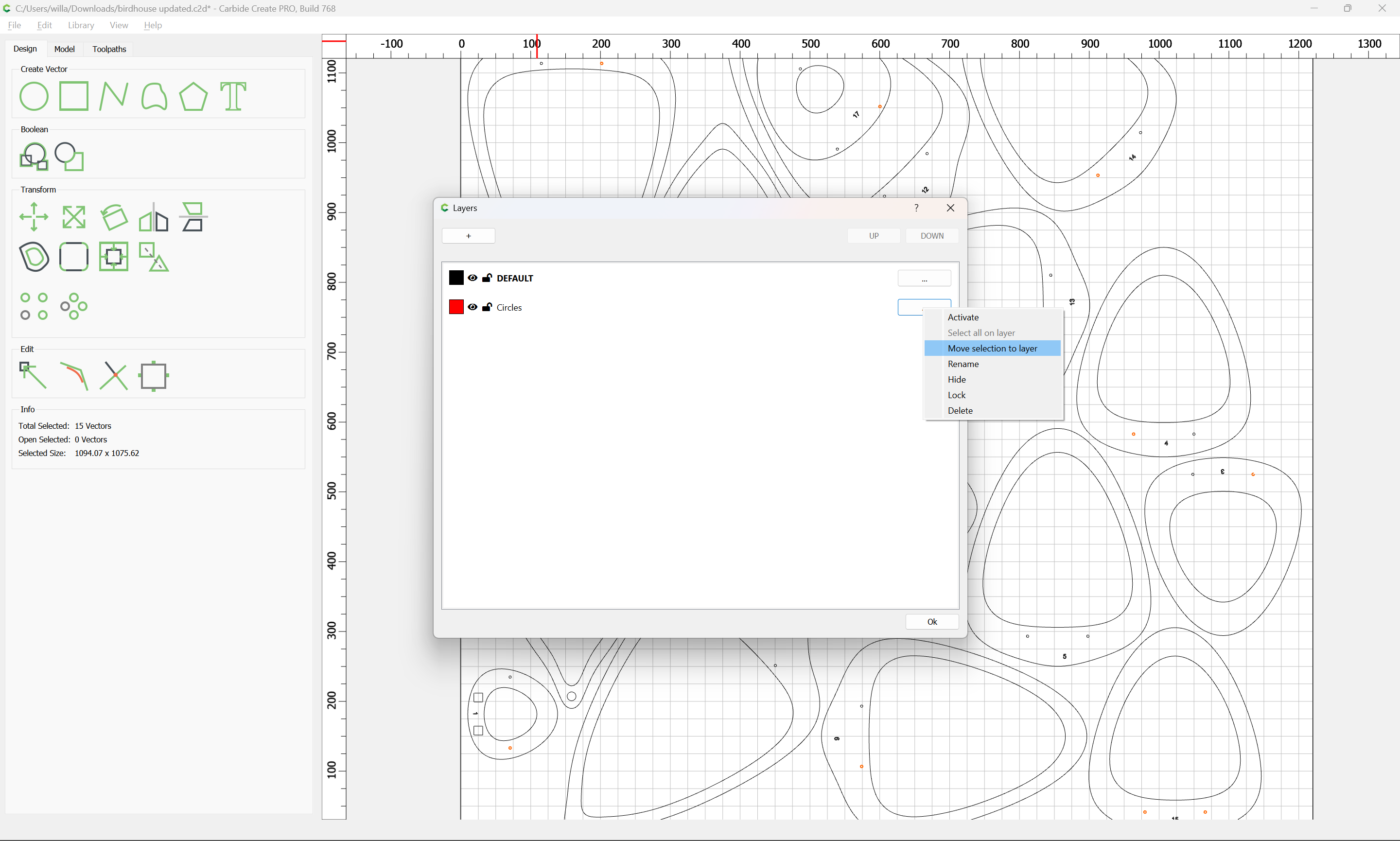
Then we hide that layer:
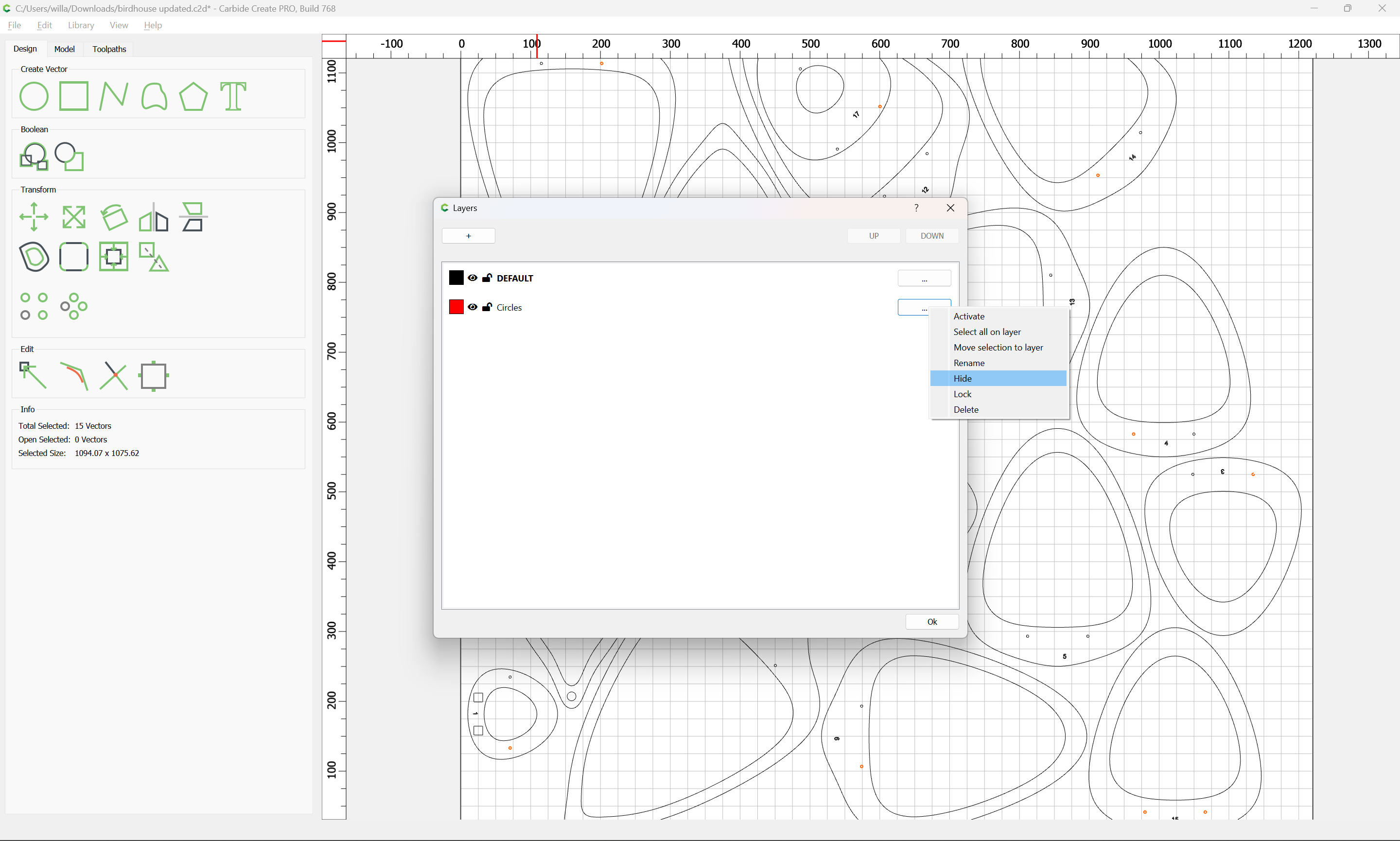
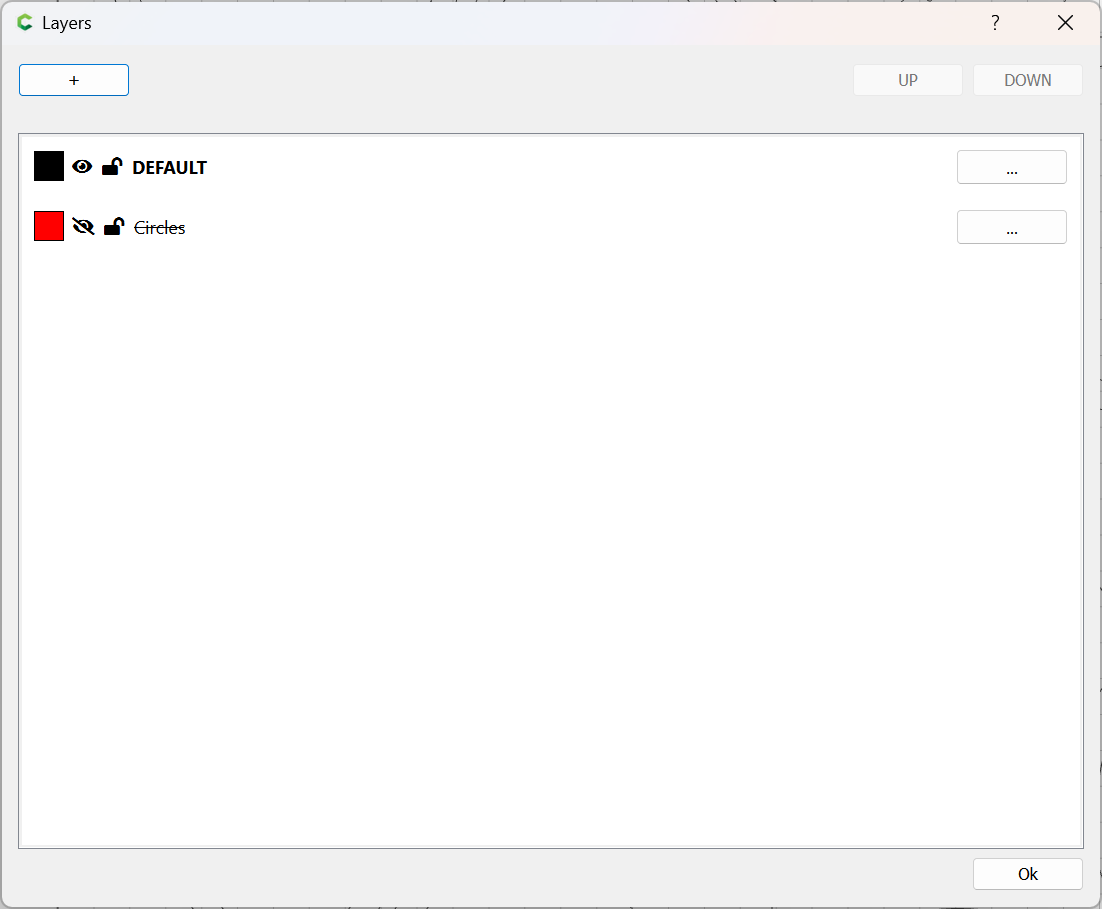
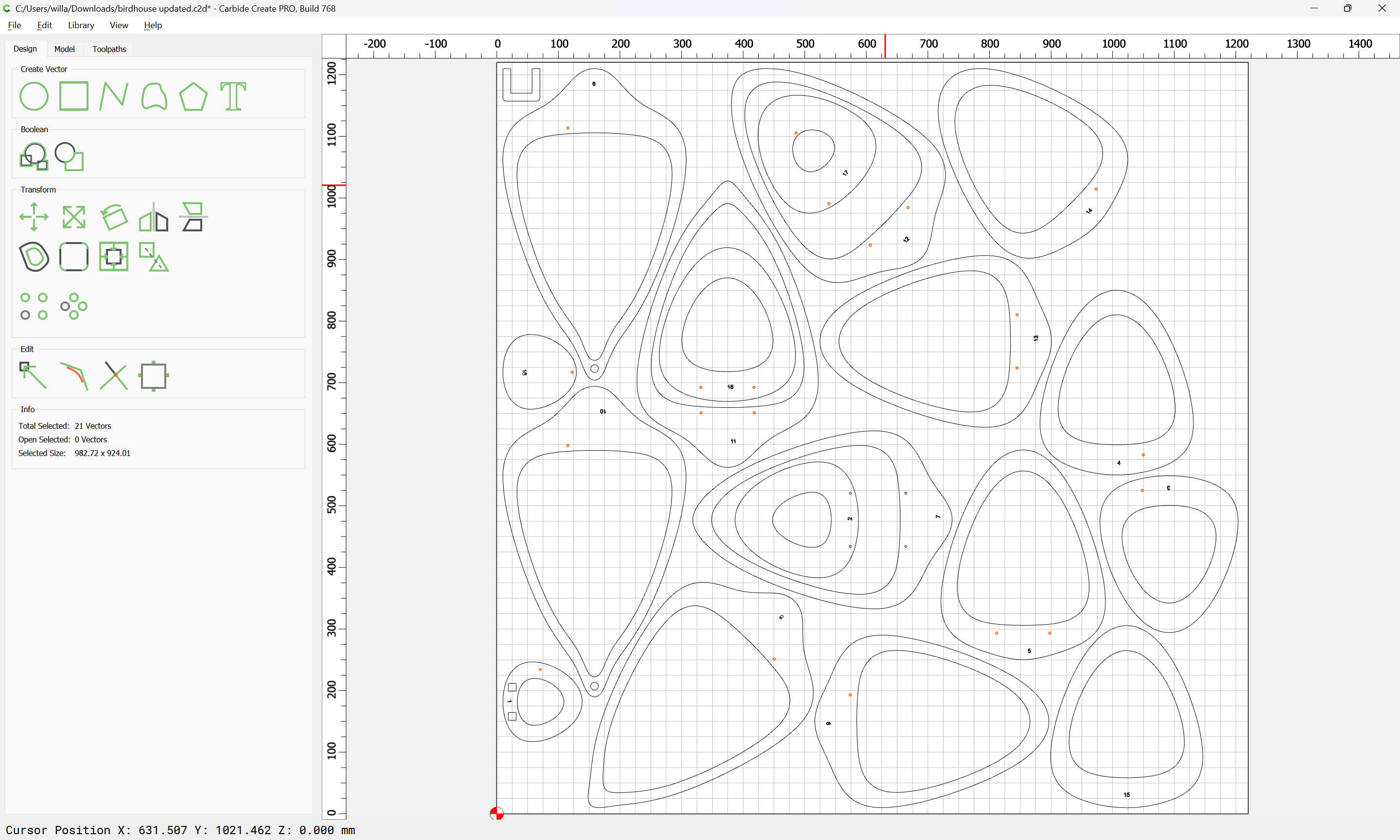
select the remainder:
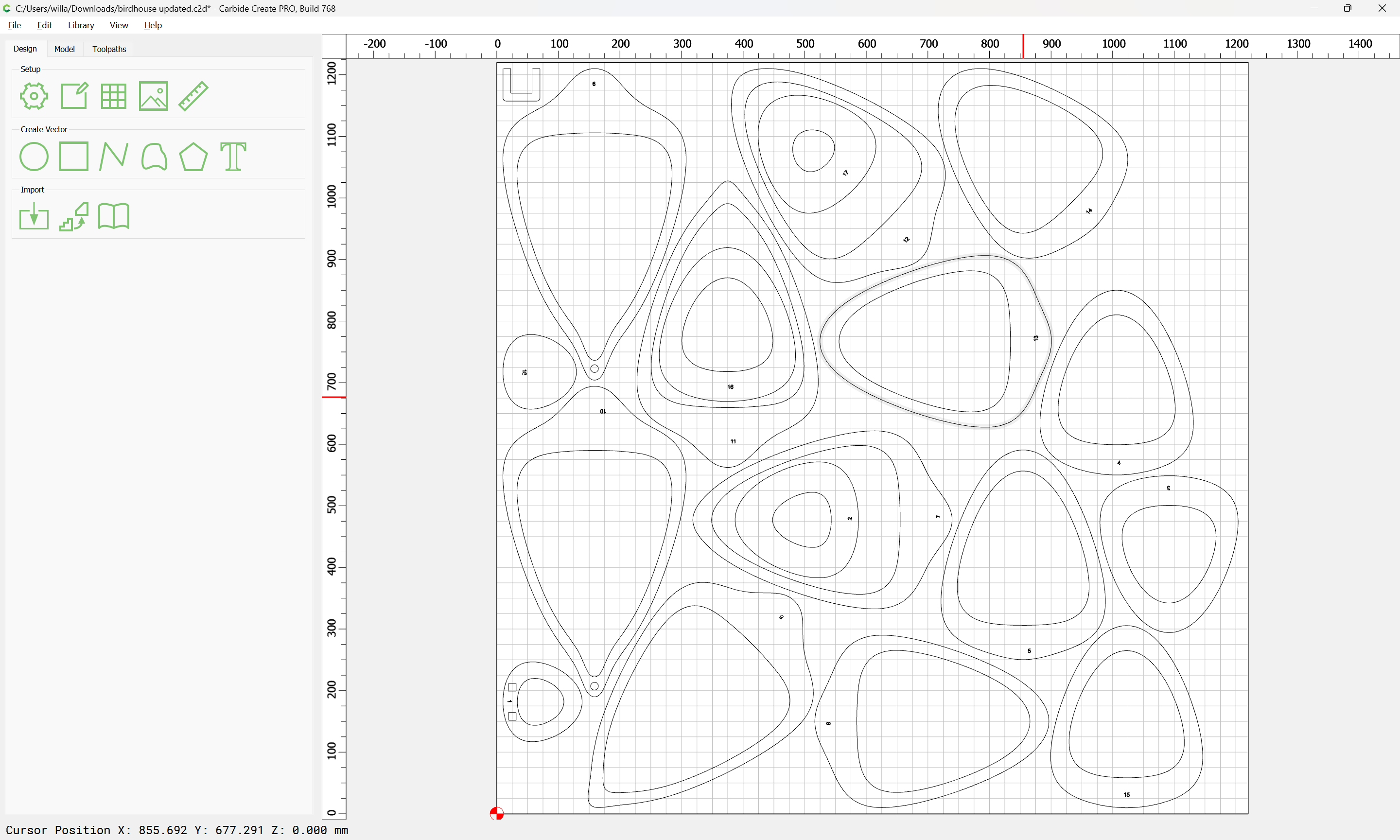
and move it to that layer as well:
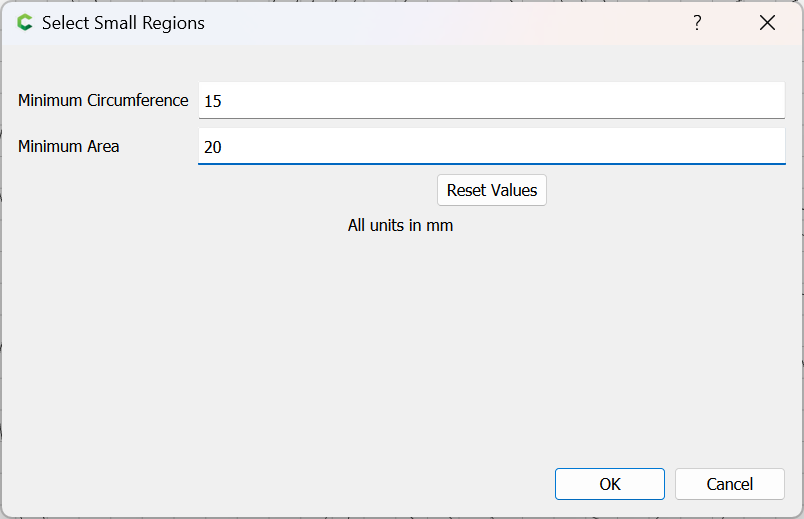
Next we use a feature for selecting the small regions:

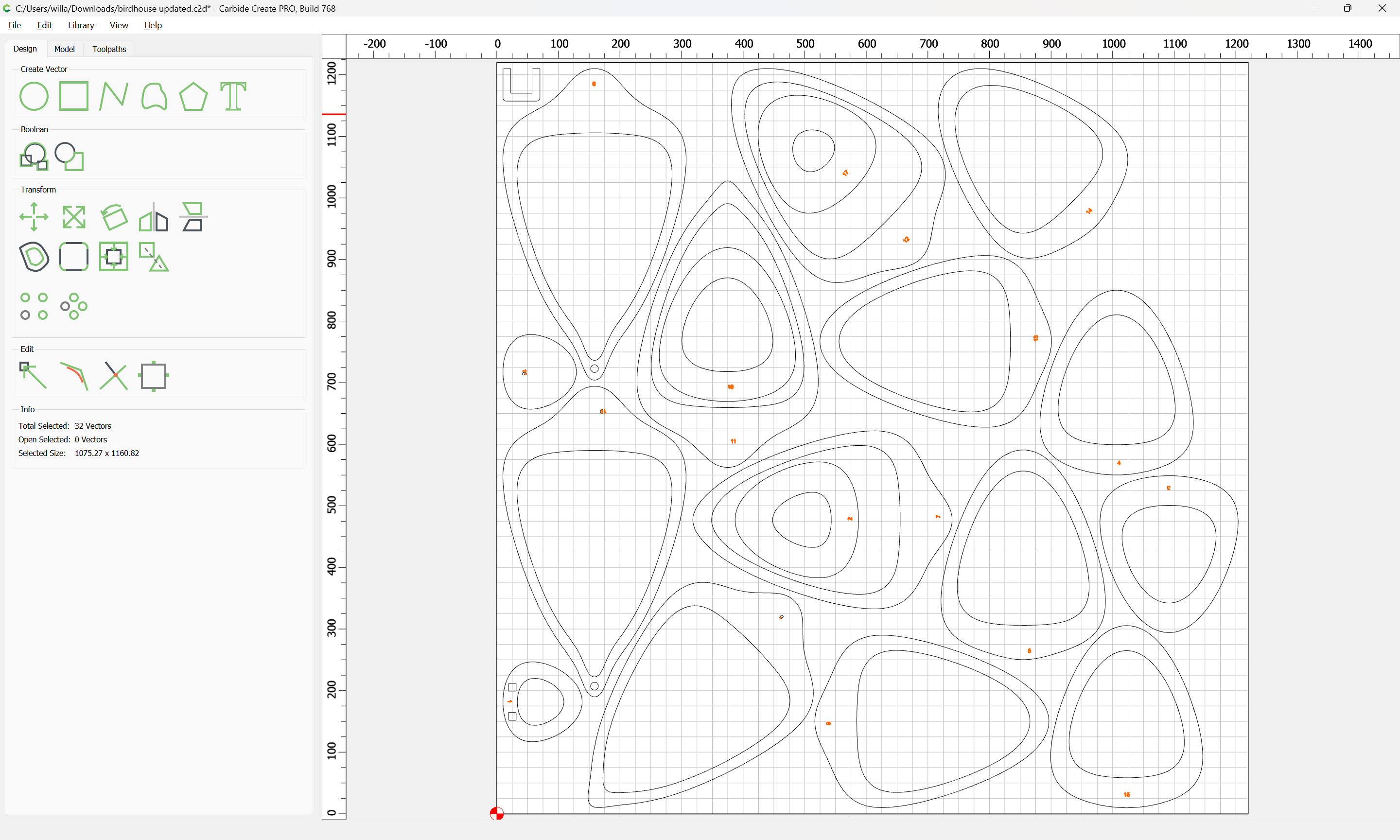
Select anything which was missed and move it to that layer as well:
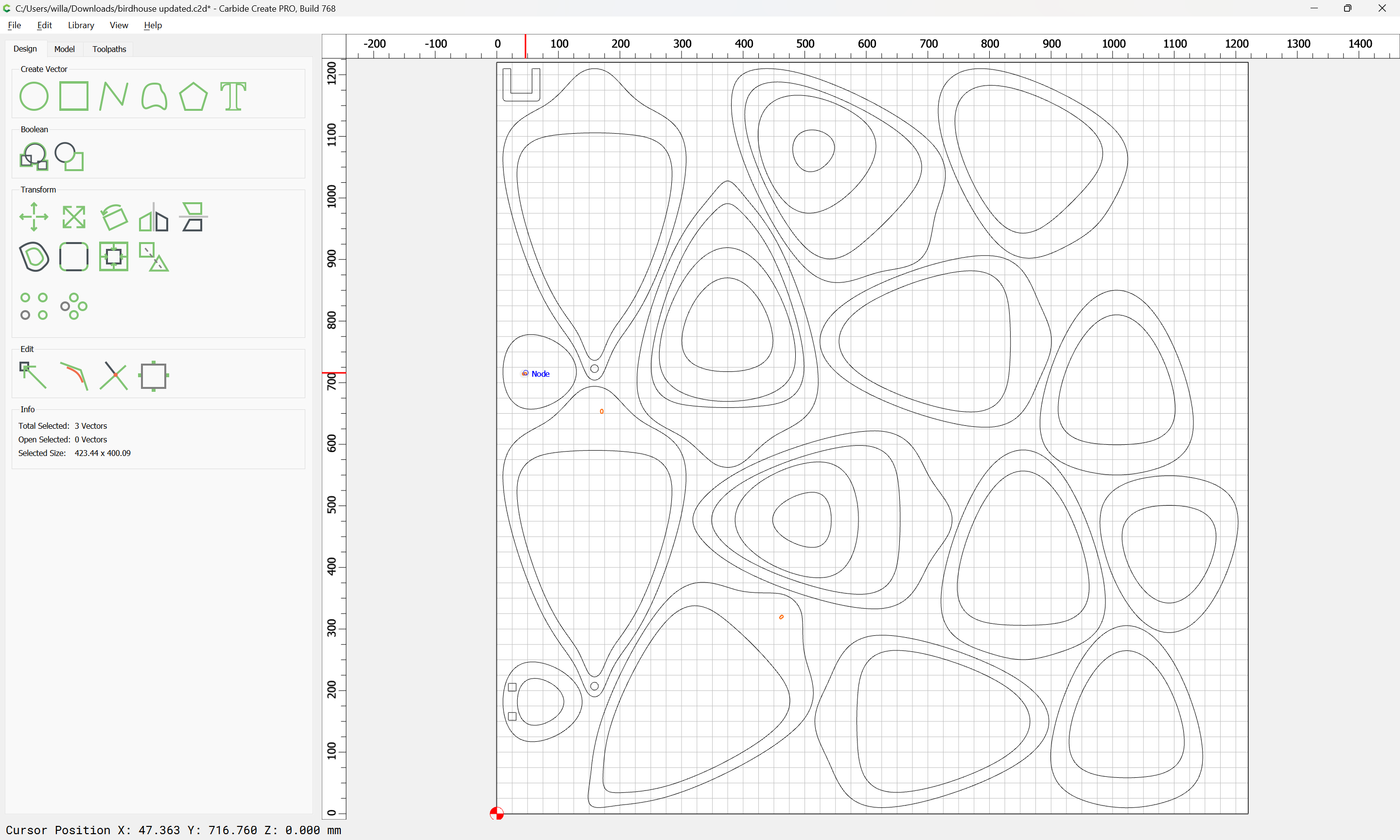
Select all the part geometry:

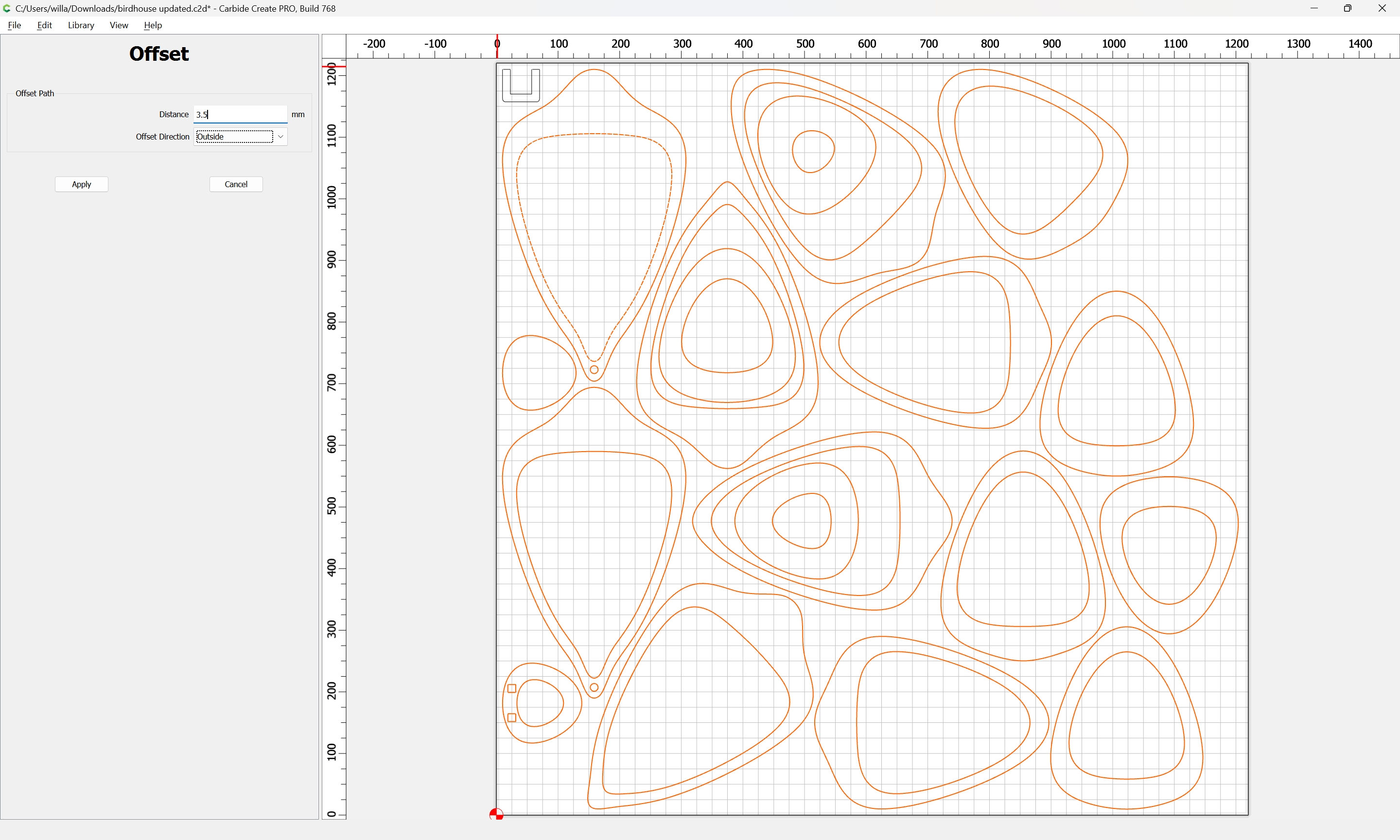
Offset to the outside by endmill diameter plus 10% or so:
Apply:
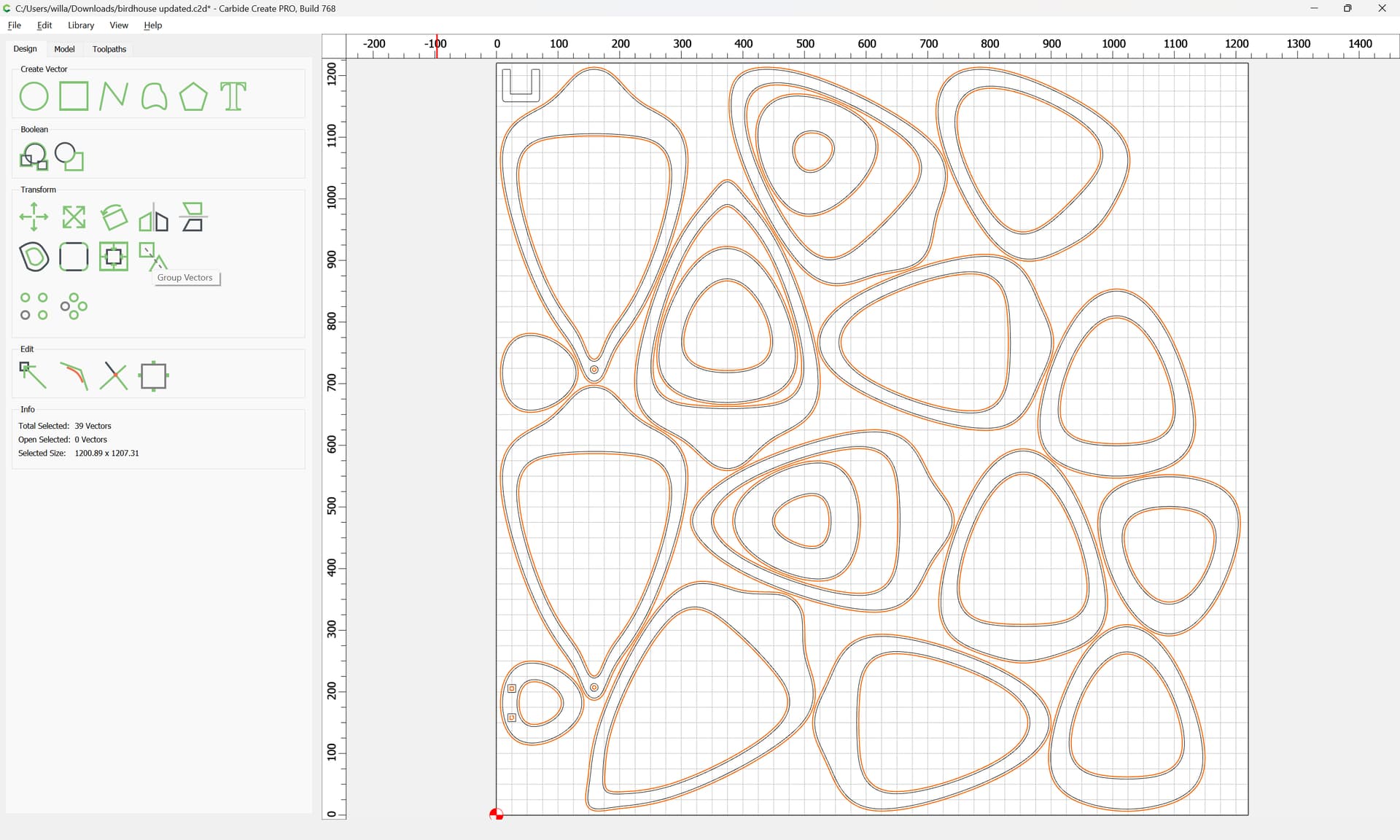
Group Vectors:

Select everything except for the outermost geometry and the branding:
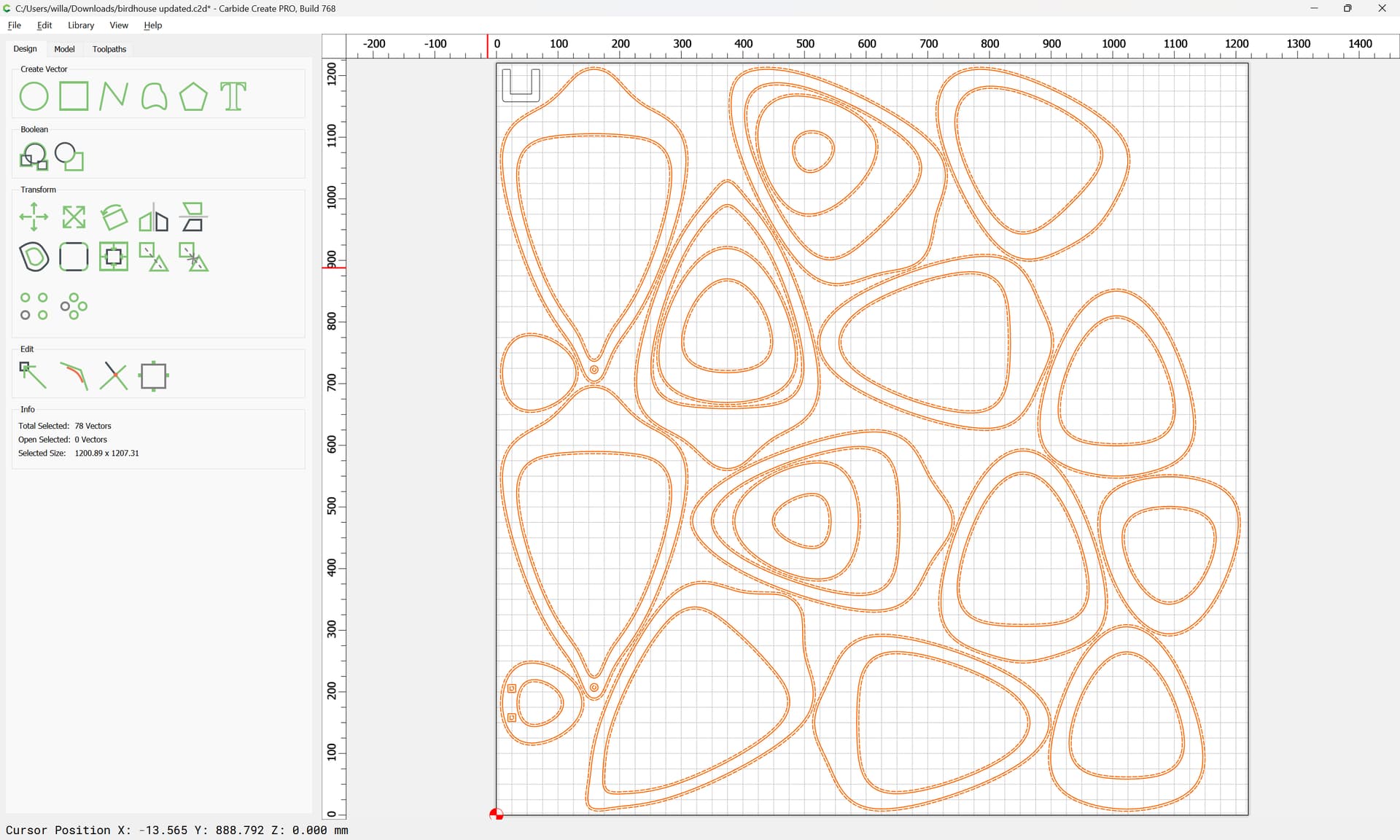
and assign a Pocket toolpath with a suitable tool:
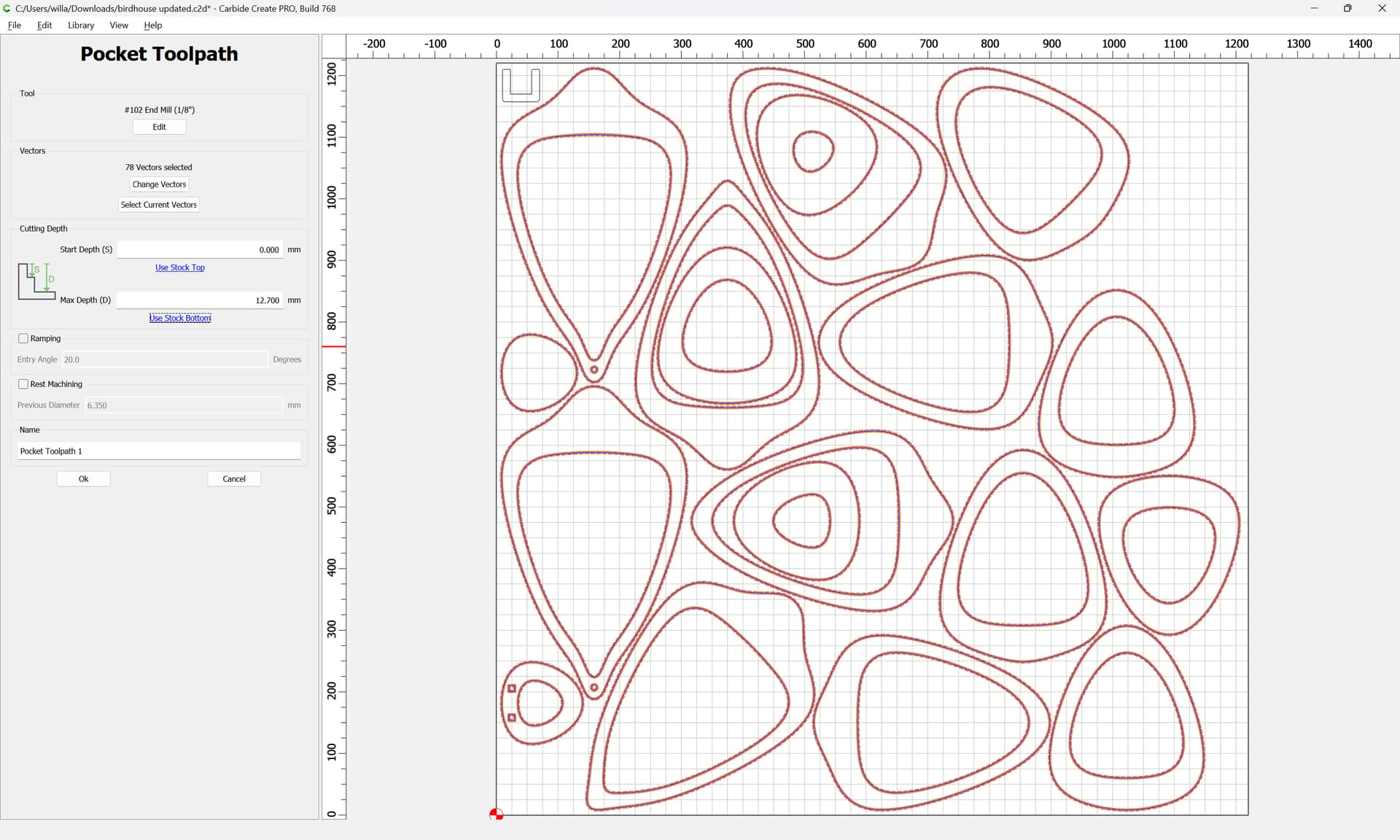

(Note that we are assuming that the workholding will be such that tabs are not needed)
If one wants the Text for labeling, assign a V carving toolpath:
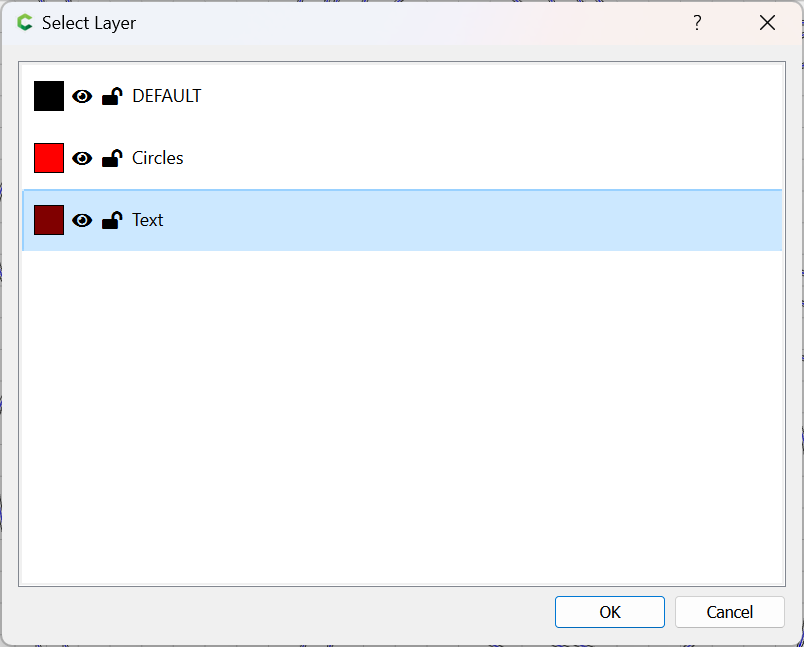
Selecting by Layer
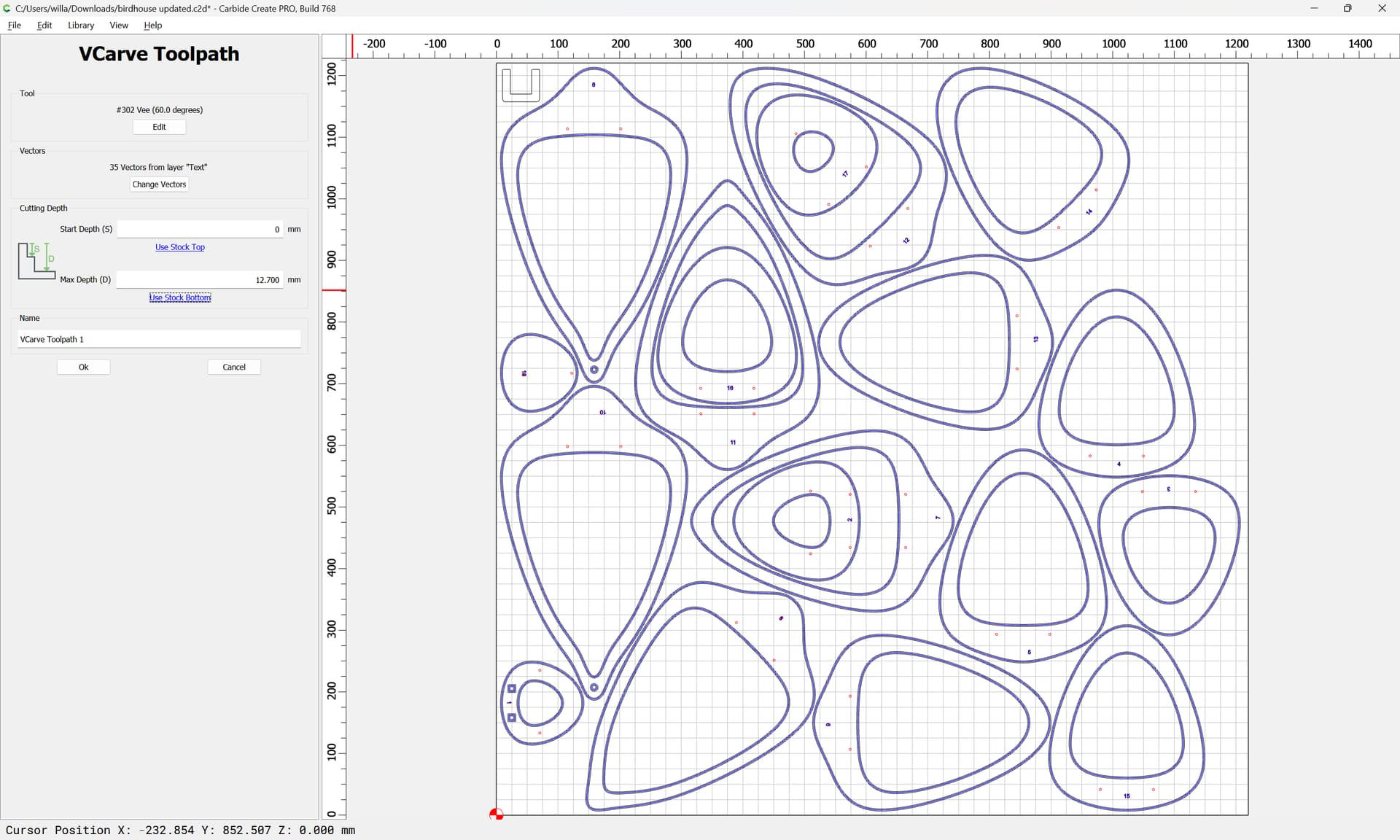
and similarly a Drill toolpath for the alignment holes: