Since this was first set up, Carbide Create v8 has been released, and the UI has changed somewhat.
Install v8 per:
which when launched appears as:

Given the requirement:
cut out the 3d model to approximately 3/4 " thick with the base material or the material that is left under the image to at least 1/2"
One would set up the file as:
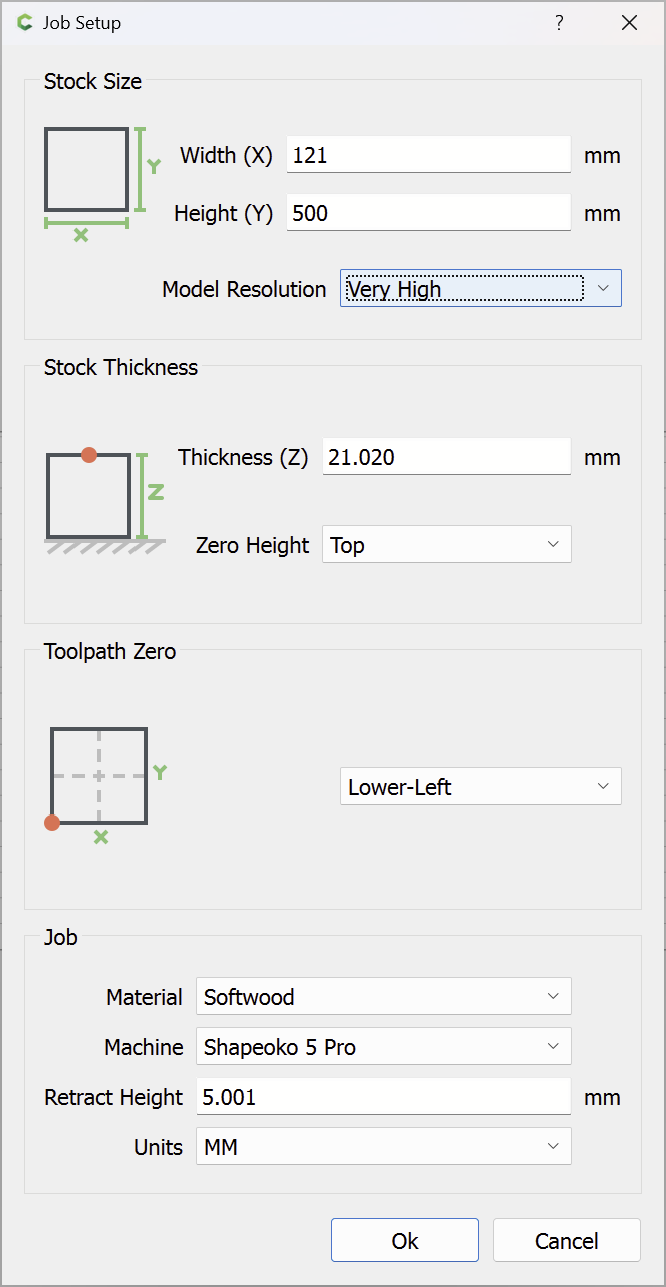
which when converted into Imperial shows a thickness of 0.8276"
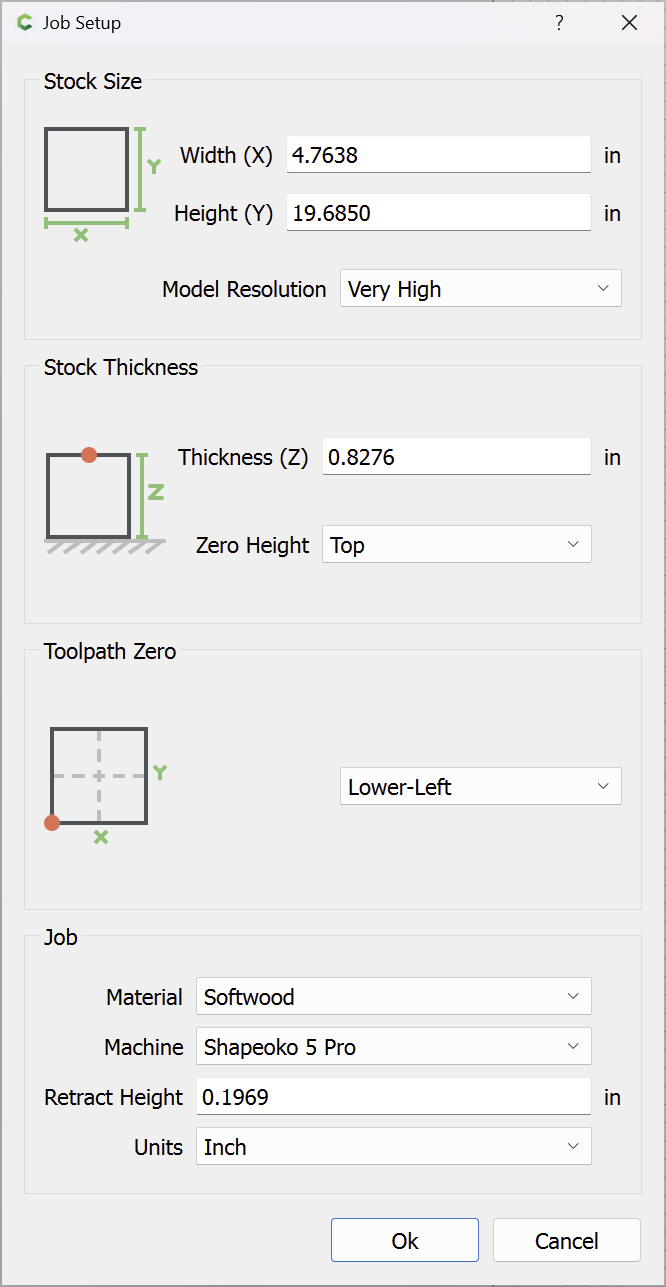
so we reduce the thickness to 0.75":
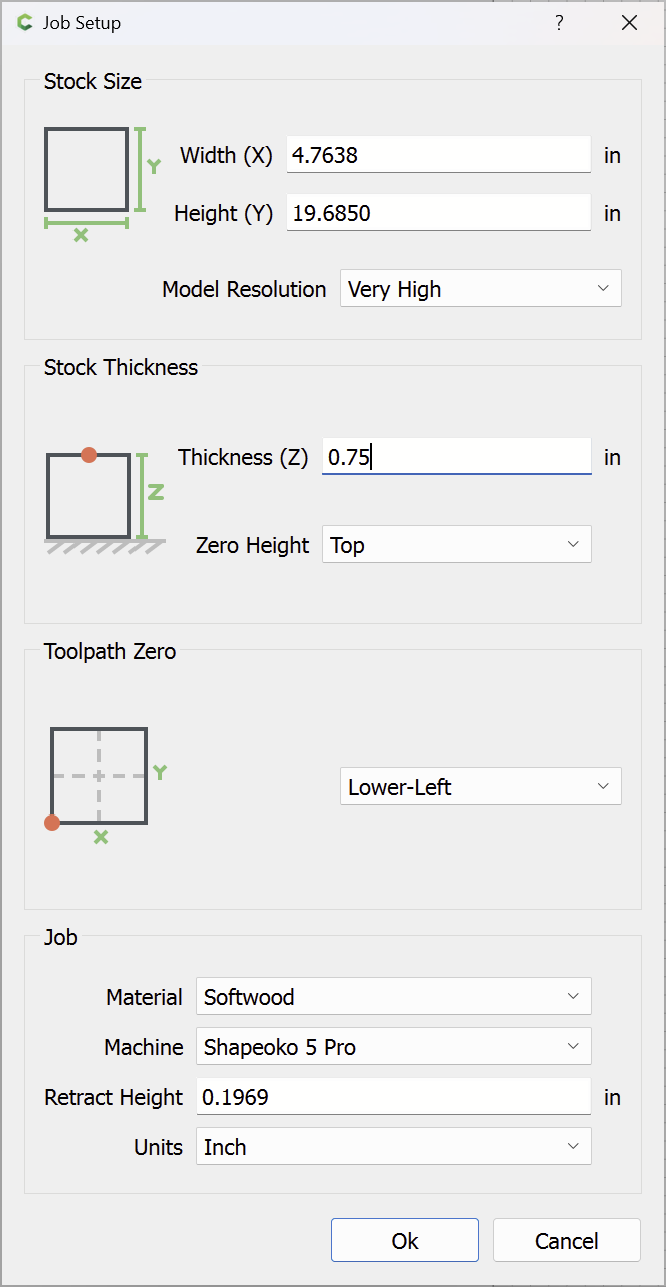
So we draw a rectangle of the correct dimensions:

and import the file:

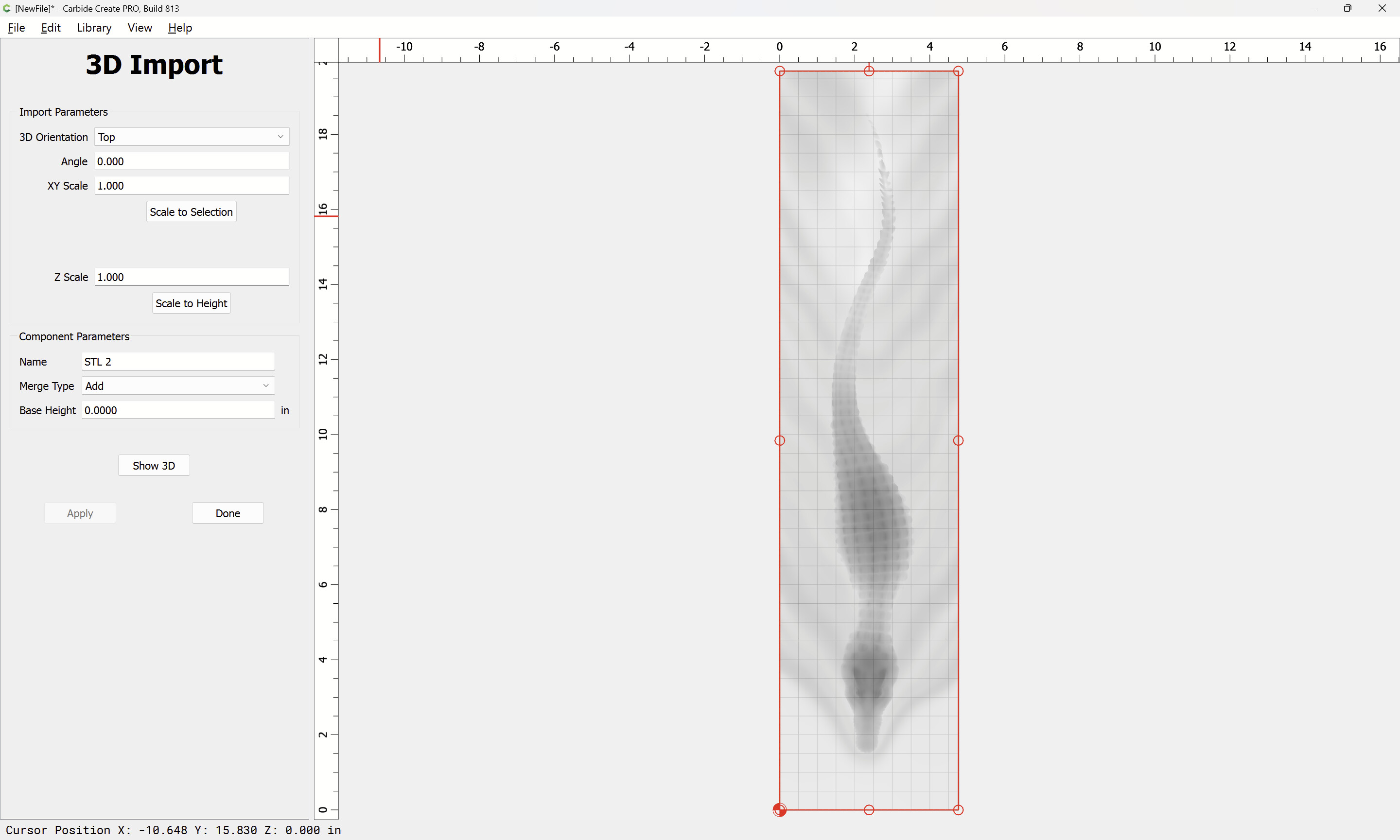
But if imported, we see that the thickness of the model exceeds that of the stock:
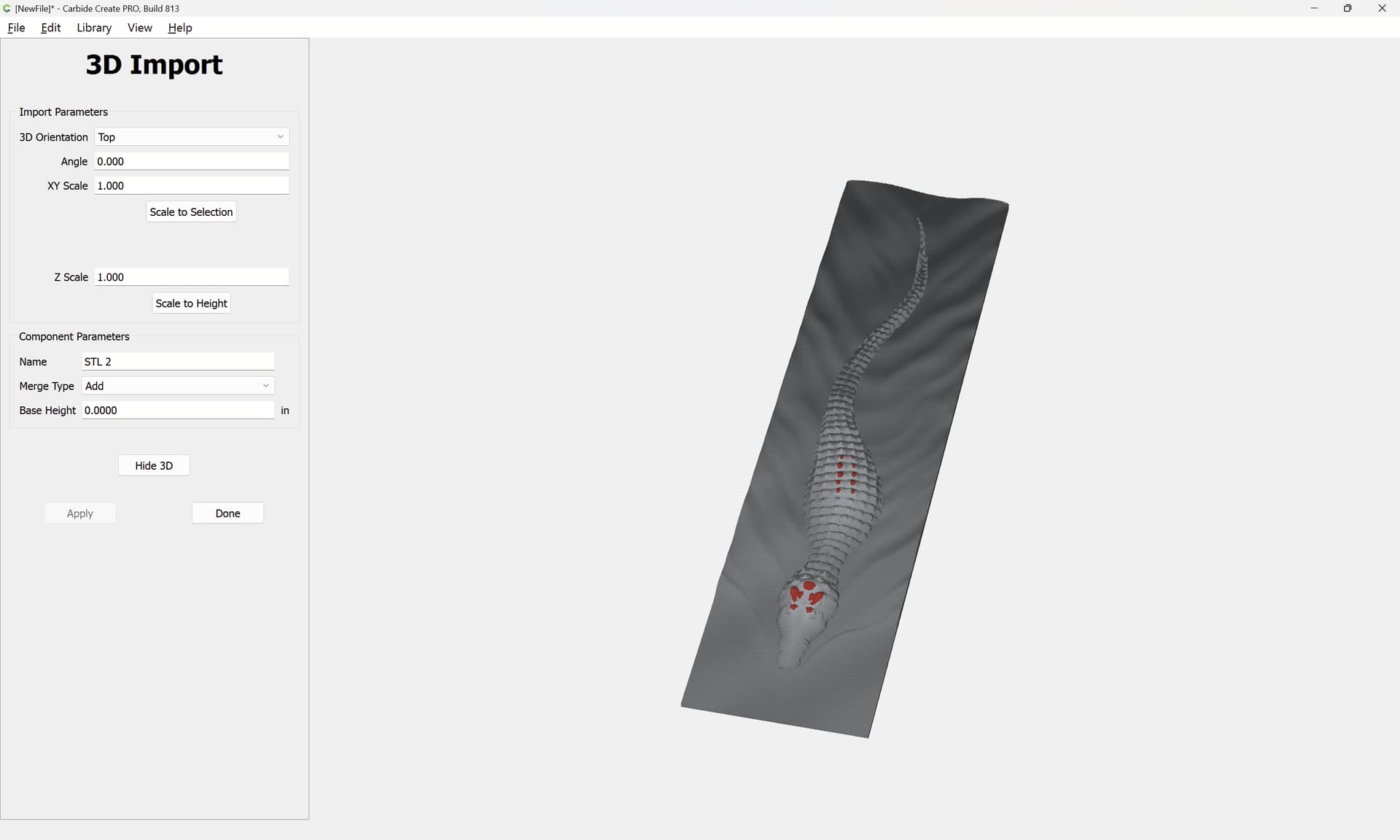
In v7 it would have worked to simply enter the desired height, but in v8, it will be necessary to calculate the necessary scale height:
0.75 / 0.8276 == 0.90623489608
Deleting the first attempt we reimport:
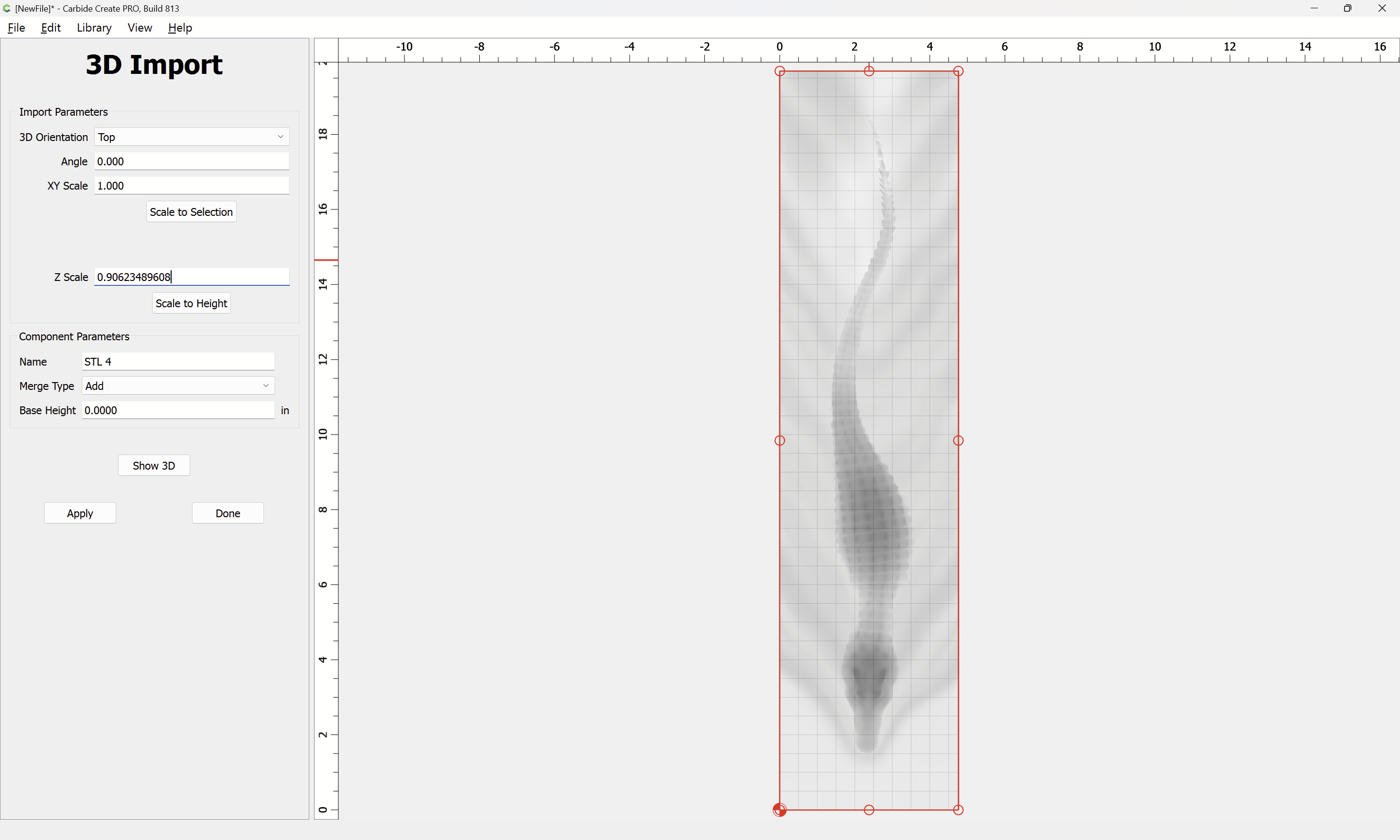
using the calculated scale height:
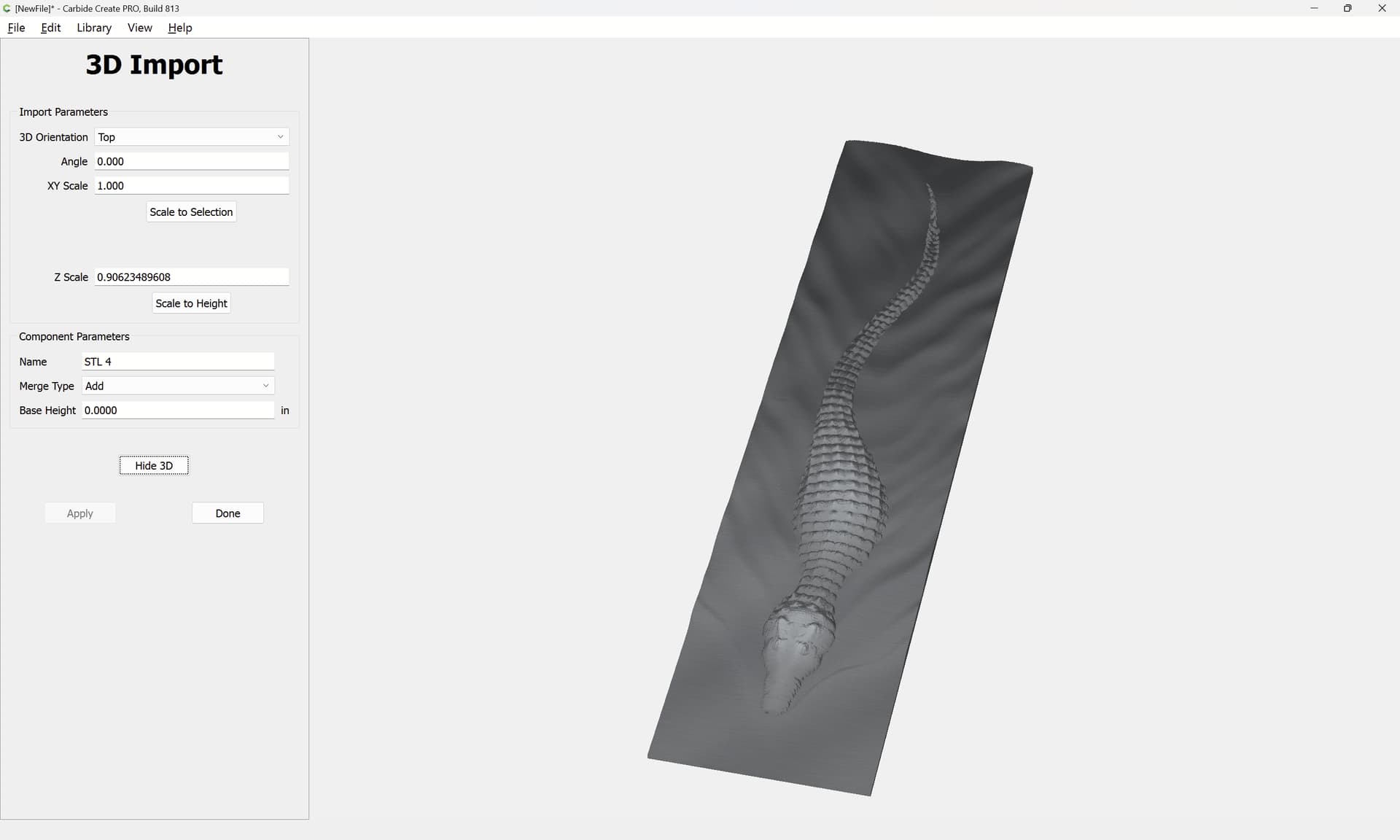
However, this then creates the matter of setting the thickness underneath to the desired 1/2" which requires two things:
- measuring the existing thickness
- doing the algebraic calculation to arrive at the desired thickness based on the existing thickness as arrived at based on the applied Scaling Height
Measurement is done by drawing in geometry:
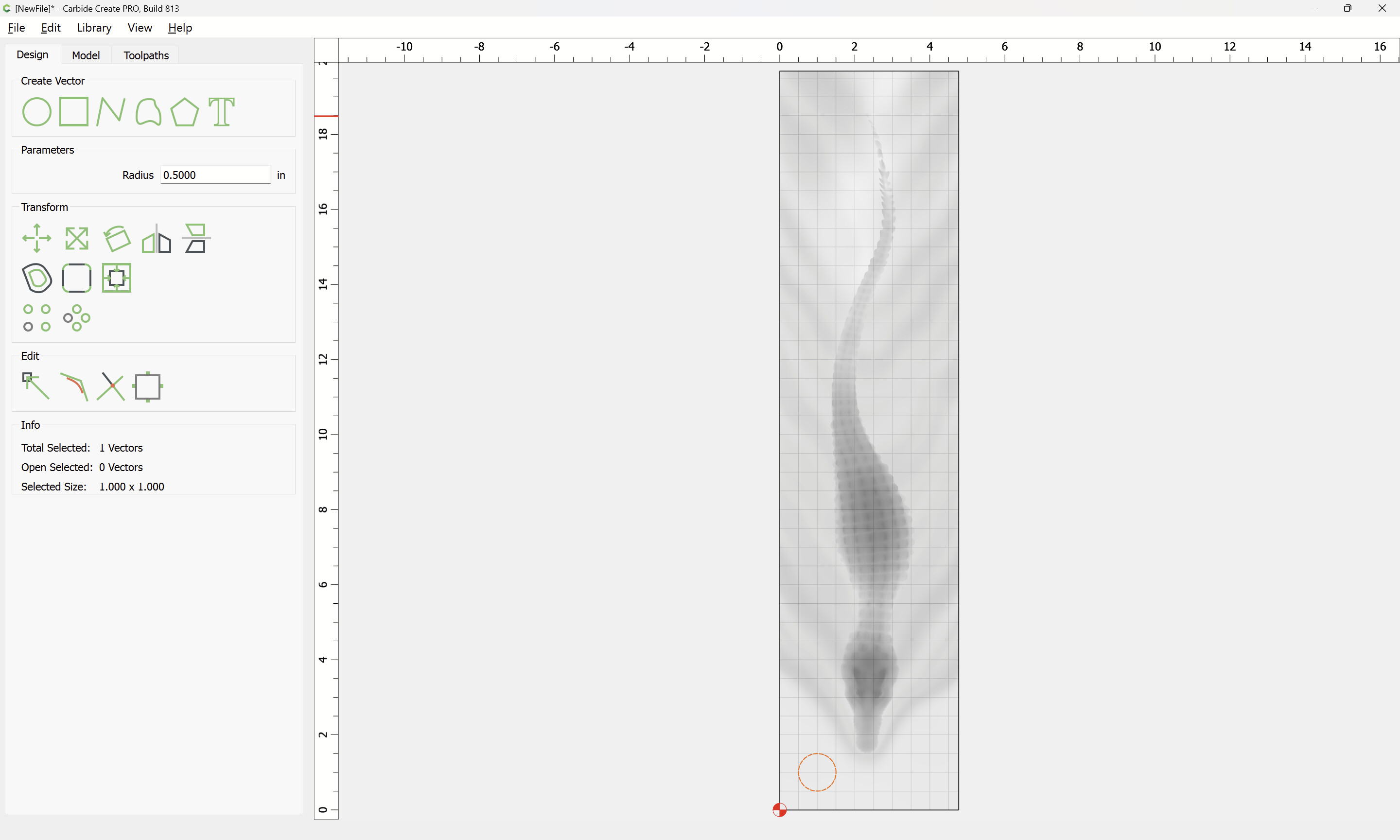
then assigning it to the desired thickness:
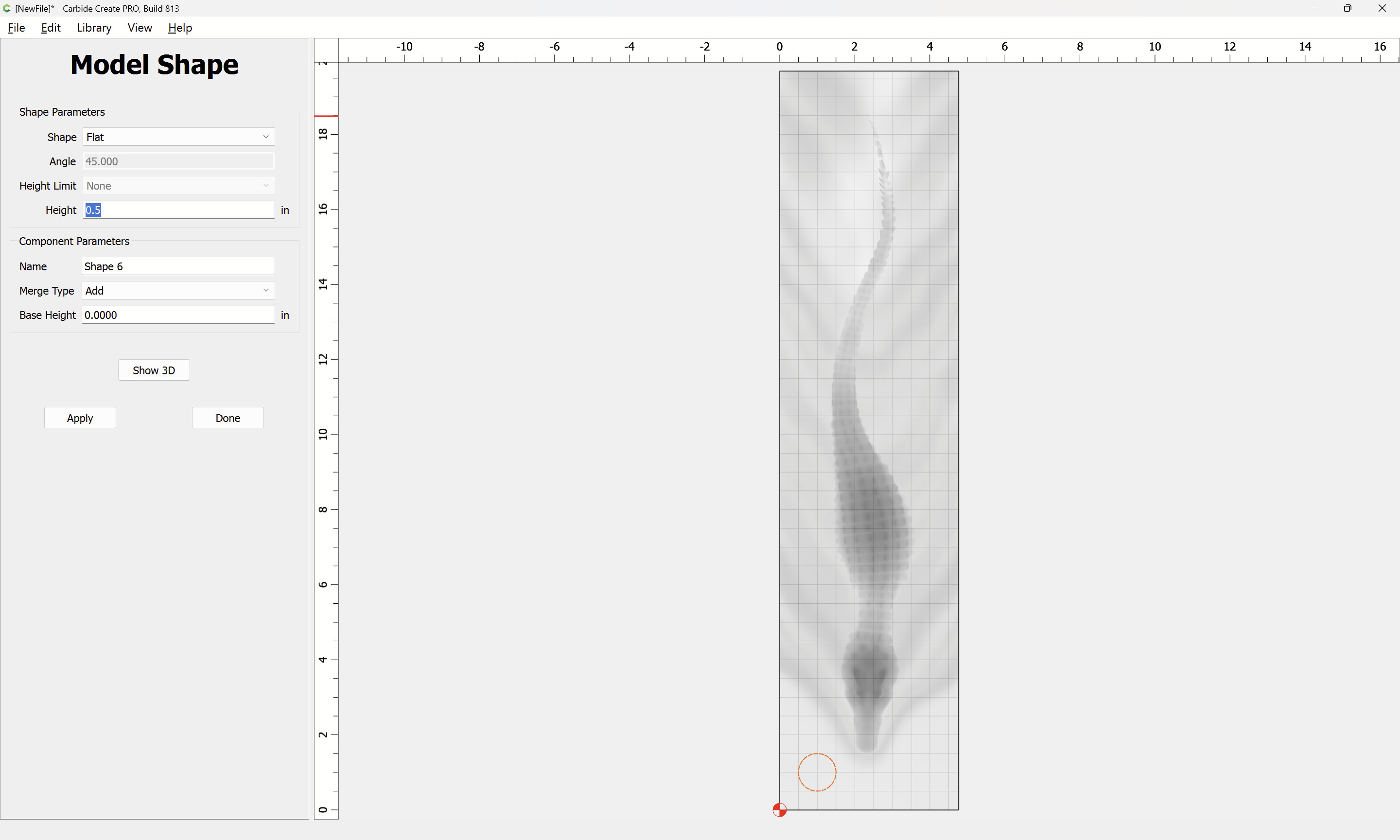

which shows that the desired base thickness (0.5") will leave only a small sliver of thickness for the model.
A guesstimate (rather than doing the algebra) has us trying:


which seems to be what is wanted:
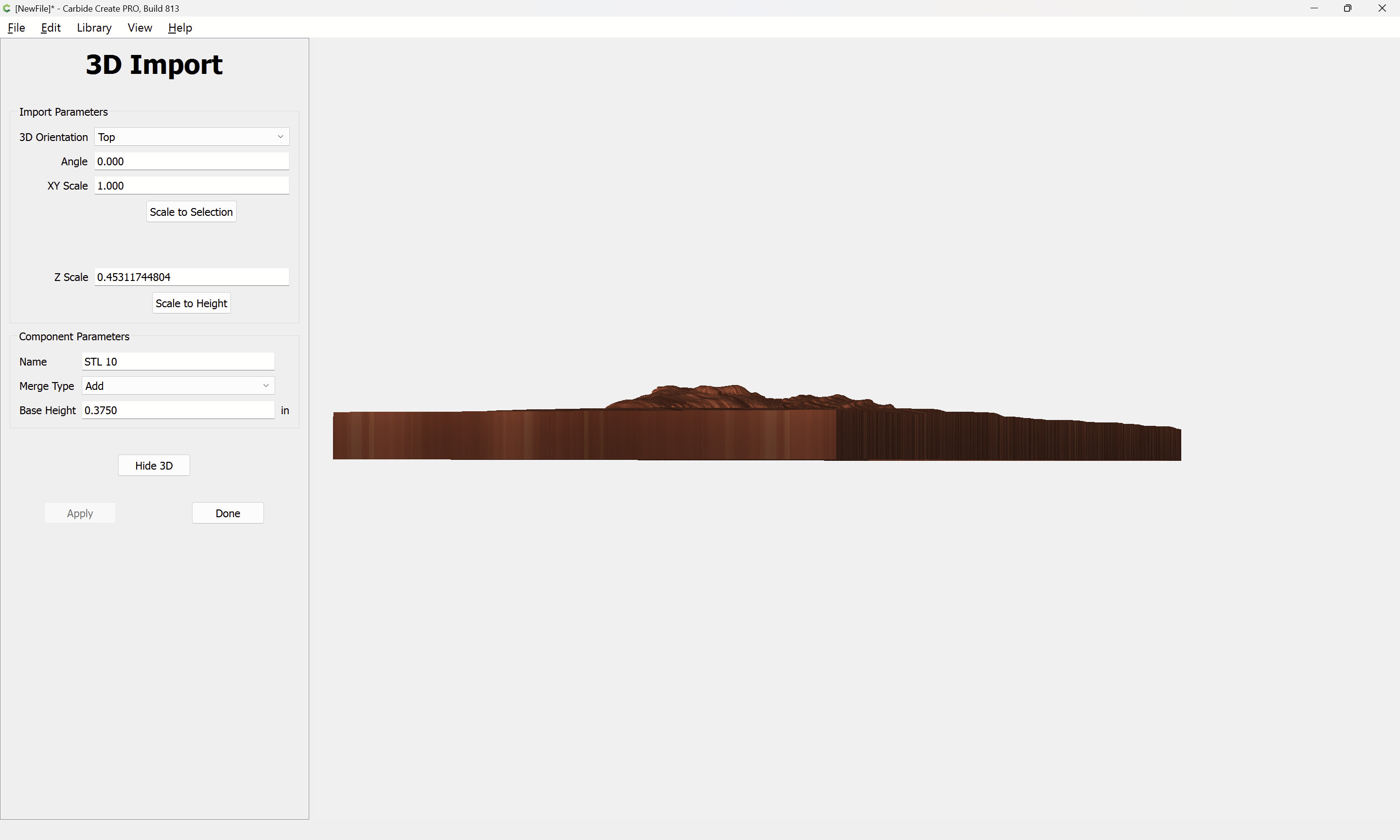
Toolpaths would then be assigned as shown above.