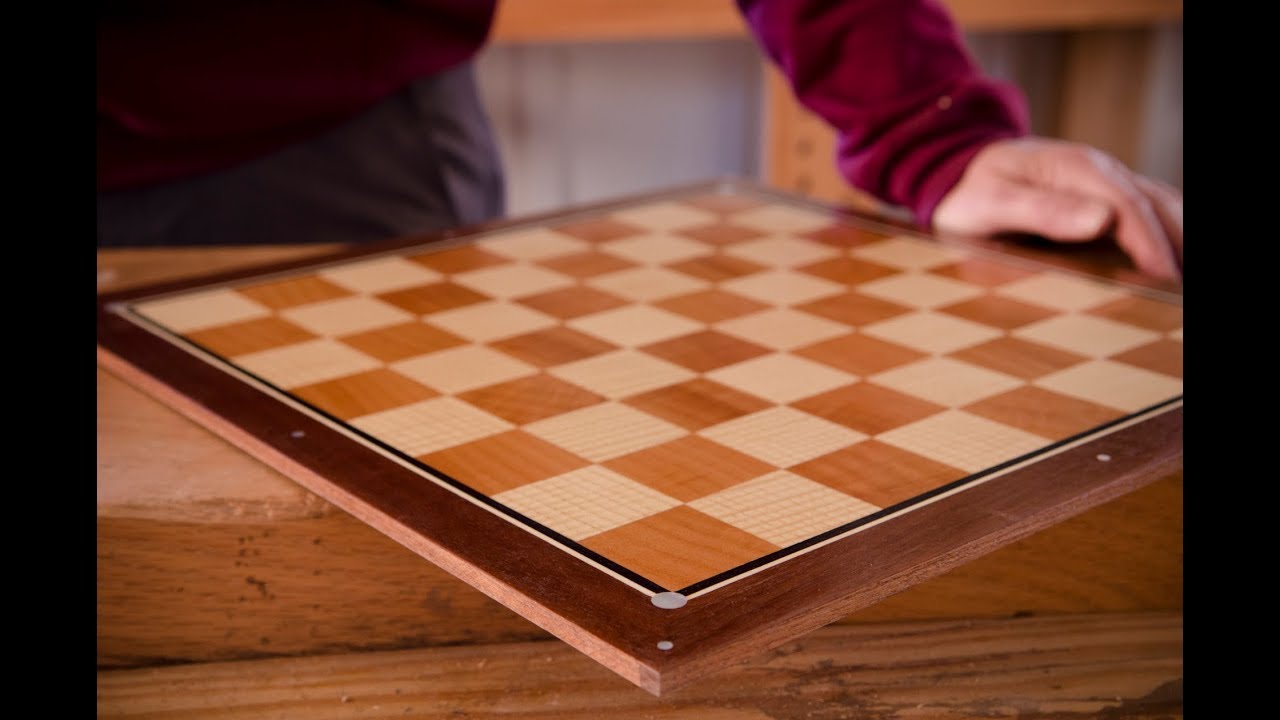
We will assume that we are using a very fine/delicate veneer — the usual approach with such is to stack two sections which will be interacting and cut them at a very slight angle so that the two pieces will fit together:
Note that if using a laser or a drag knife, there are specialty software programs for this such as:
A Carbide 3D #122 tool
has a cutting diameter of 0.03125 inches
If we add a rounded stroke of that thickness to an element:
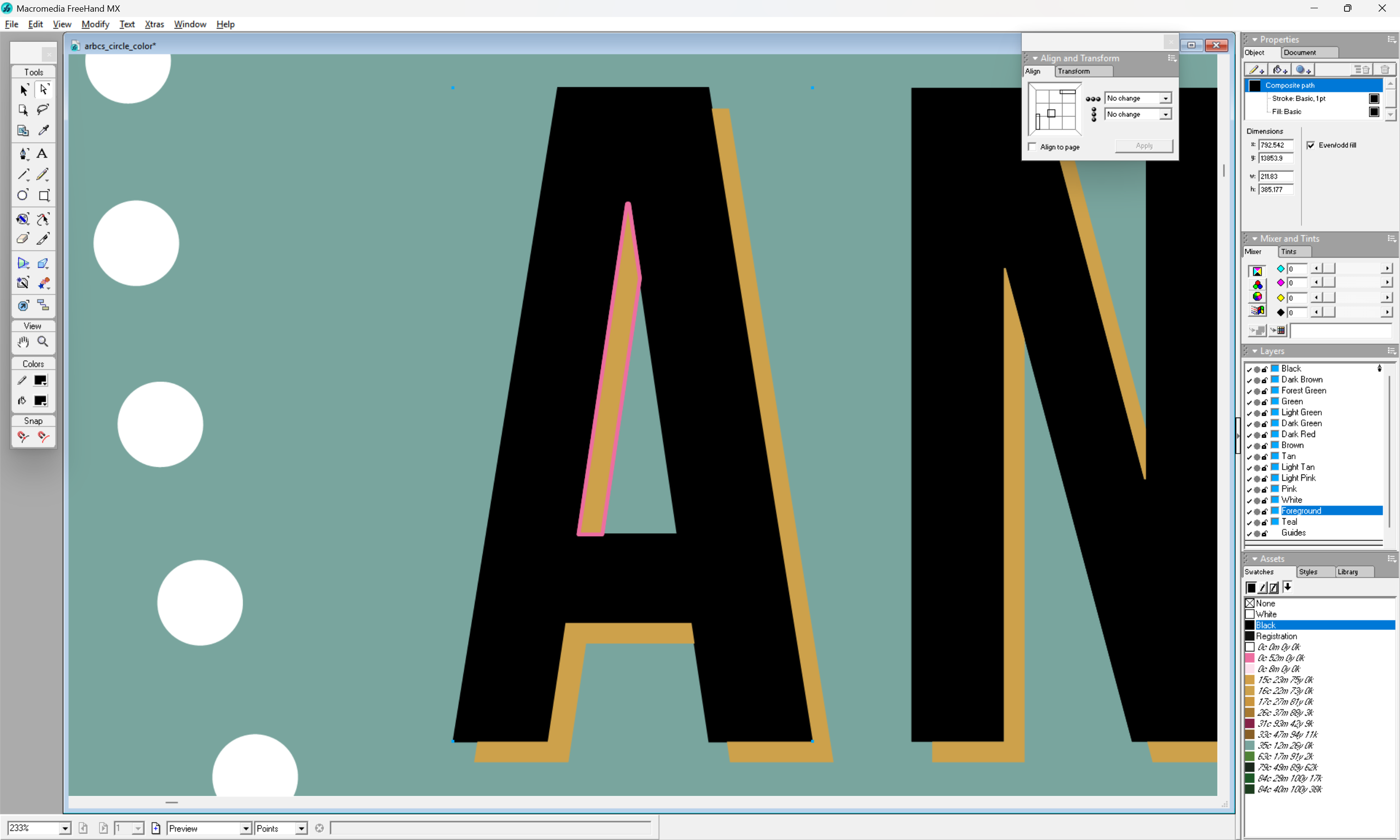
We can see how it interacts with both parts — which becomes clearer if we instantiate this stroke:

We need to create a version of this shape which fits to the inside — to achieve that, we inset to the inside by the radius of the tool:
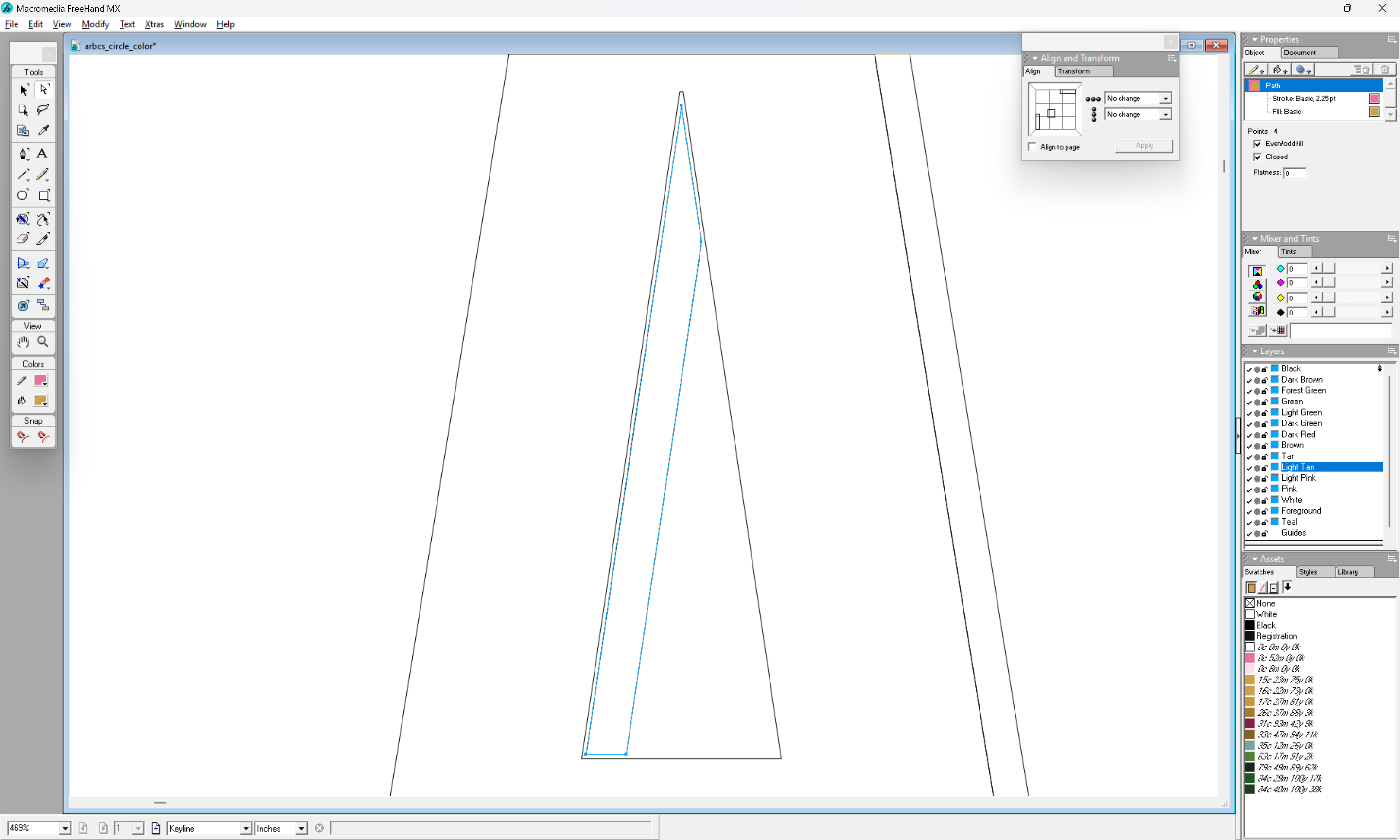
which when assigned a stroke:
u
matches up with the outer dimensions which we wish, and when instantiated as a closed region:
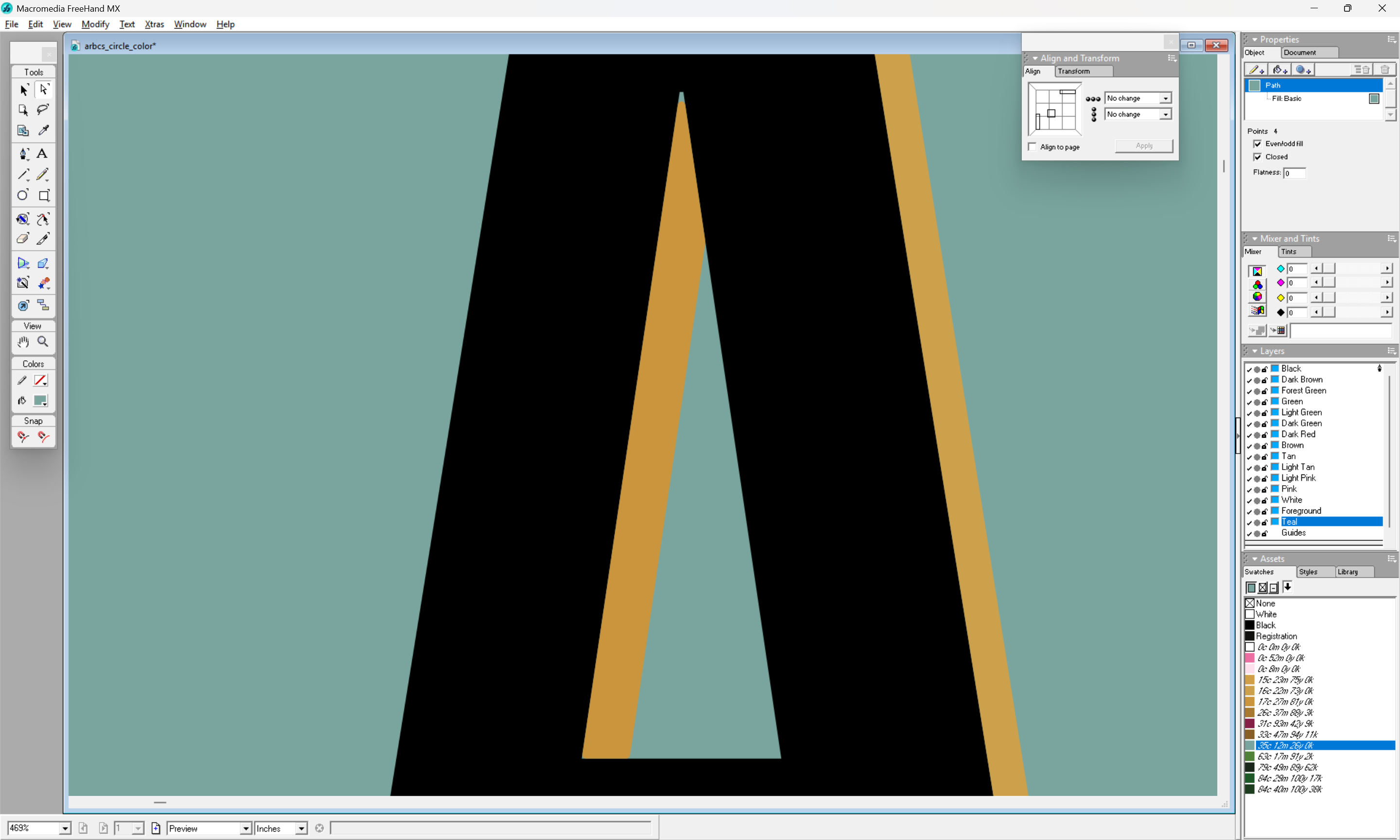
shows how the selected tool results in a distortion of the surrounding geometry (the teal shows through as an uncut region at the apex and lower left corner).
If we then increase the black region by duplicating this rounded form and using it for the counter of this letter A:
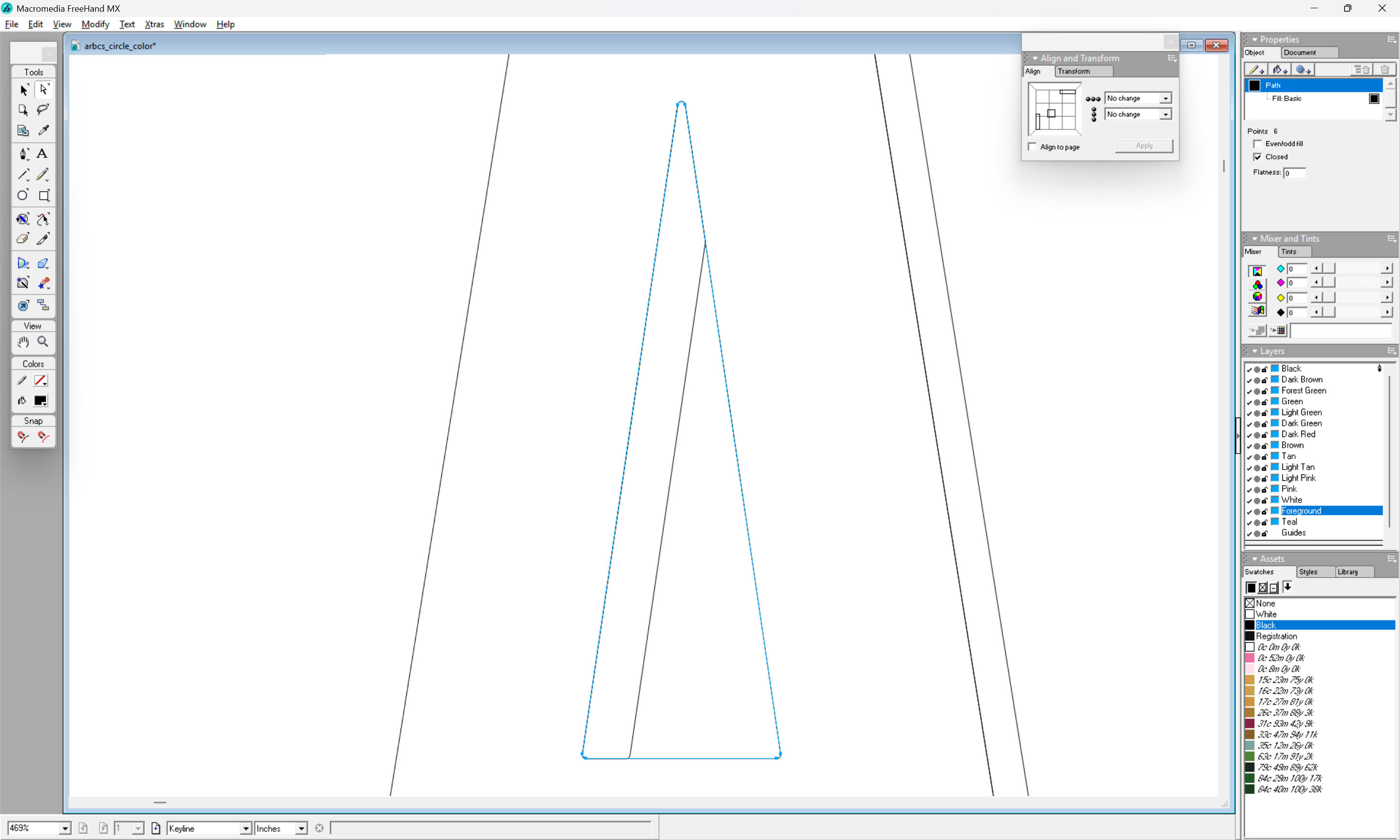
we can see that things will line up when cut:
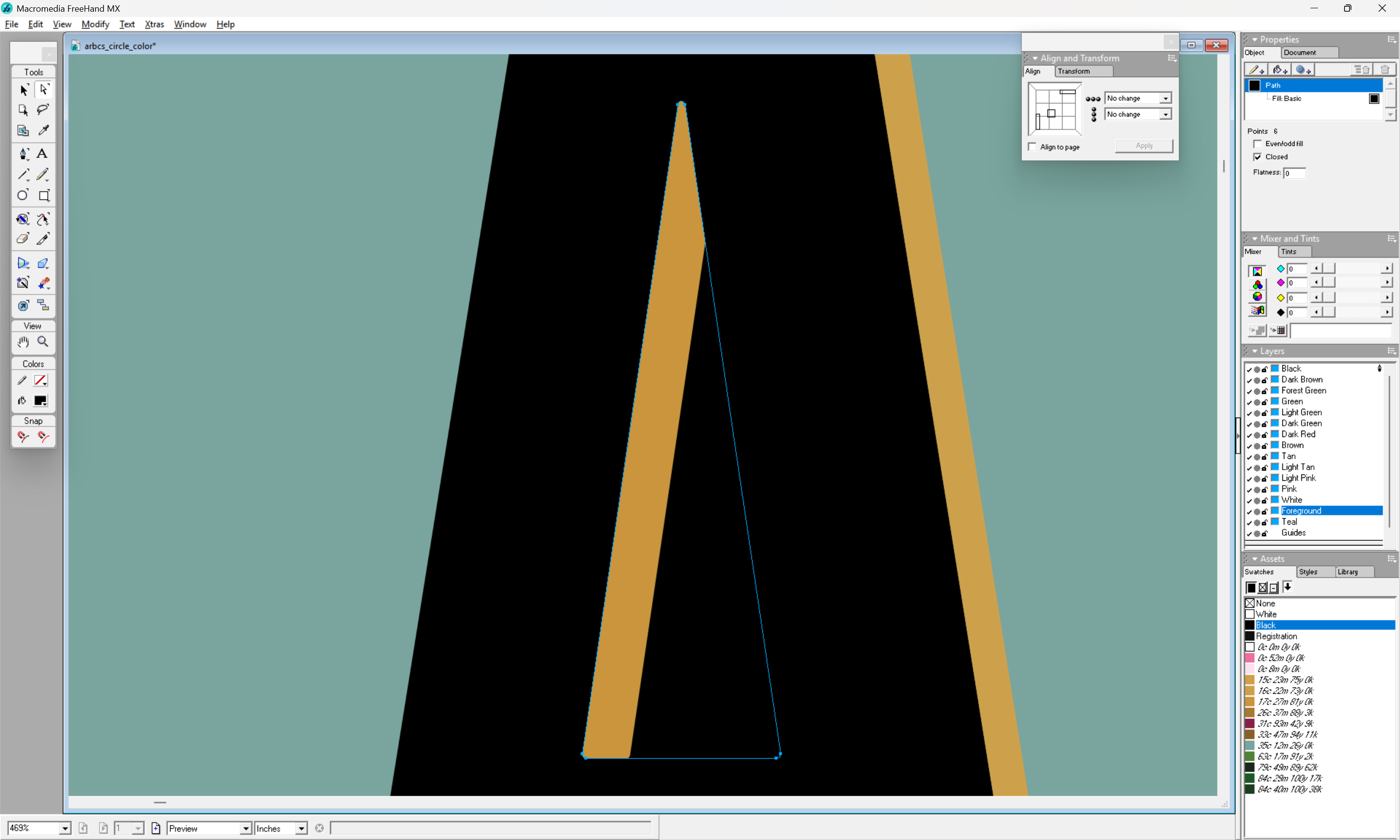
(except of course that the 3rd region cannot be cut thus due to the interactions of the rounded forms)
For more on this sort of thing see the manuals for vector drawing program or books such as: