Inlay with CC V60 not working

Hi group,

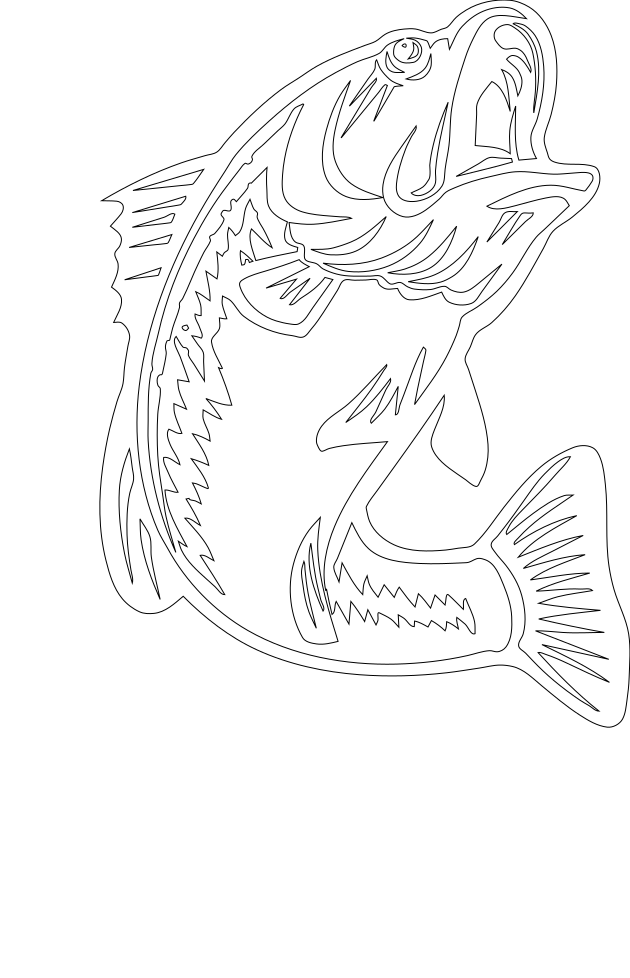
I am working on an Inlay with a fish drawing and it is not working. I tried to produce it with a V30 and also a V45 and the plug do not fit in the Female.

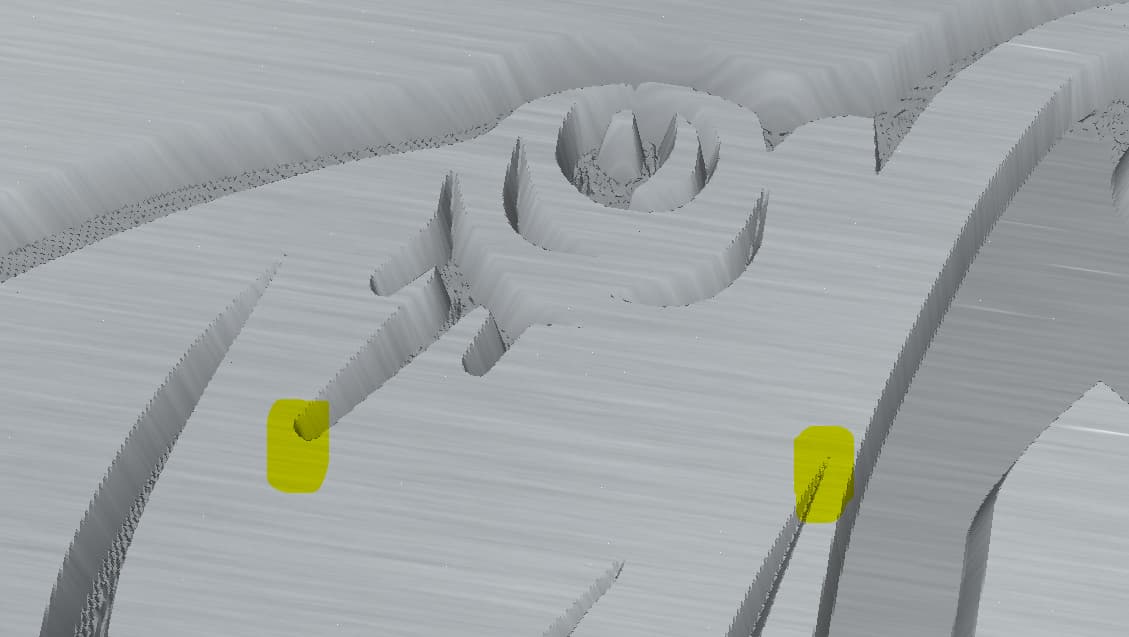
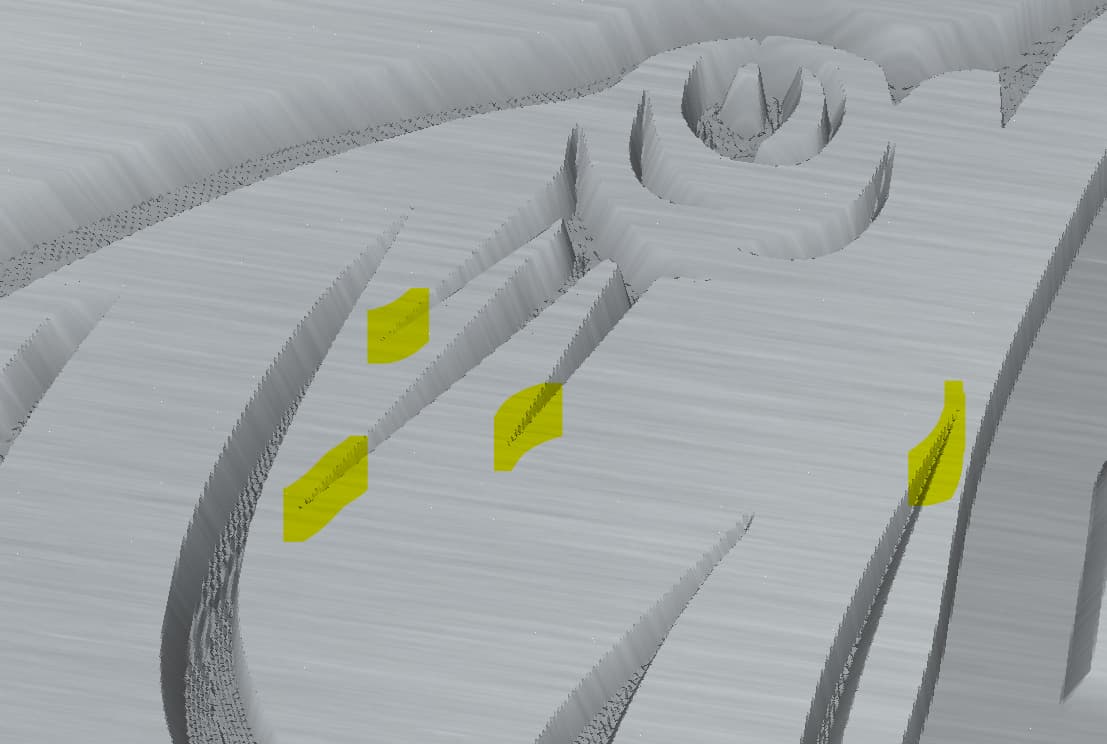
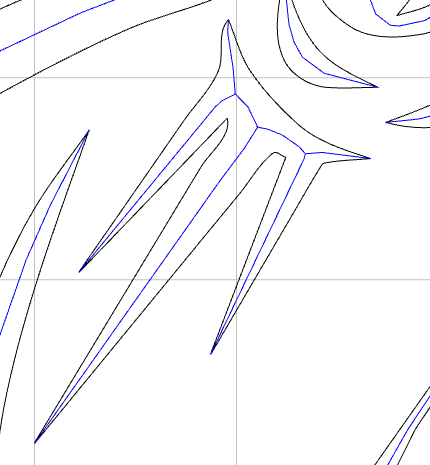
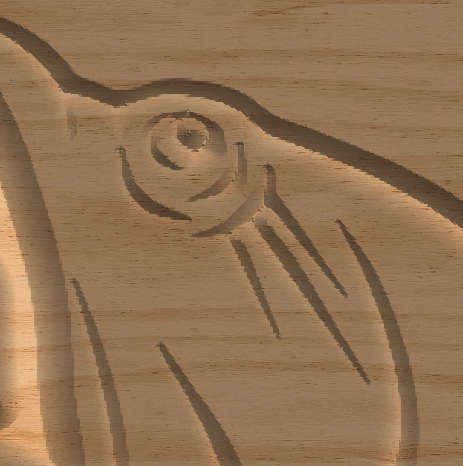
I just tried it in CC with the CC 302 60 degree bit. And just by looking at the simulation, I see it will not fit. Look at the 3 lines next to the eye. The male is bigger than the female.
Here are the 2 files. Can somebody help figure what is wrong?

V60 Poisson F.c2d (208 KB)
V60 Poisson M.c2d (348 KB)


I am getting the same thing on the Female side.

To get that kind of detail, you’ll need to use a 15-degree bit or less.

Even with the 15, it’s acting weird right there.

Ok.
I fixed it.
Something weird was going on there.


fish for forum fixed

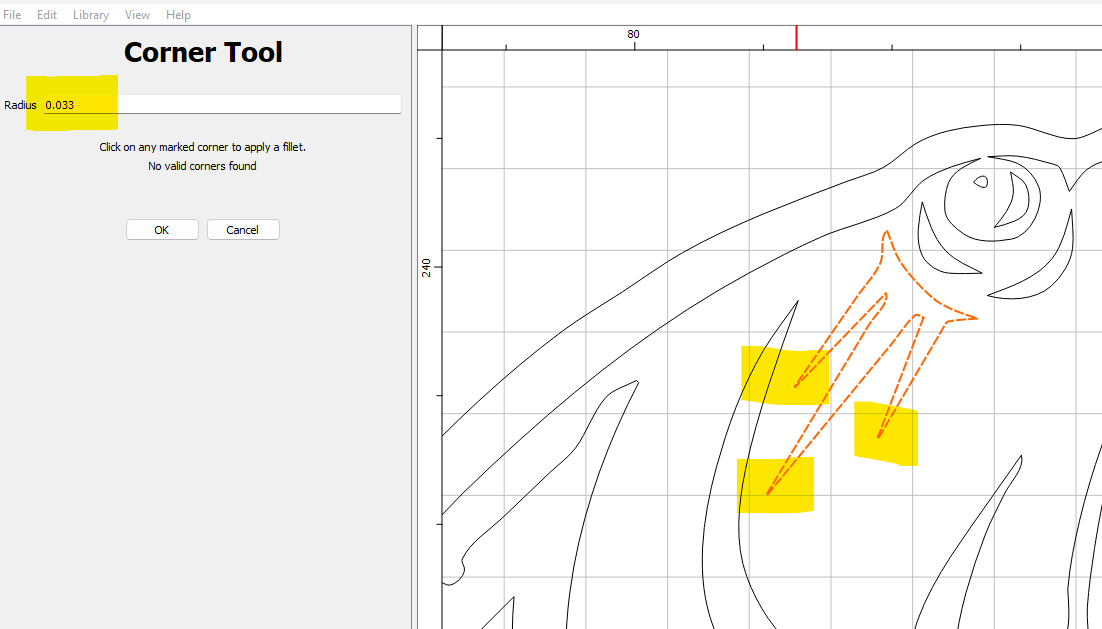
I used the Corner tool to add a more rounded curve instead of such a sharp point. That did the trick.


V60 Poisson F-sdguy fixed.c2d (204 KB)

I suggest you go with a narrower bit. Minimum would be a 30-degree angle. Preferably narrower.

Here’s a great bit.
1 × Amana Tool 46280-K CNC Spektra Extreme Tool Life Coated SC 2D and 3D Carving 6.2 Deg Tapered Angle Ball Nose x 1/32 D x 1/64 R x 1 CH x 1/4 SHK x 3 Inch Long x 3 Flute Router Bit

3 Likes

Yep, sometimes V-carve gets confused with very narrow sharp corners.
Either ad a radius, or even just another node & make a square or rounded end…

3 Likes

This topic was automatically closed after 30 days. New replies are no longer allowed.